# 2.3 Widget/Panel Elements

## What

All panels (or widgets) on the FileWave dashboard are comprised of the same basic elements. This article reviews those elements at a high level.

## When/Why

If you are using pre-existing panels, you won't care too much about how they are built. However, as soon as you want to build your own panels, the building blocks become quite important.

## How

All panels have the following three elements:

- The Query (Choosing what data you want to see in the panel)
- The Visualization (Choosing the visual representation of the data: gauge, bar chart, table...)
- General (Panel properties such as title, comment, links)

In the below you'll see examples of each of these elements:

<table id="bkmrk-the-query-the-visual"><tbody><tr><td>The Query

</td></tr><tr><td>![](https://kb.filewave.com/uploads/images/gallery/2023-07/VTUwLKmE0O6wsypu-embedded-image-wl36jnfs.png)

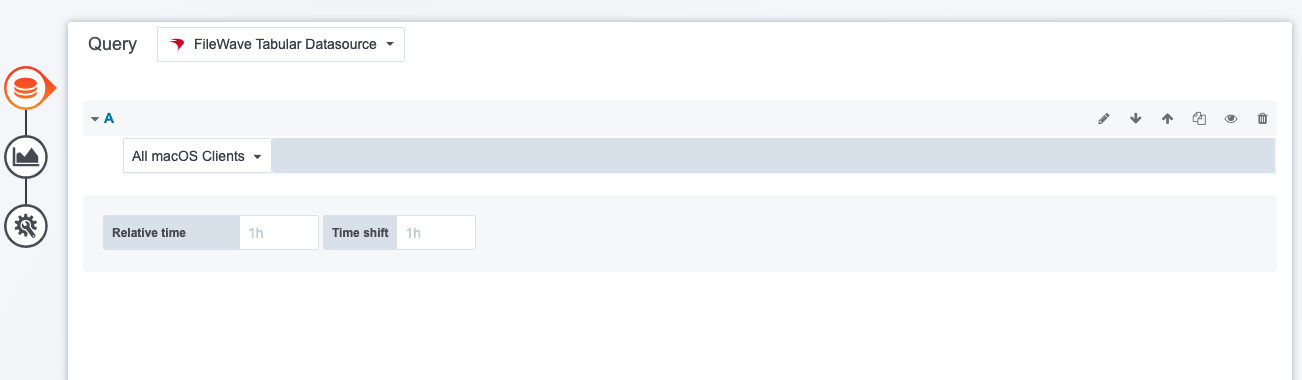
</td></tr><tr><td>The query you choose defines the data provided to the panel. In this case, an inventory query was selected.

</td></tr></tbody></table>

<table id="bkmrk-the-visualization-be" style="width: 100%; height: 341.664px;"><tbody><tr style="height: 35.3984px;"><td style="width: 100%; height: 35.3984px;">The Visualization

</td></tr><tr style="height: 203.672px;"><td style="width: 100%; height: 203.672px;">![](https://kb.filewave.com/uploads/images/gallery/2023-07/OsBbzUaz6X14ZrvI-embedded-image-c4o3g03g.png)

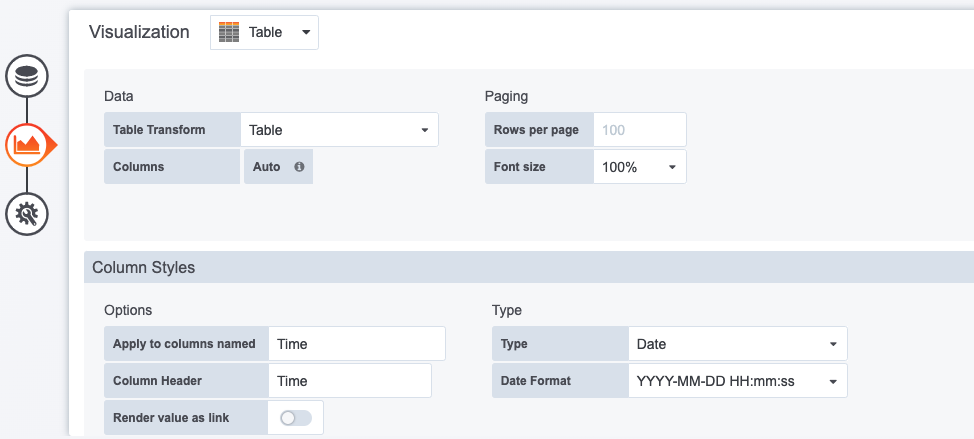
</td></tr><tr style="height: 102.594px;"><td style="width: 100%; height: 102.594px;">Because we chose an inventory query as our data source, a table was our only possible visualization. In our more advanced example though, you'll see that we can do charts and graphs here of all sorts.

</td></tr></tbody></table>

<table id="bkmrk-general-we-only-spec"><tbody><tr><td>General

</td></tr><tr><td>![](https://kb.filewave.com/uploads/images/gallery/2023-07/p8PIE52FsNxw9Bsa-embedded-image-nmjxglpu.png)

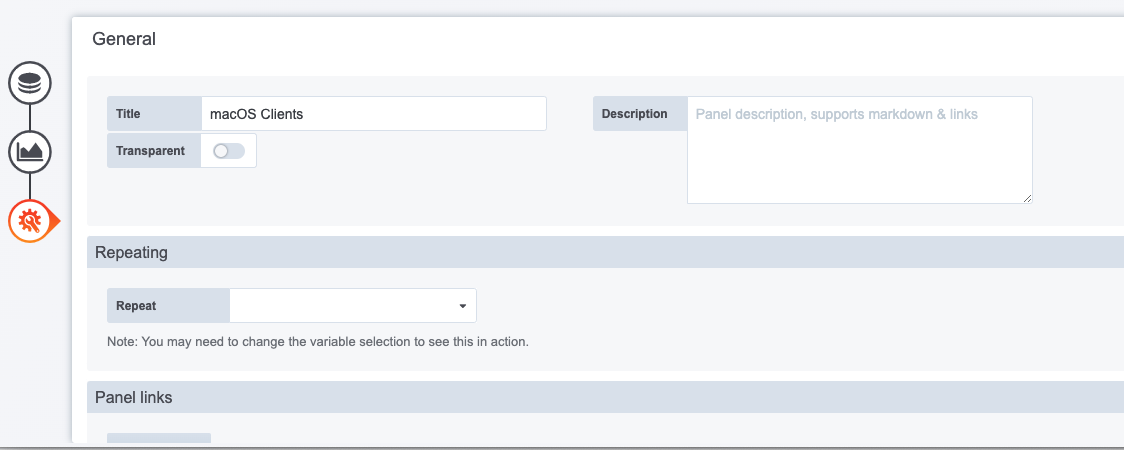
</td></tr><tr><td>We only specified a name in this case for this panel, but it is very useful to also set a link for the panel to tie directly into a report in the webadmin.

</td></tr></tbody></table>