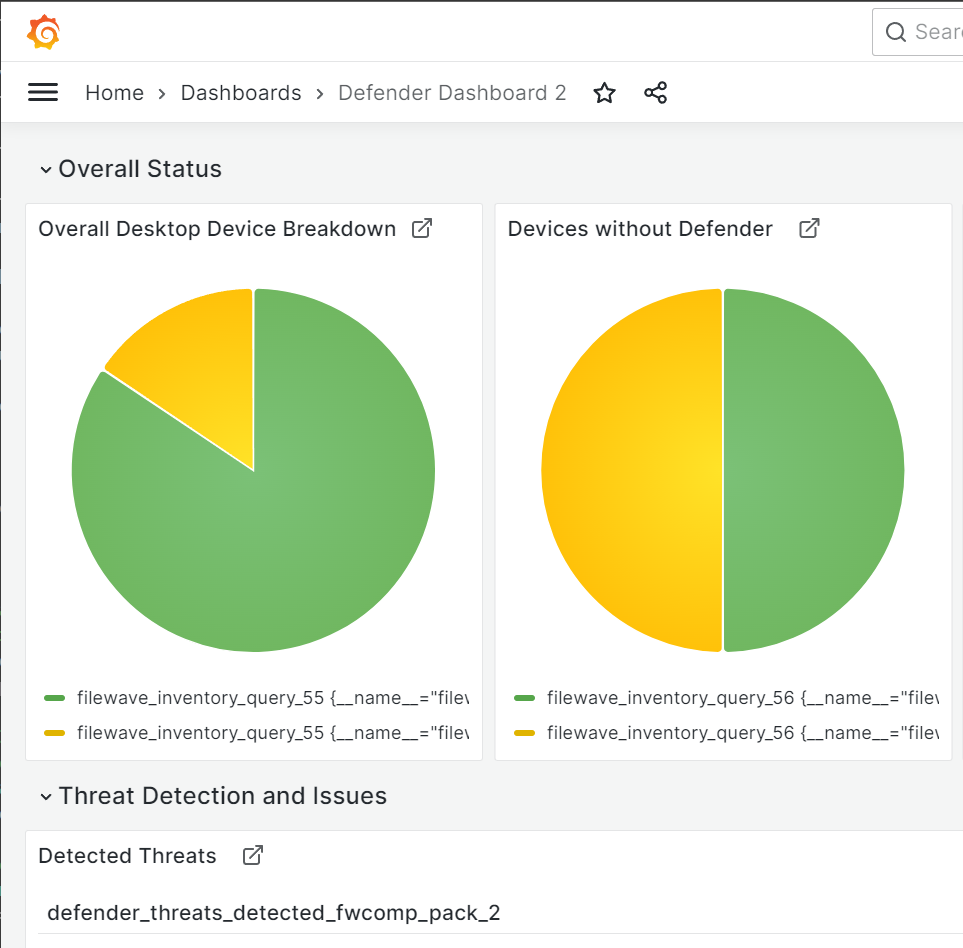
Importing a Grafana Dashboard
What
If another FileWave environment already has a useful Grafana dashboard, you can import its dashboard JSON instead of building the dashboard again from scratch.
When/Why
Import a dashboard when you have a trusted dashboard export from another system and want to reuse the same layout, panels, and queries.
How
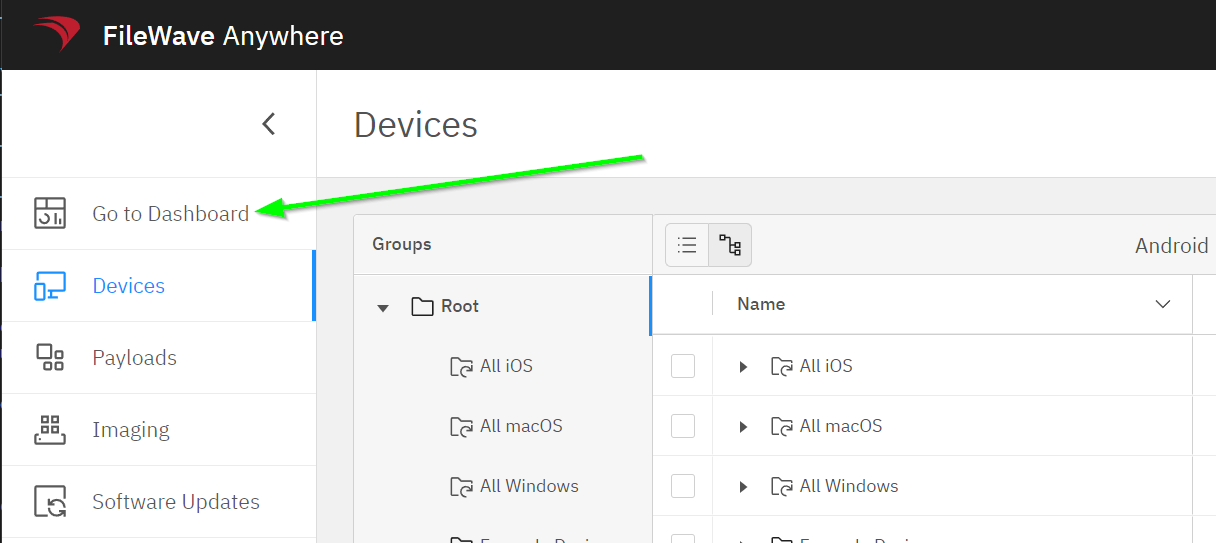
From FileWave Anywhere, open Dashboard:
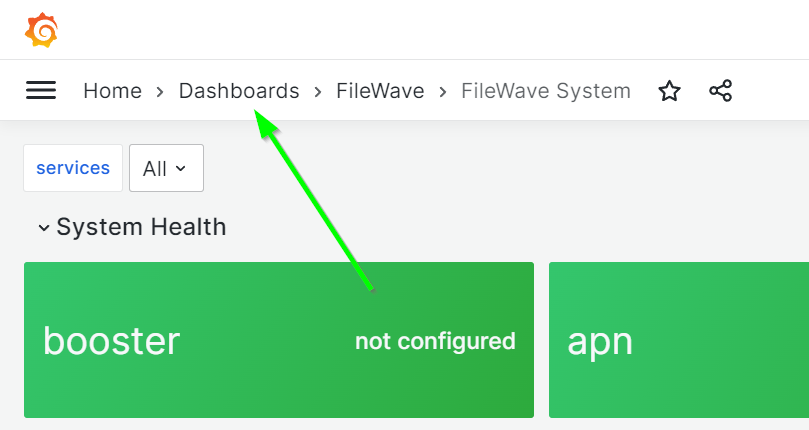
In Grafana, open Home > Dashboards:
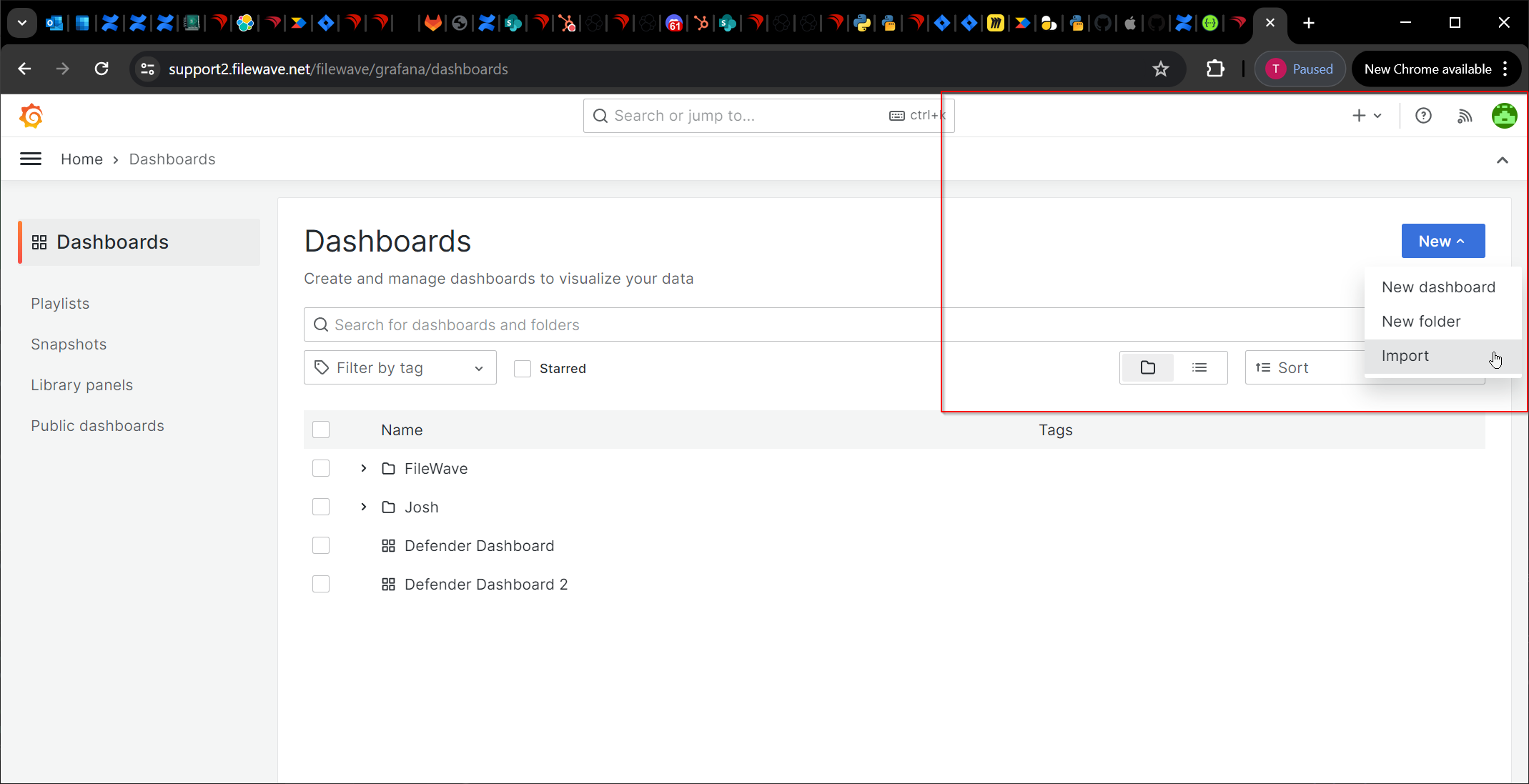
Select New, then Import:
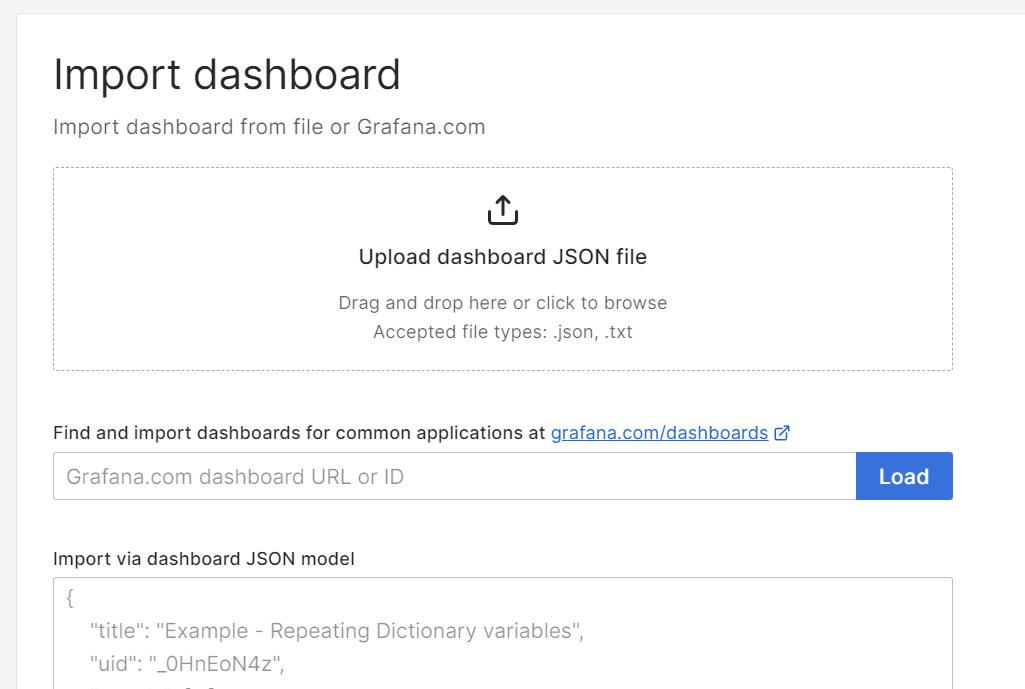
Import the JSON file or paste the exported JSON content:
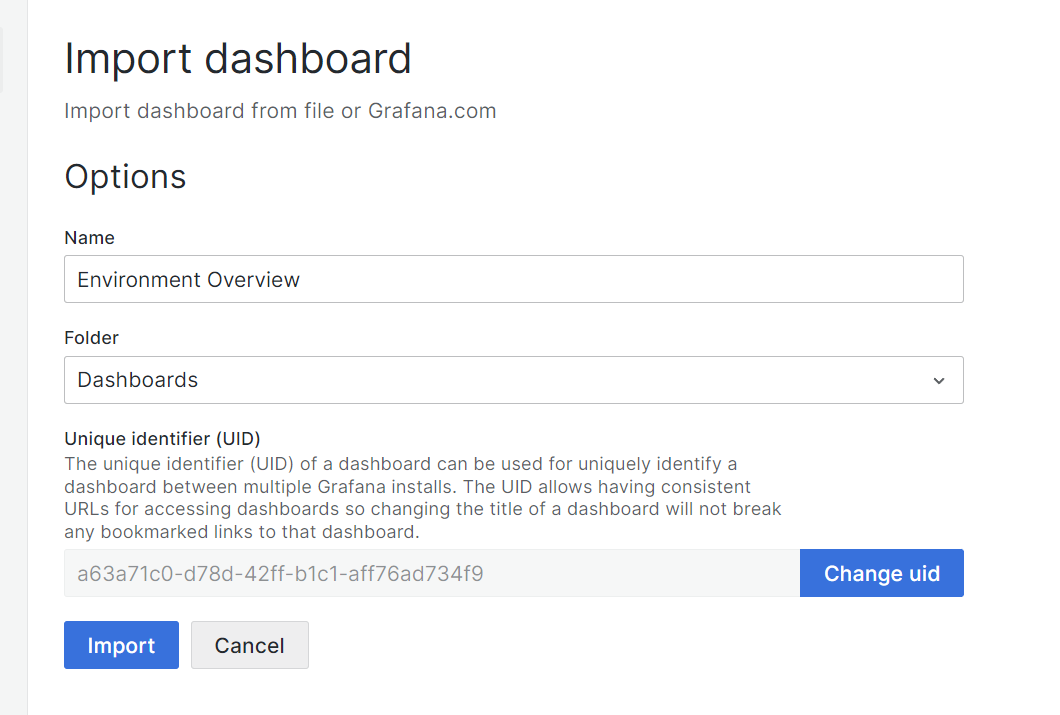
Set a dashboard name and destination. Each Grafana dashboard must have a unique UID:
The dashboard is now imported: