Plugin Installation
Grafana plugins can add panels, data sources, and visualizations to the FileWave Dashboard.
Install signed plugins only. Plugins found through Grafana's built-in search should already be approved, but plugins can also come from other sources.
Installation
Search for plugins in the Grafana Dashboard under the configuration area.
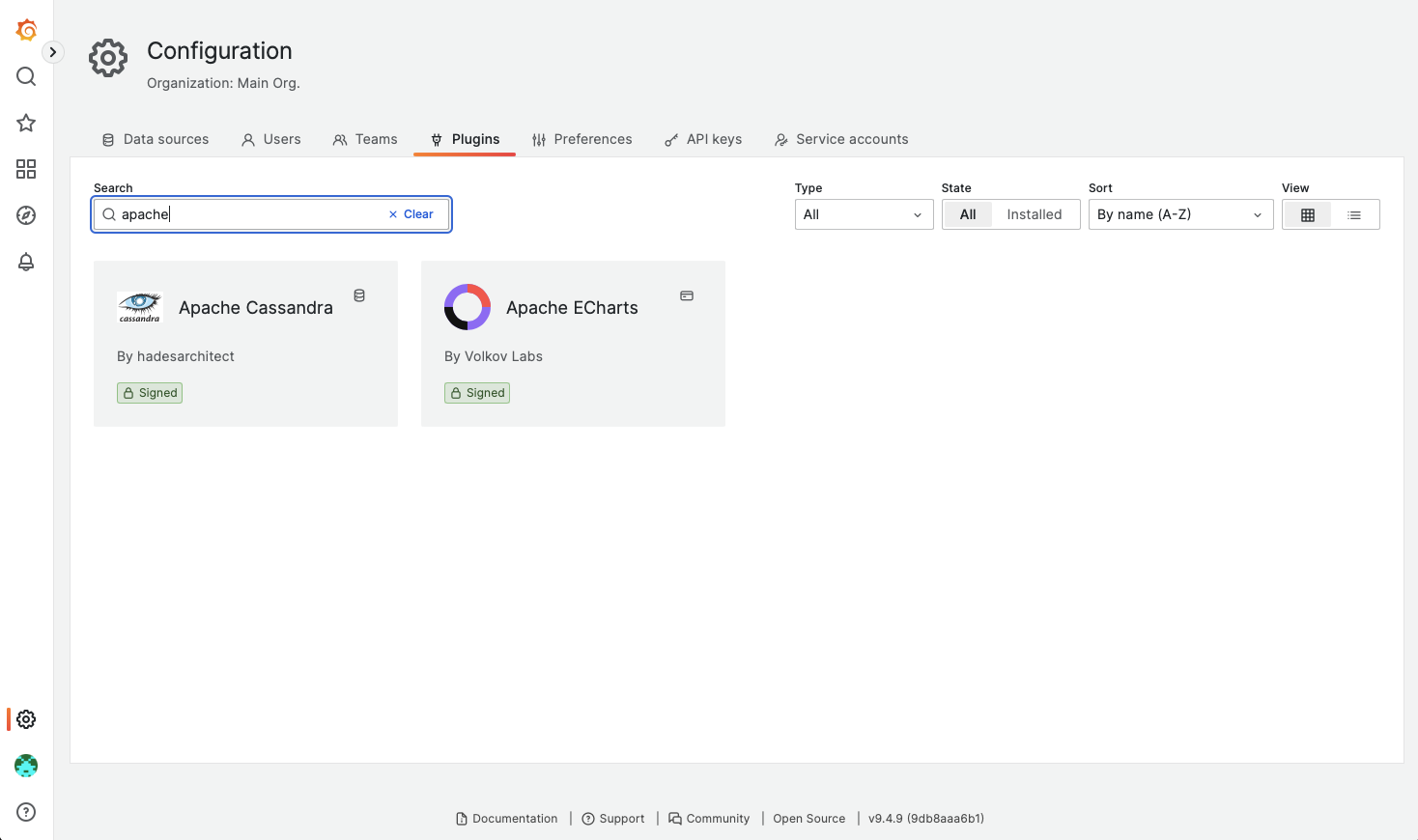
On selecting a plugin though, at the bottom of the description it will indicate necessary permissions are not enabled:
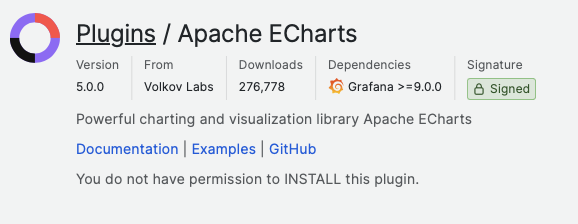
Installing plugins through the Grafana GUI requires Grafana Admin access. FileWave does not allow plugin installation through that path, so install plugins from the command line directly on the server.
Command Line Installation
The plugin page includes a command-line installation section. Do not copy that command as-is for FileWave, but use it to identify the plugin name required by the FileWave server command.
Taking Apache ECharts as an example:
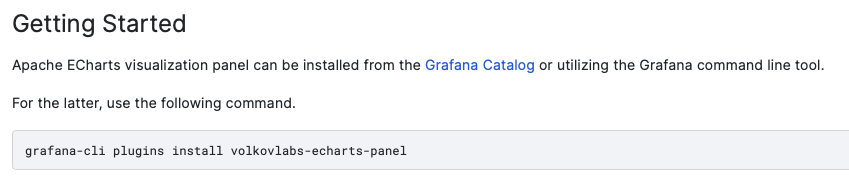
From the description, the plugin name is:
volkovlabs-echarts-panel
The command to install this plugin on a FileWave Server would be:
/usr/local/sbin/grafana-cli --pluginsDir=/usr/local/filewave/instrumentation_data/grafana/plugins --homepath=/usr/local/filewave/grafana plugins install volkovlabs-echarts-panelThe process should report success and the plugin should now be available.