# Archived FileWave Versions (Unsupported)
FileWave downloads that are kept for troubleshooting but are not supported.
# FileWave Version 16.3.2 (Unsupported)
These downloads are provided for the purposes of migrations and should not continue to be used in production. You should upgrade to either the most recent release or the one prior. They can always be found here: [Supported FileWave Versions](https://kb.filewave.com/books/downloads "Supported FileWave Versions")
The FileWave endpoint management suite enables you to manage your devices wherever they are, wherever you are, whatever they are—all in one platform. **FileWave 16.3** is a **stability- and modernization-focused release** designed to **reduce operational risk** and prepare the platform for **safer, more automated lifecycle management** in upcoming versions. This release lays critical groundwork for future **self-updating workflows** across Central and Clients, while immediately delivering **automated, sequenced Booster upgrades** with proactive reminders and reporting. FileWave 16.3 also improves **upgrade reliability and administrative visibility** across Central and Anywhere, and strengthens security with **built-in brute-force login protection** that is **enabled by default**, helping protect administrative access without requiring additional configuration. Together, these improvements establish a strong foundation for the more automated upgrade experience planned for **FileWave 16.4 and beyond**.
On Apple platforms, FileWave 16.3 continues to advance alignment with **Apple’s evolving management model** and **2026 OS changes**. **Declarative Device Management (DDM)** support is expanded with improved handling of mixed DDM/MDM environments, a technical preview of **DDM-based FileWave Agent installation** on supported macOS versions, and new lifecycle controls for **DDM-installed apps**, including update behavior and version pinning. Profile management is updated to reflect the latest Apple payload schemas, **ADE** gains new skip keys and backup-handling options, **VPP application delivery** becomes faster and more reliable through improved notifications, and Apple’s transition to **“Background Security Improvements”** is fully supported. Beneath the surface, FileWave 16.3 reinforces long-term stability through **database and component upgrades**, stronger integrity checks during upgrades, improved client local data handling, and continued internal modernization. FileWave 16.3 also establishes **Debian 13** as the base for FileWave-provided Server, Booster, and IVS appliances, aligning the platform with current OS and security standards.
FileWave Official Version Support
FileWave supports the two latest major versions at any time. For example, if the current version is 16.3.2, we support versions 16.3.x and 16.2.x. Major releases occur roughly every quarter.
What does “officially support” mean?
We will investigate and patch significant issues in these versions. We do not produce patches for versions older than N-1, focusing instead on current versions and future improvements. If an issue is found in an older version, remediation will be in the form of an upgrade or a patch to a more recent version.
You can still contact our support teams about earlier versions. They will assist you to the best of their ability but won’t escalate tickets to our development teams. Upgrading is recommended to access the latest features and bug fixes.
A Note on Compatibility
A note on the Compatibility charts: There are several states of compatibility for FileWave clients:
- "**Fully Tested by QA**" indicates that we have run QA regression tests against these operating system versions, and they are fully supported.
- "**Expected to Work**" Not being on the fully tested by QA list (such as macOS 13 or 14) does not mean that platform is not supported...it just means we did not actively test against it, but we do expect it to function. Support of any issues experienced specifically on these platforms would be considered on a case-by-case basis (but these cases are exceedingly rare.)
- "**Legacy**" versions mean that we don't test, but we do provide a retro-version of a client so that the device can still report in but as FW Server changes there may be challenges to these working. There is NO support for these platforms beyond the availability of the older client, and in almost all cases these are for OSes that are no longer supported by the OS vendor in question.
- Lastly, items do fall out of support, such as Windows XP and the older Android APK client as examples, but we always include these items in our release notes.
An additional note on third-party software inclusion, such as TeamViewer:
- Partnerships we have with third party providers have their own set of system requirements for those released applications. We test against their most recent versions, and support of those applications is limited to third-party vendor specifications.
FileWave Server Platform Support
**[](https://kb.filewave.com/uploads/images/gallery/2023-06/uoC9jiGeyyKHsHZO-fwserver-icon.png)Fully Tested by QA**
- macOS 15 and 26 (Intel and Apple Silicon)
- Debian 13.2 x86\_64 (Note that any Debian 13.x is expected to work, and applying security updates may move you to a higher version.)
**Expected to work**
- macOS 13 and 14 (Intel and Apple Silicon)
- Debian 12.x (x86\_64)
**Virtual Appliances**
- Hyper-V - The images are available as Generation 2
- VMware ESX - The images require vmx-19 support which means VMware vCenter 7.0 Update 2 is the minimum version. ( [https://knowledge.broadcom.com/external/article?legacyId=2007240](https://knowledge.broadcom.com/external/article?legacyId=2007240) )
- VMware Fusion
- VMware Player and Workstation
- VirtualBox
**Important FileWave Server upgrade requirement**
FileWave Server upgrades that include PostgreSQL database changes must follow a path where each step supports at least one PostgreSQL version from the previous step. For more detail and examples, see [FileWave Server upgrade paths and PostgreSQL migrations](https://kb.filewave.com/link/1153).
The PostgreSQL overlap points are:
• FileWave 13.3.1 through 14.7.2 include PostgreSQL 12.
• FileWave 16.0.x through 16.2.x include PostgreSQL 12 and PostgreSQL 17.
• FileWave 16.3.x and 16.4.x include PostgreSQL 17 and PostgreSQL 18.
**Recommended upgrade path from older versions:**
`13.3.1–14.7.2 → 16.0.x–16.2.x → 16.3.x or 16.4.x`
If your server is already running FileWave 16.0.x, 16.1.x, or 16.2.x, you can upgrade directly to FileWave 16.3.x or 16.4.x because those releases overlap on PostgreSQL 17; if your server is running a version earlier than 16.0.0, upgrade first to a release in the 16.0.x–16.2.x range, then continue to FileWave 16.3.x or later.
The minimum memory requirement for FileWave Server is **8GB**.
FileWave Clients Platform Support
**[](https://kb.filewave.com/uploads/images/gallery/2023-06/VbVfka5W0oW3DA5l-fwclients-icon.png)**
**Fully Tested by QA**
- macOS 15 and 26 (Intel and Apple Silicon)
- Windows 11 (Pro/Enterprise, version 24H2 and newer, x64)
- Windows Server 2022 (x64)
**Expected to work**
- macOS 13 and 14 (Intel and Apple Silicon)
- Windows 10 (Pro/Enterprise, version 21H1 and newer, x64)
- Windows 10 (Education, version 21H1 and newer, x64)
- Windows 11 (Education, version 23H2 and newer, x64)
- Windows 10 Enterprise LTSC (version 2021 and newer, x64)
- Windows 11 Enterprise LTSC (version 23H2, x64)
- Windows Server 2025 (x64)
Note about LTSB/LTSC: [Microsoft Long Term Service Channel](https://kb.filewave.com/books/microsoft-general-info/page/plan-filewave-compatibility-for-windows-enterprise-ltsc "Microsoft Long Term Service Channel")
**Legacy**
- macOS 10.11 → End of Life due to OpenSSL age
- macOS 10.12 → [Legacy Version 14.10.2](https://kb.filewave.com/books/downloads/page/filewave-version-14102-unsupported "FileWave Version 14.10.2")
- macOS 10.13 → [Legacy Version 14.5.4](https://kb.filewave.com/books/downloads/page/filewave-version-1454-unsupported "FileWave Version 14.5.4 (Unsupported)")
- macOS 10.14 → [Legacy Version 14.8.0](https://kb.filewave.com/books/downloads/page/filewave-version-1480-unsupported "FileWave Version 14.8.0 (Unsupported)")
- macOS 10.15 → [Legacy Version 15.0.1](https://kb.filewave.com/books/downloads/page/filewave-version-1501-unsupported "FileWave Version 15.0.1")
- macOS 12 → [Legacy Version 16.2.5](https://kb.filewave.com/books/downloads/page/filewave-version-1625 "FileWave Version 16.2.5")
FileWave Mobile Clients Platform Support
**[](https://kb.filewave.com/uploads/images/gallery/2023-06/wjov619ZuqQt8uD0-fwmobile-icon.png)Fully Tested by QA**
- iOS 18, 26
- iPadOS 18, 26
- tvOS 18, 26
- Android 8 and above (EMM Client)
- Chromebook
**Expected to work**
Currently Apple is investigating an issue enrolling iOS 16 or older via ADE/DEP. Enrollment via profile works.
- iOS 14, 15, 16, 17
- iPadOS 14, 15, 16, 17
- tvOS 14, 15, 16, 17
**Legacy**
- iOS 13 → [Legacy Version 15.0.1](https://kb.filewave.com/books/downloads/page/filewave-version-1501-unsupported "FileWave Version 15.0.1")
- iOS 10, 11, 12 → [Legacy Version 13.1.5](https://kb.filewave.com/books/downloads/page/filewave-version-1315-unsupported "FileWave Version 13.1.5 (Unsupported)")
FileWave Central (Native) Platform Support
**[](https://kb.filewave.com/uploads/images/gallery/2023-06/wjov619ZuqQt8uD0-fwmobile-icon.png)**
**Fully Tested by QA**
- macOS 15 and 26 (Intel and Apple Silicon)
- Windows 11 (Pro/Enterprise, version 21H2 and newer, x64)
**Expected to work**
- macOS 13 and 14 (Intel and Apple Silicon)
- Windows 10 (Pro/Enterprise, version 21H1 and newer, x64)
- Windows 10 (Education, version 21H1 and newer, x64)
- Windows 11 (Education, version 21H2 and newer, x64)
FileWave Booster Platform Support
**[](https://kb.filewave.com/uploads/images/gallery/2023-06/rOYHDH6oJSrsRgB6-fwbooster-icon.png)**
**Fully Tested by QA**
- Debian 13.2 x86\_64 (Note that any Debian 13.x is expected to work, and applying security updates may move you to a higher version.)
- macOS 15 and 26 (Intel and Apple Silicon)
- Windows 11 (Pro/Enterprise, version 24H2 and newer, x64)
- Windows Server 2022 (x64)
**Expected to Work**
- Debian 12.x (x86\_64)
- macOS 13 and 14 (Intel and Apple Silicon)
- Windows 10 (Pro/Enterprise, version 21H1 and newer, x64)
- Windows 10 (Education, version 21H1 and newer, x64)
- Windows 11 (Education, version 23H2 and newer, x64)
- Windows Server 2025 (x64)
**Virtual Appliances**
- Hyper-V - The images are available as Generation 2
- VMware ESX - The images require vmx-19 support which means VMware vCenter 7.0 Update 2 is the minimum version. ( [https://knowledge.broadcom.com/external/article?legacyId=2007240](https://knowledge.broadcom.com/external/article?legacyId=2007240) )
- VMware Fusion
- VMware Player and Workstation
- VirtualBox
FileWave Imaging Virtual Server Platform Support
**[](https://kb.filewave.com/uploads/images/gallery/2023-06/cwHvtEjvqfp9gODu-fwivs-icon.png)**
The FileWave Imaging Virtual Server (IVS) is a special appliance that provides imaging support for Windows 11 UEFI and non-UEFI devices. Windows 10 imaging is expected to work.
**Fully Tested by QA**
- Debian 13.2 x86\_64 (Note that any Debian 13.x is expected to work, and applying security updates may move you to a higher version.) Note that unlike Server and Boosters we know you must run Debian 13 for the 16.3.0 IVS.
**Virtual Appliances**
- Hyper-V - The images are available as Generation 2
- VMware ESX - The images require vmx-19 support which means VMware vCenter 7.0 Update 2 is the minimum version. ( [https://knowledge.broadcom.com/external/article?legacyId=2007240](https://knowledge.broadcom.com/external/article?legacyId=2007240) )
- VMware Fusion
- VMware Player and Workstation
- VirtualBox
FileWave Management Suite Changes
### Debian 13 Support
FileWave 16.3 transitions its Linux base platform to Debian 13, replacing Debian 12 across all FileWave-provided appliances and establishing the new baseline for upcoming releases. The upgrade command lines in the download section will seamlessly handle the upgrade from Debian 12 to 13 when going to FileWave 16.3.0 so just upgrade as normal, but give it extra time. Much better logging is also in the upgrade scripts which log to /var/log/ and can help support to troubleshoot issues.
[](https://kb.filewave.com/uploads/images/gallery/2025-12/H3hCfdN2QpX7i9GU-image.png)
**Platform Support Overview**
- **Stand-alone Server and Booster installs** - FileWave 16.3 Server and Booster are supported on both Debian 12 and Debian 13 when installed on customer-managed systems.
- **FileWave Appliances (OVA/VHD images)** - All FileWave 16.3 Server, Booster, and IVS (Imaging Virtual Server) appliances provided as OVA or VHD images are now built exclusively on Debian 13, replacing the previous Debian 12 base.
**Upgrade Requirements and Recommendations**
- **Appliance-based Server or Booster** - Existing Server or Booster appliances running Debian 12 can continue operating without migrating to Debian 13; however, upgrading to Debian 13 is recommended to align with the new platform baseline and ensure long-term compatibility.
- **IVS (Imaging Virtual Server)** - FileWave IVS 16.3 requires Debian 13. Upgrading from Debian 12 to Debian 13 is mandatory when updating an IVS to version 16.3.
### Upgrade made simpler
#### Automatic Central Upgrade on Server Connection
Starting with FileWave 16.3.0, FileWave Central can now automatically upgrade itself when connecting to a newer FileWave Server. Instead of rejecting the connection, Central will download the appropriate installer package from the server, stop the current instance, perform the upgrade, and restart automatically.
- If the connected server runs a compatible *minor* version (for example, Central 16.3.0 and Server 16.3.1), Central will only suggest the upgrade—allowing the administrator to postpone it and continue working.
- If the server runs an *incompatible* version (for example, Central 16.3.2 and Server 16.4.0), Central will require an upgrade before connecting.
- In all cases, the user may choose to cancel the upgrade and close Central, ensuring administrators with multiple environments can avoid unintended upgrades.
This feature simplifies maintenance and ensures version alignment between Central and Server while respecting compatibility boundaries. Note that this feature was added to 16.3.0 so you will not benefit from it until 16.3.1 or higher.
#### Outdated Booster Upgrade Reminder and Automatic Upgrade
Since **FileWave 14.3**, Boosters have supported a controlled and reliable upgrade process—FileWave upgrades them sequentially, ensures that at least one remains online, and halts the process if any upgrade fails.
With **FileWave 16.3**, this process is further enhanced with automated monitoring and reminder capabilities:
- **Outdated Booster detection:** FileWave now identifies any Booster running an older but compatible version. In most cases, this means the Booster should match the Server version, though exceptions exist when OS support limits apply.
- **Central and Anywhere notifications:** Both **FileWave Central** and **FileWave Anywhere** display reminders when outdated Boosters are detected.
- **Automatic upgrades:** By default, Boosters are **automatically upgraded one week after** the Server upgrade. The delay is **configurable in FileWave Central -> Preferences**, and administrators can **unschedule** the upgrade if desired.[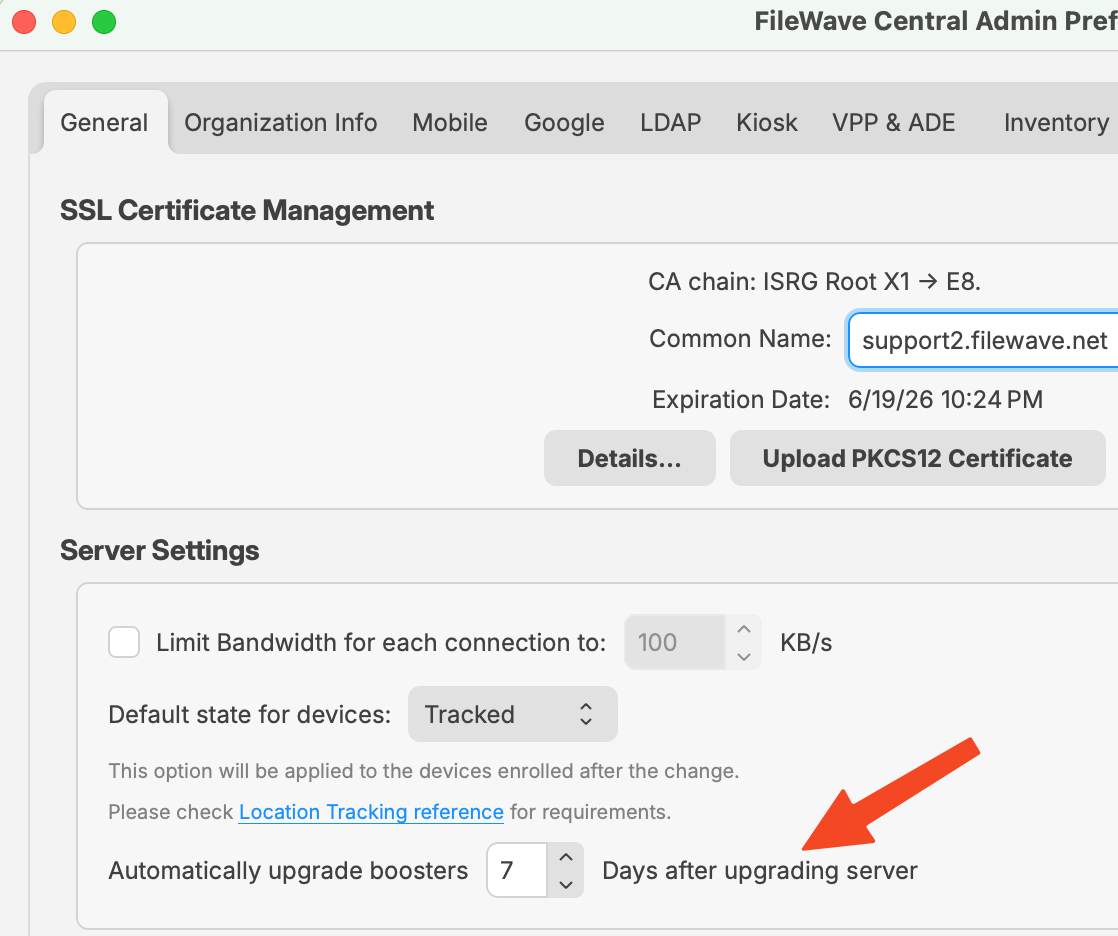](https://kb.filewave.com/uploads/images/gallery/2026-04/GQBuZpE71d4DkUb6-image.png)
- **Sequenced rollout and reporting:** Upgrades occur one Booster at a time, with notifications shown in Central at the start of the process and after each successful upgrade.
This enhancement helps ensure Booster infrastructure stays aligned with the Server version with minimal administrative effort, maintaining stability and version consistency across the environment.
#### Outdated server upgrade reminder
Keeping your FileWave server up to date is recommended. We are working hard to bring a lot of new features and improvements to make your IT admin life simpler, and if you stay behind you don’t benefit from them. Equally important, each FileWave release comes with bug fixes, and we take the time to update third-party libraries such as Qt, OpenSSL, Apache, or PostgreSQL; these third-party library updates often bring bug fixes but can also contain critical security fixes.
In addition, we only support the two latest major versions of FileWave. With FileWave 16.3 released, FileWave 16.1 is no longer supported, and if you don’t upgrade you’ll leave your server at risk.
Starting with FileWave 16.3, FileWave Central will remind you if your server is outdated (so when 16.5 is out) and no longer supported. Don’t hesitate to reach out if you need any help to upgrade your system.
#### Simplified and More Robust Client Upgrade Process
Upgrading the FileWave Client is critical for accessing new features, security enhancements, and performance improvements. However, client upgrades have traditionally been risky operations: the FileWave Client is the core management component on macOS and Windows devices, and a failed upgrade may leave devices unmanaged, sometimes requiring manual recovery at scale.
Historically, the upgrade mechanism relied on the FileWave Client updating itself through the Client Upgrade Fileset. This approach works in many scenarios but has inherent limitations, since the Client must stop itself mid-process and restart successfully. Any disruption at that stage can break communication with the server.
**New Upgrade Architecture in FileWave 16.3.0**
FileWave 16.3.0 introduces the foundation for a safer, more controlled, and more automated client upgrade workflow through a new dedicated component: the FileWave Client Upgrader. This new process runs independently alongside the FileWave Client and assumes full responsibility for orchestrating the upgrade.
**Key Capabilities**
1. **Independent and resilient upgrade controller** - The FileWave Client Upgrader is a standalone process capable of stopping, replacing, and restarting the FileWave Client safely. Because it operates independently, it continues supervising the upgrade even if the client itself is temporarily offline, greatly reducing the risk of incomplete upgrades.
2. **Built-in compatibility validation** - Before initiating an upgrade, the Upgrader performs its own compatibility checks to ensure only safe upgrade paths are executed. These checks run regardless of the FileWave Client’s state.
3. **Automatic retry and rollback logic** - If an upgrade fails, the Upgrader can retry automatically. When necessary, it can roll back to the last known working version, preventing devices from falling into an unmanaged state. If the rollback succeeds, the upgrade target is marked as requiring manual intervention, and this version will not be attempted again automatically. Administrators may trigger a retry manually after resolving the underlying issue, or the Upgrader will attempt again automatically if a newer version (release or custom build) becomes available.
4. **Configurable batch-based rollout** - Administrators will still be able to initiate a full-fleet upgrade, but FileWave will execute upgrades in batches. The batch size will be admin-configurable. If issues appear within a batch, subsequent batches are automatically paused.
This concept is inspired by the Booster upgrade workflow, but adapted for client-scale operations where per-device serial upgrading is impractical.
5. **Support for custom builds** - The new Upgrader fully supports delivery of custom or support-provided builds (e.g., test or fix versions). These can be distributed and upgraded with the same safety and automation guarantees as official releases.
**Looking Ahead: Operational Use in 16.4**
Because the new architecture is introduced in FileWave 16.3.0, the next upgrade, to FileWave 16.4.0, will be the first to fully leverage it. FileWave Central will include a dedicated module for managing, scheduling, and monitoring client upgrades, giving administrators full visibility and control over the process.
**Recommendation**
Since the new upgrade infrastructure becomes active only once a device is running FileWave Client 16.3, upgrading to 16.3 is strongly recommended. This ensures all subsequent client upgrades, including important future releases, benefit from the enhanced safety, automation, and fault-tolerance mechanisms provided by the FileWave Client Upgrader.
### Inventory Queries Renamed to Reports
To align **FileWave Central** with **FileWave Anywhere**, the *Inventory Queries* module has been renamed to **Reports**. This change standardizes terminology across interfaces without altering the underlying data model or API—existing queries remain fully compatible, and all API endpoints continue to use “query” for backward compatibility.
User-created queries are unaffected; only the module name and user interface labels have changed.
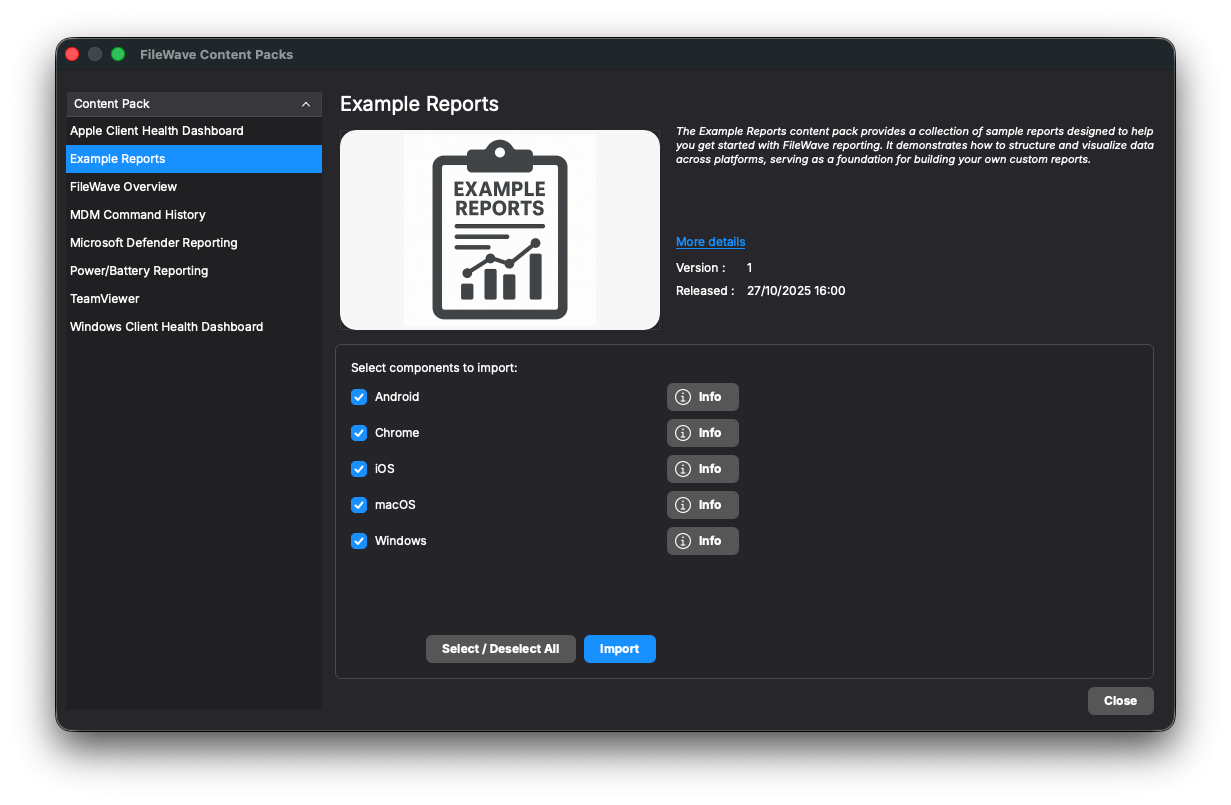
As part of this update, the legacy **Default Queries** have been replaced with a new **Default Reports** content pack. These updated examples provide modern, platform-specific templates to help administrators build complex reports more efficiently.
Additionally, content packs can now include **per-platform reports**, allowing more tailored and relevant default reporting across different operating systems.
[](https://kb.filewave.com/uploads/images/gallery/2026-01/D8lIoMCkPkPOnB5d-image.png)
### Consistent “Reinstall Fileset” Functionality Across All Fileset Types
The *Reinstall Fileset* feature allows administrators to manually trigger the reinstallation of one or more filesets directly from **Client Info** (per-device view) or from **Fileset Reports** (per-fileset view). This function is commonly used to repair or refresh deployments.
In **FileWave 16.1**, Fileset Reports were unified to merge Desktop and Mobile reports into a single consistent view. This major refactor also refined how the *Reinstall Fileset* action is handled, leading to limited support for certain fileset types in some cases. Partial improvements were delivered in 16.2, and with **FileWave 16.3**, the feature now operates **consistently across all supported fileset types**, for both Desktop and Mobile environments.
This enhancement completes the unification work started in 16.1 and ensures consistent, predictable reinstall behavior across all platforms.
### Improved Empty States in Central Tables
To enhance usability and provide a smoother onboarding experience, **FileWave 16.3** introduces improved *empty state views* in the **Clients**, **Filesets**, and **Reports** tables.
When no data is available—for example, no enrolled clients, no created filesets, or no existing reports—Central now displays a clear message with an icon and an action button (such as *Enroll New Client* or *Create New Fileset*) instead of showing an empty table. The same visual feedback also appears when search or filter results return no matches, prompting users to adjust their criteria.
This enhancement improves first-time setup clarity, streamlines user guidance, and aligns the Central UI design with **FileWave Anywhere**. Similar improvements will be extended to other views in future releases.[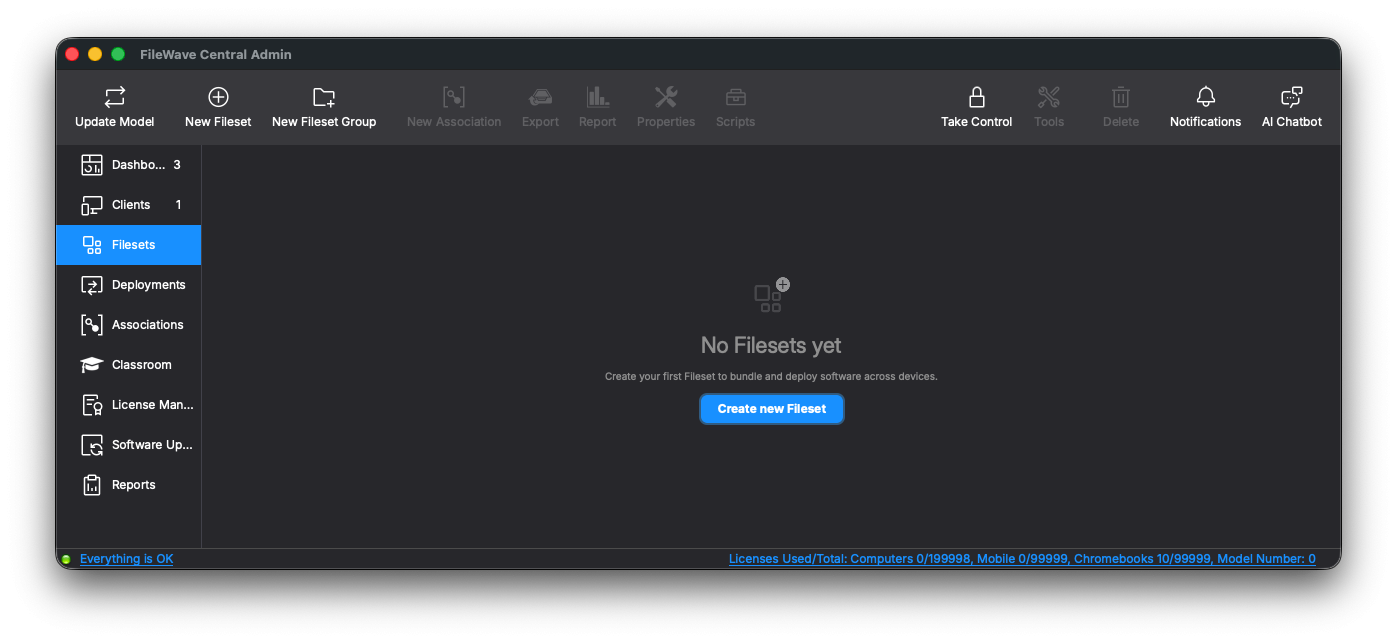](https://kb.filewave.com/uploads/images/gallery/2026-01/AeAqWnfaiONfYb1B-image.png)
### Enhanced Policy Tab in Client Info
The **Policy** tab in **Client Info** has been improved to provide better visibility and management of FileWave Policies.
Previously, the tab displayed basic policy information but did not indicate which Fileset each policy originated from. Starting with **FileWave 16.3**, the tab now shows the **associated Fileset name** and includes a **context menu option** to **reveal the Fileset directly** in Central.
This enhancement simplifies troubleshooting and administration by allowing faster access to the Fileset defining each applied policy—especially valuable as FileWave Policy expands to additional areas such as **Kiosk** and **Software Update**.
### Inventory Improvements
**Fileset Creation and Modification Dates Added to Inventory**
FileWave Inventory has long tracked information about installed Filesets, primarily for use by the Licensing module (where installed Filesets consume licenses). Starting with **FileWave 16.2**, Inventory was expanded to include **all Filesets**, not just the installed ones, enabling broader reporting and visibility.
With **FileWave 16.3**, the Inventory now also records and reports each Fileset’s **creation** and **last modification** dates. This enhancement allows administrators to audit content changes more easily, identify recently updated Filesets, and better manage Fileset lifecycle and version tracking.
### Security Improvements
**Brute Force Lockout**
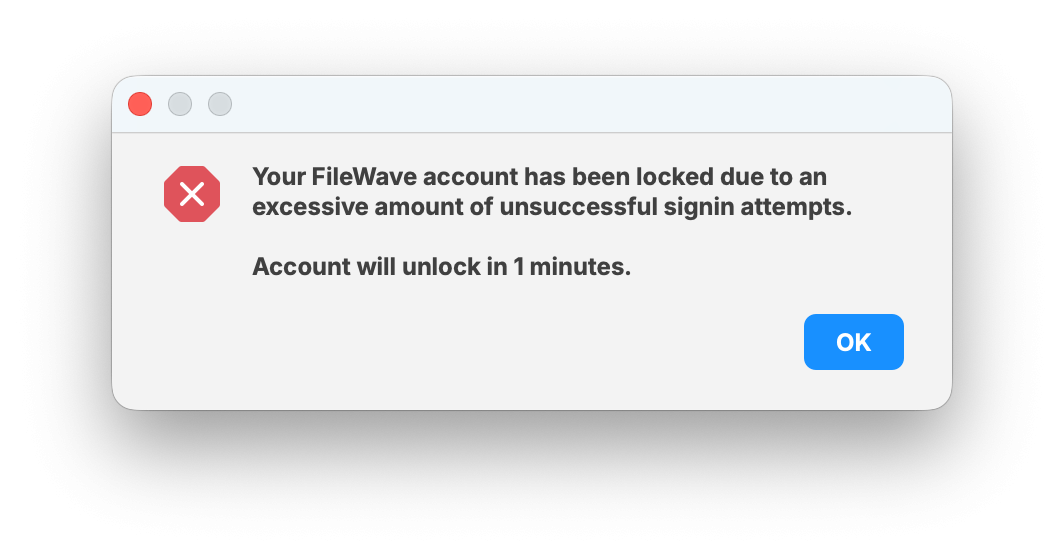
Enabled by default in Central -> Preferences the Brute Force protection will prevent dictionary attacks attempting to login to Central or Anywhere. On lockout you will see a dialog indicating how long the lockout is for. It begins at 1 minute by default and escalates with additional incorrect logins. This feature can also be disabled, but it is strongly recommended to keep it enabled. ([more details](https://kb.filewave.com/books/filewave-central-anywhere/page/brute-force-protection-and-login-lockouts "Brute Force Protection"))
[](https://kb.filewave.com/uploads/images/gallery/2026-01/HKOCGR9652GQzwBl-image.png)
Apple-Specific Changes
### iOS/iPadOS Kiosk now deploys as a VPP app
This is a very important change to understand before upgrading to 16.3.0.
In FileWave 16.3.0, the iOS/iPadOS FileWave Kiosk moves to the Apple App Store and is now deployed as a VPP / Apps and Books app, so customers should make sure FileWave is syncing with Apple School Manager (ASM) or Apple Business Manager (ABM) and that they have already acquired enough free FileWave Kiosk licenses before upgrading; otherwise deployment of the new Kiosk can be delayed until licensing is in place and devices verify again. Customers should review [Automatic updating of iOS/iPadOS Kiosk](https://kb.filewave.com/books/kiosk/page/automatic-updating-of-iosipados-kiosk "Automatic updating of iOS/iPadOS Kiosk") for the full behavior change and, if they want notifications to appear without prompting, review [Force Enable Notifications on iOS and macOS for FileWave Kiosk](https://kb.filewave.com/books/kiosk/page/force-enable-notifications-on-ios-and-macos-for-filewave-kiosk "Force Enable Notifications on iOS and macOS for FileWave Kiosk"), since the iOS/iPadOS Kiosk bundle identifier for 16.3.0+ is now com.filewave.ios.app.kiosk3.
### Enhanced DDM Fileset Status in Client Info
Certain **DDM-based Filesets**—such as **Screen Sharing Configuration**—combine multiple DDM configurations within a single Fileset. Since each configuration can install or fail independently, earlier versions of FileWave could only display an overall Fileset status, making troubleshooting difficult.
With **FileWave 16.3**, the **Client Info → Fileset Status** view in **FileWave Central** now provides **detailed status information for each configuration** within multi-configuration DDM Filesets. This allows administrators to identify which specific configuration succeeded or failed during deployment.
The DDM status information is displayed in the same area as **Script status**, as scripts and DDM configurations cannot coexist within the same Fileset.
This enhancement improves diagnostic accuracy for complex DDM-based Filesets without affecting single-configuration ones.
### macOS 26 Composed Icons for Central and Tools
Arguably the most important change in FileWave 16.3: **FileWave Central** (and companion tools such as the standalone **Superprefs Editor**) now feature **macOS 26 (Tahoe)** composed icons. These new icons support Apple’s **Liquid Glass Design** and **tinted accent coloring**, ensuring full visual harmony with the latest macOS look and feel.
While this won’t improve deployment speed or database performance, it will make your Dock look noticeably more modern.
### Profile Editor Updates
The **Profile Editor** in FileWave 16.3 has been updated to include the latest Apple-defined payload keys and schema changes as per the official [Device Management documentation](https://developer.apple.com/documentation/devicemanagement/profile-specific-payload-keys "https://developer.apple.com/documentation/devicemanagement/profile-specific-payload-keys"). These updates ensure full compatibility with recent iOS, iPadOS, and macOS releases and improve accuracy when creating or editing configuration profiles.
**iOS Restrictions payload:**
- safariAcceptCookies and autonomousSingleAppModePermittedAppIDs are now **optional** keys, aligning with Apple’s updated specification.
**Per-App VPN payload:**
- Added new keys:
- AssociatedDomains — defines the list of domains to be routed through the VPN.
- ExcludedDomains — specifies domains excluded from VPN routing.
- SMBDomains — identifies domains accessed via SMB that should use the VPN connection.
**VPN (IKEv2) payload:**
- Added new security-related keys:
- AllowPostQuantumKeyExchangeFallback — allows fallback to classical key exchange if post-quantum algorithms are not supported.
- PostQuantumKeyExchangeMethods — specifies permitted post-quantum key exchange algorithms.
- EnforceStrictAlgorithmSelection — enforces strict adherence to the configured cryptographic methods.
- Updated supported values for DiffieHellmanGroup and EncryptionAlgorithm to match current Apple specifications.
**Web Content Filter payload:**
- Added SafariHistoryRetentionEnabled — controls whether Safari browsing history is retained when content filtering is enabled.
### DDM changes
#### Support for FileWave Agent Installation via DDM Protocol
FileWave 16.3 adds support for installing the **FileWave Agent** using the **Declarative Device Management (DDM) protocol** on compatible macOS devices (**macOS 26 / Tahoe** and later).
Previously, the Agent was installed using the traditional **MDM protocol**. In **FileWave 16.3**, DDM-based Agent deployment is available as a **technical preview** for supported systems, but it is **not enabled by default**. When enabled, FileWave uses DDM for Agent deployment on supported systems while continuing to use MDM for older macOS versions.
This change affects only the **Agent installation process**. Installation of customer packages remains unchanged and continues to be handled by the FileWave Agent through the standard Fileset mechanism.
This enhancement ensures FileWave remains compliant with Apple’s evolving DDM framework and prepares the platform for future DDM-based management capabilities.
**Note:** This functionality is currently offered as a **technical preview** and is **not enabled by default**. It will be enabled by default in a future release.
#### Update Behavior and Version Pinning for Apps Installed via DDM
FileWave 16.3 enhances **Declarative Device Management (DDM)** support by adding precise controls over how managed applications are installed and updated on **iOS, iPadOS, and macOS** devices.
When deploying applications through DDM, administrators can now configure app lifecycle behavior directly in **Fileset Properties**, similar to other deployment options:
- **Update behavior:** define whether the app should automatically update when a new version becomes available on the App Store, or remain on its current version.
- **Version pinning:** specify an exact app version to install and keep, preventing automatic upgrades beyond that version.
These settings are based on Apple’s latest DDM specifications:
- [*AppManagedInstallBehaviorObject*](https://developer.apple.com/documentation/devicemanagement/appmanagedinstallbehaviorobject "https://developer.apple.com/documentation/devicemanagement/appmanagedinstallbehaviorobject") — controls version targeting for app installation.
- [*AppManagedUpdateBehaviorObject*](https://developer.apple.com/documentation/devicemanagement/appmanagedupdatebehaviorobject "https://developer.apple.com/documentation/devicemanagement/appmanagedupdatebehaviorobject") — defines update rules for managed apps.
This enhancement provides administrators with fine-grained control over application versioning and update policies across all DDM-managed Apple platforms.
#### Improved Handling of Profile Installation with DDM
While **Profiles** continue to be installed through **MDM**, FileWave is actively preparing for the upcoming transition to **Declarative Device Management (DDM)** when Apple expands or mandates its use.
With **FileWave 16.3**, the system now correctly handles **Command Policy Profiles** during DDM processing. These Filesets are not real configuration profiles but represent MDM command wrappers (such as restart or update actions). They are now properly **excluded from DDM installation** and automatically **converted into their corresponding MDM commands** during deployment.
This refinement ensures accurate behavior for mixed DDM/MDM environments and provides a solid foundation for future DDM-based profile installation once it becomes the Apple standard.
#### DDM “Service Configuration Files” Configuration updated
Apple has now additional Built-in services : com.apple.cryptoTokenKit and com.apple.authorization ; DDM Configuration editor has been updated accordingly.
### Configure Application extensions when installing applications via DDM
When installing applications using DDM, it is now possible to specify configuration for extensions which could be used by the application. This is similar to “App Config” feature, which allowed configuring application itself, but this one is for extensions.
### “VPP notifications” improvements
Apple introduced **VPP Notifications** when the VPP API was redesigned. Instead of having the MDM server regularly poll Apple for VPP-related changes, the server can subscribe to notifications and let Apple push updates as they occur. This is particularly important for User-based licenses: when a VPP license is assigned, FileWave historically waited **three minutes** before installing the application to ensure that the Purchase History was fully updated. This delay was intentionally conservative but often resulted in slower app deployments and a poor user experience.
With VPP Notifications, this delay is eliminated. Apple notifies FileWave as soon as the license becomes effective, allowing FileWave to install the app immediately—without waiting three minutes.
VPP Notifications were originally introduced in **FileWave 14.7.0**, but required manual admin enablement, because a misconfigured setup (for example, a server not reachable by Apple) could interrupt VPP communication entirely.
Starting with **FileWave 16.3**, the configuration process has been redesigned. FileWave now automatically determines whether the server is reachable by Apple and will enable or disable VPP Notifications accordingly. As a result, most servers will benefit from notification-based behavior automatically, with no additional configuration required.
### ADE Profile Update
##### ADE and Backup
It is now possible to set the **do\_not\_use\_profile\_from\_backup** key in ADE profiles. As documented by Apple (see [Apple’s deployment guide](https://support.apple.com/en-ca/guide/deployment/depd44f045b4/web "https://support.apple.com/en-ca/guide/deployment/depd44f045b4/web")), this flag ensures that a device restored from a backup behaves as if the backup were restored on a different device. This allows the device to receive the correct ADE configuration instead of reusing the profile embedded in the backup.
##### New “Age Based Safety Settings” Skip Key Added to ADE Profiles and Setup Assistant
A new Age Based Safety Settings skip key is now available for ADE profiles and Setup Assistant. One of Apple’s documentation sources suggests that this key may replace the existing AdditionalPrivacySettings key. However, this change is not consistently reflected across all Apple documentation. Until Apple provides definitive confirmation, FileWave will support both keys.
### Rapid Security Response Replaced by “Background Security Improvements”
Rapid Security Response (RSR), introduced by Apple in iOS 16, provided a mechanism to deliver urgent security fixes without requiring a full operating system update. With the release of Apple’s 2026 operating systems, this mechanism has been replaced by a new system: **Background Security Improvements**. This is not a simple renaming—Apple has changed how rapid security fixes are delivered at the OS level. FileWave has been updated to support this new behavior.
Android-Specific Changes
### **Compliance with Google API Rate Limit Recommendations**
FileWave 16.3 updates the communication between the **FileWave Client** and the **Google Android Management API (AMAPI)** used for **Android Enterprise (EMM)** device management.
The implementation now follows **Google’s recommended rate limit settings**, ensuring full compliance with current API usage guidelines. This change prevents potential throttling by Google services and improves stability when managing large Android fleets.
All adjustments are internal—no administrative action or configuration change is required.
Windows-Specific Changes
### **Software Update Status Enhancements for Windows**
Building on the improvements introduced in **FileWave 16.2**, which allowed Software Updates on Windows to be managed via **FileWave Policy**, **FileWave 16.3** adds richer tracking capabilities.
Updates deployed through Policy are now clearly labeled as **“Triggered by Policy”** in the Software Update status view, enabling administrators to confirm that their policies are functioning correctly. This new status is visible in both **FileWave Central** and **FileWave Anywhere**, and the information is also recorded in **Inventory** for reporting and auditing purposes.
This enhancement applies to **Windows devices only**, as Software Update Policy management is not available for macOS.
FileWave Windows Imaging (IVS) Changes
FileWave Windows Imaging solution relies on PXE Boot, which delivers a tiny Linux image containing all required components to run the imaging process. Compatibility with different hardware depends on how the tiny Linux image is built - mainly which Linux kernel version and embedded packages and modules.
FileWave Network Imaging 16.3.0 brings compatibility with FileWave 16.3.x.
- Linux kernel: 6.17.7
- Buildroot: 2025.08.1
- partclone: 0.3.37
Internal Changes
### macOS Code signing identity change
The code signing identity we use to sign FileWave binaries and applications changes from “FileWave (Europe) Gmbh” (team ID 83S2TRZ3CS) to “FileWave (USA), Inc.” (UWMR88SA8G).
FileWave 16.2.3 and beyond will automatically update the [TCC Profile](https://developer.apple.com/documentation/devicemanagement/privacypreferencespolicycontrol "https://developer.apple.com/documentation/devicemanagement/privacypreferencespolicycontrol") which is deployed to grant FileWave client (fwcld) the right permissions when deployed via MDM.
There should be no other impact except the name of the signing identity.
### Supervisord for FileWave Server on macOS
Starting with **FileWave 16.3**, the **macOS Server** now uses **supervisord**—the same process management system used on Linux—to start, monitor, and stop FileWave services.
Previously, FileWave relied on multiple **LaunchDaemons**, and the fwcontrol script manually called launchctl while echoing status information. With the move to supervisord, fwcontrol now leverages supervisord’s **native service control and status reporting**, providing clearer and more consistent output across macOS and Linux.
This change also simplifies service configuration, replaces multiple plist files with a single supervisord configuration, and improves log rotation reliability.
The migration is **fully automatic during upgrade**, and administrators can continue using fwcontrol commands as before—only the output format and detail have changed.
### Database Access Code Modernization
Several internal components of FileWave’s database access layer have been modernized in **FileWave 16.3** as part of our ongoing effort to update legacy code, improve maintainability, and reduce resource consumption. While these changes are primarily internal, they improve code consistency and long-term reliability.
Key improvements include:
- Rewritten logic for **generating unique client names**, making the process faster and more robust.
- Extended Database Integrity Checks During Upgrade
- Improved Client Robustness and Local Data Handling
- PostgreSQL 18 Upgrade
These updates are foundational and prepare the system for future scalability and performance enhancements.
### **Extended Database Integrity Checks During Upgrade**
FileWave runs a series of database integrity checks during upgrades to confirm that the database is in a valid and consistent state. When possible, issues are **automatically corrected**, and if a non-recoverable problem is found, the upgrade process **safely stops**, allowing FileWave Support to intervene before data integrity is compromised.
With **FileWave 16.3**, these checks now include **validation of internal database sequences**, ensuring that automatically generated IDs remain consistent across all related tables. These extended checks run as part of the upgrade process but can also be executed manually to verify the full database state when needed.
This enhancement improves overall database reliability without adding noticeable time to the upgrade process.
### **Improved Client Robustness and Local Data Handling**
The FileWave Client keeps key operational data (such as the catalog) stored locally, enabling it to start and operate even before re-establishing a connection to the FileWave Server.
With **FileWave 16.3**, the client now uses an **atomic file handling** mechanism to store this local data, greatly reducing the chance of corruption in case of abrupt shutdowns or power loss. Although the client could previously recover automatically from corrupted data, such recovery required a full local reset and re-synchronization from the server, which could delay normal operation. This new approach minimizes that risk and ensures smoother, more reliable restarts.
### **PostgreSQL 18 Upgrade**
FileWave 16.3 upgrades the embedded database engine to **PostgreSQL 18** (previously PostgreSQL 17, introduced in FileWave 16.0). The database upgrade is performed **automatically** as part of the FileWave Server upgrade process.
For safety, the installer includes both PostgreSQL 17 and PostgreSQL 18. If the upgrade to version 18 fails, FileWave automatically reverts to PostgreSQL 17 and continues running in a *degraded mode*. In this state, most features will remain functional, but stability or performance cannot be guaranteed. A clear warning will be shown in this case, and administrators are advised to contact FileWave Support immediately to complete the migration.
Because of this database transition, upgrading to **FileWave 16.3** is only supported from **FileWave 16.0 or newer**.
### VPP Improvements
The code responsible for communicating with Apple’s VPP servers has been thoroughly reviewed using insights gathered from real-world server behavior. This analysis allowed us to implement several under-the-hood optimizations. For example, we significantly reduced the number of database queries executed during Apple VPP synchronizations, lowering overall resource consumption and improving performance.
### Many 3rd party updates
Most relevant:
- Apache 2.4.67
- OpenSSL 3.6.2
- Postgres 18.3 and 17.9
- Python 3.14.3
- Redis 8.4.0
- Qt 6.10.2
Deprecated Features
The following features have been deprecated from FileWave 16.3. They are present but will be removed in a future release:
- **None**
We encourage you to provide product feedback if you have any concerns: [FileWave Product Management](https://kb.filewave.com/books/community-engagement/page/filewave-product-management "FileWave Product Management") or in the Help menu of Central/Anywhere you can send feedback as of 16.3.
Decommissioned Features
The following features have been removed from FileWave 16.3.0:
### macOS 12 Monterey platform support
Starting with FileWave 16.3.0, macOS 12 Monterey was removed from the **Expected to work** platform support lists for FileWave Clients, FileWave Server, FileWave Central, and FileWave Booster. This change was made because macOS 12 is no longer receiving current security updates from Apple, and FileWave 16.3 and later releases need to continue moving forward with current macOS frameworks, platform behavior, and security requirements. Customers who still need to manage macOS 12 devices should use the FileWave 16.2.5 client listed in the Legacy section. For details, see [macOS 12 Monterey Platform Support - EOL](https://kb.filewave.com/link/1154).
### IVS Upgrade Simplification
Previously, **Imaging Virtual Server (IVS)** could be upgraded using standard Debian package commands (apt update / apt upgrade), which updated the IVS components, kernel, admin, and client. Although convenient, this method was rarely used, as most administrators preferred the **upgrade script** provided on the FileWave download page.
Starting with **FileWave 16.3**, the **Debian repository will no longer be maintained**. It will remain accessible but will not receive updates, meaning existing systems configured to use it will simply stop retrieving new packages.
All IVS upgrades should now be performed using the official **upgrade script**, available on the FileWave **download page** together with the corresponding upgrade instructions. This unified process simplifies maintenance and ensures version consistency across all components.
### Removal of Model Update v1 (Legacy Implementation)
The legacy **Model Update v1** process—implemented across multiple components with a mix of **C++ and Python**—has been **removed** in **FileWave 16.3**.
Since **FileWave 16.0**, all instances have used the unified **Model Update v2** (100% **Python**) as the default. v1 remained present only for transition purposes between 16.0 and 16.2; it is now no longer included or supported.
No administrator action is required. This decommissioning completes the migration to the unified framework, simplifying internals, improving testability, and paving the way for future enhancements.
Changes and Fixes in 16.3.2
Updated third party components:
- Apache 2.4.67
- curl 8.20.0
- expat 2.8.1
- libArchive 3.8.7
- libXML2 2.15.3
- nginx 1.31.1
- PostgreSQL 17.10 and 18.4
Bug fixes:
- FWRD-17553 Fixed a potential database deadlock when processing inventory reports and MDM communications for the same device
- FWRD-17586 Fixed a Central crash that could occur when closing the Fileset Script dialog before closing the script editor
- FWRD-17595 Improved handling of communication and service errors when synchronizing VPP asset information
- FWRD-17626 Fixed an issue where the FileWave agent could wait up to 20 minutes to download the Upgrader Service, causing enrollment or startup delays
- FWRD-17627 Introduced a dedicated download location for the Client Upgrader to avoid versioning-related confusion
- FWRD-17633 Fixed an issue where a Windows Upgrade Fileset could wait indefinitely if the MSI installation returned a generic 1603 error
- FWRD-17634 Improved the robustness of the Client Upgrader on Windows
- FWRD-17648 Fixed an issue where an incorrect VC Redistributable version could be installed when installing components on Windows
- FWRD-17649 Fixed an issue where upgrading to version 16.3 could fail if scheduled tasks used custom schedules defined in the settings\_custom.py file
- FWRD-17664 Fixed potential database deadlocks that could occur during macOS MDM enrollment
- FWRD-17685 Restored support for the Realtek R8169 network adapter in Imaging
Changes and Fixes in 16.3.1
Updated third party components:
- Apache 2.4.67
Bug fixes:
- FWRD-16703 Fixed an issue where email username and password were required when SMTP server did not require them.
- FWRD-17368 Fixed an issue where deploying a profile with legacy variables like WIRELESS\_INTERFACE\_NAME could fail
- FWRD-17547 Fixed a 16.3.0 regression related to Apple BSI support which could prevent Boosters from reporting data to Inventory
- FWRD-17551 Fixed a 16.3.0 regression which would prevent moving FileWave Central on macOS
- FWRD-17553 Fixed a potential database deadlock when server processes fwcld inventory report and MDM communication for the same device
- FWRD-17554 Fixed an issue where imported intermediate CA certs would be ignored when creating ADE profiles, system relying on AIA url or certifi trust store only
Changes and Fixes in 16.3.0
Updated third party components:
- OpenSSL 3.6.2
- Postgres 18.3 and 17.9
- Python 3.14.3
- Redis 8.4.0
- Qt 6.10.2
Bug fixes:
- FWRD-2731 Ensure deleted client names are properly recorded in Audit History Logs so administrators can fully trace client lifecycle events.
- FWRD-3386 Ensured all MDM server logs under /usr/local/filewave/log follow consistent rotation rules
- FWRD-3534 Fixed an issue where updating a placeholder client name in a template did not update the corresponding FileWave Client name in the MDM admin interface
- FWRD-3980 Fixed an issue where unmodified MDM policy filesets could be saved and treated as modified
- FWRD-11697 Surface Shared iPad-specific property entries in FileWave Anywhere so Shared iPad deployments can be inspected and managed consistently with other iOS devices.
- FWRD-12537 Align default kiosk fileset icon color and size so kiosk icons are consistent across filesets and platforms.
- FWRD-13407 Fixed an issue where the main menu bar on macOS was no longer displayed globally in the admin application
- FWRD-14830 Reduce excessive backend logging while a CM session is open to lower noise in logs and improve diagnosability.
- FWRD-14895 Fixed an issue where the remote wipe dialog for tvOS devices incorrectly referenced iOS
- FWRD-15108 Fixed an issue where an incorrect context menu could be shown for clients in the Create New Association dialog
- FWRD-15160 Fixed an issue where rapidly duplicating filesets could result in unexpected behavior
- FWRD-15228 Fixed an issue where no clear error message was shown when creating an MDM client group without sufficient permissions in FileWave Central
- FWRD-15341 Removed unsupported "eng" language examples from ADE profile configuration to align with Apple MDM behavior
- FWRD-15449 Restore the "Remove" (X) icon in the deployment filesets tab so administrators can easily remove filesets from deployments.
- FWRD-15511 Renamed the Web Console to FileWave Anywhere
- FWRD-15588 Fixed an issue where deleting a FileVault profile while editing an ADE profile could trigger an error if the profile was selected
- FWRD-15618 Prevent fileset dependencies belonging to groups without permissions from being exposed in Anywhere, ensuring access control is respected.
- FWRD-15634 Fixed an issue where searches in MDM profile editors could display raw HTML tags in Central Admin
- FWRD-15698 Correct the verification script tooltip text in Anywhere so it accurately describes execution order and avoids misleading admins.
- FWRD-15734 Add clear UI feedback when an already registered VPP token is uploaded so admins understand the 412 error and can adjust configuration.
- FWRD-15883 Added the missing maxInactivity setting to the Apple Passcode MDM profile
- FWRD-15906 Fixed an issue where removing a serial number from an ADE placeholder could cause MDM database integrity errors
- FWRD-15910 Fixed an issue where an iPhone could be incorrectly named as an iPad before MDM enrollment completed
- FWRD-15953 Fixed an issue where filtering ADE accounts in the ADE association dialog produced inconsistent results
- FWRD-15995 Update Anywhere error messaging to use "Entra ID account" terminology when duplicate accounts are created, matching Microsoft's current naming.
- FWRD-16003 Fixed an issue where the Booster Monitor was unusable on low resolution displays
- FWRD-16021 Align the availability rules for the "Reinstall fileset" action between Anywhere and Central so reinstall behavior is consistent across UIs.
- FWRD-16025 Ensure backend correctly updates packet and modified flags whenever fileset dependencies change, improving model integrity and deployment accuracy.
- FWRD-16053 Fixed an issue where the Offer Program setting for DDM software update configurations was not properly initialized
- FWRD-16057 Fix dialog validation so once all errors are resolved, configuration changes can be saved without having to reopen the dialog.
- FWRD-16134 Fixed multiple issues affecting the System Extension Policy MDM profile
- FWRD-16138 Fixed an issue where Model Update failures were not correctly reported to MDM administrators
- FWRD-16167 Decouple app logos from kiosk configuration so kiosk behavior is not tied to or blocked by logo assets.
- FWRD-16175 Fixed an issue where UI elements in Central Preferences on Windows were misaligned when using 150 percent display scaling
- FWRD-16201 Close the IDP URL view automatically when Anywhere admin sessions time out to avoid stale authentication panels remaining visible.
- FWRD-16220 Fix ADE account creation so cancelling and reopening the form resets validation state (e.g., Save is disabled again until a valid token is uploaded).
- FWRD-16230 Improved German translations in the MDM admin interface
- FWRD-16264 Fixed an issue where a client clone could be added to an MDM deployment instead of the original client
- FWRD-16271 Allow admins to browse and select the correct group folder for fileset creation when importing Apple VPP tokens in Anywhere.
- FWRD-16307 Fixed an issue where the Fileset Status Report could not be saved on Windows
- FWRD-16308 Fixed an issue where the Source field of an MDM profile was not updated correctly
- FWRD-16309 Fixed an issue where Modify Filesets permissions were not enforced when creating AutoPKG or Winget filesets
- FWRD-16329 Fixed multiple UI inconsistencies in the Central Preferences dialog
- FWRD-16349 Fixed an issue where iOS applications installed via MDM kiosk could be reinstalled automatically after a device wipe when using DDM
- FWRD-16355 Fixed an issue where sorting date columns did not work correctly in the Fileset Status Report dialog
- FWRD-16370 Fixed an issue where client conflict resolution results were not correctly interpreted in Central Admin
- FWRD-16380 Fixed an issue where the DISABLE\_PERMISSIONS\_SET\_ON\_RESTART variable was ignored during MDM server upgrades, potentially increasing upgrade time
- FWRD-16383 Ensured daily and hourly scheduled MDM tasks do not run concurrently
- FWRD-16415 Fixed an issue where VPP applications could be reinstalled during a verify operation on macOS
- FWRD-16416 Hide or disable the "Allow removal" option for App Store filesets when DDM\_APPS is enabled so removal settings stay aligned with DDM app management.
- FWRD-16427 Fixed an issue where scripts were not executed when included in AutoPKG filesets
- FWRD-16431 Fixed an issue where resolving client conflicts could result in a server error
- FWRD-16436 Improved the error message shown when duplicating a client without sufficient MDM licenses
- FWRD-16475 Fixed an issue where the New Release dialog could appear before login completed in Central
- FWRD-16477 Fixed an issue where closing the Central Admin main window did not close an open client monitor
- FWRD-16546 Ensure CSV imports correctly update the Imaging MAC Address field so imaging data stays accurate after bulk updates.
- FWRD-16569 Fixed an issue where the Content Pack Assistant dialog content could briefly shift when opening
- FWRD-16573 Fix a memory leak in NatsConnectionHandler to improve stability and long‑running performance of the frontend.
- FWRD-16601 Fixed an issue where enrolling a device after adding an ADE placeholder could break the model update process
- FWRD-16648 Allow editing of custom fields with restricted value sets in Anywhere while still enforcing value constraints.
- FWRD-16771 Ensured policy based assistants such as DDM Assets and ADM Configurations are fully translated
- FWRD-16814 Fixed an issue where flat buttons in Central used an incorrect background color
- FWRD-17022 Fixed an issue where reports for macOS 14 and 26 SIP status were not generated when using Model Update v2
- FWRD-17049 Fixed an issue where conflicting timestamps would appear in Last Connected for Android devices
- FWRD-17086 Ensured the EnableIPv6 setting is available in the Network MDM payload
- FWRD-17109 Exclusions in deployments don't work
- FWRD-17128 \[FE\]\[16.3\] URI special characters in log file might corrupt it when downloading it via CM
- FWRD-17191 Fixed an issue where custom field values would be kept when resolving enrollment conflict using "remove old" strategy.
- FWRD-17199 Fixed a rare issue where files uploaded from Central could become corrupted on disk, causing repeated re-downloads due to CRC mismatch.
- FWRD-17245 Fixed an issue where the server checked disk space for the full file instead of remaining chunks, causing valid uploads to be rejected.
- FWRD-17257 \[BE\]\[16.3\] Invalid device platform breaks enrollment screen in AW and causes a false-positive "new device" badge (backport to 16.3)
- FWRD-17432 Fixed an issue where the Fileset status for Background Security Improvement OS updates was incorrectly reported as "superseded by another update" after successful installation.
**Urgent**: If you manage iOS/iPadOS devices you must ensure that you review the release notes and get VPP licenses for FileWave Kiosk (free) as outlined here: [Automatic updating of iOS/iPadOS Kiosk](https://kb.filewave.com/books/kiosk/page/automatic-updating-of-iosipados-kiosk "Automatic updating of iOS/iPadOS Kiosk") The Kiosk is no longer delivered as an IPA; it is now delivered as a VPP / Apps and Books app, following Apple best practices. You can get the licenses before or after upgrading but will have a better experience if you do it before and then sync VPP in Central -> Preferences to ensure the licenses are seen.
macOS Downloads
[](https://kb.filewave.com/uploads/images/gallery/2023-06/76nOWO8TRbgPaH2X-apple.png)
[macOS Upgrade Fileset](https://fwdl.filewave.com/16.3.2/FileWave_Upgrade_Fileset_macOS_16.3.2_54afd35a.fileset.zip) (md5: 23647503cab19b7b61dabbea4a8180da)
[macOS Central (Admin)](https://fwdl.filewave.com/16.3.2/FileWave%20Admin.pkg) (md5: 7123486e063f4bb2c32d62aae0022c16)
[macOS Booster](https://fwdl.filewave.com/16.3.2/FileWave%20Booster.pkg) (md5: beb4e4809e58c93b48f24cb83f00ec0d)
[macOS Server](https://fwdl.filewave.com/16.3.2/FileWave%20Server.pkg) (md5: 7ecdd21b0d4034c3c28103e1b3da3c24)
Remember that to upgrade macOS FileWave clients you should use the Upgrade Fileset. Never deploy the macOS Client installer from [https://custom.filewave.com](https://custom.filewave.com) to an existing device. It is intended for new installs.
Windows Downloads

[Windows Upgrade Fileset](https://fwdl.filewave.com/16.3.2/FileWave_Upgrade_Fileset_Windows_16.3.2_54afd35a.fileset.zip) (md5: 69daf9b396857de84f06f68a565c47ff)
[Windows Central (Admin)](https://fwdl.filewave.com/16.3.2/FileWaveAdmin.msi) (md5: 0c24101373f888ecffe7cd4fba4f29a1)
[Windows Booster](https://fwdl.filewave.com/16.3.2/FileWaveBooster.msi) (md5: 0818839670fb46a43005609eb1329aba)
Remember that to upgrade Windows FileWave clients you should use the Upgrade Fileset. Never deploy the Windows Client installer from [https://custom.filewave.com](https://custom.filewave.com) to an existing device. It is intended for new installs.
iOS Downloads
[](https://kb.filewave.com/uploads/images/gallery/2023-06/wENbdLgueSVvwqEL-ios.png)
Kiosk on iOS / iPadOS is now deployed from the Apple App Store as a **VPP / Apps and Books** app. Before upgrading, make sure FileWave is syncing with **ASM/ABM** and that enough free **FileWave Kiosk** licenses have already been acquired. ([Read More](https://kb.filewave.com/books/kiosk/page/automatic-updating-of-iosipados-kiosk "Automatic updating of iOS/iPadOS Kiosk"))
Chrome Extension
[](https://kb.filewave.com/uploads/images/gallery/2023-06/XP14ofjLt6jwkKXC-chrome-logo.png)The FileWave Inventory extension for Chromebook has to be installed via the Google Admin Console for your domain. Please see [Quickstart Guide for Chromebooks](https://kb.filewave.com/books/evaluation-guide/page/chromebook-client-pre-requisites "Quick Start Guide for Chromebooks") for detailed instructions
Debian Linux Downloads
[](https://kb.filewave.com/uploads/images/gallery/2023-11/XhLPXfKJskrWOllh-image.png)
[Debian Linux Server](https://fwdl.filewave.com/16.3.2/fwxserver_16.3.2_amd64.deb) (md5: bdcfbf8e56e946277d4f18c2afeafed3)
[Debian Linux Booster](https://fwdl.filewave.com/16.3.2/fwbooster_16.3.2_amd64.deb) (md5: 8ff220ed0c4db703a3dbc07a07ca1035)
[Debian Linux IVS: FileWave Admin](https://fwdl.filewave.com/16.3.2/filewave-admin_16.3.2_amd64.deb) (md5: 3a0163a48bb51d9eedbd5166c36c2b46)
[Debian Linux IVS: FileWave Imaging Client](https://fwdl.filewave.com/16.3.2/filewave-imaging-client_16.3.2_amd64.deb) (md5: ff69741b148c9e9bbae9ecabb3ec4e7d)
[Debian Linux IVS: IVS Kernel](https://fwdl.filewave.com/16.3.2/ivs-kernel-16.3.2-1.x86_64.deb) (md5: f742df045b400b0a8262dd976dcb848b)
[Debian Linux IVS: FileWave IVS](https://fwdl.filewave.com/16.3.2/filewave-ivs_16.3.2_amd64.deb) (md5: c03894c767d323cb530af1a435aa0980)
For any of the below upgrades you would want to console or SSH to your Server/Booster/IVS and then run the command listed to upgrade the relevant component.
If you are using a FileWave appliance that before 15.5.0 the SSH access was with the user "root" and for any appliance setup from 15.5.0 or later the user is "fwadmin" and you would have been forced to [set the password on first login](https://kb.filewave.com/books/unreleased-filewave-versions/page/setting-the-password-on-first-login-to-filewave-appliances-154 "Setting the password on first login to FileWave Appliances (15.4+)").
**What the upgrade one-liners do:** These commands do more than install the FileWave packages. When run on a Debian-based FileWave Server, Booster, or IVS, the upgrade script also handles the supported Debian 12 to Debian 13 operating system upgrade when needed and applies available Debian security updates as part of the process. This can take longer than a normal FileWave-only package upgrade, so run the command from the console or a stable SSH session and let the screen session finish before rebooting or starting another upgrade.
**Upgrading the FileWave Server** To install or upgrade the FileWave Server, use the following:
```shell
sudo DEBIAN_FRONTEND=noninteractive bash -c 'set -e; apt-get update -y; apt-get install -y -o Dpkg::Options::="--force-confdef" -o Dpkg::Options::="--force-confold" screen wget; ts=$(date +%Y%m%d%H%M%S); scr=fwxserver_upgrade_$ts; tmp=/tmp/fwxserver_upgrade_$ts.sh; wget -qO "$tmp" https://kb.filewave.com/attachments/411; chmod +x "$tmp"; echo "Starting upgrade in screen session: $scr"; echo "Detach with Ctrl-A then D, reattach with: sudo screen -r $scr"; exec screen -S "$scr" bash -lc "\"$tmp\" -v 16.3.2 -r 1 -y"'
```
---
**Upgrading a Booster**
To install or upgrade the FileWave Booster, use the following or [Booster Auto-Upgrade](https://kb.filewave.com/books/boosters/chapter/booster-auto-upgrade "Booster Auto-Upgrade"):
```shell
sudo DEBIAN_FRONTEND=noninteractive bash -c 'set -e; apt-get update -y; apt-get install -y -o Dpkg::Options::="--force-confdef" -o Dpkg::Options::="--force-confold" screen wget; ts=$(date +%Y%m%d%H%M%S); scr=fwbooster_upgrade_$ts; tmp=/tmp/fwbooster_upgrade_$ts.sh; wget -qO "$tmp" https://kb.filewave.com/attachments/412; chmod +x "$tmp"; echo "Starting upgrade in screen session: $scr"; echo "Detach with Ctrl-A then D, reattach with: sudo screen -r $scr"; exec screen -S "$scr" bash -lc "\"$tmp\" -v 16.3.2 -r 1 -y"'
```
**Upgrading an IVS**
To upgrade the FileWave IVS, use the following:
```shell
sudo DEBIAN_FRONTEND=noninteractive bash -c 'set -e; apt-get update -y; apt-get install -y -o Dpkg::Options::="--force-confdef" -o Dpkg::Options::="--force-confold" screen wget; ts=$(date +%Y%m%d%H%M%S); scr=ivs_upgrade_$ts; tmp=/tmp/ivs_upgrade_$ts.sh; wget -qO "$tmp" https://kb.filewave.com/attachments/408; chmod +x "$tmp"; echo "Starting upgrade in screen session: $scr"; echo "Detach with Ctrl-A then D, reattach with: sudo screen -r $scr"; exec screen -S "$scr" bash -lc "\"$tmp\" -v 16.3.2 -r 1 -y"'
```
Virtual Appliance Downloads
[](https://kb.filewave.com/uploads/images/gallery/2023-06/d7iBFQCGDdk0ZiLZ-virtual-appliance.png)
**OVA Images** These three images are OVA images suitable for VMware or other systems that use OVAs:
[VMware and VirtualBox (OVA) Server Appliance](https://fwdl.filewave.com/16.3.2/FileWave_Server_Debian_16.3.2.ova) (md5: f19098b3b2e4808460cbd759b5ad14a6)
[VMware and VirtualBox (OVA) Booster Appliance](https://fwdl.filewave.com/16.3.2/FileWave_Booster_Debian_16.3.2.ova) (md5: 3fe313a8af4764cc7aada539b162d90c)
[VMware and VirtualBox (OVA) Imaging Appliance](https://fwdl.filewave.com/16.3.2/FileWave_IVS_16.3.2_debian.ova) (md5: b752a84d27fe8373f333d8737b9a5144)
[](https://kb.filewave.com/uploads/images/gallery/2023-06/1rHPEOO5khUHCB8f-hyper-v-logo.png)**Hyper-V Images** These three images are Hyper-V images suitable for Microsoft Hyper-V (**Gen 2**):
[Hyper-V (VHD) Server Appliance](https://fwdl.filewave.com/16.3.2/FileWave_Server_Debian_16.3.2_hyperv-gen-2_VHD.zip) (md5: 0672e556a58848662601f5c5df1d5511)
[Hyper-V (VHD) Booster Appliance](https://fwdl.filewave.com/16.3.2/FileWave_Booster_Debian_16.3.2_hyperv-gen-2_VHD.zip) (md5: 4c235476513881f06edaeaf1d4ee86ff)
[Hyper-V (VHD) Imaging Appliance](https://fwdl.filewave.com/16.3.2/FileWave_IVS_16.3.2_hyperv-gen-2_VHD_debian.zip) (md5: 1fa199b471096b4b7078bb22a8c18c4b)
To import our Virtual Appliances, please see: [FileWave Virtual Appliances](https://kb.filewave.com/books/filewave-virtual-appliances "https://kb.filewave.com/books/filewave-virtual-appliances")
To get started with the FileWave Server appliance please see: [Installation and Setup | FileWave KB](https://kb.filewave.com/books/evaluation-guide/chapter/1-installation-and-setup "https://kb.filewave.com/books/evaluation-guide/chapter/1-installation-and-setup")
For Booster setup: [Booster Installation | FileWave KB](https://kb.filewave.com/link/221 "https://kb.filewave.com/books/boosters/page/booster-installation")
For more information about configuring the IVS appliance please see: [Getting started with the Imaging Virtual Server](https://kb.filewave.com/books/network-imaging-ivs/chapter/getting-started-with-the-imaging-virtual-server "https://kb.filewave.com/books/network-imaging-ivs/chapter/getting-started-with-the-imaging-virtual-server")
This book covers how to import our provided OVA's and VHD's into your virtual environments.
macOS and Windows
Please note that the below is only to be used when Support has identified that they are needed to fix an issue. Normally these Client packages are not used. Pushing the PKG or MSI below from FileWave can break a client.
[macOS Client](https://fwdl.filewave.com/16.3.2/FileWave%20Client.pkg) (md5: 851133df148b01853abc8902526e5f1d)
[Windows Client](https://fwdl.filewave.com/16.3.2/FileWaveClient.msi) (md5: ded335b04ff595045b88eda8fce12ca0)
These downloads are provided for the purposes of migrations and should not continue to be used in production. You should upgrade to either the most recent release or the one prior. They can always be found here: [Supported FileWave Versions](https://kb.filewave.com/books/downloads "Supported FileWave Versions")
The FileWave endpoint management suite enables you to manage your devices wherever they are, wherever you are, whatever they are—all in one platform. **FileWave 16.3** is a **stability- and modernization-focused release** designed to **reduce operational risk** and prepare the platform for **safer, more automated lifecycle management** in upcoming versions. This release lays critical groundwork for future **self-updating workflows** across Central and Clients, while immediately delivering **automated, sequenced Booster upgrades** with proactive reminders and reporting. FileWave 16.3 also improves **upgrade reliability and administrative visibility** across Central and Anywhere, and strengthens security with **built-in brute-force login protection** that is **enabled by default**, helping protect administrative access without requiring additional configuration. Together, these improvements establish a strong foundation for the more automated upgrade experience planned for **FileWave 16.4 and beyond**.
On Apple platforms, FileWave 16.3 continues to advance alignment with **Apple’s evolving management model** and **2026 OS changes**. **Declarative Device Management (DDM)** support is expanded with improved handling of mixed DDM/MDM environments, a technical preview of **DDM-based FileWave Agent installation** on supported macOS versions, and new lifecycle controls for **DDM-installed apps**, including update behavior and version pinning. Profile management is updated to reflect the latest Apple payload schemas, **ADE** gains new skip keys and backup-handling options, **VPP application delivery** becomes faster and more reliable through improved notifications, and Apple’s transition to **“Background Security Improvements”** is fully supported. Beneath the surface, FileWave 16.3 reinforces long-term stability through **database and component upgrades**, stronger integrity checks during upgrades, improved client local data handling, and continued internal modernization. FileWave 16.3 also establishes **Debian 13** as the base for FileWave-provided Server, Booster, and IVS appliances, aligning the platform with current OS and security standards.
FileWave Official Version Support
FileWave supports the two latest major versions at any time. For example, if the current version is 16.3.1, we support versions 16.3.1 and 16.2.x. Major releases occur roughly every quarter.
What does “officially support” mean?
We will investigate and patch significant issues in these versions. We do not produce patches for versions older than N-1, focusing instead on current versions and future improvements. If an issue is found in an older version, remediation will be in the form of an upgrade or a patch to a more recent version.
You can still contact our support teams about earlier versions. They will assist you to the best of their ability but won’t escalate tickets to our development teams. Upgrading is recommended to access the latest features and bug fixes.
A Note on Compatibility
A note on the Compatibility charts: There are several states of compatibility for FileWave clients:
- "**Fully Tested by QA**" indicates that we have run QA regression tests against these operating system versions, and they are fully supported.
- "**Expected to Work**" Not being on the fully tested by QA list (such as macOS 13 or 14) does not mean that platform is not supported...it just means we did not actively test against it, but we do expect it to function. Support of any issues experienced specifically on these platforms would be considered on a case-by-case basis (but these cases are exceedingly rare.)
- "**Legacy**" versions mean that we don't test, but we do provide a retro-version of a client so that the device can still report in but as FW Server changes there may be challenges to these working. There is NO support for these platforms beyond the availability of the older client, and in almost all cases these are for OSes that are no longer supported by the OS vendor in question.
- Lastly, items do fall out of support, such as Windows XP and the older Android APK client as examples, but we always include these items in our release notes.
An additional note on third-party software inclusion, such as TeamViewer:
- Partnerships we have with third party providers have their own set of system requirements for those released applications. We test against their most recent versions, and support of those applications is limited to third-party vendor specifications.
FileWave Server Platform Support
**[](https://kb.filewave.com/uploads/images/gallery/2023-06/uoC9jiGeyyKHsHZO-fwserver-icon.png)Fully Tested by QA**
- macOS 15 and 26 (Intel and Apple Silicon)
- Debian 13.2 x86\_64 (Note that any Debian 13.x is expected to work, and applying security updates may move you to a higher version.)
**Expected to work**
- macOS 13 and 14 (Intel and Apple Silicon)
- Debian 12.X (x86\_64)
**Virtual Appliances**
- HyperV - The images are available as Generation 2
- VMWare ESX - The images require vmx-19 support which means VMWare vCenter 7.0 Update 2 is the minimum version. ( [https://knowledge.broadcom.com/external/article?legacyId=2007240](https://knowledge.broadcom.com/external/article?legacyId=2007240) )
- VMWare Fusion
- VMWare Player and Workstation
- VirtualBox
**Important FileWave Server upgrade requirement**
FileWave Server upgrades that include PostgreSQL database changes must follow a path where each step supports at least one PostgreSQL version from the previous step. For more detail and examples, see [FileWave Server upgrade paths and PostgreSQL migrations](https://kb.filewave.com/link/1153).
The PostgreSQL overlap points are:
• FileWave 13.3.1 through 14.7.2 include PostgreSQL 12.
• FileWave 16.0.x through 16.2.x include PostgreSQL 12 and PostgreSQL 17.
• FileWave 16.3.x and 16.4.x include PostgreSQL 17 and PostgreSQL 18.
**Recommended upgrade path from older versions:**
`13.3.1–14.7.2 → 16.0.x–16.2.x → 16.3.x or 16.4.x`
If your server is already running FileWave 16.0.x, 16.1.x, or 16.2.x, you can upgrade directly to FileWave 16.3.x or 16.4.x because those releases overlap on PostgreSQL 17; if your server is running a version earlier than 16.0.0, upgrade first to a release in the 16.0.x–16.2.x range, then continue to FileWave 16.3.x or later.
The minimum memory requirement for FileWave Server is **8GB**.
FileWave Clients Platform Support
**[](https://kb.filewave.com/uploads/images/gallery/2023-06/VbVfka5W0oW3DA5l-fwclients-icon.png)**
**Fully Tested by QA**
- macOS 15 and 26 (Intel and Apple Silicon)
- Windows 11 (Pro/Enterprise, version 21H2 and newer, x64)
- Windows Server 2022 (x64)
**Expected to work**
- macOS 13 and 14 (Intel and Apple Silicon)
- Windows 10 (Pro/Enterprise, version 21H1 and newer, x64)
- Windows 10 (Education, version 21H1 and newer, x64)
- Windows 11 (Education, version 21H2 and newer, x64)
- Windows 10 Enterprise LTSC (version 2021 and newer, x64)
- Windows 11 Enterprise LTSC (version 24H2 \[2024\], x64)
- Windows Server 2025 (x64)
Note about LTSB/LTSC: [Microsoft Long Term Service Channel](https://kb.filewave.com/books/microsoft-general-info/page/plan-filewave-compatibility-for-windows-enterprise-ltsc "Microsoft Long Term Service Channel")
**Legacy**
- macOS 10.11 → End of Life due to OpenSSL age
- macOS 10.12 → [Legacy Version 14.10.2](https://kb.filewave.com/books/downloads/page/filewave-version-14102-unsupported "FileWave Version 14.10.2")
- macOS 10.13 → [Legacy Version 14.5.4](https://kb.filewave.com/books/downloads/page/filewave-version-1454-unsupported "FileWave Version 14.5.4 (Unsupported)")
- macOS 10.14 → [Legacy Version 14.8.0](https://kb.filewave.com/books/downloads/page/filewave-version-1480-unsupported "FileWave Version 14.8.0 (Unsupported)")
- macOS 10.15 → [Legacy Version 15.0.1](https://kb.filewave.com/books/downloads/page/filewave-version-1501-unsupported "FileWave Version 15.0.1")
- macOS 12 → [Legacy Version 16.2.5](https://kb.filewave.com/books/downloads/page/filewave-version-1625 "FileWave Version 16.2.5")
FileWave Mobile Clients Platform Support
**[](https://kb.filewave.com/uploads/images/gallery/2023-06/wjov619ZuqQt8uD0-fwmobile-icon.png)Fully Tested by QA**
- iOS 18, 26
- iPadOS 18, 26
- tvOS 18, 26
- Android 8 and above (EMM Client)
- Chromebook
**Expected to work**
Currently Apple is investigating an issue enrolling iOS 16 or older via ADE/DEP. Enrollment via profile works.
- iOS 14, 15, 16, 17
- iPadOS 14, 15, 16, 17
- tvOS 14, 15, 16, 17
**Legacy**
- iOS 13 → [Legacy Version 15.0.1](https://kb.filewave.com/books/downloads/page/filewave-version-1501-unsupported "FileWave Version 15.0.1")
- iOS 10, 11, 12 → [Legacy Version 13.1.5](https://kb.filewave.com/books/downloads/page/filewave-version-1315-unsupported "FileWave Version 13.1.5 (Unsupported)")
FileWave Central (Native) Platform Support
**[](https://kb.filewave.com/uploads/images/gallery/2023-06/wjov619ZuqQt8uD0-fwmobile-icon.png)**
**Fully Tested by QA**
- macOS 15 and 26 (Intel and Apple Silicon)
- Windows 11 (Pro/Enterprise, version 21H2 and newer, x64)
**Expected to work**
- macOS 13 and 14 (Intel and Apple Silicon)
- Windows 10 (Pro/Enterprise, version 21H1 and newer, x64)
- Windows 10 (Education, version 21H1 and newer, x64)
- Windows 11 (Education, version 21H2 and newer, x64)
FileWave Booster Platform Support
**[](https://kb.filewave.com/uploads/images/gallery/2023-06/rOYHDH6oJSrsRgB6-fwbooster-icon.png)**
**Fully Tested by QA**
- Debian 13.2 x86\_64 (Note that any Debian 13.x is expected to work, and applying security updates may move you to a higher version.)
- macOS 15 and 26 (Intel and Apple Silicon)
- Windows 11 (Pro/Enterprise, version 21H2 and newer, x64)
- Windows Server 2022 (x64)
**Expected to Work**
- Debian 12.X (x86\_64)
- macOS 13 and 14 (Intel and Apple Silicon)
- Windows 10 (Pro/Enterprise, version 21H1 and newer, x64)
- Windows 10 (Education, version 21H1 and newer, x64)
- Windows 11 (Education, version 21H2 and newer, x64)
- Windows Server 2025 (x64)
**Virtual Appliances**
- HyperV - The images are available as Generation 2
- VMWare ESX - The images require vmx-19 support which means VMWare vCenter 7.0 Update 2 is the minimum version. ( [https://knowledge.broadcom.com/external/article?legacyId=2007240](https://knowledge.broadcom.com/external/article?legacyId=2007240) )
- VMWare Fusion
- VMWare Player and Workstation
- VirtualBox
FileWave Imaging Virtual Server Platform Support
**[](https://kb.filewave.com/uploads/images/gallery/2023-06/cwHvtEjvqfp9gODu-fwivs-icon.png)**
The FileWave Imaging Virtual Server (IVS) is a special appliance that provides imaging support for Windows 11 UEFI and non-UEFI devices. Windows 10 imaging is expected to work.
**Fully Tested by QA**
- Debian 13.2 x86\_64 (Note that any Debian 13.x is expected to work, and applying security updates may move you to a higher version.) Note that unlike Server and Boosters we know you must run Debian 13 for the 16.3.0 IVS.
**Virtual Appliances**
- HyperV - The images are available as Generation 2
- VMWare ESX - The images require vmx-19 support which means VMWare vCenter 7.0 Update 2 is the minimum version. ( [https://knowledge.broadcom.com/external/article?legacyId=2007240](https://knowledge.broadcom.com/external/article?legacyId=2007240) )
- VMWare Fusion
- VMWare Player and Workstation
- VirtualBox
FileWave Management Suite Changes
### Debian 13 Support
FileWave 16.3 transitions its Linux base platform to Debian 13, replacing Debian 12 across all FileWave-provided appliances and establishing the new baseline for upcoming releases. The upgrade command lines in the download section will seamlessly handle the upgrade from Debian 12 to 13 when going to FileWave 16.3.0 so just upgrade as normal, but give it extra time. Much better logging is also in the upgrade scripts which log to /var/log/ and can help support to troubleshoot issues.
[](https://kb.filewave.com/uploads/images/gallery/2025-12/H3hCfdN2QpX7i9GU-image.png)
**Platform Support Overview**
- **Stand-alone Server and Booster installs** - FileWave 16.3 Server and Booster are supported on both Debian 12 and Debian 13 when installed on customer-managed systems.
- **FileWave Appliances (OVA/VHD images)** - All FileWave 16.3 Server, Booster, and IVS (Imaging Virtual Server) appliances provided as OVA or VHD images are now built exclusively on Debian 13, replacing the previous Debian 12 base.
**Upgrade Requirements and Recommendations**
- **Appliance-based Server or Booster** - Existing Server or Booster appliances running Debian 12 can continue operating without migrating to Debian 13; however, upgrading to Debian 13 is recommended to align with the new platform baseline and ensure long-term compatibility.
- **IVS (Imaging Virtual Server)** - FileWave IVS 16.3 requires Debian 13. Upgrading from Debian 12 to Debian 13 is mandatory when updating an IVS to version 16.3.
### Upgrade made simpler
#### Automatic Central Upgrade on Server Connection
Starting with FileWave 16.3.0, FileWave Central can now automatically upgrade itself when connecting to a newer FileWave Server. Instead of rejecting the connection, Central will download the appropriate installer package from the server, stop the current instance, perform the upgrade, and restart automatically.
- If the connected server runs a compatible *minor* version (for example, Central 16.3.0 and Server 16.3.1), Central will only suggest the upgrade—allowing the administrator to postpone it and continue working.
- If the server runs an *incompatible* version (for example, Central 16.3.2 and Server 16.4.0), Central will require an upgrade before connecting.
- In all cases, the user may choose to cancel the upgrade and close Central, ensuring administrators with multiple environments can avoid unintended upgrades.
This feature simplifies maintenance and ensures version alignment between Central and Server while respecting compatibility boundaries. Note that this feature was added to 16.3.0 so you will not benefit from it until 16.3.1 or higher.
#### Outdated Booster Upgrade Reminder and Automatic Upgrade
Since **FileWave 14.3**, Boosters have supported a controlled and reliable upgrade process—FileWave upgrades them sequentially, ensures that at least one remains online, and halts the process if any upgrade fails.
With **FileWave 16.3**, this process is further enhanced with automated monitoring and reminder capabilities:
- **Outdated Booster detection:** FileWave now identifies any Booster running an older but compatible version. In most cases, this means the Booster should match the Server version, though exceptions exist when OS support limits apply.
- **Central and Anywhere notifications:** Both **FileWave Central** and **FileWave Anywhere** display reminders when outdated Boosters are detected.
- **Automatic upgrades:** By default, Boosters are **automatically upgraded one week after** the Server upgrade. The delay is **configurable in FileWave Central -> Preferences**, and administrators can **unschedule** the upgrade if desired.[](https://kb.filewave.com/uploads/images/gallery/2026-04/GQBuZpE71d4DkUb6-image.png)
- **Sequenced rollout and reporting:** Upgrades occur one Booster at a time, with notifications shown in Central at the start of the process and after each successful upgrade.
This enhancement helps ensure Booster infrastructure stays aligned with the Server version with minimal administrative effort, maintaining stability and version consistency across the environment.
#### Outdated server upgrade reminder
Keeping your FileWave server up to date is recommended. We are working hard to bring a lot of new features and improvements to make your IT admin life simpler, and if you stay behind you don’t benefit from them. Equally important, each FileWave release comes with bug fixes, and we take the time to update third party libraries such as Qt, OpenSSL, Apache or PostgreSQL ; these third party libraries upgrade often bring bug fixes but can also contain critical security fixes.
In addition, we only support the two last major versions of FileWave - once FileWave 16.3 will be released, we will stop supporting 16.1, and if you don’t upgrade you’ll let your server at risk.
Starting with FileWave 16.3, FileWave Central will remind you if your server is outdated (so when 16.5 will be out) and not supported anymore. Don’t hesitate to reach out if you need any help to upgrade your system.
#### Simplified and More Robust Client Upgrade Process
Upgrading the FileWave Client is critical for accessing new features, security enhancements, and performance improvements. However, client upgrades have traditionally been risky operations: the FileWave Client is the core management component on macOS and Windows devices, and a failed upgrade may leave devices unmanaged, sometimes requiring manual recovery at scale.
Historically, the upgrade mechanism relied on the FileWave Client updating itself through the Client Upgrade Fileset. This approach works in many scenarios but has inherent limitations, since the Client must stop itself mid-process and restart successfully. Any disruption at that stage can break communication with the server.
**New Upgrade Architecture in FileWave 16.3.0**
FileWave 16.3.0 introduces the foundation for a safer, more controlled, and more automated client upgrade workflow through a new dedicated component: the FileWave Client Upgrader. This new process runs independently alongside the FileWave Client and assumes full responsibility for orchestrating the upgrade.
**Key Capabilities**
1. **Independent and resilient upgrade controller** - The FileWave Client Upgrader is a standalone process capable of stopping, replacing, and restarting the FileWave Client safely. Because it operates independently, it continues supervising the upgrade even if the client itself is temporarily offline, greatly reducing the risk of incomplete upgrades.
2. **Built-in compatibility validation** - Before initiating an upgrade, the Upgrader performs its own compatibility checks to ensure only safe upgrade paths are executed. These checks run regardless of the FileWave Client’s state.
3. **Automatic retry and rollback logic** - If an upgrade fails, the Upgrader can retry automatically. When necessary, it can roll back to the last known working version, preventing devices from falling into an unmanaged state. If the rollback succeeds, the upgrade target is marked as requiring manual intervention, and this version will not be attempted again automatically. Administrators may trigger a retry manually after resolving the underlying issue, or the Upgrader will attempt again automatically if a newer version (release or custom build) becomes available.
4. **Configurable batch-based rollout** - Administrators will still be able to initiate a full-fleet upgrade, but FileWave will execute upgrades in batches. The batch size will be admin-configurable. If issues appear within a batch, subsequent batches are automatically paused.
This concept is inspired by the Booster upgrade workflow, but adapted for client-scale operations where per-device serial upgrading is impractical.
5. **Support for custom builds** - The new Upgrader fully supports delivery of custom or support-provided builds (e.g., test or fix versions). These can be distributed and upgraded with the same safety and automation guarantees as official releases.
**Looking Ahead: Operational Use in 16.4**
Because the new architecture is introduced in FileWave 16.3.0, the next upgrade, to FileWave 16.4.0, will be the first to fully leverage it. FileWave Central will include a dedicated module for managing, scheduling, and monitoring client upgrades, giving administrators full visibility and control over the process.
**Recommendation**
Since the new upgrade infrastructure becomes active only once a device is running FileWave Client 16.3, upgrading to 16.3 is strongly recommended. This ensures all subsequent client upgrades, including important future releases, benefit from the enhanced safety, automation, and fault-tolerance mechanisms provided by the FileWave Client Upgrader.
### Inventory Queries Renamed to Reports
To align **FileWave Central** with **FileWave Anywhere**, the *Inventory Queries* module has been renamed to **Reports**. This change standardizes terminology across interfaces without altering the underlying data model or API—existing queries remain fully compatible, and all API endpoints continue to use “query” for backward compatibility.
User-created queries are unaffected; only the module name and user interface labels have changed.
As part of this update, the legacy **Default Queries** have been replaced with a new **Default Reports** content pack. These updated examples provide modern, platform-specific templates to help administrators build complex reports more efficiently.
Additionally, content packs can now include **per-platform reports**, allowing more tailored and relevant default reporting across different operating systems.
[](https://kb.filewave.com/uploads/images/gallery/2026-01/D8lIoMCkPkPOnB5d-image.png)
### Consistent “Reinstall Fileset” Functionality Across All Fileset Types
The *Reinstall Fileset* feature allows administrators to manually trigger the reinstallation of one or more filesets directly from **Client Info** (per-device view) or from **Fileset Reports** (per-fileset view). This function is commonly used to repair or refresh deployments.
In **FileWave 16.1**, Fileset Reports were unified to merge Desktop and Mobile reports into a single consistent view. This major refactor also refined how the *Reinstall Fileset* action is handled, leading to limited support for certain fileset types in some cases. Partial improvements were delivered in 16.2, and with **FileWave 16.3**, the feature now operates **consistently across all supported fileset types**, for both Desktop and Mobile environments.
This enhancement completes the unification work started in 16.1 and ensures consistent, predictable reinstall behavior across all platforms.
### Improved Empty States in Central Tables
To enhance usability and provide a smoother onboarding experience, **FileWave 16.3** introduces improved *empty state*views in the **Clients**, **Filesets**, and **Reports** tables.
When no data is available—for example, no enrolled clients, no created filesets, or no existing reports—Central now displays a clear message with an icon and an action button (such as *Enroll New Client* or *Create New Fileset*) instead of showing an empty table. The same visual feedback also appears when search or filter results return no matches, prompting users to adjust their criteria.
This enhancement improves first-time setup clarity, streamlines user guidance, and aligns the Central UI design with **FileWave Anywhere**. Similar improvements will be extended to other views in future releases.[](https://kb.filewave.com/uploads/images/gallery/2026-01/AeAqWnfaiONfYb1B-image.png)
### Enhanced Policy Tab in Client Info
The **Policy** tab in **Client Info** has been improved to provide better visibility and management of FileWave Policies.
Previously, the tab displayed basic policy information but did not indicate which Fileset each policy originated from. Starting with **FileWave 16.3**, the tab now shows the **associated Fileset name** and includes a **context menu option** to **reveal the Fileset directly** in Central.
This enhancement simplifies troubleshooting and administration by allowing faster access to the Fileset defining each applied policy—especially valuable as FileWave Policy expands to additional areas such as **Kiosk** and **Software Update**.
### Inventory Improvements
**Fileset Creation and Modification Dates Added to Inventory**
FileWave Inventory has long tracked information about installed Filesets, primarily for use by the Licensing module (where installed Filesets consume licenses). Starting with **FileWave 16.2**, Inventory was expanded to include **all Filesets**, not just the installed ones, enabling broader reporting and visibility.
With **FileWave 16.3**, the Inventory now also records and reports each Fileset’s **creation** and **last modification** dates. This enhancement allows administrators to audit content changes more easily, identify recently updated Filesets, and better manage Fileset lifecycle and version tracking.
### Security Improvements
**Brute Force Lockout**
Enabled by default in Central -> Preferences the Brute Force protection will prevent dictionary attacks attempting to login to Central or Anywhere. On lockout you will see a dialog indicating how long the lockout is for. It begins at 1 minute by default and escalates with additional incorrect logins. This feature can also be disabled, but it is strongly recommended to keep it enabled. ([more details](https://kb.filewave.com/books/filewave-central-anywhere/page/brute-force-protection-and-login-lockouts "Brute Force Protection"))
[](https://kb.filewave.com/uploads/images/gallery/2026-01/HKOCGR9652GQzwBl-image.png)
Apple-Specific Changes
### iOS/iPadOS Kiosk now deploys as a VPP app
This is a very important change to understand before upgrading to 16.3.0.
In FileWave 16.3.0, the iOS/iPadOS FileWave Kiosk moves to the Apple App Store and is now deployed as a VPP / Apps and Books app, so customers should make sure FileWave is syncing with Apple School Manager (ASM) or Apple Business Manager (ABM) and that they have already acquired enough free FileWave Kiosk licenses before upgrading; otherwise deployment of the new Kiosk can be delayed until licensing is in place and devices verify again. Customers should review [Automatic updating of iOS/iPadOS Kiosk](https://kb.filewave.com/books/kiosk/page/automatic-updating-of-iosipados-kiosk "Automatic updating of iOS/iPadOS Kiosk") for the full behavior change and, if they want notifications to appear without prompting, review [Force Enable Notifications on iOS and macOS for FileWave Kiosk](https://kb.filewave.com/books/kiosk/page/force-enable-notifications-on-ios-and-macos-for-filewave-kiosk "Force Enable Notifications on iOS and macOS for FileWave Kiosk"), since the iOS/iPadOS Kiosk bundle identifier for 16.3.0+ is now com.filewave.ios.app.kiosk3.
### Enhanced DDM Fileset Status in Client Info
Certain **DDM-based Filesets**—such as **Screen Sharing Configuration**—combine multiple DDM configurations within a single Fileset. Since each configuration can install or fail independently, earlier versions of FileWave could only display an overall Fileset status, making troubleshooting difficult.
With **FileWave 16.3**, the **Client Info → Fileset Status** view in **FileWave Central** now provides **detailed status information for each configuration** within multi-configuration DDM Filesets. This allows administrators to identify which specific configuration succeeded or failed during deployment.
The DDM status information is displayed in the same area as **Script status**, as scripts and DDM configurations cannot coexist within the same Fileset.
This enhancement improves diagnostic accuracy for complex DDM-based Filesets without affecting single-configuration ones.
### macOS 26 Composed Icons for Central and Tools
Arguably the most important change in FileWave 16.3: **FileWave Central** (and companion tools such as the standalone **Superprefs Editor**) now feature **macOS 26 (Tahoe)** composed icons. These new icons support Apple’s **Liquid Glass Design** and **tinted accent coloring**, ensuring full visual harmony with the latest macOS look and feel.
While this won’t improve deployment speed or database performance, it will make your Dock look noticeably more modern.
### Profile Editor Updates
The **Profile Editor** in FileWave 16.3 has been updated to include the latest Apple-defined payload keys and schema changes as per the official [Device Management documentation](https://developer.apple.com/documentation/devicemanagement/profile-specific-payload-keys "https://developer.apple.com/documentation/devicemanagement/profile-specific-payload-keys"). These updates ensure full compatibility with recent iOS, iPadOS, and macOS releases and improve accuracy when creating or editing configuration profiles.
**iOS Restrictions payload:**
- safariAcceptCookies and autonomousSingleAppModePermittedAppIDs are now **optional** keys, aligning with Apple’s updated specification.
**Per-App VPN payload:**
- Added new keys:
- AssociatedDomains — defines the list of domains to be routed through the VPN.
- ExcludedDomains — specifies domains excluded from VPN routing.
- SMBDomains — identifies domains accessed via SMB that should use the VPN connection.
**VPN (IKEv2) payload:**
- Added new security-related keys:
- AllowPostQuantumKeyExchangeFallback — allows fallback to classical key exchange if post-quantum algorithms are not supported.
- PostQuantumKeyExchangeMethods — specifies permitted post-quantum key exchange algorithms.
- EnforceStrictAlgorithmSelection — enforces strict adherence to the configured cryptographic methods.
- Updated supported values for DiffieHellmanGroup and EncryptionAlgorithm to match current Apple specifications.
**Web Content Filter payload:**
- Added SafariHistoryRetentionEnabled — controls whether Safari browsing history is retained when content filtering is enabled.
### DDM changes
#### Support for FileWave Agent Installation via DDM Protocol
FileWave 16.3 adds support for installing the **FileWave Agent** using the **Declarative Device Management (DDM) protocol** on compatible macOS devices (**macOS 26 / Tahoe** and later).
Previously, the Agent was installed using the traditional **MDM protocol**. In **FileWave 16.3**, DDM-based Agent deployment is available as a **technical preview** for supported systems, but it is **not enabled by default**. When enabled, FileWave uses DDM for Agent deployment on supported systems while continuing to use MDM for older macOS versions.
This change affects only the **Agent installation process**. Installation of customer packages remains unchanged and continues to be handled by the FileWave Agent through the standard Fileset mechanism.
This enhancement ensures FileWave remains compliant with Apple’s evolving DDM framework and prepares the platform for future DDM-based management capabilities.
**Note:** This functionality is currently offered as a **technical preview** and is **not enabled by default**. It will be enabled by default in a future release.
#### Update Behavior and Version Pinning for Apps Installed via DDM
FileWave 16.3 enhances **Declarative Device Management (DDM)** support by adding precise controls over how managed applications are installed and updated on **iOS, iPadOS, and macOS** devices.
When deploying applications through DDM, administrators can now configure app lifecycle behavior directly in **Fileset Properties**, similar to other deployment options:
- **Update behavior:** define whether the app should automatically update when a new version becomes available on the App Store, or remain on its current version.
- **Version pinning:** specify an exact app version to install and keep, preventing automatic upgrades beyond that version.
These settings are based on Apple’s latest DDM specifications:
- [*AppManagedInstallBehaviorObject*](https://developer.apple.com/documentation/devicemanagement/appmanagedinstallbehaviorobject "https://developer.apple.com/documentation/devicemanagement/appmanagedinstallbehaviorobject") — controls version targeting for app installation.
- [*AppManagedUpdateBehaviorObject*](https://developer.apple.com/documentation/devicemanagement/appmanagedupdatebehaviorobject "https://developer.apple.com/documentation/devicemanagement/appmanagedupdatebehaviorobject") — defines update rules for managed apps.
This enhancement provides administrators with fine-grained control over application versioning and update policies across all DDM-managed Apple platforms.
#### Improved Handling of Profile Installation with DDM
While **Profiles** continue to be installed through **MDM**, FileWave is actively preparing for the upcoming transition to **Declarative Device Management (DDM)** when Apple expands or mandates its use.
With **FileWave 16.3**, the system now correctly handles **Command Policy Profiles** during DDM processing. These Filesets are not real configuration profiles but represent MDM command wrappers (such as restart or update actions). They are now properly **excluded from DDM installation** and automatically **converted into their corresponding MDM commands** during deployment.
This refinement ensures accurate behavior for mixed DDM/MDM environments and provides a solid foundation for future DDM-based profile installation once it becomes the Apple standard.
#### DDM “Service Configuration Files” Configuration updated
Apple has now additional Built-in services : com.apple.cryptoTokenKit and com.apple.authorization ; DDM Configuration editor has been updated accordingly.
### Configure Application extensions when installing applications via DDM
When installing applications using DDM, it is now possible to specify configuration for extensions which could be used by the application. This is similar to “App Config” feature, which allowed configuring application itself, but this one is for extensions.
### “VPP notifications” improvements
Apple introduced **VPP Notifications** when the VPP API was redesigned. Instead of having the MDM server regularly poll Apple for VPP-related changes, the server can subscribe to notifications and let Apple push updates as they occur. This is particularly important for User-based licenses: when a VPP license is assigned, FileWave historically waited **three minutes** before installing the application to ensure that the Purchase History was fully updated. This delay was intentionally conservative but often resulted in slower app deployments and a poor user experience.
With VPP Notifications, this delay is eliminated. Apple notifies FileWave as soon as the license becomes effective, allowing FileWave to install the app immediately—without waiting three minutes.
VPP Notifications were originally introduced in **FileWave 14.7.0**, but required manual admin enablement, because a misconfigured setup (for example, a server not reachable by Apple) could interrupt VPP communication entirely.
Starting with **FileWave 16.3**, the configuration process has been redesigned. FileWave now automatically determines whether the server is reachable by Apple and will enable or disable VPP Notifications accordingly. As a result, most servers will benefit from notification-based behavior automatically, with no additional configuration required.
### ADE Profile Update
##### ADE and Backup
It is now possible to set the **do\_not\_use\_profile\_from\_backup** key in ADE profiles. As documented by Apple (see [Apple’s deployment guide](https://support.apple.com/en-ca/guide/deployment/depd44f045b4/web "https://support.apple.com/en-ca/guide/deployment/depd44f045b4/web")), this flag ensures that a device restored from a backup behaves as if the backup were restored on a different device. This allows the device to receive the correct ADE configuration instead of reusing the profile embedded in the backup.
##### New “Age Based Safety Settings” Skip Key Added to ADE Profiles and Setup Assistant
A new Age Based Safety Settings skip key is now available for ADE profiles and Setup Assistant. One of Apple’s documentation sources suggests that this key may replace the existing AdditionalPrivacySettings key. However, this change is not consistently reflected across all Apple documentation. Until Apple provides definitive confirmation, FileWave will support both keys.
### Rapid Security Response Replaced by “Background Security Improvements”
Rapid Security Response (RSR), introduced by Apple in iOS 16, provided a mechanism to deliver urgent security fixes without requiring a full operating system update. With the release of Apple’s 2026 operating systems, this mechanism has been replaced by a new system: **Background Security Improvements**. This is not a simple renaming—Apple has changed how rapid security fixes are delivered at the OS level. FileWave has been updated to support this new behavior.
Android-Specific Changes
### **Compliance with Google API Rate Limit Recommendations**
FileWave 16.3 updates the communication between the **FileWave Client** and the **Google Android Management API (AMAPI)** used for **Android Enterprise (EMM)** device management.
The implementation now follows **Google’s recommended rate limit settings**, ensuring full compliance with current API usage guidelines. This change prevents potential throttling by Google services and improves stability when managing large Android fleets.
All adjustments are internal—no administrative action or configuration change is required.
Windows-Specific Changes
### **Software Update Status Enhancements for Windows**
Building on the improvements introduced in **FileWave 16.2**, which allowed Software Updates on Windows to be managed via **FileWave Policy**, **FileWave 16.3** adds richer tracking capabilities.
Updates deployed through Policy are now clearly labeled as **“Triggered by Policy”** in the Software Update status view, enabling administrators to confirm that their policies are functioning correctly. This new status is visible in both **FileWave Central** and **FileWave Anywhere**, and the information is also recorded in **Inventory** for reporting and auditing purposes.
This enhancement applies to **Windows devices only**, as Software Update Policy management is not available for macOS.
FileWave Windows Imaging (IVS) Changes
FileWave Windows Imaging solution relies on PXE Boot, which delivers a tiny Linux image containing all required components to run the imaging process. Compatibility with different hardware depends on how the tiny linux image is built - mainly which Linux kernel version and embedded packages and modules.
FileWave Networking Imaging 16.3.0 brings compatibility with FileWave 16.3.x.
- Linux kernel: 6.17.7
- Buildroot: 2025.08.1
- partclone: 0.3.37
Internal Changes
### macOS Code signing identity change
The code signing identity we use to sign FileWave binaries and applications changes from “FileWave (Europe) Gmbh” (team ID 83S2TRZ3CS) to “FileWave (USA), Inc.” (UWMR88SA8G).
FileWave 16.2.3 and beyond will automatically update the [TCC Profile](https://developer.apple.com/documentation/devicemanagement/privacypreferencespolicycontrol "https://developer.apple.com/documentation/devicemanagement/privacypreferencespolicycontrol") which is deployed to grant FileWave client (fwcld) the right permissions when deployed via MDM.
There should be no other impact except the name of the signing identity.
### Supervisord for FileWave Server on macOS
Starting with **FileWave 16.3**, the **macOS Server** now uses **supervisord**—the same process management system used on Linux—to start, monitor, and stop FileWave services.
Previously, FileWave relied on multiple **LaunchDaemons**, and the fwcontrol script manually called launchctl while echoing status information. With the move to supervisord, fwcontrol now leverages supervisord’s **native service control and status reporting**, providing clearer and more consistent output across macOS and Linux.
This change also simplifies service configuration, replaces multiple plist files with a single supervisord configuration, and improves log rotation reliability.
The migration is **fully automatic during upgrade**, and administrators can continue using fwcontrol commands as before—only the output format and detail have changed.
### Database Access Code Modernization
Several internal components of FileWave’s database access layer have been modernized in **FileWave 16.3** as part of our ongoing effort to update legacy code, improve maintainability, and reduce resource consumption. While these changes are primarily internal, they improve code consistency and long-term reliability.
Key improvements include:
- Rewritten logic for **generating unique client names**, making the process faster and more robust.
- Extended Database Integrity Checks During Upgrade
- Improved Client Robustness and Local Data Handling
- PostgreSQL 18 Upgrade
These updates are foundational and prepare the system for future scalability and performance enhancements.
### **Extended Database Integrity Checks During Upgrade**
FileWave runs a series of database integrity checks during upgrades to confirm that the database is in a valid and consistent state. When possible, issues are **automatically corrected**, and if a non-recoverable problem is found, the upgrade process **safely stops**, allowing FileWave Support to intervene before data integrity is compromised.
With **FileWave 16.3**, these checks now include **validation of internal database sequences**, ensuring that automatically generated IDs remain consistent across all related tables. These extended checks run as part of the upgrade process but can also be executed manually to verify the full database state when needed.
This enhancement improves overall database reliability without adding noticeable time to the upgrade process.
### **Improved Client Robustness and Local Data Handling**
The FileWave Client keeps key operational data (such as the catalog) stored locally, enabling it to start and operate even before re-establishing a connection to the FileWave Server.
With **FileWave 16.3**, the client now uses an **atomic file handling** mechanism to store this local data, greatly reducing the chance of corruption in case of abrupt shutdowns or power loss. Although the client could previously recover automatically from corrupted data, such recovery required a full local reset and re-synchronization from the server, which could delay normal operation. This new approach minimizes that risk and ensures smoother, more reliable restarts.
### **PostgreSQL 18 Upgrade**
FileWave 16.3 upgrades the embedded database engine to **PostgreSQL 18** (previously PostgreSQL 17, introduced in FileWave 16.0). The database upgrade is performed **automatically** as part of the FileWave Server upgrade process.
For safety, the installer includes both PostgreSQL 17 and PostgreSQL 18. If the upgrade to version 18 fails, FileWave automatically reverts to PostgreSQL 17 and continues running in a *degraded mode*. In this state, most features will remain functional, but stability or performance cannot be guaranteed. A clear warning will be shown in this case, and administrators are advised to contact FileWave Support immediately to complete the migration.
Because of this database transition, upgrading to **FileWave 16.3** is only supported from **FileWave 16.0 or newer**.
### VPP Improvements
The code responsible for communicating with Apple’s VPP servers has been thoroughly reviewed using insights gathered from real-world server behavior. This analysis allowed us to implement several under-the-hood optimizations. For example, we significantly reduced the number of database queries executed during Apple VPP synchronizations, lowering overall resource consumption and improving performance.
### Many 3rd party updates
Most relevant:
- Apache 2.4.67
- OpenSSL 3.6.2
- Postgres 18.3 and 17.9
- Python 3.14.3
- Redis 8.4.0
- Qt 6.10.2
Deprecated Features
The following features have been deprecated from FileWave 16.3. They are present but will be removed in a future release:
- **None**
We encourage you to provide product feedback if you have any concerns: [FileWave Product Management](https://kb.filewave.com/books/community-engagement/page/filewave-product-management "FileWave Product Management") or in the Help menu of Central/Anywhere you can send feedback as of 16.3.
Decommissioned Features
The following features have been removed from FileWave 16.3.0:
### macOS 12 Monterey platform support
Starting with FileWave 16.3.0, macOS 12 Monterey was removed from the **Expected to work** platform support lists for FileWave Clients, FileWave Server, FileWave Central, and FileWave Booster. This change was made because macOS 12 is no longer receiving current security updates from Apple, and FileWave 16.3 and later releases need to continue moving forward with current macOS frameworks, platform behavior, and security requirements. Customers who still need to manage macOS 12 devices should use the FileWave 16.2.5 client listed in the Legacy section. For details, see [macOS 12 Monterey Platform Support - EOL](https://kb.filewave.com/link/1154).
### IVS Upgrade Simplification
Previously, **Integrated Virtual Server (IVS)** could be upgraded using standard Debian package commands (apt update / apt upgrade), which updated the IVS components, kernel, admin, and client. Although convenient, this method was rarely used, as most administrators preferred the **upgrade script** provided on the FileWave download page.
Starting with **FileWave 16.3**, the **Debian repository will no longer be maintained**. It will remain accessible but will not receive updates, meaning existing systems configured to use it will simply stop retrieving new packages.
All IVS upgrades should now be performed using the official **upgrade script**, available on the FileWave **download page** together with the corresponding upgrade instructions. This unified process simplifies maintenance and ensures version consistency across all components.
### Removal of Model Update v1 (Legacy Implementation)
The legacy **Model Update v1** process—implemented across multiple components with a mix of **C++ and Python**—has been **removed** in **FileWave 16.3**.
Since **FileWave 16.0**, all instances have used the unified **Model Update v2** (100% **Python**) as the default. v1 remained present only for transition purposes between 16.0 and 16.2; it is now no longer included or supported.
No administrator action is required. This decommissioning completes the migration to the unified framework, simplifying internals, improving testability, and paving the way for future enhancements.
Changes and Fixes in 16.3.1
Updated third party components:
- Apache 2.4.67
Bug fixes:
- FWRD-16703 Fixed an issue where email username and password was required when SMTP server did not require it.
- FWRD-17368 Fixed an issue where deploying profile with legacy variables like WIRELESS\_INTERFACE\_NAME could fail
- FWRD-17547 Fixed a 16.3.0 regression related to Apple BSI support which could prevent Boosters from reporting data to Inventory
- FWRD-17551 Fixed a 16.3.0 regression which would prevent moving FileWave Central on macOS
- FWRD-17553 Fixed a potential database deadlock when server processes fwcld inventory report and MDM communication for the same device
- FWRD-17554 Fixed an issue where imported intermediate CA certs would be ignored when creating ADE profiles, system relying on AIA url or certifi trust store only
Changes and Fixes in 16.3.0
Updated third party components:
- OpenSSL 3.6.2
- Postgres 18.3 and 17.9
- Python 3.14.3
- Redis 8.4.0
- Qt 6.10.2
Bug fixes:
- FWRD-2731 Ensure deleted client names are properly recorded in Audit History Logs so administrators can fully trace client lifecycle events.
- FWRD-3386 Ensured all MDM server logs under /usr/local/filewave/log follow consistent rotation rules
- FWRD-3534 Fixed an issue where updating a placeholder client name in a template did not update the corresponding FileWave Client name in the MDM admin interface
- FWRD-3980 Fixed an issue where unmodified MDM policy filesets could be saved and treated as modified
- FWRD-11697 Surface Shared iPad-specific property entries in FileWave Anywhere so Shared iPad deployments can be inspected and managed consistently with other iOS devices.
- FWRD-12537 Align default kiosk fileset icon color and size so kiosk icons are consistent across filesets and platforms.
- FWRD-13407 Fixed an issue where the main menu bar on macOS was no longer displayed globally in the admin application
- FWRD-14830 Reduce excessive backend logging while a CM session is open to lower noise in logs and improve diagnosability.
- FWRD-14895 Fixed an issue where the remote wipe dialog for tvOS devices incorrectly referenced iOS
- FWRD-15108 Fixed an issue where an incorrect context menu could be shown for clients in the Create New Association dialog
- FWRD-15160 Fixed an issue where rapidly duplicating filesets could result in unexpected behavior
- FWRD-15228 Fixed an issue where no clear error message was shown when creating an MDM client group without sufficient permissions in FileWave Central
- FWRD-15341 Removed unsupported "eng" language examples from ADE profile configuration to align with Apple MDM behavior
- FWRD-15449 Restore the "Remove" (X) icon in the deployment filesets tab so administrators can easily remove filesets from deployments.
- FWRD-15511 Renamed the Web Console to FileWave Anywhere
- FWRD-15588 Fixed an issue where deleting a FileVault profile while editing an ADE profile could trigger an error if the profile was selected
- FWRD-15618 Prevent fileset dependencies belonging to groups without permissions from being exposed in Anywhere, ensuring access control is respected.
- FWRD-15634 Fixed an issue where searches in MDM profile editors could display raw HTML tags in Central Admin
- FWRD-15698 Correct the verification script tooltip text in Anywhere so it accurately describes execution order and avoids misleading admins.
- FWRD-15734 Add clear UI feedback when an already registered VPP token is uploaded so admins understand the 412 error and can adjust configuration.
- FWRD-15883 Added the missing maxInactivity setting to the Apple Passcode MDM profile
- FWRD-15906 Fixed an issue where removing a serial number from an ADE placeholder could cause MDM database integrity errors
- FWRD-15910 Fixed an issue where an iPhone could be incorrectly named as an iPad before MDM enrollment completed
- FWRD-15953 Fixed an issue where filtering ADE accounts in the ADE association dialog produced inconsistent results
- FWRD-15995 Update Anywhere error messaging to use "Entra ID account" terminology when duplicate accounts are created, matching Microsoft's current naming.
- FWRD-16003 Fixed an issue where the Booster Monitor was unusable on low resolution displays
- FWRD-16021 Align the availability rules for the "Reinstall fileset" action between Anywhere and Central so reinstall behavior is consistent across UIs.
- FWRD-16025 Ensure backend correctly updates packet and modified flags whenever fileset dependencies change, improving model integrity and deployment accuracy.
- FWRD-16053 Fixed an issue where the Offer Program setting for DDM software update configurations was not properly initialized
- FWRD-16057 Fix dialog validation so once all errors are resolved, configuration changes can be saved without having to reopen the dialog.
- FWRD-16134 Fixed multiple issues affecting the System Extension Policy MDM profile
- FWRD-16138 Fixed an issue where Model Update failures were not correctly reported to MDM administrators
- FWRD-16167 Decouple app logos from kiosk configuration so kiosk behavior is not tied to or blocked by logo assets.
- FWRD-16175 Fixed an issue where UI elements in Central Preferences on Windows were misaligned when using 150 percent display scaling
- FWRD-16201 Close the IDP URL view automatically when Anywhere admin sessions time out to avoid stale authentication panels remaining visible.
- FWRD-16220 Fix ADE account creation so cancelling and reopening the form resets validation state (e.g., Save is disabled again until a valid token is uploaded).
- FWRD-16230 Improved German translations in the MDM admin interface
- FWRD-16264 Fixed an issue where a client clone could be added to an MDM deployment instead of the original client
- FWRD-16271 Allow admins to browse and select the correct group folder for fileset creation when importing Apple VPP tokens in Anywhere.
- FWRD-16307 Fixed an issue where the Fileset Status Report could not be saved on Windows
- FWRD-16308 Fixed an issue where the Source field of an MDM profile was not updated correctly
- FWRD-16309 Fixed an issue where Modify Filesets permissions were not enforced when creating AutoPKG or Winget filesets
- FWRD-16329 Fixed multiple UI inconsistencies in the Central Preferences dialog
- FWRD-16349 Fixed an issue where iOS applications installed via MDM kiosk could be reinstalled automatically after a device wipe when using DDM
- FWRD-16355 Fixed an issue where sorting date columns did not work correctly in the Fileset Status Report dialog
- FWRD-16370 Fixed an issue where client conflict resolution results were not correctly interpreted in Central Admin
- FWRD-16380 Fixed an issue where the DISABLE\_PERMISSIONS\_SET\_ON\_RESTART variable was ignored during MDM server upgrades, potentially increasing upgrade time
- FWRD-16383 Ensured daily and hourly scheduled MDM tasks do not run concurrently
- FWRD-16415 Fixed an issue where VPP applications could be reinstalled during a verify operation on macOS
- FWRD-16416 Hide or disable the "Allow removal" option for App Store filesets when DDM\_APPS is enabled so removal settings stay aligned with DDM app management.
- FWRD-16427 Fixed an issue where scripts were not executed when included in AutoPKG filesets
- FWRD-16431 Fixed an issue where resolving client conflicts could result in a server error
- FWRD-16436 Improved the error message shown when duplicating a client without sufficient MDM licenses
- FWRD-16475 Fixed an issue where the New Release dialog could appear before login completed in Central
- FWRD-16477 Fixed an issue where closing the Central Admin main window did not close an open client monitor
- FWRD-16546 Ensure CSV imports correctly update the Imaging MAC Address field so imaging data stays accurate after bulk updates.
- FWRD-16569 Fixed an issue where the Content Pack Assistant dialog content could briefly shift when opening
- FWRD-16573 Fix a memory leak in NatsConnectionHandler to improve stability and long‑running performance of the frontend.
- FWRD-16601 Fixed an issue where enrolling a device after adding an ADE placeholder could break the model update process
- FWRD-16648 Allow editing of custom fields with restricted value sets in Anywhere while still enforcing value constraints.
- FWRD-16771 Ensured policy based assistants such as DDM Assets and ADM Configurations are fully translated
- FWRD-16814 Fixed an issue where flat buttons in Central used an incorrect background color
- FWRD-17022 Fixed an issue where reports for macOS 14 and 26 SIP status were not generated when using Model Update v2
- FWRD-17049 Fixed an issue where conflicting timestamps would appear in Last Connected for Android devices
- FWRD-17086 Ensured the EnableIPv6 setting is available in the Network MDM payload
- FWRD-17109 Exclusions in deployments don't work
- FWRD-17128 \[FE\]\[16.3\] URI special characters in log file might corrupt it when downloading it via CM
- FWRD-17191 Fixed an issue where custom field values would be kept when resolving enrollment conflict using "remove old" strategy.
- FWRD-17199 Fixed a rare issue where files uploaded from Central could become corrupted on disk, causing repeated re-downloads due to CRC mismatch.
- FWRD-17245 Fixed an issue where the server checked disk space for the full file instead of remaining chunks, causing valid uploads to be rejected.
- FWRD-17257 \[BE\]\[16.3\] Invalid device platform breaks enrollment screen in AW and causes a false-positive "new device" badge (backport to 16.3)
- FWRD-17432 Fixed an issue where the Fileset status for Background Security Improvement OS updates was incorrectly reported as "superseded by another update" after successful installation.
**Urgent**: If you manage iOS/iPadOS devices you must ensure that you review the release notes and get VPP licenses for FileWave Kiosk (free) as outlined here: [Automatic updating of iOS/iPadOS Kiosk](https://kb.filewave.com/books/kiosk/page/automatic-updating-of-iosipados-kiosk "Automatic updating of iOS/iPadOS Kiosk") The kiosk is no longer an IPA and does come as a VPP application now in following Apple best practices. You can get the licenses before or after upgrading but will have a better experience if you do it before and then sync VPP in Central -> Preferences to ensure the licenses are seen.
macOS Downloads
[](https://kb.filewave.com/uploads/images/gallery/2023-06/76nOWO8TRbgPaH2X-apple.png)
[macOS Upgrade Fileset](https://fwdl.filewave.com/16.3.1/FileWave_Upgrade_Fileset_macOS_16.3.1_81043e14.fileset.zip) (md5: b8260b8f81b9851d9a526f05692d34f1)
[macOS Central (Admin)](https://fwdl.filewave.com/16.3.1/FileWave%20Admin.pkg) (md5: 2eeaf73d30a38cc8a3581b11b7672912)
[macOS Booster](https://fwdl.filewave.com/16.3.1/FileWave%20Booster.pkg) (md5: 4e5159df9d6cf0431f5e25fe8b642402)
**FileWave Server upgrade warning for customized `settings_custom.py`:** Before upgrading a FileWave Server to this version, check for custom scheduled-task lines in `/usr/local/filewave/django/filewave/settings_custom.py` that use `settings.DAILY_SCHEDULE` or `settings.HOURLY_SCHEDULE`. These schedule constants are no longer present in FileWave 16.3, so active custom `settings.SCHEDULED_TASKS[...]` lines that reference them can break the upgrade.
Examples include:
`settings.SCHEDULED_TASKS['check_gdmf_updates']=settings.DAILY_SCHEDULE`
`settings.SCHEDULED_TASKS['check_mdm_os_updates']=settings.DAILY_SCHEDULE`
`settings.SCHEDULED_TASKS['example_task']=settings.HOURLY_SCHEDULE`
The scheduled-task name inside the brackets may be different; the problem is any custom `settings.SCHEDULED_TASKS[...]` line that references `settings.DAILY_SCHEDULE` or `settings.HOURLY_SCHEDULE`. These lines are not standard FileWave settings; they would only be present if an administrator or FileWave Support added them.
Use the attached checker script to test for this specific blocker: [pre-16.3-upgrade-scheduled-task-check.sh](https://kb.filewave.com/attachments/520). This script does not replace the normal FileWave upgrade prerequisites.
On a macOS FileWave Server, use these steps:
1. Download the checker script:
`curl -L -o pre-16.3-upgrade-scheduled-task-check.sh "https://kb.filewave.com/attachments/520"`
2. Make the script executable:
`chmod +x ./pre-16.3-upgrade-scheduled-task-check.sh`
3. Run the script with sudo:
`sudo ./pre-16.3-upgrade-scheduled-task-check.sh`
If the script reports `PASS`, this known scheduled-task settings issue was not found. If it reports `FAIL`, do not continue the upgrade until the listed active entries are removed or commented out, then run the script again.
Once you know it is ok you can download Server here:
[macOS Server](https://fwdl.filewave.com/16.3.1/FileWave%20Server.pkg) (md5: 319656b4ef660d455ed9b9a8806cdc0a)
Remember that to upgrade macOS FileWave clients you should use the Upgrade Fileset. Never deploy the macOS Client installer from [https://custom.filewave.com](https://custom.filewave.com) to an existing device. It is intended for new installs.
Windows Downloads

[Windows Upgrade Fileset](https://fwdl.filewave.com/16.3.1/FileWave_Upgrade_Fileset_Windows_16.3.1_81043e14.fileset.zip) (md5: 1f78de217187299b52e9ae1b5868df33)
[Windows Central (Admin)](https://fwdl.filewave.com/16.3.1/FileWaveAdmin.msi) (md5: dac047bd11f38a4b02461be93b1ccb2e)
[Windows Booster](https://fwdl.filewave.com/16.3.1/FileWaveBooster.msi) (md5: 04cc88a2ac9037921f2b50c547b964f1)
Remember that to upgrade Windows FileWave clients you should use the Upgrade Fileset. Never deploy the Windows Client installer from [https://custom.filewave.com](https://custom.filewave.com) to an existing device. It is intended for new installs.
iOS Downloads
[](https://kb.filewave.com/uploads/images/gallery/2023-06/wENbdLgueSVvwqEL-ios.png)
Kiosk on iOS / iPadOS is now deployed from the Apple App Store as a **VPP / Apps and Books** app. Before upgrading, make sure FileWave is syncing with **ASM/ABM** and that enough free **FileWave Kiosk** licenses have already been acquired. ([Read More](https://kb.filewave.com/books/unreleased-filewave-versions/page/automatic-updating-of-ios-kiosk-153 "Automatic updating of iOS Kiosk (15.3+)"))
Chrome Extension
[](https://kb.filewave.com/uploads/images/gallery/2023-06/XP14ofjLt6jwkKXC-chrome-logo.png)The FileWave Inventory extension for Chromebook has to be installed via the Google Admin Console for your domain. Please see [Quickstart Guide for Chromebooks](https://kb.filewave.com/books/evaluation-guide/page/chromebook-client-pre-requisites "Quick Start Guide for Chromebooks") for detailed instructions
Debian Linux Downloads
[](https://kb.filewave.com/uploads/images/gallery/2023-11/XhLPXfKJskrWOllh-image.png)
[Debian Linux Server](https://fwdl.filewave.com/16.3.1/fwxserver_16.3.1_amd64.deb) (md5: 25483ea9580259b1372eb1c3d3096f64)
[Debian Linux Booster](https://fwdl.filewave.com/16.3.1/fwbooster_16.3.1_amd64.deb) (md5: 3d5962ebbab9bb7e1bb890555a32a71f)
[Debian Linux IVS: FileWave Admin](https://fwdl.filewave.com/16.3.1/filewave-admin_16.3.1_amd64.deb) (md5: 9bc1552a6b770473481ac1fac9e108ce)
[Debian Linux IVS: FileWave Imaging Client](https://fwdl.filewave.com/16.3.1/filewave-imaging-client_16.3.1_amd64.deb) (md5: d1b3d4890b69d2cb557f0bbe71fa6191))
[Debian Linux IVS: IVS Kernel](https://fwdl.filewave.com/16.3.1/ivs-kernel-16.3.1-1.x86_64.deb) (md5: 20c2a1648ec80843445c2457d3bba043)
[Debian Linux IVS: FileWave IVS](https://fwdl.filewave.com/16.3.1/filewave-ivs_16.3.1_amd64.deb) (md5: b0387df2cbfe86234e091907e05dd8dc)
**FileWave Server upgrade warning for customized `settings_custom.py`:** Before upgrading a FileWave Server to this version, check for custom scheduled-task lines in `/usr/local/filewave/django/filewave/settings_custom.py` that use `settings.DAILY_SCHEDULE` or `settings.HOURLY_SCHEDULE`. These schedule constants are no longer present in FileWave 16.3, so active custom `settings.SCHEDULED_TASKS[...]` lines that reference them can break the upgrade.
Examples include:
`settings.SCHEDULED_TASKS['check_gdmf_updates']=settings.DAILY_SCHEDULE`
`settings.SCHEDULED_TASKS['check_mdm_os_updates']=settings.DAILY_SCHEDULE`
`settings.SCHEDULED_TASKS['example_task']=settings.HOURLY_SCHEDULE`
The scheduled-task name inside the brackets may be different; the problem is any custom `settings.SCHEDULED_TASKS[...]` line that references `settings.DAILY_SCHEDULE` or `settings.HOURLY_SCHEDULE`. These lines are not standard FileWave settings; they would only be present if an administrator or FileWave Support added them.
Use the attached checker script to test for this specific blocker: [pre-16.3-upgrade-scheduled-task-check.sh](https://kb.filewave.com/attachments/520). This script does not replace the normal FileWave upgrade prerequisites.
On a Debian FileWave Server, install zsh first if it is not already installed:
`sudo apt update`
`sudo apt install zsh`
Then use these steps:
1. Download the checker script:
`curl -L -o pre-16.3-upgrade-scheduled-task-check.sh "https://kb.filewave.com/attachments/520"`
2. Make the script executable:
`chmod +x ./pre-16.3-upgrade-scheduled-task-check.sh`
3. Run the script with sudo:
`sudo ./pre-16.3-upgrade-scheduled-task-check.sh`
If the script reports `PASS`, this known scheduled-task settings issue was not found. If it reports `FAIL`, do not continue the upgrade until the listed active entries are removed or commented out, then run the script again.
For any of the below upgrades you would want to console or SSH to your Server/Booster/IVS and then run the command listed to upgrade the relevant component.
If you are using a FileWave appliance that before 15.5.0 the SSH access was with the user "root" and for any appliance setup from 15.5.0 or later the user is "fwadmin" and you would have been forced to [set the password on first login](https://kb.filewave.com/books/unreleased-filewave-versions/page/setting-the-password-on-first-login-to-filewave-appliances-154 "Setting the password on first login to FileWave Appliances (15.4+)").
**What the upgrade one-liners do:** These commands do more than install the FileWave packages. When run on a Debian-based FileWave Server, Booster, or IVS, the upgrade script also handles the supported Debian 12 to Debian 13 operating system upgrade when needed and applies available Debian security updates as part of the process. This can take longer than a normal FileWave-only package upgrade, so run the command from the console or a stable SSH session and let the screen session finish before rebooting or starting another upgrade.
**Upgrading the FileWave Server** To install or upgrade the FileWave Server, use the following :
```shell
sudo DEBIAN_FRONTEND=noninteractive bash -c 'set -e; apt-get update -y; apt-get install -y -o Dpkg::Options::="--force-confdef" -o Dpkg::Options::="--force-confold" screen wget; ts=$(date +%Y%m%d%H%M%S); scr=fwxserver_upgrade_$ts; tmp=/tmp/fwxserver_upgrade_$ts.sh; wget -qO "$tmp" https://kb.filewave.com/attachments/411; chmod +x "$tmp"; echo "Starting upgrade in screen session: $scr"; echo "Detach with Ctrl-A then D, reattach with: sudo screen -r $scr"; exec screen -S "$scr" bash -lc "\"$tmp\" -v 16.3.1 -r 1 -p -y"'
```
---
**Upgrading a Booster**
To install or upgrade the FileWave Booster, use the following or [Booster Auto-Upgrade](https://kb.filewave.com/books/boosters/chapter/booster-auto-upgrade "Booster Auto-Upgrade") :
```shell
sudo DEBIAN_FRONTEND=noninteractive bash -c 'set -e; apt-get update -y; apt-get install -y -o Dpkg::Options::="--force-confdef" -o Dpkg::Options::="--force-confold" screen wget; ts=$(date +%Y%m%d%H%M%S); scr=fwbooster_upgrade_$ts; tmp=/tmp/fwbooster_upgrade_$ts.sh; wget -qO "$tmp" https://kb.filewave.com/attachments/412; chmod +x "$tmp"; echo "Starting upgrade in screen session: $scr"; echo "Detach with Ctrl-A then D, reattach with: sudo screen -r $scr"; exec screen -S "$scr" bash -lc "\"$tmp\" -v 16.3.1 -r 1 -p -y"'
```
**Upgrading a IVS**
To upgrade the FileWave IVS, use the following:
```shell
sudo DEBIAN_FRONTEND=noninteractive bash -c 'set -e; apt-get update -y; apt-get install -y -o Dpkg::Options::="--force-confdef" -o Dpkg::Options::="--force-confold" screen wget; ts=$(date +%Y%m%d%H%M%S); scr=ivs_upgrade_$ts; tmp=/tmp/ivs_upgrade_$ts.sh; wget -qO "$tmp" https://kb.filewave.com/attachments/408; chmod +x "$tmp"; echo "Starting upgrade in screen session: $scr"; echo "Detach with Ctrl-A then D, reattach with: sudo screen -r $scr"; exec screen -S "$scr" bash -lc "\"$tmp\" -v 16.3.1 -r 1 -p -y"'
```
Virtual Appliance Downloads
[](https://kb.filewave.com/uploads/images/gallery/2023-06/d7iBFQCGDdk0ZiLZ-virtual-appliance.png)
**OVA Images** These three images are OVA images suitable for VMWare or other systems that use OVAs:
[VMware and VirtualBox (OVA) Server Appliance](https://fwdl.filewave.com/16.3.1/FileWave_Server_Debian_16.3.1.ova) (md5: adf36eb127ca01c45b47ff9040c2aaa9)
[VMware and VirtualBox (OVA) Booster Appliance](https://fwdl.filewave.com/16.3.1/FileWave_Booster_Debian_16.3.1.ova) (md5: c27dda338ee3b899848e2404eed8fdf9)
[VMware and VirtualBox (OVA) Imaging Appliance](https://fwdl.filewave.com/16.3.1/FileWave_IVS_16.3.1_debian.ova) (md5: 233ec604cb9e48efde58afaaff442443)
[](https://kb.filewave.com/uploads/images/gallery/2023-06/1rHPEOO5khUHCB8f-hyper-v-logo.png)**HyperV Images** These three images are Hyper-V images suitable for Microsoft Hyper-V (**Gen 2**):
[Hyper-V (VHD) Server Appliance](https://fwdl.filewave.com/16.3.1/FileWave_Server_Debian_16.3.1_hyperv-gen-2_VHD.zip) (md5: 8d4d46b368a1a3c78ecf1d81ec381d0f)
[Hyper-V (VHD) Booster Appliance](https://fwdl.filewave.com/16.3.1/FileWave_Booster_Debian_16.3.1_hyperv-gen-2_VHD.zip) (md5: ebe500941b2575709247f33f39aa1bf9)
[Hyper-V (VHD) Imaging Appliance](https://fwdl.filewave.com/16.3.1/FileWave_IVS_16.3.1_hyperv-gen-2_VHD_debian.zip) (md5: 151a6216607c5eafe21893cb2325fb3c)
To import our Virtual Appliances, please see: [FileWave Virtual Appliances](https://kb.filewave.com/books/filewave-virtual-appliances "https://kb.filewave.com/books/filewave-virtual-appliances")
To get started with the FileWave Server appliance please see: [Installation and Setup | FileWave KB](https://kb.filewave.com/books/evaluation-guide/chapter/1-installation-and-setup "https://kb.filewave.com/books/evaluation-guide/chapter/1-installation-and-setup")
For Booster setup: [Booster Installation | FileWave KB](https://kb.filewave.com/link/221 "https://kb.filewave.com/books/boosters/page/booster-installation")
For more information about configuring the IVS appliance please see: [Getting started with the Imaging Virtual Server](https://kb.filewave.com/books/network-imaging-ivs/chapter/getting-started-with-the-imaging-virtual-server "https://kb.filewave.com/books/network-imaging-ivs/chapter/getting-started-with-the-imaging-virtual-server")
This book covers how to import our provided OVA's and VHD's into your virtual environments.
macOS and Windows
Please note that the below is only to be used when Support has identified that they are needed to fix an issue. Normally these Client packages are not used. Pushing the PKG or MSI below from FileWave can break a client.
[macOS Client](https://fwdl.filewave.com/16.3.1/FileWave%20Client.pkg) (md5: 77abc7fb7ec8336e23100be3979440e2)
[Windows Client](https://fwdl.filewave.com/16.3.1/FileWaveClient.msi) (md5: 4183919e7048dcda059e7825bbe5113d)
These downloads are provided for the purposes of migrations and should not continue to be used in production. You should upgrade to either the most recent release or the one prior. They can always be found here: [Supported FileWave Versions](https://kb.filewave.com/books/downloads "Supported FileWave Versions")
The FileWave endpoint management suite enables you to manage your devices wherever they are, wherever you are, whatever they are—all in one platform. **FileWave 16.3** is a **stability- and modernization-focused release** designed to **reduce operational risk** and prepare the platform for **safer, more automated lifecycle management** in upcoming versions. This release lays critical groundwork for future **self-updating workflows** across Central and Clients, while immediately delivering **automated, sequenced Booster upgrades** with proactive reminders and reporting. FileWave 16.3 also improves **upgrade reliability and administrative visibility** across Central and Anywhere, and strengthens security with **built-in brute-force login protection** that is **enabled by default**, helping protect administrative access without requiring additional configuration. Together, these improvements establish a strong foundation for the more automated upgrade experience planned for **FileWave 16.4 and beyond**.
On Apple platforms, FileWave 16.3 continues to advance alignment with **Apple’s evolving management model** and **2026 OS changes**. **Declarative Device Management (DDM)** support is expanded with improved handling of mixed DDM/MDM environments, a technical preview of **DDM-based FileWave Agent installation** on supported macOS versions, and new lifecycle controls for **DDM-installed apps**, including update behavior and version pinning. Profile management is updated to reflect the latest Apple payload schemas, **ADE** gains new skip keys and backup-handling options, **VPP application delivery** becomes faster and more reliable through improved notifications, and Apple’s transition to **“Background Security Improvements”** is fully supported. Beneath the surface, FileWave 16.3 reinforces long-term stability through **database and component upgrades**, stronger integrity checks during upgrades, improved client local data handling, and continued internal modernization. FileWave 16.3 also establishes **Debian 13** as the base for FileWave-provided Server, Booster, and IVS appliances, aligning the platform with current OS and security standards.
FileWave Official Version Support
FileWave supports the two latest major versions at any time. For example, if the current version is 16.3.0, we support versions 16.3.0 and 16.2.x. Major releases occur roughly every quarter.
What does “officially support” mean?
We will investigate and patch significant issues in these versions. We do not produce patches for versions older than N-1, focusing instead on current versions and future improvements. If an issue is found in an older version, remediation will be in the form of an upgrade or a patch to a more recent version.
You can still contact our support teams about earlier versions. They will assist you to the best of their ability but won’t escalate tickets to our development teams. Upgrading is recommended to access the latest features and bug fixes.
A Note on Compatibility
A note on the Compatibility charts: There are several states of compatibility for FileWave clients:
- "**Fully Tested by QA**" indicates that we have run QA regression tests against these operating system versions, and they are fully supported.
- "**Expected to Work**" Not being on the fully tested by QA list (such as macOS 13 or 14) does not mean that platform is not supported...it just means we did not actively test against it, but we do expect it to function. Support of any issues experienced specifically on these platforms would be considered on a case-by-case basis (but these cases are exceedingly rare.)
- "**Legacy**" versions mean that we don't test, but we do provide a retro-version of a client so that the device can still report in but as FW Server changes there may be challenges to these working. There is NO support for these platforms beyond the availability of the older client, and in almost all cases these are for OSes that are no longer supported by the OS vendor in question.
- Lastly, items do fall out of support, such as Windows XP and the older Android APK client as examples, but we always include these items in our release notes.
An additional note on third-party software inclusion, such as TeamViewer:
- Partnerships we have with third party providers have their own set of system requirements for those released applications. We test against their most recent versions, and support of those applications is limited to third-party vendor specifications.
FileWave Server Platform Support
**[](https://kb.filewave.com/uploads/images/gallery/2023-06/uoC9jiGeyyKHsHZO-fwserver-icon.png)Fully Tested by QA**
- macOS 15 and 26 (Intel and Apple Silicon)
- Debian 13.2 x86\_64 (Note that any Debian 13.x is expected to work, and applying security updates may move you to a higher version.)
**Expected to work**
- macOS 13 and 14 (Intel and Apple Silicon)
- Debian 12.X (x86\_64)
**Virtual Appliances**
- HyperV - The images are available as Generation 2
- VMWare ESX - The images require vmx-19 support which means VMWare vCenter 7.0 Update 2 is the minimum version. ( [https://knowledge.broadcom.com/external/article?legacyId=2007240](https://knowledge.broadcom.com/external/article?legacyId=2007240) )
- VMWare Fusion
- VMWare Player and Workstation
- VirtualBox
**Important FileWave Server upgrade requirement**
FileWave Server upgrades that include PostgreSQL database changes must follow a path where each step supports at least one PostgreSQL version from the previous step. For more detail and examples, see [FileWave Server upgrade paths and PostgreSQL migrations](https://kb.filewave.com/link/1153).
The PostgreSQL overlap points are:
• FileWave 13.3.1 through 14.7.2 include PostgreSQL 12.
• FileWave 16.0.x through 16.2.x include PostgreSQL 12 and PostgreSQL 17.
• FileWave 16.3.x and 16.4.x include PostgreSQL 17 and PostgreSQL 18.
**Recommended upgrade path from older versions:**
`13.3.1–14.7.2 → 16.0.x–16.2.x → 16.3.x or 16.4.x`
If your server is already running FileWave 16.0.x, 16.1.x, or 16.2.x, you can upgrade directly to FileWave 16.3.x or 16.4.x because those releases overlap on PostgreSQL 17; if your server is running a version earlier than 16.0.0, upgrade first to a release in the 16.0.x–16.2.x range, then continue to FileWave 16.3.x or later.
The minimum memory requirement for FileWave Server is **8GB**.
FileWave Clients Platform Support
**[](https://kb.filewave.com/uploads/images/gallery/2023-06/VbVfka5W0oW3DA5l-fwclients-icon.png)**
**Fully Tested by QA**
- macOS 15 and 26 (Intel and Apple Silicon)
- Windows 11 (Pro/Enterprise, version 21H2 and newer, x64)
- Windows Server 2022 (x64)
**Expected to work**
- macOS 13 and 14 (Intel and Apple Silicon)
- Windows 10 (Pro/Enterprise, version 21H1 and newer, x64)
- Windows 10 (Education, version 21H1 and newer, x64)
- Windows 11 (Education, version 21H2 and newer, x64)
- Windows 10 Enterprise LTSC (version 2021 and newer, x64)
- Windows 11 Enterprise LTSC (version 24H2 \[2024\], x64)
- Windows Server 2025 (x64)
Note about LTSB/LTSC: [Microsoft Long Term Service Channel](https://kb.filewave.com/books/microsoft-general-info/page/plan-filewave-compatibility-for-windows-enterprise-ltsc "Microsoft Long Term Service Channel")
**Legacy**
- macOS 10.11 → End of Life due to OpenSSL age
- macOS 10.12 → [Legacy Version 14.10.2](https://kb.filewave.com/books/downloads/page/filewave-version-14102-unsupported "FileWave Version 14.10.2")
- macOS 10.13 → [Legacy Version 14.5.4](https://kb.filewave.com/books/downloads/page/filewave-version-1454-unsupported "FileWave Version 14.5.4 (Unsupported)")
- macOS 10.14 → [Legacy Version 14.8.0](https://kb.filewave.com/books/downloads/page/filewave-version-1480-unsupported "FileWave Version 14.8.0 (Unsupported)")
- macOS 10.15 → [Legacy Version 15.0.1](https://kb.filewave.com/books/downloads/page/filewave-version-1501-unsupported "FileWave Version 15.0.1")
- macOS 12 → [Legacy Version 16.2.5](https://kb.filewave.com/books/downloads/page/filewave-version-1625 "FileWave Version 16.2.5")
FileWave Mobile Clients Platform Support
**[](https://kb.filewave.com/uploads/images/gallery/2023-06/wjov619ZuqQt8uD0-fwmobile-icon.png)Fully Tested by QA**
- iOS 18, 26
- iPadOS 18, 26
- tvOS 18, 26
- Android 8 and above (EMM Client)
- Chromebook
**Expected to work**
Currently Apple is investigating an issue enrolling iOS 16 or older via ADE/DEP. Enrollment via profile works.
- iOS 14, 15, 16, 17
- iPadOS 14, 15, 16, 17
- tvOS 14, 15, 16, 17
**Legacy**
- iOS 13 → [Legacy Version 15.0.1](https://kb.filewave.com/books/downloads/page/filewave-version-1501-unsupported "FileWave Version 15.0.1")
- iOS 10, 11, 12 → [Legacy Version 13.1.5](https://kb.filewave.com/books/downloads/page/filewave-version-1315-unsupported "FileWave Version 13.1.5 (Unsupported)")
FileWave Central (Native) Platform Support
**[](https://kb.filewave.com/uploads/images/gallery/2023-06/wjov619ZuqQt8uD0-fwmobile-icon.png)**
**Fully Tested by QA**
- macOS 15 and 26 (Intel and Apple Silicon)
- Windows 11 (Pro/Enterprise, version 21H2 and newer, x64)
**Expected to work**
- macOS 13 and 14 (Intel and Apple Silicon)
- Windows 10 (Pro/Enterprise, version 21H1 and newer, x64)
- Windows 10 (Education, version 21H1 and newer, x64)
- Windows 11 (Education, version 21H2 and newer, x64)
FileWave Booster Platform Support
**[](https://kb.filewave.com/uploads/images/gallery/2023-06/rOYHDH6oJSrsRgB6-fwbooster-icon.png)**
**Fully Tested by QA**
- Debian 13.2 x86\_64 (Note that any Debian 13.x is expected to work, and applying security updates may move you to a higher version.)
- macOS 15 and 26 (Intel and Apple Silicon)
- Windows 11 (Pro/Enterprise, version 21H2 and newer, x64)
- Windows Server 2022 (x64)
**Expected to Work**
- Debian 12.X (x86\_64)
- macOS 13 and 14 (Intel and Apple Silicon)
- Windows 10 (Pro/Enterprise, version 21H1 and newer, x64)
- Windows 10 (Education, version 21H1 and newer, x64)
- Windows 11 (Education, version 21H2 and newer, x64)
- Windows Server 2025 (x64)
**Virtual Appliances**
- HyperV - The images are available as Generation 2
- VMWare ESX - The images require vmx-19 support which means VMWare vCenter 7.0 Update 2 is the minimum version. ( [https://knowledge.broadcom.com/external/article?legacyId=2007240](https://knowledge.broadcom.com/external/article?legacyId=2007240) )
- VMWare Fusion
- VMWare Player and Workstation
- VirtualBox
FileWave Imaging Virtual Server Platform Support
**[](https://kb.filewave.com/uploads/images/gallery/2023-06/cwHvtEjvqfp9gODu-fwivs-icon.png)**
The FileWave Imaging Virtual Server (IVS) is a special appliance that provides imaging support for Windows 11 UEFI and non-UEFI devices. Windows 10 imaging is expected to work.
**Fully Tested by QA**
- Debian 13.2 x86\_64 (Note that any Debian 13.x is expected to work, and applying security updates may move you to a higher version.) Note that unlike Server and Boosters we know you must run Debian 13 for the 16.3.0 IVS.
**Virtual Appliances**
- HyperV - The images are available as Generation 2
- VMWare ESX - The images require vmx-19 support which means VMWare vCenter 7.0 Update 2 is the minimum version. ( [https://knowledge.broadcom.com/external/article?legacyId=2007240](https://knowledge.broadcom.com/external/article?legacyId=2007240) )
- VMWare Fusion
- VMWare Player and Workstation
- VirtualBox
FileWave Management Suite Changes
### Debian 13 Support
FileWave 16.3 transitions its Linux base platform to Debian 13, replacing Debian 12 across all FileWave-provided appliances and establishing the new baseline for upcoming releases. The upgrade command lines in the download section will seamlessly handle the upgrade from Debian 12 to 13 when going to FileWave 16.3.0 so just upgrade as normal, but give it extra time. Much better logging is also in the upgrade scripts which log to /var/log/ and can help support to troubleshoot issues.
[](https://kb.filewave.com/uploads/images/gallery/2025-12/H3hCfdN2QpX7i9GU-image.png)
**Platform Support Overview**
- **Stand-alone Server and Booster installs** - FileWave 16.3 Server and Booster are supported on both Debian 12 and Debian 13 when installed on customer-managed systems.
- **FileWave Appliances (OVA/VHD images)** - All FileWave 16.3 Server, Booster, and IVS (Imaging Virtual Server) appliances provided as OVA or VHD images are now built exclusively on Debian 13, replacing the previous Debian 12 base.
**Upgrade Requirements and Recommendations**
- **Appliance-based Server or Booster** - Existing Server or Booster appliances running Debian 12 can continue operating without migrating to Debian 13; however, upgrading to Debian 13 is recommended to align with the new platform baseline and ensure long-term compatibility.
- **IVS (Imaging Virtual Server)** - FileWave IVS 16.3 requires Debian 13. Upgrading from Debian 12 to Debian 13 is mandatory when updating an IVS to version 16.3.
### Upgrade made simpler
#### Automatic Central Upgrade on Server Connection
Starting with FileWave 16.3.0, FileWave Central can now automatically upgrade itself when connecting to a newer FileWave Server. Instead of rejecting the connection, Central will download the appropriate installer package from the server, stop the current instance, perform the upgrade, and restart automatically.
- If the connected server runs a compatible *minor* version (for example, Central 16.3.0 and Server 16.3.1), Central will only suggest the upgrade—allowing the administrator to postpone it and continue working.
- If the server runs an *incompatible* version (for example, Central 16.3.2 and Server 16.4.0), Central will require an upgrade before connecting.
- In all cases, the user may choose to cancel the upgrade and close Central, ensuring administrators with multiple environments can avoid unintended upgrades.
This feature simplifies maintenance and ensures version alignment between Central and Server while respecting compatibility boundaries. Note that this feature was added to 16.3.0 so you will not benefit from it until 16.3.1 or higher.
#### Outdated Booster Upgrade Reminder and Automatic Upgrade
Since **FileWave 14.3**, Boosters have supported a controlled and reliable upgrade process—FileWave upgrades them sequentially, ensures that at least one remains online, and halts the process if any upgrade fails.
With **FileWave 16.3**, this process is further enhanced with automated monitoring and reminder capabilities:
- **Outdated Booster detection:** FileWave now identifies any Booster running an older but compatible version. In most cases, this means the Booster should match the Server version, though exceptions exist when OS support limits apply.
- **Central and Anywhere notifications:** Both **FileWave Central** and **FileWave Anywhere** display reminders when outdated Boosters are detected.
- **Automatic upgrades:** By default, Boosters are **automatically upgraded one week after** the Server upgrade. The delay is **configurable in FileWave Central -> Preferences**, and administrators can **unschedule** the upgrade if desired.[](https://kb.filewave.com/uploads/images/gallery/2026-04/GQBuZpE71d4DkUb6-image.png)
- **Sequenced rollout and reporting:** Upgrades occur one Booster at a time, with notifications shown in Central at the start of the process and after each successful upgrade.
This enhancement helps ensure Booster infrastructure stays aligned with the Server version with minimal administrative effort, maintaining stability and version consistency across the environment.
#### Outdated server upgrade reminder
Keeping your FileWave server up to date is recommended. We are working hard to bring a lot of new features and improvements to make your IT admin life simpler, and if you stay behind you don’t benefit from them. Equally important, each FileWave release comes with bug fixes, and we take the time to update third party libraries such as Qt, OpenSSL, Apache or PostgreSQL ; these third party libraries upgrade often bring bug fixes but can also contain critical security fixes.
In addition, we only support the two last major versions of FileWave - once FileWave 16.3 will be released, we will stop supporting 16.1, and if you don’t upgrade you’ll let your server at risk.
Starting with FileWave 16.3, FileWave Central will remind you if your server is outdated (so when 16.5 will be out) and not supported anymore. Don’t hesitate to reach out if you need any help to upgrade your system.
#### Simplified and More Robust Client Upgrade Process
Upgrading the FileWave Client is critical for accessing new features, security enhancements, and performance improvements. However, client upgrades have traditionally been risky operations: the FileWave Client is the core management component on macOS and Windows devices, and a failed upgrade may leave devices unmanaged, sometimes requiring manual recovery at scale.
Historically, the upgrade mechanism relied on the FileWave Client updating itself through the Client Upgrade Fileset. This approach works in many scenarios but has inherent limitations, since the Client must stop itself mid-process and restart successfully. Any disruption at that stage can break communication with the server.
**New Upgrade Architecture in FileWave 16.3.0**
FileWave 16.3.0 introduces the foundation for a safer, more controlled, and more automated client upgrade workflow through a new dedicated component: the FileWave Client Upgrader. This new process runs independently alongside the FileWave Client and assumes full responsibility for orchestrating the upgrade.
**Key Capabilities**
1. **Independent and resilient upgrade controller** - The FileWave Client Upgrader is a standalone process capable of stopping, replacing, and restarting the FileWave Client safely. Because it operates independently, it continues supervising the upgrade even if the client itself is temporarily offline, greatly reducing the risk of incomplete upgrades.
2. **Built-in compatibility validation** - Before initiating an upgrade, the Upgrader performs its own compatibility checks to ensure only safe upgrade paths are executed. These checks run regardless of the FileWave Client’s state.
3. **Automatic retry and rollback logic** - If an upgrade fails, the Upgrader can retry automatically. When necessary, it can roll back to the last known working version, preventing devices from falling into an unmanaged state. If the rollback succeeds, the upgrade target is marked as requiring manual intervention, and this version will not be attempted again automatically. Administrators may trigger a retry manually after resolving the underlying issue, or the Upgrader will attempt again automatically if a newer version (release or custom build) becomes available.
4. **Configurable batch-based rollout** - Administrators will still be able to initiate a full-fleet upgrade, but FileWave will execute upgrades in batches. The batch size will be admin-configurable. If issues appear within a batch, subsequent batches are automatically paused.
This concept is inspired by the Booster upgrade workflow, but adapted for client-scale operations where per-device serial upgrading is impractical.
5. **Support for custom builds** - The new Upgrader fully supports delivery of custom or support-provided builds (e.g., test or fix versions). These can be distributed and upgraded with the same safety and automation guarantees as official releases.
**Looking Ahead: Operational Use in 16.4**
Because the new architecture is introduced in FileWave 16.3.0, the next upgrade, to FileWave 16.4.0, will be the first to fully leverage it. FileWave Central will include a dedicated module for managing, scheduling, and monitoring client upgrades, giving administrators full visibility and control over the process.
**Recommendation**
Since the new upgrade infrastructure becomes active only once a device is running FileWave Client 16.3, upgrading to 16.3 is strongly recommended. This ensures all subsequent client upgrades, including important future releases, benefit from the enhanced safety, automation, and fault-tolerance mechanisms provided by the FileWave Client Upgrader.
### Inventory Queries Renamed to Reports
To align **FileWave Central** with **FileWave Anywhere**, the *Inventory Queries* module has been renamed to **Reports**. This change standardizes terminology across interfaces without altering the underlying data model or API—existing queries remain fully compatible, and all API endpoints continue to use “query” for backward compatibility.
User-created queries are unaffected; only the module name and user interface labels have changed.
As part of this update, the legacy **Default Queries** have been replaced with a new **Default Reports** content pack. These updated examples provide modern, platform-specific templates to help administrators build complex reports more efficiently.
Additionally, content packs can now include **per-platform reports**, allowing more tailored and relevant default reporting across different operating systems.
[](https://kb.filewave.com/uploads/images/gallery/2026-01/D8lIoMCkPkPOnB5d-image.png)
### Consistent “Reinstall Fileset” Functionality Across All Fileset Types
The *Reinstall Fileset* feature allows administrators to manually trigger the reinstallation of one or more filesets directly from **Client Info** (per-device view) or from **Fileset Reports** (per-fileset view). This function is commonly used to repair or refresh deployments.
In **FileWave 16.1**, Fileset Reports were unified to merge Desktop and Mobile reports into a single consistent view. This major refactor also refined how the *Reinstall Fileset* action is handled, leading to limited support for certain fileset types in some cases. Partial improvements were delivered in 16.2, and with **FileWave 16.3**, the feature now operates **consistently across all supported fileset types**, for both Desktop and Mobile environments.
This enhancement completes the unification work started in 16.1 and ensures consistent, predictable reinstall behavior across all platforms.
### Improved Empty States in Central Tables
To enhance usability and provide a smoother onboarding experience, **FileWave 16.3** introduces improved *empty state*views in the **Clients**, **Filesets**, and **Reports** tables.
When no data is available—for example, no enrolled clients, no created filesets, or no existing reports—Central now displays a clear message with an icon and an action button (such as *Enroll New Client* or *Create New Fileset*) instead of showing an empty table. The same visual feedback also appears when search or filter results return no matches, prompting users to adjust their criteria.
This enhancement improves first-time setup clarity, streamlines user guidance, and aligns the Central UI design with **FileWave Anywhere**. Similar improvements will be extended to other views in future releases.[](https://kb.filewave.com/uploads/images/gallery/2026-01/AeAqWnfaiONfYb1B-image.png)
### Enhanced Policy Tab in Client Info
The **Policy** tab in **Client Info** has been improved to provide better visibility and management of FileWave Policies.
Previously, the tab displayed basic policy information but did not indicate which Fileset each policy originated from. Starting with **FileWave 16.3**, the tab now shows the **associated Fileset name** and includes a **context menu option** to **reveal the Fileset directly** in Central.
This enhancement simplifies troubleshooting and administration by allowing faster access to the Fileset defining each applied policy—especially valuable as FileWave Policy expands to additional areas such as **Kiosk** and **Software Update**.
### Inventory Improvements
**Fileset Creation and Modification Dates Added to Inventory**
FileWave Inventory has long tracked information about installed Filesets, primarily for use by the Licensing module (where installed Filesets consume licenses). Starting with **FileWave 16.2**, Inventory was expanded to include **all Filesets**, not just the installed ones, enabling broader reporting and visibility.
With **FileWave 16.3**, the Inventory now also records and reports each Fileset’s **creation** and **last modification** dates. This enhancement allows administrators to audit content changes more easily, identify recently updated Filesets, and better manage Fileset lifecycle and version tracking.
### Security Improvements
**Brute Force Lockout**
Enabled by default in Central -> Preferences the Brute Force protection will prevent dictionary attacks attempting to login to Central or Anywhere. On lockout you will see a dialog indicating how long the lockout is for. It begins at 1 minute by default and escalates with additional incorrect logins. This feature can also be disabled, but it is strongly recommended to keep it enabled. ([more details](https://kb.filewave.com/books/filewave-central-anywhere/page/brute-force-protection-and-login-lockouts "Brute Force Protection"))
[](https://kb.filewave.com/uploads/images/gallery/2026-01/HKOCGR9652GQzwBl-image.png)
Apple-Specific Changes
### iOS/iPadOS Kiosk now deploys as a VPP app
This is a very important change to understand before upgrading to 16.3.0.
In FileWave 16.3.0, the iOS/iPadOS FileWave Kiosk moves to the Apple App Store and is now deployed as a VPP / Apps and Books app, so customers should make sure FileWave is syncing with Apple School Manager (ASM) or Apple Business Manager (ABM) and that they have already acquired enough free FileWave Kiosk licenses before upgrading; otherwise deployment of the new Kiosk can be delayed until licensing is in place and devices verify again. Customers should review [Automatic updating of iOS/iPadOS Kiosk](https://kb.filewave.com/books/kiosk/page/automatic-updating-of-iosipados-kiosk "Automatic updating of iOS/iPadOS Kiosk") for the full behavior change and, if they want notifications to appear without prompting, review [Force Enable Notifications on iOS and macOS for FileWave Kiosk](https://kb.filewave.com/books/kiosk/page/force-enable-notifications-on-ios-and-macos-for-filewave-kiosk "Force Enable Notifications on iOS and macOS for FileWave Kiosk"), since the iOS/iPadOS Kiosk bundle identifier for 16.3.0+ is now com.filewave.ios.app.kiosk3.
### Enhanced DDM Fileset Status in Client Info
Certain **DDM-based Filesets**—such as **Screen Sharing Configuration**—combine multiple DDM configurations within a single Fileset. Since each configuration can install or fail independently, earlier versions of FileWave could only display an overall Fileset status, making troubleshooting difficult.
With **FileWave 16.3**, the **Client Info → Fileset Status** view in **FileWave Central** now provides **detailed status information for each configuration** within multi-configuration DDM Filesets. This allows administrators to identify which specific configuration succeeded or failed during deployment.
The DDM status information is displayed in the same area as **Script status**, as scripts and DDM configurations cannot coexist within the same Fileset.
This enhancement improves diagnostic accuracy for complex DDM-based Filesets without affecting single-configuration ones.
### macOS 26 Composed Icons for Central and Tools
Arguably the most important change in FileWave 16.3: **FileWave Central** (and companion tools such as the standalone **Superprefs Editor**) now feature **macOS 26 (Tahoe)** composed icons. These new icons support Apple’s **Liquid Glass Design** and **tinted accent coloring**, ensuring full visual harmony with the latest macOS look and feel.
While this won’t improve deployment speed or database performance, it will make your Dock look noticeably more modern.
### Profile Editor Updates
The **Profile Editor** in FileWave 16.3 has been updated to include the latest Apple-defined payload keys and schema changes as per the official [Device Management documentation](https://developer.apple.com/documentation/devicemanagement/profile-specific-payload-keys "https://developer.apple.com/documentation/devicemanagement/profile-specific-payload-keys"). These updates ensure full compatibility with recent iOS, iPadOS, and macOS releases and improve accuracy when creating or editing configuration profiles.
**iOS Restrictions payload:**
- safariAcceptCookies and autonomousSingleAppModePermittedAppIDs are now **optional** keys, aligning with Apple’s updated specification.
**Per-App VPN payload:**
- Added new keys:
- AssociatedDomains — defines the list of domains to be routed through the VPN.
- ExcludedDomains — specifies domains excluded from VPN routing.
- SMBDomains — identifies domains accessed via SMB that should use the VPN connection.
**VPN (IKEv2) payload:**
- Added new security-related keys:
- AllowPostQuantumKeyExchangeFallback — allows fallback to classical key exchange if post-quantum algorithms are not supported.
- PostQuantumKeyExchangeMethods — specifies permitted post-quantum key exchange algorithms.
- EnforceStrictAlgorithmSelection — enforces strict adherence to the configured cryptographic methods.
- Updated supported values for DiffieHellmanGroup and EncryptionAlgorithm to match current Apple specifications.
**Web Content Filter payload:**
- Added SafariHistoryRetentionEnabled — controls whether Safari browsing history is retained when content filtering is enabled.
### DDM changes
#### Support for FileWave Agent Installation via DDM Protocol
FileWave 16.3 adds support for installing the **FileWave Agent** using the **Declarative Device Management (DDM) protocol** on compatible macOS devices (**macOS 26 / Tahoe** and later).
Previously, the Agent was installed using the traditional **MDM protocol**. In **FileWave 16.3**, DDM-based Agent deployment is available as a **technical preview** for supported systems, but it is **not enabled by default**. When enabled, FileWave uses DDM for Agent deployment on supported systems while continuing to use MDM for older macOS versions.
This change affects only the **Agent installation process**. Installation of customer packages remains unchanged and continues to be handled by the FileWave Agent through the standard Fileset mechanism.
This enhancement ensures FileWave remains compliant with Apple’s evolving DDM framework and prepares the platform for future DDM-based management capabilities.
**Note:** This functionality is currently offered as a **technical preview** and is **not enabled by default**. It will be enabled by default in a future release.
#### Update Behavior and Version Pinning for Apps Installed via DDM
FileWave 16.3 enhances **Declarative Device Management (DDM)** support by adding precise controls over how managed applications are installed and updated on **iOS, iPadOS, and macOS** devices.
When deploying applications through DDM, administrators can now configure app lifecycle behavior directly in **Fileset Properties**, similar to other deployment options:
- **Update behavior:** define whether the app should automatically update when a new version becomes available on the App Store, or remain on its current version.
- **Version pinning:** specify an exact app version to install and keep, preventing automatic upgrades beyond that version.
These settings are based on Apple’s latest DDM specifications:
- [*AppManagedInstallBehaviorObject*](https://developer.apple.com/documentation/devicemanagement/appmanagedinstallbehaviorobject "https://developer.apple.com/documentation/devicemanagement/appmanagedinstallbehaviorobject") — controls version targeting for app installation.
- [*AppManagedUpdateBehaviorObject*](https://developer.apple.com/documentation/devicemanagement/appmanagedupdatebehaviorobject "https://developer.apple.com/documentation/devicemanagement/appmanagedupdatebehaviorobject") — defines update rules for managed apps.
This enhancement provides administrators with fine-grained control over application versioning and update policies across all DDM-managed Apple platforms.
#### Improved Handling of Profile Installation with DDM
While **Profiles** continue to be installed through **MDM**, FileWave is actively preparing for the upcoming transition to **Declarative Device Management (DDM)** when Apple expands or mandates its use.
With **FileWave 16.3**, the system now correctly handles **Command Policy Profiles** during DDM processing. These Filesets are not real configuration profiles but represent MDM command wrappers (such as restart or update actions). They are now properly **excluded from DDM installation** and automatically **converted into their corresponding MDM commands** during deployment.
This refinement ensures accurate behavior for mixed DDM/MDM environments and provides a solid foundation for future DDM-based profile installation once it becomes the Apple standard.
#### DDM “Service Configuration Files” Configuration updated
Apple has now additional Built-in services : com.apple.cryptoTokenKit and com.apple.authorization ; DDM Configuration editor has been updated accordingly.
### Configure Application extensions when installing applications via DDM
When installing applications using DDM, it is now possible to specify configuration for extensions which could be used by the application. This is similar to “App Config” feature, which allowed configuring application itself, but this one is for extensions.
### “VPP notifications” improvements
Apple introduced **VPP Notifications** when the VPP API was redesigned. Instead of having the MDM server regularly poll Apple for VPP-related changes, the server can subscribe to notifications and let Apple push updates as they occur. This is particularly important for User-based licenses: when a VPP license is assigned, FileWave historically waited **three minutes** before installing the application to ensure that the Purchase History was fully updated. This delay was intentionally conservative but often resulted in slower app deployments and a poor user experience.
With VPP Notifications, this delay is eliminated. Apple notifies FileWave as soon as the license becomes effective, allowing FileWave to install the app immediately—without waiting three minutes.
VPP Notifications were originally introduced in **FileWave 14.7.0**, but required manual admin enablement, because a misconfigured setup (for example, a server not reachable by Apple) could interrupt VPP communication entirely.
Starting with **FileWave 16.3**, the configuration process has been redesigned. FileWave now automatically determines whether the server is reachable by Apple and will enable or disable VPP Notifications accordingly. As a result, most servers will benefit from notification-based behavior automatically, with no additional configuration required.
### ADE Profile Update
##### ADE and Backup
It is now possible to set the **do\_not\_use\_profile\_from\_backup** key in ADE profiles. As documented by Apple (see [Apple’s deployment guide](https://support.apple.com/en-ca/guide/deployment/depd44f045b4/web "https://support.apple.com/en-ca/guide/deployment/depd44f045b4/web")), this flag ensures that a device restored from a backup behaves as if the backup were restored on a different device. This allows the device to receive the correct ADE configuration instead of reusing the profile embedded in the backup.
##### New “Age Based Safety Settings” Skip Key Added to ADE Profiles and Setup Assistant
A new Age Based Safety Settings skip key is now available for ADE profiles and Setup Assistant. One of Apple’s documentation sources suggests that this key may replace the existing AdditionalPrivacySettings key. However, this change is not consistently reflected across all Apple documentation. Until Apple provides definitive confirmation, FileWave will support both keys.
### Rapid Security Response Replaced by “Background Security Improvements”
Rapid Security Response (RSR), introduced by Apple in iOS 16, provided a mechanism to deliver urgent security fixes without requiring a full operating system update. With the release of Apple’s 2026 operating systems, this mechanism has been replaced by a new system: **Background Security Improvements**. This is not a simple renaming—Apple has changed how rapid security fixes are delivered at the OS level. FileWave has been updated to support this new behavior.
Android-Specific Changes
### **Compliance with Google API Rate Limit Recommendations**
FileWave 16.3 updates the communication between the **FileWave Client** and the **Google Android Management API (AMAPI)** used for **Android Enterprise (EMM)** device management.
The implementation now follows **Google’s recommended rate limit settings**, ensuring full compliance with current API usage guidelines. This change prevents potential throttling by Google services and improves stability when managing large Android fleets.
All adjustments are internal—no administrative action or configuration change is required.
Windows-Specific Changes
### **Software Update Status Enhancements for Windows**
Building on the improvements introduced in **FileWave 16.2**, which allowed Software Updates on Windows to be managed via **FileWave Policy**, **FileWave 16.3** adds richer tracking capabilities.
Updates deployed through Policy are now clearly labeled as **“Triggered by Policy”** in the Software Update status view, enabling administrators to confirm that their policies are functioning correctly. This new status is visible in both **FileWave Central** and **FileWave Anywhere**, and the information is also recorded in **Inventory** for reporting and auditing purposes.
This enhancement applies to **Windows devices only**, as Software Update Policy management is not available for macOS.
FileWave Windows Imaging (IVS) Changes
FileWave Windows Imaging solution relies on PXE Boot, which delivers a tiny Linux image containing all required components to run the imaging process. Compatibility with different hardware depends on how the tiny linux image is built - mainly which Linux kernel version and embedded packages and modules.
FileWave Networking Imaging 16.3.0 brings compatibility with FileWave 16.3.x.
- Linux kernel: 6.17.7
- Buildroot: 2025.08.1
- partclone: 0.3.37
Internal Changes
### macOS Code signing identity change
The code signing identity we use to sign FileWave binaries and applications changes from “FileWave (Europe) Gmbh” (team ID 83S2TRZ3CS) to “FileWave (USA), Inc.” (UWMR88SA8G).
FileWave 16.2.3 and beyond will automatically update the [TCC Profile](https://developer.apple.com/documentation/devicemanagement/privacypreferencespolicycontrol "https://developer.apple.com/documentation/devicemanagement/privacypreferencespolicycontrol") which is deployed to grant FileWave client (fwcld) the right permissions when deployed via MDM.
There should be no other impact except the name of the signing identity.
### Supervisord for FileWave Server on macOS
Starting with **FileWave 16.3**, the **macOS Server** now uses **supervisord**—the same process management system used on Linux—to start, monitor, and stop FileWave services.
Previously, FileWave relied on multiple **LaunchDaemons**, and the fwcontrol script manually called launchctl while echoing status information. With the move to supervisord, fwcontrol now leverages supervisord’s **native service control and status reporting**, providing clearer and more consistent output across macOS and Linux.
This change also simplifies service configuration, replaces multiple plist files with a single supervisord configuration, and improves log rotation reliability.
The migration is **fully automatic during upgrade**, and administrators can continue using fwcontrol commands as before—only the output format and detail have changed.
### Database Access Code Modernization
Several internal components of FileWave’s database access layer have been modernized in **FileWave 16.3** as part of our ongoing effort to update legacy code, improve maintainability, and reduce resource consumption. While these changes are primarily internal, they improve code consistency and long-term reliability.
Key improvements include:
- Rewritten logic for **generating unique client names**, making the process faster and more robust.
- Extended Database Integrity Checks During Upgrade
- Improved Client Robustness and Local Data Handling
- PostgreSQL 18 Upgrade
These updates are foundational and prepare the system for future scalability and performance enhancements.
### **Extended Database Integrity Checks During Upgrade**
FileWave runs a series of database integrity checks during upgrades to confirm that the database is in a valid and consistent state. When possible, issues are **automatically corrected**, and if a non-recoverable problem is found, the upgrade process **safely stops**, allowing FileWave Support to intervene before data integrity is compromised.
With **FileWave 16.3**, these checks now include **validation of internal database sequences**, ensuring that automatically generated IDs remain consistent across all related tables. These extended checks run as part of the upgrade process but can also be executed manually to verify the full database state when needed.
This enhancement improves overall database reliability without adding noticeable time to the upgrade process.
### **Improved Client Robustness and Local Data Handling**
The FileWave Client keeps key operational data (such as the catalog) stored locally, enabling it to start and operate even before re-establishing a connection to the FileWave Server.
With **FileWave 16.3**, the client now uses an **atomic file handling** mechanism to store this local data, greatly reducing the chance of corruption in case of abrupt shutdowns or power loss. Although the client could previously recover automatically from corrupted data, such recovery required a full local reset and re-synchronization from the server, which could delay normal operation. This new approach minimizes that risk and ensures smoother, more reliable restarts.
### **PostgreSQL 18 Upgrade**
FileWave 16.3 upgrades the embedded database engine to **PostgreSQL 18** (previously PostgreSQL 17, introduced in FileWave 16.0). The database upgrade is performed **automatically** as part of the FileWave Server upgrade process.
For safety, the installer includes both PostgreSQL 17 and PostgreSQL 18. If the upgrade to version 18 fails, FileWave automatically reverts to PostgreSQL 17 and continues running in a *degraded mode*. In this state, most features will remain functional, but stability or performance cannot be guaranteed. A clear warning will be shown in this case, and administrators are advised to contact FileWave Support immediately to complete the migration.
Because of this database transition, upgrading to **FileWave 16.3** is only supported from **FileWave 16.0 or newer**.
### VPP Improvements
The code responsible for communicating with Apple’s VPP servers has been thoroughly reviewed using insights gathered from real-world server behavior. This analysis allowed us to implement several under-the-hood optimizations. For example, we significantly reduced the number of database queries executed during Apple VPP synchronizations, lowering overall resource consumption and improving performance.
### Many 3rd party updates
Most relevant:
- OpenSSL 3.6.0
- Postgres 18.1 and 17.7
- Python 3.14.1
- Redis 8.4.0
- Qt 6.10.1
Deprecated Features
The following features have been deprecated from FileWave 16.3. They are present but will be removed in a future release:
- **None**
We encourage you to provide product feedback if you have any concerns: [FileWave Product Management](https://kb.filewave.com/books/community-engagement/page/filewave-product-management "FileWave Product Management") or in the Help menu of Central/Anywhere you can send feedback as of 16.3.
Decommissioned Features
The following features have been removed from FileWave 16.3.0:
### macOS 12 Monterey platform support
Starting with FileWave 16.3.0, macOS 12 Monterey was removed from the **Expected to work** platform support lists for FileWave Clients, FileWave Server, FileWave Central, and FileWave Booster. This change was made because macOS 12 is no longer receiving current security updates from Apple, and FileWave 16.3 and later releases need to continue moving forward with current macOS frameworks, platform behavior, and security requirements. Customers who still need to manage macOS 12 devices should use the FileWave 16.2.5 client listed in the Legacy section. For details, see [macOS 12 Monterey Platform Support - EOL](https://kb.filewave.com/link/1154).
### IVS Upgrade Simplification
Previously, **Integrated Virtual Server (IVS)** could be upgraded using standard Debian package commands (apt update / apt upgrade), which updated the IVS components, kernel, admin, and client. Although convenient, this method was rarely used, as most administrators preferred the **upgrade script** provided on the FileWave download page.
Starting with **FileWave 16.3**, the **Debian repository will no longer be maintained**. It will remain accessible but will not receive updates, meaning existing systems configured to use it will simply stop retrieving new packages.
All IVS upgrades should now be performed using the official **upgrade script**, available on the FileWave **download page** together with the corresponding upgrade instructions. This unified process simplifies maintenance and ensures version consistency across all components.
### Removal of Model Update v1 (Legacy Implementation)
The legacy **Model Update v1** process—implemented across multiple components with a mix of **C++ and Python**—has been **removed** in **FileWave 16.3**.
Since **FileWave 16.0**, all instances have used the unified **Model Update v2** (100% **Python**) as the default. v1 remained present only for transition purposes between 16.0 and 16.2; it is now no longer included or supported.
No administrator action is required. This decommissioning completes the migration to the unified framework, simplifying internals, improving testability, and paving the way for future enhancements.
Changes and Fixes in 16.3.0
Bug fixes:
- FWRD-2731 Ensure deleted client names are properly recorded in Audit History Logs so administrators can fully trace client lifecycle events.
- FWRD-3386 Ensured all MDM server logs under /usr/local/filewave/log follow consistent rotation rules
- FWRD-3534 Fixed an issue where updating a placeholder client name in a template did not update the corresponding FileWave Client name in the MDM admin interface
- FWRD-3980 Fixed an issue where unmodified MDM policy filesets could be saved and treated as modified
- FWRD-11697 Surface Shared iPad-specific property entries in FileWave Anywhere so Shared iPad deployments can be inspected and managed consistently with other iOS devices.
- FWRD-12537 Align default kiosk fileset icon color and size so kiosk icons are consistent across filesets and platforms.
- FWRD-13407 Fixed an issue where the main menu bar on macOS was no longer displayed globally in the admin application
- FWRD-14830 Reduce excessive backend logging while a CM session is open to lower noise in logs and improve diagnosability.
- FWRD-14895 Fixed an issue where the remote wipe dialog for tvOS devices incorrectly referenced iOS
- FWRD-15108 Fixed an issue where an incorrect context menu could be shown for clients in the Create New Association dialog
- FWRD-15160 Fixed an issue where rapidly duplicating filesets could result in unexpected behavior
- FWRD-15228 Fixed an issue where no clear error message was shown when creating an MDM client group without sufficient permissions in FileWave Central
- FWRD-15341 Removed unsupported "eng" language examples from ADE profile configuration to align with Apple MDM behavior
- FWRD-15449 Restore the "Remove" (X) icon in the deployment filesets tab so administrators can easily remove filesets from deployments.
- FWRD-15511 Renamed the Web Console to FileWave Anywhere
- FWRD-15588 Fixed an issue where deleting a FileVault profile while editing an ADE profile could trigger an error if the profile was selected
- FWRD-15618 Prevent fileset dependencies belonging to groups without permissions from being exposed in Anywhere, ensuring access control is respected.
- FWRD-15634 Fixed an issue where searches in MDM profile editors could display raw HTML tags in Central Admin
- FWRD-15698 Correct the verification script tooltip text in Anywhere so it accurately describes execution order and avoids misleading admins.
- FWRD-15734 Add clear UI feedback when an already registered VPP token is uploaded so admins understand the 412 error and can adjust configuration.
- FWRD-15883 Added the missing maxInactivity setting to the Apple Passcode MDM profile
- FWRD-15906 Fixed an issue where removing a serial number from an ADE placeholder could cause MDM database integrity errors
- FWRD-15910 Fixed an issue where an iPhone could be incorrectly named as an iPad before MDM enrollment completed
- FWRD-15953 Fixed an issue where filtering ADE accounts in the ADE association dialog produced inconsistent results
- FWRD-15995 Update Anywhere error messaging to use "Entra ID account" terminology when duplicate accounts are created, matching Microsoft's current naming.
- FWRD-16003 Fixed an issue where the Booster Monitor was unusable on low resolution displays
- FWRD-16021 Align the availability rules for the "Reinstall fileset" action between Anywhere and Central so reinstall behavior is consistent across UIs.
- FWRD-16025 Ensure backend correctly updates packet and modified flags whenever fileset dependencies change, improving model integrity and deployment accuracy.
- FWRD-16053 Fixed an issue where the Offer Program setting for DDM software update configurations was not properly initialized
- FWRD-16057 Fix dialog validation so once all errors are resolved, configuration changes can be saved without having to reopen the dialog.
- FWRD-16134 Fixed multiple issues affecting the System Extension Policy MDM profile
- FWRD-16138 Fixed an issue where Model Update failures were not correctly reported to MDM administrators
- FWRD-16167 Decouple app logos from kiosk configuration so kiosk behavior is not tied to or blocked by logo assets.
- FWRD-16175 Fixed an issue where UI elements in Central Preferences on Windows were misaligned when using 150 percent display scaling
- FWRD-16201 Close the IDP URL view automatically when Anywhere admin sessions time out to avoid stale authentication panels remaining visible.
- FWRD-16220 Fix ADE account creation so cancelling and reopening the form resets validation state (e.g., Save is disabled again until a valid token is uploaded).
- FWRD-16230 Improved German translations in the MDM admin interface
- FWRD-16264 Fixed an issue where a client clone could be added to an MDM deployment instead of the original client
- FWRD-16271 Allow admins to browse and select the correct group folder for fileset creation when importing Apple VPP tokens in Anywhere.
- FWRD-16307 Fixed an issue where the Fileset Status Report could not be saved on Windows
- FWRD-16308 Fixed an issue where the Source field of an MDM profile was not updated correctly
- FWRD-16309 Fixed an issue where Modify Filesets permissions were not enforced when creating AutoPKG or Winget filesets
- FWRD-16329 Fixed multiple UI inconsistencies in the Central Preferences dialog
- FWRD-16349 Fixed an issue where iOS applications installed via MDM kiosk could be reinstalled automatically after a device wipe when using DDM
- FWRD-16355 Fixed an issue where sorting date columns did not work correctly in the Fileset Status Report dialog
- FWRD-16370 Fixed an issue where client conflict resolution results were not correctly interpreted in Central Admin
- FWRD-16380 Fixed an issue where the DISABLE\_PERMISSIONS\_SET\_ON\_RESTART variable was ignored during MDM server upgrades, potentially increasing upgrade time
- FWRD-16383 Ensured daily and hourly scheduled MDM tasks do not run concurrently
- FWRD-16415 Fixed an issue where VPP applications could be reinstalled during a verify operation on macOS
- FWRD-16416 Hide or disable the "Allow removal" option for App Store filesets when DDM\_APPS is enabled so removal settings stay aligned with DDM app management.
- FWRD-16427 Fixed an issue where scripts were not executed when included in AutoPKG filesets
- FWRD-16431 Fixed an issue where resolving client conflicts could result in a server error
- FWRD-16436 Improved the error message shown when duplicating a client without sufficient MDM licenses
- FWRD-16475 Fixed an issue where the New Release dialog could appear before login completed in Central
- FWRD-16477 Fixed an issue where closing the Central Admin main window did not close an open client monitor
- FWRD-16546 Ensure CSV imports correctly update the Imaging MAC Address field so imaging data stays accurate after bulk updates.
- FWRD-16569 Fixed an issue where the Content Pack Assistant dialog content could briefly shift when opening
- FWRD-16573 Fix a memory leak in NatsConnectionHandler to improve stability and long‑running performance of the frontend.
- FWRD-16601 Fixed an issue where enrolling a device after adding an ADE placeholder could break the model update process
- FWRD-16648 Allow editing of custom fields with restricted value sets in Anywhere while still enforcing value constraints.
- FWRD-16771 Ensured policy based assistants such as DDM Assets and ADM Configurations are fully translated
- FWRD-16814 Fixed an issue where flat buttons in Central used an incorrect background color
- FWRD-17022 Fixed an issue where reports for macOS 14 and 26 SIP status were not generated when using Model Update v2
- FWRD-17049 Fixed an issue where conflicting timestamps would appear in Last Connected for Android devices
- FWRD-17086 Ensured the EnableIPv6 setting is available in the Network MDM payload
- FWRD-17109 Exclusions in deployments don't work
- FWRD-17128 \[FE\]\[16.3\] URI special characters in log file might corrupt it when downloading it via CM
- FWRD-17191 Fixed an issue where custom field values would be kept when resolving enrollment conflict using "remove old" strategy.
- FWRD-17199 Fixed a rare issue where files uploaded from Central could become corrupted on disk, causing repeated re-downloads due to CRC mismatch.
- FWRD-17245 Fixed an issue where the server checked disk space for the full file instead of remaining chunks, causing valid uploads to be rejected.
- FWRD-17257 \[BE\]\[16.3\] Invalid device platform breaks enrollment screen in AW and causes a false-positive "new device" badge (backport to 16.3)
- FWRD-17432 Fixed an issue where the Fileset status for Background Security Improvement OS updates was incorrectly reported as "superseded by another update" after successful installation.
aded third party components:
- OpenSSL 3.6.2
- Postgres 18.3 and 17.9
- Python 3.14.3
- Redis 8.4.0
- Qt 6.10.2
**Urgent**: If you manage iOS/iPadOS devices you must ensure that you review the release notes and get VPP licenses for FileWave Kiosk (free) as outlined here: [Automatic updating of iOS/iPadOS Kiosk](https://kb.filewave.com/books/kiosk/page/automatic-updating-of-iosipados-kiosk "Automatic updating of iOS/iPadOS Kiosk") The kiosk is no longer an IPA and does come as a VPP application now in following Apple best practices. You can get the licenses before or after upgrading but will have a better experience if you do it before and then sync VPP in Central -> Preferences to ensure the licenses are seen.
macOS Downloads
[](https://kb.filewave.com/uploads/images/gallery/2023-06/76nOWO8TRbgPaH2X-apple.png)
[macOS Upgrade Fileset](https://fwbetas.filewave.com/16.3.0/FileWave_Upgrade_Fileset_macOS_16.3.0_b3ec9b28.fileset.zip) (md5: fc752df3e126820bf36e10be13f6592d)
[macOS Central (Admin)](https://fwbetas.filewave.com/16.3.0/FileWave%20Admin.pkg) (md5: f6f8ad1ee34f0a7681d59b3c74525ad5)
[macOS Booster](https://fwbetas.filewave.com/16.3.0/FileWave%20Booster.pkg) (md5: e044b9ae37923b8d260cfe91ad65255c)
**FileWave Server upgrade warning for customized `settings_custom.py`:** Before upgrading a FileWave Server to this version, check for custom scheduled-task lines in `/usr/local/filewave/django/filewave/settings_custom.py` that use `settings.DAILY_SCHEDULE` or `settings.HOURLY_SCHEDULE`. These schedule constants are no longer present in FileWave 16.3, so active custom `settings.SCHEDULED_TASKS[...]` lines that reference them can break the upgrade.
Examples include:
`settings.SCHEDULED_TASKS['check_gdmf_updates']=settings.DAILY_SCHEDULE`
`settings.SCHEDULED_TASKS['check_mdm_os_updates']=settings.DAILY_SCHEDULE`
`settings.SCHEDULED_TASKS['example_task']=settings.HOURLY_SCHEDULE`
The scheduled-task name inside the brackets may be different; the problem is any custom `settings.SCHEDULED_TASKS[...]` line that references `settings.DAILY_SCHEDULE` or `settings.HOURLY_SCHEDULE`. These lines are not standard FileWave settings; they would only be present if an administrator or FileWave Support added them.
Use the attached checker script to test for this specific blocker: [pre-16.3-upgrade-scheduled-task-check.sh](https://kb.filewave.com/attachments/519). This script does not replace the normal FileWave upgrade prerequisites.
On a macOS FileWave Server, use these steps:
1. Download the checker script:
`curl -L -o pre-16.3-upgrade-scheduled-task-check.sh "https://kb.filewave.com/attachments/519"`
2. Make the script executable:
`chmod +x ./pre-16.3-upgrade-scheduled-task-check.sh`
3. Run the script with sudo:
`sudo ./pre-16.3-upgrade-scheduled-task-check.sh`
If the script reports `PASS`, this known scheduled-task settings issue was not found. If it reports `FAIL`, do not continue the upgrade until the listed active entries are removed or commented out, then run the script again.
Once you know it is ok you can download Server here:
[macOS Server](https://fwbetas.filewave.com/16.3.0/FileWave%20Server.pkg) (md5: 1d0d2838ba60a66b3bcd1f448e9e243d)
Remember that to upgrade macOS FileWave clients you should use the Upgrade Fileset. Never deploy the macOS Client installer from [https://custom.filewave.com](https://custom.filewave.com) to an existing device. It is intended for new installs.
Windows Downloads

[Windows Upgrade Fileset](https://fwbetas.filewave.com/16.3.0/FileWave_Upgrade_Fileset_Windows_16.3.0_b3ec9b28.fileset.zip) (md5: 0c5295acbc6bb07e5abbc3db67c5478c)
[Windows Central (Admin)](https://fwbetas.filewave.com/16.3.0/FileWaveAdmin.msi) (md5: 5f3d74066c7c86f95bef7035b6f22b6e)
[Windows Booster](https://fwbetas.filewave.com/16.3.0/FileWaveBooster.msi) (md5: 78244d1e90423f5e42066705ff5c43e0)
Remember that to upgrade Windows FileWave clients you should use the Upgrade Fileset. Never deploy the Windows Client installer from [https://custom.filewave.com](https://custom.filewave.com) to an existing device. It is intended for new installs.
iOS Downloads
[](https://kb.filewave.com/uploads/images/gallery/2023-06/wENbdLgueSVvwqEL-ios.png)
Kiosk on iOS / iPadOS is now deployed from the Apple App Store as a **VPP / Apps and Books** app. Before upgrading, make sure FileWave is syncing with **ASM/ABM** and that enough free **FileWave Kiosk** licenses have already been acquired. ([Read More](https://kb.filewave.com/books/unreleased-filewave-versions/page/automatic-updating-of-ios-kiosk-153 "Automatic updating of iOS Kiosk (15.3+)"))
Chrome Extension
[](https://kb.filewave.com/uploads/images/gallery/2023-06/XP14ofjLt6jwkKXC-chrome-logo.png)The FileWave Inventory extension for Chromebook has to be installed via the Google Admin Console for your domain. Please see [Quickstart Guide for Chromebooks](https://kb.filewave.com/books/evaluation-guide/page/chromebook-client-pre-requisites "Quick Start Guide for Chromebooks") for detailed instructions
Debian Linux Downloads
[](https://kb.filewave.com/uploads/images/gallery/2023-11/XhLPXfKJskrWOllh-image.png)
[Debian Linux Server](https://fwbetas.filewave.com/16.3.0/fwxserver_16.3.0_amd64.deb) (md5: 520fb83347372b1264f1300e096e4c60)
[Debian Linux Booster](https://fwbetas.filewave.com/16.3.0/fwbooster_16.3.0_amd64.deb) (md5: 4cbf4d6b33468e09becb5dca7b3c89ea)
[Debian Linux IVS: FileWave Admin](https://fwbetas.filewave.com/16.3.0/filewave-admin_16.3.0_amd64.deb) (md5: 90ca28ec84abf4e233525341d0482c25)
[Debian Linux IVS: FileWave Imaging Client](https://fwbetas.filewave.com/16.3.0/filewave-imaging-client_16.3.0_amd64.deb) (md5: 3e5a07d52c4eae698774b8357cd89d3f))
[Debian Linux IVS: IVS Kernel](https://fwbetas.filewave.com/16.3.0/ivs-kernel-16.3.0-1.x86_64.deb) (md5: a55e76ad22d18b3cff2534d099c18098)
[Debian Linux IVS: FileWave IVS](https://fwbetas.filewave.com/16.3.0/filewave-ivs_16.3.0_amd64.deb) (md5: 8a774711c23ca11b5d421a71701e11cc)
**FileWave Server upgrade warning for customized `settings_custom.py`:** Before upgrading a FileWave Server to this version, check for custom scheduled-task lines in `/usr/local/filewave/django/filewave/settings_custom.py` that use `settings.DAILY_SCHEDULE` or `settings.HOURLY_SCHEDULE`. These schedule constants are no longer present in FileWave 16.3, so active custom `settings.SCHEDULED_TASKS[...]` lines that reference them can break the upgrade.
Examples include:
`settings.SCHEDULED_TASKS['check_gdmf_updates']=settings.DAILY_SCHEDULE`
`settings.SCHEDULED_TASKS['check_mdm_os_updates']=settings.DAILY_SCHEDULE`
`settings.SCHEDULED_TASKS['example_task']=settings.HOURLY_SCHEDULE`
The scheduled-task name inside the brackets may be different; the problem is any custom `settings.SCHEDULED_TASKS[...]` line that references `settings.DAILY_SCHEDULE` or `settings.HOURLY_SCHEDULE`. These lines are not standard FileWave settings; they would only be present if an administrator or FileWave Support added them.
Use the attached checker script to test for this specific blocker: [pre-16.3-upgrade-scheduled-task-check.sh](https://kb.filewave.com/attachments/519). This script does not replace the normal FileWave upgrade prerequisites.
On a Debian FileWave Server, install zsh first if it is not already installed:
`sudo apt update`
`sudo apt install zsh`
Then use these steps:
1. Download the checker script:
`curl -L -o pre-16.3-upgrade-scheduled-task-check.sh "https://kb.filewave.com/attachments/519"`
2. Make the script executable:
`chmod +x ./pre-16.3-upgrade-scheduled-task-check.sh`
3. Run the script with sudo:
`sudo ./pre-16.3-upgrade-scheduled-task-check.sh`
If the script reports `PASS`, this known scheduled-task settings issue was not found. If it reports `FAIL`, do not continue the upgrade until the listed active entries are removed or commented out, then run the script again.
For any of the below upgrades you would want to console or SSH to your Server/Booster/IVS and then run the command listed to upgrade the relevant component.
If you are using a FileWave appliance that before 15.5.0 the SSH access was with the user "root" and for any appliance setup from 15.5.0 or later the user is "fwadmin" and you would have been forced to [set the password on first login](https://kb.filewave.com/books/unreleased-filewave-versions/page/setting-the-password-on-first-login-to-filewave-appliances-154 "Setting the password on first login to FileWave Appliances (15.4+)").
**What the upgrade one-liners do:** These commands do more than install the FileWave packages. When run on a Debian-based FileWave Server, Booster, or IVS, the upgrade script also handles the supported Debian 12 to Debian 13 operating system upgrade when needed and applies available Debian security updates as part of the process. This can take longer than a normal FileWave-only package upgrade, so run the command from the console or a stable SSH session and let the screen session finish before rebooting or starting another upgrade.
**Upgrading the FileWave Server** To install or upgrade the FileWave Server, use the following :
```shell
sudo DEBIAN_FRONTEND=noninteractive bash -c 'set -e; apt-get update -y; apt-get install -y -o Dpkg::Options::="--force-confdef" -o Dpkg::Options::="--force-confold" screen wget; ts=$(date +%Y%m%d%H%M%S); scr=fwxserver_upgrade_$ts; tmp=/tmp/fwxserver_upgrade_$ts.sh; wget -qO "$tmp" https://kb.filewave.com/attachments/411; chmod +x "$tmp"; echo "Starting upgrade in screen session: $scr"; echo "Detach with Ctrl-A then D, reattach with: sudo screen -r $scr"; exec screen -S "$scr" bash -lc "\"$tmp\" -v 16.3.0 -r 1 -d -y"'
```
---
**Upgrading a Booster**
To install or upgrade the FileWave Booster, use the following or [Booster Auto-Upgrade](https://kb.filewave.com/books/boosters/chapter/booster-auto-upgrade "Booster Auto-Upgrade") :
```shell
sudo DEBIAN_FRONTEND=noninteractive bash -c 'set -e; apt-get update -y; apt-get install -y -o Dpkg::Options::="--force-confdef" -o Dpkg::Options::="--force-confold" screen wget; ts=$(date +%Y%m%d%H%M%S); scr=fwbooster_upgrade_$ts; tmp=/tmp/fwbooster_upgrade_$ts.sh; wget -qO "$tmp" https://kb.filewave.com/attachments/412; chmod +x "$tmp"; echo "Starting upgrade in screen session: $scr"; echo "Detach with Ctrl-A then D, reattach with: sudo screen -r $scr"; exec screen -S "$scr" bash -lc "\"$tmp\" -v 16.3.0 -r 1 -d -y"'
```
**Upgrading a IVS**
To upgrade the FileWave IVS, use the following:
```shell
sudo DEBIAN_FRONTEND=noninteractive bash -c 'set -e; apt-get update -y; apt-get install -y -o Dpkg::Options::="--force-confdef" -o Dpkg::Options::="--force-confold" screen wget; ts=$(date +%Y%m%d%H%M%S); scr=ivs_upgrade_$ts; tmp=/tmp/ivs_upgrade_$ts.sh; wget -qO "$tmp" https://kb.filewave.com/attachments/408; chmod +x "$tmp"; echo "Starting upgrade in screen session: $scr"; echo "Detach with Ctrl-A then D, reattach with: sudo screen -r $scr"; exec screen -S "$scr" bash -lc "\"$tmp\" -v 16.3.0 -r 1 -d -y"'
```
Virtual Appliance Downloads
[](https://kb.filewave.com/uploads/images/gallery/2023-06/d7iBFQCGDdk0ZiLZ-virtual-appliance.png)
**OVA Images** These three images are OVA images suitable for VMWare or other systems that use OVAs:
[VMware and VirtualBox (OVA) Server Appliance](https://fwbetas.filewave.com/16.3.0/FileWave_Server_Debian_16.3.0.ova) (md5: e06a34c53c4e0858bd424fe0591865ca)
[VMware and VirtualBox (OVA) Booster Appliance](https://fwbetas.filewave.com/16.3.0/FileWave_Booster_Debian_16.3.0.ova) (md5: 17976c03b69a8f7b3a29ca9d34deaca4)
[VMware and VirtualBox (OVA) Imaging Appliance](https://fwbetas.filewave.com/16.3.0/FileWave_IVS_16.3.0_debian.ova) (md5: dc492588a3ddc756a886abc3c9217c44)
[](https://kb.filewave.com/uploads/images/gallery/2023-06/1rHPEOO5khUHCB8f-hyper-v-logo.png)**HyperV Images** These three images are Hyper-V images suitable for Microsoft Hyper-V (**Gen 2**):
[Hyper-V (VHD) Server Appliance](https://fwbetas.filewave.com/16.3.0/FileWave_Server_Debian_16.3.0_hyperv-gen-2_VHD.zip) (md5: a471f765c185cd8459fe7956197b4010)
[Hyper-V (VHD) Booster Appliance](https://fwbetas.filewave.com/16.3.0/FileWave_Booster_Debian_16.3.0_hyperv-gen-2_VHD.zip) (md5: b9b30ca8010be1fa5bad55cc2fa13eea)
[Hyper-V (VHD) Imaging Appliance](https://fwbetas.filewave.com/16.3.0/FileWave_IVS_16.3.0_hyperv-gen-2_VHD_debian.zip) (md5: 0e323c23519e5b3dd8c4a54062e86a9b)
To import our Virtual Appliances, please see: [FileWave Virtual Appliances](https://kb.filewave.com/books/filewave-virtual-appliances "https://kb.filewave.com/books/filewave-virtual-appliances")
To get started with the FileWave Server appliance please see: [Installation and Setup | FileWave KB](https://kb.filewave.com/books/evaluation-guide/chapter/1-installation-and-setup "https://kb.filewave.com/books/evaluation-guide/chapter/1-installation-and-setup")
For Booster setup: [Booster Installation | FileWave KB](https://kb.filewave.com/link/221 "https://kb.filewave.com/books/boosters/page/booster-installation")
For more information about configuring the IVS appliance please see: [Getting started with the Imaging Virtual Server](https://kb.filewave.com/books/network-imaging-ivs/chapter/getting-started-with-the-imaging-virtual-server "https://kb.filewave.com/books/network-imaging-ivs/chapter/getting-started-with-the-imaging-virtual-server")
This book covers how to import our provided OVA's and VHD's into your virtual environments.
CentOS is EOL. You must [Migrating your On-Premise FileWave Server to new Hardware](https://kb.filewave.com/books/filewave-server/page/migrating-your-on-premise-filewave-server-to-new-hardware "Migrating your On-Premise FileWave Server to new Hardware") to get to FileWave on Debian or consider our [Cloud Hosting Product](https://kb.filewave.com/books/community-engagement/page/cloud-hosting-product-information "Cloud Hosting Product Information").
## Unconfigured Client Installers
macOS and Windows
Please note that the below is only to be used when Support has identified that they are needed to fix an issue. Normally these Client packages are not used. Pushing the PKG or MSI below from FileWave can break a client.
[macOS Client](https://fwbetas.filewave.com/16.3.0/FileWave%20Client.pkg) (md5: c7ffa2e9bbb33e0b6dc25f1424bcad21)
[Windows Client](https://fwbetas.filewave.com/16.3.0/FileWaveClient.msi) (md5: 60ff2be3c1ce6d47480806d6f4465a98)
These downloads are provided for the purposes of migrations and should not continue to be used in production. You should upgrade to either the most recent release or the one prior. They can always be found here: [Supported FileWave Versions](https://kb.filewave.com/books/downloads "Supported FileWave Versions")
The FileWave endpoint management suite allows you to manage your devices wherever they are, wherever you are, whatever they are, and all in one platform! FileWave 16.2 includes powerful new features designed to **simplify administration, strengthen security, and streamline endpoint operations at scale.** This release introduces the new **Admin Notification Channel**, delivering real-time alerts for model updates, client enrollments, new releases, expiring certificates, and more...ensuring administrators stay aware of meaningful events.
Expanded Apple platform support brings **Apple macOS and iPadOS 26 support** and **granular Apple profile controls**, while new onboarding smart groups make device enrollment more efficient and timely, regardless of platform.
In version 16.2, organizations benefit from even more OS patching improvements, which include **FileWave Policies for automated patching**, **obsolete patch cleanup**, and **automation rules for Fileset creation**. This update also delivers a **simplified Central UI**, expanded language support, and new **Windows Imaging Performance Evaluation tools**, further solidifying FileWave’s role as a comprehensive, modern endpoint management solution built for today’s complex environments.
See these new features in action: [FileWave Alliance Livestream Event Q3/2025](https://www.youtube.com/live/HV4eFy5gsRI)
## FileWave Official Version Support
FileWave supports the two latest major versions at any time. For example, if the current version is 16.2.4, we support versions 16.2.4 and 16.1.x. Major releases occur roughly every quarter.
What does “officially support” mean?
We will investigate and patch significant issues in these versions. We do not produce patches for versions older than N-1, focusing instead on current versions and future improvements. If an issue is found in an older version, remediation will be in the form of an upgrade or a patch to a more recent version.
You can still contact our support teams about earlier versions. They will assist you to the best of their ability but won’t escalate tickets to our development teams. Upgrading is recommended to access the latest features and bug fixes.
A Note on Compatibility
A note on the Compatibility charts: There are several states of compatibility for FileWave clients:
- "**Fully Tested by QA**" indicates that we have run QA regression tests against these operating system versions, and they are fully supported.
- "**Expected to Work**" Not being on the fully tested by QA list (such as macOS 12) does not mean that platform is not supported...it just means we did not actively test against it, but we do expect it to function. Support of any issues experienced specifically on these platforms would be considered on a case-by-case basis (but these cases are exceedingly rare.)
- "**Legacy**" versions mean that we don't test, but we do provide a retro-version of a client so that the device can still report in but as FW Server changes there may be challenges to these working. There is NO support for these platforms beyond the availability of the older client, and in almost all cases these are for OSes that are no longer supported by the OS vendor in question.
- Lastly, items do fall out of support, such as Windows XP and the older Android APK client as examples, but we always include these items in our release notes.
An additional note on third-party software inclusion, such as TeamViewer:
- Partnerships we have with third party providers have their own set of system requirements for those released applications. We test against their most recent versions, and support of those applications is limited to third-party vendor specifications.
FileWave Server Platform Support
**[](https://kb.filewave.com/uploads/images/gallery/2023-06/uoC9jiGeyyKHsHZO-fwserver-icon.png)Fully Tested by QA**
- macOS 15 and 26 (Intel and Apple Silicon)
- Debian 12.11 x86\_64 (Note that any Debian 12.x is expected to work, and applying security updates may move you to a higher version. Debian 13 is not supported at the time of this release.)
**Expected to work**
- macOS 12, 13, 14 (Intel and Apple Silicon)
**Virtual Appliances**
- HyperV - The images are available as Generation 2
- VMWare ESX - The images require vmx-19 support which means VMWare vCenter 7.0 Update 2 is the minimum version. ( [https://knowledge.broadcom.com/external/article?legacyId=2007240](https://knowledge.broadcom.com/external/article?legacyId=2007240) )
- VMWare Fusion
- VMWare Player and Workstation
- VirtualBox
**Important FileWave Server upgrade requirement**
FileWave Server upgrades that include PostgreSQL database changes must follow a path where each step supports at least one PostgreSQL version from the previous step. For more detail and examples, see [FileWave Server upgrade paths and PostgreSQL migrations](https://kb.filewave.com/link/1153).
The PostgreSQL overlap points are:
• FileWave 13.3.1 through 14.7.2 include PostgreSQL 12.
• FileWave 16.0.x through 16.2.x include PostgreSQL 12 and PostgreSQL 17.
• FileWave 16.3.x and 16.4.x include PostgreSQL 17 and PostgreSQL 18.
**Recommended upgrade path from older versions:**
`13.3.1–14.7.2 → 16.0.x–16.2.x → 16.3.x or 16.4.x`
If your server is already running FileWave 16.0.x, 16.1.x, or 16.2.x, you can upgrade directly to FileWave 16.3.x or 16.4.x because those releases overlap on PostgreSQL 17; if your server is running a version earlier than 16.0.0, upgrade first to a release in the 16.0.x–16.2.x range, then continue to FileWave 16.3.x or later.
The minimum memory requirement for FileWave Server is **8GB**.
FileWave Clients Platform Support
**[](https://kb.filewave.com/uploads/images/gallery/2023-06/VbVfka5W0oW3DA5l-fwclients-icon.png)**
**Fully Tested by QA**
- macOS 15 and 26 (Intel and Apple Silicon)
- Windows 10 (Pro/Enterprise, version 21H1 and newer, x64)
- Windows 11 (Pro/Enterprise, version 21H2 and newer, x64)
- Windows Server 2022 (x64)
**Expected to work**
- macOS 12, 13 and 14 (Intel and Apple Silicon)
- Windows 10 (Education, version 21H1 and newer, x64)
- Windows 11 (Education, version 21H2 and newer, x64)
- Windows 10 Enterprise LTSC (version 2021 and newer, x64)
- Windows 11 Enterprise LTSC (version 24H2 \[2024\], x64)
- Windows Server 2025 (x64)
Note about LTSB/LTSC: [Microsoft Long Term Service Channel](https://kb.filewave.com/books/microsoft-general-info/page/plan-filewave-compatibility-for-windows-enterprise-ltsc "Microsoft Long Term Service Channel")
**Legacy**
- macOS 10.11 → End of Life due to OpenSSL age
- macOS 10.12 → [Legacy Version 14.0.2](https://kb.filewave.com/books/downloads/page/filewave-version-14102-unsupported "FileWave Version 14.10.2")
- macOS 10.13 → [Legacy Version 14.5.4](https://kb.filewave.com/books/downloads/page/filewave-version-1454-unsupported "FileWave Version 14.5.4 (Unsupported)")
- macOS 10.14 → [Legacy Version 14.8.0](https://kb.filewave.com/books/downloads/page/filewave-version-1480-unsupported "FileWave Version 14.8.0 (Unsupported)")
- macOS 10.15 → [Legacy Version 15.0.1](https://kb.filewave.com/books/downloads/page/filewave-version-1501-unsupported "FileWave Version 15.0.1")
FileWave Mobile Clients Platform Support
**[](https://kb.filewave.com/uploads/images/gallery/2023-06/wjov619ZuqQt8uD0-fwmobile-icon.png)Fully Tested by QA**
- iOS 18, 26
- iPadOS 18, 26
- tvOS 18, 26
- Android 8 and above (EMM Client)
- Chromebook
**Expected to work**
Currently Apple is investigating an issue enrolling iOS 16 or older via ADE/DEP. Enrollment via profile works.
- iOS 14, 15, 16, 17
- iPadOS 14, 15, 16, 17
- tvOS 14, 15, 16, 17
**Legacy**
- iOS 13 → [Legacy Version 15.0.1](https://kb.filewave.com/books/downloads/page/filewave-version-1501-unsupported "FileWave Version 15.0.1")
- iOS 10, 11, 12 → [Legacy Version 13.1.5](https://kb.filewave.com/books/downloads/page/filewave-version-1315-unsupported "FileWave Version 13.1.5 (Unsupported)")
FileWave Central (Native) Platform Support
**[](https://kb.filewave.com/uploads/images/gallery/2023-06/wjov619ZuqQt8uD0-fwmobile-icon.png)**
**Fully Tested by QA**
- macOS 15 and 26 (Intel and Apple Silicon)
- Windows 10 (Pro/Enterprise, version 21H1 and newer, x64)
- Windows 11 (Pro/Enterprise, version 21H2 and newer, x64)
**Expected to work**
- macOS 12, 13 and 14 (Intel and Apple Silicon)
- Windows 10 (Education, version 21H1 and newer, x64)
- Windows 11 (Education, version 21H2 and newer, x64)
FileWave Booster Platform Support
**[](https://kb.filewave.com/uploads/images/gallery/2023-06/rOYHDH6oJSrsRgB6-fwbooster-icon.png)**
**Fully Tested by QA**
- Debian 12.11 x86\_64 (Note that any Debian 12.x is expected to work, and applying security updates may move you to a higher version. Debian 13 is not supported at the time of this release.)
- macOS 15 and 26 (Intel and Apple Silicon)
- Windows 10 (Pro/Enterprise, version 21H1 and newer, x64)
- Windows 11 (Pro/Enterprise, version 21H2 and newer, x64)
- Windows Server 2022 (x64)
**Expected to Work**
- macOS 12, 13, and 14 (Intel and Apple Silicon)
- Windows 10 (Education, version 21H1 and newer, x64)
- Windows 11 (Education, version 21H2 and newer, x64)
- Windows Server 2025 (x64)
**Virtual Appliances**
- HyperV - The images are available as Generation 2
- VMWare ESX - The images require vmx-19 support which means VMWare vCenter 7.0 Update 2 is the minimum version. ( [https://knowledge.broadcom.com/external/article?legacyId=2007240](https://knowledge.broadcom.com/external/article?legacyId=2007240) )
- VMWare Fusion
- VMWare Player and Workstation
- VirtualBox
FileWave Imaging Virtual Server Platform Support
**[](https://kb.filewave.com/uploads/images/gallery/2023-06/cwHvtEjvqfp9gODu-fwivs-icon.png)**
The FileWave Imaging Virtual Server (IVS) is a special appliance that provides imaging support for Windows 10 and 11 UEFI and non-UEFI devices.
**Virtual Appliances**
- HyperV - The images are available as Generation 2
- VMWare ESX - The images require vmx-19 support which means VMWare vCenter 7.0 Update 2 is the minimum version. ( [https://knowledge.broadcom.com/external/article?legacyId=2007240](https://knowledge.broadcom.com/external/article?legacyId=2007240) )
- VMWare Fusion
- VMWare Player and Workstation
- VirtualBox
FileWave Management Suite Changes
### Unified Notification System (Central & Anywhere)
FileWave 16.2.0 introduces a multi-channel notification framework that accompanies earlier “New Release” pop-up from 16.1. 16.2 adds:
- **Modal dialogs** for critical items (“releases”, “news”).
- **Banners** for routine operational updates (such as certificate expiry, model-update status etc.) with auto-hide.
- **Badges** (numeric counters) and a persistent **notification tray** for quick recall of all messages.
- **Event aggregation** to prevent alert fatigue on high-volume events (such as bulk device enrollments).
- Per-admin dismissal tracking, auto-clear on resolution, and analytics for engagement.
**Key benefits include:**
- Administrators see the right information at the right urgency level.
- Faster response to time-sensitive tasks (expiring certificates, new enrollments).
- Scalable foundation for future alert types (DDM, cloud status, etc.).
### IDP Custom-Field Synchronization
Adds backend & UI support to pull user or device attributes (such as *department*, *OU…..*) from external identity providers (Azure AD, Okta, Google, Keycloak). Admins map IDP field ➞ FileWave custom field, then run scheduled or manual syncs. Synced values are available for:
- **Smart Groups & inventory queries.**
- **Variable substitution in profiles** (such as `%custom_field.department%`).
Includes batching, error handling, and API-token security.
**Key benefits include:**
- Eliminates manual CSV updates or LDAP workarounds.
- Enables dynamic policy targeting based on real-time IDP data.
- Supports multi-tenant or split-department use cases with minimal admin effort.
### Software Update management improvements
Software Update management has been completely revisited with FileWave 16.0 ; FileWave 16.2 brings further improvements to simplify update management.
##### **New permissions**
Two new permissions related to Software Update management have been added:
1. Manage Software Updates, which grants to given admin access to the Software Update management Module
2. Configure Software Updates, which grants to given admin access to Software Update settings (see below)
##### **Software Update Policy**
FileWave 16.0 introduced a great way to manage and have full control over software updates within your organization. But, as an admin, you may not have the time to micro-manage all updates, specially when Microsoft publishes Defender updates multiple times a week. FileWave 16.2 introduces a new FileWave Policy allowing you to define a set of updates which will be automatically installed as soon as the device requests it. You won’t benefit from the full control FileWave Fileset system provides, but FileWave will ensure updates are installed and status is reported.
FileWave 16.2 gives you full flexibility to manage updates : the new Policy is perfect to ensure your devices stay automatically up to date, and the Fileset system provides granular control if needed.
Multiple policies can be deployed to the same device for even better control.
##### **Obsolete Fileset management**
With Microsoft publishing a dozen of updates every Patch Tuesday, it’s easy to end up with hundreds of Filesets, if you don’t use our new FileWave Policy feature. After some, most of these Filesets are now obsolete as none of your devices still request the update anymore. But the Fileset is still there, and shows in Client Info or Fileset report, and consumes Server resources.
FileWave 16.2 introduces a new, very simple way to detect obsolete Software Update Filesets and to quickly delete them, freeing resources and clearing your setup.
You have the control: you decide how FileWave considers a Fileset as obsolete, based on the last time a device reported the update as requested, and FileWave will list them, and let you choose which ones you delete.

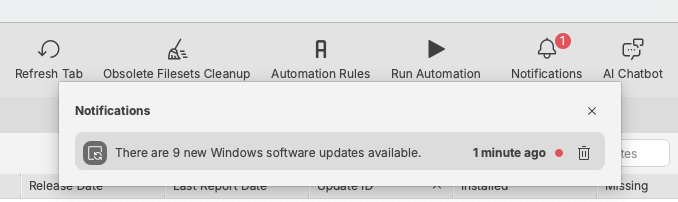
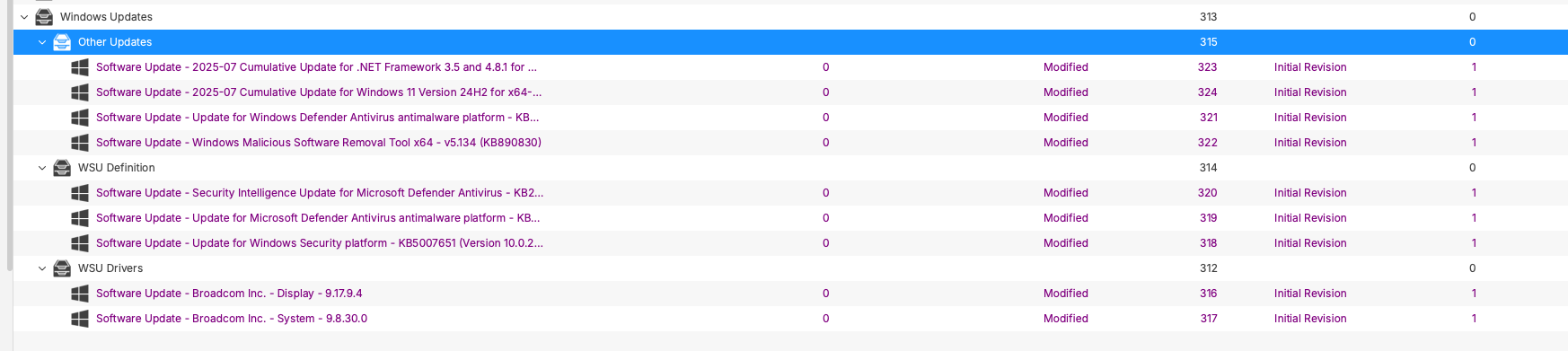

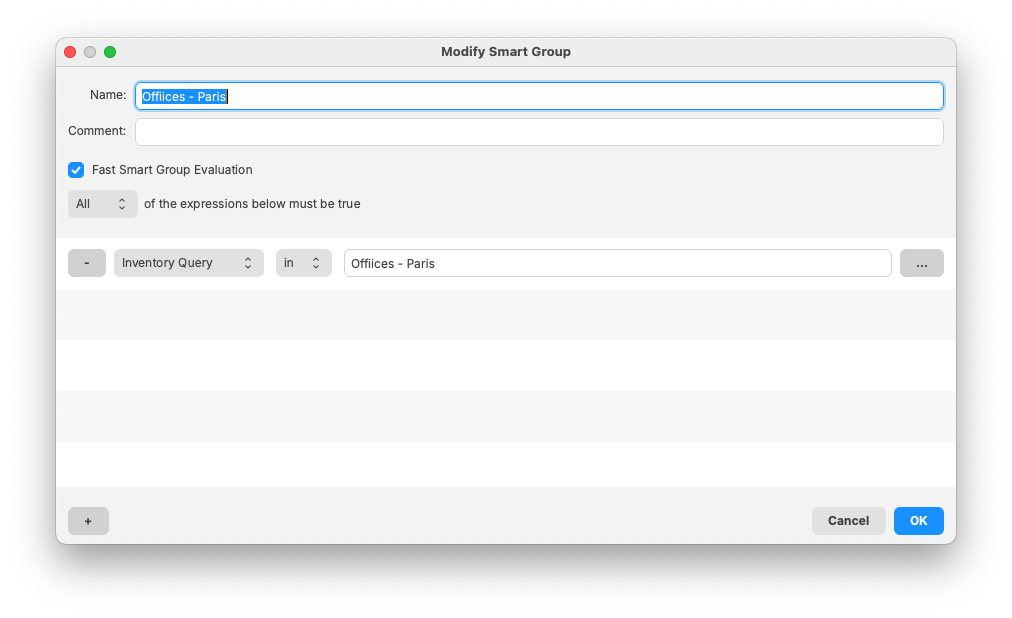
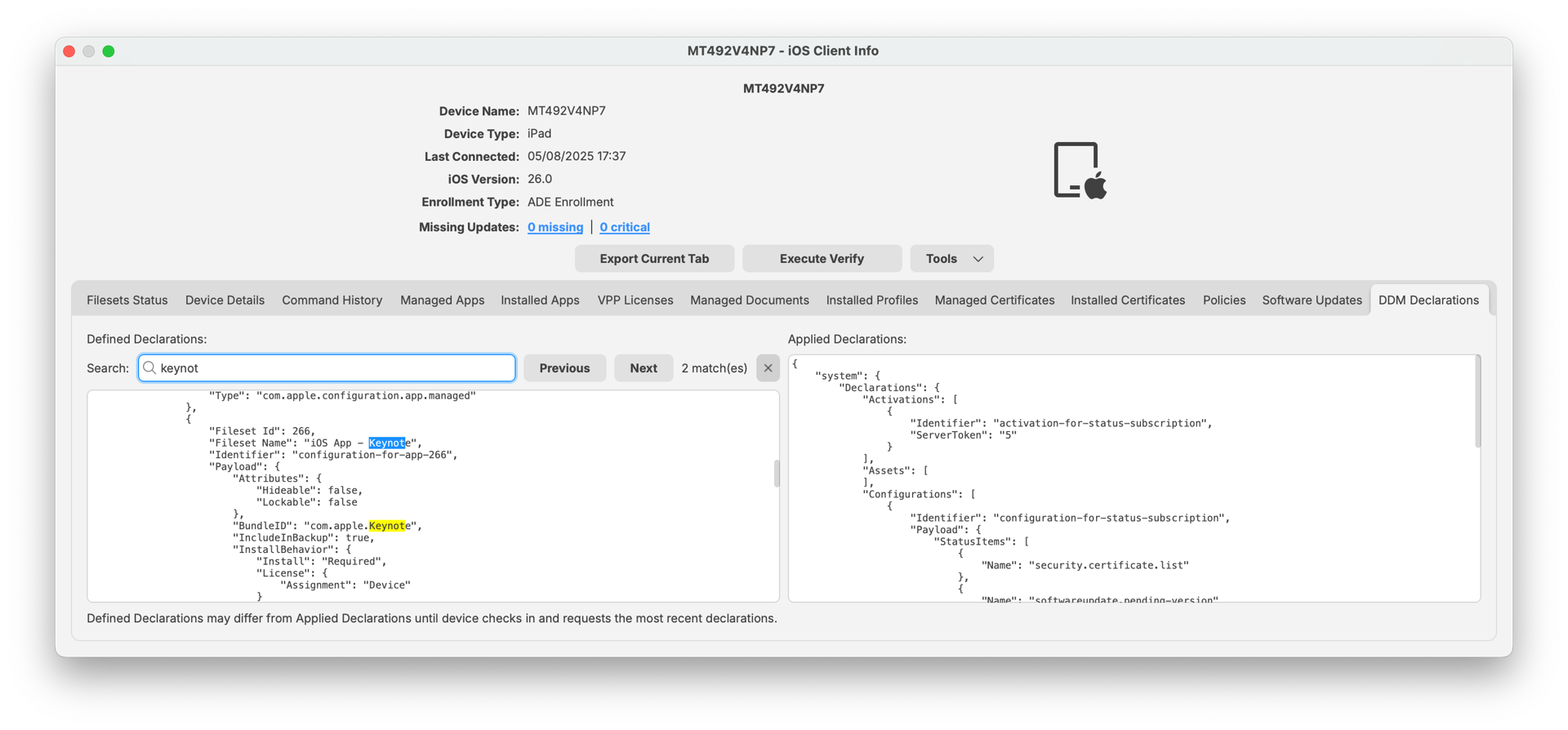
Apple-Specific Changes
### Welcome to ADE
In 2014, Apple introduced DEP, Device Enrollment Program, a set of services making device management much simpler than before ; more than 10 years later, Apple added many features, integrated DEP and VPP together with Apple School or Business Manager, and renamed DEP Automated Device Enrollment (ADE). As FileWave 16.2 finally updates its UI and renamed DEP to ADE. Likewise Apple, some internal components can still refer to DEP for backward compatibility reasons (mainly inventory).
### ADE profile and MDM certificate
ADE profile allows specifying a list of certificates which will be used at enrollment time:
- CA or Intermediate CA certificates can be used to let the device trust the MDM Server certificate, or any server used during enrollment like IDP authentication server
- Leaf certificate can be specified to enforce security, enrolling devices checking that MDM server certificate matches provided certificate in ADE profile
Until FileWave 16.2, when ADE profile is created, FileWave automatically adds the MDM server leaf certificate, which is the most secure option, but has one drawback: since 2014, security standards have lowered the life-time of certificates. Let’s Encrypt certificates are for instance valid for only 90 days while 3 years was common in 2014. When certificate is renewed, ADE profile becomes obsolete and needs to be updated, and due to a limitation in Apple’s ADE API, updated profile needs to be re-assigned to all devices. This process takes time, can frequently error due to rate limit Apple side, and can cause ADE profile duplication on FileWave side if it’s not complete.
With FileWave 16.2, the new default is to only provide [MDM server certificates “trust chain”](https://kb.filewave.com/books/apple-school-business-manager/page/apple-ade-mdm-certificate-vs-mdm-trust-chain "MDM server certificates “trust chain”") (Root CA and intermediate certificates). This offers a good compromise between security and ease of maintenance, and is the best option if you have shorter-living certificates, as this avoids updating ADE profiles every time certificate is renewed.
FileWave 16.2 has a new Preferences setting allowing you to choose previous behavior if you have longer-living certificates and don’t renew ADE profiles too frequently.
### Granular profiles
Profiles are a fantastic way to control your Apple devices, and FileWave has integrated Profile Editor for more than a decade. Like Apple Configurator ( and now decommissioned iPhone Configurator Utility and Profile Manager), FileWave Profile Editor is not always very granular, and does not allow you to only modify one specific parameter without touching some others. Until FileWave 16.2, where we are excited to introduce our firsts Granular Profiles. With Restriction Profiles, for all platforms, you now can select the option you want to configure. For instance if you want to disable the Camera, you can now create a profile which disables the Camera, and only changes the Camera, nothing else.
In 16.2 we applied this to Restrictions, but we expect to extend this to other profiles in coming versions.
We also took the opportunity to make the UI consistent between DDM config and assets and use the same *optional* switch everywhere we support granularity.
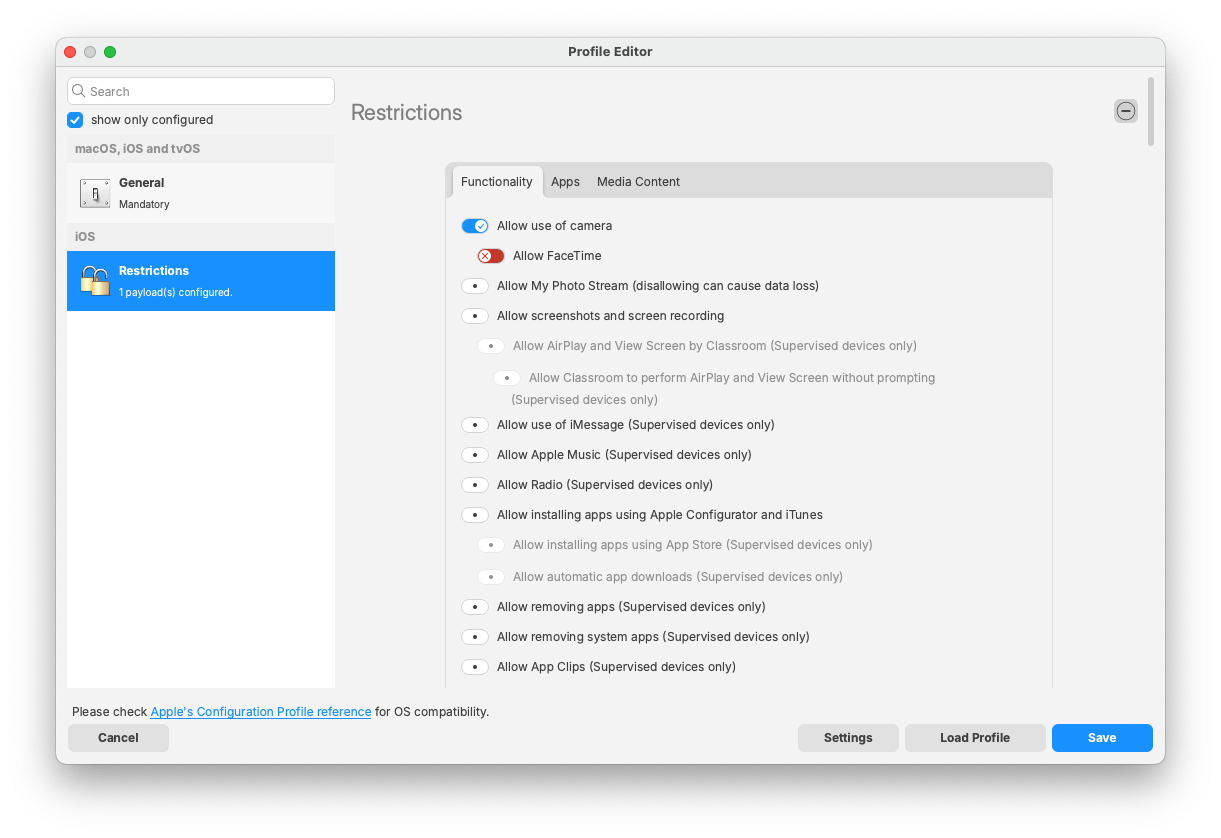
### Profile changes
- macOS Restrictions now has Media Content support (macOS 15+)
- WebContent Filter profile has new options related to URLs to filter
- Network Relay profile has new options (allowing user to disable the setting, and settings related to DNS Failover)
- DNS Settings profile has new “Allow Failover” Setting. In addition, OnDemandRules can now be edited directly inside FileWave instead of copy/pasting raw XML rules.
- VPN profile uses the same OnDemandRules component
- new Restrictions:
- allowSafariHistoryClearing, allowSafariPrivateBrowsing (iOS 26, macOS 26),
- deniedICCIDsForiMessageFaceTime, deniedICCIDsForRCS for iOS 26
- new Restrictions related to Apple Intelligence:
- allowWritingTools
- allowSafariSummary
- allowMailSummary
- allowMailSmartReplies
- allowNotesTranscriptionSummary
- allowNotesTranscription
- allowImagePlayground
- allowImageWand (iOS only)
- allowGenmoji
- allowVisualIntelligenceSummary (iOS only)
- allowAppleIntelligenceReport
- allowedExternalIntelligenceWorkspaceIDs
### DDM changes
- new DDM Configuration to manage Safari Settings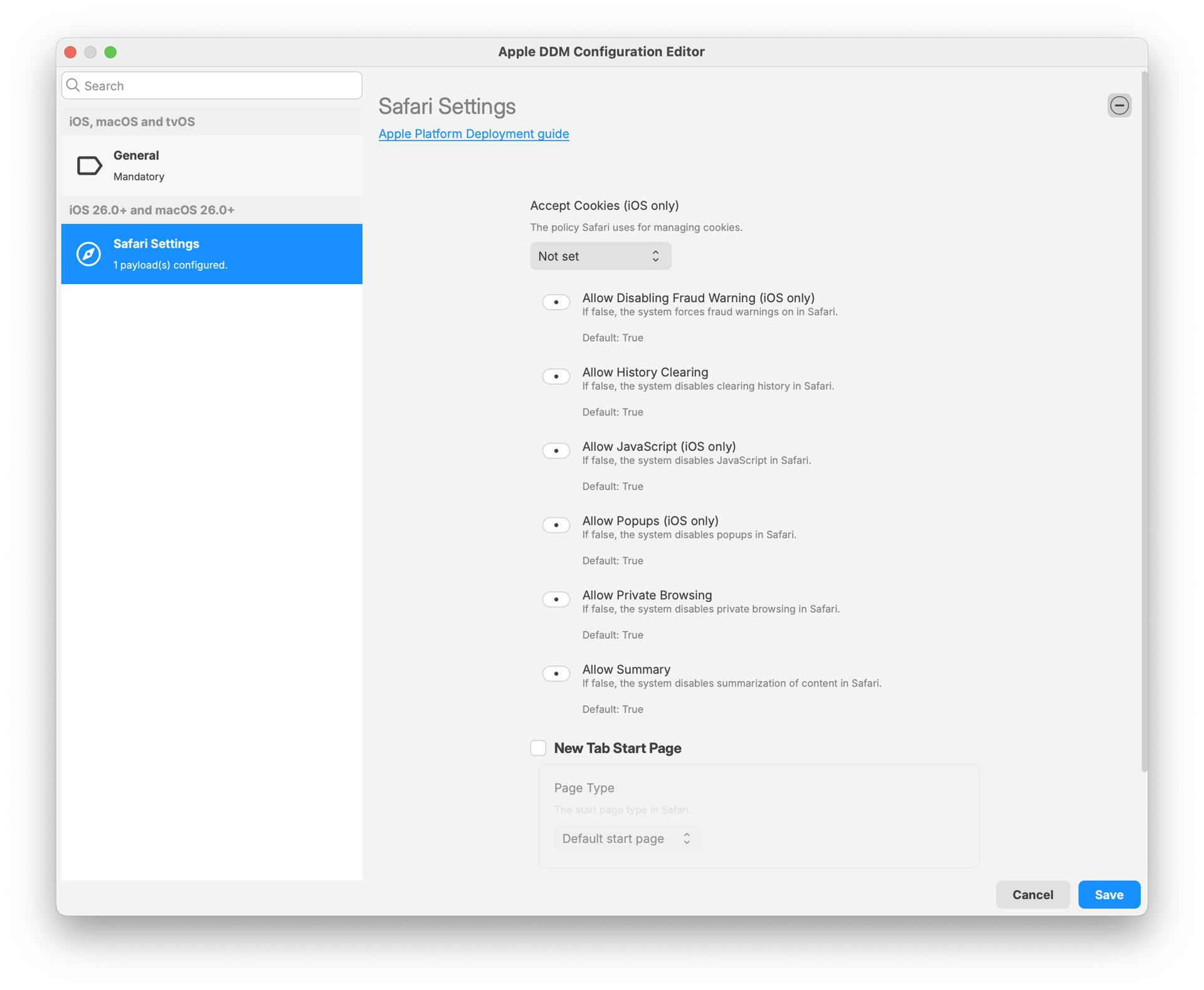
- new DDM Configuration to manage Safari Bookmarks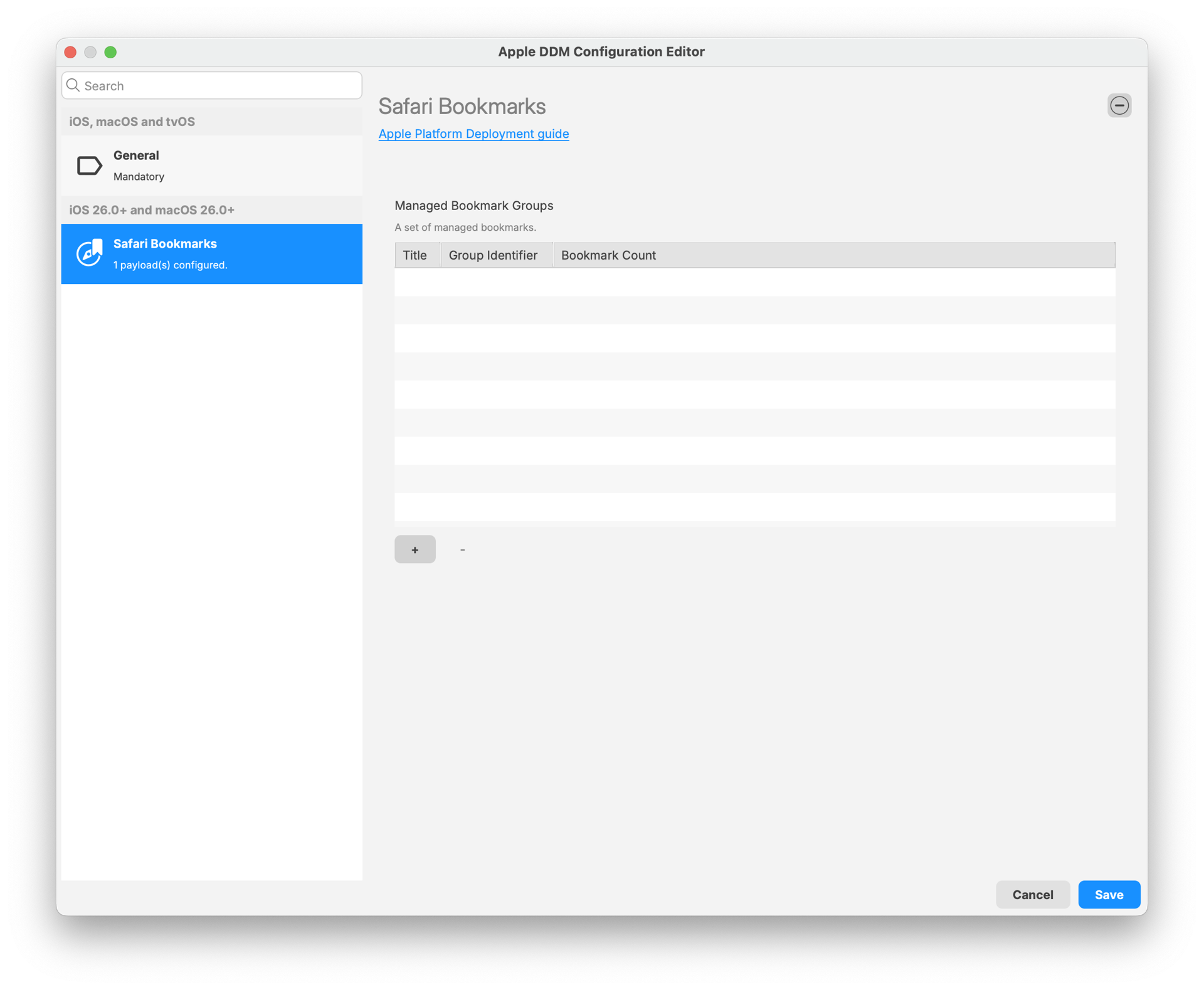
- new DDM Configuration to manage Audio Accessories pairing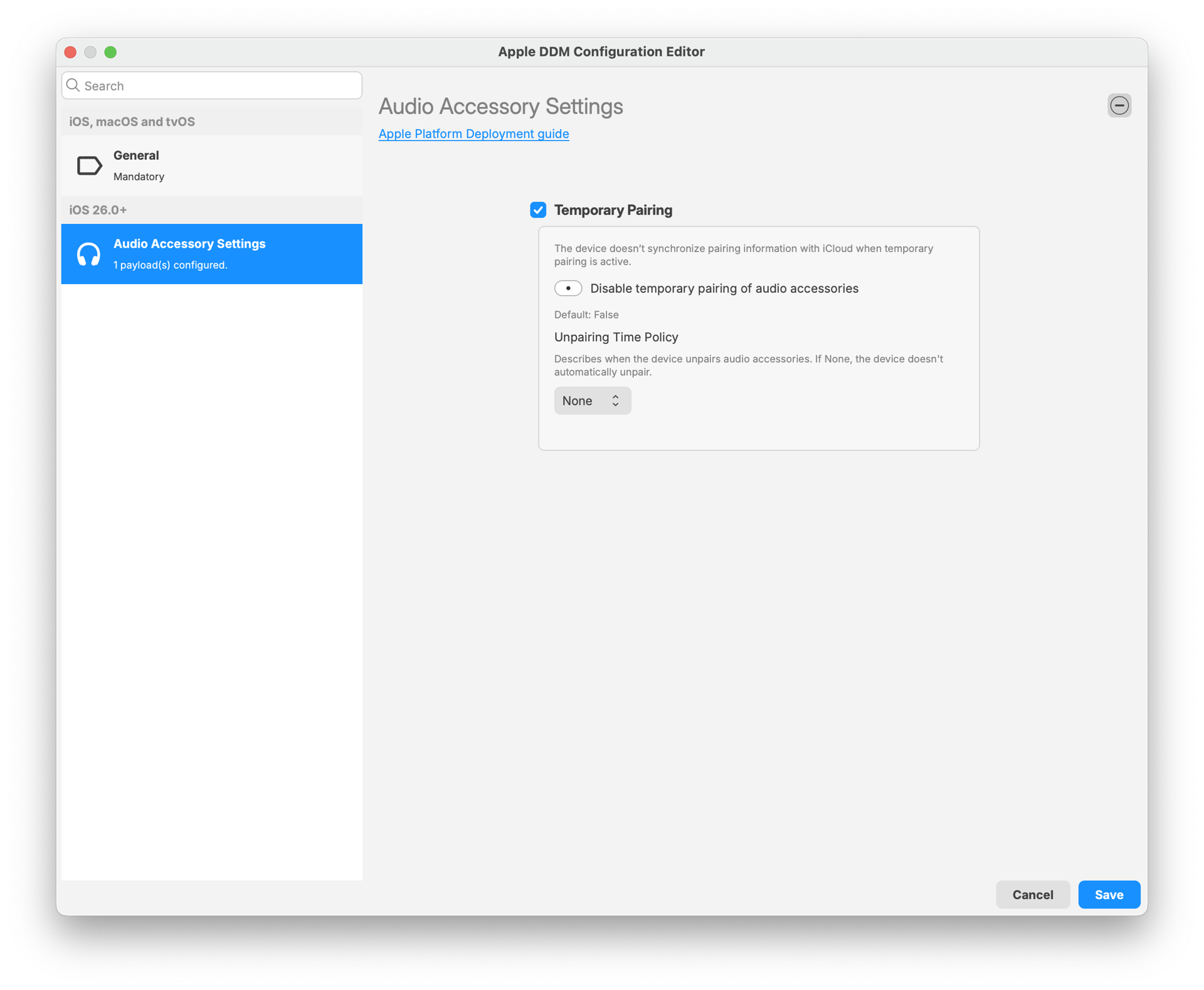
- Battery Health status is reported on supporting iPads
In FileWave 16.2, we also introduced changes related to Application Management:
- iOS and macOS can now install App Store Applications using DDM instead of MDM
- on iOS, DDM Apps can use DDM Assets for:
- “App Config” replacement to configure Applications deployed via DDM
- Password, identity, Certificates made available just for the appx
Installation of DDM applications is currently not as reliable as with MDM. Most recent iOS 26 Beta seems to fix installation problems, but macOS 26 still has issues.
In addition, MDM allows installing applications which can be later removed by the user (this is our default for Kiosk based associations), which is not possible today with DDM.
For these reasons, DDM-base app management is currently disabled and can be enabled as Technical Preview in FileWave 16.2
Android-Specific Changes
**Android 16** is officially supported and minor bug fixes.
FileWave Windows Imaging (IVS) Changes
FileWave Windows Imaging solution relies on PXE Boot, which delivers a tiny Linux image containing all required components to run the imaging process. Compatibility with different hardware depends on how the tiny linux image is built - mainly which Linux kernel version and embedded packages and modules.
FileWave Networking Imaging 16.2.0 brings compatibility with FileWave 16.2.x.
- Linux Kernel: 6.15.5
- Buildroot: 2025.05
- partclone 0.3.37
**Optional Encryption**
FileWave 15.5 introduced encryption for NFS Shares, which are used by devices to access images. This mechanism relies on NFS v4 which has strong impact on bandwidth, especially during concurrent access, and can significantly increase imaging times.
FileWave 16.2 makes encryption optional:
- As imaging relies on DHCP requests interception, it is recommended to use dedicated lab for imaging process, to ensure it does not interfere with your network. Encrypting communication in this context may not be required.
- If you really need encryption, it is possible to enable it using [imaging-control](https://kb.filewave.com/books/network-imaging-ivs/page/windows-imaging-in-filewave-secure-imaging-option-155 "Windows Imaging in FileWave: Secure Imaging Option (15.5+)") command.
- We're investigating if we can improve speed and resource consumption while encryption is enabled for a future version.
**Monitoring tools**
Imaging is a resource consuming task, as disk images are typically quite large (several GB), which needs to be read on IVS, transferred to device, then written on device disk. It requires fast storage for IVS, for the device and fast network, and it can only go as fast as the slower component.
FileWave 16.2 [now embeds tools like iperf3](https://kb.filewave.com/books/network-imaging-ivs/page/imaging-speed-test-for-ivs-performance-verification "Imaging Speed Test for IVS Performance Verification") (IVS and PXE Linux) or iftop to help you tracking bottlenecks.
Internal Changes
##### **Third party libraries**
Third-party libraries updated for improvements and security changes. Mainly:
- With FileWave 16.1, Postgres has been upgraded to 17 Upgrading Database engine requires upgrading Database data, which can take some time.
Be patient when upgrading to FileWave 16.2 from FileWave 15.5.2 or older.
- Qt has been upgraded to 6.9.2
- Python has been upgraded to 3.13
- OpenSSL has been upgraded to 3.5.3
##### **PG Bouncer**
PgBouncer is a service that helps manage how applications connect to a PostgreSQL database. It keeps things running smoothly by reusing existing connections instead of creating new ones constantly, which improves speed and stability, and reduces resources requirements.
##### **macOS Code signing identity change**
The code signing identity we use to sign FileWave binaries and applications changes from “FileWave (Europe) Gmbh” (team ID 83S2TRZ3CS) to “FileWave (USA), Inc.” (UWMR88SA8G).
FileWave 16.2.3will automatically update the [TCC Profile](https://developer.apple.com/documentation/devicemanagement/privacypreferencespolicycontrol "https://developer.apple.com/documentation/devicemanagement/privacypreferencespolicycontrol") which is deployed to grant FileWave client (fwcld) the right permissions when deployed via MDM.
There should be no other impact except the name of the signing identity.
Deprecated Features
The following features have been deprecated from FileWave 16.2. They are present but will be removed in a future release:
- **FileWave Central Dashboard**: The Dashboard in FileWave Central will be replaced by a view of a Grafana Dashboard to not maintain 2 Dashboard systems.
- **Client Monitor application:** The standalone Client Monitor will be removed in a future release because it is only used for FileWave Clients < 16.1.0 as well as monitoring the IVS server. It will be included at least until the IVS dependency is removed.
- **Discovery based queries:** FileWave used to provide a tool together with booster to scan network and report unmanaged devices to FileWave Inventory. This feature has been removed in FileWave 15.0, but Inventory database material was left for compatibility. Make sure you don't have any query (reports or smart group) using Discovery based field.
- **Model Update "v1"**. FileWave internals in charge of applying modifications when "model is updated" have been moved from our C++ Legacy backend to the modern Python backend with FileWave 16.0 ; C++ backend is still available in FileWave 16.2, but will be removed in 16.3
We encourage you to provide product feedback if you have any concerns: [FileWave Product Management](https://kb.filewave.com/books/community-engagement/page/filewave-product-management "FileWave Product Management") or in the Help menu of Central/Anywhere you can send feedback as of 16.2.
Decommissioned Features
##### The following features have been removed from FileWave 16.2.0:
- **iOS Inventory**: this feature has been introduced with FileWave 5.0 when MDM server was an optional, separated component. To simplify Central tool, we have removed iOS inventory as everything is now available either in Clients module or via Inventory Queries.
Changes and Fixes in 16.2.4
Bug fixes:
- FWRD-17176 Fixed an issue where available disk space on a client was not checked before downloading a single file
Upgraded third party components:
- OpenSSL 3.5.5
Changes and Fixes in 16.2.3
Bug fixes:
- FWRD-16712 Improved robustness of Fileset synchronization with CloudFlare R2 (Hosted servers)
- FWRD-16601 Fixed a potential issue where enrolling a device after adding placeholder could break model update
Upgraded third party components:
- Apache 2.4.66
- Python 3.13.11
Changes and Fixes in 16.2.2
Bug fixes:
- FWRD-16476 Fixed a potential component crash when network connectivity drops (for instance when client host goes to sleep)
- FWRD-16610 Made sure Web Content Filter renamed-by-Apple keys are properly handled to support both macOS 26 and previous macOS versions
Changes and Fixes in 16.2.1
Bug fixes:
- FWRD-15927 "Open in Google Maps" within FileWave Anywhere fails to open
- FWRD-16368 Fixed an issue where Imaging Associations could disappear from Central
- FWRD-16390 Fixed a potential issue where desktop device placeholder could not be properly replaced by enrolling device
- FWRD-16404 Fixed an issue where Central would incorrectly display "There are no boosters" message if current filter returns no booster.
- FWRD-16428 Inventory query based on filesetdeploymentstatus are very slow
Open Source updates:
- OpenSSL 3.5.4
- Qt 6.9.3
- Redis 8.0.4
Changes and Fixes in 16.2.0
Bug fixes:
- FWRD-883 Fixed an issue where the "Is Supervised" field was missing from the "Device Info - General" view for DEP enrolled devices in Anywhere Admin
- FWRD-918 Fixed an issue where Fileset dependency would have incorrect status in Client Info
- FWRD-2072 Fixed an issue where duplicating client would not observe target groups
- FWRD-2333 Fixed an issue where group clones could not be deleted in Web Admin and were expandable, unlike in Central
- FWRD-2561 Fixed issues with the PATCH /payloads/v1/payloads/<id> API endpoint: Empty 'name' now returns 400 Bad Request, and missing 'type' no longer causes a 500 error
- FWRD-3290 Fixed an issue where folders below All Users could not be deleted when removing fileset from device
- FWRD-3666 Fixed "Verification script" tooltip related to exact execution time
- FWRD-3831 Fixed ADE profile UI related to account creation password
- FWRD-11374 Fixed an issue where duplicating Fileset revision using "Duplicate content only" could lead to unexpected results due to missing metadata
- FWRD-11682 Fixed an issue where API related to custom fields could not check user permissions
- FWRD-12399 Fixed Return To Service not working if corresponding device uses Custom Enrollment in ADE Profile
- FWRD-12652 Fixed an issue where RecoveryLock commands would not be automatically sent after device is wiped
- FWRD-13225 Fixed --help-all admin command line option
- FWRD-13989 Fixed an issue that caused the Details view for books such as "Pride and Prejudice" in the iOS Kiosk to appear blank; details now load correctly after correcting an invalid date-time offset
- FWRD-14217 Fixed an issue where 2 VPP licenses could be temporarily used when VPP Fileset is deployed on macOS
- FWRD-14473 Corrected a typo in the German "no results" message in Kiosk V2 search ("Ergebisse" -> "Ergebnisse")
- FWRD-14900 Added new Kiosk to app picker in Apple profiles
- FWRD-15147 Restored support for bulk-editing the Chromebook "Notes" custom field via CSV by recognising the column `ChromebookClient\_\_notes`
- FWRD-15365 Fixed an issue where DeviceConfigured MDM command could be sent on User Channel
- FWRD-15367 Fixed an issue where DeviceConfigured command could be sent on every verify
- FWRD-15382 Fixed an issue where MDM command to install Disk Encryption profile could be sent multiple times during ADE enrollment
- FWRD-15390 Fixed an issue where DDM asset or configuration would not have matching name when duplicating fileset
- FWRD-15398 Fixed an issue where Enterprise Application fileset properties dialog would incorrectly request VPP License
- FWRD-15410 Fixed an issue where changing 'Remove App when MDM profile is removed' would not mark the fileset as modified in Central
- FWRD-15417 Fixed an issue where Disk Encryption selector would not be properly handled if current admin does not have proper permissions on the profile
- FWRD-15428 Fixed an issue where "Show Associations" Window could not automatically close when focus is lost (Windows)
- FWRD-15450 Resolved a "multiple results returned" SQL error in the `inventory\_filesetdeploymentstatus` view caused by conflicting clients with the same `filewave\_id`; inventory reports now generate successfully
- FWRD-15466 Resolved an issue where the Actions dropdown (three-dot menu) did nothing the first time it was opened after a page load
- FWRD-15490 Fixed an issue where "Enroll Android Device" dialog could fail with error 500
- FWRD-15491 Fixed a potential Central crash when managing Android Enrollment token with Wi-Fi client certificate
- FWRD-15516 Fixed an issue where Inventory information related to logged in / logged out users would be lost after client restart
- FWRD-15544 Fixed the test-automation pipeline so that builds triggered with `RUN\_TEST\_ENTERPRISE\_APP\_BUILD=true` now complete successfully for the `test\_enterprise\_app` profile
- FWRD-15619 Corrected Payloads view filtering so Apple profile filesets located inside groups are displayed when the "Apple profile" filter (or any other Type filter) is applied
- FWRD-15690 Fixed a potential crash when IVS server is removed from Central Preferences but IVS server is still running
- FWRD-15759 Fixed an issue where Chromebook specific context menu options would not work when menu triggered from inventory queries
- FWRD-15779 Fixed an issue where prometheus endpoints, used for dashboard metrics collection, could not require authentication
- FWRD-15805 Fixed minor cosmetic issues in Software Update module in Central
- FWRD-15806 Improved management of CDN-Hosted filesets in case of missing index
- FWRD-15821 Fixed an issue where the Client Info Users tab did not display information (remaining empty until reopened) when the server was slow, and in dev environments, it triggered an assert causing admin closure
- FWRD-15824 Fixed an issue where sorting by "Last Report Date" could fail and display empty list in Central Software Update module
- FWRD-15840 Fixed an UI issue where tooltip could be removed from new tri-state switch
- FWRD-15842 Fixed an issue where Last Software Update Scan date time could be reported as linux epoch
- FWRD-15853 Changed the "news" notification category to open in a modal (with the HubSpot post title or default "What's New") instead of a banner, matching the behavior of "releases" notifications
- FWRD-15865 Fixed an issue where software update release date would default to creation date if unknown
- FWRD-15869 Fixed an issue where empty iOS / tvOS Restrictions profiles were shown as "Security & Privacy" in Anywhere; the correct Restrictions section now loads, and default tri-state values are handled safely
- FWRD-15947 Fixed an issue where context menu actions could be incorrectly triggered on smaller screens
- FWRD-15971 Corrected the "Login to Azure AD" button in the Add Azure AD Account wizard so it redirects to the Microsoft Azure sign-in page instead of FileWave KB documentation
- FWRD-15987 Fixed various typos
- FWRD-16004 Fixed an issue where duplicating ADE profile could duplicate Anchor certificates
- FWRD-16010 Fixed a potentiel crash when deleting empty value of "Whitelisted Apps" (Network Profile)
- FWRD-16011 Added a safeguard to prevent rare startup crashes in Kiosk when querying screen size; Kiosk now launches reliably across supported platforms
- FWRD-16062 Made sure model update usage is properly reported in Analytics
- FWRD-16112 Fixed an issue where icon for Software Update status would be incorrect when using a different language
- FWRD-16139 Windows MDM EntraID enrollment not working
- FWRD-16157 Fixed an issue where incorrect kiosk information for iOS fileset could prevent update model
- FWRD-16177 Fixed an issue where fwcld-on-ivs fingerprint should be manually changed to enroll multiple IVS
- FWRD-16178 Fixed a potential issue where Database House Keeping task could fail due to some incorrect database entries
- FWRD-16186 Styling is broken for column picker
- FWRD-16189 Profile Manager - Table element editing and saving - 16.2 hotfix
- FWRD-16199 Fixed an issue where "Reinstall Fileset" would not work in Fileset report since 16.1
- FWRD-16265 Fixed an issue where computed data used in Grafana Dashboard or in Deployment Status information could not be properly updated after upgrade
- FWRD-16272 Fixed an issue where reboot fileset dialog would not have full screen background on macOS 26 VM
- FWRD-16317 Fixed a potential database deadlock when multiple Windows devices report the same Windows Updates installed outside FileWave at the same time
- FWRD-16318 Fixed an issue where OVA appliances would not have correct default settings (RAM, Guest OS)
- FWRD-16320 Fixed 32-bit Architecture requirement incorrectly renamed 64-bit in Fileset Properties
- FWRD-16321 Fixed an issue where imaging could be slower even if secure sharing is disabled
- FWRD-16338 Fixed an issue where Fileset Report dialog would incorrectly be updated when devices are removed, which could lead to Central admin crash
- FWRD-16341 Fixed an issue where Universal VPP applications would not upgrade on macOS if app metadata has minimum os version defined
- FWRD-16356 Fixed an issue where FileWave could be blocked when performing an http request
macOS Downloads
[](https://kb.filewave.com/uploads/images/gallery/2023-06/76nOWO8TRbgPaH2X-apple.png)
[macOS Upgrade Fileset](https://fwdl.filewave.com/16.2.4/FileWave_Upgrade_Fileset_macOS_16.2.4_8ef41105.fileset.zip) (md5: 641344c7257975c6176852cfd0dcd725)
[macOS Central (Admin)](https://fwdl.filewave.com/16.2.4/FileWave%20Admin.pkg) (md5: 9f658e66ced16cf2c0674aa0096f559e)
[macOS Booster](https://fwdl.filewave.com/16.2.4/FileWave%20Booster.pkg) (md5: fdbafa10469261c880abead8a940f333)
[macOS Server](https://fwdl.filewave.com/16.2.4/FileWave%20Server.pkg) (md5: 2221ef5a1a67030f6753ae590d8d026a)
Remember that to upgrade macOS FileWave clients you should use the Upgrade Fileset. Never deploy the macOS Client installer from [https://custom.filewave.com](https://custom.filewave.com) to an existing device. It is intended for new installs.
Windows Downloads

[Windows Upgrade Fileset](https://fwdl.filewave.com/16.2.4/FileWave_Upgrade_Fileset_Windows_16.2.4_8ef41105.fileset.zip) (md5: 7ee12dd85445c3f2bc876abd28fcc34d)
[Windows Central (Admin)](https://fwdl.filewave.com/16.2.4/FileWaveAdmin.msi) (md5: a387800f5012dfdabf3784d83b742559)
[Windows Booster](https://fwdl.filewave.com/16.2.4/FileWaveBooster.msi) (md5: 24dab1ec3716156d0f1f078045d8a783)
Remember that to upgrade Windows FileWave clients you should use the Upgrade Fileset. Never deploy the Windows Client installer from [https://custom.filewave.com](https://custom.filewave.com) to an existing device. It is intended for new installs.
iOS Downloads
[](https://kb.filewave.com/uploads/images/gallery/2023-06/wENbdLgueSVvwqEL-ios.png)
Kiosk on iOS / iPadOS is now automatically installed from a CDN. ([Read More](https://kb.filewave.com/books/unreleased-filewave-versions/page/automatic-updating-of-ios-kiosk-153 "Automatic updating of iOS Kiosk (15.3+)"))
Chrome Extension
[](https://kb.filewave.com/uploads/images/gallery/2023-06/XP14ofjLt6jwkKXC-chrome-logo.png)The FileWave Inventory extension for Chromebook has to be installed via the Google Admin Console for your domain. Please see [Quickstart Guide for Chromebooks](https://kb.filewave.com/books/evaluation-guide/page/chromebook-client-pre-requisites "Quick Start Guide for Chromebooks") for detailed instructions
Debian Linux Downloads
[](https://kb.filewave.com/uploads/images/gallery/2023-11/XhLPXfKJskrWOllh-image.png)
[Debian Linux Server](https://fwdl.filewave.com/16.2.4/fwxserver_16.2.4_amd64.deb) (md5: 18cebb4dcf9cb13076d444a11a761fc5)
[Debian Linux Booster](https://fwdl.filewave.com/16.2.4/fwbooster_16.2.4_amd64.deb) (md5: baa8990b56c50bcf513cc0f7538c473c)
[Debian Linux IVS: FileWave Admin](https://fwdl.filewave.com/16.2.4/filewave-admin_16.2.4_amd64.deb) (md5: 0aebc09961170fd8468e8153c5064ba9)
[Debian Linux IVS: FileWave Imaging Client](https://fwdl.filewave.com/16.2.4/filewave-imaging-client_16.2.4_amd64.deb) (md5: 50171f589db7eed5b945cd33eaf4f673))
[Debian Linux IVS: IVS Kernel](https://fwdl.filewave.com/16.2.4/ivs-kernel-16.2.4-1.x86_64.deb) (md5: 6a70266935f60e6d84d40fa788b6c273)
[Debian Linux IVS: FileWave IVS](https://fwdl.filewave.com/16.2.4/filewave-ivs_16.2.4_amd64.deb) (md5: e5fb3f09c9457b5525898626858c6cee)
For any of the below upgrades you would want to console or SSH to your Server/Booster/IVS and then run the command listed to upgrade the relevant component.
If you are using a FileWave appliance that before 15.4.0 the SSH access was with the user "root" and for any appliance setup from 15.4.0 or later the user is "fwadmin" and you would have been forced to [set the password on first login](https://kb.filewave.com/books/unreleased-filewave-versions/page/setting-the-password-on-first-login-to-filewave-appliances-154 "Setting the password on first login to FileWave Appliances (15.4+)").
**Upgrading the FileWave Server** To install or upgrade the FileWave Server, use the following :
```shell
sudo DEBIAN_FRONTEND=noninteractive bash -c 'set -e; apt-get update -y; apt-get install -y -o Dpkg::Options::="--force-confdef" -o Dpkg::Options::="--force-confold" screen wget; ts=$(date +%Y%m%d%H%M%S); scr=fwxserver_upgrade_$ts; tmp=/tmp/fwxserver_upgrade_$ts.sh; wget -qO "$tmp" https://kb.filewave.com/attachments/411; chmod +x "$tmp"; echo "Starting upgrade in screen session: $scr"; echo "Detach with Ctrl-A then D, reattach with: sudo screen -r $scr"; exec screen -S "$scr" bash -lc "\"$tmp\" -v 16.2.4 -r 1 -p -y"'
```
---
**Upgrading a Booster**
To install or upgrade the FileWave Booster, use the following or [Booster Auto-Upgrade](https://kb.filewave.com/books/boosters/chapter/booster-auto-upgrade "Booster Auto-Upgrade") :
```shell
sudo DEBIAN_FRONTEND=noninteractive bash -c 'set -e; apt-get update -y; apt-get install -y -o Dpkg::Options::="--force-confdef" -o Dpkg::Options::="--force-confold" screen wget; ts=$(date +%Y%m%d%H%M%S); scr=fwxserver_upgrade_$ts; tmp=/tmp/fwxserver_upgrade_$ts.sh; wget -qO "$tmp" https://kb.filewave.com/attachments/412; chmod +x "$tmp"; echo "Starting upgrade in screen session: $scr"; echo "Detach with Ctrl-A then D, reattach with: sudo screen -r $scr"; exec screen -S "$scr" bash -lc "\"$tmp\" -v 16.2.4 -r 1 -p -y"'
```
**Upgrading a IVS**
To upgrade the FileWave IVS, use the following:
```shell
sudo DEBIAN_FRONTEND=noninteractive bash -c 'set -e; apt-get update -y; apt-get install -y -o Dpkg::Options::="--force-confdef" -o Dpkg::Options::="--force-confold" screen wget; ts=$(date +%Y%m%d%H%M%S); scr=ivs_upgrade_$ts; tmp=/tmp/ivs_upgrade_$ts.sh; wget -qO "$tmp" https://kb.filewave.com/attachments/408; chmod +x "$tmp"; echo "Starting upgrade in screen session: $scr"; echo "Detach with Ctrl-A then D, reattach with: sudo screen -r $scr"; exec screen -S "$scr" bash -lc "\"$tmp\" -v 16.2.4 -r 1 -p -y"'
```
Virtual Appliance Downloads
[](https://kb.filewave.com/uploads/images/gallery/2023-06/d7iBFQCGDdk0ZiLZ-virtual-appliance.png)
**OVA Images** These three images are OVA images suitable for VMWare or other systems that use OVAs:
[VMware and VirtualBox (OVA) Server Appliance](https://fwdl.filewave.com/16.2.4/FileWave_Server_Debian_16.2.4.ova) (md5: 0f3569a04b43fae68a0c7499f2fe883a)
[VMware and VirtualBox (OVA) Booster Appliance](https://fwdl.filewave.com/16.2.4/FileWave_Booster_Debian_16.2.4.ova) (md5: 11b67552e47c3bf26d303e38f90da787)
[VMware and VirtualBox (OVA) Imaging Appliance](https://fwdl.filewave.com/16.2.4/FileWave_IVS_16.2.4_debian.ova) (md5: 73c0a68ff0840e7a2473efb57494e1fc)
[](https://kb.filewave.com/uploads/images/gallery/2023-06/1rHPEOO5khUHCB8f-hyper-v-logo.png)**HyperV Images** These three images are Hyper-V images suitable for Microsoft Hyper-V (**Gen 1**):
[Hyper-V (VHD) Server Appliance](https://fwdl.filewave.com/16.2.4/FileWave_Server_Debian_16.2.4_hyperv-gen-1_VHD.zip) (md5: ea82534be28dfc51baa7267a08994640)
[Hyper-V (VHD) Booster Appliance](https://fwdl.filewave.com/16.2.4/FileWave_Booster_Debian_16.2.4_hyperv-gen-1_VHD.zip) (md5: cfea98bacc4a9bbba9451a966c023ade)
[Hyper-V (VHD) Imaging Appliance](https://fwdl.filewave.com/16.2.4/FileWave_IVS_16.2.4_hyperv-gen-1_VHD_debian.zip) (md5: 79bb5351c63d01b70d6e3fb00686a9d6)
These three images are Hyper-V images suitable for Microsoft Hyper-V (**Gen 2**):
[Hyper-V (VHD) Server Appliance](https://fwdl.filewave.com/16.2.4/FileWave_Server_Debian_16.2.4_hyperv-gen-2_VHD.zip) (md5: 9c1577e41c986b279ff090c98ecd1bc5)
[Hyper-V (VHD) Booster Appliance](https://fwdl.filewave.com/16.2.4/FileWave_Booster_Debian_16.2.4_hyperv-gen-2_VHD.zip) (md5: 1fda005617c5ed252aabba7e255ad40b)
[Hyper-V (VHD) Imaging Appliance](https://fwdl.filewave.com/16.2.4/FileWave_IVS_16.2.4_hyperv-gen-2_VHD_debian.zip) (md5: d133333faff1a769469edbb973547388)
To import our Virtual Appliances, please see: [FileWave Virtual Appliances](https://kb.filewave.com/books/filewave-virtual-appliances "https://kb.filewave.com/books/filewave-virtual-appliances")
To get started with the FileWave Server appliance please see: [Installation and Setup | FileWave KB](https://kb.filewave.com/books/evaluation-guide/chapter/1-installation-and-setup "https://kb.filewave.com/books/evaluation-guide/chapter/1-installation-and-setup")
For Booster setup: [Booster Installation | FileWave KB](https://kb.filewave.com/link/221 "https://kb.filewave.com/books/boosters/page/booster-installation")
For more information about configuring the IVS appliance please see: [Getting started with the Imaging Virtual Server](https://kb.filewave.com/books/network-imaging-ivs/chapter/getting-started-with-the-imaging-virtual-server "https://kb.filewave.com/books/network-imaging-ivs/chapter/getting-started-with-the-imaging-virtual-server")
This book covers how to import our provided OVA's and VHD's into your virtual environments.
CentOS is EOL. You must [Migrating your On-Premise FileWave Server to new Hardware](https://kb.filewave.com/books/filewave-server/page/migrating-your-on-premise-filewave-server-to-new-hardware "Migrating your On-Premise FileWave Server to new Hardware") to get to FileWave on Debian or consider our [Cloud Hosting Product](https://kb.filewave.com/books/community-engagement/page/cloud-hosting-product-information "Cloud Hosting Product Information").
## Unconfigured Client Installers
macOS and Windows
Please note that the below is only to be used when Support has identified that they are needed to fix an issue. Normally these Client packages are not used. Pushing the PKG or MSI below from FileWave can break a client.
[macOS Client](https://fwdl.filewave.com/16.2.4/FileWave%20Client.pkg) (md5: 086738730e422346f6e1f3eda2223417)
[Windows Client](https://fwdl.filewave.com/16.2.4/FileWaveClient.msi) (md5: d26a003ba2f2f91691836fa53f468189)
These downloads are provided for the purposes of migrations and should not continue to be used in production. You should upgrade to either the most recent release or the one prior. They can always be found here: [Supported FileWave Versions](https://kb.filewave.com/books/downloads "Supported FileWave Versions")
The FileWave endpoint management suite allows you to manage your devices wherever they are, wherever you are, whatever they are, and all in one platform! FileWave 16.2 includes powerful new features designed to **simplify administration, strengthen security, and streamline endpoint operations at scale.** This release introduces the new **Admin Notification Channel**, delivering real-time alerts for model updates, client enrollments, new releases, expiring certificates, and more...ensuring administrators stay aware of meaningful events.
Expanded Apple platform support brings **Apple macOS and iPadOS 26 support** and **granular Apple profile controls**, while new onboarding smart groups make device enrollment more efficient and timely, regardless of platform.
In version 16.2, organizations benefit from even more OS patching improvements, which include **FileWave Policies for automated patching**, **obsolete patch cleanup**, and **automation rules for Fileset creation**. This update also delivers a **simplified Central UI**, expanded language support, and new **Windows Imaging Performance Evaluation tools**, further solidifying FileWave’s role as a comprehensive, modern endpoint management solution built for today’s complex environments.
See these new features in action: [FileWave Alliance Livestream Event Q3/2025](https://www.youtube.com/live/HV4eFy5gsRI)
## FileWave Official Version Support
FileWave supports the two latest major versions at any time. For example, if the current version is 16.2.3, we support versions 16.2.3 and 16.1.x. Major releases occur roughly every quarter.
What does “officially support” mean?
We will investigate and patch significant issues in these versions. We do not produce patches for versions older than N-1, focusing instead on current versions and future improvements. If an issue is found in an older version, remediation will be in the form of an upgrade or a patch to a more recent version.
You can still contact our support teams about earlier versions. They will assist you to the best of their ability but won’t escalate tickets to our development teams. Upgrading is recommended to access the latest features and bug fixes.
A Note on Compatibility
A note on the Compatibility charts: There are several states of compatibility for FileWave clients:
- "**Fully Tested by QA**" indicates that we have run QA regression tests against these operating system versions, and they are fully supported.
- "**Expected to Work**" Not being on the fully tested by QA list (such as macOS 12) does not mean that platform is not supported...it just means we did not actively test against it, but we do expect it to function. Support of any issues experienced specifically on these platforms would be considered on a case-by-case basis (but these cases are exceedingly rare.)
- "**Legacy**" versions mean that we don't test, but we do provide a retro-version of a client so that the device can still report in but as FW Server changes there may be challenges to these working. There is NO support for these platforms beyond the availability of the older client, and in almost all cases these are for OSes that are no longer supported by the OS vendor in question.
- Lastly, items do fall out of support, such as Windows XP and the older Android APK client as examples, but we always include these items in our release notes.
An additional note on third-party software inclusion, such as TeamViewer:
- Partnerships we have with third party providers have their own set of system requirements for those released applications. We test against their most recent versions, and support of those applications is limited to third-party vendor specifications.
FileWave Server Platform Support
**[](https://kb.filewave.com/uploads/images/gallery/2023-06/uoC9jiGeyyKHsHZO-fwserver-icon.png)Fully Tested by QA**
- macOS 15 and 26 (Intel and Apple Silicon)
- Debian 12.11 x86\_64 (Note that any Debian 12.x is expected to work, and applying security updates may move you to a higher version. Debian 13 is not supported at the time of this release.)
**Expected to work**
- macOS 12, 13, 14 (Intel and Apple Silicon)
**Virtual Appliances**
- HyperV - The images are available as Generation 2
- VMWare ESX - The images require vmx-19 support which means VMWare vCenter 7.0 Update 2 is the minimum version. ( [https://knowledge.broadcom.com/external/article?legacyId=2007240](https://knowledge.broadcom.com/external/article?legacyId=2007240) )
- VMWare Fusion
- VMWare Player and Workstation
- VirtualBox
**Important FileWave Server upgrade requirement**
FileWave Server upgrades that include PostgreSQL database changes must follow a path where each step supports at least one PostgreSQL version from the previous step. For more detail and examples, see [FileWave Server upgrade paths and PostgreSQL migrations](https://kb.filewave.com/link/1153).
The PostgreSQL overlap points are:
• FileWave 13.3.1 through 14.7.2 include PostgreSQL 12.
• FileWave 16.0.x through 16.2.x include PostgreSQL 12 and PostgreSQL 17.
• FileWave 16.3.x and 16.4.x include PostgreSQL 17 and PostgreSQL 18.
**Recommended upgrade path from older versions:**
`13.3.1–14.7.2 → 16.0.x–16.2.x → 16.3.x or 16.4.x`
If your server is already running FileWave 16.0.x, 16.1.x, or 16.2.x, you can upgrade directly to FileWave 16.3.x or 16.4.x because those releases overlap on PostgreSQL 17; if your server is running a version earlier than 16.0.0, upgrade first to a release in the 16.0.x–16.2.x range, then continue to FileWave 16.3.x or later.
The minimum memory requirement for FileWave Server is **8GB**.
FileWave Clients Platform Support
**[](https://kb.filewave.com/uploads/images/gallery/2023-06/VbVfka5W0oW3DA5l-fwclients-icon.png)**
**Fully Tested by QA**
- macOS 15 and 26 (Intel and Apple Silicon)
- Windows 10 (Pro/Enterprise, version 21H1 and newer, x64)
- Windows 11 (Pro/Enterprise, version 21H2 and newer, x64)
- Windows Server 2022 (x64)
**Expected to work**
- macOS 12, 13 and 14 (Intel and Apple Silicon)
- Windows 10 (Education, version 21H1 and newer, x64)
- Windows 11 (Education, version 21H2 and newer, x64)
- Windows 10 Enterprise LTSC (version 2021 and newer, x64)
- Windows 11 Enterprise LTSC (version 24H2 \[2024\], x64)
- Windows Server 2025 (x64)
Note about LTSB/LTSC: [Microsoft Long Term Service Channel](https://kb.filewave.com/books/microsoft-general-info/page/plan-filewave-compatibility-for-windows-enterprise-ltsc "Microsoft Long Term Service Channel")
**Legacy**
- macOS 10.11 → End of Life due to OpenSSL age
- macOS 10.12 → [Legacy Version 14.0.2](https://kb.filewave.com/books/downloads/page/filewave-version-14102-unsupported "FileWave Version 14.10.2")
- macOS 10.13 → [Legacy Version 14.5.4](https://kb.filewave.com/books/downloads/page/filewave-version-1454-unsupported "FileWave Version 14.5.4 (Unsupported)")
- macOS 10.14 → [Legacy Version 14.8.0](https://kb.filewave.com/books/downloads/page/filewave-version-1480-unsupported "FileWave Version 14.8.0 (Unsupported)")
- macOS 10.15 → [Legacy Version 15.0.1](https://kb.filewave.com/books/downloads/page/filewave-version-1501-unsupported "FileWave Version 15.0.1")
FileWave Mobile Clients Platform Support
**[](https://kb.filewave.com/uploads/images/gallery/2023-06/wjov619ZuqQt8uD0-fwmobile-icon.png)Fully Tested by QA**
- iOS 18, 26
- iPadOS 18, 26
- tvOS 18, 26
- Android 8 and above (EMM Client)
- Chromebook
**Expected to work**
Currently Apple is investigating an issue enrolling iOS 16 or older via ADE/DEP. Enrollment via profile works.
- iOS 14, 15, 16, 17
- iPadOS 14, 15, 16, 17
- tvOS 14, 15, 16, 17
**Legacy**
- iOS 13 → [Legacy Version 15.0.1](https://kb.filewave.com/books/downloads/page/filewave-version-1501-unsupported "FileWave Version 15.0.1")
- iOS 10, 11, 12 → [Legacy Version 13.1.5](https://kb.filewave.com/books/downloads/page/filewave-version-1315-unsupported "FileWave Version 13.1.5 (Unsupported)")
FileWave Central (Native) Platform Support
**[](https://kb.filewave.com/uploads/images/gallery/2023-06/wjov619ZuqQt8uD0-fwmobile-icon.png)**
**Fully Tested by QA**
- macOS 15 and 26 (Intel and Apple Silicon)
- Windows 10 (Pro/Enterprise, version 21H1 and newer, x64)
- Windows 11 (Pro/Enterprise, version 21H2 and newer, x64)
**Expected to work**
- macOS 12, 13 and 14 (Intel and Apple Silicon)
- Windows 10 (Education, version 21H1 and newer, x64)
- Windows 11 (Education, version 21H2 and newer, x64)
FileWave Booster Platform Support
**[](https://kb.filewave.com/uploads/images/gallery/2023-06/rOYHDH6oJSrsRgB6-fwbooster-icon.png)**
**Fully Tested by QA**
- Debian 12.11 x86\_64 (Note that any Debian 12.x is expected to work, and applying security updates may move you to a higher version. Debian 13 is not supported at the time of this release.)
- macOS 15 and 26 (Intel and Apple Silicon)
- Windows 10 (Pro/Enterprise, version 21H1 and newer, x64)
- Windows 11 (Pro/Enterprise, version 21H2 and newer, x64)
- Windows Server 2022 (x64)
**Expected to Work**
- macOS 12, 13, and 14 (Intel and Apple Silicon)
- Windows 10 (Education, version 21H1 and newer, x64)
- Windows 11 (Education, version 21H2 and newer, x64)
- Windows Server 2025 (x64)
**Virtual Appliances**
- HyperV - The images are available as Generation 2
- VMWare ESX - The images require vmx-19 support which means VMWare vCenter 7.0 Update 2 is the minimum version. ( [https://knowledge.broadcom.com/external/article?legacyId=2007240](https://knowledge.broadcom.com/external/article?legacyId=2007240) )
- VMWare Fusion
- VMWare Player and Workstation
- VirtualBox
FileWave Imaging Virtual Server Platform Support
**[](https://kb.filewave.com/uploads/images/gallery/2023-06/cwHvtEjvqfp9gODu-fwivs-icon.png)**
The FileWave Imaging Virtual Server (IVS) is a special appliance that provides imaging support for Windows 10 and 11 UEFI and non-UEFI devices.
**Virtual Appliances**
- HyperV - The images are available as Generation 2
- VMWare ESX - The images require vmx-19 support which means VMWare vCenter 7.0 Update 2 is the minimum version. ( [https://knowledge.broadcom.com/external/article?legacyId=2007240](https://knowledge.broadcom.com/external/article?legacyId=2007240) )
- VMWare Fusion
- VMWare Player and Workstation
- VirtualBox
FileWave Management Suite Changes
### Unified Notification System (Central & Anywhere)
FileWave 16.2.0 introduces a multi-channel notification framework that accompanies earlier “New Release” pop-up from 16.1. 16.2 adds:
- **Modal dialogs** for critical items (“releases”, “news”).
- **Banners** for routine operational updates (such as certificate expiry, model-update status etc.) with auto-hide.
- **Badges** (numeric counters) and a persistent **notification tray** for quick recall of all messages.
- **Event aggregation** to prevent alert fatigue on high-volume events (such as bulk device enrollments).
- Per-admin dismissal tracking, auto-clear on resolution, and analytics for engagement.
**Key benefits include:**
- Administrators see the right information at the right urgency level.
- Faster response to time-sensitive tasks (expiring certificates, new enrollments).
- Scalable foundation for future alert types (DDM, cloud status, etc.).
### IDP Custom-Field Synchronization
Adds backend & UI support to pull user or device attributes (such as *department*, *OU…..*) from external identity providers (Azure AD, Okta, Google, Keycloak). Admins map IDP field ➞ FileWave custom field, then run scheduled or manual syncs. Synced values are available for:
- **Smart Groups & inventory queries.**
- **Variable substitution in profiles** (such as `%custom_field.department%`).
Includes batching, error handling, and API-token security.
**Key benefits include:**
- Eliminates manual CSV updates or LDAP workarounds.
- Enables dynamic policy targeting based on real-time IDP data.
- Supports multi-tenant or split-department use cases with minimal admin effort.
### Software Update management improvements
Software Update management has been completely revisited with FileWave 16.0 ; FileWave 16.2 brings further improvements to simplify update management.
##### **New permissions**
Two new permissions related to Software Update management have been added:
1. Manage Software Updates, which grants to given admin access to the Software Update management Module
2. Configure Software Updates, which grants to given admin access to Software Update settings (see below)
##### **Software Update Policy**
FileWave 16.0 introduced a great way to manage and have full control over software updates within your organization. But, as an admin, you may not have the time to micro-manage all updates, specially when Microsoft publishes Defender updates multiple times a week. FileWave 16.2 introduces a new FileWave Policy allowing you to define a set of updates which will be automatically installed as soon as the device requests it. You won’t benefit from the full control FileWave Fileset system provides, but FileWave will ensure updates are installed and status is reported.
FileWave 16.2 gives you full flexibility to manage updates : the new Policy is perfect to ensure your devices stay automatically up to date, and the Fileset system provides granular control if needed.
Multiple policies can be deployed to the same device for even better control.
##### **Obsolete Fileset management**
With Microsoft publishing a dozen of updates every Patch Tuesday, it’s easy to end up with hundreds of Filesets, if you don’t use our new FileWave Policy feature. After some, most of these Filesets are now obsolete as none of your devices still request the update anymore. But the Fileset is still there, and shows in Client Info or Fileset report, and consumes Server resources.
FileWave 16.2 introduces a new, very simple way to detect obsolete Software Update Filesets and to quickly delete them, freeing resources and clearing your setup.
You have the control: you decide how FileWave considers a Fileset as obsolete, based on the last time a device reported the update as requested, and FileWave will list them, and let you choose which ones you delete.






Apple-Specific Changes
### Welcome to ADE
In 2014, Apple introduced DEP, Device Enrollment Program, a set of services making device management much simpler than before ; more than 10 years later, Apple added many features, integrated DEP and VPP together with Apple School or Business Manager, and renamed DEP Automated Device Enrollment (ADE). As FileWave 16.2 finally updates its UI and renamed DEP to ADE. Likewise Apple, some internal components can still refer to DEP for backward compatibility reasons (mainly inventory).
### ADE profile and MDM certificate
ADE profile allows specifying a list of certificates which will be used at enrollment time:
- CA or Intermediate CA certificates can be used to let the device trust the MDM Server certificate, or any server used during enrollment like IDP authentication server
- Leaf certificate can be specified to enforce security, enrolling devices checking that MDM server certificate matches provided certificate in ADE profile
Until FileWave 16.2, when ADE profile is created, FileWave automatically adds the MDM server leaf certificate, which is the most secure option, but has one drawback: since 2014, security standards have lowered the life-time of certificates. Let’s Encrypt certificates are for instance valid for only 90 days while 3 years was common in 2014. When certificate is renewed, ADE profile becomes obsolete and needs to be updated, and due to a limitation in Apple’s ADE API, updated profile needs to be re-assigned to all devices. This process takes time, can frequently error due to rate limit Apple side, and can cause ADE profile duplication on FileWave side if it’s not complete.
With FileWave 16.2, the new default is to only provide [MDM server certificates “trust chain”](https://kb.filewave.com/books/apple-school-business-manager/page/apple-ade-mdm-certificate-vs-mdm-trust-chain "MDM server certificates “trust chain”") (Root CA and intermediate certificates). This offers a good compromise between security and ease of maintenance, and is the best option if you have shorter-living certificates, as this avoids updating ADE profiles every time certificate is renewed.
FileWave 16.2 has a new Preferences setting allowing you to choose previous behavior if you have longer-living certificates and don’t renew ADE profiles too frequently.
### Granular profiles
Profiles are a fantastic way to control your Apple devices, and FileWave has integrated Profile Editor for more than a decade. Like Apple Configurator ( and now decommissioned iPhone Configurator Utility and Profile Manager), FileWave Profile Editor is not always very granular, and does not allow you to only modify one specific parameter without touching some others. Until FileWave 16.2, where we are excited to introduce our firsts Granular Profiles. With Restriction Profiles, for all platforms, you now can select the option you want to configure. For instance if you want to disable the Camera, you can now create a profile which disables the Camera, and only changes the Camera, nothing else.
In 16.2 we applied this to Restrictions, but we expect to extend this to other profiles in coming versions.
We also took the opportunity to make the UI consistent between DDM config and assets and use the same *optional* switch everywhere we support granularity.

### Profile changes
- macOS Restrictions now has Media Content support (macOS 15+)
- WebContent Filter profile has new options related to URLs to filter
- Network Relay profile has new options (allowing user to disable the setting, and settings related to DNS Failover)
- DNS Settings profile has new “Allow Failover” Setting. In addition, OnDemandRules can now be edited directly inside FileWave instead of copy/pasting raw XML rules.
- VPN profile uses the same OnDemandRules component
- new Restrictions:
- allowSafariHistoryClearing, allowSafariPrivateBrowsing (iOS 26, macOS 26),
- deniedICCIDsForiMessageFaceTime, deniedICCIDsForRCS for iOS 26
- new Restrictions related to Apple Intelligence:
- allowWritingTools
- allowSafariSummary
- allowMailSummary
- allowMailSmartReplies
- allowNotesTranscriptionSummary
- allowNotesTranscription
- allowImagePlayground
- allowImageWand (iOS only)
- allowGenmoji
- allowVisualIntelligenceSummary (iOS only)
- allowAppleIntelligenceReport
- allowedExternalIntelligenceWorkspaceIDs
### DDM changes
- new DDM Configuration to manage Safari Settings
- new DDM Configuration to manage Safari Bookmarks
- new DDM Configuration to manage Audio Accessories pairing
- Battery Health status is reported on supporting iPads
In FileWave 16.2, we also introduced changes related to Application Management:
- iOS and macOS can now install App Store Applications using DDM instead of MDM
- on iOS, DDM Apps can use DDM Assets for:
- “App Config” replacement to configure Applications deployed via DDM
- Password, identity, Certificates made available just for the appx
Installation of DDM applications is currently not as reliable as with MDM. Most recent iOS 26 Beta seems to fix installation problems, but macOS 26 still has issues.
In addition, MDM allows installing applications which can be later removed by the user (this is our default for Kiosk based associations), which is not possible today with DDM.
For these reasons, DDM-base app management is currently disabled and can be enabled as Technical Preview in FileWave 16.2
Android-Specific Changes
**Android 16** is officially supported and minor bug fixes.
FileWave Windows Imaging (IVS) Changes
FileWave Windows Imaging solution relies on PXE Boot, which delivers a tiny Linux image containing all required components to run the imaging process. Compatibility with different hardware depends on how the tiny linux image is built - mainly which Linux kernel version and embedded packages and modules.
FileWave Networking Imaging 16.2.0 brings compatibility with FileWave 16.2.x.
- Linux Kernel: 6.15.5
- Buildroot: 2025.05
- partclone 0.3.37
**Optional Encryption**
FileWave 15.5 introduced encryption for NFS Shares, which are used by devices to access images. This mechanism relies on NFS v4 which has strong impact on bandwidth, especially during concurrent access, and can significantly increase imaging times.
FileWave 16.2 makes encryption optional:
- As imaging relies on DHCP requests interception, it is recommended to use dedicated lab for imaging process, to ensure it does not interfere with your network. Encrypting communication in this context may not be required.
- If you really need encryption, it is possible to enable it using [imaging-control](https://kb.filewave.com/books/network-imaging-ivs/page/windows-imaging-in-filewave-secure-imaging-option-155 "Windows Imaging in FileWave: Secure Imaging Option (15.5+)") command.
- We're investigating if we can improve speed and resource consumption while encryption is enabled for a future version.
**Monitoring tools**
Imaging is a resource consuming task, as disk images are typically quite large (several GB), which needs to be read on IVS, transferred to device, then written on device disk. It requires fast storage for IVS, for the device and fast network, and it can only go as fast as the slower component.
FileWave 16.2 [now embeds tools like iperf3](https://kb.filewave.com/books/network-imaging-ivs/page/imaging-speed-test-for-ivs-performance-verification "Imaging Speed Test for IVS Performance Verification") (IVS and PXE Linux) or iftop to help you tracking bottlenecks.
Internal Changes
##### **Third party libraries**
Third-party libraries updated for improvements and security changes. Mainly:
- With FileWave 16.1, Postgres has been upgraded to 17 Upgrading Database engine requires upgrading Database data, which can take some time.
Be patient when upgrading to FileWave 16.2 from FileWave 15.5.2 or older.
- Qt has been upgraded to 6.9.2
- Python has been upgraded to 3.13
- OpenSSL has been upgraded to 3.5.3
##### **PG Bouncer**
PgBouncer is a service that helps manage how applications connect to a PostgreSQL database. It keeps things running smoothly by reusing existing connections instead of creating new ones constantly, which improves speed and stability, and reduces resources requirements.
##### **macOS Code signing identity change**
The code signing identity we use to sign FileWave binaries and applications changes from “FileWave (Europe) Gmbh” (team ID 83S2TRZ3CS) to “FileWave (USA), Inc.” (UWMR88SA8G).
FileWave 16.2.3 and beyond will automatically update the [TCC Profile](https://developer.apple.com/documentation/devicemanagement/privacypreferencespolicycontrol "https://developer.apple.com/documentation/devicemanagement/privacypreferencespolicycontrol") which is deployed to grant FileWave client (fwcld) the right permissions when deployed via MDM.
There should be no other impact except the name of the signing identity.
Deprecated Features
The following features have been deprecated from FileWave 16.2. They are present but will be removed in a future release:
- **FileWave Central Dashboard**: The Dashboard in FileWave Central will be replaced by a view of a Grafana Dashboard to not maintain 2 Dashboard systems.
- **Client Monitor application:** The standalone Client Monitor will be removed in a future release because it is only used for FileWave Clients < 16.1.0 as well as monitoring the IVS server. It will be included at least until the IVS dependency is removed.
- **Discovery based queries:** FileWave used to provide a tool together with booster to scan network and report unmanaged devices to FileWave Inventory. This feature has been removed in FileWave 15.0, but Inventory database material was left for compatibility. Make sure you don't have any query (reports or smart group) using Discovery based field.
- **Model Update "v1"**. FileWave internals in charge of applying modifications when "model is updated" have been moved from our C++ Legacy backend to the modern Python backend with FileWave 16.0 ; C++ backend is still available in FileWave 16.2, but will be removed in 16.3
We encourage you to provide product feedback if you have any concerns: [FileWave Product Management](https://kb.filewave.com/books/community-engagement/page/filewave-product-management "FileWave Product Management") or in the Help menu of Central/Anywhere you can send feedback as of 16.2.
Decommissioned Features
##### The following features have been removed from FileWave 16.2.0:
- **iOS Inventory**: this feature has been introduced with FileWave 5.0 when MDM server was an optional, separated component. To simplify Central tool, we have removed iOS inventory as everything is now available either in Clients module or via Inventory Queries.
Changes and Fixes in 16.2.3
Bug fixes:
- FWRD-16712 Improved robustness of Fileset synchronization with CloudFlare R2 (Hosted servers)
- FWRD-16601 Fixed a potential issue where enrolling a device after adding placeholder could break model update
Upgraded third party components:
- Apache 2.4.66
- Python 3.13.11
Changes and Fixes in 16.2.2
Bug fixes:
- FWRD-16476 Fixed a potential component crash when network connectivity drops (for instance when client host goes to sleep)
- FWRD-16610 Made sure Web Content Filter renamed-by-Apple keys are properly handled to support both macOS 26 and previous macOS versions
Changes and Fixes in 16.2.1
Bug fixes:
- FWRD-15927 "Open in Google Maps" within FileWave Anywhere fails to open
- FWRD-16368 Fixed an issue where Imaging Associations could disappear from Central
- FWRD-16390 Fixed a potential issue where desktop device placeholder could not be properly replaced by enrolling device
- FWRD-16404 Fixed an issue where Central would incorrectly display "There are no boosters" message if current filter returns no booster.
- FWRD-16428 Inventory query based on filesetdeploymentstatus are very slow
Open Source updates:
- OpenSSL 3.5.4
- Qt 6.9.3
- Redis 8.0.4
Changes and Fixes in 16.2.0
Bug fixes:
- FWRD-883 Fixed an issue where the "Is Supervised" field was missing from the "Device Info - General" view for DEP enrolled devices in Anywhere Admin
- FWRD-918 Fixed an issue where Fileset dependency would have incorrect status in Client Info
- FWRD-2072 Fixed an issue where duplicating client would not observe target groups
- FWRD-2333 Fixed an issue where group clones could not be deleted in Web Admin and were expandable, unlike in Central
- FWRD-2561 Fixed issues with the PATCH /payloads/v1/payloads/<id> API endpoint: Empty 'name' now returns 400 Bad Request, and missing 'type' no longer causes a 500 error
- FWRD-3290 Fixed an issue where folders below All Users could not be deleted when removing fileset from device
- FWRD-3666 Fixed "Verification script" tooltip related to exact execution time
- FWRD-3831 Fixed ADE profile UI related to account creation password
- FWRD-11374 Fixed an issue where duplicating Fileset revision using "Duplicate content only" could lead to unexpected results due to missing metadata
- FWRD-11682 Fixed an issue where API related to custom fields could not check user permissions
- FWRD-12399 Fixed Return To Service not working if corresponding device uses Custom Enrollment in ADE Profile
- FWRD-12652 Fixed an issue where RecoveryLock commands would not be automatically sent after device is wiped
- FWRD-13225 Fixed --help-all admin command line option
- FWRD-13989 Fixed an issue that caused the Details view for books such as "Pride and Prejudice" in the iOS Kiosk to appear blank; details now load correctly after correcting an invalid date-time offset
- FWRD-14217 Fixed an issue where 2 VPP licenses could be temporarily used when VPP Fileset is deployed on macOS
- FWRD-14473 Corrected a typo in the German "no results" message in Kiosk V2 search ("Ergebisse" -> "Ergebnisse")
- FWRD-14900 Added new Kiosk to app picker in Apple profiles
- FWRD-15147 Restored support for bulk-editing the Chromebook "Notes" custom field via CSV by recognising the column `ChromebookClient\_\_notes`
- FWRD-15365 Fixed an issue where DeviceConfigured MDM command could be sent on User Channel
- FWRD-15367 Fixed an issue where DeviceConfigured command could be sent on every verify
- FWRD-15382 Fixed an issue where MDM command to install Disk Encryption profile could be sent multiple times during ADE enrollment
- FWRD-15390 Fixed an issue where DDM asset or configuration would not have matching name when duplicating fileset
- FWRD-15398 Fixed an issue where Enterprise Application fileset properties dialog would incorrectly request VPP License
- FWRD-15410 Fixed an issue where changing 'Remove App when MDM profile is removed' would not mark the fileset as modified in Central
- FWRD-15417 Fixed an issue where Disk Encryption selector would not be properly handled if current admin does not have proper permissions on the profile
- FWRD-15428 Fixed an issue where "Show Associations" Window could not automatically close when focus is lost (Windows)
- FWRD-15450 Resolved a "multiple results returned" SQL error in the `inventory\_filesetdeploymentstatus` view caused by conflicting clients with the same `filewave\_id`; inventory reports now generate successfully
- FWRD-15466 Resolved an issue where the Actions dropdown (three-dot menu) did nothing the first time it was opened after a page load
- FWRD-15490 Fixed an issue where "Enroll Android Device" dialog could fail with error 500
- FWRD-15491 Fixed a potential Central crash when managing Android Enrollment token with Wi-Fi client certificate
- FWRD-15516 Fixed an issue where Inventory information related to logged in / logged out users would be lost after client restart
- FWRD-15544 Fixed the test-automation pipeline so that builds triggered with `RUN\_TEST\_ENTERPRISE\_APP\_BUILD=true` now complete successfully for the `test\_enterprise\_app` profile
- FWRD-15619 Corrected Payloads view filtering so Apple profile filesets located inside groups are displayed when the "Apple profile" filter (or any other Type filter) is applied
- FWRD-15690 Fixed a potential crash when IVS server is removed from Central Preferences but IVS server is still running
- FWRD-15759 Fixed an issue where Chromebook specific context menu options would not work when menu triggered from inventory queries
- FWRD-15779 Fixed an issue where prometheus endpoints, used for dashboard metrics collection, could not require authentication
- FWRD-15805 Fixed minor cosmetic issues in Software Update module in Central
- FWRD-15806 Improved management of CDN-Hosted filesets in case of missing index
- FWRD-15821 Fixed an issue where the Client Info Users tab did not display information (remaining empty until reopened) when the server was slow, and in dev environments, it triggered an assert causing admin closure
- FWRD-15824 Fixed an issue where sorting by "Last Report Date" could fail and display empty list in Central Software Update module
- FWRD-15840 Fixed an UI issue where tooltip could be removed from new tri-state switch
- FWRD-15842 Fixed an issue where Last Software Update Scan date time could be reported as linux epoch
- FWRD-15853 Changed the "news" notification category to open in a modal (with the HubSpot post title or default "What's New") instead of a banner, matching the behavior of "releases" notifications
- FWRD-15865 Fixed an issue where software update release date would default to creation date if unknown
- FWRD-15869 Fixed an issue where empty iOS / tvOS Restrictions profiles were shown as "Security & Privacy" in Anywhere; the correct Restrictions section now loads, and default tri-state values are handled safely
- FWRD-15947 Fixed an issue where context menu actions could be incorrectly triggered on smaller screens
- FWRD-15971 Corrected the "Login to Azure AD" button in the Add Azure AD Account wizard so it redirects to the Microsoft Azure sign-in page instead of FileWave KB documentation
- FWRD-15987 Fixed various typos
- FWRD-16004 Fixed an issue where duplicating ADE profile could duplicate Anchor certificates
- FWRD-16010 Fixed a potentiel crash when deleting empty value of "Whitelisted Apps" (Network Profile)
- FWRD-16011 Added a safeguard to prevent rare startup crashes in Kiosk when querying screen size; Kiosk now launches reliably across supported platforms
- FWRD-16062 Made sure model update usage is properly reported in Analytics
- FWRD-16112 Fixed an issue where icon for Software Update status would be incorrect when using a different language
- FWRD-16139 Windows MDM EntraID enrollment not working
- FWRD-16157 Fixed an issue where incorrect kiosk information for iOS fileset could prevent update model
- FWRD-16177 Fixed an issue where fwcld-on-ivs fingerprint should be manually changed to enroll multiple IVS
- FWRD-16178 Fixed a potential issue where Database House Keeping task could fail due to some incorrect database entries
- FWRD-16186 Styling is broken for column picker
- FWRD-16189 Profile Manager - Table element editing and saving - 16.2 hotfix
- FWRD-16199 Fixed an issue where "Reinstall Fileset" would not work in Fileset report since 16.1
- FWRD-16265 Fixed an issue where computed data used in Grafana Dashboard or in Deployment Status information could not be properly updated after upgrade
- FWRD-16272 Fixed an issue where reboot fileset dialog would not have full screen background on macOS 26 VM
- FWRD-16317 Fixed a potential database deadlock when multiple Windows devices report the same Windows Updates installed outside FileWave at the same time
- FWRD-16318 Fixed an issue where OVA appliances would not have correct default settings (RAM, Guest OS)
- FWRD-16320 Fixed 32-bit Architecture requirement incorrectly renamed 64-bit in Fileset Properties
- FWRD-16321 Fixed an issue where imaging could be slower even if secure sharing is disabled
- FWRD-16338 Fixed an issue where Fileset Report dialog would incorrectly be updated when devices are removed, which could lead to Central admin crash
- FWRD-16341 Fixed an issue where Universal VPP applications would not upgrade on macOS if app metadata has minimum os version defined
- FWRD-16356 Fixed an issue where FileWave could be blocked when performing an http request
macOS Downloads
[](https://kb.filewave.com/uploads/images/gallery/2023-06/76nOWO8TRbgPaH2X-apple.png)
[macOS Upgrade Fileset](https://fwdl.filewave.com/16.2.3/FileWave_Upgrade_Fileset_macOS_16.2.3_3d5de453.fileset.zip) (md5: b6a985e053cab7c27874e3c254bfa886)
[macOS Central (Admin)](https://fwdl.filewave.com/16.2.3/FileWave%20Admin.pkg) (md5: e349712f56282539a471359d8527bd24)
[macOS Booster](https://fwdl.filewave.com/16.2.3/FileWave%20Booster.pkg) (md5: 973a5d1234f986b7d4429b02e5ee1484)
[macOS Server](https://fwdl.filewave.com/16.2.3/FileWave%20Server.pkg) (md5: 497821fa06de5d83454b97bb77f525b3)
Remember that to upgrade macOS FileWave clients you should use the Upgrade Fileset. Never deploy the macOS Client installer from [https://custom.filewave.com](https://custom.filewave.com) to an existing device. It is intended for new installs.
Windows Downloads

[Windows Upgrade Fileset](https://fwdl.filewave.com/16.2.3/FileWave_Upgrade_Fileset_Windows_16.2.3_3d5de453.fileset.zip) (md5: 97d00f65d3cf2c2112fe6a04cbdce57c)
[Windows Central (Admin)](https://fwdl.filewave.com/16.2.3/FileWaveAdmin.msi) (md5: 2bf8b78575afde89219b1819f1874476)
[Windows Booster](https://fwdl.filewave.com/16.2.3/FileWaveBooster.msi) (md5: 7ed29fcdfcbe20c8d95d2a6b393074df)
Remember that to upgrade Windows FileWave clients you should use the Upgrade Fileset. Never deploy the Windows Client installer from [https://custom.filewave.com](https://custom.filewave.com) to an existing device. It is intended for new installs.
iOS Downloads
[](https://kb.filewave.com/uploads/images/gallery/2023-06/wENbdLgueSVvwqEL-ios.png)
Kiosk on iOS / iPadOS is now automatically installed from a CDN. ([Read More](https://kb.filewave.com/books/unreleased-filewave-versions/page/automatic-updating-of-ios-kiosk-153 "Automatic updating of iOS Kiosk (15.3+)"))
Chrome Extension
[](https://kb.filewave.com/uploads/images/gallery/2023-06/XP14ofjLt6jwkKXC-chrome-logo.png)The FileWave Inventory extension for Chromebook has to be installed via the Google Admin Console for your domain. Please see [Quickstart Guide for Chromebooks](https://kb.filewave.com/books/evaluation-guide/page/chromebook-client-pre-requisites "Quick Start Guide for Chromebooks") for detailed instructions
Debian Linux Downloads
[](https://kb.filewave.com/uploads/images/gallery/2023-11/XhLPXfKJskrWOllh-image.png)
[Debian Linux Server](https://fwdl.filewave.com/16.2.3/fwxserver_16.2.3_amd64.deb) (md5: d3ab539a6c2d9cd9082485a9122fa3b1)
[Debian Linux Booster](https://fwdl.filewave.com/16.2.3/fwbooster_16.2.3_amd64.deb) (md5: 08d4012b30ca1704f3b77e2ead3cf4d0)
[Debian Linux IVS: FileWave Admin](https://fwdl.filewave.com/16.2.3/filewave-admin_16.2.3_amd64.deb) (md5: 9f047c122a189db4133cb48420d72f28)
[Debian Linux IVS: FileWave Imaging Client](https://fwdl.filewave.com/16.2.3/filewave-imaging-client_16.2.3_amd64.deb) (md5: 9c1f07e1566d557da8bf1488356c4cdb))
[Debian Linux IVS: IVS Kernel](https://fwdl.filewave.com/16.2.3/ivs-kernel-16.2.3-1.x86_64.deb) (md5: cb9210c8e948b5c040a66c2a143fd0c8)
[Debian Linux IVS: FileWave IVS](https://fwdl.filewave.com/16.2.3/filewave-ivs_16.2.3_amd64.deb) (md5: b73848de5e43ff8322f12619b031c0a2)
For any of the below upgrades you would want to console or SSH to your Server/Booster/IVS and then run the command listed to upgrade the relevant component.
If you are using a FileWave appliance that before 15.5.0 the SSH access was with the user "root" and for any appliance setup from 15.5.0 or later the user is "fwadmin" and you would have been forced to [set the password on first login](https://kb.filewave.com/books/unreleased-filewave-versions/page/setting-the-password-on-first-login-to-filewave-appliances-154 "Setting the password on first login to FileWave Appliances (15.4+)").
**Upgrading the FileWave Server** To install or upgrade the FileWave Server, use the following :
```shell
sudo DEBIAN_FRONTEND=noninteractive bash -c 'set -e; apt-get update -y; apt-get install -y -o Dpkg::Options::="--force-confdef" -o Dpkg::Options::="--force-confold" screen wget; ts=$(date +%Y%m%d%H%M%S); scr=fwxserver_upgrade_$ts; tmp=/tmp/fwxserver_upgrade_$ts.sh; wget -qO "$tmp" https://kb.filewave.com/attachments/411; chmod +x "$tmp"; echo "Starting upgrade in screen session: $scr"; echo "Detach with Ctrl-A then D, reattach with: sudo screen -r $scr"; exec screen -S "$scr" bash -lc "\"$tmp\" -v 16.2.3 -r 1 -p -y"'
```
---
**Upgrading a Booster**
To install or upgrade the FileWave Booster, use the following or [Booster Auto-Upgrade](https://kb.filewave.com/books/boosters/chapter/booster-auto-upgrade "Booster Auto-Upgrade") :
```shell
sudo DEBIAN_FRONTEND=noninteractive bash -c 'set -e; apt-get update -y; apt-get install -y -o Dpkg::Options::="--force-confdef" -o Dpkg::Options::="--force-confold" screen wget; ts=$(date +%Y%m%d%H%M%S); scr=fwbooster_upgrade_$ts; tmp=/tmp/fwbooster_upgrade_$ts.sh; wget -qO "$tmp" https://kb.filewave.com/attachments/412; chmod +x "$tmp"; echo "Starting upgrade in screen session: $scr"; echo "Detach with Ctrl-A then D, reattach with: sudo screen -r $scr"; exec screen -S "$scr" bash -lc "\"$tmp\" -v 16.2.3 -r 1 -p -y"'
```
**Upgrading a IVS**
To upgrade the FileWave IVS, use the following:
```shell
sudo DEBIAN_FRONTEND=noninteractive bash -c 'set -e; apt-get update -y; apt-get install -y -o Dpkg::Options::="--force-confdef" -o Dpkg::Options::="--force-confold" screen wget; ts=$(date +%Y%m%d%H%M%S); scr=ivs_upgrade_$ts; tmp=/tmp/ivs_upgrade_$ts.sh; wget -qO "$tmp" https://kb.filewave.com/attachments/408; chmod +x "$tmp"; echo "Starting upgrade in screen session: $scr"; echo "Detach with Ctrl-A then D, reattach with: sudo screen -r $scr"; exec screen -S "$scr" bash -lc "\"$tmp\" -v 16.2.3 -r 1 -p -y"'
```
Virtual Appliance Downloads
[](https://kb.filewave.com/uploads/images/gallery/2023-06/d7iBFQCGDdk0ZiLZ-virtual-appliance.png)
**OVA Images** These three images are OVA images suitable for VMWare or other systems that use OVAs:
[VMware and VirtualBox (OVA) Server Appliance](https://fwdl.filewave.com/16.2.3/FileWave_Server_Debian_16.2.3.ova) (md5: 0793b6341e61b5fa798fdac161c4c780)
[VMware and VirtualBox (OVA) Booster Appliance](https://fwdl.filewave.com/16.2.3/FileWave_Booster_Debian_16.2.3.ova) (md5: e01e303f6a542c4560801567a5d29c06)
[VMware and VirtualBox (OVA) Imaging Appliance](https://fwdl.filewave.com/16.2.3/FileWave_IVS_16.2.3_debian.ova) (md5: 3a636ba1d1fb5dd8ef2ee748578f208a)
[](https://kb.filewave.com/uploads/images/gallery/2023-06/1rHPEOO5khUHCB8f-hyper-v-logo.png)**HyperV Images** These three images are Hyper-V images suitable for Microsoft Hyper-V (**Gen 2**):
[Hyper-V (VHD) Server Appliance](https://fwdl.filewave.com/16.2.3/FileWave_Server_Debian_16.2.3_hyperv-gen-2_VHD.zip) (md5: 50eaac9c9272429e481e8edff5953e90)
[Hyper-V (VHD) Booster Appliance](https://fwdl.filewave.com/16.2.3/FileWave_Booster_Debian_16.2.3_hyperv-gen-2_VHD.zip) (md5: a3871bfad235958e597d06311fcd8291)
[Hyper-V (VHD) Imaging Appliance](https://fwdl.filewave.com/16.2.3/FileWave_IVS_16.2.3_hyperv-gen-2_VHD_debian.zip) (md5: 2b90584245f84145ff5e86cd63df1f30)
To import our Virtual Appliances, please see: [FileWave Virtual Appliances](https://kb.filewave.com/books/filewave-virtual-appliances "https://kb.filewave.com/books/filewave-virtual-appliances")
To get started with the FileWave Server appliance please see: [Installation and Setup | FileWave KB](https://kb.filewave.com/books/evaluation-guide/chapter/1-installation-and-setup "https://kb.filewave.com/books/evaluation-guide/chapter/1-installation-and-setup")
For Booster setup: [Booster Installation | FileWave KB](https://kb.filewave.com/link/221 "https://kb.filewave.com/books/boosters/page/booster-installation")
For more information about configuring the IVS appliance please see: [Getting started with the Imaging Virtual Server](https://kb.filewave.com/books/network-imaging-ivs/chapter/getting-started-with-the-imaging-virtual-server "https://kb.filewave.com/books/network-imaging-ivs/chapter/getting-started-with-the-imaging-virtual-server")
This book covers how to import our provided OVA's and VHD's into your virtual environments.
CentOS is EOL. You must [Migrating your On-Premise FileWave Server to new Hardware](https://kb.filewave.com/books/filewave-server/page/migrating-your-on-premise-filewave-server-to-new-hardware "Migrating your On-Premise FileWave Server to new Hardware") to get to FileWave on Debian or consider our [Cloud Hosting Product](https://kb.filewave.com/books/community-engagement/page/cloud-hosting-product-information "Cloud Hosting Product Information").
## Unconfigured Client Installers
macOS and Windows
Please note that the below is only to be used when Support has identified that they are needed to fix an issue. Normally these Client packages are not used. Pushing the PKG or MSI below from FileWave can break a client.
[macOS Client](https://fwdl.filewave.com/16.2.3/FileWave%20Client.pkg) (md5: bdf74bdc8a754e9723c17bd4b5bbe791)
[Windows Client](https://fwdl.filewave.com/16.2.3/FileWaveClient.msi) (md5: 0104a6004e8fc955d4c5a47390628c71)
These downloads are provided for the purposes of migrations and should not continue to be used in production. You should upgrade to either the most recent release or the one prior. They can always be found here: [Supported FileWave Versions](https://kb.filewave.com/books/downloads "Supported FileWave Versions")
The FileWave endpoint management suite allows you to manage your devices wherever they are, wherever you are, whatever they are, and all in one platform! FileWave 16.2 includes powerful new features designed to **simplify administration, strengthen security, and streamline endpoint operations at scale.** This release introduces the new **Admin Notification Channel**, delivering real-time alerts for model updates, client enrollments, new releases, expiring certificates, and more...ensuring administrators stay aware of meaningful events.
Expanded Apple platform support brings **Apple macOS and iPadOS 26 support** and **granular Apple profile controls**, while new onboarding smart groups make device enrollment more efficient and timely, regardless of platform.
In version 16.2, organizations benefit from even more OS patching improvements, which include **FileWave Policies for automated patching**, **obsolete patch cleanup**, and **automation rules for Fileset creation**. This update also delivers a **simplified Central UI**, expanded language support, and new **Windows Imaging Performance Evaluation tools**, further solidifying FileWave’s role as a comprehensive, modern endpoint management solution built for today’s complex environments.
See these new features in action: [FileWave Alliance Livestream Event Q3/2025](https://www.youtube.com/live/HV4eFy5gsRI)
## FileWave Official Version Support
FileWave supports the two latest major versions at any time. For example, if the current version is 16.2.2, we support versions 16.2.2 and 16.1.x. Major releases occur roughly every quarter.
What does “officially support” mean?
We will investigate and patch significant issues in these versions. We do not produce patches for versions older than N-1, focusing instead on current versions and future improvements. If an issue is found in an older version, remediation will be in the form of an upgrade or a patch to a more recent version.
You can still contact our support teams about earlier versions. They will assist you to the best of their ability but won’t escalate tickets to our development teams. Upgrading is recommended to access the latest features and bug fixes.
A Note on Compatibility
A note on the Compatibility charts: There are several states of compatibility for FileWave clients:
- "**Fully Tested by QA**" indicates that we have run QA regression tests against these operating system versions, and they are fully supported.
- "**Expected to Work**" Not being on the fully tested by QA list (such as macOS 12) does not mean that platform is not supported...it just means we did not actively test against it, but we do expect it to function. Support of any issues experienced specifically on these platforms would be considered on a case-by-case basis (but these cases are exceedingly rare.)
- "**Legacy**" versions mean that we don't test, but we do provide a retro-version of a client so that the device can still report in but as FW Server changes there may be challenges to these working. There is NO support for these platforms beyond the availability of the older client, and in almost all cases these are for OSes that are no longer supported by the OS vendor in question.
- Lastly, items do fall out of support, such as Windows XP and the older Android APK client as examples, but we always include these items in our release notes.
An additional note on third-party software inclusion, such as TeamViewer:
- Partnerships we have with third party providers have their own set of system requirements for those released applications. We test against their most recent versions, and support of those applications is limited to third-party vendor specifications.
FileWave Server Platform Support
**[](https://kb.filewave.com/uploads/images/gallery/2023-06/uoC9jiGeyyKHsHZO-fwserver-icon.png)Fully Tested by QA**
- macOS 15 and 26 (Intel and Apple Silicon)
- Debian 12.11 x86\_64 (Note that any Debian 12.x is expected to work, and applying security updates may move you to a higher version. Debian 13 is not supported at the time of this release.)
**Expected to work**
- macOS 12, 13, 14 (Intel and Apple Silicon)
**Virtual Appliances**
- HyperV - The images are available as Generation 2
- VMWare ESX - The images require vmx-19 support which means VMWare vCenter 7.0 Update 2 is the minimum version. ( [https://knowledge.broadcom.com/external/article?legacyId=2007240](https://knowledge.broadcom.com/external/article?legacyId=2007240) )
- VMWare Fusion
- VMWare Player and Workstation
- VirtualBox
**Important FileWave Server upgrade requirement**
FileWave Server upgrades that include PostgreSQL database changes must follow a path where each step supports at least one PostgreSQL version from the previous step. For more detail and examples, see [FileWave Server upgrade paths and PostgreSQL migrations](https://kb.filewave.com/link/1153).
The PostgreSQL overlap points are:
• FileWave 13.3.1 through 14.7.2 include PostgreSQL 12.
• FileWave 16.0.x through 16.2.x include PostgreSQL 12 and PostgreSQL 17.
• FileWave 16.3.x and 16.4.x include PostgreSQL 17 and PostgreSQL 18.
**Recommended upgrade path from older versions:**
`13.3.1–14.7.2 → 16.0.x–16.2.x → 16.3.x or 16.4.x`
If your server is already running FileWave 16.0.x, 16.1.x, or 16.2.x, you can upgrade directly to FileWave 16.3.x or 16.4.x because those releases overlap on PostgreSQL 17; if your server is running a version earlier than 16.0.0, upgrade first to a release in the 16.0.x–16.2.x range, then continue to FileWave 16.3.x or later.
The minimum memory requirement for FileWave Server is **8GB**.
FileWave Clients Platform Support
**[](https://kb.filewave.com/uploads/images/gallery/2023-06/VbVfka5W0oW3DA5l-fwclients-icon.png)**
**Fully Tested by QA**
- macOS 15 and 26 (Intel and Apple Silicon)
- Windows 10 (Pro/Enterprise, version 21H1 and newer, x64)
- Windows 11 (Pro/Enterprise, version 21H2 and newer, x64)
- Windows Server 2022 (x64)
**Expected to work**
- macOS 12, 13 and 14 (Intel and Apple Silicon)
- Windows 10 (Education, version 21H1 and newer, x64)
- Windows 11 (Education, version 21H2 and newer, x64)
- Windows 10 Enterprise LTSC (version 2021 and newer, x64)
- Windows 11 Enterprise LTSC (version 24H2 \[2024\], x64)
- Windows Server 2025 (x64)
Note about LTSB/LTSC: [Microsoft Long Term Service Channel](https://kb.filewave.com/books/microsoft-general-info/page/plan-filewave-compatibility-for-windows-enterprise-ltsc "Microsoft Long Term Service Channel")
**Legacy**
- macOS 10.11 → End of Life due to OpenSSL age
- macOS 10.12 → [Legacy Version 14.0.2](https://kb.filewave.com/books/downloads/page/filewave-version-14102-unsupported "FileWave Version 14.10.2")
- macOS 10.13 → [Legacy Version 14.5.4](https://kb.filewave.com/books/downloads/page/filewave-version-1454-unsupported "FileWave Version 14.5.4 (Unsupported)")
- macOS 10.14 → [Legacy Version 14.8.0](https://kb.filewave.com/books/downloads/page/filewave-version-1480-unsupported "FileWave Version 14.8.0 (Unsupported)")
- macOS 10.15 → [Legacy Version 15.0.1](https://kb.filewave.com/books/downloads/page/filewave-version-1501-unsupported "FileWave Version 15.0.1")
FileWave Mobile Clients Platform Support
**[](https://kb.filewave.com/uploads/images/gallery/2023-06/wjov619ZuqQt8uD0-fwmobile-icon.png)Fully Tested by QA**
- iOS 18, 26
- iPadOS 18, 26
- tvOS 18, 26
- Android 8 and above (EMM Client)
- Chromebook
**Expected to work**
Currently Apple is investigating an issue enrolling iOS 16 or older via ADE/DEP. Enrollment via profile works.
- iOS 14, 15, 16, 17
- iPadOS 14, 15, 16, 17
- tvOS 14, 15, 16, 17
**Legacy**
- iOS 13 → [Legacy Version 15.0.1](https://kb.filewave.com/books/downloads/page/filewave-version-1501-unsupported "FileWave Version 15.0.1")
- iOS 10, 11, 12 → [Legacy Version 13.1.5](https://kb.filewave.com/books/downloads/page/filewave-version-1315-unsupported "FileWave Version 13.1.5 (Unsupported)")
FileWave Central (Native) Platform Support
**[](https://kb.filewave.com/uploads/images/gallery/2023-06/wjov619ZuqQt8uD0-fwmobile-icon.png)**
**Fully Tested by QA**
- macOS 15 and 26 (Intel and Apple Silicon)
- Windows 10 (Pro/Enterprise, version 21H1 and newer, x64)
- Windows 11 (Pro/Enterprise, version 21H2 and newer, x64)
**Expected to work**
- macOS 12, 13 and 14 (Intel and Apple Silicon)
- Windows 10 (Education, version 21H1 and newer, x64)
- Windows 11 (Education, version 21H2 and newer, x64)
FileWave Booster Platform Support
**[](https://kb.filewave.com/uploads/images/gallery/2023-06/rOYHDH6oJSrsRgB6-fwbooster-icon.png)**
**Fully Tested by QA**
- Debian 12.11 x86\_64 (Note that any Debian 12.x is expected to work, and applying security updates may move you to a higher version. Debian 13 is not supported at the time of this release.)
- macOS 15 and 26 (Intel and Apple Silicon)
- Windows 10 (Pro/Enterprise, version 21H1 and newer, x64)
- Windows 11 (Pro/Enterprise, version 21H2 and newer, x64)
- Windows Server 2022 (x64)
**Expected to Work**
- macOS 12, 13, and 14 (Intel and Apple Silicon)
- Windows 10 (Education, version 21H1 and newer, x64)
- Windows 11 (Education, version 21H2 and newer, x64)
- Windows Server 2025 (x64)
**Virtual Appliances**
- HyperV - The images are available as Generation 2
- VMWare ESX - The images require vmx-19 support which means VMWare vCenter 7.0 Update 2 is the minimum version. ( [https://knowledge.broadcom.com/external/article?legacyId=2007240](https://knowledge.broadcom.com/external/article?legacyId=2007240) )
- VMWare Fusion
- VMWare Player and Workstation
- VirtualBox
FileWave Imaging Virtual Server Platform Support
**[](https://kb.filewave.com/uploads/images/gallery/2023-06/cwHvtEjvqfp9gODu-fwivs-icon.png)**
The FileWave Imaging Virtual Server (IVS) is a special appliance that provides imaging support for Windows 10 and 11 UEFI and non-UEFI devices.
**Virtual Appliances**
- HyperV - The images are available as Generation 2
- VMWare ESX - The images require vmx-19 support which means VMWare vCenter 7.0 Update 2 is the minimum version. ( [https://knowledge.broadcom.com/external/article?legacyId=2007240](https://knowledge.broadcom.com/external/article?legacyId=2007240) )
- VMWare Fusion
- VMWare Player and Workstation
- VirtualBox
FileWave Management Suite Changes
### Unified Notification System (Central & Anywhere)
FileWave 16.2.0 introduces a multi-channel notification framework that accompanies earlier “New Release” pop-up from 16.1. 16.2 adds:
- **Modal dialogs** for critical items (“releases”, “news”).
- **Banners** for routine operational updates (such as certificate expiry, model-update status etc.) with auto-hide.
- **Badges** (numeric counters) and a persistent **notification tray** for quick recall of all messages.
- **Event aggregation** to prevent alert fatigue on high-volume events (such as bulk device enrollments).
- Per-admin dismissal tracking, auto-clear on resolution, and analytics for engagement.
**Key benefits include:**
- Administrators see the right information at the right urgency level.
- Faster response to time-sensitive tasks (expiring certificates, new enrollments).
- Scalable foundation for future alert types (DDM, cloud status, etc.).
### IDP Custom-Field Synchronization
Adds backend & UI support to pull user or device attributes (such as *department*, *OU…..*) from external identity providers (Azure AD, Okta, Google, Keycloak). Admins map IDP field ➞ FileWave custom field, then run scheduled or manual syncs. Synced values are available for:
- **Smart Groups & inventory queries.**
- **Variable substitution in profiles** (such as `%custom_field.department%`).
Includes batching, error handling, and API-token security.
**Key benefits include:**
- Eliminates manual CSV updates or LDAP workarounds.
- Enables dynamic policy targeting based on real-time IDP data.
- Supports multi-tenant or split-department use cases with minimal admin effort.
### Software Update management improvements
Software Update management has been completely revisited with FileWave 16.0 ; FileWave 16.2 brings further improvements to simplify update management.
##### **New permissions**
Two new permissions related to Software Update management have been added:
1. Manage Software Updates, which grants to given admin access to the Software Update management Module
2. Configure Software Updates, which grants to given admin access to Software Update settings (see below)
##### **Software Update Policy**
FileWave 16.0 introduced a great way to manage and have full control over software updates within your organization. But, as an admin, you may not have the time to micro-manage all updates, specially when Microsoft publishes Defender updates multiple times a week. FileWave 16.2 introduces a new FileWave Policy allowing you to define a set of updates which will be automatically installed as soon as the device requests it. You won’t benefit from the full control FileWave Fileset system provides, but FileWave will ensure updates are installed and status is reported.
FileWave 16.2 gives you full flexibility to manage updates : the new Policy is perfect to ensure your devices stay automatically up to date, and the Fileset system provides granular control if needed.
Multiple policies can be deployed to the same device for even better control.
##### **Obsolete Fileset management**
With Microsoft publishing a dozen of updates every Patch Tuesday, it’s easy to end up with hundreds of Filesets, if you don’t use our new FileWave Policy feature. After some, most of these Filesets are now obsolete as none of your devices still request the update anymore. But the Fileset is still there, and shows in Client Info or Fileset report, and consumes Server resources.
FileWave 16.2 introduces a new, very simple way to detect obsolete Software Update Filesets and to quickly delete them, freeing resources and clearing your setup.
You have the control: you decide how FileWave considers a Fileset as obsolete, based on the last time a device reported the update as requested, and FileWave will list them, and let you choose which ones you delete.






Apple-Specific Changes
### Welcome to ADE
In 2014, Apple introduced DEP, Device Enrollment Program, a set of services making device management much simpler than before ; more than 10 years later, Apple added many features, integrated DEP and VPP together with Apple School or Business Manager, and renamed DEP Automated Device Enrollment (ADE). As FileWave 16.2 finally updates its UI and renamed DEP to ADE. Likewise Apple, some internal components can still refer to DEP for backward compatibility reasons (mainly inventory).
### ADE profile and MDM certificate
ADE profile allows specifying a list of certificates which will be used at enrollment time:
- CA or Intermediate CA certificates can be used to let the device trust the MDM Server certificate, or any server used during enrollment like IDP authentication server
- Leaf certificate can be specified to enforce security, enrolling devices checking that MDM server certificate matches provided certificate in ADE profile
Until FileWave 16.2, when ADE profile is created, FileWave automatically adds the MDM server leaf certificate, which is the most secure option, but has one drawback: since 2014, security standards have lowered the life-time of certificates. Let’s Encrypt certificates are for instance valid for only 90 days while 3 years was common in 2014. When certificate is renewed, ADE profile becomes obsolete and needs to be updated, and due to a limitation in Apple’s ADE API, updated profile needs to be re-assigned to all devices. This process takes time, can frequently error due to rate limit Apple side, and can cause ADE profile duplication on FileWave side if it’s not complete.
With FileWave 16.2, the new default is to only provide [MDM server certificates “trust chain”](https://kb.filewave.com/books/apple-school-business-manager/page/apple-ade-mdm-certificate-vs-mdm-trust-chain "MDM server certificates “trust chain”") (Root CA and intermediate certificates). This offers a good compromise between security and ease of maintenance, and is the best option if you have shorter-living certificates, as this avoids updating ADE profiles every time certificate is renewed.
FileWave 16.2 has a new Preferences setting allowing you to choose previous behavior if you have longer-living certificates and don’t renew ADE profiles too frequently.
### Granular profiles
Profiles are a fantastic way to control your Apple devices, and FileWave has integrated Profile Editor for more than a decade. Like Apple Configurator ( and now decommissioned iPhone Configurator Utility and Profile Manager), FileWave Profile Editor is not always very granular, and does not allow you to only modify one specific parameter without touching some others. Until FileWave 16.2, where we are excited to introduce our firsts Granular Profiles. With Restriction Profiles, for all platforms, you now can select the option you want to configure. For instance if you want to disable the Camera, you can now create a profile which disables the Camera, and only changes the Camera, nothing else.
In 16.2 we applied this to Restrictions, but we expect to extend this to other profiles in coming versions.
We also took the opportunity to make the UI consistent between DDM config and assets and use the same *optional* switch everywhere we support granularity.

### Profile changes
- macOS Restrictions now has Media Content support (macOS 15+)
- WebContent Filter profile has new options related to URLs to filter
- Network Relay profile has new options (allowing user to disable the setting, and settings related to DNS Failover)
- DNS Settings profile has new “Allow Failover” Setting. In addition, OnDemandRules can now be edited directly inside FileWave instead of copy/pasting raw XML rules.
- VPN profile uses the same OnDemandRules component
- new Restrictions:
- allowSafariHistoryClearing, allowSafariPrivateBrowsing (iOS 26, macOS 26),
- deniedICCIDsForiMessageFaceTime, deniedICCIDsForRCS for iOS 26
- new Restrictions related to Apple Intelligence:
- allowWritingTools
- allowSafariSummary
- allowMailSummary
- allowMailSmartReplies
- allowNotesTranscriptionSummary
- allowNotesTranscription
- allowImagePlayground
- allowImageWand (iOS only)
- allowGenmoji
- allowVisualIntelligenceSummary (iOS only)
- allowAppleIntelligenceReport
- allowedExternalIntelligenceWorkspaceIDs
### DDM changes
- new DDM Configuration to manage Safari Settings
- new DDM Configuration to manage Safari Bookmarks
- new DDM Configuration to manage Audio Accessories pairing
- Battery Health status is reported on supporting iPads
In FileWave 16.2, we also introduced changes related to Application Management:
- iOS and macOS can now install App Store Applications using DDM instead of MDM
- on iOS, DDM Apps can use DDM Assets for:
- “App Config” replacement to configure Applications deployed via DDM
- Password, identity, Certificates made available just for the appx
Installation of DDM applications is currently not as reliable as with MDM. Most recent iOS 26 Beta seems to fix installation problems, but macOS 26 still has issues.
In addition, MDM allows installing applications which can be later removed by the user (this is our default for Kiosk based associations), which is not possible today with DDM.
For these reasons, DDM-base app management is currently disabled and can be enabled as Technical Preview in FileWave 16.2
Android-Specific Changes
**Android 16** is officially supported and minor bug fixes.
FileWave Windows Imaging (IVS) Changes
FileWave Windows Imaging solution relies on PXE Boot, which delivers a tiny Linux image containing all required components to run the imaging process. Compatibility with different hardware depends on how the tiny linux image is built - mainly which Linux kernel version and embedded packages and modules.
FileWave Networking Imaging 16.2.0 brings compatibility with FileWave 16.2.x.
- Linux Kernel: 6.15.5
- Buildroot: 2025.05
- partclone 0.3.37
**Optional Encryption**
FileWave 15.5 introduced encryption for NFS Shares, which are used by devices to access images. This mechanism relies on NFS v4 which has strong impact on bandwidth, especially during concurrent access, and can significantly increase imaging times.
FileWave 16.2 makes encryption optional:
- As imaging relies on DHCP requests interception, it is recommended to use dedicated lab for imaging process, to ensure it does not interfere with your network. Encrypting communication in this context may not be required.
- If you really need encryption, it is possible to enable it using [imaging-control](https://kb.filewave.com/books/network-imaging-ivs/page/windows-imaging-in-filewave-secure-imaging-option-155 "Windows Imaging in FileWave: Secure Imaging Option (15.5+)") command.
- We're investigating if we can improve speed and resource consumption while encryption is enabled for a future version.
**Monitoring tools**
Imaging is a resource consuming task, as disk images are typically quite large (several GB), which needs to be read on IVS, transferred to device, then written on device disk. It requires fast storage for IVS, for the device and fast network, and it can only go as fast as the slower component.
FileWave 16.2 [now embeds tools like iperf3](https://kb.filewave.com/books/network-imaging-ivs/page/imaging-speed-test-for-ivs-performance-verification "Imaging Speed Test for IVS Performance Verification") (IVS and PXE Linux) or iftop to help you tracking bottlenecks.
Internal Changes
##### **Third party libraries**
Third-party libraries updated for improvements and security changes. Mainly:
- With FileWave 16.1, Postgres has been upgraded to 17 Upgrading Database engine requires upgrading Database data, which can take some time.
Be patient when upgrading to FileWave 16.2 from FileWave 15.5.2 or older.
- Qt has been upgraded to 6.9.2
- Python has been upgraded to 3.13
- OpenSSL has been upgraded to 3.5.3
##### **PG Bouncer**
PgBouncer is a service that helps manage how applications connect to a PostgreSQL database. It keeps things running smoothly by reusing existing connections instead of creating new ones constantly, which improves speed and stability, and reduces resources requirements.
Deprecated Features
The following features have been deprecated from FileWave 16.2. They are present but will be removed in a future release:
- **FileWave Central Dashboard**: The Dashboard in FileWave Central will be replaced by a view of a Grafana Dashboard to not maintain 2 Dashboard systems.
- **Client Monitor application:** The standalone Client Monitor will be removed in a future release because it is only used for FileWave Clients < 16.1.0 as well as monitoring the IVS server. It will be included at least until the IVS dependency is removed.
- **Discovery based queries:** FileWave used to provide a tool together with booster to scan network and report unmanaged devices to FileWave Inventory. This feature has been removed in FileWave 15.0, but Inventory database material was left for compatibility. Make sure you don't have any query (reports or smart group) using Discovery based field.
- **Model Update "v1"**. FileWave internals in charge of applying modifications when "model is updated" have been moved from our C++ Legacy backend to the modern Python backend with FileWave 16.0 ; C++ backend is still available in FileWave 16.2, but will be removed in 16.3
We encourage you to provide product feedback if you have any concerns: [FileWave Product Management](https://kb.filewave.com/books/community-engagement/page/filewave-product-management "FileWave Product Management") or in the Help menu of Central/Anywhere you can send feedback as of 16.2.
Decommissioned Features
##### The following features have been removed from FileWave 16.2.0:
- **iOS Inventory**: this feature has been introduced with FileWave 5.0 when MDM server was an optional, separated component. To simplify Central tool, we have removed iOS inventory as everything is now available either in Clients module or via Inventory Queries.
Changes and Fixes in 16.2.2
Bug fixes:
- FWRD-16476 Fixed a potential component crash when network connectivity drops (for instance when client host goes to sleep)
- FWRD-16610 Made sure Web Content Filter renamed-by-Apple keys are properly handled to support both macOS 26 and previous macOS versions
Changes and Fixes in 16.2.1
Bug fixes:
- FWRD-15927 "Open in Google Maps" within FileWave Anywhere fails to open
- FWRD-16368 Fixed an issue where Imaging Associations could disappear from Central
- FWRD-16390 Fixed a potential issue where desktop device placeholder could not be properly replaced by enrolling device
- FWRD-16404 Fixed an issue where Central would incorrectly display "There are no boosters" message if current filter returns no booster.
- FWRD-16428 Inventory query based on filesetdeploymentstatus are very slow
Open Source updates:
- OpenSSL 3.5.4
- Qt 6.9.3
- Redis 8.0.4
Changes and Fixes in 16.2.0
Bug fixes:
- FWRD-883 Fixed an issue where the "Is Supervised" field was missing from the "Device Info - General" view for DEP enrolled devices in Anywhere Admin
- FWRD-918 Fixed an issue where Fileset dependency would have incorrect status in Client Info
- FWRD-2072 Fixed an issue where duplicating client would not observe target groups
- FWRD-2333 Fixed an issue where group clones could not be deleted in Web Admin and were expandable, unlike in Central
- FWRD-2561 Fixed issues with the PATCH /payloads/v1/payloads/<id> API endpoint: Empty 'name' now returns 400 Bad Request, and missing 'type' no longer causes a 500 error
- FWRD-3290 Fixed an issue where folders below All Users could not be deleted when removing fileset from device
- FWRD-3666 Fixed "Verification script" tooltip related to exact execution time
- FWRD-3831 Fixed ADE profile UI related to account creation password
- FWRD-11374 Fixed an issue where duplicating Fileset revision using "Duplicate content only" could lead to unexpected results due to missing metadata
- FWRD-11682 Fixed an issue where API related to custom fields could not check user permissions
- FWRD-12399 Fixed Return To Service not working if corresponding device uses Custom Enrollment in ADE Profile
- FWRD-12652 Fixed an issue where RecoveryLock commands would not be automatically sent after device is wiped
- FWRD-13225 Fixed --help-all admin command line option
- FWRD-13989 Fixed an issue that caused the Details view for books such as "Pride and Prejudice" in the iOS Kiosk to appear blank; details now load correctly after correcting an invalid date-time offset
- FWRD-14217 Fixed an issue where 2 VPP licenses could be temporarily used when VPP Fileset is deployed on macOS
- FWRD-14473 Corrected a typo in the German "no results" message in Kiosk V2 search ("Ergebisse" -> "Ergebnisse")
- FWRD-14900 Added new Kiosk to app picker in Apple profiles
- FWRD-15147 Restored support for bulk-editing the Chromebook "Notes" custom field via CSV by recognising the column `ChromebookClient\_\_notes`
- FWRD-15365 Fixed an issue where DeviceConfigured MDM command could be sent on User Channel
- FWRD-15367 Fixed an issue where DeviceConfigured command could be sent on every verify
- FWRD-15382 Fixed an issue where MDM command to install Disk Encryption profile could be sent multiple times during ADE enrollment
- FWRD-15390 Fixed an issue where DDM asset or configuration would not have matching name when duplicating fileset
- FWRD-15398 Fixed an issue where Enterprise Application fileset properties dialog would incorrectly request VPP License
- FWRD-15410 Fixed an issue where changing 'Remove App when MDM profile is removed' would not mark the fileset as modified in Central
- FWRD-15417 Fixed an issue where Disk Encryption selector would not be properly handled if current admin does not have proper permissions on the profile
- FWRD-15428 Fixed an issue where "Show Associations" Window could not automatically close when focus is lost (Windows)
- FWRD-15450 Resolved a "multiple results returned" SQL error in the `inventory\_filesetdeploymentstatus` view caused by conflicting clients with the same `filewave\_id`; inventory reports now generate successfully
- FWRD-15466 Resolved an issue where the Actions dropdown (three-dot menu) did nothing the first time it was opened after a page load
- FWRD-15490 Fixed an issue where "Enroll Android Device" dialog could fail with error 500
- FWRD-15491 Fixed a potential Central crash when managing Android Enrollment token with Wi-Fi client certificate
- FWRD-15516 Fixed an issue where Inventory information related to logged in / logged out users would be lost after client restart
- FWRD-15544 Fixed the test-automation pipeline so that builds triggered with `RUN\_TEST\_ENTERPRISE\_APP\_BUILD=true` now complete successfully for the `test\_enterprise\_app` profile
- FWRD-15619 Corrected Payloads view filtering so Apple profile filesets located inside groups are displayed when the "Apple profile" filter (or any other Type filter) is applied
- FWRD-15690 Fixed a potential crash when IVS server is removed from Central Preferences but IVS server is still running
- FWRD-15759 Fixed an issue where Chromebook specific context menu options would not work when menu triggered from inventory queries
- FWRD-15779 Fixed an issue where prometheus endpoints, used for dashboard metrics collection, could not require authentication
- FWRD-15805 Fixed minor cosmetic issues in Software Update module in Central
- FWRD-15806 Improved management of CDN-Hosted filesets in case of missing index
- FWRD-15821 Fixed an issue where the Client Info Users tab did not display information (remaining empty until reopened) when the server was slow, and in dev environments, it triggered an assert causing admin closure
- FWRD-15824 Fixed an issue where sorting by "Last Report Date" could fail and display empty list in Central Software Update module
- FWRD-15840 Fixed an UI issue where tooltip could be removed from new tri-state switch
- FWRD-15842 Fixed an issue where Last Software Update Scan date time could be reported as linux epoch
- FWRD-15853 Changed the "news" notification category to open in a modal (with the HubSpot post title or default "What's New") instead of a banner, matching the behavior of "releases" notifications
- FWRD-15865 Fixed an issue where software update release date would default to creation date if unknown
- FWRD-15869 Fixed an issue where empty iOS / tvOS Restrictions profiles were shown as "Security & Privacy" in Anywhere; the correct Restrictions section now loads, and default tri-state values are handled safely
- FWRD-15947 Fixed an issue where context menu actions could be incorrectly triggered on smaller screens
- FWRD-15971 Corrected the "Login to Azure AD" button in the Add Azure AD Account wizard so it redirects to the Microsoft Azure sign-in page instead of FileWave KB documentation
- FWRD-15987 Fixed various typos
- FWRD-16004 Fixed an issue where duplicating ADE profile could duplicate Anchor certificates
- FWRD-16010 Fixed a potentiel crash when deleting empty value of "Whitelisted Apps" (Network Profile)
- FWRD-16011 Added a safeguard to prevent rare startup crashes in Kiosk when querying screen size; Kiosk now launches reliably across supported platforms
- FWRD-16062 Made sure model update usage is properly reported in Analytics
- FWRD-16112 Fixed an issue where icon for Software Update status would be incorrect when using a different language
- FWRD-16139 Windows MDM EntraID enrollment not working
- FWRD-16157 Fixed an issue where incorrect kiosk information for iOS fileset could prevent update model
- FWRD-16177 Fixed an issue where fwcld-on-ivs fingerprint should be manually changed to enroll multiple IVS
- FWRD-16178 Fixed a potential issue where Database House Keeping task could fail due to some incorrect database entries
- FWRD-16186 Styling is broken for column picker
- FWRD-16189 Profile Manager - Table element editing and saving - 16.2 hotfix
- FWRD-16199 Fixed an issue where "Reinstall Fileset" would not work in Fileset report since 16.1
- FWRD-16265 Fixed an issue where computed data used in Grafana Dashboard or in Deployment Status information could not be properly updated after upgrade
- FWRD-16272 Fixed an issue where reboot fileset dialog would not have full screen background on macOS 26 VM
- FWRD-16317 Fixed a potential database deadlock when multiple Windows devices report the same Windows Updates installed outside FileWave at the same time
- FWRD-16318 Fixed an issue where OVA appliances would not have correct default settings (RAM, Guest OS)
- FWRD-16320 Fixed 32-bit Architecture requirement incorrectly renamed 64-bit in Fileset Properties
- FWRD-16321 Fixed an issue where imaging could be slower even if secure sharing is disabled
- FWRD-16338 Fixed an issue where Fileset Report dialog would incorrectly be updated when devices are removed, which could lead to Central admin crash
- FWRD-16341 Fixed an issue where Universal VPP applications would not upgrade on macOS if app metadata has minimum os version defined
- FWRD-16356 Fixed an issue where FileWave could be blocked when performing an http request
macOS Downloads
[](https://kb.filewave.com/uploads/images/gallery/2023-06/76nOWO8TRbgPaH2X-apple.png)
[macOS Upgrade Fileset](https://fwdl.filewave.com/16.2.2/FileWave_Upgrade_Fileset_macOS_16.2.2_e8aa6851.fileset.zip) (md5: 0e75bdb608b8d82dbb8afb6055f0a2ba)
[macOS Central (Admin)](https://fwdl.filewave.com/16.2.2/FileWave%20Admin.pkg) (md5: 5e3a10558911c741f411913ef1640cdf)
[macOS Booster](https://fwdl.filewave.com/16.2.2/FileWave%20Booster.pkg) (md5: f557661ad3635ab1cd23789822d25088)
[macOS Server](https://fwdl.filewave.com/16.2.2/FileWave%20Server.pkg) (md5: f897bf103732851fec7d59f84f009205)
Remember that to upgrade macOS FileWave clients you should use the Upgrade Fileset. Never deploy the macOS Client installer from [https://custom.filewave.com](https://custom.filewave.com) to an existing device. It is intended for new installs.
Windows Downloads

[Windows Upgrade Fileset](https://fwdl.filewave.com/16.2.2/FileWave_Upgrade_Fileset_Windows_16.2.2_e8aa6851.fileset.zip) (md5: d0884d50f733373357e47388ff0c59ac)
[Windows Central (Admin)](https://fwdl.filewave.com/16.2.2/FileWaveAdmin.msi) (md5: 1a863d0ac7b701278ccc2db0db45f211)
[Windows Booster](https://fwdl.filewave.com/16.2.2/FileWaveBooster.msi) (md5: 9d0a7e2f77133319676a86345f049544)
Remember that to upgrade Windows FileWave clients you should use the Upgrade Fileset. Never deploy the Windows Client installer from [https://custom.filewave.com](https://custom.filewave.com) to an existing device. It is intended for new installs.
iOS Downloads
[](https://kb.filewave.com/uploads/images/gallery/2023-06/wENbdLgueSVvwqEL-ios.png)
Kiosk on iOS / iPadOS is now automatically installed from a CDN. ([Read More](https://kb.filewave.com/books/unreleased-filewave-versions/page/automatic-updating-of-ios-kiosk-153 "Automatic updating of iOS Kiosk (15.3+)"))
Chrome Extension
[](https://kb.filewave.com/uploads/images/gallery/2023-06/XP14ofjLt6jwkKXC-chrome-logo.png)The FileWave Inventory extension for Chromebook has to be installed via the Google Admin Console for your domain. Please see [Quickstart Guide for Chromebooks](https://kb.filewave.com/books/evaluation-guide/page/chromebook-client-pre-requisites "Quick Start Guide for Chromebooks") for detailed instructions
Debian Linux Downloads
[](https://kb.filewave.com/uploads/images/gallery/2023-11/XhLPXfKJskrWOllh-image.png)
[Debian Linux Server](https://fwdl.filewave.com/16.2.2/fwxserver_16.2.2_amd64.deb) (md5: f67f9c774f814026e4d665f586ebfb70)
[Debian Linux Booster](https://fwdl.filewave.com/16.2.2/fwbooster_16.2.2_amd64.deb) (md5: f22298c8988c779e05ebd2bb9138f20c)
[Debian Linux IVS: FileWave Admin](https://fwdl.filewave.com/16.2.2/filewave-admin_16.2.2_amd64.deb) (md5: 704e6cf2d5cad003cdeebac54b487108)
[Debian Linux IVS: FileWave Imaging Client](https://fwdl.filewave.com/16.2.2/filewave-imaging-client_16.2.2_amd64.deb) (md5: 7e4a0cde58a7ac72a0a563dc66570df0))
[Debian Linux IVS: IVS Kernel](https://fwdl.filewave.com/16.2.2/ivs-kernel-16.2.2-1.x86_64.deb) (md5: 514bca4fe63b016962353bdbb45b0225)
[Debian Linux IVS: FileWave IVS](https://fwdl.filewave.com/16.2.2/filewave-ivs_16.2.2_amd64.deb) (md5: dc1cc7c96b1214c4a12057bd2b256dba)
For any of the below upgrades you would want to console or SSH to your Server/Booster/IVS and then run the command listed to upgrade the relevant component.
If you are using a FileWave appliance that before 15.5.0 the SSH access was with the user "root" and for any appliance setup from 15.5.0 or later the user is "fwadmin" and you would have been forced to [set the password on first login](https://kb.filewave.com/books/unreleased-filewave-versions/page/setting-the-password-on-first-login-to-filewave-appliances-154 "Setting the password on first login to FileWave Appliances (15.4+)").
**Upgrading the FileWave Server** To install or upgrade the FileWave Server, use the following :
```shell
wget -qO- https://kb.filewave.com/attachments/411 | sudo bash -s -- -v 16.2.2 -r 1 -p -y
```
---
**Upgrading a Booster**
To install or upgrade the FileWave Booster, use the following or [Booster Auto-Upgrade](https://kb.filewave.com/books/boosters/chapter/booster-auto-upgrade "Booster Auto-Upgrade") :
```shell
wget -qO- https://kb.filewave.com/attachments/412 | sudo bash -s -- -v 16.2.2 -r 1 -p -y
```
**Upgrading a IVS**
To upgrade the FileWave IVS, use the following:
```shell
wget -qO- https://kb.filewave.com/attachments/408 | sudo bash -s -- -v 16.2.2 -r 1 -p -y
```
Virtual Appliance Downloads
[](https://kb.filewave.com/uploads/images/gallery/2023-06/d7iBFQCGDdk0ZiLZ-virtual-appliance.png)
**OVA Images** These three images are OVA images suitable for VMWare or other systems that use OVAs:
[VMware and VirtualBox (OVA) Server Appliance](https://fwdl.filewave.com/16.2.2/FileWave_Server_Debian_16.2.2.ova) (md5: c4c775f6f0543111ad5950cac0ded278)
[VMware and VirtualBox (OVA) Booster Appliance](https://fwdl.filewave.com/16.2.2/FileWave_Booster_Debian_16.2.2.ova) (md5: 078bf28cb41ba0a631cc479216b0ca71)
[VMware and VirtualBox (OVA) Imaging Appliance](https://fwdl.filewave.com/16.2.2/FileWave_IVS_16.2.2_debian.ova) (md5: f96a9d8dd66eddd3acdd5e59fea9bc84)
[](https://kb.filewave.com/uploads/images/gallery/2023-06/1rHPEOO5khUHCB8f-hyper-v-logo.png)**HyperV Images** These three images are Hyper-V images suitable for Microsoft Hyper-V (**Gen 2**):
[Hyper-V (VHD) Server Appliance](https://fwdl.filewave.com/16.2.2/FileWave_Server_Debian_16.2.2_hyperv-gen-2_VHD.zip) (md5: b9ffe5b88a905d739b3d9c29ff46f500)
[Hyper-V (VHD) Booster Appliance](https://fwdl.filewave.com/16.2.2/FileWave_Booster_Debian_16.2.2_hyperv-gen-2_VHD.zip) (md5: 4344657bd5d611491f29ae03449681d4)
[Hyper-V (VHD) Imaging Appliance](https://fwdl.filewave.com/16.2.2/FileWave_IVS_16.2.2_hyperv-gen-2_VHD_debian.zip) (md5: a20377369351bd224642cf3e18e99205)
To import our Virtual Appliances, please see: [FileWave Virtual Appliances](https://kb.filewave.com/books/filewave-virtual-appliances "https://kb.filewave.com/books/filewave-virtual-appliances")
To get started with the FileWave Server appliance please see: [Installation and Setup | FileWave KB](https://kb.filewave.com/books/evaluation-guide/chapter/1-installation-and-setup "https://kb.filewave.com/books/evaluation-guide/chapter/1-installation-and-setup")
For Booster setup: [Booster Installation | FileWave KB](https://kb.filewave.com/link/221 "https://kb.filewave.com/books/boosters/page/booster-installation")
For more information about configuring the IVS appliance please see: [Getting started with the Imaging Virtual Server](https://kb.filewave.com/books/network-imaging-ivs/chapter/getting-started-with-the-imaging-virtual-server "https://kb.filewave.com/books/network-imaging-ivs/chapter/getting-started-with-the-imaging-virtual-server")
This book covers how to import our provided OVA's and VHD's into your virtual environments.
CentOS is EOL. You must [Migrating your On-Premise FileWave Server to new Hardware](https://kb.filewave.com/books/filewave-server/page/migrating-your-on-premise-filewave-server-to-new-hardware "Migrating your On-Premise FileWave Server to new Hardware") to get to FileWave on Debian or consider our [Cloud Hosting Product](https://kb.filewave.com/books/community-engagement/page/cloud-hosting-product-information "Cloud Hosting Product Information").
## Unconfigured Client Installers
macOS and Windows
Please note that the below is only to be used when Support has identified that they are needed to fix an issue. Normally these Client packages are not used. Pushing the PKG or MSI below from FileWave can break a client.
[macOS Client](https://fwdl.filewave.com/16.2.2/FileWave%20Client.pkg) (md5: b2f36bd686f16fc05fda796f89f14453)
[Windows Client](https://fwdl.filewave.com/16.2.2/FileWaveClient.msi) (md5: c2c8aa9f9d70b9e36ba52dfb6593f045)
These downloads are provided for the purposes of migrations and should not continue to be used in production. You should upgrade to either the most recent release or the one prior. They can always be found here: [Supported FileWave Versions](https://kb.filewave.com/books/downloads "Supported FileWave Versions")
The FileWave endpoint management suite allows you to manage your devices wherever they are, wherever you are, whatever they are, and all in one platform! FileWave 16.2 includes powerful new features designed to **simplify administration, strengthen security, and streamline endpoint operations at scale.** This release introduces the new **Admin Notification Channel**, delivering real-time alerts for model updates, client enrollments, new releases, expiring certificates, and more...ensuring administrators stay aware of meaningful events.
Expanded Apple platform support brings **Apple macOS and iPadOS 26 support** and **granular Apple profile controls**, while new onboarding smart groups make device enrollment more efficient and timely, regardless of platform.
In version 16.2, organizations benefit from even more OS patching improvements, which include **FileWave Policies for automated patching**, **obsolete patch cleanup**, and **automation rules for Fileset creation**. This update also delivers a **simplified Central UI**, expanded language support, and new **Windows Imaging Performance Evaluation tools**, further solidifying FileWave’s role as a comprehensive, modern endpoint management solution built for today’s complex environments.
See these new features in action: [FileWave Alliance Livestream Event Q3/2025](https://www.youtube.com/live/HV4eFy5gsRI)
## FileWave Official Version Support
FileWave supports the two latest major versions at any time. For example, if the current version is 16.2.1, we support versions 16.2.1 and 16.1.x. Major releases occur roughly every quarter.
What does “officially support” mean?
We will investigate and patch significant issues in these versions. We do not produce patches for versions older than N-1, focusing instead on current versions and future improvements. If an issue is found in an older version, remediation will be in the form of an upgrade or a patch to a more recent version.
You can still contact our support teams about earlier versions. They will assist you to the best of their ability but won’t escalate tickets to our development teams. Upgrading is recommended to access the latest features and bug fixes.
A Note on Compatibility
A note on the Compatibility charts: There are several states of compatibility for FileWave clients:
- "**Fully Tested by QA**" indicates that we have run QA regression tests against these operating system versions, and they are fully supported.
- "**Expected to Work**" Not being on the fully tested by QA list (such as macOS 12) does not mean that platform is not supported...it just means we did not actively test against it, but we do expect it to function. Support of any issues experienced specifically on these platforms would be considered on a case-by-case basis (but these cases are exceedingly rare.)
- "**Legacy**" versions mean that we don't test, but we do provide a retro-version of a client so that the device can still report in but as FW Server changes there may be challenges to these working. There is NO support for these platforms beyond the availability of the older client, and in almost all cases these are for OSes that are no longer supported by the OS vendor in question.
- Lastly, items do fall out of support, such as Windows XP and the older Android APK client as examples, but we always include these items in our release notes.
An additional note on third-party software inclusion, such as TeamViewer:
- Partnerships we have with third party providers have their own set of system requirements for those released applications. We test against their most recent versions, and support of those applications is limited to third-party vendor specifications.
FileWave Server Platform Support
**[](https://kb.filewave.com/uploads/images/gallery/2023-06/uoC9jiGeyyKHsHZO-fwserver-icon.png)Fully Tested by QA**
- macOS 15 and 26 (Intel and Apple Silicon)
- Debian 12.11 x86\_64 (Note that any Debian 12.x is expected to work, and applying security updates may move you to a higher version. Debian 13 is not supported at the time of this release.)
**Expected to work**
- macOS 12, 13, 14 (Intel and Apple Silicon)
**Virtual Appliances**
- HyperV - The images are available as Generation 2
- VMWare ESX - The images require vmx-19 support which means VMWare vCenter 7.0 Update 2 is the minimum version. ( [https://knowledge.broadcom.com/external/article?legacyId=2007240](https://knowledge.broadcom.com/external/article?legacyId=2007240) )
- VMWare Fusion
- VMWare Player and Workstation
- VirtualBox
**Important FileWave Server upgrade requirement**
FileWave Server upgrades that include PostgreSQL database changes must follow a path where each step supports at least one PostgreSQL version from the previous step. For more detail and examples, see [FileWave Server upgrade paths and PostgreSQL migrations](https://kb.filewave.com/link/1153).
The PostgreSQL overlap points are:
• FileWave 13.3.1 through 14.7.2 include PostgreSQL 12.
• FileWave 16.0.x through 16.2.x include PostgreSQL 12 and PostgreSQL 17.
• FileWave 16.3.x and 16.4.x include PostgreSQL 17 and PostgreSQL 18.
**Recommended upgrade path from older versions:**
`13.3.1–14.7.2 → 16.0.x–16.2.x → 16.3.x or 16.4.x`
If your server is already running FileWave 16.0.x, 16.1.x, or 16.2.x, you can upgrade directly to FileWave 16.3.x or 16.4.x because those releases overlap on PostgreSQL 17; if your server is running a version earlier than 16.0.0, upgrade first to a release in the 16.0.x–16.2.x range, then continue to FileWave 16.3.x or later.
The minimum memory requirement for FileWave Server is **8GB**.
FileWave Clients Platform Support
**[](https://kb.filewave.com/uploads/images/gallery/2023-06/VbVfka5W0oW3DA5l-fwclients-icon.png)**
**Fully Tested by QA**
- macOS 15 and 26 (Intel and Apple Silicon)
- Windows 10 (Pro/Enterprise, version 21H1 and newer, x64)
- Windows 11 (Pro/Enterprise, version 21H2 and newer, x64)
- Windows Server 2022 (x64)
**Expected to work**
- macOS 12, 13 and 14 (Intel and Apple Silicon)
- Windows 10 (Education, version 21H1 and newer, x64)
- Windows 11 (Education, version 21H2 and newer, x64)
- Windows 10 Enterprise LTSC (version 2021 and newer, x64)
- Windows 11 Enterprise LTSC (version 24H2 \[2024\], x64)
- Windows Server 2025 (x64)
Note about LTSB/LTSC: [Microsoft Long Term Service Channel](https://kb.filewave.com/books/microsoft-general-info/page/plan-filewave-compatibility-for-windows-enterprise-ltsc "Microsoft Long Term Service Channel")
**Legacy**
- macOS 10.11 → End of Life due to OpenSSL age
- macOS 10.12 → [Legacy Version 14.0.2](https://kb.filewave.com/books/downloads/page/filewave-version-14102-unsupported "FileWave Version 14.10.2")
- macOS 10.13 → [Legacy Version 14.5.4](https://kb.filewave.com/books/downloads/page/filewave-version-1454-unsupported "FileWave Version 14.5.4 (Unsupported)")
- macOS 10.14 → [Legacy Version 14.8.0](https://kb.filewave.com/books/downloads/page/filewave-version-1480-unsupported "FileWave Version 14.8.0 (Unsupported)")
- macOS 10.15 → [Legacy Version 15.0.1](https://kb.filewave.com/books/downloads/page/filewave-version-1501-unsupported "FileWave Version 15.0.1")
FileWave Mobile Clients Platform Support
**[](https://kb.filewave.com/uploads/images/gallery/2023-06/wjov619ZuqQt8uD0-fwmobile-icon.png)Fully Tested by QA**
- iOS 18, 26
- iPadOS 18, 26
- tvOS 18, 26
- Android 8 and above (EMM Client)
- Chromebook
**Expected to work**
Currently Apple is investigating an issue enrolling iOS 16 or older via ADE/DEP. Enrollment via profile works.
- iOS 14, 15, 16, 17
- iPadOS 14, 15, 16, 17
- tvOS 14, 15, 16, 17
**Legacy**
- iOS 13 → [Legacy Version 15.0.1](https://kb.filewave.com/books/downloads/page/filewave-version-1501-unsupported "FileWave Version 15.0.1")
- iOS 10, 11, 12 → [Legacy Version 13.1.5](https://kb.filewave.com/books/downloads/page/filewave-version-1315-unsupported "FileWave Version 13.1.5 (Unsupported)")
FileWave Central (Native) Platform Support
**[](https://kb.filewave.com/uploads/images/gallery/2023-06/wjov619ZuqQt8uD0-fwmobile-icon.png)**
**Fully Tested by QA**
- macOS 15 and 26 (Intel and Apple Silicon)
- Windows 10 (Pro/Enterprise, version 21H1 and newer, x64)
- Windows 11 (Pro/Enterprise, version 21H2 and newer, x64)
**Expected to work**
- macOS 12, 13 and 14 (Intel and Apple Silicon)
- Windows 10 (Education, version 21H1 and newer, x64)
- Windows 11 (Education, version 21H2 and newer, x64)
FileWave Booster Platform Support
**[](https://kb.filewave.com/uploads/images/gallery/2023-06/rOYHDH6oJSrsRgB6-fwbooster-icon.png)**
**Fully Tested by QA**
- Debian 12.11 x86\_64 (Note that any Debian 12.x is expected to work, and applying security updates may move you to a higher version. Debian 13 is not supported at the time of this release.)
- macOS 15 and 26 (Intel and Apple Silicon)
- Windows 10 (Pro/Enterprise, version 21H1 and newer, x64)
- Windows 11 (Pro/Enterprise, version 21H2 and newer, x64)
- Windows Server 2022 (x64)
**Expected to Work**
- macOS 12, 13, and 14 (Intel and Apple Silicon)
- Windows 10 (Education, version 21H1 and newer, x64)
- Windows 11 (Education, version 21H2 and newer, x64)
- Windows Server 2025 (x64)
**Virtual Appliances**
- HyperV - The images are available as Generation 2
- VMWare ESX - The images require vmx-19 support which means VMWare vCenter 7.0 Update 2 is the minimum version. ( [https://knowledge.broadcom.com/external/article?legacyId=2007240](https://knowledge.broadcom.com/external/article?legacyId=2007240) )
- VMWare Fusion
- VMWare Player and Workstation
- VirtualBox
FileWave Imaging Virtual Server Platform Support
**[](https://kb.filewave.com/uploads/images/gallery/2023-06/cwHvtEjvqfp9gODu-fwivs-icon.png)**
The FileWave Imaging Virtual Server (IVS) is a special appliance that provides imaging support for Windows 10 and 11 UEFI and non-UEFI devices.
**Virtual Appliances**
- HyperV - The images are available as Generation 2
- VMWare ESX - The images require vmx-19 support which means VMWare vCenter 7.0 Update 2 is the minimum version. ( [https://knowledge.broadcom.com/external/article?legacyId=2007240](https://knowledge.broadcom.com/external/article?legacyId=2007240) )
- VMWare Fusion
- VMWare Player and Workstation
- VirtualBox
FileWave Management Suite Changes
### Unified Notification System (Central & Anywhere)
FileWave 16.2.0 introduces a multi-channel notification framework that accompanies earlier “New Release” pop-up from 16.1. 16.2 adds:
- **Modal dialogs** for critical items (“releases”, “news”).
- **Banners** for routine operational updates (such as certificate expiry, model-update status etc.) with auto-hide.
- **Badges** (numeric counters) and a persistent **notification tray** for quick recall of all messages.
- **Event aggregation** to prevent alert fatigue on high-volume events (such as bulk device enrollments).
- Per-admin dismissal tracking, auto-clear on resolution, and analytics for engagement.
**Key benefits include:**
- Administrators see the right information at the right urgency level.
- Faster response to time-sensitive tasks (expiring certificates, new enrollments).
- Scalable foundation for future alert types (DDM, cloud status, etc.).
### IDP Custom-Field Synchronization
Adds backend & UI support to pull user or device attributes (such as *department*, *OU…..*) from external identity providers (Azure AD, Okta, Google, Keycloak). Admins map IDP field ➞ FileWave custom field, then run scheduled or manual syncs. Synced values are available for:
- **Smart Groups & inventory queries.**
- **Variable substitution in profiles** (such as `%custom_field.department%`).
Includes batching, error handling, and API-token security.
**Key benefits include:**
- Eliminates manual CSV updates or LDAP workarounds.
- Enables dynamic policy targeting based on real-time IDP data.
- Supports multi-tenant or split-department use cases with minimal admin effort.
### Software Update management improvements
Software Update management has been completely revisited with FileWave 16.0 ; FileWave 16.2 brings further improvements to simplify update management.
##### **New permissions**
Two new permissions related to Software Update management have been added:
1. Manage Software Updates, which grants to given admin access to the Software Update management Module
2. Configure Software Updates, which grants to given admin access to Software Update settings (see below)
##### **Software Update Policy**
FileWave 16.0 introduced a great way to manage and have full control over software updates within your organization. But, as an admin, you may not have the time to micro-manage all updates, specially when Microsoft publishes Defender updates multiple times a week. FileWave 16.2 introduces a new FileWave Policy allowing you to define a set of updates which will be automatically installed as soon as the device requests it. You won’t benefit from the full control FileWave Fileset system provides, but FileWave will ensure updates are installed and status is reported.
FileWave 16.2 gives you full flexibility to manage updates : the new Policy is perfect to ensure your devices stay automatically up to date, and the Fileset system provides granular control if needed.
Multiple policies can be deployed to the same device for even better control.
##### **Obsolete Fileset management**
With Microsoft publishing a dozen of updates every Patch Tuesday, it’s easy to end up with hundreds of Filesets, if you don’t use our new FileWave Policy feature. After some, most of these Filesets are now obsolete as none of your devices still request the update anymore. But the Fileset is still there, and shows in Client Info or Fileset report, and consumes Server resources.
FileWave 16.2 introduces a new, very simple way to detect obsolete Software Update Filesets and to quickly delete them, freeing resources and clearing your setup.
You have the control: you decide how FileWave considers a Fileset as obsolete, based on the last time a device reported the update as requested, and FileWave will list them, and let you choose which ones you delete.






Apple-Specific Changes
### Welcome to ADE
In 2014, Apple introduced DEP, Device Enrollment Program, a set of services making device management much simpler than before ; more than 10 years later, Apple added many features, integrated DEP and VPP together with Apple School or Business Manager, and renamed DEP Automated Device Enrollment (ADE). As FileWave 16.2 finally updates its UI and renamed DEP to ADE. Likewise Apple, some internal components can still refer to DEP for backward compatibility reasons (mainly inventory).
### ADE profile and MDM certificate
ADE profile allows specifying a list of certificates which will be used at enrollment time:
- CA or Intermediate CA certificates can be used to let the device trust the MDM Server certificate, or any server used during enrollment like IDP authentication server
- Leaf certificate can be specified to enforce security, enrolling devices checking that MDM server certificate matches provided certificate in ADE profile
Until FileWave 16.2, when ADE profile is created, FileWave automatically adds the MDM server leaf certificate, which is the most secure option, but has one drawback: since 2014, security standards have lowered the life-time of certificates. Let’s Encrypt certificates are for instance valid for only 90 days while 3 years was common in 2014. When certificate is renewed, ADE profile becomes obsolete and needs to be updated, and due to a limitation in Apple’s ADE API, updated profile needs to be re-assigned to all devices. This process takes time, can frequently error due to rate limit Apple side, and can cause ADE profile duplication on FileWave side if it’s not complete.
With FileWave 16.2, the new default is to only provide [MDM server certificates “trust chain”](https://kb.filewave.com/books/apple-school-business-manager/page/apple-ade-mdm-certificate-vs-mdm-trust-chain "MDM server certificates “trust chain”") (Root CA and intermediate certificates). This offers a good compromise between security and ease of maintenance, and is the best option if you have shorter-living certificates, as this avoids updating ADE profiles every time certificate is renewed.
FileWave 16.2 has a new Preferences setting allowing you to choose previous behavior if you have longer-living certificates and don’t renew ADE profiles too frequently.
### Granular profiles
Profiles are a fantastic way to control your Apple devices, and FileWave has integrated Profile Editor for more than a decade. Like Apple Configurator ( and now decommissioned iPhone Configurator Utility and Profile Manager), FileWave Profile Editor is not always very granular, and does not allow you to only modify one specific parameter without touching some others. Until FileWave 16.2, where we are excited to introduce our firsts Granular Profiles. With Restriction Profiles, for all platforms, you now can select the option you want to configure. For instance if you want to disable the Camera, you can now create a profile which disables the Camera, and only changes the Camera, nothing else.
In 16.2 we applied this to Restrictions, but we expect to extend this to other profiles in coming versions.
We also took the opportunity to make the UI consistent between DDM config and assets and use the same *optional* switch everywhere we support granularity.

### Profile changes
- macOS Restrictions now has Media Content support (macOS 15+)
- WebContent Filter profile has new options related to URLs to filter
- Network Relay profile has new options (allowing user to disable the setting, and settings related to DNS Failover)
- DNS Settings profile has new “Allow Failover” Setting. In addition, OnDemandRules can now be edited directly inside FileWave instead of copy/pasting raw XML rules.
- VPN profile uses the same OnDemandRules component
- new Restrictions:
- allowSafariHistoryClearing, allowSafariPrivateBrowsing (iOS 26, macOS 26),
- deniedICCIDsForiMessageFaceTime, deniedICCIDsForRCS for iOS 26
- new Restrictions related to Apple Intelligence:
- allowWritingTools
- allowSafariSummary
- allowMailSummary
- allowMailSmartReplies
- allowNotesTranscriptionSummary
- allowNotesTranscription
- allowImagePlayground
- allowImageWand (iOS only)
- allowGenmoji
- allowVisualIntelligenceSummary (iOS only)
- allowAppleIntelligenceReport
- allowedExternalIntelligenceWorkspaceIDs
### DDM changes
- new DDM Configuration to manage Safari Settings
- new DDM Configuration to manage Safari Bookmarks
- new DDM Configuration to manage Audio Accessories pairing
- Battery Health status is reported on supporting iPads
In FileWave 16.2, we also introduced changes related to Application Management:
- iOS and macOS can now install App Store Applications using DDM instead of MDM
- on iOS, DDM Apps can use DDM Assets for:
- “App Config” replacement to configure Applications deployed via DDM
- Password, identity, Certificates made available just for the appx
Installation of DDM applications is currently not as reliable as with MDM. Most recent iOS 26 Beta seems to fix installation problems, but macOS 26 still has issues.
In addition, MDM allows installing applications which can be later removed by the user (this is our default for Kiosk based associations), which is not possible today with DDM.
For these reasons, DDM-base app management is currently disabled and can be enabled as Technical Preview in FileWave 16.2
Android-Specific Changes
**Android 16** is officially supported and minor bug fixes.
FileWave Windows Imaging (IVS) Changes
FileWave Windows Imaging solution relies on PXE Boot, which delivers a tiny Linux image containing all required components to run the imaging process. Compatibility with different hardware depends on how the tiny linux image is built - mainly which Linux kernel version and embedded packages and modules.
FileWave Networking Imaging 16.2.0 brings compatibility with FileWave 16.2.x.
- Linux Kernel: 6.15.5
- Buildroot: 2025.05
- partclone 0.3.37
**Optional Encryption**
FileWave 15.5 introduced encryption for NFS Shares, which are used by devices to access images. This mechanism relies on NFS v4 which has strong impact on bandwidth, especially during concurrent access, and can significantly increase imaging times.
FileWave 16.2 makes encryption optional:
- As imaging relies on DHCP requests interception, it is recommended to use dedicated lab for imaging process, to ensure it does not interfere with your network. Encrypting communication in this context may not be required.
- If you really need encryption, it is possible to enable it using [imaging-control](https://kb.filewave.com/books/network-imaging-ivs/page/windows-imaging-in-filewave-secure-imaging-option-155 "Windows Imaging in FileWave: Secure Imaging Option (15.5+)") command.
- We're investigating if we can improve speed and resource consumption while encryption is enabled for a future version.
**Monitoring tools**
Imaging is a resource consuming task, as disk images are typically quite large (several GB), which needs to be read on IVS, transferred to device, then written on device disk. It requires fast storage for IVS, for the device and fast network, and it can only go as fast as the slower component.
FileWave 16.2 [now embeds tools like iperf3](https://kb.filewave.com/books/network-imaging-ivs/page/imaging-speed-test-for-ivs-performance-verification "Imaging Speed Test for IVS Performance Verification") (IVS and PXE Linux) or iftop to help you tracking bottlenecks.
Internal Changes
##### **Third party libraries**
Third-party libraries updated for improvements and security changes. Mainly:
- With FileWave 16.1, Postgres has been upgraded to 17 Upgrading Database engine requires upgrading Database data, which can take some time.
Be patient when upgrading to FileWave 16.2 from FileWave 15.5.2 or older.
- Qt has been upgraded to 6.9.2
- Python has been upgraded to 3.13
- OpenSSL has been upgraded to 3.5.3
##### **PG Bouncer**
PgBouncer is a service that helps manage how applications connect to a PostgreSQL database. It keeps things running smoothly by reusing existing connections instead of creating new ones constantly, which improves speed and stability, and reduces resources requirements.
Deprecated Features
The following features have been deprecated from FileWave 16.2. They are present but will be removed in a future release:
- **FileWave Central Dashboard**: The Dashboard in FileWave Central will be replaced by a view of a Grafana Dashboard to not maintain 2 Dashboard systems.
- **Client Monitor application:** The standalone Client Monitor will be removed in a future release because it is only used for FileWave Clients < 16.1.0 as well as monitoring the IVS server. It will be included at least until the IVS dependency is removed.
- **Discovery based queries:** FileWave used to provide a tool together with booster to scan network and report unmanaged devices to FileWave Inventory. This feature has been removed in FileWave 15.0, but Inventory database material was left for compatibility. Make sure you don't have any query (reports or smart group) using Discovery based field.
- **Model Update "v1"**. FileWave internals in charge of applying modifications when "model is updated" have been moved from our C++ Legacy backend to the modern Python backend with FileWave 16.0 ; C++ backend is still available in FileWave 16.2, but will be removed in 16.3
We encourage you to provide product feedback if you have any concerns: [FileWave Product Management](https://kb.filewave.com/books/community-engagement/page/filewave-product-management "FileWave Product Management") or in the Help menu of Central/Anywhere you can send feedback as of 16.2.
Decommissioned Features
##### The following features have been removed from FileWave 16.2.0:
- **iOS Inventory**: this feature has been introduced with FileWave 5.0 when MDM server was an optional, separated component. To simplify Central tool, we have removed iOS inventory as everything is now available either in Clients module or via Inventory Queries.
Changes and Fixes in 16.2.1
Bug fixes:
- FWRD-15927 "Open in Google Maps" within FileWave Anywhere fails to open
- FWRD-16368 Fixed an issue where Imaging Associations could disappear from Central
- FWRD-16390 Fixed a potential issue where desktop device placeholder could not be properly replaced by enrolling device
- FWRD-16404 Fixed an issue where Central would incorrectly display "There are no boosters" message if current filter returns no booster.
- FWRD-16428 Inventory query based on filesetdeploymentstatus are very slow
Open Source updates:
- OpenSSL 3.5.4
- Qt 6.9.3
- Redis 8.0.4
Changes and Fixes in 16.2.0
Bug fixes:
- FWRD-883 Fixed an issue where the "Is Supervised" field was missing from the "Device Info - General" view for DEP enrolled devices in Anywhere Admin
- FWRD-918 Fixed an issue where Fileset dependency would have incorrect status in Client Info
- FWRD-2072 Fixed an issue where duplicating client would not observe target groups
- FWRD-2333 Fixed an issue where group clones could not be deleted in Web Admin and were expandable, unlike in Central
- FWRD-2561 Fixed issues with the PATCH /payloads/v1/payloads/<id> API endpoint: Empty 'name' now returns 400 Bad Request, and missing 'type' no longer causes a 500 error
- FWRD-3290 Fixed an issue where folders below All Users could not be deleted when removing fileset from device
- FWRD-3666 Fixed "Verification script" tooltip related to exact execution time
- FWRD-3831 Fixed ADE profile UI related to account creation password
- FWRD-11374 Fixed an issue where duplicating Fileset revision using "Duplicate content only" could lead to unexpected results due to missing metadata
- FWRD-11682 Fixed an issue where API related to custom fields could not check user permissions
- FWRD-12399 Fixed Return To Service not working if corresponding device uses Custom Enrollment in ADE Profile
- FWRD-12652 Fixed an issue where RecoveryLock commands would not be automatically sent after device is wiped
- FWRD-13225 Fixed --help-all admin command line option
- FWRD-13989 Fixed an issue that caused the Details view for books such as "Pride and Prejudice" in the iOS Kiosk to appear blank; details now load correctly after correcting an invalid date-time offset
- FWRD-14217 Fixed an issue where 2 VPP licenses could be temporarily used when VPP Fileset is deployed on macOS
- FWRD-14473 Corrected a typo in the German "no results" message in Kiosk V2 search ("Ergebisse" -> "Ergebnisse")
- FWRD-14900 Added new Kiosk to app picker in Apple profiles
- FWRD-15147 Restored support for bulk-editing the Chromebook "Notes" custom field via CSV by recognising the column `ChromebookClient\_\_notes`
- FWRD-15365 Fixed an issue where DeviceConfigured MDM command could be sent on User Channel
- FWRD-15367 Fixed an issue where DeviceConfigured command could be sent on every verify
- FWRD-15382 Fixed an issue where MDM command to install Disk Encryption profile could be sent multiple times during ADE enrollment
- FWRD-15390 Fixed an issue where DDM asset or configuration would not have matching name when duplicating fileset
- FWRD-15398 Fixed an issue where Enterprise Application fileset properties dialog would incorrectly request VPP License
- FWRD-15410 Fixed an issue where changing 'Remove App when MDM profile is removed' would not mark the fileset as modified in Central
- FWRD-15417 Fixed an issue where Disk Encryption selector would not be properly handled if current admin does not have proper permissions on the profile
- FWRD-15428 Fixed an issue where "Show Associations" Window could not automatically close when focus is lost (Windows)
- FWRD-15450 Resolved a "multiple results returned" SQL error in the `inventory\_filesetdeploymentstatus` view caused by conflicting clients with the same `filewave\_id`; inventory reports now generate successfully
- FWRD-15466 Resolved an issue where the Actions dropdown (three-dot menu) did nothing the first time it was opened after a page load
- FWRD-15490 Fixed an issue where "Enroll Android Device" dialog could fail with error 500
- FWRD-15491 Fixed a potential Central crash when managing Android Enrollment token with Wi-Fi client certificate
- FWRD-15516 Fixed an issue where Inventory information related to logged in / logged out users would be lost after client restart
- FWRD-15544 Fixed the test-automation pipeline so that builds triggered with `RUN\_TEST\_ENTERPRISE\_APP\_BUILD=true` now complete successfully for the `test\_enterprise\_app` profile
- FWRD-15619 Corrected Payloads view filtering so Apple profile filesets located inside groups are displayed when the "Apple profile" filter (or any other Type filter) is applied
- FWRD-15690 Fixed a potential crash when IVS server is removed from Central Preferences but IVS server is still running
- FWRD-15759 Fixed an issue where Chromebook specific context menu options would not work when menu triggered from inventory queries
- FWRD-15779 Fixed an issue where prometheus endpoints, used for dashboard metrics collection, could not require authentication
- FWRD-15805 Fixed minor cosmetic issues in Software Update module in Central
- FWRD-15806 Improved management of CDN-Hosted filesets in case of missing index
- FWRD-15821 Fixed an issue where the Client Info Users tab did not display information (remaining empty until reopened) when the server was slow, and in dev environments, it triggered an assert causing admin closure
- FWRD-15824 Fixed an issue where sorting by "Last Report Date" could fail and display empty list in Central Software Update module
- FWRD-15840 Fixed an UI issue where tooltip could be removed from new tri-state switch
- FWRD-15842 Fixed an issue where Last Software Update Scan date time could be reported as linux epoch
- FWRD-15853 Changed the "news" notification category to open in a modal (with the HubSpot post title or default "What's New") instead of a banner, matching the behavior of "releases" notifications
- FWRD-15865 Fixed an issue where software update release date would default to creation date if unknown
- FWRD-15869 Fixed an issue where empty iOS / tvOS Restrictions profiles were shown as "Security & Privacy" in Anywhere; the correct Restrictions section now loads, and default tri-state values are handled safely
- FWRD-15947 Fixed an issue where context menu actions could be incorrectly triggered on smaller screens
- FWRD-15971 Corrected the "Login to Azure AD" button in the Add Azure AD Account wizard so it redirects to the Microsoft Azure sign-in page instead of FileWave KB documentation
- FWRD-15987 Fixed various typos
- FWRD-16004 Fixed an issue where duplicating ADE profile could duplicate Anchor certificates
- FWRD-16010 Fixed a potentiel crash when deleting empty value of "Whitelisted Apps" (Network Profile)
- FWRD-16011 Added a safeguard to prevent rare startup crashes in Kiosk when querying screen size; Kiosk now launches reliably across supported platforms
- FWRD-16062 Made sure model update usage is properly reported in Analytics
- FWRD-16112 Fixed an issue where icon for Software Update status would be incorrect when using a different language
- FWRD-16139 Windows MDM EntraID enrollment not working
- FWRD-16157 Fixed an issue where incorrect kiosk information for iOS fileset could prevent update model
- FWRD-16177 Fixed an issue where fwcld-on-ivs fingerprint should be manually changed to enroll multiple IVS
- FWRD-16178 Fixed a potential issue where Database House Keeping task could fail due to some incorrect database entries
- FWRD-16186 Styling is broken for column picker
- FWRD-16189 Profile Manager - Table element editing and saving - 16.2 hotfix
- FWRD-16199 Fixed an issue where "Reinstall Fileset" would not work in Fileset report since 16.1
- FWRD-16265 Fixed an issue where computed data used in Grafana Dashboard or in Deployment Status information could not be properly updated after upgrade
- FWRD-16272 Fixed an issue where reboot fileset dialog would not have full screen background on macOS 26 VM
- FWRD-16317 Fixed a potential database deadlock when multiple Windows devices report the same Windows Updates installed outside FileWave at the same time
- FWRD-16318 Fixed an issue where OVA appliances would not have correct default settings (RAM, Guest OS)
- FWRD-16320 Fixed 32-bit Architecture requirement incorrectly renamed 64-bit in Fileset Properties
- FWRD-16321 Fixed an issue where imaging could be slower even if secure sharing is disabled
- FWRD-16338 Fixed an issue where Fileset Report dialog would incorrectly be updated when devices are removed, which could lead to Central admin crash
- FWRD-16341 Fixed an issue where Universal VPP applications would not upgrade on macOS if app metadata has minimum os version defined
- FWRD-16356 Fixed an issue where FileWave could be blocked when performing an http request
macOS Downloads
[](https://kb.filewave.com/uploads/images/gallery/2023-06/76nOWO8TRbgPaH2X-apple.png)
[macOS Upgrade Fileset](https://fwdl.filewave.com/16.2.1/FileWave_Upgrade_Fileset_macOS_16.2.1_58670f25.fileset.zip) (md5: 435127b9c834cc61dc4bb9e784107ae7)
[macOS Central (Admin)](https://fwdl.filewave.com/16.2.1/FileWave%20Admin.pkg) (md5: 447df9eea0f2d5a2aa57cd627e1ed738)
[macOS Booster](https://fwdl.filewave.com/16.2.1/FileWave%20Booster.pkg) (md5: 68a6d109c45ac1a26b52406618cbbafc)
[macOS Server](https://fwdl.filewave.com/16.2.1/FileWave%20Server.pkg) (md5: 067cadf5b45b29592905651a3a5d72d2)
Remember that to upgrade macOS FileWave clients you should use the Upgrade Fileset. Never deploy the macOS Client installer from [https://custom.filewave.com](https://custom.filewave.com) to an existing device. It is intended for new installs.
Windows Downloads

[Windows Upgrade Fileset](https://fwdl.filewave.com/16.2.1/FileWave_Upgrade_Fileset_Windows_16.2.1_58670f25.fileset.zip) (md5: e16f4eeb34bbe992ff6440df82a60867)
[Windows Central (Admin)](https://fwdl.filewave.com/16.2.1/FileWaveAdmin.msi) (md5: 793d476ec6f63b2a24945df54d997ed6)
[Windows Booster](https://fwdl.filewave.com/16.2.1/FileWaveBooster.msi) (md5: eb5d4710888531e20723e9235336daaf)
Remember that to upgrade Windows FileWave clients you should use the Upgrade Fileset. Never deploy the Windows Client installer from [https://custom.filewave.com](https://custom.filewave.com) to an existing device. It is intended for new installs.
iOS Downloads
[](https://kb.filewave.com/uploads/images/gallery/2023-06/wENbdLgueSVvwqEL-ios.png)
Kiosk on iOS / iPadOS is now automatically installed from a CDN. ([Read More](https://kb.filewave.com/books/unreleased-filewave-versions/page/automatic-updating-of-ios-kiosk-153 "Automatic updating of iOS Kiosk (15.3+)"))
Chrome Extension
[](https://kb.filewave.com/uploads/images/gallery/2023-06/XP14ofjLt6jwkKXC-chrome-logo.png)The FileWave Inventory extension for Chromebook has to be installed via the Google Admin Console for your domain. Please see [Quickstart Guide for Chromebooks](https://kb.filewave.com/books/evaluation-guide/page/chromebook-client-pre-requisites "Quick Start Guide for Chromebooks") for detailed instructions
Debian Linux Downloads
[](https://kb.filewave.com/uploads/images/gallery/2023-11/XhLPXfKJskrWOllh-image.png)
[Debian Linux Server](https://fwdl.filewave.com/16.2.1/fwxserver_16.2.1_amd64.deb) (md5: 2a5ffd51d3a16f99346a29f030d0a41f)
[Debian Linux Booster](https://fwdl.filewave.com/16.2.1/fwbooster_16.2.1_amd64.deb) (md5: 9e6d8cb72897b27937239fb54ac453d7)
[Debian Linux IVS: FileWave Admin](https://fwdl.filewave.com/16.2.1/filewave-admin_16.2.1_amd64.deb) (md5: 3b5bcd9b6549040bcfec369b2e1082cc)
[Debian Linux IVS: FileWave Imaging Client](https://fwdl.filewave.com/16.2.1/filewave-imaging-client_16.2.1_amd64.deb) (md5: 24235969848da0d1429b9b9ca247884b))
[Debian Linux IVS: IVS Kernel](https://fwdl.filewave.com/16.2.1/ivs-kernel-16.2.1-1.x86_64.deb) (md5: c9392b664e632cd93c3e14aaf705bc90)
[Debian Linux IVS: FileWave IVS](https://fwdl.filewave.com/16.2.1/filewave-ivs_16.2.1_amd64.deb) (md5: b188236887f7da57dbcfacdb491c0ecb)
For any of the below upgrades you would want to console or SSH to your Server/Booster/IVS and then run the command listed to upgrade the relevant component.
If you are using a FileWave appliance that before 15.5.0 the SSH access was with the user "root" and for any appliance setup from 15.5.0 or later the user is "fwadmin" and you would have been forced to [set the password on first login](https://kb.filewave.com/books/unreleased-filewave-versions/page/setting-the-password-on-first-login-to-filewave-appliances-154 "Setting the password on first login to FileWave Appliances (15.4+)").
**Upgrading the FileWave Server** To install or upgrade the FileWave Server, use the following :
```shell
wget -qO- https://kb.filewave.com/attachments/411 | sudo bash -s -- -v 16.2.1 -r 1 -p -y
```
---
**Upgrading a Booster**
To install or upgrade the FileWave Booster, use the following or [Booster Auto-Upgrade](https://kb.filewave.com/books/boosters/chapter/booster-auto-upgrade "Booster Auto-Upgrade") :
```shell
wget -qO- https://kb.filewave.com/attachments/412 | sudo bash -s -- -v 16.2.1 -r 1 -p -y
```
**Upgrading a IVS**
To upgrade the FileWave IVS, use the following:
```shell
wget -qO- https://kb.filewave.com/attachments/408 | sudo bash -s -- -v 16.2.1 -r 1 -p -y
```
Virtual Appliance Downloads
[](https://kb.filewave.com/uploads/images/gallery/2023-06/d7iBFQCGDdk0ZiLZ-virtual-appliance.png)
**OVA Images** These three images are OVA images suitable for VMWare or other systems that use OVAs:
[VMware and VirtualBox (OVA) Server Appliance](https://fwdl.filewave.com/16.2.1/FileWave_Server_Debian_16.2.1.ova) (md5: 6d540b0938cb9ca05d3dc4a81db1cdf6)
[VMware and VirtualBox (OVA) Booster Appliance](https://fwdl.filewave.com/16.2.1/FileWave_Booster_Debian_16.2.1.ova) (md5: 51856f4bb39f71a815f1f0fae33c7819)
[VMware and VirtualBox (OVA) Imaging Appliance](https://fwdl.filewave.com/16.2.1/FileWave_IVS_16.2.1_debian.ova) (md5: bbbdce1cd95bc3e474e12d282686e767)
[](https://kb.filewave.com/uploads/images/gallery/2023-06/1rHPEOO5khUHCB8f-hyper-v-logo.png)**HyperV Images** These three images are Hyper-V images suitable for Microsoft Hyper-V (**Gen 2**):
[Hyper-V (VHD) Server Appliance](https://fwdl.filewave.com/16.2.1/FileWave_Server_Debian_16.2.1_hyperv-gen-2_VHD.zip) (md5: 86ae8d4f6006a3ece061440947fdf883)
[Hyper-V (VHD) Booster Appliance](https://fwdl.filewave.com/16.2.1/FileWave_Booster_Debian_16.2.1_hyperv-gen-2_VHD.zip) (md5: f918f2b0484958bcf32328aa3c7e55b3)
[Hyper-V (VHD) Imaging Appliance](https://fwdl.filewave.com/16.2.1/FileWave_IVS_16.2.1_hyperv-gen-2_VHD_debian.zip) (md5: 4322efe5ebadbd949bcfe38d60da9839)
To import our Virtual Appliances, please see: [FileWave Virtual Appliances](https://kb.filewave.com/books/filewave-virtual-appliances "https://kb.filewave.com/books/filewave-virtual-appliances")
To get started with the FileWave Server appliance please see: [Installation and Setup | FileWave KB](https://kb.filewave.com/books/evaluation-guide/chapter/1-installation-and-setup "https://kb.filewave.com/books/evaluation-guide/chapter/1-installation-and-setup")
For Booster setup: [Booster Installation | FileWave KB](https://kb.filewave.com/link/221 "https://kb.filewave.com/books/boosters/page/booster-installation")
For more information about configuring the IVS appliance please see: [Getting started with the Imaging Virtual Server](https://kb.filewave.com/books/network-imaging-ivs/chapter/getting-started-with-the-imaging-virtual-server "https://kb.filewave.com/books/network-imaging-ivs/chapter/getting-started-with-the-imaging-virtual-server")
This book covers how to import our provided OVA's and VHD's into your virtual environments.
CentOS is EOL. You must [Migrating your On-Premise FileWave Server to new Hardware](https://kb.filewave.com/books/filewave-server/page/migrating-your-on-premise-filewave-server-to-new-hardware "Migrating your On-Premise FileWave Server to new Hardware") to get to FileWave on Debian or consider our [Cloud Hosting Product](https://kb.filewave.com/books/community-engagement/page/cloud-hosting-product-information "Cloud Hosting Product Information").
## Unconfigured Client Installers
macOS and Windows
Please note that the below is only to be used when Support has identified that they are needed to fix an issue. Normally these Client packages are not used. Pushing the PKG or MSI below from FileWave can break a client.
[macOS Client](https://fwdl.filewave.com/16.2.1/FileWave%20Client.pkg) (md5: 6b83673965c06023d32c398dd71560ae)
[Windows Client](https://fwdl.filewave.com/16.2.1/FileWaveClient.msi) (md5: 4d2a9ca279d7ead29bf93b1974a26035)
These downloads are provided for the purposes of migrations and should not continue to be used in production. You should upgrade to either the most recent release or the one prior. They can always be found here: [Supported FileWave Versions](https://kb.filewave.com/books/downloads "Supported FileWave Versions")
The FileWave endpoint management suite allows you to manage your devices wherever they are, wherever you are, whatever they are, and all in one platform! FileWave 16.2 includes powerful new features designed to **simplify administration, strengthen security, and streamline endpoint operations at scale.** This release introduces the new **Admin Notification Channel**, delivering real-time alerts for model updates, client enrollments, new releases, expiring certificates, and more...ensuring administrators stay aware of meaningful events.
Expanded Apple platform support brings **Apple macOS and iPadOS 26 support** and **granular Apple profile controls**, while new onboarding smart groups make device enrollment more efficient and timely, regardless of platform.
In version 16.2, organizations benefit from even more OS patching improvements, which include **FileWave Policies for automated patching**, **obsolete patch cleanup**, and **automation rules for Fileset creation**. This update also delivers a **simplified Central UI**, expanded language support, and new **Windows Imaging Performance Evaluation tools**, further solidifying FileWave’s role as a comprehensive, modern endpoint management solution built for today’s complex environments.
See these new features in action: [FileWave Alliance Livestream Event Q3/2025](https://www.youtube.com/live/HV4eFy5gsRI)
In FileWave 16.1 database engine was upgraded to Postgres 17 to benefit from security fixes and performance improvements. If your current FileWave version is 15.5 or below, the Database upgrade process which will take place when updating to FileWave 16.2 can take more time than usual, depending on the size of your set-up.
Please make sure to plan accordingly for your upgrade to take a bit longer.
## FileWave Official Version Support
FileWave supports the two latest major versions at any time. For example, if the current version is 16.2.0, we support versions 16.2.0 and 16.1.x. Major releases occur roughly every quarter.
What does “officially support” mean?
We will investigate and patch significant issues in these versions. We do not produce patches for versions older than N-1, focusing instead on current versions and future improvements. If an issue is found in an older version, remediation will be in the form of an upgrade or a patch to a more recent version.
You can still contact our support teams about earlier versions. They will assist you to the best of their ability but won’t escalate tickets to our development teams. Upgrading is recommended to access the latest features and bug fixes.
A Note on Compatibility
A note on the Compatibility charts: There are several states of compatibility for FileWave clients:
- "**Fully Tested by QA**" indicates that we have run QA regression tests against these operating system versions, and they are fully supported.
- "**Expected to Work**" Not being on the fully tested by QA list (such as macOS 12) does not mean that platform is not supported...it just means we did not actively test against it, but we do expect it to function. Support of any issues experienced specifically on these platforms would be considered on a case-by-case basis (but these cases are exceedingly rare.)
- "**Legacy**" versions mean that we don't test, but we do provide a retro-version of a client so that the device can still report in but as FW Server changes there may be challenges to these working. There is NO support for these platforms beyond the availability of the older client, and in almost all cases these are for OSes that are no longer supported by the OS vendor in question.
- Lastly, items do fall out of support, such as Windows XP and the older Android APK client as examples, but we always include these items in our release notes.
An additional note on third-party software inclusion, such as TeamViewer:
- Partnerships we have with third party providers have their own set of system requirements for those released applications. We test against their most recent versions, and support of those applications is limited to third-party vendor specifications.
FileWave Server Platform Support
**[](https://kb.filewave.com/uploads/images/gallery/2023-06/uoC9jiGeyyKHsHZO-fwserver-icon.png)Fully Tested by QA**
- macOS 15 and 26 (Intel and Apple Silicon)
- Debian 12.11 x86\_64 (Note that any Debian 12.x is expected to work, and applying security updates may move you to a higher version. Debian 13 is not supported at the time of this release.)
**Expected to work**
- macOS 12, 13, 14 (Intel and Apple Silicon)
**Virtual Appliances**
- HyperV - The images are available as Generation 2
- VMWare ESX - The images require vmx-19 support which means VMWare vCenter 7.0 Update 2 is the minimum version. ( [https://knowledge.broadcom.com/external/article?legacyId=2007240](https://knowledge.broadcom.com/external/article?legacyId=2007240) )
- VMWare Fusion
- VMWare Player and Workstation
- VirtualBox
**Important FileWave Server upgrade requirement**
FileWave Server upgrades that include PostgreSQL database changes must follow a path where each step supports at least one PostgreSQL version from the previous step. For more detail and examples, see [FileWave Server upgrade paths and PostgreSQL migrations](https://kb.filewave.com/link/1153).
The PostgreSQL overlap points are:
• FileWave 13.3.1 through 14.7.2 include PostgreSQL 12.
• FileWave 16.0.x through 16.2.x include PostgreSQL 12 and PostgreSQL 17.
• FileWave 16.3.x and 16.4.x include PostgreSQL 17 and PostgreSQL 18.
**Recommended upgrade path from older versions:**
`13.3.1–14.7.2 → 16.0.x–16.2.x → 16.3.x or 16.4.x`
If your server is already running FileWave 16.0.x, 16.1.x, or 16.2.x, you can upgrade directly to FileWave 16.3.x or 16.4.x because those releases overlap on PostgreSQL 17; if your server is running a version earlier than 16.0.0, upgrade first to a release in the 16.0.x–16.2.x range, then continue to FileWave 16.3.x or later.
The minimum memory requirement for FileWave Server is **8GB**.
FileWave Clients Platform Support
**[](https://kb.filewave.com/uploads/images/gallery/2023-06/VbVfka5W0oW3DA5l-fwclients-icon.png)**
**Fully Tested by QA**
- macOS 15 and 26 (Intel and Apple Silicon)
- Windows 10 (Pro/Enterprise, version 21H1 and newer, x64)
- Windows 11 (Pro/Enterprise, version 21H2 and newer, x64)
- Windows Server 2022 (x64)
**Expected to work**
- macOS 12, 13 and 14 (Intel and Apple Silicon)
- Windows 10 (Education, version 21H1 and newer, x64)
- Windows 11 (Education, version 21H2 and newer, x64)
- Windows 10 Enterprise LTSC (version 2021 and newer, x64)
- Windows 11 Enterprise LTSC (version 24H2 \[2024\], x64)
- Windows Server 2025 (x64)
Note about LTSB/LTSC: [Microsoft Long Term Service Channel](https://kb.filewave.com/books/microsoft-general-info/page/plan-filewave-compatibility-for-windows-enterprise-ltsc "Microsoft Long Term Service Channel")
**Legacy**
- macOS 10.11 → End of Life due to OpenSSL age
- macOS 10.12 → [Legacy Version 14.0.2](https://kb.filewave.com/books/downloads/page/filewave-version-14102-unsupported "FileWave Version 14.10.2")
- macOS 10.13 → [Legacy Version 14.5.4](https://kb.filewave.com/books/downloads/page/filewave-version-1454-unsupported "FileWave Version 14.5.4 (Unsupported)")
- macOS 10.14 → [Legacy Version 14.8.0](https://kb.filewave.com/books/downloads/page/filewave-version-1480-unsupported "FileWave Version 14.8.0 (Unsupported)")
- macOS 10.15 → [Legacy Version 15.0.1](https://kb.filewave.com/books/downloads/page/filewave-version-1501-unsupported "FileWave Version 15.0.1")
FileWave Mobile Clients Platform Support
**[](https://kb.filewave.com/uploads/images/gallery/2023-06/wjov619ZuqQt8uD0-fwmobile-icon.png)Fully Tested by QA**
- iOS 18, 26
- iPadOS 18, 26
- tvOS 18, 26
- Android 8 and above (EMM Client)
- Chromebook
**Expected to work**
Currently Apple is investigating an issue enrolling iOS 16 or older via ADE/DEP. Enrollment via profile works.
- iOS 14, 15, 16, 17
- iPadOS 14, 15, 16, 17
- tvOS 14, 15, 16, 17
**Legacy**
- iOS 13 → [Legacy Version 15.0.1](https://kb.filewave.com/books/downloads/page/filewave-version-1501-unsupported "FileWave Version 15.0.1")
- iOS 10, 11, 12 → [Legacy Version 13.1.5](https://kb.filewave.com/books/downloads/page/filewave-version-1315-unsupported "FileWave Version 13.1.5 (Unsupported)")
FileWave Central (Native) Platform Support
**[](https://kb.filewave.com/uploads/images/gallery/2023-06/wjov619ZuqQt8uD0-fwmobile-icon.png)**
**Fully Tested by QA**
- macOS 15 and 26 (Intel and Apple Silicon)
- Windows 10 (Pro/Enterprise, version 21H1 and newer, x64)
- Windows 11 (Pro/Enterprise, version 21H2 and newer, x64)
**Expected to work**
- macOS 12, 13 and 14 (Intel and Apple Silicon)
- Windows 10 (Education, version 21H1 and newer, x64)
- Windows 11 (Education, version 21H2 and newer, x64)
FileWave Booster Platform Support
**[](https://kb.filewave.com/uploads/images/gallery/2023-06/rOYHDH6oJSrsRgB6-fwbooster-icon.png)**
**Fully Tested by QA**
- Debian 12.11 x86\_64 (Note that any Debian 12.x is expected to work, and applying security updates may move you to a higher version. Debian 13 is not supported at the time of this release.)
- macOS 15 and 26 (Intel and Apple Silicon)
- Windows 10 (Pro/Enterprise, version 21H1 and newer, x64)
- Windows 11 (Pro/Enterprise, version 21H2 and newer, x64)
- Windows Server 2022 (x64)
**Expected to Work**
- macOS 12, 13, and 14 (Intel and Apple Silicon)
- Windows 10 (Education, version 21H1 and newer, x64)
- Windows 11 (Education, version 21H2 and newer, x64)
- Windows Server 2025 (x64)
**Virtual Appliances**
- HyperV - The images are available as Generation 2
- VMWare ESX - The images require vmx-19 support which means VMWare vCenter 7.0 Update 2 is the minimum version. ( [https://knowledge.broadcom.com/external/article?legacyId=2007240](https://knowledge.broadcom.com/external/article?legacyId=2007240) )
- VMWare Fusion
- VMWare Player and Workstation
- VirtualBox
FileWave Imaging Virtual Server Platform Support
**[](https://kb.filewave.com/uploads/images/gallery/2023-06/cwHvtEjvqfp9gODu-fwivs-icon.png)**
The FileWave Imaging Virtual Server (IVS) is a special appliance that provides imaging support for Windows 10 and 11 UEFI and non-UEFI devices.
**Virtual Appliances**
- HyperV - The images are available as Generation 2
- VMWare ESX - The images require vmx-19 support which means VMWare vCenter 7.0 Update 2 is the minimum version. ( [https://knowledge.broadcom.com/external/article?legacyId=2007240](https://knowledge.broadcom.com/external/article?legacyId=2007240) )
- VMWare Fusion
- VMWare Player and Workstation
- VirtualBox
FileWave Management Suite Changes
### Unified Notification System (Central & Anywhere)
FileWave 16.2.0 introduces a multi-channel notification framework that accompanies earlier “New Release” pop-up from 16.1. 16.2 adds:
- **Modal dialogs** for critical items (“releases”, “news”).
- **Banners** for routine operational updates (such as certificate expiry, model-update status etc.) with auto-hide.
- **Badges** (numeric counters) and a persistent **notification tray** for quick recall of all messages.
- **Event aggregation** to prevent alert fatigue on high-volume events (such as bulk device enrollments).
- Per-admin dismissal tracking, auto-clear on resolution, and analytics for engagement.
**Key benefits include:**
- Administrators see the right information at the right urgency level.
- Faster response to time-sensitive tasks (expiring certificates, new enrollments).
- Scalable foundation for future alert types (DDM, cloud status, etc.).
### IDP Custom-Field Synchronization
Adds backend & UI support to pull user or device attributes (such as *department*, *OU…..*) from external identity providers (Azure AD, Okta, Google, Keycloak). Admins map IDP field ➞ FileWave custom field, then run scheduled or manual syncs. Synced values are available for:
- **Smart Groups & inventory queries.**
- **Variable substitution in profiles** (such as `%custom_field.department%`).
Includes batching, error handling, and API-token security.
**Key benefits include:**
- Eliminates manual CSV updates or LDAP workarounds.
- Enables dynamic policy targeting based on real-time IDP data.
- Supports multi-tenant or split-department use cases with minimal admin effort.
### Software Update management improvements
Software Update management has been completely revisited with FileWave 16.0 ; FileWave 16.2 brings further improvements to simplify update management.
##### **New permissions**
Two new permissions related to Software Update management have been added:
1. Manage Software Updates, which grants to given admin access to the Software Update management Module
2. Configure Software Updates, which grants to given admin access to Software Update settings (see below)
##### **Software Update Policy**
FileWave 16.0 introduced a great way to manage and have full control over software updates within your organization. But, as an admin, you may not have the time to micro-manage all updates, specially when Microsoft publishes Defender updates multiple times a week. FileWave 16.2 introduces a new FileWave Policy allowing you to define a set of updates which will be automatically installed as soon as the device requests it. You won’t benefit from the full control FileWave Fileset system provides, but FileWave will ensure updates are installed and status is reported.
FileWave 16.2 gives you full flexibility to manage updates : the new Policy is perfect to ensure your devices stay automatically up to date, and the Fileset system provides granular control if needed.
Multiple policies can be deployed to the same device for even better control.
##### **Obsolete Fileset management**
With Microsoft publishing a dozen of updates every Patch Tuesday, it’s easy to end up with hundreds of Filesets, if you don’t use our new FileWave Policy feature. After some, most of these Filesets are now obsolete as none of your devices still request the update anymore. But the Fileset is still there, and shows in Client Info or Fileset report, and consumes Server resources.
FileWave 16.2 introduces a new, very simple way to detect obsolete Software Update Filesets and to quickly delete them, freeing resources and clearing your setup.
You have the control: you decide how FileWave considers a Fileset as obsolete, based on the last time a device reported the update as requested, and FileWave will list them, and let you choose which ones you delete.






Apple-Specific Changes
### Welcome to ADE
In 2014, Apple introduced DEP, Device Enrollment Program, a set of services making device management much simpler than before ; more than 10 years later, Apple added many features, integrated DEP and VPP together with Apple School or Business Manager, and renamed DEP Automated Device Enrollment (ADE). As FileWave 16.2 finally updates its UI and renamed DEP to ADE. Likewise Apple, some internal components can still refer to DEP for backward compatibility reasons (mainly inventory).
### ADE profile and MDM certificate
ADE profile allows specifying a list of certificates which will be used at enrollment time:
- CA or Intermediate CA certificates can be used to let the device trust the MDM Server certificate, or any server used during enrollment like IDP authentication server
- Leaf certificate can be specified to enforce security, enrolling devices checking that MDM server certificate matches provided certificate in ADE profile
Until FileWave 16.2, when ADE profile is created, FileWave automatically adds the MDM server leaf certificate, which is the most secure option, but has one drawback: since 2014, security standards have lowered the life-time of certificates. Let’s Encrypt certificates are for instance valid for only 90 days while 3 years was common in 2014. When certificate is renewed, ADE profile becomes obsolete and needs to be updated, and due to a limitation in Apple’s ADE API, updated profile needs to be re-assigned to all devices. This process takes time, can frequently error due to rate limit Apple side, and can cause ADE profile duplication on FileWave side if it’s not complete.
With FileWave 16.2, the new default is to only provide [MDM server certificates “trust chain”](https://kb.filewave.com/books/apple-school-business-manager/page/apple-ade-mdm-certificate-vs-mdm-trust-chain "MDM server certificates “trust chain”") (Root CA and intermediate certificates). This offers a good compromise between security and ease of maintenance, and is the best option if you have shorter-living certificates, as this avoids updating ADE profiles every time certificate is renewed.
FileWave 16.2 has a new Preferences setting allowing you to choose previous behavior if you have longer-living certificates and don’t renew ADE profiles too frequently.
### Granular profiles
Profiles are a fantastic way to control your Apple devices, and FileWave has integrated Profile Editor for more than a decade. Like Apple Configurator ( and now decommissioned iPhone Configurator Utility and Profile Manager), FileWave Profile Editor is not always very granular, and does not allow you to only modify one specific parameter without touching some others. Until FileWave 16.2, where we are excited to introduce our firsts Granular Profiles. With Restriction Profiles, for all platforms, you now can select the option you want to configure. For instance if you want to disable the Camera, you can now create a profile which disables the Camera, and only changes the Camera, nothing else.
In 16.2 we applied this to Restrictions, but we expect to extend this to other profiles in coming versions.
We also took the opportunity to make the UI consistent between DDM config and assets and use the same *optional* switch everywhere we support granularity.

### Profile changes
- macOS Restrictions now has Media Content support (macOS 15+)
- WebContent Filter profile has new options related to URLs to filter
- Network Relay profile has new options (allowing user to disable the setting, and settings related to DNS Failover)
- DNS Settings profile has new “Allow Failover” Setting. In addition, OnDemandRules can now be edited directly inside FileWave instead of copy/pasting raw XML rules.
- VPN profile uses the same OnDemandRules component
- new Restrictions:
- allowSafariHistoryClearing, allowSafariPrivateBrowsing (iOS 26, macOS 26),
- deniedICCIDsForiMessageFaceTime, deniedICCIDsForRCS for iOS 26
- new Restrictions related to Apple Intelligence:
- allowWritingTools
- allowSafariSummary
- allowMailSummary
- allowMailSmartReplies
- allowNotesTranscriptionSummary
- allowNotesTranscription
- allowImagePlayground
- allowImageWand (iOS only)
- allowGenmoji
- allowVisualIntelligenceSummary (iOS only)
- allowAppleIntelligenceReport
- allowedExternalIntelligenceWorkspaceIDs
### DDM changes
- new DDM Configuration to manage Safari Settings
- new DDM Configuration to manage Safari Bookmarks
- new DDM Configuration to manage Audio Accessories pairing
- Battery Health status is reported on supporting iPads
In FileWave 16.2, we also introduced changes related to Application Management:
- iOS and macOS can now install App Store Applications using DDM instead of MDM
- on iOS, DDM Apps can use DDM Assets for:
- “App Config” replacement to configure Applications deployed via DDM
- Password, identity, Certificates made available just for the appx
Installation of DDM applications is currently not as reliable as with MDM. Most recent iOS 26 Beta seems to fix installation problems, but macOS 26 still has issues.
In addition, MDM allows installing applications which can be later removed by the user (this is our default for Kiosk based associations), which is not possible today with DDM.
For these reasons, DDM-base app management is currently disabled and can be enabled as Technical Preview in FileWave 16.2
Android-Specific Changes
**Android 16** is officially supported and minor bug fixes.
FileWave Windows Imaging (IVS) Changes
FileWave Windows Imaging solution relies on PXE Boot, which delivers a tiny Linux image containing all required components to run the imaging process. Compatibility with different hardware depends on how the tiny linux image is built - mainly which Linux kernel version and embedded packages and modules.
FileWave Networking Imaging 16.2.0 brings compatibility with FileWave 16.2.x.
- Linux Kernel: 6.15.5
- Buildroot: 2025.05
- partclone 0.3.37
**Optional Encryption**
FileWave 15.5 introduced encryption for NFS Shares, which are used by devices to access images. This mechanism relies on NFS v4 which has strong impact on bandwidth, especially during concurrent access, and can significantly increase imaging times.
FileWave 16.2 makes encryption optional:
- As imaging relies on DHCP requests interception, it is recommended to use dedicated lab for imaging process, to ensure it does not interfere with your network. Encrypting communication in this context may not be required.
- If you really need encryption, it is possible to enable it using [imaging-control](https://kb.filewave.com/books/network-imaging-ivs/page/windows-imaging-in-filewave-secure-imaging-option-155 "Windows Imaging in FileWave: Secure Imaging Option (15.5+)") command.
- We're investigating if we can improve speed and resource consumption while encryption is enabled for a future version.
**Monitoring tools**
Imaging is a resource consuming task, as disk images are typically quite large (several GB), which needs to be read on IVS, transferred to device, then written on device disk. It requires fast storage for IVS, for the device and fast network, and it can only go as fast as the slower component.
FileWave 16.2 [now embeds tools like iperf3](https://kb.filewave.com/books/network-imaging-ivs/page/imaging-speed-test-for-ivs-performance-verification "Imaging Speed Test for IVS Performance Verification") (IVS and PXE Linux) or iftop to help you tracking bottlenecks.
Internal Changes
##### **Third party libraries**
Third-party libraries updated for improvements and security changes. Mainly:
- With FileWave 16.1, Postgres has been upgraded to 17 Upgrading Database engine requires upgrading Database data, which can take some time.
Be patient when upgrading to FileWave 16.2 from FileWave 15.5.2 or older.
- Qt has been upgraded to 6.9.2
- Python has been upgraded to 3.13
- OpenSSL has been upgraded to 3.5.3
##### **PG Bouncer**
PgBouncer is a service that helps manage how applications connect to a PostgreSQL database. It keeps things running smoothly by reusing existing connections instead of creating new ones constantly, which improves speed and stability, and reduces resources requirements.
Deprecated Features
The following features have been deprecated from FileWave 16.2. They are present but will be removed in a future release:
- **FileWave Central Dashboard**: The Dashboard in FileWave Central will be replaced by a view of a Grafana Dashboard to not maintain 2 Dashboard systems.
- **Client Monitor application:** The standalone Client Monitor will be removed in a future release because it is only used for FileWave Clients < 16.1.0 as well as monitoring the IVS server. It will be included at least until the IVS dependency is removed.
- **Discovery based queries:** FileWave used to provide a tool together with booster to scan network and report unmanaged devices to FileWave Inventory. This feature has been removed in FileWave 15.0, but Inventory database material was left for compatibility. Make sure you don't have any query (reports or smart group) using Discovery based field.
- **Model Update "v1"**. FileWave internals in charge of applying modifications when "model is updated" have been moved from our C++ Legacy backend to the modern Python backend with FileWave 16.0 ; C++ backend is still available in FileWave 16.2, but will be removed in 16.3
We encourage you to provide product feedback if you have any concerns: [FileWave Product Management](https://kb.filewave.com/books/community-engagement/page/filewave-product-management "FileWave Product Management") or in the Help menu of Central/Anywhere you can send feedback as of 16.2.
Decommissioned Features
##### The following features have been removed from FileWave 16.2.0:
- **iOS Inventory**: this feature has been introduced with FileWave 5.0 when MDM server was an optional, separated component. To simplify Central tool, we have removed iOS inventory as everything is now available either in Clients module or via Inventory Queries.
Changes and Fixes in 16.2.0
Bug fixes:
- FWRD-883 Fixed an issue where the "Is Supervised" field was missing from the "Device Info - General" view for DEP enrolled devices in Anywhere Admin
- FWRD-918 Fixed an issue where Fileset dependency would have incorrect status in Client Info
- FWRD-2072 Fixed an issue where duplicating client would not observe target groups
- FWRD-2333 Fixed an issue where group clones could not be deleted in Web Admin and were expandable, unlike in Central
- FWRD-2561 Fixed issues with the PATCH /payloads/v1/payloads/<id> API endpoint: Empty 'name' now returns 400 Bad Request, and missing 'type' no longer causes a 500 error
- FWRD-3290 Fixed an issue where folders below All Users could not be deleted when removing fileset from device
- FWRD-3666 Fixed "Verification script" tooltip related to exact execution time
- FWRD-3831 Fixed ADE profile UI related to account creation password
- FWRD-11374 Fixed an issue where duplicating Fileset revision using "Duplicate content only" could lead to unexpected results due to missing metadata
- FWRD-11682 Fixed an issue where API related to custom fields could not check user permissions
- FWRD-12399 Fixed Return To Service not working if corresponding device uses Custom Enrollment in ADE Profile
- FWRD-12652 Fixed an issue where RecoveryLock commands would not be automatically sent after device is wiped
- FWRD-13225 Fixed --help-all admin command line option
- FWRD-13989 Fixed an issue that caused the Details view for books such as "Pride and Prejudice" in the iOS Kiosk to appear blank; details now load correctly after correcting an invalid date-time offset
- FWRD-14217 Fixed an issue where 2 VPP licenses could be temporarily used when VPP Fileset is deployed on macOS
- FWRD-14473 Corrected a typo in the German "no results" message in Kiosk V2 search ("Ergebisse" -> "Ergebnisse")
- FWRD-14900 Added new Kiosk to app picker in Apple profiles
- FWRD-15147 Restored support for bulk-editing the Chromebook "Notes" custom field via CSV by recognising the column `ChromebookClient\_\_notes`
- FWRD-15365 Fixed an issue where DeviceConfigured MDM command could be sent on User Channel
- FWRD-15367 Fixed an issue where DeviceConfigured command could be sent on every verify
- FWRD-15382 Fixed an issue where MDM command to install Disk Encryption profile could be sent multiple times during ADE enrollment
- FWRD-15390 Fixed an issue where DDM asset or configuration would not have matching name when duplicating fileset
- FWRD-15398 Fixed an issue where Enterprise Application fileset properties dialog would incorrectly request VPP License
- FWRD-15410 Fixed an issue where changing 'Remove App when MDM profile is removed' would not mark the fileset as modified in Central
- FWRD-15417 Fixed an issue where Disk Encryption selector would not be properly handled if current admin does not have proper permissions on the profile
- FWRD-15428 Fixed an issue where "Show Associations" Window could not automatically close when focus is lost (Windows)
- FWRD-15450 Resolved a "multiple results returned" SQL error in the `inventory\_filesetdeploymentstatus` view caused by conflicting clients with the same `filewave\_id`; inventory reports now generate successfully
- FWRD-15466 Resolved an issue where the Actions dropdown (three-dot menu) did nothing the first time it was opened after a page load
- FWRD-15490 Fixed an issue where "Enroll Android Device" dialog could fail with error 500
- FWRD-15491 Fixed a potential Central crash when managing Android Enrollment token with Wi-Fi client certificate
- FWRD-15516 Fixed an issue where Inventory information related to logged in / logged out users would be lost after client restart
- FWRD-15544 Fixed the test-automation pipeline so that builds triggered with `RUN\_TEST\_ENTERPRISE\_APP\_BUILD=true` now complete successfully for the `test\_enterprise\_app` profile
- FWRD-15619 Corrected Payloads view filtering so Apple profile filesets located inside groups are displayed when the "Apple profile" filter (or any other Type filter) is applied
- FWRD-15690 Fixed a potential crash when IVS server is removed from Central Preferences but IVS server is still running
- FWRD-15759 Fixed an issue where Chromebook specific context menu options would not work when menu triggered from inventory queries
- FWRD-15779 Fixed an issue where prometheus endpoints, used for dashboard metrics collection, could not require authentication
- FWRD-15805 Fixed minor cosmetic issues in Software Update module in Central
- FWRD-15806 Improved management of CDN-Hosted filesets in case of missing index
- FWRD-15821 Fixed an issue where the Client Info Users tab did not display information (remaining empty until reopened) when the server was slow, and in dev environments, it triggered an assert causing admin closure
- FWRD-15824 Fixed an issue where sorting by "Last Report Date" could fail and display empty list in Central Software Update module
- FWRD-15840 Fixed an UI issue where tooltip could be removed from new tri-state switch
- FWRD-15842 Fixed an issue where Last Software Update Scan date time could be reported as linux epoch
- FWRD-15853 Changed the "news" notification category to open in a modal (with the HubSpot post title or default "What's New") instead of a banner, matching the behavior of "releases" notifications
- FWRD-15865 Fixed an issue where software update release date would default to creation date if unknown
- FWRD-15869 Fixed an issue where empty iOS / tvOS Restrictions profiles were shown as "Security & Privacy" in Anywhere; the correct Restrictions section now loads, and default tri-state values are handled safely
- FWRD-15947 Fixed an issue where context menu actions could be incorrectly triggered on smaller screens
- FWRD-15971 Corrected the "Login to Azure AD" button in the Add Azure AD Account wizard so it redirects to the Microsoft Azure sign-in page instead of FileWave KB documentation
- FWRD-15987 Fixed various typos
- FWRD-16004 Fixed an issue where duplicating ADE profile could duplicate Anchor certificates
- FWRD-16010 Fixed a potentiel crash when deleting empty value of "Whitelisted Apps" (Network Profile)
- FWRD-16011 Added a safeguard to prevent rare startup crashes in Kiosk when querying screen size; Kiosk now launches reliably across supported platforms
- FWRD-16062 Made sure model update usage is properly reported in Analytics
- FWRD-16112 Fixed an issue where icon for Software Update status would be incorrect when using a different language
- FWRD-16139 Windows MDM EntraID enrollment not working
- FWRD-16157 Fixed an issue where incorrect kiosk information for iOS fileset could prevent update model
- FWRD-16177 Fixed an issue where fwcld-on-ivs fingerprint should be manually changed to enroll multiple IVS
- FWRD-16178 Fixed a potential issue where Database House Keeping task could fail due to some incorrect database entries
- FWRD-16186 Styling is broken for column picker
- FWRD-16189 Profile Manager - Table element editing and saving - 16.2 hotfix
- FWRD-16199 Fixed an issue where "Reinstall Fileset" would not work in Fileset report since 16.1
- FWRD-16265 Fixed an issue where computed data used in Grafana Dashboard or in Deployment Status information could not be properly updated after upgrade
- FWRD-16272 Fixed an issue where reboot fileset dialog would not have full screen background on macOS 26 VM
- FWRD-16317 Fixed a potential database deadlock when multiple Windows devices report the same Windows Updates installed outside FileWave at the same time
- FWRD-16318 Fixed an issue where OVA appliances would not have correct default settings (RAM, Guest OS)
- FWRD-16320 Fixed 32-bit Architecture requirement incorrectly renamed 64-bit in Fileset Properties
- FWRD-16321 Fixed an issue where imaging could be slower even if secure sharing is disabled
- FWRD-16338 Fixed an issue where Fileset Report dialog would incorrectly be updated when devices are removed, which could lead to Central admin crash
- FWRD-16341 Fixed an issue where Universal VPP applications would not upgrade on macOS if app metadata has minimum os version defined
- FWRD-16356 Fixed an issue where FileWave could be blocked when performing an http request
macOS Downloads
[](https://kb.filewave.com/uploads/images/gallery/2023-06/76nOWO8TRbgPaH2X-apple.png)
[macOS Upgrade Fileset](https://fwbetas.filewave.com/16.2.0/FileWave_Upgrade_Fileset_macOS_16.2.0_c6f249b6.fileset.zip) (md5: 4b73d2f81b37ab3e283bca06b8c3aecf)
[macOS Central (Admin)](https://fwbetas.filewave.com/16.2.0/FileWave%20Admin.pkg) (md5: 9072c44148883f18181a078ab8eefde2)
[macOS Booster](https://fwbetas.filewave.com/16.2.0/FileWave%20Booster.pkg) (md5: 6f60a746726fe9b4c7e951f1256a1e20)
[macOS Server](https://fwbetas.filewave.com/16.2.0/FileWave%20Server.pkg) (md5: 4b459141c875fcd4f3808a412fe90ce2)
Remember that to upgrade macOS FileWave clients you should use the Upgrade Fileset. Never deploy the macOS Client installer from [https://custom.filewave.com](https://custom.filewave.com) to an existing device. It is intended for new installs.
Windows Downloads

[Windows Upgrade Fileset](https://fwbetas.filewave.com/16.2.0/FileWave_Upgrade_Fileset_Windows_16.2.0_c6f249b6.fileset.zip) (md5: 50ef3412d8cc3923f60323917b49b0ca)
[Windows Central (Admin)](https://fwbetas.filewave.com/16.2.0/FileWaveAdmin.msi) (md5: 830f8880ba8d9d4c8077f6fc5f7cc1a1)
[Windows Booster](https://fwbetas.filewave.com/16.2.0/FileWaveBooster.msi) (md5: 183d3538da9b8e1a98e2e44cd55daa24)
Remember that to upgrade Windows FileWave clients you should use the Upgrade Fileset. Never deploy the Windows Client installer from [https://custom.filewave.com](https://custom.filewave.com) to an existing device. It is intended for new installs.
iOS Downloads
[](https://kb.filewave.com/uploads/images/gallery/2023-06/wENbdLgueSVvwqEL-ios.png)
Kiosk on iOS / iPadOS is now automatically installed from a CDN. ([Read More](https://kb.filewave.com/books/unreleased-filewave-versions/page/automatic-updating-of-ios-kiosk-153 "Automatic updating of iOS Kiosk (15.3+)"))
Chrome Extension
[](https://kb.filewave.com/uploads/images/gallery/2023-06/XP14ofjLt6jwkKXC-chrome-logo.png)The FileWave Inventory extension for Chromebook has to be installed via the Google Admin Console for your domain. Please see [Quickstart Guide for Chromebooks](https://kb.filewave.com/books/evaluation-guide/page/chromebook-client-pre-requisites "Quick Start Guide for Chromebooks") for detailed instructions
Debian Linux Downloads
[](https://kb.filewave.com/uploads/images/gallery/2023-11/XhLPXfKJskrWOllh-image.png)
[Debian Linux Server](https://fwbetas.filewave.com/16.2.0/fwxserver_16.2.0_amd64.deb) (md5: 9a4d284771a61244e90867dd6e53b8ae)
[Debian Linux Booster](https://fwbetas.filewave.com/16.2.0/fwbooster_16.2.0_amd64.deb) (md5: 341b067e2fffb02481e0c91bd6e1f95a)
[Debian Linux IVS: FileWave Admin](https://fwbetas.filewave.com/16.2.0/filewave-admin_16.2.0_amd64.deb) (md5: 6ba4103f5870bd36f497fd6875c605d4)
[Debian Linux IVS: FileWave Imaging Client](https://fwbetas.filewave.com/16.2.0/filewave-imaging-client_16.2.0_amd64.deb) (md5: 30939704f55981c45539f393e36e018a))
[Debian Linux IVS: IVS Kernel](https://fwbetas.filewave.com/16.2.0/ivs-kernel-16.2.0-1.x86_64.deb) (md5: 69133708517a82c6f7d5c462e04eed8e)
[Debian Linux IVS: FileWave IVS](https://fwbetas.filewave.com/16.2.0/filewave-ivs_16.2.0_amd64.deb) (md5: 770b1cc4c60104bab818cd6e90f51186)
For any of the below upgrades you would want to console or SSH to your Server/Booster/IVS and then run the command listed to upgrade the relevant component.
If you are using a FileWave appliance that before 15.5.0 the SSH access was with the user "root" and for any appliance setup from 15.5.0 or later the user is "fwadmin" and you would have been forced to [set the password on first login](https://kb.filewave.com/books/unreleased-filewave-versions/page/setting-the-password-on-first-login-to-filewave-appliances-154 "Setting the password on first login to FileWave Appliances (15.4+)").
**Upgrading the FileWave Server** To install or upgrade the FileWave Server, use the following :
```shell
wget -qO- https://kb.filewave.com/attachments/411 | sudo bash -s -- -v 16.2.0 -r 1 -b -y
```
---
**Upgrading a Booster**
To install or upgrade the FileWave Booster, use the following or [Booster Auto-Upgrade](https://kb.filewave.com/books/boosters/chapter/booster-auto-upgrade "Booster Auto-Upgrade") :
```shell
wget -qO- https://kb.filewave.com/attachments/412 | sudo bash -s -- -v 16.2.0 -r 1 -b -y
```
**Upgrading a IVS**
To upgrade the FileWave IVS, use the following:
```shell
wget -qO- https://kb.filewave.com/attachments/408 | sudo bash -s -- -v 16.2.0 -r 1 -b -y
```
Virtual Appliance Downloads
[](https://kb.filewave.com/uploads/images/gallery/2023-06/d7iBFQCGDdk0ZiLZ-virtual-appliance.png)
**OVA Images** These three images are OVA images suitable for VMWare or other systems that use OVAs:
[VMware and VirtualBox (OVA) Server Appliance](https://fwbetas.filewave.com/16.2.0/FileWave_Server_Debian_16.2.0.ova) (md5: cf0e74952590debcf2df10b165402a41)
[VMware and VirtualBox (OVA) Booster Appliance](https://fwbetas.filewave.com/16.2.0/FileWave_Booster_Debian_16.2.0.ova) (md5: bde4c7bd9c3d9b89c9ef207765db6936)
[VMware and VirtualBox (OVA) Imaging Appliance](https://fwbetas.filewave.com/16.2.0/FileWave_IVS_16.2.0_debian.ova) (md5: fb24966a2cc2a07b739321981baa830d)
[](https://kb.filewave.com/uploads/images/gallery/2023-06/1rHPEOO5khUHCB8f-hyper-v-logo.png)**HyperV Images** These three images are Hyper-V images suitable for Microsoft Hyper-V (**Gen 2**):
[Hyper-V (VHD) Server Appliance](https://fwbetas.filewave.com/16.2.0/FileWave_Server_Debian_16.2.0_hyperv-gen-2_VHD.zip) (md5: 6dc30f7b1f0f336abf65b4fa821e9bd9)
[Hyper-V (VHD) Booster Appliance](https://fwbetas.filewave.com/16.2.0/FileWave_Booster_Debian_16.2.0_hyperv-gen-2_VHD.zip) (md5: 2bb4b32681715ea6ab6b682122b2229b)
[Hyper-V (VHD) Imaging Appliance](https://fwbetas.filewave.com/16.2.0/FileWave_IVS_16.2.0_hyperv-gen-2_VHD_debian.zip) (md5: bc3ff9e9c4697f9042ed2f221152ff7a)
To import our Virtual Appliances, please see: [FileWave Virtual Appliances](https://kb.filewave.com/books/filewave-virtual-appliances "https://kb.filewave.com/books/filewave-virtual-appliances")
To get started with the FileWave Server appliance please see: [Installation and Setup | FileWave KB](https://kb.filewave.com/books/evaluation-guide/chapter/1-installation-and-setup "https://kb.filewave.com/books/evaluation-guide/chapter/1-installation-and-setup")
For Booster setup: [Booster Installation | FileWave KB](https://kb.filewave.com/link/221 "https://kb.filewave.com/books/boosters/page/booster-installation")
For more information about configuring the IVS appliance please see: [Getting started with the Imaging Virtual Server](https://kb.filewave.com/books/network-imaging-ivs/chapter/getting-started-with-the-imaging-virtual-server "https://kb.filewave.com/books/network-imaging-ivs/chapter/getting-started-with-the-imaging-virtual-server")
This book covers how to import our provided OVA's and VHD's into your virtual environments.
CentOS is EOL. You must [Migrating your On-Premise FileWave Server to new Hardware](https://kb.filewave.com/books/filewave-server/page/migrating-your-on-premise-filewave-server-to-new-hardware "Migrating your On-Premise FileWave Server to new Hardware") to get to FileWave on Debian or consider our [Cloud Hosting Product](https://kb.filewave.com/books/community-engagement/page/cloud-hosting-product-information "Cloud Hosting Product Information").
## Unconfigured Client Installers
macOS and Windows
Please note that the below is only to be used when Support has identified that they are needed to fix an issue. Normally these Client packages are not used. Pushing the PKG or MSI below from FileWave can break a client.
[macOS Client](https://fwbetas.filewave.com/16.2.0/FileWave%20Client.pkg) (md5: 7dd93aed3d6453441ac6db77bd553b7a)
[Windows Client](https://fwbetas.filewave.com/16.2.0/FileWaveClient.msi) (md5: f5232509a3cab652a99d051ce310c55d)
These downloads are provided for the purposes of migrations and should not continue to be used in production. You should upgrade to either the most recent release or the one prior. They can always be found here: [Supported FileWave Versions](https://kb.filewave.com/books/downloads "Supported FileWave Versions")
The FileWave endpoint management suite allows you to manage your devices wherever they are, wherever you are, whatever they are, and all in one platform!
FileWave 16.1 introduces major enhancements to the FileWave Management Suite, with a focus on performance, scalability, and admin usability. Cloud-hosted customers benefit from a new HTTPS-based Fileset delivery system backed by a secure private CDN and Booster caching, significantly improving deployment speed and reliability. This release adds a built-in Release Dialog for timely update awareness, expanded Content Packs for compliance and security, unified Fileset reporting, and improved MDM command reliability across iPadOS. Support for advanced Apple DDM features, enhanced API capabilities, and backend performance gains such as PG Bouncer integration further strengthen FileWave’s position as a powerful, modern endpoint management platform built for complex environments.
FileWave database engine has been upgraded to Postgres 17 to benefit from security fixes and performance improvements.
If your current FileWave version is 15.5 or below, the Database upgrade process which will take place when updating to FileWave 16.1 can take more time than usual, depending on the size of your set-up.
Please make sure to plan accordingly for your upgrade to take a bit longer.
## FileWave Official Version Support
FileWave supports the two latest major versions at any time. For example, if the current version is 16.1.0, we support versions 16.1.0 and 16.0.x. Major releases occur roughly every quarter.
What does “officially support” mean?
We will investigate and patch significant issues in these versions. We do not produce patches for versions older than N-1, focusing instead on current versions and future improvements. If an issue is found in an older version, remediation will be in the form of an upgrade or a patch to a more recent version.
You can still contact our support teams about earlier versions. They will assist you to the best of their ability but won’t escalate tickets to our development teams. Upgrading is recommended to access the latest features and bug fixes.
A Note on Compatibility
A note on the Compatibility charts: There are several states of compatibility for FileWave clients:
- "**Fully Tested by QA**" indicates that we have run QA regression tests against these operating system versions, and they are fully supported.
- "**Expected to Work**" Not being on the fully tested by QA list (such as macOS 12) does not mean that platform is not supported...it just means we did not actively test against it, but we do expect it to function. Support of any issues experienced specifically on these platforms would be considered on a case-by-case basis (but these cases are exceedingly rare.)
- "**Legacy**" versions mean that we don't test, but we do provide a retro-version of a client so that the device can still report in but as FW Server changes there may be challenges to these working. There is NO support for these platforms beyond the availability of the older client, and in almost all cases these are for OSes that are no longer supported by the OS vendor in question.
- Lastly, items do fall out of support, such as Windows XP and the older Android APK client as examples, but we always include these items in our release notes.
An additional note on third-party software inclusion, such as TeamViewer:
- Partnerships we have with third party providers have their own set of system requirements for those released applications. We test against their most recent versions, and support of those applications is limited to third-party vendor specifications.
FileWave Server Platform Support
**[](https://kb.filewave.com/uploads/images/gallery/2023-06/uoC9jiGeyyKHsHZO-fwserver-icon.png)Fully Tested by QA**
- macOS 14, 15 (Intel and Apple Silicon)
- Debian 12.10 x86\_64 (Note that any Debian 12.x is expected to work, and applying security updates may move you to a higher version.)
**Expected to work**
- macOS 12, 13 (Intel and Apple Silicon)
**Virtual Appliances**
- HyperV - The images are available as Generation 2
- VMWare ESX - The images require vmx-19 support which means VMWare vCenter 7.0 Update 2 is the minimum version. ( [https://knowledge.broadcom.com/external/article?legacyId=2007240](https://knowledge.broadcom.com/external/article?legacyId=2007240) )
- VMWare Fusion
- VMWare Player and Workstation
- VirtualBox
**Important FileWave Server upgrade requirement**
FileWave Server upgrades that include PostgreSQL database changes must follow a path where each step supports at least one PostgreSQL version from the previous step. For more detail and examples, see [FileWave Server upgrade paths and PostgreSQL migrations](https://kb.filewave.com/link/1153).
The PostgreSQL overlap points are:
• FileWave 13.3.1 through 14.7.2 include PostgreSQL 12.
• FileWave 16.0.x through 16.2.x include PostgreSQL 12 and PostgreSQL 17.
• FileWave 16.3.x and 16.4.x include PostgreSQL 17 and PostgreSQL 18.
**Recommended upgrade path from older versions:**
`13.3.1–14.7.2 → 16.0.x–16.2.x → 16.3.x or 16.4.x`
If your server is already running FileWave 16.0.x, 16.1.x, or 16.2.x, you can upgrade directly to FileWave 16.3.x or 16.4.x because those releases overlap on PostgreSQL 17; if your server is running a version earlier than 16.0.0, upgrade first to a release in the 16.0.x–16.2.x range, then continue to FileWave 16.3.x or later.
The minimum memory requirement for FileWave Server is **8GB**.
FileWave Clients Platform Support
**[](https://kb.filewave.com/uploads/images/gallery/2023-06/VbVfka5W0oW3DA5l-fwclients-icon.png)**
**Fully Tested by QA**
- macOS 14 and 15 (Intel and Apple Silicon)
- Windows 10 (Pro/Enterprise, version 21H1 and newer, x64)
- Windows 11 (Pro/Enterprise, version 21H2 and newer, x64)
**Expected to work**
- macOS 26 (Intel and Apple Silicon)
- macOS 12 and 13 (Intel and Apple Silicon)
- Windows 10 (Education, version 21H1 and newer, x64)
- Windows 11 (Education, version 21H2 and newer, x64)
- Windows 10 Enterprise LTSC (version 2021 and newer, x64)
- Windows 11 Enterprise LTSC (version 24H2 \[2024\], x64)
- Windows Server 2022 and 2025 (x64)
Note about LTSB/LTSC: [Microsoft Long Term Service Channel](https://kb.filewave.com/books/microsoft-general-info/page/plan-filewave-compatibility-for-windows-enterprise-ltsc "Microsoft Long Term Service Channel")
**Legacy**
- macOS 10.11 → End of Life due to OpenSSL age
- macOS 10.12 → [Legacy Version 14.0.2](https://kb.filewave.com/books/downloads/page/filewave-version-14102-unsupported "FileWave Version 14.10.2")
- macOS 10.13 → [Legacy Version 14.5.4](https://kb.filewave.com/books/downloads/page/filewave-version-1454-unsupported "FileWave Version 14.5.4 (Unsupported)")
- macOS 10.14 → [Legacy Version 14.8.0](https://kb.filewave.com/books/downloads/page/filewave-version-1480-unsupported "FileWave Version 14.8.0 (Unsupported)")
- macOS 10.15 → [Legacy Version 15.0.1](https://kb.filewave.com/books/downloads/page/filewave-version-1501-unsupported "FileWave Version 15.0.1")
FileWave Mobile Clients Platform Support
**[](https://kb.filewave.com/uploads/images/gallery/2023-06/wjov619ZuqQt8uD0-fwmobile-icon.png)Fully Tested by QA**
- iOS 17.6, 18
- iPadOS 17.6, 18
- tvOS 17.6, 18
- Android 14, 15, 16 (EMM Client)
- Chromebook
**Expected to work**
**Currently Apple is investigating an issue enrolling iOS 16 or older via ADE/DEP. Enrollment via profile works.**
- iOS and tvOS 26
- iOS 14, 15, 16
- iPadOS 14, 15, 16
- tvOS 14, 15, 16
- Android 8 to 13 (EMM Client)
**Legacy**
- iOS 13 → [Legacy Version 15.0.1](https://kb.filewave.com/books/downloads/page/filewave-version-1501-unsupported "FileWave Version 15.0.1")
- iOS 10, 11, 12 → [Legacy Version 13.1.5](https://kb.filewave.com/books/downloads/page/filewave-version-1315-unsupported "FileWave Version 13.1.5 (Unsupported)")
FileWave Central (Native) Platform Support
**[](https://kb.filewave.com/uploads/images/gallery/2023-06/wjov619ZuqQt8uD0-fwmobile-icon.png)**
**Fully Tested by QA**
- macOS 14 and 15 (Intel and Apple Silicon)
- Windows 10 (Pro/Enterprise, version 21H1 and newer, x64)
- Windows 11 (Pro/Enterprise, version 21H2 and newer, x64)
**Expected to work**
- macOS 12 and 13 (Intel and Apple Silicon)
- Windows 10 (Education, version 21H1 and newer, x64)
- Windows 11 (Education, version 21H2 and newer, x64)
FileWave Booster Platform Support
**[](https://kb.filewave.com/uploads/images/gallery/2023-06/rOYHDH6oJSrsRgB6-fwbooster-icon.png)**
**Fully Tested by QA**
- Debian 12.10 x86\_64 (Note that any Debian 12.x is expected to work, and applying security updates may move you to a higher version.)
- macOS 14 and 15 (Intel and Apple Silicon)
- Windows 10 (Pro/Enterprise, version 21H1 and newer, x64)
- Windows 11 (Pro/Enterprise, version 21H2 and newer, x64)
**Expected to Work**
- macOS 12 and 13 (Intel and Apple Silicon)
- Windows 10 (Education, version 21H1 and newer, x64)
- Windows 11 (Education, version 21H2 and newer, x64)
- Windows Server 2022 and 2025 (x64)
**Virtual Appliances**
- HyperV - The images are available as Generation 2
- VMWare ESX - The images require vmx-19 support which means VMWare vCenter 7.0 Update 2 is the minimum version. ( [https://knowledge.broadcom.com/external/article?legacyId=2007240](https://knowledge.broadcom.com/external/article?legacyId=2007240) )
- VMWare Fusion
- VMWare Player and Workstation
- VirtualBox
FileWave Imaging Virtual Server Platform Support
**[](https://kb.filewave.com/uploads/images/gallery/2023-06/cwHvtEjvqfp9gODu-fwivs-icon.png)**
The FileWave Imaging Virtual Server (IVS) is a special appliance that provides imaging support for Windows 10 and 11 UEFI and non-UEFI devices.
**Virtual Appliances**
- HyperV - The images are available as Generation 2
- VMWare ESX - The images require vmx-19 support which means VMWare vCenter 7.0 Update 2 is the minimum version. ( [https://knowledge.broadcom.com/external/article?legacyId=2007240](https://knowledge.broadcom.com/external/article?legacyId=2007240) )
- VMWare Fusion
- VMWare Player and Workstation
- VirtualBox
FileWave Management Suite Changes
##### **Improved Fileset delivery for Cloud-hosted servers**
With FileWave 16.1, we are introducing a new way to store and deliver filesets, based on modern and secure industry standards. For hosted instances, filesets will now be stored on private CDN, only available for your devices. This combined with revisited fileset download mechanism will greatly improve fileset delivery and end-user experience.
Fileset download, for cloud-hosted servers, will use https, both for complete fileset or single file delivery ; FileWave Boosters 16.1 are capable of caching https requests from clients to speed up even further delivery and helping you managing better your network infrastructure. Booster Monitor has been extended to show usage of https cache.
Delivery mechanism for on-prem servers remains the same.
##### **Content Pack (Central)**
In Assistants -> Content Packs you can now find Content Packs and easily add them to your server with ease.
##### **Installed Application list for desktop devices (Central)**
Like Anywhere, FileWave Central is now showing in Client Info the list of installed applications for Desktop (Windows and non-MDM macOS devices)
##### **Unified Fileset Reports (Central)**
For historical reasons, FileWave had a different presentation for Desktop Fileset reports and for iOS / Mobile fileset reports. FileWave Central 16.1 unifies both reports for a simpler user experience.
##### **User Interface Enhancements**
- Double-clicking a device in any list with a "Client Info" context menu option will now open the client information.
- Devices in the "Awaiting Configuration" state are highlighted with a different color for easier identification.
- The Fileset view includes new context menu options: "Show Content" (if applicable) and "Fileset Report."
##### **Localization Improvements**
- Japanese translations are now available as long as the regional language is set to Japanese, without requiring the country to be set to Japan.
- German, French, Korean, Japanese, Chinese Simplified & Traditional have all had more complete coverage for translations and with customer feedback we have a simple method to correct translations moving forward.
- Dutch, Turkish, Swedish, and Spanish are removed for now in 16.1.1 pending review. They had been added to 16.1.0 initially.
##### **Winget and Autopkg Enhancements**
- The Winget Search dialog features tooltips for descriptions and a context menu that links to the package home page, if available.
- The Autopkg Search dialog now displays all packages by default, instead of showing an empty list.
Apple-Specific Changes
#### **Apple Spring release 2025 support**
##### **New DEP Skip Key**
- New DEP Skip Key (“Safety and Handling”) and corresponding Setup Assistant item
##### **Updated profiles**
- Extensible SSO has a new setting to include UDID and Serial Number into Platform SSO attestations
- Managed Relays can now match or exclude FQDNs
- New Restrictions:
- MDM can disable Apple Intelligence reports with the allowAppleIntelligenceReport restriction.
- MDM can disable smart replies in Mail with the allowMailSmartReplies restriction.
- MDM can disable the ability to summarize content in Safari with the allowSafariSummary restriction.
- MDM can control whether the default calling app can be modified using the allowDefaultCallingAppModification key.
- MDM can control whether the default messaging app can be modified using the new allowDefaultMessagingAppModification key.
- VPN profile updated against updated documentation (Authentication Name, Password and Remote Address changes)
- WebClip can use different url schemes like mailto
- XSan now has “SAN configuration URLs”
##### **Allow Idle Reboot**
New setting (available as Command Policy Profile) to allow devices to automatically reboot while locked after several days of inactivity.
##### **Battery-health status on iPadOS**
Battery-health status is also reported by compatible iPads
##### **tvOS Software Update now uses DDM**
tvOS was not capable of using DDM to enforce software update - this is now the case with tvOS 18.4
##### **Beta Software Update Setting (DDM configuration)**
it is now possible to configure how your devices can apply to different beta programs your organization signed up for.
##### **Application management using DDM**
Application management was possible with DDM, but without App Configuration support ; this is now possible, starting with iOS 18.5.
App configuration can be defined either directly within Fileset Properties or with a DDM Asset ; FileWave will automatically convert the asset into MDM App config if the fileset is deployed to devices not supporting DDM App installation.
FileWave 16.1 also brings support of iOS 18.5 feature allowing applications to use specific DDM assets (certificates, identity...).
#####
**DDM Information in Client information**
DDM Declaration is now showing more details in DDM-capable Client Information dialog:
- it shows the expected declaration (based on the current model) together with the applied declaration (which has been sent to the device).
- it shows the content of the configurations applied to the device.
##### **Beta Program at enrollment**
The same way you can enforce devices to be at a given OS version at enrollment time, you can now enforce a specific Beta version in DEP profile, if your organization applied for the corresponding beta program.
##### **DDM asset and configuration editor**
Updated all descriptions with Apple’s updated documentation
##### **MDM Lock dialog**
Dialogs have been modified to clarify the feature works differently on macOS and on iOS.
##### **Internals**
As installing profiles on macOS can’t be done locally using fwcld anymore (only using MDM), fwcld is not downloading profile content anymore, reducing resource requirements.
DDM Assets are now more versatile, and are not stored in database anymore (only on disk, reducing resource requirements.
Android-Specific Changes
**Android 16** is expected to release in June 2025 and the basic functionality from betas has been tested by QA and works. As with any new OS we will have to re-test when the official release happens to ensure nothing changed between beta and release.
##### **Policy changes**
MAC Address randomizer setting is now available in Network policy.
FileWave Windows Imaging (IVS) Changes
FileWave Windows Imaging solution relies on PXE Boot, which delivers a tiny Linux image containing all required components to run the imaging process. Compatibility with different hardware depends on how the tiny linux image is built - mainly which Linux kernel version and embedded packages and modules.
FileWave Networking Imaging 16.1.0 brings compatibility with FileWave 16.1.x.
- Linux Kernel: 6.13.10
- Buildroot: 2025.02
Internal Changes
##### **Third party libraries**
Third-party libraries updated for improvements and security changes. Mainly:
- With FileWave 16.0, Postgres has been upgraded to 17 Upgrading Database engine requires upgrading Database data, which can take some time.
Be patient when upgrading to FileWave 16.1 from FileWave 15.5.2 or older.
- Qt has been upgraded to 6.9
- Python has been upgraded to 3.13
- OpenSSL has been upgraded to 3.5.0
##### **PG Bouncer**
PgBouncer is a service that helps manage how applications connect to a PostgreSQL database. It keeps things running smoothly by reusing existing connections instead of creating new ones constantly, which improves speed and stability, and reduces resources requirements.
Deprecated Features
The following features have been deprecated from FileWave 16.1. They are present but will be removed in a future release:
- **FileWave Central Dashboard**: The Dashboard in FileWave Central will be replaced by a view of a Grafana Dashboard to not maintain 2 Dashboard systems.
- **Client Monitor application:** The standalone Client Monitor will be removed in a future release because it is only used for FileWave Clients < 16.1.0 as well as monitoring the IVS server. It will be included at least until the IVS dependency is removed.
We encourage you to provide product feedback if you have any concerns: [FileWave Product Management](https://kb.filewave.com/books/community-engagement/page/filewave-product-management "FileWave Product Management") or in the Help menu of Central/Anywhere you can send feedback as of 16.1.
Decommissioned Features
##### The following features have been removed from FileWave 16.1:
- **macOS 10.11 El Capitan**: Released in September 2015, this version of macOS will not work with even a legacy client due to an incompatibility with a current version of OpenSSL.
- **HyperV Generation 1 images:** Because all supported Microsoft OS can run Generation 2 HyperV images we have stopped publishing Generation 1 images.
Changes and Fixes in 16.1.1
16.1.1 brings basic support for macOS 26 Tahoe, based on developer beta, allowing enrollments to provide Apple and FileWave early feedback.
Bug fixes:
- FWRD-15530 \[FE\] Anywhere translation files contain unnecessary extra quotes around keys
- FWRD-15632 Duplicate Header Text on "Create New DEP Profile" Screen, Setup Assistant Sources > DEP Profiles View, Anywhere Admin
- FWRD-15780 Fixed translation quoted strings in FileWave Anywhere
- FWRD-15797 Fixed an issue where model update is blocked waiting for filesets synchronization
- FWRD-15811 Fixed an issue where server fingerprint could change when restarting cloud hosted servers.
- FWRD-15819 Fixed an issue where inventory report could not work from Windows devices due to duplicated information for Software Updates
- FWRD-15828 Fixed an issue where app deployed via VPP won't show up in DDM declaration tab
- FWRD-15830 Fixed an issue where the Google Chromebook scheduled task could run concurrently, causing unexpected results
- FWRD-15835 Fixed an issue where DDM Apps could cause installations to get stuck
Changes and Fixes in 16.1.0
Bug fixes:
- FWRD-762 Added support for editing SCRIPT and COMMAND LINE custom fields via the API when using an application token.
- FWRD-1413 Fixed an issue where Imaging filesets would be listed in "Create Association" dialog
- FWRD-1432 Fixed an issue where it would be possible to add a Group Clone inside the group itself
- FWRD-2606 Fixed an issue where mobile devices could not be enrolled if the license did not permit desktop clients
- FWRD-2659 Fixed an erroneous audit log entry when changing fileset permissions
- FWRD-2884 Fixed an issue where the same extension could be added twice in Text Editor supported Extensions
- FWRD-3390 Fixed an issue where booster would be listed twice after rename in Prometheus system
- FWRD-3549 Fixed an issue where script file location would not depend on the fileset OS but on the admin OS
- FWRD-3552 Fixed an issue where Administrator List in "Manage Administrators" Dialog would not show sort indicator
- FWRD-3991 Improved user experience related to Fileset Reports and fileset which can be deployed on both mobile and desktop devices
- FWRD-11523 Fixed an issue where installing FileWave Server on macOS would create empty directory in /Applications
- FWRD-11944 Added a section to the Kiosk documentation covering code guidelines and folder organization.
- FWRD-12619 Fixed an issue in macOS Login Items where empty "TeamIdentifier" setting would be added if the parameter is not filled in the profile
- FWRD-12719 Corrected the Username field for Chromebook devices in Anywhere Admin to display the Last Logged in Username accurately.
- FWRD-13105 Fixed an issue where cancelling import of a new revision could delete the fileset
- FWRD-13163 Improved German translation in Central for "Apply"
- FWRD-13663 Fixed an issue where adding invalid Command (using API) to a device command queue would break device communication
- FWRD-13987 Fixed an issue where unenrolled boosters would be marked as in error in Booster View or Grafana Dashboard
- FWRD-13991 Fixed an issue where "Last Updated" column would be empty for mobile fileset reports
- FWRD-14040 Made sure only Apple School Manager related DEP tokens can be used for Classroom sync
- FWRD-14135 Fixed an issue where Universal Custom Applications could not be detected properly as universal
- FWRD-14150 Fixed an issue where changing column position of an inventory query could cause invalid data export
- FWRD-14152 Improved validation for the MDM command creation API endpoint to reject invalid command names.
- FWRD-14367 Resolved an issue where iOS upgrade fileset statuses differed between Central and Anywhere; statuses are now consistent and reflect the actual state.
- FWRD-14393 Fixed an issue where allowUSBRestrictedMode would be incorrectly set in iOS restriction profile
- FWRD-14439 Fixed typo in "iPad Screenshot" inventory field
- FWRD-14624 Fixed an issue where Imported DDM configuration would not handle properly dependency with DDM Assets
- FWRD-14662 Improved workflow when creating a DDM asset directly from a DDM configuration
- FWRD-14746 Fixed an issue related to navigation buttons on "Tab Widgets" in Central
- FWRD-14782 Fixed an issue where it would be possible to open Client Monitor for placeholders
- FWRD-14804 Fixed graphical glitch on iOS restriction profile
- FWRD-14820 Fixed an issue where it would not be possible to remove a custom field if it was used once in an inventory query as display field
- FWRD-14825 Fixed minor UI glitches in Deployment dialog (Central)
- FWRD-14828 Improved UI Contrast in Profile / Policy / Configuration dialogs
- FWRD-14845 Fixed an issue where incorrect log entry related to Software Update fileset could be added when creating a normal desktop fileset
- FWRD-14849 Fixed a potential Central crash when removing items from Home Screen Layout Profile
- FWRD-14956 Eliminated unnecessary warnings in the Central log when opening the Client Monitor related to 'ClientMonitorDlg' properties.
- FWRD-15024 Fixed an issue where changing a script section could change the previously selected script
- FWRD-15027 Added 'is null' and 'is not null' options for FileWave Policy / Fileset ID in Anywhere Admin and fixed related operator display issues.
- FWRD-15029 Fixed an issue where exporting macOS Update Fileset would be possible
- FWRD-15046 Added a 'Back' button to the Reports view in Anywhere Admin for easier navigation.
- FWRD-15117 Fixed UI Contrast in Dark Mode of "Show Associations" popup
- FWRD-15118 Fixed an issue where NATS errors were logged every 5 seconds in filewave\_django.log when the Client Monitor was open and the client was disconnected.
- FWRD-15133 Fixed a potential Fileset Magic Crash on Windows related to Registry change detection
- FWRD-15134 Added validation to the Fingerprint field in the SCEP section of Apple Profiles to ensure it is a valid hex string with an even number of digits.
- FWRD-15151 Made sure /etc/timezone is no more used now it is deprecated on Debian
- FWRD-15167 Added missing NATS permissions for clients connected via boosters to allow proper message publishing.
- FWRD-15179 Fixed not up to date copyright page on IVS
- FWRD-15230 Fixed interactive scripts regression introduced with 64-bit FileWave client
- FWRD-15264 Fixed an issue where Content Caching details would not be visible in Client Information
- FWRD-15323 Fixed an issue where FileWave server could receive client statuses via NATs before all components are ready to process them
- FWRD-15348 Fixed a potential issue where DDM Declarations tab would not be visible for DDM capable device
- FWRD-15375 Fixed an issue where Model Update could display "Model Updated successfully" while it has been skipped if started Chromebook sync occurs
- FWRD-15404 Added the 'Setting Items' column to the Command History tab in FileWave Anywhere.
- FWRD-15409 Improved resource requirements for LDAP custom field synchronization
- FWRD-15427 Fixed an issue where cancelling fileset upload could prevent from updating model
- FWRD-15433 Fixed an issue where the Client Monitor did not work with a custom WebAdmin port.
- FWRD-15441 Fixed an issue where interactive scripts failure would not be reported as failed
- FWRD-15442 Fixed an issue where it would not be possible to rename or move Central Admin apps on macOS
- FWRD-15451 Fixed typo in Fileset Properties for iOS apps compatible with Apple Silicon devices
- FWRD-15453 Fixed an issue where unwanted scrollbars would be visible in Fileset Properties dialog (Central)
- FWRD-15454 Fixed an issue where cancelled import files would never be removed from ADMINWORK folder
- FWRD-15462 Fixed an issue where FileWave Central Admin apps on macOS would be in /Applications/FileWave/app\_folder
- FWRD-15463 Improved resource required to gather statistics related to failed client requests
- FWRD-15464 Fixed UI glitches with Profile Fileset properties dialog
- FWRD-15479 Fixed incorrect minimum macOS requirement for Upgrade Fileset
- FWRD-15488 Fileset reports for desktop devices does not show which fileset info
- FWRD-15492 Fixed an issue where "Export Current View" would not work from menu on Windows
- FWRD-15545 \[BE\] MU fails if Kiosk policy fileset ID is bigger than 2147483647
- FWRD-15553 Update apache configuration for better resource management
- FWRD-15601 Escaped HTML entities not unescaped in Fileset list and Kiosk app view
- FWRD-15617 Fixed an issue where "enabled" state of Imaging Associations would be reverted to "true" after model update
- FWRD-15638 Fix potential client crash when connectivity with NATs server is lost
- FWRD-15675 Fixed a potential crash on Windows when many log entries are produced; could typically impact Fileset Magic if Central Admin is not run as Administrator and has limited permissions.
- FWRD-15676 Fixed an issue where Model Update could be slow after deleting a fileset with many files
FileWave Central 16.1.2 fixes the following issues:
- Reinstall Fileset not available for VPP applications on iOS / iPadOS devices when installed using MDM (FWRD-16119)
- "Delete At" option automatically checked when editing Deployment with "Activate At" option is selected (FWRD-16123)
Central 16.1.2 replaces Central 16.1.1 and is compatible with FileWave Server 16.1.1.
macOS Downloads
[](https://kb.filewave.com/uploads/images/gallery/2023-06/76nOWO8TRbgPaH2X-apple.png)
[macOS Upgrade Fileset](https://fwdl.filewave.com/16.1.1/FileWave_Upgrade_Fileset_macOS_16.1.1_01cd1552.fileset.zip) (md5: 5706aba732b8482d247c82b3d6c0559d)
[macOS Central (Admin)](https://fwdl.filewave.com/16.1.2/FileWave%20Admin.pkg) **16.1.2** (md5: f01b75f87e6b3b243541befa87e14b30)
[macOS Booster](https://fwdl.filewave.com/16.1.1/FileWave%20Booster.pkg) (md5: 8b9a908721d265397acc1df4630b72fd)
[macOS Server](https://fwdl.filewave.com/16.1.1/FileWave%20Server.pkg) (md5: c2188b3aeeaae9bc84da269cef52a301)
Remember that to upgrade macOS FileWave clients you should use the Upgrade Fileset. Never deploy the macOS Client installer from [https://custom.filewave.com](https://custom.filewave.com) to an existing device. It is intended for new installs.
Windows Downloads

[Windows Upgrade Fileset](https://fwdl.filewave.com/16.1.1/FileWave_Upgrade_Fileset_Windows_16.1.1_01cd1552.fileset.zip) (md5: d1658cf8f2b1a3e40a30e790a9042259)
[Windows Central (Admin)](https://fwdl.filewave.com/16.1.2/FileWaveAdmin.msi) **16.1.2** (md5: 760b1049a71092840cf05ddb0cba790c)
[Windows Booster](https://fwdl.filewave.com/16.1.1/FileWaveBooster.msi) (md5: 93c34cdd700fbccd9204e4ede9cfbb53)
Remember that to upgrade Windows FileWave clients you should use the Upgrade Fileset. Never deploy the Windows Client installer from [https://custom.filewave.com](https://custom.filewave.com) to an existing device. It is intended for new installs.
iOS Downloads
[](https://kb.filewave.com/uploads/images/gallery/2023-06/wENbdLgueSVvwqEL-ios.png)
Kiosk on iOS / iPadOS is now automatically installed from a CDN. ([Read More](https://kb.filewave.com/books/unreleased-filewave-versions/page/automatic-updating-of-ios-kiosk-153 "Automatic updating of iOS Kiosk (15.3+)"))
Chrome Extension
[](https://kb.filewave.com/uploads/images/gallery/2023-06/XP14ofjLt6jwkKXC-chrome-logo.png)The FileWave Inventory extension for Chromebook has to be installed via the Google Admin Console for your domain. Please see [Quickstart Guide for Chromebooks](https://kb.filewave.com/books/evaluation-guide/page/chromebook-client-pre-requisites "Quick Start Guide for Chromebooks") for detailed instructions
Debian Linux Downloads
[](https://kb.filewave.com/uploads/images/gallery/2023-11/XhLPXfKJskrWOllh-image.png)
[Debian Linux Server](https://fwdl.filewave.com/16.1.1/fwxserver_16.1.1_amd64.deb) (md5: fabc81e358687a39b890bb831d9e25e3)
[Debian Linux Booster](https://fwdl.filewave.com/16.1.1/fwbooster_16.1.1_amd64.deb) (md5: fef8c2da369a5f429743a5a6906821f9)
[Debian Linux IVS: FileWave Admin](https://fwdl.filewave.com/16.1.1/filewave-admin_16.1.1_amd64.deb) (md5: 8901086c2e7cb4cdaf76cf15a5e67ca3)
[Debian Linux IVS: FileWave Imaging Client](https://fwdl.filewave.com/16.1.1/filewave-imaging-client_16.1.1_amd64.deb) (md5: c65ff9b7b169c4783e8cb7ae7125b08f))
[Debian Linux IVS: IVS Kernel](https://fwdl.filewave.com/16.1.1/ivs-kernel-16.1.1-1.x86_64.deb) (md5: d35af0c92fc2bcc2f37b18e036b90c56)
[Debian Linux IVS: FileWave IVS](https://fwdl.filewave.com/16.1.1/filewave-ivs_16.1.1_amd64.deb) (md5: 502752910ddd506bdb060d4611e1daa5)
For any of the below upgrades you would want to console or SSH to your Server/Booster/IVS and then run the command listed to upgrade the relevant component.
If you are using a FileWave appliance that before 15.5.0 the SSH access was with the user "root" and for any appliance setup from 15.5.0 or later the user is "fwadmin" and you would have been forced to [set the password on first login](https://kb.filewave.com/books/unreleased-filewave-versions/page/setting-the-password-on-first-login-to-filewave-appliances-154 "Setting the password on first login to FileWave Appliances (15.4+)").
**Upgrading the FileWave Server** To install or upgrade the FileWave Server, use the following :
```shell
sudo DEBIAN_FRONTEND=noninteractive bash -c 'set -e; apt-get update -y; apt-get install -y -o Dpkg::Options::="--force-confdef" -o Dpkg::Options::="--force-confold" screen wget; ts=$(date +%Y%m%d%H%M%S); scr=fwxserver_upgrade_$ts; tmp=/tmp/fwxserver_upgrade_$ts.sh; wget -qO "$tmp" https://kb.filewave.com/attachments/411; chmod +x "$tmp"; echo "Starting upgrade in screen session: $scr"; echo "Detach with Ctrl-A then D, reattach with: sudo screen -r $scr"; exec screen -S "$scr" bash -lc "\"$tmp\" -v 16.1.1 -r 1 -p -y"'
```
---
**Upgrading a Booster**
To install or upgrade the FileWave Booster, use the following or [Booster Auto-Upgrade](https://kb.filewave.com/books/boosters/chapter/booster-auto-upgrade "Booster Auto-Upgrade") :
```shell
sudo DEBIAN_FRONTEND=noninteractive bash -c 'set -e; apt-get update -y; apt-get install -y -o Dpkg::Options::="--force-confdef" -o Dpkg::Options::="--force-confold" screen wget; ts=$(date +%Y%m%d%H%M%S); scr=fwbooster_upgrade_$ts; tmp=/tmp/fwbooster_upgrade_$ts.sh; wget -qO "$tmp" https://kb.filewave.com/attachments/412; chmod +x "$tmp"; echo "Starting upgrade in screen session: $scr"; echo "Detach with Ctrl-A then D, reattach with: sudo screen -r $scr"; exec screen -S "$scr" bash -lc "\"$tmp\" -v 16.1.1 -r 1 -p -y"'
```
**Upgrading a IVS**
To upgrade the FileWave IVS, use the following:
```shell
sudo DEBIAN_FRONTEND=noninteractive bash -c 'set -e; apt-get update -y; apt-get install -y -o Dpkg::Options::="--force-confdef" -o Dpkg::Options::="--force-confold" screen wget; ts=$(date +%Y%m%d%H%M%S); scr=ivs_upgrade_$ts; tmp=/tmp/ivs_upgrade_$ts.sh; wget -qO "$tmp" https://kb.filewave.com/attachments/408; chmod +x "$tmp"; echo "Starting upgrade in screen session: $scr"; echo "Detach with Ctrl-A then D, reattach with: sudo screen -r $scr"; exec screen -S "$scr" bash -lc "\"$tmp\" -v 16.1.1 -r 1 -p -y"'
```
Virtual Appliance Downloads
[](https://kb.filewave.com/uploads/images/gallery/2023-06/d7iBFQCGDdk0ZiLZ-virtual-appliance.png)
**OVA Images** These three images are OVA images suitable for VMWare or other systems that use OVAs:
[VMware and VirtualBox (OVA) Server Appliance](https://fwdl.filewave.com/16.1.1/FileWave_Server_Debian_16.1.1.ova) (md5: a54926dcd4c54d36784213c3deb9889d)
[VMware and VirtualBox (OVA) Booster Appliance](https://fwdl.filewave.com/16.1.1/FileWave_Booster_Debian_16.1.1.ova) (md5: 29959cd7f16f8d2f5bc67313ba71c973)
[VMware and VirtualBox (OVA) Imaging Appliance](https://fwdl.filewave.com/16.1.1/FileWave_IVS_16.1.1_debian.ova) (md5: 31e62b449471a06ccc1aa57cc0730041)
[](https://kb.filewave.com/uploads/images/gallery/2023-06/1rHPEOO5khUHCB8f-hyper-v-logo.png)**HyperV Images** These three images are Hyper-V images suitable for Microsoft Hyper-V (**Gen 2**):
[Hyper-V (VHD) Server Appliance](https://fwdl.filewave.com/16.1.1/FileWave_Server_Debian_16.1.1_hyperv-gen-2_VHD.zip) (md5: 3f94a816973b41c8c2ec452669f911fa)
[Hyper-V (VHD) Booster Appliance](https://fwdl.filewave.com/16.1.1/FileWave_Booster_Debian_16.1.1_hyperv-gen-2_VHD.zip) (md5: 21e374697a10f8315779e4531fb931da)
[Hyper-V (VHD) Imaging Appliance](https://fwdl.filewave.com/16.1.1/FileWave_IVS_16.1.1_hyperv-gen-2_VHD_debian.zip) (md5: 5e8211e34780180b328f024310e0f939)
To import our Virtual Appliances, please see: [FileWave Virtual Appliances](https://kb.filewave.com/books/filewave-virtual-appliances "https://kb.filewave.com/books/filewave-virtual-appliances")
To get started with the FileWave Server appliance please see: [Installation and Setup | FileWave KB](https://kb.filewave.com/books/evaluation-guide/chapter/1-installation-and-setup "https://kb.filewave.com/books/evaluation-guide/chapter/1-installation-and-setup")
For Booster setup: [Booster Installation | FileWave KB](https://kb.filewave.com/link/221 "https://kb.filewave.com/books/boosters/page/booster-installation")
For more information about configuring the IVS appliance please see: [Getting started with the Imaging Virtual Server](https://kb.filewave.com/books/network-imaging-ivs/chapter/getting-started-with-the-imaging-virtual-server "https://kb.filewave.com/books/network-imaging-ivs/chapter/getting-started-with-the-imaging-virtual-server")
This book covers how to import our provided OVA's and VHD's into your virtual environments.
macOS and Windows
Please note that the below is only to be used when Support has identified that they are needed to fix an issue. Normally these Client packages are not used. Pushing the PKG or MSI below from FileWave can break a client.
[macOS Client](https://fwdl.filewave.com/16.1.1/FileWave%20Client.pkg) (md5: 52e87b7f9eb3366ffa2757e272eb26d1)
[Windows Client](https://fwdl.filewave.com/16.1.1/FileWaveClient.msi) (md5: 9140e1a9f3901be67ee64bc19cd1748d)
These downloads are provided for the purposes of migrations and should not continue to be used in production. You should upgrade to either the most recent release or the one prior. They can always be found here: [Supported FileWave Versions](https://kb.filewave.com/books/downloads "Supported FileWave Versions")
The FileWave endpoint management suite allows you to manage your devices wherever they are, wherever you are, whatever they are, and all in one platform!
FileWave 16.1.0 introduces major enhancements to the FileWave Management Suite, with a focus on performance, scalability, and admin usability. Cloud-hosted customers benefit from a new HTTPS-based Fileset delivery system backed by a secure private CDN and Booster caching, significantly improving deployment speed and reliability. This release adds a built-in Release Dialog for timely update awareness, expanded Content Packs for compliance and security, unified Fileset reporting, and improved MDM command reliability across iPadOS. Support for advanced Apple DDM features, enhanced API capabilities, and backend performance gains such as PG Bouncer integration further strengthen FileWave’s position as a powerful, modern endpoint management platform built for complex environments.
FileWave database engine has been upgraded to Postgres 17 to benefit from security fixes and performance improvements.
If your current FileWave version is 15.5 or below, the Database upgrade process which will take place when updating to FileWave 16.1 can take more time than usual, depending on the size of your set-up.
Please make sure to plan accordingly for your upgrade to take a bit longer.
## FileWave Official Version Support
FileWave supports the two latest major versions at any time. For example, if the current version is 16.1.0, we support versions 16.1.0 and 16.0.x. Major releases occur roughly every quarter.
What does “officially support” mean?
We will investigate and patch significant issues in these versions. We do not produce patches for versions older than N-1, focusing instead on current versions and future improvements. If an issue is found in an older version, remediation will be in the form of an upgrade or a patch to a more recent version.
You can still contact our support teams about earlier versions. They will assist you to the best of their ability but won’t escalate tickets to our development teams. Upgrading is recommended to access the latest features and bug fixes.
A Note on Compatibility
A note on the Compatibility charts: There are several states of compatibility for FileWave clients:
- "**Fully Tested by QA**" indicates that we have run QA regression tests against these operating system versions, and they are fully supported.
- "**Expected to Work**" Not being on the fully tested by QA list (such as macOS 12) does not mean that platform is not supported...it just means we did not actively test against it, but we do expect it to function. Support of any issues experienced specifically on these platforms would be considered on a case-by-case basis (but these cases are exceedingly rare.)
- "**Legacy**" versions mean that we don't test, but we do provide a retro-version of a client so that the device can still report in but as FW Server changes there may be challenges to these working. There is NO support for these platforms beyond the availability of the older client, and in almost all cases these are for OSes that are no longer supported by the OS vendor in question.
- Lastly, items do fall out of support, such as Windows XP and the older Android APK client as examples, but we always include these items in our release notes.
An additional note on third-party software inclusion, such as TeamViewer:
- Partnerships we have with third party providers have their own set of system requirements for those released applications. We test against their most recent versions, and support of those applications is limited to third-party vendor specifications.
FileWave Server Platform Support
**[](https://kb.filewave.com/uploads/images/gallery/2023-06/uoC9jiGeyyKHsHZO-fwserver-icon.png)Fully Tested by QA**
- macOS 14, 15 (Intel and Apple Silicon)
- Debian 12.10 x86\_64 (Note that any Debian 12.x is expected to work, and applying security updates may move you to a higher version.)
**Expected to work**
- macOS 12, 13 (Intel and Apple Silicon)
**Virtual Appliances**
- HyperV - The images are available as Generation 1 or Generation 2
- VMWare ESX - The images require vmx-19 support which means VMWare vCenter 7.0 Update 2 is the minimum version. ( [https://knowledge.broadcom.com/external/article?legacyId=2007240](https://knowledge.broadcom.com/external/article?legacyId=2007240) )
- VMWare Fusion
- VMWare Player and Workstation
- VirtualBox
**Important FileWave Server upgrade requirement**
FileWave Server upgrades that include PostgreSQL database changes must follow a path where each step supports at least one PostgreSQL version from the previous step. For more detail and examples, see [FileWave Server upgrade paths and PostgreSQL migrations](https://kb.filewave.com/link/1153).
The PostgreSQL overlap points are:
• FileWave 13.3.1 through 14.7.2 include PostgreSQL 12.
• FileWave 16.0.x through 16.2.x include PostgreSQL 12 and PostgreSQL 17.
• FileWave 16.3.x and 16.4.x include PostgreSQL 17 and PostgreSQL 18.
**Recommended upgrade path from older versions:**
`13.3.1–14.7.2 → 16.0.x–16.2.x → 16.3.x or 16.4.x`
If your server is already running FileWave 16.0.x, 16.1.x, or 16.2.x, you can upgrade directly to FileWave 16.3.x or 16.4.x because those releases overlap on PostgreSQL 17; if your server is running a version earlier than 16.0.0, upgrade first to a release in the 16.0.x–16.2.x range, then continue to FileWave 16.3.x or later.
The minimum memory requirement for FileWave Server is **8GB**.
FileWave Clients Platform Support
**[](https://kb.filewave.com/uploads/images/gallery/2023-06/VbVfka5W0oW3DA5l-fwclients-icon.png)**
All OS must be 64bit.
**Fully Tested by QA**
- macOS 14, 15 (Intel and Apple Silicon)
- Windows 10 (Ent/Pro 21H1 and above), 11 (Ent/Pro 21H2 and above) - x64 architecture.
**Expected to work**
- Windows Server 2022, Windows Server 2025 - x64 architecture.
- Windows 10 (Edu 21H1 and above), 11 (Edu 21H2 and above) - x64 architecture.
- macOS 12, 13 (Intel and Apple Silicon)
**Legacy**
- macOS 10.11 → End of Life due to OpenSSL age
- macOS 10.12 → [Legacy Version 14.0.2](https://kb.filewave.com/books/downloads/page/filewave-version-14102-unsupported "FileWave Version 14.10.2")
- macOS 10.13 → [Legacy Version 14.5.4](https://kb.filewave.com/books/downloads/page/filewave-version-1454-unsupported "FileWave Version 14.5.4 (Unsupported)")
- macOS 10.14 → [Legacy Version 14.8.0](https://kb.filewave.com/books/downloads/page/filewave-version-1480-unsupported "FileWave Version 14.8.0 (Unsupported)")
- macOS 10.15 → [Legacy Version 15.0.1](https://kb.filewave.com/books/downloads/page/filewave-version-1501-unsupported "FileWave Version 15.0.1")
FileWave Mobile Clients Platform Support
**[](https://kb.filewave.com/uploads/images/gallery/2023-06/wjov619ZuqQt8uD0-fwmobile-icon.png)Fully Tested by QA**
- iOS 17.6, 18
- iPadOS 17.6, 18
- tvOS 17.6, 18
- Android 14, 15, 16 (EMM Client)
- Chromebook
**Expected to work**
- iOS 14, 15, 16
- iPadOS 14, 15, 16
- tvOS 14, 15, 16
- Android 8 to 13 (EMM Client)
**Legacy**
- iOS 13 → [Legacy Version 15.0.1](https://kb.filewave.com/books/downloads/page/filewave-version-1501-unsupported "FileWave Version 15.0.1")
- iOS 10, 11, 12 → [Legacy Version 13.1.5](https://kb.filewave.com/books/downloads/page/filewave-version-1315-unsupported "FileWave Version 13.1.5 (Unsupported)")
FileWave Central (Native) Platform Support
**[](https://kb.filewave.com/uploads/images/gallery/2023-06/wjov619ZuqQt8uD0-fwmobile-icon.png)**
All OS must be 64bit.
**Fully Tested by QA**
- macOS 14, 15 (Intel and Apple Silicon)
- Windows 10 (Ent/Pro 21H1 and above), 11 (Ent/Pro 21H2 and above) - x64 architecture.
**Expected to work**
- Windows 10 (Edu 21H1 and above), 11 (Edu 21H2 and above) - x64 architecture.
- macOS 12, 13 (Intel and Apple Silicon)
FileWave Booster Platform Support
**[](https://kb.filewave.com/uploads/images/gallery/2023-06/rOYHDH6oJSrsRgB6-fwbooster-icon.png)**
All OS must be 64bit.
**Fully Tested by QA**
- Debian 12.10 x86\_64 (Note that any Debian 12.x is expected to work, and applying security updates may move you to a higher version.)
- macOS 14, 15 (Intel and Apple Silicon)
- Windows 10 (Ent/Pro 21H1 and above), 11 (Ent/Pro 21H2 and above) - x64 architecture.
**Expected to Work**
- Windows 10 (Edu 21H1 and above), 11 (Edu 21H2 and above) - x64 architecture.
- Windows Server 2022, Windows Server 2025 - x64 architecture.
**Virtual Appliances**
- HyperV - The images are available as Generation 1 or Generation 2
- VMWare ESX - The images require vmx-19 support which means VMWare vCenter 7.0 Update 2 is the minimum version. ( [https://knowledge.broadcom.com/external/article?legacyId=2007240](https://knowledge.broadcom.com/external/article?legacyId=2007240) )
- VMWare Fusion
- VMWare Player and Workstation
- VirtualBox
FileWave Imaging Virtual Server Platform Support
**[](https://kb.filewave.com/uploads/images/gallery/2023-06/cwHvtEjvqfp9gODu-fwivs-icon.png)**
The FileWave Imaging Virtual Server (IVS) is a special appliance that provides imaging support for Windows 10 and 11 UEFI and non-UEFI devices.
**Virtual Appliances**
- HyperV - The images are available as Generation 1 or Generation 2
- VMWare ESX - The images require vmx-19 support which means VMWare vCenter 7.0 Update 2 is the minimum version. ( [https://knowledge.broadcom.com/external/article?legacyId=2007240](https://knowledge.broadcom.com/external/article?legacyId=2007240) )
- VMWare Fusion
- VMWare Player and Workstation
- VirtualBox
FileWave Management Suite Changes
##### **Improved Fileset delivery for Cloud-hosted servers**
With FileWave 16.1, we are introducing a new way to store and deliver filesets, based on modern and secure industry standards. For hosted instances, filesets will now be stored on private CDN, only available for your devices. This combined with revisited fileset download mechanism will greatly improve fileset delivery and end-user experience.
Fileset download, for cloud-hosted servers, will use https, both for complete fileset or single file delivery ; FileWave Boosters 16.1 are capable of caching https requests from clients to speed up even further delivery and helping you managing better your network infrastructure. Booster Monitor has been extended to show usage of https cache.
Delivery mechanism for on-prem servers remains the same.
##### **Content Pack (Central)**
In Assistants -> Content Packs you can now find Content Packs and easily add them to your server with ease.
##### **Installed Application list for desktop devices (Central)**
Like Anywhere, FileWave Central is now showing in Client Info the list of installed applications for Desktop (Windows and non-MDM macOS devices)
##### **Unified Fileset Reports (Central)**
For historical reasons, FileWave had a different presentation for Desktop Fileset reports and for iOS / Mobile fileset reports. FileWave Central 16.1 unifies both reports for a simpler user experience.
##### **User Interface Enhancements**
- Double-clicking a device in any list with a "Client Info" context menu option will now open the client information.
- Devices in the "Awaiting Configuration" state are highlighted with a different color for easier identification.
- The Fileset view includes new context menu options: "Show Content" (if applicable) and "Fileset Report."
##### **Localization Improvements**
- Japanese translations are now available as long as the regional language is set to Japanese, without requiring the country to be set to Japan.
- German, French, Korean, Japanese, Chinese Simplified & Traditional have all had more complete coverage for translations and with customer feedback we have a simple method to correct translations moving forward.
##### **Winget and Autopkg Enhancements**
- The Winget Search dialog features tooltips for descriptions and a context menu that links to the package home page, if available.
- The Autopkg Search dialog now displays all packages by default, instead of showing an empty list.
Apple-Specific Changes
#### **Apple Spring release 2025 support**
##### **New DEP Skip Key**
- New DEP Skip Key (“Safety and Handling”) and corresponding Setup Assistant item
##### **Updated profiles**
- Extensible SSO has a new setting to include UDID and Serial Number into Platform SSO attestations
- Managed Relays can now match or exclude FQDNs
- New Restrictions:
- MDM can disable Apple Intelligence reports with the allowAppleIntelligenceReport restriction.
- MDM can disable smart replies in Mail with the allowMailSmartReplies restriction.
- MDM can disable the ability to summarize content in Safari with the allowSafariSummary restriction.
- MDM can control whether the default calling app can be modified using the allowDefaultCallingAppModification key.
- MDM can control whether the default messaging app can be modified using the new allowDefaultMessagingAppModification key.
- VPN profile updated against updated documentation (Authentication Name, Password and Remote Address changes)
- WebClip can use different url schemes like mailto
- XSan now has “SAN configuration URLs”
##### **Allow Idle Reboot**
New setting (available as Command Policy Profile) to allow devices to automatically reboot while locked after several days of inactivity.
##### **Battery-health status on iPadOS**
Battery-health status is also reported by compatible iPads
##### **tvOS Software Update now uses DDM**
tvOS was not capable of using DDM to enforce software update - this is now the case with tvOS 18.4
##### **Beta Software Update Setting (DDM configuration)**
it is now possible to configure how your devices can apply to different beta programs your organization signed up for.
##### **Application management using DDM**
Application management was possible with DDM, but without App Configuration support ; this is now possible, starting with iOS 18.5.
App configuration can be defined either directly within Fileset Properties or with a DDM Asset ; FileWave will automatically convert the asset into MDM App config if the fileset is deployed to devices not supporting DDM App installation.
FileWave 16.1 also brings support of iOS 18.5 feature allowing applications to use specific DDM assets (certificates, identity...).
#####
**DDM Information in Client information**
DDM Declaration is now showing more details in DDM-capable Client Information dialog:
- it shows the expected declaration (based on the current model) together with the applied declaration (which has been sent to the device).
- it shows the content of the configurations applied to the device.
##### **Beta Program at enrollment**
The same way you can enforce devices to be at a given OS version at enrollment time, you can now enforce a specific Beta version in DEP profile, if your organization applied for the corresponding beta program.
##### **DDM asset and configuration editor**
Updated all descriptions with Apple’s updated documentation
##### **MDM Lock dialog**
Dialogs have been modified to clarify the feature works differently on macOS and on iOS.
##### **Internals**
As installing profiles on macOS can’t be done locally using fwcld anymore (only using MDM), fwcld is not downloading profile content anymore, reducing resource requirements.
DDM Assets are now more versatile, and are not stored in database anymore (only on disk, reducing resource requirements.
Android-Specific Changes
**Android 16** is expected to release in June 2025 and the basic functionality from betas has been tested by QA and works. As with any new OS we will have to re-test when the official release happens to ensure nothing changed between beta and release.
##### **Policy changes**
MAC Address randomizer setting is now available in Network policy.
FileWave Windows Imaging (IVS) Changes
FileWave Windows Imaging solution relies on PXE Boot, which delivers a tiny Linux image containing all required components to run the imaging process. Compatibility with different hardware depends on how the tiny linux image is built - mainly which Linux kernel version and embedded packages and modules.
FileWave Networking Imaging 16.1.0 brings compatibility with FileWave 16.1.x.
- Linux Kernel: 6.13.10
- Buildroot: 2025.02
Internal Changes
##### **Third party libraries**
Third-party libraries updated for improvements and security changes. Mainly:
- With FileWave 16.0, Postgres has been upgraded to 17 Upgrading Database engine requires upgrading Database data, which can take some time.
Be patient when upgrading to FileWave 16.1 from FileWave 15.5.2 or older.
- Qt has been upgraded to 6.9
- Python has been upgraded to 3.13
- OpenSSL has been upgraded to 3.5.0
##### **PG Bouncer**
PgBouncer is a service that helps manage how applications connect to a PostgreSQL database. It keeps things running smoothly by reusing existing connections instead of creating new ones constantly, which improves speed and stability, and reduces resources requirements.
Deprecated Features
The following features have been deprecated from FileWave 16.1. They are present but will be removed in a future release:
- **FileWave Central Dashboard**: The Dashboard in FileWave Central will be replaced by a view of a Grafana Dashboard to not maintain 2 Dashboard systems.
- **Client Monitor application:** The standalone Client Monitor will be removed in a future release because it is only used for FileWave Clients < 16.1.0 as well as monitoring the IVS server. It will be included at least until the IVS dependency is removed.
We encourage you to provide product feedback if you have any concerns: [FileWave Product Management](https://kb.filewave.com/books/community-engagement/page/filewave-product-management "FileWave Product Management") or in the Help menu of Central/Anywhere you can send feedback as of 16.1.
Decommissioned Features
##### The following features have been removed from FileWave 16.1:
- **macOS 10.11 El Capitan**: Released in September 2015, this version of macOS will not work with even a legacy client due to an incompatibility with a current version of OpenSSL.
Changes and Fixes in 16.1.0
Bug fixes:
- FWRD-762 Added support for editing SCRIPT and COMMAND LINE custom fields via the API when using an application token.
- FWRD-1413 Fixed an issue where Imaging filesets would be listed in "Create Association" dialog
- FWRD-1432 Fixed an issue where it would be possible to add a Group Clone inside the group itself
- FWRD-2606 Fixed an issue where mobile devices could not be enrolled if the license did not permit desktop clients
- FWRD-2659 Fixed an erroneous audit log entry when changing fileset permissions
- FWRD-2884 Fixed an issue where the same extension could be added twice in Text Editor supported Extensions
- FWRD-3390 Fixed an issue where booster would be listed twice after rename in Prometheus system
- FWRD-3549 Fixed an issue where script file location would not depend on the fileset OS but on the admin OS
- FWRD-3552 Fixed an issue where Administrator List in "Manage Administrators" Dialog would not show sort indicator
- FWRD-3991 Improved user experience related to Fileset Reports and fileset which can be deployed on both mobile and desktop devices
- FWRD-11523 Fixed an issue where installing FileWave Server on macOS would create empty directory in /Applications
- FWRD-11944 Added a section to the Kiosk documentation covering code guidelines and folder organization.
- FWRD-12619 Fixed an issue in macOS Login Items where empty "TeamIdentifier" setting would be added if the parameter is not filled in the profile
- FWRD-12719 Corrected the Username field for Chromebook devices in Anywhere Admin to display the Last Logged in Username accurately.
- FWRD-13105 Fixed an issue where cancelling import of a new revision could delete the fileset
- FWRD-13163 Improved German translation in Central for "Apply"
- FWRD-13663 Fixed an issue where adding invalid Command (using API) to a device command queue would break device communication
- FWRD-13987 Fixed an issue where unenrolled boosters would be marked as in error in Booster View or Grafana Dashboard
- FWRD-13991 Fixed an issue where "Last Updated" column would be empty for mobile fileset reports
- FWRD-14040 Made sure only Apple School Manager related DEP tokens can be used for Classroom sync
- FWRD-14135 Fixed an issue where Universal Custom Applications could not be detected properly as universal
- FWRD-14150 Fixed an issue where changing column position of an inventory query could cause invalid data export
- FWRD-14152 Improved validation for the MDM command creation API endpoint to reject invalid command names.
- FWRD-14367 Resolved an issue where iOS upgrade fileset statuses differed between Central and Anywhere; statuses are now consistent and reflect the actual state.
- FWRD-14393 Fixed an issue where allowUSBRestrictedMode would be incorrectly set in iOS restriction profile
- FWRD-14439 Fixed typo in "iPad Screenshot" inventory field
- FWRD-14624 Fixed an issue where Imported DDM configuration would not handle properly dependency with DDM Assets
- FWRD-14662 Improved workflow when creating a DDM asset directly from a DDM configuration
- FWRD-14746 Fixed an issue related to navigation buttons on "Tab Widgets" in Central
- FWRD-14782 Fixed an issue where it would be possible to open Client Monitor for placeholders
- FWRD-14804 Fixed graphical glitch on iOS restriction profile
- FWRD-14820 Fixed an issue where it would not be possible to remove a custom field if it was used once in an inventory query as display field
- FWRD-14825 Fixed minor UI glitches in Deployment dialog (Central)
- FWRD-14828 Improved UI Contrast in Profile / Policy / Configuration dialogs
- FWRD-14845 Fixed an issue where incorrect log entry related to Software Update fileset could be added when creating a normal desktop fileset
- FWRD-14849 Fixed a potential Central crash when removing items from Home Screen Layout Profile
- FWRD-14956 Eliminated unnecessary warnings in the Central log when opening the Client Monitor related to 'ClientMonitorDlg' properties.
- FWRD-15024 Fixed an issue where changing a script section could change the previously selected script
- FWRD-15027 Added 'is null' and 'is not null' options for FileWave Policy / Fileset ID in Anywhere Admin and fixed related operator display issues.
- FWRD-15029 Fixed an issue where exporting macOS Update Fileset would be possible
- FWRD-15046 Added a 'Back' button to the Reports view in Anywhere Admin for easier navigation.
- FWRD-15117 Fixed UI Contrast in Dark Mode of "Show Associations" popup
- FWRD-15118 Fixed an issue where NATS errors were logged every 5 seconds in filewave\_django.log when the Client Monitor was open and the client was disconnected.
- FWRD-15133 Fixed a potential Fileset Magic Crash on Windows related to Registry change detection
- FWRD-15134 Added validation to the Fingerprint field in the SCEP section of Apple Profiles to ensure it is a valid hex string with an even number of digits.
- FWRD-15151 Made sure /etc/timezone is no more used now it is deprecated on Debian
- FWRD-15167 Added missing NATS permissions for clients connected via boosters to allow proper message publishing.
- FWRD-15179 Fixed not up to date copyright page on IVS
- FWRD-15230 Fixed interactive scripts regression introduced with 64-bit FileWave client
- FWRD-15264 Fixed an issue where Content Caching details would not be visible in Client Information
- FWRD-15323 Fixed an issue where FileWave server could receive client statuses via NATs before all components are ready to process them
- FWRD-15348 Fixed a potential issue where DDM Declarations tab would not be visible for DDM capable device
- FWRD-15375 Fixed an issue where Model Update could display "Model Updated successfully" while it has been skipped if started Chromebook sync occurs
- FWRD-15404 Added the 'Setting Items' column to the Command History tab in FileWave Anywhere.
- FWRD-15409 Improved resource requirements for LDAP custom field synchronization
- FWRD-15427 Fixed an issue where cancelling fileset upload could prevent from updating model
- FWRD-15433 Fixed an issue where the Client Monitor did not work with a custom WebAdmin port.
- FWRD-15441 Fixed an issue where interactive scripts failure would not be reported as failed
- FWRD-15442 Fixed an issue where it would not be possible to rename or move Central Admin apps on macOS
- FWRD-15451 Fixed typo in Fileset Properties for iOS apps compatible with Apple Silicon devices
- FWRD-15453 Fixed an issue where unwanted scrollbars would be visible in Fileset Properties dialog (Central)
- FWRD-15454 Fixed an issue where cancelled import files would never be removed from ADMINWORK folder
- FWRD-15462 Fixed an issue where FileWave Central Admin apps on macOS would be in /Applications/FileWave/app\_folder
- FWRD-15463 Improved resource required to gather statistics related to failed client requests
- FWRD-15464 Fixed UI glitches with Profile Fileset properties dialog
- FWRD-15479 Fixed incorrect minimum macOS requirement for Upgrade Fileset
- FWRD-15488 Fileset reports for desktop devices does not show which fileset info
- FWRD-15492 Fixed an issue where "Export Current View" would not work from menu on Windows
- FWRD-15545 \[BE\] MU fails if Kiosk policy fileset ID is bigger than 2147483647
- FWRD-15553 Update apache configuration for better resource management
- FWRD-15601 Escaped HTML entities not unescaped in Fileset list and Kiosk app view
- FWRD-15617 Fixed an issue where "enabled" state of Imaging Associations would be reverted to "true" after model update
- FWRD-15638 Fix potential client crash when connectivity with NATs server is lost
- FWRD-15675 Fixed a potential crash on Windows when many log entries are produced; could typically impact Fileset Magic if Central Admin is not run as Administrator and has limited permissions.
- FWRD-15676 Fixed an issue where Model Update could be slow after deleting a fileset with many files
macOS Downloads
[](https://kb.filewave.com/uploads/images/gallery/2023-06/76nOWO8TRbgPaH2X-apple.png)
[macOS Upgrade Fileset](https://fwbetas.filewave.com/16.1.0/FileWave_Upgrade_Fileset_macOS_16.1.0_863f3472.fileset.zip) (md5: 8bca5664b69d56420912b1aee4983927)
[macOS Central (Admin)](https://fwbetas.filewave.com/16.1.0/FileWave%20Admin.pkg) (md5: 9482049d151f81aa88c47c0dff8fef20)
[macOS Booster](https://fwbetas.filewave.com/16.1.0/FileWave%20Booster.pkg) (md5: 246dcb8b37558386c7c45d803acbf9f4)
[macOS Server](https://fwbetas.filewave.com/16.1.0/FileWave%20Server.pkg) (md5: 6b963886d1b8e577f62b071615510047)
Remember that to upgrade macOS FileWave clients you should use the Upgrade Fileset. Never deploy the macOS Client installer from [https://custom.filewave.com](https://custom.filewave.com) to an existing device. It is intended for new installs.
Windows Downloads

[Windows Upgrade Fileset](https://fwbetas.filewave.com/16.1.0/FileWave_Upgrade_Fileset_Windows_16.1.0_863f3472.fileset.zip) (md5: 11d6ec1541f58ffd071429034c2db29f)
[Windows Central (Admin)](https://fwbetas.filewave.com/16.1.0/FileWaveAdmin.msi) (md5: 53eeb34ec80dca814729ec125e0f966f)
[Windows Booster](https://fwbetas.filewave.com/16.1.0/FileWaveBooster.msi) (md5: 229d177291c61bbaa81862b6b814a76f)
Remember that to upgrade Windows FileWave clients you should use the Upgrade Fileset. Never deploy the Windows Client installer from [https://custom.filewave.com](https://custom.filewave.com) to an existing device. It is intended for new installs.
iOS Downloads
[](https://kb.filewave.com/uploads/images/gallery/2023-06/wENbdLgueSVvwqEL-ios.png)
Kiosk on iOS / iPadOS is now automatically installed from a CDN. ([Read More](https://kb.filewave.com/books/unreleased-filewave-versions/page/automatic-updating-of-ios-kiosk-153 "Automatic updating of iOS Kiosk (15.3+)"))
Chrome Extension
[](https://kb.filewave.com/uploads/images/gallery/2023-06/XP14ofjLt6jwkKXC-chrome-logo.png)The FileWave Inventory extension for Chromebook has to be installed via the Google Admin Console for your domain. Please see [Quickstart Guide for Chromebooks](https://kb.filewave.com/books/evaluation-guide/page/chromebook-client-pre-requisites "Quick Start Guide for Chromebooks") for detailed instructions
Debian Linux Downloads
[](https://kb.filewave.com/uploads/images/gallery/2023-11/XhLPXfKJskrWOllh-image.png)
[Debian Linux Server](https://fwbetas.filewave.com/16.1.0/fwxserver_16.1.0_amd64.deb) (md5: ff5145bbcf14e391ba894a7347c22047)
[Debian Linux Booster](https://fwbetas.filewave.com/16.1.0/fwbooster_16.1.0_amd64.deb) (md5: dcfa51fe930cbecb49789d6c84699792)
[Debian Linux IVS: FileWave Admin](https://fwbetas.filewave.com/16.1.0/filewave-admin_16.1.0_amd64.deb) (md5: a3a03f1ac8dfa89588b5a0a205c4f86d)
[Debian Linux IVS: FileWave Imaging Client](https://fwbetas.filewave.com/16.1.0/filewave-imaging-client_16.1.0_amd64.deb) (md5: 86eab53c866ec8fe08b715ce277e648c)
[Debian Linux IVS: IVS Kernel](https://fwbetas.filewave.com/16.1.0/ivs-kernel-16.1.0-1.x86_64.deb) (md5: 11b416188f8ec4bff3d64ac7d7e662a1)
[Debian Linux IVS: FileWave IVS](https://fwbetas.filewave.com/16.1.0/filewave-ivs_16.1.0_amd64.deb) (md5: 722548a2ce7578e9236654a691c0df58)
For any of the below upgrades you would want to console or SSH to your Server/Booster/IVS and then run the command listed to upgrade the relevant component.
If you are using a FileWave appliance that before 15.5.0 the SSH access was with the user "root" and for any appliance setup from 15.5.0 or later the user is "fwadmin" and you would have been forced to [set the password on first login](https://kb.filewave.com/books/unreleased-filewave-versions/page/setting-the-password-on-first-login-to-filewave-appliances-154 "Setting the password on first login to FileWave Appliances (15.4+)").
**Upgrading the FileWave Server** To install or upgrade the FileWave Server, use the following :
```shell
wget -qO- https://kb.filewave.com/attachments/411 | sudo bash -s -- -v 16.1.0 -r 1 -p -y
```
---
**Upgrading a Booster**
To install or upgrade the FileWave Booster, use the following or [Booster Auto-Upgrade](https://kb.filewave.com/books/boosters/chapter/booster-auto-upgrade "Booster Auto-Upgrade") :
```shell
wget -qO- https://kb.filewave.com/attachments/412 | sudo bash -s -- -v 16.1.0 -r 1 -p -y
```
**Upgrading a IVS**
To upgrade the FileWave IVS, use the following:
```shell
wget -qO- https://kb.filewave.com/attachments/408 | sudo bash -s -- -v 16.1.0 -r 1 -p -y
```
Virtual Appliance Downloads
[](https://kb.filewave.com/uploads/images/gallery/2023-06/d7iBFQCGDdk0ZiLZ-virtual-appliance.png)
**OVA Images** These three images are OVA images suitable for VMWare or other systems that use OVAs:
[VMware and VirtualBox (OVA) Server Appliance](https://fwbetas.filewave.com/16.1.0/FileWave_Server_Debian_16.1.0.ova) (md5: 81440038e82c08baf182ca89d0fd7f90)
[VMware and VirtualBox (OVA) Booster Appliance](https://fwbetas.filewave.com/16.1.0/FileWave_Booster_Debian_16.1.0.ova) (md5: fb0bbb8453e701020561b2d94aca1429)
[VMware and VirtualBox (OVA) Imaging Appliance](https://fwbetas.filewave.com/16.1.0/FileWave_IVS_16.1.0_debian.ova) (md5: d52ed34cb7adfd298c7377d8e3faf425)
[](https://kb.filewave.com/uploads/images/gallery/2023-06/1rHPEOO5khUHCB8f-hyper-v-logo.png)**HyperV Images** These three images are Hyper-V images suitable for Microsoft Hyper-V (**Gen 1**):
[Hyper-V (VHD) Server Appliance](https://fwbetas.filewave.com/16.1.0/FileWave_Server_Debian_16.1.0_hyperv-gen-1_VHD.zip) (md5: 9fd415dc00b2a4c3b1048d140945b73e)
[Hyper-V (VHD) Booster Appliance](https://fwbetas.filewave.com/16.1.0/FileWave_Booster_Debian_16.1.0_hyperv-gen-1_VHD.zip) (md5: 70027ef8f04958860b2468d55177a0f7)
[Hyper-V (VHD) Imaging Appliance](https://fwbetas.filewave.com/16.1.0/FileWave_IVS_16.1.0_hyperv-gen-1_VHD_debian.zip) (md5: 64c9ef0ca0d8207067c4a415d483e4aa)
These three images are Hyper-V images suitable for Microsoft Hyper-V (**Gen 2**):
[Hyper-V (VHD) Server Appliance](https://fwbetas.filewave.com/16.1.0/FileWave_Server_Debian_16.1.0_hyperv-gen-2_VHD.zip) (md5: cc1607f0aa954ebb7263bb86cdb6d96d)
[Hyper-V (VHD) Booster Appliance](https://fwbetas.filewave.com/16.1.0/FileWave_Booster_Debian_16.1.0_hyperv-gen-2_VHD.zip) (md5: deb3c0f0b2bb58a8378ac4fbb7c144ff)
[Hyper-V (VHD) Imaging Appliance](https://fwbetas.filewave.com/16.1.0/FileWave_IVS_16.1.0_hyperv-gen-2_VHD_debian.zip) (md5: abafec0bebd78ae2a200608eda0a2b8c)
To import our Virtual Appliances, please see: [FileWave Virtual Appliances](https://kb.filewave.com/books/filewave-virtual-appliances "https://kb.filewave.com/books/filewave-virtual-appliances")
To get started with the FileWave Server appliance please see: [Installation and Setup | FileWave KB](https://kb.filewave.com/books/evaluation-guide/chapter/1-installation-and-setup "https://kb.filewave.com/books/evaluation-guide/chapter/1-installation-and-setup")
For Booster setup: [Booster Installation | FileWave KB](https://kb.filewave.com/link/221 "https://kb.filewave.com/books/boosters/page/booster-installation")
For more information about configuring the IVS appliance please see: [Getting started with the Imaging Virtual Server](https://kb.filewave.com/books/network-imaging-ivs/chapter/getting-started-with-the-imaging-virtual-server "https://kb.filewave.com/books/network-imaging-ivs/chapter/getting-started-with-the-imaging-virtual-server")
This book covers how to import our provided OVA's and VHD's into your virtual environments.
CentOS is EOL. You must [Migrating your On-Premise FileWave Server to new Hardware](https://kb.filewave.com/books/filewave-server/page/migrating-your-on-premise-filewave-server-to-new-hardware "Migrating your On-Premise FileWave Server to new Hardware") to get to FileWave on Debian or consider our [Cloud Hosting Product](https://kb.filewave.com/books/community-engagement/page/cloud-hosting-product-information "Cloud Hosting Product Information").
## Unconfigured Client Installers
macOS and Windows
Please note that the below is only to be used when Support has identified that they are needed to fix an issue. Normally these Client packages are not used. Pushing the PKG or MSI below from FileWave can break a client.
[macOS Client](https://fwbetas.filewave.com/16.1.0/FileWave%20Client.pkg) (md5: 045c9d3551f8eacd054cabff654de77d)
[Windows Client](https://fwbetas.filewave.com/16.1.0/FileWaveClient.msi) (md5: 17e323cb82f91cc804d82150b886a536)
These downloads are provided for the purposes of migrations and should not continue to be used in production. You should upgrade to either the most recent release or the one prior. They can always be found here: [Supported FileWave Versions](https://kb.filewave.com/books/downloads "Supported FileWave Versions")
The FileWave endpoint management suite allows you to manage your devices wherever they are, wherever you are, whatever they are, and all in one platform!
In the 16.0.5 release we are thrilled to announce a significant upgrade to the FileWave Management Suite, featuring a completely redesigned version of the Client Monitor with enhanced functionalities. This update includes improvements in NAT compatibility allowing you to monitor devices on remote networks, security enhancements, and streamlined user experience, all aimed at empowering administrators with effective tools for device management. Additionally, the Kiosk Policy now allows for customization of the primary color, logo, and Kiosk app name, ensuring a tailored experience for users. Coupled with Software Update enhancements, these upgrades will elevate operational efficiency and provide our users with the best possible experience in managing their environments.
The 16.0.5 release resolves an issue that could cause the FileWave Agent (Client) on macOS and Windows to crash when the connection to a booster or server is unstable.
FileWave database engine has been upgraded to Postgres 17 to benefit from security fixes and performance improvements.
The Database upgrade process which will take place when updating to FileWave 16.0 can take more time than usual, depending on the size of your set-up.
Please make sure to plan accordingly for your upgrade to take a bit longer.
## FileWave Official Version Support
FileWave supports the two latest major versions at any time. For example, if the current version is 16.0.5, we support versions 16.0.5 and 15.5.x. Major releases occur roughly every quarter.
What does “officially support” mean?
We will investigate and patch significant issues in these versions. We do not produce patches for versions older than N-1, focusing instead on current versions and future improvements. If an issue is found in an older version, remediation will be in the form of an upgrade or a patch to a more recent version.
You can still contact our support teams about earlier versions. They will assist you to the best of their ability but won’t escalate tickets to our development teams. Upgrading is recommended to access the latest features and bug fixes.
A Note on Compatibility
A note on the Compatibility charts: There are several states of compatibility for FileWave clients:
- "**Fully Tested by QA**" indicates that we have run QA regression tests against these operating system versions, and they are fully supported.
- "**Expected to Work**" Not being on the fully tested by QA list (such as macOS 12) does not mean that platform is not supported...it just means we did not actively test against it, but we do expect it to function. Support of any issues experienced specifically on these platforms would be considered on a case-by-case basis (but these cases are exceedingly rare.)
- "**Legacy**" versions mean that we don't test, but we do provide a retro-version of a client so that the device can still report in but as FW Server changes there may be challenges to these working. There is NO support for these platforms beyond the availability of the older client, and in almost all cases these are for OSes that are no longer supported by the OS vendor in question.
- Lastly, items do fall out of support, such as Windows XP and the older Android APK client as examples, but we always include these items in our release notes.
An additional note on third-party software inclusion, such as TeamViewer:
- Partnerships we have with third party providers have their own set of system requirements for those released applications. We test against their most recent versions, and support of those applications is limited to third-party vendor specifications.
FileWave Server Platform Support
**[](https://kb.filewave.com/uploads/images/gallery/2023-06/uoC9jiGeyyKHsHZO-fwserver-icon.png)Fully Tested by QA**
- macOS 14, 15 (Intel and Apple Silicon)
- Debian 12.8 x86\_64 (Note that any Debian 12.x is expected to work, and applying security updates may move you to a higher version.)
**Expected to work**
- macOS 12, 13 (Intel and Apple Silicon)
**Virtual Appliances**
- HyperV - The images are available as Generation 1 or Generation 2
- VMWare ESX - The images require vmx-19 support which means VMWare vCenter 7.0 Update 2 is the minimum version. ( [https://knowledge.broadcom.com/external/article?legacyId=2007240](https://knowledge.broadcom.com/external/article?legacyId=2007240) )
- VMWare Fusion
- VMWare Player and Workstation
- VirtualBox
**Important FileWave Server upgrade requirement**
FileWave Server upgrades that include PostgreSQL database changes must follow a path where each step supports at least one PostgreSQL version from the previous step. For more detail and examples, see [FileWave Server upgrade paths and PostgreSQL migrations](https://kb.filewave.com/link/1153).
The PostgreSQL overlap points are:
• FileWave 13.3.1 through 14.7.2 include PostgreSQL 12.
• FileWave 16.0.x through 16.2.x include PostgreSQL 12 and PostgreSQL 17.
• FileWave 16.3.x and 16.4.x include PostgreSQL 17 and PostgreSQL 18.
**Recommended upgrade path from older versions:**
`13.3.1–14.7.2 → 16.0.x–16.2.x → 16.3.x or 16.4.x`
If your server is already running FileWave 16.0.x, 16.1.x, or 16.2.x, you can upgrade directly to FileWave 16.3.x or 16.4.x because those releases overlap on PostgreSQL 17; if your server is running a version earlier than 16.0.0, upgrade first to a release in the 16.0.x–16.2.x range, then continue to FileWave 16.3.x or later.
The minimum memory requirement for FileWave Server is **8GB**.
FileWave Clients Platform Support
**[](https://kb.filewave.com/uploads/images/gallery/2023-06/VbVfka5W0oW3DA5l-fwclients-icon.png)**
**Fully Tested by QA**
- macOS 14, 15 (Intel and Apple Silicon)
- Windows 10 (Pro/Enterprise, version 21H1 and newer, x64)
- Windows 11 (Pro/Enterprise, version 21H2 and newer, x64)
**Expected to work**
- macOS 12 and 13 (Intel and Apple Silicon)
- Windows 10 (Education, version 21H1 and newer, x64)
- Windows 11 (Education, version 21H2 and newer, x64)
- Windows 10 Enterprise LTSC (version 2021 and newer, x64)
- Windows 11 Enterprise LTSC (version 24H2 \[2024\], x64)
- Windows Server 2022 and 2025 (x64)
Note about LTSB/LTSC: [Microsoft Long Term Service Channel](https://kb.filewave.com/books/microsoft-general-info/page/plan-filewave-compatibility-for-windows-enterprise-ltsc "Microsoft Long Term Service Channel")
**Legacy**
- macOS 10.11 → [Legacy Version 13.1.5](https://kb.filewave.com/books/downloads/page/filewave-version-1315-unsupported "FileWave Version 13.1.5 (Unsupported)")
- macOS 10.12 → [Legacy Version 14.0.2](https://kb.filewave.com/books/downloads/page/filewave-version-14102-unsupported "FileWave Version 14.10.2")
- macOS 10.13 → [Legacy Version 14.5.4](https://kb.filewave.com/books/downloads/page/filewave-version-1454-unsupported "FileWave Version 14.5.4 (Unsupported)")
- macOS 10.14 → [Legacy Version 14.8.0](https://kb.filewave.com/books/downloads/page/filewave-version-1480-unsupported "FileWave Version 14.8.0 (Unsupported)")
- macOS 10.15 → [Legacy Version 15.0.1](https://kb.filewave.com/books/downloads/page/filewave-version-1501-unsupported "FileWave Version 15.0.1")
- macOS 11 → [Legacy Version 15.5.2](https://kb.filewave.com/books/downloads/page/filewave-version-1552-unsupported "FileWave Version 15.5.2")
FileWave Mobile Clients Platform Support
**[](https://kb.filewave.com/uploads/images/gallery/2023-06/wjov619ZuqQt8uD0-fwmobile-icon.png)Fully Tested by QA**
- iOS 17.6, 18
- iPadOS 17.6, 18
- tvOS 17.6, 18
- Android 14, 15 (EMM Client)
- Chromebook
**Expected to work**
Currently Apple is investigating an issue enrolling iOS 16 or older via ADE/DEP. Enrollment via profile works.
- iOS 14, 15, 16
- iPadOS 14, 15, 16
- tvOS 14, 15, 16
- Android 8 to 13 (EMM Client)
**Legacy**
- iOS 13 → [Legacy Version 15.0.1](https://kb.filewave.com/books/downloads/page/filewave-version-1501-unsupported "FileWave Version 15.0.1")
- iOS 10, 11, 12 → [Legacy Version 13.1.5](https://kb.filewave.com/books/downloads/page/filewave-version-1315-unsupported "FileWave Version 13.1.5 (Unsupported)")
FileWave Central (Native) Platform Support
**[](https://kb.filewave.com/uploads/images/gallery/2023-06/wjov619ZuqQt8uD0-fwmobile-icon.png)**
**Fully Tested by QA**
- macOS 14, 15 (Intel and Apple Silicon)
- Windows 10 (Pro/Enterprise, version 21H1 and newer, x64)
- Windows 11 (Pro/Enterprise, version 21H2 and newer, x64)
**Expected to work**
- macOS 12 and 13 (Intel and Apple Silicon)
- Windows 10 (Education, version 21H1 and newer, x64)
- Windows 11 (Education, version 21H2 and newer, x64)
FileWave Booster Platform Support
**[](https://kb.filewave.com/uploads/images/gallery/2023-06/rOYHDH6oJSrsRgB6-fwbooster-icon.png)**
**Fully Tested by QA**
- Debian 12.8 x86\_64 (Note that any Debian 12.x is expected to work, and applying security updates may move you to a higher version.)
- macOS 14 and 15 (Intel and Apple Silicon)
- Windows 10 (Pro/Enterprise, version 21H1 and newer, x64)
- Windows 11 (Pro/Enterprise, version 21H2 and newer, x64)
**Expected to Work**
- macOS 12 and 13 (Intel and Apple Silicon)
- Windows 10 (Education, version 21H1 and newer, x64)
- Windows 11 (Education, version 21H2 and newer, x64)
- Windows Server 2022 and 2025 (x64)
**Virtual Appliances**
- HyperV - The images are available as Generation 1 or Generation 2
- VMWare ESX - The images require vmx-19 support which means VMWare vCenter 7.0 Update 2 is the minimum version. ( [https://knowledge.broadcom.com/external/article?legacyId=2007240](https://knowledge.broadcom.com/external/article?legacyId=2007240) )
- VMWare Fusion
- VMWare Player and Workstation
- VirtualBox
FileWave Imaging Virtual Server Platform Support
**[](https://kb.filewave.com/uploads/images/gallery/2023-06/cwHvtEjvqfp9gODu-fwivs-icon.png)**
The FileWave Imaging Virtual Server (IVS) is a special appliance that provides imaging support for Windows 10 and 11 UEFI and non-UEFI devices.
**Virtual Appliances**
- HyperV - The images are available as Generation 1 or Generation 2
- VMWare ESX - The images require vmx-19 support which means VMWare vCenter 7.0 Update 2 is the minimum version. ( [https://knowledge.broadcom.com/external/article?legacyId=2007240](https://knowledge.broadcom.com/external/article?legacyId=2007240) )
- VMWare Fusion
- VMWare Player and Workstation
- VirtualBox
FileWave Management Suite Changes
##### **New Client Monitor (Central/Anywhere)**
FileWave 16.0 brings significant improvements to the Client Monitor tool:
- NAT compatibility - admin and clients can be on a different network.
- More client logs can be retrieved.
- Unified interface for both Anywhere and Central.
Note that although the standalone Client Monitor app is included with 16.0.0+ Admin installs, it is only functional for monitoring macOS and Windows clients running less than FileWave Client 16.0.0, but it also still is used to monitor a FileWave IVS for Windows Imaging as of 16.0.x. The old Client Monitor app will eventually be removed in a future version
With these improvements, there is no longer a "Client Preferences" password used or needed to be able to use the new v.16+ Client Monitor with any FileWave managed devices that are running v.16+ of the FileWave Client..
##### **Software Update revisited (Central)**
We are excited to announce major improvements related to Software Update Management:
- Software Updates are now directly accessible from the main window in Central, like in Anywhere.
- Mass creation of multiple updates at once is now possible and you can specify where they go.
- Client Information dialog has better filtering options related to Software Update.
- More details are in the Windows section below for Windows-specific notes.
The FileWave Software Update Assistant could automatically assign updates to devices that requested them, but this has been removed as a function. Automated deployments will be reintroduced in a future version of FileWave. In the meantime, you can deploy updates by mapping Fileset groups to Client groups. Devices that do not request updates will ignore them, and these filesets can be hidden within Client Information.
##### **Association and Deployment information (Central)**
A very useful FileWave Anywhere feature is coming to FileWave Central; In Client Information, each fileset status can now list all associations which could lead to the deployment of the Fileset.
For instance, in this case, the fileset was directly associated to a (Smart Group) “All Windows Clients” containing the client, but there is another association between another client group (“All Windows”) and the fileset group (“All Windows Devices") containing the fileset. Pressing “space” key (or using context menu) reveals the list of associations.
From there, you can quickly reveal corresponding association - if you double click on the association.
[](https://kb.filewave.com/uploads/images/gallery/2025-01/BEx0XuizP7MhLhnM-image.png)
##### **Recent Filesets (Central)**
New Fileset dialog, which has been revisited with FileWave 15.5, now shows the last 5 recently created fileset types, providing a smoother user experience.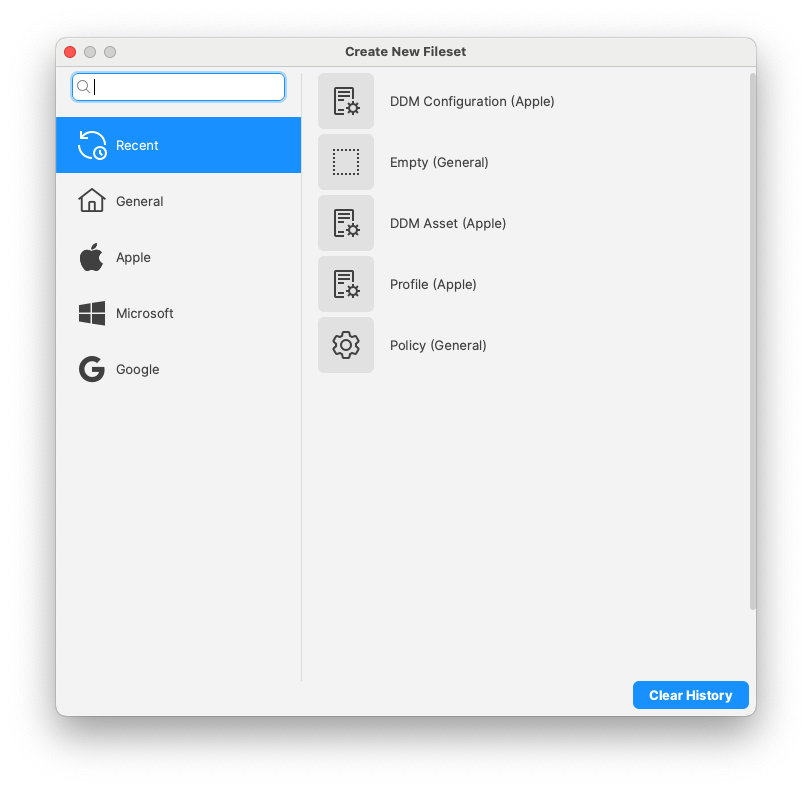
##### **Submit feedback (Central/Anywhere)**
If you have anything to suggest us, use the new "Submit Feedback" option in Central and Anywhere Help menus so that you no longer need to login to the KB to access it.
##### **Client Info - Tools Menu (Central)**
All relevant options available when you perform right-click on a client in the main client view are now available in the *Tools* menu option of Client Info dialog.
##### **Script syntax highlighting and line numbers (Central)**
Central script editor now features line number and syntax highlighting:[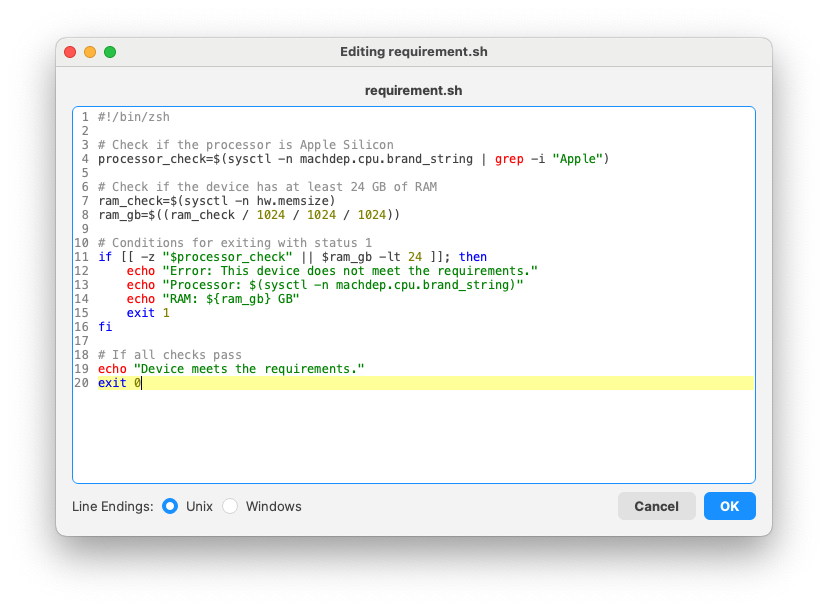](https://kb.filewave.com/uploads/images/gallery/2025-01/zsS8fpm6qwTQXZVE-image.png)
##### **FileWave desktop client (fwcld) configuration change**
Starting with FileWave 16.0, fwcld will periodically check if it's configuration (file or registry) has been changed by an external process, allowing more flexible, dynamic and [automated configurations](https://kb.filewave.com/books/boosters/page/automated-booster-configuration-for-dynamic-network-environments "Automated Booster Configuration for Dynamic Network Environments").
Inventory-Specific Changes
##### **Default revision (Fileset)**
Default revision flag has been added to the Fileset Revision model.
##### **Profile Display Name and Application Bundle ID in MDM Command history**
FileWave 15.5.0 introduced MDM command history in Inventory. Applications were linked using an internal "applink id", and profiles would use the profile UUID. 16.0 adds Bundle Identifier for applications and Profile Display Name for profiles, making reporting much easier.
##### **Last time FileWave Agent connected to FileWave fwxserver**
To help troubleshoot device management issues, the last time the agent (fwcld) contacted server (fwxserver) is now in Inventory, allowing reports for devices having connectivity issues. The new field is called "Last Connected To fwxserver" and shows the date and time of the last connection.
Apple-Specific Changes
##### **VPP licenses in Client Info**
VPP licenses consumed by a device (for both user and device based licenses) are now listed in client info.
[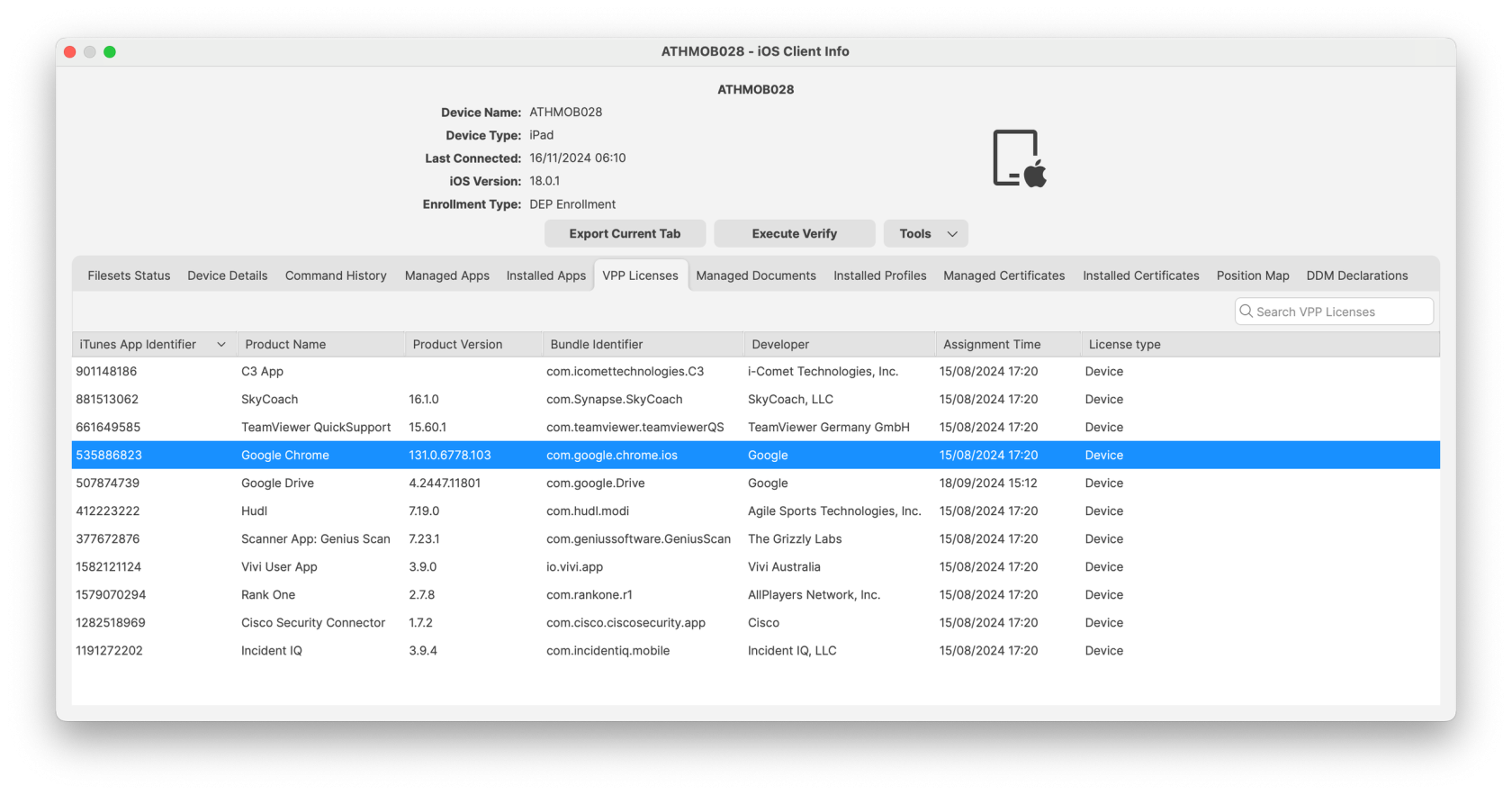](https://kb.filewave.com/uploads/images/gallery/2025-01/yRatAUdwJsQRIDzO-image.png)
##### **Device Declarative Management**
DDM configurations are not categorized depending on the device support.
##### **The following new DDM configurations are now supported**
**Accounts:**
- CardDAV:
Use the Contacts configuration to provide account settings for connecting to the CardDAV-compliant server.
[Contacts declarative configuration for Apple devices](https://support.apple.com/en-gb/guide/deployment/depd2181f425/web)
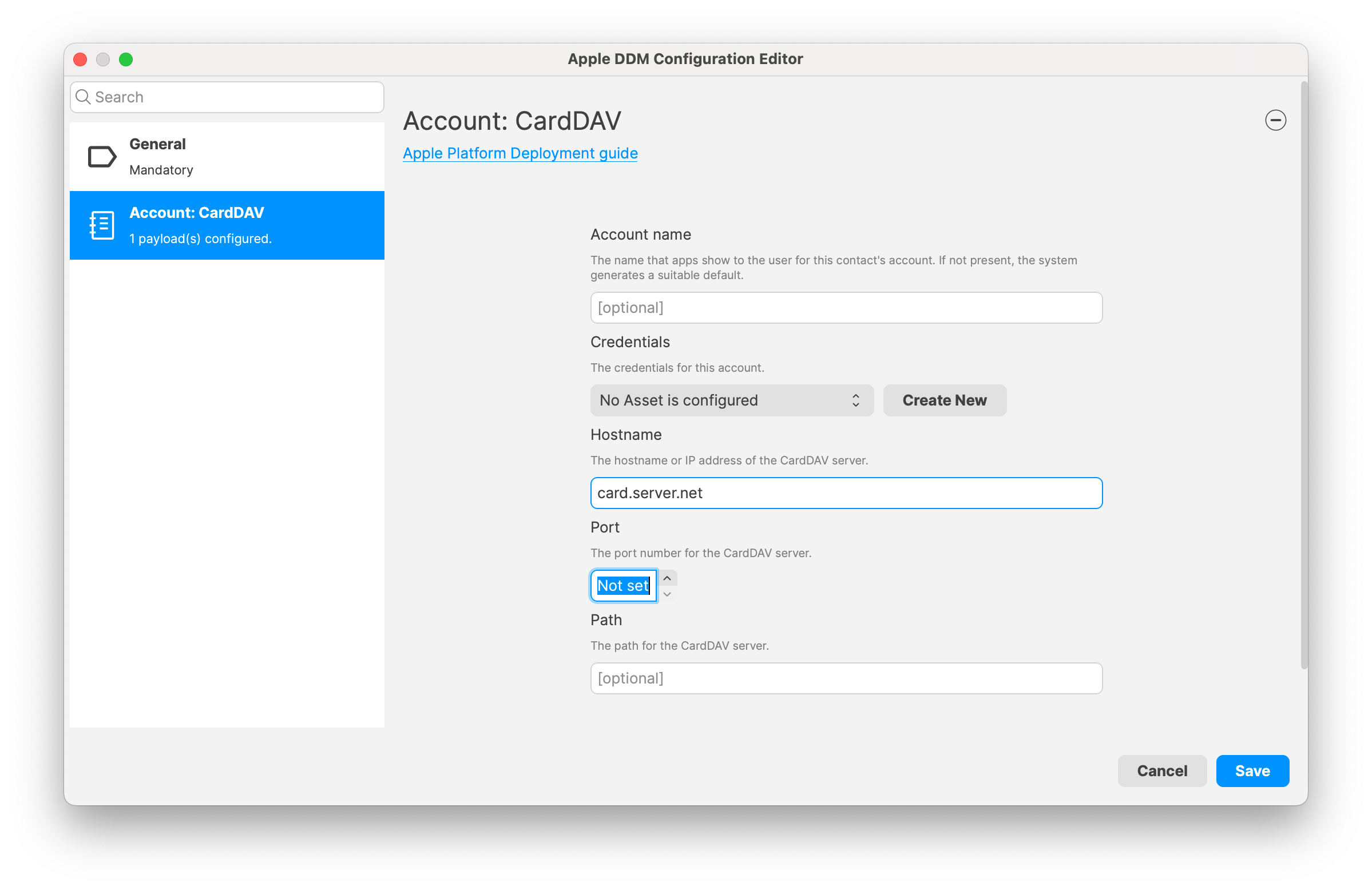
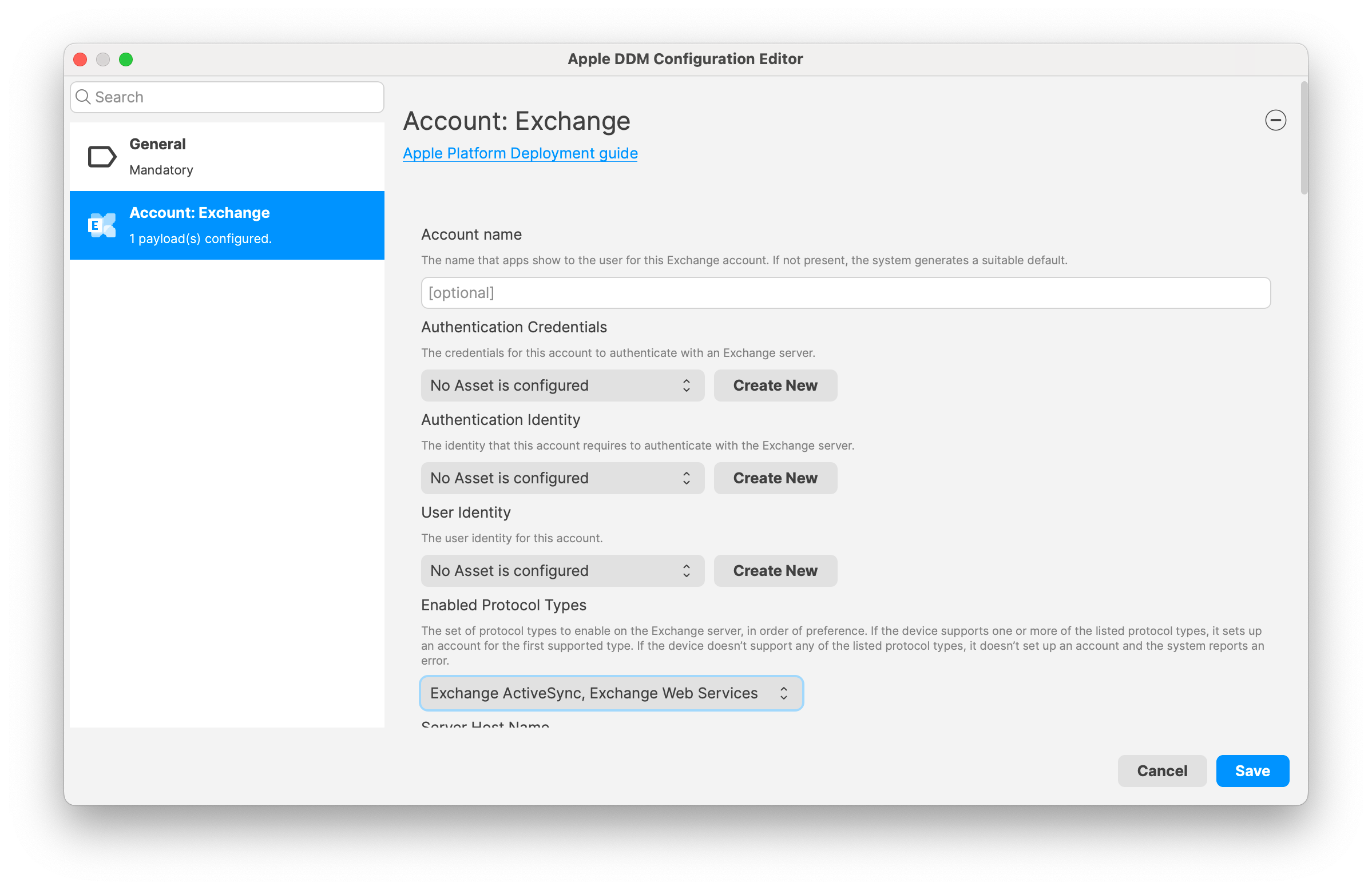
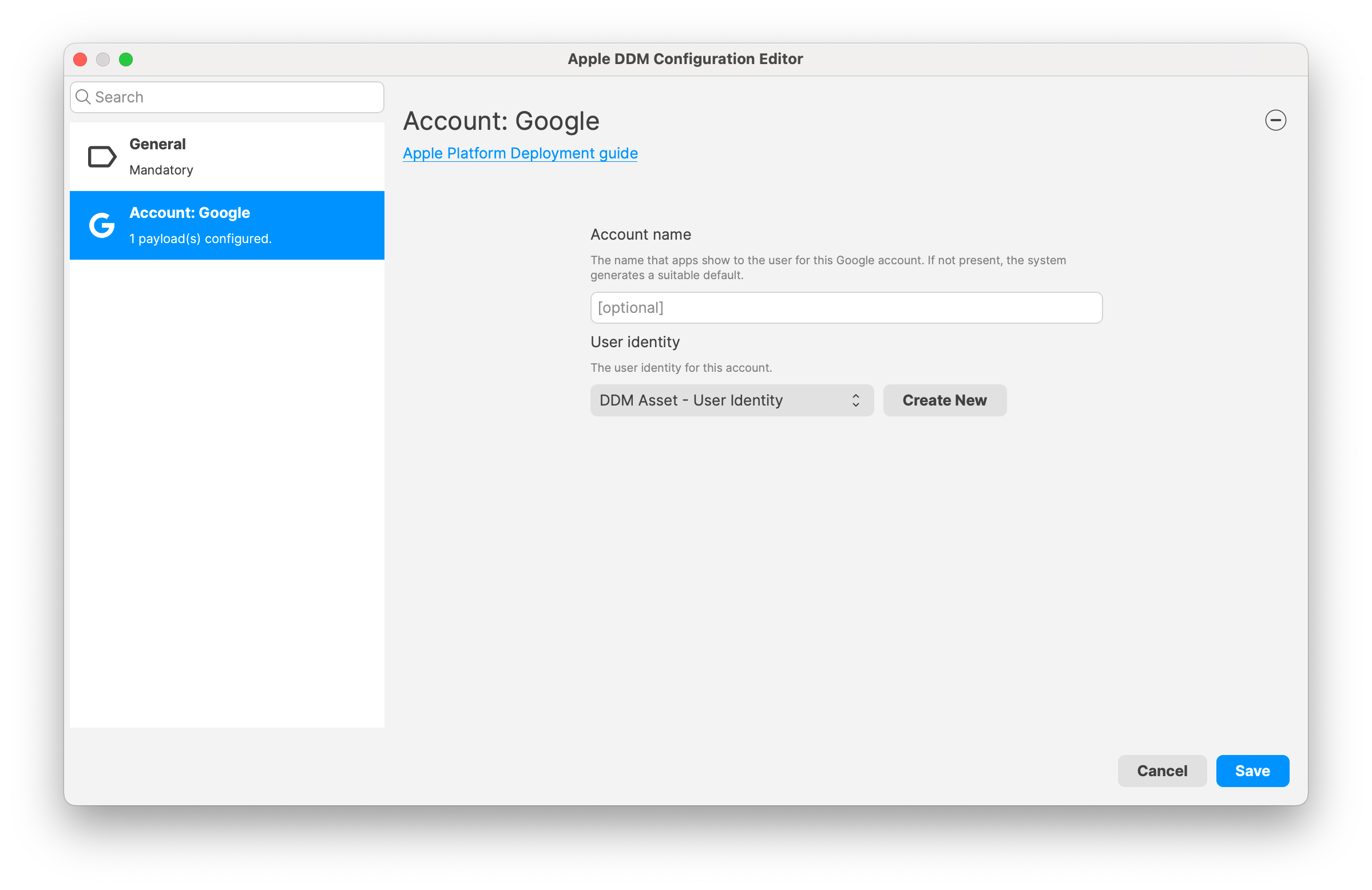
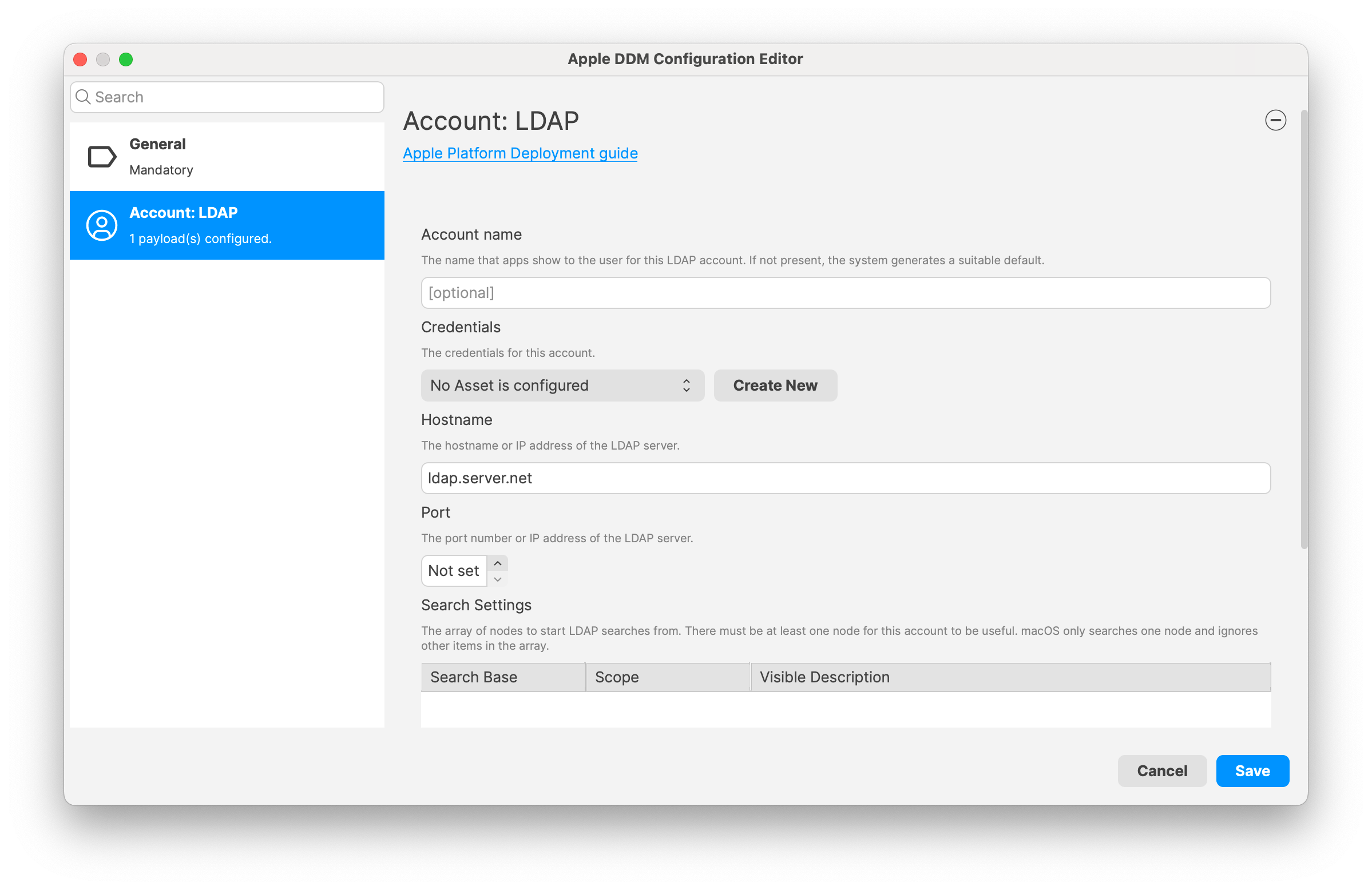
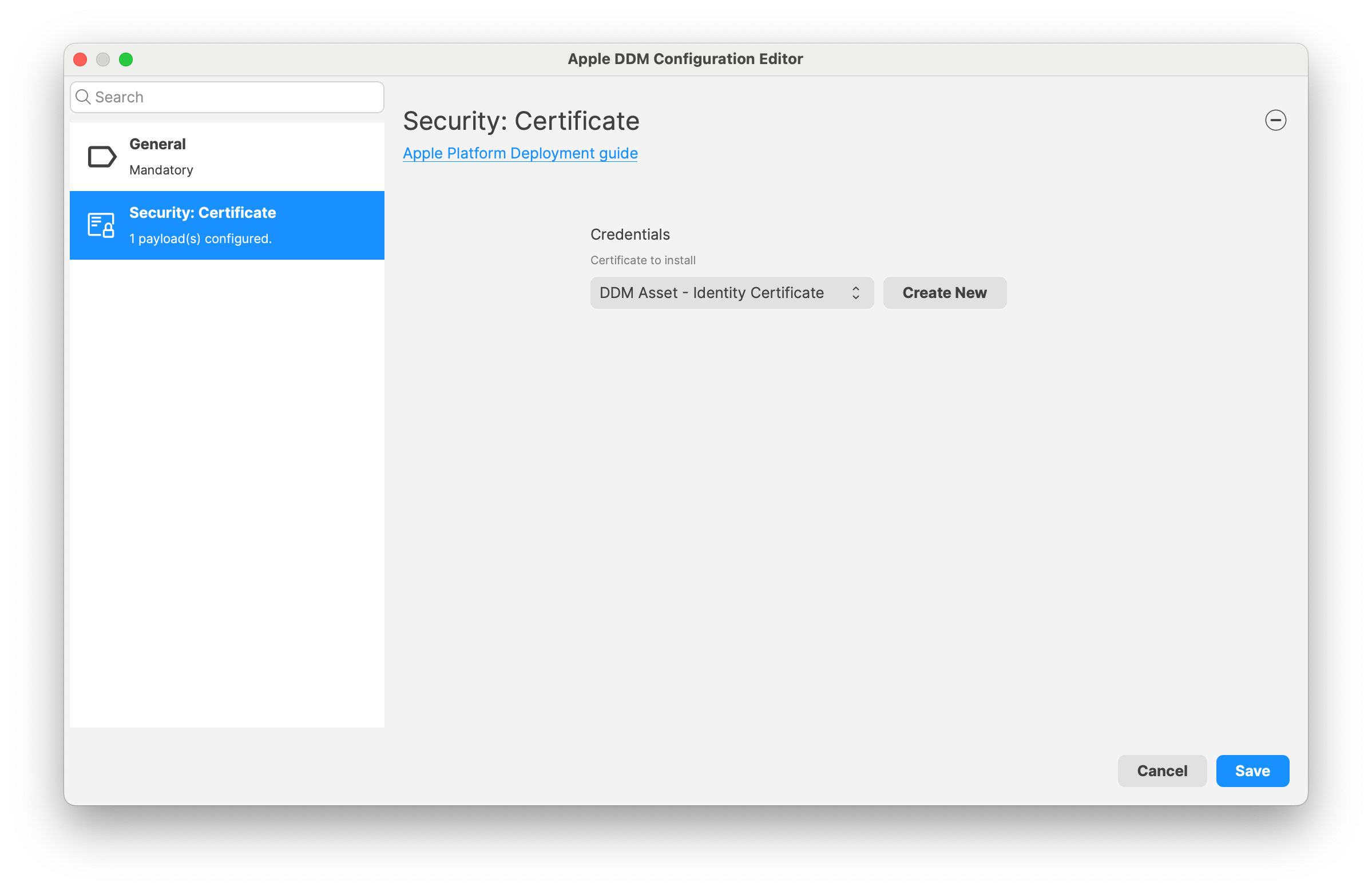
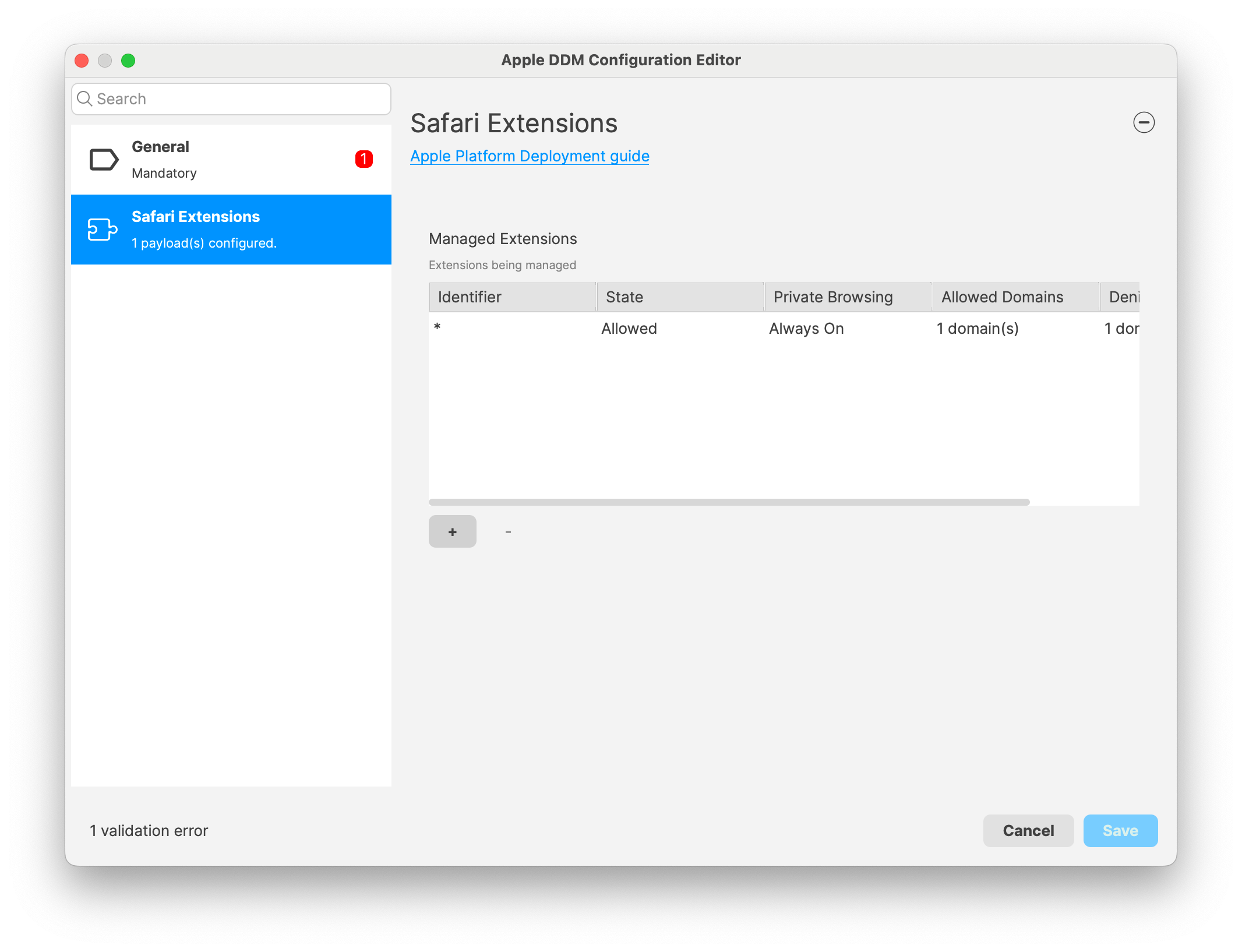
Chromebook-Specific Changes
##### **Chrome Extension**
Introduced in 15.5 but including as a reminder; New version of the Extension is needed for Notifications to function properly and also contains several issues fixed. The extension should have automatically updated on clients.
##### **Chrome Management in FileWave Anywhere**
Introduced in 15.5 but including as a reminder; Verify option became available in FileWave Anywhere for single and bulk devices action. It is also supported as a bulk action for different platforms (i.e mac and chrome). Note: “Modify Chromebook” permission is not needed to preform Verify action.
Android-Specific Changes
##### **Android Lost Mode**
Introduced in 15.5 but including as a reminder; EMM devices which are in “Missing” device state will now use Android Lost Mode mechanism. As Android Lost mode allows the end user to exit lost mode by entering device passcode, FileWave will then report in inventory the current state and the expected state. It is also possible to “Play Lost Mode Alert” on lost devices.
Windows-Specific Changes
##### **Software Update (Central)**
Software Update management has been revisited for FileWave 16.0. Specifically for Windows:
- Windows Updates are now relying on managed devices reporting what they need rather than the offline catalog. This removes the need for parsing offline catalog, which was resource consuming and due to Microsoft limitations not covering all existing updates.
- Updates are downloaded directly from Microsoft and installed using Microsoft Update tools, which allows support for an increased number of update types.
- Updates themselves are not imported in FileWave server (only metadata), which speeds up the process. Clients and Boosters download updates directly from Microsoft CDNs. FileWave boosters can be used to cache updates to avoid Network load and use a [new port on the Boosters](https://kb.filewave.com/link/68#bkmrk-filewave-booster-por).
- FileWave Client is not stuck anymore if Windows Update Service is hanging on the device.
- On Windows, update installation history is now made available, even for updates not installed via FileWave.
Action Required: Pre-v16 Windows OS Update Filesets will not function and should be purged from your system to free up space.
##### **64-bit script execution**
Starting with FileWave 15.5, Windows agent (fwcld) is a 64-bit application. As former versions were 32-bit applications, script execution may run in a different context (pure 64-bit or 32-bit-on-64-bit). To simplify migration from FileWave 15.4, a new option has been added to Fileset scripts to define the context. This option is now available for Policy / Blocker Script and for Custom Field:
- Improved upgrade process when New kiosk process is running
- Added a step to backup and restore client configuration to ensure configuration is not lost during upgrade process
FileWave Windows Imaging (IVS) Changes
FileWave Windows Imaging solution relies on PXE Boot, which delivers a tiny Linux image containing all required components to run the imaging process. Compatibility with different hardware depends on how the tiny linux image is built - mainly which Linux kernel version and embedded packages and modules.
- The list of modules and packages embedded with IVS 16.0 has been entirely revisited and supports a much broader set of hardware.
- IVS 16.0 fixes an issue which could prevent restoring images on disk using a different sector size than 512 B.
FileWave Networking Imaging 16.0.5 brings compatibility with FileWave 16.0.x.
- Linux Kernel: 6.13.10
- Buildroot: 2025.02
FileWave Kiosk Changes
##### **Kiosk customization as FileWave Policy (Central/Anywhere)**
Kiosk customizations are now integrated as FileWave Policy, allowing simplified group deployment.
[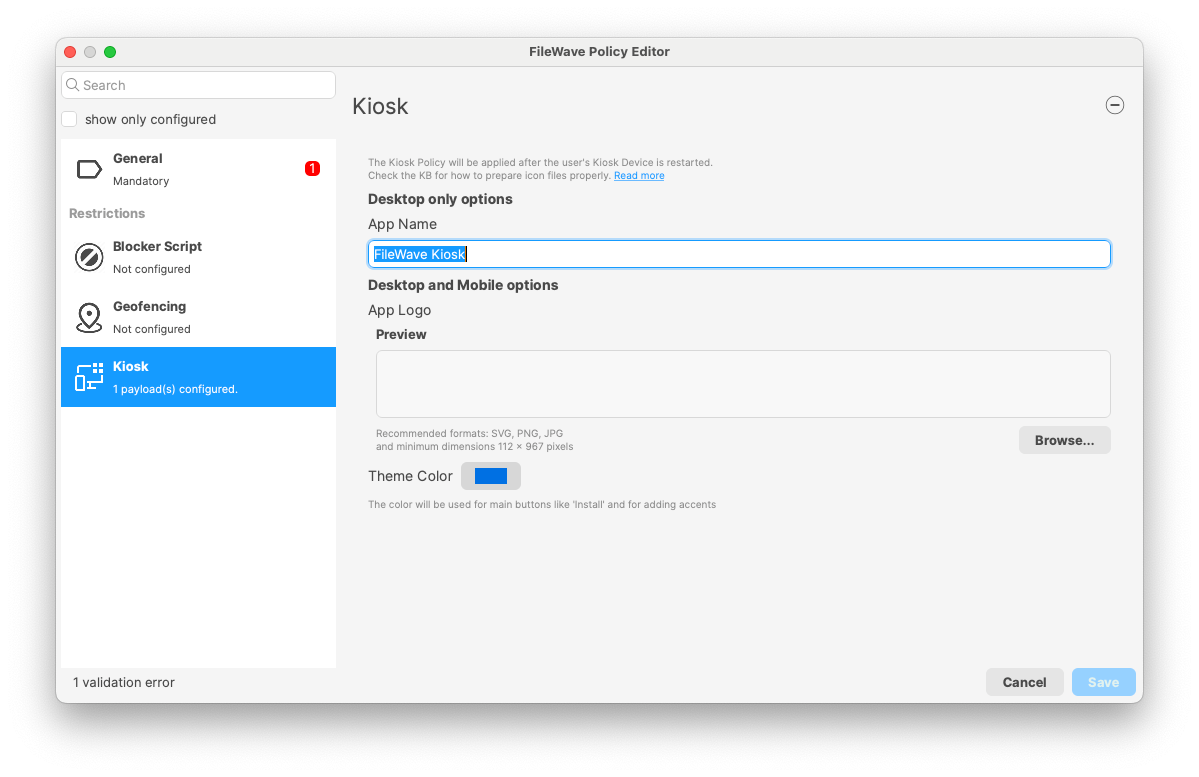](https://kb.filewave.com/uploads/images/gallery/2025-01/7twQnp8lNdPIh7uf-image.png)
##### ****R**emoval of Legacy Kiosk UI**
- The old Kiosk **UI** has been removed from **Mac** and **Windows** clients after three stable releases of the new Kiosk UI.
- **Geolocation functionality** remains unchanged.
- **Reboot modals** continue to function on both Mac and Windows in the old style.
- **TeamViewer sessions** are unaffected and continue to work on both Mac and Windows platforms.
- **Note**: This update eliminates duplicate tray icons by removing the old `fwGUI` tray icon.
##### **New "Missing Device" Message in Kiosk for macOS and Windows**
- When a macOS or Windows client is marked as “Missing” in FileWave Admin, a **“Missing Device”** message will now be displayed in the Kiosk, similar to the “Device Locked” message.
- The “Missing Device” message will include any custom **Lost Mode Message** and **Lost Mode Footnote** set in Central Admin under **Organization Info**.
- By default, if no custom message is set, the following message appears: “This device is currently marked as missing. Self-service Kiosk is not available. Please contact your administrator.”
- **Kiosk Restrictions**: While in the "Missing" state, the Kiosk will prevent installation, uninstallation, and normal access to self-service options, similar to “Device Lock” functionality.
- Additional Information:
- If only the **Lost Mode Message** is set, it will display alone.
- If only the **Lost Mode Footnote** is set, the default lost mode message will appear with the custom footnote.
- If an organization contact number is set, it will be displayed as a clickable link for easy access.
Internal Changes
##### **Third party libraries**
Third-party libraries updated for improvements and security changes. Mainly:
- Postgres has been upgraded to 17 Upgrading Database engine requires upgrading Database data, which can take some time.
Be patient when upgrading to FileWave 16.0
- Qt has been upgraded to 6.8
- Qlementine has been upgraded to 1.0.0
- Python has been upgraded to 3.13
- OpenSSL has been upgraded to 3.4.0
---
##### **Dashboard**
FileWave is now using more secure Service Account mechanism to connect to Grafana (Dashboard).
---
##### **Desktop client communication**
FileWave desktop agent (fwcld) is now capable of downloading fileset manifests using faster NATs communication channels, which decreases the resource load on boosters and servers while providing faster delivery.
Deprecated Features
The following features have been deprecated from FileWave 16.0. They are present but will be removed in a future release:
- **FileWave Central Dashboard**: The Dashboard in FileWave Central will be replaced by a view of a Grafana Dashboard to not maintain 2 Dashboard systems.
- **Client Monitor application:** The standalone Client Monitor will be removed in a future release because it is only used for FileWave Clients < 16.0.0 as well as monitoring the IVS server. It will be included at least until the IVS dependency is removed.
- **macOS 10.11 El Capitan**: Released in September 2015, this version of macOS will not work with even a legacy client when FileWave 16.1.0 releases in the summer of 2025 due to an incompatibility with a current version of OpenSSL.
We encourage you to provide product feedback if you have any concerns: [FileWave Product Management](https://kb.filewave.com/books/community-engagement/page/filewave-product-management "FileWave Product Management") or in the Help menu of Central/Anywhere you can send feedback as of 16.0.
Decommissioned Features
##### The following features have been removed from FileWave 16.0:
- The concept of Automatic Deployments of Software Updates no longer exists but future changes will add this concept back in differently.
- ##### Removal of Legacy Kiosk UI
- The old Kiosk **UI** has been removed from **Mac** and **Windows** clients after three stable releases of the new Kiosk UI.
- **Geolocation functionality** remains unchanged.
- **Reboot modals** continue to function on both Mac and Windows in the old style.
- **TeamViewer sessions** are unaffected and continue to work on both Mac and Windows platforms.
- **Note**: This update eliminates duplicate tray icons by removing the old `fwGUI` tray icon.
The following features were removed from FileWave 15.5.0 and are worth mentioning again due to being major changes:
- **Windows 32-bit** - With FileWave 15.5, the FileWave Client, Boosters, and Admin are 64-bit only now.
- While it was not possible to create new **MCX (Workgroup Manager)** Fileset since FileWave 7.0, it was still possible to import and edit MCX configurations from 2013 and before. As MCX and Workgroup Manager has been made deprecated by Apple for 10 years, support has been removed from FileWave 15.5.
The following features were removed from FileWave 15.4.0 and are worth mentioning again due to being major changes:
- **CentOS** - As CentOS 7 being End-Of-Life on June 30, 2024, FileWave is available and supported on Debian. New versions of FileWave won't be released on CentOS after CentOS is EOL.
Security Notices
##### The following security notices are relevant to this release:
- Fixed vulnerability WITH-ZD-2025-0001, reported by Withsecure Exposure Management ([https://www.withsecure.com/](https://www.withsecure.com/)). In [non-default custom configurations](https://kb.filewave.com/books/filesets-payloads/page/mitigating-privilege-escalation-in-fileset-executables "Mitigating Privilege Escalation in Fileset Executables"), FileWave Windows clients (v15.5.2 and earlier) allowed local, non-privileged users to escalate privileges to SYSTEM. This issue is resolved in FileWave v16.0.0; a CVE was issued of CVE-2025-43922 on April 20, 2025.
Changes and Fixes in 16.0.5
Bug fixes and improvements:
- FWRD-15638 Fixed potential client crash when connectivity with NATs server is lost
- FWRD-15676 Fixed an issue where model update could take more time than expected after deleting a fileset
- FWRD-15675 Fixed a potential crash on Windows when many log entries are produced ; could typically impact Fileset Magic if Central Admin is not run as Administrator and has limited permissions.
Changes and Fixes in 16.0.4
Bug fixes and improvements:
- FWRD-969 Fixed an issue where Remote Session (don't prompt user) would not be available for clones in Central Admin
- FWRD-15133 Fixed a potential Fileset Magic Crash on Windows related to Registry change detection
- FWRD-15479 Fixed incorrect minimum macOS requirement for FileWave Client Upgrade Fileset to be macOS 12.
- FWRD-15493 Fixed an issue where file permissions on Windows could be too narrow and prevent non-admin user from accessing deployed filesets. This fix is in Windows Client 16.0.5
- FWRD-15549 Fixed a potential issue where model update service would not be able to connect to internal notification system on startup
- FWRD-15546 Update IVS packages with latest kernel packages for wider driver support
- FWRD-15422 - Add --verify option to fwcld to move the command from Kiosk on macOS and Windows
Changes and Fixes in 16.0.3
Bug fixes:
- FWRD-14859 Fixed an issue where it would not be possible to delete a deployment if all filesets or all clients used in this deployment are deleted
- FWRD-15272 Fixed an issue where MDM communication could break on non-DEP macOS at enrollment time, related to MDM tokens management
- FWRD-15283 Fixed an issue where buttons with drop down like "Tools" would not activate selected action
- FWRD-15325 Kiosk Information page is not loading on Windows
- FWRD-15355 Fixed an issue where Central Admin could crash if current administrator would lose permission when Edit Deployment dialog is opened
- FWRD-15371 Fixed an issue where Superprefs Editor would not show open dialog or save file Finder dialogs on macOS 15.4 or later
- FWRD-15374 Fixed an issue where restoring Windows Image would not clear pre-installed 64-bit client fingerprint
- FWRD-15385 Fixed an issue where "Last Status date" (shown in When column in client info) would be 0, displayed as January 1st 1970 UTC.
- FWRD-15388 Fixed an issue where incorrect filter would be applied to Open File System dialog preventing from selecting plist files
- FWRD-15397 Fixed an issue where Windows Upgrade fileset couldfail if upgrading from 64-bit custom package
Changes and Fixes in 16.0.2
Bug fixes:
- FWRD-15300 Various improvements related to Fileset Statuses management (at model update, when desktop clients report them), reducing Model Update times for large deployments.
- FWRD-15354 Windows upgrade fileset may hang when restoring configuration
Changes and Fixes in 16.0.1
Bug fixes:
- FWRD-14652 Fixed an issue where VPP Fileset Property dialog could not be closed if 0 licenses would be assigned to the fileset
- FWRD-15158 Ensured Hyper-V Gen2 Appliances have the right disk space
- FWRD-15190 Fixed an issue where script syntax highlighting would be missing when editing files directly from fileset content
- FWRD-15209 Fixed an issue where model update could error after editing fileset with multiple scripts due to file permission issue
- FWRD-15245 Fixed an issue related to DDM "Server Token" which could prevent DDM filesets (including updates) to be delivered properly
- FWRD-15247 Fixed an issue where model update would wait for Chromebook notifications to be sent, leading to longer model update times
- FWRD-15263 Fixed an issue where ignoring irrelevant updates in client info dialog would not work for macOS devices
- FWRD-15273 Fixed a potential Central crash when performing some actions like "Show FDE Recovery Key" from Client Info "Tools" Menu
- FWRD-15281 Fixed an issue where Central admin would not be able to show IDP login screen when requesting account confirmation when IDP is configured for admin login
- FWRD-15282 Fixed an issue where Software Update report data would not be shown in the right column
Changes and Fixes in 16.0.0
Bug fixes:
-
FWRD-1296 Fixed an issue where DEP profiles with identical names did not show their unique IDs, making it hard to distinguish which profile to select.
-
FWRD-1305 Fixed an issue where the 'ID' column in the DEP Profile table was not displayed by default, making it difficult to differentiate profiles with identical names
-
FWRD-1546 Fixed an issue where the backend attempted to translate into unsupported languages (e.g., Russian) instead of defaulting to English, causing partial translations in the Web UI.
-
FWRD-1691 Fixed an issue where admins without the 'Configure EMM Enterprise' permission could still see EMM-related buttons, which are now hidden unless the required permission is granted
-
FWRD-2088 Fixed an issue where DEP associations would not follow device filtering
-
FWRD-3293 Fixed an issue where Android payloads (Google Policy, Play Store app) incorrectly showed 'None' in the Platform column, and now properly display 'Android.'
-
FWRD-3299 Fixed an issue where EMM synchronization time in the Web Admin displayed the server's timezone instead of the admin's local timezone
-
FWRD-3804 Fixed an issue where synchronizing data with iTunes would not retry in case of networking error
-
FWRD-4434 Fixed an issue where status of a dependency fileset could incorrectly be displayed
-
FWRD-4634 Fixed an issue where fwcld on IVS would not restart automatically after upgrade
-
FWRD-12973 iOS restrictions workaround key is removed in FileWave Anywhere.
-
FWRD-13952 Fixed an issue causing the FileWave logo to appear blurry in ChromeOS notification previews; the logo is now displayed with proper clarity.
-
FWRD-13968 Fixed an issue where importing fileset may not be able to import properly scripts
-
FWRD-13988 Fixed an issue where Audit Log entry would be missing when uploading custom MSI or PKG
-
FWRD-14042 Fixed minor UI alignment issue in Fileset Revision dialog (Central)
-
FWRD-14091 Fixed an issue where incorrect device could be used when Remote Session actions are started from inventory query results
-
FWRD-14134 Made sure disk space is properly checked before upgrading server on Debian
-
FWRD-14221 Fixed an issue where Grafana main dashboard would not be able to properly display some services status
-
FWRD-14223 Improved "Main services" dashboard
-
FWRD-14247 Fixed cosmetic missing "..." on a button in Fileset Magic Wizard
-
FWRD-14259 Removed obsolete code that prevented Android EMM devices from receiving notifications in Client Info, ensuring EMM devices can now be notified if permissions allow.=
-
FWRD-14297 Fixed an issue where Background location would not be working on Android 14+ devices
-
FWRD-14308 Fixed cosmetic UI issue in FileWave Central when an Apple App Store Fileset supports many different languages
-
FWRD-14317 Improved performance in code dealing with generating DDM configuration related to Software Update delivery
-
FWRD-14338 Fixed an issue where Grafana may not start properly after upgrade
-
FWRD-14378 Fixed an issue where some information like model number would not be up to date in Grafana dashboard until next restart
-
FWRD-14411 Updated all appliances to Debian 12.8
-
FWRD-14495 Fixed an issue where quoted launch arguments could be escaped with when running executables
-
FWRD-14507 Fixed an issue where it would not be possible to get script output log file from Central Client Info
-
FWRD-14516 Fixed an issue where the macOS Kiosk package contained only Intel binaries, preventing installation on Apple Silicon devices. The package is now universal and supports both architectures
-
FWRD-14534 Fixed an issue where the NATS server's public key in the KV store could diverge from the actual certificate, causing client monitor commands to fail until a server restart
-
FWRD-14550 Fix an issue where Android Global Proxy policy UI was missing the remove button
-
FWRD-14598 Added a locking mechanism for FileWave policy filesets in Central Admin to prevent edits or deletions when another session is already modifying the policy, ensuring consistent concurrency handling
-
FWRD-14638 Fixed an issue where 'Items' was incorrectly translated to 'Elementen' in German desktop Kiosk headers instead of 'Elemente.'
-
FWRD-14665 Fixed an issue on Windows desktop Kiosk where hovering or clicking the close (x) button on a notification caused a display glitch, instead of simply dismissing the snackbar
-
FWRD-14672 Fixed an issue in FileWave Anywhere's condition form where pasting data failed to refresh the preview or load correct results, now properly updating when users paste input
-
FWRD-14674 Fixed an issue where it would be possible to create multiple DDM configurations using search feature
-
FWRD-14702 Fixed an issue where search in DDM configuration could trigger useless calls to fwxserver
-
FWRD-14706 Fixed an issue where dialog asking for current admin password when uploading SSL certificate would miss instructions
-
FWRD-14721 Fixed an issue where DDM Software Update configuration scope could be set to user
-
FWRD-14733 Fixed possible Central crash when removing Custom Settings payload if PList would be being edited
-
FWRD-14748 Fixed an issue where macOS upgrade filesets could not properly deploy to requesting devices
-
FWRD-14772 Fixed missing /run/lock folder in IVS PXE image, causing misleading error message regarding to sshd
-
FWRD-14789 Fixed an issue where Imaging restoration may fail if disk sector size is not 512 and Windows partition can be enlarged, using GPT format
-
FWRD-14802 Fixed a potential booster crash
-
FWRD-14803 Fixed an issue where DDM would not be used on Shared iPad through User channel due to incomplete documentation
-
FWRD-14818 "Add URL Link" Window Issue in Create New Notification
-
FWRD-14851 Fixed a case where a specific server process would output to the wrong log file
-
FWRD-14888 iOS Kiosk doesn't update if SELF_HEAL_APPS_BY_VERSION=False
-
FWRD-14907 Fixed an issue where booster could not be easily upgraded on Appliances where root account has no password set
-
FWRD-14909 Notification Makes Model Update Difficult, Anywhere Admin
-
FWRD-14923 Fixed an issue where ADE/DEP association dialog would show last sync time as UTC when opened
-
FWRD-15007 Fixed an issue where VPP codes would not work with Applications having itunes id larger than 32b integer
-
FWRD-15009 Fixed an issue where Winget Fileset would incorrectly enable Install button in Kiosk even if no update is available
-
FWRD-15022 Fixed an issue where re-enrolling client too quickly could require adding the client a 2nd time
-
FWRD-15031 Fixed an issue where Certificate revocation list signature could be outdated if the list of revoked certificates does not change regularly
-
FWRD-15090 Clients cannot send requests via NATS if the server was slow during startup
macOS Downloads
[](https://kb.filewave.com/uploads/images/gallery/2023-06/76nOWO8TRbgPaH2X-apple.png)
[macOS Upgrade Fileset](https://fwdl.filewave.com/16.0.5/FileWave_Upgrade_Fileset_macOS_16.0.5_aa9c365b.fileset.zip) (md5: 062562ceb86e512662b1e6abffb3b534)
[macOS Central (Admin)](https://fwdl.filewave.com/16.0.5/FileWave%20Admin.pkg) (md5: bedfba2bf781a116e5510fe9c68c32ea)
[macOS Booster](https://fwdl.filewave.com/16.0.5/FileWave%20Booster.pkg) (md5: 45aad0b0f934985c829a21b8283b7b88)
[macOS Server](https://fwdl.filewave.com/16.0.5/FileWave%20Server.pkg) (md5: 447513912b7787ff45092c872f26bf9c)
Remember that to upgrade macOS FileWave clients you should use the Upgrade Fileset. Never deploy the macOS Client installer from [https://custom.filewave.com](https://custom.filewave.com) to an existing device. It is intended for new installs.
Windows Downloads

[Windows Upgrade Fileset](https://fwdl.filewave.com/16.0.5/FileWave_Upgrade_Fileset_Windows_16.0.5_aa9c365b.fileset.zip) (md5: b61b15dac127da63f216ba74fcfd5440)
[Windows Central (Admin)](https://fwdl.filewave.com/16.0.5/FileWaveAdmin.msi) (md5: 1662a15dbd4581215061064897eb0f68)
[Windows Booster](https://fwdl.filewave.com/16.0.5/FileWaveBooster.msi) (md5: 7ec3a5e39dfad7683c218e8704c4810a)
Remember that to upgrade Windows FileWave clients you should use the Upgrade Fileset. Never deploy the Windows Client installer from [https://custom.filewave.com](https://custom.filewave.com) to an existing device. It is intended for new installs.
iOS Downloads
[](https://kb.filewave.com/uploads/images/gallery/2023-06/wENbdLgueSVvwqEL-ios.png)
Kiosk on iOS / iPadOS is now automatically installed from a CDN. ([Read More](https://kb.filewave.com/books/unreleased-filewave-versions/page/automatic-updating-of-ios-kiosk-153 "Automatic updating of iOS Kiosk (15.3+)"))
Chrome Extension
[](https://kb.filewave.com/uploads/images/gallery/2023-06/XP14ofjLt6jwkKXC-chrome-logo.png)The FileWave Inventory extension for Chromebook has to be installed via the Google Admin Console for your domain. Please see [Quickstart Guide for Chromebooks](https://kb.filewave.com/books/evaluation-guide/page/chromebook-client-pre-requisites "Quick Start Guide for Chromebooks") for detailed instructions
Debian Linux Downloads
[](https://kb.filewave.com/uploads/images/gallery/2023-11/XhLPXfKJskrWOllh-image.png)
[Debian Linux Server](https://fwdl.filewave.com/16.0.5/fwxserver_16.0.5_amd64.deb) (md5: be043b26211a24d47174b0c126921fa1)
[Debian Linux Booster](https://fwdl.filewave.com/16.0.5/fwbooster_16.0.5_amd64.deb) (md5: 78c6cfa78f50d15f5791141d0b41041f)
[Debian Linux IVS: FileWave Admin](https://fwdl.filewave.com/16.0.5/filewave-admin_16.0.5_amd64.deb) (md5: b9df9140bb7021e87f53d448421a3fe0)
[Debian Linux IVS: FileWave Imaging Client](https://fwdl.filewave.com/16.0.5/filewave-imaging-client_16.0.5_amd64.deb) (md5: b691057e57ef656c607931d8f24e3f91)
[Debian Linux IVS: IVS Kernel](https://fwdl.filewave.com/16.0.5/ivs-kernel-16.0.5-1.x86_64.deb) (md5: 4ceafe96a394f54cf9cf6f24c4a7801e)
[Debian Linux IVS: FileWave IVS](https://fwdl.filewave.com/16.0.5/filewave-ivs_16.0.5_amd64.deb) (md5: 47a285b4f62b7e073f9372bcb3cfb599)
For any of the below upgrades you would want to console or SSH to your Server/Booster/IVS and then run the command listed to upgrade the relevant component.
If you are using a FileWave appliance that before 15.5.0 the SSH access was with the user "root" and for any appliance setup from 15.5.0 or later the user is "fwadmin" and you would have been forced to [set the password on first login](https://kb.filewave.com/books/unreleased-filewave-versions/page/setting-the-password-on-first-login-to-filewave-appliances-154 "Setting the password on first login to FileWave Appliances (15.4+)").
**Upgrading the FileWave Server** To install or upgrade the FileWave Server, use the following :
```shell
wget -qO- https://kb.filewave.com/attachments/411 | sudo bash -s -- -v 16.0.5 -r 1 -p -y
```
---
**Upgrading a Booster**
To install or upgrade the FileWave Booster, use the following or [Booster Auto-Upgrade](https://kb.filewave.com/books/boosters/chapter/booster-auto-upgrade "Booster Auto-Upgrade") :
```shell
wget -qO- https://kb.filewave.com/attachments/412 | sudo bash -s -- -v 16.0.5 -r 1 -p -y
```
**Upgrading a IVS**
To upgrade the FileWave IVS, use the following:
```shell
wget -qO- https://kb.filewave.com/attachments/408 | sudo bash -s -- -v 16.0.5 -r 1 -p -y
```
Virtual Appliance Downloads
[](https://kb.filewave.com/uploads/images/gallery/2023-06/d7iBFQCGDdk0ZiLZ-virtual-appliance.png)
**OVA Images** These three images are OVA images suitable for VMWare or other systems that use OVAs:
[VMware and VirtualBox (OVA) Server Appliance](https://fwdl.filewave.com/16.0.5/FileWave_Server_Debian_16.0.5.ova) (md5: 797db9c820d4f2d04af827a457e39aa6)
[VMware and VirtualBox (OVA) Booster Appliance](https://fwdl.filewave.com/16.0.5/FileWave_Booster_Debian_16.0.5.ova) (md5: a9c37835ccfadc2f54996b3ca149a356)
[VMware and VirtualBox (OVA) Imaging Appliance](https://fwdl.filewave.com/16.0.5/FileWave_IVS_16.0.5_debian.ova) (md5: f0ef1c791aacd608f924b0738c7dae00)
[](https://kb.filewave.com/uploads/images/gallery/2023-06/1rHPEOO5khUHCB8f-hyper-v-logo.png)**HyperV Images** These three images are Hyper-V images suitable for Microsoft Hyper-V (**Gen 1**):
[Hyper-V (VHD) Server Appliance](https://fwdl.filewave.com/16.0.5/FileWave_Server_Debian_16.0.5_hyperv-gen-1_VHD.zip) (md5: e6f90b03446672b9c006dc74924c9b24)
[Hyper-V (VHD) Booster Appliance](https://fwdl.filewave.com/16.0.5/FileWave_Booster_Debian_16.0.5_hyperv-gen-1_VHD.zip) (md5: 8ca0615b237abe8e7e8a33877b583660)
[Hyper-V (VHD) Imaging Appliance](https://fwdl.filewave.com/16.0.5/FileWave_IVS_16.0.5_hyperv-gen-1_VHD_debian.zip) (md5: af7fdc2e7c490f5705d4e1c90b7e7827)
These three images are Hyper-V images suitable for Microsoft Hyper-V (**Gen 2**):
[Hyper-V (VHD) Server Appliance](https://fwdl.filewave.com/16.0.5/FileWave_Server_Debian_16.0.5_hyperv-gen-2_VHD.zip) (md5: 84ddd6aa23a09361a5b321e2bd638207)
[Hyper-V (VHD) Booster Appliance](https://fwdl.filewave.com/16.0.5/FileWave_Booster_Debian_16.0.5_hyperv-gen-2_VHD.zip) (md5: 9316c56cd79d13c4c9d29654dca9ed76)
[Hyper-V (VHD) Imaging Appliance](https://fwdl.filewave.com/16.0.5/FileWave_IVS_16.0.5_hyperv-gen-2_VHD_debian.zip) (md5: 62ab7bd34f25f8b640866982413b0de7)
To import our Virtual Appliances, please see: [FileWave Virtual Appliances](https://kb.filewave.com/books/filewave-virtual-appliances "https://kb.filewave.com/books/filewave-virtual-appliances")
To get started with the FileWave Server appliance please see: [Installation and Setup | FileWave KB](https://kb.filewave.com/books/evaluation-guide/chapter/1-installation-and-setup "https://kb.filewave.com/books/evaluation-guide/chapter/1-installation-and-setup")
For Booster setup: [Booster Installation | FileWave KB](https://kb.filewave.com/link/221 "https://kb.filewave.com/books/boosters/page/booster-installation")
For more information about configuring the IVS appliance please see: [Getting started with the Imaging Virtual Server](https://kb.filewave.com/books/network-imaging-ivs/chapter/getting-started-with-the-imaging-virtual-server "https://kb.filewave.com/books/network-imaging-ivs/chapter/getting-started-with-the-imaging-virtual-server")
This book covers how to import our provided OVA's and VHD's into your virtual environments.
CentOS is EOL. You must [Migrating your On-Premise FileWave Server to new Hardware](https://kb.filewave.com/books/filewave-server/page/migrating-your-on-premise-filewave-server-to-new-hardware "Migrating your On-Premise FileWave Server to new Hardware") to get to FileWave on Debian or consider our [Cloud Hosting Product](https://kb.filewave.com/books/community-engagement/page/cloud-hosting-product-information "Cloud Hosting Product Information").
## Unconfigured Client Installers
macOS and Windows
Please note that the below is only to be used when Support has identified that they are needed to fix an issue. Normally these Client packages are not used. Pushing the PKG or MSI below from FileWave can break a client.
[macOS Client](https://fwdl.filewave.com/16.0.5/FileWave%20Client.pkg) (md5: a42f32ad7bb9a4decbaa4933b8717799)
[Windows Client](https://fwdl.filewave.com/16.0.5/FileWaveClient.msi) (md5: 477e2826b18b80b9bd25162af226e482)
These downloads are provided for the purposes of migrations and should not continue to be used in production. You should upgrade to either the most recent release or the one prior. They can always be found here: [Supported FileWave Versions](https://kb.filewave.com/books/downloads "Supported FileWave Versions")
The FileWave endpoint management suite allows you to manage your devices wherever they are, wherever you are, whatever they are, and all in one platform!
In the 16.0.4 release we are thrilled to announce a significant upgrade to the FileWave Management Suite, featuring a completely redesigned version of the Client Monitor with enhanced functionalities. This update includes improvements in NAT compatibility allowing you to monitor devices on remote networks, security enhancements, and streamlined user experience, all aimed at empowering administrators with effective tools for device management. Additionally, the Kiosk Policy now allows for customization of the primary color, logo, and Kiosk app name, ensuring a tailored experience for users. Coupled with Software Update enhancements, these upgrades will elevate operational efficiency and provide our users with the best possible experience in managing their environments.
16.0.4 release fixes an issue where too restrictive permissions (ACL) could be applied to some files added to filesets created using Windows Central Admin. Imaging (IVS) kernel has also been updated with most recent Linux Kernel, Buildroot, and many packages and modules have been added to expand hardware compatibility.
FileWave database engine has been upgraded to Postgres 17 to benefit from security fixes and performance improvements.
The Database upgrade process which will take place when updating to FileWave 16.0 can take more time than usual, depending on the size of your set-up.
Please make sure to plan accordingly for your upgrade to take a bit longer.
## FileWave Official Version Support
FileWave supports the two latest major versions at any time. For example, if the current version is 16.0.4, we support versions 16.0.4 and 15.5.x. Major releases occur roughly every quarter.
What does “officially support” mean?
We will investigate and patch significant issues in these versions. We do not produce patches for versions older than N-1, focusing instead on current versions and future improvements. If an issue is found in an older version, remediation will be in the form of an upgrade or a patch to a more recent version.
You can still contact our support teams about earlier versions. They will assist you to the best of their ability but won’t escalate tickets to our development teams. Upgrading is recommended to access the latest features and bug fixes.
A Note on Compatibility
A note on the Compatibility charts: There are several states of compatibility for FileWave clients:
- "**Fully Tested by QA**" indicates that we have run QA regression tests against these operating system versions, and they are fully supported.
- "**Expected to Work**" Not being on the fully tested by QA list (such as macOS 12) does not mean that platform is not supported...it just means we did not actively test against it, but we do expect it to function. Support of any issues experienced specifically on these platforms would be considered on a case-by-case basis (but these cases are exceedingly rare.)
- "**Legacy**" versions mean that we don't test, but we do provide a retro-version of a client so that the device can still report in but as FW Server changes there may be challenges to these working. There is NO support for these platforms beyond the availability of the older client, and in almost all cases these are for OSes that are no longer supported by the OS vendor in question.
- Lastly, items do fall out of support, such as Windows XP and the older Android APK client as examples, but we always include these items in our release notes.
An additional note on third-party software inclusion, such as TeamViewer:
- Partnerships we have with third party providers have their own set of system requirements for those released applications. We test against their most recent versions, and support of those applications is limited to third-party vendor specifications.
FileWave Server Platform Support
**[](https://kb.filewave.com/uploads/images/gallery/2023-06/uoC9jiGeyyKHsHZO-fwserver-icon.png)Fully Tested by QA**
- macOS 14, 15 (Intel and Apple Silicon)
- Debian 12.8 x86\_64 (Note that any Debian 12.x is expected to work, and applying security updates may move you to a higher version.)
**Expected to work**
- macOS 12, 13 (Intel and Apple Silicon)
**Virtual Appliances**
- HyperV - The images are available as Generation 1 or Generation 2
- VMWare ESX - The images require vmx-19 support which means VMWare vCenter 7.0 Update 2 is the minimum version. ( [https://knowledge.broadcom.com/external/article?legacyId=2007240](https://knowledge.broadcom.com/external/article?legacyId=2007240) )
- VMWare Fusion
- VMWare Player and Workstation
- VirtualBox
**Important FileWave Server upgrade requirement**
FileWave Server upgrades that include PostgreSQL database changes must follow a path where each step supports at least one PostgreSQL version from the previous step. For more detail and examples, see [FileWave Server upgrade paths and PostgreSQL migrations](https://kb.filewave.com/link/1153).
The PostgreSQL overlap points are:
• FileWave 13.3.1 through 14.7.2 include PostgreSQL 12.
• FileWave 16.0.x through 16.2.x include PostgreSQL 12 and PostgreSQL 17.
• FileWave 16.3.x and 16.4.x include PostgreSQL 17 and PostgreSQL 18.
**Recommended upgrade path from older versions:**
`13.3.1–14.7.2 → 16.0.x–16.2.x → 16.3.x or 16.4.x`
If your server is already running FileWave 16.0.x, 16.1.x, or 16.2.x, you can upgrade directly to FileWave 16.3.x or 16.4.x because those releases overlap on PostgreSQL 17; if your server is running a version earlier than 16.0.0, upgrade first to a release in the 16.0.x–16.2.x range, then continue to FileWave 16.3.x or later.
The minimum memory requirement for FileWave Server is **8GB**.
FileWave Clients Platform Support
**[](https://kb.filewave.com/uploads/images/gallery/2023-06/VbVfka5W0oW3DA5l-fwclients-icon.png)**
All OS must be 64bit.
**Fully Tested by QA**
- macOS 14, 15 (Intel and Apple Silicon)
- Windows 10 (Ent/Pro 21H1 and above), 11 (Ent/Pro 21H2 and above) - x64 architecture.
**Expected to work**
- Windows Server 2022, Windows Server 2025 - x64 architecture.
- Windows 10 (Edu 21H1 and above), 11 (Edu 21H2 and above) - x64 architecture.
- macOS 12, 13 (Intel and Apple Silicon)
**Legacy**
- macOS 10.11 → [Legacy Version 13.1.5](https://kb.filewave.com/books/downloads/page/filewave-version-1315-unsupported "FileWave Version 13.1.5 (Unsupported)")
- macOS 10.12 → [Legacy Version 14.0.2](https://kb.filewave.com/books/downloads/page/filewave-version-14102-unsupported "FileWave Version 14.10.2")
- macOS 10.13 → [Legacy Version 14.5.4](https://kb.filewave.com/books/downloads/page/filewave-version-1454-unsupported "FileWave Version 14.5.4 (Unsupported)")
- macOS 10.14 → [Legacy Version 14.8.0](https://kb.filewave.com/books/downloads/page/filewave-version-1480-unsupported "FileWave Version 14.8.0 (Unsupported)")
- macOS 10.15 → [Legacy Version 15.0.1](https://kb.filewave.com/books/downloads/page/filewave-version-1501-unsupported "FileWave Version 15.0.1")
- macOS 11 → [Legacy Version 15.5.2](https://kb.filewave.com/books/downloads/page/filewave-version-1552-unsupported "FileWave Version 15.5.2")
FileWave Mobile Clients Platform Support
**[](https://kb.filewave.com/uploads/images/gallery/2023-06/wjov619ZuqQt8uD0-fwmobile-icon.png)Fully Tested by QA**
- iOS 17.6, 18
- iPadOS 17.6, 18
- tvOS 17.6, 18
- Android 14, 15 (EMM Client)
- Chromebook
**Expected to work**
- iOS 14, 15, 16
- iPadOS 14, 15, 16
- tvOS 14, 15, 16
- Android 8 to 13 (EMM Client)
**Legacy**
- iOS 13 → [Legacy Version 15.0.1](https://kb.filewave.com/books/downloads/page/filewave-version-1501-unsupported "FileWave Version 15.0.1")
- iOS 10, 11, 12 → [Legacy Version 13.1.5](https://kb.filewave.com/books/downloads/page/filewave-version-1315-unsupported "FileWave Version 13.1.5 (Unsupported)")
FileWave Central (Native) Platform Support
**[](https://kb.filewave.com/uploads/images/gallery/2023-06/wjov619ZuqQt8uD0-fwmobile-icon.png)**
All OS must be 64bit.
**Fully Tested by QA**
- macOS 14, 15 (Intel and Apple Silicon)
- Windows 10 (Ent/Pro 21H1 and above), 11 (Ent/Pro 21H2 and above) - x64 architecture.
**Expected to work**
- Windows 10 (Edu 21H1 and above), 11 (Edu 21H2 and above) - x64 architecture.
- macOS 12, 13 (Intel and Apple Silicon)
FileWave Booster Platform Support
**[](https://kb.filewave.com/uploads/images/gallery/2023-06/rOYHDH6oJSrsRgB6-fwbooster-icon.png)**
All OS must be 64bit.
**Fully Tested by QA**
- Debian 12.8 x86\_64 (Note that any Debian 12.x is expected to work, and applying security updates may move you to a higher version.)
- macOS 14, 15 (Intel and Apple Silicon)
- Windows 10 (Ent/Pro 21H1 and above), 11 (Ent/Pro 21H2 and above) - x64 architecture.
**Expected to Work**
- Windows 10 (Edu 21H1 and above), 11 (Edu 21H2 and above) - x64 architecture.
- Windows Server 2022, Windows Server 2025 - x64 architecture.
**Virtual Appliances**
- HyperV - The images are available as Generation 1 or Generation 2
- VMWare ESX - The images require vmx-19 support which means VMWare vCenter 7.0 Update 2 is the minimum version. ( [https://knowledge.broadcom.com/external/article?legacyId=2007240](https://knowledge.broadcom.com/external/article?legacyId=2007240) )
- VMWare Fusion
- VMWare Player and Workstation
- VirtualBox
FileWave Imaging Virtual Server Platform Support
**[](https://kb.filewave.com/uploads/images/gallery/2023-06/cwHvtEjvqfp9gODu-fwivs-icon.png)**
The FileWave Imaging Virtual Server (IVS) is a special appliance that provides imaging support for Windows 10 and 11 UEFI and non-UEFI devices.
**Virtual Appliances**
- HyperV - The images are available as Generation 1 or Generation 2
- VMWare ESX - The images require vmx-19 support which means VMWare vCenter 7.0 Update 2 is the minimum version. ( [https://knowledge.broadcom.com/external/article?legacyId=2007240](https://knowledge.broadcom.com/external/article?legacyId=2007240) )
- VMWare Fusion
- VMWare Player and Workstation
- VirtualBox
FileWave Management Suite Changes
##### **New Client Monitor (Central/Anywhere)**
FileWave 16.0 brings significant improvements to the Client Monitor tool:
- NAT compatibility - admin and clients can be on a different network.
- More client logs can be retrieved.
- Unified interface for both Anywhere and Central.
Note that although the standalone Client Monitor app is included with 16.0.0+ Admin installs, it is only functional for monitoring macOS and Windows clients running less than FileWave Client 16.0.0, but it also still is used to monitor a FileWave IVS for Windows Imaging as of 16.0.x. The old Client Monitor app will eventually be removed in a future version
With these improvements, there is no longer a "Client Preferences" password used or needed to be able to use the new v.16+ Client Monitor with any FileWave managed devices that are running v.16+ of the FileWave Client..
##### **Software Update revisited (Central)**
We are excited to announce major improvements related to Software Update Management:
- Software Updates are now directly accessible from the main window in Central, like in Anywhere.
- Mass creation of multiple updates at once is now possible and you can specify where they go.
- Client Information dialog has better filtering options related to Software Update.
- More details are in the Windows section below for Windows-specific notes.
The FileWave Software Update Assistant could automatically assign updates to devices that requested them, but this has been removed as a function. Automated deployments will be reintroduced in a future version of FileWave. In the meantime, you can deploy updates by mapping Fileset groups to Client groups. Devices that do not request updates will ignore them, and these filesets can be hidden within Client Information.
##### **Association and Deployment information (Central)**
A very useful FileWave Anywhere feature is coming to FileWave Central; In Client Information, each fileset status can now list all associations which could lead to the deployment of the Fileset.
For instance, in this case, the fileset was directly associated to a (Smart Group) “All Windows Clients” containing the client, but there is another association between another client group (“All Windows”) and the fileset group (“All Windows Devices") containing the fileset. Pressing “space” key (or using context menu) reveals the list of associations.
From there, you can quickly reveal corresponding association - if you double click on the association.
[](https://kb.filewave.com/uploads/images/gallery/2025-01/BEx0XuizP7MhLhnM-image.png)
##### **Recent Filesets (Central)**
New Fileset dialog, which has been revisited with FileWave 15.5, now shows the last 5 recently created fileset types, providing a smoother user experience.
##### **Submit feedback (Central/Anywhere)**
If you have anything to suggest us, use the new "Submit Feedback" option in Central and Anywhere Help menus so that you no longer need to login to the KB to access it.
##### **Client Info - Tools Menu (Central)**
All relevant options available when you perform right-click on a client in the main client view are now available in the *Tools* menu option of Client Info dialog.
##### **Script syntax highlighting and line numbers (Central)**
Central script editor now features line number and syntax highlighting:[](https://kb.filewave.com/uploads/images/gallery/2025-01/zsS8fpm6qwTQXZVE-image.png)
##### **FileWave desktop client (fwcld) configuration change**
Starting with FileWave 16.0, fwcld will periodically check if it's configuration (file or registry) has been changed by an external process, allowing more flexible, dynamic and [automated configurations](https://kb.filewave.com/books/boosters/page/automated-booster-configuration-for-dynamic-network-environments "Automated Booster Configuration for Dynamic Network Environments").
Inventory-Specific Changes
##### **Default revision (Fileset)**
Default revision flag has been added to the Fileset Revision model.
##### **Profile Display Name and Application Bundle ID in MDM Command history**
FileWave 15.5.0 introduced MDM command history in Inventory. Applications were linked using an internal "applink id", and profiles would use the profile UUID. 16.0 adds Bundle Identifier for applications and Profile Display Name for profiles, making reporting much easier.
##### **Last time FileWave Agent connected to FileWave fwxserver**
To help troubleshoot device management issues, the last time the agent (fwcld) contacted server (fwxserver) is now in Inventory, allowing reports for devices having connectivity issues. The new field is called "Last Connected To fwxserver" and shows the date and time of the last connection.
Apple-Specific Changes
##### **VPP licenses in Client Info**
VPP licenses consumed by a device (for both user and device based licenses) are now listed in client info.
[](https://kb.filewave.com/uploads/images/gallery/2025-01/yRatAUdwJsQRIDzO-image.png)
##### **Device Declarative Management**
DDM configurations are not categorized depending on the device support.
##### **The following new DDM configurations are now supported**
**Accounts:**
- CardDAV:
Use the Contacts configuration to provide account settings for connecting to the CardDAV-compliant server.
[Contacts declarative configuration for Apple devices](https://support.apple.com/en-gb/guide/deployment/depd2181f425/web)






Chromebook-Specific Changes
##### **Chrome Extension**
Introduced in 15.5 but including as a reminder; New version of the Extension is needed for Notifications to function properly and also contains several issues fixed. The extension should have automatically updated on clients.
##### **Chrome Management in FileWave Anywhere**
Introduced in 15.5 but including as a reminder; Verify option became available in FileWave Anywhere for single and bulk devices action. It is also supported as a bulk action for different platforms (i.e mac and chrome). Note: “Modify Chromebook” permission is not needed to preform Verify action.
Android-Specific Changes
##### **Android Lost Mode**
Introduced in 15.5 but including as a reminder; EMM devices which are in “Missing” device state will now use Android Lost Mode mechanism. As Android Lost mode allows the end user to exit lost mode by entering device passcode, FileWave will then report in inventory the current state and the expected state. It is also possible to “Play Lost Mode Alert” on lost devices.
Windows-Specific Changes
##### **Software Update (Central)**
Software Update management has been revisited for FileWave 16.0. Specifically for Windows:
- Windows Updates are now relying on managed devices reporting what they need rather than the offline catalog. This removes the need for parsing offline catalog, which was resource consuming and due to Microsoft limitations not covering all existing updates.
- Updates are downloaded directly from Microsoft and installed using Microsoft Update tools, which allows support for an increased number of update types.
- Updates themselves are not imported in FileWave server (only metadata), which speeds up the process. Clients and Boosters download updates directly from Microsoft CDNs. FileWave boosters can be used to cache updates to avoid Network load and use a [new port on the Boosters](https://kb.filewave.com/link/68#bkmrk-filewave-booster-por).
- FileWave Client is not stuck anymore if Windows Update Service is hanging on the device.
- On Windows, update installation history is now made available, even for updates not installed via FileWave.
Action Required: Pre-v16 Windows OS Update Filesets will not function and should be purged from your system to free up space.
##### **64-bit script execution**
Starting with FileWave 15.5, Windows agent (fwcld) is a 64-bit application. As former versions were 32-bit applications, script execution may run in a different context (pure 64-bit or 32-bit-on-64-bit). To simplify migration from FileWave 15.4, a new option has been added to Fileset scripts to define the context. This option is now available for Policy / Blocker Script and for Custom Field:

- Improved upgrade process when New kiosk process is running
- Added a step to backup and restore client configuration to ensure configuration is not lost during upgrade process
FileWave Windows Imaging (IVS) Changes
FileWave Windows Imaging solution relies on PXE Boot, which delivers a tiny Linux image containing all required components to run the imaging process. Compatibility with different hardware depends on how the tiny linux image is built - mainly which Linux kernel version and embedded packages and modules.
- The list of modules and packages embedded with IVS 16.0 has been entirely revisited and supports a much broader set of hardware.
- IVS 16.0 fixes an issue which could prevent restoring images on disk using a different sector size than 512 B.
FileWave Networking Imaging 16.0.4 brings compatibility with FileWave 16.0.x.
- Linux Kernel: 6.13.10
- Buildroot: 2025.02
FileWave Kiosk Changes
##### **Kiosk customization as FileWave Policy (Central/Anywhere)**
Kiosk customizations are now integrated as FileWave Policy, allowing simplified group deployment.
[](https://kb.filewave.com/uploads/images/gallery/2025-01/7twQnp8lNdPIh7uf-image.png)
##### ****R**emoval of Legacy Kiosk UI**
- The old Kiosk **UI** has been removed from **Mac** and **Windows** clients after three stable releases of the new Kiosk UI.
- **Geolocation functionality** remains unchanged.
- **Reboot modals** continue to function on both Mac and Windows in the old style.
- **TeamViewer sessions** are unaffected and continue to work on both Mac and Windows platforms.
- **Note**: This update eliminates duplicate tray icons by removing the old `fwGUI` tray icon.
##### **New "Missing Device" Message in Kiosk for macOS and Windows**
- When a macOS or Windows client is marked as “Missing” in FileWave Admin, a **“Missing Device”** message will now be displayed in the Kiosk, similar to the “Device Locked” message.
- The “Missing Device” message will include any custom **Lost Mode Message** and **Lost Mode Footnote** set in Central Admin under **Organization Info**.
- By default, if no custom message is set, the following message appears: “This device is currently marked as missing. Self-service Kiosk is not available. Please contact your administrator.”
- **Kiosk Restrictions**: While in the "Missing" state, the Kiosk will prevent installation, uninstallation, and normal access to self-service options, similar to “Device Lock” functionality.
- Additional Information:
- If only the **Lost Mode Message** is set, it will display alone.
- If only the **Lost Mode Footnote** is set, the default lost mode message will appear with the custom footnote.
- If an organization contact number is set, it will be displayed as a clickable link for easy access.
Internal Changes
##### **Third party libraries**
Third-party libraries updated for improvements and security changes. Mainly:
- Postgres has been upgraded to 17 Upgrading Database engine requires upgrading Database data, which can take some time.
Be patient when upgrading to FileWave 16.0
- Qt has been upgraded to 6.8
- Qlementine has been upgraded to 1.0.0
- Python has been upgraded to 3.13
- OpenSSL has been upgraded to 3.4.0
---
##### **Dashboard**
FileWave is now using more secure Service Account mechanism to connect to Grafana (Dashboard).
---
##### **Desktop client communication**
FileWave desktop agent (fwcld) is now capable of downloading fileset manifests using faster NATs communication channels, which decreases the resource load on boosters and servers while providing faster delivery.
Deprecated Features
The following features have been deprecated from FileWave 16.0. They are present but will be removed in a future release:
- **FileWave Central Dashboard**: The Dashboard in FileWave Central will be replaced by a view of a Grafana Dashboard to not maintain 2 Dashboard systems.
- **Client Monitor application:** The standalone Client Monitor will be removed in a future release because it is only used for FileWave Clients < 16.0.0 as well as monitoring the IVS server. It will be included at least until the IVS dependency is removed.
- **macOS 10.11 El Capitan**: Released in September 2015, this version of macOS will not work with even a legacy client when FileWave 16.1.0 releases in the summer of 2025 due to an incompatibility with a current version of OpenSSL.
We encourage you to provide product feedback if you have any concerns: [FileWave Product Management](https://kb.filewave.com/books/community-engagement/page/filewave-product-management "FileWave Product Management") or in the Help menu of Central/Anywhere you can send feedback as of 16.0.
Decommissioned Features
##### The following features have been removed from FileWave 16.0:
- The concept of Automatic Deployments of Software Updates no longer exists but future changes will add this concept back in differently.
- ##### Removal of Legacy Kiosk UI
- The old Kiosk **UI** has been removed from **Mac** and **Windows** clients after three stable releases of the new Kiosk UI.
- **Geolocation functionality** remains unchanged.
- **Reboot modals** continue to function on both Mac and Windows in the old style.
- **TeamViewer sessions** are unaffected and continue to work on both Mac and Windows platforms.
- **Note**: This update eliminates duplicate tray icons by removing the old `fwGUI` tray icon.
The following features were removed from FileWave 15.5.0 and are worth mentioning again due to being major changes:
- **Windows 32-bit** - With FileWave 15.5, the FileWave Client, Boosters, and Admin are 64-bit only now.
- While it was not possible to create new **MCX (Workgroup Manager)** Fileset since FileWave 7.0, it was still possible to import and edit MCX configurations from 2013 and before. As MCX and Workgroup Manager has been made deprecated by Apple for 10 years, support has been removed from FileWave 15.5.
The following features were removed from FileWave 15.4.0 and are worth mentioning again due to being major changes:
- **CentOS** - As CentOS 7 being End-Of-Life on June 30, 2024, FileWave is available and supported on Debian. New versions of FileWave won't be released on CentOS after CentOS is EOL.
Security Notices
##### The following security notices are relevant to this release:
- Fixed vulnerability WITH-ZD-2025-0001, reported by Withsecure Exposure Management ([https://www.withsecure.com/](https://www.withsecure.com/)). In [non-default custom configurations](https://kb.filewave.com/books/filesets-payloads/page/mitigating-privilege-escalation-in-fileset-executables "Mitigating Privilege Escalation in Fileset Executables"), FileWave Windows clients (v15.5.2 and earlier) allowed local, non-privileged users to escalate privileges to SYSTEM. This issue is resolved in FileWave v16.0.0; a CVE was issued of CVE-2025-43922 on April 20, 2025.
Changes and Fixes in 16.0.4
Bug fixes and improvements:
- FWRD-969 Fixed an issue where Remote Session (don't prompt user) would not be available for clones in Central Admin
- FWRD-15133 Fixed a potential Fileset Magic Crash on Windows related to Registry change detection
- FWRD-15479 Fixed incorrect minimum macOS requirement for FileWave Client Upgrade Fileset to be macOS 12.
- FWRD-15493 Fixed an issue where file permissions on Windows could be too narrow and prevent non-admin user from accessing deployed filesets. This fix is in Windows Client 16.0.4
- FWRD-15549 Fixed a potential issue where model update service would not be able to connect to internal notification system on startup
- FWRD-15546 Update IVS packages with latest kernel packages for wider driver support
- FWRD-15422 - Add --verify option to fwcld to move the command from Kiosk on macOS and Windows
Changes and Fixes in 16.0.3
Bug fixes:
- FWRD-14859 Fixed an issue where it would not be possible to delete a deployment if all filesets or all clients used in this deployment are deleted
- FWRD-15272 Fixed an issue where MDM communication could break on non-DEP macOS at enrollment time, related to MDM tokens management
- FWRD-15283 Fixed an issue where buttons with drop down like "Tools" would not activate selected action
- FWRD-15325 Kiosk Information page is not loading on Windows
- FWRD-15355 Fixed an issue where Central Admin could crash if current administrator would lose permission when Edit Deployment dialog is opened
- FWRD-15371 Fixed an issue where Superprefs Editor would not show open dialog or save file Finder dialogs on macOS 15.4 or later
- FWRD-15374 Fixed an issue where restoring Windows Image would not clear pre-installed 64-bit client fingeprint
- FWRD-15385 Fixed an issue where "Last Status date" (shown in When column in client info) would be 0, displayed as January 1st 1970 UTC.
- FWRD-15388 Fixed an issue where incorrect filter would be applied to Open File System dialog preventing from selecting plist files
- FWRD-15397 Fixed an issue where Windows Upgrade fileset couldfail if upgrading from 64-bit custom package
Changes and Fixes in 16.0.2
Bug fixes:
- FWRD-15300 Various improvements related to Fileset Statuses management (at model update, when desktop clients report them), reducing Model Update times for large deployments.
- FWRD-15354 Windows upgrade fileset may hang when restoring configuration
Changes and Fixes in 16.0.1
Bug fixes:
- FWRD-14652 Fixed an issue where VPP Fileset Property dialog could not be closed if 0 licenses would be assigned to the fileset
- FWRD-15158 Ensured Hyper-V Gen2 Appliances have the right disk space
- FWRD-15190 Fixed an issue where script syntax highlighting would be missing when editing files directly from fileset content
- FWRD-15209 Fixed an issue where model update could error after editing fileset with multiple scripts due to file permission issue
- FWRD-15245 Fixed an issue related to DDM "Server Token" which could prevent DDM filesets (including updates) to be delivered properly
- FWRD-15247 Fixed an issue where model update would wait for Chromebook notifications to be sent, leading to longer model update times
- FWRD-15263 Fixed an issue where ignoring irrelevant updates in client info dialog would not work for macOS devices
- FWRD-15273 Fixed a potential Central crash when performing some actions like "Show FDE Recovery Key" from Client Info "Tools" Menu
- FWRD-15281 Fixed an issue where Central admin would not be able to show IDP login screen when requesting account confirmation when IDP is configured for admin login
- FWRD-15282 Fixed an issue where Software Update report data would not be shown in the right column
Changes and Fixes in 16.0.0
Bug fixes:
-
FWRD-1296 Fixed an issue where DEP profiles with identical names did not show their unique IDs, making it hard to distinguish which profile to select.
-
FWRD-1305 Fixed an issue where the 'ID' column in the DEP Profile table was not displayed by default, making it difficult to differentiate profiles with identical names
-
FWRD-1546 Fixed an issue where the backend attempted to translate into unsupported languages (e.g., Russian) instead of defaulting to English, causing partial translations in the Web UI.
-
FWRD-1691 Fixed an issue where admins without the 'Configure EMM Enterprise' permission could still see EMM-related buttons, which are now hidden unless the required permission is granted
-
FWRD-2088 Fixed an issue where DEP associations would not follow device filtering
-
FWRD-3293 Fixed an issue where Android payloads (Google Policy, Play Store app) incorrectly showed 'None' in the Platform column, and now properly display 'Android.'
-
FWRD-3299 Fixed an issue where EMM synchronization time in the Web Admin displayed the server's timezone instead of the admin's local timezone
-
FWRD-3804 Fixed an issue where synchronizing data with iTunes would not retry in case of networking error
-
FWRD-4434 Fixed an issue where status of a dependency fileset could incorrectly be displayed
-
FWRD-4634 Fixed an issue where fwcld on IVS would not restart automatically after upgrade
-
FWRD-12973 iOS restrictions workaround key is removed in FileWave Anywhere.
-
FWRD-13952 Fixed an issue causing the FileWave logo to appear blurry in ChromeOS notification previews; the logo is now displayed with proper clarity.
-
FWRD-13968 Fixed an issue where importing fileset may not be able to import properly scripts
-
FWRD-13988 Fixed an issue where Audit Log entry would be missing when uploading custom MSI or PKG
-
FWRD-14042 Fixed minor UI alignment issue in Fileset Revision dialog (Central)
-
FWRD-14091 Fixed an issue where incorrect device could be used when Remote Session actions are started from inventory query results
-
FWRD-14134 Made sure disk space is properly checked before upgrading server on Debian
-
FWRD-14221 Fixed an issue where Grafana main dashboard would not be able to properly display some services status
-
FWRD-14223 Improved "Main services" dashboard
-
FWRD-14247 Fixed cosmetic missing "..." on a button in Fileset Magic Wizard
-
FWRD-14259 Removed obsolete code that prevented Android EMM devices from receiving notifications in Client Info, ensuring EMM devices can now be notified if permissions allow.=
-
FWRD-14297 Fixed an issue where Background location would not be working on Android 14+ devices
-
FWRD-14308 Fixed cosmetic UI issue in FileWave Central when an Apple App Store Fileset supports many different languages
-
FWRD-14317 Improved performance in code dealing with generating DDM configuration related to Software Update delivery
-
FWRD-14338 Fixed an issue where Grafana may not start properly after upgrade
-
FWRD-14378 Fixed an issue where some information like model number would not be up to date in Grafana dashboard until next restart
-
FWRD-14411 Updated all appliances to Debian 12.8
-
FWRD-14495 Fixed an issue where quoted launch arguments could be escaped with when running executables
-
FWRD-14507 Fixed an issue where it would not be possible to get script output log file from Central Client Info
-
FWRD-14516 Fixed an issue where the macOS Kiosk package contained only Intel binaries, preventing installation on Apple Silicon devices. The package is now universal and supports both architectures
-
FWRD-14534 Fixed an issue where the NATS server's public key in the KV store could diverge from the actual certificate, causing client monitor commands to fail until a server restart
-
FWRD-14550 Fix an issue where Android Global Proxy policy UI was missing the remove button
-
FWRD-14598 Added a locking mechanism for FileWave policy filesets in Central Admin to prevent edits or deletions when another session is already modifying the policy, ensuring consistent concurrency handling
-
FWRD-14638 Fixed an issue where 'Items' was incorrectly translated to 'Elementen' in German desktop Kiosk headers instead of 'Elemente.'
-
FWRD-14665 Fixed an issue on Windows desktop Kiosk where hovering or clicking the close (x) button on a notification caused a display glitch, instead of simply dismissing the snackbar
-
FWRD-14672 Fixed an issue in FileWave Anywhere's condition form where pasting data failed to refresh the preview or load correct results, now properly updating when users paste input
-
FWRD-14674 Fixed an issue where it would be possible to create multiple DDM configurations using search feature
-
FWRD-14702 Fixed an issue where search in DDM configuration could trigger useless calls to fwxserver
-
FWRD-14706 Fixed an issue where dialog asking for current admin password when uploading SSL certificate would miss instructions
-
FWRD-14721 Fixed an issue where DDM Software Update configuration scope could be set to user
-
FWRD-14733 Fixed possible Central crash when removing Custom Settings payload if PList would be being edited
-
FWRD-14748 Fixed an issue where macOS upgrade filesets could not properly deploy to requesting devices
-
FWRD-14772 Fixed missing /run/lock folder in IVS PXE image, causing misleading error message regarding to sshd
-
FWRD-14789 Fixed an issue where Imaging restoration may fail if disk sector size is not 512 and Windows partition can be enlarged, using GPT format
-
FWRD-14802 Fixed a potential booster crash
-
FWRD-14803 Fixed an issue where DDM would not be used on Shared iPad through User channel due to incomplete documentation
-
FWRD-14818 "Add URL Link" Window Issue in Create New Notification
-
FWRD-14851 Fixed a case where a specific server process would output to the wrong log file
-
FWRD-14888 iOS Kiosk doesn't update if SELF_HEAL_APPS_BY_VERSION=False
-
FWRD-14907 Fixed an issue where booster could not be easily upgraded on Appliances where root account has no password set
-
FWRD-14909 Notification Makes Model Update Difficult, Anywhere Admin
-
FWRD-14923 Fixed an issue where ADE/DEP association dialog would show last sync time as UTC when opened
-
FWRD-15007 Fixed an issue where VPP codes would not work with Applications having itunes id larger than 32b integer
-
FWRD-15009 Fixed an issue where Winget Fileset would incorrectly enable Install button in Kiosk even if no update is available
-
FWRD-15022 Fixed an issue where re-enrolling client too quickly could require adding the client a 2nd time
-
FWRD-15031 Fixed an issue where Certificate revocation list signature could be outdated if the list of revoked certificates does not change regularly
-
FWRD-15090 Clients cannot send requests via NATS if the server was slow during startup
macOS Downloads
[](https://kb.filewave.com/uploads/images/gallery/2023-06/76nOWO8TRbgPaH2X-apple.png)
[macOS Upgrade Fileset](https://fwdl.filewave.com/16.0.4/FileWave_Upgrade_Fileset_macOS_16.0.4_0f218c4d.fileset.zip) (md5: 675ea9f7cb6c05050245cbdb12ebc908)
[macOS Central (Admin)](https://fwdl.filewave.com/16.0.4/FileWave%20Admin.pkg) (md5: 51ed51bf653aad65737c6f94ff53cd12)
[macOS Booster](https://fwdl.filewave.com/16.0.4/FileWave%20Booster.pkg) (md5: 0db014d2a4c03d5b5c8b2451316196b0)
Initial release of macOS Booster 16.0.4 could break after upgrading a custom booster ([https://custom.filewave.com](https://custom.filewave.com)). This issue has been fixed and updated package has been made available. Check md5 when downloading boosters.
[macOS Server](https://fwdl.filewave.com/16.0.4/FileWave%20Server.pkg) (md5: b34052b35e9a0a1ed88ccacf6ccdc051)
Remember that to upgrade macOS FileWave clients you should use the Upgrade Fileset. Never deploy the macOS Client installer from [https://custom.filewave.com](https://custom.filewave.com) to an existing device. It is intended for new installs.
Windows Downloads

[Windows Upgrade Fileset](https://fwdl.filewave.com/16.0.4/FileWave_Upgrade_Fileset_Windows_16.0.4_0f218c4d.fileset.zip) (md5: d9d3192b3b2cc061d42021d9732ee159)
[Windows Central (Admin)](https://fwdl.filewave.com/16.0.4/FileWaveAdmin.msi) (md5: ceab8cdef0648b23d1e524bb20b90480)
[Windows Booster](https://fwdl.filewave.com/16.0.4/FileWaveBooster.msi) (md5: 1deb839ec3283dae4a52a8d2910bfaa7)
Remember that to upgrade Windows FileWave clients you should use the Upgrade Fileset. Never deploy the Windows Client installer from [https://custom.filewave.com](https://custom.filewave.com) to an existing device. It is intended for new installs.
iOS Downloads
[](https://kb.filewave.com/uploads/images/gallery/2023-06/wENbdLgueSVvwqEL-ios.png)
Kiosk on iOS / iPadOS is now automatically installed from a CDN. ([Read More](https://kb.filewave.com/books/unreleased-filewave-versions/page/automatic-updating-of-ios-kiosk-153 "Automatic updating of iOS Kiosk (15.3+)"))
Chrome Extension
[](https://kb.filewave.com/uploads/images/gallery/2023-06/XP14ofjLt6jwkKXC-chrome-logo.png)The FileWave Inventory extension for Chromebook has to be installed via the Google Admin Console for your domain. Please see [Quickstart Guide for Chromebooks](https://kb.filewave.com/books/evaluation-guide/page/chromebook-client-pre-requisites "Quick Start Guide for Chromebooks") for detailed instructions
Debian Linux Downloads
[](https://kb.filewave.com/uploads/images/gallery/2023-11/XhLPXfKJskrWOllh-image.png)
[Debian Linux Server](https://fwdl.filewave.com/16.0.4/fwxserver_16.0.4_amd64.deb) (md5: 67330ecb4306135c01d3e01685506ef1)
[Debian Linux Booster](https://fwdl.filewave.com/16.0.4/fwbooster_16.0.4_amd64.deb) (md5: 42abd2955f5e0697503af4aefa3f52c8)
[Debian Linux IVS: FileWave Admin](https://fwdl.filewave.com/16.0.4/filewave-admin_16.0.4_amd64.deb) (md5: 32ac499b239d68ae69d43ad3abd3d86d)
[Debian Linux IVS: FileWave Imaging Client](https://fwdl.filewave.com/16.0.4/filewave-imaging-client_16.0.4_amd64.deb) (md5: 5f6a07cd7ebf31bcdf1f8a8c9a1cdbd4))
[Debian Linux IVS: IVS Kernel](https://fwdl.filewave.com/16.0.4/ivs-kernel-16.0.4-1.x86_64.deb) (md5: 235d0481e24fea912af825f2f3accda6)
[Debian Linux IVS: FileWave IVS](https://fwdl.filewave.com/16.0.4/filewave-ivs_16.0.4_amd64.deb) (md5: 7a198962618f580dc54a0439d928a09e)
For any of the below upgrades you would want to console or SSH to your Server/Booster/IVS and then run the command listed to upgrade the relevant component.
If you are using a FileWave appliance that before 15.5.0 the SSH access was with the user "root" and for any appliance setup from 15.5.0 or later the user is "fwadmin" and you would have been forced to [set the password on first login](https://kb.filewave.com/books/unreleased-filewave-versions/page/setting-the-password-on-first-login-to-filewave-appliances-154 "Setting the password on first login to FileWave Appliances (15.4+)").
**Root-user note:** The commands below assume you are logged in as a non-root appliance user and need `sudo`. If you are already logged in as `root`, remove `sudo` after the pipe. This matters on systems that rely on proxy settings in `/etc/environment`, because running `sudo` from an existing root shell can drop the environment needed by the updater.
**Upgrading the FileWave Server** To install or upgrade the FileWave Server, use the following :
```shell
wget -qO- https://kb.filewave.com/attachments/411 | sudo bash -s -- -v 16.0.4 -r 1 -p -y
```
---
**Upgrading a Booster**
To install or upgrade the FileWave Booster, use the following or [Booster Auto-Upgrade](https://kb.filewave.com/books/boosters/chapter/booster-auto-upgrade "Booster Auto-Upgrade") :
```shell
wget -qO- https://kb.filewave.com/attachments/412 | sudo bash -s -- -v 16.0.4 -r 1 -p -y
```
**Upgrading a IVS**
To upgrade the FileWave IVS, use the following:
```shell
wget -qO- https://kb.filewave.com/attachments/408 | sudo bash -s -- -v 16.0.4 -r 1 -p -y
```
Virtual Appliance Downloads
[](https://kb.filewave.com/uploads/images/gallery/2023-06/d7iBFQCGDdk0ZiLZ-virtual-appliance.png)
**OVA Images** These three images are OVA images suitable for VMWare or other systems that use OVAs:
[VMware and VirtualBox (OVA) Server Appliance](https://fwdl.filewave.com/16.0.4/FileWave_Server_Debian_16.0.4.ova) (md5: a748544e71acc4bdc697643046c4418c)
[VMware and VirtualBox (OVA) Booster Appliance](https://fwdl.filewave.com/16.0.4/FileWave_Booster_Debian_16.0.4.ova) (md5: af53b3d8a2960e1d18512c1fde8ad7f4)
[VMware and VirtualBox (OVA) Imaging Appliance](https://fwdl.filewave.com/16.0.4/FileWave_IVS_16.0.4_debian.ova) (md5: 567d82a5bae478e46b4495f4d7c48a65)
[](https://kb.filewave.com/uploads/images/gallery/2023-06/1rHPEOO5khUHCB8f-hyper-v-logo.png)**HyperV Images** These three images are Hyper-V images suitable for Microsoft Hyper-V (**Gen 1**):
[Hyper-V (VHD) Server Appliance](https://fwdl.filewave.com/16.0.4/FileWave_Server_Debian_16.0.4_hyperv-gen-1_VHD.zip) (md5: c53b76a7c1289cd1fc6c921ea252ea69)
[Hyper-V (VHD) Booster Appliance](https://fwdl.filewave.com/16.0.4/FileWave_Booster_Debian_16.0.4_hyperv-gen-1_VHD.zip) (md5: e151227988de01f63ce349bb1bcfe6fb)
[Hyper-V (VHD) Imaging Appliance](https://fwdl.filewave.com/16.0.4/FileWave_IVS_16.0.4_hyperv-gen-1_VHD_debian.zip) (md5: 75f286c1dc24d7eda242c78db4dce97c)
These three images are Hyper-V images suitable for Microsoft Hyper-V (**Gen 2**):
[Hyper-V (VHD) Server Appliance](https://fwdl.filewave.com/16.0.4/FileWave_Server_Debian_16.0.4_hyperv-gen-2_VHD.zip) (md5: 0dc6fb72ae55dac46e7d6c6afa8ae4db)
[Hyper-V (VHD) Booster Appliance](https://fwdl.filewave.com/16.0.4/FileWave_Booster_Debian_16.0.4_hyperv-gen-2_VHD.zip) (md5: 82f94a431066902050c0b0449b8b6dca)
[Hyper-V (VHD) Imaging Appliance](https://fwdl.filewave.com/16.0.4/FileWave_IVS_16.0.4_hyperv-gen-2_VHD_debian.zip) (md5: 043762ebdfe080001b86c0ede2f998ea)
To import our Virtual Appliances, please see: [FileWave Virtual Appliances](https://kb.filewave.com/books/filewave-virtual-appliances "https://kb.filewave.com/books/filewave-virtual-appliances")
To get started with the FileWave Server appliance please see: [Installation and Setup | FileWave KB](https://kb.filewave.com/books/evaluation-guide/chapter/1-installation-and-setup "https://kb.filewave.com/books/evaluation-guide/chapter/1-installation-and-setup")
For Booster setup: [Booster Installation | FileWave KB](https://kb.filewave.com/link/221 "https://kb.filewave.com/books/boosters/page/booster-installation")
For more information about configuring the IVS appliance please see: [Getting started with the Imaging Virtual Server](https://kb.filewave.com/books/network-imaging-ivs/chapter/getting-started-with-the-imaging-virtual-server "https://kb.filewave.com/books/network-imaging-ivs/chapter/getting-started-with-the-imaging-virtual-server")
This book covers how to import our provided OVA's and VHD's into your virtual environments.
CentOS is EOL. You must [Migrating your On-Premise FileWave Server to new Hardware](https://kb.filewave.com/books/filewave-server/page/migrating-your-on-premise-filewave-server-to-new-hardware "Migrating your On-Premise FileWave Server to new Hardware") to get to FileWave on Debian or consider our [Cloud Hosting Product](https://kb.filewave.com/books/community-engagement/page/cloud-hosting-product-information "Cloud Hosting Product Information").
## Unconfigured Client Installers
macOS and Windows
Please note that the below is only to be used when Support has identified that they are needed to fix an issue. Normally these Client packages are not used. Pushing the PKG or MSI below from FileWave can break a client.
[macOS Client](https://fwdl.filewave.com/16.0.4/FileWave%20Client.pkg) (md5: 41aab334d3a5aaed5505b7a752cb9e68)
[Windows Client](https://fwdl.filewave.com/16.0.4/FileWaveClient.msi) (md5: 84b92cd7951f4fd370a44db1dea15611)
These downloads are provided for the purposes of migrations and should not continue to be used in production. You should upgrade to either the most recent release or the one prior. They can always be found here: [Supported FileWave Versions](https://kb.filewave.com/books/downloads "Supported FileWave Versions")
The FileWave endpoint management suite allows you to manage your devices wherever they are, wherever you are, whatever they are, and all in one platform!
In the 16.0.3 release we are thrilled to announce a significant upgrade to the FileWave Management Suite, featuring a completely redesigned version of the Client Monitor with enhanced functionalities. This update includes improvements in NAT compatibility allowing you to monitor devices on remote networks, security enhancements, and streamlined user experience, all aimed at empowering administrators with effective tools for device management. Additionally, the Kiosk Policy now allows for customization of the primary color, logo, and Kiosk app name, ensuring a tailored experience for users. Coupled with Software Update enhancements, these upgrades will elevate operational efficiency and provide our users with the best possible experience in managing their environments.
FileWave database engine has been upgraded to Postgres 17 to benefit from security fixes and performance improvements.
The Database upgrade process which will take place when updating to FileWave 16.0 can take more time than usual, depending on the size of your set-up.
Please make sure to plan accordingly for your upgrade to take a bit longer.
## FileWave Official Version Support
FileWave supports the two latest major versions at any time. For example, if the current version is 16.0.3, we support versions 16.0.3 and 15.5.x. Major releases occur roughly every quarter.
What does “officially support” mean?
We will investigate and patch significant issues in these versions. We do not produce patches for versions older than N-1, focusing instead on current versions and future improvements. If an issue is found in an older version, remediation will be in the form of an upgrade or a patch to a more recent version.
You can still contact our support teams about earlier versions. They will assist you to the best of their ability but won’t escalate tickets to our development teams. Upgrading is recommended to access the latest features and bug fixes.
A Note on Compatibility
A note on the Compatibility charts: There are several states of compatibility for FileWave clients:
- "**Fully Tested by QA**" indicates that we have run QA regression tests against these operating system versions, and they are fully supported.
- "**Expected to Work**" Not being on the fully tested by QA list (such as macOS 12) does not mean that platform is not supported...it just means we did not actively test against it, but we do expect it to function. Support of any issues experienced specifically on these platforms would be considered on a case-by-case basis (but these cases are exceedingly rare.)
- "**Legacy**" versions mean that we don't test, but we do provide a retro-version of a client so that the device can still report in but as FW Server changes there may be challenges to these working. There is NO support for these platforms beyond the availability of the older client, and in almost all cases these are for OSes that are no longer supported by the OS vendor in question.
- Lastly, items do fall out of support, such as Windows XP and the older Android APK client as examples, but we always include these items in our release notes.
An additional note on third-party software inclusion, such as TeamViewer:
- Partnerships we have with third party providers have their own set of system requirements for those released applications. We test against their most recent versions, and support of those applications is limited to third-party vendor specifications.
FileWave Server Platform Support
**[](https://kb.filewave.com/uploads/images/gallery/2023-06/uoC9jiGeyyKHsHZO-fwserver-icon.png)Fully Tested by QA**
- macOS 14, 15 (Intel and Apple Silicon)
- Debian 12.8 x86\_64 (Note that any Debian 12.x is expected to work, and applying security updates may move you to a higher version.)
**Expected to work**
- macOS 12, 13 (Intel and Apple Silicon)
**Virtual Appliances**
- HyperV - The images are available as Generation 1 or Generation 2
- VMWare ESX - The images require vmx-19 support which means VMWare vCenter 7.0 Update 2 is the minimum version. ( [https://knowledge.broadcom.com/external/article?legacyId=2007240](https://knowledge.broadcom.com/external/article?legacyId=2007240) )
- VMWare Fusion
- VMWare Player and Workstation
- VirtualBox
**Important FileWave Server upgrade requirement**
FileWave Server upgrades that include PostgreSQL database changes must follow a path where each step supports at least one PostgreSQL version from the previous step. For more detail and examples, see [FileWave Server upgrade paths and PostgreSQL migrations](https://kb.filewave.com/link/1153).
The PostgreSQL overlap points are:
• FileWave 13.3.1 through 14.7.2 include PostgreSQL 12.
• FileWave 16.0.x through 16.2.x include PostgreSQL 12 and PostgreSQL 17.
• FileWave 16.3.x and 16.4.x include PostgreSQL 17 and PostgreSQL 18.
**Recommended upgrade path from older versions:**
`13.3.1–14.7.2 → 16.0.x–16.2.x → 16.3.x or 16.4.x`
If your server is already running FileWave 16.0.x, 16.1.x, or 16.2.x, you can upgrade directly to FileWave 16.3.x or 16.4.x because those releases overlap on PostgreSQL 17; if your server is running a version earlier than 16.0.0, upgrade first to a release in the 16.0.x–16.2.x range, then continue to FileWave 16.3.x or later.
The minimum memory requirement for FileWave Server is **8GB**.
FileWave Clients Platform Support
**[](https://kb.filewave.com/uploads/images/gallery/2023-06/VbVfka5W0oW3DA5l-fwclients-icon.png)**
All OS must be 64bit.
**Fully Tested by QA**
- macOS 14, 15 (Intel and Apple Silicon)
- Windows 10 (Ent/Pro 21H1 and above), 11 (Ent/Pro 21H2 and above) - x64 architecture.
**Expected to work**
- Windows Server 2022, Windows Server 2025 - x64 architecture.
- Windows 10 (Edu 21H1 and above), 11 (Edu 21H2 and above) - x64 architecture.
- macOS 12, 13 (Intel and Apple Silicon)
**Legacy**
- macOS 10.11 → [Legacy Version 13.1.5](https://kb.filewave.com/books/downloads/page/filewave-version-1315-unsupported "FileWave Version 13.1.5 (Unsupported)")
- macOS 10.12 → [Legacy Version 14.0.2](https://kb.filewave.com/books/downloads/page/filewave-version-14102-unsupported "FileWave Version 14.10.2")
- macOS 10.13 → [Legacy Version 14.5.4](https://kb.filewave.com/books/downloads/page/filewave-version-1454-unsupported "FileWave Version 14.5.4 (Unsupported)")
- macOS 10.14 → [Legacy Version 14.8.0](https://kb.filewave.com/books/downloads/page/filewave-version-1480-unsupported "FileWave Version 14.8.0 (Unsupported)")
- macOS 10.15 → [Legacy Version 15.0.1](https://kb.filewave.com/books/downloads/page/filewave-version-1501-unsupported "FileWave Version 15.0.1")
- macOS 11 → [Legacy Version 15.5.2](https://kb.filewave.com/books/downloads/page/filewave-version-1552-unsupported "FileWave Version 15.5.2")
FileWave Mobile Clients Platform Support
**[](https://kb.filewave.com/uploads/images/gallery/2023-06/wjov619ZuqQt8uD0-fwmobile-icon.png)Fully Tested by QA**
- iOS 17.6, 18
- iPadOS 17.6, 18
- tvOS 17.6, 18
- Android 14, 15 (EMM Client)
- Chromebook
**Expected to work**
- iOS 14, 15, 16
- iPadOS 14, 15, 16
- tvOS 14, 15, 16
- Android 8 to 13 (EMM Client)
**Legacy**
- iOS 13 → [Legacy Version 15.0.1](https://kb.filewave.com/books/downloads/page/filewave-version-1501-unsupported "FileWave Version 15.0.1")
- iOS 10, 11, 12 → [Legacy Version 13.1.5](https://kb.filewave.com/books/downloads/page/filewave-version-1315-unsupported "FileWave Version 13.1.5 (Unsupported)")
FileWave Central (Native) Platform Support
**[](https://kb.filewave.com/uploads/images/gallery/2023-06/wjov619ZuqQt8uD0-fwmobile-icon.png)**
All OS must be 64bit.
**Fully Tested by QA**
- macOS 14, 15 (Intel and Apple Silicon)
- Windows 10 (Ent/Pro 21H1 and above), 11 (Ent/Pro 21H2 and above) - x64 architecture.
**Expected to work**
- Windows 10 (Edu 21H1 and above), 11 (Edu 21H2 and above) - x64 architecture.
- macOS 12, 13 (Intel and Apple Silicon)
FileWave Booster Platform Support
**[](https://kb.filewave.com/uploads/images/gallery/2023-06/rOYHDH6oJSrsRgB6-fwbooster-icon.png)**
All OS must be 64bit.
**Fully Tested by QA**
- Debian 12.8 x86\_64 (Note that any Debian 12.x is expected to work, and applying security updates may move you to a higher version.)
- macOS 14, 15 (Intel and Apple Silicon)
- Windows 10 (Ent/Pro 21H1 and above), 11 (Ent/Pro 21H2 and above) - x64 architecture.
**Expected to Work**
- Windows 10 (Edu 21H1 and above), 11 (Edu 21H2 and above) - x64 architecture.
- Windows Server 2022, Windows Server 2025 - x64 architecture.
**Virtual Appliances**
- HyperV - The images are available as Generation 1 or Generation 2
- VMWare ESX - The images require vmx-19 support which means VMWare vCenter 7.0 Update 2 is the minimum version. ( [https://knowledge.broadcom.com/external/article?legacyId=2007240](https://knowledge.broadcom.com/external/article?legacyId=2007240) )
- VMWare Fusion
- VMWare Player and Workstation
- VirtualBox
FileWave Imaging Virtual Server Platform Support
**[](https://kb.filewave.com/uploads/images/gallery/2023-06/cwHvtEjvqfp9gODu-fwivs-icon.png)**
The FileWave Imaging Virtual Server (IVS) is a special appliance that provides imaging support for Windows 10 and 11 UEFI and non-UEFI devices.
**Virtual Appliances**
- HyperV - The images are available as Generation 1 or Generation 2
- VMWare ESX - The images require vmx-19 support which means VMWare vCenter 7.0 Update 2 is the minimum version. ( [https://knowledge.broadcom.com/external/article?legacyId=2007240](https://knowledge.broadcom.com/external/article?legacyId=2007240) )
- VMWare Fusion
- VMWare Player and Workstation
- VirtualBox
FileWave Management Suite Changes
##### **New Client Monitor (Central/Anywhere)**
FileWave 16.0 brings significant improvements to the Client Monitor tool:
- NAT compatibility - admin and clients can be on a different network.
- More client logs can be retrieved.
- Unified interface for both Anywhere and Central.
Note that although the standalone Client Monitor app is included with 16.0.0+ Admin installs, it is only functional for monitoring macOS and Windows clients running less than FileWave Client 16.0.0, but it also still is used to monitor a FileWave IVS for Windows Imaging as of 16.0.x. The old Client Monitor app will eventually be removed in a future version
With these improvements, there is no longer a "Client Preferences" password used or needed to be able to use the new v.16+ Client Monitor with any FileWave managed devices that are running v.16+ of the FileWave Client..
##### **Software Update revisited (Central)**
We are excited to announce major improvements related to Software Update Management:
- Software Updates are now directly accessible from the main window in Central, like in Anywhere.
- Mass creation of multiple updates at once is now possible and you can specify where they go.
- Client Information dialog has better filtering options related to Software Update.
- More details are in the Windows section below for Windows-specific notes.
The FileWave Software Update Assistant could automatically assign updates to devices that requested them, but this has been removed as a function. Automated deployments will be reintroduced in a future version of FileWave. In the meantime, you can deploy updates by mapping Fileset groups to Client groups. Devices that do not request updates will ignore them, and these filesets can be hidden within Client Information.
##### **Association and Deployment information (Central)**
A very useful FileWave Anywhere feature is coming to FileWave Central; In Client Information, each fileset status can now list all associations which could lead to the deployment of the Fileset.
For instance, in this case, the fileset was directly associated to a (Smart Group) “All Windows Clients” containing the client, but there is another association between another client group (“All Windows”) and the fileset group (“All Windows Devices") containing the fileset. Pressing “space” key (or using context menu) reveals the list of associations.
From there, you can quickly reveal corresponding association - if you double click on the association.
[](https://kb.filewave.com/uploads/images/gallery/2025-01/BEx0XuizP7MhLhnM-image.png)
##### **Recent Filesets (Central)**
New Fileset dialog, which has been revisited with FileWave 15.5, now shows the last 5 recently created fileset types, providing a smoother user experience.
##### **Submit feedback (Central/Anywhere)**
If you have anything to suggest us, use the new "Submit Feedback" option in Central and Anywhere Help menus so that you no longer need to login to the KB to access it.
##### **Client Info - Tools Menu (Central)**
All relevant options available when you perform right-click on a client in the main client view are now available in the *Tools* menu option of Client Info dialog.
##### **Script syntax highlighting and line numbers (Central)**
Central script editor now features line number and syntax highlighting:[](https://kb.filewave.com/uploads/images/gallery/2025-01/zsS8fpm6qwTQXZVE-image.png)
##### **FileWave desktop client (fwcld) configuration change**
Starting with FileWave 16.0, fwcld will periodically check if it's configuration (file or registry) has been changed by an external process, allowing more flexible, dynamic and [automated configurations](https://kb.filewave.com/books/boosters/page/automated-booster-configuration-for-dynamic-network-environments "Automated Booster Configuration for Dynamic Network Environments").
Inventory-Specific Changes
##### **Default revision (Fileset)**
Default revision flag has been added to the Fileset Revision model.
##### **Profile Display Name and Application Bundle ID in MDM Command history**
FileWave 15.5.0 introduced MDM command history in Inventory. Applications were linked using an internal "applink id", and profiles would use the profile UUID. 16.0 adds Bundle Identifier for applications and Profile Display Name for profiles, making reporting much easier.
##### **Last time FileWave Agent connected to FileWave fwxserver**
To help troubleshoot device management issues, the last time the agent (fwcld) contacted server (fwxserver) is now in Inventory, allowing reports for devices having connectivity issues. The new field is called "Last Connected To fwxserver" and shows the date and time of the last connection.
Apple-Specific Changes
##### **VPP licenses in Client Info**
VPP licenses consumed by a device (for both user and device based licenses) are now listed in client info.
[](https://kb.filewave.com/uploads/images/gallery/2025-01/yRatAUdwJsQRIDzO-image.png)
##### **Device Declarative Management**
DDM configurations are not categorized depending on the device support.
##### **The following new DDM configurations are now supported**
**Accounts:**
- CardDAV:
Use the Contacts configuration to provide account settings for connecting to the CardDAV-compliant server.
[Contacts declarative configuration for Apple devices](https://support.apple.com/en-gb/guide/deployment/depd2181f425/web)






Chromebook-Specific Changes
##### **Chrome Extension**
Introduced in 15.5 but including as a reminder; New version of the Extension is needed for Notifications to function properly and also contains several issues fixed. The extension should have automatically updated on clients.
##### **Chrome Management in FileWave Anywhere**
Introduced in 15.5 but including as a reminder; Verify option became available in FileWave Anywhere for single and bulk devices action. It is also supported as a bulk action for different platforms (i.e mac and chrome). Note: “Modify Chromebook” permission is not needed to preform Verify action.
Android-Specific Changes
##### **Android Lost Mode**
Introduced in 15.5 but including as a reminder; EMM devices which are in “Missing” device state will now use Android Lost Mode mechanism. As Android Lost mode allows the end user to exit lost mode by entering device passcode, FileWave will then report in inventory the current state and the expected state. It is also possible to “Play Lost Mode Alert” on lost devices.
Windows-Specific Changes
##### **Software Update (Central)**
Software Update management has been revisited for FileWave 16.0. Specifically for Windows:
- Windows Updates are now relying on managed devices reporting what they need rather than the offline catalog. This removes the need for parsing offline catalog, which was resource consuming and due to Microsoft limitations not covering all existing updates.
- Updates are downloaded directly from Microsoft and installed using Microsoft Update tools, which allows support for an increased number of update types.
- Updates themselves are not imported in FileWave server (only metadata), which speeds up the process. Clients and Boosters download updates directly from Microsoft CDNs. FileWave boosters can be used to cache updates to avoid Network load and use a [new port on the Boosters](https://kb.filewave.com/link/68#bkmrk-filewave-booster-por).
- FileWave Client is not stuck anymore if Windows Update Service is hanging on the device.
- On Windows, update installation history is now made available, even for updates not installed via FileWave.
Action Required: Pre-v16 Windows OS Update Filesets will not function and should be purged from your system to free up space.
##### **64-bit script execution**
Starting with FileWave 15.5, Windows agent (fwcld) is a 64-bit application. As former versions were 32-bit applications, script execution may run in a different context (pure 64-bit or 32-bit-on-64-bit). To simplify migration from FileWave 15.4, a new option has been added to Fileset scripts to define the context. This option is now available for Policy / Blocker Script and for Custom Field:

- Improved upgrade process when New kiosk process is running
- Added a step to backup and restore client configuration to ensure configuration is not lost during upgrade process
FileWave Windows Imaging (IVS) Changes
FileWave Windows Imaging solution relies on PXE Boot, which delivers a tiny Linux image containing all required components to run the imaging process. Compatibility with different hardware depends on how the tiny linux image is built - mainly which Linux kernel version and embedded packages and modules.
- The list of modules and packages embedded with IVS 16.0 has been entirely revisited and supports a much broader set of hardware.
- IVS 16.0 fixes an issue which could prevent restoring images on disk using a different sector size than 512 B.
FileWave Networking Imaging 16.0.3 brings compatibility with FileWave 16.0.x.
- Linux Kernel: 6.12.4
- Buildroot: 2024.11
FileWave Kiosk Changes
##### **Kiosk customization as FileWave Policy (Central/Anywhere)**
Kiosk customizations are now integrated as FileWave Policy, allowing simplified group deployment.
[](https://kb.filewave.com/uploads/images/gallery/2025-01/7twQnp8lNdPIh7uf-image.png)
##### ****R**emoval of Legacy Kiosk UI**
- The old Kiosk **UI** has been removed from **Mac** and **Windows** clients after three stable releases of the new Kiosk UI.
- **Geolocation functionality** remains unchanged.
- **Reboot modals** continue to function on both Mac and Windows in the old style.
- **TeamViewer sessions** are unaffected and continue to work on both Mac and Windows platforms.
- **Note**: This update eliminates duplicate tray icons by removing the old `fwGUI` tray icon.
##### **New "Missing Device" Message in Kiosk for macOS and Windows**
- When a macOS or Windows client is marked as “Missing” in FileWave Admin, a **“Missing Device”** message will now be displayed in the Kiosk, similar to the “Device Locked” message.
- The “Missing Device” message will include any custom **Lost Mode Message** and **Lost Mode Footnote** set in Central Admin under **Organization Info**.
- By default, if no custom message is set, the following message appears: “This device is currently marked as missing. Self-service Kiosk is not available. Please contact your administrator.”
- **Kiosk Restrictions**: While in the "Missing" state, the Kiosk will prevent installation, uninstallation, and normal access to self-service options, similar to “Device Lock” functionality.
- Additional Information:
- If only the **Lost Mode Message** is set, it will display alone.
- If only the **Lost Mode Footnote** is set, the default lost mode message will appear with the custom footnote.
- If an organization contact number is set, it will be displayed as a clickable link for easy access.
Internal Changes
##### **Third party libraries**
Third-party libraries updated for improvements and security changes. Mainly:
- Postgres has been upgraded to 17 Upgrading Database engine requires upgrading Database data, which can take some time.
Be patient when upgrading to FileWave 16.0
- Qt has been upgraded to 6.8
- Qlementine has been upgraded to 1.0.0
- Python has been upgraded to 3.13
- OpenSSL has been upgraded to 3.4.0
---
##### **Dashboard**
FileWave is now using more secure Service Account mechanism to connect to Grafana (Dashboard).
---
##### **Desktop client communication**
FileWave desktop agent (fwcld) is now capable of downloading fileset manifests using faster NATs communication channels, which decreases the resource load on boosters and servers while providing faster delivery.
Deprecated Features
The following features have been deprecated from FileWave 16.0. They are present but will be removed in a future release:
- **FileWave Central Dashboard**: The Dashboard in FileWave Central will be replaced by a view of a Grafana Dashboard to not maintain 2 Dashboard systems.
- **Client Monitor application:** The standalone Client Monitor will be removed in a future release because it is only used for FileWave Clients < 16.0.0 as well as monitoring the IVS server. It will be included at least until the IVS dependency is removed.
- **macOS 10.11 El Capitan**: Released in September 2015, this version of macOS will not work with even a legacy client when FileWave 16.1.0 releases in the summer of 2025 due to an incompatibility with a current version of OpenSSL.
We encourage you to provide product feedback if you have any concerns: [FileWave Product Management](https://kb.filewave.com/books/community-engagement/page/filewave-product-management "FileWave Product Management") or in the Help menu of Central/Anywhere you can send feedback as of 16.0.
Decommissioned Features
##### The following features have been removed from FileWave 16.0:
- The concept of Automatic Deployments of Software Updates no longer exists but future changes will add this concept back in differently.
- ##### Removal of Legacy Kiosk UI
- The old Kiosk **UI** has been removed from **Mac** and **Windows** clients after three stable releases of the new Kiosk UI.
- **Geolocation functionality** remains unchanged.
- **Reboot modals** continue to function on both Mac and Windows in the old style.
- **TeamViewer sessions** are unaffected and continue to work on both Mac and Windows platforms.
- **Note**: This update eliminates duplicate tray icons by removing the old `fwGUI` tray icon.
The following features were removed from FileWave 15.5.0 and are worth mentioning again due to being major changes:
- **Windows 32-bit** - With FileWave 15.5, the FileWave Client, Boosters, and Admin are 64-bit only now.
- While it was not possible to create new **MCX (Workgroup Manager)** Fileset since FileWave 7.0, it was still possible to import and edit MCX configurations from 2013 and before. As MCX and Workgroup Manager has been made deprecated by Apple for 10 years, support has been removed from FileWave 15.5.
The following features were removed from FileWave 15.4.0 and are worth mentioning again due to being major changes:
- **CentOS** - As CentOS 7 being End-Of-Life on June 30, 2024, FileWave is available and supported on Debian. New versions of FileWave won't be released on CentOS after CentOS is EOL.
Security Notices
##### The following security notices are relevant to this release:
- Fixed vulnerability WITH-ZD-2025-0001, reported by Withsecure Exposure Management ([https://www.withsecure.com/](https://www.withsecure.com/)). In [non-default custom configurations](https://kb.filewave.com/books/filesets-payloads/page/mitigating-privilege-escalation-in-fileset-executables "Mitigating Privilege Escalation in Fileset Executables"), FileWave Windows clients (v15.5.2 and earlier) allowed local, non-privileged users to escalate privileges to SYSTEM. This issue is resolved in FileWave v16.0.0; a CVE was issued of CVE-2025-43922 on April 20, 2025.
Changes and Fixes in 16.0.3
Bug fixes:
- FWRD-14859 Fixed an issue where it would not be possible to delete a deployment if all filesets or all clients used in this deployment are deleted
- FWRD-15272 Fixed an issue where MDM communication could break on non-DEP macOS at enrollment time, related to MDM tokens management
- FWRD-15283 Fixed an issue where buttons with drop down like "Tools" would not activate selected action
- FWRD-15325 Kiosk Information page is not loading on Windows
- FWRD-15355 Fixed an issue where Central Admin could crash if current administrator would lose permission when Edit Deployment dialog is opened
- FWRD-15371 Fixed an issue where Superprefs Editor would not show open dialog or save file Finder dialogs on macOS 15.4 or later
- FWRD-15374 Fixed an issue where restoring Windows Image would not clear pre-installed 64-bit client fingeprint
- FWRD-15385 Fixed an issue where "Last Status date" (shown in When column in client info) would be 0, displayed as January 1st 1970 UTC.
- FWRD-15388 Fixed an issue where incorrect filter would be applied to Open File System dialog preventing from selecting plist files
- FWRD-15397 Fixed an issue where Windows Upgrade fileset couldfail if upgrading from 64-bit custom package
Changes and Fixes in 16.0.2
Bug fixes:
- FWRD-15300 Various improvements related to Fileset Statuses management (at model update, when desktop clients report them), reducing Model Update times for large deployments.
- FWRD-15354 Windows upgrade fileset may hang when restoring configuration
Changes and Fixes in 16.0.1
Bug fixes:
- FWRD-14652 Fixed an issue where VPP Fileset Property dialog could not be closed if 0 licenses would be assigned to the fileset
- FWRD-15158 Ensured Hyper-V Gen2 Appliances have the right disk space
- FWRD-15190 Fixed an issue where script syntax highlighting would be missing when editing files directly from fileset content
- FWRD-15209 Fixed an issue where model update could error after editing fileset with multiple scripts due to file permission issue
- FWRD-15245 Fixed an issue related to DDM "Server Token" which could prevent DDM filesets (including updates) to be delivered properly
- FWRD-15247 Fixed an issue where model update would wait for Chromebook notifications to be sent, leading to longer model update times
- FWRD-15263 Fixed an issue where ignoring irrelevant updates in client info dialog would not work for macOS devices
- FWRD-15273 Fixed a potential Central crash when performing some actions like "Show FDE Recovery Key" from Client Info "Tools" Menu
- FWRD-15281 Fixed an issue where Central admin would not be able to show IDP login screen when requesting account confirmation when IDP is configured for admin login
- FWRD-15282 Fixed an issue where Software Update report data would not be shown in the right column
Changes and Fixes in 16.0.0
Bug fixes:
-
FWRD-1296 Fixed an issue where DEP profiles with identical names did not show their unique IDs, making it hard to distinguish which profile to select.
-
FWRD-1305 Fixed an issue where the 'ID' column in the DEP Profile table was not displayed by default, making it difficult to differentiate profiles with identical names
-
FWRD-1546 Fixed an issue where the backend attempted to translate into unsupported languages (e.g., Russian) instead of defaulting to English, causing partial translations in the Web UI.
-
FWRD-1691 Fixed an issue where admins without the 'Configure EMM Enterprise' permission could still see EMM-related buttons, which are now hidden unless the required permission is granted
-
FWRD-2088 Fixed an issue where DEP associations would not follow device filtering
-
FWRD-3293 Fixed an issue where Android payloads (Google Policy, Play Store app) incorrectly showed 'None' in the Platform column, and now properly display 'Android.'
-
FWRD-3299 Fixed an issue where EMM synchronization time in the Web Admin displayed the server's timezone instead of the admin's local timezone
-
FWRD-3804 Fixed an issue where synchronizing data with iTunes would not retry in case of networking error
-
FWRD-4434 Fixed an issue where status of a dependency fileset could incorrectly be displayed
-
FWRD-4634 Fixed an issue where fwcld on IVS would not restart automatically after upgrade
-
FWRD-12973 iOS restrictions workaround key is removed in FileWave Anywhere.
-
FWRD-13952 Fixed an issue causing the FileWave logo to appear blurry in ChromeOS notification previews; the logo is now displayed with proper clarity.
-
FWRD-13968 Fixed an issue where importing fileset may not be able to import properly scripts
-
FWRD-13988 Fixed an issue where Audit Log entry would be missing when uploading custom MSI or PKG
-
FWRD-14042 Fixed minor UI alignment issue in Fileset Revision dialog (Central)
-
FWRD-14091 Fixed an issue where incorrect device could be used when Remote Session actions are started from inventory query results
-
FWRD-14134 Made sure disk space is properly checked before upgrading server on Debian
-
FWRD-14221 Fixed an issue where Grafana main dashboard would not be able to properly display some services status
-
FWRD-14223 Improved "Main services" dashboard
-
FWRD-14247 Fixed cosmetic missing "..." on a button in Fileset Magic Wizard
-
FWRD-14259 Removed obsolete code that prevented Android EMM devices from receiving notifications in Client Info, ensuring EMM devices can now be notified if permissions allow.=
-
FWRD-14297 Fixed an issue where Background location would not be working on Android 14+ devices
-
FWRD-14308 Fixed cosmetic UI issue in FileWave Central when an Apple App Store Fileset supports many different languages
-
FWRD-14317 Improved performance in code dealing with generating DDM configuration related to Software Update delivery
-
FWRD-14338 Fixed an issue where Grafana may not start properly after upgrade
-
FWRD-14378 Fixed an issue where some information like model number would not be up to date in Grafana dashboard until next restart
-
FWRD-14411 Updated all appliances to Debian 12.8
-
FWRD-14495 Fixed an issue where quoted launch arguments could be escaped with when running executables
-
FWRD-14507 Fixed an issue where it would not be possible to get script output log file from Central Client Info
-
FWRD-14516 Fixed an issue where the macOS Kiosk package contained only Intel binaries, preventing installation on Apple Silicon devices. The package is now universal and supports both architectures
-
FWRD-14534 Fixed an issue where the NATS server's public key in the KV store could diverge from the actual certificate, causing client monitor commands to fail until a server restart
-
FWRD-14550 Fix an issue where Android Global Proxy policy UI was missing the remove button
-
FWRD-14598 Added a locking mechanism for FileWave policy filesets in Central Admin to prevent edits or deletions when another session is already modifying the policy, ensuring consistent concurrency handling
-
FWRD-14638 Fixed an issue where 'Items' was incorrectly translated to 'Elementen' in German desktop Kiosk headers instead of 'Elemente.'
-
FWRD-14665 Fixed an issue on Windows desktop Kiosk where hovering or clicking the close (x) button on a notification caused a display glitch, instead of simply dismissing the snackbar
-
FWRD-14672 Fixed an issue in FileWave Anywhere's condition form where pasting data failed to refresh the preview or load correct results, now properly updating when users paste input
-
FWRD-14674 Fixed an issue where it would be possible to create multiple DDM configurations using search feature
-
FWRD-14702 Fixed an issue where search in DDM configuration could trigger useless calls to fwxserver
-
FWRD-14706 Fixed an issue where dialog asking for current admin password when uploading SSL certificate would miss instructions
-
FWRD-14721 Fixed an issue where DDM Software Update configuration scope could be set to user
-
FWRD-14733 Fixed possible Central crash when removing Custom Settings payload if PList would be being edited
-
FWRD-14748 Fixed an issue where macOS upgrade filesets could not properly deploy to requesting devices
-
FWRD-14772 Fixed missing /run/lock folder in IVS PXE image, causing misleading error message regarding to sshd
-
FWRD-14789 Fixed an issue where Imaging restoration may fail if disk sector size is not 512 and Windows partition can be enlarged, using GPT format
-
FWRD-14802 Fixed a potential booster crash
-
FWRD-14803 Fixed an issue where DDM would not be used on Shared iPad through User channel due to incomplete documentation
-
FWRD-14818 "Add URL Link" Window Issue in Create New Notification
-
FWRD-14851 Fixed a case where a specific server process would output to the wrong log file
-
FWRD-14888 iOS Kiosk doesn't update if SELF_HEAL_APPS_BY_VERSION=False
-
FWRD-14907 Fixed an issue where booster could not be easily upgraded on Appliances where root account has no password set
-
FWRD-14909 Notification Makes Model Update Difficult, Anywhere Admin
-
FWRD-14923 Fixed an issue where ADE/DEP association dialog would show last sync time as UTC when opened
-
FWRD-15007 Fixed an issue where VPP codes would not work with Applications having itunes id larger than 32b integer
-
FWRD-15009 Fixed an issue where Winget Fileset would incorrectly enable Install button in Kiosk even if no update is available
-
FWRD-15022 Fixed an issue where re-enrolling client too quickly could require adding the client a 2nd time
-
FWRD-15031 Fixed an issue where Certificate revocation list signature could be outdated if the list of revoked certificates does not change regularly
-
FWRD-15090 Clients cannot send requests via NATS if the server was slow during startup
macOS Downloads
[](https://kb.filewave.com/uploads/images/gallery/2023-06/76nOWO8TRbgPaH2X-apple.png)
[macOS Upgrade Fileset](https://fwdl.filewave.com/16.0.3/FileWave_Upgrade_Fileset_macOS_16.0.3_9e196cdb.fileset.zip) (md5: 443281b7b70cb802e057613e462cffdd)
FileWave 16.0. requires macOS 12 or later ; Initial macOS Upgrade Fileset had macOS 11+ requirements. Make sure you download the most recent version (check md5) or verify version requirements.
[macOS Central (Admin)](https://fwdl.filewave.com/16.0.3/FileWave%20Admin.pkg) (md5: f203426ff3dd6ffa7e4fc84287d908e6)
[macOS Booster](https://fwdl.filewave.com/16.0.3/FileWave%20Booster.pkg) (md5: d3c4a81707f7a63dab760dc1e0400f61)
[macOS Server](https://fwdl.filewave.com/16.0.3/FileWave%20Server.pkg) (md5: 21dcf05c55578b449fe9e05fe9be5929)
Remember that to upgrade macOS FileWave clients you should use the Upgrade Fileset. Never deploy the macOS Client installer from [https://custom.filewave.com](https://custom.filewave.com) to an existing device. It is intended for new installs.
Windows Downloads

[Windows Upgrade Fileset](https://fwdl.filewave.com/16.0.3/FileWave_Upgrade_Fileset_Windows_16.0.3_9e196cdb.fileset.zip) (md5: f0094ae8f8ce1703d5f68772516fdfc1)
[Windows Central (Admin)](https://fwdl.filewave.com/16.0.3/FileWaveAdmin.msi) (md5: 65a58e718ef85ac3ceeb4a2e40825df3)
[Windows Booster](https://fwdl.filewave.com/16.0.3/FileWaveBooster.msi) (md5: 828be5e6e4aea307157d88cbefdb9749)
Remember that to upgrade Windows FileWave clients you should use the Upgrade Fileset. Never deploy the Windows Client installer from [https://custom.filewave.com](https://custom.filewave.com) to an existing device. It is intended for new installs.
iOS Downloads
[](https://kb.filewave.com/uploads/images/gallery/2023-06/wENbdLgueSVvwqEL-ios.png)
Kiosk on iOS / iPadOS is now automatically installed from a CDN. ([Read More](https://kb.filewave.com/books/unreleased-filewave-versions/page/automatic-updating-of-ios-kiosk-153 "Automatic updating of iOS Kiosk (15.3+)"))
Chrome Extension
[](https://kb.filewave.com/uploads/images/gallery/2023-06/XP14ofjLt6jwkKXC-chrome-logo.png)The FileWave Inventory extension for Chromebook has to be installed via the Google Admin Console for your domain. Please see [Quickstart Guide for Chromebooks](https://kb.filewave.com/books/evaluation-guide/page/chromebook-client-pre-requisites "Quick Start Guide for Chromebooks") for detailed instructions
Debian Linux Downloads
[](https://kb.filewave.com/uploads/images/gallery/2023-11/XhLPXfKJskrWOllh-image.png)
[Debian Linux Server](https://fwdl.filewave.com/16.0.3/fwxserver_16.0.3_amd64.deb) (md5: 11d094df2e55a8e202a32a9d05b94e31)
[Debian Linux Booster](https://fwdl.filewave.com/16.0.3/fwbooster_16.0.3_amd64.deb) (md5: 6069d58928e5eb6828eaa92a35884d59)
[Debian Linux IVS: FileWave Admin](https://fwdl.filewave.com/16.0.3/filewave-admin_16.0.3_amd64.deb) (md5: 0337269eda1d0be46b8797f484578179)
[Debian Linux IVS: FileWave Imaging Client](https://fwdl.filewave.com/16.0.3/filewave-imaging-client_16.0.3_amd64.deb) (md5: 0ebb4b326e2d23b78efd96d102c66780))
[Debian Linux IVS: IVS Kernel](https://fwdl.filewave.com/16.0.3/ivs-kernel-16.0.3-1.x86_64.deb) (md5: 037c9b71e39add6f75691d91a2cb5e71)
[Debian Linux IVS: FileWave IVS](https://fwdl.filewave.com/16.0.3/filewave-ivs_16.0.3_amd64.deb) (md5: 1fb7a825da56ab2e8b5903ffc8ecb125)
For any of the below upgrades you would want to console or SSH to your Server/Booster/IVS and then run the command listed to upgrade the relevant component.
If you are using a FileWave appliance that before 15.5.0 the SSH access was with the user "root" and for any appliance setup from 15.5.0 or later the user is "fwadmin" and you would have been forced to [set the password on first login](https://kb.filewave.com/books/unreleased-filewave-versions/page/setting-the-password-on-first-login-to-filewave-appliances-154 "Setting the password on first login to FileWave Appliances (15.4+)").
**Upgrading the FileWave Server** To install or upgrade the FileWave Server, use the following :
```shell
wget -qO- https://kb.filewave.com/attachments/411 | sudo bash -s -- -v 16.0.3 -r 1 -p -y
```
---
**Upgrading a Booster**
To install or upgrade the FileWave Booster, use the following or [Booster Auto-Upgrade](https://kb.filewave.com/books/boosters/chapter/booster-auto-upgrade "Booster Auto-Upgrade") :
```shell
wget -qO- https://kb.filewave.com/attachments/412 | sudo bash -s -- -v 16.0.3 -r 1 -p -y
```
**Upgrading a IVS**
To upgrade the FileWave IVS, use the following:
```shell
wget -qO- https://kb.filewave.com/attachments/408 | sudo bash -s -- -v 16.0.3 -r 1 -p -y
```
Virtual Appliance Downloads
[](https://kb.filewave.com/uploads/images/gallery/2023-06/d7iBFQCGDdk0ZiLZ-virtual-appliance.png)
**OVA Images** These three images are OVA images suitable for VMWare or other systems that use OVAs:
[VMware and VirtualBox (OVA) Server Appliance](https://fwdl.filewave.com/16.0.3/FileWave_Server_Debian_16.0.3.ova) (md5: 85a48f2511707c4069ef5e994275ffb3)
[VMware and VirtualBox (OVA) Booster Appliance](https://fwdl.filewave.com/16.0.3/FileWave_Booster_Debian_16.0.3.ova) (md5: b41f83bf83e135a41beecdd9fb390293)
[VMware and VirtualBox (OVA) Imaging Appliance](https://fwdl.filewave.com/16.0.3/FileWave_IVS_16.0.3_debian.ova) (md5: 292d216df4e843e4868d799c8ad2876a)
[](https://kb.filewave.com/uploads/images/gallery/2023-06/1rHPEOO5khUHCB8f-hyper-v-logo.png)**HyperV Images** These three images are Hyper-V images suitable for Microsoft Hyper-V (**Gen 1**):
[Hyper-V (VHD) Server Appliance](https://fwdl.filewave.com/16.0.3/FileWave_Server_Debian_16.0.3_hyperv-gen-1_VHD.zip) (md5: 69f8e63930fd416456dc89625fbf9ff5)
[Hyper-V (VHD) Booster Appliance](https://fwdl.filewave.com/16.0.3/FileWave_Booster_Debian_16.0.3_hyperv-gen-1_VHD.zip) (md5: 9bedd83dbfebf6645354e7ba4c0e9f07)
[Hyper-V (VHD) Imaging Appliance](https://fwdl.filewave.com/16.0.3/FileWave_IVS_16.0.3_hyperv-gen-1_VHD_debian.zip) (md5: e52920c5997cd7be4f6188b712b80ecb)
These three images are Hyper-V images suitable for Microsoft Hyper-V (**Gen 2**):
[Hyper-V (VHD) Server Appliance](https://fwdl.filewave.com/16.0.3/FileWave_Server_Debian_16.0.3_hyperv-gen-2_VHD.zip) (md5: ffc3dc723a9e0ab6557e901236594758)
[Hyper-V (VHD) Booster Appliance](https://fwdl.filewave.com/16.0.3/FileWave_Booster_Debian_16.0.3_hyperv-gen-2_VHD.zip) (md5: 96a86a32b8d08ee004f5c6f008493b72)
[Hyper-V (VHD) Imaging Appliance](https://fwdl.filewave.com/16.0.3/FileWave_IVS_16.0.3_hyperv-gen-2_VHD_debian.zip) (md5: 89757f1e3d5c5a50e80f07a3f9502ee6)
To import our Virtual Appliances, please see: [FileWave Virtual Appliances](https://kb.filewave.com/books/filewave-virtual-appliances "https://kb.filewave.com/books/filewave-virtual-appliances")
To get started with the FileWave Server appliance please see: [Installation and Setup | FileWave KB](https://kb.filewave.com/books/evaluation-guide/chapter/1-installation-and-setup "https://kb.filewave.com/books/evaluation-guide/chapter/1-installation-and-setup")
For Booster setup: [Booster Installation | FileWave KB](https://kb.filewave.com/link/221 "https://kb.filewave.com/books/boosters/page/booster-installation")
For more information about configuring the IVS appliance please see: [Getting started with the Imaging Virtual Server](https://kb.filewave.com/books/network-imaging-ivs/chapter/getting-started-with-the-imaging-virtual-server "https://kb.filewave.com/books/network-imaging-ivs/chapter/getting-started-with-the-imaging-virtual-server")
This book covers how to import our provided OVA's and VHD's into your virtual environments.
CentOS is EOL. You must [Migrating your On-Premise FileWave Server to new Hardware](https://kb.filewave.com/books/filewave-server/page/migrating-your-on-premise-filewave-server-to-new-hardware "Migrating your On-Premise FileWave Server to new Hardware") to get to FileWave on Debian or consider our [Cloud Hosting Product](https://kb.filewave.com/books/community-engagement/page/cloud-hosting-product-information "Cloud Hosting Product Information").
## Unconfigured Client Installers
macOS and Windows
Please note that the below is only to be used when Support has identified that they are needed to fix an issue. Normally these Client packages are not used. Pushing the PKG or MSI below from FileWave can break a client.
[macOS Client](https://fwdl.filewave.com/16.0.3/FileWave%20Client.pkg) (md5: 6145f53cf91a60a2efb5a6fc46aad291)
[Windows Client](https://fwdl.filewave.com/16.0.3/FileWaveClient.msi) (md5: 1c7f2ca9c5f778644569448c507e34f6)
These downloads are provided for the purposes of migrations and should not continue to be used in production. You should upgrade to either the most recent release or the one prior. They can always be found here: [Supported FileWave Versions](https://kb.filewave.com/books/downloads "Supported FileWave Versions")
The FileWave endpoint management suite allows you to manage your devices wherever they are, wherever you are, whatever they are, and all in one platform!
In the 16.0.2 release we are thrilled to announce a significant upgrade to the FileWave Management Suite, featuring a completely redesigned version of the Client Monitor with enhanced functionalities. This update includes improvements in NAT compatibility allowing you to monitor devices on remote networks, security enhancements, and streamlined user experience, all aimed at empowering administrators with effective tools for device management. Additionally, the Kiosk Policy now allows for customization of the primary color, logo, and Kiosk app name, ensuring a tailored experience for users. Coupled with Software Update enhancements, these upgrades will elevate operational efficiency and provide our users with the best possible experience in managing their environments.
FileWave database engine has been upgraded to Postgres 17 to benefit from security fixes and performance improvements.
The Database upgrade process which will take place when updating to FileWave 16.0 can take more time than usual, depending on the size of your set-up.
Please make sure to plan accordingly for your upgrade to take a bit longer.
## FileWave Official Version Support
FileWave supports the two latest major versions at any time. For example, if the current version is 16.0.2, we support versions 16.0.2 and 15.5.x. Major releases occur roughly every quarter.
What does “officially support” mean?
We will investigate and patch significant issues in these versions. We do not produce patches for versions older than N-1, focusing instead on current versions and future improvements. If an issue is found in an older version, remediation will be in the form of an upgrade or a patch to a more recent version.
You can still contact our support teams about earlier versions. They will assist you to the best of their ability but won’t escalate tickets to our development teams. Upgrading is recommended to access the latest features and bug fixes.
A Note on Compatibility
A note on the Compatibility charts: There are several states of compatibility for FileWave clients:
- "**Fully Tested by QA**" indicates that we have run QA regression tests against these operating system versions, and they are fully supported.
- "**Expected to Work**" Not being on the fully tested by QA list (such as macOS 12) does not mean that platform is not supported...it just means we did not actively test against it, but we do expect it to function. Support of any issues experienced specifically on these platforms would be considered on a case-by-case basis (but these cases are exceedingly rare.)
- "**Legacy**" versions mean that we don't test, but we do provide a retro-version of a client so that the device can still report in but as FW Server changes there may be challenges to these working. There is NO support for these platforms beyond the availability of the older client, and in almost all cases these are for OSes that are no longer supported by the OS vendor in question.
- Lastly, items do fall out of support, such as Windows XP and the older Android APK client as examples, but we always include these items in our release notes.
An additional note on third-party software inclusion, such as TeamViewer:
- Partnerships we have with third party providers have their own set of system requirements for those released applications. We test against their most recent versions, and support of those applications is limited to third-party vendor specifications.
FileWave Server Platform Support
**[](https://kb.filewave.com/uploads/images/gallery/2023-06/uoC9jiGeyyKHsHZO-fwserver-icon.png)Fully Tested by QA**
- macOS 14, 15 (Intel and Apple Silicon)
- Debian 12.8 x86\_64 (Note that any Debian 12.x is expected to work, and applying security updates may move you to a higher version.)
**Expected to work**
- macOS 12, 13 (Intel and Apple Silicon)
**Virtual Appliances**
- HyperV - The images are available as Generation 1 or Generation 2
- VMWare ESX - The images require vmx-19 support which means VMWare vCenter 7.0 Update 2 is the minimum version. ( [https://knowledge.broadcom.com/external/article?legacyId=2007240](https://knowledge.broadcom.com/external/article?legacyId=2007240) )
- VMWare Fusion
- VMWare Player and Workstation
- VirtualBox
**Important FileWave Server upgrade requirement**
FileWave Server upgrades that include PostgreSQL database changes must follow a path where each step supports at least one PostgreSQL version from the previous step. For more detail and examples, see [FileWave Server upgrade paths and PostgreSQL migrations](https://kb.filewave.com/link/1153).
The PostgreSQL overlap points are:
• FileWave 13.3.1 through 14.7.2 include PostgreSQL 12.
• FileWave 16.0.x through 16.2.x include PostgreSQL 12 and PostgreSQL 17.
• FileWave 16.3.x and 16.4.x include PostgreSQL 17 and PostgreSQL 18.
**Recommended upgrade path from older versions:**
`13.3.1–14.7.2 → 16.0.x–16.2.x → 16.3.x or 16.4.x`
If your server is already running FileWave 16.0.x, 16.1.x, or 16.2.x, you can upgrade directly to FileWave 16.3.x or 16.4.x because those releases overlap on PostgreSQL 17; if your server is running a version earlier than 16.0.0, upgrade first to a release in the 16.0.x–16.2.x range, then continue to FileWave 16.3.x or later.
The minimum memory requirement for FileWave Server is **8GB**.
FileWave Clients Platform Support
**[](https://kb.filewave.com/uploads/images/gallery/2023-06/VbVfka5W0oW3DA5l-fwclients-icon.png)**
All OS must be 64bit.
**Fully Tested by QA**
- macOS 14, 15 (Intel and Apple Silicon)
- Windows 10 (Ent/Pro 21H1 and above), 11 (Ent/Pro 21H2 and above) - x64 architecture.
**Expected to work**
- Windows Server 2022, Windows Server 2025 - x64 architecture.
- Windows 10 (Edu 21H1 and above), 11 (Edu 21H2 and above) - x64 architecture.
- macOS 12, 13 (Intel and Apple Silicon)
**Legacy**
- macOS 10.11 → [Legacy Version 13.1.5](https://kb.filewave.com/books/downloads/page/filewave-version-1315-unsupported "FileWave Version 13.1.5 (Unsupported)")
- macOS 10.12 → [Legacy Version 14.0.2](https://kb.filewave.com/books/downloads/page/filewave-version-14102-unsupported "FileWave Version 14.10.2")
- macOS 10.13 → [Legacy Version 14.5.4](https://kb.filewave.com/books/downloads/page/filewave-version-1454-unsupported "FileWave Version 14.5.4 (Unsupported)")
- macOS 10.14 → [Legacy Version 14.8.0](https://kb.filewave.com/books/downloads/page/filewave-version-1480-unsupported "FileWave Version 14.8.0 (Unsupported)")
- macOS 10.15 → [Legacy Version 15.0.1](https://kb.filewave.com/books/downloads/page/filewave-version-1501-unsupported "FileWave Version 15.0.1")
FileWave Mobile Clients Platform Support
**[](https://kb.filewave.com/uploads/images/gallery/2023-06/wjov619ZuqQt8uD0-fwmobile-icon.png)Fully Tested by QA**
- iOS 17.6, 18
- iPadOS 17.6, 18
- tvOS 17.6, 18
- Android 14, 15 (EMM Client)
- Chromebook
**Expected to work**
- iOS 14, 15, 16
- iPadOS 14, 15, 16
- tvOS 14, 15, 16
- Android 8 to 13 (EMM Client)
**Legacy**
- iOS 13 → [Legacy Version 15.0.1](https://kb.filewave.com/books/downloads/page/filewave-version-1501-unsupported "FileWave Version 15.0.1")
- iOS 10, 11, 12 → [Legacy Version 13.1.5](https://kb.filewave.com/books/downloads/page/filewave-version-1315-unsupported "FileWave Version 13.1.5 (Unsupported)")
FileWave Central (Native) Platform Support
**[](https://kb.filewave.com/uploads/images/gallery/2023-06/wjov619ZuqQt8uD0-fwmobile-icon.png)**
All OS must be 64bit.
**Fully Tested by QA**
- macOS 14, 15 (Intel and Apple Silicon)
- Windows 10 (Ent/Pro 21H1 and above), 11 (Ent/Pro 21H2 and above) - x64 architecture.
**Expected to work**
- Windows 10 (Edu 21H1 and above), 11 (Edu 21H2 and above) - x64 architecture.
- macOS 12, 13 (Intel and Apple Silicon)
FileWave Booster Platform Support
**[](https://kb.filewave.com/uploads/images/gallery/2023-06/rOYHDH6oJSrsRgB6-fwbooster-icon.png)**
All OS must be 64bit.
**Fully Tested by QA**
- Debian 12.8 x86\_64 (Note that any Debian 12.x is expected to work, and applying security updates may move you to a higher version.)
- macOS 14, 15 (Intel and Apple Silicon)
- Windows 10 (Ent/Pro 21H1 and above), 11 (Ent/Pro 21H2 and above) - x64 architecture.
**Expected to Work**
- Windows 10 (Edu 21H1 and above), 11 (Edu 21H2 and above) - x64 architecture.
- Windows Server 2022, Windows Server 2025 - x64 architecture.
**Virtual Appliances**
- HyperV - The images are available as Generation 1 or Generation 2
- VMWare ESX - The images require vmx-19 support which means VMWare vCenter 7.0 Update 2 is the minimum version. ( [https://knowledge.broadcom.com/external/article?legacyId=2007240](https://knowledge.broadcom.com/external/article?legacyId=2007240) )
- VMWare Fusion
- VMWare Player and Workstation
- VirtualBox
FileWave Imaging Virtual Server Platform Support
**[](https://kb.filewave.com/uploads/images/gallery/2023-06/cwHvtEjvqfp9gODu-fwivs-icon.png)**
The FileWave Imaging Virtual Server (IVS) is a special appliance that provides imaging support for Windows 10 and 11 UEFI and non-UEFI devices.
**Virtual Appliances**
- HyperV - The images are available as Generation 1 or Generation 2
- VMWare ESX - The images require vmx-19 support which means VMWare vCenter 7.0 Update 2 is the minimum version. ( [https://knowledge.broadcom.com/external/article?legacyId=2007240](https://knowledge.broadcom.com/external/article?legacyId=2007240) )
- VMWare Fusion
- VMWare Player and Workstation
- VirtualBox
FileWave Management Suite Changes
##### **New Client Monitor (Central/Anywhere)**
FileWave 16.0 brings significant improvements to the Client Monitor tool:
- NAT compatibility - admin and clients can be on a different network.
- More client logs can be retrieved.
- Unified interface for both Anywhere and Central.
##### **Software Update revisited (Central)**
We are excited to announce major improvements related to Software Update Management:
- Software Updates are now directly accessible from the main window in Central, like in Anywhere.
- Mass creation of multiple updates at once is now possible and you can specify where they go.
- Client Information dialog has better filtering options related to Software Update.
- More details are in the Windows section below for Windows-specific notes.
The FileWave Software Update Assistant could automatically assign updates to devices that requested them, but this has been removed as a function. Automated deployments will be reintroduced in a future version of FileWave. In the meantime, you can deploy updates by mapping Fileset groups to Client groups. Devices that do not request updates will ignore them, and these filesets can be hidden within Client Information.
##### **Association and Deployment information (Central)**
A very useful FileWave Anywhere feature is coming to FileWave Central; In Client Information, each fileset status can now list all associations which could lead to the deployment of the Fileset.
For instance, in this case, the fileset was directly associated to a (Smart Group) “All Windows Clients” containing the client, but there is another association between another client group (“All Windows”) and the fileset group (“All Windows Devices") containing the fileset. Pressing “space” key (or using context menu) reveals the list of associations.
From there, you can quickly reveal corresponding association - if you double click on the association.
[](https://kb.filewave.com/uploads/images/gallery/2025-01/BEx0XuizP7MhLhnM-image.png)
##### **Recent Filesets (Central)**
New Fileset dialog, which has been revisited with FileWave 15.5, now shows the last 5 recently created fileset types, providing a smoother user experience.
##### **Submit feedback (Central/Anywhere)**
If you have anything to suggest us, use the new "Submit Feedback" option in Central and Anywhere Help menus so that you no longer need to login to the KB to access it.
##### **Client Info - Tools Menu (Central)**
All relevant options available when you perform right-click on a client in the main client view are now available in the *Tools* menu option of Client Info dialog.
##### **Script syntax highlighting and line numbers (Central)**
Central script editor now features line number and syntax highlighting:[](https://kb.filewave.com/uploads/images/gallery/2025-01/zsS8fpm6qwTQXZVE-image.png)
##### **FileWave desktop client (fwcld) configuration change**
Starting with FileWave 16.0, fwcld will periodically check if it's configuration (file or registry) has been changed by an external process, allowing more flexible, dynamic and [automated configurations](https://kb.filewave.com/books/boosters/page/automated-booster-configuration-for-dynamic-network-environments "Automated Booster Configuration for Dynamic Network Environments").
Inventory-Specific Changes
##### **Default revision (Fileset)**
Default revision flag has been added to the Fileset Revision model.
##### **Profile Display Name and Application Bundle ID in MDM Command history**
FileWave 15.5.0 introduced MDM command history in Inventory. Applications were linked using an internal "applink id", and profiles would use the profile UUID. 16.0.2 adds Bundle Identifier for applications and Profile Display Name for profiles, making reporting much easier.
##### **Last time FileWave Agent connected to FileWave fwxserver**
To help troubleshoot device management issues, the last time the agent (fwcld) contacted server (fwxserver) is now in Inventory, allowing reports for devices having connectivity issues. The new field is called "Last Connected To fwxserver" and shows the date and time of the last connection.
Apple-Specific Changes
##### **VPP licenses in Client Info**
VPP licenses consumed by a device (for both user and device based licenses) are now listed in client info.
[](https://kb.filewave.com/uploads/images/gallery/2025-01/yRatAUdwJsQRIDzO-image.png)
##### **Device Declarative Management**
DDM configurations are not categorized depending on the device support.
##### **The following new DDM configurations are now supported**
**Accounts:**
- CardDAV:
Use the Contacts configuration to provide account settings for connecting to the CardDAV-compliant server.
[Contacts declarative configuration for Apple devices](https://support.apple.com/en-gb/guide/deployment/depd2181f425/web)






Chromebook-Specific Changes
##### **Chrome Extension**
Introduced in 15.5 but including as a reminder; New version of the Extension is needed for Notifications to function properly and also contains several issues fixed. The extension should have automatically updated on clients.
##### **Chrome Management in FileWave Anywhere**
Introduced in 15.5 but including as a reminder; Verify option became available in FileWave Anywhere for single and bulk devices action. It is also supported as a bulk action for different platforms (i.e mac and chrome). Note: “Modify Chromebook” permission is not needed to preform Verify action.
Android-Specific Changes
##### **Android Lost Mode**
Introduced in 15.5 but including as a reminder; EMM devices which are in “Missing” device state will now use Android Lost Mode mechanism. As Android Lost mode allows the end user to exit lost mode by entering device passcode, FileWave will then report in inventory the current state and the expected state. It is also possible to “Play Lost Mode Alert” on lost devices.
Windows-Specific Changes
##### **Software Update (Central)**
Software Update management has been revisited for FileWave 16.0. Specifically for Windows:
- Windows Updates are now relying on managed devices reporting what they need rather than the offline catalog. This removes the need for parsing offline catalog, which was resource consuming and due to Microsoft limitations not covering all existing updates.
- Updates are downloaded directly from Microsoft and installed using Microsoft Update tools, which allows support for an increased number of update types.
- Updates themselves are not imported in FileWave server (only metadata), which speeds up the process. Clients and Boosters download updates directly from Microsoft CDNs. FileWave boosters can be used to cache updates to avoid Network load and use a [new port on the Boosters](https://kb.filewave.com/link/68#bkmrk-filewave-booster-por).
- FileWave Client is not stuck anymore if Windows Update Service is hanging on the device.
- On Windows, update installation history is now made available, even for updates not installed via FileWave.
Action Required: Pre-v16 Windows OS Update Filesets will not function and should be purged from your system to free up space.
##### **64-bit script execution**
Starting with FileWave 15.5, Windows agent (fwcld) is a 64-bit application. As former versions were 32-bit applications, script execution may run in a different context (pure 64-bit or 32-bit-on-64-bit). To simplify migration from FileWave 15.4, a new option has been added to Fileset scripts to define the context. This option is now available for Policy / Blocker Script and for Custom Field:

- Improved upgrade process when New kiosk process is running
- Added a step to backup and restore client configuration to ensure configuration is not lost during upgrade process
FileWave Windows Imaging (IVS) Changes
FileWave Windows Imaging solution relies on PXE Boot, which delivers a tiny Linux image containing all required components to run the imaging process. Compatibility with different hardware depends on how the tiny linux image is built - mainly which Linux kernel version and embedded packages and modules.
- The list of modules and packages embedded with IVS 16.0 has been entirely revisited and supports a much broader set of hardware.
- IVS 16.0 fixes an issue which could prevent restoring images on disk using a different sector size than 512 B.
FileWave Networking Imaging 16.0.2 brings compatibility with FileWave 16.0.x.
- Linux Kernel: 6.12.4
- Buildroot: 2024.11
FileWave Kiosk Changes
##### **Kiosk customization as FileWave Policy (Central/Anywhere)**
Kiosk customizations are now integrated as FileWave Policy, allowing simplified group deployment.
[](https://kb.filewave.com/uploads/images/gallery/2025-01/7twQnp8lNdPIh7uf-image.png)
##### ****R**emoval of Legacy Kiosk UI**
- The old Kiosk **UI** has been removed from **Mac** and **Windows** clients after three stable releases of the new Kiosk UI.
- **Geolocation functionality** remains unchanged.
- **Reboot modals** continue to function on both Mac and Windows in the old style.
- **TeamViewer sessions** are unaffected and continue to work on both Mac and Windows platforms.
- **Note**: This update eliminates duplicate tray icons by removing the old `fwGUI` tray icon.
##### **New "Missing Device" Message in Kiosk for macOS and Windows**
- When a macOS or Windows client is marked as “Missing” in FileWave Admin, a **“Missing Device”** message will now be displayed in the Kiosk, similar to the “Device Locked” message.
- The “Missing Device” message will include any custom **Lost Mode Message** and **Lost Mode Footnote** set in Central Admin under **Organization Info**.
- By default, if no custom message is set, the following message appears: “This device is currently marked as missing. Self-service Kiosk is not available. Please contact your administrator.”
- **Kiosk Restrictions**: While in the "Missing" state, the Kiosk will prevent installation, uninstallation, and normal access to self-service options, similar to “Device Lock” functionality.
- Additional Information:
- If only the **Lost Mode Message** is set, it will display alone.
- If only the **Lost Mode Footnote** is set, the default lost mode message will appear with the custom footnote.
- If an organization contact number is set, it will be displayed as a clickable link for easy access.
Internal Changes
##### **Third party libraries**
Third-party libraries updated for improvements and security changes. Mainly:
- Postgres has been upgraded to 17 Upgrading Database engine requires upgrading Database data, which can take some time.
Be patient when upgrading to FileWave 16.0
- Qt has been upgraded to 6.8
- Qlementine has been upgraded to 1.0.0
- Python has been upgraded to 3.13
- OpenSSL has been upgraded to 3.4.0
---
##### **Dashboard**
FileWave is now using more secure Service Account mechanism to connect to Grafana (Dashboard).
---
##### **Desktop client communication**
FileWave desktop agent (fwcld) is now capable of downloading fileset manifests using faster NATs communication channels, which decreases the resource load on boosters and servers while providing faster delivery.
Deprecated Features
The following features have been deprecated from FileWave 16.0.2. They are present but will be removed in a future release:
- **FileWave Central Dashboard**: The Dashboard in FileWave Central will be replaced by a view of a Grafana Dashboard to not maintain 2 Dashboard systems.
- **macOS 10.11 El Capitan**: Released in September 2015, this version of macOS will not work with even a legacy client when FileWave 16.1.0 releases in the summer of 2025 due to an incompatibility with a current version of OpenSSL.
We encourage you to provide product feedback if you have any concerns: [FileWave Product Management](https://kb.filewave.com/books/community-engagement/page/filewave-product-management "FileWave Product Management") or in the Help menu of Central/Anywhere you can send feedback as of 16.0.2.
Decommissioned Features
##### The following features have been removed from FileWave 16.0.2:
- The concept of Automatic Deployments of Software Updates no longer exists but future changes will add this concept back in differently.
- ##### Removal of Legacy Kiosk UI
- The old Kiosk **UI** has been removed from **Mac** and **Windows** clients after three stable releases of the new Kiosk UI.
- **Geolocation functionality** remains unchanged.
- **Reboot modals** continue to function on both Mac and Windows in the old style.
- **TeamViewer sessions** are unaffected and continue to work on both Mac and Windows platforms.
- **Note**: This update eliminates duplicate tray icons by removing the old `fwGUI` tray icon.
The following features were removed from FileWave 15.5.0 and are worth mentioning again due to being major changes:
- **Windows 32-bit** - With FileWave 15.5, the FileWave Client, Boosters, and Admin are 64-bit only now.
- While it was not possible to create new **MCX (Workgroup Manager)** Fileset since FileWave 7.0, it was still possible to import and edit MCX configurations from 2013 and before. As MCX and Workgroup Manager has been made deprecated by Apple for 10 years, support has been removed from FileWave 15.5.
The following features were removed from FileWave 15.4.0 and are worth mentioning again due to being major changes:
- **CentOS** - As CentOS 7 being End-Of-Life on June 30, 2024, FileWave is available and supported on Debian. New versions of FileWave won't be released on CentOS after CentOS is EOL.
Security Notices
##### The following security notices are relevant to this release:
- Fixed vulnerability WITH-ZD-2025-0001, reported by Withsecure Exposure Management ([https://www.withsecure.com/](https://www.withsecure.com/)). In [non-default custom configurations](https://kb.filewave.com/books/filesets-payloads/page/mitigating-privilege-escalation-in-fileset-executables "Mitigating Privilege Escalation in Fileset Executables"), FileWave Windows clients (v15.5.2 and earlier) allowed local, non-privileged users to escalate privileges to SYSTEM. This issue is resolved in FileWave v16.0.0; a CVE was issued of CVE-2025-43922 on April 20, 2025.
Changes and Fixes in 16.0.2
Bug fixes:
- FWRD-15300 Various improvements related to Fileset Statuses management (at model update, when desktop clients report them), reducing Model Update times for large deployments.
Changes and Fixes in 16.0.1
Bug fixes:
- FWRD-14652 Fixed an issue where VPP Fileset Property dialog could not be closed if 0 licenses would be assigned to the fileset
- FWRD-15158 Ensured Hyper-V Gen2 Appliances have the right disk space
- FWRD-15190 Fixed an issue where script syntax highlighting would be missing when editing files directly from fileset content
- FWRD-15209 Fixed an issue where model update could error after editing fileset with multiple scripts due to file permission issue
- FWRD-15245 Fixed an issue related to DDM "Server Token" which could prevent DDM filesets (including updates) to be delivered properly
- FWRD-15247 Fixed an issue where model update would wait for Chromebook notifications to be sent, leading to longer model update times
- FWRD-15263 Fixed an issue where ignoring irrelevant updates in client info dialog would not work for macOS devices
- FWRD-15273 Fixed a potential Central crash when performing some actions like "Show FDE Recovery Key" from Client Info "Tools" Menu
- FWRD-15281 Fixed an issue where Central admin would not be able to show IDP login screen when requesting account confirmation when IDP is configured for admin login
- FWRD-15282 Fixed an issue where Software Update report data would not be shown in the right column
Changes and Fixes in 16.0.0
Bug fixes:
-
FWRD-1296 Fixed an issue where DEP profiles with identical names did not show their unique IDs, making it hard to distinguish which profile to select.
-
FWRD-1305 Fixed an issue where the 'ID' column in the DEP Profile table was not displayed by default, making it difficult to differentiate profiles with identical names
-
FWRD-1546 Fixed an issue where the backend attempted to translate into unsupported languages (e.g., Russian) instead of defaulting to English, causing partial translations in the Web UI.
-
FWRD-1691 Fixed an issue where admins without the 'Configure EMM Enterprise' permission could still see EMM-related buttons, which are now hidden unless the required permission is granted
-
FWRD-2088 Fixed an issue where DEP associations would not follow device filtering
-
FWRD-3293 Fixed an issue where Android payloads (Google Policy, Play Store app) incorrectly showed 'None' in the Platform column, and now properly display 'Android.'
-
FWRD-3299 Fixed an issue where EMM synchronization time in the Web Admin displayed the server's timezone instead of the admin's local timezone
-
FWRD-3804 Fixed an issue where synchronizing data with iTunes would not retry in case of networking error
-
FWRD-4434 Fixed an issue where status of a dependency fileset could incorrectly be displayed
-
FWRD-4634 Fixed an issue where fwcld on IVS would not restart automatically after upgrade
-
FWRD-12973 iOS restrictions workaround key is removed in FileWave Anywhere.
-
FWRD-13952 Fixed an issue causing the FileWave logo to appear blurry in ChromeOS notification previews; the logo is now displayed with proper clarity.
-
FWRD-13968 Fixed an issue where importing fileset may not be able to import properly scripts
-
FWRD-13988 Fixed an issue where Audit Log entry would be missing when uploading custom MSI or PKG
-
FWRD-14042 Fixed minor UI alignment issue in Fileset Revision dialog (Central)
-
FWRD-14091 Fixed an issue where incorrect device could be used when Remote Session actions are started from inventory query results
-
FWRD-14134 Made sure disk space is properly checked before upgrading server on Debian
-
FWRD-14221 Fixed an issue where Grafana main dashboard would not be able to properly display some services status
-
FWRD-14223 Improved "Main services" dashboard
-
FWRD-14247 Fixed cosmetic missing "..." on a button in Fileset Magic Wizard
-
FWRD-14259 Removed obsolete code that prevented Android EMM devices from receiving notifications in Client Info, ensuring EMM devices can now be notified if permissions allow.=
-
FWRD-14297 Fixed an issue where Background location would not be working on Android 14+ devices
-
FWRD-14308 Fixed cosmetic UI issue in FileWave Central when an Apple App Store Fileset supports many different languages
-
FWRD-14317 Improved performance in code dealing with generating DDM configuration related to Software Update delivery
-
FWRD-14338 Fixed an issue where Grafana may not start properly after upgrade
-
FWRD-14378 Fixed an issue where some information like model number would not be up to date in Grafana dashboard until next restart
-
FWRD-14411 Updated all appliances to Debian 12.8
-
FWRD-14495 Fixed an issue where quoted launch arguments could be escaped with when running executables
-
FWRD-14507 Fixed an issue where it would not be possible to get script output log file from Central Client Info
-
FWRD-14516 Fixed an issue where the macOS Kiosk package contained only Intel binaries, preventing installation on Apple Silicon devices. The package is now universal and supports both architectures
-
FWRD-14534 Fixed an issue where the NATS server's public key in the KV store could diverge from the actual certificate, causing client monitor commands to fail until a server restart
-
FWRD-14550 Fix an issue where Android Global Proxy policy UI was missing the remove button
-
FWRD-14598 Added a locking mechanism for FileWave policy filesets in Central Admin to prevent edits or deletions when another session is already modifying the policy, ensuring consistent concurrency handling
-
FWRD-14638 Fixed an issue where 'Items' was incorrectly translated to 'Elementen' in German desktop Kiosk headers instead of 'Elemente.'
-
FWRD-14665 Fixed an issue on Windows desktop Kiosk where hovering or clicking the close (x) button on a notification caused a display glitch, instead of simply dismissing the snackbar
-
FWRD-14672 Fixed an issue in FileWave Anywhere's condition form where pasting data failed to refresh the preview or load correct results, now properly updating when users paste input
-
FWRD-14674 Fixed an issue where it would be possible to create multiple DDM configurations using search feature
-
FWRD-14702 Fixed an issue where search in DDM configuration could trigger useless calls to fwxserver
-
FWRD-14706 Fixed an issue where dialog asking for current admin password when uploading SSL certificate would miss instructions
-
FWRD-14721 Fixed an issue where DDM Software Update configuration scope could be set to user
-
FWRD-14733 Fixed possible Central crash when removing Custom Settings payload if PList would be being edited
-
FWRD-14748 Fixed an issue where macOS upgrade filesets could not properly deploy to requesting devices
-
FWRD-14772 Fixed missing /run/lock folder in IVS PXE image, causing misleading error message regarding to sshd
-
FWRD-14789 Fixed an issue where Imaging restoration may fail if disk sector size is not 512 and Windows partition can be enlarged, using GPT format
-
FWRD-14802 Fixed a potential booster crash
-
FWRD-14803 Fixed an issue where DDM would not be used on Shared iPad through User channel due to incomplete documentation
-
FWRD-14818 "Add URL Link" Window Issue in Create New Notification
-
FWRD-14851 Fixed a case where a specific server process would output to the wrong log file
-
FWRD-14888 iOS Kiosk doesn't update if SELF_HEAL_APPS_BY_VERSION=False
-
FWRD-14907 Fixed an issue where booster could not be easily upgraded on Appliances where root account has no password set
-
FWRD-14909 Notification Makes Model Update Difficult, Anywhere Admin
-
FWRD-14923 Fixed an issue where ADE/DEP association dialog would show last sync time as UTC when opened
-
FWRD-15007 Fixed an issue where VPP codes would not work with Applications having itunes id larger than 32b integer
-
FWRD-15009 Fixed an issue where Winget Fileset would incorrectly enable Install button in Kiosk even if no update is available
-
FWRD-15022 Fixed an issue where re-enrolling client too quickly could require adding the client a 2nd time
-
FWRD-15031 Fixed an issue where Certificate revocation list signature could be outdated if the list of revoked certificates does not change regularly
-
FWRD-15090 Clients cannot send requests via NATS if the server was slow during startup
We are investigating an issue related to Fileset Status time ("When" in client info) for desktop (macOS and Windows) devices.
The date of the last status update can be set to January 1st 1970 (GMT) instead of current date time after a client report. Mobile (iOS, Android) devices are not impacted.
macOS Downloads
[](https://kb.filewave.com/uploads/images/gallery/2023-06/76nOWO8TRbgPaH2X-apple.png)
[macOS Upgrade Fileset](https://fwdl.filewave.com/16.0.2/FileWave_Upgrade_Fileset_macOS_16.0.2_fd312cf5.fileset.zip) (md5: dbb8423768a4e0ba74d0131912ae9b10)
[macOS Central (Admin)](https://fwdl.filewave.com/16.0.2/FileWave%20Admin.pkg) (md5: 326c99f6a04e72c78925d24291d33027)
[macOS Booster](https://fwdl.filewave.com/16.0.2/FileWave%20Booster.pkg) (md5: 9be921197ebede9d450decaafa1fd99c)
[macOS Server](https://fwdl.filewave.com/16.0.2/FileWave%20Server.pkg) (md5: 9c4c4ba0344e11fc4ad00497d143fa62)
Remember that to upgrade macOS FileWave clients you should use the Upgrade Fileset. Never deploy the macOS Client installer from [https://custom.filewave.com](https://custom.filewave.com) to an existing device. It is intended for new installs.
Windows Downloads

[Windows Upgrade Fileset](https://fwdl.filewave.com/16.0.2/FileWave_Upgrade_Fileset_Windows_16.0.2_fd312cf5.fileset.zip) (md5: 043abed58d596202dad360fd61089005)
[Windows Central (Admin)](https://fwdl.filewave.com/16.0.2/FileWaveAdmin.msi) (md5: b14178c65e8862efba18579602f225fe)
[Windows Booster](https://fwdl.filewave.com/16.0.2/FileWaveBooster.msi) (md5: 4291cfa7fe8e164e0b020b963a5630dc)
Remember that to upgrade Windows FileWave clients you should use the Upgrade Fileset. Never deploy the Windows Client installer from [https://custom.filewave.com](https://custom.filewave.com) to an existing device. It is intended for new installs.
iOS Downloads
[](https://kb.filewave.com/uploads/images/gallery/2023-06/wENbdLgueSVvwqEL-ios.png)
Kiosk on iOS / iPadOS is now automatically installed from a CDN. ([Read More](https://kb.filewave.com/books/unreleased-filewave-versions/page/automatic-updating-of-ios-kiosk-153 "Automatic updating of iOS Kiosk (15.3+)"))
Chrome Extension
[](https://kb.filewave.com/uploads/images/gallery/2023-06/XP14ofjLt6jwkKXC-chrome-logo.png)The FileWave Inventory extension for Chromebook has to be installed via the Google Admin Console for your domain. Please see [Quickstart Guide for Chromebooks](https://kb.filewave.com/books/evaluation-guide/page/chromebook-client-pre-requisites "Quick Start Guide for Chromebooks") for detailed instructions
Debian Linux Downloads
[](https://kb.filewave.com/uploads/images/gallery/2023-11/XhLPXfKJskrWOllh-image.png)
[Debian Linux Server](https://fwdl.filewave.com/16.0.2/fwxserver_16.0.2_amd64.deb) (md5: 060c542dfdce14646bf39fbefe1989fd)
[Debian Linux Booster](https://fwdl.filewave.com/16.0.2/fwbooster_16.0.2_amd64.deb) (md5: e66a25d90d3151b1ffa5575956cb2385)
[Debian Linux IVS: FileWave Admin](https://fwdl.filewave.com/16.0.2/filewave-admin_16.0.2_amd64.deb) (md5: 0d67376781656cc684f3ec076f0e7e77)
[Debian Linux IVS: FileWave Imaging Client](https://fwdl.filewave.com/16.0.2/filewave-imaging-client_16.0.2_amd64.deb) (md5: 32a5dc5fc1a573ddf4f201101f01f2bf))
[Debian Linux IVS: IVS Kernel](https://fwdl.filewave.com/16.0.2/ivs-kernel-16.0.2-1.x86_64.deb) (md5: 29ac1ceb1bad3654204feacc28cbbc83)
[Debian Linux IVS: FileWave IVS](https://fwdl.filewave.com/16.0.2/filewave-ivs_16.0.2_amd64.deb) (md5: 9d9158c2ddf3962efdf3bef6713787c5)
For any of the below upgrades you would want to console or SSH to your Server/Booster/IVS and then run the command listed to upgrade the relevant component.
If you are using a FileWave appliance that before 15.5.0 the SSH access was with the user "root" and for any appliance setup from 15.5.0 or later the user is "fwadmin" and you would have been forced to [set the password on first login](https://kb.filewave.com/books/unreleased-filewave-versions/page/setting-the-password-on-first-login-to-filewave-appliances-154 "Setting the password on first login to FileWave Appliances (15.4+)").
**Upgrading the FileWave Server** To install or upgrade the FileWave Server, use the following :
```shell
wget -qO- https://kb.filewave.com/attachments/411 | sudo bash -s -- -v 16.0.2 -r 1 -p -y
```
---
**Upgrading a Booster**
To install or upgrade the FileWave Booster, use the following or [Booster Auto-Upgrade](https://kb.filewave.com/books/boosters/chapter/booster-auto-upgrade "Booster Auto-Upgrade") :
```shell
wget -qO- https://kb.filewave.com/attachments/412 | sudo bash -s -- -v 16.0.2 -r 1 -p -y
```
**Upgrading a IVS**
To upgrade the FileWave IVS, use the following:
```shell
wget -qO- https://kb.filewave.com/attachments/408 | sudo bash -s -- -v 16.0.2 -r 1 -p -y
```
Virtual Appliance Downloads
[](https://kb.filewave.com/uploads/images/gallery/2023-06/d7iBFQCGDdk0ZiLZ-virtual-appliance.png)
**OVA Images** These three images are OVA images suitable for VMWare or other systems that use OVAs:
[VMware and VirtualBox (OVA) Server Appliance](https://fwdl.filewave.com/16.0.2/FileWave_Server_Debian_16.0.2.ova) (md5: 6fdc408fd2cf61b69d6d69541d6021fb)
[VMware and VirtualBox (OVA) Booster Appliance](https://fwdl.filewave.com/16.0.2/FileWave_Booster_Debian_16.0.2.ova) (md5: 595ecbf87c00eb4e9412753745159a25)
[VMware and VirtualBox (OVA) Imaging Appliance](https://fwdl.filewave.com/16.0.2/FileWave_IVS_16.0.2_debian.ova) (md5: dd67aa049198156102b5327a6915183e)
[](https://kb.filewave.com/uploads/images/gallery/2023-06/1rHPEOO5khUHCB8f-hyper-v-logo.png)**HyperV Images** These three images are Hyper-V images suitable for Microsoft Hyper-V (**Gen 1**):
[Hyper-V (VHD) Server Appliance](https://fwdl.filewave.com/16.0.2/FileWave_Server_Debian_16.0.2_hyperv-gen-1_VHD.zip) (md5: 1fa09615da4dc543a9f94684c6dc34ca)
[Hyper-V (VHD) Booster Appliance](https://fwdl.filewave.com/16.0.2/FileWave_Booster_Debian_16.0.2_hyperv-gen-1_VHD.zip) (md5: 5e40a62d4f8744a907dee2cf87a8c430)
[Hyper-V (VHD) Imaging Appliance](https://fwdl.filewave.com/16.0.2/FileWave_IVS_16.0.2_hyperv-gen-1_VHD_debian.zip) (md5: e64bad469ad1cd0936393acca8ffd974)
These three images are Hyper-V images suitable for Microsoft Hyper-V (**Gen 2**):
[Hyper-V (VHD) Server Appliance](https://fwdl.filewave.com/16.0.2/FileWave_Server_Debian_16.0.2_hyperv-gen-2_VHD.zip) (md5: 554b48ebd85853af442a8a012e0db3c9)
[Hyper-V (VHD) Booster Appliance](https://fwdl.filewave.com/16.0.2/FileWave_Booster_Debian_16.0.2_hyperv-gen-2_VHD.zip) (md5: eb9ce27f240ad93fe9ef268798eaf5a6)
[Hyper-V (VHD) Imaging Appliance](https://fwdl.filewave.com/16.0.2/FileWave_IVS_16.0.2_hyperv-gen-2_VHD_debian.zip) (md5: 61283834c8c5d5b28e6e18c7371d5e34)
To import our Virtual Appliances, please see: [FileWave Virtual Appliances](https://kb.filewave.com/books/filewave-virtual-appliances "https://kb.filewave.com/books/filewave-virtual-appliances")
To get started with the FileWave Server appliance please see: [Installation and Setup | FileWave KB](https://kb.filewave.com/books/evaluation-guide/chapter/1-installation-and-setup "https://kb.filewave.com/books/evaluation-guide/chapter/1-installation-and-setup")
For Booster setup: [Booster Installation | FileWave KB](https://kb.filewave.com/link/221 "https://kb.filewave.com/books/boosters/page/booster-installation")
For more information about configuring the IVS appliance please see: [Getting started with the Imaging Virtual Server](https://kb.filewave.com/books/network-imaging-ivs/chapter/getting-started-with-the-imaging-virtual-server "https://kb.filewave.com/books/network-imaging-ivs/chapter/getting-started-with-the-imaging-virtual-server")
This book covers how to import our provided OVA's and VHD's into your virtual environments.
CentOS is EOL. You must [Migrating your On-Premise FileWave Server to new Hardware](https://kb.filewave.com/books/filewave-server/page/migrating-your-on-premise-filewave-server-to-new-hardware "Migrating your On-Premise FileWave Server to new Hardware") to get to FileWave on Debian or consider our [Cloud Hosting Product](https://kb.filewave.com/books/community-engagement/page/cloud-hosting-product-information "Cloud Hosting Product Information").
## Unconfigured Client Installers
macOS and Windows
Please note that the below is only to be used when Support has identified that they are needed to fix an issue. Normally these Client packages are not used. Pushing the PKG or MSI below from FileWave can break a client.
[macOS Client](https://fwdl.filewave.com/16.0.2/FileWave%20Client.pkg) (md5: 423347a6582136cc4399024db33597c5)
[Windows Client](https://fwdl.filewave.com/16.0.2/FileWaveClient.msi) (md5: 3a3e4d3b71d85948977b99ae9a6e6eb0)
These downloads are provided for the purposes of migrations and should not continue to be used in production. You should upgrade to either the most recent release or the one prior. They can always be found here: [Supported FileWave Versions](https://kb.filewave.com/books/downloads "Supported FileWave Versions")
The FileWave endpoint management suite allows you to manage your devices wherever they are, wherever you are, whatever they are, and all in one platform!
In the 15.5.0 release, a new end-user notification system has been introduced, allowing FileWave Admins to send short messages to any managed device. This version also adds support for iOS 18, macOS 15, and introduces new Declarative Device Management Configurations and Assets. Following the introduction of Winget support for Windows devices in version 15.4.0, Autopkg is now available for macOS devices. FileWave 15.5.0 is a significant update that includes upgraded third-party libraries, offering 64-bit support on Windows and a native Apple Silicon build for FileWave Central. Check below for the complete list of new features in this version.
15.5.2 includes [OpenSSL 3.3.](https://openssl-library.org/news/secadv/20250211.txt)3 for security fix.
## FileWave Official Version Support
FileWave supports the two latest major versions at any time. For example, if the current version is 15.5.x, we support versions 15.5.x and 15.4.x. Major releases occur roughly every quarter.
**What does “officially support” mean?**
We will investigate and patch significant issues in these versions. We do not produce patches for versions older than N-1, focusing instead on current versions and future improvements. If an issue is found in an older version, remediation will be in the form of an upgrade or a patch to a more recent version.
You can still contact our support teams about earlier versions. They will assist you to the best of their ability but won’t escalate tickets to our development teams. Upgrading is recommended to access the latest features and bug fixes.
Your existing FileWave Server must be version [**13.3.1**](https://kb.filewave.com/books/downloads/page/filewave-version-1331-unsupported "FileWave Version 13.3.1 (Unsupported)") or higher before you can upgrade to [FileWave 14.7.2](https://kb.filewave.com/books/downloads/page/filewave-version-1472-unsupported "FileWave Version 14.7.2 (Unsupported)") and then from 14.7.2 you can upgrade to 15.5.1. The minimum memory requirement for FileWave Server is **8GB**.
## Compatibility
A Note on Compatibility
A note on the Compatibility charts: There are several states of compatibility for FileWave clients:
- "Compatible" (the first table) indicates that we have run QA regression tests against these operating system versions, and they are fully supported
- Not being on the Compatibility chart (such as macOS 12) does not mean that platform is not supported...it just means we did not actively test against it, but we do expect it to function
- Support of any issues experienced specifically on these platforms would be considered on a case-by-case basis (but these cases are exceedingly rare)
- "Legacy" versions mean that we don't test, but we do provide a retro-version of a client so that the device can still report in
- There is NO support for these platforms beyond the availability of the older client, and in almost all cases these are for OSes that are no longer supported by the developer in question
- Lastly, items do fall out of support, such as Windows XP and probably soon the older Android APK client as examples, but we always include these items in our release notes
An additional note on third-party software inclusion, such as TeamViewer:
- Partnerships we have with third party providers have their own set of system requirements for those released applications. We test against their most recent versions, and support of those applications is limited to third-party vendor specifications.
FileWave Server Platform Support
**[](https://kb.filewave.com/uploads/images/gallery/2023-06/uoC9jiGeyyKHsHZO-fwserver-icon.png)Fully Tested by QA**
- macOS 14, 15 (Intel and Apple Silicon)
- Debian 12.6 x86\_64 (Note that any Debian 12.x is expected to work, and applying security updates may move you to a higher version.)
**Expected to work**
- macOS 11, 12, 13 (Intel and Apple Silicon)
**Virtual Appliances**
- HyperV - The images are available as Generation 1 or Generation 2
- VMWare ESX - The images require vmx-19 support which means VMWare vCenter 7.0 Update 2 is the minimum version. ( [https://knowledge.broadcom.com/external/article?legacyId=2007240](https://knowledge.broadcom.com/external/article?legacyId=2007240) )
- VMWare Fusion
- VMWare Player and Workstation
- VirtualBox
FileWave Clients Platform Support
**[](https://kb.filewave.com/uploads/images/gallery/2023-06/VbVfka5W0oW3DA5l-fwclients-icon.png)**
All OS must be 64bit.
**Fully Tested by QA**
- macOS 14, 15 (Intel and Apple Silicon)
- Windows 10 (Ent/Pro 21H1 and above), 11 (Ent/Pro 21H2 and above)
**Expected to work**
- Windows Server 2022, Windows Server 2025
- macOS 11, 12, 13 (Intel and Apple Silicon)
**Legacy**
- macOS 10.11 → [Legacy Version 13.1.5](https://kb.filewave.com/books/downloads/page/filewave-version-1315-unsupported "FileWave Version 13.1.5 (Unsupported)")
- macOS 10.12 → [Legacy Version 14.0.2](https://kb.filewave.com/books/downloads/page/filewave-version-14102-unsupported "FileWave Version 14.10.2")
- macOS 10.13 → [Legacy Version 14.5.4](https://kb.filewave.com/books/downloads/page/filewave-version-1454-unsupported "FileWave Version 14.5.4 (Unsupported)")
- macOS 10.14 → [Legacy Version 14.8.0](https://kb.filewave.com/books/downloads/page/filewave-version-1480-unsupported "FileWave Version 14.8.0 (Unsupported)")
- macOS 10.15 → [Legacy Version 15.0.1](https://kb.filewave.com/books/downloads/page/filewave-version-1501-unsupported "FileWave Version 15.0.1")
FileWave Mobile Clients Platform Support
**[](https://kb.filewave.com/uploads/images/gallery/2023-06/wjov619ZuqQt8uD0-fwmobile-icon.png)Fully Tested by QA**
- iOS 17.6, 18
- iPadOS 17.6, 18
- tvOS 17.6, 18
- Android 14, 15 (EMM Client)
- Chromebook
**Expected to work**
- iOS 14, 15, 16
- iPadOS 14, 15, 16
- tvOS 14, 15, 16
- Android 8 to 13 (EMM Client)
**Legacy**
- iOS 13 → [Legacy Version 15.0.1](https://kb.filewave.com/books/downloads/page/filewave-version-1501-unsupported "FileWave Version 15.0.1")
- iOS 10, 11, 12 → [Legacy Version 13.1.5](https://kb.filewave.com/books/downloads/page/filewave-version-1315-unsupported "FileWave Version 13.1.5 (Unsupported)")
FileWave Central (Native) Platform Support
**[](https://kb.filewave.com/uploads/images/gallery/2023-06/wjov619ZuqQt8uD0-fwmobile-icon.png)**
All OS must be 64bit.
**Fully Tested by QA**
- macOS 14, 15 (Intel and Apple Silicon)
- Windows 10 (Ent/Pro 21H1 and above), 11 (Ent/Pro 21H2 and above)
**Expected to work**
- macOS 11, 12, 13 (Intel and Apple Silicon)
FileWave Booster Platform Support
**[](https://kb.filewave.com/uploads/images/gallery/2023-06/rOYHDH6oJSrsRgB6-fwbooster-icon.png)**
All OS must be 64bit.
**Fully Tested by QA**
- Debian 12.6 x86\_64 (Any Debian 12.x is expected to work.)
- macOS 14, 15 (Intel and Apple Silicon)
- Windows 10 (Ent/Pro 21H1 and above), 11 (Ent/Pro 21H2 and above)
**Expected to Work**
- Windows Server 2022, Windows Server 2025
**Virtual Appliances**
- HyperV - The images are available as Generation 1 or Generation 2
- VMWare ESX - The images require vmx-19 support which means VMWare vCenter 7.0 Update 2 is the minimum version. ( [https://knowledge.broadcom.com/external/article?legacyId=2007240](https://knowledge.broadcom.com/external/article?legacyId=2007240) )
- VMWare Fusion
- VMWare Player and Workstation
- VirtualBox
FileWave Imaging Virtual Server Platform Support
**[](https://kb.filewave.com/uploads/images/gallery/2023-06/cwHvtEjvqfp9gODu-fwivs-icon.png)**
The FileWave Imaging Virtual Server (IVS) is a special appliance that provides imaging support for Windows 10 and 11 UEFI and non-UEFI devices.
**Virtual Appliances**
- HyperV - The images are available as Generation 1 or Generation 2
- VMWare ESX - The images require vmx-19 support which means VMWare vCenter 7.0 Update 2 is the minimum version. ( [https://knowledge.broadcom.com/external/article?legacyId=2007240](https://knowledge.broadcom.com/external/article?legacyId=2007240) )
- VMWare Fusion
- VMWare Player and Workstation
- VirtualBox
FileWave Management Suite
**End user notifications:** Now, admins using FileWave Anywhere or FileWave Central can send custom messages to enrolled devices, displaying them as system notifications for users. This feature empowers administrators to communicate important information directly to users' devices, enhancing engagement and user experience. [More...](https://kb.filewave.com/books/kiosk/page/filewave-end-user-notifications-155 "End-User Notifications Overview")
**Keycloak IDP integration for admin login:** We’ve introduced support for Keycloak as an Identity Provider (IDP) in FileWave Anywhere and Central. Administrators can now log in using their Keycloak accounts, enhancing security and simplifying credential management.
**Qt 6 Upgrade:** FileWave 15.5 is now using Qt 6 open-source library, which brings better support for recent operating systems, security fixes and optimizations. On macOS, FileWave Central is now a fully universal (Intel and Apple Silicon) application, Rosetta 2 is not required anymore. It also brings better support for internal web browser thanks to updated Chromium engine. Windows components are now 64-bit only.
**Add to deployment:** It is now possible to easily add devices or filesets to existing (or new) deployments, using new context menu options in FileWave Central.
**Dark Mode improvements:** Window decoration (typically window header) is now properly following dark mode setting.
**API Improvements:** New public API endpoints have been introduced to facilitate external service integration. These endpoints allow users to fetch results of stored inventory queries in FileWave and execute ad-hoc inventory queries via the Preview API without saving them. The results are returned as JSON objects, with customizable page sizes to enhance flexibility. Detailed Swagger documentation is available for these endpoints, ensuring clear guidance on their usage. These updates provide seamless access to inventory data for external integrations. New APIs that are now available:
- `/reports/v1/reports`
- `/reports/v1/reports/{id}`
- `/notifications/v1/notifications`
**New Fileset dialog:** With the addition of the different new fileset types (DDM configuration, DDM asset, Winget, Autopkg…), revisiting the New Fileset dialog was required - the new one is lean and much simpler !
[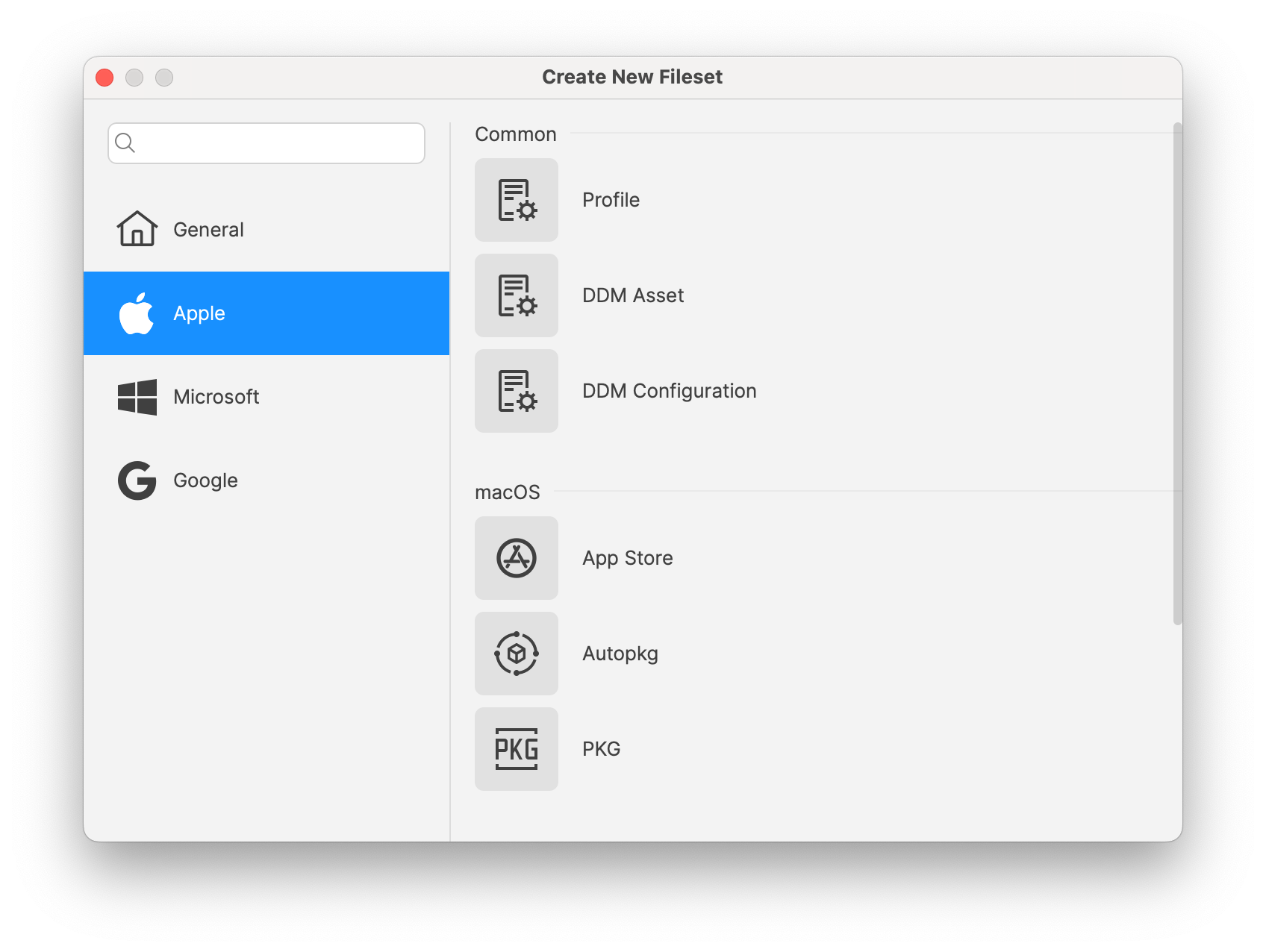](https://kb.filewave.com/uploads/images/gallery/2024-09/Ge9Sypl3nYpdyJXO-image.png)
**FileWave Appliances:** There are a few key changes for someone setting up a new FileWave Server, Booster or IVS appliance that should be noted for 15.5.0.
- HyperV images are now provided as Gen1 as well as now Gen2 allowing you to take advantage of more modern HyperV features when setting up a new appliance. Gen1 images will continue to be provided for those who need them until further notice.
- fail2ban has been added to all of the Appliance images to protect them from brute force SSH attacks. Existing images will not get this, but it can be manually added if you would like. SSH shouldn't normally be exposed to the Internet, but also some attacks can happen on a protected network by an infected host.
- When setting up a new Appliance the root user is not enabled. Instead you will login via console or SSH as "fwadmin" with a password of "filewave" and you will be forced to change the password on first login. To do actions as root you will use sudo. Existing Appliances will not be changed by filewave but you can make the same changes.
```shell
#!/bin/bash
# Ensure the script is run as root
if [ "$EUID" -ne 0 ]; then
echo "Please run this script with sudo or as root."
exit 1
fi
# Prompt for the password
echo "Creating user 'fwadmin'."
read -s -p "Enter password for 'fwadmin': " password
echo
read -s -p "Confirm password: " password2
echo
# Check if passwords match
if [ "$password" != "$password2" ]; then
echo "Error: Passwords do not match."
exit 1
fi
# Create the 'fwadmin' user without a password prompt
adduser --gecos "" --disabled-password fwadmin
# Set the password for 'fwadmin'
echo "Setting password for 'fwadmin'."
echo "fwadmin:$password" | chpasswd
# Add 'fwadmin' to the sudo group
usermod -aG sudo fwadmin
echo "'fwadmin' has been added to the sudo group."
# Lock the root account
passwd -l root
echo "The root account has been locked."
echo "Setup complete. You can now log in as 'fwadmin' and use sudo."
```
Inventory-Specific changes
**MDM Command history:** MDM command history is now available in inventory, allowing troubleshooting or reporting related to MDM based features.
**New "Last Changed" Field in FileWave Inventory:** We've added a new "Last Changed" field in FileWave Inventory.
- **"Last Changed" Field:** This new field records the date and time when any custom or built-in field value is updated for a client or when the client reports to the inventory.
- **Field Updates:** The "Last Changed" field is also updated when a new custom field is associated or disassociated with the device.
- **API Integration:** The "Last Changed" field is visible in existing public inventory API responses, enabling more accurate data synchronization and integration.
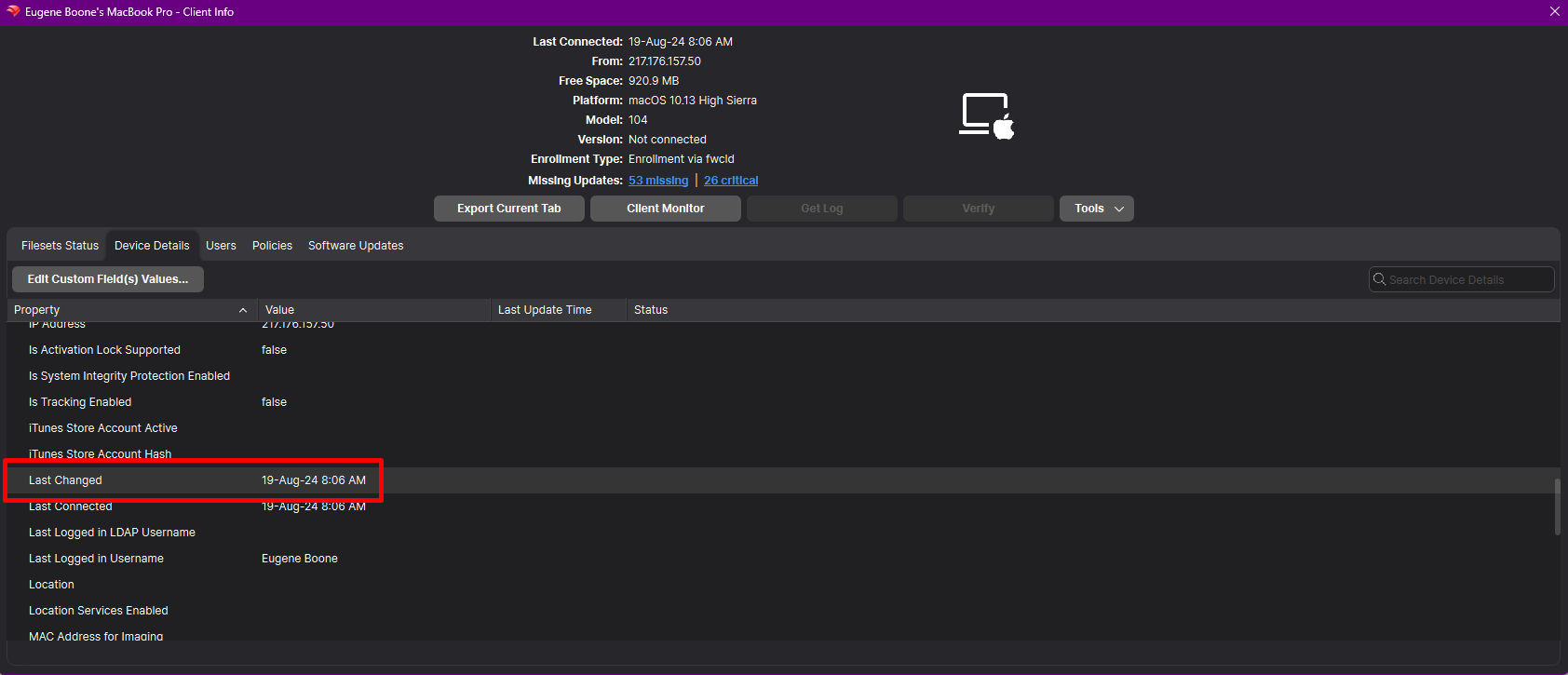
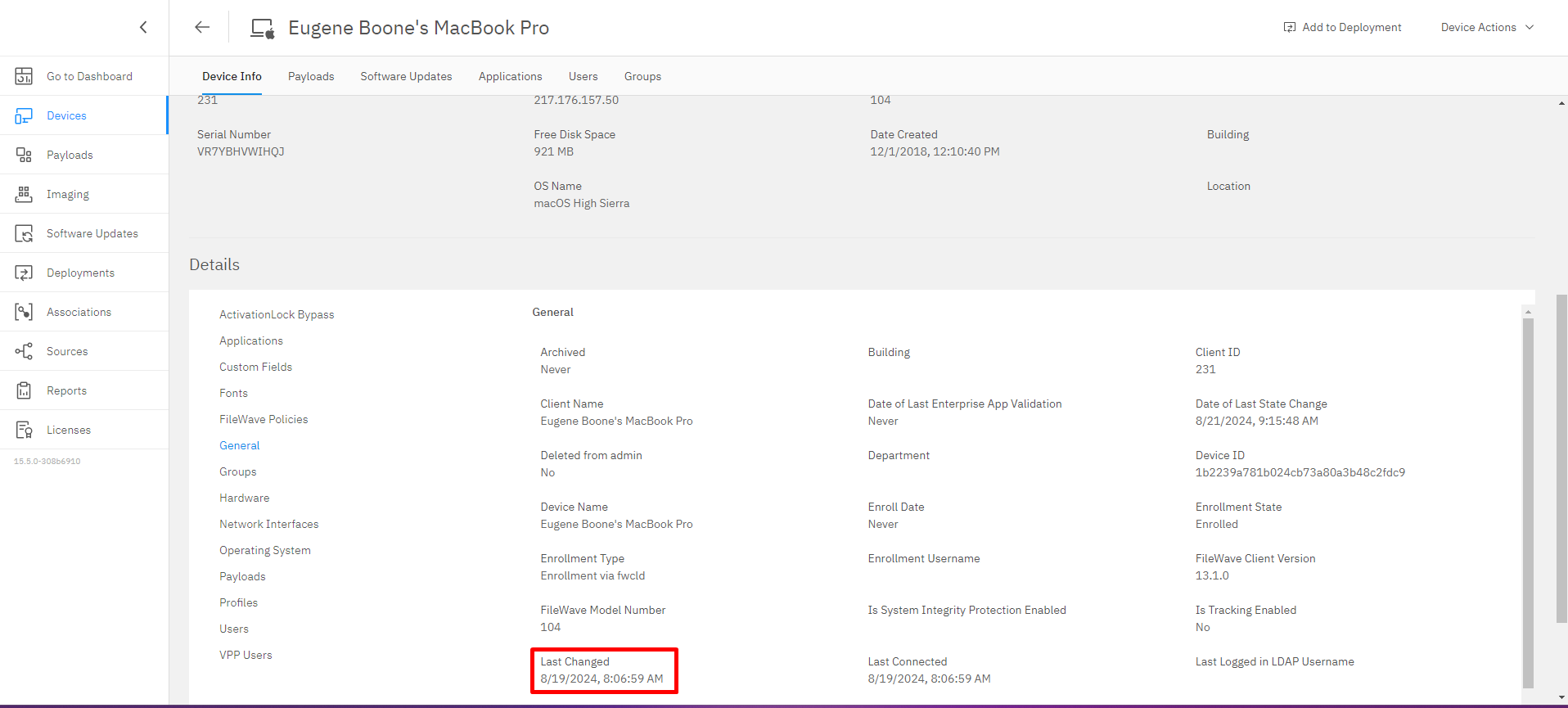
Apple-Specific Changes
A**utopkg integration**
In addition to Winget support in 15.4, Autopkg, a well-known package tool in mac admin community is now supported in FileWave:
- Not need to run Autopkg ; FileWave runs autopkg, creates packages and hosts them.
- Filesets are made available via a CDN, using private to your instance links.
- Currently, autopkg repositories are selected and curated by FileWave. Please contact us if you have suggestions for other repositories or recipes.
- Package versioning is managed with revisions ; automatic upgrade is managed when selecting “latest” specific revision.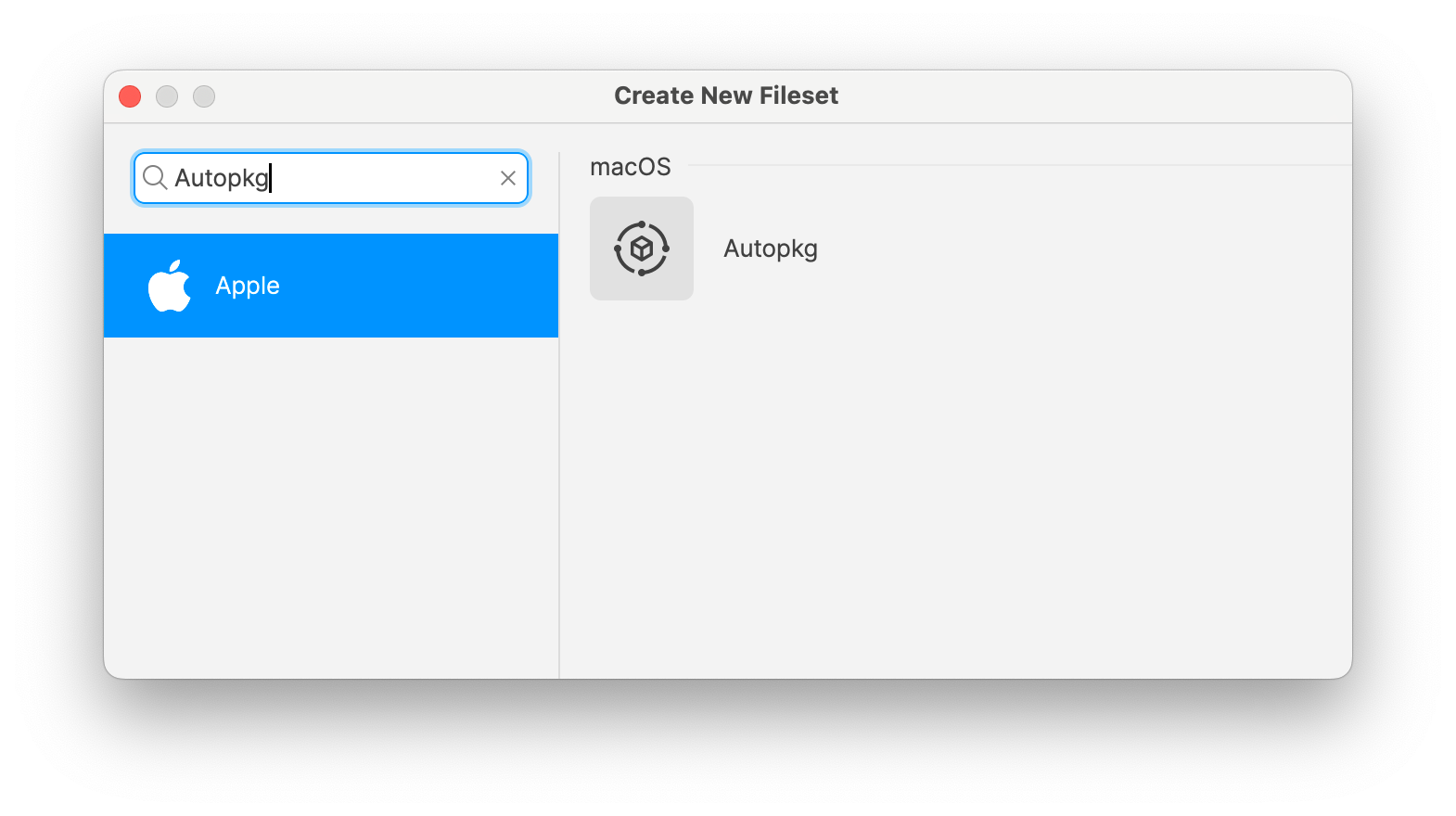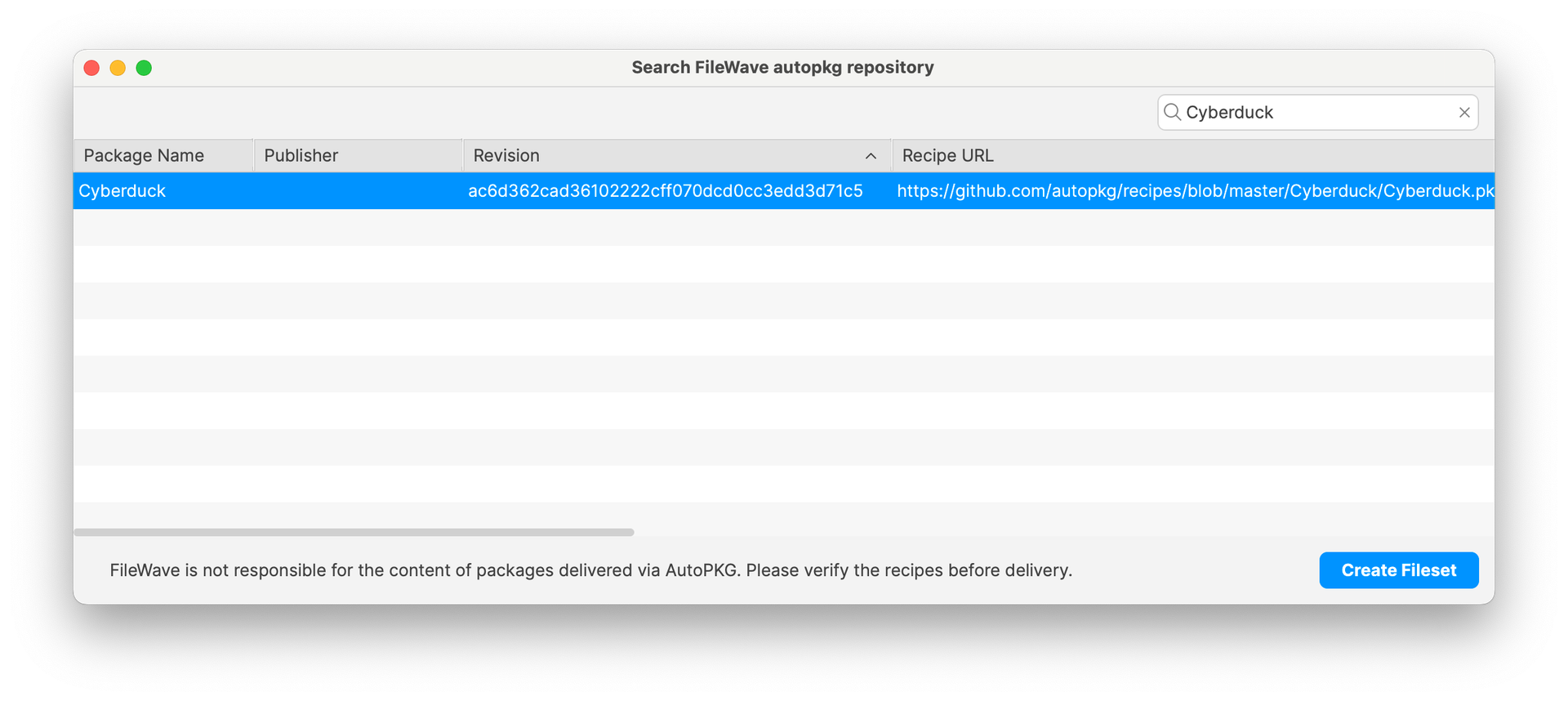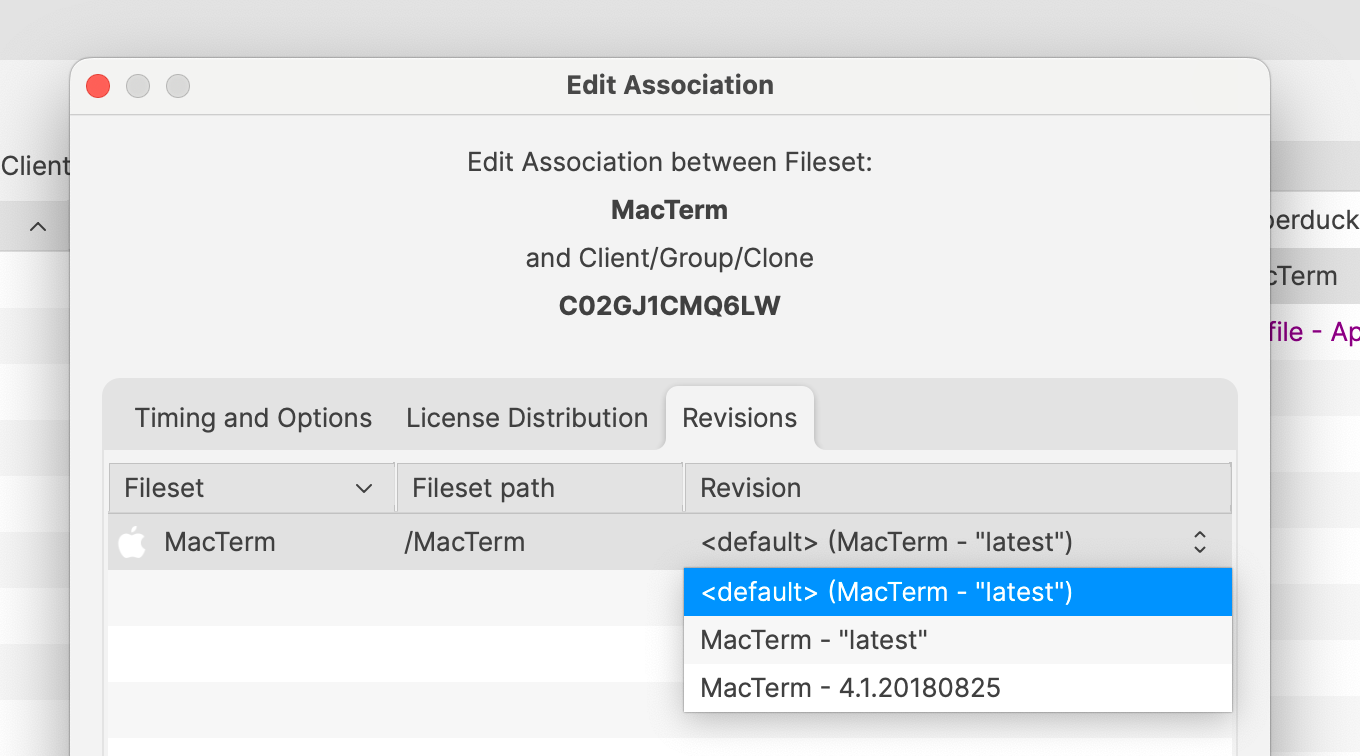
**Signed Profiles:** Profiles deployed using FileWave are now signed before being installed on the device. FileWave 15.5 also allows:
- modifying imported signed profiles ; in that case, existing profile signature will be removed and replaced by a new one
- exporting profiles as signed, making sure profiles can be shared without being altered
- duplicating signed profiles ; in that case, as payload UUIDS are regenerated, existing profile signature will be removed and replaced by a new one
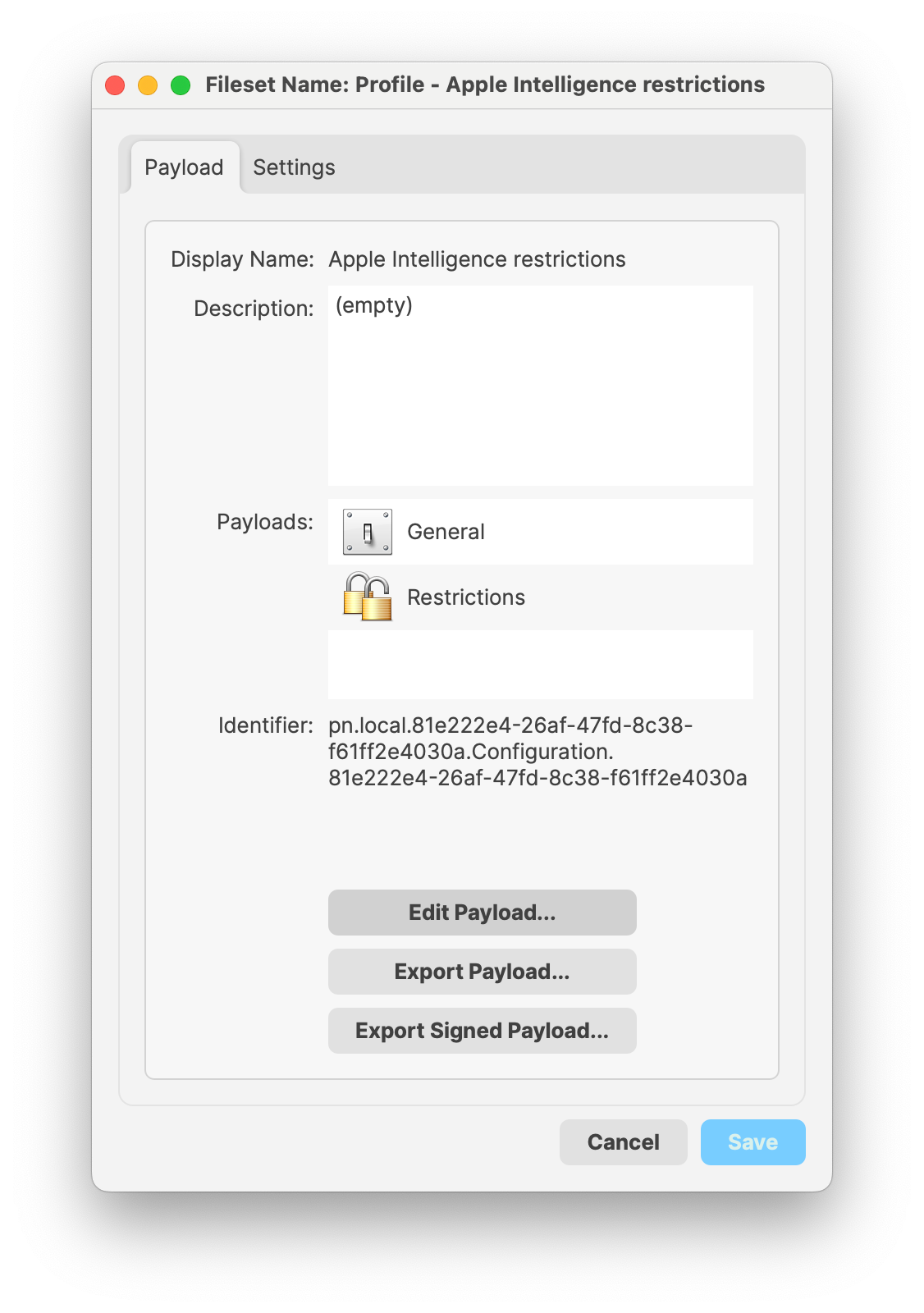
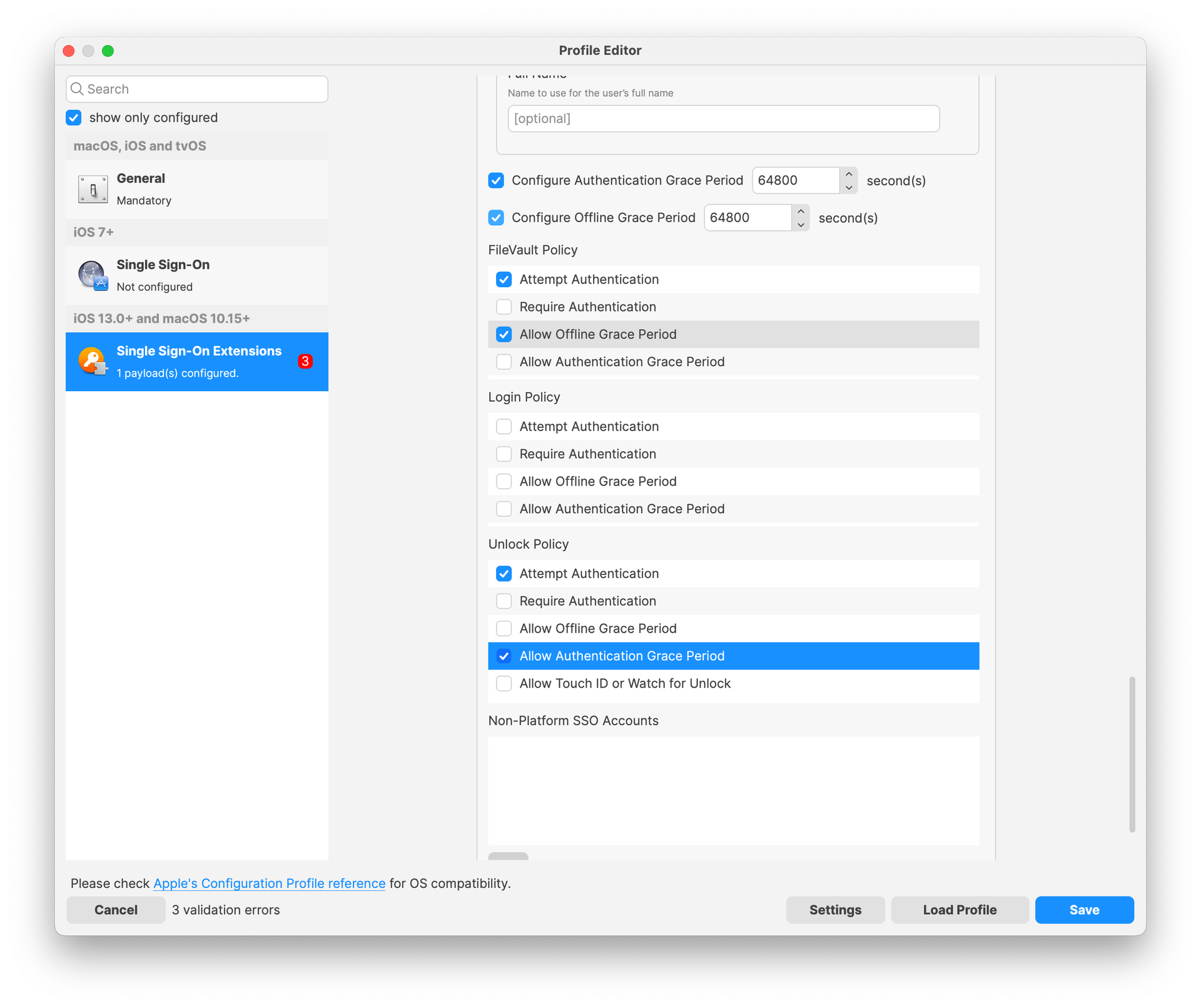
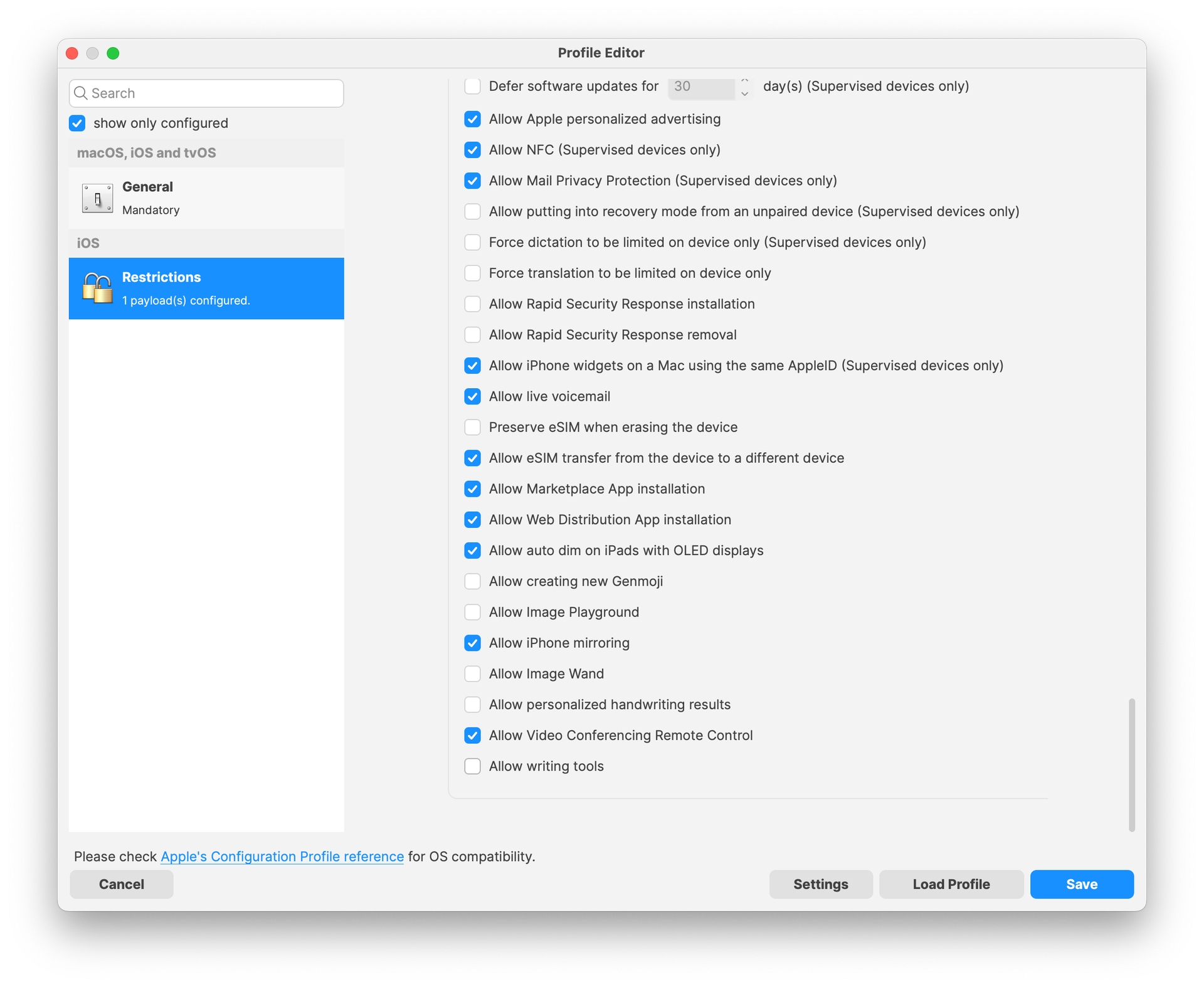
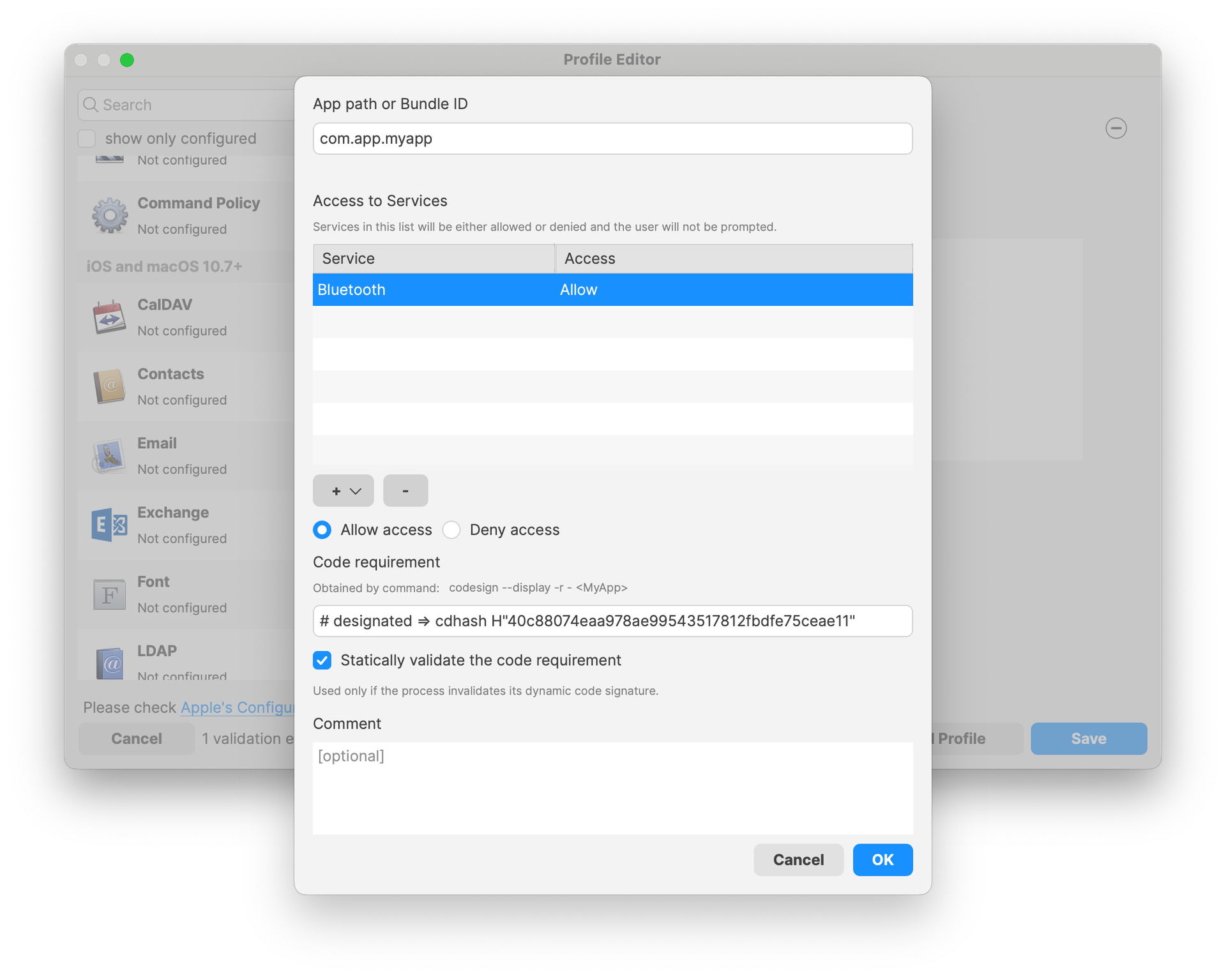
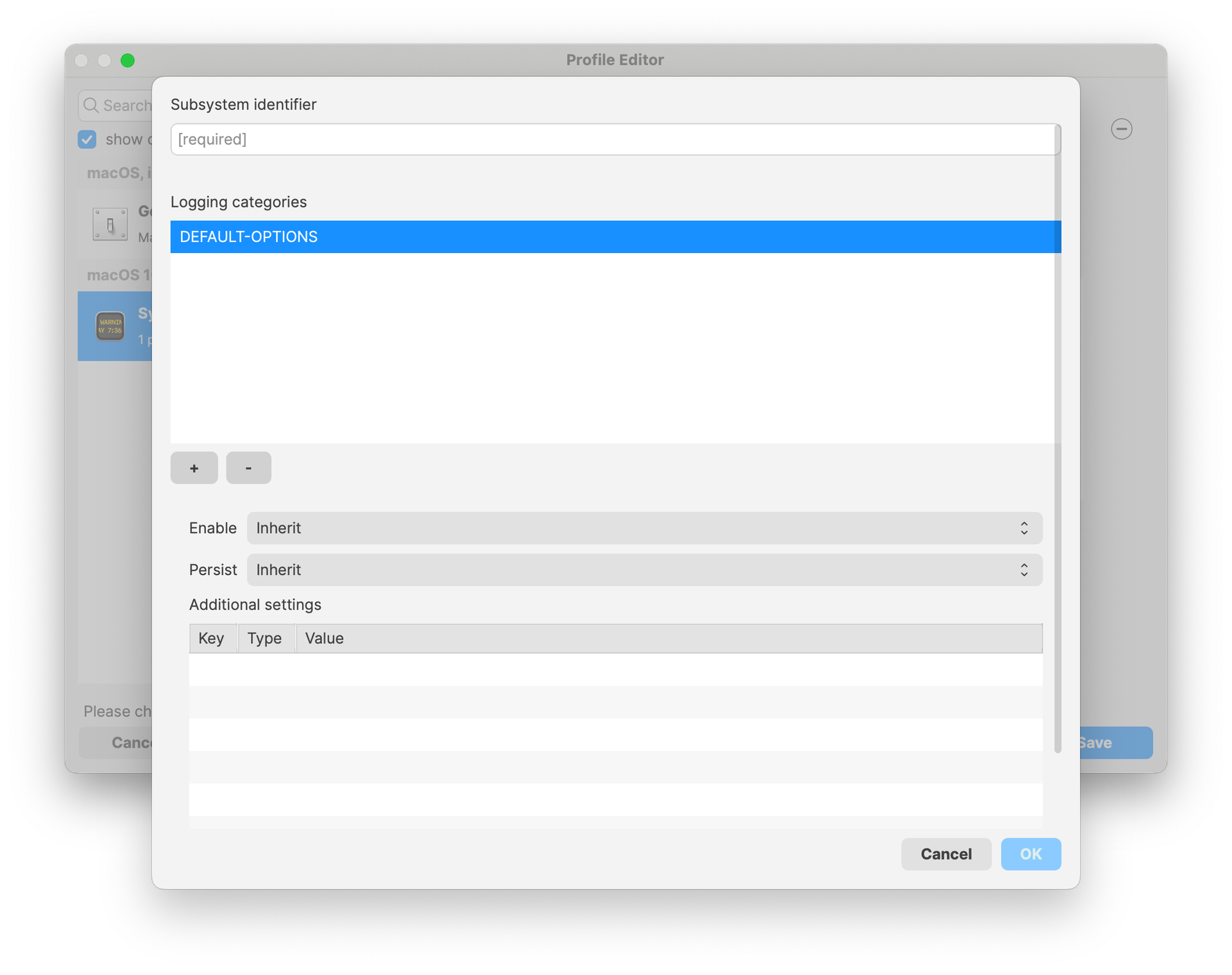
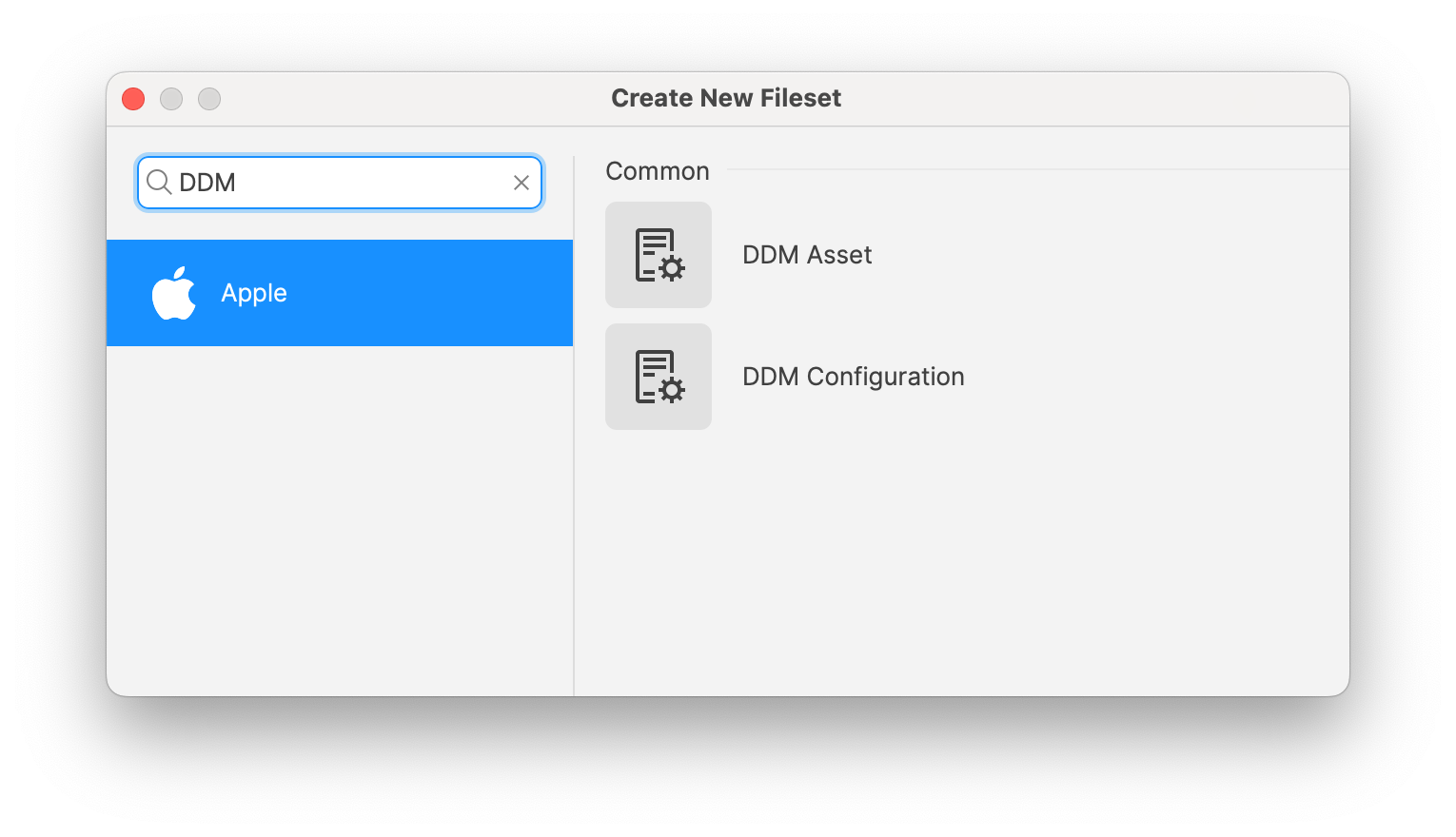
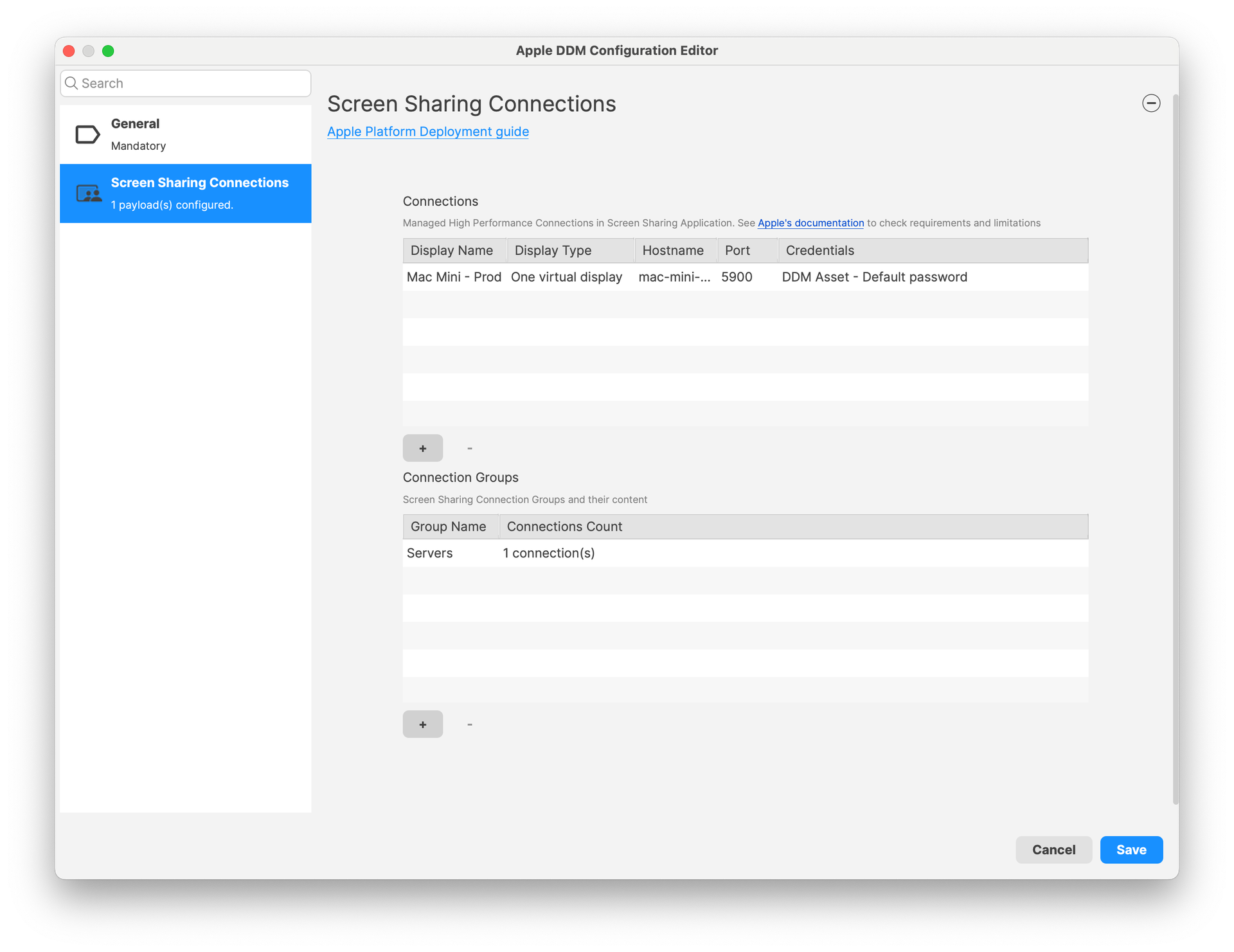
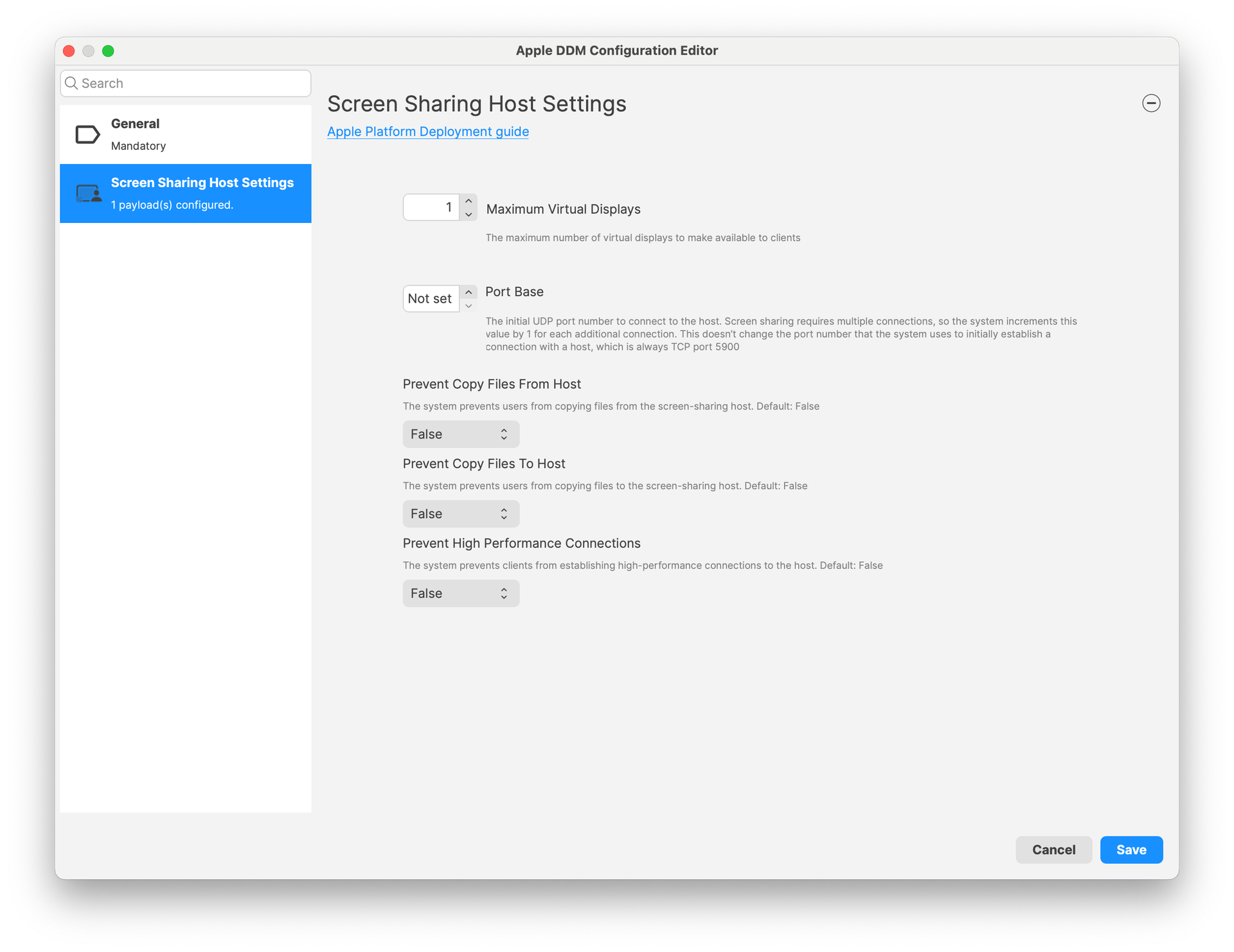
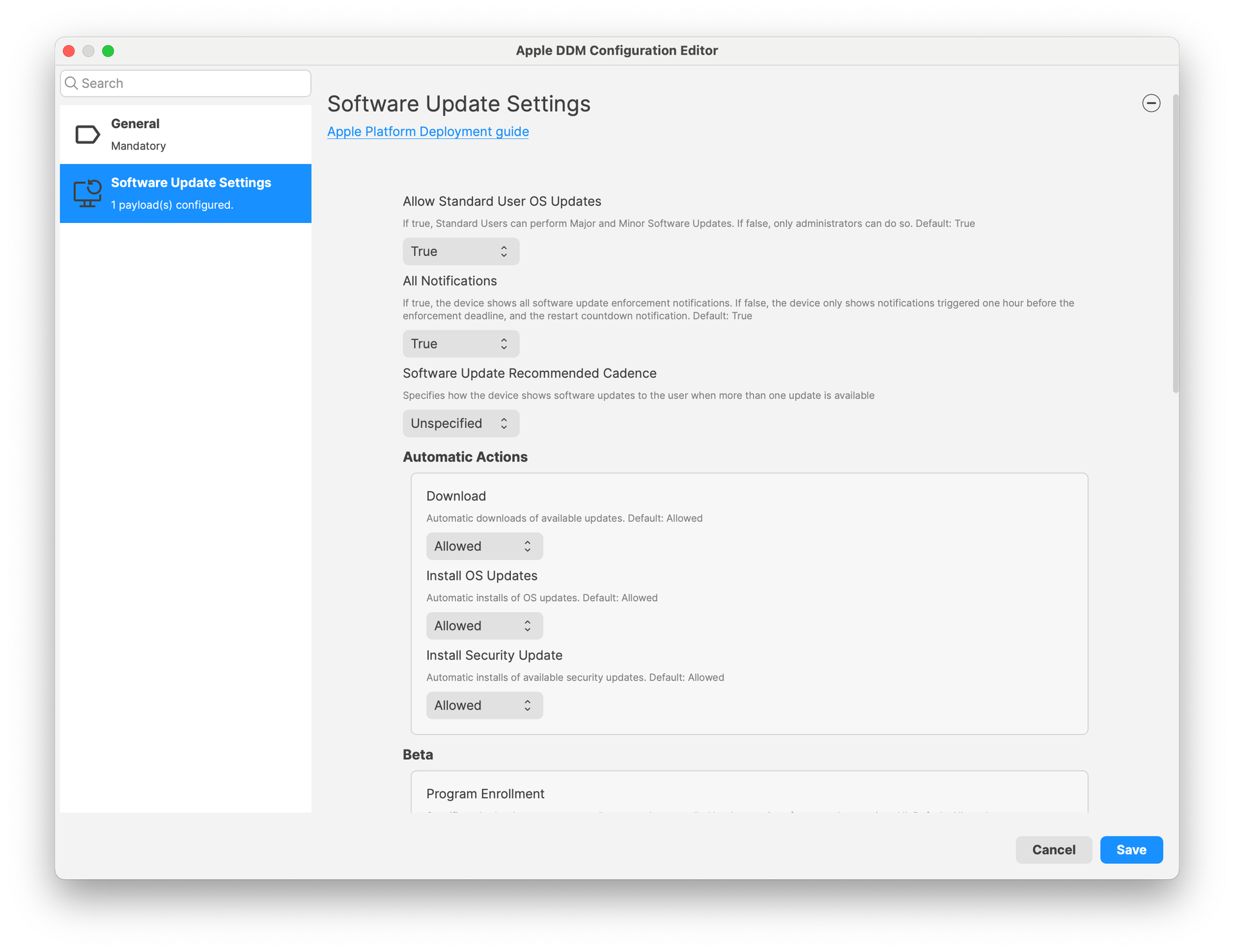
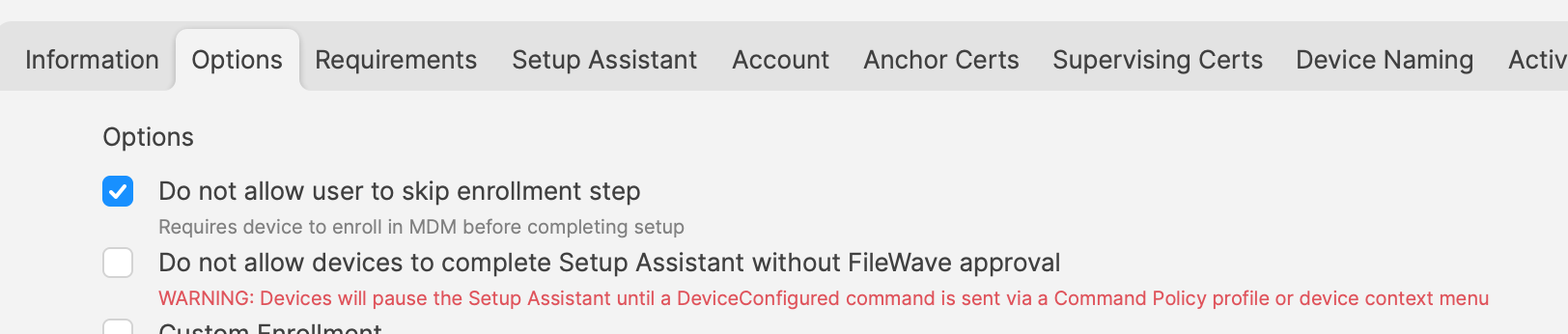
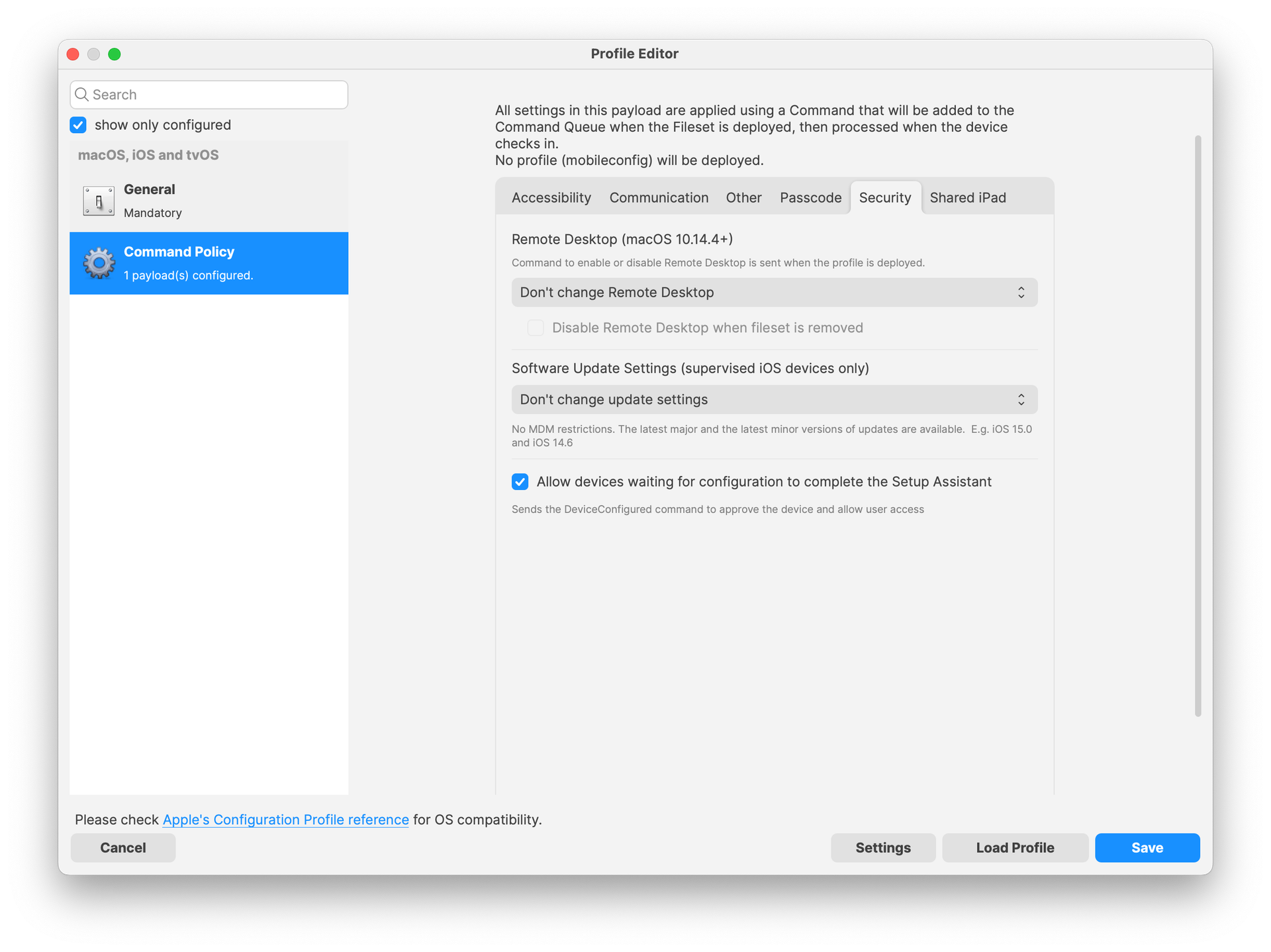
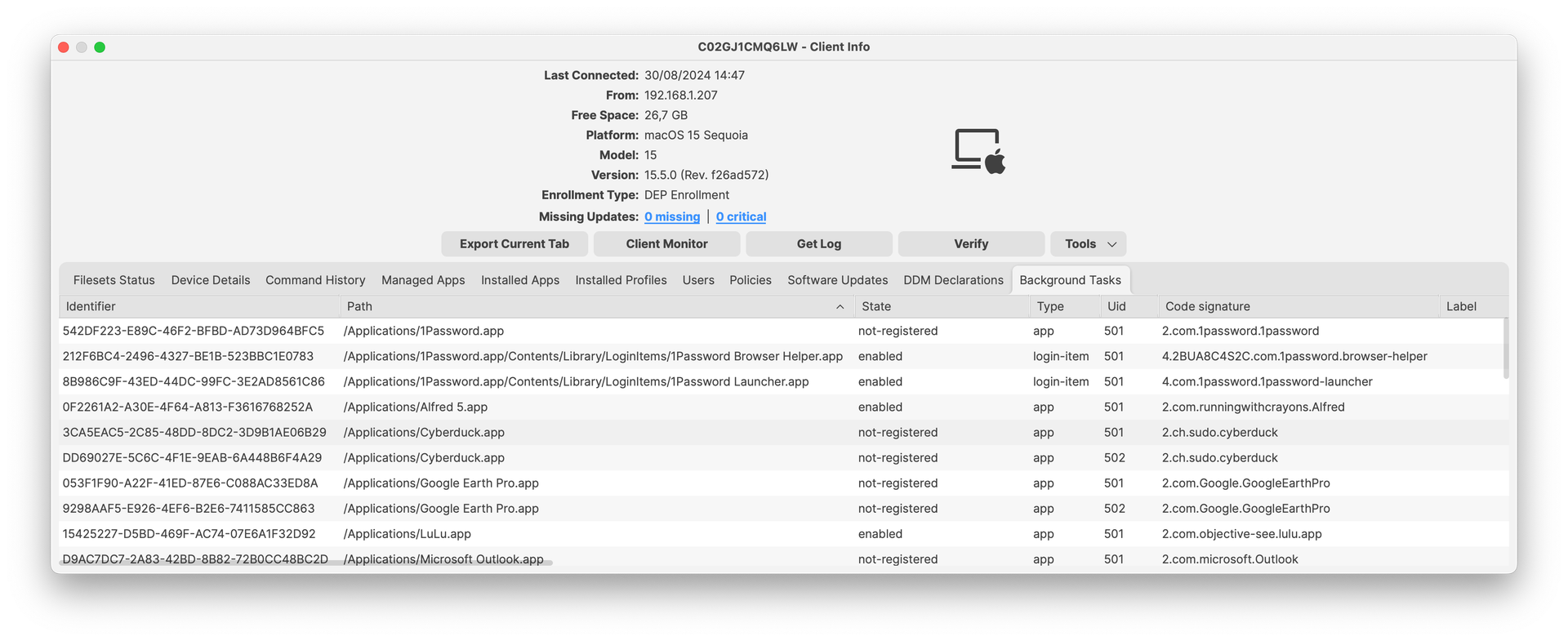
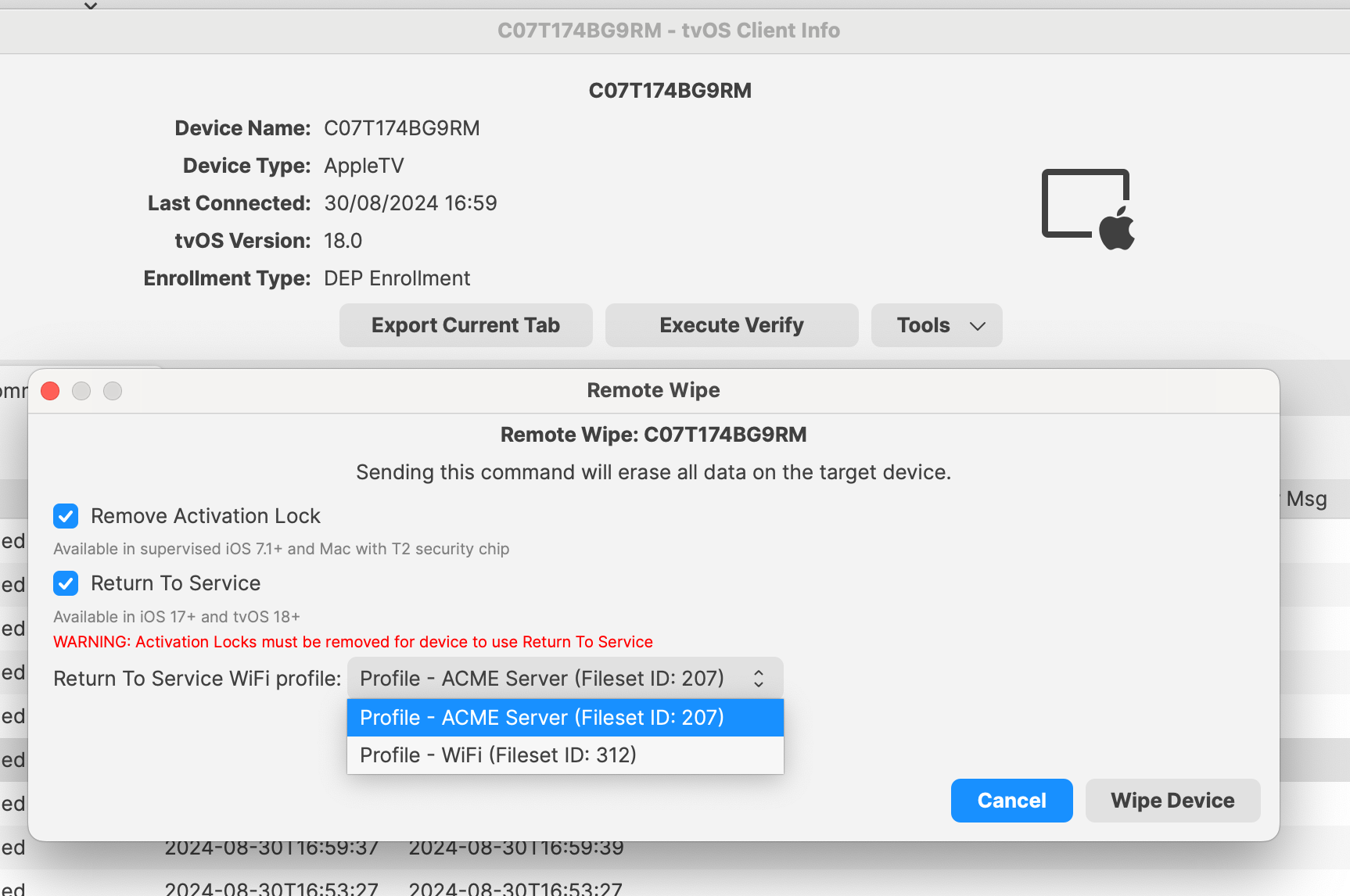
**Customise user access to certain apps and services using Apple School or Business Manager :** FileWave is now supporting Managed Apple IDs based access on iCloud features and app access. This feature is available to both School and Business Manager:
- [Apple Business Manager Customise User Access](https://support.apple.com/en-gb/guide/apple-business-manager/axm53xk34bq/web)
- [Apple School Manager Customise User Access](https://support.apple.com/en-gb/guide/apple-school-manager/axm53xk34bq/web)
Chromebook-Specific Changes
**Chrome Extension:** New version is available with 15.5 release. Extension is needed for Notifications to function properly and also contains several issues fixed. The extension should automatically update on clients.
**Chrome Management in FileWave Anywhere:** Verify option is now available in FileWave Anywhere for single and bulk devices action. It is also supported as a bulk action for different platforms (i.e mac and chrome). Note: “Modify Chromebook” permission is not needed to preform Verify action.
Android-Specific Changes
**Android Lost Mode:** EMM devices which are in “Missing” device state will now use Android Lost Mode mechanism. As Android Lost mode allows the end user to exit lost mode by entering device passcode, FileWave will then report in inventory the current state and the expected state. It is also possible to “Play Lost Mode Alert” on lost devices.
Windows-Specific Changes
**64-bit client for Windows**
FileWave relies on several opensource components - you can find exhaustive list on each download page. Keeping these components up to date is mandatory for both security reasons and for better features. Starting with version 15.5, FileWave uses now Qt 6, which is running only on 64-bit operating systems. FileWave 15.5 can’t run on Windows 32-bit edition anymore.
The change from 32-bit to 64-bit executable on Windows has an impact on how filesets are delivered:
- On a 32-bit Windows, programs are located on *c:\\Program Files*.
- On a 64-bit Windows, 32-bit programs are located on *c:\\Program Files (x86)\\* while 64-bit programs are on *C:\\Program Files\\*
To facilitate the transition to the 64-bit platform, Microsoft added silent, automatic redirection. When a 32-bit program tries to access c:\\Program Files\\, Windows automatically redirects file system calls to C:\\Program Files (x86) ; this allows legacy program to work smoothly on both platforms. This redirection applies in several concepts and is documented by Microsoft in the [WOW64 (Windows On Windows 64)](https://learn.microsoft.com/en-us/windows/win32/winprog64/wow64-implementation-details) page.
As FileWave Agent (fwcld) 15.4 is a 32-bit application, it is impacted by the silent redirect from Windows ; files deployed using FileWave may then be deployed in a different location. A Fileset property setting allows to control wether redirection mechanism should be disabled or not.
Starting with FileWave 15.5, filesets can be configured as 32-bit or 64-bit:
[](https://kb.filewave.com/uploads/images/gallery/2024-09/Aka04K2CyKCVAmSl-image.png)
This has an impact on:
- files delivery, depending on the redirection setting
- registry modifications
- script interpreter environment. Typically, Powershell can run as 32-bit or as 64-bit
To facilitate migration:
- filesets created with FileWave 15.5 will be 64-bit by default and can be marked as 32-bit if required
- all existing filesets, created prior to 15.5, are marked as 32-bit (redirection setting is kept) and can be marked as 64-bit if required
As 64-bit applications are located in c:\\Program Files instead of c:\\Program Files (x86), if you have scripts calling fwcld.exe to manage "Command Line" custom fields will need to be updated to use the new path.
**Firewall Script for Client Monitor**
If you use Client Monitor with Windows clients then you've deployed some version of the firewall script from the KB. With the move to 64bit Windows there is a change in location for the executable used in the firewall rule. The normal Client Update Fileset will add the new rule without you needing to do anything. [Read More...](https://kb.filewave.com/books/filewave-client/page/filewave-firewall-scripts-for-windows "Filewave Firewall Scripts for Windows")
**Windows Client Upgrade Fileset**
We have further enhanced the Windows Client Upgrade Fileset to try to account for additional scenarios that could lead to a failed upgrade. The updates include trimming a log file that could grow to be too large and enhancements to how the scheduled task is created and executed that performs the actual upgrade.
FileWave Windows Imaging (IVS)
FileWave Windows Imaging solution relies on PXE Boot, which delivers a tiny Linux image containing all required components to run the imaging process. Compatibility with different hardware depends on how the tiny linux image is built - mainly which Linux kernel version and embedded packages and modules.
- The list of modules and packages embedded with IVS 15.5 has been entirely revisited and supports a much broader set of hardware.
- NFS shares on the IVS 15.5 are protected in a new way. When a device boots up to image or capture its image there is a VPN session created in order to access the NFS shares. Unauthenticated access to the NFS shares was removed. This change requires clients to be able to reach the IVS on TCP/UDP 20490 rather than the previous TCP/UDP 2049 port.
FileWave Kiosk
##### Company Information
With 15.4.0 - Company information are now available in Desktop versions of the Kiosk (macOS, Windows):
[ ](https://kb.filewave.com/uploads/images/gallery/2024-04/PNhcJ1iBMxT2dmeg-image.png)[](https://kb.filewave.com/uploads/images/gallery/2024-04/ZH6DU9eInlhL5qCy-image.png)
##### Reinstall and Go To App Store actions
Reinstall and Go To App Store actions have been added in Fileset Details and Browse Filesets views:
- Go To App Store button is visible for all VPP filesets.
- Reinstall button is visible for non-VPP filesets in the following scenarios:
- If the fileset is already installed.
- If the installation of the fileset failed.
[ ](https://kb.filewave.com/uploads/images/gallery/2024-04/wcR79wNXXOCXkkXn-image.png)[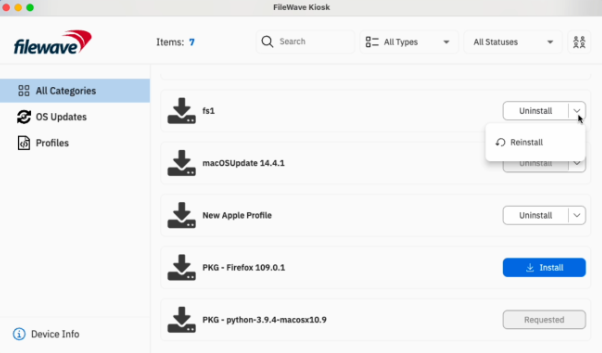](https://kb.filewave.com/uploads/images/gallery/2024-04/ccC7pXF8f0F4WmnE-image.png)
##### New design for Join Organization modal
New organization modal is showing both active and retired VPP invites. Red indicator is shown only if the action is required (pending organization(s) to join).
[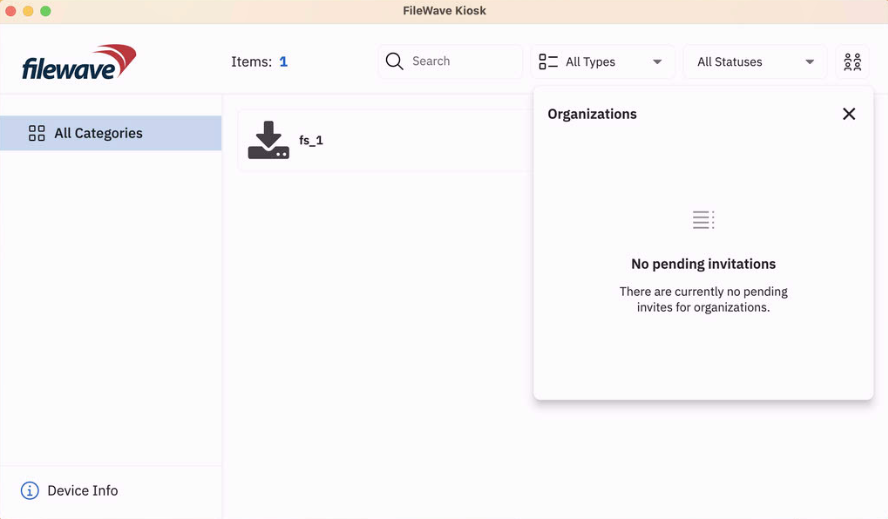 ](https://kb.filewave.com/uploads/images/gallery/2024-04/lf6tELkSURuuCYF9-image.png)[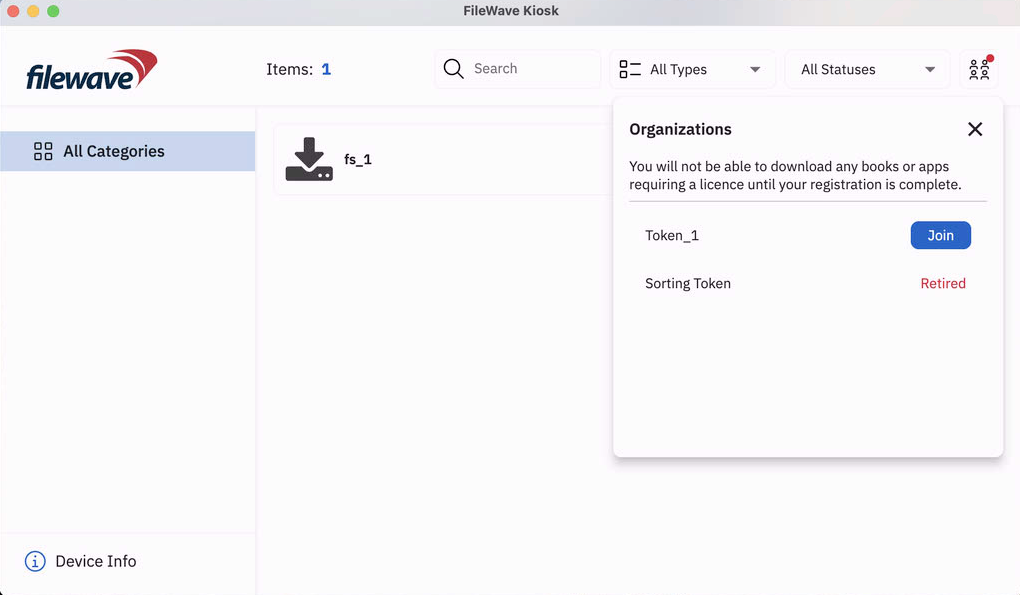](https://kb.filewave.com/uploads/images/gallery/2024-04/LQRSx7Nzjw7uyO0A-image.png)
Deprecated Features
The following features have been deprecated from FileWave 15.5.0. They are present but will be removed in a future release:
- **macOS Support:** macOS 12 will be the minimum macOS supported version.
- **Kiosk 1.0 for macOS/Windows** - The original Kiosk is still bundled with macOS/Windows clients, but in a future version, this will be removed because [Kiosk 2.0](https://kb.filewave.com/books/kiosk/page/filewave-kiosk-for-macos-and-windows-overview-153 "FileWave Kiosk for macOS and Windows overview (15.3+)"), introduced in FileWave 15.3.0, will be the only Kiosk.
- **Minimum version of Server for upgrades:** Upgrading FileWave server to version 16.0 will require to run FileWave 14.1.5 or later.
- **FileWave Central Dashboard**: The Dashboard in FileWave Central will be replaced by a view of a Grafana Dashboard to not maintain 2 Dashboard systems.
- **Automatically deploy to requesting clients:** In 16.0 this option for OS updates will be removed in favor of using a Smart Group like All Windows or All macOS or All iOS as part of the improvements to reporting and use of OS updates in FileWave. Improved automation related to software update will be added in a future version.
We encourage you to provide product feedback if you have any concerns: [FileWave Product Management](https://kb.filewave.com/books/community-engagement/page/filewave-product-management "FileWave Product Management")
Decommissioned Features
The following features have been removed from FileWave 15.5.0:
- **Windows 32-bit** - With FileWave 15.5, the FileWave Client, Boosters, and Admin are 64-bit only now.
- While it was not possible to create new **MCX (Workgroup Manager)** Fileset since FileWave 7.0, it was still possible to import and edit MCX configurations from 2013 and before. As MCX and Workgroup Manager has been made deprecated by Apple for 10 years, support has been removed from FileWave 15.5.
The following features were removed from FileWave 15.4.0 and are worth mentioning again due to being major changes:
- **CentOS** - As CentOS 7 being End-Of-Life on June 30, 2024, FileWave is available and supported on Debian. New versions of FileWave won't be released on CentOS after CentOS is EOL.
- **Compatibility Mode:** Communication between FileWave components is encrypted and has relied on TLS certificates for several years now. Back in the day, to facilitate the transition, a Compatibility Mode was introduced, allowing clients running versions older than 13.1 to still be managed by a more recent server despite not supporting proper encryption. It is now time to drop compatibility mode to enforce secured communications. This means the minimum OS versions that can be enrolled are macOS 10.11 and Windows 7 SP1 - but it is obviously not recommended to run outdated, unsecured end-of-life Operating Systems.
- **Google FCM Deprecation Support:**
- - Legacy Firebase Cloud Messaging (FCM) APIs are deprecated by Google.
- Enable (if are not already enabled) the following API to manage ChromeOS on FileWave:
- Firebase Cloud Messaging API
- Firebase Management API
- [More...](https://kb.filewave.com/books/chromeos/page/confirming-firebase-apis-are-enabled-for-chromebooks-154 "Confirming Firebase APIs are enabled for Chromebooks (15.4+)")
Changes and Fixes in 15.5.2
Fixes in 15.5.2
- OpenSSL 3.3.3
- FWRD-14888 - iOS Kiosk doesn't update if SELF\_HEAL\_APPS\_BY\_VERSION=False
Fixes in 15.5.1:
- FWRD-14122 Fixed potential high resources usage of Windows agent (fwlcd) related to WMI requests
- FWRD-14126 Fixed an issue where DEP enrollment with IDP authentication failed if port 443 was blocked
- FWRD-14236 Fixed an issue where Model Update service could not start automatically on cloud instances
- FWRD-14278 Fixed an issue where error details would not be properly displayed when a DDM configuration would fail to install on multiple devices
- FWRD-14296 Fixed an issue where Chromebook data synchronization with Google could fail
- FWRD-14346 Fixed an issue where On Demand setting list could grow when switching between Cellular and Wifi configuration (Central VPN Apple Profile)
- FWRD-14398 Fixed an issue where IVS upgrade package would not configure secured NFS share settings
- FWRD-14403 Fixed an issue where DEP sync could fail if access to beta program would not be enabled in Apple Business or School Manager
- FWRD-14404 Fixed an issue where duplicating a DDM configuration fileset could lead to empty configuration
- FWRD-14433 Fixed an issue where DDM "Screen Sharing Connection" configuration could be incorrectly saved empty
- FWRD-14444 Fixed a potential issue impacting model update related to DDM configuration statutes not properly removed when related devices are removed from the model
- FWRD-14445 Fixed a potential issue related to Shared Memory which would impact server restart
- FWRD-14449 Fixed a potential issue where IVS may not be able to get imaging association data from fwxserver
- FWRD-14451 Fixed an issue where restoring image could fail due to parted not respecting "script" option when creating partitions
- FWRD-14457 Fixed potential server issue related to multi-threaded code in fwxserver, which could impact various aspects of the server
- FWRD-14458 Fixed an issue where Imaging MAC Address would not be part of searched data (Anywhere)
- FWRD-14461 Fixed a potential threading issue impacting fwxserver communications with external services
- FWRD-14466 Improved the detection of the platform of the restriction payload (macOS, iOS, tvOS)
- FWRD-14489 Fixed an issue where fwcld would not be able to load fileset script statuses stored on disk after upgrade to 15.5
- FWRD-14496 Fixed an issue where upgrading IVS could fail when disabling IPv6
- FWRD-794 Model Update is no longer required to propagate MDM host name change in settings
- FWRD-1253 Fixed an issue where iOS devices could be linked to multiple VPP users from the same organization which can break device management
- FWRD-1530 Fixed an issue where fwxserver (admin) process could crash under DOS attempt
- FWRD-1537 Fixed an issue where FileWave agent could be blocked if there is no default interpreter for given fileset script
- FWRD-1826 Improved management of firewall for debian installers
- FWRD-1981 Fixed an issue where fileset files could be deployed even if dependency fails to install
- FWRD-2047 Fixed an issue where Windows 11 build version was not properly reported in Client Monitor
- FWRD-2107 Fixed an issue where "Last Connected" field would be set for placeholders before device enrolls
- FWRD-2114 Fixed an issue where Revert Model would prevent devices from being displayed in New Client From Server.
- FWRD-2317 Fixed an issue where IVS client monitor would incorrectly show "Updates Found" even without updates
- FWRD-2443 Fixed an issue where model update number stays at 0 for IVS client
- FWRD-2608 Made sure that Custom Field scripts time out and don't block FIleWave Agent reporting
- FWRD-2893 Fixed an issue where outdated internal fileset container files would not be removed
- FWRD-3359 Made sure IVS and imaged devices are using encrypted network sharing access
- FWRD-3379 Fixed an issue where BYOD for Android 12 and later would not work properly
- FWRD-3392 Fixed an issue where booster metrics in Grafana based dashboard would be incorrect
- FWRD-3404 Fixed an issue where Alert Manager configuration could be broken due to email password format
- FWRD-3410 Fixed an issue where unused images could not be deleted on IVS
- FWRD-3452 Fixed an issue where it could be possible to update model from FileWave Anywhere even if new model does not respect license limits
- FWRD-3458 Made German translations regarding dependencies clearer
- FWRD-3503 Fixed translation tags in New Image Association table in FileWave Anywhere.
- FWRD-3678 Fixed an issue where importing iOS restriction mobileconfig could be imported as tvOS restriction profile
- FWRD-3683 Fixed an issue where application size could be incorrect for Windows devices for very large applications
- FWRD-3835 Fixed an issue where Login Window profile could allow and deny access to the same user or group
- FWRD-3843 Made sure only one "New License" dialog could be opened at once
- FWRD-3846 Fixed an issue related to Authentication options for VPN profile in FileWave Central
- FWRD-3887 "Completed" status in piechart in the Software Updates table now shows correct percentage in FileWave Anywhere.
- FWRD-3951 Fixed an issue where user per-connection password would not be properly saved in WiFi profile in FileWave Central
- FWRD-3955 Made sure that restriction profiles can be designed for only one platform to avoid conflicts
- FWRD-3970 Fixed an issue where Classroom association list would not be refreshed after deleting a Cart
- FWRD-3990 Fixed an issue where Boosters could be included in "All Mobile" inventory default query
- FWRD-3993 Fixed an issue where "Show Locked Items" window could incorrectly be made visible when closing Preferences
- FWRD-4004 Fixed an issue where duplicated clients could incorrectly be reported in inventory query
- FWRD-4053 Fixed reinstallation if the payload has multiple revisions in FileWave Anywhere.
- FWRD-4411 Made sure support uploader tool uses Zip64 for larger support data
- FWRD-4458 Fixed an issue where incorrect certificate could be used in SSO profile
- FWRD-12298 Refactoring caused by upgrading in FileWave Anywhere.
- FWRD-12339 Fixed issue with showing many popup windows when retrieving Geo Location Data.
- FWRD-12411 Fixed issue regarding Error column in Software Updates view not showing any information.
- FWRD-12526 Fixed security issues.
- FWRD-12558 Fixed an issue where log rotation would not work properly for NATS logs
- FWRD-12631 Fixed issue related to revert model notification in FileWave Anywhere.
- FWRD-12641 Fixed an issue where it would be possible to upload a new fileset while there is no disk space left on the server
- FWRD-12645 Fixed an issue where a FATAL error message could be displayed during installation on Debian due too early access to the Database Server
- FWRD-12703 Fixed issue with back button when using FileWave Anywhere through Safari browser on iPads.
- FWRD-12785 \[CI\] Inject Chromebooks/keys/InventoryExtension.pem and remove from the repo
- FWRD-12820 Fixed cross-site scripting security vulnerabilities in Kiosk Description.
- FWRD-12839 Spawned MDM SU fileset has correct name in FileWave Anywhere.
- FWRD-12851 Fixed a cosmetic issue related to how errors are displayed in Google Dedicated Device policy editor
- FWRD-12879 Fixed an issue where Universal Applications would not be listed in Application chooser (for Autonomous Single App Mode for instance)
- FWRD-12882 iOS Restriction profile created in FileWave Central which is duplicated now can be opened in FileWave Anywhere.
- FWRD-12894 Fixed an issue where Per-App profiles would be incorrectly duplicated
- FWRD-12942 Added data test id that was missing.
- FWRD-12966 Fixed an issue where creating iOS restriction profile could contain tvOS specific keys
- FWRD-12994 Fixed an issue with restrictions - it is not possible to add Restrictions payloads for multiple platforms in one profile in FileWave Anywhere.
- FWRD-13048 Fixed incorrect Upgrade Fileset Kiosk title
- FWRD-13061 Fixed cosmetic styling issue with Audit History dialog
- FWRD-13106 Fixed a cosmetic issue where Energy Saver profile label for "Wake for network access" would still be labeled "Wake On LAN"
- FWRD-13118 Improved check\_db\_errors error report
- FWRD-13139 Fixed an issue with being able to navigate behind the modal using tab key in FileWave Anywhere.
- FWRD-13164 Fixed an issue where broken Windows Update Service could prevent FileWave agent from running properly
- FWRD-13181 Fixed wrong title bar color of the verify confirmation dialog in dark mode
- FWRD-13215 Fixed an issue where devices removed from the model would not be properly removed from inventory
- FWRD-13216 Fixed an issue where server would try to connect to NATS notification server too early, producing errors in log
- FWRD-13217 Fixed a cosmetic issue where winget description would not be properly aligned in FileWave Central
- FWRD-13246 Fixed issue with Kiosk tray icon behavior when Client is without network connection.
- FWRD-13257 Fixed issue with creating TeamViewer sessions.
- FWRD-13267 Made FileWave Central and Anywhere error message when server disk is full consistent
- FWRD-13302 Fixed an issue where an error message related to internal communication system could be displayed right after login on Anywhere on slow network
- FWRD-13308 Fixed an issue related to legacy VPP code assistant
- FWRD-13335 Fixed issue with colors of split button in Desktop Kiosks.
- FWRD-13350 Fixed an issue where query based on is null / is not null for integer field would fail
- FWRD-13384 Fixed an issue where Calendar picker would not properly show invalid dates
- FWRD-13393 Fixed an issue where imaging-control networksetup static would not work
- FWRD-13543 Fixed Summary table crash when sorting Deployments by name in FileWave Anywhere.
- FWRD-13572 Fixed error in analytics related to Kiosk categories.
- FWRD-13573 Made Upgrade fileset kiosk title consistent between macOS and Windows
- FWRD-13575 Fixed an issue where resizing Central Admin would behave incorrectly when Association tab is made current
- FWRD-13597 Fixed an issue where IVS appliances could have the same internal identifier, causing enrollment issues
- FWRD-13613 Replaced Warning icon with Information icon for filesets with dependencies in Kiosk.
- FWRD-13639 Fixed issue with opening other Flutter application when starting FileWaveKiosk.exe
- FWRD-13677 Fixed an issue where pending auto-enrolled clients could not be automatically enrolled after server restart
- FWRD-13690 Fixed an issue where imaging-control increase harddrive would not work properly
- FWRD-13759 Made sure that model update can't be started if internal notification system is not properly functioning to avoid cases where Central admin is blocked
- FWRD-13782 Added support for Self-SIgned Certificate in Desktop Kiosks.
- FWRD-13819 Fixed an issue where check\_duplicate helper could report duplicated entries for devices having the same Device Name but not real duplicates
- FWRD-13832 Fixed an issue where script execution status would be missing if status id would be higher than maximum int 32b value
- FWRD-13897 Fixed an issue where Policy Editor icons would not be properly rendered in Light Mode
- FWRD-13901 Fixed an issue where opening booster monitor from FileWave Central could crash admin console
- FWRD-13938 Windows Upgrade FIleset does not have server requirements
- FWRD-13972 Fixed an issue where management command used to update DEP profiles with new server certificate would not be able to properly replace certificate
- FWRD-13994 Fixed an issue which could cause unnecessary network reconnection for cloud hosted instances
- FWRD-14105 Fixed a high memory usage from FileWave Central related to icons in list views
Fixes in 15.4.3:
- FWRD-13934 Fixed a potential issue where Windows Upgrade Fileset may not work properly on non-English environment
- FWRD-13903 Fixed a potential issue where FileWave agent could contact MDM server before having received all required information from fwxserver, leading to application uninstallation due to missing license
- FWRD-13836 Fixed an issue where multiple changes related to DEP devices could be processed out of order when synchronizing with Apple, leading to profile duplication
macOS Downloads
[](https://kb.filewave.com/uploads/images/gallery/2023-06/76nOWO8TRbgPaH2X-apple.png)
[macOS Upgrade Fileset](https://fwdl.filewave.com/15.5.2/FileWave_Upgrade_Fileset_macOS_15.5.2_1019aaf5.fileset.zip) (md5: f3d13e2ee92d780d6c1e6243b7f551d7)
[macOS Central (Admin)](https://fwdl.filewave.com/15.5.2/FileWave%20Admin.pkg) (md5: 56cbf9e547df714c02d1322bb55d5367)
[macOS Booster](https://fwdl.filewave.com/15.5.2/FileWave%20Booster.pkg) (md5: adbc7d390781fe2886280b7ffab6e6bc)
[macOS Server](https://fwdl.filewave.com/15.5.2/FileWave%20Server.pkg) (md5: 7542158683767e2c921578893005e997)
Remember that to upgrade macOS FileWave clients you should use the Upgrade Fileset. Never deploy the macOS Client installer from [https://custom.filewave.com](https://custom.filewave.com) to an existing device. It is intended for new installs. **If uploading on a Windows device, be sure to remove the folder at the end of the path before extracting. This way, the content will be unarchived correctly.**
**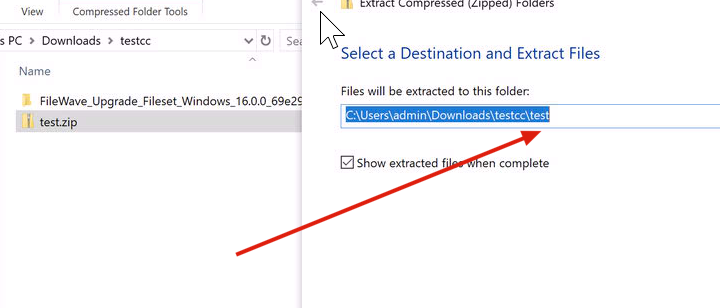**
Windows Downloads

[Windows Upgrade Fileset](https://fwdl.filewave.com/15.5.2/FileWave_Upgrade_Fileset_Windows_15.5.2_1019aaf5.fileset.zip) (md5: 9c77ac8535cd41da4141572a6c707b5f)
[Windows Central (Admin)](https://fwdl.filewave.com/15.5.2/FileWaveAdmin.msi) (md5: c1d7ea5410f397add3db05d08105ef0a)
[Windows Booster](https://fwdl.filewave.com/15.5.2/FileWaveBooster.msi) (md5: 5c0f0922b1e15a273ed50fe9c64861de)
Remember that to upgrade Windows FileWave clients you should use the Upgrade Fileset. Never deploy the Windows Client installer from [https://custom.filewave.com](https://custom.filewave.com) to an existing device. It is intended for new installs. **If uploading on a Windows device, be sure to remove the folder at the end of the path before extracting. This way, the content will be unarchived correctly.**

iOS Downloads
[](https://kb.filewave.com/uploads/images/gallery/2023-06/wENbdLgueSVvwqEL-ios.png)
Kiosk on iOS / iPadOS is now automatically installed from a CDN. ([Read More](https://kb.filewave.com/books/unreleased-filewave-versions/page/automatic-updating-of-ios-kiosk-153 "Automatic updating of iOS Kiosk (15.3+)"))
Chrome Extension
[](https://kb.filewave.com/uploads/images/gallery/2023-06/XP14ofjLt6jwkKXC-chrome-logo.png)The FileWave Inventory extension for Chromebook has to be installed via the Google Admin Console for your domain. Please see [Quickstart Guide for Chromebooks](https://kb.filewave.com/books/evaluation-guide/page/chromebook-client-pre-requisites "Quick Start Guide for Chromebooks") for detailed instructions
Debian Linux Downloads
[](https://kb.filewave.com/uploads/images/gallery/2023-11/XhLPXfKJskrWOllh-image.png)
[Debian Linux Installers](https://fwdl.filewave.com/15.5.2/FileWave_Debian_15.5.2.zip) (md5: 7a8432047467ee635fc00568dbb6260f)
[Debian Linux Server](https://fwdl.filewave.com/15.5.2/fwxserver_15.5.2_amd64.deb) (md5: 748ad3fa02d5798102b22ebeb0f48114)
[Debian Linux Booster](https://fwdl.filewave.com/15.5.2/fwbooster_15.5.2_amd64.deb) (md5: a9132f1bf2ac0af81cee8f02efcd5cde)
[Debian Linux IVS: FileWave Admin](https://fwdl.filewave.com/15.5.2/filewave-admin_15.5.2_amd64.deb) (md5: ae58941468711447d75e3002ea72dec8)
[Debian Linux IVS: FileWave Imaging Client](https://fwdl.filewave.com/15.5.2/filewave-imaging-client_15.5.2_amd64.deb) (md5: 3e6c670a2a618fc66bbe0f83b4dea83c)
[Debian Linux IVS: IVS Kernel](https://fwdl.filewave.com/15.5.2/ivs-kernel-15.5.2-1.x86_64.deb) (md5: 5f253f0bb029be1e5c36e8fd047f77f6)
[Debian Linux IVS: FileWave IVS](https://fwdl.filewave.com/15.5.2/filewave-ivs_15.5.2_amd64.deb) (md5: c4d6a7a2d77dc1dbc19ef12d5098cf1c)
For any of the below upgrades you would want to console or SSH to your Server/Booster/IVS and then run the command listed to upgrade the relevant component.
If you are using a FileWave appliance that before 15.5.0 the SSH access was with the user "root" and for any appliance setup from 15.5.0 or later the user is "fwadmin" and you would have been forced to [set the password on first login](https://kb.filewave.com/books/unreleased-filewave-versions/page/setting-the-password-on-first-login-to-filewave-appliances-154 "Setting the password on first login to FileWave Appliances (15.4+)").
**Upgrading the FileWave Server** To install or upgrade the FileWave Server, use the following :
```shell
wget -qO- https://kb.filewave.com/attachments/411 | sudo bash -s -- -v 15.5.2 -r 1 -p -y
```
---
**Upgrading a Booster**
To install or upgrade the FileWave Booster, use the following or [Booster Auto-Upgrade](https://kb.filewave.com/books/boosters/chapter/booster-auto-upgrade "Booster Auto-Upgrade") :
```shell
wget -qO- https://kb.filewave.com/attachments/412 | sudo bash -s -- -v 15.5.2 -r 1 -p -y
```
**Upgrading a IVS**
To upgrade the FileWave IVS, use the following:
```shell
wget -qO- https://kb.filewave.com/attachments/408 | sudo bash -s -- -v 15.5.2 -r 1 -p -y
```
Virtual Appliance Downloads
[](https://kb.filewave.com/uploads/images/gallery/2023-06/d7iBFQCGDdk0ZiLZ-virtual-appliance.png)
**OVA Images** These three images are OVA images suitable for VMWare or other systems that use OVAs:
[VMware and VirtualBox (OVA) Server Appliance](https://fwdl.filewave.com/15.5.2/FileWave_Server_Debian_15.5.2.ova) (md5: d0faf282597c7b91689b509f94d25023)
[VMware and VirtualBox (OVA) Booster Appliance](https://fwdl.filewave.com/15.5.2/FileWave_Booster_Debian_15.5.2.ova) (md5: fc9af9655d3c69f09b7468e47ec034c6)
[VMware and VirtualBox (OVA) Imaging Appliance](https://fwdl.filewave.com/15.5.2/FileWave_IVS_15.5.2_debian.ova) (md5: 6a74d1e222427441e1de77e3c6dfadd6)
[](https://kb.filewave.com/uploads/images/gallery/2023-06/1rHPEOO5khUHCB8f-hyper-v-logo.png)**HyperV Images** These three images are Hyper-V images suitable for Microsoft Hyper-V (**Gen 1**):
[Hyper-V (VHD) Server Appliance](https://fwdl.filewave.com/15.5.2/FileWave_Server_Debian_15.5.2_hyperv-gen-1_VHD.zip) (md5: 1844d9253dd34fa87e344da44945f820)
[Hyper-V (VHD) Booster Appliance](https://fwdl.filewave.com/15.5.2/FileWave_Booster_Debian_15.5.2_hyperv-gen-1_VHD.zip) (md5: 3ffbbfcc6fada727030264b68f679065)
[Hyper-V (VHD) Imaging Appliance](https://fwdl.filewave.com/15.5.2/FileWave_IVS_15.5.2_hyperv-gen-1_VHD_debian.zip) (md5: 20ff92775fd184b08b1e3526a3693ee3)
These three images are Hyper-V images suitable for Microsoft Hyper-V (**Gen 2**):
[Hyper-V (VHD) Server Appliance](https://fwdl.filewave.com/15.5.2/FileWave_Server_Debian_15.5.2_hyperv-gen-2_VHD.zip) (md5: 88afd22029e08d3df6c4cf1e1b22bc4f)
[Hyper-V (VHD) Booster Appliance](https://fwdl.filewave.com/15.5.2/FileWave_Booster_Debian_15.5.2_hyperv-gen-2_VHD.zip) (md5: 52d2cb21378e9601c6294cd689a8d6b1)
[Hyper-V (VHD) Imaging Appliance](https://fwdl.filewave.com/15.5.2/FileWave_IVS_15.5.2_hyperv-gen-2_VHD_debian.zip) (md5: 2f45573d23f4ff48a2142c07dd981d10)
To import our Virtual Appliances, please see: [FileWave Virtual Appliances](https://kb.filewave.com/books/filewave-virtual-appliances "https://kb.filewave.com/books/filewave-virtual-appliances")
To get started with the FileWave Server appliance please see: [Installation and Setup | FileWave KB](https://kb.filewave.com/books/evaluation-guide/chapter/1-installation-and-setup "https://kb.filewave.com/books/evaluation-guide/chapter/1-installation-and-setup")
For Booster setup: [Booster Installation | FileWave KB](https://kb.filewave.com/link/221 "https://kb.filewave.com/books/boosters/page/booster-installation")
For more information about configuring the IVS appliance please see: [Getting started with the Imaging Virtual Server](https://kb.filewave.com/books/network-imaging-ivs/chapter/getting-started-with-the-imaging-virtual-server "https://kb.filewave.com/books/network-imaging-ivs/chapter/getting-started-with-the-imaging-virtual-server")
This book covers how to import our provided OVA's and VHD's into your virtual environments.
CentOS is EOL. You must [Migrating your On-Premise FileWave Server to new Hardware](https://kb.filewave.com/books/filewave-server/page/migrating-your-on-premise-filewave-server-to-new-hardware "Migrating your On-Premise FileWave Server to new Hardware") to get to FileWave on Debian or consider our [Cloud Hosting Product](https://kb.filewave.com/books/community-engagement/page/cloud-hosting-product-information "Cloud Hosting Product Information").
## Unconfigured Client Installers
macOS and Windows
Please note that the below is only to be used when Support has identified that they are needed to fix an issue. Normally these Client packages are not used. Pushing the PKG or MSI below from FileWave can break a client.
[macOS Client](https://fwdl.filewave.com/15.5.2/FileWave%20Client.pkg) (md5: 1c0cb0c691c7f947c8d3e9b61d248c1a)
[Windows Client](https://fwdl.filewave.com/15.5.2/FileWaveClient.msi) (md5: dd6fcda473c62516f9294c7343425dbe)
These downloads are provided for the purposes of migrations and should not continue to be used in production. You should upgrade to either the most recent release or the one prior. They can always be found here: [Supported FileWave Versions](https://kb.filewave.com/books/downloads "Supported FileWave Versions")
The FileWave endpoint management suite allows you to manage your devices wherever they are, wherever you are, whatever they are, and all in one platform!
In the 15.5.0 release, a new end-user notification system has been introduced, allowing FileWave Admins to send short messages to any managed device. This version also adds support for iOS 18, macOS 15, and introduces new Declarative Device Management Configurations and Assets. Following the introduction of Winget support for Windows devices in version 15.4.0, Autopkg is now available for macOS devices. FileWave 15.5.0 is a significant update that includes upgraded third-party libraries, offering 64-bit support on Windows and a native Apple Silicon build for FileWave Central. Check below for the complete list of new features in this version.
15.5.1 is a bug fix and improvement release.
## FileWave Official Version Support
FileWave supports the two latest major versions at any time. For example, if the current version is 15.5.x, we support versions 15.5.x and 15.4.x. Major releases occur roughly every quarter.
**What does “officially support” mean?**
We will investigate and patch significant issues in these versions. We do not produce patches for versions older than N-1, focusing instead on current versions and future improvements. If an issue is found in an older version, remediation will be in the form of an upgrade or a patch to a more recent version.
You can still contact our support teams about earlier versions. They will assist you to the best of their ability but won’t escalate tickets to our development teams. Upgrading is recommended to access the latest features and bug fixes.
Your existing FileWave Server must be version [**13.3.1**](https://kb.filewave.com/books/downloads/page/filewave-version-1331-unsupported "FileWave Version 13.3.1 (Unsupported)") or higher before you can upgrade to [FileWave 14.7.2](https://kb.filewave.com/books/downloads/page/filewave-version-1472-unsupported "FileWave Version 14.7.2 (Unsupported)") and then from 14.7.2 you can upgrade to 15.5.1. The minimum memory requirement for FileWave Server is **8GB**.
## Compatibility
A Note on Compatibility
A note on the Compatibility charts: There are several states of compatibility for FileWave clients:
- "Compatible" (the first table) indicates that we have run QA regression tests against these operating system versions, and they are fully supported
- Not being on the Compatibility chart (such as macOS 12) does not mean that platform is not supported...it just means we did not actively test against it, but we do expect it to function
- Support of any issues experienced specifically on these platforms would be considered on a case-by-case basis (but these cases are exceedingly rare)
- "Legacy" versions mean that we don't test, but we do provide a retro-version of a client so that the device can still report in
- There is NO support for these platforms beyond the availability of the older client, and in almost all cases these are for OSes that are no longer supported by the developer in question
- Lastly, items do fall out of support, such as Windows XP and probably soon the older Android APK client as examples, but we always include these items in our release notes
An additional note on third-party software inclusion, such as TeamViewer:
- Partnerships we have with third party providers have their own set of system requirements for those released applications. We test against their most recent versions, and support of those applications is limited to third-party vendor specifications.
FileWave Server Platform Support
**[](https://kb.filewave.com/uploads/images/gallery/2023-06/uoC9jiGeyyKHsHZO-fwserver-icon.png)Fully Tested by QA**
- macOS 14, 15 (Intel and Apple Silicon)
- Debian 12.6 x86\_64 (Note that any Debian 12.x is expected to work, and applying security updates may move you to a higher version.)
**Expected to work**
- macOS 11, 12, 13 (Intel and Apple Silicon)
**Virtual Appliances**
- HyperV - The images are available as Generation 1 or Generation 2
- VMWare ESX - The images require vmx-19 support which means VMWare vCenter 7.0 Update 2 is the minimum version. ( [https://knowledge.broadcom.com/external/article?legacyId=2007240](https://knowledge.broadcom.com/external/article?legacyId=2007240) )
- VMWare Fusion
- VMWare Player and Workstation
- VirtualBox
FileWave Clients Platform Support
**[](https://kb.filewave.com/uploads/images/gallery/2023-06/VbVfka5W0oW3DA5l-fwclients-icon.png)**
All OS must be 64bit.
**Fully Tested by QA**
- macOS 14, 15 (Intel and Apple Silicon)
- Windows 10 (Ent/Pro 21H1 and above), 11 (Ent/Pro 21H2 and above)
**Expected to work**
- Windows Server 2022, Windows Server 2025
- macOS 11, 12, 13 (Intel and Apple Silicon)
**Legacy**
- macOS 10.11 → [Legacy Version 13.1.5](https://kb.filewave.com/books/downloads/page/filewave-version-1315-unsupported "FileWave Version 13.1.5 (Unsupported)")
- macOS 10.12 → [Legacy Version 14.0.2](https://kb.filewave.com/books/downloads/page/filewave-version-14102-unsupported "FileWave Version 14.10.2")
- macOS 10.13 → [Legacy Version 14.5.4](https://kb.filewave.com/books/downloads/page/filewave-version-1454-unsupported "FileWave Version 14.5.4 (Unsupported)")
- macOS 10.14 → [Legacy Version 14.8.0](https://kb.filewave.com/books/downloads/page/filewave-version-1480-unsupported "FileWave Version 14.8.0 (Unsupported)")
- macOS 10.15 → [Legacy Version 15.0.1](https://kb.filewave.com/books/downloads/page/filewave-version-1501-unsupported "FileWave Version 15.0.1")
FileWave Mobile Clients Platform Support
**[](https://kb.filewave.com/uploads/images/gallery/2023-06/wjov619ZuqQt8uD0-fwmobile-icon.png)Fully Tested by QA**
- iOS 17.6, 18
- iPadOS 17.6, 18
- tvOS 17.6, 18
- Android 14, 15 (EMM Client)
- Chromebook
**Expected to work**
- iOS 14, 15, 16
- iPadOS 14, 15, 16
- tvOS 14, 15, 16
- Android 8 to 13 (EMM Client)
**Legacy**
- iOS 13 → [Legacy Version 15.0.1](https://kb.filewave.com/books/downloads/page/filewave-version-1501-unsupported "FileWave Version 15.0.1")
- iOS 10, 11, 12 → [Legacy Version 13.1.5](https://kb.filewave.com/books/downloads/page/filewave-version-1315-unsupported "FileWave Version 13.1.5 (Unsupported)")
FileWave Central (Native) Platform Support
**[](https://kb.filewave.com/uploads/images/gallery/2023-06/wjov619ZuqQt8uD0-fwmobile-icon.png)**
All OS must be 64bit.
**Fully Tested by QA**
- macOS 14, 15 (Intel and Apple Silicon)
- Windows 10 (Ent/Pro 21H1 and above), 11 (Ent/Pro 21H2 and above)
**Expected to work**
- macOS 11, 12, 13 (Intel and Apple Silicon)
FileWave Booster Platform Support
**[](https://kb.filewave.com/uploads/images/gallery/2023-06/rOYHDH6oJSrsRgB6-fwbooster-icon.png)**
All OS must be 64bit.
**Fully Tested by QA**
- Debian 12.6 x86\_64 (Any Debian 12.x is expected to work.)
- macOS 14, 15 (Intel and Apple Silicon)
- Windows 10 (Ent/Pro 21H1 and above), 11 (Ent/Pro 21H2 and above)
**Expected to Work**
- Windows Server 2022, Windows Server 2025
**Virtual Appliances**
- HyperV - The images are available as Generation 1 or Generation 2
- VMWare ESX - The images require vmx-19 support which means VMWare vCenter 7.0 Update 2 is the minimum version. ( [https://knowledge.broadcom.com/external/article?legacyId=2007240](https://knowledge.broadcom.com/external/article?legacyId=2007240) )
- VMWare Fusion
- VMWare Player and Workstation
- VirtualBox
FileWave Imaging Virtual Server Platform Support
**[](https://kb.filewave.com/uploads/images/gallery/2023-06/cwHvtEjvqfp9gODu-fwivs-icon.png)**
The FileWave Imaging Virtual Server (IVS) is a special appliance that provides imaging support for Windows 10 and 11 UEFI and non-UEFI devices.
**Virtual Appliances**
- HyperV - The images are available as Generation 1 or Generation 2
- VMWare ESX - The images require vmx-19 support which means VMWare vCenter 7.0 Update 2 is the minimum version. ( [https://knowledge.broadcom.com/external/article?legacyId=2007240](https://knowledge.broadcom.com/external/article?legacyId=2007240) )
- VMWare Fusion
- VMWare Player and Workstation
- VirtualBox
FileWave Management Suite
**End user notifications:** Now, admins using FileWave Anywhere or FileWave Central can send custom messages to enrolled devices, displaying them as system notifications for users. This feature empowers administrators to communicate important information directly to users' devices, enhancing engagement and user experience. [More...](https://kb.filewave.com/books/kiosk/page/filewave-end-user-notifications-155 "End-User Notifications Overview")
**Keycloak IDP integration for admin login:** We’ve introduced support for Keycloak as an Identity Provider (IDP) in FileWave Anywhere and Central. Administrators can now log in using their Keycloak accounts, enhancing security and simplifying credential management.
**Qt 6 Upgrade:** FileWave 15.5 is now using Qt 6 open-source library, which brings better support for recent operating systems, security fixes and optimizations. On macOS, FileWave Central is now a fully universal (Intel and Apple Silicon) application, Rosetta 2 is not required anymore. It also brings better support for internal web browser thanks to updated Chromium engine. Windows components are now 64-bit only.
**Add to deployment:** It is now possible to easily add devices or filesets to existing (or new) deployments, using new context menu options in FileWave Central.
**Dark Mode improvements:** Window decoration (typically window header) is now properly following dark mode setting.
**API Improvements:** New public API endpoints have been introduced to facilitate external service integration. These endpoints allow users to fetch results of stored inventory queries in FileWave and execute ad-hoc inventory queries via the Preview API without saving them. The results are returned as JSON objects, with customizable page sizes to enhance flexibility. Detailed Swagger documentation is available for these endpoints, ensuring clear guidance on their usage. These updates provide seamless access to inventory data for external integrations. New APIs that are now available:
- `/reports/v1/reports`
- `/reports/v1/reports/{id}`
- `/notifications/v1/notifications`
**New Fileset dialog:** With the addition of the different new fileset types (DDM configuration, DDM asset, Winget, Autopkg…), revisiting the New Fileset dialog was required - the new one is lean and much simpler !
[](https://kb.filewave.com/uploads/images/gallery/2024-09/Ge9Sypl3nYpdyJXO-image.png)
**FileWave Appliances:** There are a few key changes for someone setting up a new FileWave Server, Booster or IVS appliance that should be noted for 15.5.0.
- HyperV images are now provided as Gen1 as well as now Gen2 allowing you to take advantage of more modern HyperV features when setting up a new appliance. Gen1 images will continue to be provided for those who need them until further notice.
- fail2ban has been added to all of the Appliance images to protect them from brute force SSH attacks. Existing images will not get this, but it can be manually added if you would like. SSH shouldn't normally be exposed to the Internet, but also some attacks can happen on a protected network by an infected host.
- When setting up a new Appliance the root user is not enabled. Instead you will login via console or SSH as "fwadmin" with a password of "filewave" and you will be forced to change the password on first login. To do actions as root you will use sudo. Existing Appliances will not be changed by filewave but you can make the same changes.
```shell
#!/bin/bash
# Ensure the script is run as root
if [ "$EUID" -ne 0 ]; then
echo "Please run this script with sudo or as root."
exit 1
fi
# Prompt for the password
echo "Creating user 'fwadmin'."
read -s -p "Enter password for 'fwadmin': " password
echo
read -s -p "Confirm password: " password2
echo
# Check if passwords match
if [ "$password" != "$password2" ]; then
echo "Error: Passwords do not match."
exit 1
fi
# Create the 'fwadmin' user without a password prompt
adduser --gecos "" --disabled-password fwadmin
# Set the password for 'fwadmin'
echo "Setting password for 'fwadmin'."
echo "fwadmin:$password" | chpasswd
# Add 'fwadmin' to the sudo group
usermod -aG sudo fwadmin
echo "'fwadmin' has been added to the sudo group."
# Lock the root account
passwd -l root
echo "The root account has been locked."
echo "Setup complete. You can now log in as 'fwadmin' and use sudo."
```
Inventory-Specific changes
**MDM Command history:** MDM command history is now available in inventory, allowing troubleshooting or reporting related to MDM based features.
**New "Last Changed" Field in FileWave Inventory:** We've added a new "Last Changed" field in FileWave Inventory.
- **"Last Changed" Field:** This new field records the date and time when any custom or built-in field value is updated for a client or when the client reports to the inventory.
- **Field Updates:** The "Last Changed" field is also updated when a new custom field is associated or disassociated with the device.
- **API Integration:** The "Last Changed" field is visible in existing public inventory API responses, enabling more accurate data synchronization and integration.


Apple-Specific Changes
A**utopkg integration**
In addition to Winget support in 15.4, Autopkg, a well-known package tool in mac admin community is now supported in FileWave:
- Not need to run Autopkg ; FileWave runs autopkg, creates packages and hosts them.
- Filesets are made available via a CDN, using private to your instance links.
- Currently, autopkg repositories are selected and curated by FileWave. Please contact us if you have suggestions for other repositories or recipes.
- Package versioning is managed with revisions ; automatic upgrade is managed when selecting “latest” specific revision.
**Signed Profiles:** Profiles deployed using FileWave are now signed before being installed on the device. FileWave 15.5 also allows:
- modifying imported signed profiles ; in that case, existing profile signature will be removed and replaced by a new one
- exporting profiles as signed, making sure profiles can be shared without being altered
- duplicating signed profiles ; in that case, as payload UUIDS are regenerated, existing profile signature will be removed and replaced by a new one















**Customise user access to certain apps and services using Apple School or Business Manager :** FileWave is now supporting Managed Apple IDs based access on iCloud features and app access. This feature is available to both School and Business Manager:
- [Apple Business Manager Customise User Access](https://support.apple.com/en-gb/guide/apple-business-manager/axm53xk34bq/web)
- [Apple School Manager Customise User Access](https://support.apple.com/en-gb/guide/apple-school-manager/axm53xk34bq/web)
Chromebook-Specific Changes
**Chrome Extension:** New version is available with 15.5 release. Extension is needed for Notifications to function properly and also contains several issues fixed. The extension should automatically update on clients.
**Chrome Management in FileWave Anywhere:** Verify option is now available in FileWave Anywhere for single and bulk devices action. It is also supported as a bulk action for different platforms (i.e mac and chrome). Note: “Modify Chromebook” permission is not needed to preform Verify action.
Android-Specific Changes
**Android Lost Mode:** EMM devices which are in “Missing” device state will now use Android Lost Mode mechanism. As Android Lost mode allows the end user to exit lost mode by entering device passcode, FileWave will then report in inventory the current state and the expected state. It is also possible to “Play Lost Mode Alert” on lost devices.
Windows-Specific Changes
**64-bit client for Windows**
FileWave relies on several opensource components - you can find exhaustive list on each download page. Keeping these components up to date is mandatory for both security reasons and for better features. Starting with version 15.5, FileWave uses now Qt 6, which is running only on 64-bit operating systems. FileWave 15.5 can’t run on Windows 32-bit edition anymore.
The change from 32-bit to 64-bit executable on Windows has an impact on how filesets are delivered:
- On a 32-bit Windows, programs are located on *c:\\Program Files*.
- On a 64-bit Windows, 32-bit programs are located on *c:\\Program Files (x86)\\* while 64-bit programs are on *C:\\Program Files\\*
To facilitate the transition to the 64-bit platform, Microsoft added silent, automatic redirection. When a 32-bit program tries to access c:\\Program Files\\, Windows automatically redirects file system calls to C:\\Program Files (x86) ; this allows legacy program to work smoothly on both platforms. This redirection applies in several concepts and is documented by Microsoft in the [WOW64 (Windows On Windows 64)](https://learn.microsoft.com/en-us/windows/win32/winprog64/wow64-implementation-details) page.
As FileWave Agent (fwcld) 15.4 is a 32-bit application, it is impacted by the silent redirect from Windows ; files deployed using FileWave may then be deployed in a different location. A Fileset property setting allows to control wether redirection mechanism should be disabled or not.
Starting with FileWave 15.5, filesets can be configured as 32-bit or 64-bit:
[](https://kb.filewave.com/uploads/images/gallery/2024-09/Aka04K2CyKCVAmSl-image.png)
This has an impact on:
- files delivery, depending on the redirection setting
- registry modifications
- script interpreter environment. Typically, Powershell can run as 32-bit or as 64-bit
To facilitate migration:
- filesets created with FileWave 15.5 will be 64-bit by default and can be marked as 32-bit if required
- all existing filesets, created prior to 15.5, are marked as 32-bit (redirection setting is kept) and can be marked as 64-bit if required
As 64-bit applications are located in c:\\Program Files instead of c:\\Program Files (x86), if you have scripts calling fwcld.exe to manage "Command Line" custom fields will need to be updated to use the new path.
**Firewall Script for Client Monitor**
If you use Client Monitor with Windows clients then you've deployed some version of the firewall script from the KB. With the move to 64bit Windows there is a change in location for the executable used in the firewall rule. The normal Client Update Fileset will add the new rule without you needing to do anything. [Read More...](https://kb.filewave.com/books/filewave-client/page/filewave-firewall-scripts-for-windows "Filewave Firewall Scripts for Windows")
**Windows Client Upgrade Fileset**
We have further enhanced the Windows Client Upgrade Fileset to try to account for additional scenarios that could lead to a failed upgrade. The updates include trimming a log file that could grow to be too large and enhancements to how the scheduled task is created and executed that performs the actual upgrade.
FileWave Windows Imaging (IVS)
FileWave Windows Imaging solution relies on PXE Boot, which delivers a tiny Linux image containing all required components to run the imaging process. Compatibility with different hardware depends on how the tiny linux image is built - mainly which Linux kernel version and embedded packages and modules.
- The list of modules and packages embedded with IVS 15.5 has been entirely revisited and supports a much broader set of hardware.
- NFS shares on the IVS 15.5 are protected in a new way. When a device boots up to image or capture its image there is a VPN session created in order to access the NFS shares. Unauthenticated access to the NFS shares was removed. This change requires clients to be able to reach the IVS on TCP/UDP 20490 rather than the previous TCP/UDP 2049 port.
FileWave Kiosk
##### Company Information
With 15.4.0 - Company information are now available in Desktop versions of the Kiosk (macOS, Windows):
[ ](https://kb.filewave.com/uploads/images/gallery/2024-04/PNhcJ1iBMxT2dmeg-image.png)[](https://kb.filewave.com/uploads/images/gallery/2024-04/ZH6DU9eInlhL5qCy-image.png)
##### Reinstall and Go To App Store actions
Reinstall and Go To App Store actions have been added in Fileset Details and Browse Filesets views:
- Go To App Store button is visible for all VPP filesets.
- Reinstall button is visible for non-VPP filesets in the following scenarios:
- If the fileset is already installed.
- If the installation of the fileset failed.
[ ](https://kb.filewave.com/uploads/images/gallery/2024-04/wcR79wNXXOCXkkXn-image.png)[](https://kb.filewave.com/uploads/images/gallery/2024-04/ccC7pXF8f0F4WmnE-image.png)
##### New design for Join Organization modal
New organization modal is showing both active and retired VPP invites. Red indicator is shown only if the action is required (pending organization(s) to join).
[ ](https://kb.filewave.com/uploads/images/gallery/2024-04/lf6tELkSURuuCYF9-image.png)[](https://kb.filewave.com/uploads/images/gallery/2024-04/LQRSx7Nzjw7uyO0A-image.png)
Deprecated Features
The following features have been deprecated from FileWave 15.5.0. They are present but will be removed in a future release:
- **macOS Support:** macOS 12 will be the minimum macOS supported version.
- **Kiosk 1.0 for macOS/Windows** - The original Kiosk is still bundled with macOS/Windows clients, but in a future version, this will be removed because [Kiosk 2.0](https://kb.filewave.com/books/kiosk/page/filewave-kiosk-for-macos-and-windows-overview-153 "FileWave Kiosk for macOS and Windows overview (15.3+)"), introduced in FileWave 15.3.0, will be the only Kiosk.
- **Minimum version of Server for upgrades:** Upgrading FileWave server to version 16.0 will require to run FileWave 14.1.5 or later.
- **FileWave Central Dashboard**: The Dashboard in FileWave Central will be replaced by a view of a Grafana Dashboard to not maintain 2 Dashboard systems.
- **Automatically deploy to requesting clients:** In 16.0 this option for OS updates will be removed in favor of using a Smart Group like All Windows or All macOS or All iOS as part of the improvements to reporting and use of OS updates in FileWave. Improved automation related to software update will be added in a future version.
We encourage you to provide product feedback if you have any concerns: [FileWave Product Management](https://kb.filewave.com/books/community-engagement/page/filewave-product-management "FileWave Product Management")
Decommissioned Features
The following features have been removed from FileWave 15.5.0:
- **Windows 32-bit** - With FileWave 15.5, the FileWave Client, Boosters, and Admin are 64-bit only now.
- While it was not possible to create new **MCX (Workgroup Manager)** Fileset since FileWave 7.0, it was still possible to import and edit MCX configurations from 2013 and before. As MCX and Workgroup Manager has been made deprecated by Apple for 10 years, support has been removed from FileWave 15.5.
The following features were removed from FileWave 15.4.0 and are worth mentioning again due to being major changes:
- **CentOS** - As CentOS 7 being End-Of-Life on June 30, 2024, FileWave is available and supported on Debian. New versions of FileWave won't be released on CentOS after CentOS is EOL.
- **Compatibility Mode:** Communication between FileWave components is encrypted and has relied on TLS certificates for several years now. Back in the day, to facilitate the transition, a Compatibility Mode was introduced, allowing clients running versions older than 13.1 to still be managed by a more recent server despite not supporting proper encryption. It is now time to drop compatibility mode to enforce secured communications. This means the minimum OS versions that can be enrolled are macOS 10.11 and Windows 7 SP1 - but it is obviously not recommended to run outdated, unsecured end-of-life Operating Systems.
- **Google FCM Deprecation Support:**
- - Legacy Firebase Cloud Messaging (FCM) APIs are deprecated by Google.
- Enable (if are not already enabled) the following API to manage ChromeOS on FileWave:
- Firebase Cloud Messaging API
- Firebase Management API
- [More...](https://kb.filewave.com/books/chromeos/page/confirming-firebase-apis-are-enabled-for-chromebooks-154 "Confirming Firebase APIs are enabled for Chromebooks (15.4+)")
Changes and Fixes in 15.5.1
Bug fixes:
- FWRD-14122 Fixed potential high resources usage of Windows agent (fwlcd) related to WMI requests
- FWRD-14126 Fixed an issue where DEP enrollment with IDP authentication failed if port 443 was blocked
- FWRD-14236 Fixed an issue where Model Update service could not start automatically on cloud instances
- FWRD-14278 Fixed an issue where error details would not be properly displayed when a DDM configuration would fail to install on multiple devices
- FWRD-14296 Fixed an issue where Chromebook data synchronization with Google could fail
- FWRD-14346 Fixed an issue where On Demand setting list could grow when switching between Cellular and Wifi configuration (Central VPN Apple Profile)
- FWRD-14398 Fixed an issue where IVS upgrade package would not configure secured NFS share settings
- FWRD-14403 Fixed an issue where DEP sync could fail if access to beta program would not be enabled in Apple Business or School Manager
- FWRD-14404 Fixed an issue where duplicating a DDM configuration fileset could lead to empty configuration
- FWRD-14433 Fixed an issue where DDM "Screen Sharing Connection" configuration could be incorrectly saved empty
- FWRD-14444 Fixed a potential issue impacting model update related to DDM configuration statutes not properly removed when related devices are removed from the model
- FWRD-14445 Fixed a potential issue related to Shared Memory which would impact server restart
- FWRD-14449 Fixed a potential issue where IVS may not be able to get imaging association data from fwxserver
- FWRD-14451 Fixed an issue where restoring image could fail due to parted not respecting "script" option when creating partitions
- FWRD-14457 Fixed potential server issue related to multi-threaded code in fwxserver, which could impact various aspects of the server
- FWRD-14458 Fixed an issue where Imaging MAC Address would not be part of searched data (Anywhere)
- FWRD-14461 Fixed a potential threading issue impacting fwxserver communications with external services
- FWRD-14466 Improved the detection of the platform of the restriction payload (macOS, iOS, tvOS)
- FWRD-14489 Fixed an issue where fwcld would not be able to load fileset script statuses stored on disk after upgrade to 15.5
- FWRD-14496 Fixed an issue where upgrading IVS could fail when disabling IPv6
- FWRD-794 Model Update is no longer required to propagate MDM host name change in settings
- FWRD-1253 Fixed an issue where iOS devices could be linked to multiple VPP users from the same organization which can break device management
- FWRD-1530 Fixed an issue where fwxserver (admin) process could crash under DOS attempt
- FWRD-1537 Fixed an issue where FileWave agent could be blocked if there is no default interpreter for given fileset script
- FWRD-1826 Improved management of firewall for debian installers
- FWRD-1981 Fixed an issue where fileset files could be deployed even if dependency fails to install
- FWRD-2047 Fixed an issue where Windows 11 build version was not properly reported in Client Monitor
- FWRD-2107 Fixed an issue where "Last Connected" field would be set for placeholders before device enrolls
- FWRD-2114 Fixed an issue where Revert Model would prevent devices from being displayed in New Client From Server.
- FWRD-2317 Fixed an issue where IVS client monitor would incorrectly show "Updates Found" even without updates
- FWRD-2443 Fixed an issue where model update number stays at 0 for IVS client
- FWRD-2608 Made sure that Custom Field scripts time out and don't block FIleWave Agent reporting
- FWRD-2893 Fixed an issue where outdated internal fileset container files would not be removed
- FWRD-3359 Made sure IVS and imaged devices are using encrypted network sharing access
- FWRD-3379 Fixed an issue where BYOD for Android 12 and later would not work properly
- FWRD-3392 Fixed an issue where booster metrics in Grafana based dashboard would be incorrect
- FWRD-3404 Fixed an issue where Alert Manager configuration could be broken due to email password format
- FWRD-3410 Fixed an issue where unused images could not be deleted on IVS
- FWRD-3452 Fixed an issue where it could be possible to update model from FileWave Anywhere even if new model does not respect license limits
- FWRD-3458 Made German translations regarding dependencies clearer
- FWRD-3503 Fixed translation tags in New Image Association table in FileWave Anywhere.
- FWRD-3678 Fixed an issue where importing iOS restriction mobileconfig could be imported as tvOS restriction profile
- FWRD-3683 Fixed an issue where application size could be incorrect for Windows devices for very large applications
- FWRD-3835 Fixed an issue where Login Window profile could allow and deny access to the same user or group
- FWRD-3843 Made sure only one "New License" dialog could be opened at once
- FWRD-3846 Fixed an issue related to Authentication options for VPN profile in FileWave Central
- FWRD-3887 "Completed" status in piechart in the Software Updates table now shows correct percentage in FileWave Anywhere.
- FWRD-3951 Fixed an issue where user per-connection password would not be properly saved in WiFi profile in FileWave Central
- FWRD-3955 Made sure that restriction profiles can be designed for only one platform to avoid conflicts
- FWRD-3970 Fixed an issue where Classroom association list would not be refreshed after deleting a Cart
- FWRD-3990 Fixed an issue where Boosters could be included in "All Mobile" inventory default query
- FWRD-3993 Fixed an issue where "Show Locked Items" window could incorrectly be made visible when closing Preferences
- FWRD-4004 Fixed an issue where duplicated clients could incorrectly be reported in inventory query
- FWRD-4053 Fixed reinstallation if the payload has multiple revisions in FileWave Anywhere.
- FWRD-4411 Made sure support uploader tool uses Zip64 for larger support data
- FWRD-4458 Fixed an issue where incorrect certificate could be used in SSO profile
- FWRD-12298 Refactoring caused by upgrading in FileWave Anywhere.
- FWRD-12339 Fixed issue with showing many popup windows when retrieving Geo Location Data.
- FWRD-12411 Fixed issue regarding Error column in Software Updates view not showing any information.
- FWRD-12526 Fixed security issues.
- FWRD-12558 Fixed an issue where log rotation would not work properly for NATS logs
- FWRD-12631 Fixed issue related to revert model notification in FileWave Anywhere.
- FWRD-12641 Fixed an issue where it would be possible to upload a new fileset while there is no disk space left on the server
- FWRD-12645 Fixed an issue where a FATAL error message could be displayed during installation on Debian due too early access to the Database Server
- FWRD-12703 Fixed issue with back button when using FileWave Anywhere through Safari browser on iPads.
- FWRD-12785 \[CI\] Inject Chromebooks/keys/InventoryExtension.pem and remove from the repo
- FWRD-12820 Fixed cross-site scripting security vulnerabilities in Kiosk Description.
- FWRD-12839 Spawned MDM SU fileset has correct name in FileWave Anywhere.
- FWRD-12851 Fixed a cosmetic issue related to how errors are displayed in Google Dedicated Device policy editor
- FWRD-12879 Fixed an issue where Universal Applications would not be listed in Application chooser (for Autonomous Single App Mode for instance)
- FWRD-12882 iOS Restriction profile created in FileWave Central which is duplicated now can be opened in FileWave Anywhere.
- FWRD-12894 Fixed an issue where Per-App profiles would be incorrectly duplicated
- FWRD-12942 Added data test id that was missing.
- FWRD-12966 Fixed an issue where creating iOS restriction profile could contain tvOS specific keys
- FWRD-12994 Fixed an issue with restrictions - it is not possible to add Restrictions payloads for multiple platforms in one profile in FileWave Anywhere.
- FWRD-13048 Fixed incorrect Upgrade Fileset Kiosk title
- FWRD-13061 Fixed cosmetic styling issue with Audit History dialog
- FWRD-13106 Fixed a cosmetic issue where Energy Saver profile label for "Wake for network access" would still be labeled "Wake On LAN"
- FWRD-13118 Improved check\_db\_errors error report
- FWRD-13139 Fixed an issue with being able to navigate behind the modal using tab key in FileWave Anywhere.
- FWRD-13164 Fixed an issue where broken Windows Update Service could prevent FileWave agent from running properly
- FWRD-13181 Fixed wrong title bar color of the verify confirmation dialog in dark mode
- FWRD-13215 Fixed an issue where devices removed from the model would not be properly removed from inventory
- FWRD-13216 Fixed an issue where server would try to connect to NATS notification server too early, producing errors in log
- FWRD-13217 Fixed a cosmetic issue where winget description would not be properly aligned in FileWave Central
- FWRD-13246 Fixed issue with Kiosk tray icon behavior when Client is without network connection.
- FWRD-13257 Fixed issue with creating TeamViewer sessions.
- FWRD-13267 Made FileWave Central and Anywhere error message when server disk is full consistent
- FWRD-13302 Fixed an issue where an error message related to internal communication system could be displayed right after login on Anywhere on slow network
- FWRD-13308 Fixed an issue related to legacy VPP code assistant
- FWRD-13335 Fixed issue with colors of split button in Desktop Kiosks.
- FWRD-13350 Fixed an issue where query based on is null / is not null for integer field would fail
- FWRD-13384 Fixed an issue where Calendar picker would not properly show invalid dates
- FWRD-13393 Fixed an issue where imaging-control networksetup static would not work
- FWRD-13543 Fixed Summary table crash when sorting Deployments by name in FileWave Anywhere.
- FWRD-13572 Fixed error in analytics related to Kiosk categories.
- FWRD-13573 Made Upgrade fileset kiosk title consistent between macOS and Windows
- FWRD-13575 Fixed an issue where resizing Central Admin would behave incorrectly when Association tab is made current
- FWRD-13597 Fixed an issue where IVS appliances could have the same internal identifier, causing enrollment issues
- FWRD-13613 Replaced Warning icon with Information icon for filesets with dependencies in Kiosk.
- FWRD-13639 Fixed issue with opening other Flutter application when starting FileWaveKiosk.exe
- FWRD-13677 Fixed an issue where pending auto-enrolled clients could not be automatically enrolled after server restart
- FWRD-13690 Fixed an issue where imaging-control increase harddrive would not work properly
- FWRD-13759 Made sure that model update can't be started if internal notification system is not properly functioning to avoid cases where Central admin is blocked
- FWRD-13782 Added support for Self-SIgned Certificate in Desktop Kiosks.
- FWRD-13819 Fixed an issue where check\_duplicate helper could report duplicated entries for devices having the same Device Name but not real duplicates
- FWRD-13832 Fixed an issue where script execution status would be missing if status id would be higher than maximum int 32b value
- FWRD-13897 Fixed an issue where Policy Editor icons would not be properly rendered in Light Mode
- FWRD-13901 Fixed an issue where opening booster monitor from FileWave Central could crash admin console
- FWRD-13938 Windows Upgrade FIleset does not have server requirements
- FWRD-13972 Fixed an issue where management command used to update DEP profiles with new server certificate would not be able to properly replace certificate
- FWRD-13994 Fixed an issue which could cause unnecessary network reconnection for cloud hosted instances
- FWRD-14105 Fixed a high memory usage from FileWave Central related to icons in list views
Fixes in 15.4.3:
- FWRD-13934 Fixed a potential issue where Windows Upgrade Fileset may not work properly on non-English environment
- FWRD-13903 Fixed a potential issue where FileWave agent could contact MDM server before having received all required information from fwxserver, leading to application uninstallation due to missing license
- FWRD-13836 Fixed an issue where multiple changes related to DEP devices could be processed out of order when synchronizing with Apple, leading to profile duplication
macOS Downloads
[](https://kb.filewave.com/uploads/images/gallery/2023-06/76nOWO8TRbgPaH2X-apple.png)
[macOS Upgrade Fileset](https://fwdl.filewave.com/15.5.1/FileWave_Upgrade_Fileset_macOS_15.5.1_97c3f662.fileset.zip) (md5: 213f343184f1cae3bbb9cbc1d152f071)
[macOS Central (Admin)](https://fwdl.filewave.com/15.5.1/FileWave%20Admin.pkg) (md5: ffa1aa32b5443458b4dea1909f88608d)
[macOS Booster](https://fwdl.filewave.com/15.5.1/FileWave%20Booster.pkg) (md5: 889baa0c249849d2bac1aef7da507dc0)
[macOS Server](https://fwdl.filewave.com/15.5.1/FileWave%20Server.pkg) (md5: 2c794d0372e7547be244511d21c1178b)
Remember that to upgrade macOS FileWave clients you should use the Upgrade Fileset. Never deploy the macOS Client installer from [https://custom.filewave.com](https://custom.filewave.com) to an existing device. It is intended for new installs.
Windows Downloads

[Windows Upgrade Fileset](https://fwdl.filewave.com/15.5.1/FileWave_Upgrade_Fileset_Windows_15.5.1_97c3f662.fileset.zip) (md5: 3547b5a4de221488a4e2d86eed4bf69f)
[Windows Central (Admin)](https://fwdl.filewave.com/15.5.1/FileWaveAdmin.msi) (md5: 01086e3e5b550dba0e2c425419ea0f61)
[Windows Booster](https://fwdl.filewave.com/15.5.1/FileWaveBooster.msi) (md5: 9eb9072f573a84c66c18d715bafc83dc)
Remember that to upgrade Windows FileWave clients you should use the Upgrade Fileset. Never deploy the Windows Client installer from [https://custom.filewave.com](https://custom.filewave.com) to an existing device. It is intended for new installs.
iOS Downloads
[](https://kb.filewave.com/uploads/images/gallery/2023-06/wENbdLgueSVvwqEL-ios.png)
Kiosk on iOS / iPadOS is now automatically installed from a CDN. ([Read More](https://kb.filewave.com/books/unreleased-filewave-versions/page/automatic-updating-of-ios-kiosk-153 "Automatic updating of iOS Kiosk (15.3+)"))
Chrome Extension
[](https://kb.filewave.com/uploads/images/gallery/2023-06/XP14ofjLt6jwkKXC-chrome-logo.png)The FileWave Inventory extension for Chromebook has to be installed via the Google Admin Console for your domain. Please see [Quickstart Guide for Chromebooks](https://kb.filewave.com/books/evaluation-guide/page/chromebook-client-pre-requisites "Quick Start Guide for Chromebooks") for detailed instructions
Debian Linux Downloads
[](https://kb.filewave.com/uploads/images/gallery/2023-11/XhLPXfKJskrWOllh-image.png)
[Debian Linux Installers](https://fwdl.filewave.com/15.5.1/FileWave_Debian_15.5.1.zip) (md5: df5f9e78b35f06cc75403d1f7983c55b)
[Debian Linux Server](https://fwdl.filewave.com/15.5.1/fwxserver_15.5.1_amd64.deb) (md5: f31e1984a01110ace86906f222c7c5f4)
[Debian Linux Booster](https://fwdl.filewave.com/15.5.1/fwbooster_15.5.1_amd64.deb) (md5: e38577baf90e9574a5a3688fdd547aa9)
[Debian Linux IVS: FileWave Admin](https://fwdl.filewave.com/15.5.1/filewave-admin_15.5.1_amd64.deb) (md5: b326d289912e8843230b82f1c73a42be)
[Debian Linux IVS: FileWave Imaging Client](https://fwdl.filewave.com/15.5.1/filewave-imaging-client_15.5.1_amd64.deb) (md5: 5435521d10bb7e89231c843a7d4a8d9b)
[Debian Linux IVS: IVS Kernel](https://fwdl.filewave.com/15.5.1/ivs-kernel-15.5.1-1.x86_64.deb) (md5: 672daf9364c9ccb7cd0e074517939c56)
[Debian Linux IVS: FileWave IVS](https://fwdl.filewave.com/15.5.1/filewave-ivs_15.5.1_amd64.deb) (md5: d6e73957b4c153766f13fbfcd565e427)
For any of the below upgrades you would want to console or SSH to your Server/Booster/IVS and then run the command listed to upgrade the relevant component.
If you are using a FileWave appliance that before 15.5.0 the SSH access was with the user "root" and for any appliance setup from 15.5.0 or later the user is "fwadmin" and you would have been forced to [set the password on first login](https://kb.filewave.com/books/unreleased-filewave-versions/page/setting-the-password-on-first-login-to-filewave-appliances-154 "Setting the password on first login to FileWave Appliances (15.4+)").
**Upgrading the FileWave Server** To install or upgrade the FileWave Server, use the following :
```shell
wget -qO- https://kb.filewave.com/attachments/411 | sudo bash -s -- -v 15.5.1 -r 1 -p -y
```
---
**Upgrading a Booster**
To install or upgrade the FileWave Booster, use the following or [Booster Auto-Upgrade](https://kb.filewave.com/books/boosters/chapter/booster-auto-upgrade "Booster Auto-Upgrade") :
```shell
wget -qO- https://kb.filewave.com/attachments/412 | sudo bash -s -- -v 15.5.1 -r 1 -p -y
```
**Upgrading a IVS**
To upgrade the FileWave IVS, use the following:
```shell
wget -qO- https://kb.filewave.com/attachments/408 | sudo bash -s -- -v 15.5.1 -r 1 -p -y
```
Virtual Appliance Downloads
[](https://kb.filewave.com/uploads/images/gallery/2023-06/d7iBFQCGDdk0ZiLZ-virtual-appliance.png)
**OVA Images** These three images are OVA images suitable for VMWare or other systems that use OVAs:
[VMware and VirtualBox (OVA) Server Appliance](https://fwdl.filewave.com/15.5.1/FileWave_Server_Debian_15.5.1.ova) (md5: fc9a2e6d038c54b13782ab37f63b8e29)
[VMware and VirtualBox (OVA) Booster Appliance](https://fwdl.filewave.com/15.5.1/FileWave_Booster_Debian_15.5.1.ova) (md5: 0ba039e8d1f76308a423766223907ead)
[VMware and VirtualBox (OVA) Imaging Appliance](https://fwdl.filewave.com/15.5.1/FileWave_IVS_15.5.1_debian.ova) (md5: 6149144e7b0c74567a4cbcccb721f4c1)
[](https://kb.filewave.com/uploads/images/gallery/2023-06/1rHPEOO5khUHCB8f-hyper-v-logo.png)**HyperV Images** These three images are Hyper-V images suitable for Microsoft Hyper-V (**Gen 1**):
[Hyper-V (VHD) Server Appliance](https://fwdl.filewave.com/15.5.1/FileWave_Server_Debian_15.5.1_hyperv-gen-1_VHD.zip) (md5: a29b37674f51bb82cc45f6ae406e6f9c)
[Hyper-V (VHD) Booster Appliance](https://fwdl.filewave.com/15.5.1/FileWave_Booster_Debian_15.5.1_hyperv-gen-1_VHD.zip) (md5: 3a8564f444f5f4814c1f48796daaf5b3)
[Hyper-V (VHD) Imaging Appliance](https://fwdl.filewave.com/15.5.1/FileWave_IVS_15.5.1_hyperv-gen-1_VHD_debian.zip) (md5: bf22badcdb19a5292e8626be15e5296b)
These three images are Hyper-V images suitable for Microsoft Hyper-V (**Gen 2**):
[Hyper-V (VHD) Server Appliance](https://fwdl.filewave.com/15.5.1/FileWave_Server_Debian_15.5.1_hyperv-gen-2_VHD.zip) (md5: c09ceeaaa2c34d149806d30c31389239)
[Hyper-V (VHD) Booster Appliance](https://fwdl.filewave.com/15.5.1/FileWave_Booster_Debian_15.5.1_hyperv-gen-2_VHD.zip) (md5: 1ebb223454debc961251c5735c393f6c)
[Hyper-V (VHD) Imaging Appliance](https://fwdl.filewave.com/15.5.1/FileWave_IVS_15.5.1_hyperv-gen-2_VHD_debian.zip) (md5: 1ac7b7edc90df7a31281d1dc0da21bf1)
To import our Virtual Appliances, please see: [FileWave Virtual Appliances](https://kb.filewave.com/books/filewave-virtual-appliances "https://kb.filewave.com/books/filewave-virtual-appliances")
To get started with the FileWave Server appliance please see: [Installation and Setup | FileWave KB](https://kb.filewave.com/books/evaluation-guide/chapter/1-installation-and-setup "https://kb.filewave.com/books/evaluation-guide/chapter/1-installation-and-setup")
For Booster setup: [Booster Installation | FileWave KB](https://kb.filewave.com/link/221 "https://kb.filewave.com/books/boosters/page/booster-installation")
For more information about configuring the IVS appliance please see: [Getting started with the Imaging Virtual Server](https://kb.filewave.com/books/network-imaging-ivs/chapter/getting-started-with-the-imaging-virtual-server "https://kb.filewave.com/books/network-imaging-ivs/chapter/getting-started-with-the-imaging-virtual-server")
This book covers how to import our provided OVA's and VHD's into your virtual environments.
CentOS is EOL. You must [Migrating your On-Premise FileWave Server to new Hardware](https://kb.filewave.com/books/filewave-server/page/migrating-your-on-premise-filewave-server-to-new-hardware "Migrating your On-Premise FileWave Server to new Hardware") to get to FileWave on Debian or consider our [Cloud Hosting Product](https://kb.filewave.com/books/community-engagement/page/cloud-hosting-product-information "Cloud Hosting Product Information").
## Unconfigured Client Installers
macOS and Windows
Please note that the below is only to be used when Support has identified that they are needed to fix an issue. Normally these Client packages are not used. Pushing the PKG or MSI below from FileWave can break a client.
[macOS Client](https://fwdl.filewave.com/15.5.1/FileWave%20Client.pkg) (md5: e98d58eb5118168a6046a863000e525b)
[Windows Client](https://fwdl.filewave.com/15.5.1/FileWaveClient.msi) (md5: d31eec460dff5826f71c4ae2eed6563a)
These downloads are provided for the purposes of migrations and should not continue to be used in production. You should upgrade to either the most recent release or the one prior. They can always be found here: [Supported FileWave Versions](https://kb.filewave.com/books/downloads "Supported FileWave Versions")
The FileWave endpoint management suite allows you to manage your devices wherever they are, wherever you are, whatever they are, and all in one platform!
In the 15.5.0 release, a new end-user notification system has been introduced, allowing FileWave Admins to send short messages to any managed device. This version also adds support for iOS 18, macOS 15, and introduces new Declarative Device Management Configurations and Assets. Following the introduction of Winget support for Windows devices in version 15.4.0, Autopkg is now available for macOS devices. FileWave 15.5.0 is a significant update that includes upgraded third-party libraries, offering 64-bit support on Windows and a native Apple Silicon build for FileWave Central. Check below for the complete list of new features in this version.
## FileWave Official Version Support
FileWave supports the two latest major versions at any time. For example, if the current version is 15.5.x, we support versions 15.5.x and 15.4.x. Major releases occur roughly every quarter.
**What does “officially support” mean?**
We will investigate and patch significant issues in these versions. We do not produce patches for versions older than N-1, focusing instead on current versions and future improvements. If an issue is found in an older version, remediation will be in the form of an upgrade or a patch to a more recent version.
You can still contact our support teams about earlier versions. They will assist you to the best of their ability but won’t escalate tickets to our development teams. Upgrading is recommended to access the latest features and bug fixes.
Your existing FileWave Server must be version [**13.3.1**](https://kb.filewave.com/books/downloads/page/filewave-version-1331-unsupported "FileWave Version 13.3.1 (Unsupported)") or higher before you can upgrade to [FileWave 14.7.2](https://kb.filewave.com/books/downloads/page/filewave-version-1472-unsupported "FileWave Version 14.7.2 (Unsupported)") and then from 14.7.2 you can upgrade to 15.5.0. The minimum memory requirement for FileWave Server is **8GB**.
## Compatibility
A Note on Compatibility
A note on the Compatibility charts: There are several states of compatibility for FileWave clients:
- "Compatible" (the first table) indicates that we have run QA regression tests against these operating system versions, and they are fully supported
- Not being on the Compatibility chart (such as macOS 12) does not mean that platform is not supported...it just means we did not actively test against it, but we do expect it to function
- Support of any issues experienced specifically on these platforms would be considered on a case-by-case basis (but these cases are exceedingly rare)
- "Legacy" versions mean that we don't test, but we do provide a retro-version of a client so that the device can still report in
- There is NO support for these platforms beyond the availability of the older client, and in almost all cases these are for OSes that are no longer supported by the developer in question
- Lastly, items do fall out of support, such as Windows XP and probably soon the older Android APK client as examples, but we always include these items in our release notes
An additional note on third-party software inclusion, such as TeamViewer:
- Partnerships we have with third party providers have their own set of system requirements for those released applications. We test against their most recent versions, and support of those applications is limited to third-party vendor specifications.
FileWave Server Platform Support
**[](https://kb.filewave.com/uploads/images/gallery/2023-06/uoC9jiGeyyKHsHZO-fwserver-icon.png)Fully Tested by QA**
- macOS 14, 15 (Intel and Apple Silicon)
- Debian 12.6 x86\_64 (Note that any Debian 12.x is expected to work, and applying security updates may move you to a higher version.)
**Expected to work**
- macOS 11, 12, 13 (Intel and Apple Silicon)
**Virtual Appliances**
- HyperV - The images are available as Generation 1 or Generation 2
- VMWare ESX - The images require vmx-19 support which means VMWare vCenter 7.0 Update 2 is the minimum version. ( [https://knowledge.broadcom.com/external/article?legacyId=2007240](https://knowledge.broadcom.com/external/article?legacyId=2007240) )
- VMWare Fusion
- VMWare Player and Workstation
- VirtualBox
FileWave Clients Platform Support
**[](https://kb.filewave.com/uploads/images/gallery/2023-06/VbVfka5W0oW3DA5l-fwclients-icon.png)**
All OS must be 64bit.
**Fully Tested by QA**
- macOS 14, 15 (Intel and Apple Silicon)
- Windows 10 (Ent/Pro 21H1 and above), 11 (Ent/Pro 21H2 and above)
**Expected to work**
- Windows Server 2022, Windows Server 2025
- macOS 11, 12, 13 (Intel and Apple Silicon)
**Legacy**
- macOS 10.11 → [Legacy Version 13.1.5](https://kb.filewave.com/books/downloads/page/filewave-version-1315-unsupported "FileWave Version 13.1.5 (Unsupported)")
- macOS 10.12 → [Legacy Version 14.0.2](https://kb.filewave.com/books/downloads/page/filewave-version-14102-unsupported "FileWave Version 14.10.2")
- macOS 10.13 → [Legacy Version 14.5.4](https://kb.filewave.com/books/downloads/page/filewave-version-1454-unsupported "FileWave Version 14.5.4 (Unsupported)")
- macOS 10.14 → [Legacy Version 14.8.0](https://kb.filewave.com/books/downloads/page/filewave-version-1480-unsupported "FileWave Version 14.8.0 (Unsupported)")
- macOS 10.15 → [Legacy Version 15.0.1](https://kb.filewave.com/books/downloads/page/filewave-version-1501-unsupported "FileWave Version 15.0.1")
FileWave Mobile Clients Platform Support
**[](https://kb.filewave.com/uploads/images/gallery/2023-06/wjov619ZuqQt8uD0-fwmobile-icon.png)Fully Tested by QA**
- iOS 17.6, 18
- iPadOS 17.6, 18
- tvOS 17.6, 18
- Android 14, 15 (EMM Client)
- Chromebook
**Expected to work**
- iOS 14, 15, 16
- iPadOS 14, 15, 16
- tvOS 14, 15, 16
- Android 8 to 13 (EMM Client)
**Legacy**
- iOS 13 → [Legacy Version 15.0.1](https://kb.filewave.com/books/downloads/page/filewave-version-1501-unsupported "FileWave Version 15.0.1")
- iOS 10, 11, 12 → [Legacy Version 13.1.5](https://kb.filewave.com/books/downloads/page/filewave-version-1315-unsupported "FileWave Version 13.1.5 (Unsupported)")
FileWave Central (Native) Platform Support
**[](https://kb.filewave.com/uploads/images/gallery/2023-06/wjov619ZuqQt8uD0-fwmobile-icon.png)**
All OS must be 64bit.
**Fully Tested by QA**
- macOS 14, 15 (Intel and Apple Silicon)
- Windows 10 (Ent/Pro 21H1 and above), 11 (Ent/Pro 21H2 and above)
**Expected to work**
- macOS 11, 12, 13 (Intel and Apple Silicon)
FileWave Booster Platform Support
**[](https://kb.filewave.com/uploads/images/gallery/2023-06/rOYHDH6oJSrsRgB6-fwbooster-icon.png)**
All OS must be 64bit.
**Fully Tested by QA**
- Debian 12.6 x86\_64 (Any Debian 12.x is expected to work.)
- macOS 14, 15 (Intel and Apple Silicon)
- Windows 10 (Ent/Pro 21H1 and above), 11 (Ent/Pro 21H2 and above)
**Expected to Work**
- Windows Server 2022, Windows Server 2025
**Virtual Appliances**
- HyperV - The images are available as Generation 1 or Generation 2
- VMWare ESX - The images require vmx-19 support which means VMWare vCenter 7.0 Update 2 is the minimum version. ( [https://knowledge.broadcom.com/external/article?legacyId=2007240](https://knowledge.broadcom.com/external/article?legacyId=2007240) )
- VMWare Fusion
- VMWare Player and Workstation
- VirtualBox
FileWave Imaging Virtual Server Platform Support
**[](https://kb.filewave.com/uploads/images/gallery/2023-06/cwHvtEjvqfp9gODu-fwivs-icon.png)**
The FileWave Imaging Virtual Server (IVS) is a special appliance that provides imaging support for Windows 10 and 11 UEFI and non-UEFI devices.
**Virtual Appliances**
- HyperV - The images are available as Generation 1 or Generation 2
- VMWare ESX - The images require vmx-19 support which means VMWare vCenter 7.0 Update 2 is the minimum version. ( [https://knowledge.broadcom.com/external/article?legacyId=2007240](https://knowledge.broadcom.com/external/article?legacyId=2007240) )
- VMWare Fusion
- VMWare Player and Workstation
- VirtualBox
FileWave Management Suite
**End user notifications:** Now, admins using FileWave Anywhere or FileWave Central can send custom messages to enrolled devices, displaying them as system notifications for users. This feature empowers administrators to communicate important information directly to users' devices, enhancing engagement and user experience. [More...](https://kb.filewave.com/books/kiosk/page/filewave-end-user-notifications-155 "End-User Notifications Overview")
**Keycloak IDP integration for admin login:** We’ve introduced support for Keycloak as an Identity Provider (IDP) in FileWave Anywhere and Central. Administrators can now log in using their Keycloak accounts, enhancing security and simplifying credential management.
**Qt 6 Upgrade:** FileWave 15.5 is now using Qt 6 open-source library, which brings better support for recent operating systems, security fixes and optimizations. On macOS, FileWave Central is now a fully universal (Intel and Apple Silicon) application, Rosetta 2 is not required anymore. It also brings better support for internal web browser thanks to updated Chromium engine. Windows components are now 64-bit only.
**Add to deployment:** It is now possible to easily add devices or filesets to existing (or new) deployments, using new context menu options in FileWave Central.
**Dark Mode improvements:** Window decoration (typically window header) is now properly following dark mode setting.
**API Improvements:** New public API endpoints have been introduced to facilitate external service integration. These endpoints allow users to fetch results of stored inventory queries in FileWave and execute ad-hoc inventory queries via the Preview API without saving them. The results are returned as JSON objects, with customizable page sizes to enhance flexibility. Detailed Swagger documentation is available for these endpoints, ensuring clear guidance on their usage. These updates provide seamless access to inventory data for external integrations. New APIs that are now available:
- `/reports/v1/reports`
- `/reports/v1/reports/{id}`
- `/notifications/v1/notifications`
**New Fileset dialog:** With the addition of the different new fileset types (DDM configuration, DDM asset, Winget, Autopkg…), revisiting the New Fileset dialog was required - the new one is lean and much simpler !
[](https://kb.filewave.com/uploads/images/gallery/2024-09/Ge9Sypl3nYpdyJXO-image.png)
**FileWave Appliances:** There are a few key changes for someone setting up a new FileWave Server, Booster or IVS appliance that should be noted for 15.5.0.
- HyperV images are now provided as Gen1 as well as now Gen2 allowing you to take advantage of more modern HyperV features when setting up a new appliance. Gen1 images will continue to be provided for those who need them until further notice.
- fail2ban has been added to all of the Appliance images to protect them from brute force SSH attacks. Existing images will not get this, but it can be manually added if you would like. SSH shouldn't normally be exposed to the Internet, but also some attacks can happen on a protected network by an infected host.
- When setting up a new Appliance the root user is not enabled. Instead you will login via console or SSH as "fwadmin" with a password of "filewave" and you will be forced to change the password on first login. To do actions as root you will use sudo. Existing Appliances will not be changed by filewave but you can make the same changes.
```shell
#!/bin/bash
# Ensure the script is run as root
if [ "$EUID" -ne 0 ]; then
echo "Please run this script with sudo or as root."
exit 1
fi
# Prompt for the password
echo "Creating user 'fwadmin'."
read -s -p "Enter password for 'fwadmin': " password
echo
read -s -p "Confirm password: " password2
echo
# Check if passwords match
if [ "$password" != "$password2" ]; then
echo "Error: Passwords do not match."
exit 1
fi
# Create the 'fwadmin' user without a password prompt
adduser --gecos "" --disabled-password fwadmin
# Set the password for 'fwadmin'
echo "Setting password for 'fwadmin'."
echo "fwadmin:$password" | chpasswd
# Add 'fwadmin' to the sudo group
usermod -aG sudo fwadmin
echo "'fwadmin' has been added to the sudo group."
# Lock the root account
passwd -l root
echo "The root account has been locked."
echo "Setup complete. You can now log in as 'fwadmin' and use sudo."
```
Inventory-Specific changes
**MDM Command history:** MDM command history is now available in inventory, allowing troubleshooting or reporting related to MDM based features.
**New "Last Changed" Field in FileWave Inventory:** We've added a new "Last Changed" field in FileWave Inventory.
- **"Last Changed" Field:** This new field records the date and time when any custom or built-in field value is updated for a client or when the client reports to the inventory.
- **Field Updates:** The "Last Changed" field is also updated when a new custom field is associated or disassociated with the device.
- **API Integration:** The "Last Changed" field is visible in existing public inventory API responses, enabling more accurate data synchronization and integration.


Apple-Specific Changes
A**utopkg integration**
In addition to Winget support in 15.4, Autopkg, a well-known package tool in mac admin community is now supported in FileWave:
- Not need to run Autopkg ; FileWave runs autopkg, creates packages and hosts them.
- Filesets are made available via a CDN, using private to your instance links.
- Currently, autopkg repositories are selected and curated by FileWave. Please contact us if you have suggestions for other repositories or recipes.
- Package versioning is managed with revisions ; automatic upgrade is managed when selecting “latest” specific revision.
**Signed Profiles:** Profiles deployed using FileWave are now signed before being installed on the device. FileWave 15.5 also allows:
- modifying imported signed profiles ; in that case, existing profile signature will be removed and replaced by a new one
- exporting profiles as signed, making sure profiles can be shared without being altered
- duplicating signed profiles ; in that case, as payload UUIDS are regenerated, existing profile signature will be removed and replaced by a new one















**Customise user access to certain apps and services using Apple School or Business Manager :** FileWave is now supporting Managed Apple IDs based access on iCloud features and app access. This feature is available to both School and Business Manager:
- [Apple Business Manager Customise User Access](https://support.apple.com/en-gb/guide/apple-business-manager/axm53xk34bq/web)
- [Apple School Manager Customise User Access](https://support.apple.com/en-gb/guide/apple-school-manager/axm53xk34bq/web)
Chromebook-Specific Changes
**Chrome Extension:** New version is available with 15.5 release. Extension is needed for Notifications to function properly and also contains several issues fixed. The extension should automatically update on clients.
**Chrome Management in FileWave Anywhere:** Verify option is now available in FileWave Anywhere for single and bulk devices action. It is also supported as a bulk action for different platforms (i.e mac and chrome). Note: “Modify Chromebook” permission is not needed to preform Verify action.
Android-Specific Changes
**Android Lost Mode:** EMM devices which are in “Missing” device state will now use Android Lost Mode mechanism. As Android Lost mode allows the end user to exit lost mode by entering device passcode, FileWave will then report in inventory the current state and the expected state. It is also possible to “Play Lost Mode Alert” on lost devices.
Windows-Specific Changes
**64-bit client for Windows**
FileWave relies on several opensource components - you can find exhaustive list on each download page. Keeping these components up to date is mandatory for both security reasons and for better features. Starting with version 15.5, FileWave uses now Qt 6, which is running only on 64-bit operating systems. FileWave 15.5 can’t run on Windows 32-bit edition anymore.
The change from 32-bit to 64-bit executable on Windows has an impact on how filesets are delivered:
- On a 32-bit Windows, programs are located on *c:\\Program Files*.
- On a 64-bit Windows, 32-bit programs are located on *c:\\Program Files (x86)\\* while 64-bit programs are on *C:\\Program Files\\*
To facilitate the transition to the 64-bit platform, Microsoft added silent, automatic redirection. When a 32-bit program tries to access c:\\Program Files\\, Windows automatically redirects file system calls to C:\\Program Files (x86) ; this allows legacy program to work smoothly on both platforms. This redirection applies in several concepts and is documented by Microsoft in the [WOW64 (Windows On Windows 64)](https://learn.microsoft.com/en-us/windows/win32/winprog64/wow64-implementation-details) page.
As FileWave Agent (fwcld) 15.4 is a 32-bit application, it is impacted by the silent redirect from Windows ; files deployed using FileWave may then be deployed in a different location. A Fileset property setting allows to control wether redirection mechanism should be disabled or not.
Starting with FileWave 15.5, filesets can be configured as 32-bit or 64-bit:
[](https://kb.filewave.com/uploads/images/gallery/2024-09/Aka04K2CyKCVAmSl-image.png)
This has an impact on:
- files delivery, depending on the redirection setting
- registry modifications
- script interpreter environment. Typically, Powershell can run as 32-bit or as 64-bit
To facilitate migration:
- filesets created with FileWave 15.5 will be 64-bit by default and can be marked as 32-bit if required
- all existing filesets, created prior to 15.5, are marked as 32-bit (redirection setting is kept) and can be marked as 64-bit if required
As 64-bit applications are located in c:\\Program Files instead of c:\\Program Files (x86), if you have scripts calling fwcld.exe to manage "Command Line" custom fields will need to be updated to use the new path.
**Firewall Script for Client Monitor**
If you use Client Monitor with Windows clients then you've deployed some version of the firewall script from the KB. With the move to 64bit Windows there is a change in location for the executable used in the firewall rule. The normal Client Update Fileset will add the new rule without you needing to do anything. [Read More...](https://kb.filewave.com/books/filewave-client/page/filewave-firewall-scripts-for-windows "Filewave Firewall Scripts for Windows")
**Windows Client Upgrade Fileset**
We have further enhanced the Windows Client Upgrade Fileset to try to account for additional scenarios that could lead to a failed upgrade. The updates include trimming a log file that could grow to be too large and enhancements to how the scheduled task is created and executed that performs the actual upgrade.
FileWave Windows Imaging (IVS)
FileWave Windows Imaging solution relies on PXE Boot, which delivers a tiny Linux image containing all required components to run the imaging process. Compatibility with different hardware depends on how the tiny linux image is built - mainly which Linux kernel version and embedded packages and modules.
- The list of modules and packages embedded with IVS 15.5 has been entirely revisited and supports a much broader set of hardware.
- NFS shares on the IVS 15.5 are protected in a new way. When a device boots up to image or capture its image there is a VPN session created in order to access the NFS shares. Unauthenticated access to the NFS shares was removed. This change requires clients to be able to reach the IVS on TCP/UDP 20490 rather than the previous TCP/UDP 2049 port.
FileWave Kiosk
##### Company Information
With 15.4.0 - Company information are now available in Desktop versions of the Kiosk (macOS, Windows):
[ ](https://kb.filewave.com/uploads/images/gallery/2024-04/PNhcJ1iBMxT2dmeg-image.png)[](https://kb.filewave.com/uploads/images/gallery/2024-04/ZH6DU9eInlhL5qCy-image.png)
##### Reinstall and Go To App Store actions
Reinstall and Go To App Store actions have been added in Fileset Details and Browse Filesets views:
- Go To App Store button is visible for all VPP filesets.
- Reinstall button is visible for non-VPP filesets in the following scenarios:
- If the fileset is already installed.
- If the installation of the fileset failed.
[ ](https://kb.filewave.com/uploads/images/gallery/2024-04/wcR79wNXXOCXkkXn-image.png)[](https://kb.filewave.com/uploads/images/gallery/2024-04/ccC7pXF8f0F4WmnE-image.png)
##### New design for Join Organization modal
New organization modal is showing both active and retired VPP invites. Red indicator is shown only if the action is required (pending organization(s) to join).
[ ](https://kb.filewave.com/uploads/images/gallery/2024-04/lf6tELkSURuuCYF9-image.png)[](https://kb.filewave.com/uploads/images/gallery/2024-04/LQRSx7Nzjw7uyO0A-image.png)
Deprecated Features
The following features have been deprecated from FileWave 15.5.0. They are present but will be removed in a future release:
- **macOS Support:** macOS 12 will be the minimum macOS supported version.
- **Kiosk 1.0 for macOS/Windows** - The original Kiosk is still bundled with macOS/Windows clients, but in a future version, this will be removed because [Kiosk 2.0](https://kb.filewave.com/books/kiosk/page/filewave-kiosk-for-macos-and-windows-overview-153 "FileWave Kiosk for macOS and Windows overview (15.3+)"), introduced in FileWave 15.3.0, will be the only Kiosk.
- **Minimum version of Server for upgrades:** Upgrading FileWave server to version 16.0 will require to run FileWave 14.1.5 or later.
- **FileWave Central Dashboard**: The Dashboard in FileWave Central will be replaced by a view of a Grafana Dashboard to not maintain 2 Dashboard systems.
- **Automatically deploy to requesting clients:** In 16.0 this option for OS updates will be removed in favor of using a Smart Group like All Windows or All macOS or All iOS as part of the improvements to reporting and use of OS updates in FileWave. Improved automation related to software update will be added in a future version.
We encourage you to provide product feedback if you have any concerns: [FileWave Product Management](https://kb.filewave.com/books/community-engagement/page/filewave-product-management "FileWave Product Management")
Decommissioned Features
The following features have been removed from FileWave 15.5.0:
- **Windows 32-bit** - With FileWave 15.5, the FileWave Client, Boosters, and Admin are 64-bit only now.
The following features were removed from FileWave 15.4.0 and are worth mentioning again due to being major changes:
- **CentOS** - As CentOS 7 being End-Of-Life on June 30, 2024, FileWave is available and supported on Debian. New versions of FileWave won't be released on CentOS after CentOS is EOL.
- **Compatibility Mode:** Communication between FileWave components is encrypted and has relied on TLS certificates for several years now. Back in the day, to facilitate the transition, a Compatibility Mode was introduced, allowing clients running versions older than 13.1 to still be managed by a more recent server despite not supporting proper encryption. It is now time to drop compatibility mode to enforce secured communications. This means the minimum OS versions that can be enrolled are macOS 10.11 and Windows 7 SP1 - but it is obviously not recommended to run outdated, unsecured end-of-life Operating Systems.
- **Google FCM Deprecation Support:**
- - Legacy Firebase Cloud Messaging (FCM) APIs are deprecated by Google.
- Enable (if are not already enabled) the following API to manage ChromeOS on FileWave:
- Firebase Cloud Messaging API
- Firebase Management API
- [More...](https://kb.filewave.com/books/chromeos/page/confirming-firebase-apis-are-enabled-for-chromebooks-154 "Confirming Firebase APIs are enabled for Chromebooks (15.4+)")
Changes and Fixes in 15.5.0
Bug fixes:
- FWRD-794 Model Update is no longer required to propagate MDM host name change in settings
- FWRD-1253 Fixed an issue where iOS devices could be linked to multiple VPP users from the same organization which can break device management
- FWRD-1530 Fixed an issue where fwxserver (admin) process could crash under DOS attempt
- FWRD-1537 Fixed an issue where FileWave agent could be blocked if there is no default interpreter for given fileset script
- FWRD-1826 Improved management of firewall for debian installers
- FWRD-1981 Fixed an issue where fileset files could be deployed even if dependency fails to install
- FWRD-2047 Fixed an issue where Windows 11 build version was not properly reported in Client Monitor
- FWRD-2107 Fixed an issue where "Last Connected" field would be set for placeholders before device enrolls
- FWRD-2114 Fixed an issue where Revert Model would prevent devices from being displayed in New Client From Server.
- FWRD-2317 Fixed an issue where IVS client monitor would incorrectly show "Updates Found" even without updates
- FWRD-2443 Fixed an issue where model update number stays at 0 for IVS client
- FWRD-2608 Made sure that Custom Field scripts time out and don't block FIleWave Agent reporting
- FWRD-2893 Fixed an issue where outdated internal fileset container files would not be removed
- FWRD-3359 Made sure IVS and imaged devices are using encrypted network sharing access
- FWRD-3379 Fixed an issue where BYOD for Android 12 and later would not work properly
- FWRD-3392 Fixed an issue where booster metrics in Grafana based dashboard would be incorrect
- FWRD-3404 Fixed an issue where Alert Manager configuration could be broken due to email password format
- FWRD-3410 Fixed an issue where unused images could not be deleted on IVS
- FWRD-3452 Fixed an issue where it could be possible to update model from FileWave Anywhere even if new model does not respect license limits
- FWRD-3458 Made German translations regarding dependencies clearer
- FWRD-3503 Fixed translation tags in New Image Association table in FileWave Anywhere.
- FWRD-3678 Fixed an issue where importing iOS restriction mobileconfig could be imported as tvOS restriction profile
- FWRD-3683 Fixed an issue where application size could be incorrect for Windows devices for very large applications
- FWRD-3835 Fixed an issue where Login Window profile could allow and deny access to the same user or group
- FWRD-3843 Made sure only one "New License" dialog could be opened at once
- FWRD-3846 Fixed an issue related to Authentication options for VPN profile in FileWave Central
- FWRD-3887 "Completed" status in piechart in the Software Updates table now shows correct percentage in FileWave Anywhere.
- FWRD-3951 Fixed an issue where user per-connection password would not be properly saved in WiFi profile in FileWave Central
- FWRD-3955 Made sure that restriction profiles can be designed for only one platform to avoid conflicts
- FWRD-3970 Fixed an issue where Classroom association list would not be refreshed after deleting a Cart
- FWRD-3990 Fixed an issue where Boosters could be included in "All Mobile" inventory default query
- FWRD-3993 Fixed an issue where "Show Locked Items" window could incorrectly be made visible when closing Preferences
- FWRD-4004 Fixed an issue where duplicated clients could incorrectly be reported in inventory query
- FWRD-4053 Fixed reinstallation if the payload has multiple revisions in FileWave Anywhere.
- FWRD-4411 Made sure support uploader tool uses Zip64 for larger support data
- FWRD-4458 Fixed an issue where incorrect certificate could be used in SSO profile
- FWRD-12298 Refactoring caused by upgrading in FileWave Anywhere.
- FWRD-12339 Fixed issue with showing many popup windows when retrieving Geo Location Data.
- FWRD-12411 Fixed issue regarding Error column in Software Updates view not showing any information.
- FWRD-12526 Fixed security issues.
- FWRD-12558 Fixed an issue where log rotation would not work properly for NATS logs
- FWRD-12631 Fixed issue related to revert model notification in FileWave Anywhere.
- FWRD-12641 Fixed an issue where it would be possible to upload a new fileset while there is no disk space left on the server
- FWRD-12645 Fixed an issue where a FATAL error message could be displayed during installation on Debian due too early access to the Database Server
- FWRD-12703 Fixed issue with back button when using FileWave Anywhere through Safari browser on iPads.
- FWRD-12785 \[CI\] Inject Chromebooks/keys/InventoryExtension.pem and remove from the repo
- FWRD-12820 Fixed cross-site scripting security vulnerabilities in Kiosk Description.
- FWRD-12839 Spawned MDM SU fileset has correct name in FileWave Anywhere.
- FWRD-12851 Fixed a cosmetic issue related to how errors are displayed in Google Dedicated Device policy editor
- FWRD-12879 Fixed an issue where Universal Applications would not be listed in Application chooser (for Autonomous Single App Mode for instance)
- FWRD-12882 iOS Restriction profile created in FileWave Central which is duplicated now can be opened in FileWave Anywhere.
- FWRD-12894 Fixed an issue where Per-App profiles would be incorrectly duplicated
- FWRD-12942 Added data test id that was missing.
- FWRD-12966 Fixed an issue where creating iOS restriction profile could contain tvOS specific keys
- FWRD-12994 Fixed an issue with restrictions - it is not possible to add Restrictions payloads for multiple platforms in one profile in FileWave Anywhere.
- FWRD-13048 Fixed incorrect Upgrade Fileset Kiosk title
- FWRD-13061 Fixed cosmetic styling issue with Audit History dialog
- FWRD-13106 Fixed a cosmetic issue where Energy Saver profile label for "Wake for network access" would still be labeled "Wake On LAN"
- FWRD-13118 Improved check\_db\_errors error report
- FWRD-13139 Fixed an issue with being able to navigate behind the modal using tab key in FileWave Anywhere.
- FWRD-13164 Fixed an issue where broken Windows Update Service could prevent FileWave agent from running properly
- FWRD-13181 Fixed wrong title bar color of the verify confirmation dialog in dark mode
- FWRD-13215 Fixed an issue where devices removed from the model would not be properly removed from inventory
- FWRD-13216 Fixed an issue where server would try to connect to NATS notification server too early, producing errors in log
- FWRD-13217 Fixed a cosmetic issue where winget description would not be properly aligned in FileWave Central
- FWRD-13246 Fixed issue with Kiosk tray icon behavior when Client is without network connection.
- FWRD-13257 Fixed issue with creating TeamViewer sessions.
- FWRD-13267 Made FileWave Central and Anywhere error message when server disk is full consistent
- FWRD-13302 Fixed an issue where an error message related to internal communication system could be displayed right after login on Anywhere on slow network
- FWRD-13308 Fixed an issue related to legacy VPP code assistant
- FWRD-13335 Fixed issue with colors of split button in Desktop Kiosks.
- FWRD-13350 Fixed an issue where query based on is null / is not null for integer field would fail
- FWRD-13384 Fixed an issue where Calendar picker would not properly show invalid dates
- FWRD-13393 Fixed an issue where imaging-control networksetup static would not work
- FWRD-13543 Fixed Summary table crash when sorting Deployments by name in FileWave Anywhere.
- FWRD-13572 Fixed error in analytics related to Kiosk categories.
- FWRD-13573 Made Upgrade fileset kiosk title consistent between macOS and Windows
- FWRD-13575 Fixed an issue where resizing Central Admin would behave incorrectly when Association tab is made current
- FWRD-13597 Fixed an issue where IVS appliances could have the same internal identifier, causing enrollment issues
- FWRD-13613 Replaced Warning icon with Information icon for filesets with dependencies in Kiosk.
- FWRD-13639 Fixed issue with opening other Flutter application when starting FileWaveKiosk.exe
- FWRD-13677 Fixed an issue where pending auto-enrolled clients could not be automatically enrolled after server restart
- FWRD-13690 Fixed an issue where imaging-control increase harddrive would not work properly
- FWRD-13759 Made sure that model update can't be started if internal notification system is not properly functioning to avoid cases where Central admin is blocked
- FWRD-13782 Added support for Self-SIgned Certificate in Desktop Kiosks.
- FWRD-13819 Fixed an issue where check\_duplicate helper could report duplicated entries for devices having the same Device Name but not real duplicates
- FWRD-13832 Fixed an issue where script execution status would be missing if status id would be higher than maximum int 32b value
- FWRD-13897 Fixed an issue where Policy Editor icons would not be properly rendered in Light Mode
- FWRD-13901 Fixed an issue where opening booster monitor from FileWave Central could crash admin console
- FWRD-13938 Windows Upgrade FIleset does not have server requirements
- FWRD-13972 Fixed an issue where management command used to update DEP profiles with new server certificate would not be able to properly replace certificate
- FWRD-13994 Fixed an issue which could cause unnecessary network reconnection for cloud hosted instances
- FWRD-14105 Fixed a high memory usage from FileWave Central related to icons in list views
Fixes in 15.4.3:
- FWRD-13934 Fixed a potential issue where Windows Upgrade Fileset may not work properly on non-English environment
- FWRD-13903 Fixed a potential issue where FileWave agent could contact MDM server before having received all required information from fwxserver, leading to application uninstallation due to missing license
- FWRD-13836 Fixed an issue where multiple changes related to DEP devices could be processed out of order when synchronizing with Apple, leading to profile duplication
macOS Downloads
[](https://kb.filewave.com/uploads/images/gallery/2023-06/76nOWO8TRbgPaH2X-apple.png)[macOS Upgrade Fileset](https://fwdl.filewave.com/15.5.0/FileWave_Upgrade_Fileset_macOS_15.5.0_f1164caa.fileset.zip) (md5: 3248583970caad8e85871081533ee198)
[macOS Central (Admin)](https://fwdl.filewave.com/15.5.0/FileWave%20Admin.pkg) (md5: fa07a9b2d5bd80557727f423e30f90b4)
[macOS Booster](https://fwdl.filewave.com/15.5.0/FileWave%20Booster.pkg) (md5: 81ffaa06de0662ff4b6eccf6ab58020f)
[macOS Server](https://fwdl.filewave.com/15.5.0/FileWave%20Server.pkg) (md5: c0f1f77856b34752e8bf956d076c5e4b)
Remember that to upgrade macOS FileWave clients you should use the Upgrade Fileset. Never deploy the macOS Client installer from [https://custom.filewave.com](https://custom.filewave.com) to an existing device. It is intended for new installs.
Windows Downloads

[Windows Upgrade Fileset](https://fwdl.filewave.com/15.5.0/FileWave_Upgrade_Fileset_Windows_15.5.0_0845fc57.fileset.zip) (md5: 6b8be5bb4aa7b49e620e436b0e34b90d)
[Windows Central (Admin)](https://fwdl.filewave.com/15.5.0/FileWaveAdmin.msi) (md5: 0888f119ead03619ebbba7f4622dd503)
[Windows Booster](https://fwdl.filewave.com/15.5.0/FileWaveBooster.msi) (md5: d5ab85c6991b7929e6fc2e1690b91751)
Remember that to upgrade Windows FileWave clients you should use the Upgrade Fileset. Never deploy the Windows Client installer from [https://custom.filewave.com](https://custom.filewave.com) to an existing device. It is intended for new installs.
iOS Downloads
[](https://kb.filewave.com/uploads/images/gallery/2023-06/wENbdLgueSVvwqEL-ios.png)
Kiosk on iOS / iPadOS is now automatically installed from a CDN. ([Read More](https://kb.filewave.com/books/unreleased-filewave-versions/page/automatic-updating-of-ios-kiosk-153 "Automatic updating of iOS Kiosk (15.3+)"))
Chrome Extension
[](https://kb.filewave.com/uploads/images/gallery/2023-06/XP14ofjLt6jwkKXC-chrome-logo.png)The FileWave Inventory extension for Chromebook has to be installed via the Google Admin Console for your domain. Please see [Quickstart Guide for Chromebooks](https://kb.filewave.com/books/evaluation-guide/page/chromebook-client-pre-requisites "Quick Start Guide for Chromebooks") for detailed instructions
Debian Linux Downloads
[](https://kb.filewave.com/uploads/images/gallery/2023-11/XhLPXfKJskrWOllh-image.png)
[Debian Linux Server](https://fwdl.filewave.com/15.5.0/fwxserver_15.5.0_amd64.deb) (md5: 3b10d63df0d7c9592502c60b398e5458)
[Debian Linux Booster](https://fwdl.filewave.com/15.5.0/fwbooster_15.5.0_amd64.deb) (md5: 512302baf6d352afdceca6ac264e4bf3)
[Debian Linux IVS: FileWave Admin](https://fwdl.filewave.com/15.5.0/filewave-admin_15.5.0_amd64.deb) (md5: 3e9a566f885a02b2f00516589c9f7cd2)
[Debian Linux IVS: FileWave Imaging Client](https://fwdl.filewave.com/15.5.0/filewave-imaging-client_15.5.0_amd64.deb) (md5: 3933b6b2306a8147d854d8eee4cf713b)
[Debian Linux IVS: IVS Kernel](https://fwdl.filewave.com/15.5.0/ivs-kernel-15.5.0-1.x86_64.deb) (md5: 75e0d74a28d1bf7b2ea6372d9e0170f0)
[Debian Linux IVS: FileWave IVS](https://fwdl.filewave.com/15.5.0/filewave-ivs_15.5.0_amd64.deb) (md5: e079ab71c4ef957386fec878eb9a09a0)
For any of the below upgrades you would want to console or SSH to your Server/Booster/IVS and then run the command listed to upgrade the relevant component.
If you are using a FileWave appliance that before 15.5.0 the SSH access was with the user "root" and for any appliance setup from 15.5.0 or later the user is "fwadmin" and you would have been forced to [set the password on first login](https://kb.filewave.com/books/unreleased-filewave-versions/page/setting-the-password-on-first-login-to-filewave-appliances-154 "Setting the password on first login to FileWave Appliances (15.4+)").
**Upgrading the FileWave Server** To install or upgrade the FileWave Server, use the following :
```shell
wget -qO- https://kb.filewave.com/attachments/411 | sudo bash -s -- -v 15.5.0 -r 1 -p -y
```
---
**Upgrading a Booster**
To install or upgrade the FileWave Booster, use the following or [Booster Auto-Upgrade](https://kb.filewave.com/books/boosters/chapter/booster-auto-upgrade "Booster Auto-Upgrade") :
```shell
wget -qO- https://kb.filewave.com/attachments/412 | sudo bash -s -- -v 15.5.0 -r 1 -p -y
```
**Upgrading a IVS**
To upgrade the FileWave IVS, use the following:
```shell
wget -qO- https://kb.filewave.com/attachments/408 | sudo bash -s -- -v 15.5.0 -r 1 -p -y
```
Virtual Appliance Downloads
[](https://kb.filewave.com/uploads/images/gallery/2023-06/d7iBFQCGDdk0ZiLZ-virtual-appliance.png)
**OVA Images** These three images are OVA images suitable for VMWare or other systems that use OVAs:
[VMware and VirtualBox (OVA) Server Appliance](https://fwdl.filewave.com/15.5.0/FileWave_Server_Debian_15.5.0.ova) (md5: 04ca58d741d4943b5c1eaa61dee3bd9b)
[VMware and VirtualBox (OVA) Booster Appliance](https://fwdl.filewave.com/15.5.0/FileWave_Booster_Debian_15.5.0.ova) (md5: a60eed781b80c56755040f4d4ea1ae7d)
[VMware and VirtualBox (OVA) Imaging Appliance](https://fwdl.filewave.com/15.5.0/FileWave_IVS_15.5.0_debian.ova) (md5: fcc38d772cdf1e862ccf089a05be6d35)
[](https://kb.filewave.com/uploads/images/gallery/2023-06/1rHPEOO5khUHCB8f-hyper-v-logo.png)**HyperV Images** These three images are Hyper-V images suitable for Microsoft Hyper-V (**Gen 1**):
[Hyper-V (VHD) Server Appliance](https://fwdl.filewave.com/15.5.0/FileWave_Server_Debian_15.5.0_hyperv-gen-1_VHD.zip) (md5: 832be21c369d082e75c2852d7449afb3)
[Hyper-V (VHD) Booster Appliance](https://fwdl.filewave.com/15.5.0/FileWave_Booster_Debian_15.5.0_hyperv-gen-1_VHD.zip) (md5: bf93cd727614a28b9cb926abd79158fa)
[Hyper-V (VHD) Imaging Appliance](https://fwdl.filewave.com/15.5.0/FileWave_IVS_15.5.0_hyperv-gen-1_VHD_debian.zip) (md5: a0d2541405914c84e5b38b82771b7773)
These three images are Hyper-V images suitable for Microsoft Hyper-V (**Gen 2**):
[Hyper-V (VHD) Server Appliance](https://fwdl.filewave.com/15.5.0/FileWave_Server_Debian_15.5.0_hyperv-gen-2_VHD.zip) (md5: a59de4edb35a65505d8383ab6d4c1ca8)
[Hyper-V (VHD) Booster Appliance](https://fwdl.filewave.com/15.5.0/FileWave_Booster_Debian_15.5.0_hyperv-gen-2_VHD.zip) (md5: c3f4e46d59e04b514c2829fee7255dc9)
[Hyper-V (VHD) Imaging Appliance](https://fwdl.filewave.com/15.5.0/FileWave_IVS_15.5.0_hyperv-gen-2_VHD_debian.zip) (md5: 0c34d4051526594c86ec38aee47347e6)
To import our Virtual Appliances, please see: [FileWave Virtual Appliances](https://kb.filewave.com/books/filewave-virtual-appliances "https://kb.filewave.com/books/filewave-virtual-appliances")
To get started with the FileWave Server appliance please see: [Installation and Setup | FileWave KB](https://kb.filewave.com/books/evaluation-guide/chapter/1-installation-and-setup "https://kb.filewave.com/books/evaluation-guide/chapter/1-installation-and-setup")
For Booster setup: [Booster Installation | FileWave KB](https://kb.filewave.com/link/221 "https://kb.filewave.com/books/boosters/page/booster-installation")
For more information about configuring the IVS appliance please see: [Getting started with the Imaging Virtual Server](https://kb.filewave.com/books/network-imaging-ivs/chapter/getting-started-with-the-imaging-virtual-server "https://kb.filewave.com/books/network-imaging-ivs/chapter/getting-started-with-the-imaging-virtual-server")
This book covers how to import our provided OVA's and VHD's into your virtual environments.
CentOS is EOL. You must [Migrating your On-Premise FileWave Server to new Hardware](https://kb.filewave.com/books/filewave-server/page/migrating-your-on-premise-filewave-server-to-new-hardware "Migrating your On-Premise FileWave Server to new Hardware") to get to FileWave on Debian or consider our [Cloud Hosting Product](https://kb.filewave.com/books/community-engagement/page/cloud-hosting-product-information "Cloud Hosting Product Information").
## Unconfigured Client Installers
macOS and Windows
Please note that the below is only to be used when Support has identified that they are needed to fix an issue. Normally these Client packages are not used. Pushing the PKG or MSI below from FileWave can break a client.
[macOS Client](https://fwdl.filewave.com/15.5.0/FileWave%20Client.pkg) (md5: a20567dc69e94394f3a9d17f513c7b92)
[Windows Client](https://fwdl.filewave.com/15.5.0/FileWaveClient.msi) (md5: 037884b744e435348d55fe39fc45410f)
These downloads are provided for the purposes of migrations and should not continue to be used in production. You should upgrade to either the most recent release or the one prior. They can always be found here: [Supported FileWave Versions](https://kb.filewave.com/books/downloads "Supported FileWave Versions")
The FileWave endpoint management suite allows you to manage your devices wherever they are, wherever you are, whatever they are, and all in one platform!
In version 15.4, we are thrilled to present a range of new features and enhancements, including seamless Microsoft WinGet Integration, additional Chromebook commands in Anywhere, Apple Software Update improvements through Declarative Device Management (DDM), and enhanced Kiosk functionalities. These updates are designed to streamline device management and enhance user experience across various platforms.
## FileWave Official Version Support
FileWave supports the two latest major versions at any time. For example, if the current version is 15.4.x, we support versions 15.4.x and 15.3.x. Major releases occur roughly every quarter.
**What does “officially support” mean?**
We will investigate and patch significant issues in these versions. We do not produce patches for versions older than N-1, focusing instead on current versions and future improvements. If an issue is found in an older version, remediation will be in the form of an upgrade or a patch to a more recent version.
You can still contact our support teams about earlier versions. They will assist you to the best of their ability but won’t escalate tickets to our development teams. Upgrading is recommended to access the latest features and bug fixes.
Your existing FileWave Server must be version [**13.3.1**](https://kb.filewave.com/books/downloads/page/filewave-version-1331-unsupported "FileWave Version 13.3.1 (Unsupported)") or higher before you can upgrade to [FileWave 14.7.2](https://kb.filewave.com/books/downloads/page/filewave-version-1472-unsupported "FileWave Version 14.7.2 (Unsupported)") and then from 14.7.2 you can upgrade to 15.4.2. The minimum memory requirement for FileWave 14+ is 8GB.
## Compatibility
A Note on Compatibility
A note on the Compatibility charts: There are several states of compatibility for FileWave clients:
- "Compatible" (the first table) indicates that we have run QA regression tests against these operating system versions, and they are fully supported
- Not being on the Compatibility chart (such as macOS 12) does not mean that platform is not supported...it just means we did not actively test against it, but we do expect it to function
- Support of any issues experienced specifically on these platforms would be considered on a case-by-case basis (but these cases are exceedingly rare)
- "Legacy" versions mean that we don't test, but we do provide a retro-version of a client so that the device can still report in
- There is NO support for these platforms beyond the availability of the older client, and in almost all cases these are for OSes that are no longer supported by the developer in question
- Lastly, items do fall out of support, such as Windows XP and probably soon the older Android APK client as examples, but we always include these items in our release notes
An additional note on third-party software inclusion, such as TeamViewer:
- Partnerships we have with third party providers have their own set of system requirements for those released applications. We test against their most recent versions, and support of those applications is limited to third-party vendor specifications.
FileWave Server Platform Support
**[](https://kb.filewave.com/uploads/images/gallery/2023-06/uoC9jiGeyyKHsHZO-fwserver-icon.png)Fully Tested by QA**
- macOS 13, 14 (Intel and Apple Silicon)
- Debian 12.2 x86\_64 (Note that any Debian 12.x is expected to work, and applying security updates may move you to a higher version.)
**Expected to work**
- macOS 11, 12 (Intel and Apple Silicon)
**Virtual Appliances**
- HyperV - The images are of Generation 1 type currently
- VMWare ESX - The images require vmx-19 support which means VMWare vCenter 7.0 Update 2 is the minimum version. ( [https://knowledge.broadcom.com/external/article?legacyId=2007240](https://knowledge.broadcom.com/external/article?legacyId=2007240) )
- VMWare Fusion
- VMWare Player and Workstation
- VirtualBox
FileWave Clients Platform Support
**[](https://kb.filewave.com/uploads/images/gallery/2023-06/VbVfka5W0oW3DA5l-fwclients-icon.png)Fully Tested by QA**
- macOS 13, 14 (Intel and Apple Silicon)
- Windows 10 (Ent/Pro 21H1 and above), 11 (Ent/Pro 21H2 and above)
**Expected to work**
- macOS 11, 12 (Intel and Apple Silicon)
**Legacy**
- macOS 10.11 → [Legacy Version 13.1.5](https://kb.filewave.com/books/downloads/page/filewave-version-1315-unsupported "FileWave Version 13.1.5 (Unsupported)")
- macOS 10.12 → [Legacy Version 14.0.2](https://kb.filewave.com/books/downloads/page/filewave-version-14102-unsupported "FileWave Version 14.10.2")
- macOS 10.13 → [Legacy Version 14.5.4](https://kb.filewave.com/books/downloads/page/filewave-version-1454-unsupported "FileWave Version 14.5.4 (Unsupported)")
- macOS 10.14 → [Legacy Version 14.8.0](https://kb.filewave.com/books/downloads/page/filewave-version-1480-unsupported "FileWave Version 14.8.0 (Unsupported)")
- macOS 10.15 → [Legacy Version 15.0.1](https://kb.filewave.com/books/downloads/page/filewave-version-1501-unsupported "FileWave Version 15.0.1")
FileWave Mobile Clients Platform Support
**[](https://kb.filewave.com/uploads/images/gallery/2023-06/wjov619ZuqQt8uD0-fwmobile-icon.png)Fully Tested by QA**
- iOS 16.1, 17
- iPadOS 16, 17
- tvOS 16, 17
- Android 13, 14 (EMM Client)
- Chromebook
**Expected to work**
- iOS 14, 15
- iPadOS 14, 15
- tvOS 14, 15
- Android 8 to 12 (EMM)
**Legacy**
- iOS 13 → [Legacy Version 15.0.1](https://kb.filewave.com/books/downloads/page/filewave-version-1501-unsupported "FileWave Version 15.0.1")
- iOS 10, 11, 12 → [Legacy Version 13.1.5](https://kb.filewave.com/books/downloads/page/filewave-version-1315-unsupported "FileWave Version 13.1.5 (Unsupported)")
FileWave Central (Native) Platform Support
**[](https://kb.filewave.com/uploads/images/gallery/2023-06/wjov619ZuqQt8uD0-fwmobile-icon.png)Fully Tested by QA**
- macOS 13, 14 (Intel and Apple Silicon)
- Windows 10 (Ent/Pro 21H1 and above), 11 (Ent/Pro 21H2 and above)
**Expected to work**
- macOS 11, 12 (Intel and Apple Silicon)
FileWave Booster Platform Support
**[](https://kb.filewave.com/uploads/images/gallery/2023-06/rOYHDH6oJSrsRgB6-fwbooster-icon.png)Fully Tested by QA**
- macOS 13, 14 (Intel and Apple Silicon)
- Windows 10 (Ent/Pro 21H1 and above), 11 (Ent/Pro 21H2 and above)
- Debian 12.2 x86\_64 (Note that any Debian 12.x is expected to work, and applying security updates may move you to a higher version.)
**Virtual Appliances**
- HyperV - The images are of Generation 1 type currently
- VMWare ESX - The images require vmx-19 support which means VMWare vCenter 7.0 Update 2 is the minimum version. ( [https://knowledge.broadcom.com/external/article?legacyId=2007240](https://knowledge.broadcom.com/external/article?legacyId=2007240) )
- VMWare Fusion
- VMWare Player and Workstation
- VirtualBox
FileWave Imaging Virtual Server Platform Support
**[](https://kb.filewave.com/uploads/images/gallery/2023-06/cwHvtEjvqfp9gODu-fwivs-icon.png)**
The FileWave Imaging Virtual Server (IVS) is a special appliance that provides imaging support for Windows 10 and 11 UEFI and non-UEFI devices.
**Virtual Appliances**
- HyperV - The images are of Generation 1 type currently
- VMWare ESX - The images require vmx-19 support which means VMWare vCenter 7.0 Update 2 is the minimum version. ( [https://knowledge.broadcom.com/external/article?legacyId=2007240](https://knowledge.broadcom.com/external/article?legacyId=2007240) )
- VMWare Fusion
- VMWare Player and Workstation
- VirtualBox
FileWave Management Suite
**Bug fixes and security update**
FileWave 15.4.1 brings bug fixes and 3rd party open source component updates.
**Unified backend for Model Update (Technical Preview)**
Model Update is one of the key features of FileWave; Model Update allows you to apply complex changes to your organization only when you’re ready to deploy them and to revert unwanted changes. FileWave 15.3.0 brings a new Model Update mechanism, now running in a single component. This is the first step before new features and improvements can be added to Model Update. In this version, we focused on consistency with existing Model Update (to make sure nothing changes in your deployments) and on shortening update times. Model Update “v2” is a Technical Preview in 15.4.0, so it is not enabled by default.
**Minor improvements (Central)**
- It is now possible to filter any table of Client Info dialog.
- Inventory Queries can now be imported and exported.
- Inventory Queries can easily be exposed to Grafana Dashboard
- json file format is now part of default editable file format list
**More Dark Mode (Central)**
Stand-alone assistants (Client Assistant, Booster Monitor...) now support dark mode
Apple-Specific Changes
**macOS 15 Sequoia and iOS 18**
Basica support for macOS 15 Sequoia and iOS 18 betas was added to 15.4.1 and 15.4.2 to support testing. More robust support and features will be added to FileWave 15.5.0 in October 2024.
**Software Update revisited**
With the introduction of Declarative Device Management, Apple announced having fixed several issues related to OS update management, mainly on macOS. This is the opportunity for FileWave to revisit how Apple updates are handled, to remove old mechanisms which are either decommissioned by Apple or known to be not reliable, in order to simplify the user experience.
*GDMF (Global Device Management Framework) as unique source of truth*
One major issue with Software Update Apple side is the multiplicity of sources:
- Legacy systems (older macOS version) rely on an online sucatalog file containing metadata about updates, and used by softwareupdate command line system.
- MDM capable devices can report Available OS Updates at the time they are requesting it.
- GDMF is the new, simplified online catalog, about OS updates for Apple devices.
To ease the support of a broader set of devices, FileWave would combine all sources into one, which could lead to confusions for updates available in multiple sources, as they would show multiple times due to different identifiers.
Starting with FileWave 15.4, the only source of truth will be GDMF.
Which means:
- no more duplicated entries as long GDMF has unique entries per update
- only OS updates will be displayed - while old legacy catalog could contain system apps or system items like XProtect.
*On macOS DDM replaces MDM*
Legacy macOS versions allowed fine control on how to install updates using softwareupdate command line tool ; using this tool has been made deprecated by Apple several years ago and using MDM protocol was the recommended approach. Unfortunately, this mechanism was not only giving very limited control (MDM can kindly ask device to install the update, that’s it), but was not as reliable as it should. Unfortunately (again), Apple has not been able to fix reported issued with the MDM protocol, preferring a complete rewrite using the new DDM system.
Therefore, starting with FileWave 15.4, macOS OS updates will be managed only using DDM - older not supported or not working mechanisms are decommissioned. Which means:
- macOS OS updates can now be triggered and managed
- only OS-Update DDM capable devices can be managed, so macOS 14 (Sonoma) is the minimum version
**Apple Spring Release 2024 support**
*New restrictions :*
- Allow Live Voicemail (iOS 17.2)
- force preserve ESIM on erase (iOS 17.2)
- allow market place installation (iOS 17.4, EU iPhones)
- allow web installation of apps (iOS 17.5, EU iPhones)
*DEP new skip item (and corresponding Setup Assistant):* Wallpaper
*Installed Application List now reports Distributor Identifier to identify MarketPlace (EU iPhones)*
**Declarative Device Management (DDM)**
FileWave 15.3 introduced the first support of Apple new DDM protocol. With 15.4, this support is expanded to:
- OS update (see above)
- Application Management (Technical preview as the functionality is still in developer preview Apple side and not complete)
- Status report expanded:
- FileVault status
- Battery Health report
**Minor improvements**
FileWave Central will now check, when renewing APN certificate, if the Common Name of the new certificate matches the one from the existing one, to avoid communication break.
Chromebook-Specific Changes
##### API Changes
The most important thing to talk about is the change to the [Chrombook APIs](https://kb.filewave.com/books/google-general-info/page/update-your-apps-to-the-latest-firebase-cloud-messaging-apis-and-sdks "Update your apps to the latest Firebase Cloud Messaging APIs and SDKs"). When going to 15.4 you will need to make sure 2 APIs are enabled. Firebase Cloud Messaging API and Firebase Management API are required. In fact if you do not upgrade to 15.4 the old APIs will be disabled by Google on June 20, 2024 so you should be sure to upgrade. If you miss upgrading in time, it's ok. Just upgrade and then enable the APIs. [Confirming Firebase APIs are enabled for Chromebooks (15.4+)](https://kb.filewave.com/books/chromeos/page/confirming-firebase-apis-are-enabled-for-chromebooks-154 "Confirming Firebase APIs are enabled for Chromebooks (15.4+)") has a script that on-premise customers can run but the easiest thing is just to click [https://console.developers.google.com/flows/enableapi?apiid=firebase.googleapis.com,fcm.googleapis.com](https://console.developers.google.com/flows/enableapi?apiid=firebase.googleapis.com,fcm.googleapis.com) and make sure your Firebase project is picked and it'll enable the 2 APIs. You can do this before or after you update to 15.4.
##### Chromebook commands in FileWave Anywhere
**1. REMOTE\_POWERWASH Command**
- **Description:** System administrators can remotely powerwash ChromeOS devices, resetting them to factory settings for efficient troubleshooting and maintaining device security.
- **Execution:** Initiates the powerwash process, erasing all user data and configurations.
**2. WIPE\_USERS Command**
- **Description:** System administrators can remotely and securely wipe user data from devices, ensuring compliance with data protection regulations and maintaining organizational security.
- **Execution:** Initiates the data-wiping process on all user accounts.
**3. REBOOT Command**
- **Description:** Introducing the REBOOT command, enabling system administrators to reboot devices for troubleshooting remotely and applying system updates.
- **Execution:** Initiates the remote reboot process on the selected devices.
**4. Command History tab**
- **Description:** Users can now view all information related to sending REMOTE\_POWERWASH, WIPE\_USERS, and REBOOT Commands in the Command History tab for Chromebook devices.
More details available → [Powerwash / Wipe Users on ChromeOS (15.3+)](https://kb.filewave.com/books/chromeos/page/powerwash-wipe-users-on-chromeos-153 "Powerwash / Wipe Users on ChromeOS (15.3+)") & [Reboot for ChromeOS (15.3+)](https://kb.filewave.com/books/chromeos/page/restart-chromeos-devices "Reboot for ChromeOS (15.3+)")
##### Error handling in case of missing permissions
If the user doesn’t have right permissions or looses permissions in the middle of executing an action, the appropriate error message will be shown in both FileWave Anywhere and Central:
[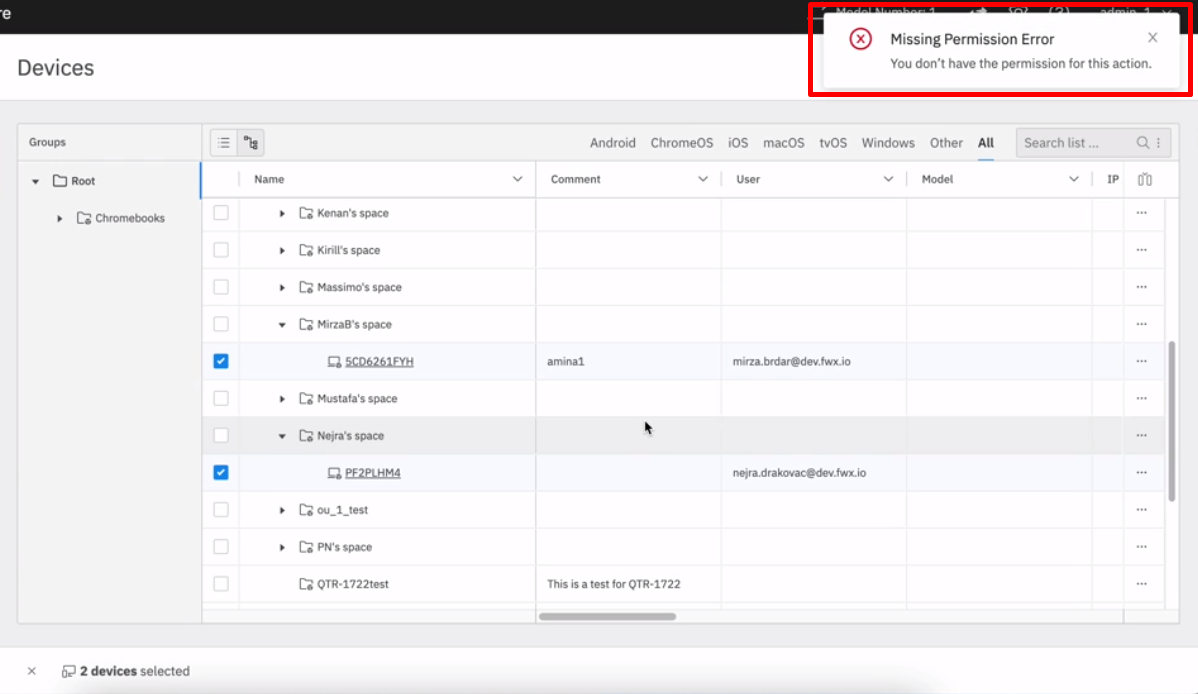 ](https://kb.filewave.com/uploads/images/gallery/2024-04/RUo7QL5w0nTKXqhL-image.png) [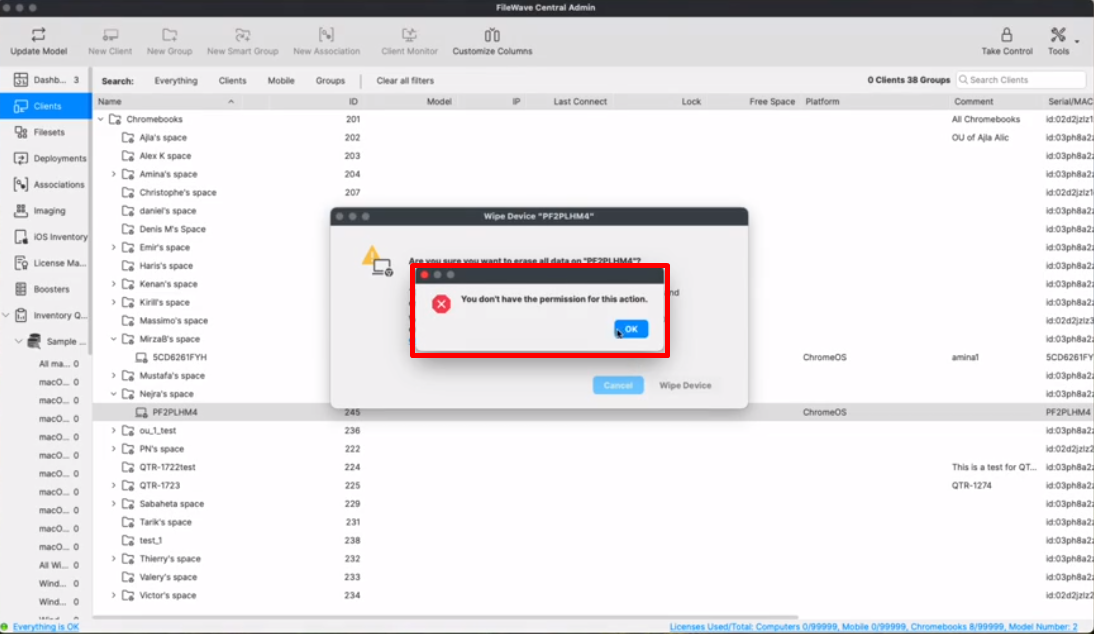](https://kb.filewave.com/uploads/images/gallery/2024-04/iBwBEuGaSZ1GuHfA-image.png)
##### Annotated fields in FileWave Anywhere
Admins using FileWave Anywhere now have the possibility of editing and bulk editing annotated fields in FileWave Anywhere.
Select device(s) → Actions → Edit Fields
[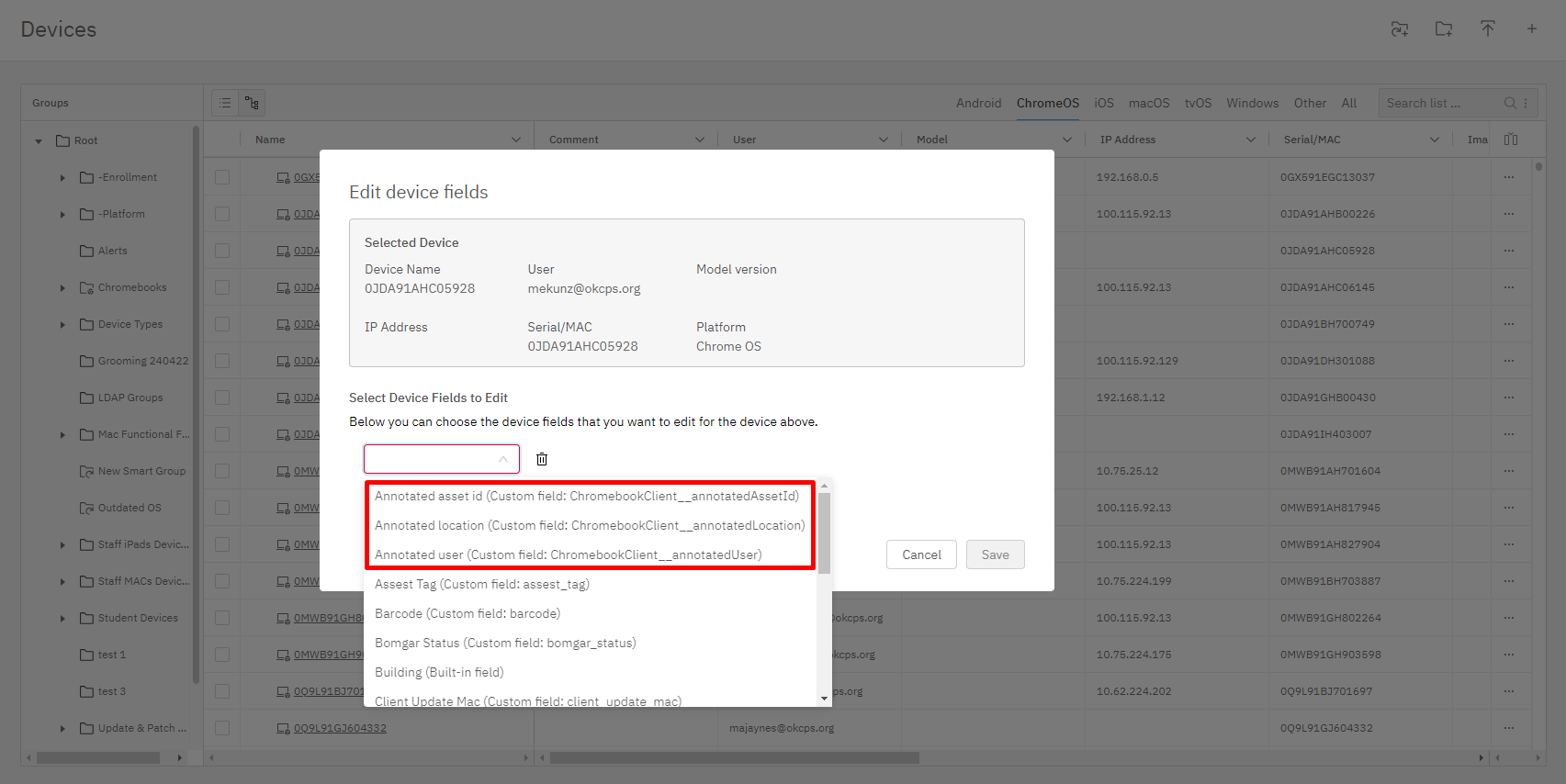](https://kb.filewave.com/uploads/images/gallery/2024-04/zUm09leDlr6Cox8E-image.png)
Android-Specific Changes
**Network Policy**
It is now possible to set DomainSuffixMatch and UseSystemCA settings for EAP configure networks.
**USB data transfer restriction**
USB File transfer option has been added to both *Default Policy* and to *Restriction Policy* to allow USB data transfer on managed Android devices.
Windows-Specific Changes
**Winget integration - third-party patching made easy**
Deploying applications available via Microsoft Winget was already possible using FileWave, but it required script manipulation and some steps to set up properly. FileWave 15.4 introduces a much simpler way to deploy applications to Windows devices.
*Welcome new Winget Fileset*
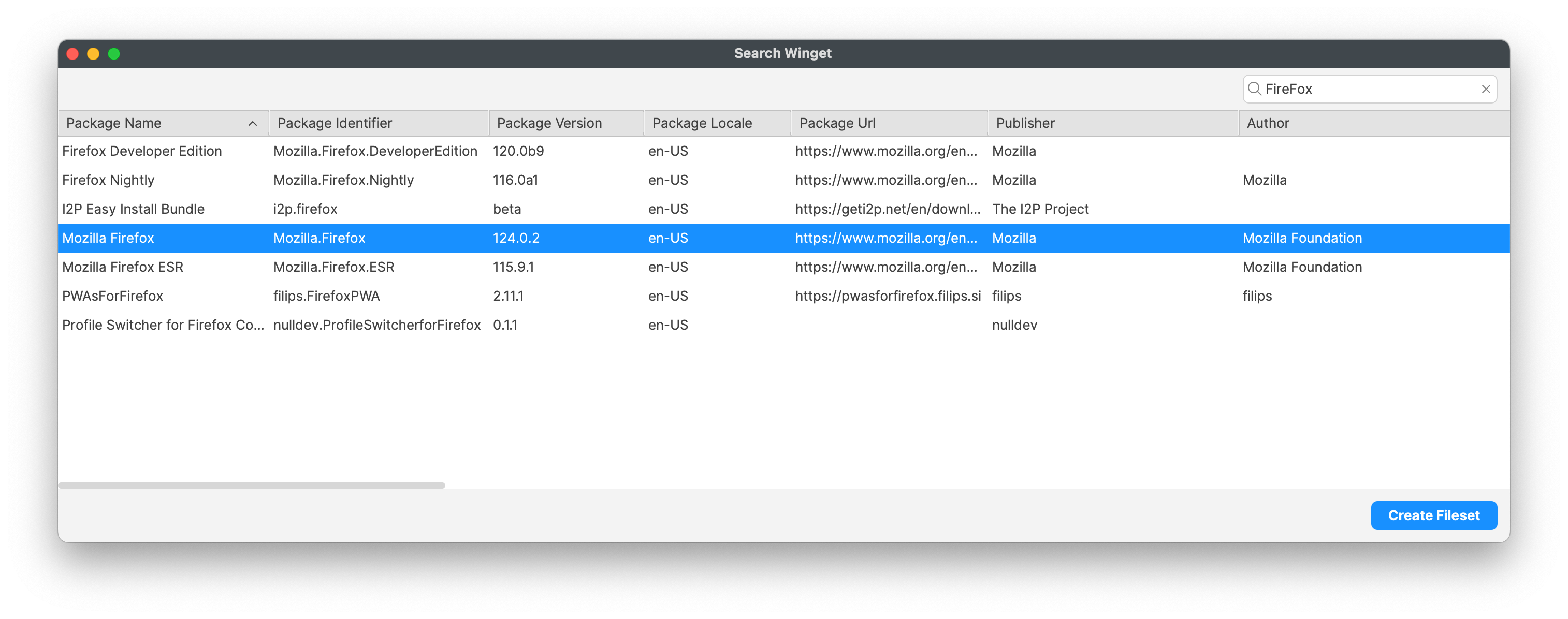
A new search assistant allows creating a *Winget* Fileset just by searching the name of the application to deploy.
- Winget will be automatically installed or updated if required
- With FileWave 15.4.0, the most recent package will always be installed at initial deployment
- You can define if the package will be upgraded at verify if a new version is available
- You can define if the package will be uninstalled if the association is removed - in case the package allows silent uninstallation
[More...](https://kb.filewave.com/books/microsoft-windows-package-manager-winget/page/microsoft-winget-overview "Microsoft Windows Package Manager (WinGet)")
**Windows FileWave Client upgrade improvements**
The FileWave Client updater for Windows has undergone significant enhancements to guarantee more reliable upgrades, even in instances where Windows WMI is not operating correctly. Several calls have been re-written using PowerShell, which provides more reliability within the process. We highly recommend that customers thoroughly test the new update Fileset before broad deployment to confirm that there are no edge case issues that have been overlooked. As part of this testing, it’s also important to verify whether your Antivirus software might trigger on these updated scripts due to the change in scripting language.
FileWave Imaging (IVS)
FileWave Networking Imaging 15.4.x brings compatibility with FileWave 15.4.x.
- PXE Kernel: 6.10.1
- Buildroot: 2024.05.1
This version supports Intel Ultra hardware seen on 2024 systems from OEMs like Dell and HP. It also switched the method of copying Driver pack Filesets to rsync for more reliable copying.
FileWave Kiosk
##### Company Information
With 15.4.0 - Company information are now available in Desktop versions of the Kiosk (macOS, Windows):
[ ](https://kb.filewave.com/uploads/images/gallery/2024-04/PNhcJ1iBMxT2dmeg-image.png)[](https://kb.filewave.com/uploads/images/gallery/2024-04/ZH6DU9eInlhL5qCy-image.png)
##### Reinstall and Go To App Store actions
Reinstall and Go To App Store actions have been added in Fileset Details and Browse Filesets views:
- Go To App Store button is visible for all VPP filesets.
- Reinstall button is visible for non-VPP filesets in the following scenarios:
- If the fileset is already installed.
- If the installation of the fileset failed.
[ ](https://kb.filewave.com/uploads/images/gallery/2024-04/wcR79wNXXOCXkkXn-image.png)[](https://kb.filewave.com/uploads/images/gallery/2024-04/ccC7pXF8f0F4WmnE-image.png)
##### New design for Join Organization modal
New organization modal is showing both active and retired VPP invites. Red indicator is shown only if the action is required (pending organization(s) to join).
[ ](https://kb.filewave.com/uploads/images/gallery/2024-04/lf6tELkSURuuCYF9-image.png)[](https://kb.filewave.com/uploads/images/gallery/2024-04/LQRSx7Nzjw7uyO0A-image.png)
Deprecated Features
The following features have been deprecated from FileWave 15.4.0. They are present but will be removed in a future release:
- **CentOS** - As CentOS 7 being End-Of-Life on June 30, 2024, FileWave is available and supported on Debian. New versions of FileWave won't be released on CentOS after CentOS is EOL.
- **Windows 32-bit** - With FileWave 15.3, the new Kiosk was already running only on 64-bit Windows. FileWave 15.4 can theoretically run on Windows 32-bit without Kiosk (but is not tested by our QA), but 32-bit support will be completely removed in FileWave 15.5.
- **Kiosk 1.0 for macOS/Windows** - The original Kiosk is still bundled with macOS/Windows clients, but in a future version, this will be removed because [Kiosk 2.0](https://kb.filewave.com/books/kiosk/page/filewave-kiosk-for-macos-and-windows-overview-153 "FileWave Kiosk for macOS and Windows overview (15.3+)"), introduced in FileWave 15.3.0, will be the only Kiosk.
We encourage you to provide product feedback if you have any concerns: [FileWave Product Management](https://kb.filewave.com/books/community-engagement/page/filewave-product-management "FileWave Product Management")
Decommissioned Features
The following features have been removed from FileWave 15.4.1:
- **CentOS** - As CentOS 7 being End-Of-Life on June 30, 2024, FileWave is available and supported on Debian. New versions of FileWave won't be released on CentOS after CentOS is EOL.
The following features have been removed from FileWave 15.4.0:
- **Compatibility Mode:** Communication between FileWave components is encrypted and has relied on TLS certificates for several years now. Back in the day, to facilitate the transition, a Compatibility Mode was introduced, allowing clients running versions older than 13.1 to still be managed by a more recent server despite not supporting proper encryption. It is now time to drop compatibility mode to enforce secured communications. This means the minimum OS versions that can be enrolled are macOS 10.11 and Windows 7 SP1 - but it is obviously not recommended to run outdated, unsecured end-of-life Operating Systems.
- **Legacy macOS Imaging:** Changes made by Apple with APFS, T2 chips, and Apple Silicon have long been part of macOS device imaging history. With the deprecation of Compatibility mode, the last reason for keeping macOS imaging options in FileWave is gone.
- **Google FCM Deprecation Support:**
- - Legacy Firebase Cloud Messaging (FCM) APIs are deprecated by Google.
- Enable (if are not already enabled) the following API to manage ChromeOS on FileWave:
- Firebase Cloud Messaging API
- Firebase Management API
- [More...](https://kb.filewave.com/books/chromeos/page/confirming-firebase-apis-are-enabled-for-chromebooks-154 "Confirming Firebase APIs are enabled for Chromebooks (15.4+)")
- **White Labeling of Chrome Extension:** This is removed as a process. [More...](https://kb.filewave.com/books/white-labeling-filewave-components/page/chromebook-inventory-extension-white-labeling-eol "White Labeling the Chromebook Extension")
Changes and Fixes in 15.4.2
Several 3rd party have been updated, for bug or security issue fixes or new features. Mainly:
- Apache 2.4.62
Bug fixes:
- FWRD-13639 Fixed issue with opening other Flutter application when starting FileWaveKiosk.exe
- FWRD-13664 Fixed an issue where fileset status would not be properly updated after upgrading to 15.4
- FWRD-13680 Fixed an issue where DEP sync could last forever if Apple service does not respond to FileWave request
- FWRD-13722 Fixed an issue where upgrading client from pre-15.4 version could require a reboot from the client
- FWRD-13732 Fixed an issue where clients upgraded to 15.4 would not be able to get an updated security certificate during upgrade
Changes and Fixes in 15.4.1
Several 3rd party have been updated, for bug or security issue fixes or new features. Mainly:
- OpenSSL 3.2.2
- Apache 2.4.61
Bug fixes:
- FWRD-1530 Fixed an issue where fwxserver (admin) process could crash under DOS attempt
- FWRD-13304 Fixed an issue in hosted (cloud) environment where default log file level would be debug
- FWRD-13414 Fixed an issue where internal notification system could be blocked causing various issues like blocking model update
- FWRD-13422 Fixed an issue where upgrade to 15.4 could fail due to remaining macOS Imaging associations
- FWRD-13451 Fixed an issue where restarting server during Model Update would not be properly handled
- FWRD-13484 Fixed incorrect macOS version numbers in German Central admin
- FWRD-13516 Fixed an issue where shared iPad users could not be deleted from Client Info
- FWRD-13519 Fixed incorrect macOS version numbers in Chinese, Japanese and Korean Central admin
- FWRD-13525 Fixed an issue where tvOS updates would be visible in iOS list
Changes and Fixes in 15.4.0
Bug fixes:
- FWRD-990 Fixed issue with expanding groups and clones on Devices View in FileWave Anywhere.
- FWRD-2307 Fixed issue with IP addresses (100.115.92.129 and 100.115.92.133) not being ignored/filtered on ChromeOS client
- FWRD-2318 Ensure Booster Monitor uses TSL encrypted connection
- FWRD-2706 Fixed an issue where Windows Upgrade Fileset requirements would not exclude unsupported Windows versions
- FWRD-2877 Fixed an issue where Up and Down buttons would not be properly updated after changing selection in Inventory Query Builder Criteria
- FWRD-3532 Fixed an issue where searching in FileWave Central Profile Editor would not keep text case in highlighted text
- FWRD-3537 Fixed an issue where File Browser assistant window title would show incorrect search type
- FWRD-3649 Fixed cosmetic issue related to tooltip on New Document fileset dialog
- FWRD-3661 Fixed incorrect context menu on Cart items
- FWRD-3671 Fixed an issue where Scripts section would not be properly saved in Login Window profile
- FWRD-3676 Fixed an issue where Export Current Tab would export twice iOS Client info tables
- FWRD-3732 Fixed a performance issue when changing a group permission with "Propagate to children" enabled
- FWRD-3837 Fixed an issue where Single App Mode Profile for iOS could not be edited
- FWRD-4228 Fixed an issue where Central Admin translations could not be loaded properly
- FWRD-4366 Fixed an issue where LDAP extraction would not work properly on macOS server
- FWRD-11553 Fixed issue with visibility of Minimize, Maximize and Close buttons in Windows Kiosk.
- FWRD-12131 Fixed an issue where Return To Service options would be available for tvOS devices
- FWRD-12213 Fixed inconsistent wording for fileset status between Fileset Report and Client Info
- FWRD-12449 Fixed an issue where Policy editor would present misleading Close button instead of Save
- FWRD-12457 Fixed an issue where ActivationLock could not be removed if the device has been removed from the model
- FWRD-12474 Fixed UI issue - Search icon when no items found is now centered in Kiosk.
- FWRD-12536 Fixed an issue where a client in conflict could never be presented in the Conflict Solver Dialog
- FWRD-12626 Fixed issue where emptying Asset ID field in Google Admin showed non empty Annotated Assed ID field in Central Admin.
- FWRD-12638 Fixed a cosmetic issue where errors in Inventory Query Builder would not be marked as red
- FWRD-12646 Fixed issue with favicons in Grafana when opening Grafana from FileWave Anywhere.
- FWRD-12690 Fixed a backend issue where removing IDP setup could lead to recurring errors in server logs
- FWRD-12693 Fixed an issue where Search Client in FileWave Anywhere could fail
- FWRD-12721 Fixed an issue where Google Playstore Managed Properties would not be displayed correctly
- FWRD-12780 Fixed issue with showing fileset with different revisions in Kiosk.
- FWRD-12805 Fixed incorrect selection background color in Software Update Dialog
- FWRD-13014 Fixed an issue where Reinstall fileset would not work for desktop devices if fileset ID is higher than 2147483647
- FWRD-13020 Fixed behavior of Requires Reboot indicator in Kiosk.
- FWRD-13026 Fixed an issue where importing profiles like MDM-type profile could prevent creating DEP Profile
- FWRD-13030 Fixed an issue where "Renew client token" would not work for EMM enrolled Android devices (Central)
- FWRD-13055 Fixed an issue where Model Update could fail at EMM Manifest build step (Model Update v2 tech preview)
- FWRD-13064 Fixed an issue where fileset status for excluded from deployment devices could be incorrect (Model Update v2 Technical Preview)
- FWRD-13069 Fixed incorrect font color in new license from Fileset dialog (Dark Mode)
- FWRD-13070 Fixed issue for setting Custom Fields values after Client Enrollment in FileWave Anywhere.
- FWRD-13074 Fixed an issue where server logs would contain long exception when trying to send APN for non properly enrolled Apple device
- FWRD-13089 Fixed issue with VC Redist 64 not being properly installed during upgrade on Windows.
- FWRD-13091 filewave\_web\_model\_update\_total expression is missing from prometheus
- FWRD-13099 Fixed an issue where Software Update list would only contain 100 entries in Client Info (Central)
- FWRD-13108 Fixed an issue where enrolling a booster would not work if FileWave client would be installed on the same device
- FWRD-13110 Chromebook Commands added to Audit Log.
- FWRD-13115 Fixed an issue where specific serial numbers on Windows would prevent enrolling boosters due to conflict detection
- FWRD-13121 Fixed an issue where cell text font size could briefly change when expanding treeview (Central)
macOS Downloads
[ ](https://fwdl.filewave.com/15.4.2/FileWave_macOS_15.4.2.dmg)(md5: d52de131ebd9272690386b2b3322b485)[](https://kb.filewave.com/uploads/images/gallery/2023-06/76nOWO8TRbgPaH2X-apple.png)
[macOS Upgrade Fileset](https://fwdl.filewave.com/15.4.2/FileWave_Upgrade_Fileset_macOS_15.4.2_e3b29d59.fileset.zip) (md5: b76864d6b81ace735674c420f7b990d9)
[macOS Central (Admin)](https://fwdl.filewave.com/15.4.2/FileWave%20Admin.pkg) (md5: 2f5f91c97ca05e6fd258a80ff1e4f7b2)
[macOS Booster](https://fwdl.filewave.com/15.4.2/FileWave%20Booster.pkg) (md5: 5f91de6755a872c130ac60885e74350a)
[macOS Server](https://fwdl.filewave.com/15.4.2/FileWave%20Server.pkg) (md5: 1b50d1b15bef5c5f45adcfca1d762868)
[macOS Client](https://fwdl.filewave.com/15.4.2/FileWave%20Client.pkg) (md5: 7519e68158fc661dec8ac5237909e803)
Remember that to upgrade macOS FileWave clients you should use the Upgrade Fileset. Never deploy the macOS Client listed above to an existing device. It is intended only for manual initial installs, and even for those you are better off creating an installer at [https://custom.filewave.com](https://custom.filewave.com)
Windows Downloads

[Windows Upgrade Fileset](https://fwdl.filewave.com/15.4.2/FileWave_Upgrade_Fileset_Windows_15.4.2_e3b29d59.fileset.zip) (md5: c15fe6606f7a4f63085771faf99d5f12)
A new version of the upgrade fileset has been published to fix a potential upgrade issue on non-US locale.
Verify md5 to be sure to have the latest version.
[Windows Central (Admin)](https://fwdl.filewave.com/15.4.2/FileWaveAdmin.msi) (md5: ad0f3ca931f69a52b1ba26f2aab7044e)
[Windows Booster](https://fwdl.filewave.com/15.4.2/FileWaveBooster.msi) (md5: 6e46339271c1eaf2e5c568cade4467d8)
[Windows Client](https://fwdl.filewave.com/15.4.2/FileWaveClient.msi) (md5: c39b5b9f6b35410e5a0d35a17f2799f6)
Remember that to upgrade Windows FileWave clients you should use the Upgrade Fileset. Never deploy the Windows Client listed above to an existing device. It is intended only for manual initial installs, and even for those you are better off creating an installer at [https://custom.filewave.com](https://custom.filewave.com)
iOS Downloads
[](https://kb.filewave.com/uploads/images/gallery/2023-06/wENbdLgueSVvwqEL-ios.png)
Kiosk on iOS / iPadOS is now automatically installed with no action required. ([Read More](https://kb.filewave.com/books/unreleased-filewave-versions/page/automatic-updating-of-ios-kiosk-153 "Automatic updating of iOS Kiosk (15.3+)"))
Chrome Extension
[](https://kb.filewave.com/uploads/images/gallery/2023-06/XP14ofjLt6jwkKXC-chrome-logo.png)The FileWave Inventory extension for Chromebook has to be installed via the Google Admin Console for your domain. Please see [Quickstart Guide for Chromebooks](https://kb.filewave.com/books/evaluation-guide/page/chromebook-client-pre-requisites "Quick Start Guide for Chromebooks") for detailed instructions
Debian Linux Downloads
[](https://kb.filewave.com/uploads/images/gallery/2023-11/XhLPXfKJskrWOllh-image.png)
[Debian Linux Installers](https://fwdl.filewave.com/15.4.2/FileWave_Debian_15.4.2.zip) (md5: 9a53ecf160b5726f05070a7fc1e781b9)
[Debian Linux Server](https://fwdl.filewave.com/15.4.2/fwxserver_15.4.2_amd64.deb) (md5: 1c26aa4fbb4de5083782d584b26c5b88)
[Debian Linux Booster](https://fwdl.filewave.com/15.4.2/fwbooster_15.4.2_amd64.deb) (md5: e0b8beddb460e0efc4b09eabfb6e39de)
**Upgrading the FileWave Server**
To install or upgrade the FileWave Server, use the following:
```shell
# Ensure you're using sudo for the commands.
# 1. OS Upgrades:
sudo apt update -y
sudo DEBIAN_FRONTEND=noninteractive apt-get upgrade -y -o Dpkg::Options::="--force-confold"
# 2. Install Essential Tools:
sudo apt install -y zip net-tools gdebi-core
# 3. Download the FileWave Server package:
wget "https://fwdl.filewave.com/15.4.2/fwxserver_15.4.2_amd64.deb" -P /tmp
# 4. Install the FileWave Server using gdebi:
sudo gdebi -n /tmp/fwxserver_15.4.2_amd64.deb
# 5. Reboot the system to complete the installation:
sudo reboot
```
---
**Upgrading a Booster**
To install or upgrade the FileWave Booster, use the following or [Booster Auto-Upgrade](https://kb.filewave.com/books/boosters/chapter/booster-auto-upgrade "Booster Auto-Upgrade"):
```shell
# Ensure you're using sudo for the commands.
# 1. OS Upgrades:
sudo apt update -y
sudo DEBIAN_FRONTEND=noninteractive apt-get upgrade -y -o Dpkg::Options::="--force-confold"
# 2. Install Essential Tools:
sudo apt install -y zip net-tools gdebi-core
# 3. Download the FileWave Booster package:
wget "https://fwdl.filewave.com/15.4.2/fwbooster_15.4.2_amd64.deb" -P /tmp
# 4. Install the FileWave Booster using gdebi:
sudo gdebi -n /tmp/fwbooster_15.4.2_amd64.deb
# 5. Reboot the system to complete the installation:
sudo reboot
```
**Upgrading an IVS**
To upgrade the FileWave IVS, use the following:
```shell
# Ensure you're using sudo for the commands.
# This should update both the IVS and OS
# 1. OS+IVS Upgrades:
sudo apt update -y
sudo DEBIAN_FRONTEND=noninteractive apt-get upgrade -y -o Dpkg::Options::="--force-confold"
# 2. Reboot the system to complete the installation:
sudo reboot
# Only do the below if you have an older IVS and the above doesn't update the IVS
# you should do the below and then repeat the above steps.
# 1. Install Essential Tools:
sudo apt install -y zip net-tools gdebi-core
# 2. Download the FileWave IVS package:
wget "https://fwdl.filewave.com/15.4.2/filewave-ivs_15.4.2_amd64.deb" -P /tmp
# 3. Install the FileWave IVS using gdebi:
sudo gdebi -n /tmp/filewave-ivs_15.4.2_amd64.deb
```
OVA Appliance Downloads
[](https://kb.filewave.com/uploads/images/gallery/2023-06/d7iBFQCGDdk0ZiLZ-virtual-appliance.png)
**Debian Linux:** It is preferred that you use this for a new server, booster or IVS.
[VMware and VirtualBox (OVA) Server Appliance](https://fwdl.filewave.com/15.4.2/FileWave_Server_Debian_15.4.2.ova) (md5: 5943ef4175aaf32dc83e74a937158358 )
[VMware and VirtualBox (OVA) Booster Appliance](https://fwdl.filewave.com/15.4.2/FileWave_Booster_Debian_15.4.2.ova) (md5: d6de1d72e97482652b5d4ff7a0f02f95)
[VMware and VirtualBox (OVA) Imaging Appliance](https://fwdl.filewave.com/15.4.2/FileWave_IVS_15.4.2_debian.ova) (md5: fd68d749dced9a098b6c00d11dcf5467)
To import our Virtual Appliances, please see: [FileWave Virtual Appliances](https://kb.filewave.com/books/filewave-virtual-appliances "https://kb.filewave.com/books/filewave-virtual-appliances")
To get started with the FileWave Server appliance please see: [Installation and Setup | FileWave KB](https://kb.filewave.com/books/evaluation-guide/chapter/1-installation-and-setup "https://kb.filewave.com/books/evaluation-guide/chapter/1-installation-and-setup")
For Booster setup: [Booster Installation | FileWave KB](https://kb.filewave.com/link/221 "https://kb.filewave.com/books/boosters/page/booster-installation")
For more information about configuring the IVS appliance please see: [Getting started with the Imaging Virtual Server](https://kb.filewave.com/books/network-imaging-ivs/chapter/getting-started-with-the-imaging-virtual-server "https://kb.filewave.com/books/network-imaging-ivs/chapter/getting-started-with-the-imaging-virtual-server")
This book covers how to import our provided OVA's and VHD's into your virtual environments.
Hyper-V Appliance Downloads
[](https://kb.filewave.com/uploads/images/gallery/2023-06/1rHPEOO5khUHCB8f-hyper-v-logo.png)**Debian Linux:** It is preferred that you use this for a new server, booster or IVS.
[Hyper-V (VHD) Server Appliance](https://fwdl.filewave.com/15.4.2/FileWave_Server_Debian_15.4.2_VHD.zip) (md5: 6be950053630c9d5f6dade4ff1c3afe2)
[Hyper-V (VHD) Booster Appliance](https://fwdl.filewave.com/15.4.2/FileWave_Booster_Debian_15.4.2_VHD.zip) (md5: 1c6e198fb6a59ecf442fce3f9c1c98d7)
[Hyper-V (VHD) Imaging Appliance](https://fwdl.filewave.com/15.4.2/FileWave_IVS_15.4.2_VHD_debian.zip) (md5: ee738518352c749222f80aa80685a878)
To import our Virtual Appliances, please see: [FileWave Virtual Appliances](https://kb.filewave.com/books/filewave-virtual-appliances "https://kb.filewave.com/books/filewave-virtual-appliances")
To get started with the FileWave Server appliance please see: [Installation and Setup | FileWave KB](https://kb.filewave.com/books/evaluation-guide/chapter/1-installation-and-setup "https://kb.filewave.com/books/evaluation-guide/chapter/1-installation-and-setup")
For Booster setup: [Booster Installation | FileWave KB](https://kb.filewave.com/link/221 "https://kb.filewave.com/books/boosters/page/booster-installation")
For more information about configuring the IVS appliance please see: [Getting started with the Imaging Virtual Server](https://kb.filewave.com/books/network-imaging-ivs/chapter/getting-started-with-the-imaging-virtual-server "https://kb.filewave.com/books/network-imaging-ivs/chapter/getting-started-with-the-imaging-virtual-server")
This book covers how to import our provided OVA's and VHD's into your virtual environments.
CentOS is EOL. You must [Migrating your On-Premise FileWave Server to new Hardware](https://kb.filewave.com/books/filewave-server/page/migrating-your-on-premise-filewave-server-to-new-hardware "Migrating your On-Premise FileWave Server to new Hardware") to get to FileWave on Debian or consider our [Cloud Hosting Product](https://kb.filewave.com/books/community-engagement/page/cloud-hosting-product-information "Cloud Hosting Product Information").
# FileWave Version 15.4.1 (Unsupported)
These downloads are provided for the purposes of migrations and should not continue to be used in production. You should upgrade to either the most recent release or the one prior. They can always be found here: [Supported FileWave Versions](https://kb.filewave.com/books/downloads "Supported FileWave Versions")
The FileWave endpoint management suite allows you to manage your devices wherever they are, wherever you are, whatever they are, and all in one platform!
In version 15.4, we are thrilled to present a range of new features and enhancements, including seamless Microsoft WinGet Integration, additional Chromebook commands in Anywhere, Apple Software Update improvements through Declarative Device Management (DDM), and enhanced Kiosk functionalities. These updates are designed to streamline device management and enhance user experience across various platforms.
## FileWave Official Version Support
FileWave supports the two latest major versions at any time. For example, if the current version is 15.4.x, we support versions 15.4.x and 15.3.x. Major releases occur roughly every quarter.
**What does “officially support” mean?**
We will investigate and patch significant issues in these versions. We do not produce patches for versions older than N-1, focusing instead on current versions and future improvements. If an issue is found in an older version, remediation will be in the form of an upgrade or a patch to a more recent version.
You can still contact our support teams about earlier versions. They will assist you to the best of their ability but won’t escalate tickets to our development teams. Upgrading is recommended to access the latest features and bug fixes.
Your existing FileWave Server must be version [**13.3.1**](https://kb.filewave.com/books/downloads/page/filewave-version-1331-unsupported "FileWave Version 13.3.1 (Unsupported)") or higher before you can upgrade to [FileWave 14.7.2](https://kb.filewave.com/books/downloads/page/filewave-version-1472-unsupported "FileWave Version 14.7.2 (Unsupported)") and then from 14.7.2 you can upgrade to 15.4.1. The minimum memory requirement for FileWave 14+ is 8GB.
## Compatibility
A Note on Compatibility
A note on the Compatibility charts: There are several states of compatibility for FileWave clients:
- "Compatible" (the first table) indicates that we have run QA regression tests against these operating system versions, and they are fully supported
- Not being on the Compatibility chart (such as macOS 12) does not mean that platform is not supported...it just means we did not actively test against it, but we do expect it to function
- Support of any issues experienced specifically on these platforms would be considered on a case-by-case basis (but these cases are exceedingly rare)
- "Legacy" versions mean that we don't test, but we do provide a retro-version of a client so that the device can still report in
- There is NO support for these platforms beyond the availability of the older client, and in almost all cases these are for OSes that are no longer supported by the developer in question
- Lastly, items do fall out of support, such as Windows XP and probably soon the older Android APK client as examples, but we always include these items in our release notes
An additional note on third-party software inclusion, such as TeamViewer:
- Partnerships we have with third party providers have their own set of system requirements for those released applications. We test against their most recent versions, and support of those applications is limited to third-party vendor specifications.
FileWave Server Platform Support
**[](https://kb.filewave.com/uploads/images/gallery/2023-06/uoC9jiGeyyKHsHZO-fwserver-icon.png)Fully Tested by QA**
- macOS 13, 14 (Intel and Apple Silicon)
- Debian 12.2 x86\_64 (Note that any Debian 12.x is expected to work, and applying security updates may move you to a higher version.)
**Expected to work**
- macOS 11, 12 (Intel and Apple Silicon)
**Virtual Appliances**
- HyperV - The images are of Generation 1 type currently
- VMWare ESX - The images require vmx-19 support which means VMWare vCenter 7.0 Update 2 is the minimum version. ( [https://knowledge.broadcom.com/external/article?legacyId=2007240](https://knowledge.broadcom.com/external/article?legacyId=2007240) )
- VMWare Fusion
- VMWare Player and Workstation
- VirtualBox
FileWave Clients Platform Support
**[](https://kb.filewave.com/uploads/images/gallery/2023-06/VbVfka5W0oW3DA5l-fwclients-icon.png)Fully Tested by QA**
- macOS 13, 14 (Intel and Apple Silicon)
- Windows 10 (Ent/Pro 21H1 and above), 11 (Ent/Pro 21H2 and above)
**Expected to work**
- macOS 11, 12 (Intel and Apple Silicon)
**Legacy**
- macOS 10.11 → [Legacy Version 13.1.5](https://kb.filewave.com/books/downloads/page/filewave-version-1315-unsupported "FileWave Version 13.1.5 (Unsupported)")
- macOS 10.12 → [Legacy Version 14.0.2](https://kb.filewave.com/books/downloads/page/filewave-version-14102-unsupported "FileWave Version 14.10.2")
- macOS 10.13 → [Legacy Version 14.5.4](https://kb.filewave.com/books/downloads/page/filewave-version-1454-unsupported "FileWave Version 14.5.4 (Unsupported)")
- macOS 10.14 → [Legacy Version 14.8.0](https://kb.filewave.com/books/downloads/page/filewave-version-1480-unsupported "FileWave Version 14.8.0 (Unsupported)")
- macOS 10.15 → [Legacy Version 15.0.1](https://kb.filewave.com/books/downloads/page/filewave-version-1501-unsupported "FileWave Version 15.0.1")
FileWave Mobile Clients Platform Support
**[](https://kb.filewave.com/uploads/images/gallery/2023-06/wjov619ZuqQt8uD0-fwmobile-icon.png)Fully Tested by QA**
- iOS 16.1, 17
- iPadOS 16, 17
- tvOS 16, 17
- Android 13, 14 (EMM Client)
- Chromebook
**Expected to work**
- iOS 14, 15
- iPadOS 14, 15
- tvOS 14, 15
- Android 8 to 12 (EMM)
**Legacy**
- iOS 13 → [Legacy Version 15.0.1](https://kb.filewave.com/books/downloads/page/filewave-version-1501-unsupported "FileWave Version 15.0.1")
- iOS 10, 11, 12 → [Legacy Version 13.1.5](https://kb.filewave.com/books/downloads/page/filewave-version-1315-unsupported "FileWave Version 13.1.5 (Unsupported)")
FileWave Central (Native) Platform Support
**[](https://kb.filewave.com/uploads/images/gallery/2023-06/wjov619ZuqQt8uD0-fwmobile-icon.png)Fully Tested by QA**
- macOS 13, 14 (Intel and Apple Silicon)
- Windows 10 (Ent/Pro 21H1 and above), 11 (Ent/Pro 21H2 and above)
**Expected to work**
- macOS 11, 12 (Intel and Apple Silicon)
FileWave Booster Platform Support
**[](https://kb.filewave.com/uploads/images/gallery/2023-06/rOYHDH6oJSrsRgB6-fwbooster-icon.png)Fully Tested by QA**
- macOS 13, 14 (Intel and Apple Silicon)
- Windows 10 (Ent/Pro 21H1 and above), 11 (Ent/Pro 21H2 and above)
- Debian 12.2 x86\_64 (Note that any Debian 12.x is expected to work, and applying security updates may move you to a higher version.)
**Virtual Appliances**
- HyperV - The images are of Generation 1 type currently
- VMWare ESX - The images require vmx-19 support which means VMWare vCenter 7.0 Update 2 is the minimum version. ( [https://knowledge.broadcom.com/external/article?legacyId=2007240](https://knowledge.broadcom.com/external/article?legacyId=2007240) )
- VMWare Fusion
- VMWare Player and Workstation
- VirtualBox
FileWave Imaging Virtual Server Platform Support
**[](https://kb.filewave.com/uploads/images/gallery/2023-06/cwHvtEjvqfp9gODu-fwivs-icon.png)**
The FileWave Imaging Virtual Server (IVS) is a special appliance that provides imaging support for Windows 10 and 11 UEFI and non-UEFI devices.
**Virtual Appliances**
- HyperV - The images are of Generation 1 type currently
- VMWare ESX - The images require vmx-19 support which means VMWare vCenter 7.0 Update 2 is the minimum version. ( [https://knowledge.broadcom.com/external/article?legacyId=2007240](https://knowledge.broadcom.com/external/article?legacyId=2007240) )
- VMWare Fusion
- VMWare Player and Workstation
- VirtualBox
FileWave Management Suite
**Bug fixes and security update**
FileWave 15.4.1 brings bug fixes and 3rd party open source component updates.
**Unified backend for Model Update (Technical Preview)**
Model Update is one of the key features of FileWave; Model Update allows you to apply complex changes to your organization only when you’re ready to deploy them and to revert unwanted changes. FileWave 15.3.0 brings a new Model Update mechanism, now running in a single component. This is the first step before new features and improvements can be added to Model Update. In this version, we focused on consistency with existing Model Update (to make sure nothing changes in your deployments) and on shortening update times. Model Update “v2” is a Technical Preview in 15.4.0, so it is not enabled by default.
**Minor improvements (Central)**
- It is now possible to filter any table of Client Info dialog.
- Inventory Queries can now be imported and exported.
- Inventory Queries can easily be exposed to Grafana Dashboard
- json file format is now part of default editable file format list
**More Dark Mode (Central)**
Stand-alone assistants (Client Assistant, Booster Monitor...) now support dark mode
Apple-Specific Changes
**macOS 15 Sequoia and iOS 18**
Basica support for macOS 15 Sequoia and iOS 18 betas was added to 15.4.1 and 15.4.2 to support testing. More robust support and features will be added to FileWave 15.5.0 in October 2024.
**Software Update revisited**
With the introduction of Declarative Device Management, Apple announced having fixed several issues related to OS update management, mainly on macOS. This is the opportunity for FileWave to revisit how Apple updates are handled, to remove old mechanisms which are either decommissioned by Apple or known to be not reliable, in order to simplify the user experience.
*GDMF (Global Device Management Framework) as unique source of truth*
One major issue with Software Update Apple side is the multiplicity of sources:
- Legacy systems (older macOS version) rely on an online sucatalog file containing metadata about updates, and used by softwareupdate command line system.
- MDM capable devices can report Available OS Updates at the time they are requesting it.
- GDMF is the new, simplified online catalog, about OS updates for Apple devices.
To ease the support of a broader set of devices, FileWave would combine all sources into one, which could lead to confusions for updates available in multiple sources, as they would show multiple times due to different identifiers.
Starting with FileWave 15.4, the only source of truth will be GDMF.
Which means:
- no more duplicated entries as long GDMF has unique entries per update
- only OS updates will be displayed - while old legacy catalog could contain system apps or system items like XProtect.
*On macOS DDM replaces MDM*
Legacy macOS versions allowed fine control on how to install updates using softwareupdate command line tool ; using this tool has been made deprecated by Apple several years ago and using MDM protocol was the recommended approach. Unfortunately, this mechanism was not only giving very limited control (MDM can kindly ask device to install the update, that’s it), but was not as reliable as it should. Unfortunately (again), Apple has not been able to fix reported issued with the MDM protocol, preferring a complete rewrite using the new DDM system.
Therefore, starting with FileWave 15.4, macOS OS updates will be managed only using DDM - older not supported or not working mechanisms are decommissioned. Which means:
- macOS OS updates can now be triggered and managed
- only OS-Update DDM capable devices can be managed, so macOS 14 (Sonoma) is the minimum version
**Apple Spring Release 2024 support**
*New restrictions :*
- Allow Live Voicemail (iOS 17.2)
- force preserve ESIM on erase (iOS 17.2)
- allow market place installation (iOS 17.4, EU iPhones)
- allow web installation of apps (iOS 17.5, EU iPhones)
*DEP new skip item (and corresponding Setup Assistant):* Wallpaper
*Installed Application List now reports Distributor Identifier to identify MarketPlace (EU iPhones)*
**Declarative Device Management (DDM)**
FileWave 15.3 introduced the first support of Apple new DDM protocol. With 15.4, this support is expanded to:
- OS update (see above)
- Application Management (Technical preview as the functionality is still in developer preview Apple side and not complete)
- Status report expanded:
- FileVault status
- Battery Health report
**Minor improvements**
FileWave Central will now check, when renewing APN certificate, if the Common Name of the new certificate matches the one from the existing one, to avoid communication break.
Chromebook-Specific Changes
##### API Changes
The most important thing to talk about is the change to the [Chrombook APIs](https://kb.filewave.com/books/google-general-info/page/update-your-apps-to-the-latest-firebase-cloud-messaging-apis-and-sdks "Update your apps to the latest Firebase Cloud Messaging APIs and SDKs"). When going to 15.4 you will need to make sure 2 APIs are enabled. Firebase Cloud Messaging API and Firebase Management API are required. In fact if you do not upgrade to 15.4 the old APIs will be disabled by Google on June 20, 2024 so you should be sure to upgrade. If you miss upgrading in time, it's ok. Just upgrade and then enable the APIs. [Confirming Firebase APIs are enabled for Chromebooks (15.4+)](https://kb.filewave.com/books/chromeos/page/confirming-firebase-apis-are-enabled-for-chromebooks-154 "Confirming Firebase APIs are enabled for Chromebooks (15.4+)") has a script that on-premise customers can run but the easiest thing is just to click [https://console.developers.google.com/flows/enableapi?apiid=firebase.googleapis.com,fcm.googleapis.com](https://console.developers.google.com/flows/enableapi?apiid=firebase.googleapis.com,fcm.googleapis.com) and make sure your Firebase project is picked and it'll enable the 2 APIs. You can do this before or after you update to 15.4.
##### Chromebook commands in FileWave Anywhere
**1. REMOTE\_POWERWASH Command**
- **Description:** System administrators can remotely powerwash ChromeOS devices, resetting them to factory settings for efficient troubleshooting and maintaining device security.
- **Execution:** Initiates the powerwash process, erasing all user data and configurations.
**2. WIPE\_USERS Command**
- **Description:** System administrators can remotely and securely wipe user data from devices, ensuring compliance with data protection regulations and maintaining organizational security.
- **Execution:** Initiates the data-wiping process on all user accounts.
**3. REBOOT Command**
- **Description:** Introducing the REBOOT command, enabling system administrators to reboot devices for troubleshooting remotely and applying system updates.
- **Execution:** Initiates the remote reboot process on the selected devices.
**4. Command History tab**
- **Description:** Users can now view all information related to sending REMOTE\_POWERWASH, WIPE\_USERS, and REBOOT Commands in the Command History tab for Chromebook devices.
More details available → [Powerwash / Wipe Users on ChromeOS (15.3+)](https://kb.filewave.com/books/chromeos/page/powerwash-wipe-users-on-chromeos-153 "Powerwash / Wipe Users on ChromeOS (15.3+)") & [Reboot for ChromeOS (15.3+)](https://kb.filewave.com/books/chromeos/page/restart-chromeos-devices "Reboot for ChromeOS (15.3+)")
##### Error handling in case of missing permissions
If the user doesn’t have right permissions or looses permissions in the middle of executing an action, the appropriate error message will be shown in both FileWave Anywhere and Central:
[ ](https://kb.filewave.com/uploads/images/gallery/2024-04/RUo7QL5w0nTKXqhL-image.png) [](https://kb.filewave.com/uploads/images/gallery/2024-04/iBwBEuGaSZ1GuHfA-image.png)
##### Annotated fields in FileWave Anywhere
Admins using FileWave Anywhere now have the possibility of editing and bulk editing annotated fields in FileWave Anywhere.
Select device(s) → Actions → Edit Fields
[](https://kb.filewave.com/uploads/images/gallery/2024-04/zUm09leDlr6Cox8E-image.png)
Android-Specific Changes
**Network Policy**
It is now possible to set DomainSuffixMatch and UseSystemCA settings for EAP configure networks.
**USB data transfer restriction**
USB File transfer option has been added to both *Default Policy* and to *Restriction Policy* to allow USB data transfer on managed Android devices.
Windows-Specific Changes
**Winget integration - third-party patching made easy**
Deploying applications available via Microsoft Winget was already possible using FileWave, but it required script manipulation and some steps to set up properly. FileWave 15.4 introduces a much simpler way to deploy applications to Windows devices.
*Welcome new Winget Fileset*

A new search assistant allows creating a *Winget* Fileset just by searching the name of the application to deploy.
- Winget will be automatically installed or updated if required
- With FileWave 15.4.0, the most recent package will always be installed at initial deployment
- You can define if the package will be upgraded at verify if a new version is available
- You can define if the package will be uninstalled if the association is removed - in case the package allows silent uninstallation
[More...](https://kb.filewave.com/books/microsoft-windows-package-manager-winget/page/microsoft-winget-overview "Microsoft Windows Package Manager (WinGet)")
FileWave Imaging (IVS)
FileWave Networking Imaging 15.4.x brings compatibility with FileWave 15.4.x.
- PXE Kernel: 6.7.9
- Buildroot: 2024.02
FileWave Kiosk
##### Company Information
With 15.4.0 - Company information are now available in Desktop versions of the Kiosk (macOS, Windows):
[ ](https://kb.filewave.com/uploads/images/gallery/2024-04/PNhcJ1iBMxT2dmeg-image.png)[](https://kb.filewave.com/uploads/images/gallery/2024-04/ZH6DU9eInlhL5qCy-image.png)
##### Reinstall and Go To App Store actions
Reinstall and Go To App Store actions have been added in Fileset Details and Browse Filesets views:
- Go To App Store button is visible for all VPP filesets.
- Reinstall button is visible for non-VPP filesets in the following scenarios:
- If the fileset is already installed.
- If the installation of the fileset failed.
[ ](https://kb.filewave.com/uploads/images/gallery/2024-04/wcR79wNXXOCXkkXn-image.png)[](https://kb.filewave.com/uploads/images/gallery/2024-04/ccC7pXF8f0F4WmnE-image.png)
##### New design for Join Organization modal
New organization modal is showing both active and retired VPP invites. Red indicator is shown only if the action is required (pending organization(s) to join).
[ ](https://kb.filewave.com/uploads/images/gallery/2024-04/lf6tELkSURuuCYF9-image.png)[](https://kb.filewave.com/uploads/images/gallery/2024-04/LQRSx7Nzjw7uyO0A-image.png)
Deprecated Features
The following features have been deprecated from FileWave 15.4.0. They are present but will be removed in a future release:
- **CentOS** - As CentOS 7 being End-Of-Life on June 30, 2024, FileWave is available and supported on Debian. New versions of FileWave won't be released on CentOS after CentOS is EOL.
- **Windows 32-bit** - With FileWave 15.3, the new Kiosk was already running only on 64-bit Windows. FileWave 15.4 can theoretically run on Windows 32-bit without Kiosk (but is not tested by our QA), but 32-bit support will be completely removed in FileWave 15.5.
- **Kiosk 1.0 for macOS/Windows** - The original Kiosk is still bundled with macOS/Windows clients, but in a future version, this will be removed because [Kiosk 2.0](https://kb.filewave.com/books/kiosk/page/filewave-kiosk-for-macos-and-windows-overview-153 "FileWave Kiosk for macOS and Windows overview (15.3+)"), introduced in FileWave 15.3.0, will be the only Kiosk.
We encourage you to provide product feedback if you have any concerns: [FileWave Product Management](https://kb.filewave.com/books/community-engagement/page/filewave-product-management "FileWave Product Management")
Decommissioned Features
The following features have been removed from FileWave 15.4.1:
- **CentOS** - As CentOS 7 being End-Of-Life on June 30, 2024, FileWave is available and supported on Debian. New versions of FileWave won't be released on CentOS after CentOS is EOL.
The following features have been removed from FileWave 15.4.0:
- **Compatibility Mode:** Communication between FileWave components is encrypted and has relied on TLS certificates for several years now. Back in the day, to facilitate the transition, a Compatibility Mode was introduced, allowing clients running versions older than 13.1 to still be managed by a more recent server despite not supporting proper encryption. It is now time to drop compatibility mode to enforce secured communications. This means the minimum OS versions that can be enrolled are macOS 10.11 and Windows 7 SP1 - but it is obviously not recommended to run outdated, unsecured end-of-life Operating Systems.
- **Legacy macOS Imaging:** Changes made by Apple with APFS, T2 chips, and Apple Silicon have long been part of macOS device imaging history. With the deprecation of Compatibility mode, the last reason for keeping macOS imaging options in FileWave is gone.
- **Google FCM Deprecation Support:**
- - Legacy Firebase Cloud Messaging (FCM) APIs are deprecated by Google.
- Enable (if are not already enabled) the following API to manage ChromeOS on FileWave:
- Firebase Cloud Messaging API
- Firebase Management API
- [More...](https://kb.filewave.com/books/chromeos/page/confirming-firebase-apis-are-enabled-for-chromebooks-154 "Confirming Firebase APIs are enabled for Chromebooks (15.4+)")
- **White Labeling of Chrome Extension:** This is removed as a process. [More...](https://kb.filewave.com/books/white-labeling-filewave-components/page/chromebook-inventory-extension-white-labeling-eol "White Labeling the Chromebook Extension")
Changes and Fixes in 15.4.1
Several 3rd party have been updated, for bug or security issue fixes or new features. Mainly:
- OpenSSL 3.2.2
- Apache 2.4.61
Bug fixes:
- FWRD-1530 Fixed an issue where fwxserver (admin) process could crash under DOS attempt
- FWRD-13304 Fixed an issue in hosted (cloud) environment where default log file level would be debug
- FWRD-13414 Fixed an issue where internal notification system could be blocked causing various issues like blocking model update
- FWRD-13422 Fixed an issue where upgrade to 15.4 could fail due to remaining macOS Imaging associations
- FWRD-13451 Fixed an issue where restarting server during Model Update would not be properly handled
- FWRD-13484 Fixed incorrect macOS version numbers in German Central admin
- FWRD-13516 Fixed an issue where shared iPad users could not be deleted from Client Info
- FWRD-13519 Fixed incorrect macOS version numbers in Chinese, Japanese and Korean Central admin
- FWRD-13525 Fixed an issue where tvOS updates would be visible in iOS list
Changes and Fixes in 15.4.0
Bug fixes:
- FWRD-990 Fixed issue with expanding groups and clones on Devices View in FileWave Anywhere.
- FWRD-2307 Fixed issue with IP addresses (100.115.92.129 and 100.115.92.133) not being ignored/filtered on ChromeOS client
- FWRD-2318 Ensure Booster Monitor uses TSL encrypted connection
- FWRD-2706 Fixed an issue where Windows Upgrade Fileset requirements would not exclude unsupported Windows versions
- FWRD-2877 Fixed an issue where Up and Down buttons would not be properly updated after changing selection in Inventory Query Builder Criteria
- FWRD-3532 Fixed an issue where searching in FileWave Central Profile Editor would not keep text case in highlighted text
- FWRD-3537 Fixed an issue where File Browser assistant window title would show incorrect search type
- FWRD-3649 Fixed cosmetic issue related to tooltip on New Document fileset dialog
- FWRD-3661 Fixed incorrect context menu on Cart items
- FWRD-3671 Fixed an issue where Scripts section would not be properly saved in Login Window profile
- FWRD-3676 Fixed an issue where Export Current Tab would export twice iOS Client info tables
- FWRD-3732 Fixed a performance issue when changing a group permission with "Propagate to children" enabled
- FWRD-3837 Fixed an issue where Single App Mode Profile for iOS could not be edited
- FWRD-4228 Fixed an issue where Central Admin translations could not be loaded properly
- FWRD-4366 Fixed an issue where LDAP extraction would not work properly on macOS server
- FWRD-11553 Fixed issue with visibility of Minimize, Maximize and Close buttons in Windows Kiosk.
- FWRD-12131 Fixed an issue where Return To Service options would be available for tvOS devices
- FWRD-12213 Fixed inconsistent wording for fileset status between Fileset Report and Client Info
- FWRD-12449 Fixed an issue where Policy editor would present misleading Close button instead of Save
- FWRD-12457 Fixed an issue where ActivationLock could not be removed if the device has been removed from the model
- FWRD-12474 Fixed UI issue - Search icon when no items found is now centered in Kiosk.
- FWRD-12536 Fixed an issue where a client in conflict could never be presented in the Conflict Solver Dialog
- FWRD-12626 Fixed issue where emptying Asset ID field in Google Admin showed non empty Annotated Assed ID field in Central Admin.
- FWRD-12638 Fixed a cosmetic issue where errors in Inventory Query Builder would not be marked as red
- FWRD-12646 Fixed issue with favicons in Grafana when opening Grafana from FileWave Anywhere.
- FWRD-12690 Fixed a backend issue where removing IDP setup could lead to recurring errors in server logs
- FWRD-12693 Fixed an issue where Search Client in FileWave Anywhere could fail
- FWRD-12721 Fixed an issue where Google Playstore Managed Properties would not be displayed correctly
- FWRD-12780 Fixed issue with showing fileset with different revisions in Kiosk.
- FWRD-12805 Fixed incorrect selection background color in Software Update Dialog
- FWRD-13014 Fixed an issue where Reinstall fileset would not work for desktop devices if fileset ID is higher than 2147483647
- FWRD-13020 Fixed behavior of Requires Reboot indicator in Kiosk.
- FWRD-13026 Fixed an issue where importing profiles like MDM-type profile could prevent creating DEP Profile
- FWRD-13030 Fixed an issue where "Renew client token" would not work for EMM enrolled Android devices (Central)
- FWRD-13055 Fixed an issue where Model Update could fail at EMM Manifest build step (Model Update v2 tech preview)
- FWRD-13064 Fixed an issue where fileset status for excluded from deployment devices could be incorrect (Model Update v2 Technical Preview)
- FWRD-13069 Fixed incorrect font color in new license from Fileset dialog (Dark Mode)
- FWRD-13070 Fixed issue for setting Custom Fields values after Client Enrollment in FileWave Anywhere.
- FWRD-13074 Fixed an issue where server logs would contain long exception when trying to send APN for non properly enrolled Apple device
- FWRD-13089 Fixed issue with VC Redist 64 not being properly installed during upgrade on Windows.
- FWRD-13091 filewave\_web\_model\_update\_total expression is missing from prometheus
- FWRD-13099 Fixed an issue where Software Update list would only contain 100 entries in Client Info (Central)
- FWRD-13108 Fixed an issue where enrolling a booster would not work if FileWave client would be installed on the same device
- FWRD-13110 Chromebook Commands added to Audit Log.
- FWRD-13115 Fixed an issue where specific serial numbers on Windows would prevent enrolling boosters due to conflict detection
- FWRD-13121 Fixed an issue where cell text font size could briefly change when expanding treeview (Central)
macOS Downloads
[ ](https://fwdl.filewave.com/15.4.1/FileWave_macOS_15.4.1.dmg)(md5: c17dfcaca37616a8d52886bcaa2f8c5f)[](https://kb.filewave.com/uploads/images/gallery/2023-06/76nOWO8TRbgPaH2X-apple.png)
[macOS Upgrade Fileset](https://fwdl.filewave.com/15.4.1/FileWave_macOS_Client_15.4.1_fb5bc9e8.fileset.zip) (md5: 22d8fc75877615edb9b1d006d7218f50)
[macOS Central (Admin)](https://fwdl.filewave.com/15.4.1/FileWave%20Admin.pkg) (md5: 158b6f17e4af2dac34bfece5afac2650)
[macOS Booster](https://fwdl.filewave.com/15.4.1/FileWave%20Booster.pkg) (md5: 411b3ad5642796834552790dc3bdea87)
[macOS Server](https://fwdl.filewave.com/15.4.1/FileWave%20Server.pkg) (md5: ac88a1928ce8f776184ff2d772fae1fd)
[macOS Client](https://fwdl.filewave.com/15.4.1/FileWave%20Client.pkg) (md5: 0dcfc145b1a349ad3ef2099d5ef03cb1)
Remember that to upgrade macOS FileWave clients you should use the Upgrade Fileset. Never deploy the macOS Client listed above to an existing device. It is intended only for manual initial installs, and even for those you are better off creating an installer at [https://custom.filewave.com](https://custom.filewave.com)
Windows Downloads

[Windows Upgrade Fileset](https://fwdl.filewave.com/15.4.1/FWWinClientUpgrade_15.4.1_fb5bc9e8.fileset.zip) (md5: 48535fe84f23b864f47f4511c301613a)
[Windows Central (Admin)](https://fwdl.filewave.com/15.4.1/FileWaveAdmin.msi) (md5: c1fa0c30e3b746e0d6910d4136b74d4f)
[Windows Booster](https://fwdl.filewave.com/15.4.1/FileWaveBooster.msi) (md5: 4087563bf334f7483deeafdd33a735bf)
[Windows Client](https://fwdl.filewave.com/15.4.1/FileWaveClient.msi) (md5: 392bfdebb3fd79252831a7cd23940b32)
Remember that to upgrade Windows FileWave clients you should use the Upgrade Fileset. Never deploy the Windows Client listed above to an existing device. It is intended only for manual initial installs, and even for those you are better off creating an installer at [https://custom.filewave.com](https://custom.filewave.com)
iOS Downloads
[](https://kb.filewave.com/uploads/images/gallery/2023-06/wENbdLgueSVvwqEL-ios.png)
Kiosk on iOS / iPadOS is now automatically installed with no action required. ([Read More](https://kb.filewave.com/books/unreleased-filewave-versions/page/automatic-updating-of-ios-kiosk-153 "Automatic updating of iOS Kiosk (15.3+)"))
Chrome Extension
[](https://kb.filewave.com/uploads/images/gallery/2023-06/XP14ofjLt6jwkKXC-chrome-logo.png)The FileWave Inventory extension for Chromebook has to be installed via the Google Admin Console for your domain. Please see [Quickstart Guide for Chromebooks](https://kb.filewave.com/books/evaluation-guide/page/chromebook-client-pre-requisites "Quick Start Guide for Chromebooks") for detailed instructions
Debian Linux Downloads
[](https://kb.filewave.com/uploads/images/gallery/2023-11/XhLPXfKJskrWOllh-image.png)
[Debian Linux Installers](https://fwdl.filewave.com/15.4.1/FileWave_Debian_15.4.1.zip) (md5: 125001faf4b9c37ff93ac33e85d8bcda)
[Debian Linux Server](https://fwdl.filewave.com/15.4.1/fwxserver_15.4.1_amd64.deb) (md5: d53ef141ae4d489b03f347970391bb03)
[Debian Linux Booster](https://fwdl.filewave.com/15.4.1/fwbooster_15.4.1_amd64.deb) (md5: 927d4ec39b2aa7f909976558876eb907)
**Upgrading the FileWave Server**
To install or upgrade the FileWave Server, use the following :
```shell
# Ensure you're using sudo for the commands.
# 1. OS Upgrades:
sudo apt update -y
sudo DEBIAN_FRONTEND=noninteractive apt-get upgrade -y -o Dpkg::Options::="--force-confold"
# 2. Install Essential Tools:
sudo apt install -y zip net-tools gdebi-core
# 3. Download the FileWave Server package:
wget "https://fwdl.filewave.com/15.4.1/fwxserver_15.4.1_amd64.deb" -P /tmp
# 4. Install the FileWave Server using gdebi:
sudo gdebi -n /tmp/fwxserver_15.4.1_amd64.deb
# 5. Reboot the system to complete the installation:
sudo reboot
```
---
**Upgrading a Booster**
To install or upgrade the FileWave Booster, use the following or [Booster Auto-Upgrade](https://kb.filewave.com/books/boosters/chapter/booster-auto-upgrade "Booster Auto-Upgrade") :
```shell
# Ensure you're using sudo for the commands.
# 1. OS Upgrades:
sudo apt update -y
sudo DEBIAN_FRONTEND=noninteractive apt-get upgrade -y -o Dpkg::Options::="--force-confold"
# 2. Install Essential Tools:
sudo apt install -y zip net-tools gdebi-core
# 3. Download the FileWave Booster package:
wget "https://fwdl.filewave.com/15.4.1/fwbooster_15.4.1_amd64.deb" -P /tmp
# 4. Install the FileWave Booster using gdebi:
sudo gdebi -n /tmp/fwbooster_15.4.1_amd64.deb
# 5. Reboot the system to complete the installation:
sudo reboot
```
**Upgrading a IVS**
To upgrade the FileWave IVS, use the following :
```shell
# Ensure you're using sudo for the commands.
# 1. Install Essential Tools:
sudo apt install -y zip net-tools gdebi-core
# 2. Download the FileWave IVS package:
wget https://fwdl.filewave.com/15.4.1/filewave-ivs_15.4.1_amd64.deb -P /tmp
# 3. Install the FileWave IVS using gdebi:
sudo gdebi -n /tmp/apt install /tmp/filewave-ivs_15.4.1_amd64.deb
# 4. OS+IVS Upgrades:
sudo apt update -y
sudo DEBIAN_FRONTEND=noninteractive apt-get upgrade -y -o Dpkg::Options::="--force-confold"
# 5. Reboot the system to complete the installation:
sudo reboot
```
OVA Appliance Downloads
[](https://kb.filewave.com/uploads/images/gallery/2023-06/d7iBFQCGDdk0ZiLZ-virtual-appliance.png)
**Debian Linux:** It is preferred that you use this for a new server, booster or IVS.
[VMware and VirtualBox (OVA) Server Appliance](https://fwdl.filewave.com/15.4.1/FileWave_Server_Debian_15.4.1.ova) (md5: a8f39b3e0cdc449ee801a1636b1e1751 )
[VMware and VirtualBox (OVA) Booster Appliance](https://fwdl.filewave.com/15.4.1/FileWave_Booster_Debian_15.4.1.ova) (md5: d784682c63e9360f160381c9994f7bb3)
[VMware and VirtualBox (OVA) Imaging Appliance](https://fwdl.filewave.com/15.4.1/FileWave_IVS_15.4.1_debian.ova) (md5: d877dc4fe91d51c1ef86400a427412fb)
To import our Virtual Appliances, please see: [FileWave Virtual Appliances](https://kb.filewave.com/books/filewave-virtual-appliances "https://kb.filewave.com/books/filewave-virtual-appliances")
To get started with the FileWave Server appliance please see: [Installation and Setup | FileWave KB](https://kb.filewave.com/books/evaluation-guide/chapter/1-installation-and-setup "https://kb.filewave.com/books/evaluation-guide/chapter/1-installation-and-setup")
For Booster setup: [Booster Installation | FileWave KB](https://kb.filewave.com/link/221 "https://kb.filewave.com/books/boosters/page/booster-installation")
For more information about configuring the IVS appliance please see: [Getting started with the Imaging Virtual Server](https://kb.filewave.com/books/network-imaging-ivs/chapter/getting-started-with-the-imaging-virtual-server "https://kb.filewave.com/books/network-imaging-ivs/chapter/getting-started-with-the-imaging-virtual-server")
This book covers how to import our provided OVA's and VHD's into your virtual environments.
Hyper-V Appliance Downloads
[](https://kb.filewave.com/uploads/images/gallery/2023-06/1rHPEOO5khUHCB8f-hyper-v-logo.png)**Debian Linux:** It is preferred that you use this for a new server, booster or IVS.
[Hyper-V (VHD) Server Appliance](https://fwdl.filewave.com/15.4.1/FileWave_Server_Debian_15.4.1_VHD.zip) (md5: 3ee1f54176721ebc7a161e30964fb957)
[Hyper-V (VHD) Booster Appliance](https://fwdl.filewave.com/15.4.1/FileWave_Booster_Debian_15.4.1_VHD.zip) (md5: 3d4df08ea89176579e5e950af7c51ad9)
[Hyper-V (VHD) Imaging Appliance](https://fwdl.filewave.com/15.4.1/FileWave_IVS_15.4.1_VHD_debian.zip) (md5: dc67041f5103ac109b5b7228257cfe96)
To import our Virtual Appliances, please see: [FileWave Virtual Appliances](https://kb.filewave.com/books/filewave-virtual-appliances "https://kb.filewave.com/books/filewave-virtual-appliances")
To get started with the FileWave Server appliance please see: [Installation and Setup | FileWave KB](https://kb.filewave.com/books/evaluation-guide/chapter/1-installation-and-setup "https://kb.filewave.com/books/evaluation-guide/chapter/1-installation-and-setup")
For Booster setup: [Booster Installation | FileWave KB](https://kb.filewave.com/link/221 "https://kb.filewave.com/books/boosters/page/booster-installation")
For more information about configuring the IVS appliance please see: [Getting started with the Imaging Virtual Server](https://kb.filewave.com/books/network-imaging-ivs/chapter/getting-started-with-the-imaging-virtual-server "https://kb.filewave.com/books/network-imaging-ivs/chapter/getting-started-with-the-imaging-virtual-server")
This book covers how to import our provided OVA's and VHD's into your virtual environments.
CentOS is EOL. You must [Migrating your On-Premise FileWave Server to new Hardware](https://kb.filewave.com/books/filewave-server/page/migrating-your-on-premise-filewave-server-to-new-hardware "Migrating your On-Premise FileWave Server to new Hardware") to get to FileWave on Debian or consider our [Cloud Hosting Product](https://kb.filewave.com/books/community-engagement/page/cloud-hosting-product-information "Cloud Hosting Product Information").
# FileWave Version 15.4.0 (Unsupported)
These downloads are provided for the purposes of migrations and should not continue to be used in production. You should upgrade to either the most recent release or the one prior. They can always be found here: [Supported FileWave Versions](https://kb.filewave.com/books/downloads "Supported FileWave Versions")
The FileWave endpoint management suite allows you to manage your devices wherever they are, wherever you are, whatever they are, and all in one platform!
In version 15.4, we are thrilled to present a range of new features and enhancements, including seamless Microsoft WinGet Integration, additional Chromebook commands in Anywhere, Apple Software Update improvements through Declarative Device Management (DDM), and enhanced Kiosk functionalities. These updates are designed to streamline device management and enhance user experience across various platforms.
## FileWave Official Version Support
FileWave development teams officially support two major versions at any time, N and N-1. For example, If we assume that the most recent version of FileWave is 15.4.x, then we will officially support versions 15.3.x and 15.2.x. Releases for major versions of FileWave occur roughly every quarter.
What does "officially support" mean? Officially supporting these versions means that we will investigate bug reports in these versions and patch issues that are significant. We will not produce patches for earlier versions than N-1, as this means allocating development resources to problems that are already potentially resolved instead of investing those resources into furthering the product. In short, if an issue is found in a version earlier than the officially supported versions, then remediation for the issue will be in the form of an application upgrade, or a patch to that more recent version.
This does not mean that you can't contact our support teams about an earlier version. They will, to the best of their ability, help you with older versions of the software but they will stop short of escalating tickets to our development teams and will likely recommend an upgrade so that you are getting the latest features and bug fixes.
Your existing FileWave Server must be version [**13.3.1**](https://kb.filewave.com/books/downloads/page/filewave-version-1331-unsupported "FileWave Version 13.3.1 (Unsupported)") or higher before you can upgrade to [FileWave 14.7.2](https://kb.filewave.com/books/downloads/page/filewave-version-1472-unsupported "FileWave Version 14.7.2 (Unsupported)") and then from 14.7.2 you can upgrade to 15.4.0. The minimum memory requirement for FileWave 14+ is 8GB.
## Compatibility
A Note on Compatibility
A note on the Compatibility charts: There are several states of compatibility for FileWave clients:
- "Compatible" (the first table) indicates that we have run QA regression tests against these operating system versions, and they are fully supported
- Not being on the Compatibility chart (such as macOS 12) does not mean that platform is not supported...it just means we did not actively test against it, but we do expect it to function
- Support of any issues experienced specifically on these platforms would be considered on a case-by-case basis (but these cases are exceedingly rare)
- "Legacy" versions mean that we don't test, but we do provide a retro-version of a client so that the device can still report in
- There is NO support for these platforms beyond the availability of the older client, and in almost all cases these are for OSes that are no longer supported by the developer in question
- Lastly, items do fall out of support, such as Windows XP and probably soon the older Android APK client as examples, but we always include these items in our release notes
An additional note on third-party software inclusion, such as TeamViewer:
- Partnerships we have with third party providers have their own set of system requirements for those released applications. We test against their most recent versions, and support of those applications is limited to third-party vendor specifications.
FileWave Server Platform Support
**[](https://kb.filewave.com/uploads/images/gallery/2023-06/uoC9jiGeyyKHsHZO-fwserver-icon.png)Fully Tested by QA**
- macOS 13, 14 (Intel and Apple Silicon)
- Linux CentOS 7.9 x86\_64
- Debian 12.2 x86\_64 (Note that any Debian 12.x is expected to work, and applying security updates may move you to a higher version.)
**Expected to work**
- macOS 11, 12 (Intel and Apple Silicon)
**Virtual Appliances**
- HyperV - The images are of Generation 1 type currently
- VMWare ESX - The images require vmx-19 support which means VMWare vCenter 7.0 Update 2 is the minimum version. ( [https://knowledge.broadcom.com/external/article?legacyId=2007240](https://knowledge.broadcom.com/external/article?legacyId=2007240) )
- VMWare Fusion
- VMWare Player and Workstation
- VirtualBox
FileWave Clients Platform Support
**[](https://kb.filewave.com/uploads/images/gallery/2023-06/VbVfka5W0oW3DA5l-fwclients-icon.png)Fully Tested by QA**
- macOS 13, 14 (Intel and Apple Silicon)
- Windows 10 (Ent/Pro 21H1 and above), 11 (Ent/Pro 21H2 and above)
**Expected to work**
- macOS 11, 12 (Intel and Apple Silicon)
**Legacy**
- macOS 10.11 → [Legacy Version 13.1.5](https://kb.filewave.com/books/downloads/page/filewave-version-1315-unsupported "FileWave Version 13.1.5 (Unsupported)")
- macOS 10.12 → [Legacy Version 14.0.2](https://kb.filewave.com/books/downloads/page/filewave-version-14102-unsupported "FileWave Version 14.10.2")
- macOS 10.13 → [Legacy Version 14.5.4](https://kb.filewave.com/books/downloads/page/filewave-version-1454-unsupported "FileWave Version 14.5.4 (Unsupported)")
- macOS 10.14 → [Legacy Version 14.8.0](https://kb.filewave.com/books/downloads/page/filewave-version-1480-unsupported "FileWave Version 14.8.0 (Unsupported)")
- macOS 10.15 → [Legacy Version 15.0.1](https://kb.filewave.com/books/downloads/page/filewave-version-1501-unsupported "FileWave Version 15.0.1")
FileWave Mobile Clients Platform Support
**[](https://kb.filewave.com/uploads/images/gallery/2023-06/wjov619ZuqQt8uD0-fwmobile-icon.png)Fully Tested by QA**
- iOS 16.1, 17
- iPadOS 16, 17
- tvOS 16, 17
- Android 13, 14 (EMM Client)
- Chromebook
**Expected to work**
- iOS 14, 15
- iPadOS 14, 15
- tvOS 14, 15
- Android 8 to 12 (EMM)
**Legacy**
- iOS 13 → [Legacy Version 15.0.1](https://kb.filewave.com/books/downloads/page/filewave-version-1501-unsupported "FileWave Version 15.0.1")
- iOS 10, 11, 12 → [Legacy Version 13.1.5](https://kb.filewave.com/books/downloads/page/filewave-version-1315-unsupported "FileWave Version 13.1.5 (Unsupported)")
FileWave Central (Native) Platform Support
**[](https://kb.filewave.com/uploads/images/gallery/2023-06/wjov619ZuqQt8uD0-fwmobile-icon.png)Fully Tested by QA**
- macOS 13, 14 (Intel and Apple Silicon)
- Windows 10 (Ent/Pro 21H1 and above), 11 (Ent/Pro 21H2 and above)
**Expected to work**
- macOS 11, 12 (Intel and Apple Silicon)
FileWave Booster Platform Support
**[](https://kb.filewave.com/uploads/images/gallery/2023-06/rOYHDH6oJSrsRgB6-fwbooster-icon.png)Fully Tested by QA**
- macOS 13, 14 (Intel and Apple Silicon)
- Windows 10 (Ent/Pro 21H1 and above), 11 (Ent/Pro 21H2 and above)
- Linux CentOS 7.9 x86\_64
- Debian 12.2 x86\_64 (Note that any Debian 12.x is expected to work, and applying security updates may move you to a higher version.)
**Virtual Appliances**
- HyperV - The images are of Generation 1 type currently
- VMWare ESX - The images require vmx-19 support which means VMWare vCenter 7.0 Update 2 is the minimum version. ( [https://knowledge.broadcom.com/external/article?legacyId=2007240](https://knowledge.broadcom.com/external/article?legacyId=2007240) )
- VMWare Fusion
- VMWare Player and Workstation
- VirtualBox
FileWave Imaging Virtual Server Platform Support
**[](https://kb.filewave.com/uploads/images/gallery/2023-06/cwHvtEjvqfp9gODu-fwivs-icon.png)**
The FileWave Imaging Virtual Server (IVS) is a special appliance that provides imaging support for Windows 10 and 11 UEFI and non-UEFI devices.
**Virtual Appliances**
- HyperV - The images are of Generation 1 type currently
- VMWare ESX - The images require vmx-19 support which means VMWare vCenter 7.0 Update 2 is the minimum version. ( [https://knowledge.broadcom.com/external/article?legacyId=2007240](https://knowledge.broadcom.com/external/article?legacyId=2007240) )
- VMWare Fusion
- VMWare Player and Workstation
- VirtualBox
FileWave Management Suite
**Unified backend for Model Update (Technical Preview)**
Model Update is one of the key features of FileWave; Model Update allows you to apply complex changes to your organization only when you’re ready to deploy them and to revert unwanted changes. FileWave 15.3.0 brings a new Model Update mechanism, now running in a single component. This is the first step before new features and improvements can be added to Model Update. In this version, we focused on consistency with existing Model Update (to make sure nothing changes in your deployments) and on shortening update times. Model Update “v2” is a Technical Preview in 15.4.0, so it is not enabled by default.
**Minor improvements (Central)**
- It is now possible to filter any table of Client Info dialog.
- Inventory Queries can now be imported and exported.
- Inventory Queries can easily be exposed to Grafana Dashboard
- json file format is now part of default editable file format list
**More Dark Mode (Central)**
Stand-alone assistants (Client Assistant, Booster Monitor...) now support dark mode
Apple-Specific Changes
**Software Update revisited**
With the introduction of Declarative Device Management, Apple announced having fixed several issues related to OS update management, mainly on macOS. This is the opportunity for FileWave to revisit how Apple updates are handled, to remove old mechanisms which are either decommissioned by Apple or known to be not reliable, in order to simplify the user experience.
*GDMF (Global Device Management Framework) as unique source of truth*
One major issue with Software Update Apple side is the multiplicity of sources:
- Legacy systems (older macOS version) rely on an online sucatalog file containing metadata about updates, and used by softwareupdate command line system.
- MDM capable devices can report Available OS Updates at the time they are requesting it.
- GDMF is the new, simplified online catalog, about OS updates for Apple devices.
To ease the support of a broader set of devices, FileWave would combine all sources into one, which could lead to confusions for updates available in multiple sources, as they would show multiple times due to different identifiers.
Starting with FileWave 15.4, the only source of truth will be GDMF.
Which means:
- no more duplicated entries as long GDMF has unique entries per update
- only OS updates will be displayed - while old legacy catalog could contain system apps or system items like XProtect.
*On macOS DDM replaces MDM*
Legacy macOS versions allowed fine control on how to install updates using softwareupdate command line tool ; using this tool has been made deprecated by Apple several years ago and using MDM protocol was the recommended approach. Unfortunately, this mechanism was not only giving very limited control (MDM can kindly ask device to install the update, that’s it), but was not as reliable as it should. Unfortunately (again), Apple has not been able to fix reported issued with the MDM protocol, preferring a complete rewrite using the new DDM system.
Therefore, starting with FileWave 15.4, macOS OS updates will be managed only using DDM - older not supported or not working mechanisms are decommissioned. Which means:
- macOS OS updates can now be triggered and managed
- only OS-Update DDM capable devices can be managed, so macOS 14 (Sonoma) is the minimum version
**Apple Spring Release 2024 support**
*New restrictions :*
- Allow Live Voicemail (iOS 17.2)
- force preserve ESIM on erase (iOS 17.2)
- allow market place installation (iOS 17.4, EU iPhones)
- allow web installation of apps (iOS 17.5, EU iPhones)
*DEP new skip item (and corresponding Setup Assistant):* Wallpaper
*Installed Application List now reports Distributor Identifier to identify MarketPlace (EU iPhones)*
**Declarative Device Management (DDM)**
FileWave 15.3 introduced the first support of Apple new DDM protocol. With 15.4, this support is expanded to:
- OS update (see above)
- Application Management (Technical preview as the functionality is still in developer preview Apple side and not complete)
- Status report expanded:
- FileVault status
- Battery Health report
**Minor improvements**
FileWave Central will now check, when renewing APN certificate, if the Common Name of the new certificate matches the one from the existing one, to avoid communication break.
Chromebook-Specific Changes
##### API Changes
The most important thing to talk about is the change to the [Chrombook APIs](https://kb.filewave.com/books/google-general-info/page/update-your-apps-to-the-latest-firebase-cloud-messaging-apis-and-sdks "Update your apps to the latest Firebase Cloud Messaging APIs and SDKs"). When going to 15.4 you will need to make sure 2 APIs are enabled. Firebase Cloud Messaging API and Firebase Management API are required. In fact if you do not upgrade to 15.4 the old APIs will be disabled by Google on June 20, 2024 so you should be sure to upgrade. If you miss upgrading in time, it's ok. Just upgrade and then enable the APIs. [Confirming Firebase APIs are enabled for Chromebooks (15.4+)](https://kb.filewave.com/books/chromeos/page/confirming-firebase-apis-are-enabled-for-chromebooks-154 "Confirming Firebase APIs are enabled for Chromebooks (15.4+)") has a script that on-premise customers can run but the easiest thing is just to click [https://console.developers.google.com/flows/enableapi?apiid=firebase.googleapis.com,fcm.googleapis.com](https://console.developers.google.com/flows/enableapi?apiid=firebase.googleapis.com,fcm.googleapis.com) and make sure your Firebase project is picked and it'll enable the 2 APIs. You can do this before or after you update to 15.4.
##### Chromebook commands in FileWave Anywhere
**1. REMOTE\_POWERWASH Command**
- **Description:** System administrators can remotely powerwash ChromeOS devices, resetting them to factory settings for efficient troubleshooting and maintaining device security.
- **Execution:** Initiates the powerwash process, erasing all user data and configurations.
**2. WIPE\_USERS Command**
- **Description:** System administrators can remotely and securely wipe user data from devices, ensuring compliance with data protection regulations and maintaining organizational security.
- **Execution:** Initiates the data-wiping process on all user accounts.
**3. REBOOT Command**
- **Description:** Introducing the REBOOT command, enabling system administrators to reboot devices for troubleshooting remotely and applying system updates.
- **Execution:** Initiates the remote reboot process on the selected devices.
**4. Command History tab**
- **Description:** Users can now view all information related to sending REMOTE\_POWERWASH, WIPE\_USERS, and REBOOT Commands in the Command History tab for Chromebook devices.
More details available → [Powerwash / Wipe Users on ChromeOS (15.3+)](https://kb.filewave.com/books/chromeos/page/powerwash-wipe-users-on-chromeos-153 "Powerwash / Wipe Users on ChromeOS (15.3+)") & [Reboot for ChromeOS (15.3+)](https://kb.filewave.com/books/chromeos/page/restart-chromeos-devices "Reboot for ChromeOS (15.3+)")
##### Error handling in case of missing permissions
If the user doesn’t have right permissions or looses permissions in the middle of executing an action, the appropriate error message will be shown in both FileWave Anywhere and Central:
[ ](https://kb.filewave.com/uploads/images/gallery/2024-04/RUo7QL5w0nTKXqhL-image.png) [](https://kb.filewave.com/uploads/images/gallery/2024-04/iBwBEuGaSZ1GuHfA-image.png)
##### Annotated fields in FileWave Anywhere
Admins using FileWave Anywhere now have the possibility of editing and bulk editing annotated fields in FileWave Anywhere.
Select device(s) → Actions → Edit Fields
[](https://kb.filewave.com/uploads/images/gallery/2024-04/zUm09leDlr6Cox8E-image.png)
Android-Specific Changes
**Network Policy**
It is now possible to set DomainSuffixMatch and UseSystemCA settings for EAP configure networks.
**USB data transfer restriction**
USB File transfer option has been added to both *Default Policy* and to *Restriction Policy* to allow USB data transfer on managed Android devices.
Windows-Specific Changes
**Winget integration - third-party patching made easy**
Deploying applications available via Microsoft Winget was already possible using FileWave, but it required script manipulation and some steps to set up properly. FileWave 15.4 introduces a much simpler way to deploy applications to Windows devices.
*Welcome new Winget Fileset*

A new search assistant allows creating a *Winget* Fileset just by searching the name of the application to deploy.
- Winget will be automatically installed or updated if required
- With FileWave 15.4.0, the most recent package will always be installed at initial deployment
- You can define if the package will be upgraded at verify if a new version is available
- You can define if the package will be uninstalled if the association is removed - in case the package allows silent uninstallation
[More...](https://kb.filewave.com/books/microsoft-windows-package-manager-winget/page/microsoft-winget-overview "Microsoft Windows Package Manager (WinGet)")
FileWave Imaging (IVS)
FileWave Networking Imaging 15.4.x brings compatibility with FileWave 15.4.x.
- PXE Kernel: 6.7.9
- Buildroot: 2024.02
FileWave Kiosk
##### Company Information
With 15.4.0 - Company information are now available in Desktop versions of the Kiosk (macOS, Windows):
[ ](https://kb.filewave.com/uploads/images/gallery/2024-04/PNhcJ1iBMxT2dmeg-image.png)[](https://kb.filewave.com/uploads/images/gallery/2024-04/ZH6DU9eInlhL5qCy-image.png)
##### Reinstall and Go To App Store actions
Reinstall and Go To App Store actions have been added in Fileset Details and Browse Filesets views:
- Go To App Store button is visible for all VPP filesets.
- Reinstall button is visible for non-VPP filesets in the following scenarios:
- If the fileset is already installed.
- If the installation of the fileset failed.
[ ](https://kb.filewave.com/uploads/images/gallery/2024-04/wcR79wNXXOCXkkXn-image.png)[](https://kb.filewave.com/uploads/images/gallery/2024-04/ccC7pXF8f0F4WmnE-image.png)
##### New design for Join Organization modal
New organization modal is showing both active and retired VPP invites. Red indicator is shown only if the action is required (pending organization(s) to join).
[ ](https://kb.filewave.com/uploads/images/gallery/2024-04/lf6tELkSURuuCYF9-image.png)[](https://kb.filewave.com/uploads/images/gallery/2024-04/LQRSx7Nzjw7uyO0A-image.png)
Deprecated Features
The following features have been deprecated from FileWave 15.4.0. They are present but will be removed in a future release:
- **CentOS** - As CentOS 7 being End-Of-Life on June 30, 2024, FileWave is available and supported on Debian. New versions of FileWave won't be released on CentOS after CentOS is EOL.
- **Windows 32-bit** - With FileWave 15.3, the new Kiosk was already running only on 64-bit Windows. FileWave 15.4 can theoretically run on Windows 32-bit without Kiosk (but is not tested by our QA), but 32-bit support will be completely removed in FileWave 15.5.
- **Kiosk 1.0 for macOS/Windows** - The original Kiosk is still bundled with macOS/Windows clients, but in a future version, this will be removed because [Kiosk 2.0](https://kb.filewave.com/books/kiosk/page/filewave-kiosk-for-macos-and-windows-overview-153 "FileWave Kiosk for macOS and Windows overview (15.3+)"), introduced in FileWave 15.3.0, will be the only Kiosk.
We encourage you to provide product feedback if you have any concerns: [FileWave Product Management](https://kb.filewave.com/books/community-engagement/page/filewave-product-management "FileWave Product Management")
Decommissioned Features
The following features have been removed from FileWave 15.4.0:
- **Compatibility Mode:** Communication between FileWave components is encrypted and has relied on TLS certificates for several years now. Back in the day, to facilitate the transition, a Compatibility Mode was introduced, allowing clients running versions older than 13.1 to still be managed by a more recent server despite not supporting proper encryption. It is now time to drop compatibility mode to enforce secured communications. This means the minimum OS versions that can be enrolled are macOS 10.11 and Windows 7 SP1 - but it is obviously not recommended to run outdated, unsecured end-of-life Operating Systems.
- **Legacy macOS Imaging:** Changes made by Apple with APFS, T2 chips, and Apple Silicon have long been part of macOS device imaging history. With the deprecation of Compatibility mode, the last reason for keeping macOS imaging options in FileWave is gone.
- **Google FCM Deprecation Support:**
- - Legacy Firebase Cloud Messaging (FCM) APIs are deprecated by Google.
- Enable (if are not already enabled) the following API to manage ChromeOS on FileWave:
- Firebase Cloud Messaging API
- Firebase Management API
- [More...](https://kb.filewave.com/books/chromeos/page/confirming-firebase-apis-are-enabled-for-chromebooks-154 "Confirming Firebase APIs are enabled for Chromebooks (15.4+)")
- **White Labeling of Chrome Extension:** This is removed as a process. [More...](https://kb.filewave.com/books/white-labeling-filewave-components/page/chromebook-inventory-extension-white-labeling-eol "White Labeling the Chromebook Extension")
Changes and Fixes in 15.4.0
Bug fixes:
- FWRD-990 Fixed issue with expanding groups and clones on Devices View in FileWave Anywhere.
- FWRD-2307 Fixed issue with IP addresses (100.115.92.129 and 100.115.92.133) not being ignored/filtered on ChromeOS client
- FWRD-2318 Ensure Booster Monitor uses TSL encrypted connection
- FWRD-2706 Fixed an issue where Windows Upgrade Fileset requirements would not exclude unsupported Windows versions
- FWRD-2877 Fixed an issue where Up and Down buttons would not be properly updated after changing selection in Inventory Query Builder Criteria
- FWRD-3532 Fixed an issue where searching in FileWave Central Profile Editor would not keep text case in highlighted text
- FWRD-3537 Fixed an issue where File Browser assistant window title would show incorrect search type
- FWRD-3649 Fixed cosmetic issue related to tooltip on New Document fileset dialog
- FWRD-3661 Fixed incorrect context menu on Cart items
- FWRD-3671 Fixed an issue where Scripts section would not be properly saved in Login Window profile
- FWRD-3676 Fixed an issue where Export Current Tab would export twice iOS Client info tables
- FWRD-3732 Fixed a performance issue when changing a group permission with "Propagate to children" enabled
- FWRD-3837 Fixed an issue where Single App Mode Profile for iOS could not be edited
- FWRD-4228 Fixed an issue where Central Admin translations could not be loaded properly
- FWRD-4366 Fixed an issue where LDAP extraction would not work properly on macOS server
- FWRD-11553 Fixed issue with visibility of Minimize, Maximize and Close buttons in Windows Kiosk.
- FWRD-12131 Fixed an issue where Return To Service options would be available for tvOS devices
- FWRD-12213 Fixed inconsistent wording for fileset status between Fileset Report and Client Info
- FWRD-12449 Fixed an issue where Policy editor would present misleading Close button instead of Save
- FWRD-12457 Fixed an issue where ActivationLock could not be removed if the device has been removed from the model
- FWRD-12474 Fixed UI issue - Search icon when no items found is now centered in Kiosk.
- FWRD-12536 Fixed an issue where a client in conflict could never be presented in the Conflict Solver Dialog
- FWRD-12626 Fixed issue where emptying Asset ID field in Google Admin showed non empty Annotated Assed ID field in Central Admin.
- FWRD-12638 Fixed a cosmetic issue where errors in Inventory Query Builder would not be marked as red
- FWRD-12646 Fixed issue with favicons in Grafana when opening Grafana from FileWave Anywhere.
- FWRD-12690 Fixed a backend issue where removing IDP setup could lead to recurring errors in server logs
- FWRD-12693 Fixed an issue where Search Client in FileWave Anywhere could fail
- FWRD-12721 Fixed an issue where Google Playstore Managed Properties would not be displayed correctly
- FWRD-12780 Fixed issue with showing fileset with different revisions in Kiosk.
- FWRD-12805 Fixed incorrect selection background color in Software Update Dialog
- FWRD-13014 Fixed an issue where Reinstall fileset would not work for desktop devices if fileset ID is higher than 2147483647
- FWRD-13020 Fixed behavior of Requires Reboot indicator in Kiosk.
- FWRD-13026 Fixed an issue where importing profiles like MDM-type profile could prevent creating DEP Profile
- FWRD-13030 Fixed an issue where "Renew client token" would not work for EMM enrolled Android devices (Central)
- FWRD-13055 Fixed an issue where Model Update could fail at EMM Manifest build step (Model Update v2 tech preview)
- FWRD-13064 Fixed an issue where fileset status for excluded from deployment devices could be incorrect (Model Update v2 Technical Preview)
- FWRD-13069 Fixed incorrect font color in new license from Fileset dialog (Dark Mode)
- FWRD-13070 Fixed issue for setting Custom Fields values after Client Enrollment in FileWave Anywhere.
- FWRD-13074 Fixed an issue where server logs would contain long exception when trying to send APN for non properly enrolled Apple device
- FWRD-13089 Fixed issue with VC Redist 64 not being properly installed during upgrade on Windows.
- FWRD-13091 filewave\_web\_model\_update\_total expression is missing from prometheus
- FWRD-13099 Fixed an issue where Software Update list would only contain 100 entries in Client Info (Central)
- FWRD-13108 Fixed an issue where enrolling a booster would not work if FileWave client would be installed on the same device
- FWRD-13110 Chromebook Commands added to Audit Log.
- FWRD-13115 Fixed an issue where specific serial numbers on Windows would prevent enrolling boosters due to conflict detection
- FWRD-13121 Fixed an issue where cell text font size could briefly change when expanding treeview (Central)
macOS Downloads
[ ](https://fwdl.filewave.com/15.4.0/FileWave_macOS_15.4.0.dmg)(md5: e91d9e2702be584a8ecff1636279da5f)[](https://kb.filewave.com/uploads/images/gallery/2023-06/76nOWO8TRbgPaH2X-apple.png)
[macOS Upgrade Fileset](https://fwdl.filewave.com/15.4.0/FileWave_macOS_Client_15.4.0_e3a74e81.fileset.zip) (md5: 9e80fc47504748ce4273bdda507ef5f8)
[macOS Central (Admin)](https://fwdl.filewave.com/15.4.0/FileWave%20Admin.pkg) (md5: eb0896f5e28df853bb73289d6c45e03d)
[macOS Booster](https://fwdl.filewave.com/15.4.0/FileWave%20Booster.pkg) (md5: 300853665938ef6293bbad69ad0b5109)
[macOS Server](https://fwdl.filewave.com/15.4.0/FileWave%20Server.pkg) (md5: dd724c3e9810be47b6deb0098fe11ee0)
[macOS Client](https://fwdl.filewave.com/15.4.0/FileWave%20Client.pkg) (md5: 77873a6ae4d7b5cafa346044999d5a43)
Remember that to upgrade macOS FileWave clients you should use the Upgrade Fileset. Never deploy the macOS Client listed above to an existing device. It is intended only for manual initial installs, and even for those you are better off creating an installer at [https://custom.filewave.com](https://custom.filewave.com)
Windows Downloads

[Windows Upgrade Fileset](https://fwdl.filewave.com/15.4.0/FWWinClientUpgrade_15.4.0_e3a74e81.fileset.zip) (md5: 2bb3ae71c257a4520afdfde7076a0f51)
[Windows Central (Admin)](https://fwdl.filewave.com/15.4.0/FileWaveAdmin.msi) (md5: 41afdaeab0a018c9ab12baa3f3e7c889)
[Windows Booster](https://fwdl.filewave.com/15.4.0/FileWaveBooster.msi) (md5: 50692769f5733c59da31f353930f0967)
[Windows Client](https://fwdl.filewave.com/15.4.0/FileWaveClient.msi) (md5: b87b9cece03ef18148c4bbc786513f23)
Remember that to upgrade Windows FileWave clients you should use the Upgrade Fileset. Never deploy the Windows Client listed above to an existing device. It is intended only for manual initial installs, and even for those you are better off creating an installer at [https://custom.filewave.com](https://custom.filewave.com)
iOS Downloads
[](https://kb.filewave.com/uploads/images/gallery/2023-06/wENbdLgueSVvwqEL-ios.png)
Kiosk on iOS / iPadOS is now automatically installed from a CDN. ([Read More](https://kb.filewave.com/books/unreleased-filewave-versions/page/automatic-updating-of-ios-kiosk-153 "Automatic updating of iOS Kiosk (15.3+)"))
Debian Linux Downloads
[](https://kb.filewave.com/uploads/images/gallery/2023-11/XhLPXfKJskrWOllh-image.png)
[Debian Linux Installers](https://fwdl.filewave.com/15.4.0/FileWave_Debian_15.4.0.zip) (md5: 48c9ac8e00af106d31beb9fa66044155)
[Debian Linux Server](https://fwdl.filewave.com/15.4.0/fwxserver_15.4.0_amd64.deb) (md5: 76cb0c56d8601eaa435bfdd12c8afda0)
[Debian Linux Booster](https://fwdl.filewave.com/15.4.0/fwbooster_15.4.0_amd64.deb) (md5: f7bdbbe314081c3fec3e5747d1f756c1)
**Upgrading the FileWave Server**
Upgrades are generally done by SSH or terminal session to the server as root.
To install or upgrade the FileWave Server, use the following :
```shell
# Ensure you're using sudo for the commands.
# 1. OS Upgrades:
sudo apt update -y
sudo DEBIAN_FRONTEND=noninteractive apt-get upgrade -y -o Dpkg::Options::="--force-confold"
# 2. Install Essential Tools:
sudo apt install -y zip net-tools gdebi-core
# 3. Download the FileWave Server package:
wget "https://fwdl.filewave.com/15.4.0/fwxserver_15.4.0_amd64.deb" -P /tmp
# 4. Install the FileWave Server using gdebi:
sudo gdebi -n /tmp/fwxserver_15.4.0_amd64.deb
# 5. Reboot the system to complete the installation:
sudo reboot
```
---
**Upgrading a Booster**
To install or upgrade the FileWave Booster, use the following or [Booster Auto-Upgrade](https://kb.filewave.com/books/boosters/chapter/booster-auto-upgrade "Booster Auto-Upgrade") :
```shell
# Ensure you're using sudo for the commands.
# 1. OS Upgrades:
sudo apt update -y
sudo DEBIAN_FRONTEND=noninteractive apt-get upgrade -y -o Dpkg::Options::="--force-confold"
# 2. Install Essential Tools:
sudo apt install -y zip net-tools gdebi-core
# 3. Download the FileWave Booster package:
wget https://fwdl.filewave.com/15.4.0/fwbooster_15.4.0_amd64.deb -P /tmp
# 4. Install the FileWave Booster using gdebi:
sudo gdebi -n /tmp/fwbooster_15.4.0_amd64.deb
# 5. Reboot the system to complete the installation:
sudo reboot
```
**Upgrading a IVS**
To upgrade the FileWave IVS, use the following :
```shell
# Ensure you're using sudo for the commands.
# 1. OS+IVS Upgrades:
sudo apt update -y
sudo DEBIAN_FRONTEND=noninteractive apt-get upgrade -y -o Dpkg::Options::="--force-confold"
# 2. Make sure the IVS package was installed (Note this may not show anything is needed if you did this in a past update)
sudo apt install filewave-ivs
# 3. Reboot the system to complete the installation:
sudo reboot
```
OVA Appliance Downloads
[](https://kb.filewave.com/uploads/images/gallery/2023-06/d7iBFQCGDdk0ZiLZ-virtual-appliance.png)
**Debian Linux:** It is preferred that you use this for a new server, booster or IVS.
[VMware and VirtualBox (OVA) Server Appliance](https://fwdl.filewave.com/15.4.0/FileWave_Server_Debian_15.4.0.ova) (md5: 73446d642133530b4a899de1fdc00796 )
[VMware and VirtualBox (OVA) Booster Appliance](https://fwdl.filewave.com/15.4.0/FileWave_Booster_Debian_15.4.0.ova) (md5: 77bab15c8cca288d7e0c6d5327d46f25)
[VMware and VirtualBox (OVA) Imaging Appliance](https://fwdl.filewave.com/15.4.0/FileWave_IVS_15.4.0_debian.ova) (md5: f5445764a6f2010d5cce97c5c4b06daa)
**CentOS Linux:**
[VMware and VirtualBox (OVA) Server Appliance](https://fwdl.filewave.com/15.4.0/FileWave_Server_Centos_15.4.0.ova) (md5: 128af104f5c48d1e345e029536f283e6)
[VMware and VirtualBox (OVA) Booster Appliance](https://fwdl.filewave.com/15.4.0/FileWave_Booster_Centos_15.4.0.ova) (md5: e12c3b4d10981ec8a030902e3d4929c0)
[VMware and VirtualBox (OVA) Imaging Appliance](https://fwdl.filewave.com/15.4.0/FileWave_IVS_15.4.0_centos.ova) (md5: 44143c821ac2321f5e96c990a05d2bf8)
To import our Virtual Appliances, please see: [FileWave Virtual Appliances](https://kb.filewave.com/books/filewave-virtual-appliances "https://kb.filewave.com/books/filewave-virtual-appliances")
To get started with the FileWave Server appliance please see: [Installation and Setup | FileWave KB](https://kb.filewave.com/books/evaluation-guide/chapter/1-installation-and-setup "https://kb.filewave.com/books/evaluation-guide/chapter/1-installation-and-setup")
For Booster setup: [Booster Installation | FileWave KB](https://kb.filewave.com/link/221 "https://kb.filewave.com/books/boosters/page/booster-installation")
For more information about configuring the IVS appliance please see: [Getting started with the Imaging Virtual Server](https://kb.filewave.com/books/network-imaging-ivs/chapter/getting-started-with-the-imaging-virtual-server "https://kb.filewave.com/books/network-imaging-ivs/chapter/getting-started-with-the-imaging-virtual-server")
This book covers how to import our provided OVA's and VHD's into your virtual environments.
Hyper-V Appliance Downloads
[](https://kb.filewave.com/uploads/images/gallery/2023-06/1rHPEOO5khUHCB8f-hyper-v-logo.png)**Debian Linux:** It is preferred that you use this for a new server, booster or IVS.
[Hyper-V (VHD) Server Appliance](https://fwdl.filewave.com/15.4.0/FileWave_Server_Debian_15.4.0_VHD.zip) (md5: 21f9040e34ff302c7f6263b973061711)
[Hyper-V (VHD) Booster Appliance](https://fwdl.filewave.com/15.4.0/FileWave_Booster_Debian_15.4.0_VHD.zip) (md5: 993bc30ca18aacf3f60117a194855fbb)
[Hyper-V (VHD) Imaging Appliance](https://fwdl.filewave.com/15.4.0/FileWave_IVS_15.4.0_VHD_debian.zip) (md5: 2d64c139d932cfa2718df36449af9d93)
**CentOS Linux:**
[Hyper-V (VHD) Server Appliance](https://fwdl.filewave.com/15.4.0/FileWave_Server_Centos_15.4.0_VHD.zip) (md5: 2430069179746b6b65a9840cc588a1e4)
[Hyper-V (VHD) Booster Appliance](https://fwdl.filewave.com/15.4.0/FileWave_Booster_Centos_15.4.0_VHD.zip) (md5: e48776dcb3407fd933da2d57abf4cac9)
[Hyper-V (VHD) Imaging Appliance](https://fwdl.filewave.com/15.4.0/FileWave_IVS_15.4.0_VHD_centos.zip) (md5: 6a446d733156a642b5d42f868041b0a3)
To import our Virtual Appliances, please see: [FileWave Virtual Appliances](https://kb.filewave.com/books/filewave-virtual-appliances "https://kb.filewave.com/books/filewave-virtual-appliances")
To get started with the FileWave Server appliance please see: [Installation and Setup | FileWave KB](https://kb.filewave.com/books/evaluation-guide/chapter/1-installation-and-setup "https://kb.filewave.com/books/evaluation-guide/chapter/1-installation-and-setup")
For Booster setup: [Booster Installation | FileWave KB](https://kb.filewave.com/link/221 "https://kb.filewave.com/books/boosters/page/booster-installation")
For more information about configuring the IVS appliance please see: [Getting started with the Imaging Virtual Server](https://kb.filewave.com/books/network-imaging-ivs/chapter/getting-started-with-the-imaging-virtual-server "https://kb.filewave.com/books/network-imaging-ivs/chapter/getting-started-with-the-imaging-virtual-server")
This book covers how to import our provided OVA's and VHD's into your virtual environments.
CentOS Linux Downloads
**[](https://kb.filewave.com/uploads/images/gallery/2023-06/GA5ALd5magf71KQy-linux.png)**
CentOS is EOL in 2024. Migrating to Debian is required. FileWave 15.4.0 will be the final release of FileWave on CentOS. Please review [Migrating your On-Premise FileWave Server to new Hardware](https://kb.filewave.com/books/filewave-server/page/migrating-your-on-premise-filewave-server-to-new-hardware "Migrating your On-Premise FileWave Server to new Hardware")
[CentOS Linux Installers](https://fwdl.filewave.com/15.4.0/FileWave_Linux_15.4.0.zip) (md5: 7c11c331055c3824bece78f51c792824)
[CentOS Linux Server](https://fwdl.filewave.com/15.4.0/fwxserver-15.4.0-1.0.x86_64.rpm) (md5: 71c74aad992c594bb8d3a7a36d045427)
[CentOS Linux Booster](https://fwdl.filewave.com/15.4.0/fwbooster-15.4.0-1.0.x86_64.rpm) (md5: 77c4fe1f30a3a7c4016a4467314eed4f)
**If when doing yum update or upgrade you get a note that no updates are available it may be that you block access to some countries. `yum clean all` can clear the cache so that the upgrades can happen.**
**Upgrading the FileWave Server**
To install or upgrade the FileWave Server, use the following :
```shell
# login via ssh / root or put sudo at the start of each line
sudo yum update -y
sudo yum upgrade -y
sudo yum install -y --nogpgcheck https://fwdl.filewave.com/15.4.0/fwxserver-15.4.0-1.0.x86_64.rpm
sudo reboot
```
---
**Upgrading a Booster**
To install or upgrade the FileWave Booster, use the following:
```shell
# login via ssh / root
sudo yum update -y
sudo yum upgrade -y
sudo yum install -y --nogpgcheck https://fwdl.filewave.com/15.4.0/fwbooster-15.4.0-1.0.x86_64.rpm
sudo reboot
```
Note that you can upgrade boosters centrally using the Auto-Upgrade feature within the admin console. You can find out how to do that at [this](https://kb.filewave.com/books/boosters/chapter/booster-auto-upgrade "Booster Auto-Upgrade") KB article.
---
**Upgrading an Existing IVS**
Most likely, your IVS is already at CentOS 7, and you can run the following to easily upgrade your existing IVS appliance:
```shell
# login via ssh / root
sudo yum update -y
sudo yum update -y filewave-IVS
sudo yum upgrade -y
sudo reboot
```
If you get a response to the above command that "no packages are marked for update", then you'll need to run the below just one time on this IVS:
```shell
# login via ssh / root
sudo yum install -y filewave-IVS
sudo yum upgrade -y
sudo reboot
```
If the version of your IVS is still running on CentOS 6, the upgrade path requires replacing your current appliance as CentOS 6 is End of Life. Upgrade instructions are detailed here for this scenario : [IVS Upgrade/Migration Options](https://kb.filewave.com/books/network-imaging-ivs/page/ivs-migrations-options-centos-6-to-centos-7 "IVS Migrations Options (centOS 6 to centOS 7)").
These downloads are provided for the purposes of migrations and should not continue to be used in production. You should upgrade to either the most recent release or the one prior. They can always be found here: [Supported FileWave Versions](https://kb.filewave.com/books/downloads "Supported FileWave Versions")
The FileWave endpoint management suite allows you to manage your devices wherever they are, wherever you are, whatever they are, and all in one platform!
In the 15.3.1 product release, we're proud to present the fully matured Kiosk for iOS and iPadOS, leaving beta behind for a seamless experience. Our redesigned Kiosk for Desktop, available on macOS and Windows, offers a modern, user-friendly interface. Notably, we're expanding our support to Chromebook devices with new commands and rigorous bug fixing.
## FileWave Official Version Support
FileWave supports the two latest major versions at any time. For example, if the current version is 15.4.x, we support versions 15.4.x and 15.3.x. Major releases occur roughly every quarter.
**What does “officially support” mean?**
We will investigate and patch significant issues in these versions. We do not produce patches for versions older than N-1, focusing instead on current versions and future improvements. If an issue is found in an older version, remediation will be in the form of an upgrade or a patch to a more recent version.
You can still contact our support teams about earlier versions. They will assist you to the best of their ability but won’t escalate tickets to our development teams. Upgrading is recommended to access the latest features and bug fixes.
Your existing FileWave Server must be version [**13.3.1**](https://kb.filewave.com/books/downloads/page/filewave-version-1331-unsupported "FileWave Version 13.3.1 (Unsupported)") or higher before you can upgrade to [FileWave 14.7.2](https://kb.filewave.com/books/downloads/page/filewave-version-1472-unsupported "FileWave Version 14.7.2 (Unsupported)") and then from 14.7.2 you can upgrade to 15.3.1. The minimum memory requirement for FileWave 14+ is 8GB.
## Compatibility
A Note on Compatibility
A note on the Compatibility charts: There are several states of compatibility for FileWave clients:
- "Compatible" (the first table) indicates that we have run QA regression tests against these operating system versions, and they are fully supported
- Not being on the Compatibility chart (such as macOS 12) does not mean that platform is not supported...it just means we did not actively test against it, but we do expect it to function
- Support of any issues experienced specifically on these platforms would be considered on a case-by-case basis (but these cases are exceedingly rare)
- "Legacy" versions mean that we don't test, but we do provide a retro-version of a client so that the device can still report in
- There is NO support for these platforms beyond the availability of the older client, and in almost all cases these are for OSes that are no longer supported by the developer in question
- Lastly, items do fall out of support, such as Windows XP and probably soon the older Android APK client as examples, but we always include these items in our release notes
An additional note on third-party software inclusion, such as TeamViewer:
- Partnerships we have with third party providers have their own set of system requirements for those released applications. We test against their most recent versions, and support of those applications is limited to third-party vendor specifications.
FileWave Server Platform Support
**[](https://kb.filewave.com/uploads/images/gallery/2023-06/uoC9jiGeyyKHsHZO-fwserver-icon.png)Fully Tested by QA**
- macOS 13, 14 (Intel and Apple Silicon)
- Linux CentOS 7.9 x86\_64
- Debian 12.2 x86\_64 (Note that any Debian 12.x is expected to work, and applying security updates may move you to a higher version.)
**Expected to work**
- macOS 11, 12 (Intel and Apple Silicon)
FileWave Clients Platform Support
**[](https://kb.filewave.com/uploads/images/gallery/2023-06/VbVfka5W0oW3DA5l-fwclients-icon.png)Fully Tested by QA**
- macOS 13, 14 (Intel and Apple Silicon)
- Windows 10 (Ent/Pro 21H1 and above), 11 (Ent/Pro 21H2 and above)
**Expected to work**
- macOS 11, 12 (Intel and Apple Silicon)
**Legacy**
- macOS 10.11 → [Legacy Version 13.1.5](https://kb.filewave.com/books/downloads/page/filewave-version-1315-unsupported "FileWave Version 13.1.5 (Unsupported)")
- macOS 10.12 → [Legacy Version 14.0.2](https://kb.filewave.com/books/downloads/page/filewave-version-14102-unsupported "FileWave Version 14.10.2")
- macOS 10.13 → [Legacy Version 14.5.4](https://kb.filewave.com/books/downloads/page/filewave-version-1454-unsupported "FileWave Version 14.5.4 (Unsupported)")
- macOS 10.14 → [Legacy Version 14.8.0](https://kb.filewave.com/books/downloads/page/filewave-version-1480-unsupported "FileWave Version 14.8.0 (Unsupported)")
- macOS 10.15 → [Legacy Version 15.0.1](https://kb.filewave.com/books/downloads/page/filewave-version-1501-unsupported "FileWave Version 15.0.1")
FileWave Mobile Clients Platform Support
**[](https://kb.filewave.com/uploads/images/gallery/2023-06/wjov619ZuqQt8uD0-fwmobile-icon.png)Fully Tested by QA**
- iOS 16.1, 17
- iPadOS 16, 17
- tvOS 16, 17
- Android 13, 14 (EMM Client)
- Chromebook
**Expected to work**
- iOS 14, 15
- iPadOS 14, 15
- tvOS 14, 15
- Android 8 to 12 (EMM)
**Legacy**
- iOS 13 → [Legacy Version 15.0.1](https://kb.filewave.com/books/downloads/page/filewave-version-1501-unsupported "FileWave Version 15.0.1")
- iOS 10, 11, 12 → [Legacy Version 13.1.5](https://kb.filewave.com/books/downloads/page/filewave-version-1315-unsupported "FileWave Version 13.1.5 (Unsupported)")
FileWave Central (Native) Platform Support
**[](https://kb.filewave.com/uploads/images/gallery/2023-06/wjov619ZuqQt8uD0-fwmobile-icon.png)Fully Tested by QA**
- macOS 13, 14 (Intel and Apple Silicon)
- Windows 10 (Ent/Pro 21H1 and above), 11 (Ent/Pro 21H2 and above)
**Expected to work**
- macOS 11, 12 (Intel and Apple Silicon)
FileWave Booster Platform Support
**[](https://kb.filewave.com/uploads/images/gallery/2023-06/rOYHDH6oJSrsRgB6-fwbooster-icon.png)Fully Tested by QA**
- macOS 13, 14 (Intel and Apple Silicon)
- Windows 10 (Ent/Pro 21H1 and above), 11 (Ent/Pro 21H2 and above)
- Linux CentOS 7.9 x86\_64
- Debian 12.2 x86\_64 (Note that any Debian 12.x is expected to work, and applying security updates may move you to a higher version.)
FileWave Imaging Virtual Server Platform Support
**[](https://kb.filewave.com/uploads/images/gallery/2023-06/cwHvtEjvqfp9gODu-fwivs-icon.png)**
The FileWave Imaging Virtual Server (IVS) is a special appliance that provides imaging support for Windows 10 and 11 UEFI and non-UEFI devices.
**The IVS appliance is Debian 12 and CentOS 7.9 based and can be run on:**
- VMWare VSphere ESX installations
- VMWare Fusion
- VMWare Player and Workstation
- Virtual Box
Historically the imaging appliance also supported macOS imaging, but the process for imaging Macs has changed from macOS 10.13.
FileWave Management Suite
**Central goes Dark**
FileWave Central introduces a new Dark Mode UI - for FileWave admins working at night ! [More...](https://kb.filewave.com/books/filewave-central-anywhere/page/embracing-the-dark-side-dark-mode-for-filewave-central-153 "Embracing the Dark Side: Dark Mode for FileWave Central (15.3+)")
[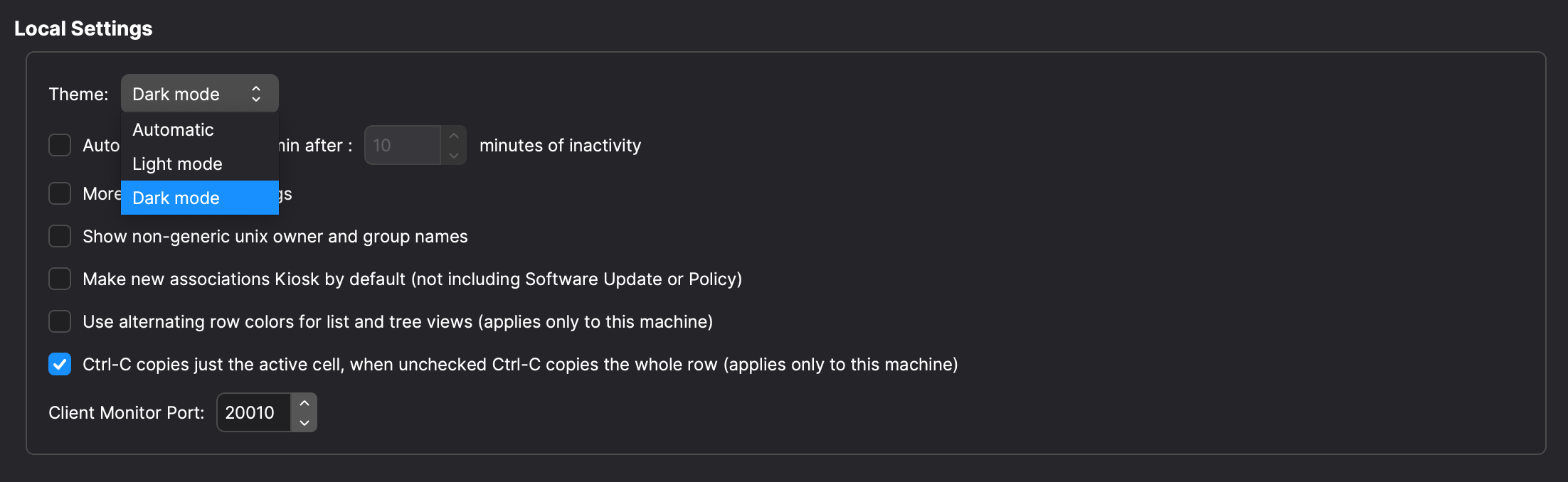](https://kb.filewave.com/uploads/images/gallery/2024-02/KYZN0AskdmkA9YKC-image.png)
**Unified backend for Model Update (Technical Preview)**
Model Update is one of the key features of FileWave; Model Update allows you to apply complex changes to your organization only when you’re ready to deploy them and to revert unwanted changes. FileWave 15.3.0 brings a new Model Update mechanism, now running in a single component. This is the first step before new features and improvements can be added to Model Update. In this version, we focused on consistency with existing Model Update (to make sure nothing changes in your deployments) and on shortening update times. Model Update “v2” is a Technical Preview in 15.3.0, so it is not enabled by default.
**Improved Client / Booster / Server communication**
FileWave 11 introduced *Booster Routing*, a feature that allows off-loading direct traffic to the server by routing messages via Booster. This feature provides additional security if you only allow boosters to connect to your server and have all your devices only reach boosters. With FileWave 15.0, the internal notification system has switched entirely to NATS, replacing ZMQ; NATS, in addition to built-in security features and improved performances, brings much more flexibility and can then be used in more areas. FileWave 15.3 can now use NATS as the communication protocol for all *maintenance messages* between client and server. Fileset delivery still uses the classic protocol, but messages like Fileset status or check-in now use the lightweight and fast delivery mechanism offered by NATS.
Apple-Specific Changes
**Declarative Device Management**
FileWave 15.3.0 is the first implementation of Apple’s new device management mechanism, Declarative Device Management (DDM). It will use the new Status Report for applications, providing quick and accurate Fileset Status updates for apps installed via MDM (App Store apps) on compatible iOS, iPadOS, and tvOS devices.
Therefore, FileWave 15.3.0 contains the foundations for support for more DDM features, such as software update management or application installation via DDM, which are being built and will be provided in coming releases.
[More...](https://kb.filewave.com/books/software-updates-apple/page/evolution-of-os-updates-on-apple-devices-153 "OS Updates on Apple devices (15.3+)")
Chromebook-Specific Changes
We are excited to announce the expansion of Chromebook Management, addressing significant performance improvements and introducing new features to enhance user experience.
#### Commands
1\. **REMOTE\_POWERWASH Command**
- **Description:** System administrators can remotely powerwash ChromeOS devices, resetting them to factory settings for efficient troubleshooting and maintaining device security.
- **Execution:** Initiates the powerwash process, erasing all user data and configurations.
2\. **WIPE\_USERS Command**
- **Description:** System administrators can remotely and securely wipe user data from devices, ensuring compliance with data protection regulations and maintaining organizational security.
- **Execution:** Initiates the data-wiping process on all user accounts.
3\. **REBOOT Command**
- **Description:** Introducing the REBOOT command, enabling system administrators to reboot devices for troubleshooting remotely and applying system updates.
- **Execution:** Initiates the remote reboot process on the selected devices.
**4. Command History tab**
- **Description:** Users can now view all information related to sending REMOTE\_POWERWASH, WIPE\_USERS, and REBOOT Commands in the Command History tab for Chromebook devices.
More details available → [Powerwash / Wipe Users on ChromeOS (15.3+)](https://kb.filewave.com/books/chromeos/page/powerwash-wipe-users-on-chromeos-153 "Powerwash / Wipe Users on ChromeOS (15.3+)") and [Reboot for ChromeOS (15.3+)](https://kb.filewave.com/books/chromeos/page/restart-chromeos-devices "Reboot for ChromeOS (15.3+)")
#### Bug Fixes and Improvements
**1. Reduced Chromebook Sync Time**
**Issue:** Some users reported extended sync times, with an average duration of around 15 minutes for certain customers. Sync was only performed once per day.
**Resolution:** We have addressed this concern by implementing optimizations that result in a 30% reduction in sync time. Chromebook syncing is now more efficient and streamlined, ensuring a faster and smoother experience.
**2. Manual Sync Time Configuration**
**Issue:** Users had limited control over the timing of Chromebook sync, with synchronization occurring only once daily.
**Resolution:** In response to user feedback, we have introduced a new feature that allows users to set up manual sync times. Sync intervals can be configured between 1 and 24 hours. If no specific time is set, the default sync interval remains at 24 hours. This enhancement provides greater flexibility in managing Chromebook updates according to your organization's needs.
**3. Custom Field(s) Annotation Sync**
**Issue:** Changes to annotated fields were causing discrepancies when updating the model.
**Resolution:**
- Annotated fields in Edit Custom Fields now update immediately upon clicking Save, independently of the Model Update, ensuring swift and accurate changes.
- The Chromebook Data tab in Device Details is removed. Users can access Chromebook-related info by double-clicking on the device, eliminating the need for an additional tab.
- The Device Details View now offers a more informative and user-friendly experience for Annotated fields.
- Annotated fields are seamlessly displayed and editable in the Edit Custom Fields dialog, like any other custom fields.
- A convenient button in the Client Info dialog allows users to sync annotated fields (one way: Google to FileWave) individually for specific devices, offering granular control over data synchronization.
These comprehensive resolutions address the reported issues, providing a seamless and efficient experience in managing Chromebooks, with real-time syncing of annotated fields and enhanced control over synchronization intervals.
FileWave Imaging (IVS)
FileWave IVS Appliance is now based on Debian!
FileWave Networking Imaging 15.3.x brings compatibility with FileWave 15.3.x.
- PXE Kernel: 6.6.7
- Buildroot: 2023.11
FileWave Kiosk
### App portal for iOS/iPadOS
#### **Evolution of App Portal for iOS/iPadOS: Transition from Technical Preview to Official Release**
In our commitment to continuous improvement and user-centric development, we are excited to announce a significant milestone in the journey of App Portal for iOS/iPadOS. Starting from version 15.3.0, App Portal has officially graduated from its technical preview phase, now standing as a fully realized and polished application.
**Key Points:**
1. **From Technical Preview to Real App:**
In previous releases, App Portal for iOS/iPadOS was introduced as a technical preview, allowing users to explore its functionalities and provide valuable feedback. With version 15.3.0, we are thrilled to elevate App Portal to the status of a fully-fledged, official application.
2. **Enhancements and Stability:**
The transition signifies not only the culmination of user feedback but also substantial enhancements and optimizations to ensure the stability, reliability, and performance of the App Portal for iOS/iPadOS.
3. **A Seamless User Experience:**
Users can now enjoy a seamless and refined experience with App Portal, harnessing its full potential for efficient and intuitive mobile application management.5.3.0 and beyond.
More details here → [Automatic updating of iOS Kiosk (15.3+)](https://kb.filewave.com/books/kiosk/page/automatic-updating-of-iosipados-kiosk "Automatic updating of iOS Kiosk (15.3+)")
### Desktop Kiosk for macOS and Windows
The transition from App Portal version 15.0.0 to version 15.3.0 represents a significant evolution, akin to the transformative experience observed when comparing the Android Play Store and the App Store. This upgrade places a primary emphasis on completely overhauling the user interface (UI) to provide a sleek, contemporary, and exceptionally intuitive platform, aligns with our users' evolving expectations.
While version 15.0.0 laid the groundwork for functionality, version 15.3.0 responds to user feedback and industry trends, recognizing the demand for a more sophisticated and streamlined UI. Here's how the new version draws inspiration from the design excellence of both the Android Play Store and the App Store:
1. **Unified Design Paradigm:**
The UI design seamlessly unifies elements from both the Android Play Store and the App Store, creating a harmonious blend of familiarity and innovation.
2. **Intuitive Navigation:**
Building on the success of version 15.0.0, version 15.3.0 introduces a reimagined navigation system with intuitive menus, recognizable icons, and seamless flows, akin to the ease of navigation in both app marketplaces.
3. **Visual Delight:**
The new UI isn't just functional; it's a visual delight with engaging animations, subtle transitions, and tastefully curated visuals, providing an immersive experience similar to the Android Play Store and the App Store.
4. **Enhanced Customization:**
Version 15.3.0 brings enhanced customization options, allowing users to personalize their interface similar to the Android Play Store and the App Store, fostering a sense of ownership over their app experience.
5. **Responsive Design:**
Like the responsiveness of the Android Play Store and the App Store across devices, our app now adapts seamlessly to various screen sizes, ensuring a consistent and optimized experience.
Additionally, with version 15.3.0, we've introduced some enhancements. Users will now receive clear indications when installing certain filesets that a reboot is required for optimal performance. This improvement ensures transparency and empowers users with the necessary information for a seamless experience. By incorporating these enhancements, App Portal solidifies its commitment to delivering a cutting-edge, user-friendly experience that aligns with evolving user expectations and industry trends. Version 15.3.0 sets the stage for a future where App Portal evolves dynamically, staying at the forefront of user-centric innovation.
More details here → [Setting the Primary Color, Name and Logo in App Portal (15.3+)](https://kb.filewave.com/books/kiosk/page/setting-the-primary-colour-name-and-logo-in-kioskapp-portal-160)
Deprecated Features
The following features have been deprecated from FileWave 15.3.0. They are present but will be removed in a future release:
- **CentOS:** As CentOS 7 being End-Of-Life on June 30, 2024, FileWave is available and supported on Debian. FileWave won't be released on CentOS after CentOS is EOL.
- **Compatibility Mode:** Communication between FileWave components is encrypted and relies on TLS certificates for several years now. Back in the day, to facilitate the transition, a Compatibility Mode was introduced, allowing clients running versions older than 13.1 to still be managed by a more recent server despite not supporting proper encryption. It is now time to drop compatibility mode to enforce secured communications. This means the minimum OS versions that can be enrolled are macOS 10.11 and Windows 7 SP1 - but it is obviously not recommended to run outdated, unsecured end-of-life Operating Systems.
- **OS Updates on Apple Devices:** Managing OS updates on Apple devices has evolved significantly. Initially relying on manual commands and customizable catalogs, the process transitioned to MDM protocols, introducing challenges in reliability and control. Apple's introduction of GDMF and the more recent DDM protocol aims to simplify and enhance the reliability of OS update management. FileWave 15.4.0 will adopt GDMF for update reporting and switch to DDM for macOS updates (Sonoma and later), while continuing to use MDM for older iOS/iPadOS versions. This update signifies FileWave's commitment to improving the management of OS updates, addressing past issues and leveraging Apple's latest technologies for a streamlined process. [More...](https://kb.filewave.com/books/software-updates-apple/page/evolution-of-os-updates-on-apple-devices-153 "OS Updates on Apple devices (15.3+)")
- **Legacy macOS Imaging:** Changes made by Apple with APFS, T2 chips and Apple Silicon, Imaging macOS devices has been part of history for a long time. With the deprecation of Compatibility mode, the last reason for keeping macOS imaging options in FileWave are gone.
- **FCM Deprecation Support:**
- Legacy Firebase Cloud Messaging (FCM) APIs are being deprecated by Google.
- FileWave will support this deprecation in the official release of 15.4.
- [More...](https://kb.filewave.com/books/google-general-info/page/update-your-apps-to-the-latest-firebase-cloud-messaging-apis-and-sdks "Update your apps to the latest Firebase Cloud Messaging APIs and SDKs")
Decommissioned Features
The following features have been removed from FileWave 15.3.0:
- As the new desktop kiosk is based on 64-bit libraries, FileWave 15.3.0 will not be supported on Windows 32-bit platforms. FileWave Agent (fwcld) is still a 32-bit executable, meaning there is no change in how Filesets are deployed, and scripts are executed. Moving to a 64-bit application is expected to happen later this year.
Changes and Fixes in 15.3.1
Bug fixes:
- FWRD-12751 Tray icon for Kiosk v1 is visible if settings.ini file exists without hide\_system\_tray setting
- FWRD-12764 Fixed an issue where database constraints could be reported as missing after 15.3.0 upgrade
- FWRD-12782 Fixed an issue where FileWave Central could crash when connection to server is lost
- FWRD-12792 Made sure scheduler locks are cleared when server restarts to avoid locking issues
- FWRD-12794 Fixed an issue where Model Update would be blocked by partial filesets
- FWRD-12831 Fixed authentication issue with API call to update model
- FWRD-12834 Fixed an issue where Updating Model would not be logged in Audit Log
Apache 2.4.59
Changes and Fixes in 15.3.0
Several 3rd party have been updated, for bug or security issue fixes or new features. Mainly:
- OpenSSL 3.2.1
- Python 3.11.7
- Django 5.0.1
- Postgresql 12.18
Bug fixes:
- FWRD-1439 Fixed an issue where Custom Field Dialog could incorrectly detect changes
- FWRD-1440 Fixed an issue where automatically created LDAP based smart groups could be modified
- FWRD-2118 Fixed an issue where changing the revision of a fileset dependency would remove and reinstall the dependency instead of only updating differences between revisions
- FWRD-2445 Fixed an issue where it would be possible to change permission of a fileset group for which current admin does not have write permission
- FWRD-3173 Improved logs when using unsupported image type for iOS WallPaper
- FWRD-3365 Fixed an issue where Preferences would show incorrect description for preferred licensing option
- FWRD-3458 Made German translations regarding dependencies clearer
- FWRD-3800 Fixed an issue where enrolling two IVS would fail due to duplicated fingerprint
- FWRD-4232 Fixed UI issue in Device Info view in FileWave Anywhere.
- FWRD-4339 Fixed a potential issue where Windows Upgrade Fileset would fail to update Windows client
- FWRD-4715 Fixed handling multiple Organization Invite in Registration modal in Kiosk for iOS/iPadOS.
- FWRD-11165 Fixed issue with logo qualities in Kiosk for iOS/iPadOS.
- FWRD-11403 Fixed font in Kiosk UI.
- FWRD-11414 Fixed bug regarding error message related to Faild to fetch data in iOS/iPadOS App Portal.
- FWRD-11489 Fixed bug by Chromebooks sync time - it is now reduced by 30%. Also there is new field in FileWave Central Preferences where setup shorter sync interval (in hours) is possible.
- FWRD-11581 Fixed an issue where legacy dashboard would report incorrect disk space if server data folder is not on the same volume as root
- FWRD-11594 Fixed a cosmetic issue related to Country names displayed by App Store dialogs
- FWRD-11750 Fixed an issue where logs could be incorrectly be filled by entries related to errors when synchronizing VPP apps metadata after 9646 error
- FWRD-11776 Improved internal scheduler startup phase
- FWRD-11810 Fixed issues/added functionalities with managing LDAP Smart Groups in FileWave Anywhere.
- FWRD-11830 Fixed an issue on macOS Sonoma where client assistant and client monitor would not use the same device name
- FWRD-11867 Fixed a potential issue where invalid request could be made to VPP service, leading to error 9602
- FWRD-11879 Improved how VPP errors 9646 are handled
- FWRD-11973 Fixed minor UI issues in Filtering section of Kiosk for iOS/iPadOS.
- FWRD-12001 Fixed an issue where query builder would not allow using numbers larger than 2147483647
- FWRD-12007 Fixed a cosmetic issue where Association option fields would have inconsistent width
- FWRD-12104 Fixed an issue related to Dock profile where Merge with User's dock option would not be applied properly
- FWRD-12169 Fixed an issue where inventory reports would return incorrect data due to the way client id is retrieved
- FWRD-12171 Fixed issue regarding Devices view load being slow in FileWave Anywhere.
- FWRD-12214 Debian appliances have now also 500 GB of free space
- FWRD-12336 Fixed an issue where Webmin would not be properly configured on Debian appliances
- FWRD-12338 Fixed an issue where rpm installer would not properly stop upgrade in preflight step if a Database error is detected
- FWRD-12415 Fixed an issue where Associated Domains options would not be properly applied to Enterprise Applications (IPA)
FileWave 15.3.1 has significant changes to the [method of distributing the Kiosk for iOS/iPadOS](https://kb.filewave.com/books/kiosk/page/automatic-updating-of-iosipados-kiosk "Automatic updating of iOS/iPadOS Kiosk (15.3+)"), the Kiosk itself, the Kiosk on macOS and Windows also has been [completely replaced](https://kb.filewave.com/books/kiosk/page/filewave-kiosk-for-macos-and-windows-overview-153 "FileWave Kiosk for macOS and Windows overview (15.3+)") and on ChromeOS the [entire sync process with Google](https://kb.filewave.com/books/chromeos/page/google-admin-sync-interval-for-chromeos "Google Admin Sync Interval for ChromeOS (15.3+)") has been overhauled. Please step in to macOS and Windows Client upgrades a bit more cautiously than usual and let support know if you encounter any issues. We've spent a lot of time testing and since a lot of documentation has changed please ask if something is confusing.
macOS Downloads
[ ](https://fwdl.filewave.com/15.3.1/FileWave_macOS_15.3.1.dmg)(md5: dc72710e565f127fc608bfb8aa3f5f14)[](https://kb.filewave.com/uploads/images/gallery/2023-06/76nOWO8TRbgPaH2X-apple.png)
[macOS Upgrade Fileset](https://fwdl.filewave.com/15.3.1/FileWave_macOS_Client_15.3.1_183a9214.fileset.zip) (md5: 0e7cf29cb759e8a3105f86e3604c48d1)
[macOS Central (Admin)](https://fwdl.filewave.com/15.3.1/FileWave%20Admin.pkg) (md5: 180ed957391f297760832496b7a03a95)
[macOS Booster](https://fwdl.filewave.com/15.3.1/FileWave%20Booster.pkg) (md5: dc50b5d514f718cc1741e0f08f6a0239)
[macOS Server](https://fwdl.filewave.com/15.3.1/FileWave%20Server.pkg) (md5: 1df7ceed1a5deda8d484724ad0dc5789)
[macOS Client](https://fwdl.filewave.com/15.3.1/FileWave%20Client.pkg) (md5: e147133402afb9339d0e343912f591f5)
Remember that to upgrade macOS FileWave clients you should use the Upgrade Fileset. Never deploy the macOS Client listed above to an existing device. It is intended only for manual initial installs, and even for those you are better off creating an installer at [https://custom.filewave.com](https://custom.filewave.com)
Windows Downloads

[Windows Upgrade Fileset](https://fwdl.filewave.com/15.3.1/FWWinClientUpgrade_15.3.1_6a031be8.fileset.zip) (md5: 61924c93173e63a30aa3357a03bcd752)
[Windows Central (Admin)](https://fwdl.filewave.com/15.3.1/FileWaveAdmin.msi) (md5: 4e00be9d1fc57f066a7affd2c37df5dd)
[Windows Booster](https://fwdl.filewave.com/15.3.1/FileWaveBooster.msi) (md5: 6770f46614774262a77ad5cd2d5127fb)
[Windows Client](https://fwdl.filewave.com/15.3.1/FileWaveClient.msi) (md5: 323d2b13e4af04357e3c35ebea914213)
Remember that to upgrade Windows FileWave clients you should use the Upgrade Fileset. Never deploy the Windows Client listed above to an existing device. It is intended only for manual initial installs, and even for those you are better off creating an installer at [https://custom.filewave.com](https://custom.filewave.com)
iOS Downloads
[](https://kb.filewave.com/uploads/images/gallery/2023-06/wENbdLgueSVvwqEL-ios.png)
Kiosk on iOS / iPadOS is now automatically installed from a CDN. ([Read More](https://kb.filewave.com/books/unreleased-filewave-versions/page/automatic-updating-of-ios-kiosk-153 "Automatic updating of iOS Kiosk (15.3+)"))
Chrome Extension
[](https://kb.filewave.com/uploads/images/gallery/2023-06/XP14ofjLt6jwkKXC-chrome-logo.png)The FileWave Inventory extension for Chromebook has to be installed via the Google Admin Console for your domain. Please see [Quickstart Guide for Chromebooks](https://kb.filewave.com/books/evaluation-guide/page/chromebook-client-pre-requisites "Quick Start Guide for Chromebooks") for detailed instructions
[White Labeling the Chromebook Extension](https://fwdl.filewave.com/15.3.1/Chromebooks/chromebooks-whiteboxing.zip "White Labeling the Chromebook Extension") (md5: 740f1a780bed1d1a25d01a08ae2e53c9)
Debian Linux Downloads
[](https://kb.filewave.com/uploads/images/gallery/2023-11/XhLPXfKJskrWOllh-image.png)
[Debian Linux Installers](https://fwdl.filewave.com/15.3.1/FileWave_Debian_15.3.1.zip) (md5: d87606803638c028beac5f8afc3bbb64)
[Debian Linux Server](https://fwdl.filewave.com/15.3.1/fwxserver_15.3.1_amd64.deb) (md5: c35f56e1c81c577e68a6edcc533d5fc9)
[Debian Linux Booster](https://fwdl.filewave.com/15.3.1/fwbooster_15.3.1_amd64.deb) (md5: 1b0cfeff43386dd5a36f62398016ffd2)
**Upgrading the FileWave Server**
To install or upgrade the FileWave Server, use the following :
```shell
# Login via SSH as root or ensure you're using sudo for the commands
# 1. OS Upgrades:
sudo apt update -y
sudo DEBIAN_FRONTEND=noninteractive apt-get upgrade -y -o Dpkg::Options::="--force-confold"
# 2. Install Essential Tools:
sudo apt install -y zip net-tools gdebi-core
# 3. Download the FileWave Server package:
wget https://fwdl.filewave.com/15.3.1/fwxserver_15.3.1_amd64.deb -P /tmp
# 4. Install the FileWave Server using gdebi:
sudo gdebi -n /tmp/fwxserver_15.3.1_amd64.deb
# 5. Reboot the system to complete the installation:
sudo reboot
```
---
**Upgrading a Booster**
To install or upgrade the FileWave Booster, use the following :
```shell
# Login via SSH as root or ensure you're using sudo for the commands
# 1. OS Upgrades:
sudo apt update -y
sudo DEBIAN_FRONTEND=noninteractive apt-get upgrade -y -o Dpkg::Options::="--force-confold"
# 2. Install Essential Tools:
sudo apt install -y zip net-tools gdebi-core
# 3. Download the FileWave Booster package:
wget https://fwdl.filewave.com/15.3.1/fwbooster_15.3.1_amd64.deb -P /tmp
# 4. Install the FileWave Booster using gdebi:
sudo gdebi -n /tmp/fwbooster_15.3.1_amd64.deb
# 5. Reboot the system to complete the installation:
sudo reboot
```
OVA Appliance Downloads
[](https://kb.filewave.com/uploads/images/gallery/2023-06/d7iBFQCGDdk0ZiLZ-virtual-appliance.png)
**Debian Linux:** It is preferred that you use this for a new server, booster or IVS.
[VMware and VirtualBox (OVA) Server Appliance](https://fwdl.filewave.com/15.3.1/FileWave_Server_Debian_15.3.1.ova) (md5: 5404fe6160437b332da674ba6bf69ba7 )
[VMware and VirtualBox (OVA) Booster Appliance](https://fwdl.filewave.com/15.3.1/FileWave_Booster_Debian_15.3.1.ova) (md5: 6ba9ce6b69712afc069fc40fef615c12)
[VMware and VirtualBox (OVA) Imaging Appliance](https://fwdl.filewave.com/15.3.1/FileWave_IVS_15.3.1_debian.ova) (md5: 2795e0258c24f19b1780b867dfa04cd2)
**CentOS Linux:**
[VMware and VirtualBox (OVA) Server Appliance](https://fwdl.filewave.com/15.3.1/FileWave_Server_Centos_15.3.1.ova) (md5: c8f1cc7cc2d581cd1dda8e229dab437f)
[VMware and VirtualBox (OVA) Booster Appliance](https://fwdl.filewave.com/15.3.1/FileWave_Booster_Centos_15.3.1.ova) (md5: 814be015055f1e77418f2f34e8702ed0)
[VMware and VirtualBox (OVA) Imaging Appliance](https://fwdl.filewave.com/15.3.1/FileWave_IVS_15.3.1_centos.ova) (md5: 2b1776bb9a6bcacaf51b27c096f78d4f)
To import our Virtual Appliances, please see: [FileWave Virtual Appliances](https://kb.filewave.com/books/filewave-virtual-appliances "https://kb.filewave.com/books/filewave-virtual-appliances")
To get started with the FileWave Server appliance please see: [Installation and Setup | FileWave KB](https://kb.filewave.com/books/evaluation-guide/chapter/1-installation-and-setup "https://kb.filewave.com/books/evaluation-guide/chapter/1-installation-and-setup")
For Booster setup: [Booster Installation | FileWave KB](https://kb.filewave.com/link/221 "https://kb.filewave.com/books/boosters/page/booster-installation")
For more information about configuring the IVS appliance please see: [Getting started with the Imaging Virtual Server](https://kb.filewave.com/books/network-imaging-ivs/chapter/getting-started-with-the-imaging-virtual-server "https://kb.filewave.com/books/network-imaging-ivs/chapter/getting-started-with-the-imaging-virtual-server")
This book covers how to import our provided OVA's and VHD's into your virtual environments.
Hyper-V Appliance Downloads
[](https://kb.filewave.com/uploads/images/gallery/2023-06/1rHPEOO5khUHCB8f-hyper-v-logo.png)**Debian Linux:** It is preferred that you use this for a new server, booster or IVS.
[Hyper-V (VHD) Server Appliance](https://fwdl.filewave.com/15.3.1/FileWave_Server_Debian_15.3.1_VHD.zip) (md5: e48e649a4b09849d1c0a30d6f25d8575)
[Hyper-V (VHD) Booster Appliance](https://fwdl.filewave.com/15.3.1/FileWave_Booster_Debian_15.3.1_VHD.zip) (md5: ca31a5c0930defdf70eba8465eb85416)
[Hyper-V (VHD) Imaging Appliance](https://fwdl.filewave.com/15.3.1/FileWave_IVS_15.3.1_VHD_debian.zip) (md5: 809d88619ab359a641a4cc570a40c77f)
**CentOS Linux:**
[Hyper-V (VHD) Server Appliance](https://fwdl.filewave.com/15.3.1/FileWave_Server_Centos_15.3.1_VHD.zip) (md5: 005d5cc74a68428547c7cc8d7f797482)
[Hyper-V (VHD) Booster Appliance](https://fwdl.filewave.com/15.3.1/FileWave_Booster_Centos_15.3.1_VHD.zip) (md5: dee0d85e7bc9398c2d41a950a1e39fea)
[Hyper-V (VHD) Imaging Appliance](https://fwdl.filewave.com/15.3.1/FileWave_IVS_15.3.1_VHD_centos.zip) (md5: 0b71704316983552b242765ef1e7add0)
To import our Virtual Appliances, please see: [FileWave Virtual Appliances](https://kb.filewave.com/books/filewave-virtual-appliances "https://kb.filewave.com/books/filewave-virtual-appliances")
To get started with the FileWave Server appliance please see: [Installation and Setup | FileWave KB](https://kb.filewave.com/books/evaluation-guide/chapter/1-installation-and-setup "https://kb.filewave.com/books/evaluation-guide/chapter/1-installation-and-setup")
For Booster setup: [Booster Installation | FileWave KB](https://kb.filewave.com/link/221 "https://kb.filewave.com/books/boosters/page/booster-installation")
For more information about configuring the IVS appliance please see: [Getting started with the Imaging Virtual Server](https://kb.filewave.com/books/network-imaging-ivs/chapter/getting-started-with-the-imaging-virtual-server "https://kb.filewave.com/books/network-imaging-ivs/chapter/getting-started-with-the-imaging-virtual-server")
This book covers how to import our provided OVA's and VHD's into your virtual environments.
CentOS Linux Downloads
**[](https://kb.filewave.com/uploads/images/gallery/2023-06/GA5ALd5magf71KQy-linux.png)**
CentOS is EOL in 2024. Migrating to Debian is highly recommended.
[CentOS Linux Installers](https://fwdl.filewave.com/15.3.1/FileWave_Linux_15.3.1.zip) (md5: b7beaf517f3bccad73b3358962df9ff4)
[CentOS Linux Server](https://fwdl.filewave.com/15.3.1/fwxserver-15.3.1-1.0.x86_64.rpm) (md5: fa30b9e3aa2a6514e13e94b1e12009b5)
[CentOS Linux Booster](https://fwdl.filewave.com/15.3.1/fwbooster-15.3.1-1.0.x86_64.rpm) (md5: dd7d2bf1abbf4399cda50b809cef1190)
**If when doing yum update or upgrade you get a note that no updates are available it may be that you block access to some countries. `yum clean all` can clear the cache so that the upgrades can happen.**
**Upgrading the FileWave Server**
To install or upgrade the FileWave Server, use the following :
```shell
# login via ssh / root or put sudo at the start of each line
sudo yum update -y
sudo yum upgrade -y
sudo yum install -y --nogpgcheck https://fwdl.filewave.com/15.3.1/fwxserver-15.3.1-1.0.x86_64.rpm
sudo reboot
```
---
**Upgrading a Booster**
To install or upgrade the FileWave Booster, use the following:
```shell
# login via ssh / root
sudo yum update -y
sudo yum upgrade -y
sudo yum install -y --nogpgcheck https://fwdl.filewave.com/15.3.1/fwbooster-15.3.1-1.0.x86_64.rpm
sudo reboot
```
Note that you can upgrade boosters centrally using the Auto-Upgrade feature within the admin console. You can find out how to do that at [this](https://kb.filewave.com/books/boosters/chapter/booster-auto-upgrade "Booster Auto-Upgrade") KB article.
Most likely, your IVS is already at CentOS 7, and you can run the following to easily upgrade your existing IVS appliance:
```shell
# login via ssh / root
sudo yum update -y
sudo yum update -y filewave-IVS
sudo yum upgrade -y
sudo reboot
```
If you get a response to the above command that "no packages are marked for update", then you'll need to run the below just one time on this IVS:
```shell
# login via ssh / root
sudo yum install -y filewave-IVS
sudo yum upgrade -y
sudo reboot
```
If the version of your IVS is still running on CentOS 6, the upgrade path requires replacing your current appliance as CentOS 6 is End of Life. Upgrade instructions are detailed here for this scenario : [IVS Upgrade/Migration Options](https://kb.filewave.com/books/network-imaging-ivs/page/ivs-migrations-options-centos-6-to-centos-7 "IVS Migrations Options (centOS 6 to centOS 7)").
These downloads are provided for the purposes of migrations and should not continue to be used in production. You should upgrade to either the most recent release or the one prior. They can always be found here: [Supported FileWave Versions](https://kb.filewave.com/books/downloads "Supported FileWave Versions")
The FileWave endpoint management suite allows you to manage your devices wherever they are, wherever you are, whatever they are, and all in one platform!
In the 15.3.0 product release, we're proud to present the fully matured Kiosk for iOS and iPadOS, leaving beta behind for a seamless experience. Our redesigned Kiosk for Desktop, available on macOS and Windows, offers a modern, user-friendly interface. Notably, we're expanding our support to Chromebook devices with new commands and rigorous bug fixing.
## FileWave Official Version Support
FileWave development teams officially support two major versions at any time, N and N-1. For example, If we assume that the most recent version of FileWave is 15.3.x, then we will officially support versions 15.2.x and 15.1.x. Releases for major versions of FileWave occur roughly every quarter.
What does "officially support" mean? Officially supporting these versions means that we will investigate bug reports in these versions and patch issues that are significant. We will not produce patches for earlier versions than N-1, as this means allocating development resources to problems that are already potentially resolved instead of investing those resources into furthering the product. In short, if an issue is found in a version earlier than the officially supported versions, then remediation for the issue will be in the form of an application upgrade, or a patch to that more recent version.
This does not mean that you can't contact our support teams about an earlier version. They will, to the best of their ability, help you with older versions of the software but they will stop short of escalating tickets to our development teams and will likely recommend an upgrade so that you are getting the latest features and bug fixes.
Your existing FileWave Server must be version [**13.3.1**](https://kb.filewave.com/books/downloads/page/filewave-version-1331-unsupported "FileWave Version 13.3.1 (Unsupported)") or higher before you can upgrade to [FileWave 14.7.2](https://kb.filewave.com/books/downloads/page/filewave-version-1472-unsupported "FileWave Version 14.7.2 (Unsupported)") and then from 14.7.2 you can upgrade to 15.3.0. The minimum memory requirement for FileWave 14+ is 8GB.
## Compatibility
A Note on Compatibility
A note on the Compatibility charts: There are several states of compatibility for FileWave clients:
- "Compatible" (the first table) indicates that we have run QA regression tests against these operating system versions, and they are fully supported
- Not being on the Compatibility chart (such as macOS 12) does not mean that platform is not supported...it just means we did not actively test against it, but we do expect it to function
- Support of any issues experienced specifically on these platforms would be considered on a case-by-case basis (but these cases are exceedingly rare)
- "Legacy" versions mean that we don't test, but we do provide a retro-version of a client so that the device can still report in
- There is NO support for these platforms beyond the availability of the older client, and in almost all cases these are for OSes that are no longer supported by the developer in question
- Lastly, items do fall out of support, such as Windows XP and probably soon the older Android APK client as examples, but we always include these items in our release notes
An additional note on third-party software inclusion, such as TeamViewer:
- Partnerships we have with third party providers have their own set of system requirements for those released applications. We test against their most recent versions, and support of those applications is limited to third-party vendor specifications.
FileWave Server Platform Support
**[](https://kb.filewave.com/uploads/images/gallery/2023-06/uoC9jiGeyyKHsHZO-fwserver-icon.png)Fully Tested by QA**
- macOS 13, 14 (Intel and Apple Silicon)
- Linux CentOS 7.9 x86\_64
- Debian 12.2 x86\_64 (Note that any Debian 12.x is expected to work, and applying security updates may move you to a higher version.)
**Expected to work**
- macOS 11, 12 (Intel and Apple Silicon)
FileWave Clients Platform Support
**[](https://kb.filewave.com/uploads/images/gallery/2023-06/VbVfka5W0oW3DA5l-fwclients-icon.png)Fully Tested by QA**
- macOS 13, 14 (Intel and Apple Silicon)
- Windows 10 (Ent/Pro 21H1 and above), 11 (Ent/Pro 21H2 and above)
**Expected to work**
- macOS 11, 12 (Intel and Apple Silicon)
**Legacy**
- macOS 10.11 → [Legacy Version 13.1.5](https://kb.filewave.com/books/downloads/page/filewave-version-1315-unsupported "FileWave Version 13.1.5 (Unsupported)")
- macOS 10.12 → [Legacy Version 14.0.2](https://kb.filewave.com/books/downloads/page/filewave-version-14102-unsupported "FileWave Version 14.10.2")
- macOS 10.13 → [Legacy Version 14.5.4](https://kb.filewave.com/books/downloads/page/filewave-version-1454-unsupported "FileWave Version 14.5.4 (Unsupported)")
- macOS 10.14 → [Legacy Version 14.8.0](https://kb.filewave.com/books/downloads/page/filewave-version-1480-unsupported "FileWave Version 14.8.0 (Unsupported)")
- macOS 10.15 → [Legacy Version 15.0.1](https://kb.filewave.com/books/downloads/page/filewave-version-1501-unsupported "FileWave Version 15.0.1")
FileWave Mobile Clients Platform Support
**[](https://kb.filewave.com/uploads/images/gallery/2023-06/wjov619ZuqQt8uD0-fwmobile-icon.png)Fully Tested by QA**
- iOS 16.1, 17
- iPadOS 16, 17
- tvOS 16, 17
- Android 13, 14 (EMM Client)
- Chromebook
**Expected to work**
- iOS 14, 15
- iPadOS 14, 15
- tvOS 14, 15
- Android 8 to 12 (EMM)
**Legacy**
- iOS 13 → [Legacy Version 15.0.1](https://kb.filewave.com/books/downloads/page/filewave-version-1501-unsupported "FileWave Version 15.0.1")
- iOS 10, 11, 12 → [Legacy Version 13.1.5](https://kb.filewave.com/books/downloads/page/filewave-version-1315-unsupported "FileWave Version 13.1.5 (Unsupported)")
FileWave Central (Native) Platform Support
**[](https://kb.filewave.com/uploads/images/gallery/2023-06/wjov619ZuqQt8uD0-fwmobile-icon.png)Fully Tested by QA**
- macOS 13, 14 (Intel and Apple Silicon)
- Windows 10 (Ent/Pro 21H1 and above), 11 (Ent/Pro 21H2 and above)
**Expected to work**
- macOS 11, 12 (Intel and Apple Silicon)
FileWave Booster Platform Support
**[](https://kb.filewave.com/uploads/images/gallery/2023-06/rOYHDH6oJSrsRgB6-fwbooster-icon.png)Fully Tested by QA**
- macOS 13, 14 (Intel and Apple Silicon)
- Windows 10 (Ent/Pro 21H1 and above), 11 (Ent/Pro 21H2 and above)
- Linux CentOS 7.9 x86\_64
- Debian 12.2 x86\_64 (Note that any Debian 12.x is expected to work, and applying security updates may move you to a higher version.)
FileWave Imaging Virtual Server Platform Support
**[](https://kb.filewave.com/uploads/images/gallery/2023-06/cwHvtEjvqfp9gODu-fwivs-icon.png)**
The FileWave Imaging Virtual Server (IVS) is a special appliance that provides imaging support for Windows 10 and 11 UEFI and non-UEFI devices.
**The IVS appliance is Debian 12 and CentOS 7.9 based and can be run on:**
- VMWare VSphere ESX installations
- VMWare Fusion
- VMWare Player and Workstation
- Virtual Box
Historically the imaging appliance also supported macOS imaging, but the process for imaging Macs has changed from macOS 10.13.
FileWave Management Suite
**Central goes Dark**
FileWave Central introduces a new Dark Mode UI - for FileWave admins working at night ! [More...](https://kb.filewave.com/books/filewave-central-anywhere/page/embracing-the-dark-side-dark-mode-for-filewave-central-153 "Embracing the Dark Side: Dark Mode for FileWave Central (15.3+)")
[](https://kb.filewave.com/uploads/images/gallery/2024-02/KYZN0AskdmkA9YKC-image.png)
**Unified backend for Model Update (Technical Preview)**
Model Update is one of the key features of FileWave; Model Update allows you to apply complex changes to your organization only when you’re ready to deploy them and to revert unwanted changes. FileWave 15.3.0 brings a new Model Update mechanism, now running in a single component. This is the first step before new features and improvements can be added to Model Update. In this version, we focused on consistency with existing Model Update (to make sure nothing changes in your deployments) and on shortening update times. Model Update “v2” is a Technical Preview in 15.3.0, so it is not enabled by default.
**Improved Client / Booster / Server communication**
FileWave 11 introduced *Booster Routing*, a feature that allows off-loading direct traffic to the server by routing messages via Booster. This feature provides additional security if you only allow boosters to connect to your server and have all your devices only reach boosters. With FileWave 15.0, the internal notification system has switched entirely to NATS, replacing ZMQ; NATS, in addition to built-in security features and improved performances, brings much more flexibility and can then be used in more areas. FileWave 15.3 can now use NATS as the communication protocol for all *maintenance messages* between client and server. Fileset delivery still uses the classic protocol, but messages like Fileset status or check-in now use the lightweight and fast delivery mechanism offered by NATS.
Apple-Specific Changes
**Declarative Device Management**
FileWave 15.3.0 is the first implementation of Apple’s new device management mechanism, Declarative Device Management (DDM). It will use the new Status Report for applications, providing quick and accurate Fileset Status updates for apps installed via MDM (App Store apps) on compatible iOS, iPadOS, and tvOS devices.
Therefore, FileWave 15.3.0 contains the foundations for support for more DDM features, such as software update management or application installation via DDM, which are being built and will be provided in coming releases.
[More...](https://kb.filewave.com/books/software-updates-apple/page/evolution-of-os-updates-on-apple-devices-153 "OS Updates on Apple devices (15.3+)")
Chromebook-Specific Changes
We are excited to announce the expansion of Chromebook Management, addressing significant performance improvements and introducing new features to enhance user experience.
#### Commands
1\. **REMOTE\_POWERWASH Command**
- **Description:** System administrators can remotely powerwash ChromeOS devices, resetting them to factory settings for efficient troubleshooting and maintaining device security.
- **Execution:** Initiates the powerwash process, erasing all user data and configurations.
2\. **WIPE\_USERS Command**
- **Description:** System administrators can remotely and securely wipe user data from devices, ensuring compliance with data protection regulations and maintaining organizational security.
- **Execution:** Initiates the data-wiping process on all user accounts.
3\. **REBOOT Command**
- **Description:** Introducing the REBOOT command, enabling system administrators to reboot devices for troubleshooting remotely and applying system updates.
- **Execution:** Initiates the remote reboot process on the selected devices.
**4. Command History tab**
- **Description:** Users can now view all information related to sending REMOTE\_POWERWASH, WIPE\_USERS, and REBOOT Commands in the Command History tab for Chromebook devices.
More details available → [Powerwash / Wipe Users on ChromeOS (15.3+)](https://kb.filewave.com/books/chromeos/page/powerwash-wipe-users-on-chromeos-153 "Powerwash / Wipe Users on ChromeOS (15.3+)") and [Reboot for ChromeOS (15.3+)](https://kb.filewave.com/books/chromeos/page/restart-chromeos-devices "Reboot for ChromeOS (15.3+)")
#### Bug Fixes and Improvements
**1. Reduced Chromebook Sync Time**
**Issue:** Some users reported extended sync times, with an average duration of around 15 minutes for certain customers. Sync was only performed once per day.
**Resolution:** We have addressed this concern by implementing optimizations that result in a 30% reduction in sync time. Chromebook syncing is now more efficient and streamlined, ensuring a faster and smoother experience.
**2. Manual Sync Time Configuration**
**Issue:** Users had limited control over the timing of Chromebook sync, with synchronization occurring only once daily.
**Resolution:** In response to user feedback, we have introduced a new feature that allows users to set up manual sync times. Sync intervals can be configured between 1 and 24 hours. If no specific time is set, the default sync interval remains at 24 hours. This enhancement provides greater flexibility in managing Chromebook updates according to your organization's needs.
**3. Custom Field(s) Annotation Sync**
**Issue:** Changes to annotated fields were causing discrepancies when updating the model.
**Resolution:**
- Annotated fields in Edit Custom Fields now update immediately upon clicking Save, independently of the Model Update, ensuring swift and accurate changes.
- The Chromebook Data tab in Device Details is removed. Users can access Chromebook-related info by double-clicking on the device, eliminating the need for an additional tab.
- The Device Details View now offers a more informative and user-friendly experience for Annotated fields.
- Annotated fields are seamlessly displayed and editable in the Edit Custom Fields dialog, like any other custom fields.
- A convenient button in the Client Info dialog allows users to sync annotated fields (one way: Google to FileWave) individually for specific devices, offering granular control over data synchronization.
These comprehensive resolutions address the reported issues, providing a seamless and efficient experience in managing Chromebooks, with real-time syncing of annotated fields and enhanced control over synchronization intervals.
FileWave Imaging (IVS)
FileWave IVS Appliance is now based on Debian!
FileWave Networking Imaging 15.3.x brings compatibility with FileWave 15.3.x.
- PXE Kernel: 6.6.7
- Buildroot: 2023.11
FileWave Kiosk
### App portal for iOS/iPadOS
#### **Evolution of App Portal for iOS/iPadOS: Transition from Technical Preview to Official Release**
In our commitment to continuous improvement and user-centric development, we are excited to announce a significant milestone in the journey of App Portal for iOS/iPadOS. Starting from version 15.3.0, App Portal has officially graduated from its technical preview phase, now standing as a fully realized and polished application.
**Key Points:**
1. **From Technical Preview to Real App:**
In previous releases, App Portal for iOS/iPadOS was introduced as a technical preview, allowing users to explore its functionalities and provide valuable feedback. With version 15.3.0, we are thrilled to elevate App Portal to the status of a fully-fledged, official application.
2. **Enhancements and Stability:**
The transition signifies not only the culmination of user feedback but also substantial enhancements and optimizations to ensure the stability, reliability, and performance of the App Portal for iOS/iPadOS.
3. **A Seamless User Experience:**
Users can now enjoy a seamless and refined experience with App Portal, harnessing its full potential for efficient and intuitive mobile application management.5.3.0 and beyond.
More details here → [Automatic updating of iOS Kiosk (15.3+)](https://kb.filewave.com/books/kiosk/page/automatic-updating-of-iosipados-kiosk "Automatic updating of iOS Kiosk (15.3+)")
### Desktop Kiosk for macOS and Windows
The transition from App Portal version 15.0.0 to version 15.3.0 represents a significant evolution, akin to the transformative experience observed when comparing the Android Play Store and the App Store. This upgrade places a primary emphasis on completely overhauling the user interface (UI) to provide a sleek, contemporary, and exceptionally intuitive platform, aligns with our users' evolving expectations.
While version 15.0.0 laid the groundwork for functionality, version 15.3.0 responds to user feedback and industry trends, recognizing the demand for a more sophisticated and streamlined UI. Here's how the new version draws inspiration from the design excellence of both the Android Play Store and the App Store:
1. **Unified Design Paradigm:**
The UI design seamlessly unifies elements from both the Android Play Store and the App Store, creating a harmonious blend of familiarity and innovation.
2. **Intuitive Navigation:**
Building on the success of version 15.0.0, version 15.3.0 introduces a reimagined navigation system with intuitive menus, recognizable icons, and seamless flows, akin to the ease of navigation in both app marketplaces.
3. **Visual Delight:**
The new UI isn't just functional; it's a visual delight with engaging animations, subtle transitions, and tastefully curated visuals, providing an immersive experience similar to the Android Play Store and the App Store.
4. **Enhanced Customization:**
Version 15.3.0 brings enhanced customization options, allowing users to personalize their interface similar to the Android Play Store and the App Store, fostering a sense of ownership over their app experience.
5. **Responsive Design:**
Like the responsiveness of the Android Play Store and the App Store across devices, our app now adapts seamlessly to various screen sizes, ensuring a consistent and optimized experience.
Additionally, with version 15.3.0, we've introduced some enhancements. Users will now receive clear indications when installing certain filesets that a reboot is required for optimal performance. This improvement ensures transparency and empowers users with the necessary information for a seamless experience. By incorporating these enhancements, App Portal solidifies its commitment to delivering a cutting-edge, user-friendly experience that aligns with evolving user expectations and industry trends. Version 15.3.0 sets the stage for a future where App Portal evolves dynamically, staying at the forefront of user-centric innovation.
More details here →
Deprecated Features
The following features have been deprecated from FileWave 15.3.0. They are present but will be removed in a future release:
- **CentOS:** As CentOS 7 being End-Of-Life on June 30, 2024, FileWave is available and supported on Debian. FileWave won't be released on CentOS after CentOS is EOL.
- **Compatibility Mode:** Communication between FileWave components is encrypted and relies on TLS certificates for several years now. Back in the day, to facilitate the transition, a Compatibility Mode was introduced, allowing clients running versions older than 13.1 to still be managed by a more recent server despite not supporting proper encryption. It is now time to drop compatibility mode to enforce secured communications. This means the minimum OS versions that can be enrolled are macOS 10.11 and Windows 7 SP1 - but it is obviously not recommended to run outdated, unsecured end-of-life Operating Systems.
- **OS Updates on Apple Devices:** Managing OS updates on Apple devices has evolved significantly. Initially relying on manual commands and customizable catalogs, the process transitioned to MDM protocols, introducing challenges in reliability and control. Apple's introduction of GDMF and the more recent DDM protocol aims to simplify and enhance the reliability of OS update management. FileWave 15.4.0 will adopt GDMF for update reporting and switch to DDM for macOS updates (Sonoma and later), while continuing to use MDM for older iOS/iPadOS versions. This update signifies FileWave's commitment to improving the management of OS updates, addressing past issues and leveraging Apple's latest technologies for a streamlined process. [More...](https://kb.filewave.com/books/software-updates-apple/page/evolution-of-os-updates-on-apple-devices-153 "OS Updates on Apple devices (15.3+)")
- **Legacy macOS Imaging:** Changes made by Apple with APFS, T2 chips and Apple Silicon, Imaging macOS devices has been part of history for a long time. With the deprecation of Compatibility mode, the last reason for keeping macOS imaging options in FileWave are gone.
- **FCM Deprecation Support:**
- Legacy Firebase Cloud Messaging (FCM) APIs are being deprecated by Google.
- FileWave will support this deprecation in the official release of 15.4.
- [More...](https://kb.filewave.com/books/google-general-info/page/update-your-apps-to-the-latest-firebase-cloud-messaging-apis-and-sdks "Update your apps to the latest Firebase Cloud Messaging APIs and SDKs")
Decommissioned Features
The following features have been removed from FileWave 15.3.0:
- As the new desktop kiosk is based on 64-bit libraries, FileWave 15.3.0 will not be supported on Windows 32-bit platforms. FileWave Agent (fwcld) is still a 32-bit executable, meaning there is no change in how Filesets are deployed, and scripts are executed. Moving to a 64-bit application is expected to happen later this year.
Changes and Fixes in 15.3.0
Several 3rd party have been updated, for bug or security issue fixes or new features. Mainly:
- OpenSSL 3.2.1
- Python 3.11.7
- Django 5.0.1
- Postgresql 12.18
Bug fixes:
- FWRD-1439 Fixed an issue where Custom Field Dialog could incorrectly detect changes
- FWRD-1440 Fixed an issue where automatically created LDAP based smart groups could be modified
- FWRD-2118 Fixed an issue where changing the revision of a fileset dependency would remove and reinstall the dependency instead of only updating differences between revisions
- FWRD-2445 Fixed an issue where it would be possible to change permission of a fileset group for which current admin does not have write permission
- FWRD-3173 Improved logs when using unsupported image type for iOS WallPaper
- FWRD-3365 Fixed an issue where Preferences would show incorrect description for preferred licensing option
- FWRD-3458 Made German translations regarding dependencies clearer
- FWRD-3800 Fixed an issue where enrolling two IVS would fail due to duplicated fingerprint
- FWRD-4232 Fixed UI issue in Device Info view in FileWave Anywhere.
- FWRD-4339 Fixed a potential issue where Windows Upgrade Fileset would fail to update Windows client
- FWRD-4715 Fixed handling multiple Organization Invite in Registration modal in Kiosk for iOS/iPadOS.
- FWRD-11165 Fixed issue with logo qualities in Kiosk for iOS/iPadOS.
- FWRD-11403 Fixed font in Kiosk UI.
- FWRD-11414 Fixed bug regarding error message related to Faild to fetch data in iOS/iPadOS App Portal.
- FWRD-11489 Fixed bug by Chromebooks sync time - it is now reduced by 30%. Also there is new field in FileWave Central Preferences where setup shorter sync interval (in hours) is possible.
- FWRD-11581 Fixed an issue where legacy dashboard would report incorrect disk space if server data folder is not on the same volume as root
- FWRD-11594 Fixed a cosmetic issue related to Country names displayed by App Store dialogs
- FWRD-11750 Fixed an issue where logs could be incorrectly be filled by entries related to errors when synchronizing VPP apps metadata after 9646 error
- FWRD-11776 Improved internal scheduler startup phase
- FWRD-11810 Fixed issues/added functionalities with managing LDAP Smart Groups in FileWave Anywhere.
- FWRD-11830 Fixed an issue on macOS Sonoma where client assistant and client monitor would not use the same device name
- FWRD-11867 Fixed a potential issue where invalid request could be made to VPP service, leading to error 9602
- FWRD-11879 Improved how VPP errors 9646 are handled
- FWRD-11973 Fixed minor UI issues in Filtering section of Kiosk for iOS/iPadOS.
- FWRD-12001 Fixed an issue where query builder would not allow using numbers larger than 2147483647
- FWRD-12007 Fixed a cosmetic issue where Association option fields would have inconsistent width
- FWRD-12104 Fixed an issue related to Dock profile where Merge with User's dock option would not be applied properly
- FWRD-12169 Fixed an issue where inventory reports would return incorrect data due to the way client id is retrieved
- FWRD-12171 Fixed issue regarding Devices view load being slow in FileWave Anywhere.
- FWRD-12214 Debian appliances have now also 500 GB of free space
- FWRD-12336 Fixed an issue where Webmin would not be properly configured on Debian appliances
- FWRD-12338 Fixed an issue where rpm installer would not properly stop upgrade in preflight step if a Database error is detected
- FWRD-12415 Fixed an issue where Associated Domains options would not be properly applied to Enterprise Applications (IPA)
macOS Downloads
[ ](https://fwdl.filewave.com/15.3.0/FileWave_macOS_15.3.0.dmg)(md5: 58878b66ea0c19ce919f7ab3584c9089)[](https://kb.filewave.com/uploads/images/gallery/2023-06/76nOWO8TRbgPaH2X-apple.png)
[macOS Upgrade Fileset](https://fwdl.filewave.com/15.3.0/FileWave_macOS_Client_15.3.0_3bbc1826.fileset.zip) (md5: 1f1f14ccab8de1452f4895d081134a42)
[macOS Central (Admin)](https://fwdl.filewave.com/15.3.0/FileWave%20Admin.pkg) (md5: 3f4eed7f47d313515b9338d6c0329322)
[macOS Booster](https://fwdl.filewave.com/15.3.0/FileWave%20Booster.pkg) (md5: bf7f95a9d4b8065203a3bb613f8ff4f7)
[macOS Server](https://fwdl.filewave.com/15.3.0/FileWave%20Server.pkg) (md5: 02182b1f2cbbfce5d6290f150cccdfaf)
[macOS Client](https://fwdl.filewave.com/15.3.0/FileWave%20Client.pkg) (md5: 539e9101de919a93d47a30634908027c)
Remember that to upgrade macOS FileWave clients you should use the Upgrade Fileset. Never deploy the macOS Client listed above to an existing device. It is intended only for manual initial installs, and even for those you are better off creating an installer at [https://custom.filewave.com](https://custom.filewave.com)
Windows Downloads

[Windows Upgrade Fileset](https://fwdl.filewave.com/15.3.0/FWWinClientUpgrade_15.3.0_3bbc1826.fileset.zip) (md5: 155f3494d034631bb154d9e5c67f3668)
[Windows Central (Admin)](https://fwdl.filewave.com/15.3.0/FileWaveAdmin.msi) (md5: d44c9440f70e3c3db990d07f6217ef37)
[Windows Booster](https://fwdl.filewave.com/15.3.0/FileWaveBooster.msi) (md5: 3600de850d3df9f3d0d08f0395c52eca)
[Windows Client](https://fwdl.filewave.com/15.3.0/FileWaveClient.msi) (md5: ac298e932e4103b0a5851cf12c21d17d)
Remember that to upgrade Windows FileWave clients you should use the Upgrade Fileset. Never deploy the Windows Client listed above to an existing device. It is intended only for manual initial installs, and even for those you are better off creating an installer at [https://custom.filewave.com](https://custom.filewave.com)
iOS Downloads
[](https://kb.filewave.com/uploads/images/gallery/2023-06/wENbdLgueSVvwqEL-ios.png)
Kiosk on iOS / iPadOS is now automatically installed from a CDN. ([Read More](https://kb.filewave.com/books/kiosk/page/automatic-updating-of-iosipados-kiosk "Automatic updating of iOS Kiosk (15.3+)"))
Chrome Extension
[](https://kb.filewave.com/uploads/images/gallery/2023-06/XP14ofjLt6jwkKXC-chrome-logo.png)The FileWave Inventory extension for Chromebook has to be installed via the Google Admin Console for your domain. Please see [Quickstart Guide for Chromebooks](https://kb.filewave.com/books/evaluation-guide/page/chromebook-client-pre-requisites "Quick Start Guide for Chromebooks") for detailed instructions
[White Labeling the Chromebook Extension](https://fwdl.filewave.com/15.3.0/Chromebooks/chromebooks-whiteboxing.zip "White Labeling the Chromebook Extension") (md5: 045629b134ca114e83247866e2a251bb)
Debian Linux Downloads
[](https://kb.filewave.com/uploads/images/gallery/2023-11/XhLPXfKJskrWOllh-image.png)
[Debian Linux Installers](https://fwdl.filewave.com/15.3.0/FileWave_Debian_15.3.0.zip) (md5: 7a4e8d0ce7c3394fc15948f5d5f4eef5)
[Debian Linux Server](https://fwdl.filewave.com/15.3.0/fwxserver_15.3.0_amd64.deb) (md5: f1c904956a3448e1d02b698c455145fd)
[Debian Linux Booster](https://fwdl.filewave.com/15.3.0/fwbooster_15.3.0_amd64.deb) (md5: 09785f7cf3aeff309c9a0c545fa2fc2c)
**Upgrading the FileWave Server**
To install or upgrade the FileWave Server, use the following :
```shell
# Login via SSH as root or ensure you're using sudo for the commands
# 1. OS Upgrades:
sudo apt update -y
sudo DEBIAN_FRONTEND=noninteractive apt-get upgrade -y -o Dpkg::Options::="--force-confold"
# 2. Install Essential Tools:
sudo apt install -y zip net-tools gdebi-core
# 3. Download the FileWave Server package:
wget https://fwdl.filewave.com/15.3.0/fwxserver_15.3.0_amd64.deb -P /tmp
# 4. Install the FileWave Server using gdebi:
sudo gdebi -n /tmp/fwxserver_15.3.0_amd64.deb
# 5. Reboot the system to complete the installation:
sudo reboot
```
---
**Upgrading a Booster**
To install or upgrade the FileWave Booster, use the following :
```shell
# Login via SSH as root or ensure you're using sudo for the commands
# 1. OS Upgrades:
sudo apt update -y
sudo DEBIAN_FRONTEND=noninteractive apt-get upgrade -y -o Dpkg::Options::="--force-confold"
# 2. Install Essential Tools:
sudo apt install -y zip net-tools gdebi-core
# 3. Download the FileWave Booster package:
wget https://fwdl.filewave.com/15.3.0/fwbooster_15.3.0_amd64.deb -P /tmp
# 4. Install the FileWave Booster using gdebi:
sudo gdebi -n /tmp/fwbooster_15.3.0_amd64.deb
# 5. Reboot the system to complete the installation:
sudo reboot
```
OVA Appliance Downloads
[](https://kb.filewave.com/uploads/images/gallery/2023-06/d7iBFQCGDdk0ZiLZ-virtual-appliance.png)
**Debian Linux:** It is preferred that you use this for a new server, booster or IVS.
[VMware and VirtualBox (OVA) Server Appliance](https://fwdl.filewave.com/15.3.0/FileWave_Server_Debian_15.3.0.ova) (md5: 7255385e19f3e900654c43270a862aba )
[VMware and VirtualBox (OVA) Booster Appliance](https://fwdl.filewave.com/15.3.0/FileWave_Booster_Debian_15.3.0.ova) (md5: 56818d3f2c9e582a7bac3e442fb15b7b)
[VMware and VirtualBox (OVA) Imaging Appliance](https://fwdl.filewave.com/15.3.0/FileWave_IVS_15.3.0_debian.ova) (md5: 4dc61fb85ab6162437b831d64847eb0f)
**CentOS Linux:**
[VMware and VirtualBox (OVA) Server Appliance](https://fwdl.filewave.com/15.3.0/FileWave_Server_Centos_15.3.0.ova) (md5: 5032f97463f0f7ee7e980e71b1bd98d2)
[VMware and VirtualBox (OVA) Booster Appliance](https://fwdl.filewave.com/15.3.0/FileWave_Booster_Centos_15.3.0.ova) (md5: 9276045e7e2cfec887c28c344d3c0a2f)
[VMware and VirtualBox (OVA) Imaging Appliance](https://fwdl.filewave.com/15.3.0/FileWave_IVS_15.3.0_centos.ova) (md5: 7e28a5f16421799848a956c624f45763)
To import our Virtual Appliances, please see: [FileWave Virtual Appliances](https://kb.filewave.com/books/filewave-virtual-appliances "https://kb.filewave.com/books/filewave-virtual-appliances")
To get started with the FileWave Server appliance please see: [Installation and Setup | FileWave KB](https://kb.filewave.com/books/evaluation-guide/chapter/1-installation-and-setup "https://kb.filewave.com/books/evaluation-guide/chapter/1-installation-and-setup")
For Booster setup: [Booster Installation | FileWave KB](https://kb.filewave.com/link/221 "https://kb.filewave.com/books/boosters/page/booster-installation")
For more information about configuring the IVS appliance please see: [Getting started with the Imaging Virtual Server](https://kb.filewave.com/books/network-imaging-ivs/chapter/getting-started-with-the-imaging-virtual-server "https://kb.filewave.com/books/network-imaging-ivs/chapter/getting-started-with-the-imaging-virtual-server")
This book covers how to import our provided OVA's and VHD's into your virtual environments.
Hyper-V Appliance Downloads
[](https://kb.filewave.com/uploads/images/gallery/2023-06/1rHPEOO5khUHCB8f-hyper-v-logo.png)**Debian Linux:** It is preferred that you use this for a new server, booster or IVS.
[Hyper-V (VHD) Server Appliance](https://fwdl.filewave.com/15.3.0/FileWave_Server_Debian_15.3.0_VHD.zip) (md5: 3eb029196f6b108016196e0f4b766dad)
[Hyper-V (VHD) Booster Appliance](https://fwdl.filewave.com/15.3.0/FileWave_Booster_Debian_15.3.0_VHD.zip) (md5: 98aef762380e04fa1993a8e26ffbe4ae)
[Hyper-V (VHD) Imaging Appliance](https://fwdl.filewave.com/15.3.0/FileWave_IVS_15.3.0_VHD_debian.zip) (md5: 7167d18d719df982cc42272ae9a48533)
**CentOS Linux:**
[Hyper-V (VHD) Server Appliance](https://fwdl.filewave.com/15.3.0/FileWave_Server_Centos_15.3.0_VHD.zip) (md5: 7d3c093b11b8fb0fc50770d62e699f5f)
[Hyper-V (VHD) Booster Appliance](https://fwdl.filewave.com/15.3.0/FileWave_Booster_Centos_15.3.0_VHD.zip) (md5: 7d3c093b11b8fb0fc50770d62e699f5f)
[Hyper-V (VHD) Imaging Appliance](https://fwdl.filewave.com/15.3.0/FileWave_IVS_15.3.0_VHD_centos.zip) (md5: e8c3656e767b3d7372826233fb85e7e6)
To import our Virtual Appliances, please see: [FileWave Virtual Appliances](https://kb.filewave.com/books/filewave-virtual-appliances "https://kb.filewave.com/books/filewave-virtual-appliances")
To get started with the FileWave Server appliance please see: [Installation and Setup | FileWave KB](https://kb.filewave.com/books/evaluation-guide/chapter/1-installation-and-setup "https://kb.filewave.com/books/evaluation-guide/chapter/1-installation-and-setup")
For Booster setup: [Booster Installation | FileWave KB](https://kb.filewave.com/link/221 "https://kb.filewave.com/books/boosters/page/booster-installation")
For more information about configuring the IVS appliance please see: [Getting started with the Imaging Virtual Server](https://kb.filewave.com/books/network-imaging-ivs/chapter/getting-started-with-the-imaging-virtual-server "https://kb.filewave.com/books/network-imaging-ivs/chapter/getting-started-with-the-imaging-virtual-server")
This book covers how to import our provided OVA's and VHD's into your virtual environments.
CentOS Linux Downloads
**[](https://kb.filewave.com/uploads/images/gallery/2023-06/GA5ALd5magf71KQy-linux.png)**
CentOS is EOL in 2024. Migrating to Debian is highly recommended.
[CentOS Linux Installers](https://fwdl.filewave.com/15.3.0/FileWave_Linux_15.3.0.zip) (md5: a181ccd087b30f6b2a66bf73becc494c)
[CentOS Linux Server](https://fwdl.filewave.com/15.3.0/fwxserver-15.3.0-1.0.x86_64.rpm) (md5: 4db68bfc34d29ddb25e9c422327f75c8)
[CentOS Linux Booster](https://fwdl.filewave.com/15.3.0/fwbooster-15.3.0-1.0.x86_64.rpm) (md5: 4a30568a37943af7158894aa55311174)
**If when doing yum update or upgrade you get a note that no updates are available it may be that you block access to some countries. `yum clean all` can clear the cache so that the upgrades can happen.**
**Upgrading the FileWave Server**
To install or upgrade the FileWave Server, use the following :
```shell
# login via ssh / root or put sudo at the start of each line
sudo yum update -y
sudo yum upgrade -y
sudo yum install -y --nogpgcheck https://fwdl.filewave.com/15.3.0/fwxserver-15.3.0-1.0.x86_64.rpm
sudo reboot
```
---
**Upgrading a Booster**
To install or upgrade the FileWave Booster, use the following:
```shell
# login via ssh / root
sudo yum update -y
sudo yum upgrade -y
sudo yum install -y --nogpgcheck https://fwdl.filewave.com/15.3.0/fwbooster-15.3.0-1.0.x86_64.rpm
sudo reboot
```
Note that you can upgrade boosters centrally using the Auto-Upgrade feature within the admin console. You can find out how to do that at [this](https://kb.filewave.com/books/boosters/chapter/booster-auto-upgrade "Booster Auto-Upgrade") KB article.
Most likely, your IVS is already at CentOS 7, and you can run the following to easily upgrade your existing IVS appliance:
```shell
# login via ssh / root
sudo yum update -y
sudo yum update -y filewave-IVS
sudo yum upgrade -y
sudo reboot
```
If you get a response to the above command that "no packages are marked for update", then you'll need to run the below just one time on this IVS:
```shell
# login via ssh / root
sudo yum install -y filewave-IVS
sudo yum upgrade -y
sudo reboot
```
If the version of your IVS is still running on CentOS 6, the upgrade path requires replacing your current appliance as CentOS 6 is End of Life. Upgrade instructions are detailed here for this scenario : [IVS Upgrade/Migration Options](https://kb.filewave.com/books/network-imaging-ivs/page/ivs-migrations-options-centos-6-to-centos-7 "IVS Migrations Options (centOS 6 to centOS 7)").
These downloads are provided for the purposes of migrations and should not continue to be used in production. You should upgrade to either the most recent release or the one prior. They can always be found here: [Supported FileWave Versions](https://kb.filewave.com/books/downloads "Supported FileWave Versions")
The FileWave endpoint management suite allows you to manage your devices wherever they are, wherever you are, whatever they are, and all in one platform!
Our goal in the 15.2 release is to complete iOS 17, iPadOS 17 and tvOS 17, together with macOS Sonoma (14).
FileWave 15.2 also introduces properties support for MSI installers.
FileWave 15.2 is available on both CentOS 7.9 and Debian 12.2, in order to facilitate transition to Debian distribution as a replacement for CentOS.
## FileWave Official Version Support
FileWave development teams officially support two major versions at any time, N and N-1. For example, If we assume that the most recent version of FileWave is 15.1.x, then we will officially support versions 15.1.x and 15.0.x. Releases for major versions of FileWave occur roughly every quarter.
What does "officially support" mean? Officially supporting these versions means that we will investigate bug reports in these versions and patch issues that are significant. We will not produce patches for earlier versions than N-1, as this means allocating development resources to problems that are already potentially resolved instead of investing those resources into furthering the product. In short, if an issue is found in a version earlier than the officially supported versions, then remediation for the issue will be in the form of an application upgrade, or a patch to that more recent version.
This does not mean that you can't contact our support teams about an earlier version. They will, to the best of their ability, help you with older versions of the software but they will stop short of escalating tickets to our development teams and will likely recommend an upgrade so that you are getting the latest features and bug fixes.
Your existing FileWave Server must be version [**13.3.1**](https://kb.filewave.com/books/downloads/page/filewave-version-1331-unsupported "FileWave Version 13.3.1 (Unsupported)") or higher before you can upgrade to [FileWave 14.7.2](https://kb.filewave.com/books/downloads/page/filewave-version-1472-unsupported "FileWave Version 14.7.2 (Unsupported)") and then from 14.7.2 you can upgrade to 15.2.1. The minimum memory requirement for FileWave 14+ is 8GB.
## Compatibility
A Note on Compatibility
A note on the Compatibility charts: There are several states of compatibility for FileWave clients:
- "Compatible" (the first table) indicates that we have run QA regression tests against these operating system versions, and they are fully supported
- Not being on the Compatibility chart (such as macOS 12) does not mean that platform is not supported...it just means we did not actively test against it, but we do expect it to function
- Support of any issues experienced specifically on these platforms would be considered on a case-by-case basis (but these cases are exceedingly rare)
- "Legacy" versions mean that we don't test, but we do provide a retro-version of a client so that the device can still report in
- There is NO support for these platforms beyond the availability of the older client, and in almost all cases these are for OSes that are no longer supported by the developer in question
- Lastly, items do fall out of support, such as Windows XP and probably soon the older Android APK client as examples, but we always include these items in our release notes
An additional note on third-party software inclusion, such as TeamViewer:
- Partnerships we have with third party providers have their own set of system requirements for those released applications. We test against their most recent versions, and support of those applications is limited to third-party vendor specifications.
FileWave Server Platform Support
**[](https://kb.filewave.com/uploads/images/gallery/2023-06/uoC9jiGeyyKHsHZO-fwserver-icon.png)Fully Tested by QA**
- macOS 13, 14 (Intel and Apple Silicon)
- Linux CentOS 7.9 x86\_64
- Debian 12.2 x86\_64 (Note that any Debian 12.x is expected to work, and applying security updates may move you to a higher version.)
**Expected to work**
- macOS 11, 12 (Intel and Apple Silicon)
FileWave Clients Platform Support
**[](https://kb.filewave.com/uploads/images/gallery/2023-06/VbVfka5W0oW3DA5l-fwclients-icon.png)Fully Tested by QA**
- macOS 13, 14 (Intel and Apple Silicon)
- Windows 10 (Ent/Pro 21H1 and above), 11 (Ent/Pro 21H2 and above)
**Expected to work**
- macOS 11, 12 (Intel and Apple Silicon)
**Legacy**
- macOS 10.11 → [Legacy Version 13.1.5](https://kb.filewave.com/books/downloads/page/filewave-version-1315-unsupported "FileWave Version 13.1.5 (Unsupported)")
- macOS 10.12 → [Legacy Version 14.0.2](https://kb.filewave.com/books/downloads/page/filewave-version-14102-unsupported "FileWave Version 14.10.2")
- macOS 10.13 → [Legacy Version 14.5.4](https://kb.filewave.com/books/downloads/page/filewave-version-1454-unsupported "FileWave Version 14.5.4 (Unsupported)")
- macOS 10.14 → [Legacy Version 14.8.0](https://kb.filewave.com/books/downloads/page/filewave-version-1480-unsupported "FileWave Version 14.8.0 (Unsupported)")
- macOS 10.15 → [Legacy Version 15.0.1](https://kb.filewave.com/books/downloads/page/filewave-version-1501-unsupported "FileWave Version 15.0.1")
FileWave Mobile Clients Platform Support
**[](https://kb.filewave.com/uploads/images/gallery/2023-06/wjov619ZuqQt8uD0-fwmobile-icon.png)Fully Tested by QA**
- iOS 16.1, 17
- iPadOS 16, 17
- tvOS 16, 17
- Android 13, 14 (EMM Client)
- Chromebook
**Expected to work**
- iOS 14, 15
- iPadOS 14, 15
- tvOS 14, 15
- Android 8 to 12 (EMM)
**Legacy**
- iOS 13 → [Legacy Version 15.0.1](https://kb.filewave.com/books/downloads/page/filewave-version-1501-unsupported "FileWave Version 15.0.1")
- iOS 10, 11, 12 → [Legacy Version 13.1.5](https://kb.filewave.com/books/downloads/page/filewave-version-1315-unsupported "FileWave Version 13.1.5 (Unsupported)")
FileWave Central (Native) Platform Support
**[](https://kb.filewave.com/uploads/images/gallery/2023-06/wjov619ZuqQt8uD0-fwmobile-icon.png)Fully Tested by QA**
- macOS 13, 14 (Intel and Apple Silicon)
- Windows 10 (Ent/Pro 21H1 and above), 11 (Ent/Pro 21H2 and above)
**Expected to work**
- macOS 11, 12 (Intel and Apple Silicon)
FileWave Booster Platform Support
**[](https://kb.filewave.com/uploads/images/gallery/2023-06/rOYHDH6oJSrsRgB6-fwbooster-icon.png)Fully Tested by QA**
- macOS 13, 14 (Intel and Apple Silicon)
- Windows 10 (Ent/Pro 21H1 and above), 11 (Ent/Pro 21H2 and above)
- Linux CentOS 7.9 x86\_64
- Debian 12.2 x86\_64 (Note that any Debian 12.x is expected to work, and applying security updates may move you to a higher version.)
FileWave Imaging Virtual Server Platform Support
**[](https://kb.filewave.com/uploads/images/gallery/2023-06/cwHvtEjvqfp9gODu-fwivs-icon.png)**
The FileWave Imaging Virtual Server (IVS) is a special appliance that provides imaging support for Windows 10 and 11 UEFI and non-UEFI devices.
**The IVS appliance is CentOS 7.9 based and can be run on:**
- VMWare VSphere ESX installations
- VMWare Fusion
- VMWare Player and Workstation
- Virtual Box
Historically the imaging appliance also supported macOS imaging, but the process for imaging Macs has changed from macOS 10.13.
Note that a Debian version of IVS will be coming soon.
FileWave Management Suite
FileWave Central User Interface has been refreshed ; FileWave Central is adopting FileWave Anywhere more modern look and feel. We hope you’ll love as much as we do the new FileWave Central !
Apple-Specific Changes
**Support for macOS Sonoma (macOS 14):**
Testing macOS 14, we found that some changes are required to properly restart FileWave Desktop agent (fwcld) after upgrade. These changes have been added to version 15.1.
This means that:
\* It is recommended to upgrade macOS clients to FileWave 15.1 prior to upgrade to macOS 14 ;
\* As the changes are related to permissions and are solved by automatically deploying a TCC profile, it is recommended to MDM-enroll macOS devices. This issue can be worked around by making upgrade fileset a reboot fileset.
**FileVault 2 enforcement:**
It is now possible to enforce Full Disk Encryption (FileVault 2) at enrollment time to increase security in your organization.
**Return to Service (iOS / iPadOS 17): [Learn More...](https://kb.filewave.com/books/ios-ipados/page/return-to-service-feature-for-iosipados "Return to Service feature for iOS/iPadOS")**
Parameterized WiFi profiles are now support with Return To Service.
Profile is delivered to the device at the time EraseDevice command is issued, and parameterization is done by FileWave server ; this means that parameterization happens **at the time** the command is sent to the device, and uses **current** values, including user-based values.
As WiFi profile is required **prior** to the enrollment, it can't use new enrollment credentials for parameterization.
**New profiles or profile modifications:**
- Managed Domains: new setting to configure urls to relax cross-site tracking prevention
- Dock: new settings to configure persistent items in the dock, and enforce settings like Auto-Hide or Show-Indicator, as well as new option for “Dock Fixup Override”.
- Security & Privacy : new “App Data” System Policy to pre-approve apps to access other app’s data (TCC)
- VPN Profile :
- Extend DNS options with encryption options
- Support for Transparent Proxy for Cisco AnyConnect, Cisco AnyConnect Legacy, Juniper SSL, F5 SSL, SonicWALL Mobile Connect, Aruba VIA
- new options to exclude Cellular Services or APNS
- Network Relays can now be configured using corresponding profiles
- Extensible Singled Sign On profile extended with Platform SSO options
- Network Profile : New setting to configure TLS Trusted Certificates, settings to specify AD or OD credentials, HESSID
**Network Relays:**
- Applications can be configure to automatically use Network Relays as defined in the newly supported Network Relays profile
**Shared iPads:**
- Passcode policy and Auto Lock time can now be configured for Shared iPads ; these settings are deployed using Command Policy profile.
**VPP API :** [**“v2”**](https://kb.filewave.com/books/apple-school-business-manager/page/improved-apple-vpp-20-protocol "Improved Apple VPP 2.0 Protocol") **is now enabled by default (15.1)**
VPP v2 API is not compatible with legacy VPP tokens (created before Apple School or Business Manager but with legacy vpp.itunes.apple.com service). Transferring licenses to Location-based token is highly recommended.
Windows-Specific Changes
**MSI properties:**
It is now possible to specify MSI properties to be applied during installation and, for installers supporting it, during uninstallation.
**Default script:**
Default script type is now PowerShell instead of Python (Central).
FileWave Imaging (IVS)
FileWave Networking Imaging 15.1.x brings compatibility with FileWave 15.2.x.
- PXE Kernel: 6.5.5
- Buildroot: 2023.08.01
Kiosk 2.0 for iOS (Technical Preview)
The transition from version 1.0 to version 2.0 of our app signifies a major leap forward in terms of user experience and visual appeal, much like the transformation seen when comparing the Android Play Store and the App Store. In this upgrade, the primary focus has been on completely revamping the user interface (UI) to provide a sleek, modern, and highly intuitive platform that caters to our users' evolving expectations.
Version 1.0 laid the foundation for the app's functionality and introduced users to a diverse array of features and content. However, user feedback and industry trends have illuminated the need for a more sophisticated and streamlined UI that aligns with contemporary design principles and enhances the overall user journey.
With version 2.0, the app undergoes a stunning visual makeover, drawing inspiration from the aesthetic excellence of both the Android Play Store and the App Store:
1. **Unified Design Paradigm:** Our new UI design unifies elements from both the Android Play Store and the App Store, creating a harmonious blend of familiarity and innovation. This design consistency ensures that users across various platforms feel comfortable while navigating the app.
2. **Intuitive Navigation:** Building on the success of version 1.0, version 2.0 introduces a reimagined navigation system. Users can effortlessly explore and discover content thanks to intuitive menus, recognizable icons, and seamless navigation flows, akin to the ease of navigation in both app marketplaces.
3. **Visual Delight:** The new UI is not just about functionality; it's a visual treat. Engaging animations, subtle transitions, and tastefully curated visuals combine to make every interaction with the app a delightful experience, echoing the immersive nature of the Android Play Store and the App Store.
4. **Enhanced Customization:** Version 2.0 introduces enhanced customization options, allowing users to personalize their interface just as they would within the Android Play Store and the App Store. Users can arrange and prioritize content according to their preferences, granting them a sense of ownership over their app experience.
5. **Responsive Design:** Much like the Android Play Store and the App Store's responsiveness across devices, our app now adapts seamlessly to various screen sizes and orientations. This ensures a consistent and optimized experience whether users are browsing on smartphones, tablets, or desktops.
By transitioning from version 1.0 to version 2.0 with a UI overhaul reminiscent of the Android Play Store and the App Store, our app solidifies its commitment to delivering an unparalleled user experience. This transformation isn't just about aesthetics; it's a testament to our dedication to meeting the evolving needs of our users in an engaging, intuitive, and visually striking manner. As we bridge the gap between the old and the new, version 2.0 sets the stage for a future where our app continues to evolve in tandem with user expectations and industry trends.
Kiosk 2.0 (Technical Preview) Enterprise app can be downloaded here : [https://fwdl.filewave.com/15.2.0/App\_Portal\_Beta\_15.2.0.ipa](https://fwdl.filewave.com/15.2.0/App_Portal_Beta_15.2.0.ipa)
**More**: [Kiosk 2.0 for iOS (Technical Preview)](https://kb.filewave.com/books/kiosk/page/kiosk-20-for-ios-technical-preview "Kiosk 2.0 for iOS (Technical Preview)")
Deprecated Features
The following features are deprecated in FileWave 15.2.0 and will be removed in a future version:
- FileWave Server, Boosters and IVS running on CentOS will cease to be published due to the pending EOL of CentOS. Debian replaces it, but we will publish a 15.3.0 for CentOS/Debian/macOS to give time to migrate: [FileWave Server on CentOS End of Life](https://kb.filewave.com/books/end-of-life-statements/page/filewave-server-on-centos-eol "FileWave Server on CentOS End of Life")
Decommissioned Features
The following features have been removed from FileWave 15.2.1 :
- Android device management prior to Android EMM (using APKs, etc)
- Reason: Android EMM is the replacement for the much older method of managing Android devices
Changes and Fixes in 15.2.1
- FWRD-11264 Fixed an issue where Central Admin side bar could not be made larger
- FWRD-11344 Fixed an issue where expand arrow and status indicator color become white and not visible properly for row selection in License Management view
- FWRD-11750 Fixed an issue where logs could be incorrectly be filled by entries related to errors when synchronizing VPP apps metadata after 9646 error
- FWRD-11867 Fixed a potential issue where invalid request could be made to VPP service, leading to error 9602
- FWRD-11879 Improved how VPP errors 9646 are handled
- FWRD-11882 Fixed an issue where iOS fileset status would incorrectly be "Associated" instead of "Available in Kiosk.."
- FWRD-11975 Fixed various issues related to communication with Google EMM service
- FWRD-11991 Improved speed of VPP License synchronization
- FWRD-12006 Fixed an issue where error related to VPP event could break event handling
- FWRD-12009 Fixed an issue where VPP sync process could create too many entries in database, leading to subsequent syncs require full sync
Changes and Fixes in 15.2.0
3rd party opensource components have been upgraded. Most relevant, but not only:
- OpenSSL 3.0.12
- Apache 2.4.58
- Postgres 12.16
- Python 3.10.13
- Qt 5.15.15
- ZLib 1.3
- Various library upgrades for bug and security issue fixes
Bug fixes:
- FWRD-982 Fixed an issue where fileset status could incorrectly be "Deleted" when changing deployed revision
- FWRD-1805 Fixed category for Command Policy Payload (Central Admin)
- FWRD-2101 Made sure Custom Field internal name can't end with underscore
- FWRD-2342 Fixed an issue where UseComputerNameForComputerRecordName key would incorrectly be added to Login Window Profile (Central Admin)
- FWRD-3102 Fixed an issue where it would not be possible to remove a fileset being a dependency of another fileset
- FWRD-3510 Fixed an issue where RSR updates would not be visible for macOS
- FWRD-3551 Fixed various issues related to dialogs Z-Order
- FWRD-3643 Fixed an issue where main window would come foreground after closing client monitor from client info dialog
- FWRD-3742 Fixed an issue where search would not work properly for scheduled report queries
- FWRD-3828 Fixed inconsistent button focus in Central Preferences dialog
- FWRD-4011 Fixed incorrectly formatted log entry related to smart group evaluation in fwxadmin.log
- FWRD-4442 Fixed Payload Description behaviour in FileWave Anywhere to match FileWave Central.
- FWRD-4776 Fixed an issue where signing out of FileWave would prevent from login into Grafana Dashboard
- FWRD-11270 Fixed an issue where global Content-Filter or DNS proxy profiles would not be applied (only per-app versions)
- FWRD-11340 Fixed an issue where Setup Assistant section in DEP Profile dialog would not show all options
- FWRD-11343 Fixed an issue where inactive text contrast would be too low (FileWave Central)
- FWRD-11353 Fixed Passcode Lock Grace Period field for Shared iPad Command Policy (FileWave Central)
- FWRD-11365 Central Admin windows too small for Default Scale / Resolution (1440x900)
- FWRD-11387 Fixed an issue where model update decision when two filesets for the same iOS application are associated via Fileset group to the same device would not be consistent
- FWRD-11402 Fixed Passcode Lock Grace Period field for Shared iPad Command Policy (FileWave Anywhere)
- FWRD-11495 Fixed an issue where duplicating a profile created outside FileWave would prevent from updating the model
- FWRD-11583 Fixed an issue on macOS Sonoma where Client Assistant would not use the same device name as the one used during enrollment
- FWRD-11610 Reduced required database disk space for revoked certificates
- FWRD-11613 Fixed an issue where the ampersand symbol would not be displayed in Clients View or Fileset View
- FWRD-11615 Fixed an issue where clone icons would be too hard to identify
- FWRD-11625 Fixed an issue where association timing fields would be to narrow (Central Admin)
- FWRD-11638 Fixed an issue where ampersand characters would not always be displayed in tabs or column headers
- FWRD-11641 Fixed margin on default revision picker dialog
- FWRD-11670 Fixed an issue where revert model could prevent subsequent update model
- FWRD-11692 Fixed an issue where group clone icon would be missing (Central Admin)
- FWRD-11264 Fixed an issue where Central Admin side bar could not be made larger
- FWRD-11344 Fixed an issue where expand arrow and status indicator color become white and not visible properly for row selection in License Management view
macOS Downloads
[ ](https://fwdl.filewave.com/15.2.1/FileWave_macOS_15.2.1.dmg)(md5: 67a134acf540818408478ef622c7ca65)[](https://kb.filewave.com/uploads/images/gallery/2023-06/76nOWO8TRbgPaH2X-apple.png)
[macOS Upgrade Fileset](https://fwdl.filewave.com/15.2.1/FileWave_macOS_Client_15.2.1_c35d1722.fileset.zip) (md5: 90d62f2b03e16b000d5d87bf871f1889)
[macOS Central (Admin)](https://fwdl.filewave.com/15.2.1/FileWave%20Admin.pkg) (md5: f22936cbf0da9aba4b1c1bc7fa818ec0)
[macOS Booster](https://fwdl.filewave.com/15.2.1/FileWave%20Booster.pkg) (md5: 3fef3dc0a30646d93cad17e3b62d69d2)
[macOS Server](https://fwdl.filewave.com/15.2.1/FileWave%20Server.pkg) (md5: edd3d36f5152fd62126f9dd86646b5d5)
[macOS Client](https://fwdl.filewave.com/15.2.1/FileWave%20Client.pkg) (md5: 0b30aa13e67d0ecdd1bfdc2b48140e90)
Remember that to upgrade macOS FileWave clients you should use the Upgrade Fileset. Never deploy the macOS Client listed above to an existing device. It is intended only for manual initial installs, and even for those you are better off creating an installer at [https://custom.filewave.com](https://custom.filewave.com)
Windows Downloads

[Windows Upgrade Fileset](https://fwdl.filewave.com/15.2.1/FWWinClientUpgrade_15.2.1_7ed53e77.fileset.zip) (md5: 6f31766efa4407751f036aaf5b5a30bf)
[Windows Central (Admin)](https://fwdl.filewave.com/15.2.1/FileWaveAdmin.msi) (md5: 37bd4149f9165b34a4a1470a947d85f8)
[Windows Booster](https://fwdl.filewave.com/15.2.1/FileWaveBooster.msi) (md5: 573c75a5060cae6563d480e4c4dd6feb)
[Windows Client](https://fwdl.filewave.com/15.2.1/FileWaveClient.msi) (md5: a4d72382a24fc74ec93283f8744543b9)
Remember that to upgrade Windows FileWave clients you should use the Upgrade Fileset. Never deploy the Windows Client listed above to an existing device. It is intended only for manual initial installs, and even for those you are better off creating an installer at [https://custom.filewave.com](https://custom.filewave.com)
iOS Downloads
[](https://kb.filewave.com/uploads/images/gallery/2023-06/wENbdLgueSVvwqEL-ios.png)This is a native app version of the traditional Web Clip kiosk/app portal that is sent to devices; it provides for a better end-user experience and is required for location information.
Note: version 15.2.2 has been released to renew 15.2.1 provisioning profile, which expires in April 2024.
iOS 12+ : [FileWave Enterprise.ipa](https://fwdl.filewave.com/15.2.2/filewave/App%20Portal%2015.2.2.ipa) (md5: a626d7a8110fba3b75e08d3c3eeff142)
Static CDN URL :
`https://fwdl.filewave.com/15.2.2/filewave/App%20Portal%2015.2.2.ipa`
Chrome Extension
[](https://kb.filewave.com/uploads/images/gallery/2023-06/XP14ofjLt6jwkKXC-chrome-logo.png)The FileWave Inventory extension for Chromebook has to be installed via the Google Admin Console for your domain. Please see [Quickstart Guide for Chromebooks](https://kb.filewave.com/books/evaluation-guide/page/chromebook-client-pre-requisites "Quick Start Guide for Chromebooks") for detailed instructions
[White Labeling the Chromebook Extension](https://fwdl.filewave.com/15.2.1/Chromebooks/chromebooks-whiteboxing.zip "White Labeling the Chromebook Extension") (md5: 8499c99d0f3769fdecac685616bbe382)
Debian Linux Downloads
[](https://kb.filewave.com/uploads/images/gallery/2023-11/XhLPXfKJskrWOllh-image.png)
[Debian Linux Installers](https://fwdl.filewave.com/15.2.1/FileWave_Debian_15.2.1.zip) (md5: 14219b62592bf7c279e8fbe38a4ddea2)
[Debian Linux Server](https://fwdl.filewave.com/15.2.1/fwxserver_15.2.1_amd64.deb) (md5: a935fe33ca3b3461a6fcd7b93b64007d)
[Debian Linux Booster](https://fwdl.filewave.com/15.2.1/fwbooster_15.2.1_amd64.deb) (md5: 534236bec74be2011a757d0202eb2f89)
**Upgrading the FileWave Server**
To install or upgrade the FileWave Server, use the following :
```shell
# Login via SSH as root or ensure you're using sudo for the commands
# 1. OS Upgrades:
sudo apt update -y
sudo DEBIAN_FRONTEND=noninteractive apt-get upgrade -y -o Dpkg::Options::="--force-confold"
# 2. Install Essential Tools:
sudo apt install -y zip net-tools gdebi-core
# 3. Download the FileWave Server package:
wget https://fwdl.filewave.com/15.2.1/fwxserver_15.2.1_amd64.deb -P /tmp
# 4. Install the FileWave Server using gdebi:
sudo gdebi -n /tmp/fwxserver_15.2.1_amd64.deb
# 5. Reboot the system to complete the installation:
sudo reboot
```
---
**Upgrading a Booster**
To install or upgrade the FileWave Booster, use the following :
```shell
# Login via SSH as root or ensure you're using sudo for the commands
# 1. OS Upgrades:
sudo apt update -y
sudo DEBIAN_FRONTEND=noninteractive apt-get upgrade -y -o Dpkg::Options::="--force-confold"
# 2. Install Essential Tools:
sudo apt install -y zip net-tools gdebi-core
# 3. Download the FileWave Booster package:
wget https://fwdl.filewave.com/15.2.1/fwbooster_15.2.1_amd64.deb -P /tmp
# 4. Install the FileWave Booster using gdebi:
sudo gdebi -n /tmp/fwbooster_15.2.1_amd64.deb
# 5. Reboot the system to complete the installation:
sudo reboot
```
Please note that the IVS for Debian is first included in [15.3.1](https://kb.filewave.com/books/downloads/page/filewave-version-1531-unsupported "FileWave Version 15.3.1").
OVA Appliance Downloads
[](https://kb.filewave.com/uploads/images/gallery/2023-06/d7iBFQCGDdk0ZiLZ-virtual-appliance.png)
**CentOS Linux:**
[VMware and VirtualBox (OVA) Server Appliance](https://fwdl.filewave.com/15.2.1/FileWave_Server_Centos_15.2.1.ova) (md5: 7733c433cd6624e64955c1a1c2c827e0)
[VMware and VirtualBox (OVA) Booster Appliance](https://fwdl.filewave.com/15.2.1/FileWave_Booster_Centos_15.2.1.ova) (md5: 16c6e5076b780d484baf8761ce17ddf2)
[VMware and VirtualBox (OVA) Imaging Appliance](https://fwdl.filewave.com/15.2.1/FileWave_IVS_15.2.1.ova) (md5: 3c19d11f4b3742598a0fd3f4551e26db)
**Debian Linux:** It is preferred that you use this for a new server or booster. IVS is coming soon.
[VMware and VirtualBox (OVA) Server Appliance](https://fwdl.filewave.com/15.2.1/FileWave_Server_Debian_15.2.1.ova) (md5: c6f38b957e692c19e4934c98abf7fd32)
[VMware and VirtualBox (OVA) Booster Appliance](https://fwdl.filewave.com/15.2.1/FileWave_Booster_Debian_15.2.1.ova) (md5: 3b05e55bd916cf99bf01ef790fbfadef)
To import our Virtual Appliances, please see: [FileWave Virtual Appliances](https://kb.filewave.com/books/filewave-virtual-appliances "https://kb.filewave.com/books/filewave-virtual-appliances")
To get started with the FileWave Server appliance please see: [Installation and Setup | FileWave KB](https://kb.filewave.com/books/evaluation-guide/chapter/1-installation-and-setup "https://kb.filewave.com/books/evaluation-guide/chapter/1-installation-and-setup")
For Booster setup: [Booster Installation | FileWave KB](https://kb.filewave.com/link/221 "https://kb.filewave.com/books/boosters/page/booster-installation")
For more information about configuring the IVS appliance please see: [Getting started with the Imaging Virtual Server](https://kb.filewave.com/books/network-imaging-ivs/chapter/getting-started-with-the-imaging-virtual-server "https://kb.filewave.com/books/network-imaging-ivs/chapter/getting-started-with-the-imaging-virtual-server")
This book covers how to import our provided OVA's and VHD's into your virtual environments.
Hyper-V Appliance Downloads
[](https://kb.filewave.com/uploads/images/gallery/2023-06/1rHPEOO5khUHCB8f-hyper-v-logo.png)**CentOS Linux:**
[Hyper-V (VHD) Server Appliance](https://fwdl.filewave.com/15.2.1/FileWave_Server_Centos_15.2.1_VHD.zip) (md5: 22c7d26c71142d16413db97cc2c56149)
[Hyper-V (VHD) Booster Appliance](https://fwdl.filewave.com/15.2.1/FileWave_Booster_Centos_15.2.1_VHD.zip) (md5: 2c7836170a722ace54fb68f2f605236d)
[Hyper-V (VHD) Imaging Appliance](https://fwdl.filewave.com/15.2.1/FileWave_IVS_15.2.1_VHD.zip) (md5: ab24bcdd2e756871e7efc148e326201a)
**Debian Linux:** It is preferred that you use this for a new server or booster. IVS is coming soon.
[Hyper-V (VHD) Server Appliance](https://fwdl.filewave.com/15.2.1/FileWave_Server_Debian_15.2.1_VHD.zip) (md5: a87eafd4e905026569b432bf8a497bac)
[Hyper-V (VHD) Booster Appliance](https://fwdl.filewave.com/15.2.1/FileWave_Booster_Debian_15.2.1_VHD.zip) (md5: cecd30e3aa1256cee893b01f88063128)
To import our Virtual Appliances, please see: [FileWave Virtual Appliances](https://kb.filewave.com/books/filewave-virtual-appliances "https://kb.filewave.com/books/filewave-virtual-appliances")
To get started with the FileWave Server appliance please see: [Installation and Setup | FileWave KB](https://kb.filewave.com/books/evaluation-guide/chapter/1-installation-and-setup "https://kb.filewave.com/books/evaluation-guide/chapter/1-installation-and-setup")
For Booster setup: [Booster Installation | FileWave KB](https://kb.filewave.com/link/221 "https://kb.filewave.com/books/boosters/page/booster-installation")
For more information about configuring the IVS appliance please see: [Getting started with the Imaging Virtual Server](https://kb.filewave.com/books/network-imaging-ivs/chapter/getting-started-with-the-imaging-virtual-server "https://kb.filewave.com/books/network-imaging-ivs/chapter/getting-started-with-the-imaging-virtual-server")
This book covers how to import our provided OVA's and VHD's into your virtual environments.
CentOS Linux Downloads
**[](https://kb.filewave.com/uploads/images/gallery/2023-06/GA5ALd5magf71KQy-linux.png)**
CentOS is EOL in 2024. Migrating to Debian is highly recommended.
[CentOS Linux Installers](https://fwdl.filewave.com/15.2.1/FileWave_Linux_15.2.1.zip) (md5: 28e9290912de67acafc21909aa1d367c)
[CentOS Linux Server](https://fwdl.filewave.com/15.2.1/fwxserver-15.2.1-1.0.x86_64.rpm) (md5: 2f9cedff2dc3f9b6a611d67e8df16343)
[CentOS Linux Booster](https://fwdl.filewave.com/15.2.1/fwbooster-15.2.1-1.0.x86_64.rpm) (md5: c62960f9fa4655a2adc691bdcf182893)
**If when doing yum update or upgrade you get a note that no updates are available it may be that you block access to some countries. `yum clean all` can clear the cache so that the upgrades can happen.**
**Upgrading the FileWave Server**
To install or upgrade the FileWave Server, use the following :
```shell
# login via ssh / root or put sudo at the start of each line
sudo yum update -y
sudo yum upgrade -y
sudo yum install -y --nogpgcheck https://fwdl.filewave.com/15.2.1/fwxserver-15.2.1-1.0.x86_64.rpm
sudo reboot
```
---
**Upgrading a Booster**
To install or upgrade the FileWave Booster, use the following:
```shell
# login via ssh / root
sudo yum update -y
sudo yum upgrade -y
sudo yum install -y --nogpgcheck https://fwdl.filewave.com/15.2.1/fwbooster-15.2.1-1.0.x86_64.rpm
sudo reboot
```
Note that you can upgrade boosters centrally using the Auto-Upgrade feature within the admin console. You can find out how to do that at [this](https://kb.filewave.com/books/boosters/chapter/booster-auto-upgrade "Booster Auto-Upgrade") KB article.
Most likely, your IVS is already at CentOS 7, and you can run the following to easily upgrade your existing IVS appliance:
```shell
# login via ssh / root
sudo yum update -y
sudo yum update -y filewave-IVS
sudo yum upgrade -y
sudo reboot
```
If you get a response to the above command that "no packages are marked for update", then you'll need to run the below just one time on this IVS:
```shell
# login via ssh / root
sudo yum install -y filewave-IVS
sudo yum upgrade -y
sudo reboot
```
If the version of your IVS is still running on CentOS 6, the upgrade path requires replacing your current appliance as CentOS 6 is End of Life. Upgrade instructions are detailed here for this scenario : [IVS Upgrade/Migration Options](https://kb.filewave.com/books/network-imaging-ivs/page/ivs-migrations-options-centos-6-to-centos-7 "IVS Migrations Options (centOS 6 to centOS 7)").
These downloads are provided for the purposes of migrations and should not continue to be used in production. You should upgrade to either the most recent release or the one prior. They can always be found here: [Supported FileWave Versions](https://kb.filewave.com/books/downloads "Supported FileWave Versions")
The FileWave endpoint management suite allows you to manage your devices wherever they are, wherever you are, whatever they are, and all in one platform!
Our goal in the 15.2 release is to complete iOS 17, iPadOS 17 and tvOS 17, together with macOS Sonoma (14).
FileWave 15.2 also introduces properties support for MSI installers.
FileWave 15.2 is available on both CentOS 7.9 and Debian 12.2, in order to facilitate transition to Debian distribution as a replacement for CentOS.
## FileWave Official Version Support
FileWave development teams officially support two major versions at any time, N and N-1. For example, If we assume that the most recent version of FileWave is 15.1.x, then we will officially support versions 15.1.x and 15.0.x. Releases for major versions of FileWave occur roughly every quarter.
What does "officially support" mean? Officially supporting these versions means that we will investigate bug reports in these versions and patch issues that are significant. We will not produce patches for earlier versions than N-1, as this means allocating development resources to problems that are already potentially resolved instead of investing those resources into furthering the product. In short, if an issue is found in a version earlier than the officially supported versions, then remediation for the issue will be in the form of an application upgrade, or a patch to that more recent version.
This does not mean that you can't contact our support teams about an earlier version. They will, to the best of their ability, help you with older versions of the software but they will stop short of escalating tickets to our development teams and will likely recommend an upgrade so that you are getting the latest features and bug fixes.
Your existing FileWave Server must be version [**13.3.1**](https://kb.filewave.com/books/downloads/page/filewave-version-1331-unsupported "FileWave Version 13.3.1 (Unsupported)") or higher before you can upgrade to [FileWave 14.7.2](https://kb.filewave.com/books/downloads/page/filewave-version-1472-unsupported "FileWave Version 14.7.2 (Unsupported)") and then from 14.7.2 you can upgrade to 15.2.0. The minimum memory requirement for FileWave 14+ is 8GB.
## Compatibility
A Note on Compatibility
A note on the Compatibility charts: There are several states of compatibility for FileWave clients:
- "Compatible" (the first table) indicates that we have run QA regression tests against these operating system versions, and they are fully supported
- Not being on the Compatibility chart (such as macOS 12) does not mean that platform is not supported...it just means we did not actively test against it, but we do expect it to function
- Support of any issues experienced specifically on these platforms would be considered on a case-by-case basis (but these cases are exceedingly rare)
- "Legacy" versions mean that we don't test, but we do provide a retro-version of a client so that the device can still report in
- There is NO support for these platforms beyond the availability of the older client, and in almost all cases these are for OSes that are no longer supported by the developer in question
- Lastly, items do fall out of support, such as Windows XP and probably soon the older Android APK client as examples, but we always include these items in our release notes
An additional note on third-party software inclusion, such as TeamViewer:
- Partnerships we have with third party providers have their own set of system requirements for those released applications. We test against their most recent versions, and support of those applications is limited to third-party vendor specifications.
FileWave Server Platform Support
**[](https://kb.filewave.com/uploads/images/gallery/2023-06/uoC9jiGeyyKHsHZO-fwserver-icon.png)Fully Tested by QA**
- macOS 13, 14 (Intel and Apple Silicon)
- Linux CentOS 7.9 x86\_64
- Debian 12.2 x86\_64 (Note that any Debian 12.x is expected to work, and applying security updates may move you to a higher version.)
**Expected to work**
- macOS 11, 12 (Intel and Apple Silicon)
FileWave Clients Platform Support
**[](https://kb.filewave.com/uploads/images/gallery/2023-06/VbVfka5W0oW3DA5l-fwclients-icon.png)Fully Tested by QA**
- macOS 13, 14 (Intel and Apple Silicon)
- Windows 10 (Ent/Pro 21H1 and above), 11 (Ent/Pro 21H2 and above)
**Expected to work**
- macOS 11, 12 (Intel and Apple Silicon)
**Legacy**
- macOS 10.11 → [Legacy Version 13.1.5](https://kb.filewave.com/books/downloads/page/filewave-version-1315-unsupported "FileWave Version 13.1.5 (Unsupported)")
- macOS 10.12 → [Legacy Version 14.0.2](https://kb.filewave.com/books/downloads/page/filewave-version-14102-unsupported "FileWave Version 14.10.2")
- macOS 10.13 → [Legacy Version 14.5.4](https://kb.filewave.com/books/downloads/page/filewave-version-1454-unsupported "FileWave Version 14.5.4 (Unsupported)")
- macOS 10.14 → [Legacy Version 14.8.0](https://kb.filewave.com/books/downloads/page/filewave-version-1480-unsupported "FileWave Version 14.8.0 (Unsupported)")
- macOS 10.15 → [Legacy Version 15.0.1](https://kb.filewave.com/books/downloads/page/filewave-version-1501-unsupported "FileWave Version 15.0.1")
FileWave Mobile Clients Platform Support
**[](https://kb.filewave.com/uploads/images/gallery/2023-06/wjov619ZuqQt8uD0-fwmobile-icon.png)Fully Tested by QA**
- iOS 16.1, 17
- iPadOS 16, 17
- tvOS 16, 17
- Android 13, 14 (EMM Client)
- Chromebook
**Expected to work**
- iOS 14, 15
- iPadOS 14, 15
- tvOS 14, 15
- Android 8 to 12 (EMM)
**Legacy**
- iOS 13 → [Legacy Version 15.0.1](https://kb.filewave.com/books/downloads/page/filewave-version-1501-unsupported "FileWave Version 15.0.1")
- iOS 10, 11, 12 → [Legacy Version 13.1.5](https://kb.filewave.com/books/downloads/page/filewave-version-1315-unsupported "FileWave Version 13.1.5 (Unsupported)")
FileWave Central (Native) Platform Support
**[](https://kb.filewave.com/uploads/images/gallery/2023-06/wjov619ZuqQt8uD0-fwmobile-icon.png)Fully Tested by QA**
- macOS 13, 14 (Intel and Apple Silicon)
- Windows 10 (Ent/Pro 21H1 and above), 11 (Ent/Pro 21H2 and above)
**Expected to work**
- macOS 11, 12 (Intel and Apple Silicon)
FileWave Booster Platform Support
**[](https://kb.filewave.com/uploads/images/gallery/2023-06/rOYHDH6oJSrsRgB6-fwbooster-icon.png)Fully Tested by QA**
- macOS 13, 14 (Intel and Apple Silicon)
- Windows 10 (Ent/Pro 21H1 and above), 11 (Ent/Pro 21H2 and above)
- Linux CentOS 7.9 x86\_64
- Debian 12.2 x86\_64 (Note that any Debian 12.x is expected to work, and applying security updates may move you to a higher version.)
FileWave Imaging Virtual Server Platform Support
**[](https://kb.filewave.com/uploads/images/gallery/2023-06/cwHvtEjvqfp9gODu-fwivs-icon.png)**
The FileWave Imaging Virtual Server (IVS) is a special appliance that provides imaging support for Windows 10 and 11 UEFI and non-UEFI devices.
**The IVS appliance is CentOS 7.9 based and can be run on:**
- VMWare VSphere ESX installations
- VMWare Fusion
- VMWare Player and Workstation
- Virtual Box
Historically the imaging appliance also supported macOS imaging, but the process for imaging Macs has changed from macOS 10.13.
Note that a Debian version of IVS will be coming soon.
FileWave Management Suite
FileWave Central User Interface has been refreshed ; FileWave Central is adopting FileWave Anywhere more modern look and feel. We hope you’ll love as much as we do the new FileWave Central !
Apple-Specific Changes
**Support for macOS Sonoma (macOS 14):**
Testing macOS 14, we found that some changes are required to properly restart FileWave Desktop agent (fwcld) after upgrade. These changes have been added to version 15.1.
This means that:
\* It is recommended to upgrade macOS clients to FileWave 15.1 prior to upgrade to macOS 14 ;
\* As the changes are related to permissions and are solved by automatically deploying a TCC profile, it is recommended to MDM-enroll macOS devices. This issue can be worked around by making upgrade fileset a reboot fileset.
**FileVault 2 enforcement:**
It is now possible to enforce Full Disk Encryption (FileVault 2) at enrollment time to increase security in your organization.
**Return to Service (iOS / iPadOS 17): [Learn More...](https://kb.filewave.com/books/ios-ipados/page/return-to-service-feature-for-iosipados "Return to Service feature for iOS/iPadOS")**
Parameterized WiFi profiles are now support with Return To Service.
Profile is delivered to the device at the time EraseDevice command is issued, and parameterization is done by FileWave server ; this means that parameterization happens **at the time** the command is sent to the device, and uses **current** values, including user-based values.
As WiFi profile is required **prior** to the enrollment, it can't use new enrollment credentials for parameterization.
**New profiles or profile modifications:**
- Managed Domains: new setting to configure urls to relax cross-site tracking prevention
- Dock: new settings to configure persistent items in the dock, and enforce settings like Auto-Hide or Show-Indicator, as well as new option for “Dock Fixup Override”.
- Security & Privacy : new “App Data” System Policy to pre-approve apps to access other app’s data (TCC)
- VPN Profile :
- Extend DNS options with encryption options
- Support for Transparent Proxy for Cisco AnyConnect, Cisco AnyConnect Legacy, Juniper SSL, F5 SSL, SonicWALL Mobile Connect, Aruba VIA
- new options to exclude Cellular Services or APNS
- Network Relays can now be configured using corresponding profiles
- Extensible Singled Sign On profile extended with Platform SSO options
- Network Profile : New setting to configure TLS Trusted Certificates, settings to specify AD or OD credentials, HESSID
**Network Relays:**
- Applications can be configure to automatically use Network Relays as defined in the newly supported Network Relays profile
**Shared iPads:**
- Passcode policy and Auto Lock time can now be configured for Shared iPads ; these settings are deployed using Command Policy profile.
**VPP API :** [**“v2”**](https://kb.filewave.com/books/apple-school-business-manager/page/improved-apple-vpp-20-protocol "Improved Apple VPP 2.0 Protocol") **is now enabled by default (15.1)**
VPP v2 API is not compatible with legacy VPP tokens (created before Apple School or Business Manager but with legacy vpp.itunes.apple.com service). Transferring licenses to Location-based token is highly recommended.
Windows-Specific Changes
**MSI properties:**
It is now possible to specify MSI properties to be applied during installation and, for installers supporting it, during uninstallation.
**Default script:**
Default script type is now PowerShell instead of Python (Central).
FileWave Imaging (IVS)
FileWave Networking Imaging 15.1.x brings compatibility with FileWave 15.2.x.
- PXE Kernel: 6.5.5
- Buildroot: 2023.08.01
Kiosk 2.0 for iOS (Technical Preview)
The transition from version 1.0 to version 2.0 of our app signifies a major leap forward in terms of user experience and visual appeal, much like the transformation seen when comparing the Android Play Store and the App Store. In this upgrade, the primary focus has been on completely revamping the user interface (UI) to provide a sleek, modern, and highly intuitive platform that caters to our users' evolving expectations.
Version 1.0 laid the foundation for the app's functionality and introduced users to a diverse array of features and content. However, user feedback and industry trends have illuminated the need for a more sophisticated and streamlined UI that aligns with contemporary design principles and enhances the overall user journey.
With version 2.0, the app undergoes a stunning visual makeover, drawing inspiration from the aesthetic excellence of both the Android Play Store and the App Store:
1. **Unified Design Paradigm:** Our new UI design unifies elements from both the Android Play Store and the App Store, creating a harmonious blend of familiarity and innovation. This design consistency ensures that users across various platforms feel comfortable while navigating the app.
2. **Intuitive Navigation:** Building on the success of version 1.0, version 2.0 introduces a reimagined navigation system. Users can effortlessly explore and discover content thanks to intuitive menus, recognizable icons, and seamless navigation flows, akin to the ease of navigation in both app marketplaces.
3. **Visual Delight:** The new UI is not just about functionality; it's a visual treat. Engaging animations, subtle transitions, and tastefully curated visuals combine to make every interaction with the app a delightful experience, echoing the immersive nature of the Android Play Store and the App Store.
4. **Enhanced Customization:** Version 2.0 introduces enhanced customization options, allowing users to personalize their interface just as they would within the Android Play Store and the App Store. Users can arrange and prioritize content according to their preferences, granting them a sense of ownership over their app experience.
5. **Responsive Design:** Much like the Android Play Store and the App Store's responsiveness across devices, our app now adapts seamlessly to various screen sizes and orientations. This ensures a consistent and optimized experience whether users are browsing on smartphones, tablets, or desktops.
By transitioning from version 1.0 to version 2.0 with a UI overhaul reminiscent of the Android Play Store and the App Store, our app solidifies its commitment to delivering an unparalleled user experience. This transformation isn't just about aesthetics; it's a testament to our dedication to meeting the evolving needs of our users in an engaging, intuitive, and visually striking manner. As we bridge the gap between the old and the new, version 2.0 sets the stage for a future where our app continues to evolve in tandem with user expectations and industry trends.
Kiosk 2.0 (Technical Preview) Enterprise app can be downloaded here : [https://fwdl.filewave.com/15.2.0/App\_Portal\_Beta\_15.2.0.ipa](https://fwdl.filewave.com/15.2.0/App_Portal_Beta_15.2.0.ipa)
**More**: [Kiosk 2.0 for iOS (Technical Preview)](https://kb.filewave.com/books/kiosk/page/kiosk-20-for-ios-technical-preview "Kiosk 2.0 for iOS (Technical Preview)")
Decommissioned Features
The following features have been removed from FileWave 15.2.0 :
- Android device management prior to Android EMM (using APKs, etc)
- Reason: Android EMM is the replacement for the much older method of managing Android devices
Changes and Fixes in 15.2.0
3rd party opensource components have been upgraded. Most relevant, but not only:
- OpenSSL 3.0.12
- Apache 2.4.58
- Postgres 12.16
- Python 3.10.13
- Qt 5.15.15
- ZLib 1.3
- Various library upgrades for bug and security issue fixes
Bug fixes:
- FWRD-982 Fixed an issue where fileset status could incorrectly be "Deleted" when changing deployed revision
- FWRD-1805 Fixed category for Command Policy Payload (Central Admin)
- FWRD-2101 Made sure Custom Field internal name can't end with underscore
- FWRD-2342 Fixed an issue where UseComputerNameForComputerRecordName key would incorrectly be added to Login Window Profile (Central Admin)
- FWRD-3102 Fixed an issue where it would not be possible to remove a fileset being a dependency of another fileset
- FWRD-3510 Fixed an issue where RSR updates would not be visible for macOS
- FWRD-3551 Fixed various issues related to dialogs Z-Order
- FWRD-3643 Fixed an issue where main window would come foreground after closing client monitor from client info dialog
- FWRD-3742 Fixed an issue where search would not work properly for scheduled report queries
- FWRD-3828 Fixed inconsistent button focus in Central Preferences dialog
- FWRD-4011 Fixed incorrectly formatted log entry related to smart group evaluation in fwxadmin.log
- FWRD-4442 Fixed Payload Description behaviour in FileWave Anywhere to match FileWave Central.
- FWRD-4776 Fixed an issue where signing out of FileWave would prevent from login into Grafana Dashboard
- FWRD-11270 Fixed an issue where global Content-Filter or DNS proxy profiles would not be applied (only per-app versions)
- FWRD-11340 Fixed an issue where Setup Assistant section in DEP Profile dialog would not show all options
- FWRD-11343 Fixed an issue where inactive text contrast would be too low (FileWave Central)
- FWRD-11353 Fixed Passcode Lock Grace Period field for Shared iPad Command Policy (FileWave Central)
- FWRD-11365 Central Admin windows too small for Default Scale / Resolution (1440x900)
- FWRD-11387 Fixed an issue where model update decision when two filesets for the same iOS application are associated via Fileset group to the same device would not be consistent
- FWRD-11402 Fixed Passcode Lock Grace Period field for Shared iPad Command Policy (FileWave Anywhere)
- FWRD-11495 Fixed an issue where duplicating a profile created outside FileWave would prevent from updating the model
- FWRD-11583 Fixed an issue on macOS Sonoma where Client Assistant would not use the same device name as the one used during enrollment
- FWRD-11610 Reduced required database disk space for revoked certificates
- FWRD-11613 Fixed an issue where the ampersand symbol would not be displayed in Clients View or Fileset View
- FWRD-11615 Fixed an issue where clone icons would be too hard to identify
- FWRD-11625 Fixed an issue where association timing fields would be to narrow (Central Admin)
- FWRD-11638 Fixed an issue where ampersand characters would not always be displayed in tabs or column headers
- FWRD-11641 Fixed margin on default revision picker dialog
- FWRD-11670 Fixed an issue where revert model could prevent subsequent update model
- FWRD-11692 Fixed an issue where group clone icon would be missing (Central Admin)
- FWRD-11264 Fixed an issue where Central Admin side bar could not be made larger
- FWRD-11344 Fixed an issue where expand arrow and status indicator color become white and not visible properly for row selection in License Management view
macOS Downloads
[ ](https://fwdl.filewave.com/15.2.0/FileWave_macOS_15.2.0.dmg)(md5: 4fd2cfa4eb141708ce511b346aa8085a)[](https://kb.filewave.com/uploads/images/gallery/2023-06/76nOWO8TRbgPaH2X-apple.png)
[macOS Upgrade Fileset](https://fwdl.filewave.com/15.2.0/FileWave_macOS_Client_15.2.0_60844ae3.fileset.zip) (md5: 273da58d7f671b8992edad084dc69beb)
[macOS Central (Admin)](https://fwdl.filewave.com/15.2.0/FileWave%20Admin.pkg) (md5: 1fbaf4ab193ae78d6bdf2e12ee07439f)
[macOS Booster](https://fwdl.filewave.com/15.2.0/FileWave%20Booster.pkg) (md5: 0a41426a07d60d59360270b758176c24)
[macOS Server](https://fwdl.filewave.com/15.2.0/FileWave%20Server.pkg) (md5: 13dde953b67eb72407a03265a918054e)
[macOS Client](https://fwdl.filewave.com/15.2.0/FileWave%20Client.pkg) (md5: 46675cffe452215e8609867506f2d9c1)
There is a patch for VPP that is important to install on your FileWave Server. If you run FileWave Server on macOS you can apply the patch with the below commands in Terminal.app when opened on the server or by SSHing to the server. For other platforms these same commands are listed in the install instructions as well:
```shell
# Apply patches to get the VPP patch that was done after 15.2.0 was finished
sudo /usr/local/filewave/python/bin/python /usr/local/filewave/django/manage.pyc apply_patch
sudo /usr/local/bin/fwcontrol apache restart
# Flush the scheduler in FileWave
sudo /usr/local/filewave/python/bin/python /usr/local/filewave/django/manage.pyc flush_scheduler
sudo reboot
```
Windows Downloads

[Windows Upgrade Fileset](https://fwdl.filewave.com/15.2.0/FWWinClientUpgrade_15.2.0_60844ae3.fileset.zip) (md5: ad3c6c1a23bb02968f9cd2820ef2e9c8)
[Windows Central (Admin)](https://fwdl.filewave.com/15.2.0/FileWaveAdmin.msi) (md5: 42542116485175fee18caeb15f3ff49c)
[Windows Booster](https://fwdl.filewave.com/15.2.0/FileWaveBooster.msi) (md5: 28086cf9336da0f08cb458a20242ef25)
[Windows Client](https://fwdl.filewave.com/15.2.0/FileWaveClient.msi) (md5: a03017b73683cce7c5bf271eb1a5dda5)
iOS Downloads
[](https://kb.filewave.com/uploads/images/gallery/2023-06/wENbdLgueSVvwqEL-ios.png)This is a native app version of the traditional Web Clip kiosk/app portal that is sent to devices; it provides for a better end-user experience and is required for location information.
iOS 12+ : [FileWave Enterprise.ipa](https://fwdl.filewave.com/15.2.0/filewave/App%20Portal%2015.2.0.ipa) (md5: fad3d73e0509ff20372972b1ac4e9ff8)
Static CDN URL :
`https://fwdl.filewave.com/15.2.0/filewave/App%20Portal%2015.2.0.ipa`
Chrome Extension
[](https://kb.filewave.com/uploads/images/gallery/2023-06/XP14ofjLt6jwkKXC-chrome-logo.png)The FileWave Inventory extension for Chromebook has to be installed via the Google Admin Console for your domain. Please see [Quickstart Guide for Chromebooks](https://kb.filewave.com/books/evaluation-guide/page/chromebook-client-pre-requisites "Quick Start Guide for Chromebooks") for detailed instructions
[White Labeling the Chromebook Extension](https://fwdl.filewave.com/15.2.0/Chromebooks/chromebooks-whiteboxing.zip "White Labeling the Chromebook Extension") (md5: b35b1e0b6c728021ab88b9427291ed6a)
CentOS Linux Downloads
**[](https://kb.filewave.com/uploads/images/gallery/2023-06/GA5ALd5magf71KQy-linux.png)**
[CentOS Linux Installers](https://fwdl.filewave.com/15.2.0/FileWave_Linux_15.2.0.zip) (md5: d8a8f2550735bba130030f8b49ea6e7a)
[CentOS Linux Server](https://fwdl.filewave.com/15.2.0/fwxserver-15.2.0-1.0.x86_64.rpm) (md5: 7e80216613d117f2f28a35666d997f47)
[CentOS Linux Booster](https://fwdl.filewave.com/15.2.0/fwbooster-15.2.0-1.0.x86_64.rpm) (md5: a0db0a5cb09aec0bec1dce78e2b6742f)
**If when doing yum update or upgrade you get a note that no updates are available it may be that you block access to some countries. `yum clean all` can clear the cache so that the upgrades can happen.**
**Upgrading the FileWave Server**
To install or upgrade the FileWave Server, use the following :
```shell
# login via ssh / root or put sudo at the start of each line
sudo yum update -y
sudo yum upgrade -y
sudo yum install -y --nogpgcheck https://fwdl.filewave.com/15.2.0/fwxserver-15.2.0-1.0.x86_64.rpm
# Apply patches to get the VPP patch that was done after 15.2.0 was finished
sudo /usr/local/filewave/python/bin/python /usr/local/filewave/django/manage.pyc apply_patch
sudo /usr/local/bin/fwcontrol apache restart
# Flush the scheduler
sudo /usr/local/filewave/python/bin/python /usr/local/filewave/django/manage.pyc flush_scheduler
sudo reboot
```
---
**Upgrading a Booster**
To install or upgrade the FileWave Booster, use the following:
```shell
# login via ssh / root
sudo yum update -y
sudo yum upgrade -y
sudo yum install -y --nogpgcheck https://fwdl.filewave.com/15.2.0/fwbooster-15.2.0-1.0.x86_64.rpm
sudo reboot
```
Note that you can upgrade boosters centrally using the Auto-Upgrade feature within the admin console. You can find out how to do that at [this](https://kb.filewave.com/books/boosters/chapter/booster-auto-upgrade "Booster Auto-Upgrade") KB article.
Most likely, your IVS is already at CentOS 7, and you can run the following to easily upgrade your existing IVS appliance:
```shell
# login via ssh / root
sudo yum update -y
sudo yum update -y filewave-IVS
sudo yum upgrade -y
sudo reboot
```
If you get a response to the above command that "no packages are marked for update", then you'll need to run the below just one time on this IVS:
```shell
# login via ssh / root
sudo yum update -y
sudo yum install -y filewave-IVS
sudo yum upgrade -y
sudo reboot
```
If the version of your IVS is still running on CentOS 6, the upgrade path requires replacing your current appliance as CentOS 6 is End of Life. Upgrade instructions are detailed here for this scenario : [IVS Upgrade/Migration Options](https://kb.filewave.com/books/network-imaging-ivs/page/ivs-migrations-options-centos-6-to-centos-7 "IVS Migrations Options (centOS 6 to centOS 7)").
Debian Linux Downloads
[](https://kb.filewave.com/uploads/images/gallery/2023-11/XhLPXfKJskrWOllh-image.png)
[Debian Linux Installers](https://fwdl.filewave.com/15.2.0/FileWave_Debian_15.2.0.zip) (md5: 5b0b3444c95340b455f70350f05a3c1d)
[Debian Linux Server](https://fwdl.filewave.com/15.2.0/fwxserver_15.2.0_amd64.deb) (md5: 93f12c9bb8545db3b40ff3a288e78823)
[Debian Linux Booster](https://fwdl.filewave.com/15.2.0/fwbooster_15.2.0_amd64.deb) (md5: 89be5ef39b3b780ba5c77b6bbe829013)
**Upgrading the FileWave Server**
To install or upgrade the FileWave Server, use the following :
```shell
# login via ssh as root or use sudo for every line below
# OS Upgrades:
sudo apt update -y
sudo apt upgrade -y
# Download and Install:
wget https://fwdl.filewave.com/15.2.0/fwxserver_15.2.0_amd64.deb
sudo dpkg -i ./fwxserver_15.2.0_amd64.deb
# If dependencies are not met then the below will install them allowing for the FW server to install:
sudo apt-get install -f
# Apply patches to get the VPP patch that was done after 15.2.0 was finished
sudo /usr/local/filewave/python/bin/python /usr/local/filewave/django/manage.pyc apply_patch
sudo /usr/local/bin/fwcontrol apache restart
# Flush the scheduler in FileWave
sudo /usr/local/filewave/python/bin/python /usr/local/filewave/django/manage.pyc flush_scheduler
sudo reboot
```
---
**Upgrading a Booster**
To install or upgrade the FileWave Booster, use the following :
```shell
# login via ssh as root or use sudo for every line below
# OS Upgrades:
sudo apt update -y
sudo apt upgrade -y
# Download and Install:
wget https://fwdl.filewave.com/15.2.0/fwbooster_15.2.0_amd64.deb
sudo dpkg -i ./fwbooster_15.2.0_amd64.deb
# If dependencies are not met then the below will install them allowing for the FW server to install:
sudo apt-get install -f
sudo reboot
```
Please note that the IVS for Debian will be released soon. At that time the download page will be updated and you will be able to replace your CentOS based IVS with a Debian one.
Virtual Appliance Downloads
[](https://kb.filewave.com/uploads/images/gallery/2023-06/d7iBFQCGDdk0ZiLZ-virtual-appliance.png)
**CentOS Linux:**
[VMware and VirtualBox (OVA) Server Appliance](https://fwdl.filewave.com/15.2.0/FileWave_Server_Centos_15.2.0.ova) (md5: c27bee1a0f062b6fc3530d72bd5c1d96)
[VMware and VirtualBox (OVA) Booster Appliance](https://fwdl.filewave.com/15.2.0/FileWave_Booster_Centos_15.2.0.ova) (md5: 74da6ac1163265a87748466d9d19dc68)
[VMware and VirtualBox (OVA) Imaging Appliance](https://fwdl.filewave.com/15.2.0/FileWave_IVS_15.2.0.ova) (md5: 5a7d1512281de275e9a82c8916a11fb6)
**Debian Linux:** It is preferred that you use this for a new server or booster. IVS is coming soon.
[VMware and VirtualBox (OVA) Server Appliance](https://fwdl.filewave.com/15.2.0/FileWave_Server_Debian_15.2.0.ova) (md5: 32ffed46159fec2200afcf1877e1ad4b)
[VMware and VirtualBox (OVA) Booster Appliance](https://fwdl.filewave.com/15.2.0/FileWave_Booster_Debian_15.2.0.ova) (md5: a5a9c2da28bfc83be947a6a021fb80f6)
There is a patch for VPP that is important to install on your FileWave Server that you can apply in a terminal session:
```
# Apply patches to get the VPP patch that was done after 15.2.0 was finished
sudo /usr/local/filewave/python/bin/python /usr/local/filewave/django/manage.pyc apply_patch
sudo /usr/local/bin/fwcontrol apache restart
# Flush the scheduler in FileWave
sudo /usr/local/filewave/python/bin/python /usr/local/filewave/django/manage.pyc flush_scheduler
sudo reboot
```
For more information about importing the appliances please see: [Importing FileWave Appliances](https://kb.filewave.com/books/network-imaging-ivs/chapter/getting-started-with-the-imaging-virtual-server "Getting started with the Imaging Virtual Server")
Hyper-V Appliance Downloads
[](https://kb.filewave.com/uploads/images/gallery/2023-06/1rHPEOO5khUHCB8f-hyper-v-logo.png)**CentOS Linux:**
[Hyper-V (VHD) Server Appliance](https://fwdl.filewave.com/15.2.0/FileWave_Server_Centos_15.2.0_VHD.zip) (md5: 3a2abef9410f1f327ccd78144c9f51d6)
[Hyper-V (VHD) Booster Appliance](https://fwdl.filewave.com/15.2.0/FileWave_Booster_Centos_15.2.0_VHD.zip) (md5: 44bc6ff328c7773bf586abda596989a7)
[Hyper-V (VHD) Imaging Appliance](https://fwdl.filewave.com/15.2.0/FileWave_IVS_15.2.0_VHD.zip) (md5: e6cc770040f9c82d4ca704253bfba156)
**Debian Linux:** It is preferred that you use this for a new server or booster. IVS is coming soon.
[Hyper-V (VHD) Server Appliance](https://fwdl.filewave.com/15.2.0/FileWave_Server_Debian_15.2.0_VHD.zip) (md5: 128687f2d74027222e75541412c2f9a5)
[Hyper-V (VHD) Booster Appliance](https://fwdl.filewave.com/15.2.0/FileWave_Booster_Debian_15.2.0_VHD.zip) (md5: 96a3251057f1d7d5bdcbd1fb8a0a19ac)
There is a patch for VPP that is important to install on your FileWave Server that you can apply in a terminal session:
```
# Apply patches to get the VPP patch that was done after 15.2.0 was finished
sudo /usr/local/filewave/python/bin/python /usr/local/filewave/django/manage.pyc apply_patch
sudo /usr/local/bin/fwcontrol apache restart
# Flush the scheduler in FileWave
sudo /usr/local/filewave/python/bin/python /usr/local/filewave/django/manage.pyc flush_scheduler
sudo reboot
```
These downloads are provided for the purposes of migrations and should not continue to be used in production. You should upgrade to either the most recent release or the one prior. They can always be found here: [Supported FileWave Versions](https://kb.filewave.com/books/downloads "Supported FileWave Versions")
The FileWave endpoint management suite allows you to manage your devices wherever they are, wherever you are, whatever they are, and all in one platform! Our goal in the 15.1 release is to bring iOS 17, iPadOS 17 and tvOS 17 support to our customers, together with support for macOS Sonoma 14. FileWave 15.1 also introduces a FileWave Central UI refresh.
## FileWave Official Version Support
FileWave development teams officially support two major versions at any time, N and N-1. For example, If we assume that the most recent version of FileWave is 15.1.x, then we will officially support versions 15.1.x and 15.0.x. Releases for major versions of FileWave occur roughly every quarter.
What does "officially support" mean? Officially supporting these versions means that we will investigate bug reports in these versions and patch issues that are significant. We will not produce patches for earlier versions than N-1, as this means allocating development resources to problems that are already potentially resolved instead of investing those resources into furthering the product. In short, if an issue is found in a version earlier than the officially supported versions, then remediation for the issue will be in the form of an application upgrade, or a patch to that more recent version.
This does not mean that you can't contact our support teams about an earlier version. They will, to the best of their ability, help you with older versions of the software but they will stop short of escalating tickets to our development teams and will likely recommend an upgrade so that you are getting the latest features and bug fixes.
Your existing FileWave Server must be version [**13.3.1**](https://kb.filewave.com/books/downloads/page/filewave-version-1331-unsupported "FileWave Version 13.3.1 (Unsupported)") or higher before you can upgrade to [FileWave 14.7.2](https://kb.filewave.com/books/downloads/page/filewave-version-1472-unsupported "FileWave Version 14.7.2 (Unsupported)") and then from 14.7.2 you can upgrade to 15.1.1. The minimum memory requirement for FileWave 14+ is 8GB.
## Compatibility
A Note on Compatibility
A note on the Compatibility charts: There are several states of compatibility for FileWave clients:
- "Compatible" (the first table) indicates that we have run QA regression tests against these operating system versions, and they are fully supported
- Not being on the Compatibility chart (such as macOS 11) does not mean that platform is not supported...it just means we did not actively test against it, but we do expect it to function
- Support of any issues experienced specifically on these platforms would be considered on a case-by-case basis (but these cases are exceedingly rare)
- "Legacy" versions mean that we don't test, but we do provide a retro-version of a client so that the device can still report in
- There is NO support for these platforms beyond the availability of the older client, and in almost all cases these are for OSes that are no longer supported by the developer in question
- Lastly, items do fall out of support, such as Windows XP and probably soon the older Android APK client as examples, but we always include these items in our release notes
An additional note on third-party software inclusion, such as TeamViewer:
- Partnerships we have with third party providers have their own set of system requirements for those released applications. We test against their most recent versions, and support of those applications is limited to third-party vendor specifications.
FileWave Server Platform Support
**[](https://kb.filewave.com/uploads/images/gallery/2023-06/uoC9jiGeyyKHsHZO-fwserver-icon.png)Fully Tested by QA**
- macOS 13, 14 (Intel and Apple Silicon)
- Linux CentOS 7.9 x86\_64
**Expected to work**
- macOS 11, 12 (Intel and Apple Silicon)
FileWave Clients Platform Support
**[](https://kb.filewave.com/uploads/images/gallery/2023-06/VbVfka5W0oW3DA5l-fwclients-icon.png)Fully Tested by QA**
- macOS 13, 14 (Intel and Apple Silicon)
- Windows 10 (Ent/Pro 21H1 and above), 11 (Ent/Pro 21H2 and above)
**Expected to work**
- macOS 11, 12 (Intel and Apple Silicon)
**Legacy**
- macOS 10.11 → [Legacy Version 13.1.5](https://kb.filewave.com/books/downloads/page/filewave-version-1315-unsupported "FileWave Version 13.1.5 (Unsupported)")
- macOS 10.12 → [Legacy Version 14.0.2](https://kb.filewave.com/books/downloads/page/filewave-version-14102-unsupported "FileWave Version 14.10.2")
- macOS 10.13 → [Legacy Version 14.5.4](https://kb.filewave.com/books/downloads/page/filewave-version-1454-unsupported "FileWave Version 14.5.4 (Unsupported)")
- macOS 10.14 → [Legacy Version 14.8.0](https://kb.filewave.com/books/downloads/page/filewave-version-1480-unsupported "FileWave Version 14.8.0 (Unsupported)")
- macOS 10.15 → [Legacy Version 15.0.1](https://kb.filewave.com/books/downloads/page/filewave-version-1501-unsupported "FileWave Version 15.0.1")
FileWave Mobile Clients Platform Support
**[](https://kb.filewave.com/uploads/images/gallery/2023-06/wjov619ZuqQt8uD0-fwmobile-icon.png)Fully Tested by QA**
- iOS/iPadOS 16, 17
- tvOS 16, 17
- Android 12, 13 (EMM Client)
- Chromebook
**Expected to work**
- iOS/iPadOS 14, 15
- tvOS 14, 15
- Android 8 to 11 (APK/EMM)
**Legacy**
- iOS 13 → [Legacy Version 15.0.1](https://kb.filewave.com/books/downloads/page/filewave-version-1501-unsupported "FileWave Version 15.0.1")
- iOS 10, 11, 12 → [Legacy Version 13.1.5](https://kb.filewave.com/books/downloads/page/filewave-version-1315-unsupported "FileWave Version 13.1.5 (Unsupported)")
- Android 4 to 7 (APK) → [Legacy Version 13.2.3](https://kb.filewave.com/books/downloads/page/filewave-version-1323-unsupported "FileWave Version 13.2.3 (Unsupported)")
FileWave Central (Native) Platform Support
**[](https://kb.filewave.com/uploads/images/gallery/2023-06/wjov619ZuqQt8uD0-fwmobile-icon.png)Fully Tested by QA**
- macOS 13, 14 (Intel and Apple Silicon)
- Windows 10 (Ent/Pro 21H1 and above), 11 (Ent/Pro 21H2 and above)
**Expected to work**
- macOS 11, 12 (Intel and Apple Silicon)
FileWave Booster Platform Support
**[](https://kb.filewave.com/uploads/images/gallery/2023-06/rOYHDH6oJSrsRgB6-fwbooster-icon.png)Fully Tested by QA**
- macOS 13, 14 (Intel and Apple Silicon)
- Windows 10 (Ent/Pro 21H1 and above), 11 (Ent/Pro 21H2 and above)
- Linux CentOS 7.9 x86\_64
FileWave Imaging Virtual Server Platform Support
**[](https://kb.filewave.com/uploads/images/gallery/2023-06/cwHvtEjvqfp9gODu-fwivs-icon.png)**
The FileWave Imaging Virtual Server (IVS) is a special appliance that provides imaging support for Windows 10 and 11 UEFI and non-UEFI devices.
**The IVS appliance is CentOS 7.9 based and can be run on:**
- VMWare VSphere ESX installations
- VMWare Fusion
- VMWare Player and Workstation
- Virtual Box
Historically the imaging appliance also supported macOS imaging, but the process for imaging Macs has changed from macOS 10.13.
FileWave Management Suite
FileWave Central User Interface has been refreshed ; FileWave Central is adopting FileWave Anywhere more modern look and feel. We hope you’ll love as much as we do the new FileWave Central !
Apple-Specific Changes
**Support for iOS 17, iPadOS 17, tvOS 17**
FileWave 15.1 introduces support for Apple new 2023 Operating Systems for iPhones, iPads and Apple TVs.
**Basic Support for macOS Sonoma (macOS 14):**
- macOS Sonoma is now reported
- MDM enrolled macOS devices now automatically deploy a TCC profile to grant FileWave client permissions to manage the device
Testing macOS 14, we found that some changes are required to properly restart FileWave Desktop agent (fwcld) after upgrade. These changes have been added to version 15.1.
This means that:
\* It is recommended to upgrade macOS clients to FileWave 15.1 prior to upgrade to macOS 14 ;
\* As the changes are related to permissions and are solved by automatically deploying a TCC profile, it is recommended to MDM-enroll macOS devices. This issue can be worked around by making upgrade fileset a reboot fileset.
**Minimum OS version enforcement: [Learn More...](https://kb.filewave.com/books/apple-school-business-manager/page/minimum-os-version-for-enrolling-apple-devices-via-ade "Minimum OS version for enrolling Apple devices via ADE")**
Starting from iOS 17, iPadOS 17 and macOS 14, it is now possible to enforce a minimum OS version at enrollment time on supported devices.
**Return to Service (iOS / iPadOS 17): [Learn More...](https://kb.filewave.com/books/ios-ipados/page/return-to-service-feature-for-iosipados "Return to Service feature for iOS/iPadOS")**
Erase Device command (Remote Wipe) is now capable to keep a Wi-Fi profile and use it after device has been wiped to automatically bring the device back on the network.
DEP devices will then automatically start Automated Device Enrollment. Non DEP devices will be provided MDM profile and will then automatically be re-enrolled.
**New profiles or profile modifications:**
- LoginWindows (macOS) has now new options for auto login
- Passcode (macOS) has now a Regex based validation option
- System Settings is now part of Restriction (macOS) profile
- DNS Settings (iOS, macOS) can now define a client certificate
- TLS 1.3 can now be defined as minimum or maximum version in Network profile
- Login Items profile (macOS) can now specify Team Identifier for each allowed item
- tvOS now supports VPN profile
- SetupAssistant profile (iOS) can skip "Intended User" Pane
**Inventory:**
- Inventory Fields description related to Apple MDM has been updated following Apple documentation update
**DEP changes:**
- "Intended User" Pane can be skipped during enrollment
**VPP API :** [**“v2”**](https://kb.filewave.com/books/apple-school-business-manager/page/improved-apple-vpp-20-protocol "Improved Apple VPP 2.0 Protocol") **is now enabled by default**
FileWave Imaging (IVS)
FileWave Networking Imaging 15.1.x brings compatibility with FileWave 15.1.x.
- PXE Kernel: 6.4.7
- Buildroot: 2023.05.01
Kiosk 2.0 for iOS (Technical Preview)
The transition from version 1.0 to version 2.0 of our app signifies a major leap forward in terms of user experience and visual appeal, much like the transformation seen when comparing the Android Play Store and the App Store. In this upgrade, the primary focus has been on completely revamping the user interface (UI) to provide a sleek, modern, and highly intuitive platform that caters to our users' evolving expectations.
Version 1.0 laid the foundation for the app's functionality and introduced users to a diverse array of features and content. However, user feedback and industry trends have illuminated the need for a more sophisticated and streamlined UI that aligns with contemporary design principles and enhances the overall user journey.
With version 2.0, the app undergoes a stunning visual makeover, drawing inspiration from the aesthetic excellence of both the Android Play Store and the App Store:
1. **Unified Design Paradigm:** Our new UI design unifies elements from both the Android Play Store and the App Store, creating a harmonious blend of familiarity and innovation. This design consistency ensures that users across various platforms feel comfortable while navigating the app.
2. **Intuitive Navigation:** Building on the success of version 1.0, version 2.0 introduces a reimagined navigation system. Users can effortlessly explore and discover content thanks to intuitive menus, recognizable icons, and seamless navigation flows, akin to the ease of navigation in both app marketplaces.
3. **Visual Delight:** The new UI is not just about functionality; it's a visual treat. Engaging animations, subtle transitions, and tastefully curated visuals combine to make every interaction with the app a delightful experience, echoing the immersive nature of the Android Play Store and the App Store.
4. **Enhanced Customization:** Version 2.0 introduces enhanced customization options, allowing users to personalize their interface just as they would within the Android Play Store and the App Store. Users can arrange and prioritize content according to their preferences, granting them a sense of ownership over their app experience.
5. **Responsive Design:** Much like the Android Play Store and the App Store's responsiveness across devices, our app now adapts seamlessly to various screen sizes and orientations. This ensures a consistent and optimized experience whether users are browsing on smartphones, tablets, or desktops.
By transitioning from version 1.0 to version 2.0 with a UI overhaul reminiscent of the Android Play Store and the App Store, our app solidifies its commitment to delivering an unparalleled user experience. This transformation isn't just about aesthetics; it's a testament to our dedication to meeting the evolving needs of our users in an engaging, intuitive, and visually striking manner. As we bridge the gap between the old and the new, version 2.0 sets the stage for a future where our app continues to evolve in tandem with user expectations and industry trends.
Kiosk 2.0 (Technical Preview) Enterprise app can be downloaded here : [https://fwdl.filewave.com/15.1.0/App\_Portal\_Beta\_15.1.0.ipa](https://fwdl.filewave.com/15.1.0/App_Portal_Beta_15.1.0.ipa)
**More**: [Kiosk 2.0 for iOS (Technical Preview)](https://kb.filewave.com/books/kiosk/page/kiosk-20-for-ios-technical-preview "Kiosk 2.0 for iOS (Technical Preview)")
Deprecated Features
The following features were deprecated in FileWave 15.0.1 and will be removed in a future version:
- Android device management prior to Android EMM (using APKs, etc)
- Reason: Android EMM is the replacement for the much older method of managing Android devices
Deprecated features are still functional in a current release, but will no longer be updated and in future will be removed.
Changes and Fixes in 15.1.1
3rd party opensource components have been upgraded. Most relevant, but not only:
- OpenSSL 3.0.12
- Apache 2.4.58
Changes to FileWave:
- FWRD-11264 Fixed an issue where Central Admin side bar could not be made larger
- FWRD-11344 Fixed an issue where expand arrow and status indicator color become white and not visible properly for row selection in License Management view
- FWRD-11750 Fixed an issue where logs could be incorrectly be filled by entries related to errors when synchronizing VPP apps metadata after 9646 error
- FWRD-11867 Fixed a potential issue where invalid request could be made to VPP service, leading to error 9602
- FWRD-11879 Improved how VPP errors 9646 are handled
- FWRD-11882 Fixed an issue where iOS fileset status would incorrectly be "Associated" instead of "Available in Kiosk.."
- FWRD-11975 Fixed various issues related to communication with Google EMM service
- FWRD-11991 Improved speed of VPP License synchronization
- FWRD-12006 Fixed an issue where error related to VPP event could break event handling
- FWRD-12009 Fixed an issue where VPP sync process could create too many entries in database, leading to subsequent syncs require a full sync
Changes and Fixes in 15.1.0
3rd party opensource components have been upgraded. Most relevant, but not only:
- OpenSSL 3.0.10
- Postgres 12.16
- Python 3.10.13
- Qt 5.15.15
- ZLib 1.3
- Various library upgrades for bug and security issue fixes
Changes to FileWave:
- FWRD-323 Fixed issue so now Apple .mobileconfig profile can be imported in FileWave Anywhere.
- FWRD-956 Fixed and improved information accuracy in "Command history data" (Devices tab) in FileWave Anywhere.
- FWRD-987 Fixed an issue where scripts from duplicated fileset would still be deployed in a folder based on the ID of the original fileset
- FWRD-1394 Fixed an issue Software Update links would be we displayed for Android devices in client info
- FWRD-1407 Fixed an issue where fileset size could be incorrect after reordering scripts
- FWRD-1409 Fixed an issue where Location information text would not be entirely visible on Windows (Central Admin)
- FWRD-1412 Fixed a potential issue where scripts could be removed from fileset after adding an empty script
- FWRD-1421 Fixed an issue where "Setup Mode" field visibility would not be correct
- FWRD-1425 Fixed an issue where permissions would not be properly respected in "Solve Conflict" dialog
- FWRD-1437 Fixed an issue where importing fileset from a temporary mounted location would fail
- FWRD-1520 Fixed an issue where dependencies would not be properly refreshed after changing dependency revision
- FWRD-1521 Fixed a cosmetic issue where "Conflict Details" dialog would not show the same title bar as other dialogs on macOS
- FWRD-1759 Fixed and improved behavior of "Save button" in Deployments edit mode in FileWave Anywhere.
- FWRD-2061 Fixed and improved behavior of "Cancel" button in the Script editor" in FileWave Anywhere.
- FWRD-2124 Fixed an issue where editing an inventory report in FileWave Central using double click would error
- FWRD-2128 Fixed import of Apple profiles from Windows or Linux host in FileWave Anywhere.
- FWRD-2375 Fixed behaviour of "Deploy to selected group" button and icon that is showing if group is deployed in FileWave Anywhere.
- FWRD-2385 Fixed Inventory query: It now can be set as false (Smart Group, Workflow, Report) in FileWave Anywhere.
- FWRD-2562 Fixed error handling: Error is displayed when removing device from pending devices in FileWave Anywhere.
- FWRD-2564 Fixed error message that is being shown when adding devices in FileWave Anywhere.
- FWRD-2689 Fixed an issue where license expiration date could be before purchase date in license purchase order dialog
- FWRD-2735 Fixed inconsistency between Chrome and Safari browsers: user can not select text while using Safari browser in Devices view in FileWave Anywhere.
- FWRD-2775 Fixed discard changes notification to be shown in Deployments edit mode in FileWave Anywhere.
- FWRD-2888 Fixed an issue where importing twice the same script would not work properly
- FWRD-3029 Fixed status count values to be aligned with the grid and grid is filtering clients according to the status in FileWave Anywhere.
- FWRD-3247 Fixed an issue where EMM devices excluded from a deployment could still receive filesets if they have been excluded via a smart group
- FWRD-3266 Fixed domain data-testid's to be unique in FileWave Anywhere.
- FWRD-3521 Fixed an issue where Desktop devices excluded from a deployment would not properly reported "Excluded" status for corresponding filesets
- FWRD-3630 Fixed an issue where "Excluded" status for excluded fileset would require some time to be properly reported
- FWRD-3631 Fixed an issue where iOS devices excluded from a deployment could still receive filesets if they have been excluded via a smart group
- FWRD-3827 Fixed (shortened) loading time for Fonts table in Device Info Details in FileWave Anywhere.
- FWRD-3878 Fixed an issue where DEP issues would not be properly marked as resolved in Grafana Dashboard
- FWRD-4014 Fixed Japanese translations (Central Admin)
- FWRD-4057 Fixed an issue where "When" information would be incorrect in fileset status for excluded filesets
- FWRD-4059 Fixed an issue where fileset status could be missing for iOS devices in case of complex deployment setup
- FWRD-4077 Fixed an issue where fileset status could be missing for Desktop devices in case of complex deployment setup
- FWRD-4079 FIxed permissions for showing Location Information in FileWave Anywhere.
- FWRD-4217 Fixed an issue where applications available on macOS and iPadOS but not marked as Universal in the App Store would be considered as iPadOS Only
- FWRD-4324 Fixed configuration of WiFi Windows profiles when configuring 2 WiFi Windows profiles in FileWave Anywhere.
- FWRD-4582 Fixed an issue where FileWave Central could crash when editing Parental Control profile
- FWRD-4725 Fixed an issue where search in "Clone to same groups as" dialog would not work
- FWRD-4871 Fixed an issue where --lang option would not overwrite Query Builder language
- FWRD-11156 Fixed an issue where VPP synchronization scheduled task would not restart in case of serious networking issue
- FWRD-11170 Fixed an issue where FileWave central would crash when closing all Inventory Query tabs
- FWRD-11173 Fixed a potential Central Admin crash when renaming scripts
- FWRD-4119 Improved fileset status report related to deployment exclusions
- FWRD-4206 Fixed an issue where Model Update would take significantly longer than on previous versions
- FWRD-4337 Fixed an issue on FileWave Central where Client Info dialog could open with incorrect client if it has been once opened from Inventory Query result
- FWRD-4496 Fixed one issue where excluding Smart Group from deployment would not work
- FWRD-11156 Fixed an issue where VPP synchronization scheduled task would not restart in case of serious networking issue
macOS Downloads
[ ](https://fwdl.filewave.com/15.1.1/FileWave_macOS_15.1.1.dmg)(md5: 8d1c145a1fe5eadea3ecbec8a03b3ab1)[](https://kb.filewave.com/uploads/images/gallery/2023-06/76nOWO8TRbgPaH2X-apple.png)
[macOS Upgrade Fileset](https://fwdl.filewave.com/15.1.1/FileWave_macOS_Client_15.1.1_7056d609.fileset.zip) (md5: 333a2eaa46c26f0b0a84f4f3465de5df)
[macOS Central (Admin)](https://fwdl.filewave.com/15.1.1/FileWave%20Admin.pkg) (md5: a3e719cdc78059b3e74f12c37ba32bbe)
[macOS Booster](https://fwdl.filewave.com/15.1.1/FileWave%20Booster.pkg) (md5: 51a4890133555cb8f3c713c2bfeda186)
[macOS Server](https://fwdl.filewave.com/15.1.1/FileWave%20Server.pkg) (md5: 0aedfcb6f5c76c0cbe3d826a9e384603)
[macOS Client](https://fwdl.filewave.com/15.1.1/FileWave%20Client.pkg) (md5: 78c964a57a4939bcfa61238eb46f07e1)
Remember that to upgrade macOS FileWave clients you should use the Upgrade Fileset. Never deploy the macOS Client listed above to an existing device. It is intended only for manual initial installs, and even for those you are better off creating an installer at [https://custom.filewave.com](https://custom.filewave.com)
Windows Downloads

[Windows Upgrade Fileset](https://fwdl.filewave.com/15.1.1/FWWinClientUpgrade_15.1.1_7056d609.fileset.zip) (md5: 45e2a64cf87d2f4539020e60007de752)
[Windows Central (Admin)](https://fwdl.filewave.com/15.1.1/FileWaveAdmin.msi) (md5: 3f833de5539445b8e64e449c16c850a4)
[Windows Booster](https://fwdl.filewave.com/15.1.1/FileWaveBooster.msi) (md5: 038481b5cbf0078cc646aa997859a0b2)
[Windows Client](https://fwdl.filewave.com/15.1.1/FileWaveClient.msi) (md5: a2853f36803334eece364f133bec79db)
Remember that to upgrade Windows FileWave clients you should use the Upgrade Fileset. Never deploy the Windows Client listed above to an existing device. It is intended only for manual initial installs, and even for those you are better off creating an installer at [https://custom.filewave.com](https://custom.filewave.com)
iOS Downloads
[](https://kb.filewave.com/uploads/images/gallery/2023-06/wENbdLgueSVvwqEL-ios.png)This is a native app version of the traditional Web Clip kiosk/app portal that is sent to devices; it provides for a better end-user experience and is required for location information.
iOS 12+ : [FileWave Enterprise.ipa](https://fwdl.filewave.com/15.1.1/filewave/App%20Portal%2015.1.1.ipa) (md5: 833a4ae5db19f250ff3f5e7c03fa7833)
Static CDN URL :
`https://fwdl.filewave.com/15.1.1/filewave/App%20Portal%2015.1.1.ipa`
Chrome Extension
[](https://kb.filewave.com/uploads/images/gallery/2023-06/XP14ofjLt6jwkKXC-chrome-logo.png)The FileWave Inventory extension for Chromebook has to be installed via the Google Admin Console for your domain. Please see [Quickstart Guide for Chromebooks](https://kb.filewave.com/books/evaluation-guide/page/chromebook-client-pre-requisites "Quick Start Guide for Chromebooks") for detailed instructions
[White Labeling the Chromebook Extension](https://fwdl.filewave.com/15.1.1/Chromebooks/chromebooks-whiteboxing.zip "White Labeling the Chromebook Extension") (md5: 890188fb5dbd8c8aadbde41fb0c88b3d)
Linux Downloads
**[](https://kb.filewave.com/uploads/images/gallery/2023-06/GA5ALd5magf71KQy-linux.png)**
[Linux Installers](https://fwdl.filewave.com/15.1.1/FileWave_Linux_15.1.1.zip) (md5: 39d242e8c474700fd0b31d0384572eca)
[Linux Server](https://fwdl.filewave.com/15.1.1/fwxserver-15.1.1-1.0.x86_64.rpm) (md5: 75ecdae903ac2d4de59d4c67dbcb8192)
[Linux Booster](https://fwdl.filewave.com/15.1.1/fwbooster-15.1.1-1.0.x86_64.rpm) (md5: ca28806e18ac51a6e706e020b2540438)
**If when doing yum update or upgrade you get a note that no updates are available it may be that you block access to some countries. `yum clean all` can clear the cache so that the upgrades can happen.**
**Upgrading the FileWave Server**
To install or upgrade the FileWave Server, use the following :
```shell
# login via ssh / root
yum update -y
yum upgrade -y
yum install -y --nogpgcheck https://fwdl.filewave.com/15.1.1/fwxserver-15.1.1-1.0.x86_64.rpm
reboot
```
---
**Upgrading a Booster**
To install or upgrade the FileWave Booster, use the following :
```shell
# login via ssh / root
yum update -y
yum upgrade -y
yum install -y --nogpgcheck https://fwdl.filewave.com/15.1.1/fwbooster-15.1.1-1.0.x86_64.rpm
reboot
```
Note that you can upgrade boosters centrally using the Auto-Upgrade feature within the admin console. You can find out how to do that at [this](https://kb.filewave.com/books/boosters/chapter/booster-auto-upgrade "Booster Auto-Upgrade") KB article.
Most likely, your IVS is already at CentOS 7, and you can run the following to easily upgrade your existing IVS appliance:
```shell
# login via ssh / root
yum update -y
yum update -y filewave-IVS
yum upgrade -y
reboot
```
If you get a response to the above command that "no packages are marked for update", then you'll need to run the below just one time on this IVS:
```shell
# login via ssh / root
yum install -y filewave-IVS
yum upgrade -y
reboot
```
If the version of your IVS is still running on CentOS 6, the upgrade path requires replacing your current appliance as CentOS 6 is End of Life. Upgrade instructions are detailed here for this scenario : [IVS Upgrade/Migration Options](https://kb.filewave.com/books/network-imaging-ivs/page/ivs-migrations-options-centos-6-to-centos-7 "IVS Migrations Options (centOS 6 to centOS 7)").
Virtual Appliance Downloads
[](https://kb.filewave.com/uploads/images/gallery/2023-06/d7iBFQCGDdk0ZiLZ-virtual-appliance.png)[VMware and VirtualBox (OVA) Server Appliance](https://fwdl.filewave.com/15.1.1/FileWave_Server_15.1.1.ova) (md5: ed7866db920d356d76be838ced7a8b43)
[VMware and VirtualBox (OVA) Booster Appliance](https://fwdl.filewave.com/15.1.1/FileWave_Booster_15.1.1.ova) (md5: 1d2662e42044f03cc154acc9602ebf8b)
[VMware and VirtualBox (OVA) Imaging Appliance](https://fwdl.filewave.com/15.1.1/FileWave_IVS_15.1.1.ova) (md5: 2e96fb5371730955a89ba8356053c0a1)
For more information about importing the appliances please see: [Importing FileWave Appliances](https://kb.filewave.com/books/network-imaging-ivs/chapter/getting-started-with-the-imaging-virtual-server "Getting started with the Imaging Virtual Server")
Hyper-V Appliance Downloads
[](https://kb.filewave.com/uploads/images/gallery/2023-06/1rHPEOO5khUHCB8f-hyper-v-logo.png)[Hyper-V (VHD) Server Appliance](https://fwdl.filewave.com/15.1.1/FileWave_Server_15.1.1_VHD.zip) (md5: 0936d1124843d12491740bd635f30476)
[Hyper-V (VHD) Booster Appliance](https://fwdl.filewave.com/15.1.1/FileWave_Booster_15.1.1_VHD.zip) (md5: cac531a484d89dc634bd4ce6264af7b6)
[Hyper-V (VHD) Imaging Appliance](https://fwdl.filewave.com/15.1.1/FileWave_IVS_15.1.1_VHD.zip) (md5: 35fb1f9548a78d1b77f8858b9bb3ffc5)
These downloads are provided for the purposes of migrations and should not continue to be used in production. You should upgrade to either the most recent release or the one prior. They can always be found here: [Supported FileWave Versions](https://kb.filewave.com/books/downloads "Supported FileWave Versions")
The FileWave endpoint management suite allows you to manage your devices wherever they are, wherever you are, whatever they are, and all in one platform! Our goal in the 15.1 release is to bring iOS 17, iPadOS 17 and tvOS 17 support to our customers, together with support for macOS Sonoma 14. FileWave 15.1 also introduces a FileWave Central UI refresh.
## FileWave Official Version Support
FileWave development teams officially support two major versions at any time, N and N-1. For example, If we assume that the most recent version of FileWave is 15.1.x, then we will officially support versions 15.1.x and 15.0.x. Releases for major versions of FileWave occur roughly every quarter.
What does "officially support" mean? Officially supporting these versions means that we will investigate bug reports in these versions and patch issues that are significant. We will not produce patches for earlier versions than N-1, as this means allocating development resources to problems that are already potentially resolved instead of investing those resources into furthering the product. In short, if an issue is found in a version earlier than the officially supported versions, then remediation for the issue will be in the form of an application upgrade, or a patch to that more recent version.
This does not mean that you can't contact our support teams about an earlier version. They will, to the best of their ability, help you with older versions of the software but they will stop short of escalating tickets to our development teams and will likely recommend an upgrade so that you are getting the latest features and bug fixes.
Your existing FileWave Server must be version [**13.3.1**](https://kb.filewave.com/books/downloads/page/filewave-version-1331-unsupported "FileWave Version 13.3.1 (Unsupported)") or higher before you can upgrade to [FileWave 14.7.2](https://kb.filewave.com/books/downloads/page/filewave-version-1472-unsupported "FileWave Version 14.7.2 (Unsupported)") and then from 14.7.2 you can upgrade to 15.1.0. The minimum memory requirement for FileWave 14+ is 8GB.
## Compatibility
A Note on Compatibility
A note on the Compatibility charts: There are several states of compatibility for FileWave clients:
- "Compatible" (the first table) indicates that we have run QA regression tests against these operating system versions, and they are fully supported
- Not being on the Compatibility chart (such as macOS 11) does not mean that platform is not supported...it just means we did not actively test against it, but we do expect it to function
- Support of any issues experienced specifically on these platforms would be considered on a case-by-case basis (but these cases are exceedingly rare)
- "Legacy" versions mean that we don't test, but we do provide a retro-version of a client so that the device can still report in
- There is NO support for these platforms beyond the availability of the older client, and in almost all cases these are for OSes that are no longer supported by the developer in question
- Lastly, items do fall out of support, such as Windows XP and probably soon the older Android APK client as examples, but we always include these items in our release notes
An additional note on third-party software inclusion, such as TeamViewer:
- Partnerships we have with third party providers have their own set of system requirements for those released applications. We test against their most recent versions, and support of those applications is limited to third-party vendor specifications.
FileWave Server Platform Support
**[](https://kb.filewave.com/uploads/images/gallery/2023-06/uoC9jiGeyyKHsHZO-fwserver-icon.png)Fully Tested by QA**
- macOS 13, 14 (Intel and Apple Silicon)
- Linux CentOS 7.9 x86\_64
**Expected to work**
- macOS 11, 12 (Intel and Apple Silicon)
FileWave Clients Platform Support
**[](https://kb.filewave.com/uploads/images/gallery/2023-06/VbVfka5W0oW3DA5l-fwclients-icon.png)Fully Tested by QA**
- macOS 13, 14 (Intel and Apple Silicon)
- Windows 10 (Ent/Pro 21H1 and above), 11 (Ent/Pro 21H2 and above)
**Expected to work**
- macOS 11, 12 (Intel and Apple Silicon)
**Legacy**
- macOS 10.11 → [Legacy Version 13.1.5](https://kb.filewave.com/books/downloads/page/filewave-version-1315-unsupported "FileWave Version 13.1.5 (Unsupported)")
- macOS 10.12 → [Legacy Version 14.0.2](https://kb.filewave.com/books/downloads/page/filewave-version-14102-unsupported "FileWave Version 14.10.2")
- macOS 10.13 → [Legacy Version 14.5.4](https://kb.filewave.com/books/downloads/page/filewave-version-1454-unsupported "FileWave Version 14.5.4 (Unsupported)")
- macOS 10.14 → [Legacy Version 14.8.0](https://kb.filewave.com/books/downloads/page/filewave-version-1480-unsupported "FileWave Version 14.8.0 (Unsupported)")
- macOS 10.15 → [Legacy Version 15.0.1](https://kb.filewave.com/books/downloads/page/filewave-version-1501-unsupported "FileWave Version 15.0.1")
FileWave Mobile Clients Platform Support
**[](https://kb.filewave.com/uploads/images/gallery/2023-06/wjov619ZuqQt8uD0-fwmobile-icon.png)Fully Tested by QA**
- iOS/iPadOS 16, 17
- tvOS 16, 17
- Android 12, 13 (EMM Client)
- Chromebook
**Expected to work**
- iOS/iPadOS 14, 15
- tvOS 14, 15
- Android 8 to 11 (APK/EMM)
**Legacy**
- iOS 13 → [Legacy Version 15.0.1](https://kb.filewave.com/books/downloads/page/filewave-version-1501-unsupported "FileWave Version 15.0.1")
- iOS 10, 11, 12 → [Legacy Version 13.1.5](https://kb.filewave.com/books/downloads/page/filewave-version-1315-unsupported "FileWave Version 13.1.5 (Unsupported)")
- Android 4 to 7 (APK) → [Legacy Version 13.2.3](https://kb.filewave.com/books/downloads/page/filewave-version-1323-unsupported "FileWave Version 13.2.3 (Unsupported)")
FileWave Central (Native) Platform Support
**[](https://kb.filewave.com/uploads/images/gallery/2023-06/wjov619ZuqQt8uD0-fwmobile-icon.png)Fully Tested by QA**
- macOS 13, 14 (Intel and Apple Silicon)
- Windows 10 (Ent/Pro 21H1 and above), 11 (Ent/Pro 21H2 and above)
**Expected to work**
- macOS 11, 12 (Intel and Apple Silicon)
FileWave Booster Platform Support
**[](https://kb.filewave.com/uploads/images/gallery/2023-06/rOYHDH6oJSrsRgB6-fwbooster-icon.png)Fully Tested by QA**
- macOS 13, 14 (Intel and Apple Silicon)
- Windows 10 (Ent/Pro 21H1 and above), 11 (Ent/Pro 21H2 and above)
- Linux CentOS 7.9 x86\_64
FileWave Imaging Virtual Server Platform Support
**[](https://kb.filewave.com/uploads/images/gallery/2023-06/cwHvtEjvqfp9gODu-fwivs-icon.png)**
The FileWave Imaging Virtual Server (IVS) is a special appliance that provides imaging support for Windows 10 and 11 UEFI and non-UEFI devices.
**The IVS appliance is CentOS 7.9 based and can be run on:**
- VMWare VSphere ESX installations
- VMWare Fusion
- VMWare Player and Workstation
- Virtual Box
Historically the imaging appliance also supported macOS imaging, but the process for imaging Macs has changed from macOS 10.13.
FileWave Management Suite
FileWave Central User Interface has been refreshed ; FileWave Central is adopting FileWave Anywhere more modern look and feel. We hope you’ll love as much as we do the new FileWave Central !
Apple-Specific Changes
**Support for iOS 17, iPadOS 17, tvOS 17**
FileWave 15.1 introduces support for Apple new 2023 Operating Systems for iPhones, iPads and Apple TVs.
**Basic Support for macOS Sonoma (macOS 14):**
- macOS Sonoma is now reported
- MDM enrolled macOS devices now automatically deploy a TCC profile to grant FileWave client permissions to manage the device
Testing macOS 14, we found that some changes are required to properly restart FileWave Desktop agent (fwcld) after upgrade. These changes have been added to version 15.1.
This means that:
\* It is recommended to upgrade macOS clients to FileWave 15.1 prior to upgrade to macOS 14 ;
\* As the changes are related to permissions and are solved by automatically deploying a TCC profile, it is recommended to MDM-enroll macOS devices. This issue can be worked around by making upgrade fileset a reboot fileset.
**Minimum OS version enforcement: [Learn More...](https://kb.filewave.com/books/apple-school-business-manager/page/minimum-os-version-for-enrolling-apple-devices-via-ade "Minimum OS version for enrolling Apple devices via ADE")**
Starting from iOS 17, iPadOS 17 and macOS 14, it is now possible to enforce a minimum OS version at enrollment time on supported devices.
**Return to Service (iOS / iPadOS 17): [Learn More...](https://kb.filewave.com/books/ios-ipados/page/return-to-service-feature-for-iosipados "Return to Service feature for iOS/iPadOS")**
Erase Device command (Remote Wipe) is now capable to keep a Wi-Fi profile and use it after device has been wiped to automatically bring the device back on the network.
DEP devices will then automatically start Automated Device Enrollment. Non DEP devices will be provided MDM profile and will then automatically be re-enrolled.
**New profiles or profile modifications:**
- LoginWindows (macOS) has now new options for auto login
- Passcode (macOS) has now a Regex based validation option
- System Settings is now part of Restriction (macOS) profile
- DNS Settings (iOS, macOS) can now define a client certificate
- TLS 1.3 can now be defined as minimum or maximum version in Network profile
- Login Items profile (macOS) can now specify Team Identifier for each allowed item
- tvOS now supports VPN profile
- SetupAssistant profile (iOS) can skip "Intended User" Pane
**Inventory:**
- Inventory Fields description related to Apple MDM has been updated following Apple documentation update
**DEP changes:**
- "Intended User" Pane can be skipped during enrollment
**VPP API :** [**“v2”**](https://kb.filewave.com/books/apple-school-business-manager/page/improved-apple-vpp-20-protocol "Improved Apple VPP 2.0 Protocol") **is now enabled by default**
FileWave Imaging (IVS)
FileWave Networking Imaging 15.1.x brings compatibility with FileWave 15.1.x.
- PXE Kernel: 6.4.7
- Buildroot: 2023.05.01
Kiosk 2.0 for iOS (Technical Preview)
The transition from version 1.0 to version 2.0 of our app signifies a major leap forward in terms of user experience and visual appeal, much like the transformation seen when comparing the Android Play Store and the App Store. In this upgrade, the primary focus has been on completely revamping the user interface (UI) to provide a sleek, modern, and highly intuitive platform that caters to our users' evolving expectations.
Version 1.0 laid the foundation for the app's functionality and introduced users to a diverse array of features and content. However, user feedback and industry trends have illuminated the need for a more sophisticated and streamlined UI that aligns with contemporary design principles and enhances the overall user journey.
With version 2.0, the app undergoes a stunning visual makeover, drawing inspiration from the aesthetic excellence of both the Android Play Store and the App Store:
1. **Unified Design Paradigm:** Our new UI design unifies elements from both the Android Play Store and the App Store, creating a harmonious blend of familiarity and innovation. This design consistency ensures that users across various platforms feel comfortable while navigating the app.
2. **Intuitive Navigation:** Building on the success of version 1.0, version 2.0 introduces a reimagined navigation system. Users can effortlessly explore and discover content thanks to intuitive menus, recognizable icons, and seamless navigation flows, akin to the ease of navigation in both app marketplaces.
3. **Visual Delight:** The new UI is not just about functionality; it's a visual treat. Engaging animations, subtle transitions, and tastefully curated visuals combine to make every interaction with the app a delightful experience, echoing the immersive nature of the Android Play Store and the App Store.
4. **Enhanced Customization:** Version 2.0 introduces enhanced customization options, allowing users to personalize their interface just as they would within the Android Play Store and the App Store. Users can arrange and prioritize content according to their preferences, granting them a sense of ownership over their app experience.
5. **Responsive Design:** Much like the Android Play Store and the App Store's responsiveness across devices, our app now adapts seamlessly to various screen sizes and orientations. This ensures a consistent and optimized experience whether users are browsing on smartphones, tablets, or desktops.
By transitioning from version 1.0 to version 2.0 with a UI overhaul reminiscent of the Android Play Store and the App Store, our app solidifies its commitment to delivering an unparalleled user experience. This transformation isn't just about aesthetics; it's a testament to our dedication to meeting the evolving needs of our users in an engaging, intuitive, and visually striking manner. As we bridge the gap between the old and the new, version 2.0 sets the stage for a future where our app continues to evolve in tandem with user expectations and industry trends.
Kiosk 2.0 (Technical Preview) Enterprise app can be downloaded here : [https://fwdl.filewave.com/15.1.0/App\_Portal\_Beta\_15.1.0.ipa](https://fwdl.filewave.com/15.1.0/App_Portal_Beta_15.1.0.ipa)
**More**: [Kiosk 2.0 for iOS (Technical Preview)](https://kb.filewave.com/books/kiosk/page/kiosk-20-for-ios-technical-preview "Kiosk 2.0 for iOS (Technical Preview)")
Deprecated Features
The following features were deprecated in FileWave 15.0.1 and will be removed in a future version:
- Android device management prior to Android EMM (using APKs, etc)
- Reason: Android EMM is the replacement for the much older method of managing Android devices
Deprecated features are still functional in a current release, but will no longer be updated and in future will be removed.
Changes and Fixes in 15.1.0
3rd party opensource components have been upgraded. Most relevant, but not only:
- OpenSSL 3.0.10
- Postgres 12.16
- Python 3.10.13
- Qt 5.15.15
- ZLib 1.3
- Various library upgrades for bug and security issue fixes
Changes to FileWave:
- FWRD-323 Fixed issue so now Apple .mobileconfig profile can be imported in FileWave Anywhere.
- FWRD-956 Fixed and improved information accuracy in "Command history data" (Devices tab) in FileWave Anywhere.
- FWRD-987 Fixed an issue where scripts from duplicated fileset would still be deployed in a folder based on the ID of the original fileset
- FWRD-1394 Fixed an issue Software Update links would be we displayed for Android devices in client info
- FWRD-1407 Fixed an issue where fileset size could be incorrect after reordering scripts
- FWRD-1409 Fixed an issue where Location information text would not be entirely visible on Windows (Central Admin)
- FWRD-1412 Fixed a potential issue where scripts could be removed from fileset after adding an empty script
- FWRD-1421 Fixed an issue where "Setup Mode" field visibility would not be correct
- FWRD-1425 Fixed an issue where permissions would not be properly respected in "Solve Conflict" dialog
- FWRD-1437 Fixed an issue where importing fileset from a temporary mounted location would fail
- FWRD-1520 Fixed an issue where dependencies would not be properly refreshed after changing dependency revision
- FWRD-1521 Fixed a cosmetic issue where "Conflict Details" dialog would not show the same title bar as other dialogs on macOS
- FWRD-1759 Fixed and improved behavior of "Save button" in Deployments edit mode in FileWave Anywhere.
- FWRD-2061 Fixed and improved behavior of "Cancel" button in the Script editor" in FileWave Anywhere.
- FWRD-2124 Fixed an issue where editing an inventory report in FileWave Central using double click would error
- FWRD-2128 Fixed import of Apple profiles from Windows or Linux host in FileWave Anywhere.
- FWRD-2375 Fixed behaviour of "Deploy to selected group" button and icon that is showing if group is deployed in FileWave Anywhere.
- FWRD-2385 Fixed Inventory query: It now can be set as false (Smart Group, Workflow, Report) in FileWave Anywhere.
- FWRD-2562 Fixed error handling: Error is displayed when removing device from pending devices in FileWave Anywhere.
- FWRD-2564 Fixed error message that is being shown when adding devices in FileWave Anywhere.
- FWRD-2689 Fixed an issue where license expiration date could be before purchase date in license purchase order dialog
- FWRD-2735 Fixed inconsistency between Chrome and Safari browsers: user can not select text while using Safari browser in Devices view in FileWave Anywhere.
- FWRD-2775 Fixed discard changes notification to be shown in Deployments edit mode in FileWave Anywhere.
- FWRD-2888 Fixed an issue where importing twice the same script would not work properly
- FWRD-3029 Fixed status count values to be aligned with the grid and grid is filtering clients according to the status in FileWave Anywhere.
- FWRD-3247 Fixed an issue where EMM devices excluded from a deployment could still receive filesets if they have been excluded via a smart group
- FWRD-3266 Fixed domain data-testid's to be unique in FileWave Anywhere.
- FWRD-3521 Fixed an issue where Desktop devices excluded from a deployment would not properly reported "Excluded" status for corresponding filesets
- FWRD-3630 Fixed an issue where "Excluded" status for excluded fileset would require some time to be properly reported
- FWRD-3631 Fixed an issue where iOS devices excluded from a deployment could still receive filesets if they have been excluded via a smart group
- FWRD-3827 Fixed (shortened) loading time for Fonts table in Device Info Details in FileWave Anywhere.
- FWRD-3878 Fixed an issue where DEP issues would not be properly marked as resolved in Grafana Dashboard
- FWRD-4014 Fixed Japanese translations (Central Admin)
- FWRD-4057 Fixed an issue where "When" information would be incorrect in fileset status for excluded filesets
- FWRD-4059 Fixed an issue where fileset status could be missing for iOS devices in case of complex deployment setup
- FWRD-4077 Fixed an issue where fileset status could be missing for Desktop devices in case of complex deployment setup
- FWRD-4079 FIxed permissions for showing Location Information in FileWave Anywhere.
- FWRD-4217 Fixed an issue where applications available on macOS and iPadOS but not marked as Universal in the App Store would be considered as iPadOS Only
- FWRD-4324 Fixed configuration of WiFi Windows profiles when configuring 2 WiFi Windows profiles in FileWave Anywhere.
- FWRD-4582 Fixed an issue where FileWave Central could crash when editing Parental Control profile
- FWRD-4725 Fixed an issue where search in "Clone to same groups as" dialog would not work
- FWRD-4871 Fixed an issue where --lang option would not overwrite Query Builder language
- FWRD-11156 Fixed an issue where VPP synchronization scheduled task would not restart in case of serious networking issue
- FWRD-11170 Fixed an issue where FileWave central would crash when closing all Inventory Query tabs
- FWRD-11173 Fixed a potential Central Admin crash when renaming scripts
- FWRD-4119 Improved fileset status report related to deployment exclusions
- FWRD-4206 Fixed an issue where Model Update would take significantly longer than on previous versions
- FWRD-4337 Fixed an issue on FileWave Central where Client Info dialog could open with incorrect client if it has been once opened from Inventory Query result
- FWRD-4496 Fixed one issue where excluding Smart Group from deployment would not work
- FWRD-11156 Fixed an issue where VPP synchronization scheduled task would not restart in case of serious networking issue
macOS Downloads
[ ](https://fwdl.filewave.com/15.1.0/FileWave_macOS_15.1.0.dmg)(md5: acc9dcf3d622fc939547172a6c1693b8)[](https://kb.filewave.com/uploads/images/gallery/2023-06/76nOWO8TRbgPaH2X-apple.png)
[macOS Upgrade Fileset](https://fwdl.filewave.com/15.1.0/FileWave_macOS_Client_15.1.0_7a75ed07c8.fileset.zip) (md5: 77fa068c9c00a1ac81dbef7af71740a4)
[macOS Central (Admin)](https://fwdl.filewave.com/15.1.0/FileWave%20Admin.pkg) (md5: 2a933c118f3df7c87ffecba2906962c9)
[macOS Booster](https://fwdl.filewave.com/15.1.0/FileWave%20Booster.pkg) (md5: 5f33cf1088d553db4808cc0f95efafb9)
[macOS Server](https://fwdl.filewave.com/15.1.0/FileWave%20Server.pkg) (md5: d77d4c14511bafff3940a5976c403e95)
[macOS Client](https://fwdl.filewave.com/15.1.0/FileWave%20Client.pkg) (md5: fa94220791d5d75fcde54728a88cd126)
Windows Downloads

[Windows Upgrade Fileset](https://fwdl.filewave.com/15.1.0/FWWinClientUpgrade_15.1.0_7a75ed07.fileset.zip) (md5: 926a88e844fc8ecc3dd010f4f12477aa)
[Windows Central (Admin)](https://fwdl.filewave.com/15.1.0/FileWaveAdmin.msi) (md5: 12f97693d4dd716b3f691a19b71e8a0a)
[Windows Booster](https://fwdl.filewave.com/15.1.0/FileWaveBooster.msi) (md5: 0f26b28e3bb5cc5311b3fd6773008d3e)
[Windows Client](https://fwdl.filewave.com/15.1.0/FileWaveClient.msi) (md5: 34aee36afc6d4c9ba9b7edf70569f734)
iOS Downloads
[](https://kb.filewave.com/uploads/images/gallery/2023-06/wENbdLgueSVvwqEL-ios.png)This is a native app version of the traditional Web Clip kiosk/app portal that is sent to devices; it provides for a better end-user experience and is required for location information.
iOS 12+ : [FileWave Enterprise.ipa](https://fwdl.filewave.com/15.1.0/filewave/App%20Portal%2015.1.0.ipa) (md5: 7dbb26e47e1dd418ae8da15591425abe)
Static CDN URL :
`https://fwdl.filewave.com/15.1.0/filewave/App%20Portal%2015.1.0.ipa`
Chrome Extension
[](https://kb.filewave.com/uploads/images/gallery/2023-06/XP14ofjLt6jwkKXC-chrome-logo.png)The FileWave Inventory extension for Chromebook has to be installed via the Google Admin Console for your domain. Please see [Quickstart Guide for Chromebooks](https://kb.filewave.com/books/evaluation-guide/page/chromebook-client-pre-requisites "Quick Start Guide for Chromebooks") for detailed instructions
[White Labeling the Chromebook Extension](https://fwdl.filewave.com/15.1.0/Chromebooks/chromebooks-whiteboxing.zip "White Labeling the Chromebook Extension") (md5: 602ce436f2515e4c9093bd3b99f7ea0f)
Linux Downloads
**[](https://kb.filewave.com/uploads/images/gallery/2023-06/GA5ALd5magf71KQy-linux.png)**
[Linux Installers](https://fwdl.filewave.com/15.1.0/FileWave_Linux_15.1.0.zip) (md5: 3bf03f249f3a560dcf9988db599915ff)
[Linux Server](https://fwdl.filewave.com/15.1.0/fwxserver-15.1.0-1.0.x86_64.rpm) (md5: 0fe4214ccc7d8834acc7731474fbb7f4)
[Linux Booster](https://fwdl.filewave.com/15.1.0/fwbooster-15.1.0-1.0.x86_64.rpm) (md5: b10aa9c6bf540a3d6be74f1392b944f5)
**If when doing yum update or upgrade you get a note that no updates are available it may be that you block access to some countries. `yum clean all` can clear the cache so that the upgrades can happen.**
**Upgrading the FileWave Server**
To install or upgrade the FileWave Server, use the following :
```shell
# login via ssh / root
yum update -y
yum upgrade -y
yum install -y --nogpgcheck https://fwdl.filewave.com/15.1.0/fwxserver-15.1.0-1.0.x86_64.rpm
/usr/local/filewave/python/bin/python /usr/local/filewave/django/manage.pyc flush_scheduler
reboot
```
---
**Upgrading a Booster**
To install or upgrade the FileWave Booster, use the following :
```shell
# login via ssh / root
yum update -y
yum upgrade -y
yum install -y --nogpgcheck https://fwdl.filewave.com/15.1.0/fwbooster-15.1.0-1.0.x86_64.rpm
reboot
```
Note that you can upgrade boosters centrally using the Auto-Upgrade feature within the admin console. You can find out how to do that at [this](https://kb.filewave.com/books/boosters/chapter/booster-auto-upgrade "Booster Auto-Upgrade") KB article.
Most likely, your IVS is already at CentOS 7, and you can run the following to easily upgrade your existing IVS appliance:
```shell
# login via ssh / root
yum update -y
yum update -y filewave-IVS
yum upgrade -y
reboot
```
If you get a response to the above command that "no packages are marked for update", then you'll need to run the below just one time on this IVS:
```shell
# login via ssh / root
yum update -y
yum install -y filewave-IVS
yum upgrade -y
reboot
```
If the version of your IVS is still running on CentOS 6, the upgrade path requires replacing your current appliance as CentOS 6 is End of Life. Upgrade instructions are detailed here for this scenario : [IVS Upgrade/Migration Options](https://kb.filewave.com/books/network-imaging-ivs/page/ivs-migrations-options-centos-6-to-centos-7 "IVS Migrations Options (centOS 6 to centOS 7)").
Virtual Appliance Downloads
[](https://kb.filewave.com/uploads/images/gallery/2023-06/d7iBFQCGDdk0ZiLZ-virtual-appliance.png)[VMware and VirtualBox (OVA) Server Appliance](https://fwdl.filewave.com/15.1.0/FileWave_Server_15.1.0.ova) (md5: 1f037e59f5343872318b87a59952aced)
[VMware and VirtualBox (OVA) Booster Appliance](https://fwdl.filewave.com/15.1.0/FileWave_Booster_15.1.0.ova) (md5: 0e7365aef910910ce8576174e70cb2f1)
[VMware and VirtualBox (OVA) Imaging Appliance](https://fwdl.filewave.com/15.1.0/FileWave_IVS_15.1.0.ova) (md5: 8e218491bc7d85e0aeb6cf670d098a81)
For more information about importing the appliances please see: [Importing FileWave Appliances](https://kb.filewave.com/books/network-imaging-ivs/chapter/getting-started-with-the-imaging-virtual-server "Getting started with the Imaging Virtual Server")
Hyper-V Appliance Downloads
[](https://kb.filewave.com/uploads/images/gallery/2023-06/1rHPEOO5khUHCB8f-hyper-v-logo.png)[Hyper-V (VHD) Server Appliance](https://fwdl.filewave.com/15.1.0/FileWave_Server_15.1.0_VHD.zip) (md5: 24fc168282798fa9aa0c405b667141b7)
[Hyper-V (VHD) Booster Appliance](https://fwdl.filewave.com/15.1.0/FileWave_Booster_15.1.0_VHD.zip) (md5: df9e7195f5840b408784b19f24463087)
[Hyper-V (VHD) Imaging Appliance](https://fwdl.filewave.com/15.1.0/FileWave_IVS_15.1.0_VHD.zip) (md5: 66bcba85f252d7cf1de31adddbb9610c)
These downloads are provided for the purposes of migrations and should not continue to be used in production. You should upgrade to either the most recent release or the one prior. They can always be found here: [Supported FileWave Versions](https://kb.filewave.com/books/downloads "Supported FileWave Versions")
## FileWave Management Suite
The FileWave endpoint management suite allows you to manage your devices wherever they are, wherever you are, whatever they are, and all in one platform!
For anyone upgrading, there are 2 essential elements to be aware of before upgrading:
\* If you are upgrading from less than version 14.8, expect longer than normal upgrade times (one time process)
\* TCP/UDP 20003, 20004, 20005, and 20006 ports are no longer used since ZMQ is removed for notifications, and you may want to check your firewall rules to eliminate them. ([read more](https://kb.filewave.com/books/filewave-general-info/page/default-tcp-and-udp-port-usage "Default TCP and UDP Port Usage"))
Additionally, there are several deprecation and decommission notices currently active, which you will find within the "Features and Updates in this Release" section.
Your existing FileWave Server must be version **13.3.1** or higher before you can upgrade to FileWave 14.7.2 and then from 14.7.2 you can upgrade to 15.0.1. The minimum memory requirement for FileWave 14+ is 8GB.
## Supported Versions
Supported Versions
## FileWave Official Version Support
FileWave development teams officially support two major versions at any time, N and N-1. For example, If we assume that the most recent version of FileWave is 14.9.x, then we will officially support versions 14.9.x and 14.8.x. Releases for major versions of FileWave occur roughly every quarter.
What does "officially support" mean? Officially supporting these versions means that we will investigate bug reports in these versions and patch issues that are significant. We will not produce patches for earlier versions than N-1, as this means allocating development resources to problems that are already potentially resolved instead of investing those resources into furthering the product. In short, if an issue is found in a version earlier than the officially supported versions, then remediation for the issue will be in the form of an application upgrade, or a patch to that more recent version.
This does not mean that you can't contact our support teams about an earlier version. They will, to the best of their ability, help you with older versions of the software but they will stop short of escalating tickets to our development teams and will likely recommend an upgrade so that you are getting the latest features and bug fixes.
A Note on Compatibility
A note on the Compatibility charts: There are several states of compatibility for FileWave clients:
- "Compatible" (the first table) indicates that we have run QA regression tests against these operating system versions, and they are fully supported
- Not being on the Compatibility chart (such as macOS 11) does not mean that platform is not supported...it just means we did not actively test against it, but we do expect it to function
- Support of any issues experienced specifically on these platforms would be considered on a case-by-case basis (but these cases are exceedingly rare)
- "Legacy" versions mean that we don't test, but we do provide a retro-version of a client so that the device can still report in
- There is NO support for these platforms beyond the availability of the older client, and in almost all cases these are for OSes that are no longer supported by the developer in question
- Lastly, items do fall out of support, such as Windows XP and probably soon the older Android APK client as examples, but we always include these items in our release notes
An additional note on third-party software inclusion, such as TeamViewer:
- Partnerships we have with third party providers have their own set of system requirements for those released applications. We test against their most recent versions, and support of those applications is limited to third-party vendor specifications.
FileWave Server Platform Support
**[](https://kb.filewave.com/uploads/images/gallery/2023-06/uoC9jiGeyyKHsHZO-fwserver-icon.png)Fully Tested by QA**
- macOS 12, 13 (Intel and Apple Silicon)
- Linux CentOS 7.9 x86\_64
**Expected to work**
- macOS 10.15, 11 (Intel and Apple Silicon)
FileWave Clients Platform Support
**[](https://kb.filewave.com/uploads/images/gallery/2023-06/VbVfka5W0oW3DA5l-fwclients-icon.png)Fully Tested by QA**
- macOS 12, 13 (Intel and Apple Silicon)
- Windows 10 (Ent/Pro 21H1 and above), 11 (Ent/Pro 21H2 and above)
**Expected to work**
- macOS 10.15, 11 (Intel and Apple Silicon)
**Legacy**
- macOS 10.11 → [Legacy Version 13.1.5](https://kb.filewave.com/books/downloads/page/filewave-version-1315-unsupported "FileWave Version 13.1.5 (Unsupported)")
- macOS 10.12 → [Legacy Version 14.0.2](https://kb.filewave.com/books/downloads/page/filewave-version-14102-unsupported "FileWave Version 14.10.2")
- macOS 10.13 → [Legacy Version 14.5.4](https://kb.filewave.com/books/downloads/page/filewave-version-1454-unsupported "FileWave Version 14.5.4 (Unsupported)")
- macOS 10.14 → [Legacy Version 14.8.0](https://kb.filewave.com/books/downloads/page/filewave-version-1480-unsupported "FileWave Version 14.8.0 (Unsupported)")
FileWave Mobile Clients Platform Support
**[](https://kb.filewave.com/uploads/images/gallery/2023-06/wjov619ZuqQt8uD0-fwmobile-icon.png)Fully Tested by QA**
- iOS 15, 16.1
- iPadOS 15, 16
- tvOS 15, 16
- Android 12, 13 (EMM Client)
- Chromebook
**Expected to work**
- iOS 13, 14
- Android 8 to 11 (APK/EMM)
**Legacy**
- iOS 10, 11, 12 → [Legacy Version 13.1.5](https://kb.filewave.com/books/downloads/page/filewave-version-1315-unsupported "FileWave Version 13.1.5 (Unsupported)")
- Android 4 to 7 (APK) → [Legacy Version 13.2.3](https://kb.filewave.com/books/downloads/page/filewave-version-1323-unsupported "FileWave Version 13.2.3 (Unsupported)")
FileWave Central (Native) Platform Support
**[](https://kb.filewave.com/uploads/images/gallery/2023-06/wjov619ZuqQt8uD0-fwmobile-icon.png)Fully Tested by QA**
- macOS 12, 13 (Intel and Apple Silicon)
- Windows 10 (Ent/Pro 21H1 and above), 11 (Ent/Pro 21H2 and above)
**Expected to work**
- macOS 10.15, 11 (Intel and Apple Silicon)
FileWave Booster Platform Support
**[](https://kb.filewave.com/uploads/images/gallery/2023-06/rOYHDH6oJSrsRgB6-fwbooster-icon.png)Fully Tested by QA**
- macOS 12, 13 (Intel and Apple Silicon)
- Windows 10 (Ent/Pro 21H1 and above), 11 (Ent/Pro 21H2 and above)
- Linux CentOS 7.9 x86\_64
FileWave Imaging Virtual Server Platform Support
**[](https://kb.filewave.com/uploads/images/gallery/2023-06/cwHvtEjvqfp9gODu-fwivs-icon.png)**
The FileWave Imaging Virtual Server (IVS) is a special appliance that provides imaging support for Windows 10 and 11 UEFI and non-UEFI devices.
**The IVS appliance is CentOS 7.9 based and can be run on:**
- VMWare VSphere ESX installations
- VMWare Fusion
- VMWare Player and Workstation
- Virtual Box
Historically the imaging appliance also supported macOS imaging, but the process for imaging Macs has changed from macOS 10.13.
FileWave Central & FileWave Anywhere
**FileWave Anywhere is now considered fully implemented!**
- For the power-admin, ***FileWave Anywhere is a great companion tool*** to use while you are on-the-go, but FileWave Central will still likely be your primary tool
- For the field-engineer who primarily:
- works with individual devices
- is super-mobile
- manages groups and assigns content
- ***FileWave Anywhere will likely become your everyday tool of choice!***
**Deployments in FileWave Central!**
- We are thrilled to announce that ***Deployments*** can now be fully managed from both FileWave Central and FileWave Anywhere.
- This change means that FileWave Central and Anywhere are now fully compatible using Deployments
- Deployments are the next-generation of Associations, and will eventually become the only supported method for assigning content
- Best practice would be to start use them going forward so you'll have less to convert in later
- And if you are not aware, there is an Associations → Deployments conversion tool in FIleWave Anywhere
**Exclusions (revised):**
- The meaning and the impact of exclusions in deployments have been revisited to be clearer and more predictable.
- In general terms, exclusions have been updated so that they more properly exclude devices from the singular deployment only, and not content from the device more globally (as could sometimes be the case before)
- Effectively with this change, devices are just "ignored" now in a deployment when they are set to be excluded
**Context menu on inventory query result:**
- **Warning!** Game-changing, awesome enhancement follows!
- When an inventory query returns device information, it is now possible to directly perform actions on devices in the report, without the extra "Reveal Client" step!
[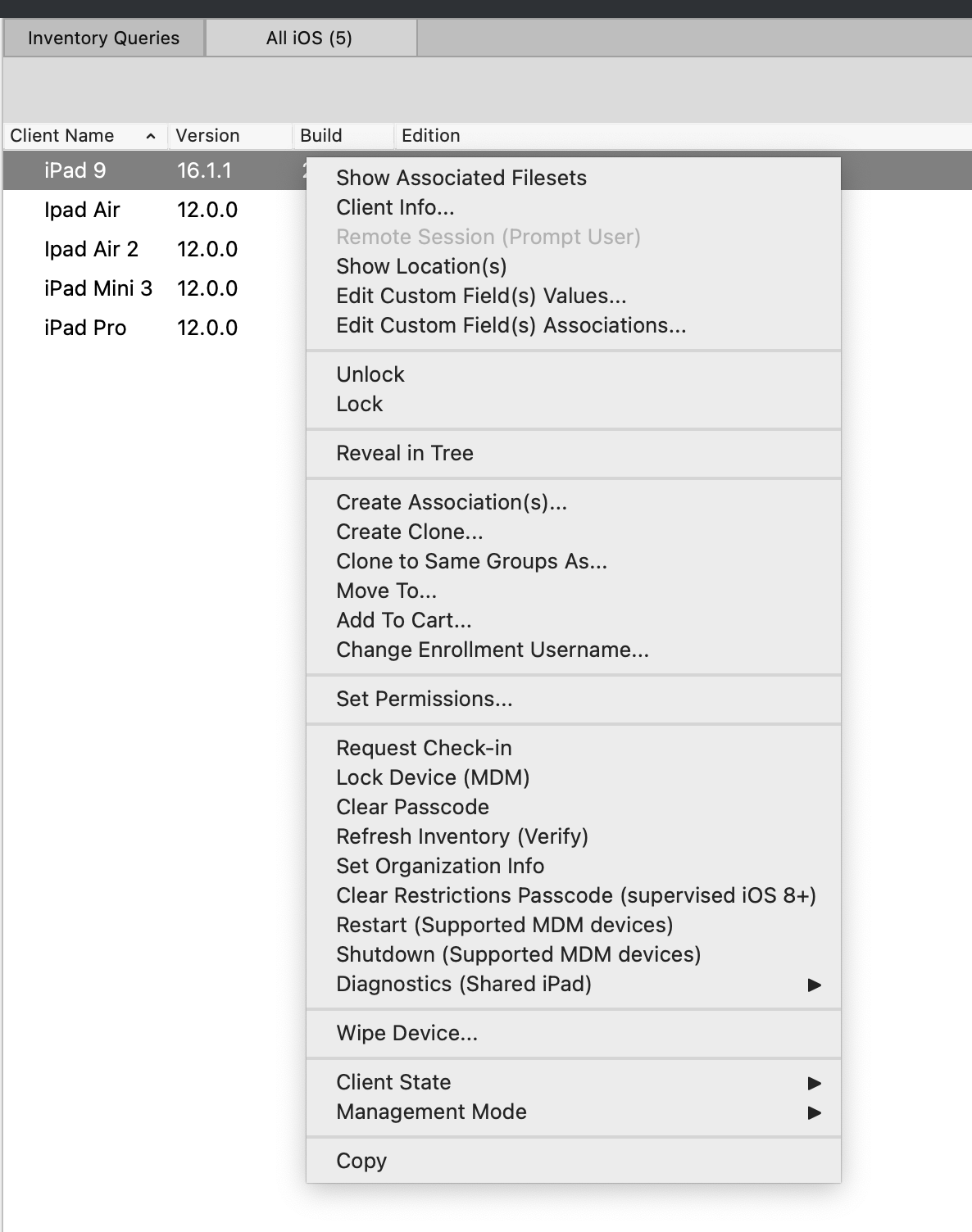](https://kb.filewave.com/uploads/images/gallery/2023-07/XziXYXdOsU1TIADV-image.png)
**Default tracking state:**
- There is a new option in Preferences to define what is the default tracking state for devices
[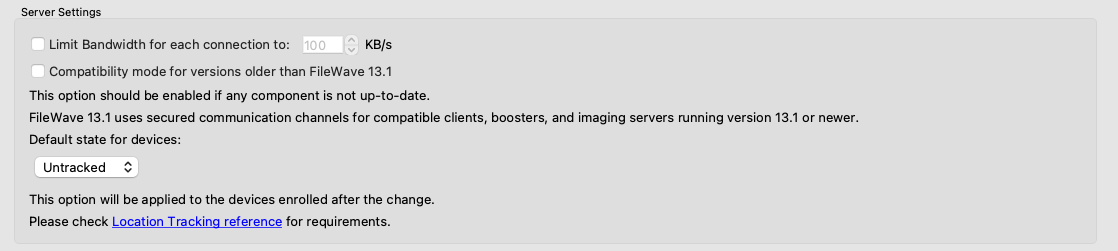](https://kb.filewave.com/uploads/images/gallery/2023-07/ObXxBXxBVYYopJFp-image.png)
- This change allows you to set the device to "Tracked" for instance before it even enrolls. Then, when enrolled it will automatically be set.
**Duplicate profile filesets:**
- **Warning!** Game-changing, awesome enhancement follows!
- Profile filesets (Apple, Google, Windows and FileWave Policy) can new be duplicated both from FileWave Central and FileWave Anywhere admin consoles
[](https://kb.filewave.com/uploads/images/gallery/2023-07/x7f4nTmhRL9awqR1-image.png)
Notes:
- New UUIDs are re-generated for Apple Profiles to ensure unicity of duplicated profiles
- As changing UUIDs would break profile signature, signed profiles can't be duplicated
**Windows Imaging associations can be managed in FileWave Anywhere**
- Windows images (once created) can now be assigned to devices from FileWave Anywhere
[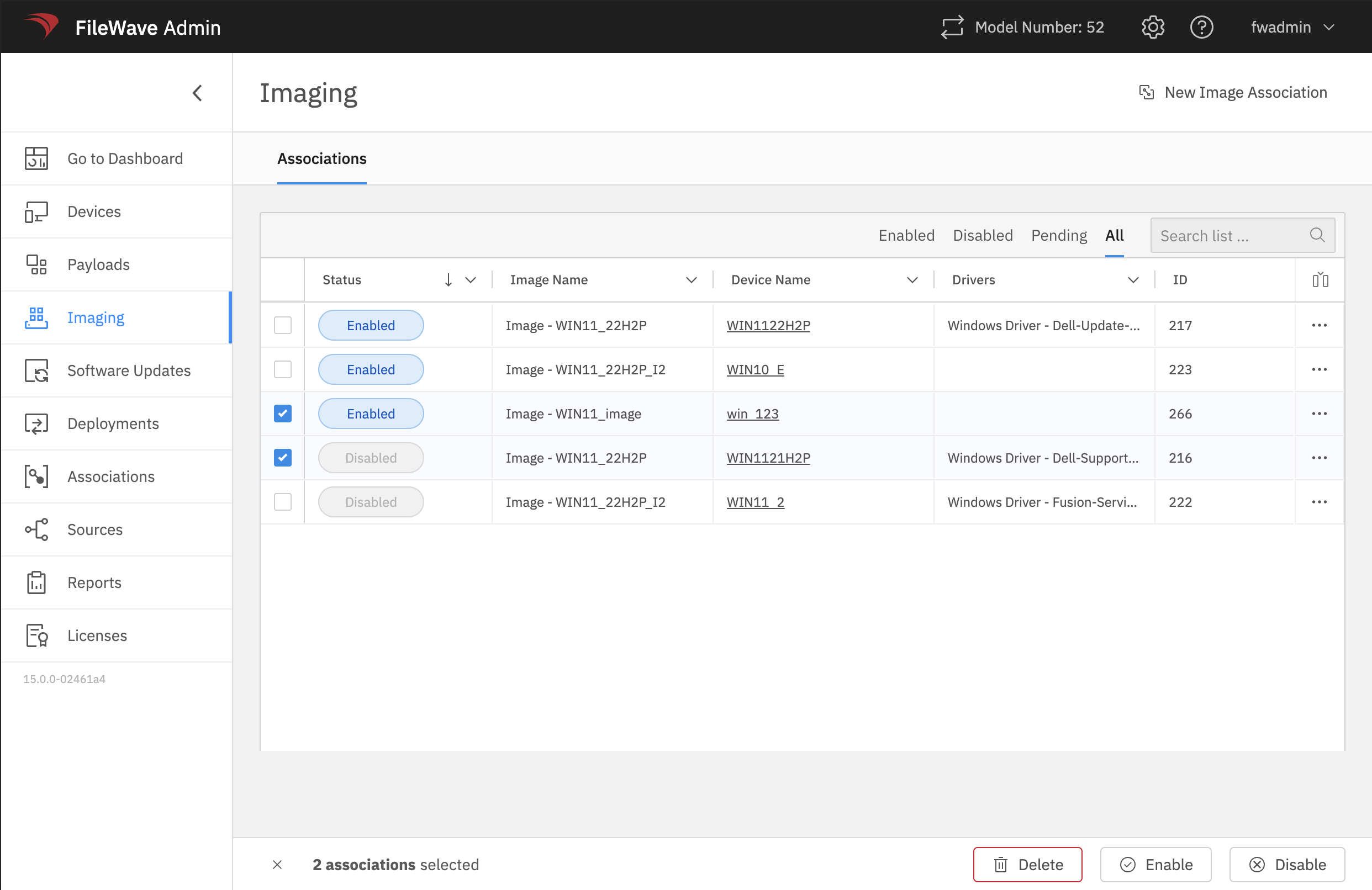](https://kb.filewave.com/uploads/images/gallery/2023-07/yN6ot184SBeMaTqz-image.png)
**Updated Dashboard Content (FileWave Anywhere)**
- A new dashboard for NATS has been added to the FileWave dashboard in FileWave Anywhere
- The NATS notification system, introduced with FileWave 14.8.0, is a critical system component: notifications are used to synchronize all admin consoles, and by all other components to quickly interact.
- Monitoring how the NATS sub-system is utilized/working is useful for maintaining your overall FileWave installation health
[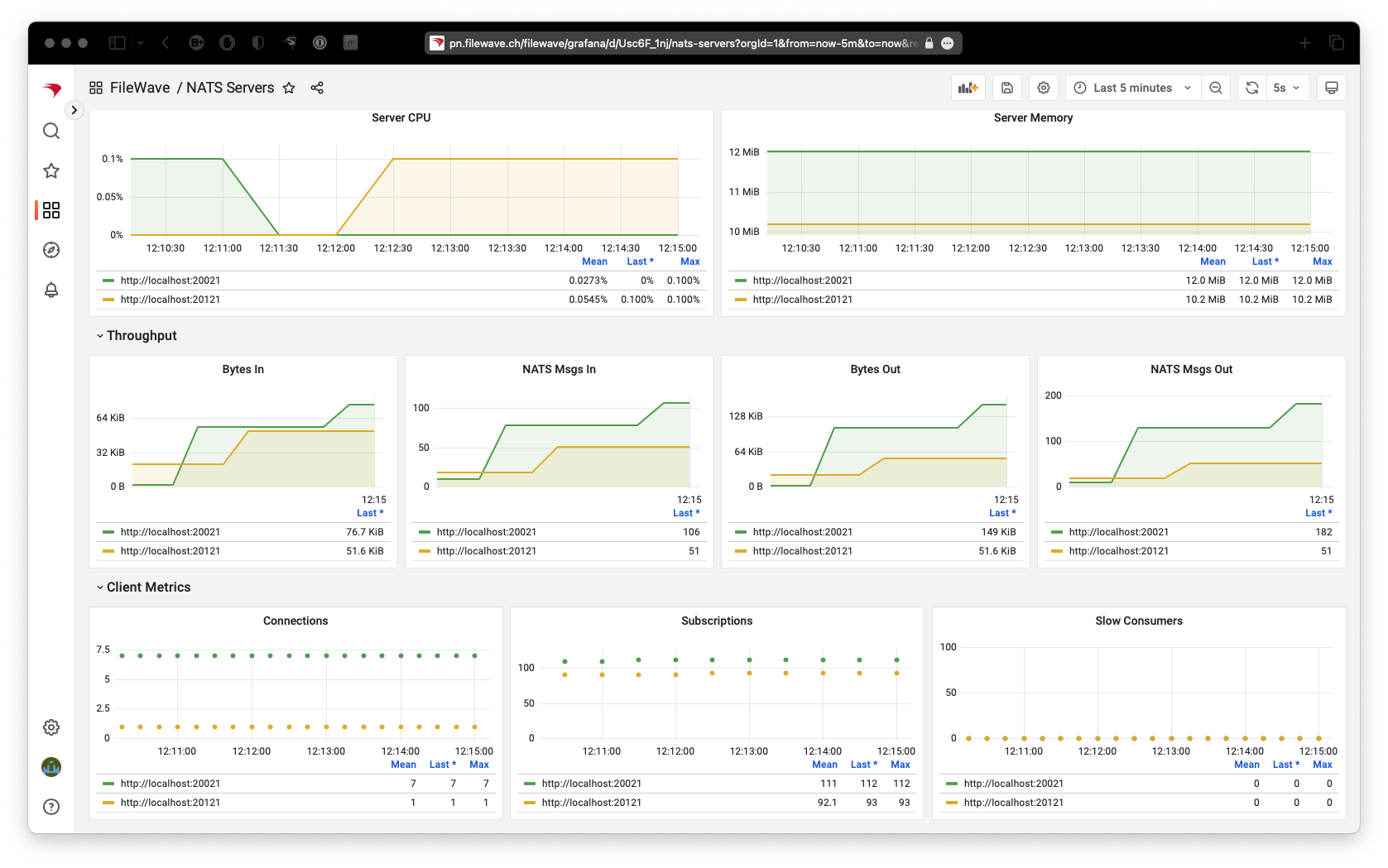](https://kb.filewave.com/uploads/images/gallery/2023-07/vrLTTFUllTEQFjQS-image.png)
**Updated Translations (FileWave Central & FileWave Anywhere)**
- Each new release of FileWave automatically includes updated translations
- Version 15 additionally has had some housekeeping done for German translations based on feedback from customers
Apple-Specific Changes
**FileWave 15 brings official support for the Apple 2023 Spring release, and more**
- **More detail for VPP License Usage (FileWave Central):**
- License report shows more details related to Apple VPP license consumption. This is a significant improvement over earlier versions of this detailed report.
[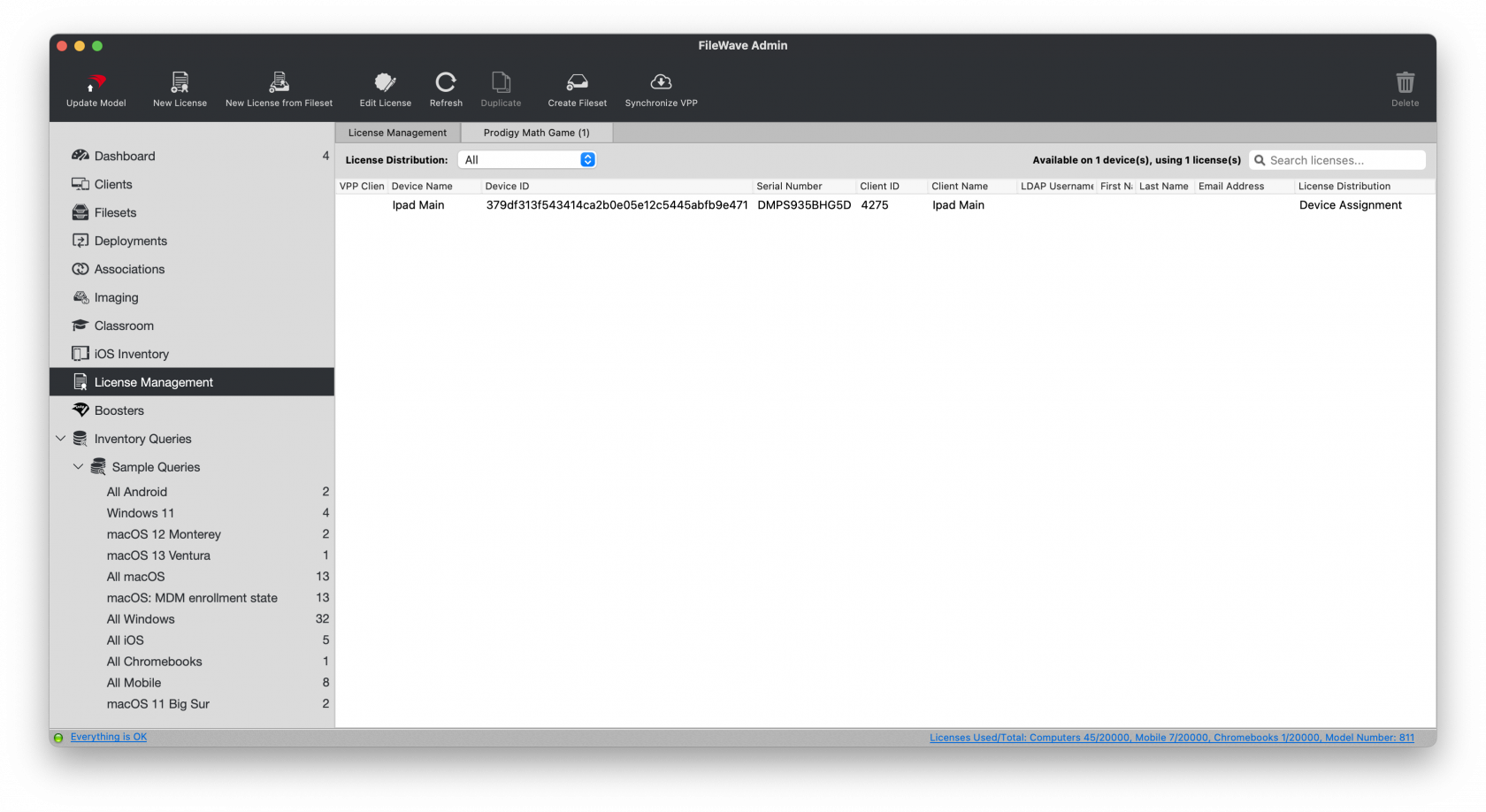](https://kb.filewave.com/uploads/images/gallery/2023-07/d5vD5DpUM20pgz7l-image.png)
- **Profile changes:**
- Content Caching Payload has a new *ListenWIthPeersAndParents* setting
- Proxy Payload has new *FallBackAllowed* and *ProxyCaptiveLoginAllowed* settings
- eMail Payload has a new allowMailDrop setting
- Security And Privacy Payload Firewall setting is not limited to currently installed apps and now allows to enter any bundle id
- Web Content Filter payload has new filtering options
- **Shared iPad**
- There is a new setting (added to Command Policy Profile) to skip language and locale setup for new users
- **DEP**
- There is a new option to skip "Safety" setting panel ; the option is also available in Setup Assistant payload for upgrade setup
- **Device information**
- Devices are now reporting the following data:
- EACSPreflight (macOS)
- HasBattery (macOS)
- ModelNumber (iOS/iPadOS)
- RecommendationsCadence for SoftwareUpdate (iOS/iPadOS)
- SupplementalBuildVersion and SupplementalOSVersionExtra
- SkipLanguageAndLocaleSetupForNewUsers (Shared iPads)
- **Tap to Pay Screen Lock**
- There is a new setting to enable Tap To Pay Screen Lock for a specific iOS application
FileWave Imaging (IVS)
- FileWave Networking Imaging 14.10.x brings compatibility with FileWave 15.0.x.
- PXE Kernel: 6.2.6
- Buildroot: 2023.02
- FileWave Windows Imaging is now supported in FileWave Anywhere, as mentioned above
Decommissioned Features
The following features have been **removed** from FileWave 15.0.1:
- **Device Discovery** (Network Scanning) function of FileWave Boosters
- Reason: This tool was never effective in production environments, has hardly ever been used, and is easily replaced by any off-the-shelf network scanning tool
- **ZMQ** based features for clients running 14.7 or older
- Reason: ZMQ has been replaced by NATs, so older client devices must be updated to use the new notification framework
Some features relying on notifications require the same notification library. This means that the following features will **stop** working for devices running **FileWave 14.7 or earlier versions**:
**Clients:**
- CRL update handling
- TeamViewer sessions
- Reboot command (Windows devices)
- Personal Recovery Key updates (macOS)
- Verify Command from FileWave Anywhere
- Client Monitor from FileWave Anywhere
**Boosters:**
- CRL update handling
- Handle server certificate renewal
- Automatic Upgrade from FileWave Central
- Discovery Scan from FileWave Central (Discovery is anyway decommissioned)
Other device management and inventory report features are **not** impacted by ZMQ removal.
Deprecated Features
The following features are deprecated in FileWave 15.0.1 and will be removed in a future version:
- Android device management prior to Android EMM (using APKs, etc)
- Reason: Android EMM is the replacement for the much older method of managing Android devices
Deprecated features are still functional in a current release, but will no longer be updated and in future will be removed.
Changes and Fixes in 15.0.1
- FWRD-227 Fixed an issue where fixing enrollment conflict would cause FileWave Central to incorrectly remove "(root") item from the screen, requiring admin restart
- FWRD-3799 Improved the error messaging when selecting a device without an Imaging MAC address.
- FWRD-3882 Fixed an issue where Model Update could fail when updating "Excluded" Status for devices excluded via SmartGroup in multiple deployments
- Qt has been upgraded to 5.15.14
- OpenSSL has been upgraded to 3.0.9
- Apache has been upgraded to 2.4.57
Changes and Fixes in 15.0.0
- FW-17271 Fixed a potential issue where changing Imaging association would not be properly applied
- FW-20764 Fixed a potential issue where fileset properties dialog "take control" would not work properly
- FW-20771 Fixed an issue where a failed preflight script would not be executed again after modifying it
- FWRD-73 An security issues has been adressed
- FWRD-276 A security issue regarding TeamViewer has been fixed
- FWRD-302 A critical bug has been fixed in profile editor, where SCEP certificates where not shown in trust tab
- FWRD-303 The search function in Profile Editor has been optimised.
- FWRD-307 A bug has been fixed in profile editor, where the add button in trusted certificates did not act correct.
- FWRD-588 Fixed internal issue when creating webclip profile in FileWave Central
- FWRD-675 New filewave logos have been implemented
- FWRD-719 A bug has been fixed, while converting associations to the existing deployment, the user has not been warned about possible issues.
- FWRD-957 we now show a warning, that you might overwrite data in case you save an empty value
- FWRD-1017 A bug has been fixed, where Software Update Permissions are not honored.
- FWRD-1283 Command history search function has been improved.
- FWRD-1297 Extension of Profile Editor Items - you can now for example Allow Air Drop
- FWRD-1300 A bug has been fixed, where DEP profile where not validated.
- FWRD-1314 Fixed several issues in Per-App VPN profile in FileWave Central
- FWRD-1318 Fixed and issue where we can't distinguish different SCEP profiles for reference in FileWave Central
- FWRD-1319 Fixed the list of available settings for Per-App-VPN profile in FileWave Central
- FWRD-1321 Fixed an issue related Airplay Mirroring Profile
- FWRD-1378 An security issues has been addressed
- FWRD-1393 Fixed an issue where FileWave Central would report an un-informative error "-1" when importing incorrect fileset
- FWRD-1408 Fixed an issue where FileWave Central would crash when moving Inventory Queries
- FWRD-1411 Fixed an issue where size and position of Fileset Report Window would not be restored in FileWave Central
- FWRD-1414 Fixed an issue where Serial Number field could be edited for real devices in FileWave Central
- FWRD-1419 Fixed an issue where "Reveal Client" would not work in Imaging section in FileWave Central
- FWRD-1426 Fixed an issue where Filesets could not be visible in Fileset view of Association section in FileWave Central
- FWRD-1427 Fixed an issue where it would be possible to edit serial number for Groups in FileWave Central
- FWRD-1433 Fixed internal issue where FileWave Central would check too frequently if EMM is enabled, which could lead to server load increase
- FWRD-1434 Fixed incorrect error when re-ordering queries in FileWave Central
- FWRD-1444 Fixed an issue where Synchronize EMM would be possible even if EMM is disabled in FileWave Central
- FWRD-1445 Fixed an issue where it would be possible for an admin to modify EMM Enterprise setup without Configure Enterprise permission
- FWRD-1562 Fixed an issue where IVS rpm would not include kernel changes, forcing upgrading kernel separately
- FWRD-1710 A bug in Single Sign-On Extensions, where the "Value" field in "Custom Configuration" table is not shown after saving the profile has been fixed.
- FWRD-1731 Fixed an issue related to Command Policy profile validation for Wallpaper
- FWRD-1738 You can not add multiple times the same field during edit devices anymore.
- FWRD-1742 A bug has been fixed, where the internal name was missing in different areas
- FWRD-1757 A bug has been fixed, where locking modus for Smart Groups and Deployments where not working correctly.
- FWRD-1758 A bug has been fixed, where a clone of a group could be moved in its own group.
- FWRD-1760 A bug has been fixed in profile editor, where error message behaviour was misleading
- FWRD-1796 Fixed an issue where FileWave Central could crash when moving files between filesets
- FWRD-1809 Fixed an issue where it would be possible to import any file for Windows Client Package in FileWave Central
- FWRD-1982 Renamed Client package upload permission to clarify it covers both macOS and Windows
- FWRD-1983 Fixed various cosmetic issues in FileWave Central Apple Profile Editor
- FWRD-1997 Implemented auto-refresh feature for Command History of Apple MDM devices in Anywhere Admin, ensuring up-to-date information.
- FWRD-2023 Help links have been updated.
- FWRD-2044 Added validation for mac addresses in Imaging.
- FWRD-2097 Fixed an issue where Fileset Report in Client Info would incorrectly filter results when switching between devices
- FWRD-2296 Fixed an issue where FRP Email template could be modified without corresponding permission
- FWRD-2434 Fixed an ordering issue in the "Choose Dependency" dialog
- FWRD-2598 Optimized payload loading performance in Anywhere for specific clients, resulting in faster load times.
- FWRD-2616 Fixed an issue where upload progress bar would not be displayed properly if uploaded file is larger than 2GB
- FWRD-2666 Fixed an issue where notification component of desktop clients (NATs) would not reconnect to booster if it ever has to connect directly to the server
- FWRD-2711 Fixed an issue in Inventory Extension for Chromebooks where additional windows would appear when retrieving geolocation.
- FWRD-2777 Fixed an issue where scheduler internal data would not be properly purged after restart
- FWRD-2841 Fixed an issue where multiple admins could run model update concurrently
- FWRD-2862 Fixed an issue where script would be considered as modified without changing any option
- FWRD-2900 Fixed an issue where imaging-control increase harddrive command would fail due to incorrect partition name
- FWRD-2927 Ensured reboot deadline is properly displayed in Anywhere when "Force reboot" is set in Payloads revisions.
- FWRD-2997 Fixed an issue where model update could be blocked due to concurrent smart group evaluation
- FWRD-3104 Fixed an issue where Model Update could be blocked due to auto-enrolled devices management
- FWRD-3288 Fixed an issue where external links would not be opened in default browser by iOS Native App Portal
- FWRD-3320 Fixed issues related to status filtering for Software Updates
- FWRD-3350 Fix: Resolved 500 error by correctly sending Smart Group criteria values as integers instead of strings.
- FWRD-3405 In Grafana, user profiles (e.g., "fwadmin" on Chrome and "rudi" on Safari) display non-unique values when logging out and back in.
- FWRD-3408 Fixed an issue where Traditional Chinese translations would not load (FileWave Central)
- Qt has been upgraded to 5.15.14
- OpenSSL has been upgraded to 3.0.9
- Apache has been upgraded to 2.4.57
macOS Downloads
[ ](https://fwdl.filewave.com/15.0.1/FileWave_macOS_15.0.1.dmg)(md5: 3799823817ffb7f30742864d2d78ba7b)[](https://kb.filewave.com/uploads/images/gallery/2023-06/76nOWO8TRbgPaH2X-apple.png)
[macOS Upgrade Fileset](https://fwdl.filewave.com/15.0.1/FileWave_macOS_Client_15.0.1_a8a2059a67.fileset.zip) (md5: 3a4e2bb5b0c181680d6d5489ea41f328)
[macOS Central (Admin)](https://fwdl.filewave.com/15.0.1/FileWave%20Admin.pkg) (md5: 950e3dab63b71a7a146d66e2da4772d7)
[macOS Booster](https://fwdl.filewave.com/15.0.1/FileWave%20Booster.pkg) (md5: 50793509311d8379371bcba7f7808a4c)
[macOS Server](https://fwdl.filewave.com/15.0.1/FileWave%20Server.pkg) (md5: b62c7ba9de4f3bb988de5be4fcfe98f5)
[macOS Client](https://fwdl.filewave.com/15.0.1/FileWave%20Client.pkg) (md5: 5d0c1e28c72f345bd446d997310169ca)
Windows Downloads

[Windows Upgrade Fileset](https://fwdl.filewave.com/15.0.1/FWWinClientUpgrade_15.0.1_a8a2059a.fileset.zip) (md5: 88c9c061a8614815c22d95b1720a5bae)
[Windows Central (Admin)](https://fwdl.filewave.com/15.0.1/FileWaveAdmin.msi) (md5: 8f67bc30f7eaf851123dd4a0eadaae5e)
[Windows Booster](https://fwdl.filewave.com/15.0.1/FileWaveBooster.msi) (md5: 4aa51881beddcaab602b1df6ddf0efa6)
[Windows Client](https://fwdl.filewave.com/15.0.1/FileWaveClient.msi) (md5: 0b6f8dbce16be7ed34be47c7e50a287c)
iOS Downloads
[](https://kb.filewave.com/uploads/images/gallery/2023-06/wENbdLgueSVvwqEL-ios.png)This is a native app version of the traditional Web Clip kiosk/app portal that is sent to devices; it provides for a better end-user experience and is required for location information.
iOS 12+ : [FileWave Enterprise.ipa](https://fwdl.filewave.com/15.0.1/filewave/App%20Portal%2015.0.1.ipa) (md5: 4c0fde7dcf915bdaed61ebc7e86a595c)
Static CDN URL :
`https://fwdl.filewave.com/15.0.1/filewave/App%20Portal%2015.0.1.ipa`
Chrome Extension
[](https://kb.filewave.com/uploads/images/gallery/2023-06/XP14ofjLt6jwkKXC-chrome-logo.png)The FileWave Inventory extension for Chromebook has to be installed via the Google Admin Console for your domain. Please see [Quickstart Guide for Chromebooks](https://kb.filewave.com/books/evaluation-guide/page/chromebook-client-pre-requisites "Quick Start Guide for Chromebooks") for detailed instructions
[White Labeling the Chromebook Extension](https://kb.filewave.com/books/white-labeling-filewave-components/page/chromebook-inventory-extension-white-labeling-eol "White Labeling the Chromebook Extension") (md5: 09973507a90f57c15c416aaff8dfaecf)
Linux Downloads
**[](https://kb.filewave.com/uploads/images/gallery/2023-06/GA5ALd5magf71KQy-linux.png)**
[Linux Installers](https://fwdl.filewave.com/15.0.1/FileWave_Linux_15.0.1.zip) (md5: c05dac3a4ba5974ad2f2618c61602cb0)
[Linux Server](https://fwdl.filewave.com/15.0.1/fwxserver-15.0.1-1.0.x86_64.rpm) (md5: 55053e80cb505fbb10a40c4da6d89d85)
[Linux Booster](https://fwdl.filewave.com/15.0.1/fwbooster-15.0.1-1.0.x86_64.rpm) (md5: c19db76c70c1647f25c4836fdd1f75d6)
**If when doing yum update or upgrade you get a note that no updates are available it may be that you block access to some countries. `yum clean all` can clear the cache so that the upgrades can happen.**
**Upgrading the FileWave Server**
To install or upgrade the FileWave Server, use the following :
```
# login via ssh / root
$ yum update -y
$ yum upgrade -y
$ yum install -y --nogpgcheck https://fwdl.filewave.com/15.0.1/fwxserver-15.0.1-1.0.x86_64.rpm
$ /usr/local/filewave/python/bin/python /usr/local/filewave/django/manage.pyc flush_scheduler
$ reboot
```
---
**Upgrading a Booster**
To install or upgrade the FileWave Booster, use the following :
```
# login via ssh / root
$ yum update -y
$ yum upgrade -y
$ yum install -y --nogpgcheck https://fwdl.filewave.com/15.0.1/fwbooster-15.0.1-1.0.x86_64.rpm
$ reboot
```
Note that you can upgrade boosters centrally using the Auto-Upgrade feature within the admin console. You can find out how to do that at [this](https://kb.filewave.com/books/boosters/chapter/booster-auto-upgrade "Booster Auto-Upgrade") KB article.
Most likely, your IVS is already at CentOS 7, and you can run the following to easily upgrade your existing IVS appliance:
```
# login via ssh / root
$ yum update -y
$ yum update -y filewave-IVS
$ yum upgrade -y
$ reboot
```
If you get a response to the above command that "no packages are marked for update", then you'll need to run the below just one time on this IVS:
```
# login via ssh / root
$ yum update -y
$ yum install -y filewave-IVS
$ yum upgrade -y
$ reboot
```
If the version of your IVS is still running on CentOS 6, the upgrade path requires replacing your current appliance as CentOS 6 is End of Life. Upgrade instructions are detailed here for this scenario : [IVS Upgrade/Migration Options](https://kb.filewave.com/books/network-imaging-ivs/page/ivs-migrations-options-centos-6-to-centos-7 "IVS Migrations Options (centOS 6 to centOS 7)").
Virtual Appliance Downloads
[](https://kb.filewave.com/uploads/images/gallery/2023-06/d7iBFQCGDdk0ZiLZ-virtual-appliance.png)[VMware and VirtualBox (OVA) Server Appliance](https://fwdl.filewave.com/15.0.1/FileWave_Server_15.0.1.ova) (md5: 30805c06862ad6d6b938d04db18d3739)
[VMware and VirtualBox (OVA) Booster Appliance](https://fwdl.filewave.com/15.0.1/FileWave_Booster_15.0.1.ova) (md5: 309b5b492cc826108c56bcf544b97416)
[VMware and VirtualBox (OVA) Imaging Appliance](https://fwdl.filewave.com/15.0.1/FileWave_IVS_15.0.1.ova) (md5: 9d60a7d7416468f45cecc985e70b30c2)
For more information about importing the appliances please see: [Importing FileWave Appliances](https://kb.filewave.com/books/network-imaging-ivs/chapter/getting-started-with-the-imaging-virtual-server "Getting started with the Imaging Virtual Server")
Hyper-V Appliance Downloads
[](https://kb.filewave.com/uploads/images/gallery/2023-06/1rHPEOO5khUHCB8f-hyper-v-logo.png)[Hyper-V (VHD) Server Appliance](https://fwdl.filewave.com/15.0.1/FileWave_Server_15.0.1_VHD.zip) (md5: 6afb21d54373c84a94c2cc395342c211)
[Hyper-V (VHD) Booster Appliance](https://fwdl.filewave.com/15.0.1/FileWave_Booster_15.0.1_VHD.zip) (md5: 867bd0b6cefcd20b06b19cdc758a111d)
[Hyper-V (VHD) Imaging Appliance](https://fwdl.filewave.com/15.0.1/FileWave_IVS_15.0.1_VHD.zip) (md5: f8bf72b3fce277c254d67001190ff9e1)
These downloads are provided for the purposes of migrations and should not continue to be used in production. You should upgrade to either the most recent release or the one prior. They can always be found here: [Supported FileWave Versions](https://kb.filewave.com/books/downloads/chapter/supported-filewave-versions "Supported FileWave Versions")
## FileWave Management Suite
The FileWave endpoint management suite allows you to manage your devices wherever they are, wherever you are, whatever they are, and all in one platform!
For anyone upgrading, there are 2 essential elements to be aware of before upgrading:
\* If you are upgrading from less than version 14.8, expect longer than normal upgrade times (one time process)
\* A new port (TCP 20124) for notifications has been added in 14.10.2 and others had been added in prior releases. You may need to add new firewall rules. ([read more](https://kb.filewave.com/books/filewave-general-info/page/default-tcp-and-udp-port-usage "Default TCP and UDP Port Usage"))
\* FileWave has completed the migration to TeamViewer and "Observe Client" is fully removed
Additionally, there are several deprecation and decommission notices currently active, which you will find within the "Features and Updates in this Release" section.
Your existing FileWave Server must be version **13.3.1** or higher before you can upgrade to FileWave 14.7.2 and then from 14.7.2 you can upgrade to 15.0.1. The minimum memory requirement for FileWave 14+ is 8GB.
## Supported Versions
Supported Versions
## FileWave Official Version Support
FileWave development teams officially support two major versions at any time, N and N-1. For example, If we assume that the most recent version of FileWave is 14.9.x, then we will officially support versions 14.9.x and 14.8.x. Releases for major versions of FileWave occur roughly every quarter.
What does "officially support" mean? Officially supporting these versions means that we will investigate bug reports in these versions and patch issues that are significant. We will not produce patches for earlier versions than N-1, as this means allocating development resources to problems that are already potentially resolved instead of investing those resources into furthering the product. In short, if an issue is found in a version earlier than the officially supported versions, then remediation for the issue will be in the form of an application upgrade, or a patch to that more recent version.
This does not mean that you can't contact our support teams about an earlier version. They will, to the best of their ability, help you with older versions of the software but they will stop short of escalating tickets to our development teams and will likely recommend an upgrade so that you are getting the latest features and bug fixes.
A Note on Compatibility
A note on the Compatibility charts: There are several states of compatibility for FileWave clients:
- "Compatible" (the first table) indicates that we have run QA regression tests against these operating system versions, and they are fully supported
- Not being on the Compatibility chart (such as macOS 11) does not mean that platform is not supported...it just means we did not actively test against it, but we do expect it to function
- Support of any issues experienced specifically on these platforms would be considered on a case-by-case basis (but these cases are exceedingly rare)
- "Legacy" versions mean that we don't test, but we do provide a retro-version of a client so that the device can still report in
- There is NO support for these platforms beyond the availability of the older client, and in almost all cases these are for OSes that are no longer supported by the developer in question
- Lastly, items do fall out of support, such as Windows XP and probably soon the older Android APK client as examples, but we always include these items in our release notes
An additional note on third-party software inclusion, such as TeamViewer:
- Partnerships we have with third party providers have their own set of system requirements for those released applications. We test against their most recent versions, and support of those applications is limited to third-party vendor specifications.
FileWave Server Platform Support
**[](https://kb.filewave.com/uploads/images/gallery/2023-06/uoC9jiGeyyKHsHZO-fwserver-icon.png)Fully Tested by QA**
- macOS 12, 13 (Intel and Apple Silicon)
- Linux CentOS 7.9 x86\_64
**Expected to work**
- macOS 10.15, 11 (Intel and Apple Silicon)
FileWave Clients Platform Support
**[](https://kb.filewave.com/uploads/images/gallery/2023-06/VbVfka5W0oW3DA5l-fwclients-icon.png)Fully Tested by QA**
- macOS 12, 13 (Intel and Apple Silicon)
- Windows 10 (Ent/Pro 21H1 and above), 11 (Ent/Pro 21H2 and above)
**Expected to work**
- macOS 10.15, 11 (Intel and Apple Silicon)
**Legacy**
- macOS 10.11 → [Legacy Version 13.1.5](https://kb.filewave.com/books/downloads/page/filewave-version-1315-unsupported "FileWave Version 13.1.5 (Unsupported)")
- macOS 10.12 → [Legacy Version 14.0.2](https://kb.filewave.com/books/downloads/page/filewave-version-1402-unsupported "FileWave Version 14.0.2 (Unsupported)")
- macOS 10.13 → [Legacy Version 14.5.4](https://kb.filewave.com/books/downloads/page/filewave-version-1454-unsupported "FileWave Version 14.5.4 (Unsupported)")
- macOS 10.14 → [Legacy Version 14.8.0](https://kb.filewave.com/books/downloads/page/filewave-version-1480-unsupported "FileWave Version 14.8.0 (Unsupported)")
FileWave Mobile Clients Platform Support
**[](https://kb.filewave.com/uploads/images/gallery/2023-06/wjov619ZuqQt8uD0-fwmobile-icon.png)Fully Tested by QA**
- iOS 15, 16
- iPadOS 15, 16
- tvOS 15, 16
- Android 12, 13 (EMM Client)
- Chromebook
**Expected to work**
- iOS 13, 14
- Android 8 to 11 (APK/EMM)
**Legacy**
- iOS 10, 11, 12 → [Legacy Version 13.1.5](https://kb.filewave.com/books/downloads/page/filewave-version-1315-unsupported "FileWave Version 13.1.5 (Unsupported)")
- Android 4 to 7 (APK) → [Legacy Version 13.2.3](https://kb.filewave.com/books/downloads/page/filewave-version-1323-unsupported "FileWave Version 13.2.3 (Unsupported)")
FileWave Central (Native) Platform Support
**[](https://kb.filewave.com/uploads/images/gallery/2023-06/wjov619ZuqQt8uD0-fwmobile-icon.png)Fully Tested by QA**
- macOS 12, 13 (Intel and Apple Silicon)
- Windows 10 (Ent/Pro 21H1 and above), 11 (Ent/Pro 21H2 and above)
**Expected to work**
- macOS 10.15, 11 (Intel and Apple Silicon)
FileWave Booster Platform Support
**[](https://kb.filewave.com/uploads/images/gallery/2023-06/rOYHDH6oJSrsRgB6-fwbooster-icon.png)Fully Tested by QA**
- macOS 12, 13 (Intel and Apple Silicon)
- Windows 10 (Ent/Pro 21H1 and above), 11 (Ent/Pro 21H2 and above)
- Linux CentOS 7.9 x86\_64
FileWave Imaging Virtual Server Platform Support
**[](https://kb.filewave.com/uploads/images/gallery/2023-06/cwHvtEjvqfp9gODu-fwivs-icon.png)**
The FileWave Imaging Virtual Server (IVS) is a special appliance that provides imaging support for Windows 10 and 11 UEFI and non-UEFI devices.
**The IVS appliance is CentOS 7.9 based and can be run on:**
- VMWare VSphere ESX installations
- VMWare Fusion
- VMWare Player and Workstation
- Virtual Box
Historically the imaging appliance also supported macOS imaging, but the process for imaging Macs has changed from macOS 10.13. If you are interested in imaging macOS devices, please read the [Imaging in the age of High Sierra](https://kb.filewave.com/pages/viewpage.action?pageId=3512227) article for macOS 10.13 (and beyond) support.
New Features
**14.10.2 is a security and bug fix release:**
- Apache upgraded to 2.4.56
- Fixed Issues related to Model Update
- Fixed issues related to Wallpaper Overlay
FileWave Management Suite
- **Deployments in FileWave Central:**
- Deployments are now visible in Native Admin Console. Deployments are mostly read-only in this release: it is possible to delete deployments, but not to edit existing ones or create new deployments.
[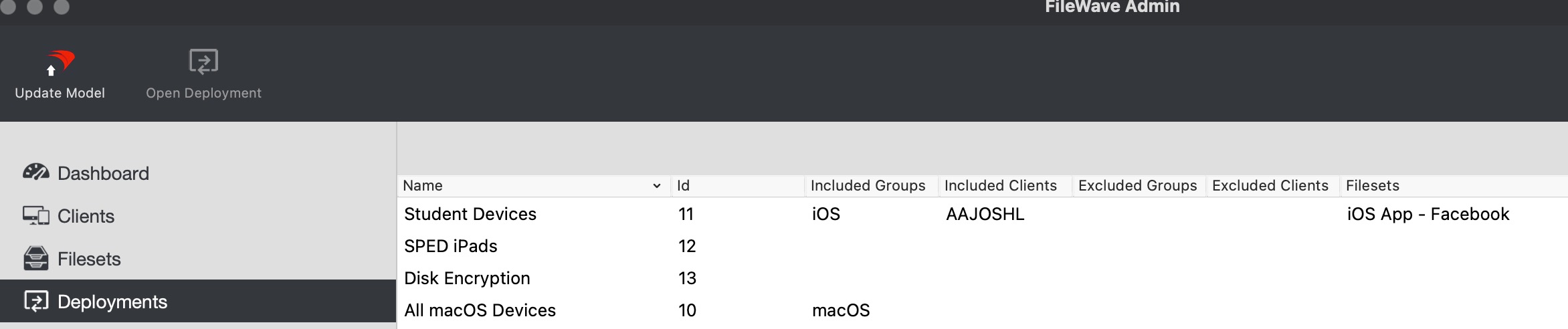](https://kb.filewave.com/uploads/images/gallery/2023-07/JrJz9SxqPZXUks3b-image.png)
- **Force reboot:**
- There is a new option for reboot for a Fileset to forcibly restart the client 2 minutes after the Fileset has been installed. This should be used only when required because open documents may not be saved.
[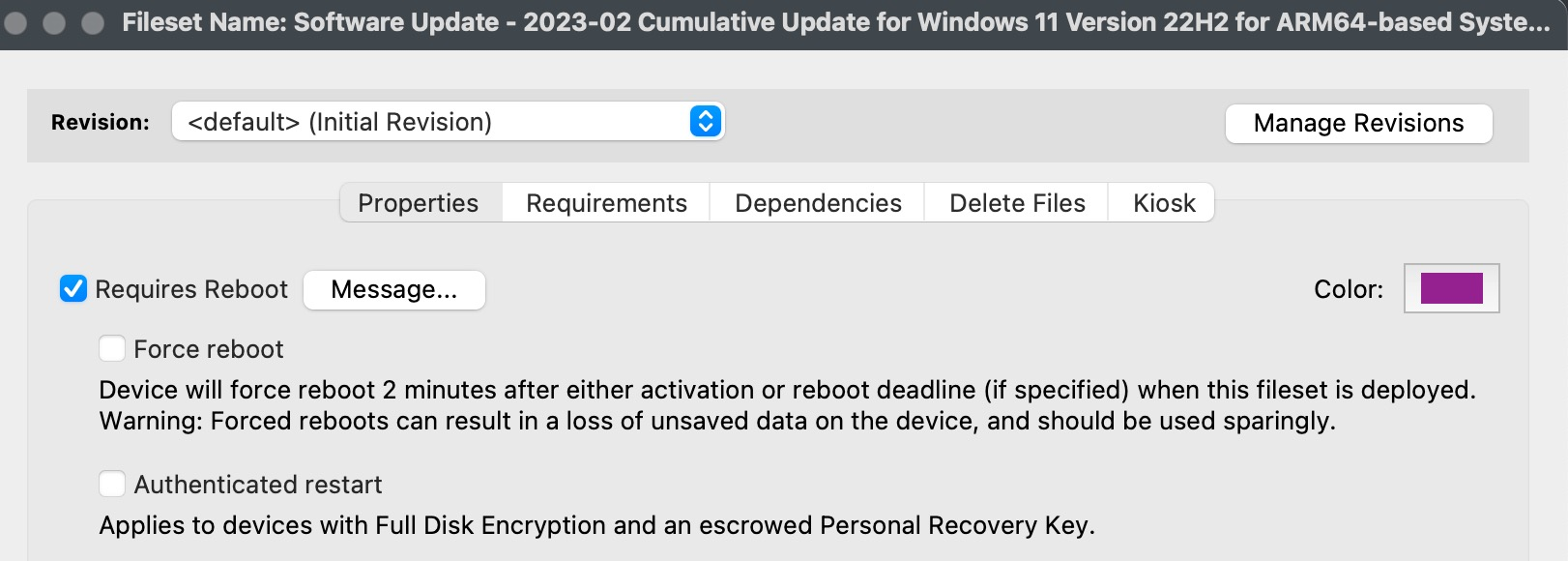](https://kb.filewave.com/uploads/images/gallery/2023-07/Iwj2OR9VShrWT5aO-image.png)
- **Help Menus:**
- In Anywhere and Central, the Help menus now include links to the KB, Foundry, Discord, and Alliance Forums.
- **Quality/Stability**:
- A great deal of extra effort was placed this go-round on correcting some long standing bugs and defects that we hadn't been able to get to prior.
Apple-Specific Changes
- **Customized Wallpaper**:
- It is now possible to add a text overlay on top of iOS / iPadOS wallpaper; the text can be parameterized with any inventory variable. ( [Customizing iOS Device Wallpaper with Dynamic Text](https://kb.filewave.com/books/ios-ipados/page/customizing-ios-device-wallpaper-with-dynamic-text "Customizing iOS Device Wallpaper with Dynamic Text") )
[](https://kb.filewave.com/uploads/images/gallery/2023-07/knrykjAoZEnWavn3-image.png)
- **Force reboot** as mentioned in the FileWave Management Suite section.
- **Login and Background Items** settings has been added to *Login Items* Profile.
[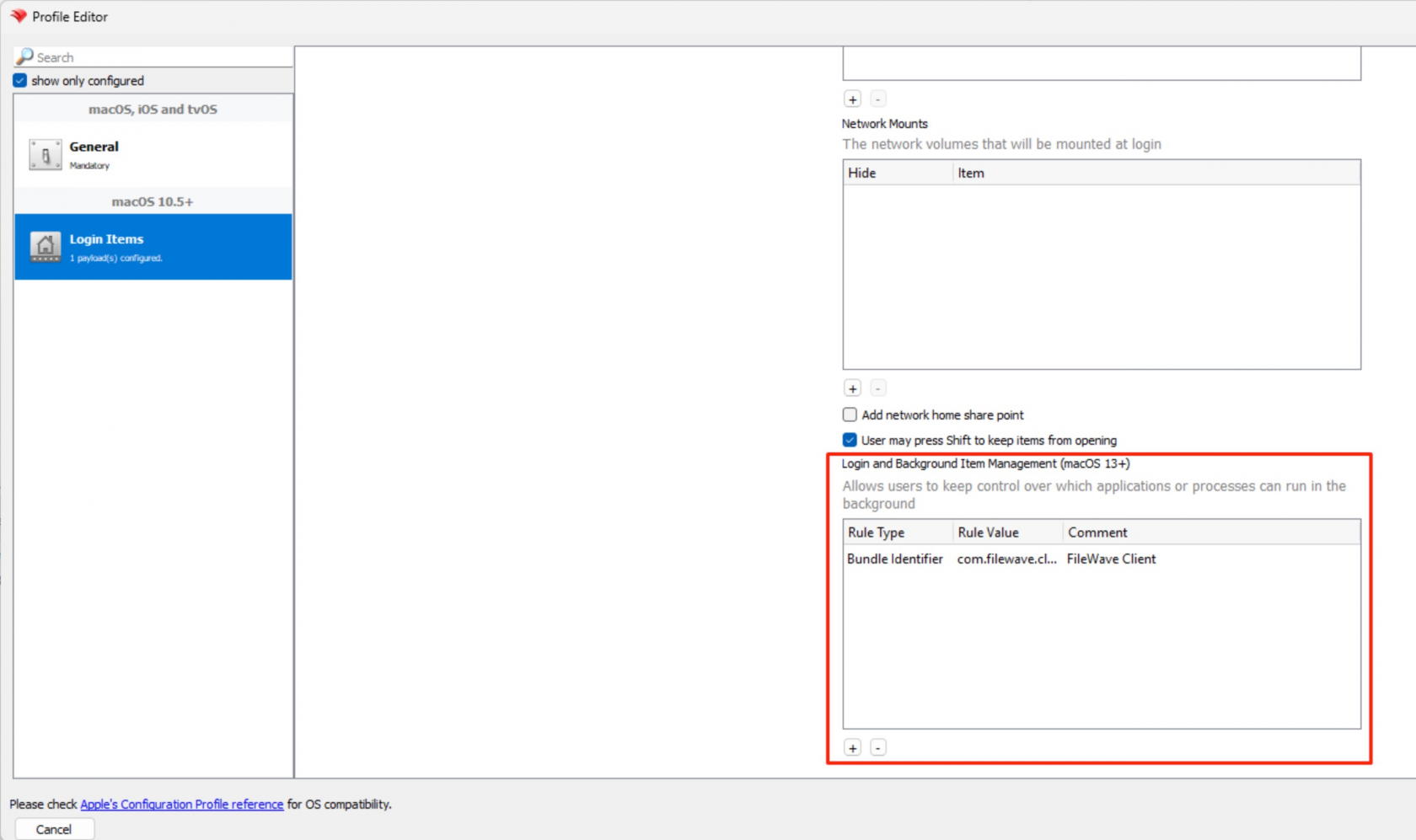](https://kb.filewave.com/uploads/images/gallery/2023-07/WQbSm0z2mWL3y9M7-image.png)
Microsoft
- **Force reboot** as mentioned in the FileWave Management Suite section.
FileWave Imaging (IVS)
- FileWave Networking Imaging 14.10.x brings compatibility with FileWave 14.10.x.
- PXE Kernel: 5.19.9
- Grub: 2.06
Deprecated Features
The following features are deprecated in FileWave 14.10.2 and will be removed in a future version:
- Device Discovery (Network Scanning) function of FileWave Boosters
- Reason: This tool was never effective in production environments, has hardly ever been used, and is easily replaced by any off-the-shelf network scanning tool
- ZMQ based features for clients running 14.7 or older
- Reason: ZMQ has been replaced by NATS, so older client devices must be updated to use the new notification framework
- Android device management prior to Android EMM (using APKs, etc)
- Reason: Android EMM is the replacement for the much older method of managing Android devices
features are still functional in a current release, but will no longer be updated and in future will be removed.
Changes and Fixes in 14.10.2
- FWRD-3092 Fixed an issue where setting empty text in FileWave Central would still lead to text overlay processing
- FWRD-3112 Fixed an issue where Wallpaper command would not be sent to newly re-enrolled device
- Fixed issues which could lead to Model Update being stuck
Fixes in 14.10.1:
- FWRD-2848 Fixed an issue where text overlay on iPad WallPaper would be removed after a verify
Fixes in 14.10.0:
- CBD-600 Fixed an issue where "check\_connections" management command could not report issues with Apple APN service
- FWRD-274 A bug regarding the TeamViewer integration has been fixed.
- FWRD-275 Fixed an issue where unattended TeamViewer access did not work in case the TeamViewer ID of the client had changed
- FWRD-336 Addressed an label issue in profile editor
- FWRD-337 A bug has been fixed, where the script editor in "Payload Contents" was closed after a file upload.
- FWRD-339 A bug has been fixed, where "No Data" was shown in the background
- FWRD-340 A bug has been fixed, where configuration policy could be duplicated
- FWRD-341 A bug has been fixed, where default columns ID in devices view could not be checked
- FWRD-362 Fixed an visual issue, where double scrollbars where shown
- FWRD-495 A bug has been fixed, where pinned columns where not removed correctly
- FWRD-498 Fixed an issue where certificate could not be uploaded for Apple profiles
- FWRD-595 A bug has been fixed in payload view, where priority column was not displayed correctly.
- FWRD-596 A bug has been fixed, where multiple clients with the same Device Name could not be added in DEP Clients
- FWRD-647 Fixed an issue related to sort order of "Status" column for Fileset report
- FWRD-653 Improved consistency of enrollment process
- FWRD-729 Deployment visibility now consistent with permissions
- FWRD-731 A bug has been fixed, where setup grafana and prometheus could fail
- FWRD-778 A critical bug has been fixed, where a admin with read only permission could edit smart groups
- FWRD-783 A critical bug has been fixed, where custom prometheus scrape targets stop working
- FWRD-801 Fixed an issue where loading Deployment view in FileWave AnyWhere could be very slow
- FWRD-821 A bug has been fixed concerning discard modal behavior
- FWRD-975 A bug has been fixed, where the status of verify command was shown incorrectly.
- FWRD-1118 A bug has been fixed where grafana updates cause issues
- FWRD-1139 Adressed an issue in patch detail view
- FWRD-1140 A security issues has been adressed
- FWRD-1141 The function "Copy in the Same Group" has been improved.
- FWRD-1144 A bug has been fixed in devices view, where "no actions" where not shown depending on admin permissions
- FWRD-1148 Improved error message when creating a payload, while another admin blocks it.
- FWRD-1150 A bug has been fixed, where conditions could not be added in a new workflow
- FWRD-1152 A bug has been fixed, where columns where unchecked in reports view
- FWRD-1157 A bug has been adressed, where web admin selected a verification mode for filesets.
- FWRD-1159 A bug has been fixed, where a confirmation modal when switching "Kiosk Self-Service" to "Direct Installation" was not shown.
- FWRD-1165 A bug has been fixed, where an admin without any permission could start Importing CSV files
- FWRD-1166 A bug has been fixed in reports, where changing the main component while editing lead to a wrong result
- FWRD-1169 Performance improvements in Payloads
- FWRD-1171 Fixed serveral issues with the restart device modal in device view.
- FWRD-1172 A bug has been fixed, where an admin could not see "Payload actions" and "Priority" in Payload Info
- FWRD-1173 Adressed an issue for long titles in software updates
- FWRD-1174 Improved save button behavior in payload configuration
- FWRD-1176 A bug has been fixed, where the app threw an error during creating of an report or workflow.
- FWRD-1177 A bug has been fixed, where a smart group with an empty condition was broken.
- FWRD-1179 A bug has been fixed, where 0 was not a valid value in geofencing payloads.
- FWRD-1180 A bug has been fixed, where a DEP Profile could not be saved.
- FWRD-1181 Addressed an label issue in deployments
- FWRD-1190 if you have no rights to perform device actions, the device actions drop down will be hidden now.
- FWRD-1198 A bug has been fixed where the FileWave client did not allow users to modify files in the All Users folder on Windows
- FWRD-1199 An inconsistency issue between headline sizes has been addressed.
- FWRD-1200 A bug has been fixed, where the smart group preview displayed only the name of devices in Anywhere
- FWRD-1230 Improved Notification descriptions in Profile Editor
- FWRD-1231 Fixed an issue where Command History sort order would change automatically
- FWRD-1232 Fixed an issue where macOS MDM enrolled would not show MDM details in Client Info until native admin is restarted
- FWRD-1237 Added a default value in LDAP payloads for Account Description
- FWRD-1238 A bug has been fixed in profile editor, where the value in subject field during creation of an SCEP was not saved correctly.
- FWRD-1239 A bug has been fixed in profile editor, where exchange and network profiles could be saved at the same time
- FWRD-1240 A critical bug has been fixed, where software updates where displayed correctly
- FWRD-1241 Addressed a label issue in DNS Proxy
- FWRD-1242 Fixed an issue where Provider type would be incorrect in Per-App-VPN profile (Native admin console)
- FWRD-1243 A critical bug has been fixed in profile editor (Home screen layout), where entries where not shown at all or where not resolved correctly (object Object)
- FWRD-1244 A critical bug has been fixed in profile editor, after uploading a fingerprint file, the hex string was not shown.
- FWRD-1245 Improved Time Machine Ui
- FWRD-1246 A bug has been fixed, where switching between Exchange ActiveSync (iOS only) and Exchange Web Services (macOS only) was not recognized correctly
- FWRD-1247 Ports and other small Ui issues in macOS Server Accounts has been fixed.
- FWRD-1248 A bug has been fixed, where PayloadOrganization had an initial value
- FWRD-1273 An other bug has been fixed, where DEP profiles where not visible
- FWRD-1278 A bug has been fixed, where DEP profiles where not visible
- FWRD-1383 Fixed an issue where "Root" entry in flat client view could be updated with not-yet enrolled devices data in FileWave Central Admin
- FWRD-1431 Fixed an issue where FileWave Central would be partially translated in environments like French where only Desktop Kiosk is translated
- FWRD-1470 A bug has been fixed, where workflows could be saved without any changes
- FWRD-1476 A bug has been fixed, where DEP profiles could not be opened or assigned to workflows
- FWRD-1498 A bug has been fixed, where the Webadmin is crashing during the creation of an Apple Profile, when using the search function
- FWRD-1500 A bug has been fixed, where authenticated restart was not shown.
- FWRD-1700 A visual bug has been fixed in Profile Editor
- FWRD-1781 FileWave Client 14.8.0 crashes on Windows
- FWRD-1811 A bug has been fixed, where the handling of special characters has been improved
- FWRD-1821 A bug has been fixed, where the wrong DEP Profile was pointed to in workflows table.
- FWRD-1974 Fixed an issue where macOS Requirements would be improperly displayed when Central Admin is translated in German
- FWRD-1976 Fixed an issue where any type of file could be uploaded as Windows Client for Windows MDM in FileWave Central
- FWRD-1980 A bug has been fixed, TeamViewer page does not open in a default browser in Windows 11 22h2
- FWRD-2295 Fixed an issue where editing deployments would not be possible after a revert model
- FWRD-2348 \[booster\] upgrade from 14.8.0 to 14.8.1+ will not clean the wrong NATS configuration
- FWRD-2373 Fixed an issue where system file dialog could have incorrect filters when Central admin is translated in German
macOS Downloads
[](https://kb.filewave.com/uploads/images/gallery/2023-06/76nOWO8TRbgPaH2X-apple.png)[ ](https://fwdl.filewave.com/14.10.2/FileWave_macOS_14.10.2.dmg)(md5: ff08183a9b3ed2b1b8d953d45ffcf665)
[macOS Upgrade Fileset](https://fwdl.filewave.com/14.10.2/FileWave_macOS_Client_14.10.2_df52a47c77.fileset.zip) (md5: 3df1a645dec67bcd0ea7c2fc0a18ccfd)
[macOS Central (Admin)](https://fwdl.filewave.com/14.10.2/FileWave%20Admin.pkg) (md5: bc4de1f80d3cf77753663f4157fc41f2)
[macOS Booster](https://fwdl.filewave.com/14.10.2/FileWave%20Booster.pkg) (md5: 6d47fe11e774c684bbe1218ba682fd2d)
[macOS Server](https://fwdl.filewave.com/14.10.2/FileWave%20Server.pkg) (md5: ddc5a361df45de3b79f5739037e7d61d)
[macOS Client](https://fwdl.filewave.com/14.10.2/FileWave%20Client.pkg) (md5: 1e5bfe9567bfede795bccee6d1647f8e)
Windows Downloads

[Windows Upgrade Fileset](https://fwdl.filewave.com/14.10.3/FWWinClientUpgrade_14.10.3_ec490604.fileset.zip) v14.10.3 (md5: 74e005a73b0255fb84747f113d8b6ed2)
[Windows Central (Admin)](https://fwdl.filewave.com/14.10.2/FileWaveAdmin.msi) (md5: 51491c672d24d9229eb6426bee627936)
[Windows Booster](https://fwdl.filewave.com/14.10.2/FileWaveBooster.msi) (md5: 8a77b2a5ff0d978843e1e6f893003364)
[Windows Client](https://fwdl.filewave.com/14.10.3/FileWaveClient.msi) v14.10.3 (md5: 2cdbcbe8f28e31cf843ededd9f89abae)
---
NOTE: v14.10.2 had a bug that prevented Windows OS updates from being detected and applied. Use 14.10.3 above.
[Windows Upgrade Fileset](https://fwdl.filewave.com/14.10.2/FWWinClientUpgrade_14.10.2_df52a47c.fileset.zip) v14.10.2 (md5: b7bc07fbee70cb42add03cbc662fa9c1)
[Windows Client](https://fwdl.filewave.com/14.10.2/FileWaveClient.msi) v14.10.2 (md5: 06d681f89150e46b0a541afdbf60ec06)
iOS Downloads
[](https://kb.filewave.com/uploads/images/gallery/2023-06/wENbdLgueSVvwqEL-ios.png)This is a native app version of the traditional Web Clip kiosk/app portal that is sent to devices; it provides for a better end-user experience and is required for location information.
iOS 12+ : [FileWave Enterprise.ipa](https://fwdl.filewave.com/14.10.2/filewave/App%20Portal%2014.10.2.ipa) (md5: 69b100eb59075381596507df5a26929e)
Static CDN URL :
`https://fwdl.filewave.com/14.10.2/filewave/App Portal 14.10.2.ipa`
Chrome Extension
[](https://kb.filewave.com/uploads/images/gallery/2023-06/XP14ofjLt6jwkKXC-chrome-logo.png)The FileWave Inventory extension for Chromebook has to be installed via the Google Admin Console for your domain. Please see [Quickstart Guide for Chromebooks](https://kb.filewave.com/books/evaluation-guide/page/chromebook-client-pre-requisites "Quick Start Guide for Chromebooks") for detailed instructions
[White Labeling the Chromebook Extension](https://kb.filewave.com/books/white-labeling-filewave-components/page/chromebook-inventory-extension-white-labeling-eol "White Labeling the Chromebook Extension") (md5: c6f1be708b54feab33e4a1753a81bd45)
Linux Downloads
**[](https://kb.filewave.com/uploads/images/gallery/2023-06/GA5ALd5magf71KQy-linux.png)**
[Linux Installers](https://fwdl.filewave.com/14.10.2/FileWave_Linux_14.10.2.zip) (md5: e979b2a2ac3d877eafe233f901876674)
[Linux Server](https://fwdl.filewave.com/14.10.2/fwxserver-14.10.2-1.0.x86_64.rpm) (md5: c9ff1ca5fbf439ac80e2637c71c16b07)
[Linux Booster](https://fwdl.filewave.com/14.10.2/fwbooster-14.10.2-1.0.x86_64.rpm) (md5: 320ade4c12f74540b919fc79eda392e6)
[Linux IVS](https://fwdl.filewave.com/14.10.2/filewave-IVS-14.10.2-1.0.x86_64.rpm) (md5:06691ea1e8b5388ebfb608eca1002bf2)
**Upgrading the FileWave Server**
To install or upgrade the FileWave Server, use the following :
```
# login via ssh / root
$ yum update -y
$ yum install -y --nogpgcheck https://fwdl.filewave.com/14.10.2/fwxserver-14.10.2-1.0.x86_64.rpm
$ /usr/local/filewave/python/bin/python /usr/local/filewave/django/manage.pyc flush_scheduler
$ reboot
```
---
**Upgrading a Booster**
To install or upgrade the FileWave Booster, use the following :
```
# login via ssh / root
$ yum update -y
$ yum install -y --nogpgcheck https://fwdl.filewave.com/14.10.2/fwbooster-14.10.2-1.0.x86_64.rpm
$ reboot
```
Note that you can upgrade boosters centrally using the Auto-Upgrade feature within the admin console. You can find out how to do that at [this](https://kb.filewave.com/books/boosters/chapter/booster-auto-upgrade "Booster Auto-Upgrade") KB article.
Most likely, your IVS is already at CentOS 7, and you can run the following to easily upgrade your existing IVS appliance:
```
# login via ssh / root
$ yum update -y
$ yum update -y https://fwdl.filewave.com/14.10.2/filewave-IVS-14.10.2-1.0.x86_64.rpm
$ reboot
```
If you get a response to the above command that "no packages are marked for update", then you'll need to run the below just one time on this IVS:
```
# login via ssh / root
$ yum update -y
$ yum install -y https://fwdl.filewave.com/14.10.2/filewave-IVS-14.10.2-1.0.x86_64.rpm
$ reboot
```
If the version of your IVS is still running on CentOS 6, the upgrade path requires replacing your current appliance as CentOS 6 is End of Life. Upgrade instructions are detailed here for this scenario : [IVS Upgrade/Migration Options](https://kb.filewave.com/books/network-imaging-ivs/page/ivs-migrations-options-centos-6-to-centos-7 "IVS Migrations Options (centOS 6 to centOS 7)").
Virtual Appliance Downloads
[](https://kb.filewave.com/uploads/images/gallery/2023-06/d7iBFQCGDdk0ZiLZ-virtual-appliance.png)[VMware and VirtualBox (OVA) Server Appliance](https://fwdl.filewave.com/14.10.2/FileWave_Server_14.10.2.ova) (md5: 980963f14722f6055d297d8278f6af84)
[VMware and VirtualBox (OVA) Booster Appliance](https://fwdl.filewave.com/14.10.2/FileWave_Booster_14.10.2.ova) (md5: 8c9c023f1d33ea044e16f3e5f1661416)
[VMware and VirtualBox (OVA) Imaging Appliance](https://fwdl.filewave.com/14.10.2/FileWave_IVS_14.10.2.ova) (md5: 70fe2f04bb0116b8ef3cab1f353de209)
For more information about importing the appliances please see: [Importing FileWave Appliances](https://kb.filewave.com/books/filewave-virtual-appliances/page/importing-filewave-ovf-vmware-workstation "Importing FileWave OVF (VMware Workstation)")
Hyper-V Appliance Downloads
[](https://kb.filewave.com/uploads/images/gallery/2023-06/1rHPEOO5khUHCB8f-hyper-v-logo.png)[Hyper-V (VHD) Server Appliance](https://fwdl.filewave.com/14.10.2/FileWave_Server_14.10.2_VHD.zip) (md5: abc4485c52620afff2c0af4f298c10d2)
[Hyper-V (VHD) Booster Appliance](https://fwdl.filewave.com/14.10.2/FileWave_Booster_14.10.2_VHD.zip) (md5: d4019985118fca34db69c835ff8e6359)
[Hyper-V (VHD) Imaging Appliance](https://fwdl.filewave.com/14.10.2/FileWave_IVS_14.10.2_VHD.zip) (md5: 18b765c0d09a7dc0395504d2282c03c0)
These downloads are provided for the purposes of migrations and should not continue to be used in production. You should upgrade to either the most recent release or the one prior. Current supported release downloads are listed in the [Downloads book](https://kb.filewave.com/books/downloads), and FileWave's support policy is described in the [FileWave Official Version Support Statement](https://kb.filewave.com/books/end-of-life-statements/page/filewave-official-version-support-statement "FileWave Official Version Support Statement").
## FileWave Management Suite
The FileWave endpoint management suite allows you to manage your devices wherever they are, wherever you are, whatever they are, and all in one platform!
For anyone upgrading, there are 2 essential elements to be aware of before upgrading:
\* If you are upgrading from less than version 14.8, expect longer than normal upgrade times (one time process)
\* A new port (TCP 20124) for notifications has been added in 14.10.1 and others had been added in prior releases. You may need to add new firewall rules. ([read more](https://kb.filewave.com/books/filewave-general-info/page/default-tcp-and-udp-port-usage "Default TCP and UDP Port Usage"))
\* FileWave has completed the migration to TeamViewer and "Observe Client" is fully removed
Additionally, there are several deprecation and decommission notices currently active, which you will find within the "Features and Updates in this Release" section.
Your existing FileWave Server must be version **13.3.1** or higher before you can upgrade to FileWave 14.7.2 and then from 14.7.2 you can upgrade to 15.0.1. The minimum memory requirement for FileWave 14+ is 8GB.
## Supported Versions
Supported Versions
## FileWave Official Version Support
FileWave development teams officially support two major versions at any time, N and N-1. For example, If we assume that the most recent version of FileWave is 14.9.x, then we will officially support versions 14.9.x and 14.8.x. Releases for major versions of FileWave occur roughly every quarter.
What does "officially support" mean? Officially supporting these versions means that we will investigate bug reports in these versions and patch issues that are significant. We will not produce patches for earlier versions than N-1, as this means allocating development resources to problems that are already potentially resolved instead of investing those resources into furthering the product. In short, if an issue is found in a version earlier than the officially supported versions, then remediation for the issue will be in the form of an application upgrade, or a patch to that more recent version.
This does not mean that you can't contact our support teams about an earlier version. They will, to the best of their ability, help you with older versions of the software but they will stop short of escalating tickets to our development teams and will likely recommend an upgrade so that you are getting the latest features and bug fixes.
A Note on Compatibility
A note on the Compatibility charts: There are several states of compatibility for FileWave clients:
- "Compatible" (the first table) indicates that we have run QA regression tests against these operating system versions, and they are fully supported
- Not being on the Compatibility chart (such as macOS 11) does not mean that platform is not supported...it just means we did not actively test against it, but we do expect it to function
- Support of any issues experienced specifically on these platforms would be considered on a case-by-case basis (but these cases are exceedingly rare)
- "Legacy" versions mean that we don't test, but we do provide a retro-version of a client so that the device can still report in
- There is NO support for these platforms beyond the availability of the older client, and in almost all cases these are for OSes that are no longer supported by the developer in question
- Lastly, items do fall out of support, such as Windows XP and probably soon the older Android APK client as examples, but we always include these items in our release notes
An additional note on third-party software inclusion, such as TeamViewer:
- Partnerships we have with third party providers have their own set of system requirements for those released applications. We test against their most recent versions, and support of those applications is limited to third-party vendor specifications.
FileWave Server Platform Support
**[](https://kb.filewave.com/uploads/images/gallery/2023-06/uoC9jiGeyyKHsHZO-fwserver-icon.png)Fully Tested by QA**
- macOS 12, 13 (Intel and Apple Silicon)
- Linux CentOS 7.9 x86\_64
**Expected to work**
- macOS 10.15, 11 (Intel and Apple Silicon)
FileWave Clients Platform Support
**[](https://kb.filewave.com/uploads/images/gallery/2023-06/VbVfka5W0oW3DA5l-fwclients-icon.png)Fully Tested by QA**
- macOS 12, 13 (Intel and Apple Silicon)
- Windows 10 (Ent/Pro 21H1 and above), 11 (Ent/Pro 21H2 and above)
**Expected to work**
- macOS 10.15, 11 (Intel and Apple Silicon)
**Legacy**
- macOS 10.11 → [Legacy Version 13.1.5](https://kb.filewave.com/books/downloads/page/filewave-version-1315-unsupported "FileWave Version 13.1.5 (Unsupported)")
- macOS 10.12 → [Legacy Version 14.0.2](https://kb.filewave.com/books/downloads/page/filewave-version-1402-unsupported "FileWave Version 14.0.2 (Unsupported)")
- macOS 10.13 → [Legacy Version 14.5.4](https://kb.filewave.com/books/downloads/page/filewave-version-1454-unsupported "FileWave Version 14.5.4 (Unsupported)")
- macOS 10.14 → [Legacy Version 14.8.0](https://kb.filewave.com/books/downloads/page/filewave-version-1480-unsupported "FileWave Version 14.8.0 (Unsupported)")
FileWave Mobile Clients Platform Support
**[](https://kb.filewave.com/uploads/images/gallery/2023-06/wjov619ZuqQt8uD0-fwmobile-icon.png)Fully Tested by QA**
- iOS 15, 16
- iPadOS 15, 16
- tvOS 15, 16
- Android 12, 13 (EMM Client)
- Chromebook
**Expected to work**
- iOS 13, 14
- Android 8 to 11 (APK/EMM)
**Legacy**
- iOS 10, 11, 12 → [Legacy Version 13.1.5](https://kb.filewave.com/books/downloads/page/filewave-version-1315-unsupported "FileWave Version 13.1.5 (Unsupported)")
- Android 4 to 7 (APK) → [Legacy Version 13.2.3](https://kb.filewave.com/books/downloads/page/filewave-version-1323-unsupported "FileWave Version 13.2.3 (Unsupported)")
FileWave Central (Native) Platform Support
**[](https://kb.filewave.com/uploads/images/gallery/2023-06/wjov619ZuqQt8uD0-fwmobile-icon.png)Fully Tested by QA**
- macOS 12, 13 (Intel and Apple Silicon)
- Windows 10 (Ent/Pro 21H1 and above), 11 (Ent/Pro 21H2 and above)
**Expected to work**
- macOS 10.15, 11 (Intel and Apple Silicon)
FileWave Booster Platform Support
**[](https://kb.filewave.com/uploads/images/gallery/2023-06/rOYHDH6oJSrsRgB6-fwbooster-icon.png)Fully Tested by QA**
- macOS 12, 13 (Intel and Apple Silicon)
- Windows 10 (Ent/Pro 21H1 and above), 11 (Ent/Pro 21H2 and above)
- Linux CentOS 7.9 x86\_64
FileWave Imaging Virtual Server Platform Support
**[](https://kb.filewave.com/uploads/images/gallery/2023-06/cwHvtEjvqfp9gODu-fwivs-icon.png)**
The FileWave Imaging Virtual Server (IVS) is a special appliance that provides imaging support for Windows 10 and 11 UEFI and non-UEFI devices.
**The IVS appliance is CentOS 7.9 based and can be run on:**
- VMWare VSphere ESX installations
- VMWare Fusion
- VMWare Player and Workstation
- Virtual Box
Historically the imaging appliance also supported macOS imaging, but Apple platform changes starting with macOS 10.13 moved Mac deployment away from traditional imaging. See [macOS Imaging with IVS - EOL](https://kb.filewave.com/books/end-of-life-statements/page/macos-imaging-with-ivs-eol "macOS Imaging with IVS - EOL") for the current FileWave position on macOS imaging.
FileWave Management Suite
- **Deployments in FileWave Central:**
- Deployments are now visible in Native Admin Console. Deployments are mostly read-only in this release: it is possible to delete deployments, but not to edit existing ones or create new deployments.
[](https://kb.filewave.com/uploads/images/gallery/2023-07/JrJz9SxqPZXUks3b-image.png)
- **Force reboot:**
- There is a new option for reboot for a Fileset to forcibly restart the client 2 minutes after the Fileset has been installed. This should be used only when required because open documents may not be saved.
[](https://kb.filewave.com/uploads/images/gallery/2023-07/Iwj2OR9VShrWT5aO-image.png)
- **Help Menus:**
- In Anywhere and Central, the Help menus now include links to the KB, Foundry, Discord, and Alliance Forums.
- **Quality/Stability**:
- A great deal of extra effort was placed this go-round on correcting some long standing bugs and defects that we hadn't been able to get to prior.
Apple-Specific Changes
- **Customized Wallpaper**:
- It is now possible to add a text overlay on top of iOS / iPadOS wallpaper; the text can be parameterized with any inventory variable. ( [Customizing iOS Device Wallpaper with Dynamic Text](https://kb.filewave.com/books/ios-ipados/page/customizing-ios-device-wallpaper-with-dynamic-text "Customizing iOS Device Wallpaper with Dynamic Text") )
[](https://kb.filewave.com/uploads/images/gallery/2023-07/knrykjAoZEnWavn3-image.png)
- **Force reboot** as mentioned in the FileWave Management Suite section.
- **Login and Background Items** settings has been added to *Login Items* Profile.
[](https://kb.filewave.com/uploads/images/gallery/2023-07/WQbSm0z2mWL3y9M7-image.png)
Microsoft
- **Force reboot** as mentioned in the FileWave Management Suite section.
FileWave Imaging (IVS)
- FileWave Networking Imaging 14.10.x brings compatibility with FileWave 14.10.x.
- PXE Kernel: 5.19.9
- Grub: 2.06
Deprecated Features
The following features are deprecated in FileWave 14.10.1 and will be removed in a future version:
- Device Discovery (Network Scanning) function of FileWave Boosters
- Reason: This tool was never effective in production environments, has hardly ever been used, and is easily replaced by any off-the-shelf network scanning tool
- ZMQ based features for clients running 14.7 or older
- Reason: ZMQ has been replaced by NATS, so older client devices must be updated to use the new notification framework
- Android device management prior to Android EMM (using APKs, etc)
- Reason: Android EMM is the replacement for the much older method of managing Android devices
features are still functional in a current release, but will no longer be updated and in future will be removed.
Changes and Fixes in 14.10.1
Fixes in 14.10.1:
- FWRD-2848 Fixed an issue where text overlay on iPad WallPaper would be removed after a verify
Fixes in 14.10.0:
- CBD-600 Fixed an issue where "check\_connections" management command could not report issues with Apple APN service
- FWRD-274 A bug regarding the TeamViewer integration has been fixed.
- FWRD-275 Fixed an issue where unattended TeamViewer access did not work in case the TeamViewer ID of the client had changed
- FWRD-336 Addressed an label issue in profile editor
- FWRD-337 A bug has been fixed, where the script editor in "Payload Contents" was closed after a file upload.
- FWRD-339 A bug has been fixed, where "No Data" was shown in the background
- FWRD-340 A bug has been fixed, where configuration policy could be duplicated
- FWRD-341 A bug has been fixed, where default columns ID in devices view could not be checked
- FWRD-362 Fixed an visual issue, where double scrollbars where shown
- FWRD-495 A bug has been fixed, where pinned columns where not removed correctly
- FWRD-498 Fixed an issue where certificate could not be uploaded for Apple profiles
- FWRD-595 A bug has been fixed in payload view, where priority column was not displayed correctly.
- FWRD-596 A bug has been fixed, where multiple clients with the same Device Name could not be added in DEP Clients
- FWRD-647 Fixed an issue related to sort order of "Status" column for Fileset report
- FWRD-653 Improved consistency of enrollment process
- FWRD-729 Deployment visibility now consistent with permissions
- FWRD-731 A bug has been fixed, where setup grafana and prometheus could fail
- FWRD-778 A critical bug has been fixed, where a admin with read only permission could edit smart groups
- FWRD-783 A critical bug has been fixed, where custom prometheus scrape targets stop working
- FWRD-801 Fixed an issue where loading Deployment view in FileWave AnyWhere could be very slow
- FWRD-821 A bug has been fixed concerning discard modal behavior
- FWRD-975 A bug has been fixed, where the status of verify command was shown incorrectly.
- FWRD-1118 A bug has been fixed where grafana updates cause issues
- FWRD-1139 Adressed an issue in patch detail view
- FWRD-1140 A security issues has been adressed
- FWRD-1141 The function "Copy in the Same Group" has been improved.
- FWRD-1144 A bug has been fixed in devices view, where "no actions" where not shown depending on admin permissions
- FWRD-1148 Improved error message when creating a payload, while another admin blocks it.
- FWRD-1150 A bug has been fixed, where conditions could not be added in a new workflow
- FWRD-1152 A bug has been fixed, where columns where unchecked in reports view
- FWRD-1157 A bug has been adressed, where web admin selected a verification mode for filesets.
- FWRD-1159 A bug has been fixed, where a confirmation modal when switching "Kiosk Self-Service" to "Direct Installation" was not shown.
- FWRD-1165 A bug has been fixed, where an admin without any permission could start Importing CSV files
- FWRD-1166 A bug has been fixed in reports, where changing the main component while editing lead to a wrong result
- FWRD-1169 Performance improvements in Payloads
- FWRD-1171 Fixed serveral issues with the restart device modal in device view.
- FWRD-1172 A bug has been fixed, where an admin could not see "Payload actions" and "Priority" in Payload Info
- FWRD-1173 Adressed an issue for long titles in software updates
- FWRD-1174 Improved save button behavior in payload configuration
- FWRD-1176 A bug has been fixed, where the app threw an error during creating of an report or workflow.
- FWRD-1177 A bug has been fixed, where a smart group with an empty condition was broken.
- FWRD-1179 A bug has been fixed, where 0 was not a valid value in geofencing payloads.
- FWRD-1180 A bug has been fixed, where a DEP Profile could not be saved.
- FWRD-1181 Addressed an label issue in deployments
- FWRD-1190 if you have no rights to perform device actions, the device actions drop down will be hidden now.
- FWRD-1198 A bug has been fixed where the FileWave client did not allow users to modify files in the All Users folder on Windows
- FWRD-1199 An inconsistency issue between headline sizes has been addressed.
- FWRD-1200 A bug has been fixed, where the smart group preview displayed only the name of devices in Anywhere
- FWRD-1230 Improved Notification descriptions in Profile Editor
- FWRD-1231 Fixed an issue where Command History sort order would change automatically
- FWRD-1232 Fixed an issue where macOS MDM enrolled would not show MDM details in Client Info until native admin is restarted
- FWRD-1237 Added a default value in LDAP payloads for Account Description
- FWRD-1238 A bug has been fixed in profile editor, where the value in subject field during creation of an SCEP was not saved correctly.
- FWRD-1239 A bug has been fixed in profile editor, where exchange and network profiles could be saved at the same time
- FWRD-1240 A critical bug has been fixed, where software updates where displayed correctly
- FWRD-1241 Addressed a label issue in DNS Proxy
- FWRD-1242 Fixed an issue where Provider type would be incorrect in Per-App-VPN profile (Native admin console)
- FWRD-1243 A critical bug has been fixed in profile editor (Home screen layout), where entries where not shown at all or where not resolved correctly (object Object)
- FWRD-1244 A critical bug has been fixed in profile editor, after uploading a fingerprint file, the hex string was not shown.
- FWRD-1245 Improved Time Machine Ui
- FWRD-1246 A bug has been fixed, where switching between Exchange ActiveSync (iOS only) and Exchange Web Services (macOS only) was not recognized correctly
- FWRD-1247 Ports and other small Ui issues in macOS Server Accounts has been fixed.
- FWRD-1248 A bug has been fixed, where PayloadOrganization had an initial value
- FWRD-1273 An other bug has been fixed, where DEP profiles where not visible
- FWRD-1278 A bug has been fixed, where DEP profiles where not visible
- FWRD-1383 Fixed an issue where "Root" entry in flat client view could be updated with not-yet enrolled devices data in FileWave Central Admin
- FWRD-1431 Fixed an issue where FileWave Central would be partially translated in environments like French where only Desktop Kiosk is translated
- FWRD-1470 A bug has been fixed, where workflows could be saved without any changes
- FWRD-1476 A bug has been fixed, where DEP profiles could not be opened or assigned to workflows
- FWRD-1498 A bug has been fixed, where the Webadmin is crashing during the creation of an Apple Profile, when using the search function
- FWRD-1500 A bug has been fixed, where authenticated restart was not shown.
- FWRD-1700 A visual bug has been fixed in Profile Editor
- FWRD-1781 FileWave Client 14.8.0 crashes on Windows
- FWRD-1811 A bug has been fixed, where the handling of special characters has been improved
- FWRD-1821 A bug has been fixed, where the wrong DEP Profile was pointed to in workflows table.
- FWRD-1974 Fixed an issue where macOS Requirements would be improperly displayed when Central Admin is translated in German
- FWRD-1976 Fixed an issue where any type of file could be uploaded as Windows Client for Windows MDM in FileWave Central
- FWRD-1980 A bug has been fixed, TeamViewer page does not open in a default browser in Windows 11 22h2
- FWRD-2295 Fixed an issue where editing deployments would not be possible after a revert model
- FWRD-2348 \[booster\] upgrade from 14.8.0 to 14.8.1+ will not clean the wrong NATS configuration
- FWRD-2373 Fixed an issue where system file dialog could have incorrect filters when Central admin is translated in German
macOS Downloads
[](https://kb.filewave.com/uploads/images/gallery/2023-06/76nOWO8TRbgPaH2X-apple.png)
[ ](https://fwdl.filewave.com/14.10.1/FileWave_macOS_14.10.1.dmg)(md5: 039821dc17eaf9e7dec8f5bb81169e90)
[macOS Upgrade Fileset](https://fwdl.filewave.com/14.10.1/FileWave_macOS_Client_14.10.1_8368ae5b28.fileset.zip) (md5: c54e88f6b85a243b1570a13639d48c0a)
[macOS Central (Admin)](https://fwdl.filewave.com/14.10.1/FileWave%20Admin.pkg) (md5: 2bcfe84acc82c8000ddbe3c6f6655b1a)
[macOS Booster](https://fwdl.filewave.com/14.10.1/FileWave%20Booster.pkg) (md5: c6552cceb9bf66cb125816b0b7629b0b)
[macOS Server](https://fwdl.filewave.com/14.10.1/FileWave%20Server.pkg) (md5: be9e54aba70fcefcacedb1065f10a3cc)
[macOS Client](https://fwdl.filewave.com/14.10.1/FileWave%20Client.pkg) (md5: 416405947956092fef2c48efe8822f99)
Windows Downloads

[Windows Upgrade Fileset](https://fwdl.filewave.com/14.10.1/FWWinClientUpgrade_14.10.1_8368ae5b.fileset.zip) (md5: c6b77dc1f9ed017698d6e42f1ac43316)
[Windows Central (Admin)](https://fwdl.filewave.com/14.10.1/FileWaveAdmin.msi) (md5: 4f6e25d0cc45c9734b7f655e78b05c6f)
[Windows Booster](https://fwdl.filewave.com/14.10.1/FileWaveBooster.msi) (md5: 3c1294ee99614252917a6224a09def82)
[Windows Client](https://fwdl.filewave.com/14.10.1/FileWaveClient.msi) (md5: abd4631d4b5c5e974f0f75b674cc473e)
---
NOTE: v14.10.1 had a bug that prevented Windows OS updates from being detected and applied. Use 14.10.3 below.
[Windows Upgrade Fileset](https://fwdl.filewave.com/14.10.3/FWWinClientUpgrade_14.10.3_ec490604.fileset.zip) v14.10.3 (md5: 74e005a73b0255fb84747f113d8b6ed2)
[Windows Client](https://fwdl.filewave.com/14.10.3/FileWaveClient.msi) v14.10.3 (md5: 2cdbcbe8f28e31cf843ededd9f89abae)
iOS Downloads
[](https://kb.filewave.com/uploads/images/gallery/2023-06/wENbdLgueSVvwqEL-ios.png)This is a native app version of the traditional Web Clip kiosk/app portal that is sent to devices; it provides for a better end-user experience and is required for location information.
iOS 12+ : [FileWave Enterprise.ipa](https://fwdl.filewave.com/14.10.1/filewave/App%20Portal%2014.10.1.ipa) (md5: aeb83c551c01f031896e1f26c2191bcb)
Static CDN URL :
`https://fwdl.filewave.com/14.10.1/filewave/App Portal 14.10.1.ipa`
Chrome Extension
[](https://kb.filewave.com/uploads/images/gallery/2023-06/XP14ofjLt6jwkKXC-chrome-logo.png)The FileWave Inventory extension for Chromebook has to be installed via the Google Admin Console for your domain. Please see [Quickstart Guide for Chromebooks](https://kb.filewave.com/books/evaluation-guide/page/chromebook-client-pre-requisites "Quick Start Guide for Chromebooks") for detailed instructions
[White Labeling the Chromebook Extension](https://kb.filewave.com/books/white-labeling-filewave-components/page/chromebook-inventory-extension-white-labeling-eol "White Labeling the Chromebook Extension") (md5: c6f1be708b54feab33e4a1753a81bd45)
Linux Downloads
**[](https://kb.filewave.com/uploads/images/gallery/2023-06/GA5ALd5magf71KQy-linux.png)**
[Linux Installers](https://fwdl.filewave.com/14.10.1/FileWave_Linux_14.10.1.zip) (md5: aef9beeebdbb5f2c7c9f67ed8ebf0964)
[Linux Server](https://fwdl.filewave.com/14.10.1/fwxserver-14.10.1-1.0.x86_64.rpm) (md5: 45f407f0c3d770227bc638e28d7dfcd9)
[Linux Booster](https://fwdl.filewave.com/14.10.1/fwbooster-14.10.1-1.0.x86_64.rpm) (md5: 71ea5ff487cf498dfba0ec727036c4ef)
**Upgrading the FileWave Server**
To install or upgrade the FileWave Server, use the following :
```
# login via ssh / root
$ yum update -y
$ yum install -y --nogpgcheck https://fwdl.filewave.com/14.10.1/fwxserver-14.10.1-1.0.x86_64.rpm
$ /usr/local/filewave/python/bin/python /usr/local/filewave/django/manage.pyc flush_scheduler
$ reboot
```
---
**Upgrading a Booster**
To install or upgrade the FileWave Booster, use the following :
```
# login via ssh / root
$ yum update -y
$ yum install -y --nogpgcheck https://fwdl.filewave.com/14.10.1/fwbooster-14.10.1-1.0.x86_64.rpm
$ reboot
```
Note that you can upgrade boosters centrally using the Auto-Upgrade feature within the admin console. You can find out how to do that at [this](https://kb.filewave.com/books/boosters/chapter/booster-auto-upgrade "Booster Auto-Upgrade") KB article.
Most likely, your IVS is already at CentOS 7, and you can run the following to easily upgrade your existing IVS appliance:
```
# login via ssh / root
$ yum update -y
$ yum update -y https://fwdl.filewave.com/14.10.1/filewave-IVS-14.10.1-1.0.x86_64.rpm
$ reboot
```
If you get a response to the above command that "no packages are marked for update", then you'll need to run the below just one time on this IVS:
```
# login via ssh / root
$ yum update -y
$ yum install -y https://fwdl.filewave.com/14.10.1/filewave-IVS-14.10.1-1.0.x86_64.rpm
$ reboot
```
If your IVS is still running on CentOS 6, the upgrade path requires replacing the current appliance because CentOS 6 is End of Life. Use the appliance replacement/import workflow for this scenario; see [Importing FileWave Appliances](https://kb.filewave.com/books/filewave-virtual-appliances/page/importing-filewave-ovf-vmware-workstation "Importing FileWave Appliances").
Virtual Appliance Downloads
[](https://kb.filewave.com/uploads/images/gallery/2023-06/d7iBFQCGDdk0ZiLZ-virtual-appliance.png)
[VMware and VirtualBox (OVA) Server Appliance](https://fwdl.filewave.com/14.10.1/FileWave_Server_14.10.1.ova) (md5: 631d928114d19cc6d8e9d4f75f9aac21)
[VMware and VirtualBox (OVA) Booster Appliance](https://fwdl.filewave.com/14.10.1/FileWave_Booster_14.10.1.ova) (md5: 3922dd2a4178bcc240eb63936712490d)
[VMware and VirtualBox (OVA) Imaging Appliance](https://fwdl.filewave.com/14.10.1/FileWave_IVS_14.10.1.ova) (md5: 96ade18cc323951e1b7aeb8909b197cb)
For more information about importing the appliances please see: [Importing FileWave Appliances](https://kb.filewave.com/books/filewave-virtual-appliances/page/importing-filewave-ovf-vmware-workstation "Importing FileWave OVF (VMware Workstation)")
Hyper-V Appliance Downloads
[](https://kb.filewave.com/uploads/images/gallery/2023-06/1rHPEOO5khUHCB8f-hyper-v-logo.png)
[Hyper-V (VHD) Server Appliance](https://fwdl.filewave.com/14.10.1/FileWave_Server_14.10.1_VHD.zip) (md5: 509fb5b67c48c05e78acb0a175146670)
[Hyper-V (VHD) Booster Appliance](https://fwdl.filewave.com/14.10.1/FileWave_Booster_14.10.1_VHD.zip) (md5: 8c7788d0133eeabcf96aadbd893ffd7a)
[Hyper-V (VHD) Imaging Appliance](https://fwdl.filewave.com/14.10.1/FileWave_IVS_14.10.1_VHD.zip) (md5: 593ca38cba7e060885f8d948e051b87f)
These downloads are provided for the purposes of migrations and should not continue to be used in production. You should upgrade to either the most recent release or the one prior. They can always be found here: [Supported FileWave Versions](https://kb.filewave.com/books/downloads/chapter/supported-filewave-versions "Supported FileWave Versions")
[ ](https://fwdl.filewave.com/14.9.3/FileWave_macOS_14.9.3.dmg)(md5: b603eebaecca0f5995b60d2951833e14)
[macOS Upgrade Fileset](https://fwdl.filewave.com/14.9.3/FileWave_macOS_Client_14.9.3_b4fdcf53d4.fileset.zip) (md5: 27119592c63e75acfbd63a3282d3d6a1)
[macOS Central (Admin)](https://fwdl.filewave.com/14.9.3/FileWave%20Admin.pkg) (md5: babda3c136c4e2b7de416a070d3e1b1c)
[macOS Booster](https://fwdl.filewave.com/14.9.3/FileWave%20Booster.pkg) (md5: f51073f6c663311906f94469713ca77b)
[macOS Server](https://fwdl.filewave.com/14.9.3/FileWave%20Server.pkg) (md5: 0dce59232194f97502bc0a9a81199f21)
[macOS Client](https://fwdl.filewave.com/14.9.3/FileWave%20Client.pkg) (md5: b289acd448ec23bf0416f39317741701)
\---
[Windows Upgrade Fileset](https://fwdl.filewave.com/14.9.3/FWWinClientUpgrade_14.9.3_b4fdcf53.fileset.zip) (md5: 770b3241da4e4241fab3f08cbb9840a5)
[Windows Central (Admin)](https://fwdl.filewave.com/14.9.3/FileWaveAdmin.msi) (md5: 582db7051b1836c237125bd7e0086654)
[Windows Booster](https://fwdl.filewave.com/14.9.3/FileWaveBooster.msi) (md5: b5426583fad1926e472dc085f5928d1e)
[Windows Client](https://fwdl.filewave.com/14.9.3/FileWaveClient.msi) (md5: 896ca2819e65418afe06866cb30753c6)
\---
This is a native app version of the traditional Web Clip kiosk/app portal that is sent to devices; it provides for a better end-user experience and is required for location information.
iOS 12+ : [FileWave Enterprise.ipa](https://fwdl.filewave.com/14.9.3/filewave/App%20Portal%2014.9.3.ipa) (md5: 11b543d22f45934092b1a8b0ea7092db)
Static CDN URL :
```
https://fwdl.filewave.com/14.9.3/filewave/App Portal 14.9.3.ipa
```
\---
The FileWave Inventory extension for Chromebook has to be installed via the Google Admin Console for your domain. Please see [Quickstart Guide for Chromebooks](https://kb.filewave.com/display/KB/Quick+Start+Guide+for+Chromebooks) for detailed instructions
[Skeleton for Chromebook white-boxing](https://fwdl.filewave.com/14.9.3/Chromebooks/chromebooks-whiteboxing.zip) (md5: 282061a02db12bfa547007b8cde1fc9a)
\---
[Linux Installers](https://fwdl.filewave.com/14.9.3/FileWave_Linux_14.9.3.zip) (md5: e45a24dca6d6695439fc822741112b0d)
[Linux Server](https://fwdl.filewave.com/14.9.3/fwxserver-14.9.3-1.0.x86_64.rpm) (md5: 08b5652dda7aebbca7d38cffc5e82c68)
[Linux Booster](https://fwdl.filewave.com/14.9.3/fwbooster-14.9.3-1.0.x86_64.rpm) (md5: 9e2a2ebdc75d84a5a1b87c01de0f1584)
**Note:** Use the following command to download offline installers:
```
wget https://fwdl.filewave.com/14.9.3/FileWave_Linux_14.9.3.zip
unzip FileWave_Linux_14.9.3.zip
```
\---
[VMware and VirtualBox (OVA) Server Appliance](https://fwdl.filewave.com/14.9.3/FileWave_Server_14.9.3.ova) (md5: bf6946ed8a9725e0668707f15073eb92)
[VMware and VirtualBox (OVA) Booster Appliance](https://fwdl.filewave.com/14.9.3/FileWave_Booster_14.9.3.ova) (md5: 8a9a742b4395cbe5ae1779f690b3d017)
[VMware and VirtualBox (OVA) Imaging Appliance](https://fwdl.filewave.com/14.9.3/FileWave_IVS_14.9.3.ova) (md5: 91176d1d9c54dee4718b378bb59a9a7a)
\---
[Hyper-V (VHD) Server Appliance](https://fwdl.filewave.com/14.9.3/FileWave_Server_14.9.3_VHD.zip) (md5: 354c2d800286c12de200ed0a921f7595)
[Hyper-V (VHD) Booster Appliance](https://fwdl.filewave.com/14.9.3/FileWave_Booster_14.9.3_VHD.zip) (md5: 390d91bbc1a26b909afb581a21513bca)
[Hyper-V (VHD) Imaging Appliance](https://fwdl.filewave.com/14.9.3/FileWave_IVS_14.9.3_VHD.zip) (md5: af1ff09ed411879ef4f7b571b7fde0b5)
# FileWave Version 14.8.0 (Unsupported)
These downloads are provided for the purposes of migrations and should not continue to be used in production. You should upgrade to either the most recent release or the one prior. They can always be found here: [Supported FileWave Versions](https://kb.filewave.com/books/downloads/chapter/supported-filewave-versions "Supported FileWave Versions")
[ ](https://fwdl.filewave.com/14.8.0/FileWave_macOS_14.8.0.dmg)(md5: 99f5a6b84a200d89d93c4bf9c2b7edc5)
[macOS Upgrade Fileset](https://fwdl.filewave.com/14.8.0/FileWave_macOS_Client_14.8.0_95316d4ae0.fileset.zip) (md5: c32ce79250eefc47a926ea5767f3630c)
[macOS Central (Admin)](https://fwdl.filewave.com/14.8.0/FileWave%20Admin.pkg) (md5: a7730b84faa3e1c03381514da42eca2f)
[macOS Booster](https://fwdl.filewave.com/14.8.0/FileWave%20Booster.pkg) (md5: a7730b84faa3e1c03381514da42eca2f)
[macOS Server](https://fwdl.filewave.com/14.8.0/FileWave%20Server.pkg) (md5: e5dabeb91146b3681063470ca9c03890)
[macOS Client](https://fwdl.filewave.com/14.8.0/FileWave%20Client.pkg) (md5: d3423f5a066f5b73c2e912cb39d7da58)
\---
[Windows Upgrade Fileset](https://fwdl.filewave.com/14.8.0/FWWinClientUpgrade_14.8.0_95316d4a.fileset.zip) (md5: ed669740a7a8c6f9a17d04dd5cbaf762)
[Windows Central (Admin)](https://fwdl.filewave.com/14.8.0/FileWaveAdmin.msi) (md5: 81ce5cef4085a38d45448807f0502472)
[Windows Booster](https://fwdl.filewave.com/14.8.0/FileWaveBooster.msi) (md5: 736e09150f3daf77df861d88db83ddfa)
[Windows Client](https://fwdl.filewave.com/14.8.0/FileWaveClient.msi) (md5: 5c5b5acab376cbbf6901a95c92c8721c)
\---
This is a native app version of the traditional Web Clip kiosk/app portal that is sent to devices; it provides for a better end-user experience and is required for location information.
iOS 12+ : [FileWave Enterprise.ipa](https://fwdl.filewave.com/14.8.0/filewave/App%20Portal%2014.8.0.ipa) (md5: 462ced428486ec9c40a5b446bb65bf7e)
Static CDN URL :
```
https://fwdl.filewave.com/14.8.0/filewave/App Portal 14.8.0.ipa
```
\---
The FileWave Inventory extension for Chromebook has to be installed via the Google Admin Console for your domain. Please see [Quickstart Guide for Chromebooks](https://kb.filewave.com/display/KB/Quick+Start+Guide+for+Chromebooks) for detailed instructions
[Skeleton for Chromebook white-boxing](https://fwdl.filewave.com/14.8.0/Chromebooks/chromebooks-whiteboxing.zip) (md5: 530c0d8947ddc9375f5fa176ac834f95)
\---
[Linux Installers](https://fwdl.filewave.com/14.8.0/FileWave_Linux_14.8.0.zip) (md5: a765f141eaff786084951bbcc6d91171)
[Linux Server](https://fwdl.filewave.com/14.8.0/fwxserver-14.8.0-1.0.x86_64.rpm) (md5: 87c8e75d7f6b092f2e70e531f69502b2)
[Linux Booster](https://fwdl.filewave.com/14.8.0/fwbooster-14.8.0-1.0.x86_64.rpm) (md5: 8a6858b38990f6b4db84ce0a247898cf)
**Note:** Use the following command to download offline installers:
```
wget https://fwdl.filewave.com/14.8.0/FileWave_Linux_14.8.0.zip
unzip FileWave_Linux_14.8.0.zip
```
\---
[VMware and VirtualBox (OVA) Server Appliance](https://fwdl.filewave.com/14.8.0/FileWave_Server_14.8.0.ova) (md5: f0a09529dfcf5d548105f5240f8d6552)
[VMware and VirtualBox (OVA) Booster Appliance](https://fwdl.filewave.com/14.8.0/FileWave_Booster_14.8.0.ova) (md5: 82a7a95adb85333c210fd25011afc2c0)
[VMware and VirtualBox (OVA) Imaging Appliance](https://fwdl.filewave.com/14.8.0/FileWave_IVS_14.8.0.ova) (md5: 2753d325881c7c7a1ec9d78ebf40c39e)
\---
[Hyper-V (VHD) Server Appliance](https://fwdl.filewave.com/14.8.0/FileWave_Server_14.8.0_VHD.zip) (md5: f8dd946b99d427ea5e966bd56158a7be)
[Hyper-V (VHD) Booster Appliance](https://fwdl.filewave.com/14.8.0/FileWave_Booster_14.8.0_VHD.zip) (md5: a62081632f230eee9715286b36884f9f)
[Hyper-V (VHD) Imaging Appliance](https://fwdl.filewave.com/14.8.0/FileWave_IVS_14.8.0_VHD.zip) (md5: 9718a09250d05f924d3b2f08867f33d9)
# FileWave Version 14.7.2 (Unsupported)
These downloads are provided for the purposes of migrations and should not continue to be used in production. You should upgrade to either the most recent release or the one prior. They can always be found here: [Supported FileWave Versions](https://kb.filewave.com/books/downloads "Supported FileWave Versions")
[ ](https://fwdl.filewave.com/14.7.2/FileWave_macOS_14.7.2.dmg)(md5: af14f20647b40dc427977ddd2eba6a41)
[macOS Upgrade Fileset](https://fwdl.filewave.com/14.7.2/FileWave_macOS_Client_14.7.2_53efcd2be7.fileset.zip) (md5: d17e96b2629738a4001b352ef1f086e6)
[macOS Central (Admin)](https://fwdl.filewave.com/14.7.2/FileWave%20Admin.pkg) (md5: 6e1f5eae1dec5c39957b6d50fce7c3f0)
[macOS Booster](https://fwdl.filewave.com/14.7.2/FileWave%20Booster.pkg) (md5: 9f0984cd67eb3db10ce75bfa3a0167b1)
[macOS Server](https://fwdl.filewave.com/14.7.2/FileWave%20Server.pkg) (md5: 1e1abe56e2e32f2c66f9303763ae2cc4)
[macOS Client](https://fwdl.filewave.com/14.7.2/FileWave%20Client.pkg) (md5: 40a9a349d9ac6507a1a908a5c975bac5)
\---
[Windows Upgrade Fileset](https://fwdl.filewave.com/14.7.2/FWWinClientUpgrade_14.7.2_53efcd2b.fileset.zip) (md5: d17e96b2629738a4001b352ef1f086e6)
[Windows Central (Admin)](https://fwdl.filewave.com/14.7.2/FileWaveAdmin.msi) (md5: 5e3d3f6342983cb385f29cc8ed37c54d)
[Windows Booster](https://fwdl.filewave.com/14.7.2/FileWaveBooster.msi) (md5: 2b9eb7785ed71562df721468a5ee273c)
[Windows Client](https://fwdl.filewave.com/14.7.2/FileWaveClient.msi) (md5: 8182e7097495543e0a2c24a843e594e3)
\---
This is a native app version of the traditional Web Clip kiosk/app portal that is sent to devices; it provides for a better end-user experience and is required for location information.
iOS 9+ : [FileWave Enterprise.ipa](https://fwdl.filewave.com/14.7.2/filewave/App%20Portal%2014.7.2.ipa) (md5: aad77c327b67dc5fd8e9159653ec4b0b)
Static CDN URL :
```
https://fwdl.filewave.com/14.7.2/filewave/App Portal 14.7.2.ipa
```
\---
The FileWave Inventory extension for Chromebook has to be installed via the Google Admin Console for your domain. Please see [Quickstart Guide for Chromebooks](https://kb.filewave.com/display/KB/Quick+Start+Guide+for+Chromebooks) for detailed instructions
[Skeleton for Chromebook white-boxing](https://fwdl.filewave.com/14.7.2/Chromebooks/chromebooks-whiteboxing.zip) (md5: 8101235c72bd9a0f37dcb06b7d6f5dd4)
\---
[Linux Installers](https://fwdl.filewave.com/14.7.2/FileWave_Linux_14.7.2.zip) (md5: 66413df27c04667d28bff1e1c2ce2cc5)
[Linux Server](https://fwdl.filewave.com/14.7.2/fwxserver-14.7.2-1.0.x86_64.rpm) (md5: 2081f863e8b9f7a8641278d996deacb9)
[Linux Booster](https://fwdl.filewave.com/14.7.2/fwbooster-14.7.2-1.0.x86_64.rpm) (md5: 2ced1786f5149833360ecf18dff76b44)
**Note:** Use the following command to download offline installers:
```
wget https://fwdl.filewave.com/14.7.2/FileWave_Linux_14.7.2.zip
unzip FileWave_Linux_14.7.2.zip
```
\---
[VMware and VirtualBox (OVA) Server Appliance](https://fwdl.filewave.com/14.7.2/FileWave_Server_14.7.2.ova) (md5: 0ab0e4927536bf660b87031da8b6a363)
[VMware and VirtualBox (OVA) Booster Appliance](https://fwdl.filewave.com/14.7.2/FileWave_Booster_14.7.2.ova) (md5: 7881c367a46adbc2eef8dbad05a1979d)
[VMware and VirtualBox (OVA) Imaging Appliance](https://fwdl.filewave.com/14.7.2/FileWave_IVS_14.7.2.ova) (md5: bc3ffa1695d81c0b1d007bf8a97623a2)
\---
[Hyper-V (VHD) Server Appliance](https://fwdl.filewave.com/14.7.2/FileWave_Server_14.7.2_VHD.zip) (md5: d327a54f279d8a72564f61cfdce19d6b)
[Hyper-V (VHD) Booster Appliance](https://fwdl.filewave.com/14.7.2/FileWave_Booster_14.7.2_VHD.zip) (md5: a836305f6f50319636d67326d4b2ba46)
[Hyper-V (VHD) Imaging Appliance](https://fwdl.filewave.com/14.7.2/FileWave_IVS_14.7.2_VHD.zip) (md5: dabebacc6ad0f90d413698ae5893b0c9)
# FileWave Version 14.7.0 (Unsupported)
These downloads are provided for the purposes of migrations and should not continue to be used in production. You should upgrade to either the most recent release or the one prior. They can always be found here: [Supported FileWave Versions](https://kb.filewave.com/books/downloads/chapter/supported-filewave-versions "Supported FileWave Versions")
# FileWave Management Suite
---
Your existing FileWave Server must be version **13.3.1** or higher before you can upgrade to FileWave 14.7.0. Minimum memory requirement for FileWave 14+ is 8GB.
## Compatibility
Server
- macOS 10.14, 10.15
- macOS 11, 12 (Intel and Apple Silicon)
- Linux CentOS 7.9 x86\_64
Booster
- macOS 10.14, 10.15
- macOS 11, 12 (Intel and Apple Silicon)
- Windows 10 (1909 and above), 11, Server 2012 R2, Server 2016, Server 2019, Server 2022
- Linux CentOS 7.9 x86\_64
Clients
- macOS 10.14, 10.15
- macOS 11, 12 (Intel and Apple Silicon)
- Windows 10 (1909 and above), 11, Server 2012 R2, Server 2016, Server 2019, Server 2022
Admin
- macOS 10.14, 10.15
- macOS 11, 12 (Intel and Apple Silicon)
- Windows 10 (1909 and above), 11
Mobile Clients
- iOS 14, 15
- iPadOS 14, 15
- tvOS 14, 15
- Android 8 and above (EMM Client)
- Chromebook
**Compatibility Chart**
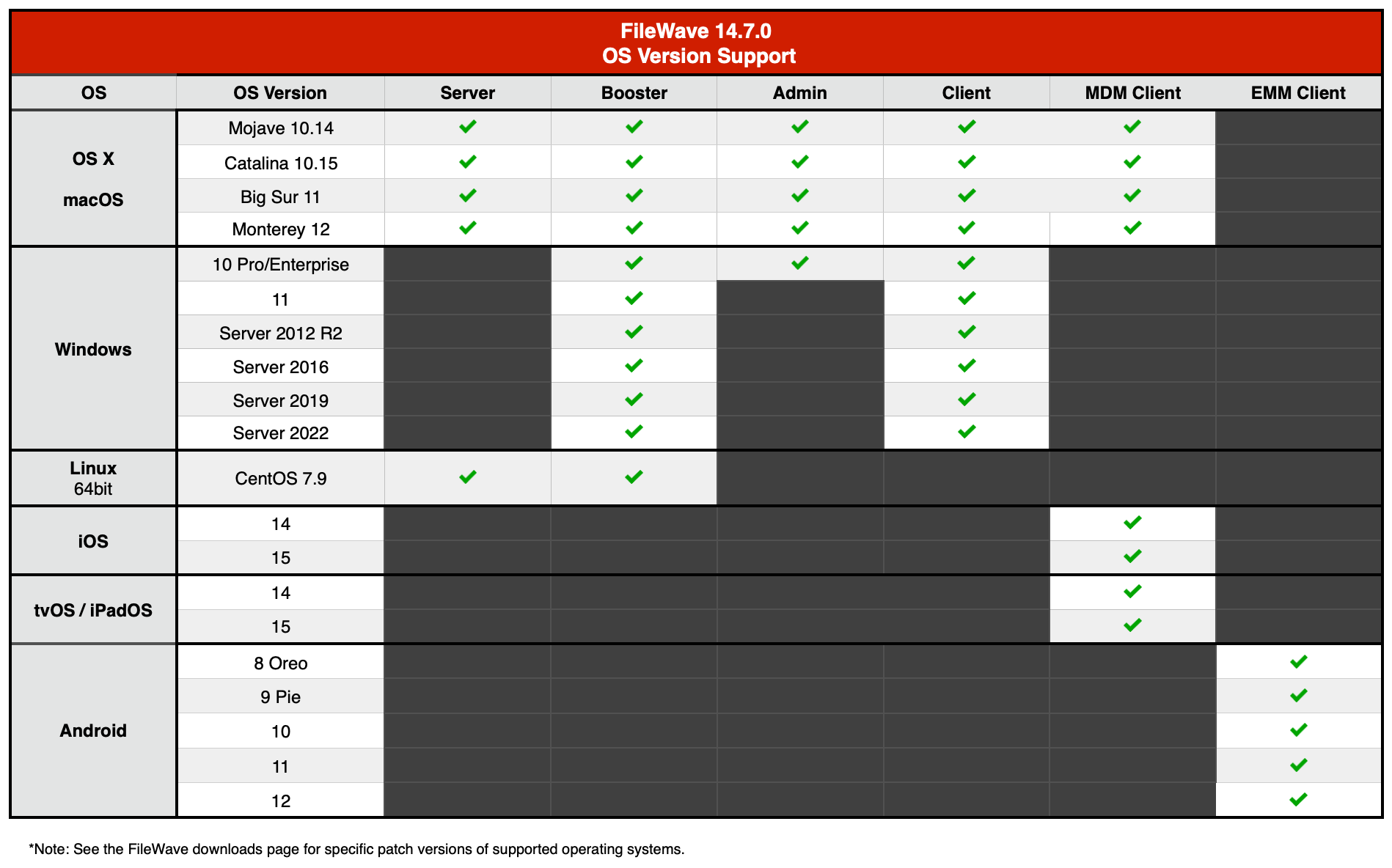
About "Compatibility"
A note on the Compatibility charts: There are several states of compatibility for FileWave clients:
- "Compatible" (the first chart) indicates that we have run QA regression tests against these versions, and they are fully supported
- Not being on the Compatibility chart (such as macOS 10.13) does not mean that platform is not supported...it just means we did not actively test against it, but we do expect it to function
- Support of any issues experienced specifically on these platforms would be considered on a case-by-case basis (but these cases are exceedingly rare)
- "Legacy" versions mean that we don't test, but we do provide a retro-version of a client so that the device can still report in
- There is no support of these platforms beyond the availability of the older client, and in almost all cases these are for OSes that are no longer supported by the developer in question
- Lastly, items do totally fall out of any support, such as Windows XP and probably soon the older Android APK client as examples, but we always include these items in our release notes
Legacy Version Compatibility Chart
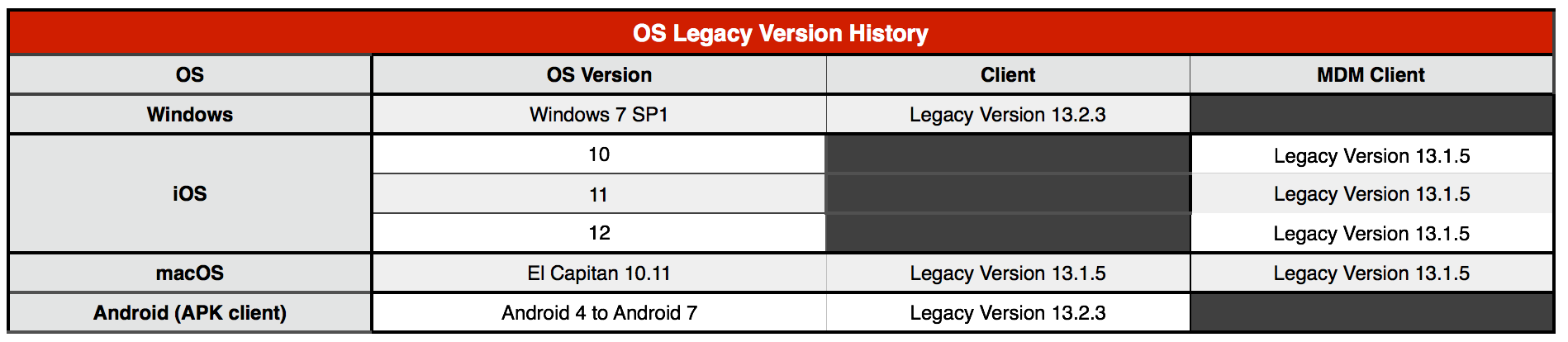
## FileWave Official Version Support
FileWave development teams officially support two major versions at any time, N and N-1. For example, If we assume that the most recent version of FileWave is 14.6.x, then we will officially support versions 14.6.x and 14.5.x. Releases for major versions of FileWave occur roughly every quarter.
What does "officially support" mean? Officially supporting these versions means that we will investigate bug reports in these versions and patch issues that are significant in nature. We will not produce patches for earlier versions than N-1, as this means allocating development resources to problems that are already potentially resolved instead of investing those resources into furthering the product. In short, if an issue is found in a version earlier than the officially supported versions, then remediation for the issue will be in the form of an application upgrade, or a patch to that more recent version.
This does not mean that you can't contact our support teams about an earlier version. They will, to the best of their ability, help you with older versions of the software but they will stop short of escalating tickets to our development teams and will likely recommend an upgrade so that you are getting the latest features and bug fixes.
## New Features
## FileWave Management Suite
**Software Update improvements**
- Client Info reports Software Update information
- Windows Software update improvements:
- devices now report "online" updates
- more information (category, support URL, KB article number...) is reported
- devices are reporting already installed updates, even if they haven't been installed via FileWave
- FileWave is now reading information from Apple Software Lookup Service (GDMF).
**Web Console**
- Improvements for Deployments: added the possibility to create deployments from the device list
- FileWave policies can be managed in Web Console
- Packages (MSI, PKG) files can be dragged from explorer/finder and dropped onto the Payload list
**Internals**
- Improved internal code related to object identifiers to avoid possible identifiers exhaustion for large installations
**Remote control**
- Unattended access is now possible for macOS and Windows devices
## Apple
**VPP protocol improvement**
- When using new VPP protocol, it is now possible to enable a notifications-based process; the Apple VPP service will then notify the FileWave server on changes (new licenses, license assignment...).
Your FileWave server needs to be reachable by Apple to enable this feature. Make sure an HTTPS POST request can be triggered from Apple servers before you enable notifications.
- When notifications are enabled, commands to install Applications are sent as soon as Apple notifies the license has been assigned instead of waiting some time
- Changed internals to benefit from the new VPP protocol ability to send more license assignments within a single request
**macOS management**
- Add Erase All Content and Settings restriction, Remote Wipe Dialog allows configuring behavior when EACS fails.
- Add the ability to manage (set, verify) Recovery Lock on M1 Macs (same as Firmware password on Intel).
- Recovery Lock can be managed using Command Policy Profile and via Inventory
## Windows
- Windows Server 2022 and Windows 11 are now properly reported
- Different versions ("Codenames") of Windows 10 and 11 are now reported
- Add the ability to reboot devices
- Certificates used for Windows MDM enrollment are automatically renewed
## Google
- Android device enrollment is now consistent with Apple MDM enrollment and may require the user to authenticate before being able to enroll the device, which allows deploying filesets based on user rules (LDAP Group for instance)
- Google enterprise setup is now available in Web Console Sources
- Google policies can be managed in Web Console
**Policy Changes**
- Added new policies (Bluetooth)
- Updated modified or deprecated policies (location sharing, location mode)
## Deprecated Features
The following features are deprecated in FileWave 14.7.0 and will be removed in a future version:
- Apple profile management is deprecated in Native Admin Console.
- DEP profile edition and creation is deprecated in Native Admin Console.
- Observe Client functionality has been deprecated by the TeamViewer integration
## Additional Information
Included Open Source Software
[Click here for an extensive list of Open Source Software included in the FileWave products.](https://www.filewave.com/open-source-software/open-source-software-in-v14-7-0/)
Changes and Fixes in 14.7.0
- AP-46 Fixed various issues related to profile installation on macOS 11 or later
- CBD-182 Fixed an issue where rpm upgrade would display a long list of warnings related to files which are already deleted
- CT-3659 Fixed an issue where payload list state is lost when returning from payload details
- CT-3673 Fixed an issue with no custom icons for VPP payloads
- CT-4089 Fixed an issue with Chromebooks annotated fields showing in "edit field" clients view
- CT-4140 Fixed an issue with reports where preview table is empty when Licenses radio button checked
- CT-4143 Fixed an issue with wrong color on diagram about licenses
- CT-4281 Fixed an issue with APN cert error causes Native Model Update to hang
- CT-4335 Fixed an issue with adding device placeholder with the same name as deleted placeholder
- CT-4479 Fixed an issue with FootNote message not correct with spalling issue and defect with dropdown when user scrolling
- CT-4571 Fixed an issue with Some columns cannot be searched in the Devices table
- CT-5600 Fixed an issue with selection dropdown value for OS Type is not displaying correctly
- CT-5675 Fixed an issue with unsupervised OTA iPad does not show Wipe option in Actions
- CT-5983 Fixed an issue with Mouse/touchpad unable to select text of profile title
- CT-6066 Fixed an issue with Search on the Devices page breaks in presence of some custom fields
- CT-6073 Fixed an issue with Link "Windows MDM setup" redirecting to empty page
- CT-6235 Fixed an issue with Deploying a PKG payload with Scripts not containing a Requirements Script does not deploy and shows Fatal message
- CT-6249 Fixed cosmetic issues with TeamViewer
- CT-6278 Fixed an issue with Create Groups and SmartGroup option being disabled on web
- CT-6316 Fixed an issue with Drafted Deployment - Exclusion Group - Group name and Path showing as "UNKNOWN"
- CT-6328 Fixed an issue with Payload (Dependencies tab) page layout crashing
- CT-6362 Fixed an issue with Payload can not be renamed when saved with enter
- CT-6384 Fixed an issue with Audit log showing wrong response + Cosmetic TeamViewer Fixes
- CT-6414 Fixed an issue with Renaming a payload is interrupted after the first letter
- CT-6419 Fixed an issue with Clicking on "Assign license to user" in deployment changes association to kiosk
- CT-6504 iTunes app have empty Payload Info Page
- FW-22915 Fixed an issue where native admin would incorrectly check original permission instead of current clone permission
- FW-26360 Fixed an issue where changing VPP token's locale would lead to duplicated filesets
- FW-26453 Fixed an issue where fileset revision would fail to install properly for PKG filesets
- FW-26956 Fixed an issue where inventory queries would show incorrect duplicated rows due to "Reveal Client" feature
- FW-26998 Fixed an issue where a Kiosk reboot fileset would re-download dependencies each time reboot is delayed
- FW-27182 Fixed an issue where device-enrollment conflict resolution would leave orphaned rows in internal database
- FW-27194 Fixed an issue where Network Profile would be missing some keys for Ethernet adapters
- FW-27336 Fixed an issue where running Windows Admin with Regional Settings having localized numerals (like Thai) would not allow entering numeric values
- FW-27376 Fixed an issue where rpm server upgrade would fail if another instance of Postresql would be installed
- FW-27457 Fixed an issue where "Invite To Program" MDM command would be sent to System Channel on MDM-enrolled Mac
- FW-27653 Fixed an issue where remote wipe option would not be available in context menu but in client info when current admin does not have modify permission for the device
- GOOG-364 Fixed an issue where disabled Android device would not have the same style in clients view as disabled Chromebook devices
- GOOG-476 Fixed an issue where reboot device option would be available for BYOD Android devices
- GOOG-587 Fixed an issue where it would be possible to create clones of Chromebook entries
- GOOG-632 Fixed an issue where command line to sync EMM could error with a non user friendly error message
- GOOG-643 Fixed an issue where Android filesets could incorrectly be associated to non-Android devices
- GOOG-745 Fixed cosmetic layout issue in Android Password policy
- GOOG-772 Fixed and issue where "Renew client token" request would not be sent to Google until next scheduled task
- GOOG-832 Fixed a selection issue in the Android Enrollment Token list
- GOOG-833 Uploading certificate with password to Native Admin results in outdated error message, typo
- GOOG-859 Fixed an issue where configuring google enterprise could fail during setup
- WIN-952 Software Updates - Operating System field shows 1 instead of Windows
Location Tracking
The location reporting feature in FileWave is disabled by default.
It is recommended that you verify that this feature is in accordance with your organization’s policies and AUP (Acceptable Use Policy). Notify your end users before activating location reporting, as enabling the feature will prompt for permission to location information.
Read more... [The Location Tracking KB (https://kb.filewave.com/display/KB/Location+Tracking)](https://kb.filewave.com/display/KB/Location+Tracking)
## Upgrading Your FileWave Server
**Please make sure you have a recent backup before upgrading your server.**
- Please read: [Upgrading Your FileWave Server](https://kb.filewave.com/display/KB/Upgrading+your+FileWave+Server)
This article contains important information that will help ensure your upgrade runs smoothly. It is strongly advised that you review this for each release, since new notes or instructions may have been added.
- With version 13.0.x comes the first iteration of FileWave web-based admin console. It will be installed automatically and uses **default HTTPS port** (443). Upgrade to 14.x will fail if port 443 is not available (upgrade will fail without upgrading your server, leaving it with the previous version running).
If you have another service using port 443
It is recommended to use a dedicated server for FileWave ; if you want to share the server with other services that require HTTPs port, follow the following steps:
- stop other service using 443
- install FileWave 14.6.x
- change FileWave admin port to an unused as described in [Change Default Web Console Port](https://fwkb.atlassian.net/wiki/spaces/DRAFT/pages/4327696/Change+Default+Web+Console+Port) KB article
- restart FileWave 14.6.x
- restart other service
- Upgrading FileWave requires the *FileWave Imaging Appliance* (IVS) to be upgraded to a compatible version to ensure communication continues.
Example: FileWave 14.7.0 requires the 14.7.0 IVS to image your computers.
## Downloads
##### Included in the Bundled Installer:
- ###### Admin
- ###### Server
- ###### Booster
- ###### Client
**macOS Downloads**
[macOS Installers DMG](https://s3.amazonaws.com/filewavebeta/14.7.0/FileWave_macOS_14.7.0.dmg) (md5: bf5550233d9e71ab89a1f75f6d00b8e0)
[macOS Upgrade Fileset](https://s3.amazonaws.com/filewavebeta/14.7.0/FileWave_macOS_Client_14.7.0_7ae10fa777.fileset.zip) (md5: af4241b636c74508e204923906791339)
\[macOS Admin\](https://s3.amazonaws.com/filewavebeta/14.7.0/FileWave Admin.pkg) (md5: 72151f0691f2da54f795a04e084167d4)
\[macOS Booster\](https://s3.amazonaws.com/filewavebeta/14.7.0/FileWave Booster.pkg) (md5: 4c9999c8e5ed85c4666e396f58a33c2f)
\[macOS Server\](https://s3.amazonaws.com/filewavebeta/14.7.0/FileWave Server.pkg) (md5: d3c0449dc2fa4a441cd51d55d025e144)
\[macOS Client\](https://s3.amazonaws.com/filewavebeta/14.7.0/FileWave Client.pkg) (md5: 4fce238a5a40d6c3377c292ef11230c9)
**Windows Downloads**
[Windows Upgrade Fileset](https://s3.amazonaws.com/filewavebeta/14.7.0/FWWinClientUpgrade_14.7.0_7ae10fa7.fileset.zip) (md5: 0125a5aaf185bb1e27f1df76a8127e18)
[Windows Central (Admin)](https://s3.amazonaws.com/filewavebeta/14.7.0/FileWaveAdmin.msi) (md5: b2206bd1d9d873b0c9b94f422e339a70)
[Windows Booster](https://s3.amazonaws.com/filewavebeta/14.7.0/FileWaveBooster.msi) (md5: 284fabdb855443239cbfae7c4cc4ed94)
[Windows Client](https://s3.amazonaws.com/filewavebeta/14.7.0/FileWaveClient.msi) (md5: 6ca365e80c676f297d09eba456c5d868)
For more information, see FileWave is no more running natively on the Windows Server platform. [Windows Server End of Life](https://kb.filewave.com/display/KB/Windows+Server+End+of+Life) KB.
**Linux Downloads**
[Linux Installers](https://s3.amazonaws.com/filewavebeta/14.7.0/FileWave_Linux_14.7.0.zip) (md5: f8042f3b262ed7f02f66ceed746cfc47)
[Linux Server](https://s3.amazonaws.com/filewavebeta/14.7.0/fwxserver-14.7.0-1.0.x86_64.rpm) (md5: 67454d663a0c6b544085b5b51ffb8577)
[Linux Booster](https://s3.amazonaws.com/filewavebeta/14.7.0/fwbooster-14.7.0-1.0.x86_64.rpm) (md5: 9d2912d78f3e629bb0b235a6d5e194dc)
To install or upgrade the FileWave Server, use the following :
```
yum install -y --nogpgcheck https://s3.amazonaws.com/filewavebeta/14.7.0/fwxserver-14.7.0-1.0.x86_64.rpm
```
To install or upgrade the FileWave Booster, use the following :
```
yum install -y --nogpgcheck https://s3.amazonaws.com/filewavebeta/14.7.0/fwbooster-14.7.0-1.0.x86_64.rpm
```
**Note:** Use the following command to download offline installers:
```
wget https://s3.amazonaws.com/filewavebeta/14.7.0/FileWave_Linux_14.7.0.zip
unzip FileWave_Linux_14.7.0.zip
```
**iOS Downloads**
This is a native app version of the traditional Web Clip kiosk/app portal that is sent to devices ; it provides for a better end user experience and is required for location information.
iOS 9+ : \[FileWave Enterprise.ipa\](https://s3.amazonaws.com/filewavebeta/14.7.0/filewave/App Portal 14.7.0.ipa) (md5: b4bb21d5ffcc68ec13f6fc5c2d50b2e4)
Static CDN URL :
```
https://s3.amazonaws.com/filewavebeta/14.7.0/filewave/App Portal 14.7.0.ipa
```
**Chrome**
The FileWave Inventory extension for Chromebook has to be installed via the Google Admin Console for your domain. Please see [Quickstart Guide for Chromebooks](https://kb.filewave.com/display/KB/Quick+Start+Guide+for+Chromebooks) for detailed instructions
[Skeleton for Chromebook white-boxing](https://s3.amazonaws.com/filewavebeta/14.7.0/Chromebooks/chromebooks-whiteboxing.zip) (md5: 716075ea91cdd3cc794f04fdb31f5d20)
**Virtual Appliance Downloads**
[VMware and VirtualBox (OVA) Server Appliance](https://s3.amazonaws.com/filewavebeta/14.7.0/FileWave_Server_14.7.0.ova) (md5: 507632bb4c42e7ad0f5f4bf205f5115c)
[VMware and VirtualBox (OVA) Booster Appliance](https://s3.amazonaws.com/filewavebeta/14.7.0/FileWave_Booster_14.7.0.ova) (md5: fceb755a86a5a154067b6180179ced20)
For more information about importing the appliances please see: [Importing FileWave Appliances](https://kb.filewave.com/display/KB/Importing+the+IVS)
**Hyper-V Appliance Downloads**
[Hyper-V (VHD) Server Appliance](https://s3.amazonaws.com/filewavebeta/14.7.0/FileWave_Server_14.7.0_VHD.zip) (md5: d568294d09a2295a7503627dd63594b8)
[Hyper-V (VHD) Booster Appliance](https://s3.amazonaws.com/filewavebeta/14.7.0/FileWave_Booster_14.7.0_VHD.zip) (md5: a9ad13e3df17755f7b68e93e532f8c35)
# FileWave Version 14.6.3 (Unsupported)
These downloads are provided for the purposes of migrations and should not continue to be used in production. You should upgrade to either the most recent release or the one prior. They can always be found here: [Supported FileWave Versions](https://kb.filewave.com/books/downloads/chapter/supported-filewave-versions "Supported FileWave Versions")
[ ](https://fwdl.filewave.com/14.6.3/FileWave_macOS_14.6.3.dmg)(md5: fd1fb1fbb9db90b03f842ae1f86ad99e)
These downloads are provided for the purposes of migrations and should not continue to be used in production. You should upgrade to either the most recent release or the one prior. They can always be found here: [Supported FileWave Versions](https://kb.filewave.com/books/downloads/chapter/supported-filewave-versions "Supported FileWave Versions")
## FileWave Management Suite
---
Your existing FileWave Server must be version **12.7.1** or higher before you can upgrade to FileWave 14.5.4. Minimum memory requirement for FileWave 14+ is 8GB.
## Compatibility
Server
- macOS 10.13 through 10.15
- macOS 11 (Intel and Apple Silicon)
- Linux CentOS 7.9 x86\_64
CentOS 6 is officially end-of-life.
A critical security issue has been fixed in Grafana-based Dashboard ( [https://grafana.com/blog/2020/06/03/grafana-6.7.4-and-7.0.2-released-with-important-security-fix/](https://grafana.com/blog/2020/06/03/grafana-6.7.4-and-7.0.2-released-with-important-security-fix/) ), but the fix is available for CentOS 7 only. While it is recommended to upgrade to CentOS 7, upgrading a CentOS 6 setup to FileWave 14.5.4 can be achieved with:
```
wget https://fwdl.filewave.com/14.5.4/fwxserver-14.5.4-1.0.x86_64.rpmrpm -ivh fwxserver-14.5.4-1.0.x86_64.rpm --nodeps
```
Grafana-based dashboard will then be disabled for security reasons.
Booster
- macOS 10.13 through 10.15
- macOS 11 (Intel and Apple Silicon)
- Windows 10, Server 2012 R2, Server 2016, Server 2019
- Linux CentOS 7.9 x86\_64
Clients
- macOS 10.13 through 10.15
- macOS 11 (Intel and Apple Silicon)
- Windows 10, Server 2012 R2, Server 2016, Server 2019
Admin
- macOS 10.13 through 10.15
- macOS 11 (Intel and Apple Silicon)
- Windows 10
Mobile Clients
- iOS 9.3, iOS 12 and iOS 14
- iPadOS 14
- tvOS 14
- Android 7 and above (EMM Client)
- Chromebook: ChromeOS 43+
**Compatibility Chart**
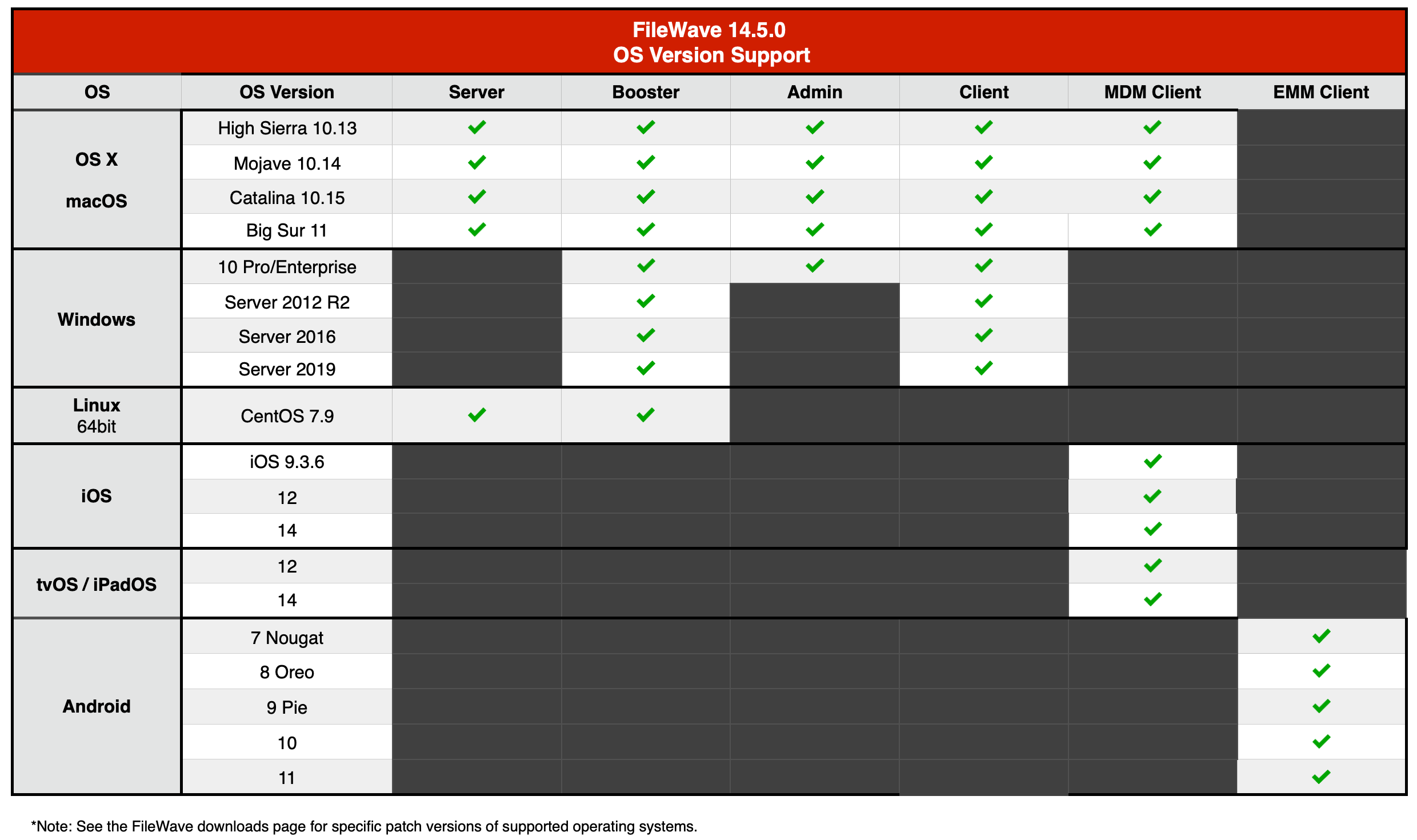
Legacy Version Compatibility Chart
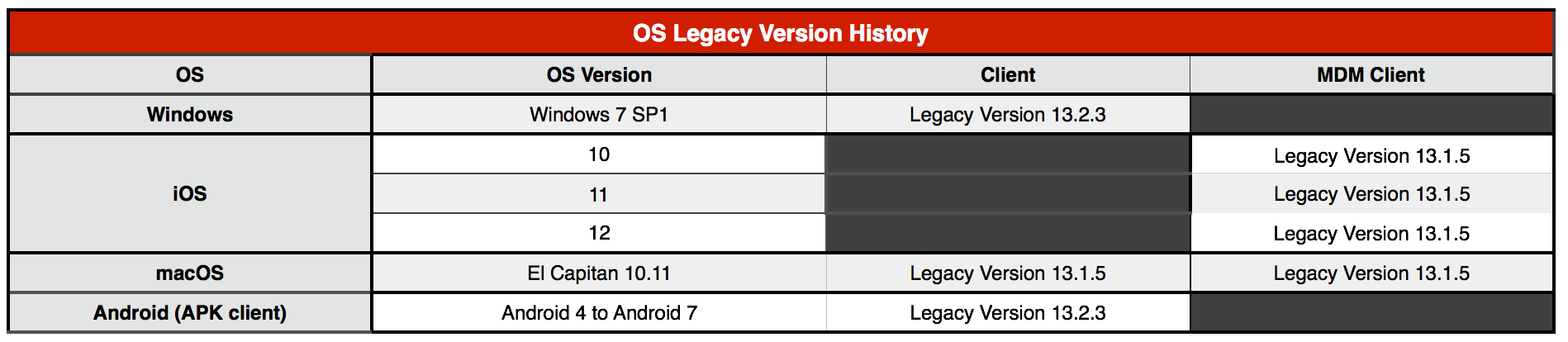
## FileWave Official Version Support
FileWave development teams officially support two major versions at any time, N and N-1. For example, If we assume that the most recent version of FileWave is 14.5.x, then we will officially support versions 14.5.x and 14.4.x. Releases for major versions of FileWave occur roughly ever quarter.
What does "officially support" mean? Officially supporting these versions means that we will investigate bug reports in these versions and patch issues that are significant in nature. We will not produce patches for earlier versions than N-1, as this means allocating development resources to problems that are already potentially resolved instead of investing those resources into furthering the product. In short, if an issue is found in a version earlier than the officially supported versions, then remediation for the issue will be in the form of an application upgrade, or a patch to that more recent version.
This does not mean that you can't contact our support teams about an earlier version. They will, to the best of their ability, help you with older versions of the software but they will stop short of escalating tickets to our development teams and will likely recommend an upgrade so that you are getting the latest features and bug fixes.
## New Features
FileWave 14.5.4 primarily updates Apache to [Version 2.4.51](https://fwkb.atlassian.net/wiki/download/attachments/155582465/14.5.0-Compatibility.png?version=1&modificationDate=1679414730274&cacheVersion=1&api=v2) to fix a critical CVE and addresses several small FileWave-related bugs.
See below for new features introduced with FileWave 14.5:
**FileWave Management Suite:**
- Device enrollment conflict improvements ([read more](https://fwkb.atlassian.net/wiki/spaces/KB/pages/4330128/Conflict+Resolution)):
- It is now possible to solve multiple conflicts at once
- There is a new setting to automatically solve conflicts with a predefined option (ignore new device, remove previous client before enrolling new, replace old client with new client).
- Placeholder replacement is more robust
- Windows client fingerprint is persistent during imaging process ; this avoids conflict in case the hardware setup (on which fingerprint is based) has changed.
- Fileset (Payload) Status in Inventory ([read more](https://fwkb.atlassian.net/wiki/spaces/KB/pages/4330152/Fileset+%28Payload%29+Status+in+Inventory))
**Apple:**
- Profile changes:
- New restrictions:
- macOS now allows you to define different DeferUpdate delays for major, minor and non-OS software updates
- Device Information reports additional information:
- LocalHostName, Hostname (macOS)
- New options for share iPads:
- Shared iPads can now be configured as "Guest mode" only
- It is possible to define logout timeouts for normal or guest mode users
**Web Admin**:
- Software Update enhancements ([read more](https://fwkb.atlassian.net/wiki/spaces/KB/pages/4330226/Software+Updates)):
- Deploy to groups
- Install in specific time windows
- NAT Support for Client Monitor & Verify ([read more](https://fwkb.atlassian.net/wiki/spaces/KB/pages/4330245))
- Perform Actions on Multiple Devices ([read more](https://fwkb.atlassian.net/wiki/spaces/KB/pages/4330256/Performing+Actions+on+Multiple+Devices))
- MSI & PKG Payload Creation ([read more](https://fwkb.atlassian.net/wiki/spaces/KB/pages/4330137))
**Windows MDM** ([read more](https://fwkb.atlassian.net/wiki/spaces/KB/pages/4330161/Windows+MDM)):
- Support for manual and AutoPilot MDM enrollment
- Guidance on importing devices into AutoPilot
- Creation/deployment of Windows MDM Policies (Profiles)
## Additional Information
Included Open Source Software
[Click here for an extensive list of Open Source Software included in the FileWave products.](https://www.filewave.com/open-source-software/open-source-software-in-v14-5-4/)
Changes and Fixes in 14.5.4
- FW-27601 Fixed packaging issue where some translation files would not be included in all components
- FW-27605 Fixed an issue where translations would not be applied properly if current locale name would contain script in addition to country and language
- FW-27612 Fixed incomplete fix for FW-27453 ; crash could even occur more frequently on macOS
- WIN-844 IDP certificate is added to the DEP profile each time we edit the profile
Changes and Fixes in 14.5.3
- CT-5915 Fixed an issue that did prevented access to the web admin when fwadmin user was renamed
- FW-27058 Fixed a possible server performance issue related to desktop clients reporting user identities (current user / ldap user)
- FW-27154 Fixed an issue where MDM information would not be displayed in macOS Client Info until server is restarted
- FW-27207 Fixed a performance issue related to notifications and boosters when Compatibility Mode is enabled
- FW-27433 Fixed an issue where solving conflict would fail due to custom field migration
- FW-27440 Fixed an issue where modifying associations with VPP macOS app would not be taken into account on the target device
- FW-27445 Fixed an issue where macOS VPP apps or iOS Kiosk apps license assignment would be delayed
- FW-27453 Fixed a possible communication issue between desktop clients and server
- FW-27468 Fixed an issue where inactive students in active class would break SIS synchronization from ASM
- FW-27543 Fixed an issue where check\_duplicate script would incorrectly remove client entry when duplicated entries would share the same FileWave ID
- FW-27559 Fixed an issue where deploying multiple reboot filesets at once would require multiple reboots instead of a unique one
- WIN-845 Default IDP profile leads to ERROR log entries
Changes and Fixes in 14.5.2
- FW-27407 Fixed an issue where FW admin could crash on canceled fileset upload
- FW-27387 Fixed an issue where serial number would still be used to detect conflict for Windows devices
- FW-27380 Fixed an issue where model update would fail after changing Management setting for already deployed macOS VPP applications
- FW-27319 Fixed an issue where FileWave would not handle properly SecurityInfo message if sent in a different format than described in Apple documentation
- FW-26886 Fixed an issue where FileWave would not handle properly OSUpdateStatus message if sent in a different format than described in Apple documentation
- FW-26676 Fixed an issue were LDAP/IDP admin permissions would not be properly aggregated
- CT-5914 Fixed an issue where an API call to software update might not match admin user permissions
- CT-5857 Fixed an issue of a potential deadlock within the webadmin
Changes and Fixes in 14.5.1
- CT-5487 Tables in Web Admin are not storing changes for Columns
- CT-5718 Counters on SU tab are wrong after a device was removed from the system
- CT-5771 Table exported to CSV contains "\[object Object\]" instead of value
- CT-5772 CSV export fails with a backend error
- CT-5865 Katalon test paths are too long for windows
- FW-26702 Fixed an issue where importing a fileset as a new revision into an existing fileset for which default revision has been removed
- FW-27122 Fixed a possible server crash with log level set to debug
- FW-27189 Fixed an issue where FileWave agent would crash during fileset activation
- GOOG-642 Improve performance of a background processing task
- GOOG-646 Out of order execution of scheduled jobs overwrites device auto-enrollment policy assignment
- WIN-813 Fixed an issue related to too many groups provided from an IDP source
Changes and Fixes in 14.5.0
- CT-3781 Selecting device group target for deployment can be slow in large setup
- CT-4047 The "New Deployment" wizard can be opened by FileWave Admin users without "Modify Associations" permission
- CT-4108 Sorting in dependencies tab should be disabled
- CT-4403 Revert model doesn't force logout of the web admin
- CT-4508 Search for payload groups does not work
- CT-4828 Devices in Native Admin are not updated when using Import CSV on Web
- CT-4934 If an iTunes App is not VPP, then you get 404 on licenses tab
- CT-4988 Import CSV does not properly handle non-ascii characters
- CT-5406 Debug logs spammed with "Skipping creating zmq notification task"
- CT-5427 Flaky test: test\_get\_inventory\_fields\_custom\_fields
- CT-5428 Broken test: test\_fields\_mobile
- CT-5512 Can't save apple configurator signed profile.
- CT-5535 change\_auth\_username returns new name instead of old name
- CT-5679 Reporting for Software Updates shows negative number
- CT-5680 Software Update Pie Chart shows wrong reporting when Sofware Update is directly associated to device via Associations view in native Admin
- CT-5783 Software Updates Devices are cutoff and the table is not displayed
- FW-26528 Fixed an issue where enrolling desktop device would not replace placeholder and lead to conflict instead
- FW-26671 Fixed an issue where solving client conflict by removing old client would not properly enroll the new client
- FW-26717 Fixed an issue where Admin console would incorrectly report outdated platform in fileset requirements when requirements do not apply
- FW-26747 Fixed an issue where DEP last synchronization date time would be displayed using UTC instead of local time
- FW-26748 Fixed an issue where DEP enrollment would fail if a placeholder would be created after a first enrollment attempt
- FW-26848 Fixed an issue where server performances would be impacted by large number of revoked certificates
- FW-26885 Fixed an issue where non-admin operations would be logged in Audit Log
- FW-26958 Fixed an issue where FileWave agent would not be able to receive and use a new certificate after having been wiped
- FW-27000 Fixed an issue where adding placeholder matching a pre-enrolled client would not enroll the device
- FW-27003 Fixed an issue where solving a client conflict could crash the admin if the client is used in Classroom view
- FW-27006 Fixed an issue where fwcld.clearfingerprint file would be processed too late, which could lead to duplicated entries in new clients dialog
- FW-27035 Fixed an issue where importing large fileset may fail (mainly Windows admin)
- FW-27091 Fixed an issue where re-enrolling a device after changing the name would not be catch properly as a conflicting device
- GOOG-582 Fixed an issue where settings Factory Reset Protection email would fail
- GOOG-613 AMAPI Service now checks if Company Name respect Google rules (no invalid characters)
Changes and Fixes in 14.4.2
- FW-27024 Improved memory usage for fwldap
- FW-27058 Fixed a possible server performance issue related to desktop clients reporting user identities (current user / ldap user)
- FW-27063 Fixed an issue where custom field value may not be updated properly when value is reported by FileWave Agent
- FW-27066 Fixed a possible performance issue when modifying client from native admin console
- FW-27114 Fixed an issue where Smart Group evaluation would be executed too frequently, which could lead to high CPU usage
- FW-27146 Fixed an issue where new placeholders would not be added to selected group but to root folder
- FW-27154 Fixed an issue where MDM information would not be displayed in macOS Client Info until server is restarted
- FW-27179 Fixed a possible issue where notification system would not work after upgrade
- FW-27207 Fixed a performance issue related to notifications and boosters when Compatibility Mode is enabled
- FW-27257 Fixed an issue where custom fields associations would be removed when solving conflict with "replace old" option
Location Tracking
The location reporting feature in FileWave is disabled by default.
It is recommended that you verify that this feature is in accordance with your organization’s policies and AUP (Acceptable Use Policy). Notify your end users before activating location reporting, as enabling the feature will prompt for permission to location information.
Read more... [The Location Tracking KB (https://kb.filewave.com/display/KB/Location+Tracking)](https://kb.filewave.com/display/KB/Location+Tracking)
Important Notes if Upgrading from FileWave 13.x.x
If you upgrade from FileWave 13.1.3 or below, /fwxserver will be moved to its new location /usr/local/filewave/fwxserver. In case moving is not possible (specific mount point for instance), upgrade will stop and will require manual data folder move.
For Details please refer to [fwxserver folder relocation in FileWave Server 13.1.5+ on macOS and Linux Platforms](https://fwkb.atlassian.net/wiki/spaces/KB/pages/4333220)
**Backup Script Update:**
With this relocation of /fwxserver, the backup script must be updated on your server to ensure a proper backup is being captured.
Please reference the following for more information; [https://kb.filewave.com/display/KB/Automated+Backup](https://kb.filewave.com/display/KB/Automated+Backup)
Security Changes
Version 13.0.x introduces higher security standards which have impact on self-signed certificate usage.
While it is recommended to use Trusted-CA issued certificates, you can still use self-signed certificate with FileWave ; please make sure you follow the upgrade steps described in this [KB article](https://fwkb.atlassian.net/wiki/spaces/KB/pages/4328019/Self-Signed+SSL+Certificates+Going+Forward).
---
With FileWave 13.0.x, FileWave uses new [Apple Push Notifications service](https://developer.apple.com/documentation/usernotifications/setting_up_a_remote_notification_server/sending_notification_requests_to_apns) with HTTP/2 protocol ; make sure your FileWave server can contact [https://api.push.apple.com](https://api.push.apple.com/) (port 443).
---
Starting with FileWave 13.1.0, all components (clients and boosters) will be assigned a certificate to validate their access to your FileWave instance. This implies that [Boosters need to be enrolled](#bkmrk-hyper-v-%28vhd%29-booste) to be part of your FileWave setup.
When upgrading, a [Compatibility Mode](https://fwkb.atlassian.net/wiki/spaces/KB/pages/4331380) will automatically be enabled to ease transition ; in this mode, already enrolled clients will automatically be assigned a certificate, but [Boosters will require manual "create certificate" operation](#bkmrk-hyper-v-%28vhd%29-booste) once upgraded to 13.1.
You can figure out which booster requires a certificate by looking at the booster view.
If you are using a self signed certificate for your FileWave Server, Booster trust store needs to be updated to trust this certificate. The easiest way is to go through our [Custom Package Builder Service](https://custom.filewave.ch/) and generate a Booster Package which will contain the server certificate.
## Upgrading Your FileWave Server
**Please make sure you have a recent backup before upgrading your server.**
- Please read: [Upgrading Your FileWave Server](https://kb.filewave.com/display/KB/Upgrading+your+FileWave+Server)
This article contains important information that will help ensure your upgrade runs smoothly. It is strongly advised that you review this for each release, since new notes or instructions may have been added.
- With version 13.0.x comes the first iteration of FileWave web-based admin console. It will be installed automatically and uses **default HTTPS port** (443). Upgrade to 14.x will fail if port 443 is not available (upgrade will fail without upgrading your server, leaving it with the previous version running).
If you have another service using port 443
It is recommended to use a dedicated server for FileWave ; if you want to share the server with other services that require HTTPs port, follow the following steps:
- stop other service using 443
- install FileWave 14.5.x
- change FileWave admin port to an unused as described in [Change Default Web Console Port](https://fwkb.atlassian.net/wiki/spaces/DRAFT/pages/4327696/Change+Default+Web+Console+Port) KB article
- restart FileWave 14.5.x
- restart other service
- Upgrading FileWave requires the *FileWave Imaging Appliance* (IVS) to be upgraded to a compatible version to ensure communication continues.
Example: FileWave 14.5.4 requires the 14.5.1 IVS to image your computers.
## Downloads
##### Included in the Bundled Installer:
- ###### Admin
- ###### Server
- ###### Booster
- ###### Client
**macOS Downloads**
[macOS Installers DMG](https://fwdl.filewave.com/14.5.4/FileWave_macOS_14.5.4.dmg) (md5: dc93e676c02510ce5ea542b4e1cdff5f)
[macOS Upgrade Fileset](https://fwdl.filewave.com/14.5.4/FileWave_macOS_Client_14.5.4_59f61c1089.fileset.zip) (md5: ee8596fcec2037b4e7cc62e738c1c140)
\[macOS Admin\](https://fwdl.filewave.com/14.5.4/FileWave Admin.pkg) (md5: 61f5cbcd405571273d8dc0eacacad3fd)
\[macOS Booster\](https://fwdl.filewave.com/14.5.4/FileWave Booster.pkg) (md5: 9918f8b0f853e8a6a4c03291174e815e)
\[macOS Server\](https://fwdl.filewave.com/14.5.4/FileWave Server.pkg) (md5: a8c9b396a7c99cdb3ec2d1bcda1ac883)
\[macOS Client\](https://fwdl.filewave.com/14.5.4/FileWave Client.pkg) (md5: 257e677adb5f227ffe508c9c02209602)
**Windows Downloads**
[Windows Upgrade Fileset](https://fwdl.filewave.com/14.5.4/FWWinClientUpgrade_14.5.4_59f61c10.fileset.zip) (md5: 4ff9564205e845ecb2c4e928497f44d7)
[Windows Central (Admin)](https://fwdl.filewave.com/14.5.4/FileWaveAdmin.msi) (md5: 352979eca2c48c4fd0418ceb065b3188)
[Windows Booster](https://fwdl.filewave.com/14.5.4/FileWaveBooster.msi) (md5: 2b18bcacdd99d302236a7f836fd0252d)
[Windows Client](https://fwdl.filewave.com/14.5.4/FileWaveClient.msi) (md5: fa006f53e01dbded6a87613a13e3a37e)
For more information, see FileWave is no more running natively on the Windows Server platform. [Windows Server End of Life](https://kb.filewave.com/display/KB/Windows+Server+End+of+Life) KB.
**Linux Downloads**
[Linux Installers](https://fwdl.filewave.com/14.5.4/FileWave_Linux_14.5.4.zip) (md5: 7bc9935221388b83f1c89ca5a49308ba)
[Linux Server](https://fwdl.filewave.com/14.5.4/fwxserver-14.5.4-1.0.x86_64.rpm) (md5: 433524d65c2eecec1b0eef1e823e2cb1)
[Linux Booster](https://fwdl.filewave.com/14.5.4/fwbooster-14.5.4-1.0.x86_64.rpm) (md5: 9498695b29d8624ecd7cf32cd2b20ff2)
To install or upgrade the FileWave Server, use the following :
```
yum install -y --nogpgcheck https://fwdl.filewave.com/14.5.4/fwxserver-14.5.4-1.0.x86_64.rpm
```
To install or upgrade the FileWave Booster, use the following :
```
yum install -y --nogpgcheck https://fwdl.filewave.com/14.5.4/fwbooster-14.5.4-1.0.x86_64.rpm
```
**Note:** Use the following command to download offline installers:
```
wget https://fwdl.filewave.com/14.5.4/FileWave_Linux_14.5.4.zip
unzip FileWave_Linux_14.5.4.zip
```
**iOS Downloads**
This is a native app version of the traditional Web Clip kiosk/app portal that is sent to devices ; it provides for a better end user experience and is required for location information.
iOS 9+ : \[FileWave Enterprise.ipa\](https://fwdl.filewave.com/14.5.4/filewave/App Portal 14.5.4.ipa) (md5: bed3bfa962ab1520ebaabb487934a2a1)
Static CDN URL :
```
https://fwdl.filewave.com/14.5.4/filewave/App Portal 14.5.4.ipa
```
**Chrome**
The FileWave Inventory extension for Chromebook has to be installed via the Google Admin Console for your domain. Please see [Quickstart Guide for Chromebooks](https://kb.filewave.com/display/KB/Quick+Start+Guide+for+Chromebooks) for detailed instructions
[Skeleton for Chromebook white-boxing](https://fwdl.filewave.com/14.5.4/Chromebooks/chromebooks-whiteboxing.zip) (md5: 8c75933f3745bb810944a674a9c5d55e)
**Virtual Appliance Downloads**
[VMware and VirtualBox (OVA) Server Appliance](https://fwdl.filewave.com/14.5.4/FileWave_Server_14.5.4.ova) (md5: 755006bb5eefff62802a826daa099ce0)
[VMware and VirtualBox (OVA) Booster Appliance](https://fwdl.filewave.com/14.5.4/FileWave_Booster_14.5.4.ova) (md5: fd85674bcc84c6ca5cff52ed80b50c75)
For more information about importing the appliances please see: [Importing FileWave Appliances](https://kb.filewave.com/display/KB/Importing+the+IVS)
**Hyper-V Appliance Downloads**
[Hyper-V (VHD) Server Appliance](https://fwdl.filewave.com/14.5.4/FileWave_Server_14.5.4_VHD.zip) (md5: b4e1fe85fe21dc8dc255a831fafd7e9f)
[Hyper-V (VHD) Booster Appliance](https://fwdl.filewave.com/14.5.4/FileWave_Booster_14.5.4_VHD.zip) (md5: f50f1ebf11db8aab3d191fe79bbcb009)
# FileWave Version 14.0.2 (Unsupported)
These downloads are provided for the purposes of migrations and should not continue to be used in production. You should upgrade to either the most recent release or the one prior. They can always be found here: [Supported FileWave Versions](https://kb.filewave.com/books/downloads/chapter/supported-filewave-versions "Supported FileWave Versions")
# FileWave Management Suite
---
Your existing FileWave Server must be version **12.7.1** or higher before you can upgrade to FileWave 14.0.2. Additionally, FileWave 14+ has a higher minimum memory requirement of 8GB.
## Compatibility
Server
- macOS 10.12 through 10.15
- Linux CentOS 6.10 x86\_64, and 7.8 x86\_64
Booster
- macOS 10.12 through 10.15
- Windows 10, Server 2012 R2, Server 2016, Server 2019
- Linux CentOS 6.10 x86\_64 and 7.8 x86\_64
Clients
- macOS 10.12 through 10.15
- Windows 10, Server 2012 R2, Server 2016, Server 2019
Windows 7 is officially End Of Life from Microsoft and is no longer officially supported by FileWave from version 13.3 onwards.
Admin
- macOS 10.12 through 10.15
- Windows 10
Mobile Clients
- iOS 9.3, iOS 12 and iOS 13
- iPadOS 13
- tvOS 13
- Android 7 and above (EMM Client)
- Chromebook: ChromeOS 43+
- iOS 14, iPadOS and tvOS 14 support is limited to [Version 13.3.1](https://fwkb.atlassian.net/wiki/spaces/DA/pages/5342398/Version+13.3.1) features.
Older Android versions using Native APK application are supported using [Version 13.3.1](https://fwkb.atlassian.net/wiki/spaces/DA/pages/5342398/Version+13.3.1).
**Compatibility Chart**
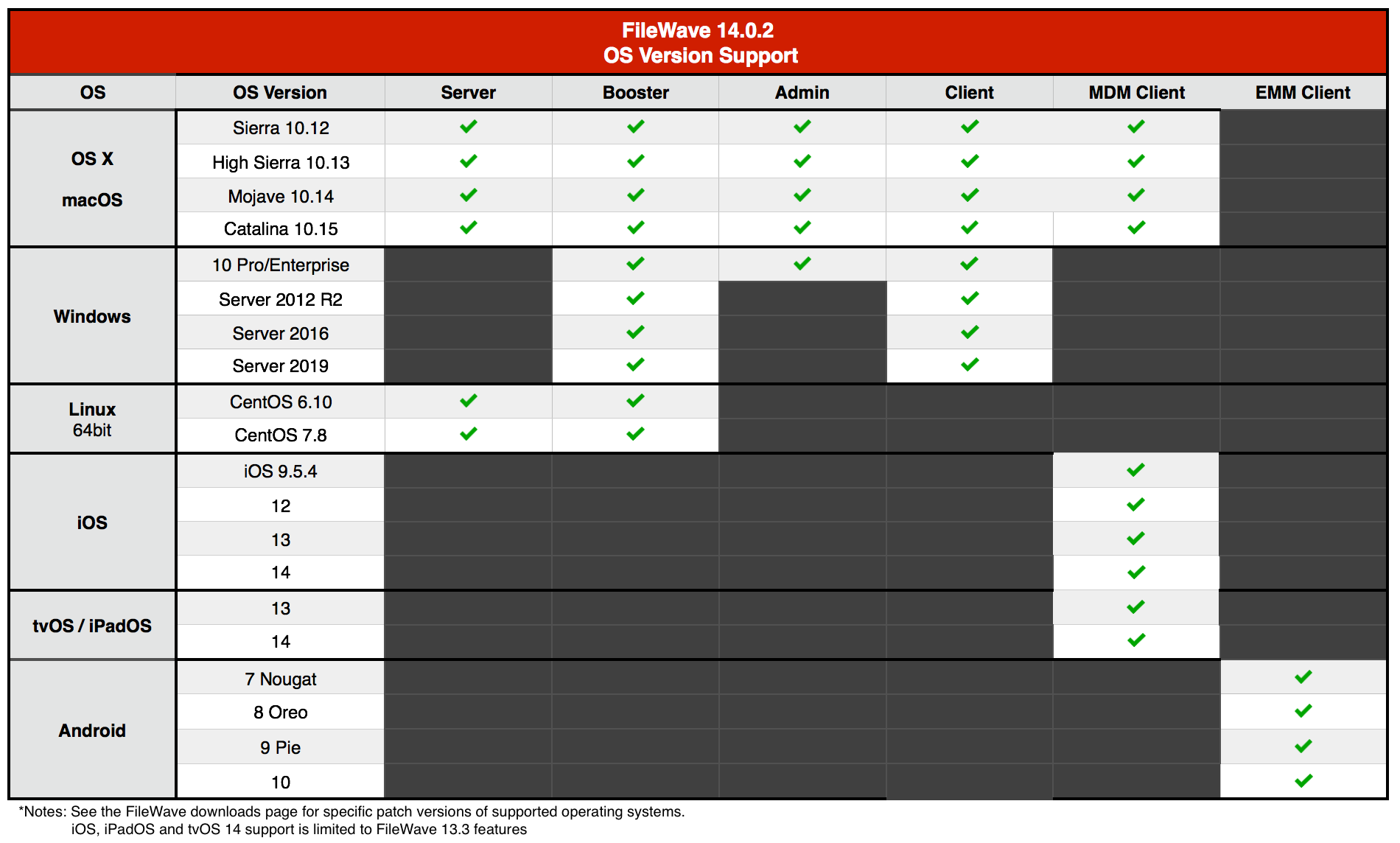
Legacy Version Compatibility Chart

## New Features
### New Web admin (Beta !)
### Apple devices management:
- Enhanced support for Shared iPads (iPadOS 13.4)
- User Enrollment support for iOS / iPadOS devices:
- New enrollment url to "User enroll" devices in a Bring Your Own Device scenario - see [https://www.apple.com/business/it/](https://www.apple.com/business/it/)
- Automatically create and associate VPP users to User Enrolled devices to ease VPP apps and books deployment
- Enrollment type is now shown in Client info
- 32b only applications are reported and not installed on incompatible iOS / iPadOS devices
- macOS: use of InstallEnterpriseApplication command to install FileWave agent on compatible devices
- Simplify VPP license management:
- New Licensing option "Device when possible, user if not"
- License reservation is not mandatory anymore - fileset can consume license from VPP token without reservation
- Support for universal apps
- Basic support for macOS "Big Sur"
- Devices running macOS 11 properly report macOS version
- Fixed an issue where updating profiles on non-MDM macOS 11 devices would remove the profile (see below)
- iOS 14 / macOS 11: "Disable MAC address randomization" option in Network profile
**macOS 11 "Big Sur" changes:**
One of the changes announced by Apple during WWDC 2020 is that macOS 11 will drop support for command line installation of profiles and Software Update.
FileWave 14.0.2 contains **important change** to [profile installation](#bkmrk-hyper-v-%28vhd%29-booste) for non-MDM enrolled macOS (or profiles installed before MDM enrollment).
### Desktop devices management:
- New Fileset revision system:
- Allows regrouping different versions of the same application inside the same fileset
- More control over staging and application upgrade
- Association conflict resolution is now more consistent:
- The "Winning" association now follows clear and consistent rules for the distance (no difference between normal clones and smart group clones for instance)
- All association attributes (kiosk, licensing, schedule) are now from **the** winning association
- Smart groups can be used in Imaging Views to create Imaging Associations
- Verify can now be triggered via command line on device
### **Native console:**
- Enhanced booster monitor to only accept valid settings
- "Move to..." option for fileset
- It is now possible to filter inventory query results
- It is now possible to create a smart group from an inventory query
- it is now possible to duplicate a smart group
- Added more information to Inventory-based Smart Groups to clarify membership
### **Installers:**
- A backup of FileWave database and important settings will be taken before upgrade
### **Internals:**
- Important third party upgrade:
- OpenSSL 1.1.1g
- Apache 2.4.43
- Postgres Log rotation now uses integrated postgres log rotation mechanism
Google Related Updates:
## Additional Information
Included Open Source Software
[Click here for an extensive list of Open Source Software included in the FileWave products.](https://www.filewave.com/open-source-software/open-source-software-in-v14-0-0/)
Changes and Fixes in 14.0.2
- FW-20101 Fixed incorrect "FATAL" log level in booster logs
- FW-23055 Fixed an issue where it would not be possible to create macOS account in DEP profile with dash
- FW-23123 Fixed an issue where editing script environment variable would not scroll to the edited variable
- FW-24019 Fixed an issue where User Network Payload would require user/password
- FW-24773 Minor: fixed typo in "Enroll iOS Device" dialog
- FW-25345 Fixed an issue where model update could be slow due to WallPaper profiles
- FW-25380 Fixed an issue where Network profile channel would be incorrectly linked to SetupModes option
- FW-25453 Fixed an issue here notification profile would not automatically list apps
- FW-25461 Fixed an issue where internal house keeping tasks would take too long to perform
- FW-25563 Improved FileVault 2 PRK status reporting on macOS Catalina
- FW-25692 Fixed an issue where check duplicates script would consider empty serial number as duplicated entries
- FW-25747 Fixed a possible deadlock between DEP sync and Auto DEP assignment rules
- FW-25817 Fixed an issue where creating an inventory based query could crash native admin
- FW-25818 Fixed an issue where model update could fail due to outdated entries in database
- FW-25987 Fixed a performance issue due to too frequent smart group evaluations
- FW-25991 Fixed an issue where boosters would not always use their dedicated communication channel
- FW-25992 Fixed a performance issue where server and boosters would not use multiple threads to communicates with clients
- FW-26006 Fixed an issue where incorrect "Lock" error message could prevent model update
- FW-26011 Improved Inventory based smart group evaluation time
- FW-26049 Fixed an issue where gathering information related to iOS devices, required for Smart Group evaluation, could be slow
Changes and Fixes in 14.0.1
- FW-20532 fwcontrol client status now prints filesets not installed due to failed requirements
- FW-22493 Fixed an issue where DEP assistant would show device assignment time in UTC and not in local time
- FW-22504 Updated Security And Privacy profile to provide more granular change options
- FW-23135 Fixed an issue where reinstalling a dependency would be possible even if dependent fileset does not met requirements
- FW-23202 Fixed an issue where fileset could remain locked when cancelling duplication
- FW-23214 Fixed an issue where Fileset would remain locked after editing registry file
- FW-23554 Added support for range queries for Active Directory, which allows LDAP groups containing more than 1500 entries
- FW-23763 Fixed an issue where window title text could turn black after opening a combobox
- FW-23989 Fixed missing entry in "Window" menu for Inventory Query Editor
- FW-24088 FileWave does not try to install 32b applications on 64b only iOS anymore
- FW-24119 Fixed an issue where, when logged in with a FileWave admin, member of multiple LDAP admin groups, multiple filesets would be created from the same VPP license
- FW-24150 Fixed an issue where initial setting of FileWave Client running on IVS would be incorrect leading to connection delay
- FW-24203 Fixed an issue where Full Disk Encryption usage would show incorrect number of affected devices
- FW-24257 Fixed misleading log entry when no SIS is configured
- FW-24420 Added is null and is not null as operand for Custom Fields in Inventory Query builder
- FW-24886 Fixed an issue where running FileWave admin on macOS Catalina would not use fixed font for script editors
- FW-24946 Fixed an issue where fwGUI would not use fwcld log level
- FW-24966 Fixed "association distance" calculation for group clones
- FW-25173 Improved log messages when testing incorrect LDAP configuration
- FW-25185 Fixed an issue where configuring Shared iPad diagnostics would not work
- FW-25189 Lower log level for debugging traces in booster
- FW-25246 Fixed iOS client info not being able to sort Managed Application list
- FW-25256 Fixed an issue where Screen Time and SideCar would be missing in macOS restriction payload
- FW-25257 Fixed an issue where updating several times the model quickly could lead to temporary incorrect smartgroup membership
- FW-25280 Fixed an issue where creating iTunes fileset from App Store would use incorrect locale
- FW-25282 Fixed "run\_all\_queries" debugging management command to properly use smart group queries
- FW-25296 Fixed an issue where iOS placeholders would appear in "New Client" Dialog after being deleted
- FW-25298 Cosmetic: bash shebang in template does not contain space anymore
- FW-25375 Fixed an issue where log contains long stack-trace in case of denied request
- FW-25392 Cosmetic: removed "help" button on Windows title bars
- FW-25405 Fixed an issue where inventory report can be broken if Spotlight reports the same application several times with same path but different size
- FW-25469 Fixed an issue where booster monitor would not allow configuring more than 400 max client for linux boosters
- FW-25471 Fixed an issue where TLS connection could be incorrectly closed, leading to communication issues between clients and server or boosters
- FW-25495 Fixed an issue where house keeping would be abnormally slow with a large number of MDM commands
- FW-25544 Fixed an issue with patch tool when tmp folder is not on the same file system as FileWave files
- FW-25560 Fixed possible upgrade issues
- FW-25612 Improved user experience in Imaging Association pane when a large number of associations are defined
- FW-25626 Fixed a cosmetic issue where title bar color could be altered after using drop down on macOS
- FW-25649 Fixed a performance issue where native admin would refresh inventory fields from clients view too frequently
- FW-25654 Fixed an issue occurring when moving a file in the same directory in FilesetContents
- FW-25688 Fixed a performance issue related to License Management view
- FW-25770 Updated Webmin for appliances (Booster, server)
- FW-25883 Fixed an issue with fetching VPP information when VPP services are experiencing load
- FW-25896 Fixed an issue where applying patches would fail on macOS 10.12
- FW-25899 Fixed an issue where applying patches would fail on some filesystem configurations
- FW-25902 Fixed an issue where "New Client from Server" could be abnormally slow
Location Tracking
The location reporting feature in FileWave is disabled by default.
It is recommended that you verify that this feature is in accordance with your organization’s policies and AUP (Acceptable Use Policy). Notify your end users before activating location reporting, as enabling the feature will prompt for permission to location information.
Read more... [The Location Tracking KB (https://kb.filewave.com/display/KB/Location+Tracking)](https://kb.filewave.com/display/KB/Location+Tracking)
If you upgrade from FileWave 13.1.3 or below, /fwxserver will be moved to its new location /usr/local/filewave/fwxserver. In case moving is not possible (specific mount point for instance), upgrade will stop and will require manual data folder move.
For Details please refer to [fwxserver folder relocation in FileWave Server 13.1.5+ on macOS and Linux Platforms](https://fwkb.atlassian.net/wiki/spaces/KB/pages/4333220)
**Backup Script Update:**
With this relocation of /fwxserver, the backup script must be updated on your server to ensure a proper backup is being captured.
Please reference the following for more information; [https://kb.filewave.com/display/KB/Automated+Backup](https://kb.filewave.com/display/KB/Automated+Backup)
Security Changes
Version 13.0.x introduces higher security standards which have impact on self-signed certificate usage.
While it is recommended to use Trusted-CA issued certificates, you can still use self-signed certificate with FileWave ; please make sure you follow the upgrade steps described in this [KB article](https://fwkb.atlassian.net/wiki/spaces/KB/pages/4328019/Self-Signed+SSL+Certificates+Going+Forward).
---
With FileWave 13.0.x, FileWave uses new [Apple Push Notifications service](https://developer.apple.com/documentation/usernotifications/setting_up_a_remote_notification_server/sending_notification_requests_to_apns) with HTTP/2 protocol ; make sure your FileWave server can contact [https://api.push.apple.com](https://api.push.apple.com/) (port 443).
---
Starting with FileWave 13.1.0, all components (clients and boosters) will be assigned a certificate to validate their access to your FileWave instance. This implies that [Boosters need to be enrolled](#bkmrk-hyper-v-%28vhd%29-booste) to be part of your FileWave setup.
When upgrading, a [Compatibility Mode](https://fwkb.atlassian.net/wiki/spaces/KB/pages/4331380) will automatically be enabled to ease transition ; in this mode, already enrolled clients will automatically be assigned a certificate, but [Boosters will require manual "create certificate" operation](#bkmrk-hyper-v-%28vhd%29-booste) once upgraded to 13.1.
You can figure out which booster requires a certificate by looking at the booster view.
If you are using a self signed certificate for your FileWave Server, Booster trust store needs to be updated to trust this certificate. The easiest way is to go through our [Custom Package Builder Service](https://custom.filewave.ch/) and generate a Booster Package which will contain the server certificate.
## Upgrading Your FileWave Server
**Please make sure you have a recent backup before upgrading your server.**
- Please read: [Upgrading Your FileWave Server](https://kb.filewave.com/display/KB/Upgrading+your+FileWave+Server)
This article contains important information that will help ensure your upgrade runs smoothly. It is strongly advised that you review this for each release, since new notes or instructions may have been added.
- With version 13.0.x comes the first iteration of FileWave web-based admin console. It will be installed automatically and uses **default HTTPS port** (443). Upgrade to 14.x will fail if port 443 is not available (upgrade will fail without upgrading your server, leaving it with the previous version running).
If you have another service using port 443
It is recommended to use a dedicated server for FileWave ; if you want to share the server with other services that require HTTPs port, follow the following steps:
- stop other service using 443
- install FileWave 13.0.x
- change FileWave admin port to an unused as described in [Change Default Web Console Port](https://fwkb.atlassian.net/wiki/spaces/DRAFT/pages/4327696/Change+Default+Web+Console+Port) KB article
- restart FileWave 13.0.x
- restart other service
- Upgrading FileWave requires the *FileWave Imaging Appliance* (IVS) to be upgraded to a compatible version to ensure communication continues.
Example: FileWave 14.0.0 requires the 7.0 IVS to image your computers.
- In order to avoid problems with migrating database internal structures please make sure that you use a local administrator account, not domain administrator, when performing FileWave Server upgrade on Windows platform.
## Downloads
##### Included in the Bundled Installer:
- ###### Admin
- ###### Server
- ###### Booster
- ###### Client
**macOS Downloads**
An issue which could prevent client upgrade has been identified in version 14.0.2. This issue has been fixed and client version 14.0.2 has been replaced by 14.0.3.
[macOS Installers DMG](https://fwdl.filewave.com/14.0.2/FileWave_macOS_14.0.2.dmg) (md5: 5b8b991efd0d102eaaba4dd55d7b3d7c)
[macOS Upgrade Fileset](https://fwdl.filewave.com/14.0.3/FileWave_macOS_Client_14.0.3_0ef60aa9f9.fileset.zip) (md5: 0fc5c6378fd5a246b2ce62d911aec2dd) - 14.0.3 (including upgrade fix)
\[macOS Admin\](https://fwdl.filewave.com/14.0.2/FileWave Admin.pkg) (md5: 61927ffdb8d367132f858ed0b2f18c8c)
\[macOS Booster\](https://fwdl.filewave.com/14.0.2/FileWave Booster.pkg) (md5: b0ec08b290b4755e8f4ade367f3a1b0d)
\[macOS Server\](https://fwdl.filewave.com/14.0.2/FileWave Server.pkg) (md5: f363fa555902c85bcf108242f3da2a55)
\[macOS Client\](https://fwdl.filewave.com/14.0.3/FileWave Client.pkg) (md5: 8b72a9bf36b9df7b1de822a6cbe8f14e) - 14.0.3 (including upgrade fix)
**Windows Downloads**
An issue which could prevent client upgrade has been identified in version 14.0.2. This issue has been fixed and client version 14.0.2 has been replaced by 14.0.3.
[Windows Upgrade Fileset](https://fwdl.filewave.com/14.0.3/FWWinClientUpgrade_14.0.3_0ef60aa9.fileset.zip) (md5: 1c8b0c765a2c6588da45520a533492ae) - 14.0.3 (including upgrade fix)
[Windows Central (Admin)](https://fwdl.filewave.com/14.0.2/FileWaveAdmin.msi) (md5: 97525f81133d5ebb9f08e3b152f4a3f7)
[Windows Booster](https://fwdl.filewave.com/14.0.2/FileWaveBooster.msi) (md5: eb13836d6bc920295c1f282506ccd698)
[Windows Client](https://fwdl.filewave.com/14.0.3/FileWaveClient.msi) (md5: e504e88d3b9082f739dd73ae4ce55508) - 14.0.3 (including upgrade fix)
For more information, see FileWave is no more running natively on the Windows Server platform. [Windows Server End of Life](https://kb.filewave.com/display/KB/Windows+Server+End+of+Life) KB.
**Linux Downloads**
[Linux Installers](https://fwdl.filewave.com/14.0.2/FileWave_Linux_14.0.2.zip) (md5: 5bdabf12904c55b392fda7ead1e407b8)
[Linux Server](https://fwdl.filewave.com/14.0.2/fwxserver-14.0.2-1.0.x86_64.rpm) (md5: 4abdb1ef370ed8474c3f9b00c2dea3f1)
[Linux Booster](https://fwdl.filewave.com/14.0.2/fwbooster-14.0.2-1.0.x86_64.rpm) (md5: 1a2a74374f1baccb132b3dd76617662e)
To install or upgrade the FileWave Server, use the following :
```
yum install -y --nogpgcheck https://fwdl.filewave.com/14.0.2/fwxserver-14.0.2-1.0.x86_64.rpm
```
To install or upgrade the FileWave Booster, use the following :
```
yum install -y --nogpgcheck https://fwdl.filewave.com/14.0.2/fwbooster-14.0.2-1.0.x86_64.rpm
```
**Note:** Use the following command to download offline installers:
```
wget https://fwdl.filewave.com/14.0.2/FileWave_Linux_14.0.2.zip
unzip FileWave_Linux_14.0.2.zip
```
**iOS Downloads**
This is a native app version of the traditional Web Clip kiosk/app portal that is sent to devices ; it provides for a better end user experience and is required for location information.
iOS 9+ : \[FileWave Enterprise.ipa\](https://fwdl.filewave.com/14.0.3/filewave/App Portal 14.0.3.ipa) (md5: 0e0d3c504d180cec6252af1c32608206)
Static CDN URL :
```
https://fwdl.filewave.com/14.0.3/filewave/App Portal 14.0.3.ipa
```
As Apple code signing requirements have changed since 14.0.2 has been released, the native app portal has been re-built and re-signed with new requirements and released as version 14.0.3.
```
```
**Chrome**
The FileWave Inventory extension for Chromebook has to be installed via the Google Admin Console for your domain. Please see [Quickstart Guide for Chromebooks](https://kb.filewave.com/display/KB/Quick+Start+Guide+for+Chromebooks) for detailed instructions
[Skeleton for Chromebook white-boxing](https://fwdl.filewave.com/14.0.2/Chromebooks/chromebooks-whiteboxing.zip) (md5: 150fd09e2005b71a9ce85b6ed6225a1c)
**Virtual Appliance Downloads**
[VMware and VirtualBox (OVA) Server Appliance](https://fwdl.filewave.com/14.0.2/FileWave_Server_14.0.2.ova) (md5: 5e5122eb2a990e4de7348354610252b9)
[VMware and VirtualBox (OVA) Booster Appliance](https://fwdl.filewave.com/14.0.2/FileWave_Booster_14.0.2.ova) (md5: 489248b6f99778c8b3ca24390aba0fe6)
For more information about importing the appliances please see: [Importing FileWave Appliances](https://kb.filewave.com/display/KB/Importing+Virtual+Appliances)
**Hyper-V Appliance Downloads**
[Hyper-V (VHD) Server Appliance](https://fwdl.filewave.com/14.0.2/FileWave_Server_14.0.2_VHD.zip) (md5: 0ac391d2abf61ea92e57ea716caf5d62)
[Hyper-V (VHD) Booster Appliance](https://fwdl.filewave.com/14.0.2/FileWave_Booster_14.0.2_VHD.zip) (md5: aeb7d01b727959d1b3a05053620b65e0)
# FileWave Version 13.3.1 (Unsupported)
These downloads are provided for the purposes of migrations and should not continue to be used in production. You should upgrade to either the most recent release or the one prior. They can always be found here: [Supported FileWave Versions](https://kb.filewave.com/books/downloads/chapter/supported-filewave-versions "Supported FileWave Versions")
# FileWave Management Suite
---
Your existing FileWave Server must be version **12.3.0** or higher before you can upgrade to FileWave 13.3.1
## Compatibility
Server
- macOS 10.12 through 10.15 (binaries are 64 bit only)
- Windows Server 2012 R2 and Server 2016
- Linux CentOS 6.10 x86\_64, and 7.7 x86\_64 (binaries are 64 bit only)
Booster
- macOS 10.12 through 10.15 (binaries are 64 bit only)
- Windows 10, Windows Server 2012 R2 and Server 2016
- Linux CentOS 6.10 x86\_64 and 7.7 x86\_64 (binaries are 64 bit only)
Clients
- macOS 10.12 through 10.15 (binaries are 64 bit only)
- Windows 10, Windows Server 2012 R2 and Server 2016
Windows 7 is officially End Of Life from Microsoft and is no longer officially supported by FileWave from version 13.3 onwards.
Admin
- macOS 10.12 through 10.15 (binaries are 64 bit only)
- Windows 10
Mobile Clients
- iOS 9.3, iOS 12 and iOS 13
- iPadOS 13
- tvOS 13
- Android 4.1, [4.2 \*known issues](https://www.filewave.com/alliance-community/27-known-issues-corner/1750-filewave-client-may-crash-on-android-4-2-devices), 4.3 (Jelly Bean), 4.4 (KitKat), 5, 6 and 7 (Legacy Android)
- Android 7 and above (EMM Client)
- Chromebook: ChromeOS 43+
**Compatibility Chart**
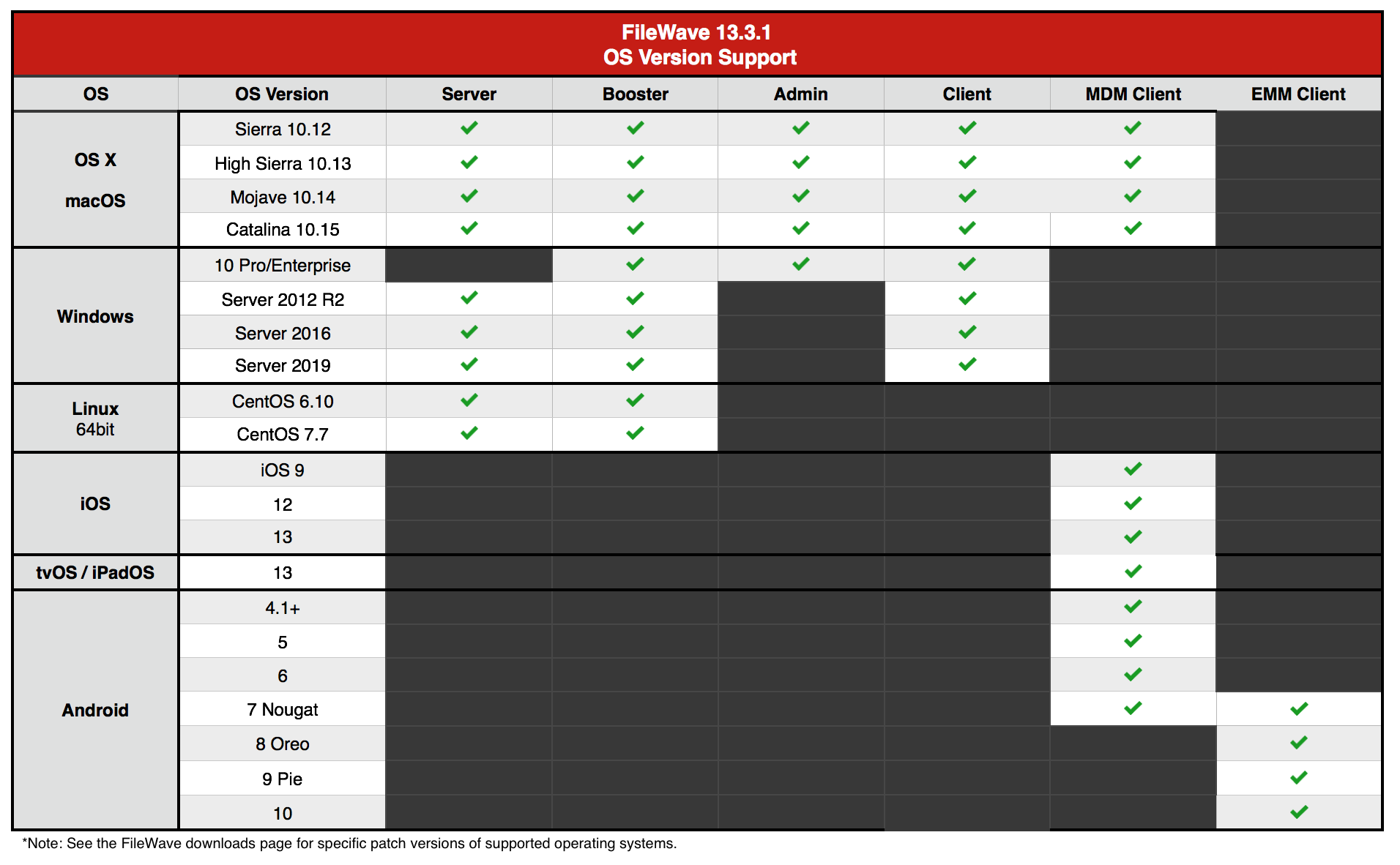
Legacy Version Compatibility Chart

Windows Servers: End of Life
FileWave 13.3 will be the last FileWave release capable of running natively on the Windows Server platform. **FileWave Server version 14 and beyond will only be supported on macOS and Linux platforms.** FileWave Server on Windows will continue to function and be supported through the end of this year, but no new features or functions will be added after the 13.3 release.
For more information, see [Windows Server End of Life](https://kb.filewave.com/display/KB/Windows+Server+End+of+Life) KB.
## New Features
### Apple 2020 Spring Release Support:
Changes in Restriction Profile
- - Allow accessing web sites using TLS 1.0 and 1.1 (iOS, macOS)
- Allow Guest Mode for shared iPad
- Allow access to Apple ID and Family Sharing Preference Pane (macOS)
Changes in Login Window Profile
- - Screen Time option is available in Setup Assistant
Changes in Notification Profile
- - Notification settings are now available for macOS
Changes in VPN Profile
- - UI clarification
- New Provider Bundle Identifier and Provider type setting
macOS Content Caching changes
- - Additional Content Caching setting in profile
- Content Caching information is reported in inventory and in client info
Miscellaneous
- Support for shared iPad guest mode and shared iPad in Apple Business Manager
- Generated Self-signed certificates (MDM, Classroom) are not valid more than 398 days (see [https://support.apple.com/en-gb/HT211025](https://support.apple.com/en-gb/HT211025))
Google Related Updates:
EMM
- - Embed Wifi added to EMM Enrollment QR Code
- BYOD for EMM
- Location Tracking
Chromebooks
- - Added ability to edit Chromebook Data
- Moving devices in Admin now moves the devices in G Suite Domain structure
- Delete/Create OU in G Suite Domain structure through FileWave Admin
- The FileWave extension now gathers these fields in a more reliable way
- Local Device Name
- Device Serial Number
- Current Logged in user
- Current IP
- Current Asset ID
- Certificates
Device Management:
Inventory Fields in Clients View (Native Admin)
- - Customize your Admin clients view with inventory fields - including custom fields
Dedicated Booster Communication
- - Boosters can now use a dedicated communication channel for Booster-Booster or Booster-Server communication to avoid congestion. To enable this feature, you may have to open additional TCP port on your server and your boosters. See [TCP Port KB.](https://kb.filewave.com/wiki/pages/createpage.action?spaceKey=DOW&title=%28Update%29%20TCP%20KB&linkCreation=true&fromPageId=153616385)
Device Identification
- - Algorithm used to identify device re-enrollment has been improved to detect different re-enrollment scenarios to prevent duplicated clients.
- Windows agent fingerprint is now stored on disk to avoid permission issue accessing registry, which could lead to unstable fingerprint, making client identification unreliable.
## Additional Information
Included Open Source Software
[Click here for an extensive list of Open Source Software included in the FileWave products.](https://www.filewave.com/open-source-software/oss-v13-3-1)
Changes and Fixes in 13.3.0
- FW-21471 Fixed an issue where adding and deleting placeholders before updating model would lead to invalid database entries, which could then lead to duplicated clients
- FW-22890 Fixed an issue where rebooting fileset could not deploy if some Modern UI apps are running (Windows)
- FW-23451 Fixed an issue where admin login when LDAP server is incorrectly configured would show internal error message
- FW-24244 Add FileWave generated files in default list of excluded components for Fileset Magic
- FW-24441 Fixed an issue where Windows devices fingerprint may be unstable leading to fileset reinstallation
- FW-24502 Fixed an issue where invalid DEP naming scheme could rename device to empty value
- FW-24589 Fixed an issue where booster fingerprint could change, leading to booster requiring re-enrollment
- FW-24631 Fixed an issue where changing client management mode or client state requires delete permission on the client
- FW-24634 Client fingeprint will now be stored in local file instead of registry on Windows to workaround permission problems
- FW-24635 (Minor) Fixed incorrect time-zone for "Last Check-in" column in conflict details
- FW-24715 Fixed an issue where devices enrolled but not added to model yet would wipe their stored fingerprint, which could lead to duplicated entries
- FW-24802 Fixed an issue where Scheduled Associations would disappear from Fileset Status for MDM devices
- FW-24804 Fixed an issue where model update would randomly fail
- FW-24954 (Minor) - Fixed a typo in fwcontrol help
- FW-24959 Fixed an issue where upgrade failing due to insufficient disk space would leave the server in incorrect state
- FW-24968 Fixed an issue where reset Classroom Image Cache would not work
- FW-24979 FileWave client is more robust when downloading software update when using macOS offline catalog
- FW-24992 Fixed an issue where multiple Certificate Transparency payloads could be created
- FW-24993 Fixed an issue where deleted placeholders would appear again in "New Client"
- FW-25044 Fixed an issue where iOS Managed App report would fail due to out of range error
- FW-25081 Fixed an issue where desktop fileset deployment would fail if one data fork file download would fail (CRC error on data fork)
- FW-25111 Made booster more robust in case of network issue with its upstream
- FW-25172 Fixed an issue where Activation Lock would not be properly handled for Shared iPads
- GOOG-343 Missing top-level policy key `defaultPermissionPolicy`
Location Tracking
The location reporting feature in FileWave is disabled by default.
It is recommended that you verify that this feature is in accordance with your organization’s policies and AUP (Acceptable Use Policy). Notify your end users before activating location reporting, as enabling the feature will prompt for permission to location information.
Read more... [The Location Tracking KB (https://kb.filewave.com/display/KB/Location+Tracking)](https://kb.filewave.com/display/KB/Location+Tracking)
If you upgrade from FileWave 13.1.3 or below, /fwxserver will be moved to its new location /usr/local/filewave/fwxserver. In case moving is not possible (specific mount point for instance), upgrade will stop and will require manual data folder move.
For Details please refer to [fwxserver folder relocation in FileWave Server 13.1.5+ on macOS and Linux Platforms](https://fwkb.atlassian.net/wiki/spaces/KB/pages/4333220)
**Backup Script Update:**
With this relocation of /fwxserver, the backup script must be updated on your server to ensure a proper backup is being captured.
Please reference the following for more information; [https://kb.filewave.com/display/KB/Automated+Backup](https://kb.filewave.com/display/KB/Automated+Backup)
Security Changes
Version 13.0.x introduces higher security standards which have impact on self-signed certificate usage.
While it is recommended to use Trusted-CA issued certificates, you can still use self-signed certificate with FileWave ; please make sure you follow the upgrade steps described in this [KB article](https://fwkb.atlassian.net/wiki/spaces/KB/pages/4328019/Self-Signed+SSL+Certificates+Going+Forward).
---
With FileWave 13.0.x, FileWave uses new [Apple Push Notifications service](https://developer.apple.com/documentation/usernotifications/setting_up_a_remote_notification_server/sending_notification_requests_to_apns) with HTTP/2 protocol ; make sure your FileWave server can contact [https://api.push.apple.com](https://api.push.apple.com/) (port 443).
---
Starting with FileWave 13.1.0, all components (clients and boosters) will be assigned a certificate to validate their access to your FileWave instance. This implies that [Boosters need to be enrolled](#bkmrk-hyper-v-%28vhd%29-booste) to be part of your FileWave setup.
When upgrading, a [Compatibility Mode](https://fwkb.atlassian.net/wiki/spaces/KB/pages/4331380) will automatically be enabled to ease transition ; in this mode, already enrolled clients will automatically be assigned a certificate, but [Boosters will require manual "create certificate" operation](#bkmrk-hyper-v-%28vhd%29-booste) once upgraded to 13.1.
You can figure out which booster requires a certificate by looking at the booster view.
If you are using a self signed certificate for your FileWave Server, Booster trust store needs to be updated to trust this certificate. The easiest way is to go through our [Custom Package Builder Service](https://custom.filewave.ch/) and generate a Booster Package which will contain the server certificate.
## Upgrading Your FileWave Server
**Please make sure you have a recent backup before upgrading your server.**
- Please read: [Upgrading Your FileWave Server](https://kb.filewave.com/display/KB/Upgrading+your+FileWave+Server)
This article contains important information that will help ensure your upgrade runs smoothly. It is strongly advised that you review this for each release, since new notes or instructions may have been added.
- With version 13.0.x comes the first iteration of FileWave web-based admin console. It will be installed automatically and uses **default HTTPS port** (443). Upgrade to 13.0.x will fail if port 443 is not available (upgrade will fail without upgrading your server, leaving it with the previous version running).
If you have another service using port 443
It is recommended to use a dedicated server for FileWave ; if you want to share the server with other services that require HTTPs port, follow the following steps:
- stop other service using 443
- install FileWave 13.0.x
- change FileWave admin port to an unused as described in [Change Default Web Console Port](https://fwkb.atlassian.net/wiki/spaces/DRAFT/pages/4327696/Change+Default+Web+Console+Port) KB article
- restart FileWave 13.0.x
- restart other service
- Upgrading FileWave requires the *FileWave Imaging Appliance* (IVS) to be upgraded to a compatible version to ensure communication continues.
Example: FileWave 13.2.0 requires the 6.2 IVS to image your computers.
- In order to avoid problems with migrating database internal structures please make sure that you use a local administrator account, not domain administrator, when performing FileWave Server upgrade on Windows platform.
## Downloads
##### Included in the Bundled Installer:
- ###### Admin
- ###### Server
- ###### Booster
- ###### Client
**macOS Downloads**
[macOS Installers DMG](https://fwdl.filewave.com/13.3.1/FileWave_macOS_13.3.1.dmg) (md5: 895f0195121fdc73b9ac16bfad4876ec)
[macOS Upgrade Fileset](https://fwdl.filewave.com/13.3.1/FileWave_macOS_Client_13.3.1_d516ce3b19.fileset.zip) (md5: 81147c6002a79a56c162b61e91ed9d7b)
\[macOS Admin\](https://fwdl.filewave.com/13.3.1/FileWave Admin.pkg) (md5: 6454dd61a2faf46de907bddc7e3d5a26)
\[macOS Booster\](https://fwdl.filewave.com/13.3.1/FileWave Booster.pkg) (md5: 9365ef609af6cfce39ee306fea04ffc4)
\[macOS Server\](https://fwdl.filewave.com/13.3.1/FileWave Server.pkg) (md5: b43bf3b896161ea9d1c6cbc2f66dee1d)
**Windows Downloads**
[Windows Installers](https://fwdl.filewave.com/13.3.1/FileWave_Windows_13.3.1.zip) (md5: 5aec13561a44acae201e29cffa1f8e25)
[Windows Upgrade Fileset](https://fwdl.filewave.com/13.3.1/FWWinClientUpgrade_13.3.1_d516ce3b.fileset.zip) (md5: 2cc489cbfba768a11b7cc054f8108368)
[Windows Central (Admin)](https://fwdl.filewave.com/13.3.1/FileWaveAdmin.msi) (md5: b580791476861263988b48032172d5ea)
[Windows Booster](https://fwdl.filewave.com/13.3.1/FileWaveBooster.msi) (md5: 4bc0fa06158b16e5a09eee568d1429c3)
In order to avoid problems with migrating database internal structures please make sure that you use a local administrator account, not domain administrator, when performing FileWave Server upgrade on Windows platform.
FileWave 13.3 will be the last FileWave release capable of running natively on the Windows Server platform. FileWave Server version 14 and beyond will only be supported on macOS and Linux platforms. FileWave Server on Windows will continue to function and be supported through the end of this year, but no new features or functions will be added after the 13.3 release.
For more information, see [Windows Server End of Life](https://kb.filewave.com/display/KB/Windows+Server+End+of+Life) KB.
**Linux Downloads**
[Linux Installers](https://fwdl.filewave.com/13.3.1/FileWave_Linux_13.3.1.zip) (md5: 33094329b8beca9557f7e507c2dde12c)
[Linux Server](https://fwdl.filewave.com/13.3.1/fwxserver-13.3.1-1.0.x86_64.rpm) (md5: 02fd68d54dddfcc41795fc77fadced1a)
[Linux Booster](https://fwdl.filewave.com/13.3.1/fwbooster-13.3.1-1.0.x86_64.rpm) (md5: 5a80b8484a373e36d1a4bd2b0110a2df)
To install or upgrade the FileWave Server, use the following :
```
yum install -y --nogpgcheck https://fwdl.filewave.com/13.3.1/fwxserver-13.3.1-1.0.x86_64.rpm
```
To install or upgrade the FileWave Booster, use the following :
```
yum install -y --nogpgcheck https://fwdl.filewave.com/13.3.1/fwbooster-13.3.1-1.0.x86_64.rpm
```
**Note:** Use the following command to download offline installers:
```
wget https://fwdl.filewave.com/13.3.1/FileWave_Linux_13.3.1.zip
unzip FileWave_Linux_13.3.1.zip
```
**iOS Downloads**
This is a native app version of the traditional Web Clip kiosk/app portal that is sent to devices ; it provides for a better end user experience and is required for location information.
iOS 9+ : \[FileWave Enterprise.ipa\](https://fwdl.filewave.com/13.3.1/filewave/App Portal 13.3.1.ipa) (md5: 47a6435063f416f70298f442ed7d8d7c)
Static CDN URL :
```
https://fwdl.filewave.com/13.3.1/filewave/App Portal 13.3.1.ipa
```
**Android Downloads**
This is the Android APK, and can be downloaded and associated to update already enrolled Android Devices.
[FileWaveClient-13.3.1.apk](https://fwdl.filewave.com/13.3.1/android/FileWaveClient/FileWaveClient-13.3.1.apk) (md5: b2891be5ad8e87926c761e31f039a5fe)
[Skeleton for Android white-boxing)](https://fwdl.filewave.com/13.3.1/android/android-whiteboxing.zip) (md5: b151529916c9829ef23c1925ad69e457)
**Chrome**
The FileWave Inventory extension for Chromebook has to be installed via the Google Admin Console for your domain. Please see [Quickstart Guide for Chromebooks](https://kb.filewave.com/display/KB/Quick+Start+Guide+for+Chromebooks) for detailed instructions
[Skeleton for Chromebook white-boxing](https://fwdl.filewave.com/13.3.1/Chromebooks/chromebooks-whiteboxing.zip) (md5: d81f87e242fc8984ecd4ebb7692e48e1)
**Virtual Appliance Downloads**
[VMware and VirtualBox (OVA) Server Appliance](https://fwdl.filewave.com/13.3.1/FileWave_Server_13.3.1.ova) (md5: e23a3568a60d44f429aa8e74d4de9066)
[VMware and VirtualBox (OVA) Booster Appliance](https://fwdl.filewave.com/13.3.1/FileWave_Booster_13.3.1.ova) (md5: 591ee716b7bf66c2da964fc665850b71)
For more information about importing the appliances please see: [Importing Virtual Appliances](https://fwkb.atlassian.net/wiki/spaces/KB/pages/4329332/Importing+Virtual+Appliances)
**Hyper-V Appliance Downloads**
[Hyper-V (VHD) Server Appliance](https://fwdl.filewave.com/13.3.1/FileWave_Server_13.3.1_VHD.zip) (md5: f1430c066f5d63a39d28745224c27ce8)
A new package has been uploaded to fix a potential issue with server VHD ; ensure you have the latest version by checking the zip md5.
[Hyper-V (VHD) Booster Appliance](https://fwdl.filewave.com/13.3.1/FileWave_Booster_13.3.1_VHD.zip) (md5: 313bf8f043486b8aa87b53311f6af997)
# FileWave Version 13.2.3 (Unsupported)
These downloads are provided for the purposes of migrations and should not continue to be used in production. You should upgrade to either the most recent release or the one prior. They can always be found here: [Supported FileWave Versions](https://kb.filewave.com/books/downloads/chapter/supported-filewave-versions "Supported FileWave Versions")
# FileWave Management Suite
---
## Included in the Installer
- Admin
- Server
- Booster
- Client
## Compatibility
Server
- macOS 10.12 through 10.15 (binaries are 64 bit only)
- Windows Server 2012 R2 and Server 2016
- Linux CentOS 6.10 x86\_64, and 7.7 x86\_64 (binaries are 64 bit only)
Booster
- macOS 10.12 through 10.15 (binaries are 64 bit only)
- Windows 10, Windows Server 2012 R2 and Server 2016
- Linux CentOS 6.10 x86\_64 and 7.7 x86\_64 (binaries are 64 bit only)
Clients
- macOS 10.12 through 10.15 (binaries are 64 bit only)
- Windows 7 SP1, Windows 10, Windows Server 2012 R2 and Server 2016
Admin
- macOS 10.12 through 10.15 (binaries are 64 bit only)
- Windows 7 SP1 and Windows 10
Mobile Clients
- iOS 9.3, iOS 12 and iOS 13
- iPadOS 13
- tvOS 13
- Android 4.1, [4.2 \*known issues](https://www.filewave.com/alliance-community/27-known-issues-corner/1750-filewave-client-may-crash-on-android-4-2-devices), 4.3 (Jelly Bean), 4.4 (KitKat), 5, 6 and 7 (Legacy Android)
- Android 7 and above (EMM Client)
- Chromebook: ChromeOS 43+
**Compatibility Chart**
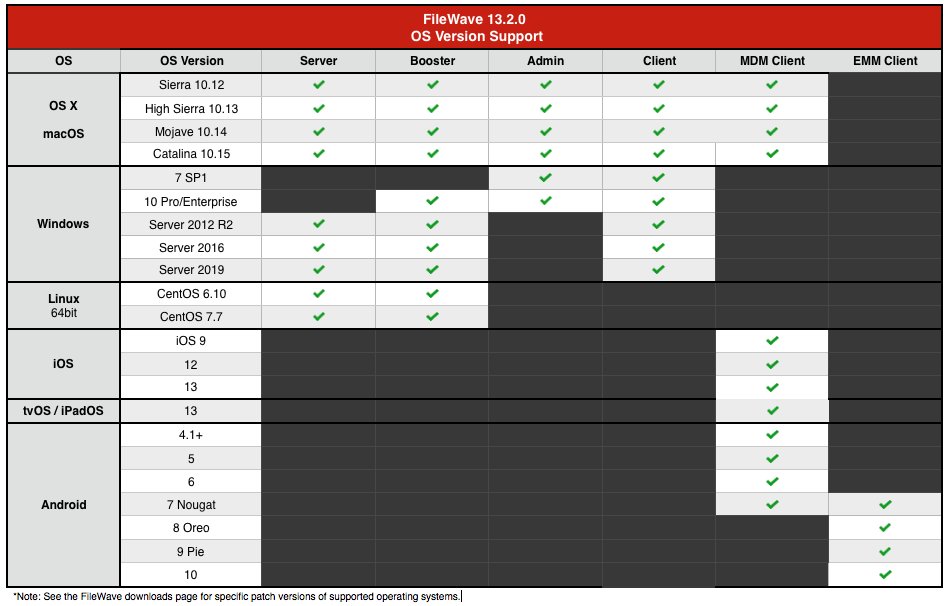
FileWave 13.2 has not been tested against iOS 10 and iOS 11; nevertheless devices running those iOS versions should still be manageable with FileWave 13.2.
If you upgrade from FileWave 13.1.3 or below, /fwxserver will be moved to its new location /usr/local/filewave/fwxserver. In case moving is not possible (specific mount point for instance), upgrade will stop and will require manual data folder move.
For Details please refer to [fwxserver folder relocation in FileWave Server 13.1.5+ on macOS and Linux Platforms](https://fwkb.atlassian.net/wiki/spaces/KB/pages/4333220)
## New Features (13.2.0, 13.2.1, 13.2.2)
### Apple 2019 Fall Release Support:
### [Apple New OS Support](https://fwkb.atlassian.net/wiki/spaces/KB/pages/4329814/13.2+Adds+New+Apple+OS+Support)
### [Profile](https://fwkb.atlassian.net/wiki/spaces/KB/pages/4332292) [Changes](https://fwkb.atlassian.net/wiki/spaces/KB/pages/4332292)
### [DEP Changes](https://fwkb.atlassian.net/wiki/spaces/KB/pages/4333127/13.2+DEP+Changes)
### [Bootstrap Token Management](https://fwkb.atlassian.net/wiki/spaces/KB/pages/4331066/13.2+Bootstrap+Token+Management)
### Google Related Updates:
### [Android EMM and ChromeBook Feature Improvements](https://fwkb.atlassian.net/wiki/spaces/KB/pages/4331605)
### Device Management
### [Client Renaming Changes](https://fwkb.atlassian.net/wiki/spaces/KB/pages/4332378/13.2+FileWave+Client+Rename+Behavior+Change)
### [Uninstall Script Change](https://fwkb.atlassian.net/wiki/spaces/KB/pages/4329783/13.2+FileWave+Pre-Uninstall+and+Post-Uninstall+Script+Changes)
### Inventory
### [Inventory Field Changes/Additions](https://fwkb.atlassian.net/wiki/spaces/KB/pages/4332774/13.2+New+Inventory+Fields)
## Additional Information
Included Open Source Software
[Click here for an extensive list of Open Source Software included in the FileWave products.](https://www.filewave.com/open-source-software/oss-v13-2-3)
Changes and Fixes in 13.2.3
- Upgrade to Qt 5.12.7 - [https://www.qt.io/blog/qt-5.12.7-released](https://www.qt.io/blog/qt-5.12.7-released)
- FW-22735 "Serial Number" is now reporting WMI Value on Windows
- FW-23432 Fixed an issue where booster could be configured to accept less than 10 connections
- FW-23873 Fixed an issue where duplicating VPP fileset would reserve incorrect number of licenses
- FW-23874 Fixed an issue where insufficient license count would prevent from deleting clients
- FW-24452 Fixed an issue where server installer would fail on Linux distributions without sudo
- FW-24536 Fixed an issue where re-enrollment of clients running FileWave 13.0 or earlier would not be listed in New Clients dialog
- FW-24538 Fixed an issue where changing Auto-Enrollment setting could create duplicated entries
- FW-24645 Fixed an issue where Inventory Query results may be incomplete for non super-admin users
- FW-24771 Fixed several issues related to memory footprint of notification broker
- FW-24874 Fixed an issue where model update could be stuck at "Sending Model to MDM" when having timed iOS associations
- FW-24878 Fixed performance issue of Classroom view
- FW-24879 Fixed an issue where macOS 10.15 device would not report requested Software Update
- FW-24882 Fixed an issue in imaging fwcld where client fingerprint would be incorrect
Fixes in 13.2.2
- FW-24744 Updated App Store Country chooser with newly supported countries
- FW-24756 Fixed an issue introduced with 13.2.0 where a race condition could lead to smart group evaluation failure
Fixes in 13.2.1
- FW-24658 Generate new signing certificate and profile for native app portal
- FW-24678 Fixed an issue where removing client certificate API would be denied
- FW-24700 Fixed an issue where changing verification setting of files would lead client to consider those files as executable and report script run failures
- FW-24709 Fixed several issues with profile installation via MDM on macOS
- FW-24714 Ensures macOS Upgrade Fileset only upgrades supported macOS versions
Fixes in 13.2.0
- FW-21259 Made sure iOS/tvOS serials are uppercase when importing client list from CSV
- FW-22284 Fixed an issue where renaming "All users" folder would rename any folder containing "All users" string
- FW-22375 Fixed various issues related to profiles used as Fileset dependencies
- FW-22444 Improved reliability of Application usage report on Windows clients
- FW-22535 Made sure pre-uninstall scripts are executed in Passive phase and not Delete phase
- FW-22538 Made sure license counts are immediately updated after updating license code
- FW-22881 Improved how Classroom class names are populated from Apple School Manager
- FW-22997 Fixed an issue where macOS 10.14+ devices would not requests some required macOS Software Updates
- FW-23207 Fixed Parental control payload - Deny URLs was not working properly
- FW-23215 Fixed an issue where FileWave agent could not be added to TCC profile
- FW-23246 Fixed an issue preventing from renaming properly Apple TV
- FW-23447 Ensure all internal components are 64b on macOS to support 10.15 Catalina
- FW-23457 Improved memory usage of Linux server
- FW-23534 Fixed inconsistency in importFolder command
- FW-23580 Fixed typo in 'Remote Wipe Clear' dialog
- FW-23653 Create New Association(s) dialogs are not updated if already open
- FW-23746 Scheduler is now using system proxy to contact Apple APN server
- FW-23883 Reduce unnecessary noise in fwxadmin.log
- FW-24016 Fixed an issue where importing folder would not follow symlinks
- FW-24025 Fixed an issue where Custom Field based inventory queries could be very slow
- FW-24102 Report itunes store account hash for mac devices as well
- FW-24113 Unify settings for Smart Group Evaluation interval ; now everything is driven by Admin console settings
- FW-24118 Allow "SetupMode" for non-Enterprise Wi-Fi Security modes
- FW-24198 Fixed an issue were negative association for MDM fileset would not remove the fileset
- FW-24200 Fixed an issue where iBooks would be self-healed on macOS while books can't be managed on macOS
- FW-24240 Fixed various server performance issues due to incorrect usage of internal cache
- FW-24249 Fixed Classroom self-signed certificate generation to be compliant with iOS 13 and macOS 10.15
- FW-24255 Fixed an issue where Observe Client feature may not work after client restart when "Route server messages via booster" is enabled
- FW-24332 Fixed a performance issue due to large Certificate Revocation List (CRL)
- FW-24341 Fixed a possible issue where LDAP based custom field would not be updated properly
- FW-24353 Improved security related to Observe Client feature on Windows
- FW-24360 Fixed an issue where iOS device smartgroup membership could temporarily out-dated just after hitting model update
- FW-24414 Fixed an issue where iOS devices would be sent APNs in case of membership change of SmartGroup, even if SmartGroup has no fileset associated
- FW-24498 Fixed an issue where enrolling a desktop device to another server would not work unless certificate is manually removed from device
- FW-24503 Fixed an issue where duplicated client would be added to the model and create duplicated entries
- FW-24515 Made sure conflict resolution actions are properly logged in audit log
- FW-24517 Fixed an issue where client in conflict would still be added if auto enrollment is set, creating duplicates
- FW-24527 Fixed an issue where conflict detection would not work for 13.0 clients or older
- FW-24551 Fixed an admin crash when Client Info dialog is open for a device and the device is removed by conflict resolution
- FW-24782 Fixed an issue where MDM or EMM devices impacted by Smart Group change would not be notified and thus would not get modifications in a timely manner
- GOOG-170 If FileWave recognizes that an error is permanent (e.g., a device no longer managed upstream) it elides all unnecessary upstream communication.
- GOOG-256 Audited EMM-borne log messages to include (where possible) precise information as to the error or state. For example, FileWave logs relevant Fileset IDs and exact upstream error messages.
- GOOG-274 Fixed EMM icon in Client Report.8
- GOOG-279 Passwords are obfuscated when viewed (e.g., Client Report dialog); implemented a checkbox to optionally show them during input or editing.
- GOOG-283 Fixed duplicate EMM entries. A device enrolled once, ten, or N times will always be matched to same record in FileWave.
Downloads
Your existing FileWave Server must be version **12.3.0** or higher before you can upgrade to FileWave 13.1+.
Upgrading
Please read: [https://kb.filewave.com/display/KB/Upgrading+your+FileWave+Server](https://kb.filewave.com/display/KB/Upgrading+your+FileWave+Server)
This article contains important information that will help ensure your upgrade runs smoothly. It is strongly advised that you review this for each release, since new notes or instructions may have been added.
**Please make sure you have a recent backup before upgrading your server.**
Upgrading FileWave requires the *FileWave Imaging Appliance* (IVS) is upgraded to a compatible version to ensure communication continues. Example: FileWave 13.2.0 requires the 6.2 IVS to image your computers.
The *FileWave Engage Server* must be version 1.2.0 or greater for compatibility.
In order to avoid problems with migrating database internal structures please make sure that you use a local administrator account, not domain administrator, when performing FileWave Server upgrade on Windows platform.
Location Tracking
The location reporting feature in FileWave is disabled by default.
It is recommended that you verify that this feature is in accordance with your organization’s policies and AUP (Acceptable Use Policy). Notify your end users before activating location reporting, as enabling the feature will prompt for permission to location information.
Read more... [The Location Tracking KB (https://kb.filewave.com/display/KB/Location+Tracking)](https://kb.filewave.com/display/KB/Location+Tracking)
Before Upgrading
Version 13.0.x introduces higher security standards which have impact on self-signed certificate usage.
While it is recommended to use Trusted-CA issued certificates, you can still use self-signed certificate with FileWave ; please make sure you follow the upgrade steps described in this [KB article](https://fwkb.atlassian.net/wiki/spaces/KB/pages/4328019/Self-Signed+SSL+Certificates+Going+Forward).
Following upgrade steps is important to make sure your FileWave setup works properly !
---
With FileWave 13.0.x, FileWave uses new [Apple Push Notifications service](https://developer.apple.com/documentation/usernotifications/setting_up_a_remote_notification_server/sending_notification_requests_to_apns) with HTTP/2 protocol ; make sure your FileWave server can contact [https://api.push.apple.com](https://api.push.apple.com) (port 443).
Security Changes
Starting with FileWave 13.1.0, all components (clients and boosters) will be assigned a certificate to validate their access to your FileWave instance. This implies that [Boosters need to be enrolled](#bkmrk-hyper-v-%28vhd%29-booste) to be part of your FileWave setup.
When upgrading, a [Compatibility Mode](https://fwkb.atlassian.net/wiki/spaces/KB/pages/4331380) will automatically be enabled to ease transition ; in this mode, already enrolled clients will automatically be assigned a certificate, but [Boosters will require manual "create certificate" operation](#bkmrk-hyper-v-%28vhd%29-booste) once upgraded to 13.1.
You can figure out which booster requires a certificate by looking at the booster view.
If you are using a self signed certificate for your FileWave Server, Booster trust store needs to be updated to trust this certificate. The easiest way is to go through our [Custom Package Builder Service](https://custom.filewave.ch) and generate a Booster Package which will contain the server certificate.
Web admin console
With version 13.0.x comes the first iteration of FileWave web-based admin console. It will be installed automatically and uses **default HTTPS port** (443).
Upgrade to 13.0.x will fail if port 443 is not available (upgrade will fail without upgrading your server, leaving it with the previous version running).
It is recommended to use a dedicated server for FileWave ; if you want to share the server with other services that require HTTPs port, follow the following steps:
- stop other service using 443
- install FileWave 13.0.x
- change FileWave admin port to an unused as described in [Change Default Web Console Port](https://fwkb.atlassian.net/wiki/spaces/DRAFT/pages/4327696/Change+Default+Web+Console+Port) KB article
- restart FileWave 13.0.x
- restart other service
In order to support Catalina, if you upgrade from FileWave 13.1.3 or an earlier version, /fwxserver will be moved to its new location. In case moving is not possible (specific mount point for instance), upgrade will stop and will require manual data folder move.
For Details please refer to [fwxserver folder relocation in FileWave Server 13.1.5+ on macOS and Linux Platforms](https://kb.filewave.com/pages/viewpage.action?pageId=26411442)
**Backup Script Update:**
With the relocation of /fwxserver, the backup script must be updated on your server to ensure a proper backup is being captured.
Please reference the following for more information; [https://kb.filewave.com/display/KB/Automated+Backup](https://kb.filewave.com/display/KB/Automated+Backup)
**macOS Downloads**
[macOS Installers](https://fwdl.filewave.com/13.2.3/FileWave_macOS_13.2.3.dmg)
[macOS Upgrade Fileset](https://fwdl.filewave.com/13.2.3/FileWave_macOS_Client_13.2.3_f31d5bb5a9.fileset.zip)
**Windows Downloads**
[Windows Installers](https://fwdl.filewave.com/13.2.3/FileWave_Windows_13.2.3.zip)
[Windows Upgrade Fileset](https://fwdl.filewave.com/13.2.3/FWWinClientUpgrade_13.2.3_f31d5bb5.fileset.zip)
In order to avoid problems with migrating database internal structures please make sure that you use a local administrator account, not domain administrator, when performing FileWave Server upgrade on Windows platform.
**Linux Downloads**
[Linux Installers](https://fwdl.filewave.com/13.2.3/FileWave_Linux_13.2.3.zip)
**Note:** Use the following command to download and unzip the installers:
```
wget https://fwdl.filewave.com/13.2.3/FileWave_Linux_13.2.3.zip
```
```
unzip FileWave_Linux_13.2.3.zip
```
Since v11+ only has one installer (that installs both mdm and server), the old standalone mdm will be removed automatically when doing an upgrade. This does not delete any mdm data.
To install or upgrade the FileWave Server, use the following :
```
yum install -y --nogpgcheck fwxserver-13.2.3-1.0.x86_64.rpm
```
To install or upgrade the FileWave Booster, use the following :
```
yum install -y --nogpgcheck fwbooster-13.2.3-1.0.x86_64.rpm
```
**iOS Downloads**
This is a native app version of the traditional Web Clip kiosk/app portal that is sent to devices ; it provides for a better end user experience and is highly recommended for iOS 9 devices (required for location information).
iOS 9+ : [FileWave Enterprise.ipa](https://fwdl.filewave.com/13.2.3/app_kiosk/filewave/App%20Portal%2013.2.3.ipa)
Static CDN URL :
```
https://fwdl.filewave.com/13.2.3/app_kiosk/filewave/App%20Portal%2013.2.3.ipa
```
**Android Downloads**
This is the Android APK, and can be downloaded and associated to update already enrolled Android Devices.
[FileWaveClient-13.2.3.apk](https://fwdl.filewave.com/13.2.3/android/FileWaveClient/FileWaveClient-13.2.3.apk)
[Skeleton for Android white-boxing](https://fwdl.filewave.com/13.2.3/android/android-whiteboxing.zip)
**Chrome**
The FileWave Inventory extension for Chromebook has to be installed via the Google Admin Console for your domain. Please see [Quickstart Guide for Chromebooks](https://kb.filewave.com/display/KB/Quick+Start+Guide+for+Chromebooks) for detailed instructions
[Skeleton for Chromebook white-boxing](https://fwdl.filewave.com/13.2.3/Chromebooks/chromebooks-whiteboxing.zip)
**Virtual Appliance Downloads**
[VMware and VirtualBox (OVA) Server Appliance](https://fwdl.filewave.com/13.2.3/FileWave_Server_13.2.3.ova)
[VMware and VirtualBox (OVA) Booster Appliance](https://fwdl.filewave.com/13.2.3/FileWave_Booster_13.2.3.ova)
For more information about importing the appliances please see: [Importing Virtual Appliances](https://fwkb.atlassian.net/wiki/spaces/KB/pages/4329332/Importing+Virtual+Appliances)
**Hyper-V Appliance Downloads**
[Hyper-V (VHD) Server Appliance](https://fwdl.filewave.com/13.2.3/FileWave_Server_13.2.3_VHD.zip)
[Hyper-V (VHD) Booster Appliance](https://fwdl.filewave.com/13.2.3/FileWave_Booster_13.2.3_VHD.zip)
# FileWave Version 13.1.5 (Unsupported)
These downloads are provided for the purposes of migrations and should not continue to be used in production. You should upgrade to either the most recent release or the one prior. They can always be found here: [Supported FileWave Versions](https://kb.filewave.com/books/downloads/chapter/supported-filewave-versions "Supported FileWave Versions")
# FileWave Management Suite
---
## Included in the Installer
- Admin
- Server
- Booster
- Client
## Compatibility
Server
- macOS 10.12 through 10.15 (binaries are 64 bit only)
- Windows Server 2012 R2 and Server 2016
- Linux CentOS 6.10 x86\_64, and 7.7 x86\_64 (binaries are 64 bit only)
Booster
- macOS 10.12 through 10.15 (binaries are 64 bit only)
- Windows 10, Windows Server 2012 R2 and Server 2016
- Linux CentOS 6.10 x86\_64 and 7.7 x86\_64 (binaries are 64 bit only)
Clients
- macOS 10.11 through 10.15 (binaries are 64 bit only)
- Windows 7 SP1, Windows 10, Windows Server 2008 R2, Windows Server 2012 R2 and Server 2016
Admin
- macOS 10.12 through 10.15 (binaries are 64 bit only)
- Windows 7 SP1 and Windows 10
Mobile Clients
- iOS 9 through iOS 13, iPadOS 13
- tvOS 10 through tvOS 13
- Android 4.1, 4.2 \*known issues, 4.3 (Jelly Bean), 4.4 (KitKat), 5, 6 and 7 (Legacy Android)
- Android 7, 8 and 9 (EMM Client)
- Chromebook: ChromeOS 43+
**Compatibility Chart**
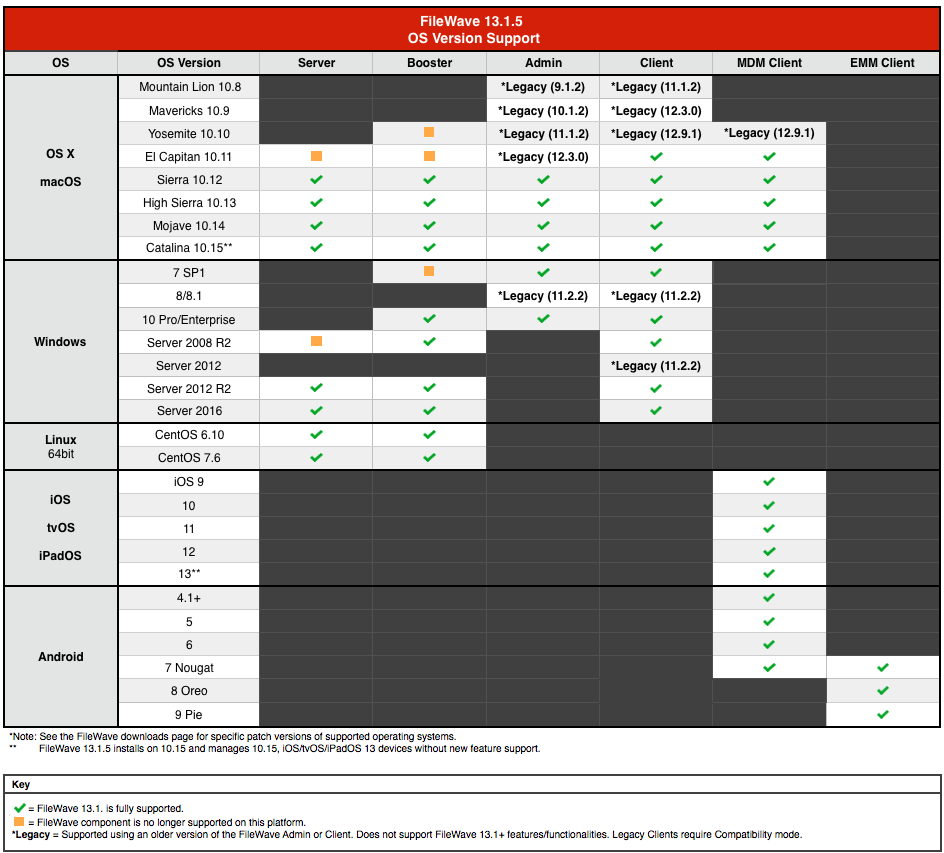
## New Features (13.1.5)
- Compatibility support for macOS Catalina
macOS Catalina brings new restrictions and security changes; one of these changes is the new Read-Only System Volume, introduced to protect the system from un-wanted changes. As your FileWave server stores files in /fwxserver, it is impacted by this change.
FileWave 13.1.5 is now locating files in /usr/local/filewave/fwxserver; if you are upgrading from a previous version, files will be moved during upgrade.
If you upgrade from a previous version of FileWave, /fwxserver will be moved to its new location. In case moving is not possible (specific mount point for instance), upgrade will stop and will require manual data folder move.
For Details please refer to [fwxserver folder relocation in FileWave Server 13.1.5+ on macOS and Linux Platforms](https://kb.filewave.com/books/filewave-server/page/fwxserver-folder-relocation-in-filewave-server-1314-on-macos-and-linux-platforms "fwxserver folder relocation in FileWave Server 13.1.4+ on macOS and Linux Platforms")
**Backup Script Update:**
With the relocation of /fwxserver, the backup script must be updated on your server to ensure a proper backup is being captured.
Please reference the following for more information; [Automated FileWave Server Backup](https://kb.filewave.com/books/filewave-server/page/filewave-server-backup-and-restore "Automated FileWave Server Backup")
- TLS self-signed certificate for MDM
Generated self-signed cert is compliant with iOS 13, tvOS 13 and macOS 15 new security requirements.
fwcontrol generateSelfSignedCert command uses previous private key, allowing to unblock already upgraded devices
- Duplicated devices detection
FileWave clients are identified by a user-friendly identifier (client name) and a machine-fingerprint identifier (device id). Re-enrolling devices with a different name or enrolling a new device with the same name as an existing client creates duplicated entries in the system, which can lead to various problems. FileWave 13.1.5 integrates duplicated detection:
- At enrollment time; enrolling a device matching either the client name or the fingerprint, but not both (so not a in place re-enrollment) will not be possible without solving the conflict (removing the old entry or ignoring the new enrollment).
- tools are provided to detect and resolve existing duplicated entries
- OpenSSL updated to 1.0.2t
## New Features (13.1)
**Security Enforcement**
- End-to-End encrypted notifications
- TLS certificates for all FileWave components:
- Clients and boosters now request a certificate when added to FileWave; the certificate is checked by other peers (client contacting booster, booster contacted by client…) to ensure communications are safe
- Boosters now need to be enrolled to be allowed to communicate
- Compatibility mode allows to transition to 13.1
- New admin permissions
- Activation Lock Bypass code management
- Server preferences
- OCSP Stapling support
- Updated MDM enrollment to follow updated Apple guidelines
**Device Management**
- iOS/tvOS Smart Groups are now as dynamic as Desktop Smart Groups
- iOS devices can now be locked like Desktop Devices to not impact them with Model Update
- New LDAP Safety - Missing clones can be kept for a defined number of extractions
- DEP Profile Auto assignment rules
- Inventory fields can be used in DEP naming scheme
- Custom Field definition can now be imported / exported
- License definitions can be based on Custom Field
- Improved usability of Reinstall Fileset feature when selecting several devices
**Analytics**
- Analytics are now collected daily and sent to an Elasticsearch database
- Information collected is the following:
- License information and usage
- Number of clients per device type
- Map of versions for clients/server/boosters
- Logging level
- Number of Filesets
- Imaging usage (count and associations)
- Number of fileset groups and number of associations to fileset groups
- Server and Boosters OS version
- Available and used disk-space
- Engage configuration
- Classroom configuration
- Number of model updates in the past 24h
- Number of restarts in the past 24h
- WebUI usage (general and fileset reinstall
- The information is packed in a JSON file and sent to Logstash for data validation and enrichment
**UCS Improvements**
- Automatic set-up of certificate and hostname (read from UCS)
- Automatic set-up of LDAP (Accessible in FileWave, configuration read from UCS)
- Login to FileWave using your UCS credentials
**Apple "Spring 2019" release support**
- Support for iOS 12.2, tvOS 12.2, macOS 10.14.4
- Classroom can now be used on macOS
- 10.14.4 is required
- Classes can be composed of iPads and macOS devices
- Known issue: student pictures are currently not displayed on macOS teacher devices
- New or updated profiles:
- macOS - Restrictions - new options (Classroom, screen sharing related)
- macOS - Exchange - authentication options for Exchange Web Services
- macOS - Security And Privacy - FireWall can be excluded from the profile
- macOS - Content Caching has now more options
- macOS - Setup Assistant - "Skip True Tone" option
- macOS - Mobile Account - cachedaccounts.askForSecureTokenAuthBypass option
- Transparency and Consent Configuration profile has now a dedicated entry
- iOS - Restrictions - new options for Personal Hotspot modification and disable server-side Siri Logging
- iOS - Restrictions - allowESIMModification option
- tvOS - Restrictions - defer software update and force automatic date and time
- New Certificate Transparency Profile
- New MDM commands:
- Enable or Disable Remote Desktop (macOS)
- UnlockUserAccount - allows to unlock a local user account that has been locked for too many failed password attempts (macOS)
- Support for iOS Per-App-VPN, which allows to configure a specific VPN for a specific application.
- Support for iBoss Per-App-VPN
- Support for tvOS Software Update
- Update DEP profile:
- New Skip Item : "SIMSetup" (iOS)
- Updated Admin Account creation for macOS
- Support for MDM Activation Lock
- Improved Shared iPad support:
- When non-current user is deleted, current user won't be logged out.
- Scheduled log out verifies now iOS updates
**Android (EMM) support**
- Support for Android devices using Google EMM API
- Enroll devices to FileWave using QR or alphanumeric code
- Configure Play Store applications
- Deploy Play Store applications
- Gather inventory information
- Send commands
- Reboot device
- Lock device
- Unlock device
- Wipe device
- Deploy configuration (policy)
- Network (WiFi) policy
- Compliance policy
- Password policy
- Device Restrictions policy
- Permission Grants policy
## Additional Information
Included Open Source Software
[Click here for an extensive list of Open Source Software included in the FileWave products.](https://www.filewave.com/open-source-software/oss-v13-1-4)
Fixes in 13.1.4 and 13.1.5
- FW-23423 Fixed a possible issue where clients could be removed from Smart Groups due to duplicate file ids
- FW-23757 Fixed appearing of VPP error 9600
- FW-23828 Fixed an issue preventing enrollment if client sends new certificate request before previous one has been accepted
- FW-23916 Fixed an issue where Windows Upgrade fileset would not upgrade on Spanish localized Windows
- FW-23917 Improve server stability when duplicating filesets with some specific file date time
- FW-23940 Fixed deadlock between house\_keeping and send\_next\_queued\_command on acquiring lock on ios\_commands
- FW-23948 Moved FileWave agent on macOS to /Applications to be properly indexed under macOS 10.15 Catalina
- FW-23966 Fixed an issue where model update would fail if devices are removed, re-enrolled before model is updated, and auto-enroll is enabled
- FW-23984 Fixed a potential issue where re-enrolling devices while auto-enroll is turned on would fail due to renamed clients
- FW-23986 Fixed an issue where server could be frozen when processing inventory data of auto-enrolled devices
- FW-24012 Fixed an exception when the server is busy during model update
- FW-24013 Fixed an issue where instances impacted by FW-23810 (fixed in 13.1.5) may contain invalid commands in command queue which can't be sent to device
- FW-24014 Fixed a potential issue preventing model update when server is under load
- FW-24015 Fixed a potential issue preventing SCEP process to succeed when server is under load
- FW-24018 Fixed an issue where VPP synchronization could last long in case of multiple tokens
- FW-24020 Fixed a possible upgrade from 13.0.0 issue due to Classroom certificate revocation
- FW-24023 Fix VPN profile not properly storing "Send All Traffic" option
- FW-24031 Fixed an issue where client sending certificate request would be temporarily removed from smart groups
- FW-24046 Fixed an issue where some results could be missing in inventory query based smart groups
- FW-24048 Added to Custom VPN profile missing options like Provider Type, ProviderBundleIdentifier or On Demand options
- FW-24052 Fixed an issue where Smart Group evaluation for automatically created LDAP groups could not return consistent results over time
- FW-24059 Improve FileWave component reliability when server is under load
- FW-24060 Fixed an issue where InviteToProgram command could be sent in loop when App Store is restricted on devices
- FW-24064 More smart approach of handling MDM commands was implemented to not have large MDM command history which can slow server
- FW-24067 Fixed exception if renamed client has the same name as placeholder without serial
- FW-24068 Fixed exception during enrollment, if 2 UCGs have same serial\_number for enrolled device
- FW-24072 Improved server responsiveness when several auto-assignment DEP rules are configured
- FW-24073 Fixed an issue where client could request previous dependency, impacting booster performance
- FW-24078 Improved client error message when file download fails
- FW-24080 Improved booster performance when clients are requesting outdated files
- FW-24100 Updated Custom Setting profile to support macOS assessment profile
- FW-24151 Ensure Unlock Token is not removed when iOS 13 devices send Update Token message without UnlockToken
- FW-24158 Native Kiosk does not require developer trust on iOS 9 anymore
- FW-24169 Ensure generated self-signed certificate is compatible with iOS 13, tvOS 13 and macOS 10.15
- FW-24183 Fixed an issue where Android/Chromebook Firebase notification requests could not be sent
Fixes in 13.1.2
- FW-23969 Fixed an issue where enrollment username could be incorrectly cleared when desktop devices submit new certificate signing request
- FW-23792 Updated Google ChromeBook API after Google changes on paging - allows to get ChromeBook data again
- FW-23980 Fixed an issue where restarting booster while server is under load would reject older clients until booster can reach the server even with Compatibility Mode set
Fixes in 13.1.1
- FW-23294 Fixed an issue where Windows upgrade Fileset would leave several cmd.exe processes running
- FW-23397 Fixed an issue where profiles installed via MDM on macOS would not report installation error
- FW-23418 Fixed an issue where Admin console would crash when getting Script Output from Client Info
- FW-23429 Fixed typo in Classroom association dialog
- FW-23446 Fixed an issue where ldap extraction status would not be reported in dashboard
- FW-23460 Fixed an issue where admin console would freeze when removing offline IVS server
- FW-23535 Fixed an error message in server logs about illegal tickle message
- FW-23546 Fixed an installer issue where Admin installer would remove fwcontrol on macOS
- FW-23553 Fixed an issue where iOS smartgroup data would be processed by MDM even when there is no iOS device, leading to misleading entries in log
- FW-23562 Fixed a potential admin crash when using "Move to" with root group
- FW-23631 Fixed an issue where enrolling iOS device would not work if enrollment would be blocked
- FW-23635 Fixed an issue where defining automatic DEP profile rules could lead to incorrect calls to Apple services
- FW-23637 Fixed an issue where re-enrolling wiped macOS device would not be possible due to CSR errors
- FW-23638 Fixed an issue where enrollment fails if IPv6 is enabled
- FW-23651 Fixed an issue where IVS could not be enrolled in some situations
- FW-23663 Fixed "Mass Enrollment" profile
- FW-23677 Fixed an issue where creating certificates for IVS instances must be done in the exact order
- FW-23691 Fixed an issue where model update would fail due to out of range identifier
- FW-23736 Fixed an issue where client would not be able to contact booster if server is under load and compatibility mode is set
- FW-23737 Fixed an issue where client could not get certificate (error 500) if model contains duplicated entries for the client
- FW-23744 Fixed an issue where MDM profile whiteboxing would prevent enrollment
- FW-23745 Fixed an issue where Database Checker tool would report false positive
- FW-23748 Fixed an issue where renaming device while no enrollment authentication is set would fail
- FW-23752 Fixed an issue where concurrent accesses to client information could cause various problems, including blocked model update
- FW-23756 Fixed fwxserver -s crash due to race condition when enrolling new device having associated software updates
- FW-23772 Fixed an issue where creating Custom Field values associated to all devices would fail during model update
- FW-23796 Fixed an issue where device fingerprint could not be generated from hardware details and therefore be common to multiple devices
- FW-23804 Fixed appearing of invalid entry in admin.user table
- FW-23808 Fixed an issue where model update would fail due to out of range identifier (iOS Updates)
- FW-23810 Fixed an exception when a DEP device is enrolled after being removed from admin without updating model. Naming scheme must be "use client name"
- FW-23827 Fixed appearing of error with code -200 when trying to re-enroll upgraded client
- FW-23842 Fixed an issue where iPad OS 13 Beta devices could not be enrolled
- FW-23872 Fixed an issue where model update could be blocked due to concurrent access to device serial numbers
- FW-23876 Fixed an issue where FileWave server could be hanging due to concurrent access to device login information
- GOOG-184 Android Service Account window can cut off text due to resizing on macOS
- GOOG-254 Android Devices hiding in new mobile UI
- GOOG-258 Unable to update policies (and thereby devices) after Google's complianceRules change
- GOOG-278 Prevent from creating a second EMM service account
## Downloads
Your existing FileWave Server must be version **12.0.3** or higher before you can upgrade to FileWave 13.1+.
Upgrading
Please read: [Upgrading your On-Premise FileWave Server](https://kb.filewave.com/books/filewave-server/page/upgrading-your-on-premise-filewave-server "Upgrading your On-Premise FileWave Server")
This article contains important information that will help ensure your upgrade runs smoothly. It is strongly advised that you review this for each release, since new notes or instructions may have been added.
**Please make sure you have a recent backup before upgrading your server.**
Upgrading FileWave requires the *FileWave Imaging Appliance* (IVS) is upgraded to a compatible version to ensure communication continues. Example: FileWave 13.1.0 requires the 6.1 IVS to image your computers.
The *FileWave Engage Server* must be version 1.2.0 or greater for compatibility.
In order to avoid problems with migrating database internal structures please make sure that you use a local administrator account, not domain administrator, when performing FileWave Server upgrade on Windows platform.
Location Tracking
The location reporting feature in FileWave is disabled by default.
It is recommended that you verify that this feature is in accordance with your organization’s policies and AUP (Acceptable Use Policy). Notify your end users before activating location reporting, as enabling the feature will prompt for permission to location information.
Read more... [Location Tracking](https://kb.filewave.com/books/filewave-client/chapter/location-tracking "Location Tracking")
Before Upgrading
Version 13.0.x introduces higher security standards which have impact on self-signed certificate usage.
While it is recommended to use Trusted-CA issued certificates, you can still use self-signed certificate with FileWave; please make sure you follow the upgrade steps described in this [KB article](https://kb.filewave.com/books/certificates/page/self-signed-ssl-certificates-going-forward "Self-Signed SSL Certificates Going Forward").
Following upgrade steps is important to make sure your FileWave setup works properly !
---
With FileWave 13.0.x, FileWave uses new [Apple Push Notifications service](https://developer.apple.com/documentation/usernotifications/setting_up_a_remote_notification_server/sending_notification_requests_to_apns) with HTTP/2 protocol; make sure your FileWave server can contact [https://api.push.apple.com](https://api.push.apple.com) (port 443).
Security Changes
Starting with FileWave 13.1.0, all components (clients and boosters) will be assigned a certificate to validate their access to your FileWave instance. This implies that [Boosters need to be enrolled](#bkmrk-hyper-v-%28vhd%29-booste) to be part of your FileWave setup.
When upgrading, a [Compatibility Mode](https://kb.filewave.com/books/filewave-general-info/page/what-is-compatibility-mode "What is Compatibility Mode?") will automatically be enabled to ease transition; in this mode, already enrolled clients will automatically be assigned a certificate, but [Boosters will require manual "create certificate" operation](#bkmrk-hyper-v-%28vhd%29-booste) once upgraded to 13.1.
You can figure out which booster requires a certificate by looking at the booster view.
If you are using a self signed certificate for your FileWave Server, Booster trust store needs to be updated to trust this certificate. The easiest way is to go through our [Custom Package Builder Service](https://custom.filewave.ch) and generate a Booster Package which will contain the server certificate.
Web admin console
With version 13.0.x comes the first iteration of FileWave web-based admin console. It will be installed automatically and uses **default HTTPS port** (443).
Upgrade to 13.0.x will fail if port 443 is not available (upgrade will fail without upgrading your server, leaving it with the previous version running).
It is recommended to use a dedicated server for FileWave; if you want to share the server with other services that require HTTPs port, follow the following steps:
- stop other service using 443
- install FileWave 13.0.x
- change FileWave admin port to an unused as described in Change Default Web Console Port KB article
- restart FileWave 13.0.x
- restart other service
**macOS Downloads**
- [macOS Installers](https://fwdl.filewave.com/13.1.5/FileWave_macOS_13.1.5.dmg)
- [macOS Upgrade Fileset](https://fwdl.filewave.com/13.1.5/FileWave_macOS_Client_13.1.5_dd5eb48.fileset.zip)
**Windows Downloads**
- [Windows Installers](https://fwdl.filewave.com/13.1.5/FileWave_Windows_13.1.5.zip)
- [Windows Upgrade Fileset](https://fwdl.filewave.com/13.1.5/FWWinClientUpgrade_13.1.5_dd5eb480.fileset.zip)
In order to avoid problems with migrating database internal structures please make sure that you use a local administrator account, not domain administrator, when performing FileWave Server upgrade on Windows platform.
**Linux Downloads**
[Linux Installers](https://fwdl.filewave.com/13.1.5/FileWave_Linux_13.1.5.zip)
**Note:** Use the following command to download and unzip the installers:
```
wget https://fwdl.filewave.com/13.1.5/FileWave_Linux_13.1.5.zip
```
```
unzip FileWave_Linux_13.1.5.zip
```
Since v11+ only has one installer (that installs both mdm and server), the old standalone mdm will be removed automatically when doing an upgrade. This does not delete any mdm data.
To install or upgrade the FileWave Server, use the following :
```
yum install -y --nogpgcheck fwxserver-13.1.5-1.0.x86_64.rpm
```
To install or upgrade the FileWave Booster, use the following :
```
yum install -y --nogpgcheck fwbooster-13.1.5-1.0.x86_64.rpm
```
**iOS Downloads**
This is a native app version of the traditional Web Clip kiosk/app portal that is sent to devices; it provides for a better end user experience and is highly recommended for iOS 9 devices (required for location information).
iOS 9+ : [FileWave Enterprise.ipa](https://fwdl.filewave.com/13.1.5/app_kiosk/filewave/App%20Portal%2013.1.5.ipa)
Static CDN URL :
```
https://fwdl.filewave.com/13.1.5/app_kiosk/filewave/App%20Portal%2013.1.5.ipa
```
**Android Downloads**
This is the Android APK, and can be downloaded and associated to update already enrolled Android Devices.
[FileWaveClient-13.1.5.apk](https://fwdl.filewave.com/13.1.5/android/FileWaveClient/FileWaveClient-13.1.5.apk)
[Skeleton for Android white-boxing](https://fwdl.filewave.com/13.1.5/android/android-whiteboxing.zip)
**Chrome**
The FileWave Inventory extension for Chromebook has to be installed via the Google Admin Console for your domain. Please see [Quickstart Guide for Chromebooks](https://kb.filewave.com/display/KB/Quick+Start+Guide+for+Chromebooks) for detailed instructions
[Skeleton for Chromebook white-boxing](https://fwdl.filewave.com/13.1.5/Chromebooks/chromebooks-whiteboxing.zip)
**Virtual Appliance Downloads**
- [VMware and VirtualBox (OVA) Server Appliance](https://fwdl.filewave.com/13.1.5/FileWave_Server_13.1.5.ova)
- [VMware and VirtualBox (OVA) Booster Appliance](https://fwdl.filewave.com/13.1.5/FileWave_Booster_13.1.5.ova)
For more information about importing the appliances please see: [Importing Virtual Appliances](https://kb.filewave.com/books/filewave-virtual-appliances/page/importing-filewave-ovf-vmware-esxi "Importing FileWave OVF (Vmware ESXI)")
**Hyper-V Appliance Downloads**
- [Hyper-V (VHD) Server Appliance](https://fwdl.filewave.com/13.1.5/FileWave_Server_13.1.5_VHD.zip)
- [Hyper-V (VHD) Booster Appliance](https://fwdl.filewave.com/13.1.5/FileWave_Booster_13.1.5_VHD.zip)
# FileWave Version 13.1.3 (Unsupported)
These downloads are provided for the purposes of migrations and should not continue to be used in production. You should upgrade to either the most recent release or the one prior. They can always be found here: [Supported FileWave Versions](https://kb.filewave.com/books/downloads/chapter/supported-filewave-versions "Supported FileWave Versions")
This version includes preliminary support for iOS 13. It contains a change to support iOS 13 MDM protocol changed related to Unlock Token which could prevent previous versions of FileWave from clearing passcode on iOS 13 devices.
## Included in the Installer
- Server
## Compatibility
Server

- macOS 10.12 through 10.14 (binaries are 64 bit only)
- Windows Server 2012 R2 and Server 2016
- Linux CentOS 6.10 x86\_64, and 7.6 x86\_64 (binaries are 64 bit only)
Booster

- macOS 10.12 through 10.14 (binaries are 64 bit only)
- Windows 10, Windows Server 2012 R2 and Server 2016
- Linux CentOS 6.10 x86\_64 and 7.6 x86\_64 (binaries are 64 bit only)
Clients

- macOS 10.11 through 10.14 (binaries are 64 bit only)
- Windows 7 SP1, Windows 10, Windows Server 2008 R2, Windows Server 2012 R2 and Server 2016
Admin

- macOS 10.12 through 10.14 (binaries are 64 bit only)
- Windows 7 SP1 and Windows 10
Mobile Clients

- iOS 9 through iOS 12 ; preliminary support for iOS 13
- tvOS 10 through tvOS 12 ; preliminary support for iOS 13
- Android 4.1, [4.2 \*known issues](https://www.filewave.com/alliance-community/27-known-issues-corner/1750-filewave-client-may-crash-on-android-4-2-devices), 4.3 (Jelly Bean), 4.4 (KitKat), 5, 6 and 7 (Legacy Android)
- Android 7, 8 and 9 (EMM Client)
- Chromebook: ChromeOS 43+
**Compatibility Chart**
Version 13.1.3 is supported on the same platforms as 13.1.1, but brings preliminary support for iOS 13.
## New Features (13.1)
Please read [Version 13.1.0](file:////wiki/spaces/DA/pages/5342614/Version+13.1.0) Release notes for new features introduced in 13.1 release.
## Additional Information
Included Open Source Software

[Click here for an extensive list of Open Source Software included in the FileWave products.](https://www.filewave.com/open-source-software/oss-v13-1-1)
Fixes in 13.1.3

- FW-24018 Fixed an issue where VPP synchronization may take time if several tokens are used
- FW-23966 Fixed an issue where model update would fail due to deleted device re-enrolled before model is updated
- FW-23757 Fixed an issue where request VPP license from Apple API would fail with error 9600
- FW-24015 Fixed a possible issue during SCEP enrollment due to server load
- FW-24012 Fixed an issue where requesting MDM device check-in fails when server is under load
- FW-24031 Fixed an issue where devices requesting CSR would be temporarily removed from Smart Groups
- FW-24060 Fixed an issue where InviteToProgram command is sent despite App Store restriction
- FW-24013 Fixed an issue where instances impacted by FW-23810 would contain invalid commands in command queue which could not be sent to devices
- FW-23267 Fixed an issue where permanent connection to Apple APN service would not be re-created if closed by network issue
- FW-24064 Fixed an issue where large MDM command history could slow the server
- FW-24063 Added a way to ignore Apple stock apps from management to workaround recurring issue on unboxed devices
- FW-24068 Fixed an issue where enrolling DEP device fails if multiple clients have the same serial number in the model
- FW-24151 Ensures iOS 13 sending empty Unlock Token is not clearing token from database, preventing Clear Passcode
- FW-24052 Fixed a possible issue where devices could be removed from LDAP smart groups
Fixes in 13.1.2

- FW-23969 Fixed an issue where enrollment username could be incorrectly cleared when desktop devices submit new certificate signing request
- FW-23792 Updated Google ChromeBook API after Google changes on paging - allows to get ChromeBook data again
- FW-23980 Fixed an issue where restarting booster while server is under load would reject older clients until booster can reach the server even with Compatibility Mode set
Fixes in 13.1.1

- FW-23294 Fixed an issue where Windows upgrade Fileset would leave several cmd.exe processes running
- FW-23397 Fixed an issue where profiles installed via MDM on macOS would not report installation error
- FW-23418 Fixed an issue where Admin console would crash when getting Script Output from Client Info
- FW-23429 Fixed typo in Classroom association dialog
- FW-23446 Fixed an issue where ldap extraction status would not be reported in dashboard
- FW-23460 Fixed an issue where admin console would freeze when removing offline IVS server
- FW-23535 Fixed an error message in server logs about illegal tickle message
- FW-23546 Fixed an installer issue where Admin installer would remove fwcontrol on macOS
- FW-23553 Fixed an issue where iOS smartgroup data would be processed by MDM even when there is no iOS device, leading to misleading entries in log
- FW-23562 Fixed a potential admin crash when using "Move to" with root group
- FW-23631 Fixed an issue where enrolling iOS device would not work if enrollment would be blocked
- FW-23635 Fixed an issue where defining automatic DEP profile rules could lead to incorrect calls to Apple services
- FW-23637 Fixed an issue where re-enrolling wiped macOS device would not be possible due to CSR errors
- FW-23638 Fixed an issue where enrollment fails if IPv6 is enabled
- FW-23651 Fixed an issue where IVS could not be enrolled in some situations
- FW-23663 Fixed "Mass Enrollment" profile
- FW-23677 Fixed an issue where creating certificates for IVS instances must be done in the exact order
- FW-23691 Fixed an issue where model update would fail due to out of range identifier
- FW-23736 Fixed an issue where client would not be able to contact booster if server is under load and compatibility mode is set
- FW-23737 Fixed an issue where client could not get certificate (error 500) if model contains duplicated entries for the client
- FW-23744 Fixed an issue where MDM profile whiteboxing would prevent enrollment
- FW-23745 Fixed an issue where Database Checker tool would report false positive
- FW-23748 Fixed an issue where renaming device while no enrollment authentication is set would fail
- FW-23752 Fixed an issue where concurrent accesses to client information could cause various problems, including blocked model update
- FW-23756 Fixed fwxserver -s crash due to race condition when enrolling new device having associated software updates
- FW-23772 Fixed an issue where creating Custom Field values associated to all devices would fail during model update
- FW-23796 Fixed an issue where device fingerprint could not be generated from hardware details and therefore be common to multiple devices
- FW-23804 Fixed appearing of invalid entry in admin.user table
- FW-23808 Fixed an issue where model update would fail due to out of range identifier (iOS Updates)
- FW-23810 Fixed an exception when a DEP device is enrolled after being removed from admin without updating model. Naming scheme must be "use client name"
- FW-23827 Fixed appearing of error with code -200 when trying to re-enroll upgraded client
- FW-23842 Fixed an issue where iPad OS 13 Beta devices could not be enrolled
- FW-23872 Fixed an issue where model update could be blocked due to concurrent access to device serial numbers
- FW-23876 Fixed an issue where FileWave server could be hanging due to concurrent access to device login information
- GOOG-184 Android Service Account window can cut off text due to resizing on macOS
- GOOG-254 Android Devices hiding in new mobile UI
- GOOG-258 Unable to update policies (and thereby devices) after Google's complianceRules change
- GOOG-278 Prevent from creating a second EMM service account
## Downloads
Your existing FileWave Server must be version **12.0.3** or higher before you can upgrade to FileWave 13.1+.
Upgrading

Please read: [https://kb.filewave.com/display/KB/Upgrading+your+FileWave+Server ](https://kb.filewave.com/display/KB/Upgrading+your+FileWave+Server)
This article contains important information that will help ensure your upgrade runs smoothly. It is strongly advised that you review this for each release, since new notes or instructions may have been added.
**Please make sure you have a recent backup before upgrading your server.**
Upgrading FileWave requires the FileWave Imaging Appliance (IVS) is upgraded to a compatible version to ensure communication continues. Example: FileWave 13.1.0 requires the 6.1 IVS to image your computers.
The FileWave Engage Server must be version 1.2.0 or greater for compatibility.
In order to avoid problems with migrating database internal structures please make sure that you use a local administrator account, not domain administrator, when performing FileWave Server upgrade on Windows platform.
Location Tracking

The location reporting feature in FileWave is disabled by default.
It is recommended that you verify that this feature is in accordance with your organization’s policies and AUP (Acceptable Use Policy). Notify your end users before activating location reporting, as enabling the feature will prompt for permission to location information.
Read more... [The Location Tracking KB (https://kb.filewave.com/display/KB/Location+Tracking)](https://kb.filewave.com/display/KB/Location+Tracking)
Before Upgrading
Version 13.0.x introduces higher security standards which have impact on self-signed certificate usage.
While it is recommended to use Trusted-CA issued certificates, you can still use self-signed certificate with FileWave ; please make sure you follow the upgrade steps described in this [KB article](file:////wiki/spaces/KB/pages/4328019/Self-Signed+SSL+Certificates+Going+Forward).
Following upgrade steps is important to make sure your FileWave setup works properly !
With FileWave 13.0.x, FileWave uses new [Apple Push Notifications service](https://developer.apple.com/documentation/usernotifications/setting_up_a_remote_notification_server/sending_notification_requests_to_apns) with HTTP/2 protocol ; make sure your FileWave server can contact [https://api.push.apple.com](https://api.push.apple.com) (port 443).
Security Changes
Starting with FileWave 13.1.0, all components (clients and boosters) will be assigned a certificate to validate their access to your FileWave instance. This implies that Boosters need to be enrolled to be part of your FileWave setup.
When upgrading, a [Compatibility Mode](file:////wiki/spaces/KB/pages/4331380) will automatically be enabled to ease transition ; in this mode, already enrolled clients will automatically be assigned a certificate, but Boosters will require manual "create certificate" operation once upgraded to 13.1.
You can figure out which booster requires a certificate by looking at the booster view.
If you are using a self signed certificate for your FileWave Server, Booster trust store needs to be updated to trust this certificate. The easiest way is to go through our [Custom Package Builder Service](https://custom.filewave.ch) and generate a Booster Package which will contain the server certificate.
Web admin console
With version 13.0.x comes the first iteration of FileWave web-based admin console. It will be installed automatically and uses **default HTTPS port** (443).
Upgrade to 13.0.x will fail if port 443 is not available (upgrade will fail without upgrading your server, leaving it with the previous version running).
It is recommended to use a dedicated server for FileWave ; if you want to share the server with other services that require HTTPs port, follow the following steps:
- stop other service using 443
- install FileWave 13.0.x
- change FileWave admin port to an unused as described in [/wiki/spaces/DRAFT/pages/4327696](file:////wiki/spaces/DRAFT/pages/4327696) KB article
- restart FileWave 13.0.x
- restart other service
**macOS Downloads**
[macOS Server](https://fwdl.filewave.com/13.1.3/FileWave%20Server.pkg)
**Windows Downloads**
[Windows Server](https://fwdl.filewave.com/13.1.3/FileWaveServer.exe)
This package is provided to upgrade existing Windows instances. New instances are recommended to be installed on linux server.
In order to avoid problems with migrating database internal structures please make sure that you use a local administrator account, not domain administrator, when performing FileWave Server upgrade on Windows platform.
**Linux Downloads**
[Linux Server](https://fwdl.filewave.com/13.1.3/fwxserver-13.1.3-1.0.x86_64.rpm)
**Note:** Use the following command to download and unzip the installers:
wget https://fwdl.filewave.com/13.1.3/fwxserver-13.1.3-1.0.x86\_64.rpm
To install or upgrade the FileWave Server, use the following :
yum install -y --nogpgcheck fwxserver-13.1.3-1.0.x86\_64.rpm
**Virtual Appliance Downloads**
[VMware and VirtualBox (OVA) Server Appliance](https://fwdl.filewave.com/13.1.3/FileWave_Server_13.1.3.ova)
For more information about importing the appliances please see: [Importing FileWave Appliances](https://kb.filewave.com/display/KB/Importing+the+IVS)
**Hyper-V Appliance Downloads**
[Hyper-V (VHD) Server Appliance](https://fwdl.filewave.com/13.1.3/FileWave_Server_13.1.3_VHD.zip)
# FileWave Version 13.1.2 (Unsupported)
These downloads are provided for the purposes of migrations and should not continue to be used in production. You should upgrade to either the most recent release or the one prior. They can always be found here: [Supported FileWave Versions](https://kb.filewave.com/books/downloads/chapter/supported-filewave-versions "Supported FileWave Versions")
# FileWave Management Suite
## Included in the Installer
- Admin
- Server
- Booster
- Client
## Compatibility
Server

- macOS 10.12 through 10.14 (binaries are 64 bit only)
- Windows Server 2012 R2 and Server 2016
- Linux CentOS 6.10 x86\_64, and 7.6 x86\_64 (binaries are 64 bit only)
Booster

- macOS 10.12 through 10.14 (binaries are 64 bit only)
- Windows 10, Windows Server 2012 R2 and Server 2016
- Linux CentOS 6.10 x86\_64 and 7.6 x86\_64 (binaries are 64 bit only)
Clients

- macOS 10.11 through 10.14 (binaries are 64 bit only)
- Windows 7 SP1, Windows 10, Windows Server 2008 R2, Windows Server 2012 R2 and Server 2016
Admin

- macOS 10.12 through 10.14 (binaries are 64 bit only)
- Windows 7 SP1 and Windows 10
Mobile Clients

- iOS 9 through iOS 12
- tvOS 10 through tvOS 12
- Android 4.1, [4.2 \*known issues](https://www.filewave.com/alliance-community/27-known-issues-corner/1750-filewave-client-may-crash-on-android-4-2-devices), 4.3 (Jelly Bean), 4.4 (KitKat), 5, 6 and 7 (Legacy Android)
- Android 7, 8 and 9 (EMM Client)
- Chromebook: ChromeOS 43+
**Compatibility Chart**
Version 13.1.2 is supported on the same platforms as 13.1.1
## New Features (13.1)
Click here to expand...

**Security Enforcement**
- End-to-End encrypted notifications
- TLS certificates for all FileWave components:
- Clients and boosters now request a certificate when added to FileWave; the certificate is checked by other peers (client contacting booster, booster contacted by client…) to ensure communications are safe
- Boosters now need to be enrolled to be allowed to communicate
- Compatibility mode allows to transition to 13.1
- New admin permissions
- Activation Lock Bypass code management
- Server preferences
- OCSP Stapling support
- Updated MDM enrollment to follow updated Apple guidelines
**Device Management**
- iOS/tvOS Smart Groups are now as dynamic as Desktop Smart Groups
- iOS devices can now be locked like Desktop Devices to not impact them with Model Update
- New LDAP Safety - Missing clones can be kept for a defined number of extractions
- DEP Profile Auto assignment rules
- Inventory fields can be used in DEP naming scheme
- Custom Field definition can now be imported / exported
- License definitions can be based on Custom Field
- Improved usability of Reinstall Fileset feature when selecting several devices
**Analytics**
- Analytics are now collected daily and sent to an Elasticsearch database
- Information collected is the following:
- License information and usage
- Number of clients per device type
- Map of versions for clients/server/boosters
- Logging level
- Number of Filesets
- Imaging usage (count and associations)
- Number of fileset groups and number of associations to fileset groups
- Server and Boosters OS version
- Available and used disk-space
- Engage configuration
- Classroom configuration
- Number of model updates in the past 24h
- Number of restarts in the past 24h
- WebUI usage (general and fileset reinstall
- The information is packed in a JSON file and sent to Logstash for data validation and enrichment
**UCS Improvements**
- Automatic set-up of certificate and hostname (read from UCS)
- Automatic set-up of LDAP (Accessible in FileWave, configuration read from UCS)
- Login to FileWave using your UCS credentials
**Apple "Spring 2019" release support**
- Support for iOS 12.2, tvOS 12.2, macOS 10.14.4
- Classroom can now be used on macOS
- 10.14.4 is required
- Classes can be composed of iPads and macOS devices
- Known issue: student pictures are currently not displayed on macOS teacher devices
- New or updated profiles:
- macOS - Restrictions - new options (Classroom, screen sharing related)
- macOS - Exchange - authentication options for Exchange Web Services
- macOS - Security And Privacy - FireWall can be excluded from the profile
- macOS - Content Caching has now more options
- macOS - Setup Assistant - "Skip True Tone" option
- macOS - Mobile Account - cachedaccounts.askForSecureTokenAuthBypass option
- Transparency and Consent Configuration profile has now a dedicated entry
- iOS - Restrictions - new options for Personal Hotspot modification and disable server-side Siri Logging
- iOS - Restrictions - allowESIMModification option
- tvOS - Restrictions - defer software update and force automatic date and time
- New Certificate Transparency Profile
- New MDM commands:
- Enable or Disable Remote Desktop (macOS)
- UnlockUserAccount - allows to unlock a local user account that has been locked for too many failed password attempts (macOS)
- Support for iOS Per-App-VPN, which allows to configure a specific VPN for a specific application.
- Support for iBoss Per-App-VPN
- Support for tvOS Software Update
- Update DEP profile:
- New Skip Item : "SIMSetup" (iOS)
- Updated Admin Account creation for macOS
- Support for MDM Activation Lock
- Improved Shared iPad support:
- When non-current user is deleted, current user won't be logged out.
- Scheduled log out verifies now iOS updates
**Android (EMM) support**
- Support for Android devices using Google EMM API
- Enroll devices to FileWave using QR or alphanumeric code
- Configure Play Store applications
- Deploy Play Store applications
- Gather inventory information
- Send commands
- Reboot device
- Lock device
- Unlock device
- Wipe device
- Deploy configuration (policy)
- Network (WiFi) policy
- Compliance policy
- Password policy
- Device Restrictions policy
- Permission Grants policy
## Additional Information
Included Open Source Software

[Click here for an extensive list of Open Source Software included in the FileWave products.](https://www.filewave.com/open-source-software/oss-v13-1-1)
Fixes in 13.1.2

- FW-23969 Fixed an issue where enrollment username could be incorrectly cleared when desktop devices submit new certificate signing request
- FW-23792 Updated Google ChromeBook API after Google changes on paging - allows to get ChromeBook data again
- FW-23980 Fixed an issue where restarting booster while server is under load would reject older clients until booster can reach the server even with Compatibility Mode set
Fixes in 13.1.1

- FW-23294 Fixed an issue where Windows upgrade Fileset would leave several cmd.exe processes running
- FW-23397 Fixed an issue where profiles installed via MDM on macOS would not report installation error
- FW-23418 Fixed an issue where Admin console would crash when getting Script Output from Client Info
- FW-23429 Fixed typo in Classroom association dialog
- FW-23446 Fixed an issue where ldap extraction status would not be reported in dashboard
- FW-23460 Fixed an issue where admin console would freeze when removing offline IVS server
- FW-23535 Fixed an error message in server logs about illegal tickle message
- FW-23546 Fixed an installer issue where Admin installer would remove fwcontrol on macOS
- FW-23553 Fixed an issue where iOS smartgroup data would be processed by MDM even when there is no iOS device, leading to misleading entries in log
- FW-23562 Fixed a potential admin crash when using "Move to" with root group
- FW-23631 Fixed an issue where enrolling iOS device would not work if enrollment would be blocked
- FW-23635 Fixed an issue where defining automatic DEP profile rules could lead to incorrect calls to Apple services
- FW-23637 Fixed an issue where re-enrolling wiped macOS device would not be possible due to CSR errors
- FW-23638 Fixed an issue where enrollment fails if IPv6 is enabled
- FW-23651 Fixed an issue where IVS could not be enrolled in some situations
- FW-23663 Fixed "Mass Enrollment" profile
- FW-23677 Fixed an issue where creating certificates for IVS instances must be done in the exact order
- FW-23691 Fixed an issue where model update would fail due to out of range identifier
- FW-23736 Fixed an issue where client would not be able to contact booster if server is under load and compatibility mode is set
- FW-23737 Fixed an issue where client could not get certificate (error 500) if model contains duplicated entries for the client
- FW-23744 Fixed an issue where MDM profile whiteboxing would prevent enrollment
- FW-23745 Fixed an issue where Database Checker tool would report false positive
- FW-23748 Fixed an issue where renaming device while no enrollment authentication is set would fail
- FW-23752 Fixed an issue where concurrent accesses to client information could cause various problems, including blocked model update
- FW-23756 Fixed fwxserver -s crash due to race condition when enrolling new device having associated software updates
- FW-23772 Fixed an issue where creating Custom Field values associated to all devices would fail during model update
- FW-23796 Fixed an issue where device fingerprint could not be generated from hardware details and therefore be common to multiple devices
- FW-23804 Fixed appearing of invalid entry in admin.user table
- FW-23808 Fixed an issue where model update would fail due to out of range identifier (iOS Updates)
- FW-23810 Fixed an exception when a DEP device is enrolled after being removed from admin without updating model. Naming scheme must be "use client name"
- FW-23827 Fixed appearing of error with code -200 when trying to re-enroll upgraded client
- FW-23842 Fixed an issue where iPad OS 13 Beta devices could not be enrolled
- FW-23872 Fixed an issue where model update could be blocked due to concurrent access to device serial numbers
- FW-23876 Fixed an issue where FileWave server could be hanging due to concurrent access to device login information
- GOOG-184 Android Service Account window can cut off text due to resizing on macOS
- GOOG-254 Android Devices hiding in new mobile UI
- GOOG-258 Unable to update policies (and thereby devices) after Google's complianceRules change
- GOOG-278 Prevent from creating a second EMM service account
## Downloads
Your existing FileWave Server must be version **12.0.3** or higher before you can upgrade to FileWave 13.1+.
Upgrading

Please read: [https://kb.filewave.com/display/KB/Upgrading+your+FileWave+Server ](https://kb.filewave.com/display/KB/Upgrading+your+FileWave+Server)
This article contains important information that will help ensure your upgrade runs smoothly. It is strongly advised that you review this for each release, since new notes or instructions may have been added.
**Please make sure you have a recent backup before upgrading your server.**
Upgrading FileWave requires the FileWave Imaging Appliance (IVS) is upgraded to a compatible version to ensure communication continues. Example: FileWave 13.1.0 requires the 6.1 IVS to image your computers.
The FileWave Engage Server must be version 1.2.0 or greater for compatibility.
In order to avoid problems with migrating database internal structures please make sure that you use a local administrator account, not domain administrator, when performing FileWave Server upgrade on Windows platform.
Location Tracking

The location reporting feature in FileWave is disabled by default.
It is recommended that you verify that this feature is in accordance with your organization’s policies and AUP (Acceptable Use Policy). Notify your end users before activating location reporting, as enabling the feature will prompt for permission to location information.
Read more... [The Location Tracking KB (https://kb.filewave.com/display/KB/Location+Tracking)](https://kb.filewave.com/display/KB/Location+Tracking)
Before Upgrading
Version 13.0.x introduces higher security standards which have impact on self-signed certificate usage.
While it is recommended to use Trusted-CA issued certificates, you can still use self-signed certificate with FileWave ; please make sure you follow the upgrade steps described in this [KB article](file:////wiki/spaces/KB/pages/4328019/Self-Signed+SSL+Certificates+Going+Forward).
Following upgrade steps is important to make sure your FileWave setup works properly !
With FileWave 13.0.x, FileWave uses new [Apple Push Notifications service](https://developer.apple.com/documentation/usernotifications/setting_up_a_remote_notification_server/sending_notification_requests_to_apns) with HTTP/2 protocol ; make sure your FileWave server can contact [https://api.push.apple.com](https://api.push.apple.com) (port 443).
Security Changes
Starting with FileWave 13.1.0, all components (clients and boosters) will be assigned a certificate to validate their access to your FileWave instance. This implies that Boosters need to be enrolled to be part of your FileWave setup.
When upgrading, a [Compatibility Mode](file:////wiki/spaces/KB/pages/4331380) will automatically be enabled to ease transition ; in this mode, already enrolled clients will automatically be assigned a certificate, but Boosters will require manual "create certificate" operation once upgraded to 13.1.
You can figure out which booster requires a certificate by looking at the booster view.
If you are using a self signed certificate for your FileWave Server, Booster trust store needs to be updated to trust this certificate. The easiest way is to go through our [Custom Package Builder Service](https://custom.filewave.ch) and generate a Booster Package which will contain the server certificate.
Web admin console
With version 13.0.x comes the first iteration of FileWave web-based admin console. It will be installed automatically and uses **default HTTPS port** (443).
Upgrade to 13.0.x will fail if port 443 is not available (upgrade will fail without upgrading your server, leaving it with the previous version running).
It is recommended to use a dedicated server for FileWave ; if you want to share the server with other services that require HTTPs port, follow the following steps:
- stop other service using 443
- install FileWave 13.0.x
- change FileWave admin port to an unused as described in [/wiki/spaces/DRAFT/pages/4327696](file:////wiki/spaces/DRAFT/pages/4327696) KB article
- restart FileWave 13.0.x
- restart other service
**macOS Downloads**
[macOS Installers ](https://fwdl.filewave.com/13.1.2/FileWave_macOS_13.1.2.dmg)
[macOS Upgrade Fileset ](https://fwdl.filewave.com/13.1.2/FileWave_macOS_Client_13.1.2_1cd819a.fileset.zip)
**Windows Downloads**
[Windows Installers](https://fwdl.filewave.com/13.1.2/FileWave_Windows_13.1.2.zip)
[Windows Upgrade Fileset](https://fwdl.filewave.com/13.1.2/FWWinClientUpgrade_13.1.2_1cd819ad.fileset.zip)
In order to avoid problems with migrating database internal structures please make sure that you use a local administrator account, not domain administrator, when performing FileWave Server upgrade on Windows platform.
**Linux Downloads**
[Linux Installers](https://fwdl.filewave.com/13.1.2/FileWave_Linux_13.1.2.zip)
**Note:** Use the following command to download and unzip the installers:
wget https://fwdl.filewave.com/13.1.2/FileWave\_Linux\_13.1.2.zip
unzip FileWave\_Linux\_13.1.2.zip
Since v11+ only has one installer (that installs both mdm and server), the old standalone mdm will be removed automatically when doing an upgrade. This does not delete any mdm data.
To install or upgrade the FileWave Server, use the following :
yum install -y --nogpgcheck fwxserver-13.1.2-1.0.x86\_64.rpm
To install or upgrade the FileWave Booster, use the following :
yum install -y --nogpgcheck fwbooster-13.1.2-1.0.x86\_64.rpm
**iOS Downloads**
This is a native app version of the traditional Web Clip kiosk/app portal that is sent to devices ; it provides for a better end user experience and is highly recommended for iOS 9 devices (required for location information).
iOS 9+ : [FileWave Enterprise.ipa](https://fwdl.filewave.com/13.1.2/app_kiosk/filewave/App%20Portal%2013.1.2.ipa)
Static CDN URL :
https://fwdl.filewave.com/13.1.2/app\_kiosk/filewave/App%20Portal%2013.1.2.ipa
**Android Downloads**
This is the Android APK, and can be downloaded and associated to update already enrolled Android Devices.
[FileWaveClient-13.1.2.apk](https://fwdl.filewave.com/13.1.2/android/FileWaveClient/FileWaveClient-13.1.2.apk)
[Skeleton for Android white-boxing](https://fwdl.filewave.com/13.1.2/android/android-whiteboxing.zip)
**Chrome**
The FileWave Inventory extension for Chromebook has to be installed via the Google Admin Console for your domain. Please see [Quickstart Guide for Chromebooks](https://kb.filewave.com/display/KB/Quick+Start+Guide+for+Chromebooks) for detailed instructions
[Skeleton for Chromebook white-boxing](https://fwdl.filewave.com/13.1.2/Chromebooks/chromebooks-whiteboxing.zip)
**Virtual Appliance Downloads**
[VMware and VirtualBox (OVA) Server Appliance](https://fwdl.filewave.com/13.1.2/FileWave_Server_13.1.2.ova)
[VMware and VirtualBox (OVA) Booster Appliance](https://fwdl.filewave.com/13.1.2/FileWave_Booster_13.1.2.ova)
For more information about importing the appliances please see: [Importing FileWave Appliances](https://kb.filewave.com/display/KB/Importing+the+IVS)
**Hyper-V Appliance Downloads**
[Hyper-V (VHD) Server Appliance](https://fwdl.filewave.com/13.1.2/FileWave_Server_13.1.2_VHD.zip)
[Hyper-V (VHD) Booster Appliance](https://fwdl.filewave.com/13.1.2/FileWave_Booster_13.1.2_VHD.zip)
# FileWave Version 13.1.1 (Unsupported)
These downloads are provided for the purposes of migrations and should not continue to be used in production. You should upgrade to either the most recent release or the one prior. They can always be found here: [Supported FileWave Versions](https://kb.filewave.com/books/downloads/chapter/supported-filewave-versions "Supported FileWave Versions")
# FileWave Management Suite
## Included in the Installer
- Admin
- Server
- Booster
- Client
## Compatibility
Server

- macOS 10.12 through 10.14 (binaries are 64 bit only)
- Windows Server 2012 R2 and Server 2016
- Linux CentOS 6.10 x86\_64, and 7.6 x86\_64 (binaries are 64 bit only)
Booster

- macOS 10.12 through 10.14 (binaries are 64 bit only)
- Windows 10, Windows Server 2012 R2 and Server 2016
- Linux CentOS 6.10 x86\_64 and 7.6 x86\_64 (binaries are 64 bit only)
Clients

- macOS 10.11 through 10.14 (binaries are 64 bit only)
- Windows 7 SP1, Windows 10, Windows Server 2008 R2, Windows Server 2012 R2 and Server 2016
Admin

- macOS 10.12 through 10.14 (binaries are 64 bit only)
- Windows 7 SP1 and Windows 10
Mobile Clients

- iOS 9 through iOS 12
- tvOS 10 through tvOS 12
- Android 4.1, [4.2 \*known issues](https://www.filewave.com/alliance-community/27-known-issues-corner/1750-filewave-client-may-crash-on-android-4-2-devices), 4.3 (Jelly Bean), 4.4 (KitKat), 5, 6 and 7 (Legacy Android)
- Android 7, 8 and 9 (EMM Client)
- Chromebook: ChromeOS 43+
**Compatibility Chart**
## New Features (13.1)
Please read [Version 13.1.0](file:////wiki/spaces/DA/pages/5342614/Version+13.1.0) Release notes for new features introduced in 13.1 release.
## Additional Information
Included Open Source Software

[Click here for an extensive list of Open Source Software included in the FileWave products.](https://www.filewave.com/open-source-software/oss-v13-1-1)
Fixes

- FW-23294 Fixed an issue where Windows upgrade Fileset would leave several cmd.exe processes running
- FW-23397 Fixed an issue where profiles installed via MDM on macOS would not report installation error
- FW-23418 Fixed an issue where Admin console would crash when getting Script Output from Client Info
- FW-23429 Fixed typo in Classroom association dialog
- FW-23446 Fixed an issue where ldap extraction status would not be reported in dashboard
- FW-23460 Fixed an issue where admin console would freeze when removing offline IVS server
- FW-23535 Fixed an error message in server logs about illegal tickle message
- FW-23546 Fixed an installer issue where Admin installer would remove fwcontrol on macOS
- FW-23553 Fixed an issue where iOS smartgroup data would be processed by MDM even when there is no iOS device, leading to misleading entries in log
- FW-23562 Fixed a potential admin crash when using "Move to" with root group
- FW-23631 Fixed an issue where enrolling iOS device would not work if enrollment would be blocked
- FW-23635 Fixed an issue where defining automatic DEP profile rules could lead to incorrect calls to Apple services
- FW-23637 Fixed an issue where re-enrolling wiped macOS device would not be possible due to CSR errors
- FW-23638 Fixed an issue where enrollment fails if IPv6 is enabled
- FW-23651 Fixed an issue where IVS could not be enrolled in some situations
- FW-23663 Fixed "Mass Enrollment" profile
- FW-23677 Fixed an issue where creating certificates for IVS instances must be done in the exact order
- FW-23691 Fixed an issue where model update would fail due to out of range identifier
- FW-23736 Fixed an issue where client would not be able to contact booster if server is under load and compatibility mode is set
- FW-23737 Fixed an issue where client could not get certificate (error 500) if model contains duplicated entries for the client
- FW-23744 Fixed an issue where MDM profile whiteboxing would prevent enrollment
- FW-23745 Fixed an issue where Database Checker tool would report false positive
- FW-23748 Fixed an issue where renaming device while no enrollment authentication is set would fail
- FW-23752 Fixed an issue where concurrent accesses to client information could cause various problems, including blocked model update
- FW-23756 Fixed fwxserver -s crash due to race condition when enrolling new device having associated software updates
- FW-23772 Fixed an issue where creating Custom Field values associated to all devices would fail during model update
- FW-23796 Fixed an issue where device fingerprint could not be generated from hardware details and therefore be common to multiple devices
- FW-23804 Fixed appearing of invalid entry in admin.user table
- FW-23808 Fixed an issue where model update would fail due to out of range identifier (iOS Updates)
- FW-23810 Fixed an exception when a DEP device is enrolled after being removed from admin without updating model. Naming scheme must be "use client name"
- FW-23827 Fixed appearing of error with code -200 when trying to re-enroll upgraded client
- FW-23842 Fixed an issue where iPad OS 13 Beta devices could not be enrolled
- FW-23872 Fixed an issue where model update could be blocked due to concurrent access to device serial numbers
- FW-23876 Fixed an issue where FileWave server could be hanging due to concurrent access to device login information
- GOOG-184 Android Service Account window can cut off text due to resizing on macOS
- GOOG-254 Android Devices hiding in new mobile UI
- GOOG-258 Unable to update policies (and thereby devices) after Google's complianceRules change
- GOOG-278 Prevent from creating a second EMM service account
## Downloads
Your existing FileWave Server must be version **12.0.3** or higher before you can upgrade to FileWave 13.1+.
Upgrading

Please read: [https://kb.filewave.com/display/KB/Upgrading+your+FileWave+Server ](https://kb.filewave.com/display/KB/Upgrading+your+FileWave+Server)
This article contains important information that will help ensure your upgrade runs smoothly. It is strongly advised that you review this for each release, since new notes or instructions may have been added.
**Please make sure you have a recent backup before upgrading your server.**
Upgrading FileWave requires the FileWave Imaging Appliance (IVS) is upgraded to a compatible version to ensure communication continues. Example: FileWave 13.1.0 requires the 6.1 IVS to image your computers.
The FileWave Engage Server must be version 1.2.0 or greater for compatibility.
In order to avoid problems with migrating database internal structures please make sure that you use a local administrator account, not domain administrator, when performing FileWave Server upgrade on Windows platform.
Location Tracking

The location reporting feature in FileWave is disabled by default.
It is recommended that you verify that this feature is in accordance with your organization’s policies and AUP (Acceptable Use Policy). Notify your end users before activating location reporting, as enabling the feature will prompt for permission to location information.
Read more... [The Location Tracking KB (https://kb.filewave.com/display/KB/Location+Tracking)](https://kb.filewave.com/display/KB/Location+Tracking)
Before Upgrading
Version 13.0.x introduces higher security standards which have impact on self-signed certificate usage.
While it is recommended to use Trusted-CA issued certificates, you can still use self-signed certificate with FileWave ; please make sure you follow the upgrade steps described in this [KB article](file:////wiki/spaces/KB/pages/4328019/Self-Signed+SSL+Certificates+Going+Forward).
Following upgrade steps is important to make sure your FileWave setup works properly !
With FileWave 13.0.x, FileWave uses new [Apple Push Notifications service](https://developer.apple.com/documentation/usernotifications/setting_up_a_remote_notification_server/sending_notification_requests_to_apns) with HTTP/2 protocol ; make sure your FileWave server can contact [https://api.push.apple.com](https://api.push.apple.com) (port 443).
Security Changes
Starting with FileWave 13.1.0, all components (clients and boosters) will be assigned a certificate to validate their access to your FileWave instance. This implies that Boosters need to be enrolled to be part of your FileWave setup.
When upgrading, a [Compatibility Mode](file:////wiki/spaces/KB/pages/4331380) will automatically be enabled to ease transition ; in this mode, already enrolled clients will automatically be assigned a certificate, but Boosters will require manual "create certificate" operation once upgraded to 13.1.
You can figure out which booster requires a certificate by looking at the booster view.
If you are using a self signed certificate for your FileWave Server, Booster trust store needs to be updated to trust this certificate. The easiest way is to go through our [Custom Package Builder Service](https://custom.filewave.ch) and generate a Booster Package which will contain the server certificate.
Web admin console
With version 13.0.x comes the first iteration of FileWave web-based admin console. It will be installed automatically and uses **default HTTPS port** (443).
Upgrade to 13.0.x will fail if port 443 is not available (upgrade will fail without upgrading your server, leaving it with the previous version running).
It is recommended to use a dedicated server for FileWave ; if you want to share the server with other services that require HTTPs port, follow the following steps:
- stop other service using 443
- install FileWave 13.0.x
- change FileWave admin port to an unused as described in [/wiki/spaces/DRAFT/pages/4327696](file:////wiki/spaces/DRAFT/pages/4327696) KB article
- restart FileWave 13.0.x
- restart other service
**macOS Downloads**
We are currently investigating an issue where enrollment username could be incorrectly removed ; new download links will be provided as soon as this issue is fixed.
macOS Installers
[macOS Upgrade Fileset ](https://fwdl.filewave.com/13.1.1/FileWave_macOS_Client_13.1.1_5d918db.fileset.zip)
**Windows Downloads**
We are currently investigating an issue where enrollment username could be incorrectly removed ; new download links will be provided as soon as this issue is fixed.
Windows Installers
[Windows Upgrade Fileset](https://fwdl.filewave.com/13.1.1/FWWinClientUpgrade_13.1.1_5d918dbb.fileset.zip)
In order to avoid problems with migrating database internal structures please make sure that you use a local administrator account, not domain administrator, when performing FileWave Server upgrade on Windows platform.
**Linux Downloads**
We are currently investigating an issue where enrollment username could be incorrectly removed ; new download links will be provided as soon as this issue is fixed.
Linux Installers
**Note:** Use the following command to download and unzip the installers:
wget https://fwdl.filewave.com/13.1.1/FileWave\_Linux\_13.1.1.zip
unzip FileWave\_Linux\_13.1.1.zip
Since v11+ only has one installer (that installs both mdm and server), the old standalone mdm will be removed automatically when doing an upgrade. This does not delete any mdm data.
To install or upgrade the FileWave Server, use the following :
yum install -y --nogpgcheck fwxserver-13.1.1-1.0.x86\_64.rpm
To install or upgrade the FileWave Booster, use the following :
yum install -y --nogpgcheck fwbooster-13.1.1-1.0.x86\_64.rpm
**iOS Downloads**
This is a native app version of the traditional Web Clip kiosk/app portal that is sent to devices ; it provides for a better end user experience and is highly recommended for iOS 9 devices (required for location information).
iOS 9+ : [FileWave Enterprise.ipa](https://fwdl.filewave.com/13.1.1/app_kiosk/filewave/App%20Portal%2013.1.1.ipa)
Static CDN URL :
https://fwdl.filewave.com/13.1.1/app\_kiosk/filewave/App%20Portal%2013.1.1.ipa
**Android Downloads**
This is the Android APK, and can be downloaded and associated to update already enrolled Android Devices.
[FileWaveClient-13.1.1.apk](https://fwdl.filewave.com/13.1.1/android/FileWaveClient/FileWaveClient-13.1.1.apk)
[Skeleton for Android white-boxing](https://fwdl.filewave.com/13.1.1/android/android-whiteboxing.zip)
**Chrome**
The FileWave Inventory extension for Chromebook has to be installed via the Google Admin Console for your domain. Please see [Quickstart Guide for Chromebooks](https://kb.filewave.com/display/KB/Quick+Start+Guide+for+Chromebooks) for detailed instructions
[Skeleton for Chromebook white-boxing](https://fwdl.filewave.com/13.1.1/Chromebooks/chromebooks-whiteboxing.zip)
**Virtual Appliance Downloads**
[VMware and VirtualBox (OVA) Server Appliance](https://fwdl.filewave.com/13.1.1/FileWave_Server_13.1.1.ova)
[VMware and VirtualBox (OVA) Booster Appliance](https://fwdl.filewave.com/13.1.1/FileWave_Booster_13.1.1.ova)
For more information about importing the appliances please see: [Importing FileWave Appliances](https://kb.filewave.com/display/KB/Importing+the+IVS)
**Hyper-V Appliance Downloads**
[Hyper-V (VHD) Server Appliance](https://fwdl.filewave.com/13.1.1/FileWave_Server_13.1.1_VHD.zip)
[Hyper-V (VHD) Booster Appliance](https://fwdl.filewave.com/13.1.1/FileWave_Booster_13.1.1_VHD.zip)
# FileWave Version 13.1.0 (Unsupported)
These downloads are provided for the purposes of migrations and should not continue to be used in production. You should upgrade to either the most recent release or the one prior. They can always be found here: [Supported FileWave Versions](https://kb.filewave.com/books/downloads/chapter/supported-filewave-versions "Supported FileWave Versions")
# FileWave Management Suite
## Included in the Installer
- Admin
- Server
- Booster
- Client
## Compatibility
Server

- macOS 10.12 through 10.14 (binaries are 64 bit only)
- Windows Server 2012 R2 and Server 2016
- Linux CentOS 6.10 x86\_64, and 7.6 x86\_64 (binaries are 64 bit only)
Booster

- macOS 10.12 through 10.14 (binaries are 64 bit only)
- Windows 10, Windows Server 2012 R2 and Server 2016
- Linux CentOS 6.10 x86\_64 and 7.6 x86\_64 (binaries are 64 bit only)
Clients

- macOS 10.11 through 10.14 (binaries are 64 bit only)
- Windows 7 SP1, Windows 10, Windows Server 2008 R2, Windows Server 2012 R2 and Server 2016
Admin

- macOS 10.12 through 10.14 (binaries are 64 bit only)
- Windows 7 SP1 and Windows 10
Mobile Clients

- iOS 9 through iOS 12
- tvOS 10 through tvOS 12
- Android 4.1, [4.2 \*known issues](https://www.filewave.com/alliance-community/27-known-issues-corner/1750-filewave-client-may-crash-on-android-4-2-devices), 4.3 (Jelly Bean), 4.4 (KitKat), 5, 6 and 7 (Legacy Android)
- Android 7, 8 and 9 (EMM Client)
- Chromebook: ChromeOS 43+
**Compatibility Chart**
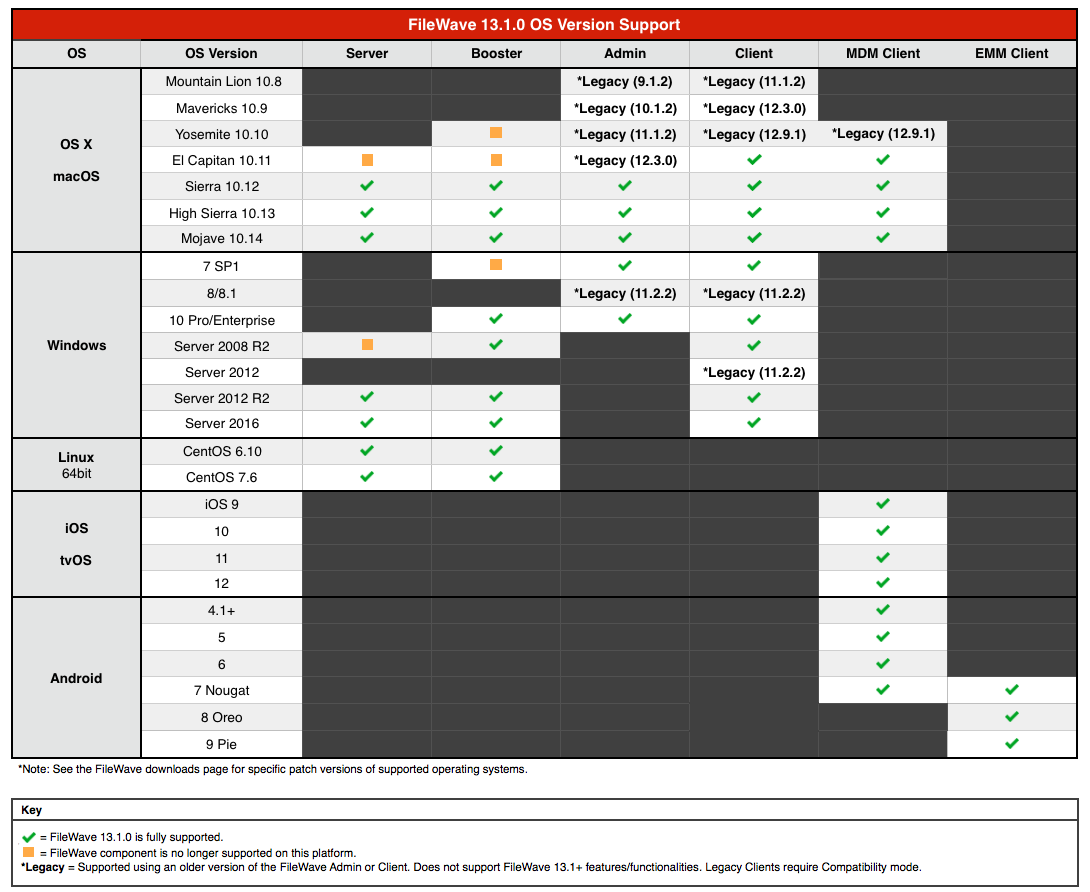
## New Features (13.1)
Changes and New Features

**Security Enforcement**
- End-to-End encrypted notifications
- TLS certificates for all FileWave components:
- Clients and boosters now request a certificate when added to FileWave; the certificate is checked by other peers (client contacting booster, booster contacted by client…) to ensure communications are safe
- Boosters now need to be enrolled to be allowed to communicate
- Compatibility mode allows to transition to 13.1
- New admin permissions
- Activation Lock Bypass code management
- Server preferences
- OCSP Stapling support
- Updated MDM enrollment to follow updated Apple guidelines
**Device Management**
- iOS/tvOS Smart Groups are now as dynamic as Desktop Smart Groups
- iOS devices can now be locked like Desktop Devices to not impact them with Model Update
- New LDAP Safety - Missing clones can be kept for a defined number of extractions
- DEP Profile Auto assignment rules
- Inventory fields can be used in DEP naming scheme
- Custom Field definition can now be imported / exported
- License definitions can be based on Custom Field
- Improved usability of Reinstall Fileset feature when selecting several devices
**Analytics**
- Analytics are now collected daily and sent to an Elasticsearch database
- Information collected is the following:
- License information and usage
- Number of clients per device type
- Map of versions for clients/server/boosters
- Logging level
- Number of Filesets
- Imaging usage (count and associations)
- Number of fileset groups and number of associations to fileset groups
- Server and Boosters OS version
- Available and used disk-space
- Engage configuration
- Classroom configuration
- Number of model updates in the past 24h
- Number of restarts in the past 24h
- WebUI usage (general and fileset reinstall
- The information is packed in a JSON file and sent to Logstash for data validation and enrichment
**UCS Improvements**
- Automatic set-up of certificate and hostname (read from UCS)
- Automatic set-up of LDAP (Accessible in FileWave, configuration read from UCS)
- Login to FileWave using your UCS credentials
**Apple "Spring 2019" release support**
- Support for iOS 12.2, tvOS 12.2, macOS 10.14.4
- Classroom can now be used on macOS
- 10.14.4 is required
- Classes can be composed of iPads and macOS devices
- Known issue: student pictures are currently not displayed on macOS teacher devices
- New or updated profiles:
- macOS - Restrictions - new options (Classroom, screen sharing related)
- macOS - Exchange - authentication options for Exchange Web Services
- macOS - Security And Privacy - FireWall can be excluded from the profile
- macOS - Content Caching has now more options
- macOS - Setup Assistant - "Skip True Tone" option
- macOS - Mobile Account - cachedaccounts.askForSecureTokenAuthBypass option
- Transparency and Consent Configuration profile has now a dedicated entry
- iOS - Restrictions - new options for Personal Hotspot modification and disable server-side Siri Logging
- iOS - Restrictions - allowESIMModification option
- tvOS - Restrictions - defer software update and force automatic date and time
- New Certificate Transparency Profile
- New MDM commands:
- Enable or Disable Remote Desktop (macOS)
- UnlockUserAccount - allows to unlock a local user account that has been locked for too many failed password attempts (macOS)
- Support for iOS Per-App-VPN, which allows to configure a specific VPN for a specific application.
- Support for iBoss Per-App-VPN
- Support for tvOS Software Update
- Update DEP profile:
- New Skip Item : "SIMSetup" (iOS)
- Updated Admin Account creation for macOS
- Support for MDM Activation Lock
- Improved Shared iPad support:
- When non-current user is deleted, current user won't be logged out.
- Scheduled log out verifies now iOS updates
**Android (EMM) support**
- Support for Android devices using Google EMM API
- Enroll devices to FileWave using QR or alphanumeric code
- Configure Play Store applications
- Deploy Play Store applications
- Gather inventory information
- Send commands
- Reboot device
- Lock device
- Unlock device
- Wipe device
- Deploy configuration (policy)
- Network (WiFi) policy
- Compliance policy
- Password policy
- Device Restrictions policy
- Permission Grants policy
## Additional Information
Included Open Source Software

[Click here for an extensive list of Open Source Software included in the FileWave products.](https://www.filewave.com/open-source-software/oss-v13-1-0)
Fixes

- CT-747 Fixed an issue where filesets with invalid status are not properly filtered and counted (web console)
- CT-847 Fixed an issue where reinstall fileset would not work from web console
- FW-18330 Fixed an issue where non current users would receive APN on shared iPads
- FW-18468 Fixed an issue where Kiosk filesets would not be visible if they depended on non Kiosk filesets
- FW-18817 Fixed an issue where creating Software Update fileset at the same time as Model Update would lead to partial fileset
- FW-19336 Fixed an issue where deleting user data on shared iPad would log out the current user even if the deleted user was not the current one
- FW-20393 Fixed an issue where network users would not show up properly in Login Window profile
- FW-20842 Fixed a potential issue where internal database data would be incorrectly created twice for the same MDM user, which could cause Model Update failure
- FW-20932 Fixed an issue where admin would hang when duplicating large filesets, mainly on Windows
- FW-21654 Fixed an issue where LDAP custom fields would not find the matching user or computer when using Open Directory
- FW-21957 Fixed an issue where initially non-DEP enrolled devices re-enrolled via DEP would be duplicated after re-enrollment
- FW-22007 Fixed an issue where unchecking "Automatically deploy to requesting client" in Software Updates would not prevent devices waiting for reboot to install the fileset
- FW-22031 Fixed an issue where clients on hold due to limited free space would not continue deployment if the margin is lowered
- FW-22109 Fixed a performance issue when changing verification settings on large filesets
- FW-22139 13.0.0 Server installation failure on macOS
- FW-22170 Fixed an issue where removing a field used as sort column in query builder raised an error
- FW-22191 Fixed an issue where Inventory Query preview for Smart Group would return different results than Smart Group
- FW-22192 Fixed an issue where license management would report license details for devices even if the current admin has no read permission for those devices
- FW-22202 Fixed an issue where the DEP profile assistant could create an incorrect DEP profile
- FW-22207 Fixed an issue where admin would crash when replacing a fileset folder while another admin renames the folder
- FW-22219 Fixed a possible admin crash when an admin would delete a smart group while another admin edits it at the same time
- FW-22287 Added rotation for scheduler log
- FW-22438 Fixed an issue where Application bundle size would be reported as numeric value instead of byte size
- FW-22508 Fixed an issue where Activation Lock Bypass Codes would not be removed correctly
- FW-22520 Fixed an issue where Application Inventory Scanner would not run on a regular basis
- FW-22607 Fixed an issue where a logged out admin would still contact server until the message box is closed
- FW-22611 Fixed an issue where Apple TVs would not not report the updated version of tvOS
- FW-22901 Fixed an issue where restarting the admin console would be required to see newly auto-enrolled devices
- FW-23081 Fixed an issue where the macOS client package would not be deployed when enrolling to MDM
- FW-23112 Fixed an issue where discovery last status update would not be reported properly
- FW-23201 Fixed an issue where model update could hang due to a large number of requests
- FW-23217 Fixed an issue where Android enrollment would fail with Windows LDAP authentication
- FW-23219 Fixed an issue where booster would not serve file if Software Update data is not downloaded completely
- FW-23262 Fixed an issue leading to high CPU for fwxserver related to kiosk download statistics
- FW-23265 Fixed an issue where adding self-signed certificate to macOS upgrade fileset would modify folder permissions on existing filesets
- FW-23292 Fixed an issue where Windows trust store would not be updated when using globally trusted but not already installed CAs
- FW-23299 Fixed a possible crash on Windows due to openssl
- FW-23304 Fixed an issue where the macOS PIN code field was greyed out in the Remote Wipe dialog
- FW-23305 Fixed an issue where Engage on iOS would not respond to notifications
- FW-23396 Fixed an issue where associating VPP user to device would not work
## Downloads
Your existing FileWave Server must be version **12.0.3** or higher before you can upgrade to FileWave 13.1+.
Upgrading

Please read: [https://kb.filewave.com/display/KB/Upgrading+your+FileWave+Server ](https://kb.filewave.com/display/KB/Upgrading+your+FileWave+Server)
This article contains important information that will help ensure your upgrade runs smoothly. It is strongly advised that you review this for each release, since new notes or instructions may have been added.
**Please make sure you have a recent backup before upgrading your server.**
Upgrading FileWave requires the FileWave Imaging Appliance (IVS) is upgraded to a compatible version to ensure communication continues. Example: FileWave 13.1.0 requires the 6.1 IVS to image your computers.
The FileWave Engage Server must be version 1.2.0 or greater for compatibility.
In order to avoid problems with migrating database internal structures please make sure that you use a local administrator account, not domain administrator, when performing FileWave Server upgrade on Windows platform.
Location Tracking

The location reporting feature in FileWave is disabled by default.
It is recommended that you verify that this feature is in accordance with your organization’s policies and AUP (Acceptable Use Policy). Notify your end users before activating location reporting, as enabling the feature will prompt for permission to location information.
Read more... [The Location Tracking KB (https://kb.filewave.com/display/KB/Location+Tracking)](https://kb.filewave.com/display/KB/Location+Tracking)
Before Upgrading
Version 13.0.x introduces higher security standards which have impact on self-signed certificate usage.
While it is recommended to use Trusted-CA issued certificates, you can still use self-signed certificate with FileWave ; please make sure you follow the upgrade steps described in this [KB article](file:////wiki/spaces/KB/pages/4328019/Self-Signed+SSL+Certificates+Going+Forward).
Following upgrade steps is important to make sure your FileWave setup works properly !
With FileWave 13.0.x, FileWave uses new [Apple Push Notifications service](https://developer.apple.com/documentation/usernotifications/setting_up_a_remote_notification_server/sending_notification_requests_to_apns) with HTTP/2 protocol ; make sure your FileWave server can contact [https://api.push.apple.com](https://api.push.apple.com) (port 443).
Security Changes
Starting with FileWave 13.1.0, all components (clients and boosters) will be assigned a certificate to validate their access to your FileWave instance. This implies that Boosters need to be enrolled to be part of your FileWave setup.
When upgrading, a [Compatibility Mode](file:////wiki/spaces/KB/pages/4331380) will automatically be enabled to ease transition ; in this mode, already enrolled clients will automatically be assigned a certificate, but Boosters will require manual "create certificate" operation once upgraded to 13.1.
You can figure out which booster requires a certificate by looking at the booster view.
If you are using a self signed certificate for your FileWave Server, Booster trust store needs to be updated to trust this certificate. The easiest way is to go through our [Custom Package Builder Service](https://custom.filewave.ch) and generate a Booster Package which will contain the server certificate.
Web admin console
With version 13.0.x comes the first iteration of FileWave web-based admin console. It will be installed automatically and uses **default HTTPS port** (443).
Upgrade to 13.0.x will fail if port 443 is not available (upgrade will fail without upgrading your server, leaving it with the previous version running).
It is recommended to use a dedicated server for FileWave ; if you want to share the server with other services that require HTTPs port, follow the following steps:
- stop other service using 443
- install FileWave 13.0.x
- change FileWave admin port to an unused as described in [/wiki/spaces/DRAFT/pages/4327696](file:////wiki/spaces/DRAFT/pages/4327696) KB article
- restart FileWave 13.0.x
- restart other service
**macOS Downloads**
[macOS Installers ](https://fwdl.filewave.com/13.1.0/FileWave_macOS_13.1.0.dmg)
[macOS Upgrade Fileset ](https://fwdl.filewave.com/13.1.0/FileWave_macOS_Client_13.1.0_21c943d57d.fileset.zip)
A known issue in original 13.1.0 Admin installer removes fwcontrol from the system. Installer has been updated June 12th and fixes the issue ; in case you installed the previous version, you can restore fwcontrol with the following command:
sudo mkdir -p /usr/local/bin; sudo curl http://fwdl.filewave.com/13.1.0/fwcontrol -o /usr/local/bin/fwcontrol; sudo chmod a+x /usr/local/bin/fwcontrol
**Windows Downloads**
[Windows Installers](https://fwdl.filewave.com/13.1.0/FileWave_Windows_13.1.0.zip)
[Windows Upgrade Fileset](https://fwdl.filewave.com/13.1.0/FWWinClientUpgrade_13.1.0_21c943d5.fileset.zip)
In order to avoid problems with migrating database internal structures please make sure that you use a local administrator account, not domain administrator, when performing FileWave Server upgrade on Windows platform.
**Linux Downloads**
[Linux Installers](https://fwdl.filewave.com/13.1.0/FileWave_Linux_13.1.0.zip)
**Note:** Use the following command to download and unzip the installers:
wget https://fwdl.filewave.com/13.1.0/FileWave\_Linux\_13.1.0.zip
unzip FileWave\_Linux\_13.1.0.zip
Since v11+ only has one installer (that installs both mdm and server), the old standalone mdm will be removed automatically when doing an upgrade. This does not delete any mdm data.
To install or upgrade the FileWave Server, use the following :
yum install -y --nogpgcheck fwxserver-13.1.0-1.0.x86\_64.rpm
To install or upgrade the FileWave Booster, use the following :
yum install -y --nogpgcheck fwbooster-13.1.0-1.0.x86\_64.rpm
**iOS Downloads**
This is a native app version of the traditional Web Clip kiosk/app portal that is sent to devices ; it provides for a better end user experience and is highly recommended for iOS 9 devices (required for location information).
iOS 9+ : [FileWave Enterprise.ipa](https://fwdl.filewave.com/13.1.0/app_kiosk/filewave/App%20Portal%2013.1.0.ipa)
Static CDN URL :
https://fwdl.filewave.com/13.1.0/app\_kiosk/filewave/App%20Portal%2013.1.0.ipa
**Android Downloads**
This is the Android APK, and can be downloaded and associated to update already enrolled Android Devices.
[FileWaveClient-13.1.0.apk](https://fwdl.filewave.com/13.1.0/android/FileWaveClient/FileWaveClient-13.1.0.apk)
[Skeleton for Android white-boxing](https://fwdl.filewave.com/13.1.0/android/android-whiteboxing.zip)
**Chrome**
The FileWave Inventory extension for Chromebook has to be installed via the Google Admin Console for your domain. Please see [Quickstart Guide for Chromebooks](https://kb.filewave.com/display/KB/Quick+Start+Guide+for+Chromebooks) for detailed instructions
[Skeleton for Chromebook white-boxing](https://fwdl.filewave.com/13.1.0/Chromebooks/chromebooks-whiteboxing.zip)
**Virtual Appliance Downloads**
[VMware and VirtualBox (OVA) Server Appliance](https://fwdl.filewave.com/13.1.0/FileWave_Server_13.1.0.ova)
[VMware and VirtualBox (OVA) Booster Appliance](https://fwdl.filewave.com/13.1.0/FileWave_Booster_13.1.0.ova)
For more information about importing the appliances please see: [Importing FileWave Appliances](https://kb.filewave.com/display/KB/Importing+the+IVS)
**Hyper-V Appliance Downloads**
[Hyper-V (VHD) Server Appliance](https://fwdl.filewave.com/13.1.0/FileWave_Server_13.1.0_VHD.zip)
[Hyper-V (VHD) Booster Appliance](https://fwdl.filewave.com/13.1.0/FileWave_Booster_13.1.0_VHD.zip)
# FileWave Version 13.0.3 (Unsupported)
These downloads are provided for the purposes of migrations and should not continue to be used in production. You should upgrade to either the most recent release or the one prior. They can always be found here: [Supported FileWave Versions](https://kb.filewave.com/books/downloads/chapter/supported-filewave-versions "Supported FileWave Versions")
# FileWave Management Suite
## Included in the Installer
- Admin
- Server
- Booster
- Client
## Compatibility
Server

- macOS 10.12 through 10.14 (binaries are 64 bit only)
- Windows Server 2012 R2 and Server 2016
- Linux CentOS 6.10 x86\_64, and 7.5 x86\_64 (binaries are 64 bit only)
Booster

- macOS 10.12 through 10.14 (binaries are 64 bit only)
- Windows 10, Windows Server 2012 R2 and Server 2016
- Linux CentOS 6.10 x86\_64 and 7.5 x86\_64 (binaries are 64 bit only)
Clients

- macOS 10.11 through 10.14 (binaries are 64 bit only)
- Windows 7 SP1, Windows 10, Windows Server 2008 R2, Windows Server 2012 R2 and Server 2016
Admin

- macOS 10.12 through 10.14 (binaries are 64 bit only)
- Windows 7 SP1 and Windows 10
Mobile Clients

- iOS 9 through iOS 12
- tvOS 10 through tvOS 12
- Android 4.1, [4.2 \*known issues](https://www.filewave.com/alliance-community/27-known-issues-corner/1750-filewave-client-may-crash-on-android-4-2-devices), 4.3 (Jelly Bean), 4.4 (KitKat), 5, 6 and 7
- Chromebook: ChromeOS 43+
**Compatibility Chart**
## New Features (13.0.3)
Changes and New Features

## MDM Profile removal
By default, FileWave is no longer answering with HTTP 401 when an unknown MDM Apple device checks in. This allows FileWave to recover data from a previous backup without un-enrolling devices, which could lead to data loss if applications were removed. For 13.0.3, a new option was added in "FileWave Admin / Preferences / Mobile / Apple" that reverts to previous behavior.
## Desktop Client and Booster Affinity
FileWave 13.0.0 introduced a behavioral change related to how desktop clients are communicating with boosters. Before 13.0.0, clients would always contact the first booster, unless the booster is not reachable (off network or offline). This could lead to very long delay for fileset deployment if first configured booster would be overloaded. Starting with 13.0.0, clients will try to stay on a given upstream booster instead of changing frequently. This provides better load balancing as the connections are more stable. Clients will also fallback to the server if none of the boosters are reachable.
13.0.3 ensures that a client will retry boosters regularly if it fell back to the server.
## Memory Footprint
During model update, a large amount of data is processed to determine which fileset will be deployed to which device. Fileset statuses are also processed and updated, so deleted filesets are removed, newly-associated filesets are marked as "Associated" and so on. Starting with FileWave 13.0.0, iOS fileset statuses are now properly reported, which can create a large number of entries in the database, increasing the memory consumption during model update.
The Linux operating system is more sensitive to memory fragmentation (very summarized: it is not able to to recover memory with a frequent and high number of allocations, even if the process is not using this memory anymore), and the additional features brought to FileWave in the previous versions made the Linux version consume more memory over time, which could lead to Out-Of-Memory management.
FileWave 13.0.3 is now using a more efficient memory allocation system, more efficient, and a special attention has been paid to reducing memory usage during model update to avoid memory fragmentation as much as possible.
## VPN on Demand Option
IKEv2 VPN allows very granular configuration, based on VPN provider rules. For 13.0.3, VPN profile allows entering raw XML provided by VPN vendors.
## New Features (13.0.2)
Changes and New Features

- Upgrade OpenSSL to 1.0.2q
- Several improvements related to performance during model update and "Database deadlocks":
- Internal changes to decrease model update duration
- Made sure iOS devices could not interfere with Model Update and cause database issues
- iOS App portal speed improvements
- Improved updating DEP associations to workaround potential issues on DEP Web service
## New Features (13.0.1)
Changes and New Features

- Added DEP\_FORCE\_FULLSYNC settings to force DEP full sync to workaround possible issues with Apple DEP API
## New Features (13.0.0)
Changes and New Features

- Discover the initial version of FileWave Admin Web Console
- Additional security internal changes:
- fwxserver and MDM/Inventory server share the same SSL certificate
- admin console and clients are checking SSL certificate validity
- helpers for self-signed certificates (usage of trusted CA issued certificate is recommended)
- Please read this [Self-Signed Certificates](file:////wiki/spaces/KB/pages/4328019/Self-Signed+SSL+Certificates+Going+Forward) KB article
- This version adds support for iOS 12, tvOS 12, macOS 10.14 (see below)
- Service Now integration
- Dependency failures are better displayed in client information
- Updated Observe Client component on macOS.
Apple 2018 Fall release support

**Device Enrollment Program:**
- New skip items for Setup Assistant:
- Screen Time
- Software Update
- iMessage and FaceTime
- Appearance
- Change default settings according to Apple Guidelines (Non supervised devices will be deprecated).
**MDM Commands:**
- Lock device on macOS can now display additional message
- VPP app installation is now supported on tvOS 12
**Profile changes:**
- Exchange and Email profiles have additional settings for S/MIME options
- Notification profile has additional settings
- Restriction profiles (iOS, tvOS and macOS) have additional settings
- VPN profile (IKEv2) has additional settings (Profiles: VPN IKEV2 changes)
- Xsan profile has additional settings
- New profile: Time server
- Smart Card profile has additional settings
- Privacy profile has additional entries for Transparency and Consent Control
- Energy profile has addition setting
**Push Notification changes:**
- New Apple APN server is now used by FileWave, using HTTP/2 protocol. Please make sure your FileWave server can contact [https://api.push.apple.com](https://api.push.apple.com) (port 443).
## Additional Information
Included Open Source Software

[Click here for an extensive list of Open Source Software included in the FileWave products.](https://www.filewave.com/open-source-software/oss-v13-0-3)
Fixes

- CT-1027 Fixed issues where error 500 would be raised when accessing Filesets tab
- FW-22432 VPP users and VPP codes management are not based on the same permission anymore
- FW-22442 Fixed an issue where, on Windows, restarting client service would prevent client monitor from working
- FW-22502 Fixed an issue where MDM enrolled macs would not report correctly profile fileset status
- FW-22543 Fixed invalid Privacy and Consent payload generation when defining Apple Events
- FW-22593 Fixed an issue where using drag and drop to import a .webloc file would create an invalid file in fileset, which could lead to containing folder deletion
- FW-22608 Fixed several issues where FileWave services could consume high level of memory
- FW-22723 Fixed an issue where a high number of connections to the server/booster would prevent the server/booster from processing further requests
- FW-22730 Fixed an issue where client not able to reach any booster would always use server without retrying boosters
- FW-22799 Fixed an issue where a fileset that could not be downloaded due to network issues will never be downloaded again and stay with "Fileset Error" status
- FW-22800 Fixed a performance issue where boosters would send useless requests to server
- FW-22819 Fixed an issue where MDM enrolled macOS would not send required MDM commands
- FW-22884 Fixed an issue where file on disk would get corrupted if booster unreachable during file transfer
- FW-22895 Fixed an issue where multiple "Insufficient licenses available" dialogs would show up when device count exceeds license count
- FW-22904 Fixed an issue where deploying profiles to MDM enrolled macs could cause database deadlocks
- FW-22927 Fixed an issue where model update would fail due to fileset status update
- FW-22930 Fixed an issue where enrollment would fail due to database deadlocks
- FW-22941 Fixed an issue where booster not able to contact upstream would not be able to reconnect
- FW-23032 Fixed an issue where shared iPad reporting invalid MaximumResidentUsers value would prevent device management
- FW-23035 Fixed incorrect behavior when internal id are larger than maximum signed int
- FW-23038 Fixed an issue where model update could hang due to high load on server
- FW-23044 Fixed an issue where synchronizing Chromebook data from Google could time out
- FW-23070 Fixed a possible security issue due to dynamic loading of DLLs
Downloads
Your existing FileWave Server must be version **12.0.3** or higher before you can upgrade to FileWave 13.0+.
Upgrading

Please read: [https://kb.filewave.com/display/KB/Upgrading+your+FileWave+Server ](https://kb.filewave.com/display/KB/Upgrading+your+FileWave+Server)
This article contains important information that will help ensure your upgrade runs smoothly. It is strongly advised that you review this for each release, since new notes or instructions may have been added.
**Please make sure you have a recent backup before upgrading your server.**
Upgrading FileWave requires the FileWave Imaging Appliance (IVS) is upgraded to a compatible version to ensure communication continues. Example: FileWave 12.9.0 requires the 5.9 IVS to image your computers.
The FileWave Engage Server must be version 1.2.0 or greater for compatibility.
In order to avoid problems with migrating database internal structures please make sure that you use a local administrator account, not domain administrator, when performing FileWave Server upgrade on Windows platform.
Location Tracking

The location reporting feature in FileWave is disabled by default.
It is recommended that you verify that this feature is in accordance with your organization’s policies and AUP (Acceptable Use Policy). Notify your end users before activating location reporting, as enabling the feature will prompt for permission to location information.
Read more... [The Location Tracking KB (https://kb.filewave.com/display/KB/Location+Tracking)](https://kb.filewave.com/display/KB/Location+Tracking)
Before Upgrading
Version 13.0.x introduces higher security standards which have impact on self-signed certificate usage.
While it is recommended to use Trusted-CA issued certificates, you can still use self-signed certificate with FileWave ; please make sure you follow the upgrade steps described in this [KB article](file:////wiki/spaces/KB/pages/4328019/Self-Signed+SSL+Certificates+Going+Forward).
Following upgrade steps is important to make sure your FileWave setup works properly !
FileWave 13.0.x uses new [Apple Push Notifications service](https://developer.apple.com/documentation/usernotifications/setting_up_a_remote_notification_server/sending_notification_requests_to_apns) with HTTP/2 protocol ; make sure your FileWave server can contact [https://api.push.apple.com](https://api.push.apple.com) (port 443).
Web admin console
With version 13.0.x comes the first iteration of FileWave web-based admin console. It will be installed automatically and uses **default HTTPS port** (443).
Upgrade to 13.0.x will fail if port 443 is not available (upgrade will fail without upgrading your server, leaving it with the previous version running).
It is recommended to use a dedicated server for FileWave ; if you want to share the server with other services that require HTTPs port, follow the following steps:
- stop other service using 443
- install FileWave 13.0.x
- change FileWave admin port to an unused as described in [/wiki/spaces/DRAFT/pages/4327696](file:////wiki/spaces/DRAFT/pages/4327696) KB article
- restart FileWave 13.0.x
- restart other service
**macOS Downloads**
[macOS Installers ](https://fwdl.filewave.com/13.0.3/FileWave_macOS_13.0.3.dmg)
[macOS Upgrade Fileset ](https://fwdl.filewave.com/13.0.3/FileWave_macOS_Client_13.0.3_81e5bacf02.fileset.zip)
**Windows Downloads**
[Windows Installers](https://fwdl.filewave.com/13.0.3/FileWave_Windows_13.0.3.zip)
[Windows Upgrade Fileset](https://fwdl.filewave.com/13.0.3/FWWinClientUpgrade_13.0.3_81e5bacf.fileset.zip)
In order to avoid problems with migrating database internal structures please make sure that you use a local administrator account, not domain administrator, when performing FileWave Server upgrade on Windows platform.
**Linux Downloads**
[Linux Installers](https://fwdl.filewave.com/13.0.3/FileWave_Linux_13.0.3.zip)
**Note:** Use the following command to download and unzip the installers:
wget https://fwdl.filewave.com/13.0.3/FileWave\_Linux\_13.0.3.zip
unzip FileWave\_Linux\_13.0.3.zip
Since v11+ only has one installer (that installs both mdm and server), the old standalone mdm will be removed automatically when doing an upgrade. This does not delete any mdm data.
To install or upgrade the FileWave Server, use the following :
yum install -y --nogpgcheck fwxserver-13.0.3-1.0.x86\_64.rpm
To install or upgrade the FileWave Booster, use the following :
yum install -y --nogpgcheck fwbooster-13.0.3-1.0.x86\_64.rpm
**iOS Downloads**
This is a native app version of the traditional Web Clip kiosk/app portal that is sent to devices ; it provides for a better end user experience and is highly recommended for iOS 9 devices (required for location information).
iOS 9+ : [FileWave Enterprise.ipa](https://fwdl.filewave.com/13.0.3/app_kiosk/filewave/App%20Portal%2013.0.3.ipa)
Static CDN URL :
https://fwdl.filewave.com/13.0.3/app\_kiosk/filewave/App%20Portal%2013.0.3.ipa
**Android Downloads**
This is the Android APK, and can be downloaded and associated to update already enrolled Android Devices.
[FileWaveClient-13.0.3.apk](https://fwdl.filewave.com/13.0.3/android/FileWaveClient/FileWaveClient-13.0.3.apk)
[Skeleton for Android white-boxing](https://fwdl.filewave.com/13.0.3/android/android-whiteboxing.zip)
**Chrome**
The FileWave Inventory extension for Chromebook has to be installed via the Google Admin Console for your domain. Please see [Quickstart Guide for Chromebooks](https://kb.filewave.com/display/KB/Quick+Start+Guide+for+Chromebooks) for detailed instructions
[Skeleton for Chromebook white-boxing](https://fwdl.filewave.com/13.0.3/Chromebooks/chromebooks-whiteboxing.zip)
**Virtual Appliance Downloads**
[VMware and VirtualBox (OVA) Server Appliance](https://fwdl.filewave.com/13.0.3/FileWave_Server_13.0.3.ova)
[VMware and VirtualBox (OVA) Booster Appliance](https://fwdl.filewave.com/13.0.3/FileWave_Booster_13.0.3.ova)
For more information about importing the appliances please see: [Importing Virtual Appliances](file:////wiki/spaces/KB/pages/4329332/Importing+Virtual+Appliances)
**Hyper-V Appliance Downloads**
[Hyper-V (VHD) Server Appliance](https://fwdl.filewave.com/13.0.3/FileWave_Server_13.0.3_VHD.zip)
[Hyper-V (VHD) Booster Appliance](https://fwdl.filewave.com/13.0.3/FileWave_Booster_13.0.3_VHD.zip)
# FileWave Version 13.0.0 (Unsupported)
These downloads are provided for the purposes of migrations and should not continue to be used in production. You should upgrade to either the most recent release or the one prior. They can always be found here: [Supported FileWave Versions](https://kb.filewave.com/books/downloads/chapter/supported-filewave-versions "Supported FileWave Versions")
# FileWave Management Suite
## Included in the Installer
- Admin
- Server
- Booster
- Client
## Compatibility
Server

- macOS 10.12 through 10.14 (binaries are 64 bit only)
- Windows Server 2012 R2 and Server 2016
- Linux CentOS 6.10 x86\_64, and 7.5 x86\_64 (binaries are 64 bit only)
Booster

- macOS 10.12 through 10.14 (binaries are 64 bit only)
- Windows 10, Windows Server 2012 R2 and Server 2016
- Linux CentOS 6.10 x86\_64 and 7.5 x86\_64 (binaries are 64 bit only)
Clients

- macOS 10.10 through 10.14 (binaries are 64 bit only)
- Windows 7 SP1, Windows 10, Windows Server 2008 R2, Windows Server 2012 R2 and Server 2016
Admin

- macOS 10.12 through 10.14 (binaries are 64 bit only)
- Windows 7 SP1 and Windows 10
Mobile Clients

- iOS 9 through iOS 12
- tvOS 10 through tvOS 12
- Android 4.1, [4.2 \*known issues](https://www.filewave.com/alliance-community/27-known-issues-corner/1750-filewave-client-may-crash-on-android-4-2-devices), 4.3 (Jelly Bean), 4.4 (KitKat), 5, 6 and 7
- Chromebook: ChromeOS 43+
**Compatibility Chart**
## New Features
Changes and New Features

- Discover the initial version of FileWave Admin Web Console
- Additional security internal changes:
- fwxserver and MDM/Inventory server share the same SSL certificate
- admin console and clients are checking SSL certificate validity
- helpers for self-signed certificates (usage of trusted CA issued certificate is recommended)
- Please read this [Self-Signed Certificates](file:////wiki/spaces/KB/pages/4328019/Self-Signed+SSL+Certificates+Going+Forward) KB article
- This version adds support for iOS 12, tvOS 12, macOS 10.14 (see below)
- Service Now integration
- Dependency failures are better displayed in client information
- Updated Observe Client component on macOS.
Apple 2018 Fall release support

**Device Enrollment Program:**
- New skip items for Setup Assistant:
- Screen Time
- Software Update
- iMessage and FaceTime
- Appearance
- Change default settings according to Apple Guidelines (Non supervised devices will be deprecated).
**MDM Commands:**
- Lock device on macOS can now display additional message
- VPP app installation is now supported on tvOS 12
**Profile changes:**
- Exchange and Email profiles have additional settings for S/MIME options
- Notification profile has additional settings
- Restriction profiles (iOS, tvOS and macOS) have additional settings
- VPN profile (IKEv2) has additional settings (Profiles: VPN IKEV2 changes)
- Xsan profile has additional settings
- New profile: Time server
- Smart Card profile has additional settings
- Privacy profile has additional entries for Transparency and Consent Control
- Energy profile has addition setting
**Push Notification changes:**
- New Apple APN server is now used by FileWave, using HTTP/2 protocol. Please make sure your FileWave server can contact [https://api.push.apple.com](https://api.push.apple.com) (port 443).
## Additional Information
Included Open Source Software

[Click here for an extensive list of Open Source Software included in the FileWave products.](https://www.filewave.com/open-source-software/oss-v13-0-0)
Fixes

- FW-14886 Fixed an issue where ""Observe Client" with Retina Display would not be displayed properly
- FW-18770 Fixed an issue where kiosk fileset would report incorrectly as installed if a script fails to execute
- FW-19053 Fixed an issue where "Error 0" would be reported as status after changing a script after initial deployment
- FW-20672 Fixed an issue where trusted certificates would not be trusted on Linux for LDAPs connections
- FW-20811 Fixed an issue where DEP synchronization would fail in some conditions
- FW-21696 Fixed an issue where activation script arguments would be ignored if script is edited after deployment
- FW-21698 Made sure the corresponding Custom Field is automatically added to Inventory Query when used in criteria
- FW-21823 Fixed an issue where desktop client would not pick the next defined booster if the first one is not available
- FW-21900 Fixed an issue where profiles created outside FileWave would not be imported properly
- FW-21946 Model Update can now take less time to complete
- FW-21951 Removed useless debug entries in django log related to VPP licenses
- FW-21977 Fixed an issue where inventory queries with "Current IP address" criteria would not be saved properly
- FW-22001 Fixed possible Admin console crash related to Bonjour lookup
- FW-22027 Fixed a potential server crash
- FW-22028 Fixed an issue where, on Windows, services would not be stopped in the right order before upgrade
- FW-22044 Fixed an issue where duplicating fileset with dependencies would not duplicate dependencies definition
- FW-22095 Fixed an issue where ScheduleOSUpdate command would be incorrect in case of multiple iOS updates with the same identifier
- FW-22128 iOS placeholders disappear from Clients area when devices are enrolled
- FW-22159 Fixed an issue where admin console would be terminated due to network timeout
- FW-22163 Fixed an issue where iOS 11.3 issue with incorrect bundle identifier could impact other devices and remove incorrect applications from device
- FW-22193 Fixed an issue where exporting larger than 4GB filesets would not work
- FW-22216 Fixed a possible admin crash when using floating dashboard
Downloads
Your existing FileWave Server must be version **12.0.3** or higher before you can upgrade to FileWave 13.0+.
Upgrading

Please read: [https://kb.filewave.com/display/KB/Upgrading+your+FileWave+Server ](https://kb.filewave.com/display/KB/Upgrading+your+FileWave+Server)
This article contains important information that will help ensure your upgrade runs smoothly. It is strongly advised that you review this for each release, since new notes or instructions may have been added.
**Please make sure you have a recent backup before upgrading your server.**
Upgrading FileWave requires the FileWave Imaging Appliance (IVS) is upgraded to a compatible version to ensure communication continues. Example: FileWave 12.9.0 requires the 5.9 IVS to image your computers.
The FileWave Engage Server must be version 1.2.0 or greater for compatibility.
In order to avoid problems with migrating database internal structures please make sure that you use a local administrator account, not domain administrator, when performing FileWave Server upgrade on Windows platform.
Location Tracking

The location reporting feature in FileWave is disabled by default.
It is recommended that you verify that this feature is in accordance with your organization’s policies and AUP (Acceptable Use Policy). Notify your end users before activating location reporting, as enabling the feature will prompt for permission to location information.
Read more... [The Location Tracking KB (https://kb.filewave.com/display/KB/Location+Tracking)](https://kb.filewave.com/display/KB/Location+Tracking)
Before Upgrading
Version 13.0.0 introduces higher security standards which have impact on self-signed certificate usage.
While it is recommended to use Trusted-CA issued certificates, you can still use self-signed certificate with FileWave ; please make sure you follow the upgrade steps described in this [KB article](file:////wiki/spaces/KB/pages/4328019/Self-Signed+SSL+Certificates+Going+Forward).
Following upgrade steps is important to make sure your FileWave setup works properly !
FileWave 13.0.0 uses new [Apple Push Notifications service](https://developer.apple.com/documentation/usernotifications/setting_up_a_remote_notification_server/sending_notification_requests_to_apns) with HTTP/2 protocol ; make sure your FileWave server can contact [https://api.push.apple.com](https://api.push.apple.com) (port 443).
Web admin console
With version 13.0.0 comes the first iteration of FileWave web-based admin console. It will be installed automatically and uses **default HTTPS port** (443).
Upgrade to 13.0.0 will fail if port 443 is not available (upgrade will fail without upgrading your server, leaving it with the previous version running).
It is recommended to use a dedicated server for FileWave ; if you want to share the server with other services that require HTTPs port, follow the following steps:
- stop other service using 443
- install FileWave 13.0.0
- change FileWave admin port to an unused as described in [/wiki/spaces/DRAFT/pages/4327696](file:////wiki/spaces/DRAFT/pages/4327696) KB article
- restart FileWave 13.0.0
- restart other service
**macOS Downloads**
[macOS Installers ](https://fwdl.filewave.com/13.0.0/FileWave_macOS_13.0.0.dmg)
[macOS Upgrade Fileset ](https://fwdl.filewave.com/13.0.0/FileWave_macOS_Client_13.0.0_6a8ec36.fileset.zip)
**Windows Downloads**
[Windows Installers](https://fwdl.filewave.com/13.0.0/FileWave_Windows_13.0.0.zip)
[Windows Upgrade Fileset](https://fwdl.filewave.com/13.0.0/FWWinClientUpgrade_13.0.0_6a8ec367.fileset.zip)
In order to avoid problems with migrating database internal structures please make sure that you use a local administrator account, not domain administrator, when performing FileWave Server upgrade on Windows platform.
**Linux Downloads**
[Linux Installers](https://fwdl.filewave.com/13.0.0/FileWave_Linux_13.0.0.zip)
**Note:** Use the following command to download and unzip the installers:
wget https://fwdl.filewave.com/13.0.0/FileWave\_Linux\_13.0.0.zip
unzip FileWave\_Linux\_13.0.0.zip
Since v11+ only has one installer (that installs both mdm and server), the old standalone mdm will be removed automatically when doing an upgrade. This does not delete any mdm data.
To install or upgrade the FileWave Server, use the following :
yum install -y --nogpgcheck fwxserver-13.0.0-1.0.x86\_64.rpm
To install or upgrade the FileWave Booster, use the following :
yum install -y --nogpgcheck fwbooster-13.0.0-1.0.x86\_64.rpm
**iOS Downloads**
This is a native app version of the traditional Web Clip kiosk/app portal that is sent to devices ; it provides for a better end user experience and is highly recommended for iOS 9 devices (required for location information).
iOS 9+ : [FileWave Enterprise.ipa](https://fwdl.filewave.com/13.0.0/app_kiosk/filewave/App%20Portal%2013.0.0.ipa)
Static CDN URL :
https://fwdl.filewave.com/13.0.0/app\_kiosk/filewave/App%20Portal%2013.0.0.ipa
**Android Downloads**
This is the Android APK, and can be downloaded and associated to update already enrolled Android Devices.
[FileWaveClient-13.0.0.apk](https://fwdl.filewave.com/13.0.0/android/FileWaveClient/FileWaveClient-13.0.0.apk)
[Skeleton for Android white-boxing](https://fwdl.filewave.com/13.0.0/android/android-whiteboxing.zip)
**Chrome**
The FileWave Inventory extension for Chromebook has to be installed via the Google Admin Console for your domain. Please see [Quickstart Guide for Chromebooks](https://kb.filewave.com/display/KB/Quick+Start+Guide+for+Chromebooks) for detailed instructions
[Skeleton for Chromebook white-boxing](https://fwdl.filewave.com/13.0.0/Chromebooks/chromebooks-whiteboxing.zip)
**Virtual Appliance Downloads**
[VMware and VirtualBox (OVA) Server Appliance](https://fwdl.filewave.com/13.0.0/FileWave_Server_13.0.0.ova)
[VMware and VirtualBox (OVA) Booster Appliance](https://fwdl.filewave.com/13.0.0/FileWave_Booster_13.0.0.ova)
For more information about importing the appliances please see: [Importing FileWave Appliances](https://kb.filewave.com/display/KB/Importing+the+IVS)
**Hyper-V Appliance Downloads**
[Hyper-V (VHD) Server Appliance](https://fwdl.filewave.com/13.0.0/FileWave_Server_13.0.0_VHD.zip)
[Hyper-V (VHD) Booster Appliance](https://fwdl.filewave.com/13.0.0/FileWave_Booster_13.0.0_VHD.zip)
# FileWave Version 12.0.0 (Unsupported)
These downloads are provided for the purposes of migrations and should not continue to be used in production. You should upgrade to either the most recent release or the one prior. They can always be found here: [Supported FileWave Versions](https://kb.filewave.com/books/downloads/chapter/supported-filewave-versions "Supported FileWave Versions")
# FileWave Management Suite
## Included in the Installer
- Admin
- Server
- Booster
- Client
## Compatibility
Server

- OS X 10.11 through 10.12 (binaries are 64 bit only)
- Windows Server 2008 R2, Server 2012, and Server 2012 R2
- Linux CentOS 6.8 x86\_64, and 7.3 x86\_64 (binaries are 64 bit only)
Booster

- OS X 10.9 through 10.12 (binaries are 64 bit only)
- Windows Server 2008 R2, Server 2012, and Server 2012 R2
- Windows 7, Windows 8, Windows 8.1 and Windows 10
- Linux CentOS 6.8 x86\_64, 7.3 x86\_64 (binaries are 64 bit only)
Admin

- OS X 10.11 through 10.12 (binaries are 64 bit only)
- Windows 7, Windows 8.1, and Windows 10
Clients

- OS X 10.9 through 10.12 (binaries are 64 bit only)
- Windows 7, Windows 8, Windows 8.1, Windows 10, Windows Server 2008 R2, Windows Server 2012, and Windows Server 2012 R2
Mobile Clients

- iOS 8, iOS 9 and iOS 10
- Android 4.1, [4.2 \*known issues](https://www.filewave.com/alliance-community/27-known-issues-corner), 4.3 (Jelly Bean), 4.4 (KitKat), 5, 6 and 7
- Chromebook: ChromeOS 43+
## New Features
ChromeBooks support

- Google Organization Units are mirrored within FileWave.
- Collection of inventory data from the ChromeBooks (including geolocation).
- License report for installed ChromeBooks applications/extensions.
FileWave Admin and Dashboard

- Added the ability to search across all kinds of clients in inventory queries.
- Enhanced audit logs.
- Added auth username to the clients view in the FileWave Admin.
- Added classroom and booster module to Dashboard.
FileWave Server

- Added decontrol commands to stop/start postgres, apache and the scheduler.
- fwxserver now uses the loopback network interface to contact MDM for better performance and security.
- The installer now better reports where there are errors and creates a log file on Windows.
DEP, VPP profiles and iOS

- New skip items for Home Button Sensitivity.
- New Restrictions Back To My Mac & Find My Mac.
- “Verify device” button in iOS App Portal.
Imaging 5.0.0

- Windows native UEFI support.
- Output Mac imaging logs to IVS.
Engage 1.2.0

- ChromeBooks support
Support for Apple Spring Release (iOS 10.3, tvOS 10.2, macOS 10.12.4)

- New commands (Restart and ShutDown devices)
- New DEP options ; support for zero touch MDM enrollment for Apple TVs
- Entreprise Application management (tvOS)
- New Profiles options (new restrictions, tvOS specific profiles,…)
- Enhanced MDM Lost Mode
- Support for tethering only mode (iOS 10.3)
- ASM v3 support (new fields...)
## Additional Information
Included Open Source Software

[Click here for an extensive list of Open Source Software included in the FileWave products.](https://www.filewave.com/open-source-software/oss-v12)
Fixes

**12.0.0 Fixes:**
- FW-11173 - If exporting a file fails, you are left with a Windows Explorer dialog that is open.
- FW-11966 - Empty text files cannot be exported.
- FW-13787 - Server installer postflight script on macOS produces sysctl errors.
- FW-14212 - fwxserver -a crashes when uploading several large filesets at once.
- FW-14293 - Fixed an issue where Finder payload could not preserve its settings in certain.
- FW-14522 - Dragging the icon in Preferences displays an error.
- FW-14559 - Made sure you can't open more than 1 about box.
- FW-14580 - Made "Create license from Fileset" dialog clearer regarding which fileset types apply.
- FW-14747 - FileWave admin service not starting after changing LDAP settings.
- FW-15639 - Fixed an issue where archived devices are re-instated as 'normal' tracking mode.
- FW-15673 - superprefs editor does not save plist files that contain only default server port number.
- FW-15854 - Fixed an issue where dependency with reboot flag could cause client to deadlock (macOS).
- FW-15989 - SYSTEM user is no longer considered while gathering information about last logged in username (Windows).
- FW-16070 - Fixed an issue where model update could fail after importing the same profile fileset several times.
- FW-16106 - File search is now case insensitive.
- FW-16142 - Fixed an issue where admin without Modify Imaging permissions could enable or disable Windows imaging associations.
- FW-16143 - Fixed an issue where admin without Modify Imaging permissions could use 'delete association' button.
- FW-16165 - Fixed an issue where line endings in client's log files were not correctly converted (Windows).
- FW-16219 - File search: circular progress never disappears when entering same filter twice.
- FW-16398 - Fixed an issue where ignore Engage status notifications for iOS and macOS APN certificates options were unchecked every time preferences dialog opened.
- FW-16548 - Fixed an issue in SCEP payload where 'Challenge' key was incorrectly set.
- FW-16556 - Fixed an issue where Classroom profiles would not be deployed if device serial is not uppercase.
- FW-16563 - On windows allow '!' in the names of the files.
- FW-16618 - Fixed an issue where unicode control characters could be sent with last logged in username.
- FW-16620 - Fixed and issue where SCEP payload would not accept parameterized profile variables.
- FW-16641 - Fixed an issue where Security & Privacy payload could display validation error even if there were no validation issues.
- FW-16672 - Fixed discovery report title date format to follow local settings.
- FW-16855 - Fixed an issue where locked folder didn't get removed after removing association that contained that folder.
- FW-16865 - Fixed an issue where interactive scripts didn't correctly display DOS window (Windows).
- FW-16913 - Fixed an issue where re-enrolling iPads that were shared would still be considered as shared even if they are not anymore.
- FW-16915 - Clear button in New Clients dialog does not reset number on select all button.
- FW-17003 - Fixed incorrect title in Permission dialog.
- FW-17007 - Errors occurring while accessing inventory for discovery purposes are now correctly displayed.
- FW-17016 - Fixed an issue where cloning an iOS device could make the device a classroom device, target the device to a cart and assign the device to that cart.
- FW-17022 - Fixed an issue where DEP placeholders could have been renamed during enrollment.
- FW-17023 - locking lots of clients is taking a long time.
- FW-17137 - Fixed a potential crash in Fileset Magic when merging fileset and selecting Master image.
- FW-17162 - Discovery: Group by option not entirely visible regardless of FileWave Admin window size.
- FW-17199 - Added missing option in Home Screen payload.
- FW-17200 - Description in LDAP payload is no longer required field.
- FW-17204 - Fileset contents window - reveal doesn't work.
- FW-17205 - Fileset contents window - rename doesn't update the text immediately.
- FW-17206 - In fileset contents window, adding comment would deselect the text after 1 second.
- FW-17214 - Fixed an issue where OK button could have been enabled when invalid Clever District ID in Configure SIS source dialog.
- FW-17219 - Fixed an issue where DEP token name was missing in the Dashboard.
- FW-17232 - Edit Association Dlg: layout constantly jumps while moving dlg on windows.
- FW-17241 - Fixed an issue where some payload names could have been cut off (Windows).
- FW-17242 - Added missing options in Cellular payload.
- FW-17243 - Added missing options in macOS server accounts payload.
- FW-17245 - Added missing options in Restrictions payload.
- FW-17252 - Fixed an issue where PKG fileset could not be made active once they have been made passive.
- FW-17254 - Fixed an issue where restarting services on Windows 2012 would fail.
- FW-17269 - Fixed an issue where non interactive scripts could fail while deployed to Windows 7 clients.
- FW-17310 - Fixed an issue where e-mail address could have been not saved in Organization Info tab in preferences.
- FW-17327 - Added label that explains for what type of script execution types logs are being captured.
- FW-17406 - Fixed an issue where displayed size of a fileset could have 0 bytes.
- FW-17417 - manually enrolling existing fwcld with profile filesets into mdm leads to USER profiles being removed by fwcld.
- FW-17428 - Fixed an issue where clients on macOS 10.11 and 10.12 always indicated System Integrity Protection being disabled.
- FW-17429 - Fixed an issue where fileset created in a group could have been placed in root level.
- FW-17431 - Services are now stopped in the right order (macOS).
- FW-17432 - Fixed an issue where database could deadlock due to periodical GCM status checks.
- FW-17436 - Fixed user interface glitches while selecting inventory query.
- FW-17460 - App Store locale in Profiles Editor is now configurable.
- FW-17475 - Fixed an issue where user could not have been asked for UID while exporting and importing a fileset.
- FW-17476 - Fixed an issue where superprefs filesets would not work if deployed on a different platform as the admin.
- FW-17483 - Fixed an issue where server could stop working due to insufficient number of available file descriptors in the system (macOS).
- FW-17518 - Fixed an issue where enrolling mac devices to MDM could break smart group based on device product name.
- FW-17522 - Added optional prefix for teachers and students to avoid SIS ID duplicates.
- FW-17524 - VBscript is not required in Windows installer anymore
- FW-17528 - Fixed an issue where filesets with dependencies sometimes were not fully uninstalled.
- FW-17530 - Fixed an issue where fwcld would consume high CPU on macOS.
- FW-17537 - Fixed an issue where booster failed to start after upgrade (Linux).
- FW-17538 - Fixed an issue where booster could crash due to problems with sockets.
- FW-17539, FW-17817 - Fixed networking layer issue that could cause connectivity problems, showing "error -99".
- FW-17546 - Windows Remote Wipe doesn't delete all User Data.
- FW-17549 - Inventory based views can now display tooltip with column description.
- FW-17550 - Fixed spelling in Login Window profile.
- FW-17562 - Fixed exceptionally high RAM usage while receiving particular requests.
- FW-17582 - Fixed an issue where certain passwords could break superprefs.
- FW-17605 - macOS vpp device assignment apps can not be updated using filewave.
- FW-17608 - Fixed an issue where booster monitor could have not be able to connect to booster anymore.
- FW-17631 - Postgres is now started and stopped in more graceful fashion (macOS).
- FW-17638 - Fixed an issue where macOS client was blocked to reboot a machine due to running EmojiFunctionRowIM\_Extension.appex process (macOS 10.12.2+).
- FW-17644 - User with Modify Associations right but not Modify Filesets right cannot create an association using drag and drop.
- FW-17655 - MDMclient cannot replace SYSTEM profile when it has been originally deployed via the FileWave client.
- FW-17664 - Fixed an issue where creating a fileset from an iBook in License Management view could lead to an error.
- FW-17672 - Made sure postgres binaries are kept when uninstalling in case they would be required for further upgrade (Linux).
- FW-17688 - "reinstall" button in mobile fileset reports does not work for iOS devices.
- FW-17760 - Fixed an issue where booster could crash due to insufficient number of available file descriptors in the system (macOS).
- FW-17763 - Made script file ownership and permission consistent wherever the file has been created from script dialog or manually added.
- FW-17768 - Fixed an issue where unique machine ID changed if network interface card got disabled which lead to duplicates in inventory (Windows).
- FW-17783 - Windows admin output can now be redirected to a file.
- FW-17785 - Kiosk installed iOS apps are now updated if there is a new version in the App Store.
- FW-17785 - Kiosk installed iOS apps are now updated if there is a new version in the App Store.
- FW-17795 - Fixed an issue where LDAP extraction would fail.
- FW-17800 - Fixed an issue where clicking "Create Fileset" button in Fileset Magic dialog could have crashed the application if one of the files detected during snaphot creation has been removed.
- FW-17807 - Fixed an issue where fwGUI (kiosk) would consume high CPU and be unresponsive.
- FW-17819: Windows Upgrade Fileset 11.2.2 installs Custom Upgrade Fileset 10.0.x and never really upgrades the client.
- FW-17864: Fixed a possible crash due to high memory usage.
- FW-17866 - Scrolling with keyboard in ClientInfo - Fileset Status moves the cursor out of the view
- FW-17867 - Fixed an issue where values of custom boolean fields were stored incorrectly.
- FW-17879 - Fixed an issue where client didn't create files in allegedly protected paths.
- FW-17912 - Improve handling of VPP error 9616 (License already assigned).
- FW-17923 - Different behaviour when selecting all / copying Filesets on Client Info - Fileset Status.
- FW-17926 - Comments not removed from items in Fileset Contents.
- FW-17950 - Various cosmetics fixes to "Get Info" dialog.
- FW-17959, FW-17938 - References to OSX instead of macOS.
- FW-17960 - Fixed Fileset Magic Tooltip.
- FW-17961 - New Fileset: Some of the ToolTips do not have Fileset capitalized.
- FW-17962 - New Desktop Fileset: App Store does not have a tooltip
- FW-17963 - New Mobile Fileset: Tooltips missing "an"
- FW-18010 - Classroom profile now sets passcode type for Apple Manage ids.
- FW-18022 - Added the "Home Screen Layout" app in the profile editor.
- FW-18027 - Inventory Tab: New/Edit Group dialog uses old interface title bar.
- FW-18029 - Fixed Exchange profile default values.
- FW-18038 - Fixed an issue where inactive users could be selected when creating classroom associations.
- FW-18053 - Classroom profile generation fails if cart associated to one empty class.
- FW-18059 - Fixed an issue where devices would be incorrectly removed from cart ; fixed an issue where re-enrolled device would not be added to cart. Improve classroom profile generation performance. Made classroom profile more robust in case of invalid SIS data.
- FW-18070 - Fixed an issue where stopping booster may not stop all components.
- FW-18071 - Fixed keyboard shortcuts on the admin view for the tab selection.
- FW-18076 - Fixed an issue where reboot filesets would not reboot on Windows Server.
- FW-18082 - Fixed performance issue on Admin leading to freezes when groups are removed by other admins.
- FW-18085 - Various cosmetic UI changes in Classroom tab.
- FW-18088 - Booster Monitor shows beachball if one of the boosters is slow to reply.
- FW-18089 - Fixed an issue where booster running on very slow (I/O) hardware would cause client starvation.
- FW-18095 - Fixed an issue where translations would not be correctly loaded.
- FW-18138 - Fixed an issue where BitDefender would block reboot.
- FW-18156 - Pref. Pane extension using symlinks like Java were not available in Restriction profile.
- FW-18201 - Siri app is now in Restriction profile.
- FW-18247 - Fixed an issue with Proxy profile related to port numbers.
- FW-18253 - Fixed incorrect label related to Lock Screen Message profile.
- FW-18274 - Fixed possible upgrade issue when initial version is FileWave Linux 10.0.2.
- FW-18281 - Fixed cosmetic issue where "delete" toolbar button stays active after deleting current association.
- FW-18283 - Education profile is smaller and has less dependancies.
- FW-18294 - Auto add new clients may fail if you do model update after client installation.
- FW-18302 - Fixed and issue where importing Android APK would mark all existing filesets as modified.
- FW-18307 - Fixed an issue where "Network error" would be reported when the client is waiting for the booster to download the fileset.
- FW-18309 - Better handling of wildcard and trusted certificates for MDM.
- FW-18339 - Importing files on OSX over the network would fail.
- FW-18369 - Attempt to install Software Update could fail with "this computer is not requesting it".
- FW-18436 - Added a check in the pre install steps for the server to check if there is enough disk space.
- FW-18438 - Made sure one can change the device naming scheme for imported DEP Profile.
- FW-18470 - Fixed the client location dialog to not show "API key required".
## Downloads
Your existing FileWave Server must be version **10.x** or higher before you can upgrade to FileWave 12.x.
Please take a moment to run the [Migration Check tool ( http://mc.filewave.com )](http://mc.filewave.com) before performing your upgrade.
Upgrading

Please read: [https://filewave.com/kb/upgrade-filewave ](https://www.filewave.com/kb/upgrade-filewave)
This article contains important information that will help ensure your upgrade runs smoothly. It is strongly advised that you review this for each release, since new notes or instructions may have been added.
FileWave 12 will require updated backup scripts, please be sure to update these after a successful upgrade.
Upgrading to FileWave 12 will require upgrading your FileWave Imaging Appliance (IVS) to version 5.0 or greater. FileWave 12 servers will not communicate with older IVS installations. The FileWave Engage Server must be version 1.2.0 or greater for compatibility.
VPP

VPP Device Assignment requires that your iOS devices are upgraded to iOS 9 -- creating "VPP Device Assignment" associations to iOS 8 devices may cause loss of user data!
The new feature of VPP app assignment to devices will cause the creation of a VPP user with no organization linked to all MDM Apple devices (iOS and macOS). If you have queries that fetch the VPP users for VPP organization, you'll have to add a criteria "VPP Organization.token name is not null."
It is not recommended to convert all associations from user to device association at once, as Apple limits the number of requests per min. Read more at [https://filewave.com/kb/vpp-device-assignment](https://www.filewave.com/kb/vpp-device-assignment)
Location Tracking

The location reporting feature in FileWave is disabled by default.
It is recommended that you verify that this feature is in accordance with your organization’s policies and AUP (Acceptable Use Policy). Notify your end users before activating location reporting, as enabling the feature will prompt for permission to location information.
Read more... [The Location Tracking KB (https://filewave.com/kb/location)](https://www.filewave.com/kb/location)
**macOS Downloads**
[macOS Installers](https://fwdl.filewave.com/12.0.0/FileWave_macOS_12.0.0.dmg)
[macOS Upgrade Fileset](https://fwdl.filewave.com/12.0.0/FileWave_macOS_Client_12.0.0_04cf581.fileset.zip)
**Windows Downloads**
[Windows Installers](https://fwdl.filewave.com/12.0.0/FileWave_Windows_12.0.0.zip)[
](https://fwdl.filewave.com/12.0.1/FWWinClientUpgrade_12.0.1_d2dd0dc2.fileset.zip)[Windows Upgrade Fileset](https://fwdl.filewave.com/12.0.0/FWWinClientUpgrade_12.0.0_dd512754.fileset.zip)
In order to avoid problems with migrating database internal structures please make sure that you use a local administrator account, not domain administrator, when performing FileWave Server upgrade on Windows platform.
**Linux Downloads**
[Linux Installers](https://fwdl.filewave.com/12.0.0/FileWave_Linux_12.0.0.zip)
**Note:** Use the following command to download and unzip the installers:
wget https://fwdl.filewave.com/12.0.0/FileWave\_Linux\_12.0.0.zip
unzip FileWave\_Linux\_12.0.0.zip
Since v11+ only has one installer (that installs both mdm and server), the old standalone mdm will be removed automatically when doing an upgrade. This does not delete any mdm data.
To install or upgrade the FileWave Server , use the following :
yum install -y --nogpgcheck fwxserver-12.0.0-1.0.x86\_64.rpm
To install or upgrade the FileWave Booster , use the following :
yum install -y --nogpgcheck fwbooster-12.0.0-1.0.x86\_64.rpm
**iOS Downloads**
This is a native app version of the traditional Web Clip kiosk/app portal that is sent to devices ; it provides for a better end user experience and is highly recommended for iOS 8 devices (required for location information).
iOS 8+ : [FileWave Enterprise.ipa](https://fwdl.filewave.com/12.0.0/app_kiosk/filewave/App%20Portal%2012.0.0.ipa)
Static CDN URL :
https://fwdl.filewave.com/12.0.0/app\_kiosk/filewave/App%20Portal%2012.0.0.ipa
**Android Downloads**
This is the Android APK, and can be downloaded and associated to update already enrolled Android Devices.
[FileWaveClient-12.0.0.apk](https://fwdl.filewave.com/12.0.0/FileWaveClient-12.0.0.apk)
**Chrome**
The FileWave Inventory extension for Chromebook has to be installed via the Google Admin Console for your domain. Please see [Quickstart Guide for Chromebooks](https://www.filewave.com/kb/quickstart-guide-for-chromebooks/) for detailed instructions
**Virtual Appliance Downloads**
[VMware and VirtualBox (OVF) Server Appliance](https://fwdl.filewave.com/12.0.0/FileWaveServer_12.0.0_OVF.zip)[ ](https://fwdl.filewave.com/12.0.1/FileWaveBooster_12.0.1_OVF.zip)[VMware and VirtualBox (OVF) Booster Appliance](https://fwdl.filewave.com/12.0.0/FileWaveBooster_12.0.0_OVF.zip)
For more information about importing the appliances please see: [Importing FileWave Appliances](https://kb.filewave.com/display/KB/Importing+the+IVS)

**Hyper-V Appliance Downloads**
[Hyper-V (VHD) Server Appliance](https://fwdl.filewave.com/12.0.0/FileWaveServer_12.0.0_VHD.zip)[ ](https://fwdl.filewave.com/12.0.1/FileWaveBooster_12.0.1_VHD.zip)[Hyper-V (VHD) Booster Appliance](https://fwdl.filewave.com/12.0.0/FileWaveBooster_12.0.0_VHD.zip)
# FileWave Version 11.0.0 (Unsupported)
These downloads are provided for the purposes of migrations and should not continue to be used in production. You should upgrade to either the most recent release or the one prior. They can always be found here: [Supported FileWave Versions](https://kb.filewave.com/books/downloads/chapter/supported-filewave-versions "Supported FileWave Versions")
# FileWave Management Suite
## Included in the Installer
- Admin
- Server
- Booster
- Client
## Compatibility
Server

- OS X 10.10 through 10.11 (binaries are 64 bit only)
- Windows Server 2008 R2, Server 2012, and Server 2012 R2
- Linux CentOS 5.11 x86\_64, 6.7 x86\_64, and 7.2 x86\_64 (binaries are 64 bit only)
Booster

- OS X 10.8 through 10.11 (binaries are 64 bit only)
- Windows Server 2008 R2, Server 2012, and Server 2012 R2
- Windows 7, Windows 8, Windows 8.1 and Windows 10
- Linux CentOS 5.11 x86\_64, 6.7 x86\_64, 7.2 x86\_64 (binaries are 64 bit only)
Admin

- OS X 10.10 through 10.11 (binaries are 64 bit only)
- Windows 7, Windows 8.1, and Windows 10
Clients

- OS X 10.8 through 10.11 (binaries are 64 bit only)
- Windows 7, Windows 8, Windows 8.1, Windows 10, Windows Server 2008 R2, Windows Server 2012, and Windows Server 2012 R2
Mobile Clients

- iOS 8 and iOS 9
- Android 4.1, [4.2 \*known issues](https://www.filewave.com/alliance-community/27-known-issues-corner), 4.3 (Jelly Bean), 4.4 (KitKat), 5.0–5.1.1 (Lollipop)
## New Features
- Pre/Post-flight scripts allow to set scripts that should be executed at different stage of the installation of a package (+ ability to get the execution log).
- Ability to login via LDAP/AD for administrators in the FileWave Admin console.
- FileWave MDM and server installer are now 1 package.
- All FileWave data is now on the same postgres database.
- More consistent behaviour.
- Better scalability of existing server and mdm installs via the power of postgresql.
- Client communication can now be passed through boosters if present
- Avoids to have the server being accessible to the clients directly in bigger networks.
- Will allow in the future for much better bandwidth usage and advanced caching on the booster at every model update.
- The Fileset status now shows you information about scripts execution and dependencies.
- New mode for clients that can now be inventory only, so they will report data to inventory but will not install any Filesets.
- Boosters now report statistics and settings to inventory.
- The Admin console now has a new pane for information on boosters.
- Updated the profile editor with new iOS 9.3 options.
- Integrated the iOS 9.3 Lost mode functionality (equivalent to the Missing state in FileWave).
## Additional Information
Included Open Source Software

Bundled with FileWave Server
- - Apache 2.4.18 + mod\_wsgi 4.4.21
- OpenSSL 1.0.2g
- PostgreSQL 9.3.12
- Qt 5.5.1
- ZeroMQ 4.1.3
- expat 2.1.1
- python 2.7.11
- django 1.6.11
- six 1.9.0
- nose 1.3.6
- pyscopg 2 2.6.1
- requests 2.6.0
- ldap3 0.9.8.7
- dateutil 2.4.2
- oauthlib 0.7.2
- pytz 2015.2
- Werkzeug 0.10.4
Dashboard libs:
- - angular 1.3.15
- momentjs 2.10.2
- ui\_bootstrap tpl 0.12.1
- boostrap 3.3.4
- kendo ui 2015.1.408
- font-awesone 4.3.0
Observe Client libs:
- - Vine 4.01
- UltraVNC: 1.2.0.6
Fixes

- FW-12175: locked clients stay with their current model number.
- FW-13636: email warning not displayed in Scheduled reports.
- FW-14386: Deploying files to the home folder of a user could overwrite the rights of his/her home folder.
- FW-14118: UI fixes in the superprefs editor.
- FW-14517: made sure parameterised profiles handle properly unicode characters
- FW-14527: ldap extraction could in some cases extract multiple times the same group.
- FW-14535: made sure in some cases that VPP associations do work even if the device is not fully enrolled
- FW-14862: Boosters now report their disk space to inventory
- FW-14792: Fixed poor performance when deleting a fileset with lots of files.
- FW-14466: Reinstalling a fileset with dependencies now offers you the option to reinstall the dependencies along with it.
- FW-14776: Review profile installation on OSX to be consistent and robust.
- FW-14790: Closed properly the sockets, freeing system resources when an admin console connects.
- FW-13637: VPP applications assigned to OSX devices are now sent to the device token for installation when no user is logged in.
- FW-13954: Windows user switching would not give the right result as last\_logged\_in\_user
- FW-13915: Implemented the search for VPP apps that are no more present in the app store.
- FW-14042: Fixed inventory queries that could fail when negating a an "is not" operator.
- FW-14345: iBooks installs are reported correctly in the fileset report dialog.
- FW-14627: added man page for fwcontrol.
- FW-14766: Added an option to validate one application from the client info view.
- FW-14780: Made sure the OS X software updates are exposed to the client machines depending on their current OS version.
- FW-14783: Fixed a potential issue that could lead to desktop machines not reporting their data to inventory and generating an exception in the server logs.
- FW-14805: Fixed installation of receipt-free PKG filesets on OS X.
- FW-14813: Improved the dialog ordering when closing one dialog on OS X.
- FW-14894: Add an admin command line option to set the critical flag on a fileset.
- FW-14914: Added a sync button to the VPP assistants.
- FW-14966: Fixed fwxserver -clientIdentifiers
- FW-14980: Reviewed all the display names of all inventory fields.
- FW-14991: added iOS wallpaper command.
- FW-14996: FileWave client name is now correctly updated in inventory for desktop clients.
- FW-15002: Made sure a not already modified profile doesn't ask the end user to save them.
- FW-15077: Delay software update scan in case a transaction is already ongoing.
- FW-15087: Made the reboot dialog centered.
- FW-15159: improved security level of engage appliance.
## Downloads
Your existing FileWave Server must be version **10.x** or higher before you can upgrade to FileWave 11.x.
Please take a moment to run the [Migration Check tool ( http://mc.filewave.com )](http://mc.filewave.com) before performing your upgrade.
Upgrading

Please read: [https://filewave.com/kb/upgrade-filewave ](https://www.filewave.com/kb/upgrade-filewave)
This article contains important information that will help ensure your upgrade runs smoothly. It is strongly advised that you review this for each release, since new notes or instructions may have been added.
FileWave 11 will require updated backup scripts, please be sure to update these after a successful upgrade.
Upgrading to FileWave 11 will require upgrading your FileWave Imaging Appliance (IVS) to version 4.0 or greater. FileWave 11 servers will not communicate with older IVS installations. The FileWave Engage Server must be version 1.1.0 or greater for compatibility.
VPP

VPP Device Assignment requires that your iOS devices are upgraded to iOS 9 -- creating "VPP Device Assignment" associations to iOS 8 devices may cause loss of user data!
The new feature of VPP app assignment to devices will cause the creation of a VPP user with no organization linked to all MDM Apple devices (iOS and macOS). If you have queries that fetch the VPP users for VPP organization, you'll have to add a criteria "VPP Organization.token name is not null."
It is not recommended to convert all associations from user to device association at once, as Apple limits the number of requests per min. Read more at [https://filewave.com/kb/vpp-device-assignment](https://www.filewave.com/kb/vpp-device-assignment)
Location Tracking

The location reporting feature in FileWave is disabled by default.
It is recommended that you verify that this feature is in accordance with your organization’s policies and AUP (Acceptable Use Policy). Notify your end users before activating location reporting, as enabling the feature will prompt for permission to location information.
Read more... [The Location Tracking KB (https://filewave.com/kb/location)](https://www.filewave.com/kb/location)
Installers currently unavailable - A potential issue affecting an extremely small subset of customers has been identified and a fix has been found.
A fix will be published as soon as possible, so we recommend waiting for the new version before upgrading to make sure you will enjoy FileWave 11 without issue. Thank you for your patience.
# FileWave Version 10.0.2 (Unsupported)
These downloads are provided for migration and archive use only and should not be used in production. For supported releases, use the [FileWave Release History](https://kb.filewave.com/books/downloads/page/filewave-release-history) and review the [FileWave Official Version Support Statement](https://kb.filewave.com/books/end-of-life-statements/page/filewave-official-version-support-statement). If a legacy download link is unavailable, contact FileWave Support rather than substituting an unverified installer source.
# FileWave Management Suite
## Included in the Installer
- Admin
- Server
- Booster
- Client
## Compatibility
Server
- OS X 10.9 through 10.11 (binaries are 64 bit only)
- Windows Server 2008 R2, Server 2012, and Server 2012 R2
- Linux CentOS 5.11 x86\_64 and 6.6 x86\_64 (binaries are 64 bit only)
Booster
- OS X 10.8 through 10.11 (binaries are 64 bit only)
- Windows Server 2008 R2, Server 2012, and Server 2012 R2
- Windows 7, Windows 8, Windows 8.1 and Windows 10
- Linux CentOS 5.11 x86\_64 and 6.6 x86\_64 (binaries are 64 bit only)
Admin
- OS X 10.9 through 10.11 (binaries are 64 bit only)
- Windows 7, Windows 8, Windows 8.1, and Windows 10
Clients
- OS X 10.8 through 10.11 (binaries are 64 bit only)
- Windows 7, Windows 8, Windows 8.1, and Windows 10
Mobile Clients
- iOS 8 and iOS 9
- Android 4.1, 4.2, 4.3 (Jelly Bean), 4.4 (KitKat), 5.0–5.1.1 (Lollipop)
## New Features
Mac and iOS
- Support for "VPP device assignment" for OS X 10.11 and iOS 9 clients
- Support for OS X 10.11 "El Capitan"
- Support for System Integrity Protection in OS X 10.11:
- Protected folders won't be modified by FileWave
- New inventory field indicating if a Fileset has files in protected area
- DEP profiles extended with new options
- Support for OS X user creation during activation for DEP devices
- Support for Apple Configurator 2.0 based auto enrollment
- iOS Device name is changed to the FileWave Client Name for DEP Devices during enrollment
- Support for MDM for OS X devices (installs FileWave Client directly, allows MDM wipe, lock, installation of App Store apps using VPP licenses….)
- Support for "VPP Account protection"
- Support for "Reply-After" message from Apple VPP service
- Profile editor enhancements: search, filter…
- Support for new profile payloads and extensions for existing profile payloads
- Support for install media: install books directly into iBooks from iTunes, or let FileWave host pdf, epub or ibooks files to be installed.
- iOS Software Update management (with iOS 9+ devices)
Engage
- Teacher based Profiles for flexible device control
FileWave Management Suite
- New "Observe Client" feature for Mac and Windows - completely cross platform, NAT capable.
- Fileset dependencies - simplify your deployment process
- Brand new UI
- Support for SSL certificate upload for MDM (use SSL certificates trusted by Certificate Authorities)
- Admin UI improvements: column customization for clients view, enhanced Client Info window, various fixes…
- MSI filesets can be uninstalled
- More admin options available via command line
- New admin privilege for imaging associations
- New confirmation dialog for imaging associations
- Several enhancements for desktop kiosk: client information including a "verify" option, rich text description, menu icon options…
- New option to configure Smart Group evaluation frequency
- New option to transform a Smart Group into a normal group
## Additional Information
Included Open Source Software
Bundled with FileWave Server
- - - Apache 2.4.17 + mod\_wsgi 4.4.21
- OpenSSL 1.0.2d
- PostgreSQL 9.3.6
- Qt 5.5.0
- ZeroMQ 4.1.0
- python 2.7.9
- django 1.6.11
- six 1.9.0
- nose 1.3.6
- pyscopg 2 2.6
- requests 2.6.0
- pythonldap 2.4.19
- dateutil 2.4.2
- oauthlib 0.7.2
- pytz 2015.2
- Werkzeug 0.10.4
Dashboard libs:
- - - angular 1.3.15
- momentjs 2.10.2
- ui\_bootstrap tpl 0.12.1
- boostrap 3.3.4
- kendo ui 2015.1.408
- font-awesone 4.3.0
Observe Client libs:
- - Vine 4.01
- UltraVNC: 1.2.0.6
Fixes
- FW-11031: Fix VPP token dialog issue where importing a token with drag and drop would not work.
- FW-12143: Fix focus issue in iOS Inventory
- FW-12485: Fix an issue where FileWave would not run on Case-Sensitive Partition on OS X.
- FW-12486: Fix an issue related to Timed Associations and reboot filesets that would not install until the client can connect to the server
- FW-13317, 13319, 13320: Fix a few tab orders in the UI.
- FW-13398: Fix an issue where Inventory Query based smart group could not be edited
- FW-13707: Several improvements to Vine Server, used for OS X "Observer Clients" feature
- FW-13717: Fix cosmetic UI issue in "Online Administrator' Dialog
- FW-13723: Inventory Licenses are now automatically refreshed when changing VPP tokens
- FW-13835: Fix an issue where Kiosk icon would flicker during verification.
- FW-13849: Fix an issue where Filesets view structure would be reset to defaults after saving a fileset property
- FW-13850: Fixed an issue where VNC service would not start on 32b Windows.
- FW-13585: Fixed an issue related to Apache (MDM/Inventory services) being very slow after some time, requiring Apache restart.
- FW-13860: Fixed an issue where sorting by device name in VPP code dialog would not work.
- FW-13870: Fixed an issue where OS X 10.11 El Capitan clients would not report Software Update request
- FW-13899: Fixed a possible migration issue from FileWave 9.1.1
- FW-13907: Fixed an issue where Enterprise Apps would be reinstalled even if they are already installed, resulting in a "Cannot install the app" on iOS device.
- FW-13908: Made sure that if a VPP license can't be assigned because the iTunes account already owns the application, FileWave nevertheless installs the application
- FW-13911: Fixed an issue where profiles for Auto Enroll iOS group would be deployed to MDM enrolled OS X devices.
- FW-13912: Fixed an issue caused by Observed Clients feature that would cause high CPU or even crash for fwxserver.
- FW-13913: Fixed an issue where VPP user dialog would hang.
- FW-13923, 13927: Fixed an issue where fetching VPP licenses from Apple Web Service after an error on Apple side would incorrectly set some information ; this could lead to useless disassociation and associations, and wrong information displayed in Fileset property.
- FW-13925: Fixed an issue where iOS Filesets report would not be populated.
- FW-13929: Added support for DEP automatic naming for OS X.
- FW-13940: Fixed a cosmetic issue related to VPP sync button label.
- FW-13942: Fixed an issue where "Use MSI Uninstaller" option would be visible for Android Filesets.
- FW-13943: Adapt FileWave VPP after Apple's recommendations following their server issue.
- FW-13992: Made sure the indexes are not deleted on the ios\_commands table resulting in poor performance when iOS devices check in.
## Changes in this version
- Removed the “Disown” DEP device feature as the feature has been made deprecated by Apple - go to your DEP account instead.
- Prepared server components for future OS X versions.
- Native iOS app provisioning profiles have been updated.
## Downloads
Before using FileWave 10.0.2 for a migration, verify the legacy compatibility list above. The existing FileWave Server had to be version 7.x or higher before upgrading to FileWave 10. To use the “Observe Client” feature, review the [Default TCP and UDP Port Usage](https://kb.filewave.com/books/filewave-general-info/page/default-tcp-and-udp-port-usage) article for required ports.
Upgrading
For supported-version upgrade planning, see [Upgrading your On-Premise FileWave Server](https://kb.filewave.com/books/filewave-server/page/upgrading-your-on-premise-filewave-server). FileWave 10 upgrades also required compatible upgrades for the FileWave Imaging Appliance (IVS) and FileWave Engage Server.
VPP
VPP Device Assignment requires that your iOS devices are upgraded to iOS 9 -- creating “VPP Device Assignment” associations to iOS 8 devices may cause loss of user data!
The new feature of VPP app assignment to devices will cause the creation of a VPP user with no organization linked to all MDM Apple devices (iOS and macOS). If you have queries that fetch the VPP users for VPP organization, you will have to add the criteria “VPP Organization.token name is not null.”
It is not recommended to convert all associations from user to device association at once, as Apple limits the number of requests per minute. Read more in [VPP Device Assignment](https://kb.filewave.com/books/apple-school-business-manager/page/vpp-device-assignment).
**macOS Downloads**
[OS X Installers](http://downloads.filewave.com/10.0.2/FileWave_OSX_10.0.2.dmg)
[OS X Upgrade Fileset](http://downloads.filewave.com/10.0.2/FileWave_OSX_Client_10.0.2_111fc7b.fileset.zip)
**Windows Downloads**
[Windows Installers](http://downloads.filewave.com/10.0.2/FileWave_Windows_10.0.2.zip) (Install the MDM package as well as the server package)
[Windows Upgrade Fileset](http://downloads.filewave.com/10.0.2/FWWinClientUpgrade_10.0.2_b6fbeae2.fileset.zip)
**Linux Downloads**
[Linux Installers](http://downloads.filewave.com/10.0.2/FileWave_Linux_10.0.2.zip) (Install the MDM package as well as the server package)
**Note:** To install or upgrade the FileWave server or MDM, use the following command after downloading and un-zipping the installers:
wget http://downloads.filewave.com/10.0.2/FileWave\_Linux\_10.0.2.zip
unzip FileWave\_Linux\_10.0.2.zip
yum install -y --nogpgcheck fw-mdm-server-10\*.rpm
yum install -y --nogpgcheck fwxserver-10\*.rpm
To install or upgrade the FileWave booster, use the following:
yum install -y --nogpgcheck fwbooster-10\*.rpm
**iOS Downloads**
This is a native app version of the traditional Web Clip kiosk/app portal that is sent to devices ; it provides for a better end user experience and is highly recommended for iOS 8 devices.
iOS 7+ : [FileWave Enterprise.ipa](http://downloads.filewave.com/10.0.2/app_kiosk/filewave/App%20Portal%2010.0.2.ipa)
Static CDN URL :
http://downloads.filewave.com/10.0.2/app\_kiosk/filewave/App%20Portal%2010.0.2.ipa
**Virtual Appliance Downloads**
[Virtual Server Appliance (CentOS) ](http://downloads.filewave.com/10.0.2/FileWaveServer_10.0.2_OVF.zip)
[Virtual Booster Appliance (CentOS) ](http://downloads.filewave.com/10.0.2/FileWaveBooster_10.0.2_OVF.zip)
For current virtual appliance import guidance, see [FileWave Virtual Appliances](https://kb.filewave.com/books/filewave-virtual-appliances).