# Apple Profile Filesets
Profiles utilise Apple’s defined payloads, allowing management or configuration of User and System. FileWave presets User or System correctly where only one option is available for included payloads. Some payloads, though, could be either User or System as shown in the Fileset Settings:
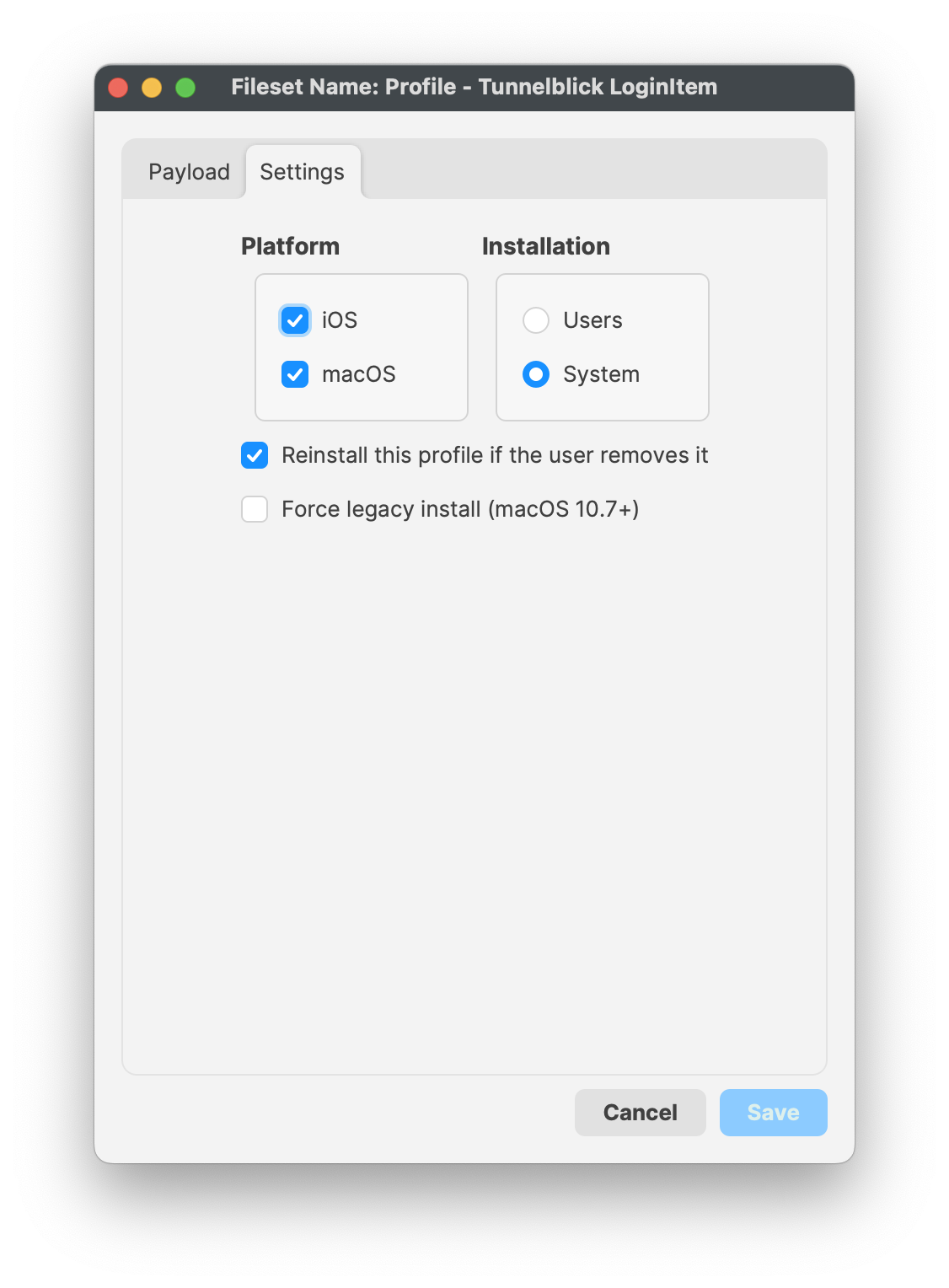
| **User**
| Only set when a managed user logs in
|
| **System**
| Payload settings applied regardless of user logged in.
|
Apple allows the management of any amount of directory users for a single device. However, only one local user will be managed. This user will be the first user after enrolment of the device.
Profiles are stored directly within the Fileset and delivered to devices after MDM communication has been established.