Convert Associations to Deployments
What the conversion tool does
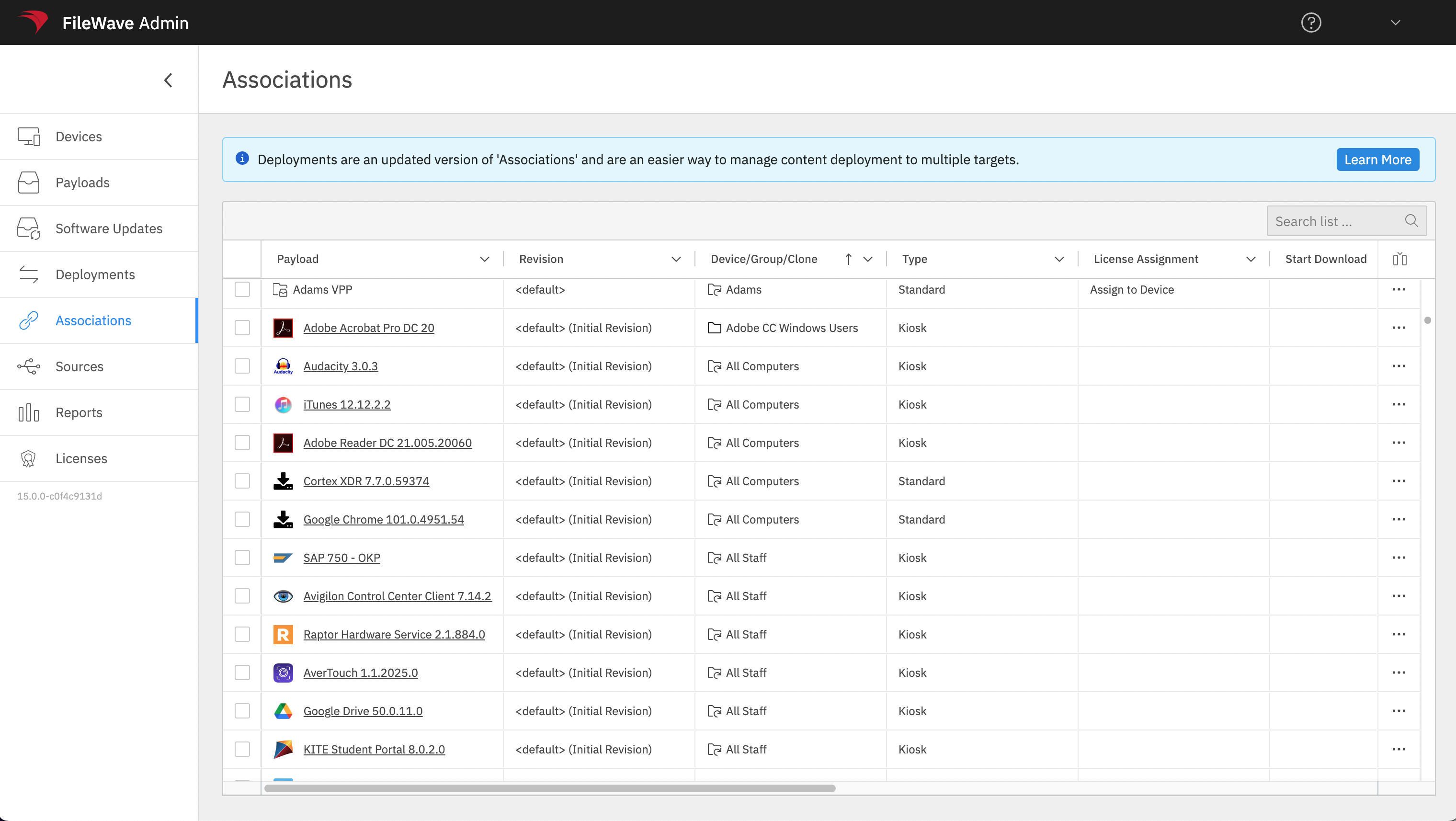
The Associations conversion tool in FileWave Anywhere turns selected legacy Associations into a Deployment without forcing you to rebuild each target and payload manually.
When to use it
Use the tool during a planned move from Associations to Deployments. Start with a small, representative set whose timing, installation type, and other metadata are already consistent.
Convert a test set
Select Associations with matching metadata, add them to a new or existing Deployment, preview the result, and save only after the targets, payloads, timing, and installation behavior match the original intent. The video below shows a simple conversion.
When timing options, installation types, or other metadata differ, resolve the conflicts before saving. See Resolving Conflicts in Associations Conversion for the conflict workflow.
Conversion replaces the selected Associations with a Deployment. Pilot a small set, compare the preview with the original assignments, and verify device behavior before converting the next batch.