# Convert Associations to Deployments
## What the conversion tool does
The Associations conversion tool in FileWave Anywhere turns selected legacy Associations into a Deployment without forcing you to rebuild each target and payload manually.
## When to use it
Use the tool during a planned move from Associations to Deployments. Start with a small, representative set whose timing, installation type, and other metadata are already consistent.
[](https://kb.filewave.com/uploads/images/gallery/2023-07/5MKTXYYAClX8LFBK-image.png)
## Convert a test set
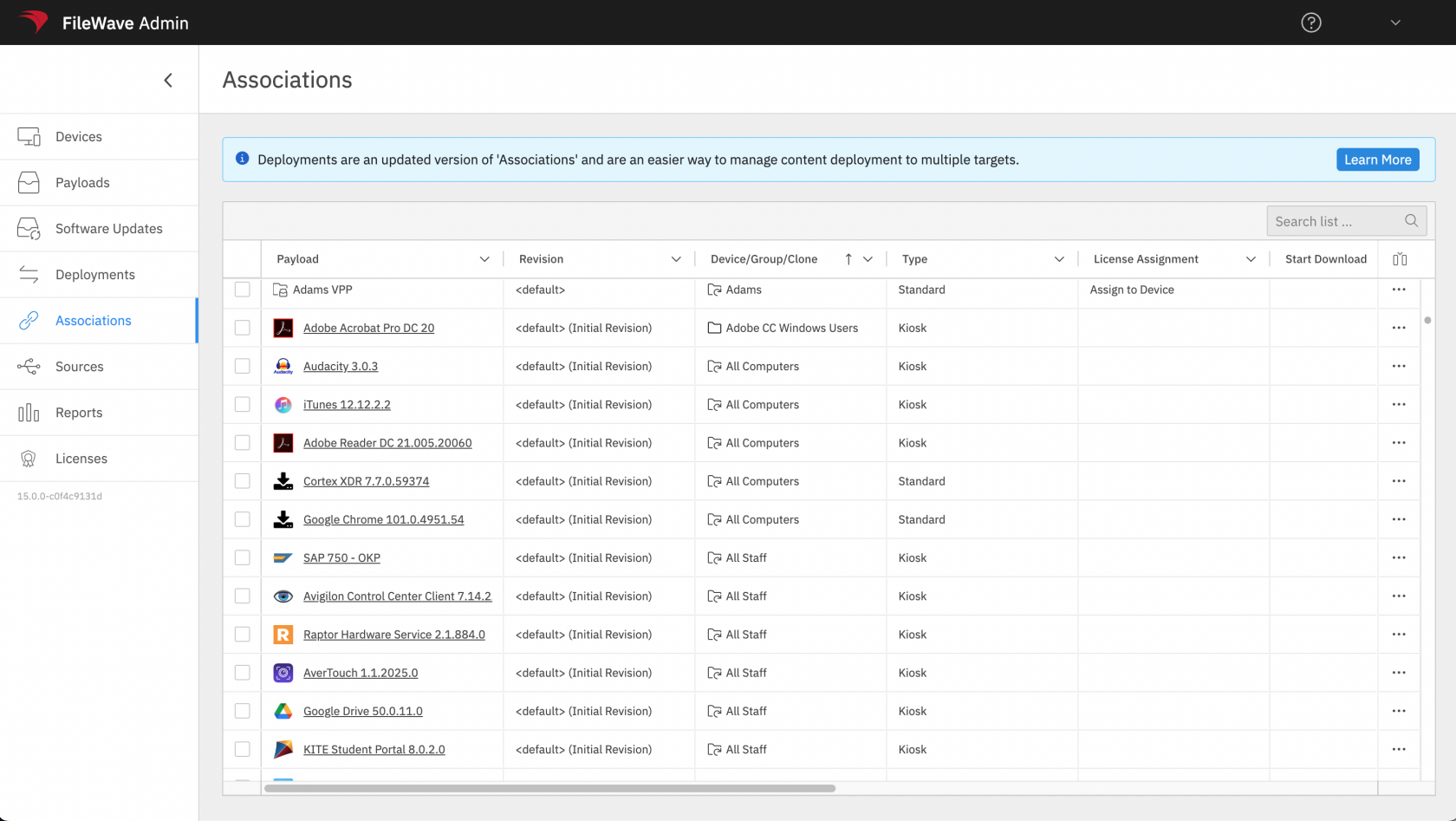
Select Associations with matching metadata, add them to a new or existing Deployment, preview the result, and save only after the targets, payloads, timing, and installation behavior match the original intent. The video below shows a simple conversion.
When timing options, installation types, or other metadata differ, resolve the conflicts before saving. See [Resolving Conflicts in Associations Conversion](https://kb.filewave.com/books/filesets-payloads/page/resolving-conflicts-in-associations-conversion) for the conflict workflow.
Conversion replaces the selected Associations with a Deployment. Pilot a small set, compare the preview with the original assignments, and verify device behavior before converting the next batch.