# Choose Deployment Targets and Exclusions in FileWave Anywhere

## What

The Targets tab defines which endpoints receive every payload in a FileWave Anywhere deployment. Include individual devices, manual groups, Smart Groups, or LDAP OUs. Use exclusions to omit specific devices or groups from the selected targets.

## When/Why

Use Targets for recipients and Exclusions for exceptions:

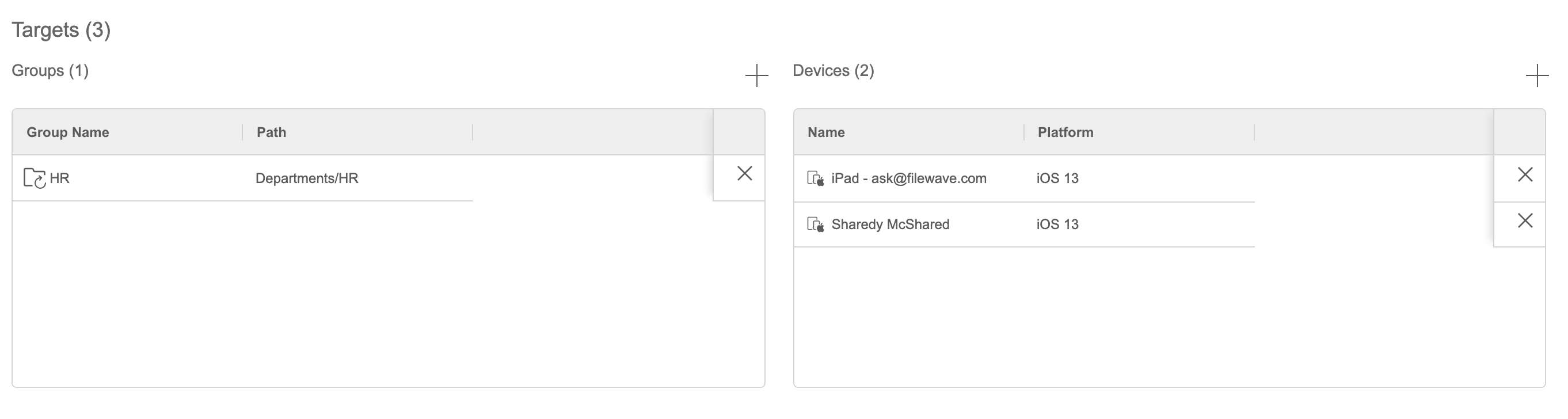
<table id="bkmrk-targets---what-you-w" style="width:100%;"><tbody><tr><td style="width:22.2472%;">**Targets** - What you want to receive

**Groups** - Static, Smart Groups, and LDAP OUs to include

**Devices** - Specific devices to include

</td><td style="width:77.7528%;">![Q2aE76agZPy6oXRz-embedded-image-6prmibv6.png](https://kb.filewave.com/uploads/images/gallery/2023-07/Q2aE76agZPy6oXRz-embedded-image-6prmibv6.png)

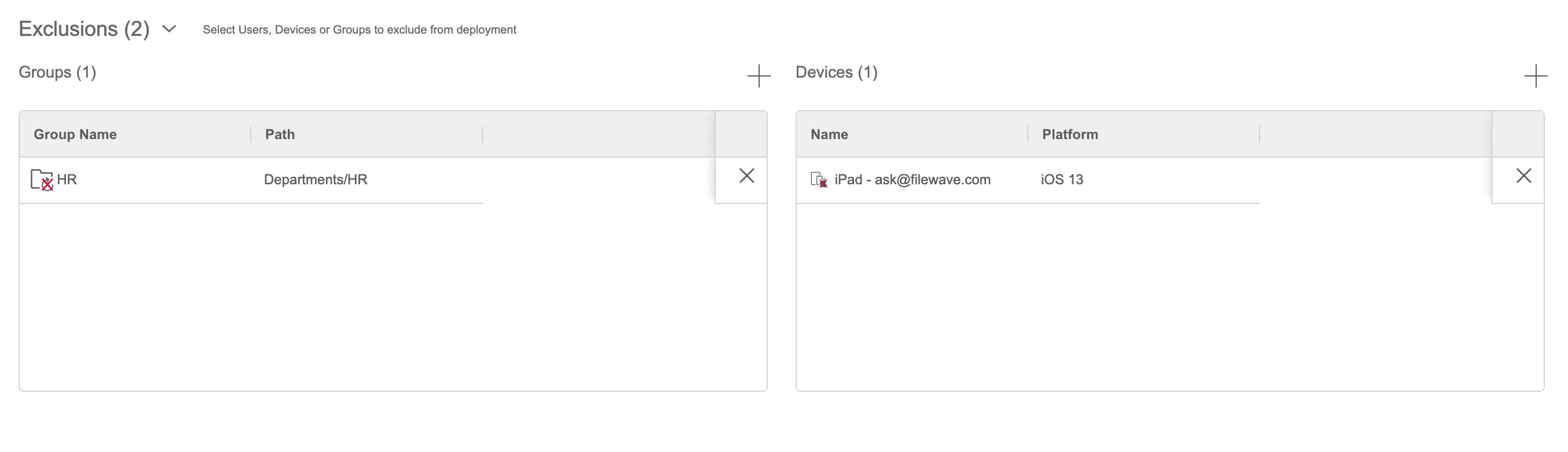
</td></tr><tr><td style="width:22.2472%;">**Exclusions** - What you don't want to receive

**Groups** - Static, Smart Groups and LDAP OUs to exclude

**Devices** - Specific devices to exclude

</td><td style="width:77.7528%;">![K2Lf5Zw5uQPKPEim-embedded-image-hz39n0e2.png](https://kb.filewave.com/uploads/images/gallery/2023-07/K2Lf5Zw5uQPKPEim-embedded-image-hz39n0e2.png)

</td></tr></tbody></table>

<p class="callout info">You can save a deployment without targets, but it will not deliver payloads until you add at least one target. This is useful when preparing a deployment for later use.</p>

## How

1. Open the **Targets** tab.
2. Add the groups or individual devices that should receive every payload in the deployment.
3. Optional: add groups or devices under **Exclusions** when they should not receive the payloads.
4. Select **Save** to continue later or **Next** to continue creating the deployment.

<video controls="" height="300" width="600"><source src="https://kb.filewave.com/attachments/70"></source></video>