Use Dark Mode in FileWave Central
Choose a FileWave Central theme
FileWave Central can use a light theme, a dark theme, or follow the appearance selected for your computer. The choice is local to the computer running Central, so each administrator can use the theme that suits their workspace.
Dark mode reduces bright interface backgrounds when you work in a dim room. Light mode keeps the standard bright appearance, while Automatic follows the operating system setting.
Change the theme
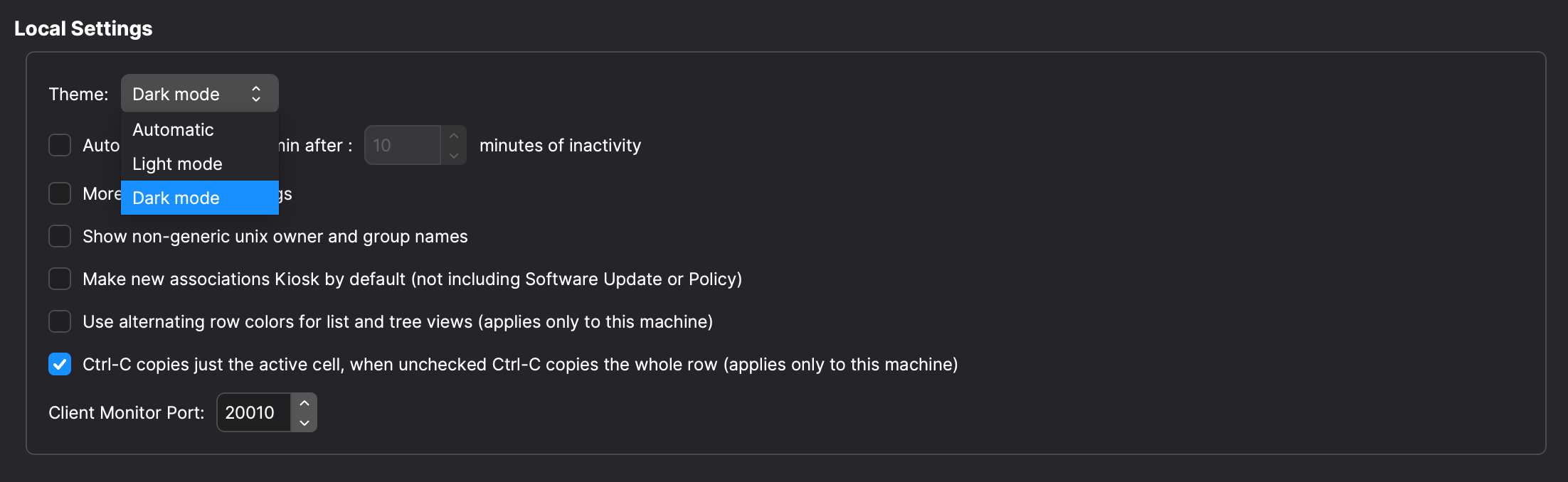
In FileWave Central, open Preferences > General. Under Local Settings, set Theme to Automatic, Light mode, or Dark mode. The screenshot below shows the exact options.