Importing Computer Clients from a File
You can import a "tab-delimited" text file (not a CSV file).
See Placeholders for more workflow information. Can be useful for
- Network Imaging Guide
- Automated Device Enrollment (ADE)
- Enrolling Mobile Devices into FileWave
- Working with FileWave Clients
The import location is in the Create New Client pane:

The new format looks like this:
Client Name <tab> Comment <tab> Serial or MAC- Name is mandatory
- Comment is optional
- Serial or MAC is optional if you are going to be adding clients that are already named later; otherwise, you must provide either a serial number or MAC address.
MAC address formats can have colons (:) between octets. For serial numbers, only capital letters (A-Z) and ordinal numbers (0-9) are allowed. Create the text file using a text editor that can save the file in plain text format with Unix or Windows line endings.
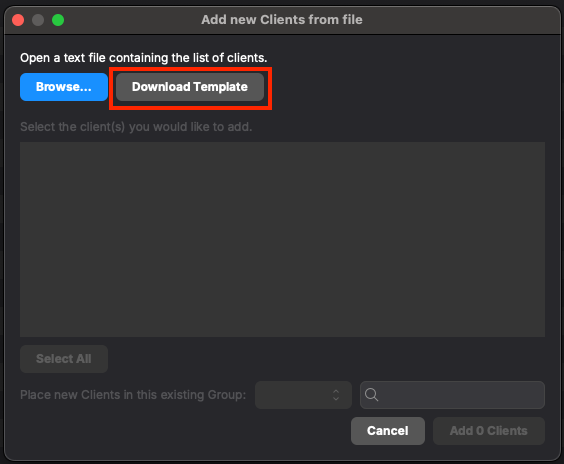
Please download the template for more details:
Windows imaging placeholder import example
For Windows imaging placeholders, put the MAC address in the Serial or MAC column. Do not use Imaging MAC Address as the column header in the import file; FileWave Central parses the placeholder identifier from Serial or MAC and then uses it where needed for imaging.
Example tab-delimited import file: filewave-central-placeholder-import-example.tsv
# Name	Serial or MAC	Comment
WIN11-0000	00:00:00:00:00:00
If the optional Comment field is blank, keep the trailing tab at the end of the row. Without that final delimiter, Central may not parse the last empty column as expected.
When creating your own file, remember to include a header row on the first line to define the column names, just like in the template.