**Third Party Software** DeepFreeze is a third party application. The details provided are for example only and are unsupported by FileWave.
You will invariably want to do this while users are not using the computers, since you do not want them to make modifications during its thawed boot. Therefore, this script will reboot the computer immediately. To make this script, you'll need to know the Deep Freeze administrator name and password. In your script, substitute your name/pass for 'your\_admin' and 'your\_password'
## Ingredients - FW Admin ## Directions - Create a new empty fileset (From the Fileset View : New Desktop Fileset > Empty : Type a Name > OK) - With it selected: Click the Scripts item in the button bar - Create a new A**ctivation** **Script** and name it. - Paste the script below and edit **This is to Thaw macOS** ```shell #!/bin/sh /Applications/Faronics/DFXControl.app/Contents/MacOS/DFXControl command your_admin your_password bootThawed /sbin/reboot ``` **This is to Thaw Windows** ``` @echo off "%ProgramFiles%FaronicsDeep Freeze EnterpriseDFC.exe" yourPassword /BOOTTHAWED shutdown -r ``` - Create a new **Pre-Uninstallation Script** and name it - Paste the script below and edit **This is to Freeze macOS** ```shell !#bin/sh /Applications/Faronics/DFXControl.app/Contents/MacOS/DFXControl command your_admin your_password bootFrozen /sbin/reboot ``` **This is to Freeze Windows** ``` @echo off "%ProgramFiles%FaronicsDeep Freeze EnterpriseDFC.exe" yourPassword /BOOTFROZEN shutdown -r ``` It will reboot the machine in frozen mode after the fileset has been set to deleteDon't put passwords in scripts. See: [Script Best Practices](https://kb.filewave.com/books/filewave-general-info/page/script-best-practices "Script Best Practices")
- Associate and schedule the script - Schedule the activation time for before you want to make changes - Schedule the delete time for after you are done making changes 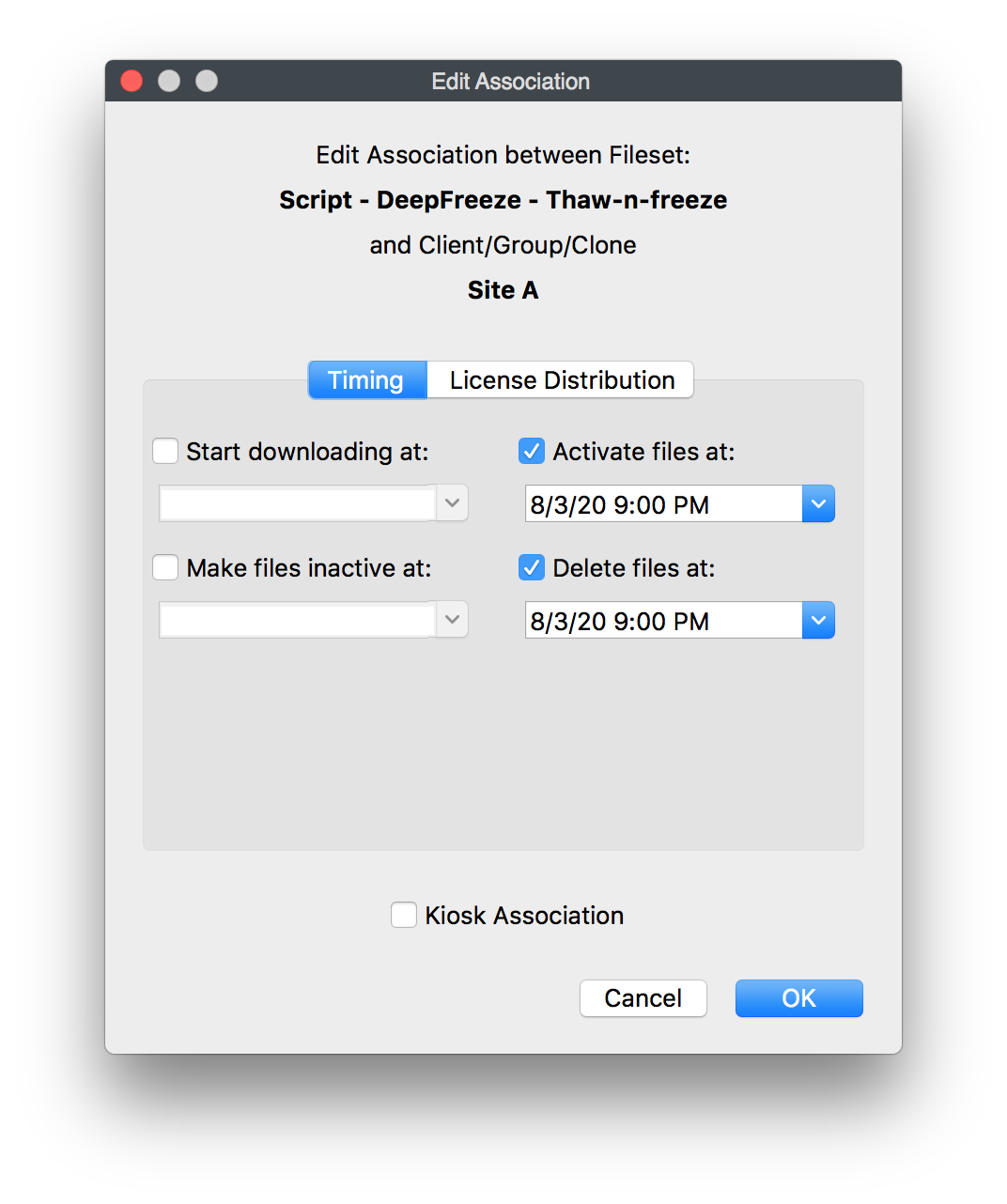 - - Schedule the filesets you want to make changes to the computers 