# iOS BYOD User Enrollment Overview
## What
With Version 14(+) of FileWave, you can now BYOD (bring-your-own-device) enroll a device without giving total management of the device to the system admin.
## When/Why
Typically, this option works best if the device to be supported is not company owned. For instance, an employee with their own iPhone may want to BYOD enroll a device to allow distribution of company-owned app licenses, but without giving their company the ability to manage their phone in other ways.
## How
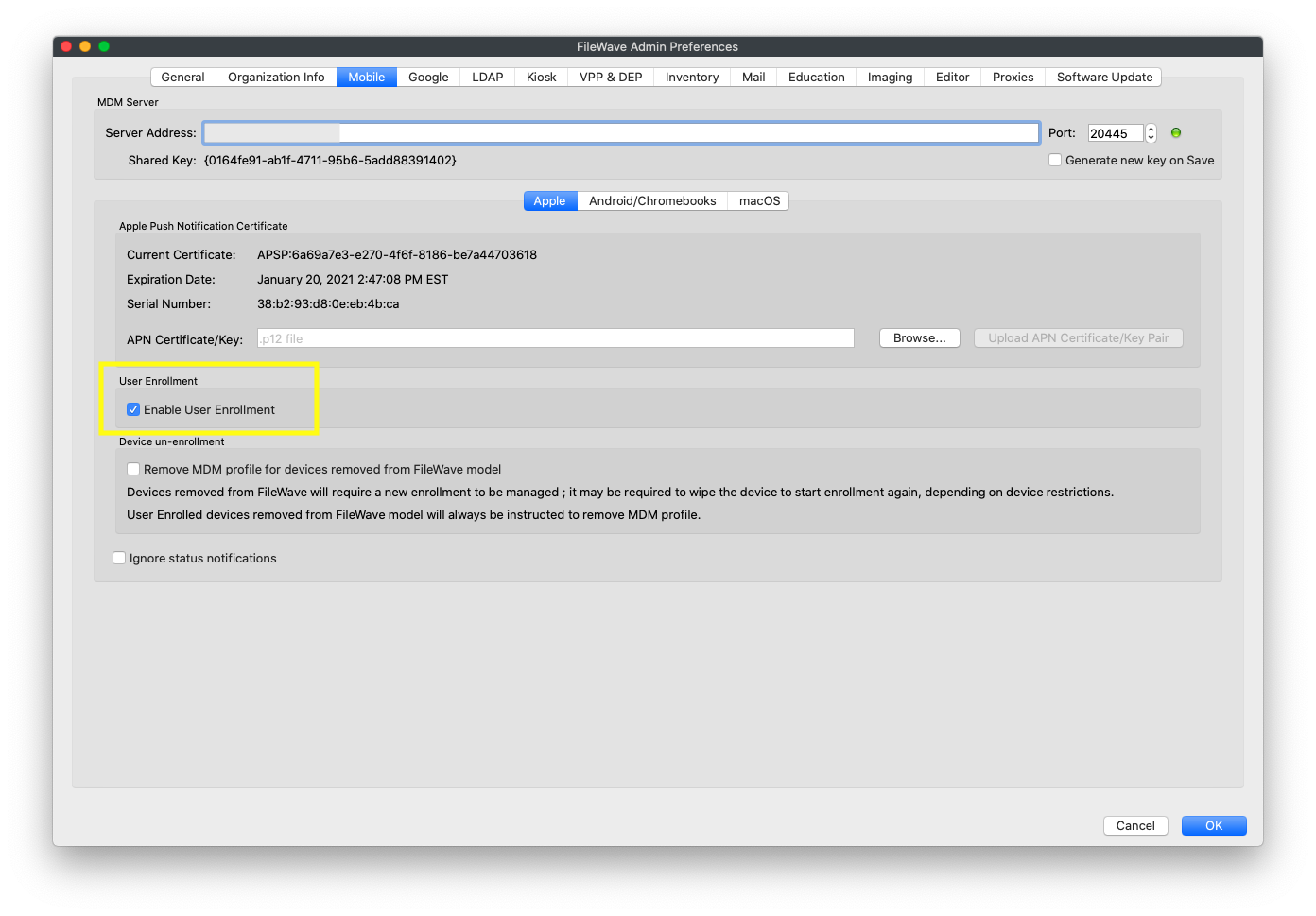
BYOD enrollment is off by default in FileWave, and must be enabled on the Mobile tab in preferences as shown below:
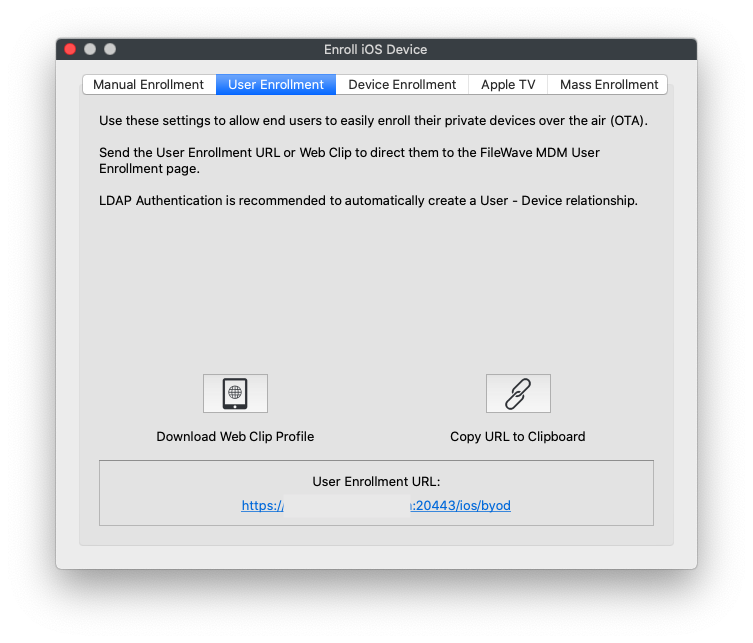
Once enabled, a new tab will be added to the "Enroll iOS Device..." Assistant:
And, once user enrollment is enabled, you can go to [https://my.server.address:20443/ios/byod](https://my.server.address:20443/ios/byod) to see the user enrollment page:
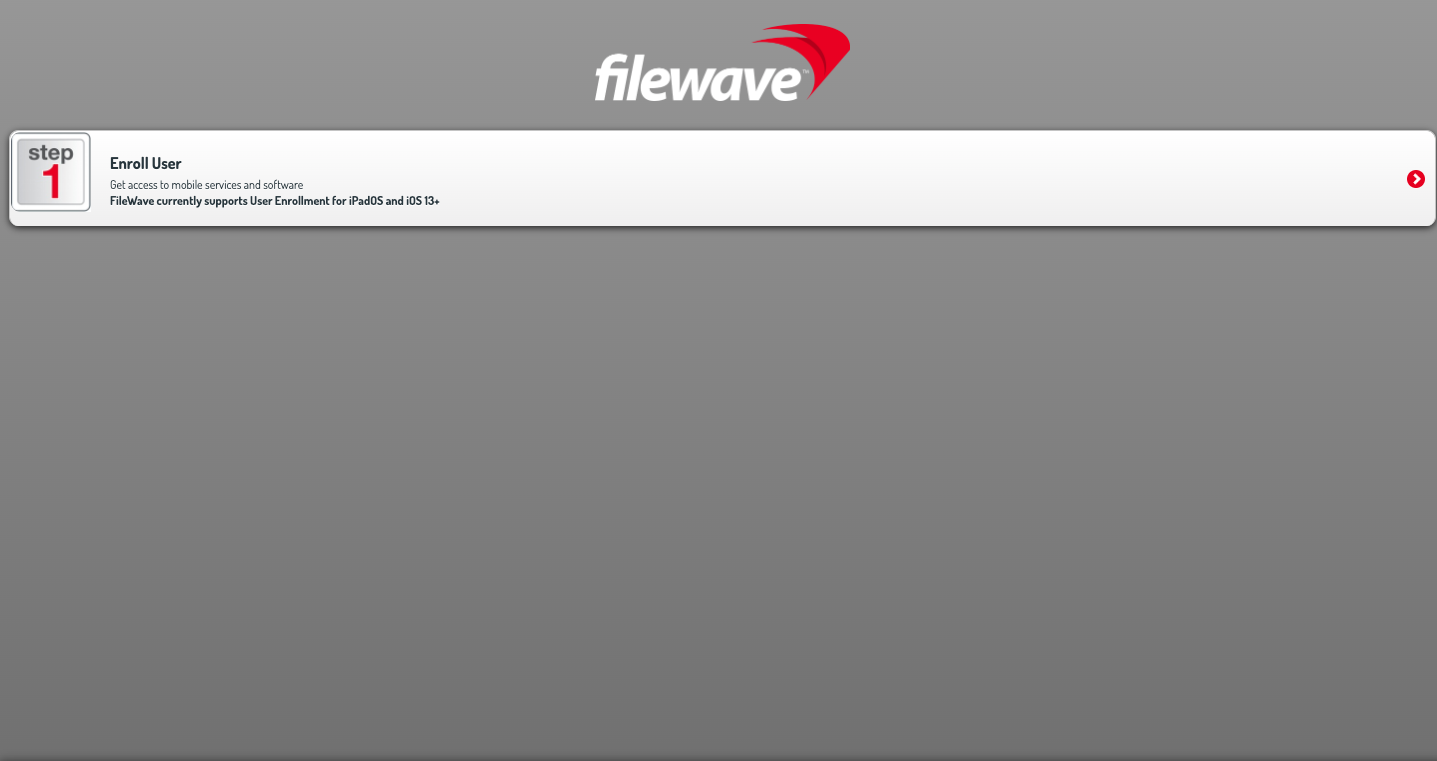
Note that by BYOD's very nature the only way you will enroll BYOD devices is through this page. (i.e. it won't be through ADE). BYOD enrollment **does** require the use of managed apple ids from either Apple School, or Apple Business, Manager.
See below video of a BYOD device enrollment:
Unlike a ADE enrollment, you don't have to wipe the device first to BYOD enroll it. However, trying to enroll a device with a managed Apple ID that is already logged into iCloud on the device will result in an error.