| **macOS** |
| Custom Field, returns either: compatible or incompatible |
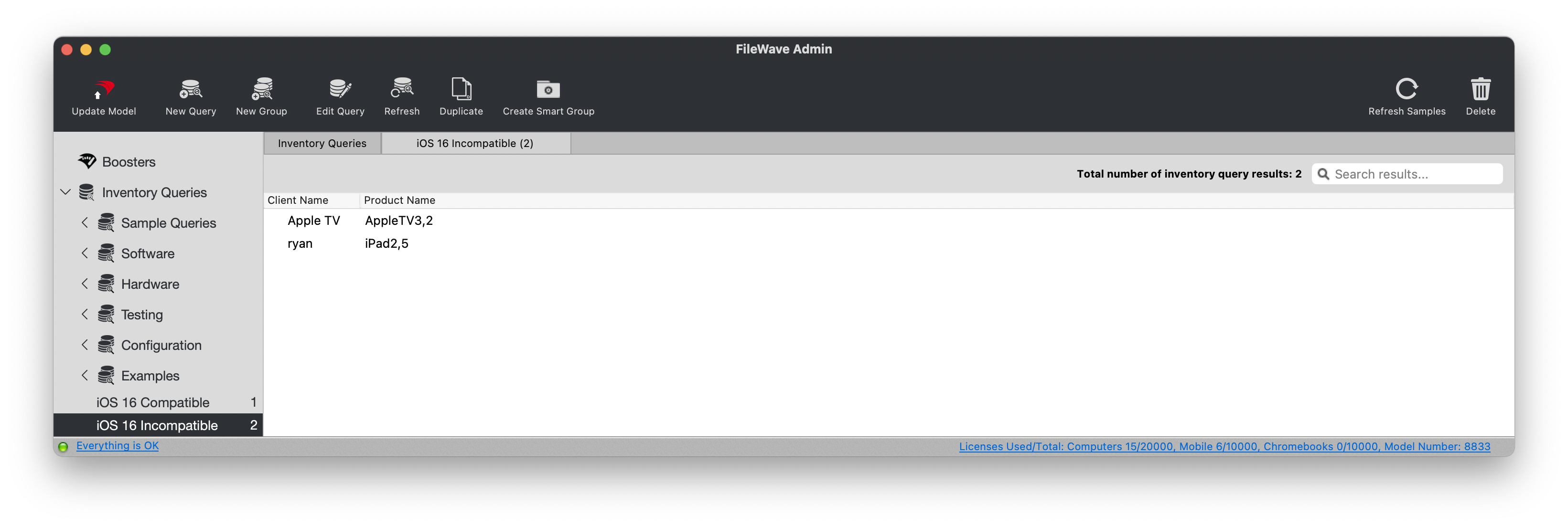
The screenshot below shows Reports (formerly Queries) in an older version of FileWave Central.
 ## Ingredients - macOS - Custom Field exported file: [Custom Big Sur Compatible Devices.customfields.zip](https://kb.filewave.com/attachments/140) ## Directions - Download the exported Custom Field file and unzip it. - In FileWave Central, choose **Assistants** > **Custom Fields**. - Choose **Import** and select the unzipped Custom Field file. - After importing, set **Assigned to all devices** as needed. - Save the Custom Field. See [Importing and Exporting Custom Field Files](https://kb.filewave.com/books/custom-fields/page/import-and-export-custom-field-definitions "Importing and Exporting Custom Field Files") for the complete import workflow.You can assign this Custom Field to all devices because its Windows script returns **NA**.