Setting Timezones on Apple Devices
What
Use a Command Policy profile when you need FileWave to set the time zone on supervised iPhone, iPad, or Apple TV devices.
When/Why
This is useful for shared-device fleets, classroom devices, carts, labs, or Apple TVs that should stay on the organization’s expected local time instead of relying on the user to correct it.
How
| FileWave Central | FileWave Anywhere |
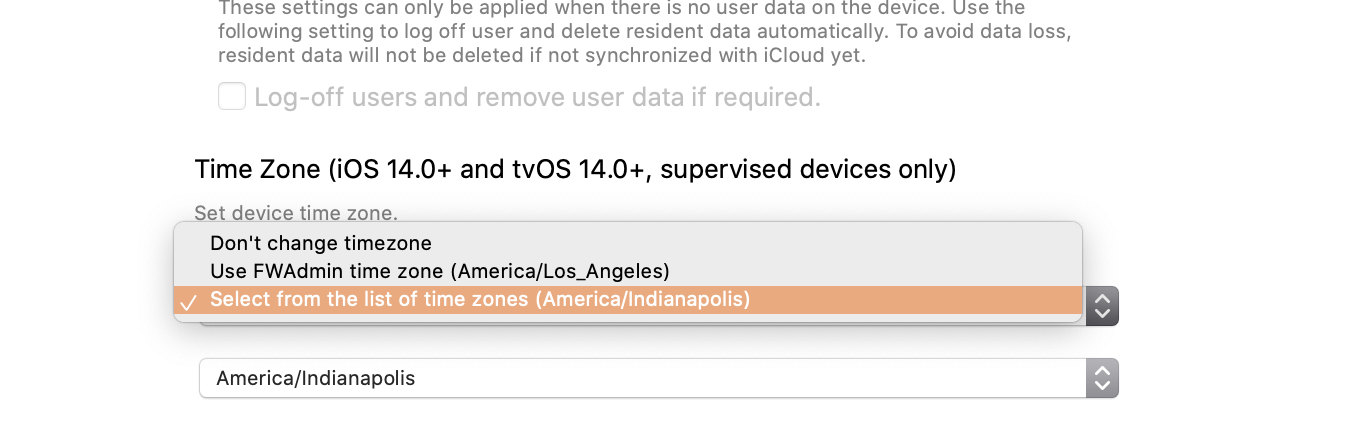
| 1. Filesets view 2. New Mobile ( or Desktop) Fileset 3. Profile 4. Command Policy 5. Configure... 6. Find "Time Zone" You can choose between * Don't Change timezone - (Default) Does nothing * Use FWAdmin time zone (X) - Uses the time zone from the admin workstation * This option is a quick-set value so you do not have to scroll through the full list of time zones * Select from the list of all time zones - A second drop down list will show of available timezones
|
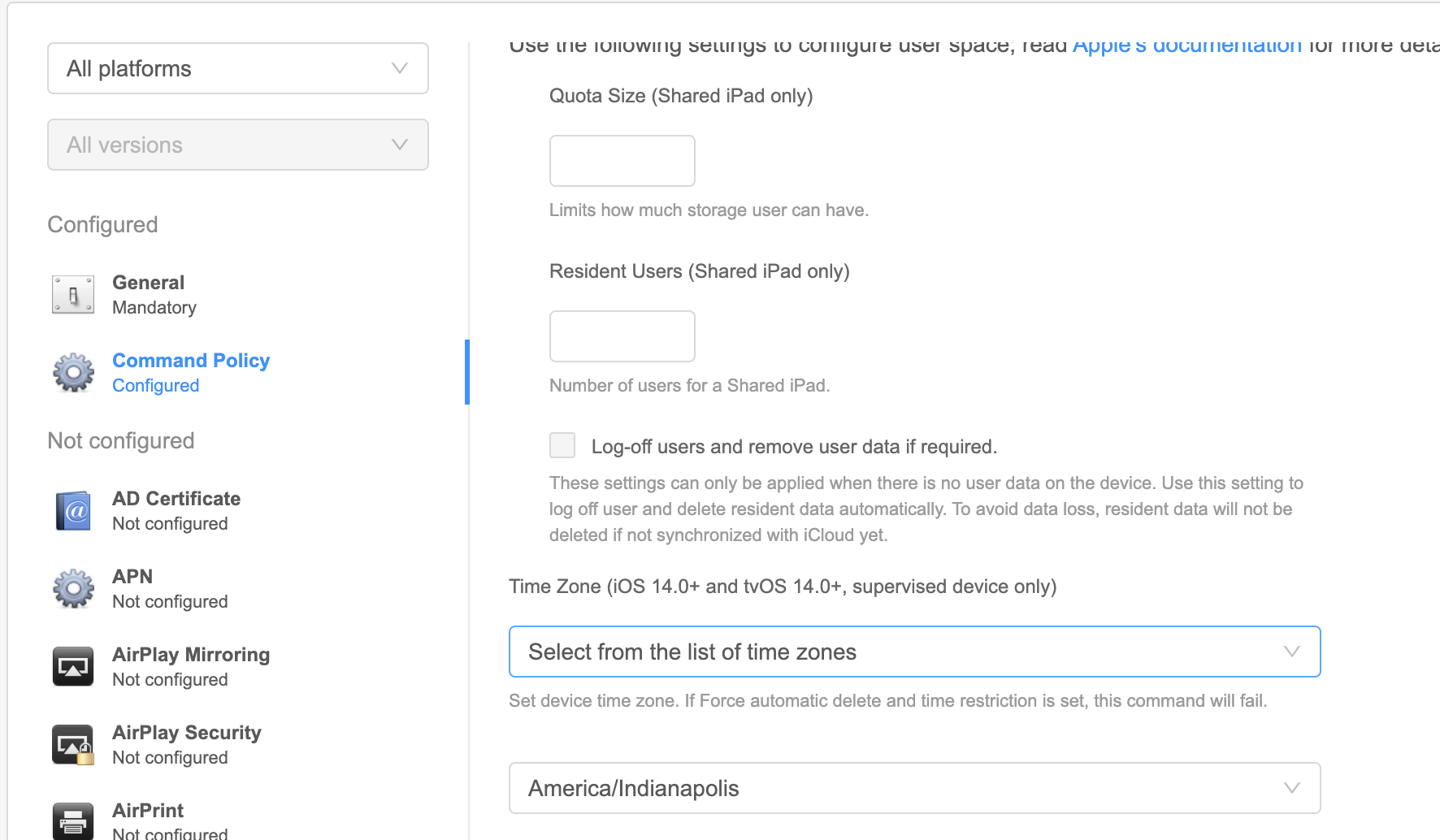
1. Payloads 2. Plus  3. Command Policy 4. Configure 5. Find "Time Zone" You can choose between * Don't Change timezone - (Default) Does nothing * Use FWAdmin time zone (X) - Uses the time zone from the admin workstation If FileWave Anywhere does not show the expected local time zone, select the time zone from the full list instead of relying on the quick-set value. * Select from the list of time zones - A second drop down list will show of available timezones
|
Command Policy profiles are not restrictions. A user can change the time zone after the command is received, although the command policy can reapply periodically.