Comic Life Deployment (macOS Fileset Magic)
Description
Use Fileset Magic to capture Comic Life after installation and registration, then deploy the resulting Fileset only if your organization is properly licensed for Comic Life.
Last tested with ComicLife 3.5.8
Ingredients
Directions
- Start the initial Fileset Magic capture.
- Install Comic Life
- Unzip the current installer.
- Move Comic Life into the Applications folder.
- Drag or import the app from the Applications folder into the Fileset.
- Launch Comic Life.
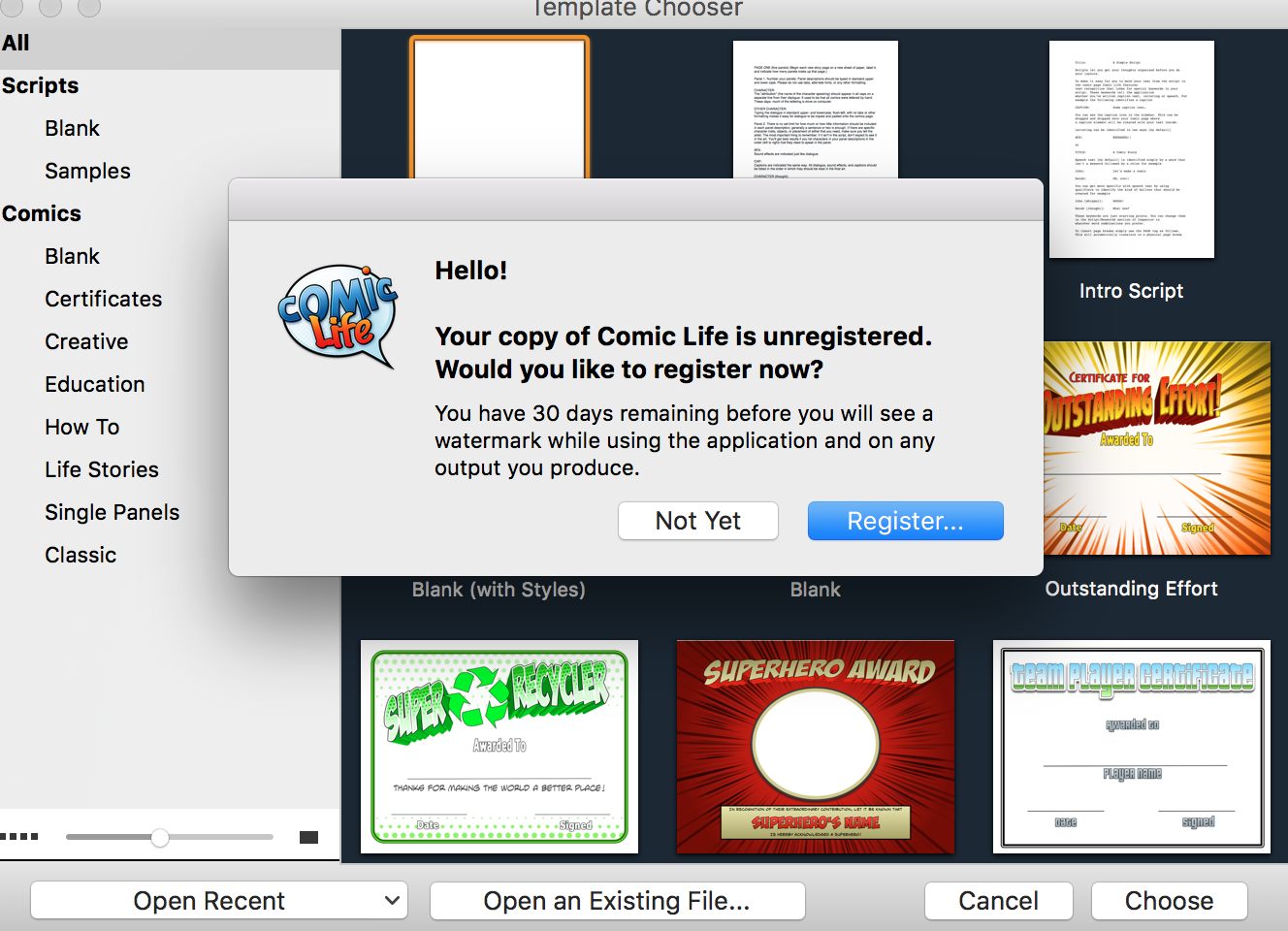
- Accept License
- Select "Register"
- Enter Org name
- Enter Serial Number
- Close Comic Life.
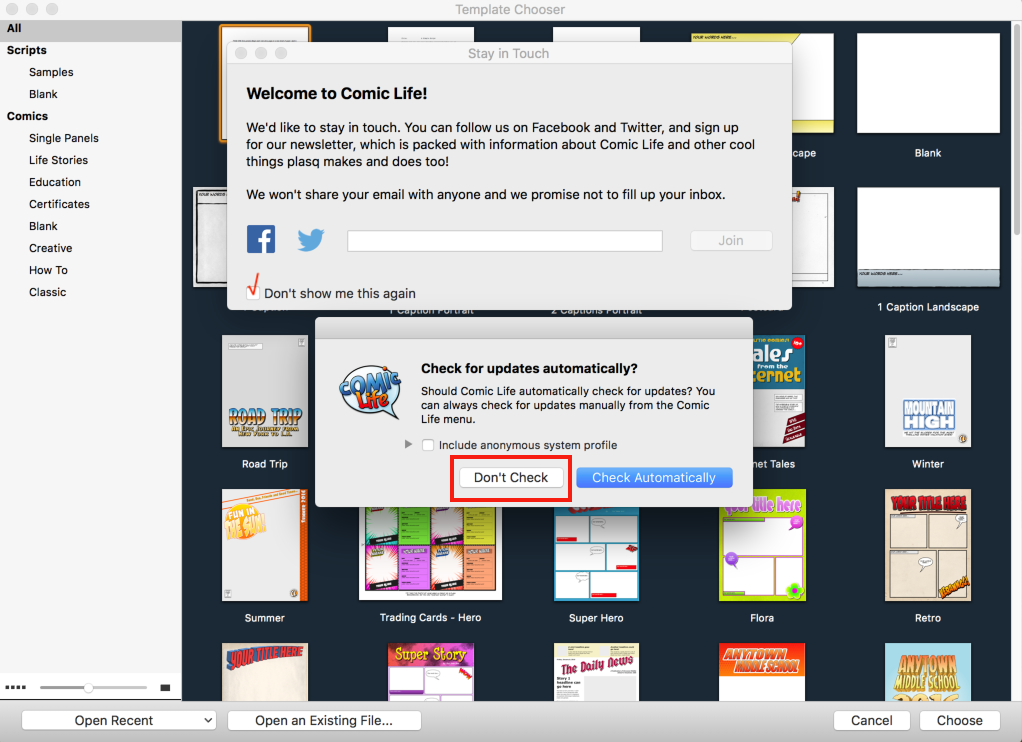
- Open Comic Life again.
- When prompted about automatic updates and staying in touch, choose the settings your organization wants deployed.
- Close Comic Life again.
- Run the second Fileset Magic scan to capture the changes.
- Move registration and preference items to all users when they should apply to every user on the Mac.
|


|