**Choose the current Mozilla management method** Mozilla recommends Windows Group Policy for settings covered by policy and [AutoConfig](https://support.mozilla.org/en-US/kb/customizing-firefox-using-autoconfig) for preferences that are not. The downloadable Fileset uses AutoConfig. If you edit `autoconfig.js` for Firefox 60 or later, save it with Unix LF line endings.
## Ingredients - FileWave Central - Firefox installer application already as a Fileset - The provided configuration Fileset: [Windows - FirefoxConfig.fileset.zip](https://kb.filewave.com/attachments/123) ## Directions - Download the Fileset ZIP, expand it, and drag the Fileset into FileWave Central. - Two files are present in the Fileset. [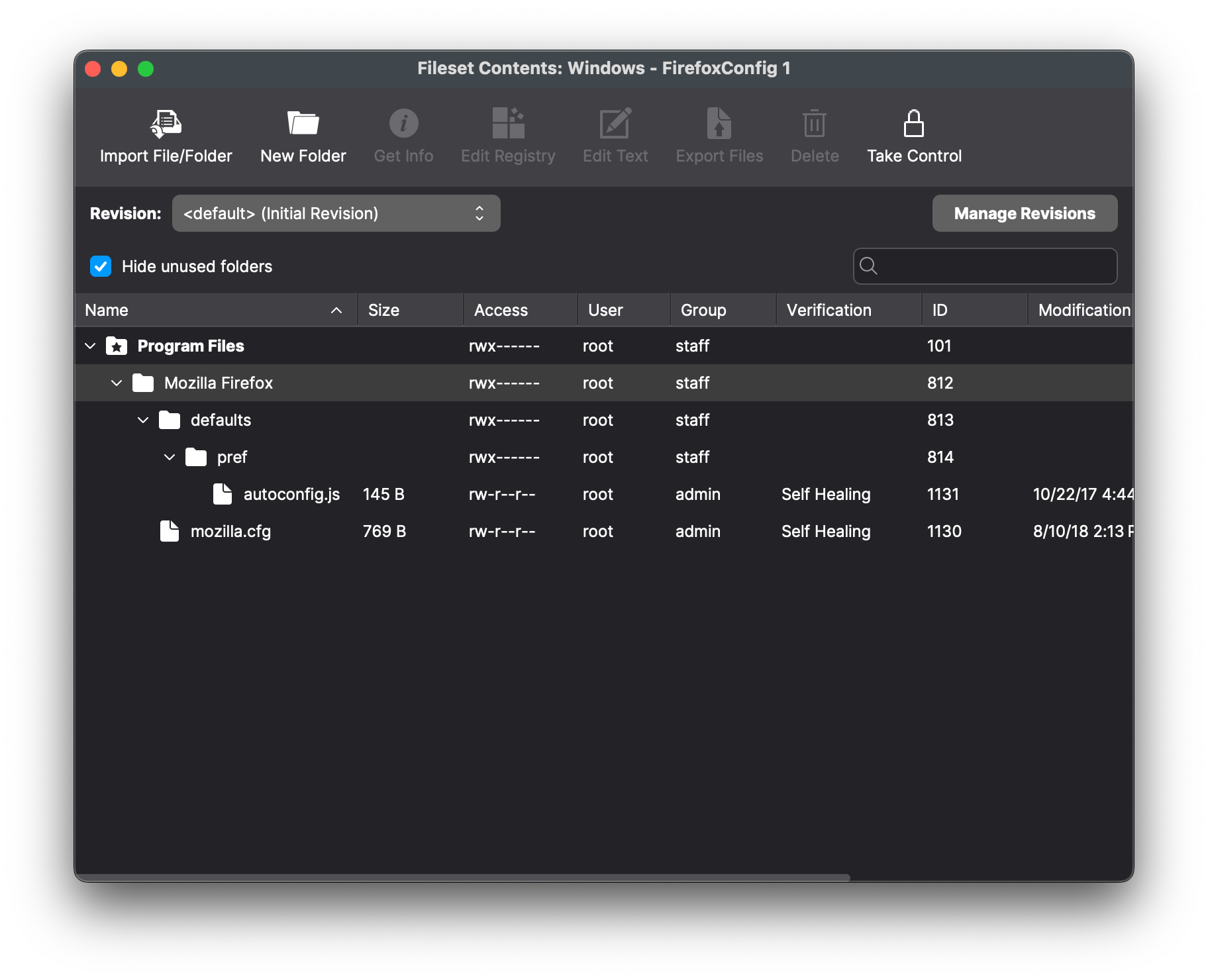](https://kb.filewave.com/uploads/images/gallery/2024-07/2ivx6Oe8CYKZ3ZW2-image.png) - `autoconfig.js` tells Firefox to load `mozilla.cfg`: ```javascript // Any comment. You must start the file with a comment! pref("general.config.filename", "mozilla.cfg"); pref("general.config.obscure_value", 0); ``` - Edit `mozilla.cfg` to choose the managed preferences. The example disables Firefox updates and telemetry, suppresses first-run pages, and sets a home page. Review every preference against the target Firefox release before deployment. ```javascript // Any comment. You must start the file with a comment! // Disable updater lockPref("app.update.enabled", false); lockPref("app.update.auto", false); lockPref("app.update.mode", 0); lockPref("app.update.service.enabled", false); // Set Homepage and stop Mozilla startup pages lockPref("browser.startup.firstrunSkipsHomepage", false); pref("browser.startup.homepage","http://www.filewave.com"); lockPref("browser.startup.homepage_override.mstone", "ignore"); // Disable Privacy telemetry lockPref("datareporting.policy.firstRunURL",); lockPref("datareporting.healthreport.service.enabled", false); lockPref("datareporting.healthreport.uploadEnabled", false); lockPref("datareporting.policy.dataSubmissionEnabled", false); lockPref("toolkit.telemetry.unified", false); ``` ## Preference functions Mozilla documents `pref`, `defaultPref`, `lockPref`, and the other available functions in [Customize Firefox using AutoConfig](https://support.mozilla.org/en-US/kb/customizing-firefox-using-autoconfig). ### pref `pref` sets a user preference. Firefox reapplies it at every launch, so a user's change does not persist. ### lockPref `lockPref` sets and locks a preference so the user cannot change it. ### defaultPref `defaultPref` sets the default while allowing the user to keep an override until the preference is reset.**Preference Names** Navigating to 'about:config' in the Firefox URL bar will list all possible preference names and their values and types.
## Association Place the Firefox installer and configuration Fileset in a Fileset Group so both reach the same devices. 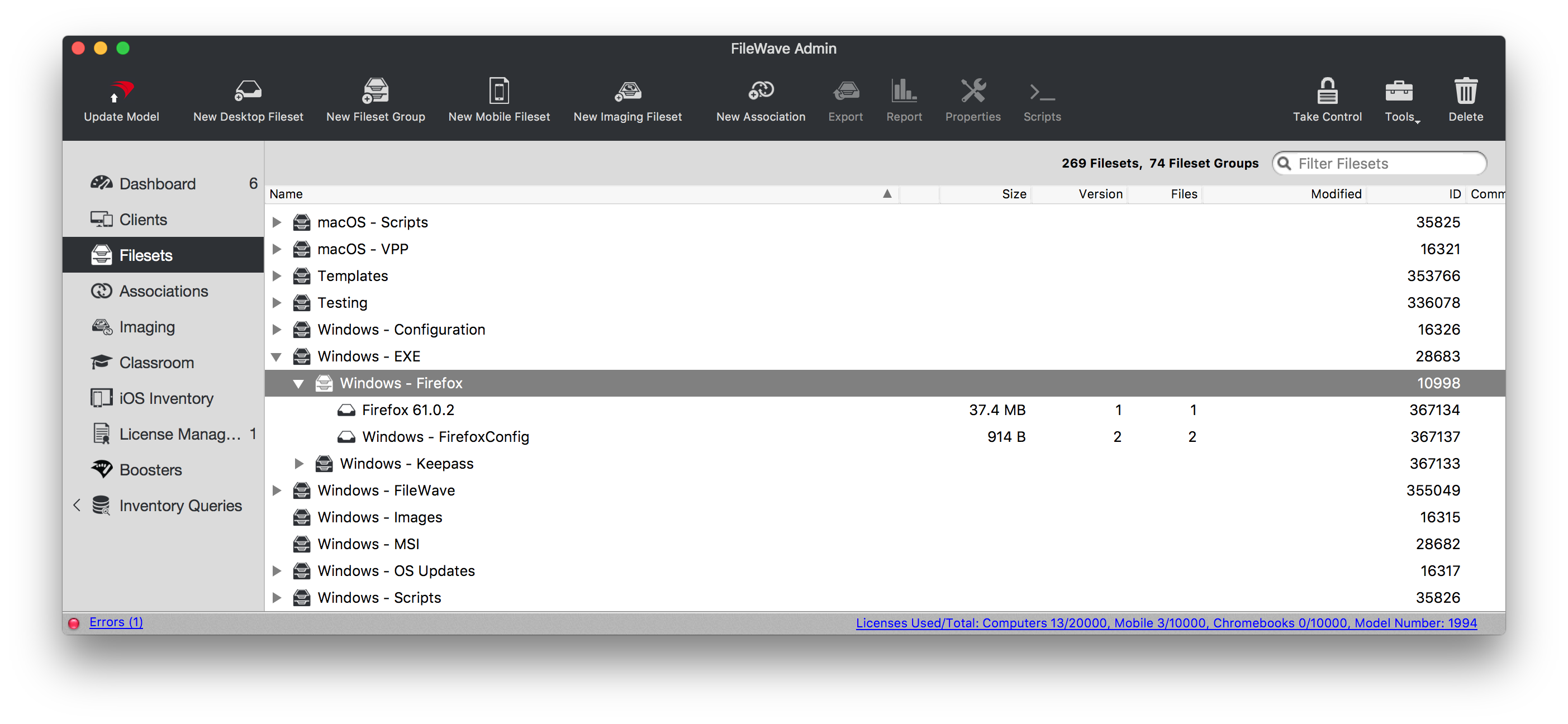 Associating the 'Firefox' Fileset Group will ensure both the Application and Configuration are associated to devices. 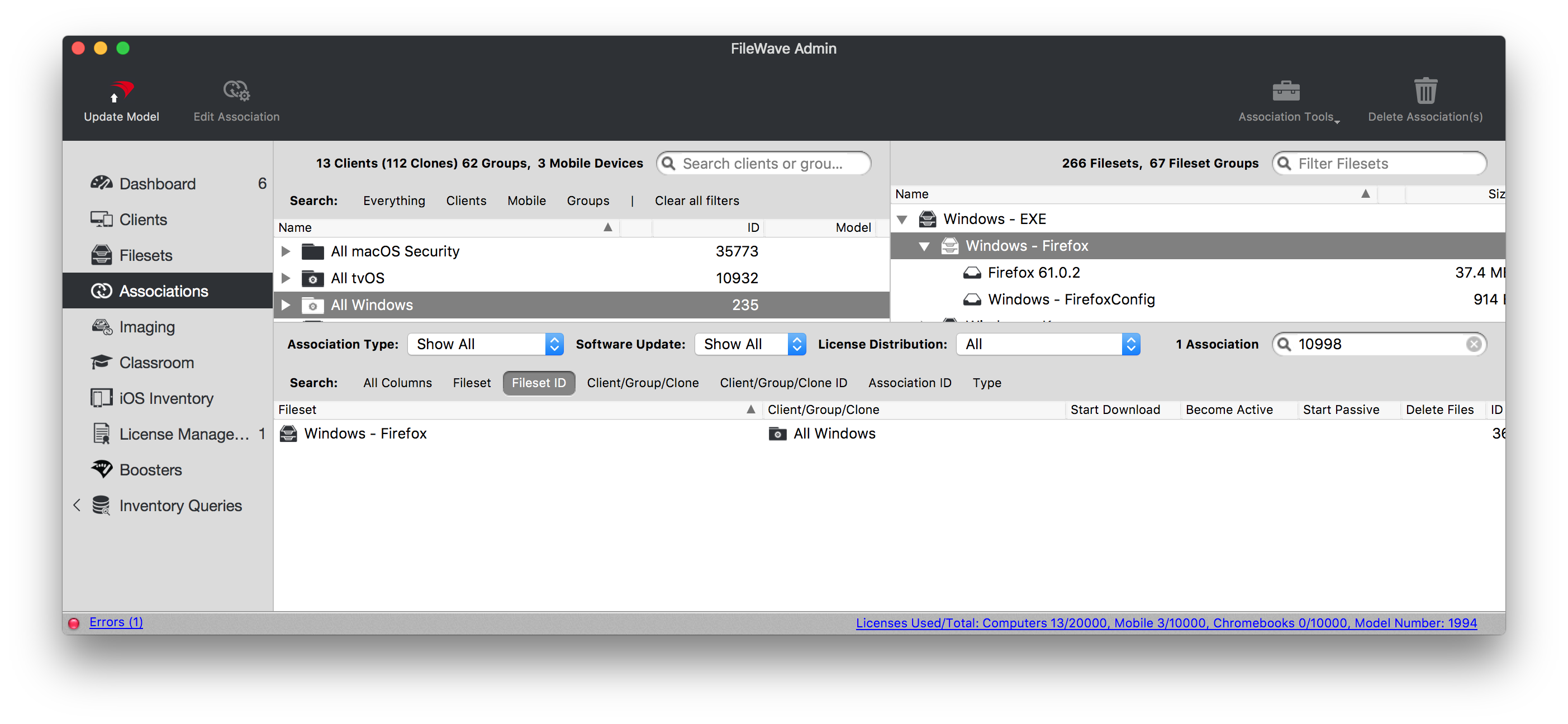 When there is an update to Firefox, replace the version in the Fileset Group with the latest version after testing. 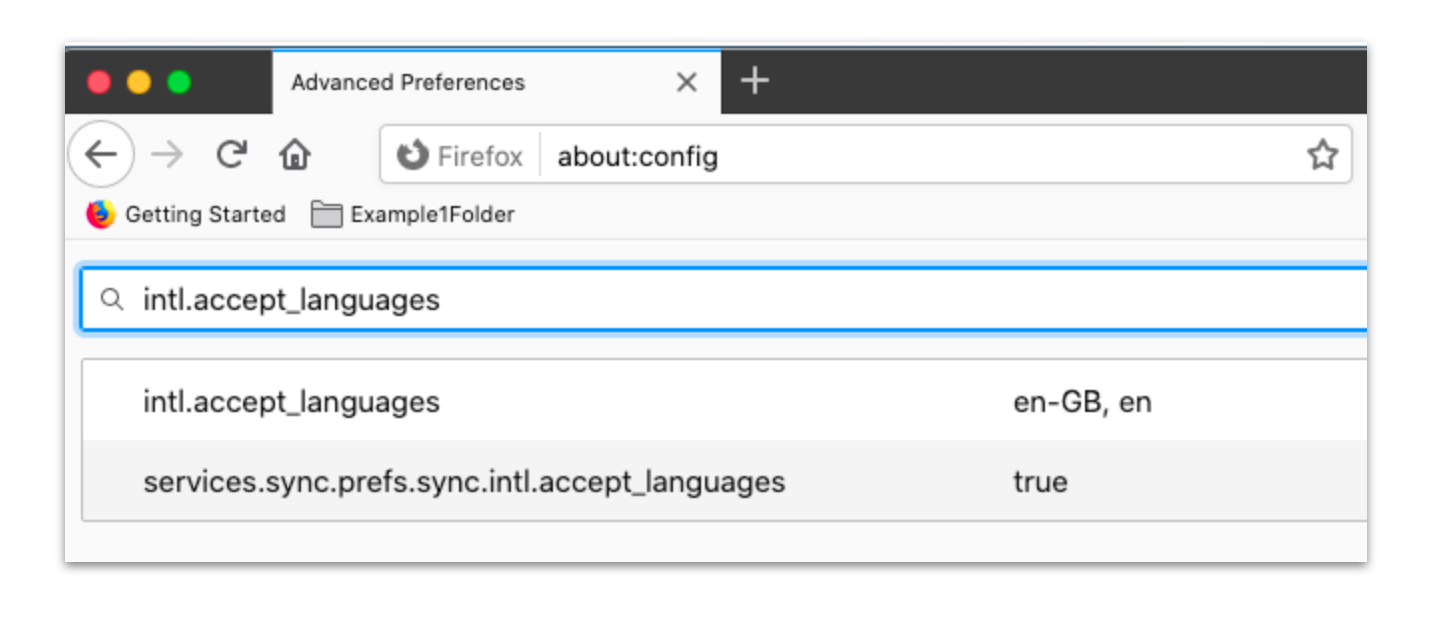 The template enables `BlockAboutConfig` so users cannot bypass the managed preferences through `about:config`. Confirm that this restriction matches your support policy before rollout. ## Related Content - [Firefox Configuration Recipe (macOS)](https://kb.filewave.com/books/software-deployment-recipes-macos/page/firefox-configuration-recipe-macos "Firefox Configuration Recipe (macOS)")