# Inventory Items in Profiles
## What
- Each Inventory Items has an Internal Name, including Custom Fields which provide extended inventory
- The Internal Name can be used to reference any Inventory Items in Profiles
## When
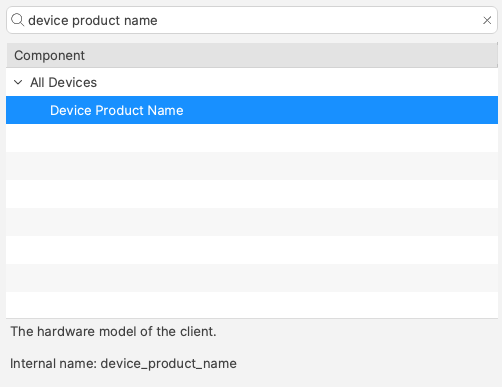
Internal Name of an Inventory Item may be located from the Inventory Query Editor. Example shows the Internal Name: ‘device\_product\_name’
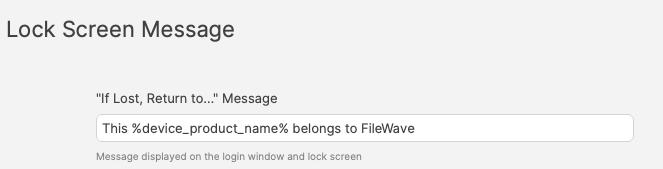
This may be added into a Profile, effectively customising the Profile per device or user:

### Custom Fields
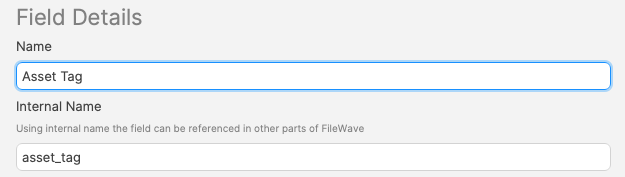
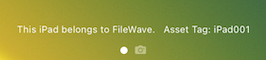
Associated Custom Fields may also be used with Payloads settings of Profiles. Extending the above example, consider a Custom Field for Asset Tag:
#### Custom Field Definition
#### Profile Payload
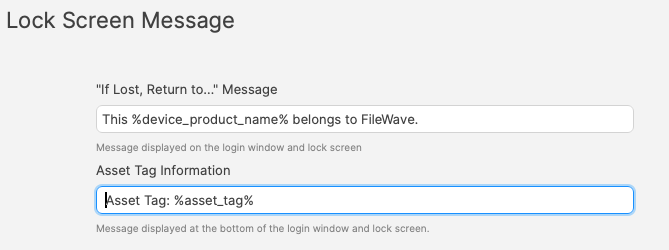
#### Lock Screen
### Improvement
When referencing a Custom Field in a Profile Payload, it could be referenced in one of two ways. From the above example, it could be either:
- %asset\_tag%
- %custom\_field.asset\_tag%
The additional prefix indicates more clearly that this is a Custom Field Inventory Item. If there was an Inventory Item with a matching name provided by FileWave, the first item in the list would report the provided Inventory Item value for the device and not the Custom Field.
For demonstration, imagine creating a Custom Field called 'My Device Product Name' with Internal Name: device\_product\_name.
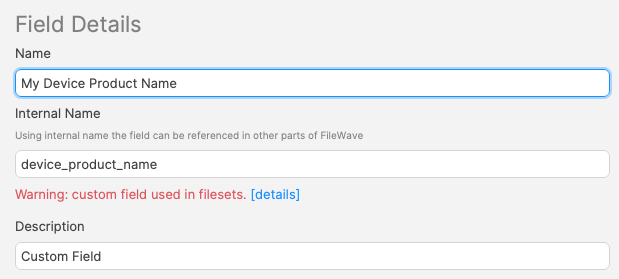
There are now two Inventory Items with the Internal Name: device\_product\_name:
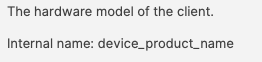
and
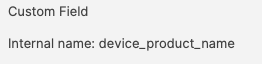
With the values:
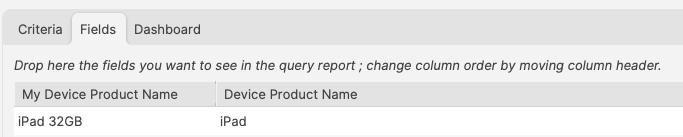
Altering the above example Lock Message to use both of these:
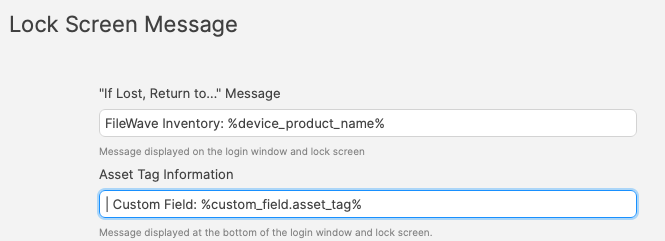
The device clearly demonstrates how the value without a prefix uses the FileWave provided Custom Field value:
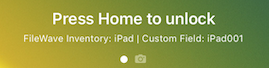
To prevent confusion with overlapping Inventory Items between Custom Field and built-in Inventory, always consider using the prefix for Custom Fields
## User Customisation
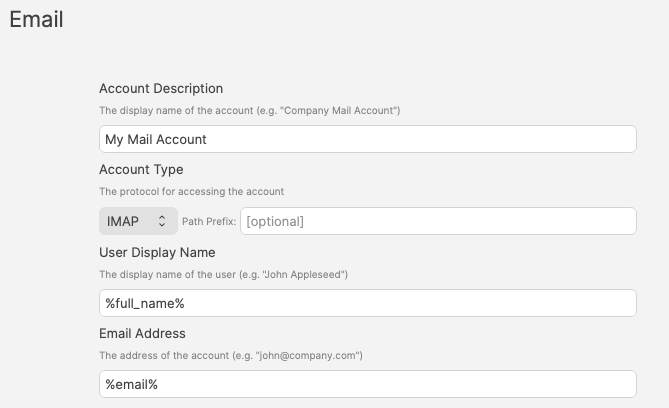
Although FileWave doesn't manage users, if users are associated with devices, this extends the ability to customise Profiles for users.
User details from enrolment may be used, but to extend beyond this, LDAP servers set for extraction can greatly increase the Inventory Items available for Parameters via LDAP Custom Fields.
An example of Profile customisation for users:
[](https://kb.filewave.com/uploads/images/gallery/2024-07/fJ9WF9cuR1mlt2Mq-image.png)
One Profile can therefore be used for multiple devices, tailoring the Payload to the users of those devices.