# Deploy SSL Certificates (Windows)

Deploy SSL certificates to Windows "Trusted Root Certification Authorities" certificate store for use in secure services such as web content filters.

## Step-by-step guide

- Download, unzip, and import the following Fileset Template into FileWave Central - [Windows - Install SSL Certificate.fileset.zip](https://kb.filewave.com/attachments/121)
- Import the desired SSL certificate into the Fileset's "\\temp\\ssl\\" directory and delete "placeholder.pem".![Import Certificate](https://kb.filewave.com/uploads/images/gallery/2023-07/YJQx8qbdkPY448B5-embedded-image-wlyaloaj.png)
- Select the "install\_ssl.bat" file, click "Edit Text", and replace "placeholder.pem" with the full file name of the newly uploaded certificate.

![Edit Text](https://kb.filewave.com/uploads/images/gallery/2023-07/hC14G8gHuwjJMQzq-embedded-image-hsu05uoy.png)

<p class="callout info">This script will add the desired SSL certificate to the Windows "Trusted Root Certification Authorities" certificate store for both the Local Machine (-enterprise) and the Current User (-user).</p>

- Associate and deploy the Fileset to a test machine and verify the installation on the Windows machine. 
    - Open "**certlm.msc**" for the Local Machine (-enterprise) Certificate Store or "**certmgr.msc**" for the Current User (-user) Certificate Store via Windows Run dialog (Win + R) or Command Prompt.
    - Navigate to "Trusted Root Certification Authorities&gt;Certificates" and verify the name of the newly added certificate.  
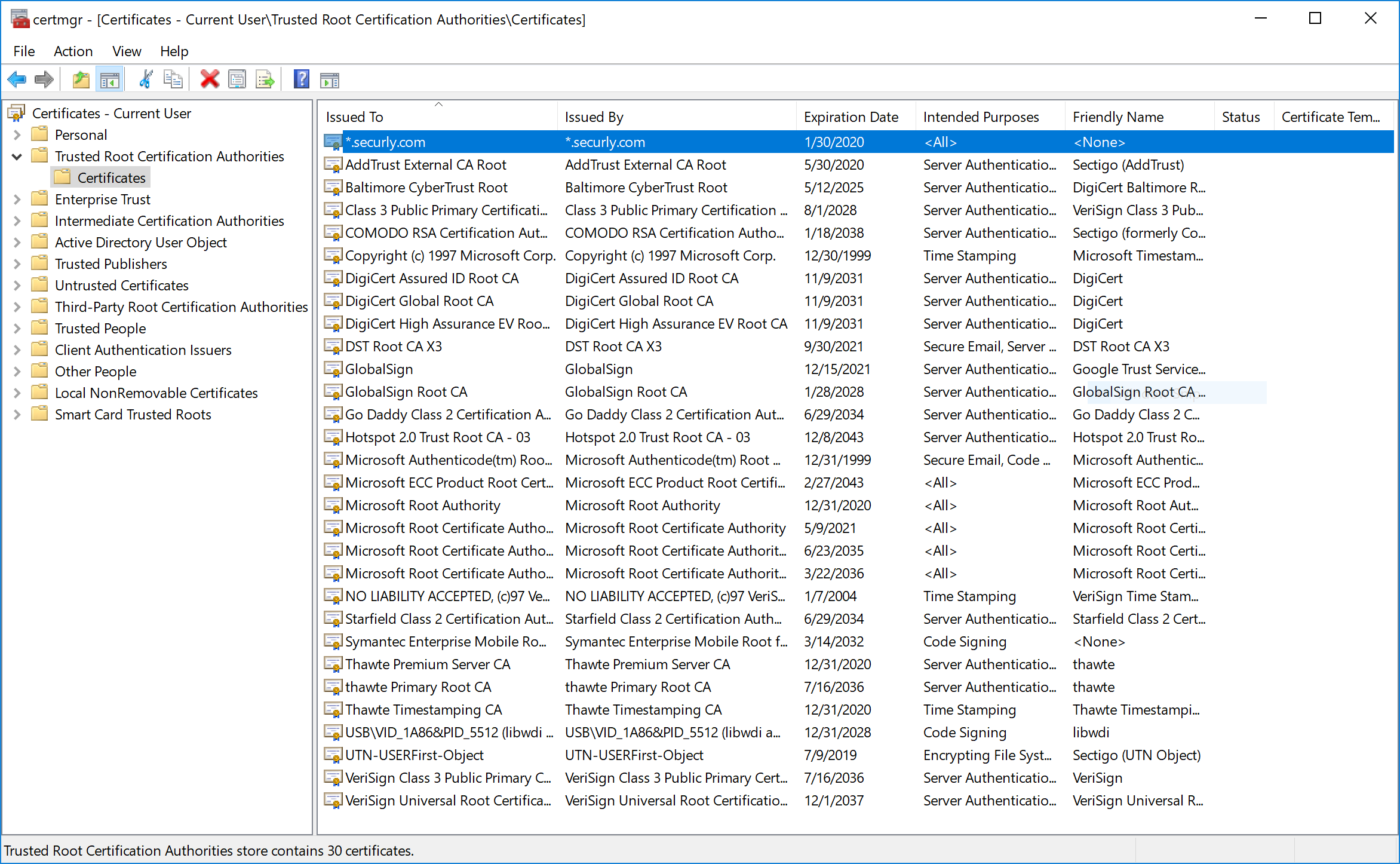
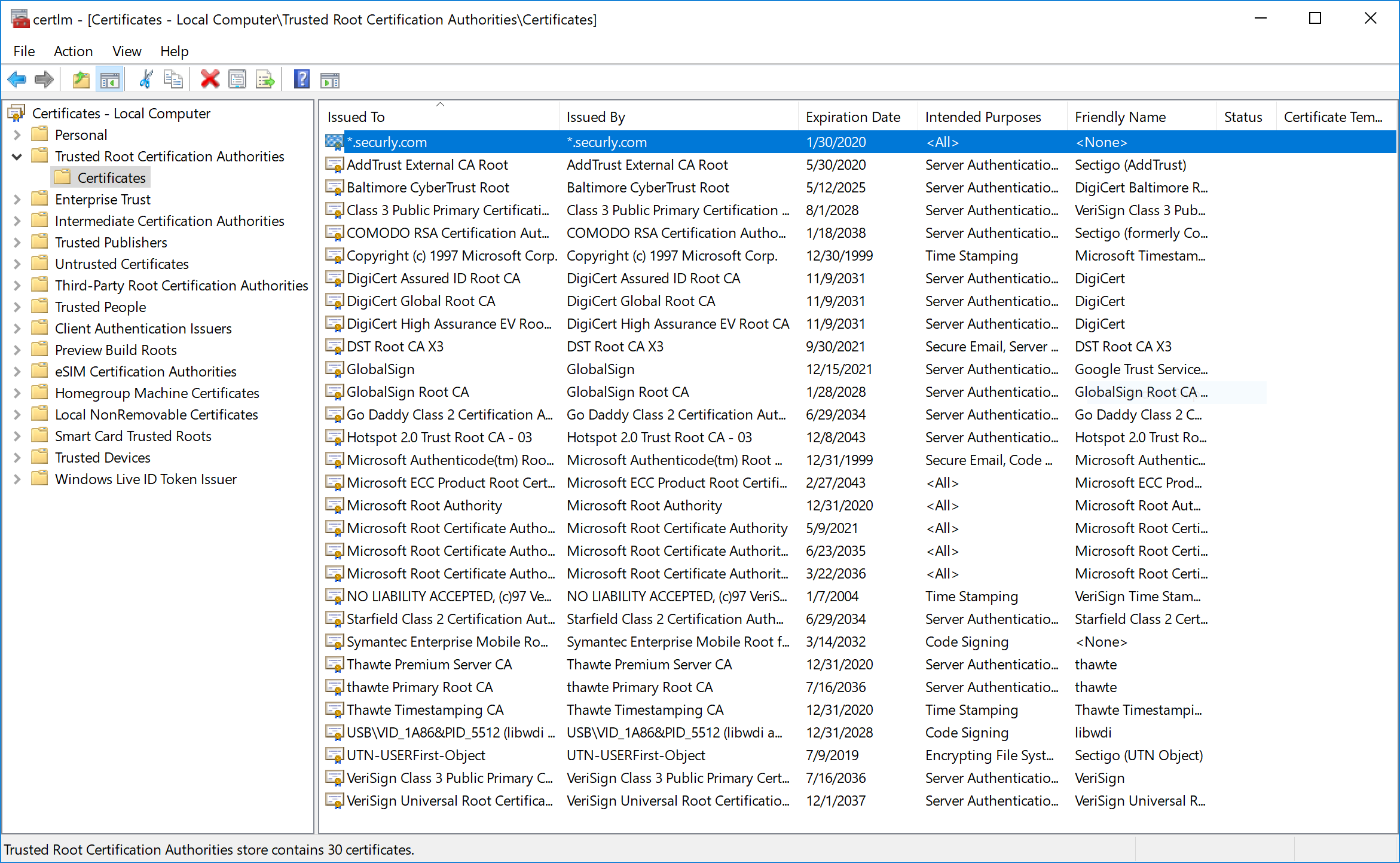
          
        ![Local Machine Certificate Store](https://kb.filewave.com/uploads/images/gallery/2023-07/hcIoFkAUMRsvXTZU-embedded-image-wz6haorl.png)![](https://kb.filewave.com/uploads/images/gallery/2023-07/GKhhTuXO92hpAAlz-embedded-image-n8gerwfa.png)

<p class="callout info">**Additional Information** More information and options for the "certutil" program can be found on [Microsoft Docs](https://docs.microsoft.com/en-us/windows-server/administration/windows-commands/certutil).</p>

## Related articles

- [APNs Certificate Creation &amp; Renewal on Windows Computers](https://kb.filewave.com/books/certificates/page/apns-certificate-creation-renewal-on-windows-computers "APNs Certificate Creation & Renewal on Windows Computers")