Google Play Store Errors
Android EMM Google Play Store errors
Use this article when FileWave cannot open or negotiate a managed Google Play Store instance and shows a 403 or 500 error.
403: Caller is not authorized to manage enterprise
If you see this error:
Server error; FileWave was unable to negotiate a Play Store instance with Google.
Please try reopening this Play Store window.

Server said (403): Caller is not authorized to manage enterprise.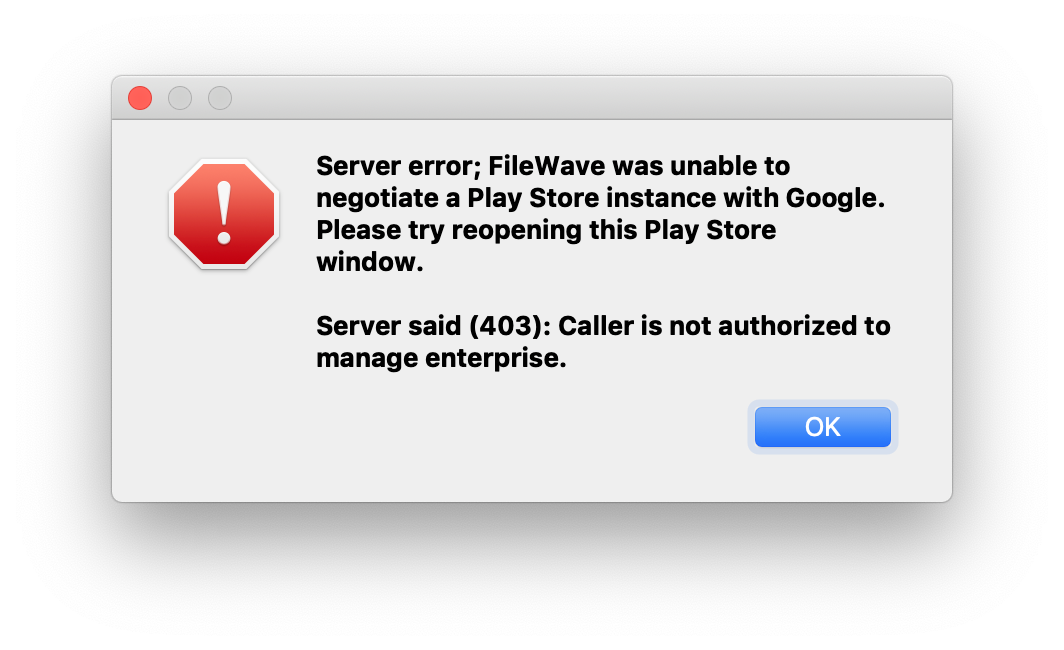
Figure 1.1 - 403 error
Check that your FileWave administrator account has the required permissions. See Managing FileWave Administrators.
If the permissions look correct and the error continues, wait before reopening the Google Play window. Repeated attempts can temporarily disable the EMM connection and may lead to the 500 error below.
500: Problem with Android EMM enterprise
If you see this error:
Server error; FileWave was unable to negotiate a Play Store instance with Google.
Please try reopening this Play Store window.

Server said (500): Problem with Android EMM enterprise; Please check your FileWave Dashboard.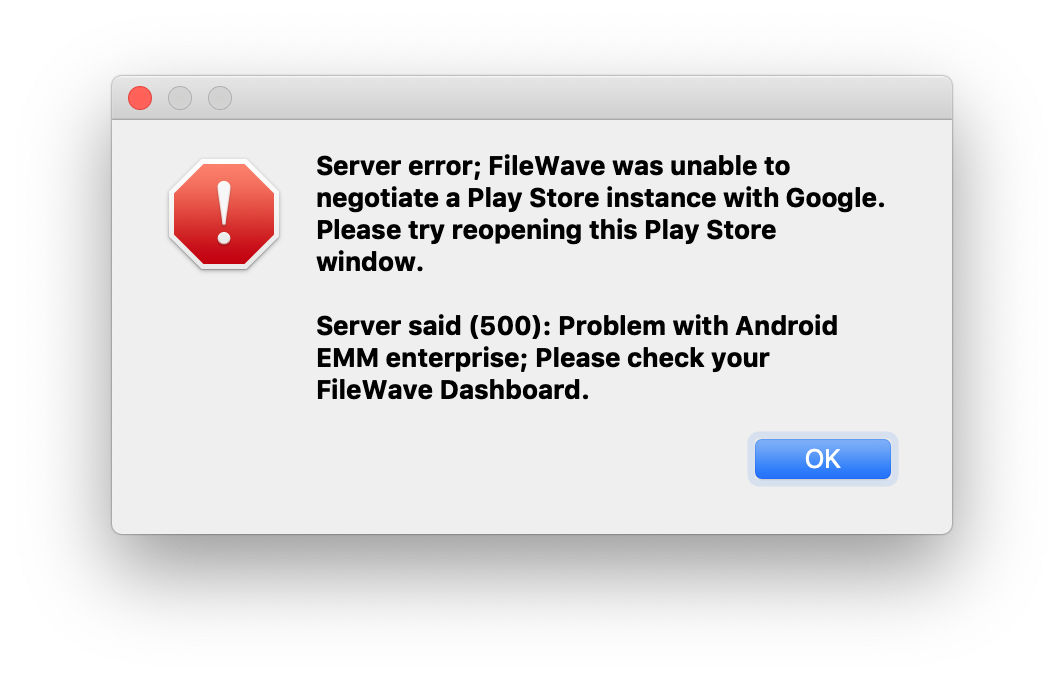
Figure 1.2 - 500 error
The Android EMM enterprise may be disabled or need attention. Check the FileWave Dashboard for related errors, then go to Admin > Preferences > Google > Configure Service Account.
Select Re-Enable Enterprise.
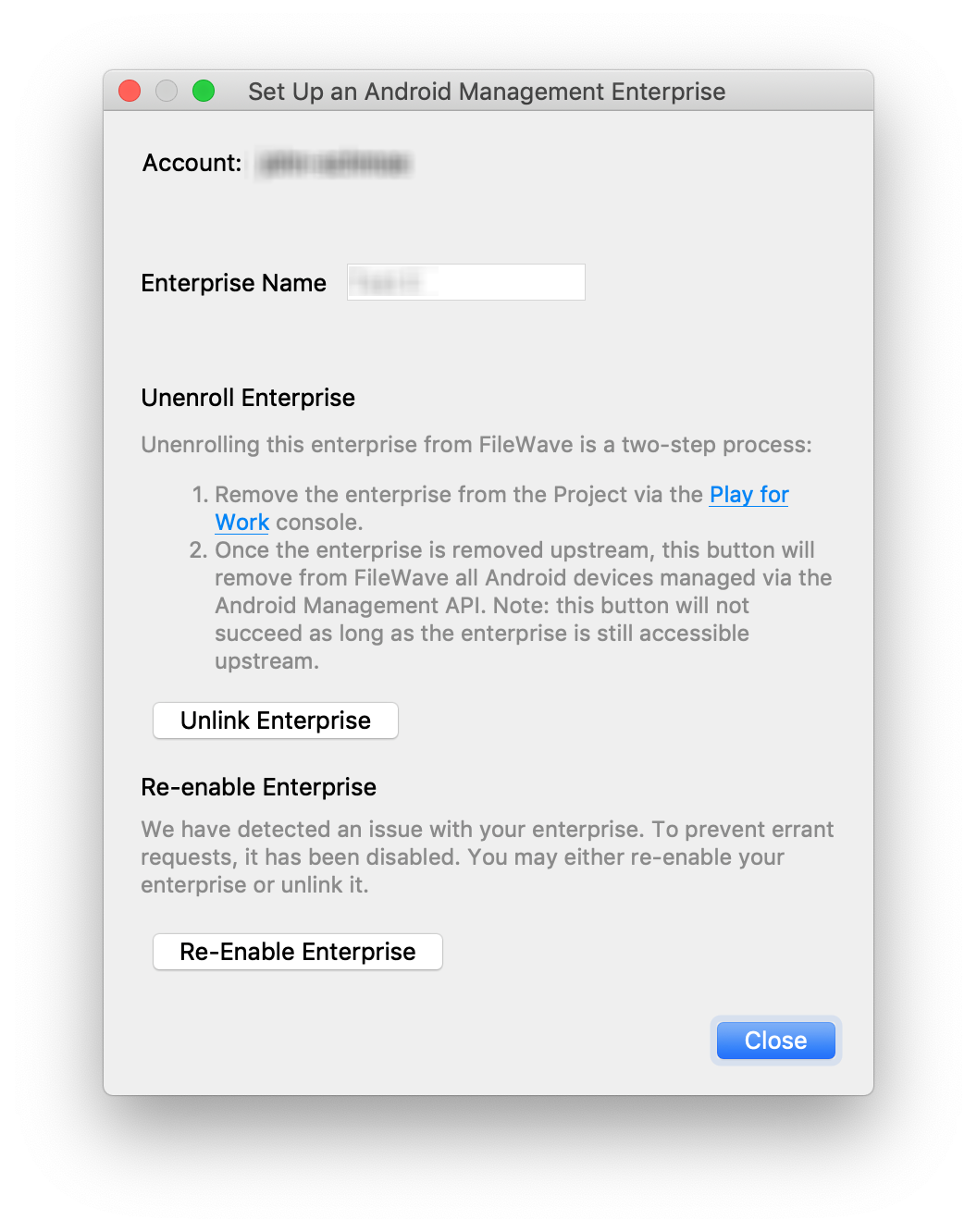
Figure 1.3 - Store has been disabled