
Use Apple Classroom with FileWave

ThisApple Classroom is Apple'sa applicationteacher app for teacherssupported allowingiPad themand Mac devices. Teachers can open apps and websites, view or lock student screens, share student work through Apple TV, and manage Shared iPad sessions. FileWave can deploy the app to manageteacher adevices classand of students using iPads. The application is available ondeliver the iTuneseducation Appconfiguration Storeprofile andused theby VolumeMDM-created Purchase Program (VPP) App Store. Apple has a video about the application in the "Meet your new teaching assistant" section at this link: http://www.apple.com/education/products/
classes.
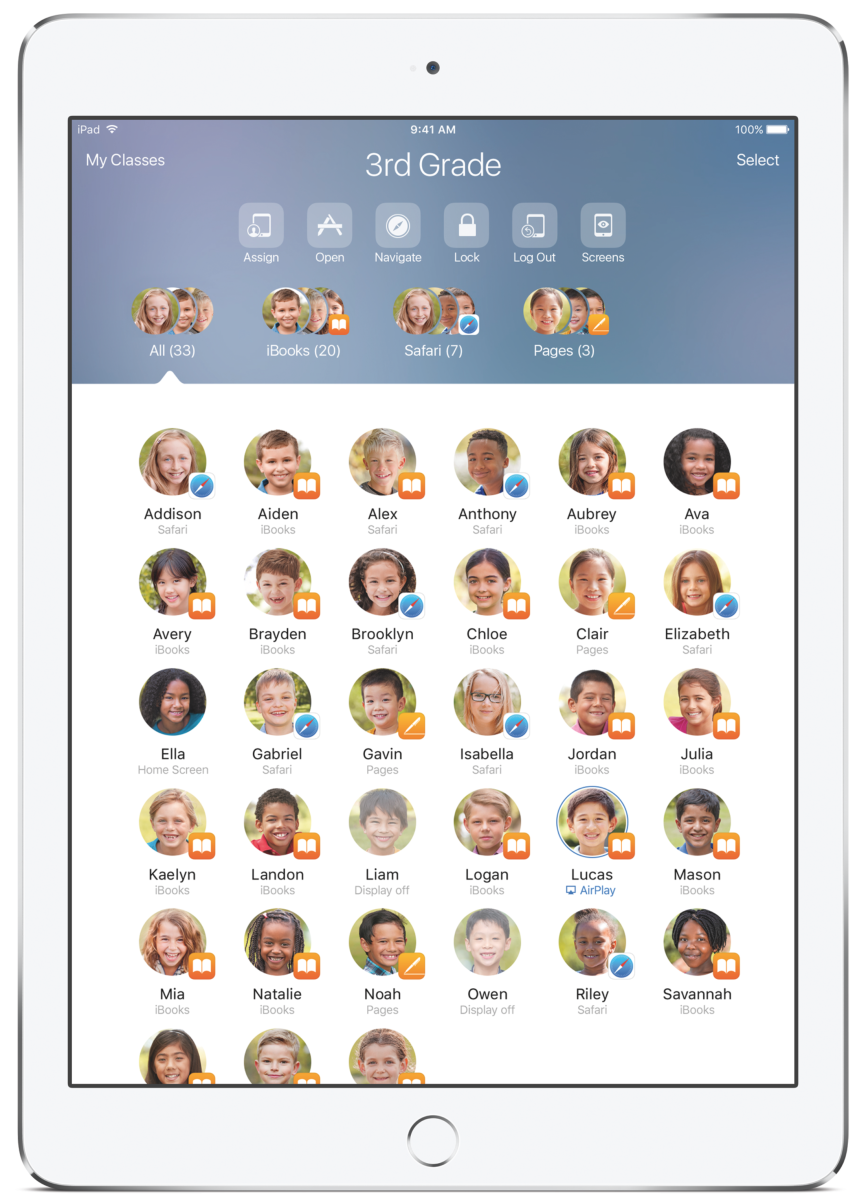
Main features:
- Show, for each device, what the student is doing (which app is in the foreground)
- Lock student devices (eyes up front)
- Start application or Safari on a given web page on student devices (either in single app mode or not)
- Observe (without interaction) student devices
- Pre-assign shared iPad to student to ease login
- Display student iPad screen on Apple TVs
- Logout users
- Change user passwords (with Managed Apple IDs)
Note:Install The Classroom app should only be installed on teacher iPads.devices. DoStudent devices receive class configuration through MDM and do not installneed itthe onClassroom aapp. studentApple device;supports itclasses willsynced onlyfrom produceApple School Manager, classes created directly by an errorMDM whensolution, launching…
and unmanaged nearby classes. Apple School Manager (ASM)ASMis canrequired bewhen thoughtthe ofworkflow asrelies aon "Super Automated Device Enrollment (ADE)" account, including VPP, ADE, Student Information System (SIS) data management, andManaged Apple IDIDs management.or ExistingShared customers will have to upgrade their ADE account to ASM. Customers are encouraged to read and follow this Apple knowledgebase article to prepare their setup for conversion: https://support.apple.com/en-us/HT206590.ASM is only mandatory to create and manage Apple IDs. Which means that the only features requiring ASM are:iPad.
EverythingFor elseMDM-created -classes, review Apple's current Classroom includeddevice, -network, workssupervision, withoutand anManaged ASMApple account.ID requirements before rollout.
How FileWave supports Apple Classroom
FileWave
For helpsan withMDM-created deployingclass, every teacher and student device must be enrolled and receive the Classroomclass appconfiguration tofrom devices.FileWave. AfterThe deployment,workflow the app has to be configured, which requires:uses:
- Client SSL certificates for each device
- A specific profile ("education payload") that will configure both the Classroom app and Shared iPad devices
AsFor perMDM-created classes, FileWave sends Apple's documentationeducation configuration, through the Classroomdevice Payloadchannel ison sentiPadOS to iOS devices usingand the MDMuser Device Channel, whilstchannel on macOS, this profile is sent to devices using the MDM User channelmacOS.
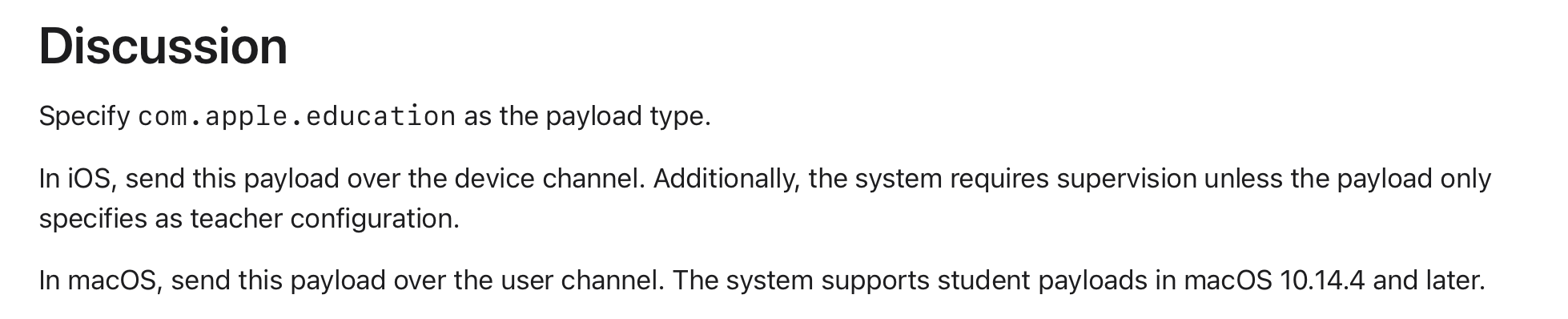
Again,On permacOS, user-channel payloads apply only to users managed through MDM. Review Apple's documentation, the design of MDM isdevice such, that only one localand user (themanagement useguidance whobefore instalsrelying theon payloadClassroom orfor first logs into a freshly ADE setup device) is a Managed User. All other local users are not MDM managed. MDM User Channel payloads will not impact these othermultiple local users.

Any directory users logged into macOS devices are considered Managed Users. Federated Authenticationauthentication in Apple School Manager can assist with streamliningconnect an IdPidentity withprovider to Managed Apple Classroom,IDs providingused theby link between directory usersClassroom and AppleShared Classroom.iPad.
FileWave will do all of this for you:
GetImport class and roster information fromyoura supported SISprovidersource.HelpsAssociateyoupeopleassociatingwith one-to-one devicesand persons (1:1 context)orcarts andassociate classes(sharedwithcontext)shared-device carts.- Support
forboth1:1one-to-one and Shared iPadmodelsdeployments. Automatically generatesGenerate anddeploysdeploy the educationpayload, specificconfiguration for eachdeviceassigned device.ProvideImportadevicewayplaceholderstosoimportapp"placeandholders"profileforassignments can be prepared before devicesthat you have not yet physically deployed, so you can prepare workflows for apps / payloads in advancearrive.
Unique FileWave benefits:
- Seamless integration with your usual FileWave deployment workflow