
Apps and Books (VPP) Token Renewal
Description
VPPApps and Books tokens expire annually. The FileWave dashboard shows renewal warnings by turning the token status yellow as the expiration date approaches, then red after the token expires. Use this process to download a fresh token from Apple School Manager or Apple Business Manager and import it into FileWave Central.
Requirements
- FileWave Central
- FileWave fwadmin credentials
- Access to Apple School or Business Manager:
- Apple School Manager (ASM)
- Apple Business Manager (ABM)
Use an Apple School Manager or Apple Business Manager account that can access the Apps and Books/VPP token you need to renew. Content Manager or higher is typically required. Apple recommends using an Administrator account when one management account owns multiple VPP locations, so all tokens can be renewed in one pass.
Directions
Steps:
- Navigate to the appropriate Apple account, e.g
ASM:ABM:
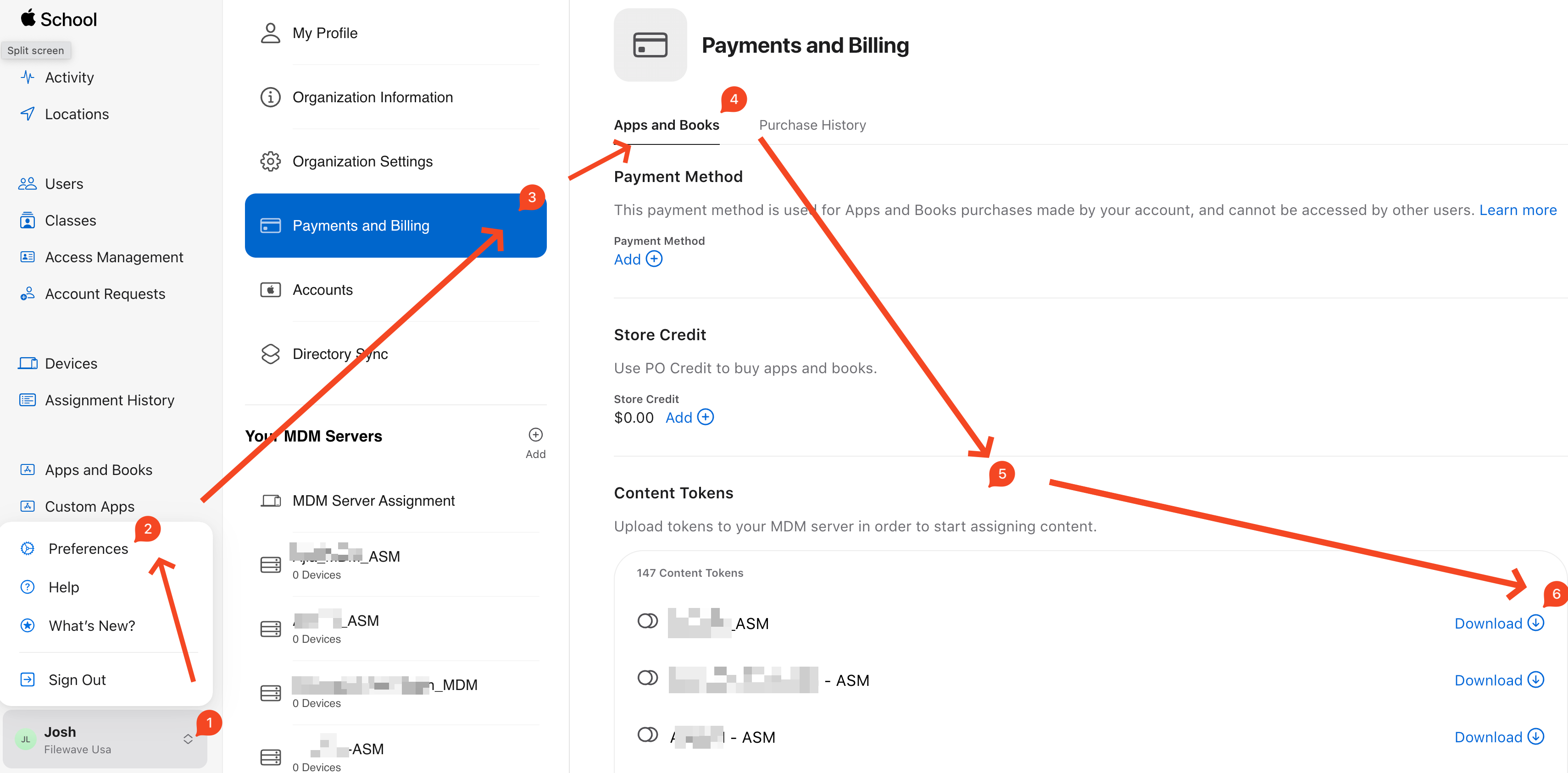
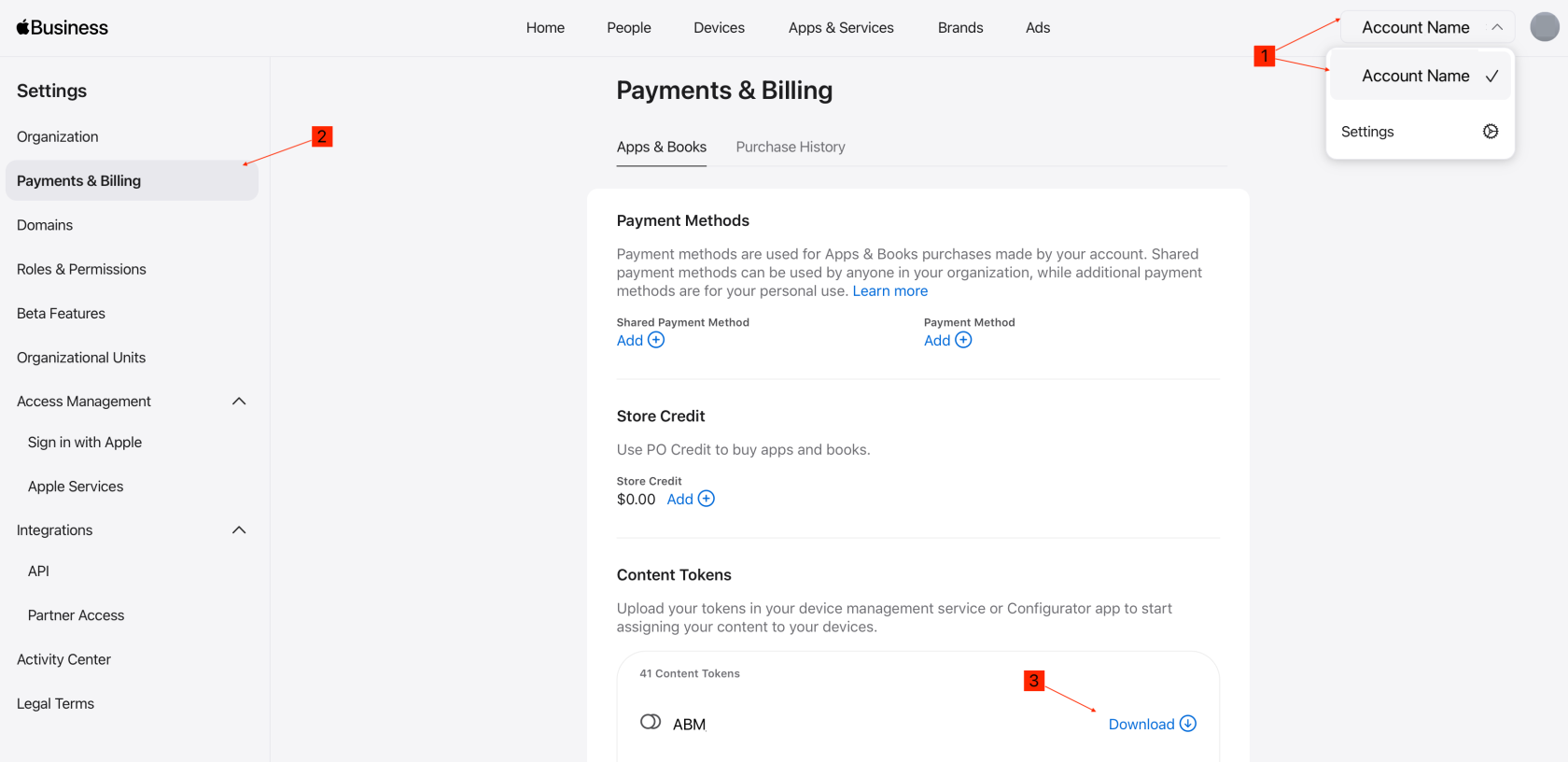
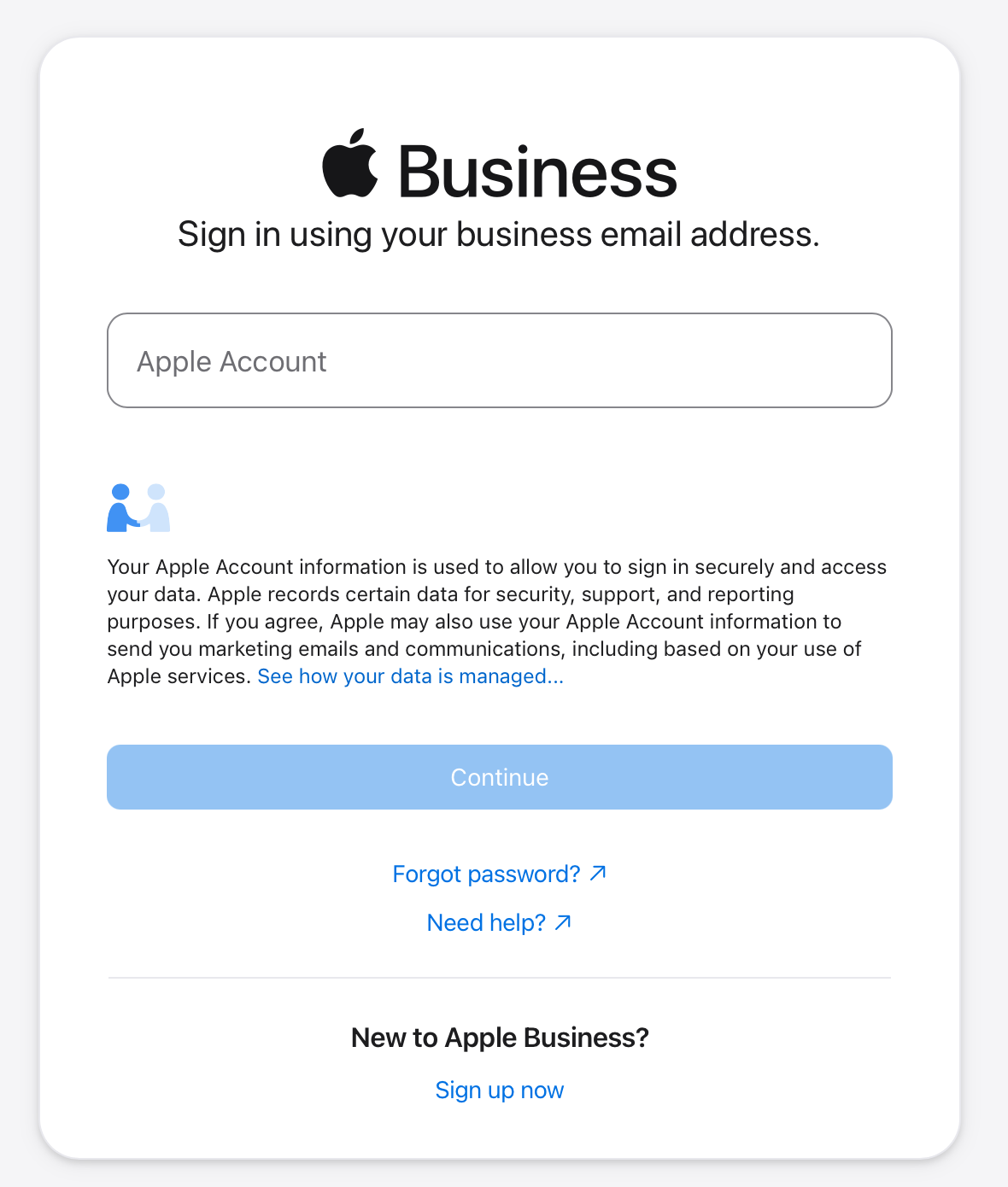
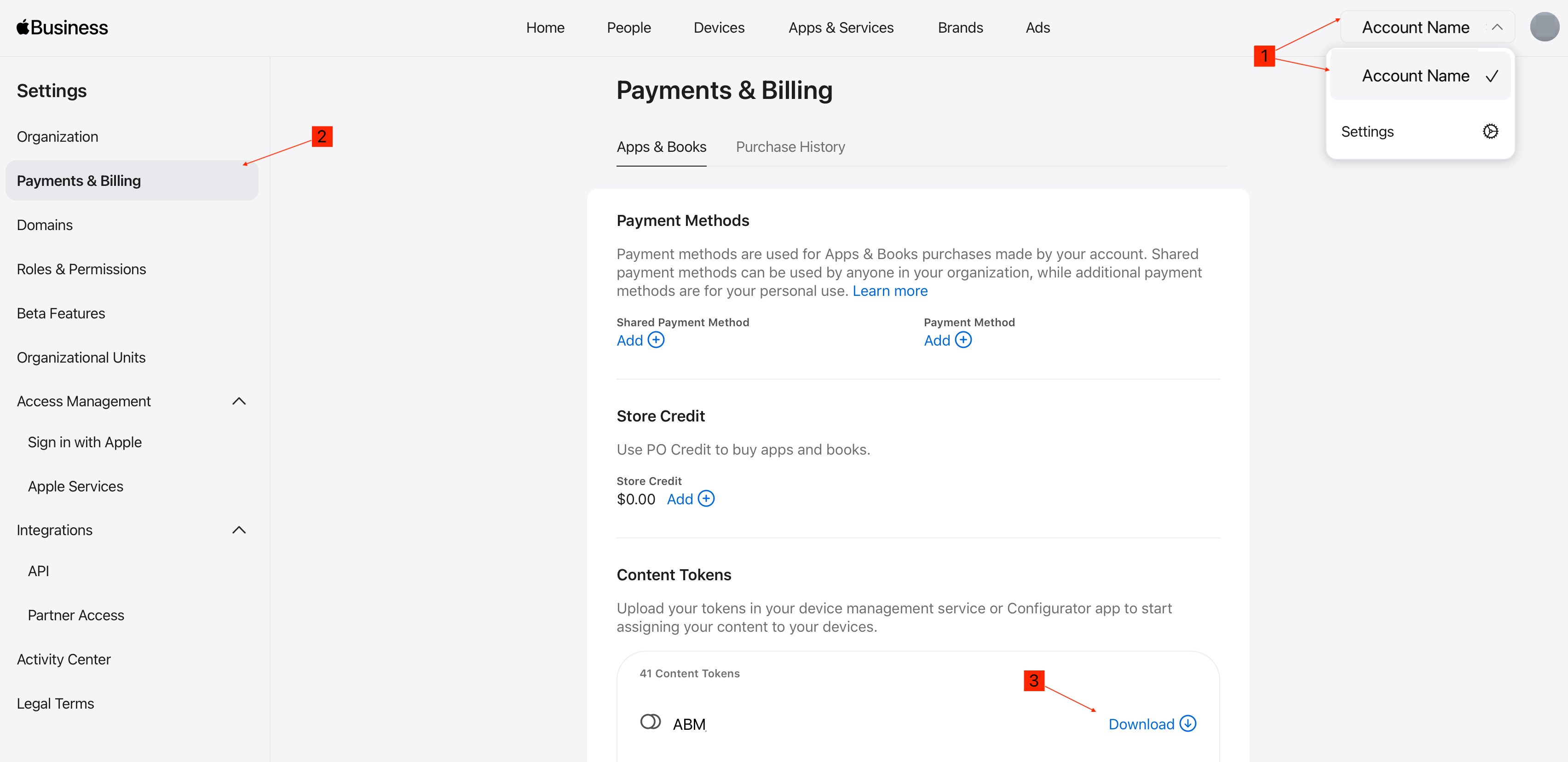
- In Apple School Manager or Apple Business Manager, select your account name in the
lower-lefttop-right corner, openPreferencesSettings, then select Paymentsand& Billing.OpenUnder ContentTokensToken,anddownload the token for the correct location:
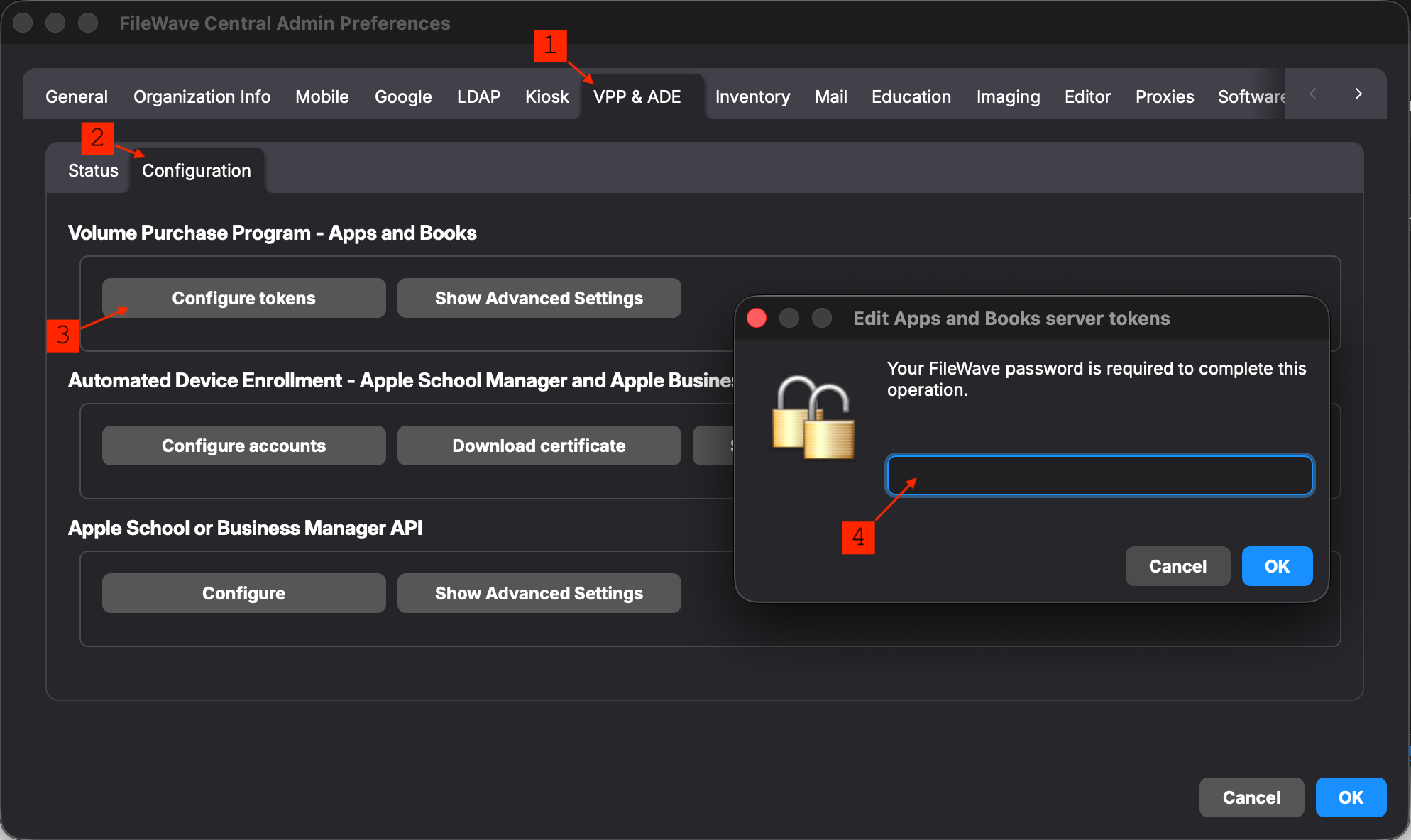
- Log into FileWave Central as fwadmin. Open Preferences > VPP &
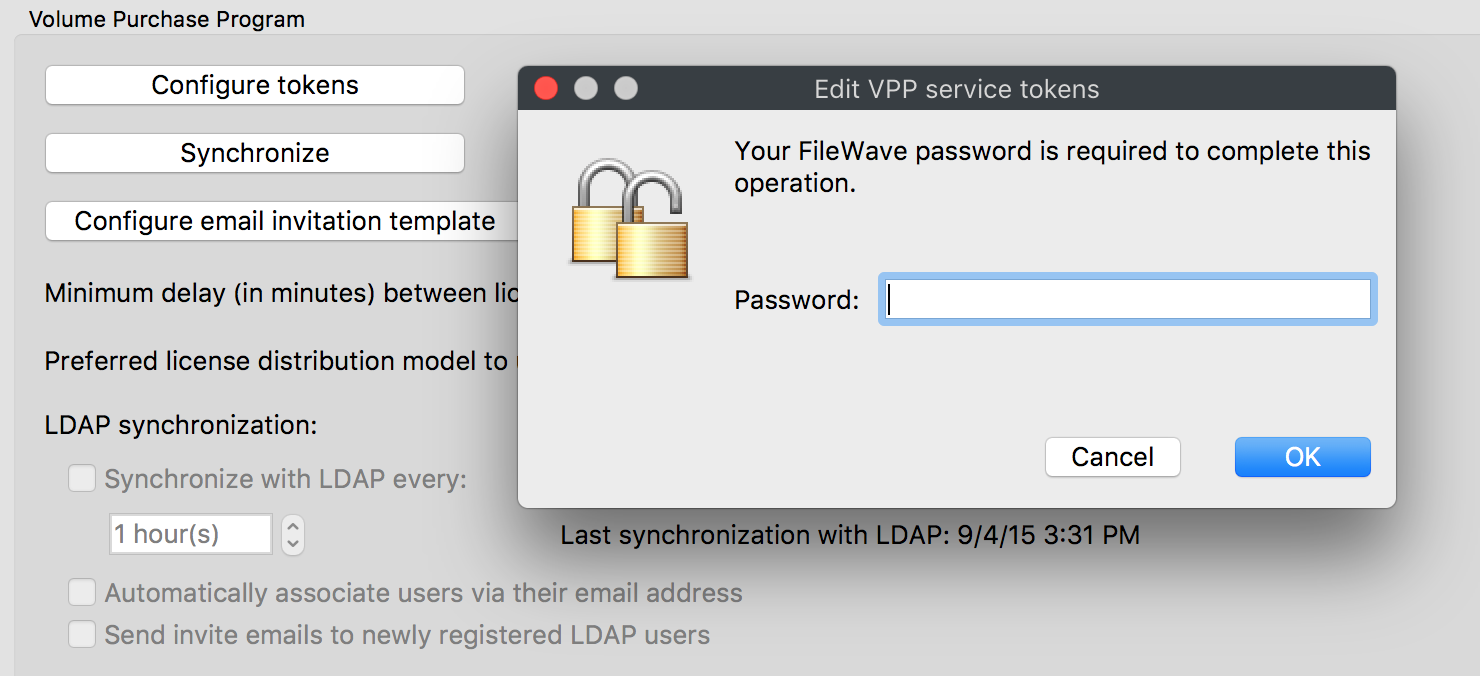
DEPADE, select the Configuration tab, then select Configure tokens,under Volume Purchase Program - Apps andenterBooks. Enter your password when prompted:The instructions and screenshot is for versions 16.4.0 and newer.
If you're using a version older than 16.4.0, this will look different. Instead of thefwadminConfigurationpassword:tab, you'll see the Configure Tokens for Apps & Books/VPP at the bottom of the VPP & ADE tab.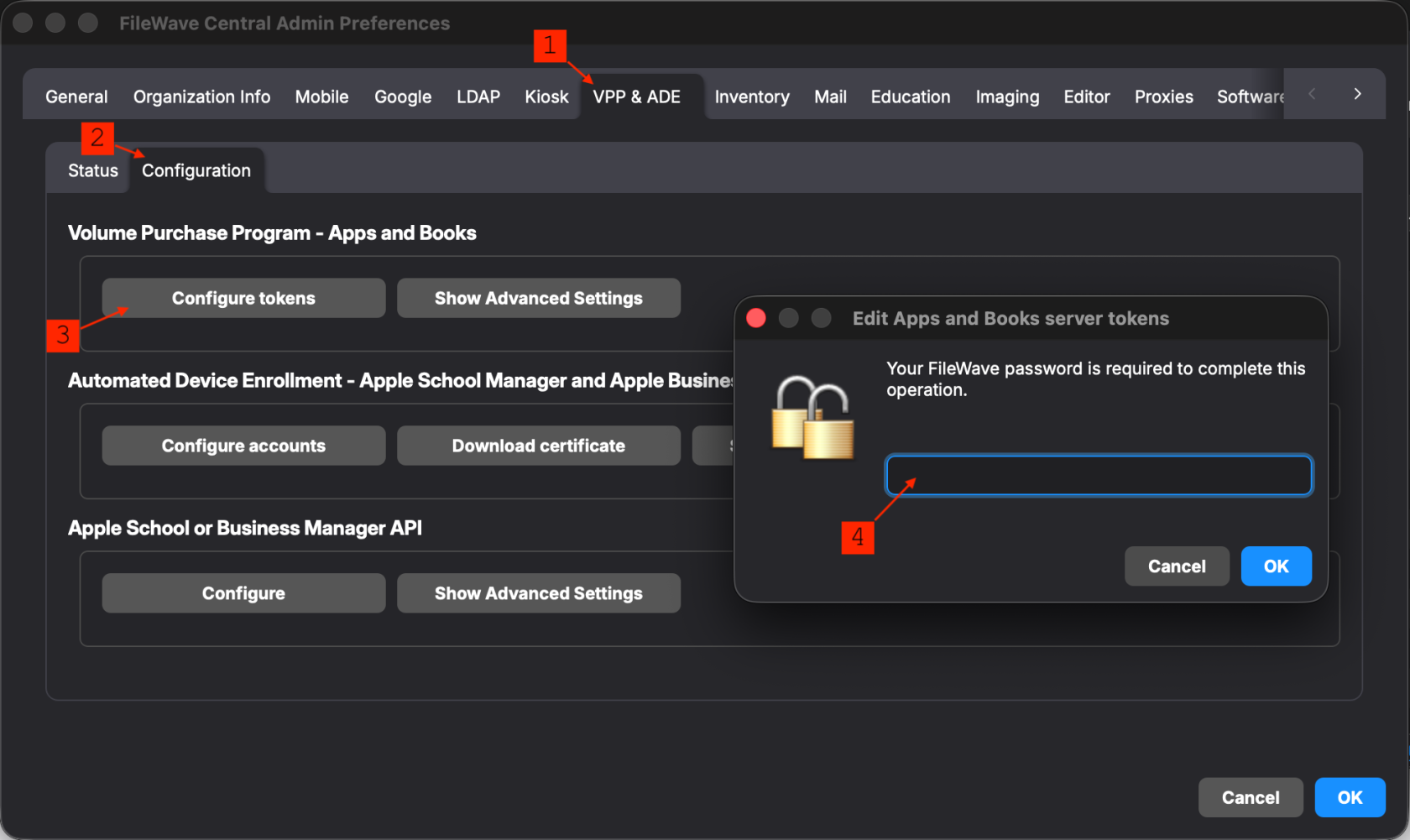
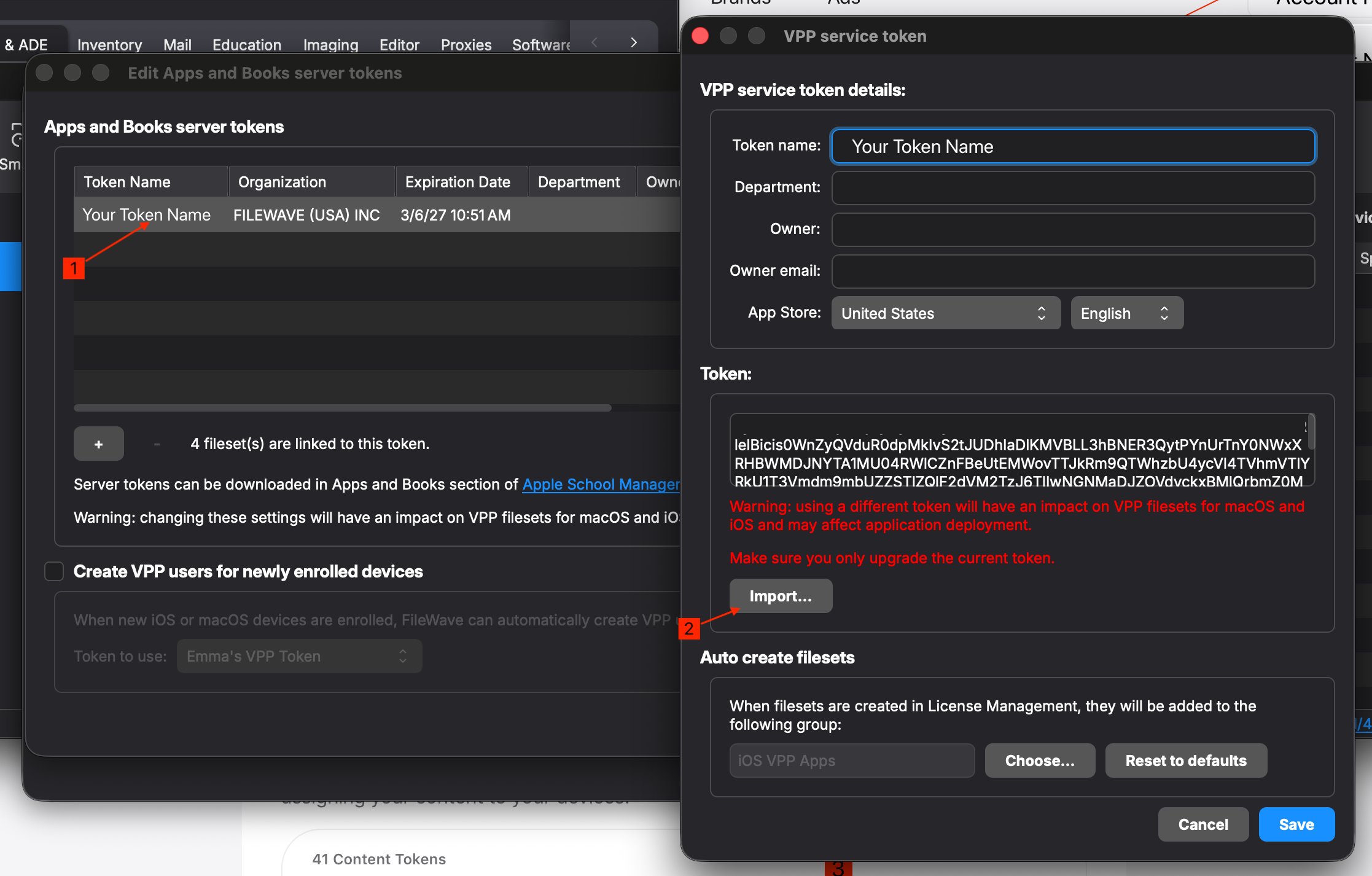
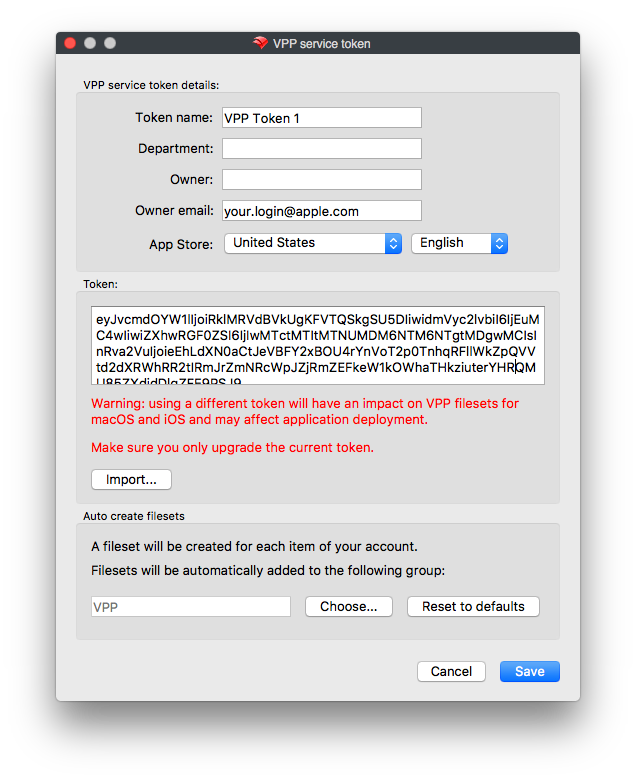
- From the
"Edit VPP servicetokens"tokens window double-clickingclick on the appropriatetokentoken,willthenopenselect Import. Select the"VPP server token" showing current VPPtokendetails: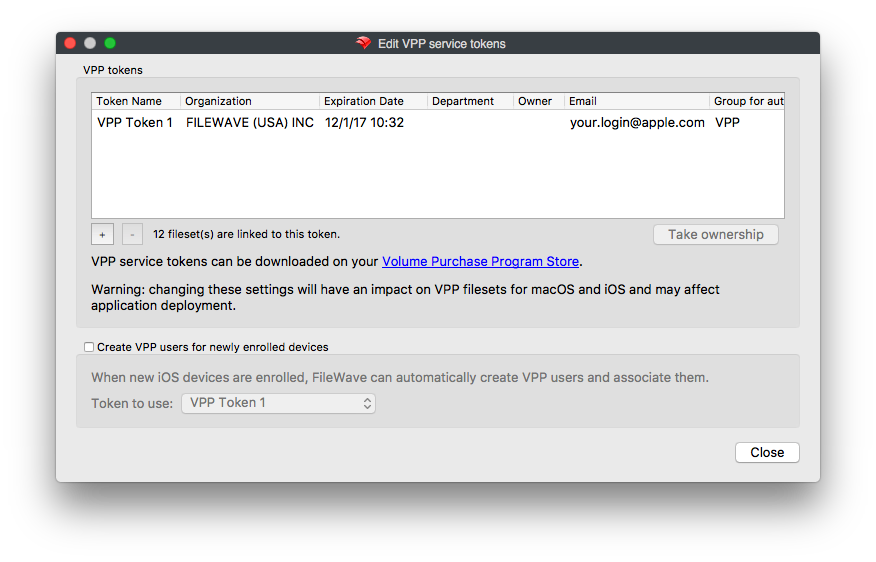
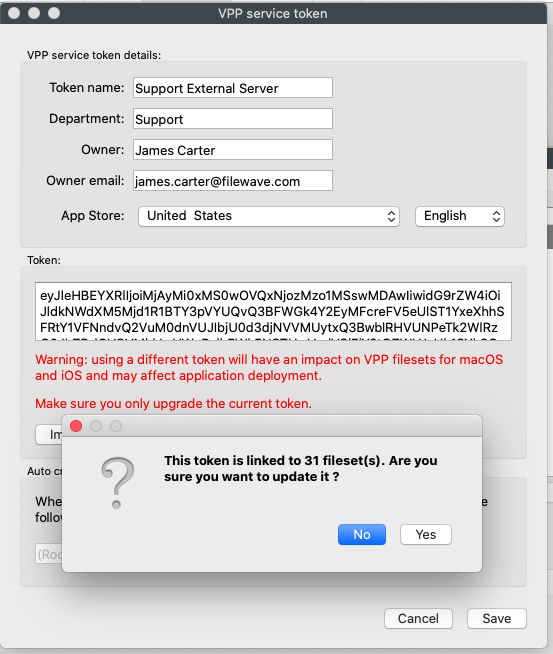
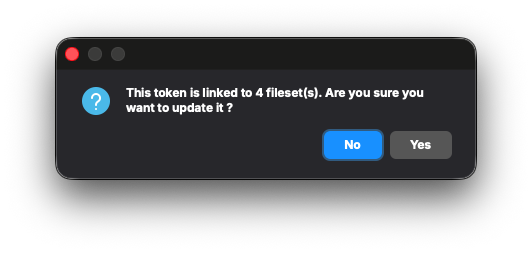
Note: You may also see this pop-up, but this is just a warning to let you know how many Filesets a token is associated with. This is not an error, please click yes to continue.
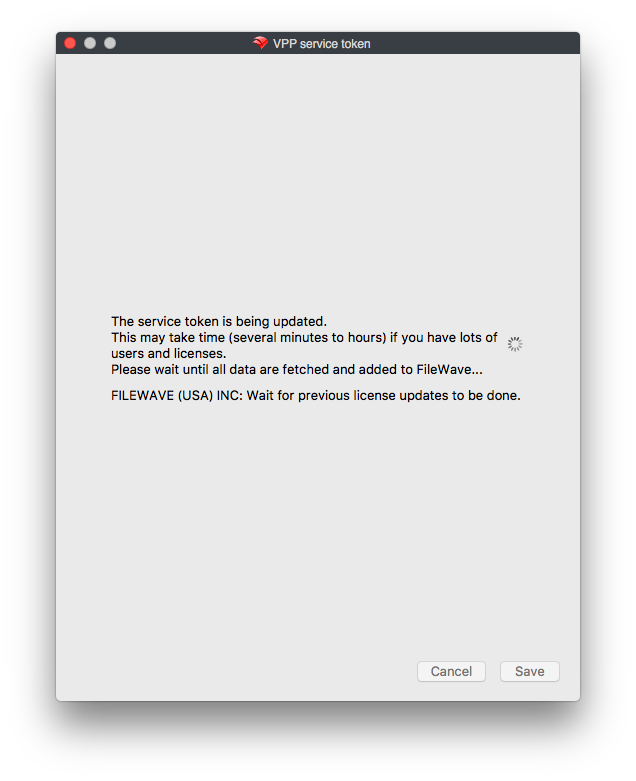
On saving, a prompt will appear indicating it may take a while for synchronization. This window will automatically close at completion.
The Apps and Books/VPP token is now renewed for another year. Confirm the token shows the new expiration date after synchronization completes.