
Force wiped ChromeOS devices to re-enroll (15.3+)
What
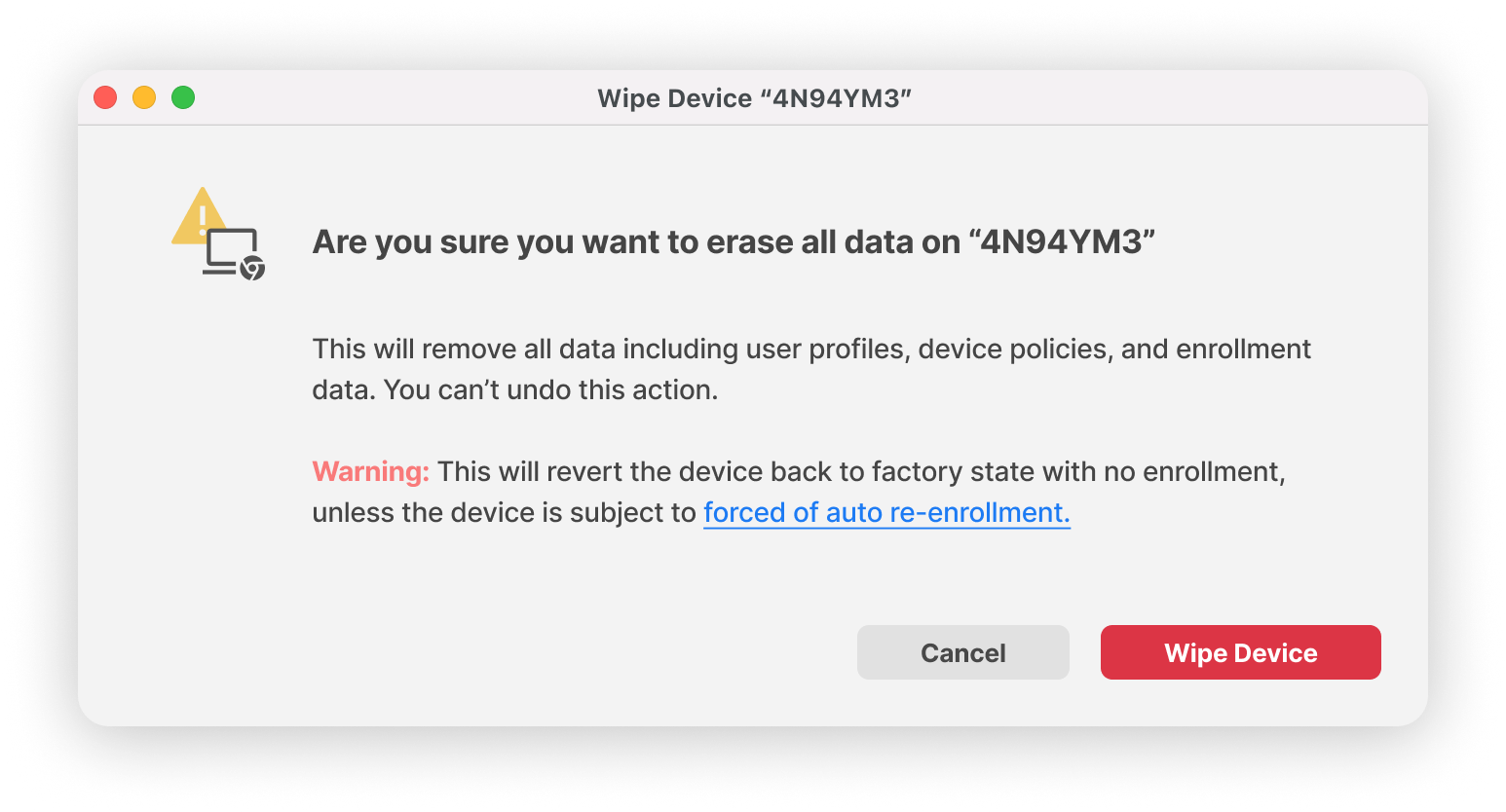
By default, wiped ChromeOS devices automatically re-enroll into your account without users having to enter their username and password. Re-enrollment ensures that the ChromeOS devices remain managed and policies you set are enforced on the ChromeOS device. Otherwise, users can't sign in, browse in guest mode, or see the consumer sign-in screen.
When/Why
Now
How
For convenience we've included Google's documentation below from: Force wiped ChromeOS devices to re-enroll - Chrome Enterprise and Education Help (google.com)
Turn forced re-enrollment on or off
Sign in using an administrator account, not your current account bob@gmail.com
Settings typically take effect within minutes, but it might take up to an hour to propagate through your organization.