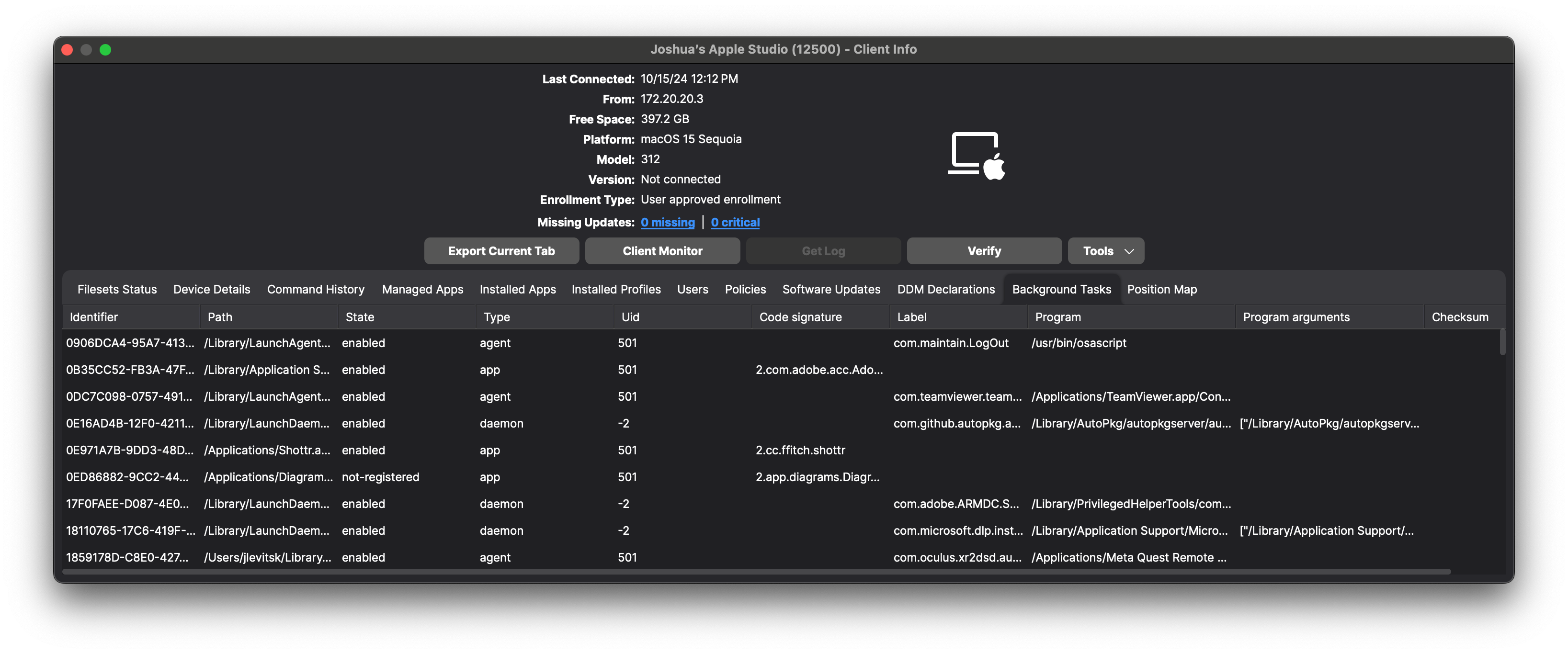
View macOS Background Tasks with DDM
What
FileWave can inventory the launch agents, launch daemons, and other background tasks that a managed Mac reports through Apple Declarative Device Management (DDM). The report can include the task type, state, bundle ID, user ID, label, and team identifier.
When to use it
Use background-task inventory when you need to answer questions such as:
- Which launch agents or daemons are present on a Mac?
- Is an expected security or management component running?
- Which devices report an unfamiliar task label or team identifier?
The values come from the status data reported by the device. Available fields can vary by task.
Requirements and results
Apple supports the DDM Background tasks status report on macOS 14 and later. On supported, enrolled Macs, FileWave receives the status and makes the returned values available to Inventory Reports.