
Fileset Reports
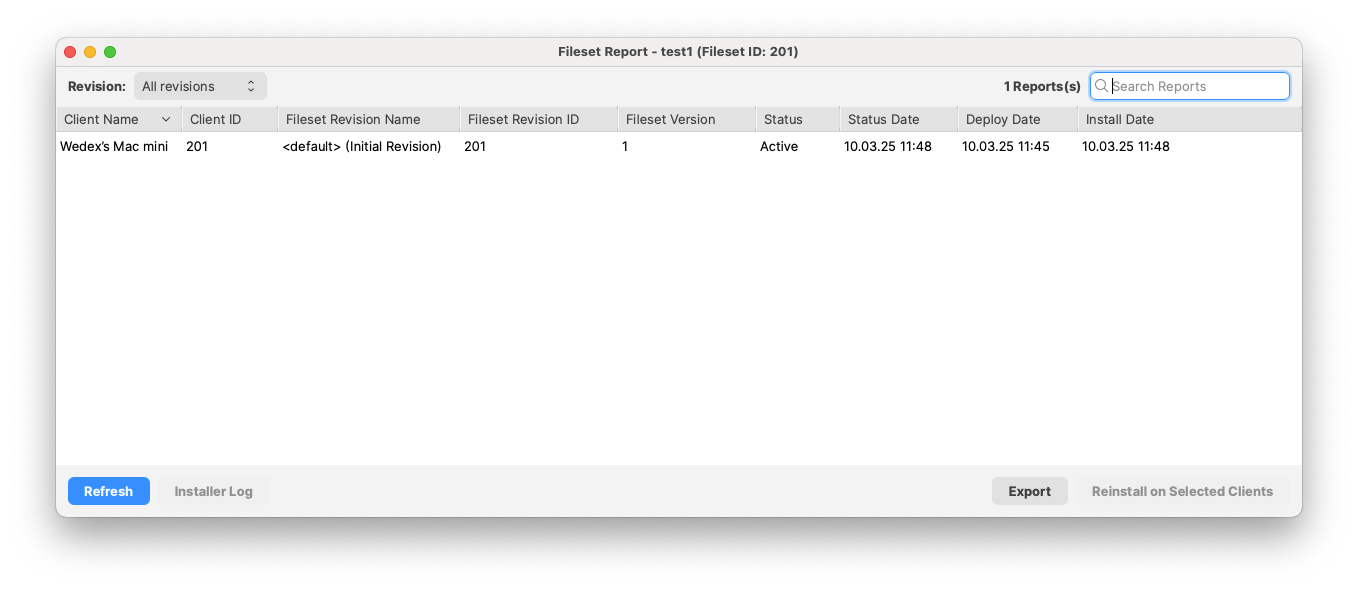
Use the Report toolbar button on a selected Fileset, groupmultiple ofselected Filesets, or a Fileset Group to check deployment status for the selected item.

TheFileWave 16.1 and later, the Fileset Report table includes Client Name, Client ID, Fileset Revision Name, Fileset Revision ID, Fileset Version, Status, Status Date, Deploy Date, and Install Date. When the report showscontains whichmultiple clientsFilesets, areit associatedalso withincludes theFileset Fileset,Name and Fileset ID so you can identify which Fileset each row belongs to.
Single selected Fileset report
Multiple selected Filesets report
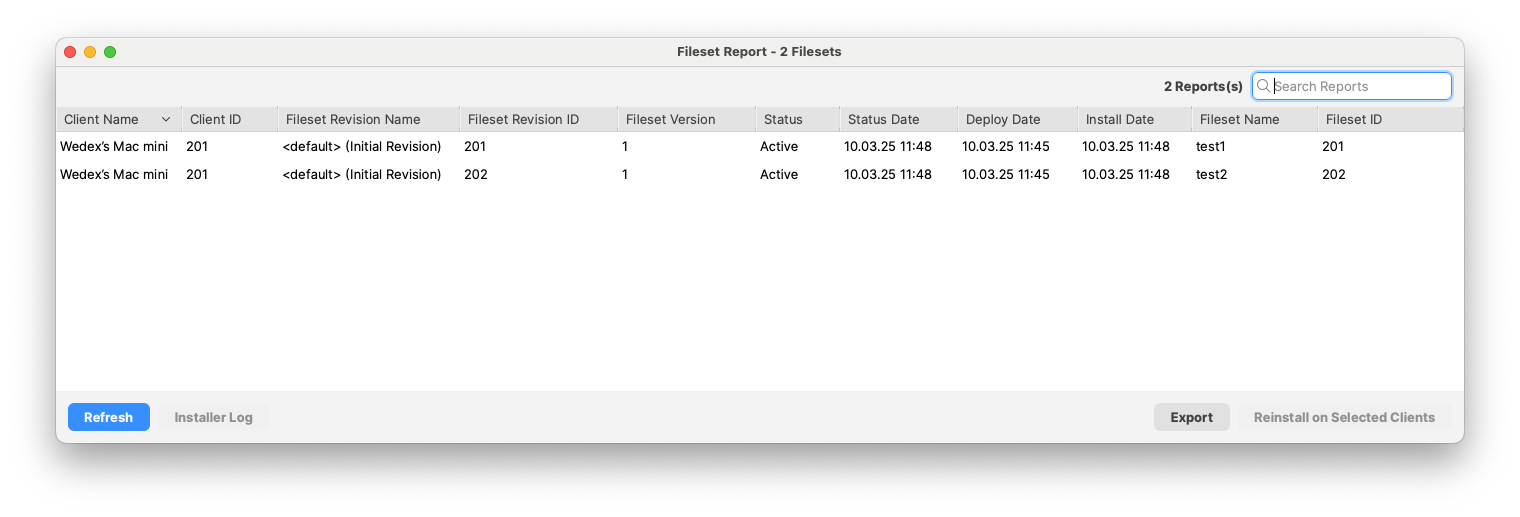
Use the Revision selector to view all revisions or a specific Fileset revision iswhen presentreporting on eachone client,Fileset. whetherUse itSearch isReports installedto orfilter available,visible rows, Refresh to update the report, and whenExport theto client last reported the Fileset as active. You can exportsave the report as CSV.a CSV file. For installer Filesets, such as .pkg or .msi packages, you can also review the installerInstaller log,Log, select a client, and forcechoose aReinstall reinstallon Selected Clients when needed.