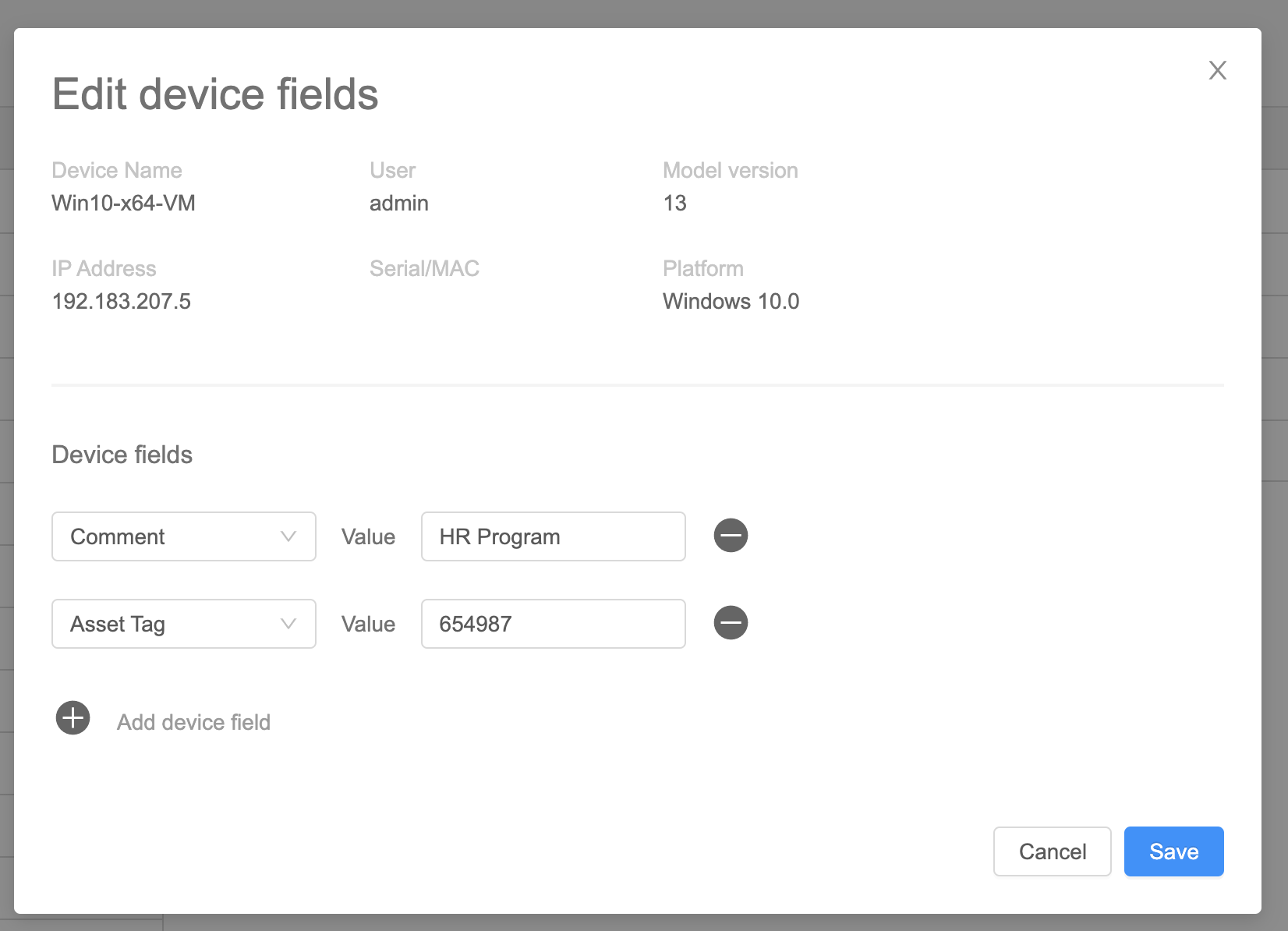
Edit Device Fields
What
A device record can haveinclude manyboth built-in inventory fields bothand custom and built-in.fields.
When/Why
Use this option when ayou singleneed deviceto needs its inventoryupdate fields updated.for one device. For bulk changes, use the Upload Devices and/or Data workflow instead.
For changing many devices at onceonce, see Upload Devices and/or Data.
How
UseIn View - Devices, use the ellipsis (
 ) to the right of the device
 in theView - DevicesFromIn theeditEditdeviceDevicefieldsFieldsUIwindow, add, edit, or deleteexistingfieldfieldsvalues as needed.- Select "Save" when
doneyou are done.