Editing Payloads / Payload Properties
What
WeIn FileWave Anywhere, you can edit profile payloads in the WebAdmin,payloads, change payload properties for all other payload typestypes, and do somereview basic reportingpayload indeployment the Payload view.information.
When/Why
EditingUse the Payload view when you need to inspect a profilepayload, ischeck straightforward,deployment butstatus, weor can do more than that in theadjust payload view. We can also change payload properties of any payload, and report on distribution (which is especially useful).properties.
How
ClickingSelect on anya payload willto bringopen up aits detail payload view:

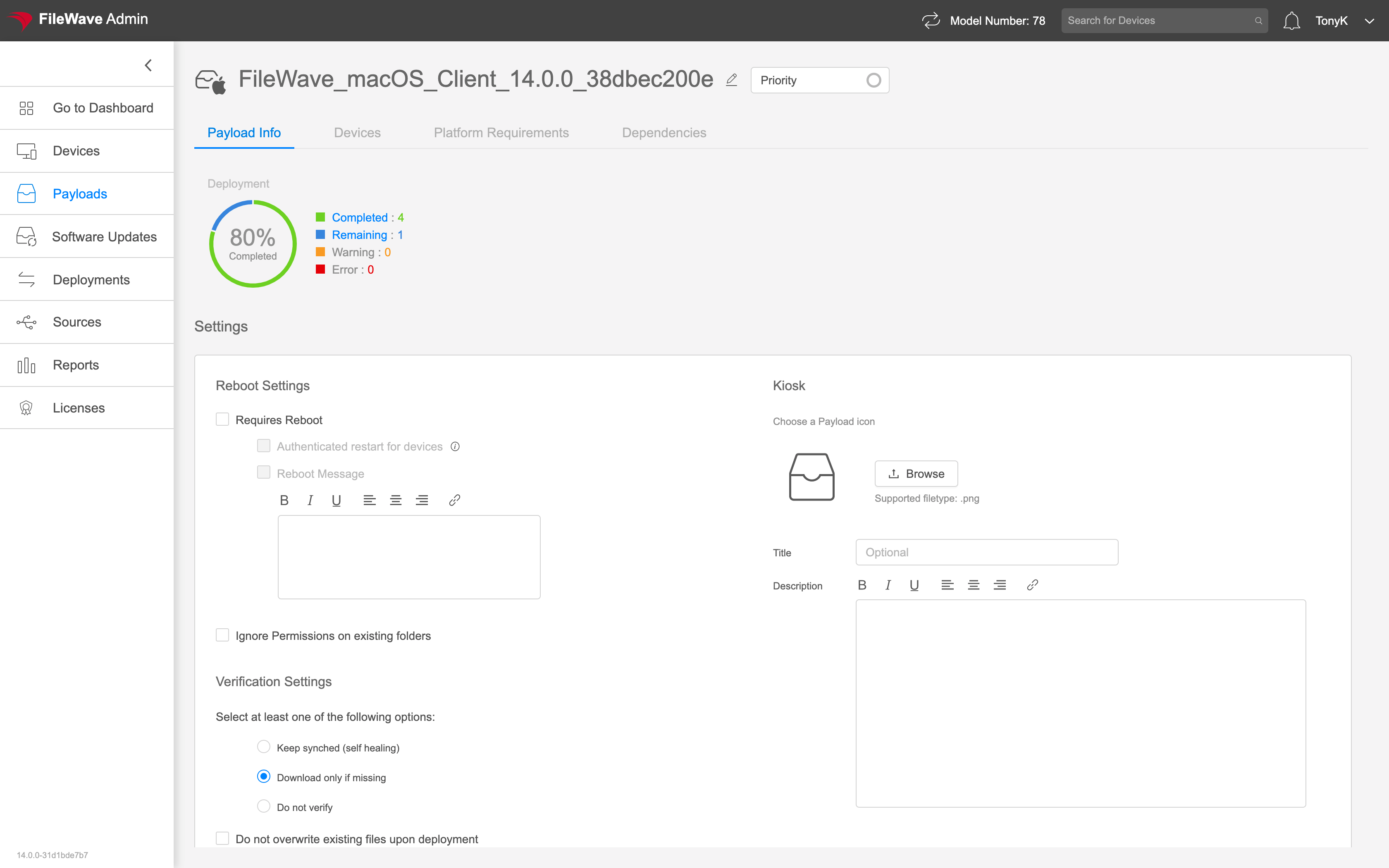
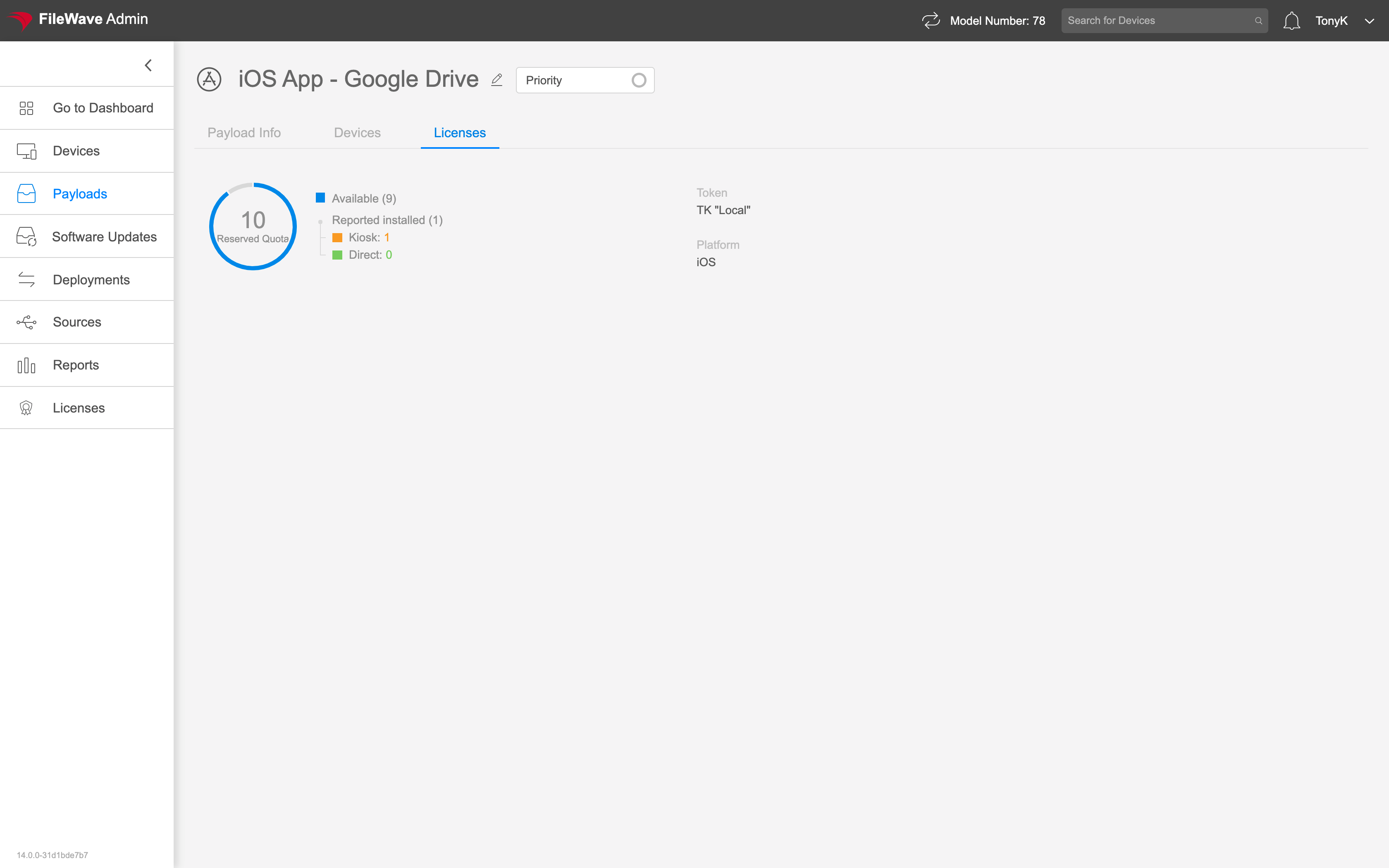
ThisThe viewavailable willtabs differ a little dependingdepend on the typepayload oftype. payload.For See below thatexample, a VPP payload shows licensing infoinformation that youdoes won'tnot seeappear onfor other filesetFileset types:

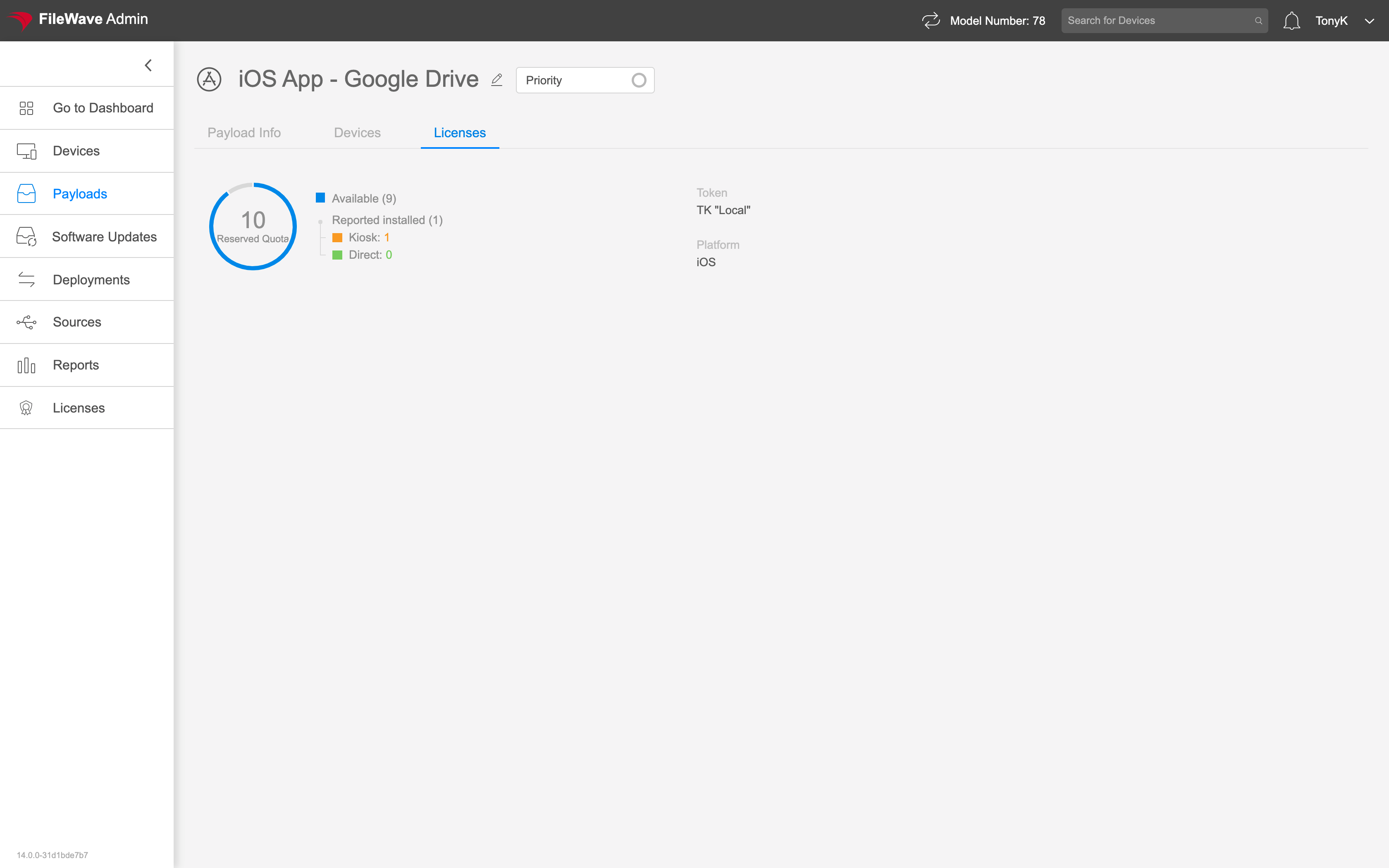
You'll note that in payloadPayload properties theredo isnot nohave "Save"a separate Save button. Changes Allsuch changes made to payload properties (likeas platform requirements)requirements are saved immediately saved, and willtake becomeeffect effectiveafter onthe next model update.
|
Payload Tab |
Example |
|
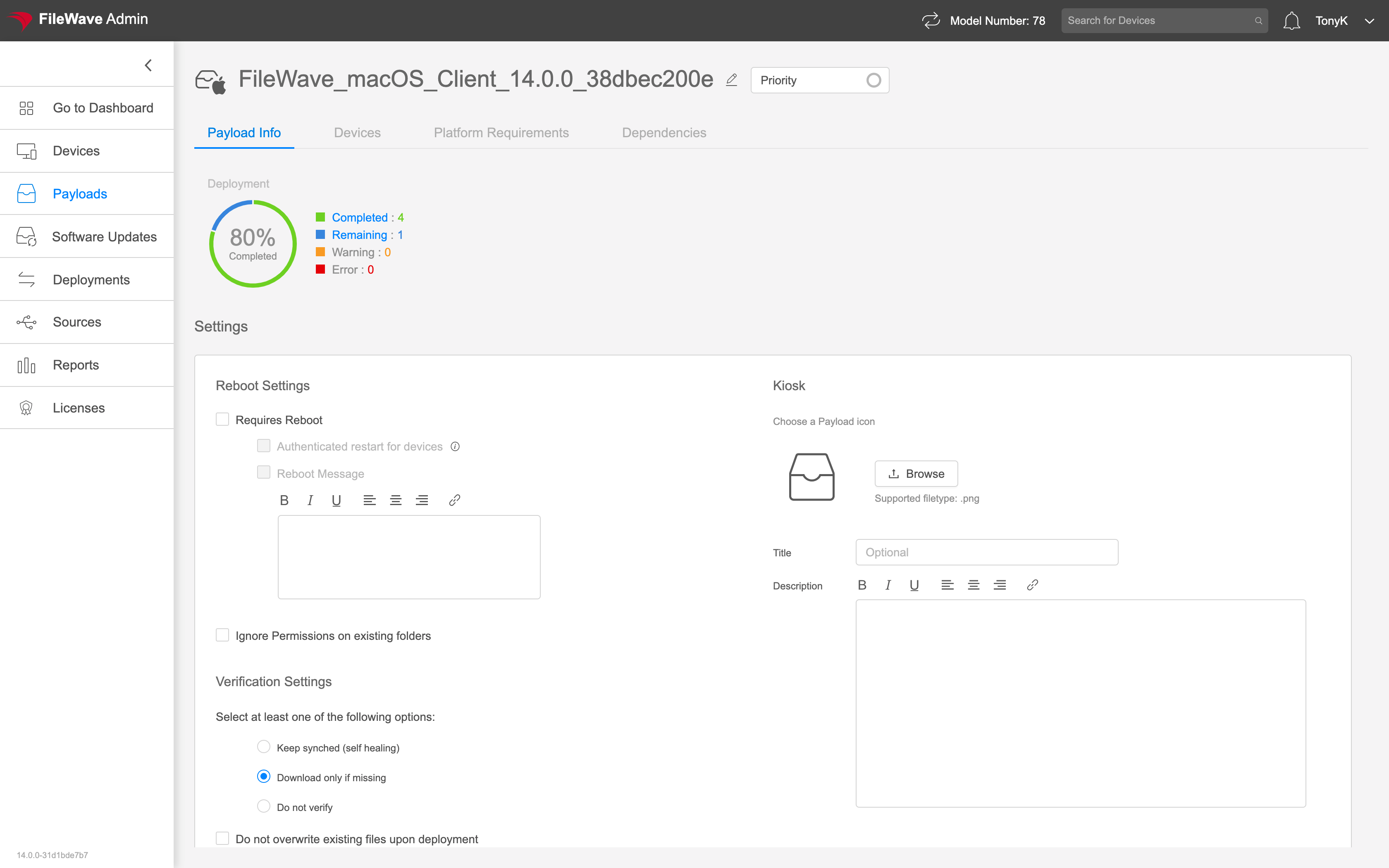
The Payload Info Tab shows:
|
|
|
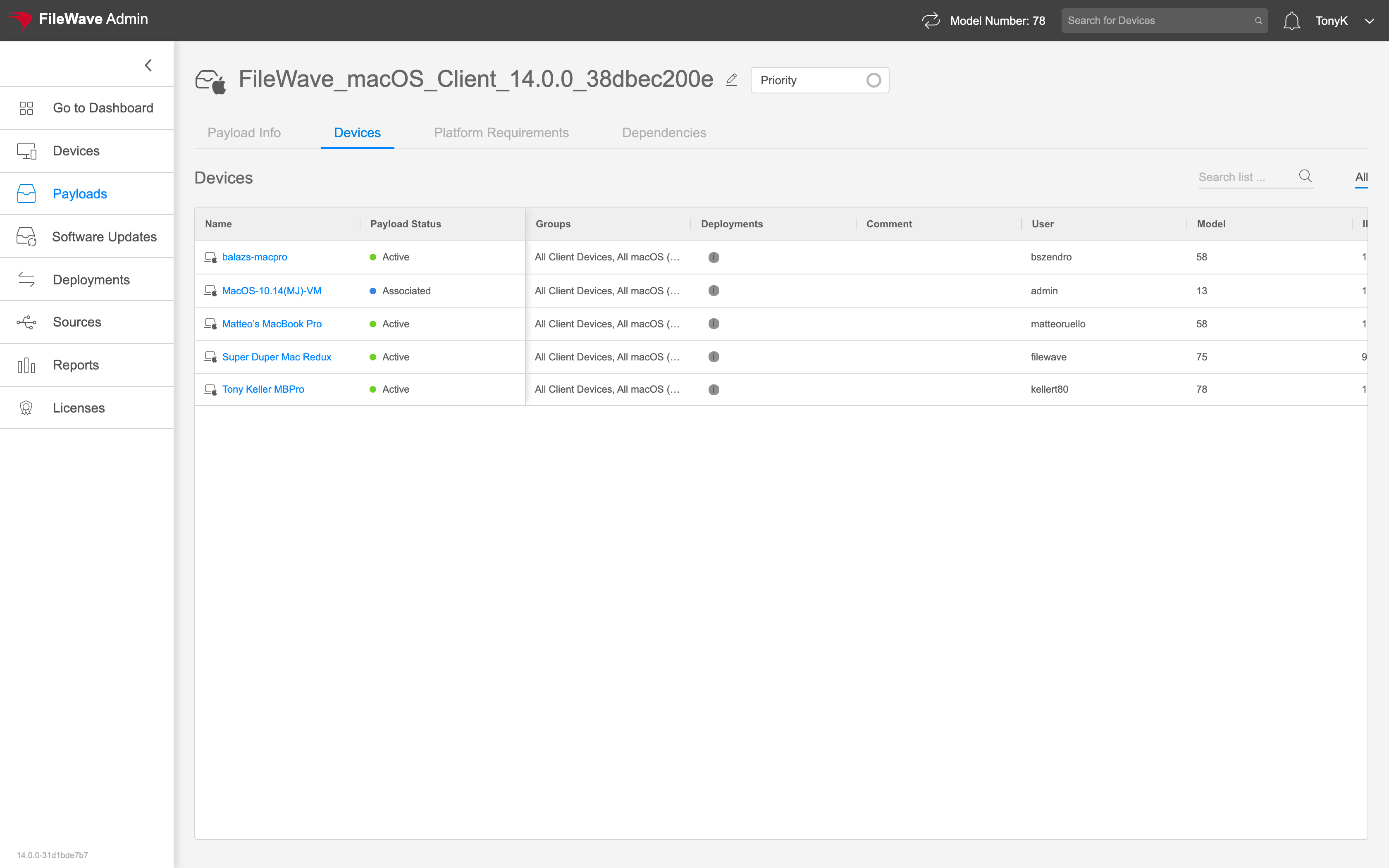
The Devices Tab shows the devices that have this payload assigned, and their current status. |
|
|
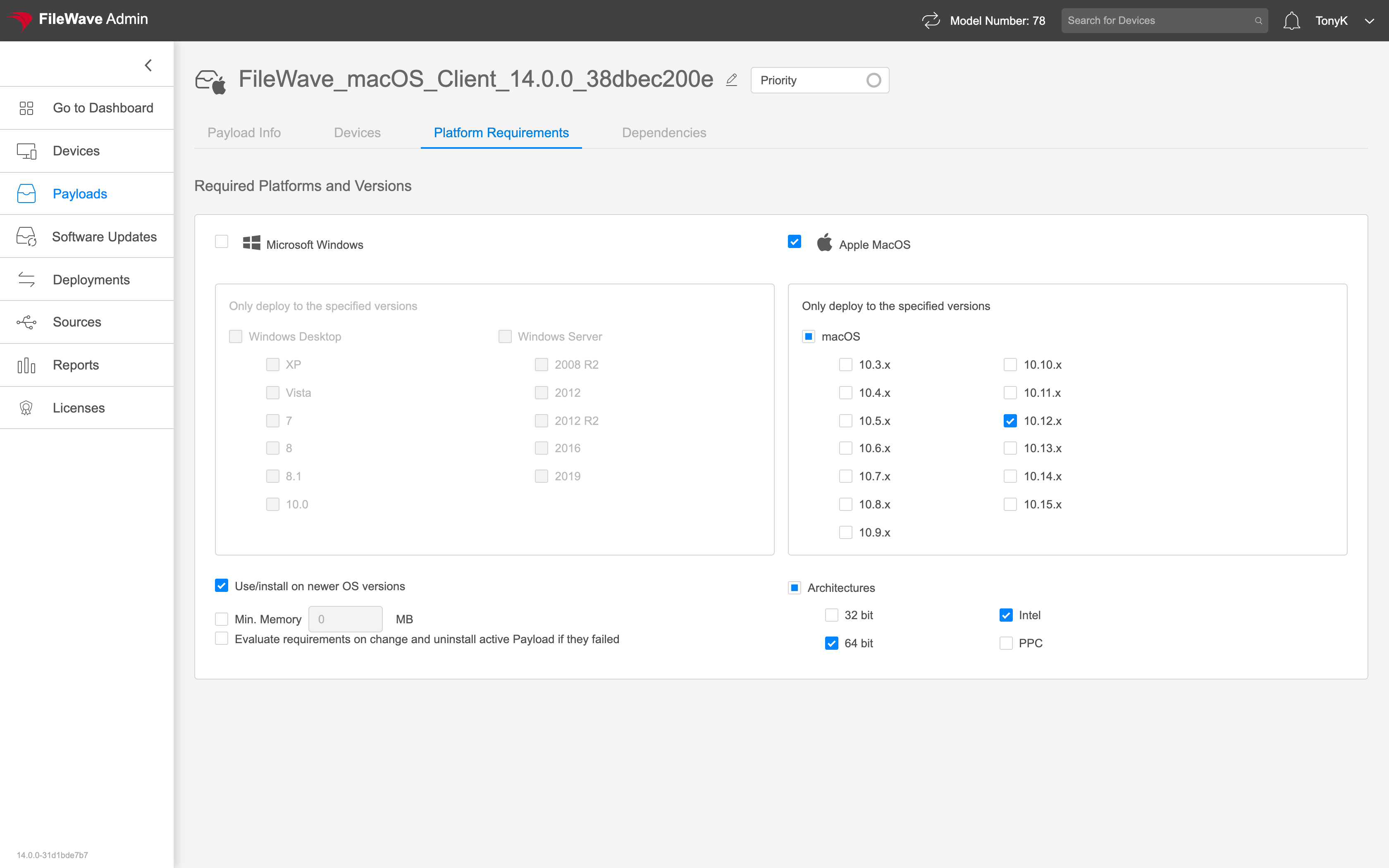
The Platform Requirements tab |
|
|
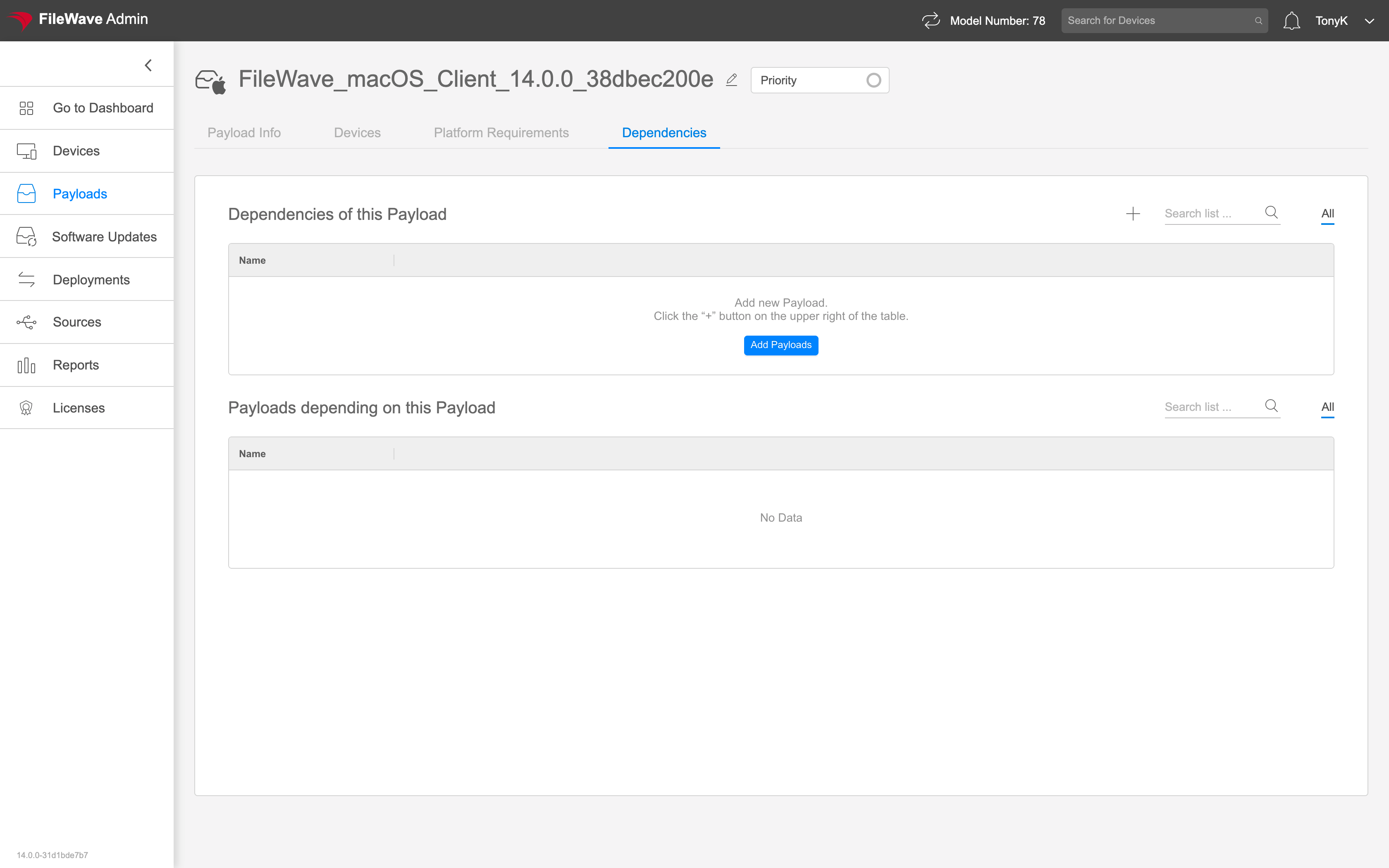
The Dependencies tab is where we specify relationships between payloads for simpler deployment. |
|
|
|
|