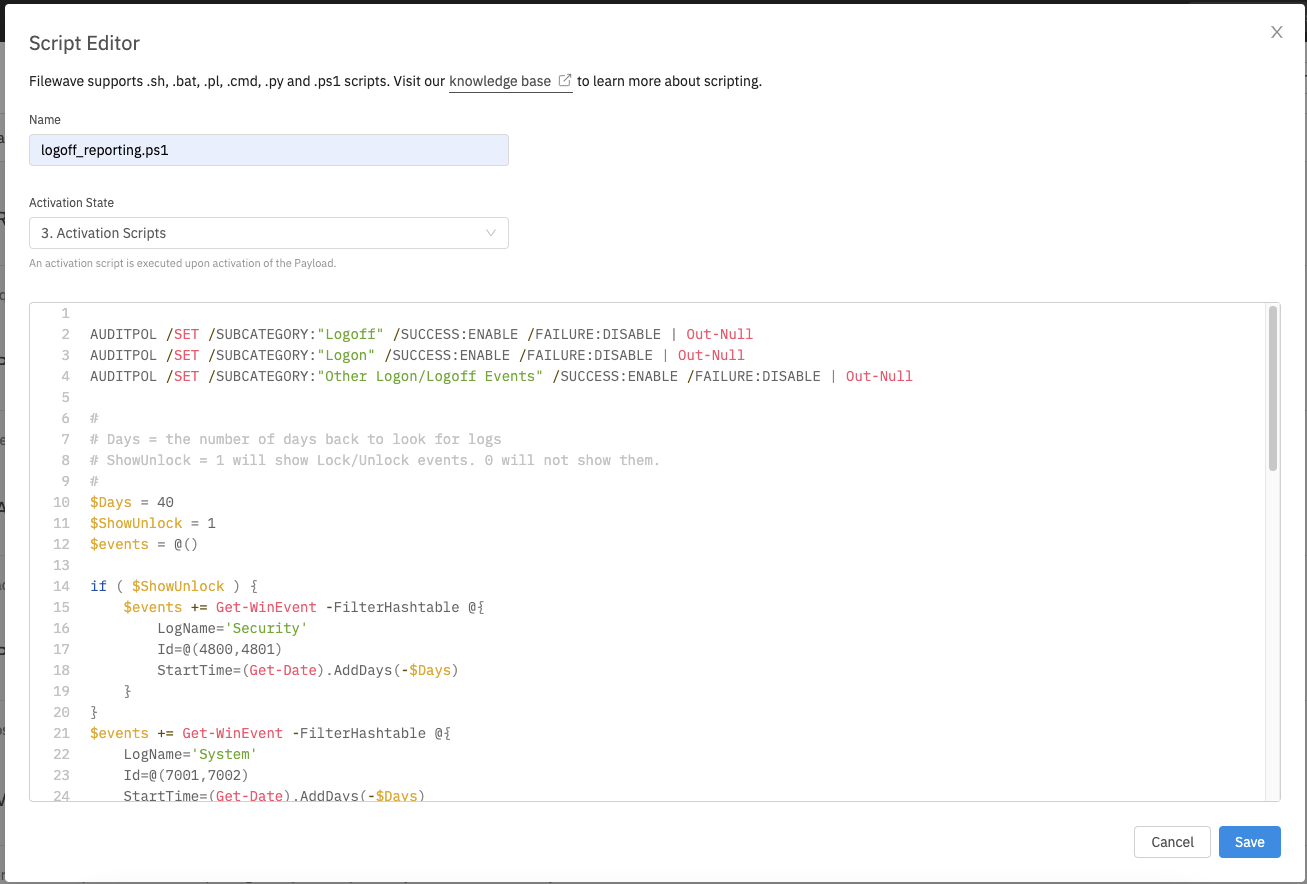
FileWave Anywhere Payload Script Editor
What
The FileWave Anywhere script editor allowslets you to interactively edit scriptscripts contentinside in any payloadpayloads that allowssupport scripts.scripts, without leaving the web console.
When/Why
We'll useUse this featureeditor any time we want to make afor quick edit to a payload-script withinchanges. aFor payload.larger If we need to make extensive changes, it is probably still better toedits, work in an outsidea code editor becausefirst, changesthen paste the reviewed script back into FileWave Anywhere. Changes to published scripts will automatically beare sent to all affected devices on the next modelModel update.Update, So, be very careful with this tool, and as always,so test before you deploy.deployment.
How
To enteropen the script editor, you simply go to the Scripts tab withinin anya supportingsupported FileWave payload/fileset.payload Clickor Fileset and click the edit button to editfor the script. From Youthis view, you can also drag and drop scripts between script types andor remove them from the payloadpayload. asThe wellexample below shows the editor in this view. Example script shown below:use: