
What are Sample Reports?
Admins often ask why FileWave includes Sample Reports (formerly Sample Queries) in the Reports area.
Purpose
For new FileWave admins, sample reports are best treated as starting points. Some are ready to use, and others are examples you can duplicate and adapt.
Where to find them
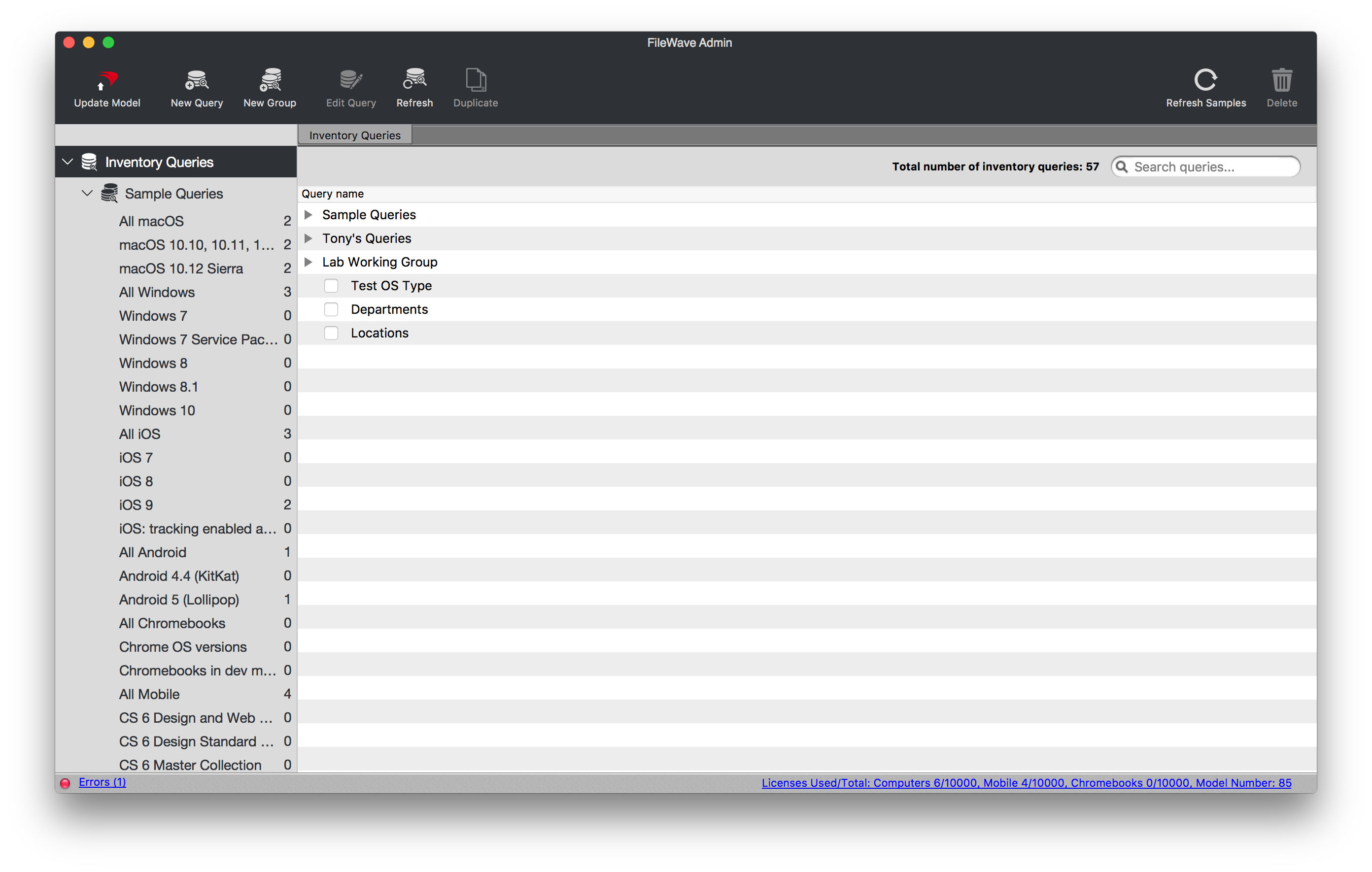
Sample Reports are included by default in FileWave Central's Reports (formerly Queries) view. In older supported versions and older screenshots, this area may still appear as Inventory Queries.
Resolution
Sample Reports are provided for two main reasons:
- They provide prebuilt common reports so you can get started quickly, such as reports for all iOS devices or all mobile devices.
- They give you examples for building more complex inventory reports, such as report criteria for an office suite.
Additional Information
For best results, duplicate a sample report before modifying it so the original stays intact. The Refresh Samples button restores deleted sample reports, but it does not overwrite a sample report that has already been modified.