
What are Sample Reports?
WeAdmins areoften frequentlyask askedwhy aboutFileWave the intention of theincludes Sample QueriesReports that(formerly youSample findQueries) in the InventoryReports Queries view in the FileWave Admin.area.
ProblemPurpose
For new usersFileWave ofadmins, FileWave,sample thereports intentare ofbest Sampletreated Queriesas isstarting sometimespoints. aSome bitare ofready ato mystery.use, and We'llothers clearare thatexamples upyou here!can duplicate and adapt.
EnvioronmentWhere to find them
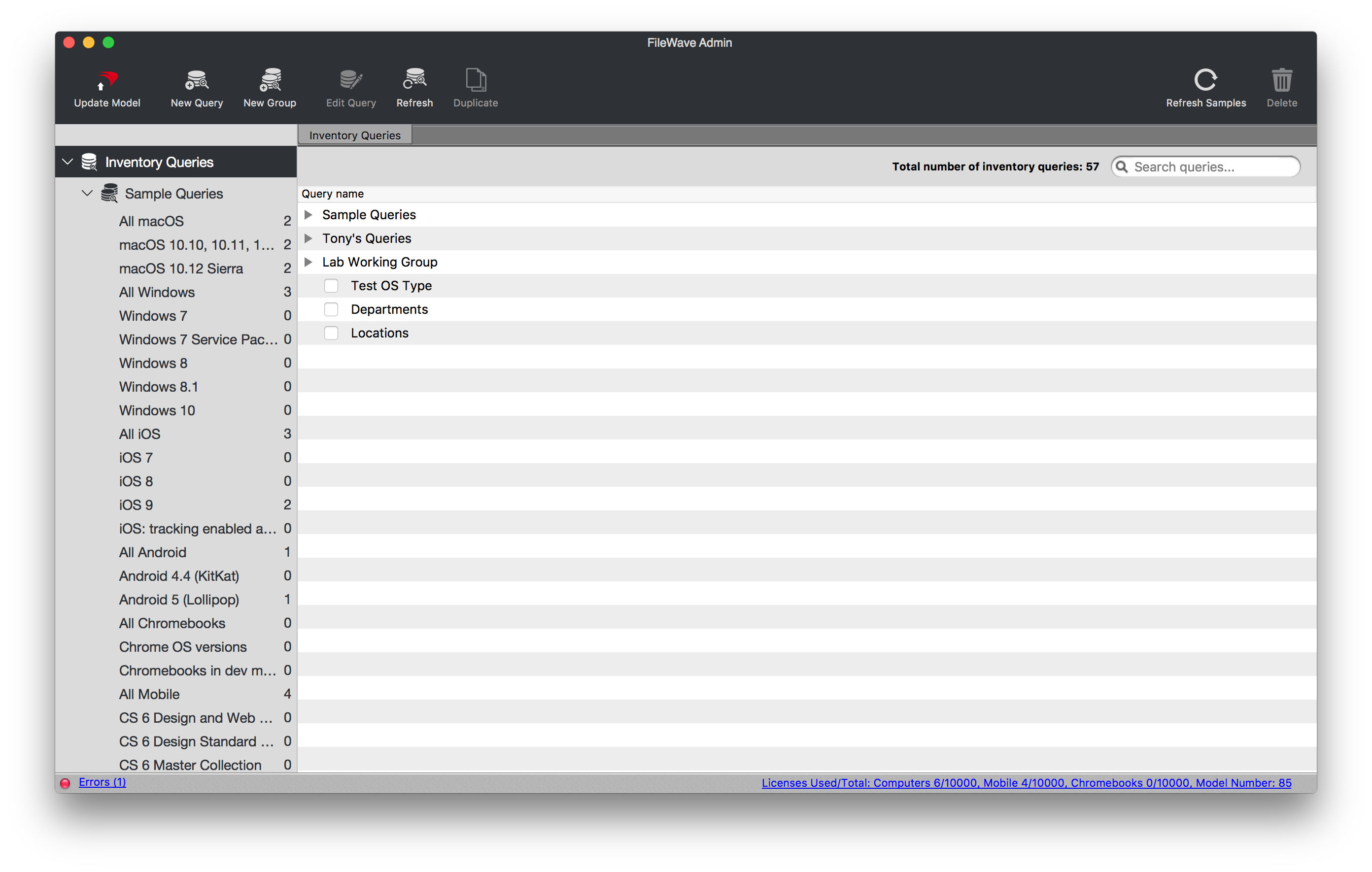
Sample QueriesReports are providedincluded by default in theFileWave Central's Reports (formerly Queries) view. In older supported versions and older screenshots, this area may still appear as Inventory Query view of your FileWave Admin as you can see below:Queries.

Resolution
Sample QueriesReports are actually provided for two primarymain reasons:
ToThey provideyou with pre-builtprebuilt commonqueriesreports so you can get startedquickly. These would be queries that are useful just as they are,quickly, such asAllreports for all iOS devices orAllallMobile.mobile devices.ToTheyprovidegive youwithexamples for building more complexqueriesinventorythatreports,you can usesuch asexamplesreportto build your own queries. Sometimes it is just hard to get started on a complex query, like a query you might have to docriteria for anOfficeofficeSuite. These complex samples give you a starting point to building your own complex inventory queries.suite.
Additional Information
For best results, duplicate a sample queriesreport before youmodifying modify themit so that you don't change the original.original stays intact. The Refresh Samples button inrestores the Inventory Query view will put back anydeleted sample query that you may have deleted,reports, but it willdoes NOTnot over-writeoverwrite a modifiedsample query.report that has already been modified.