Upload a Custom FileWave Client for Windows MDM
What
FileWave Windows MDM uses both Microsoft's MDM protocol and the native FileWave Client. MDM handles enrollment and policy commands, while the FileWave Client provides Filesets, inventory, and other client-based management.
When/Why
Upload a custom FileWave Client MSI before enrolling Windows devices so newly enrolled devices can install the native client automatically.
How
Before you begin: Confirm that the FileWave Server is healthy and backed up, uses a valid trusted certificate, has saved Preferences at least once, and has completed at least one Model Update. Saving Preferences creates required shared settings; Model Update creates the internal URLs used by this workflow.
FileWave Server 16.4.0 and later: Build and download the custom Windows Client package in FileWave Central. FileWave Server 16.3.x and earlier: Build the package at custom.filewave.com. Custom packages are for new installations and enrollment, not for upgrading an already enrolled FileWave Client.
Upload the custom Windows Client MSI
-
Open FileWave Central, then open Preferences.
-
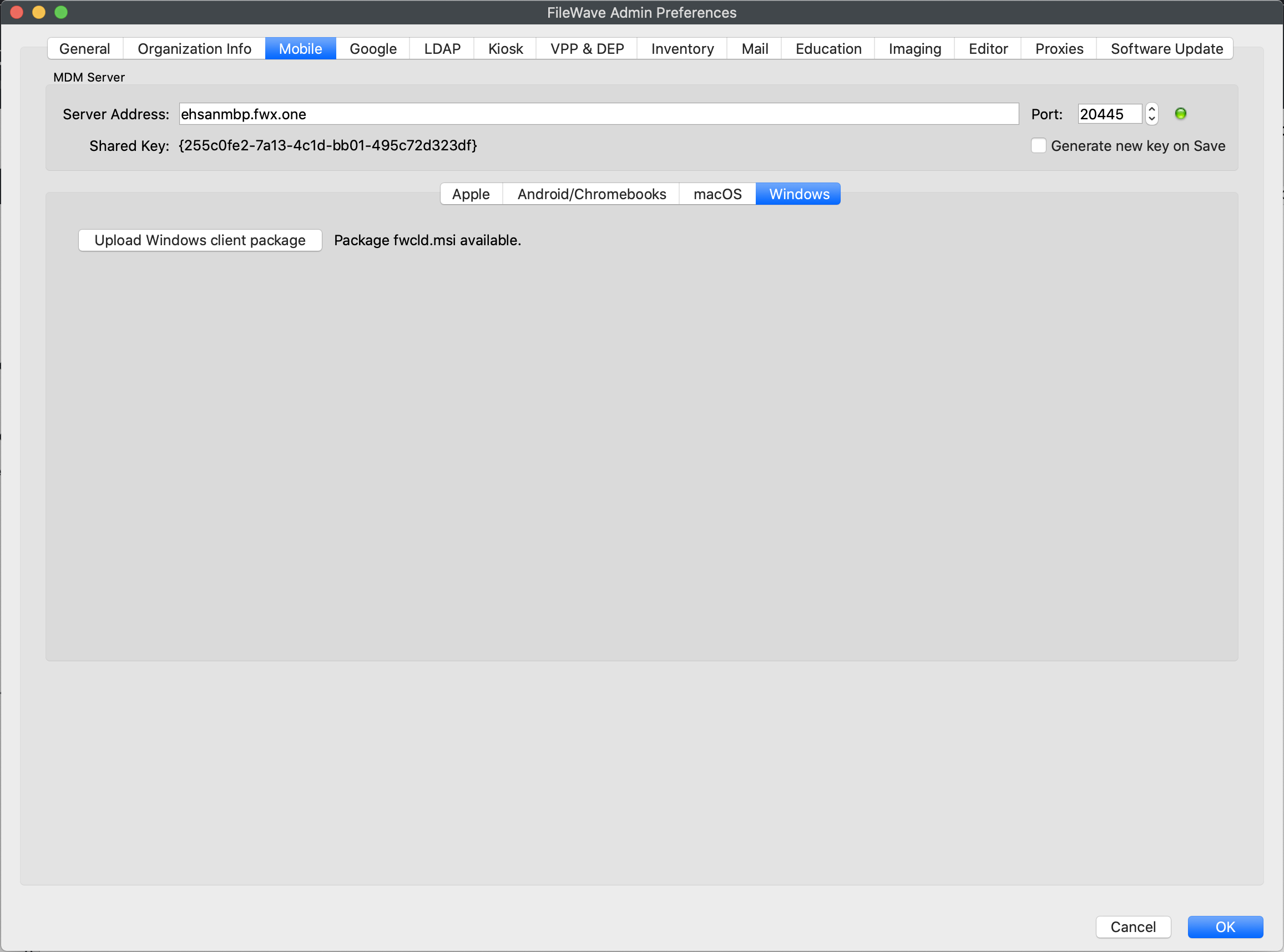
Open Mobile > Windows.
-
Upload the custom Client MSI as shown below. If your Server is earlier than 16.4, create the installer with the Customer Installer Builder.