
Configure Firefox on Windows with a Fileset
DescriptionWhat this recipe does
AfterThis installingFileset Firefox,deploys someFirefox configurationAutoConfig mayfiles beso desirable,you examplescan mayset include:or lock browser preferences such as the home page, first-run behavior, telemetry, and update settings.
- Block auto updates
- Set home page
- Disable Mozilla First Run Pages
Firefox DocumentationThe details ofChoose the Filesetcurrent Mozilla management method
Mozilla recommends Windows Group Policy for settings covered by policy and AutoConfig for preferences that are basednot. upon:The downloadable Fileset uses AutoConfig. If you edit autoconfig.js for Firefox ConfigurationThis60 isor knownlater, tosave workit with versionUnix 60,LF upwards.line It may work with earlier versions, but testing on placement of files may vary with earlier versions. endings.
Ingredients
FWFileWaveAdminCentral- Firefox installer application already as a Fileset
- The provided configuration Fileset: Windows - FirefoxConfig.fileset.zip
Directions
- Download the Fileset
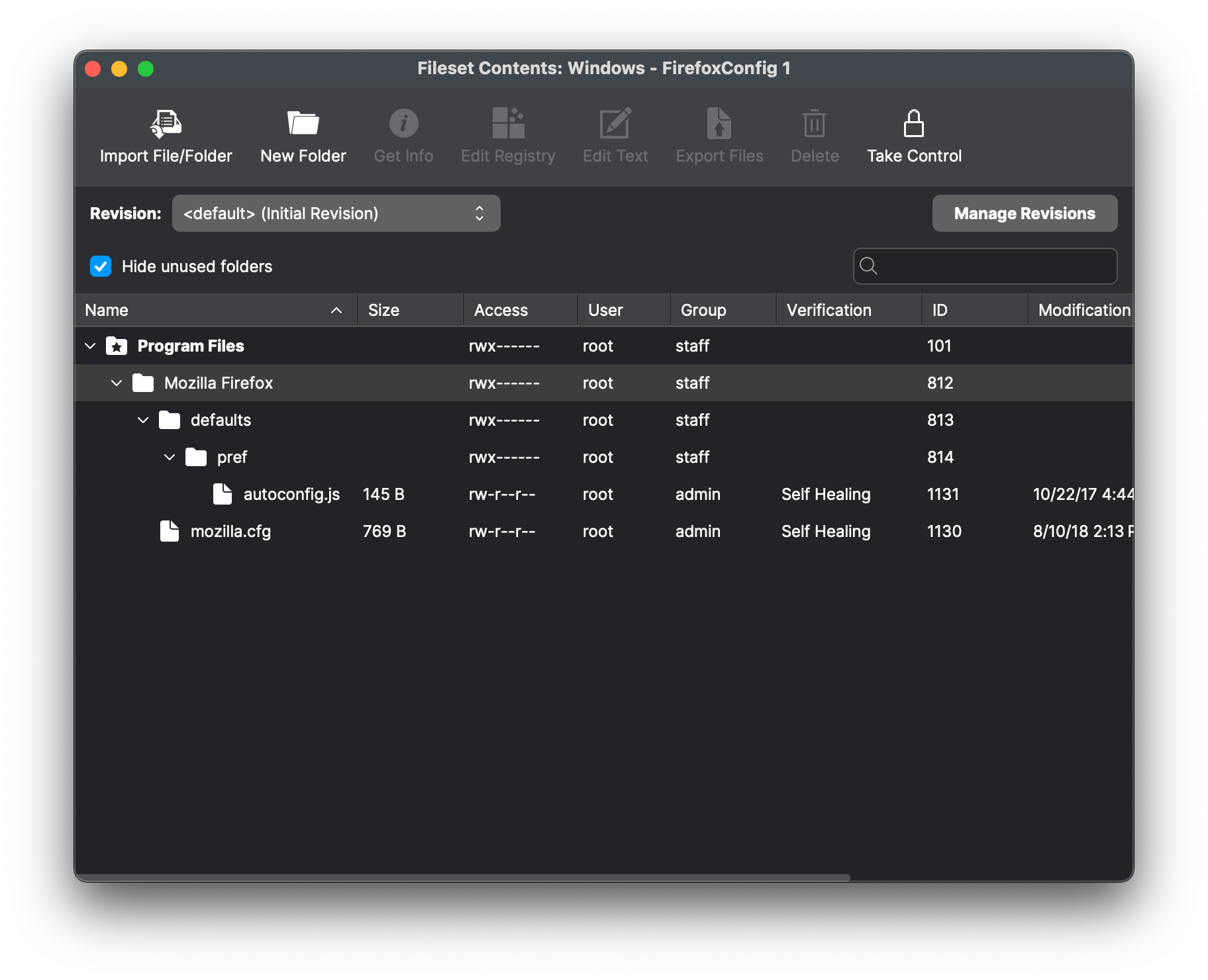
zip file,ZIP, expand it, and drag the Fileset into FileWave> FilesetsCentral. - Two files are present in the Fileset.
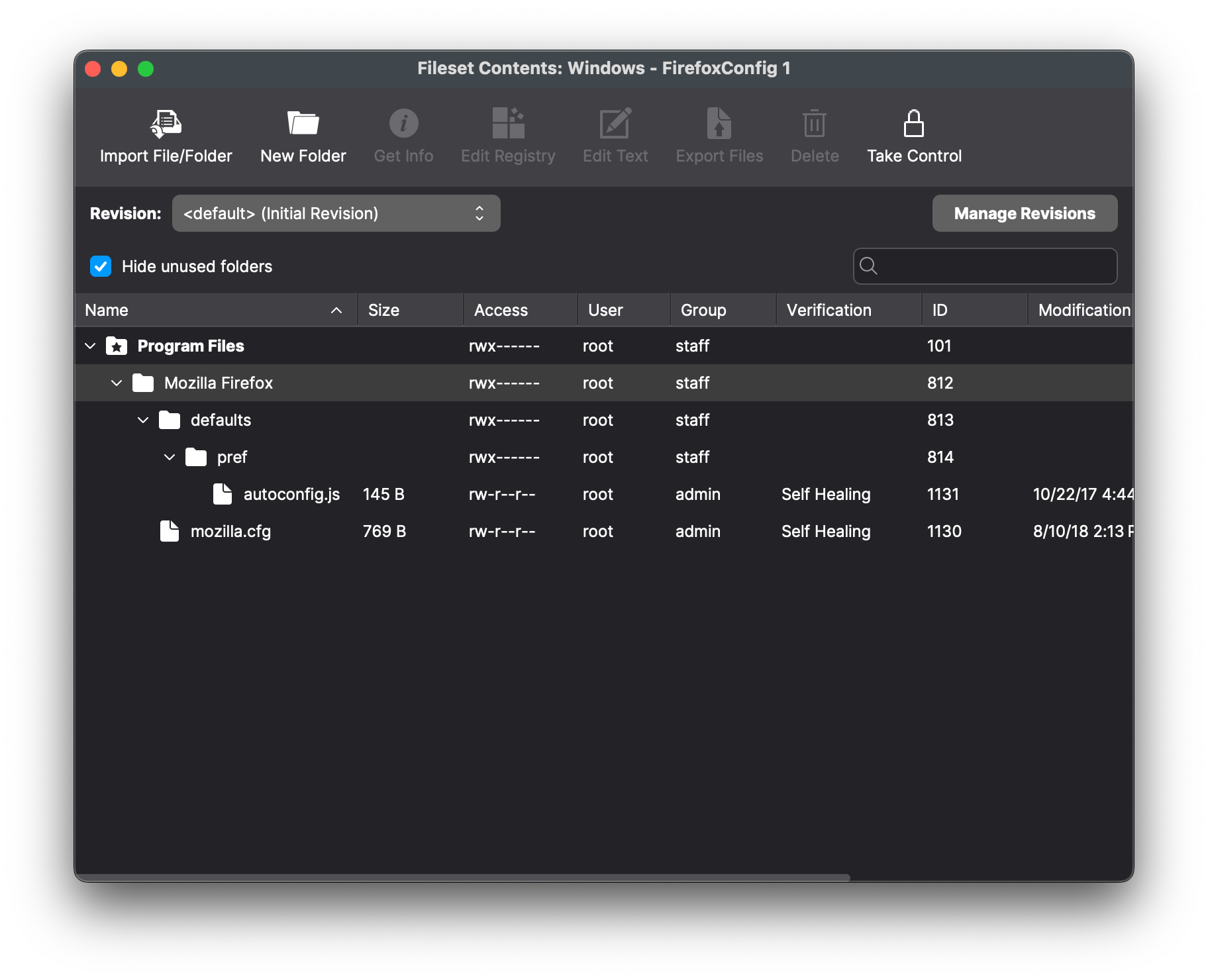
Theautoconfig.jsfiletellsspecifies the fileFirefox tobeloadused for configuration. In this Fileset the name of the file has been set to 'mozilla.:cfg'cfg
// Any comment. You must start the file with a comment!
pref("general.config.filename", "mozilla.cfg");
pref("general.config.obscure_value", 0);ToEditspecifymozilla.cfganytodesired settings, editchoose themozilla.cfgmanagedfile.preferences. Theprovidedexamplefile is designed to preventdisables Firefoxupdates,updatesdisable privacyand telemetry,disablesuppresses first-run pages, and sets a home page. Review every preference against thefirsttargetrunFirefoxMozillareleasehomebeforepages and set the user's homepage:deployment.
// Any comment. You must start the file with a comment!

// Disable updater
lockPref("app.update.enabled", false);
lockPref("app.update.auto", false);
lockPref("app.update.mode", 0);
lockPref("app.update.service.enabled", false);

// Set Homepage and stop Mozilla startup pages
lockPref("browser.startup.firstrunSkipsHomepage", false);
pref("browser.startup.homepage","http://www.filewave.com");
lockPref("browser.startup.homepage_override.mstone", "ignore");

// Disable Privacy telemetry
lockPref("datareporting.policy.firstRunURL",);
lockPref("datareporting.healthreport.service.enabled", false);
lockPref("datareporting.healthreport.uploadEnabled", false);
lockPref("datareporting.policy.dataSubmissionEnabled", false);
lockPref("toolkit.telemetry.unified", false);
Preference Overviewfunctions
PreferenceMozilla typesdocuments canpref, include:defaultPref, pref,lockPref, defaultPref,and lockPref,the amongstother others.available Detailsfunctions can be found at:in https://support.mozilla.org/en-US/kb/customizing-firefox-using-autoconfigCustomize Firefox using AutoConfig.
pref
Thispref is used to setsets a preferenceuser thatpreference. canFirefox be overridden by the user, but on next launch of the applicationreapplies it willat revertevery backlaunch, toso thea settinguser's withinchange thedoes configurationnot filepersist.
lockPref
AlockPref lockPrefsets cannotand belocks overriddena bypreference so the user cannot change it.
defaultPref
ThisdefaultPref issets usedthe default while allowing the user to setkeep aan preference that can be overridden by the user. The user's setting will persistoverride until the userpreference resetsis them, at which point the defaultPref will be used on next launch of the applicationreset.
Association
When associating, to ensurePlace the Firefox installer and configuration isFileset installed with the Application, consider creatingin a Fileset Group:Group so both reach the same devices.
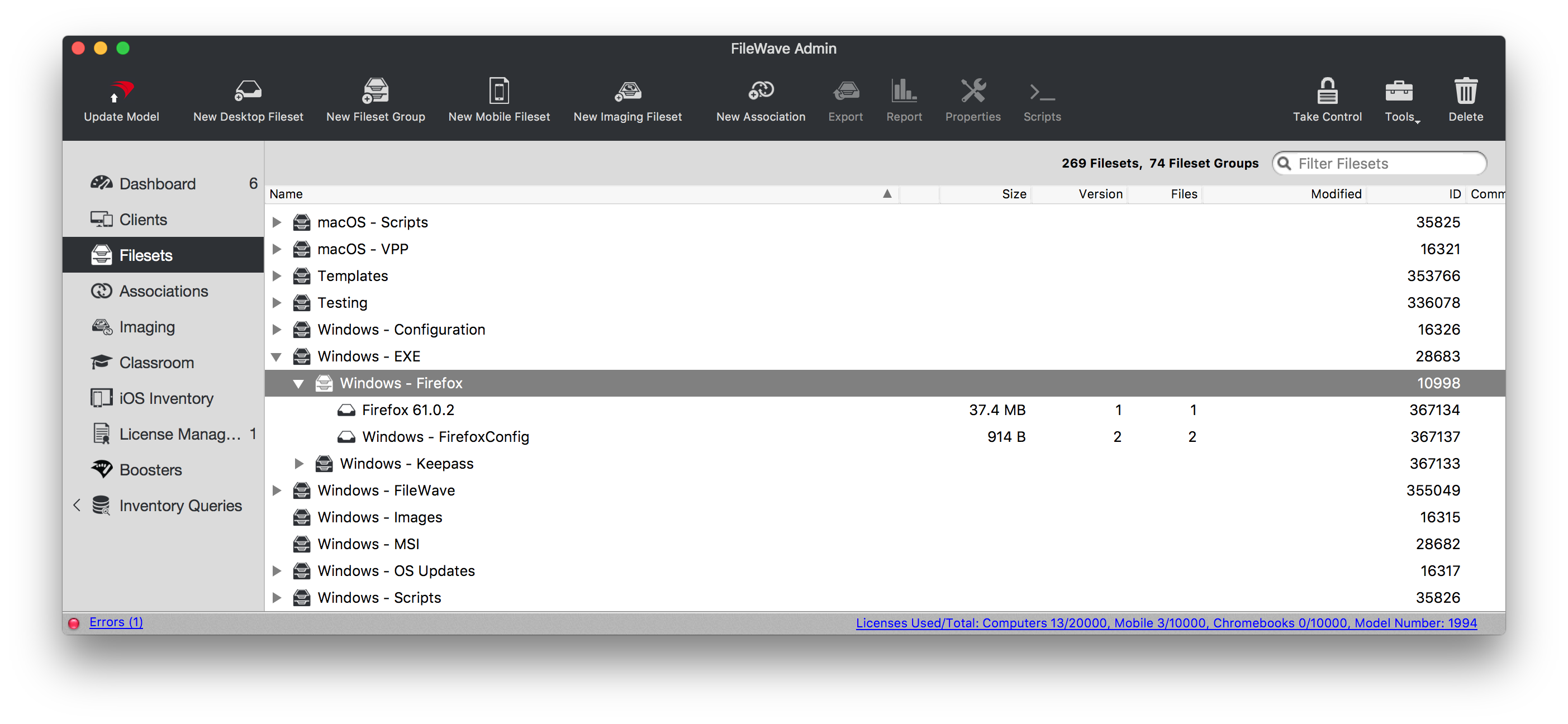
Associating the 'Firefox' Fileset Group will ensure both the Application and Configuration are associated to devices.
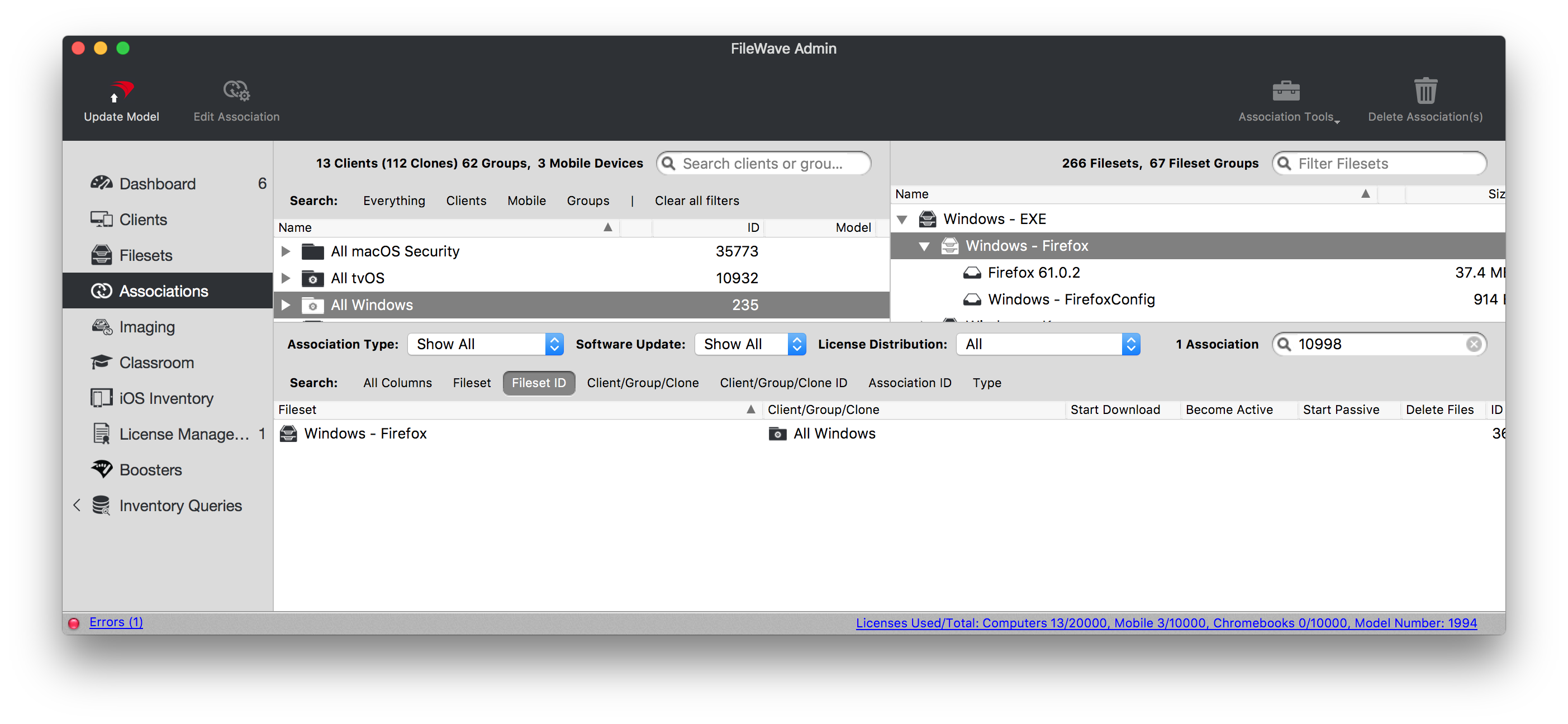
When there is an update to Firefox, replace the version in the Fileset Group with the latest version after testing.
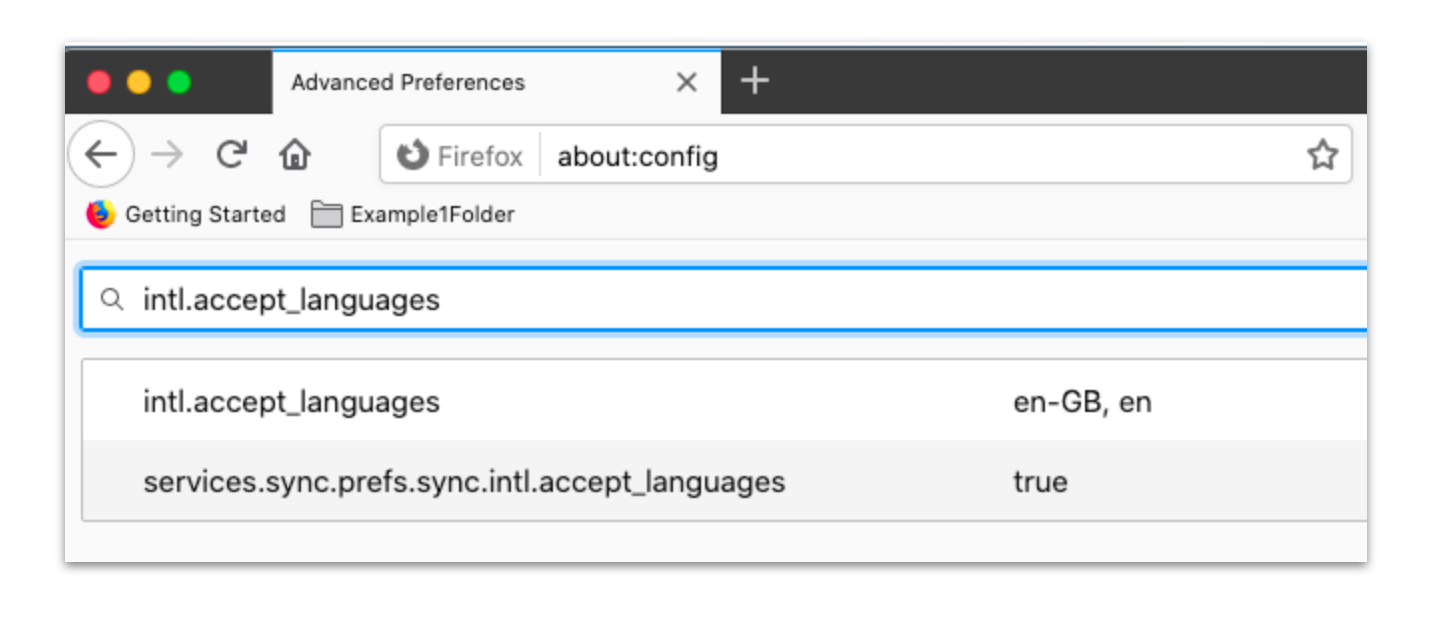
ToThe ensuretemplate enables BlockAboutConfig so users maycannot not circumvent management by changingbypass the locale,managed enablepreferences 'BlockAboutConfig'through (alreadyabout:config. setConfirm asthat TRUEthis inrestriction thematches templateyour file)support policy before rollout.