Policy Loops
What
A policy loop happens when a Smart Group's criteria are changed by the Fileset or association assigned to that same Smart Group. The device enters the group, receives an action, then no longer matches the criteria. On the next Smart Group refresh it may leave the group, remove or change the Fileset, and then qualify again. The result can be repeated installs, removals, downgrades, or confusing association churn.
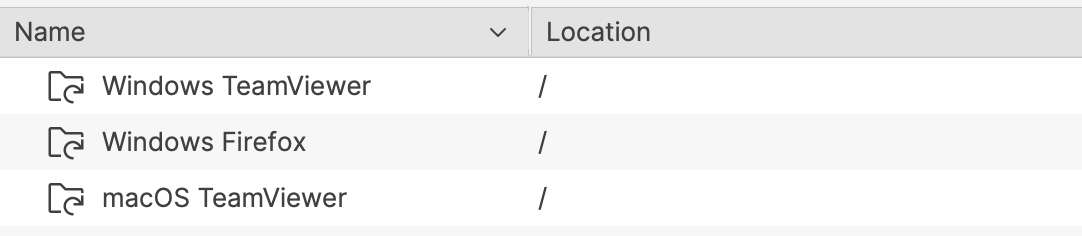
When/Why
The risk is highest when group membership is based on the exact state that the Fileset changes, such as an application version, installed-file presence, or another inventory value that changes immediately after activation.
Example 1: version-based installer loop
Imagine a PKG macOS installer Fileset for an app called CLU.app, version 1.0. It is associated to all devices based on two criteria:
- Device OS is macOS
- Device does not have CLU.app version 1.0 installed
Once the software is installed, those devices no longer belong to the group because version 1.0 is now installed.
A new version of the software is released: CLU.app version 1.1. A new association is created with a different Smart Group using similar criteria:
- Device OS is macOS
- Device does not have CLU.app version 1.1 installed
Devices running version 1.0 will join the new Smart Group at the next refresh. The new Fileset activates, the software upgrades from 1.0 to 1.1, and the devices then leave the version 1.1 group because they no longer match its criteria.
The problem appears on the next Smart Group refresh. Because version 1.0 is no longer installed, those same devices may qualify again for the older version 1.0 Smart Group. If the older PKG can install over the newer version, the software is downgraded back to 1.0. Once that happens, the device qualifies again for the 1.1 group, and the cycle repeats.
This is a policy loop: the device keeps moving between groups because each successful deployment changes the criteria used to target the next deployment.
Example 2: self-healing Fileset loop
The same principle can happen with one group. In this example, CLU.exe version 1.0 is delivered as a file-level self-healing Fileset for Windows.
The Smart Group criteria are:
- Device OS is Windows
- Device does not have this software installed
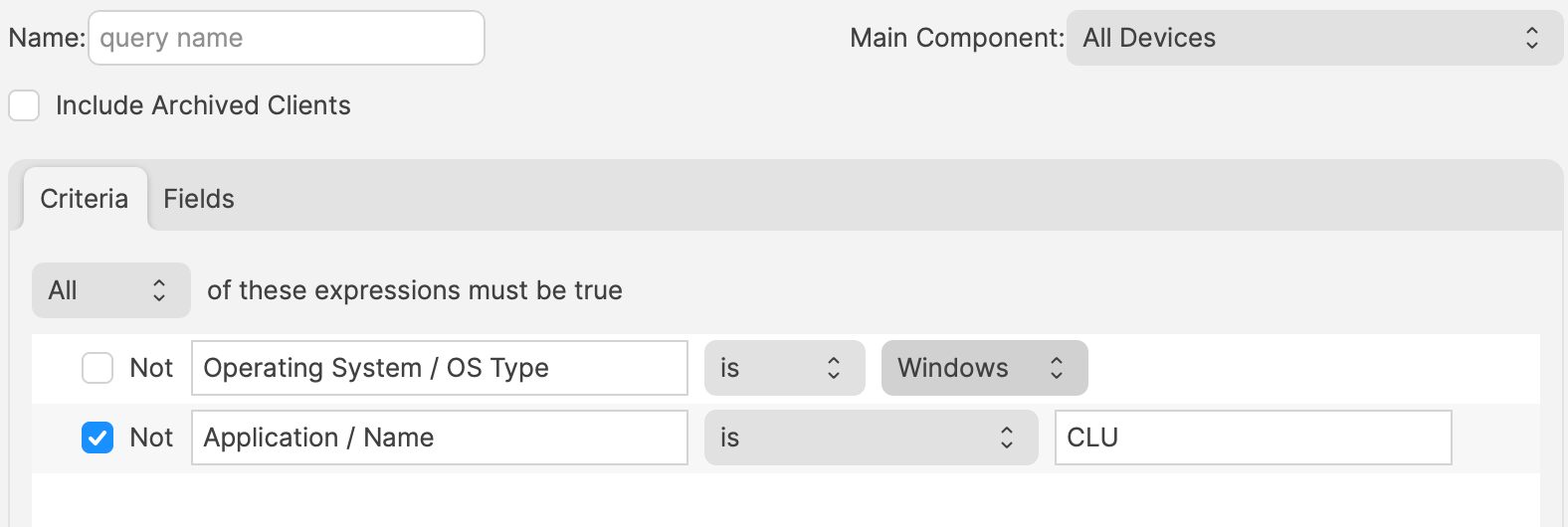
Windows devices without the software enter the Smart Group, receive the Fileset, and report that the software is now installed. At the next Smart Group refresh, those devices no longer meet the criteria and leave the group.
Because the Fileset is self-healing, leaving the association can remove the software. The user loses the application, the next refresh sees the device as missing the software again, and the device re-enters the group. The software is then installed again, removed again, and the loop continues.
Avoiding the loop
- Do not leave old and new version associations active when each group only means "does not have version X installed." Retire or supersede the older deployment association when the newer version becomes the intended state.
- Use stable targeting criteria where possible, such as department, building, device role, enrollment workflow, or a curated group that represents deployment intent instead of current application state.
- If application or file presence is needed as a safety check, make sure the device does not leave the long-term deployment target solely because the Fileset succeeded.
- Test the Smart Group and association on a small set of devices, then verify membership again after client inventory and Smart Group refresh have both run.
The answer is not to avoid Smart Groups or self-healing Filesets. Both are core FileWave workflows. The important part is to design criteria so a successful deployment does not immediately undo its own targeting logic.
Fast Smart Group Evaluation can be useful for time-sensitive membership changes, but it does not fix a policy loop. If the criteria are unstable, faster evaluation can simply make the loop show up sooner.