
Updating 3rd Party Software
What
Naturally devices require software and thatThird-party software needs updating.a clear update plan. TheDecide questionwhich isapps how.FileWave should update directly, which apps may use their own updater, and how you will roll back if an update causes trouble.
ForManaged managedstore software,apps, e.g.such as Apple VPP Apps,apps, updatescan occurupdate automatically,through butthe otherplatform. softwareSoftware deployed usingwith PKG, MSI, EXEEXE, or file file-level Filesets thenneeds whata happens.separate decision. Essentially,Either therelet arethe avendor coupleupdater ofrun, keyor choices.build and deploy updated Filesets yourself.
Some softwarevendor attemptsupdaters work without local admin rights. Others fail silently, require user prompts, or need FileWave to autopush update,the whichupdate. mayTest orthe mayupdater notbehavior work,before inyou particularlyrely whenon users are not admins, whilst other software will always require updates pushed out.it.
Why
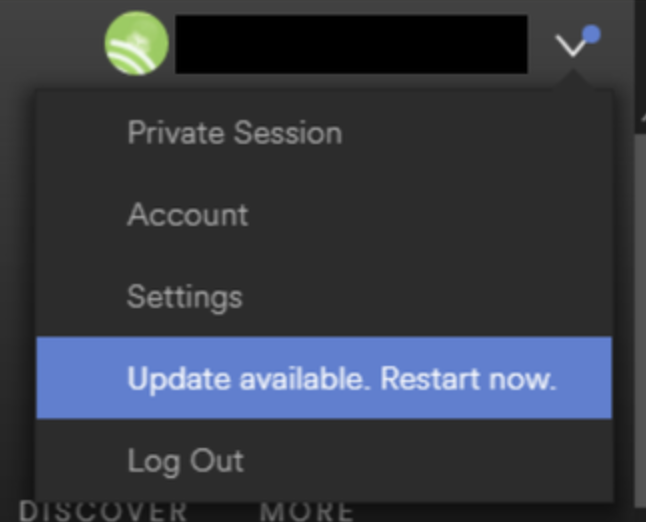
BackThe tomain thechoice choice.is per application. Allow the software to autoupdate updateitself, or preventblock suchthe activityupdater and choosedeploy to builda new FileetsFileset tofor pusheach outapproved updates.version. MakingBase that choice,choice though,on canthe befactors impacted by other factors.below.
For example:
- Is the software being deployed critical to business
- Are there company restrictions that prevent software being updated before approval
- Does the software even have an auto updater
- How easy is it to prevent the software from updating, where an auto update does exist
- Do you trust the software supplier enough to allow updates to occur without prior testing
- What impact could occur if an update went wrong and what is the rollback option
- Is a reboot required after the update
How
ThoseThe aredetails somebelow considerations.help you choose the right Fileset behavior for each update model. Now to consider some finer details.
Denying AutoUpdates
For software thatwith hasan noupdater, autoupdates,first this is already a consideration, but denying updates takes some greater work. Firstly, a requirement to locateidentify how the updateupdater worksis andconfigured. then Then confirm how to preventdisable it.it safely.
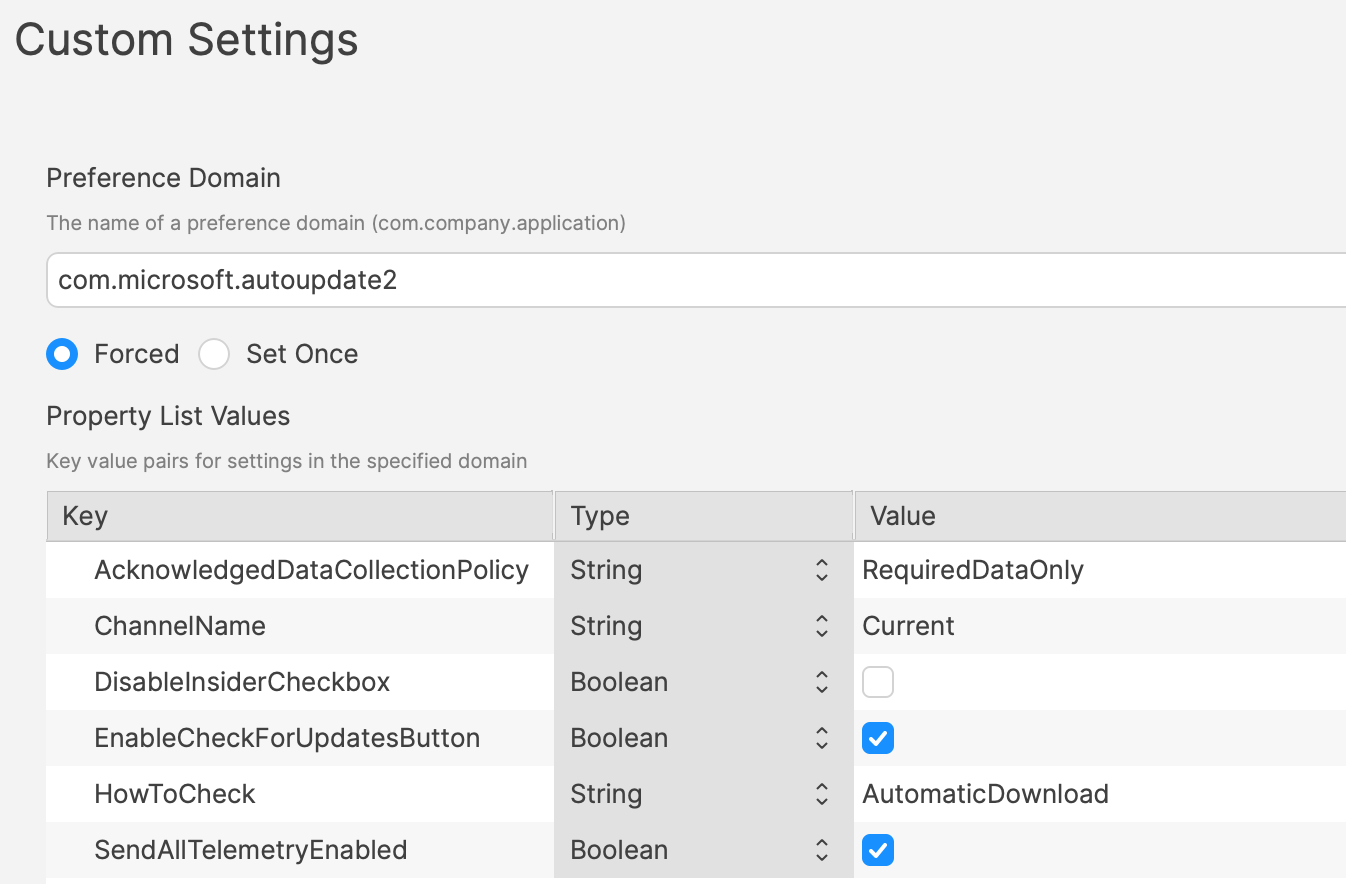
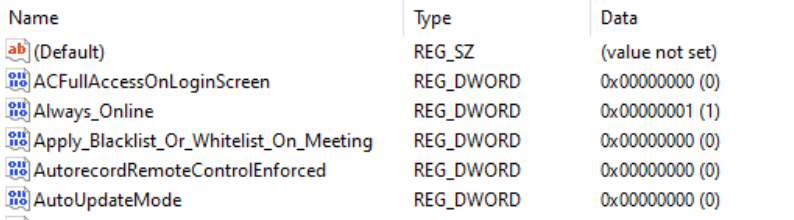
Most softwareMany vendors areexpose likelyupdate tocontrols have eitherthrough a Windows registry entry orvalue, a macOS plist preferencepreference, filean thatenterprise canpolicy, beor configuredan toinstaller prevent the updates.option. IdentifyingVendor documentation or other admin posts may identify the file to alter and the values to set, in some instances can be easy to address.setting. In fact, many other Admins often post these settings or they may be available from vendors. However,Some sometimesapplications thisstill informationrequire isn’ttesting readilyto available.confirm what changes.
VariousOne methodspractical exist, but generally, the processmethod is lookto atcompare files and settings before and after making preference changes made available throughchanging the softwareapplication's GUIupdate if available.preferences. Fileset Magic iscan one method to assisthelp with thisthat process.comparison. This option of the FileWave applicationIt takes a snapshot ofbefore the devicechange and then after changes are made, a secondanother snapshot is taken.afterward. ItYou iscan then a case of comparingcompare the beforetwo and aftersnapshots to see what has changed.
Allowing AutoUpdates
OneNot keyevery questionapplication is,needs doestightly micro management of updates of all applications really improve management of devices. Many applications are not business critical or a bad update could easily have minimal impact. With that in mind, why not allowcontrolled updates. Indeed,For lower-risk apps, allowing vendor updates can reduce packaging work. Apple VPP Appsapps leaveare littleplatform-managed, choice.so they follow a different update path. Of course, just makingConfirm that decision does not mean auto auto-updates are onactually by default.enabled. AsAlso such,confirm they work when users do not have local admin rights.
If the updater fails for standard users, manage that application with the same process to calculate how to disable updates may need to be actioned to work out how to enable updates.
Add to this, as eluded to prior, will the autoFileWave-controlled update workprocess ifyou thewould useruse iswhen notblocking anvendor Admin.updates. This needs to be tested, but if not, then the same process used for denying updates would likely be required.
Considerations
For either method, there are some additional considerations, which mostly centre around self-healing.
Denying Autoupdates
When using a file level Fileset to deploy software, files should be set as self-healing.
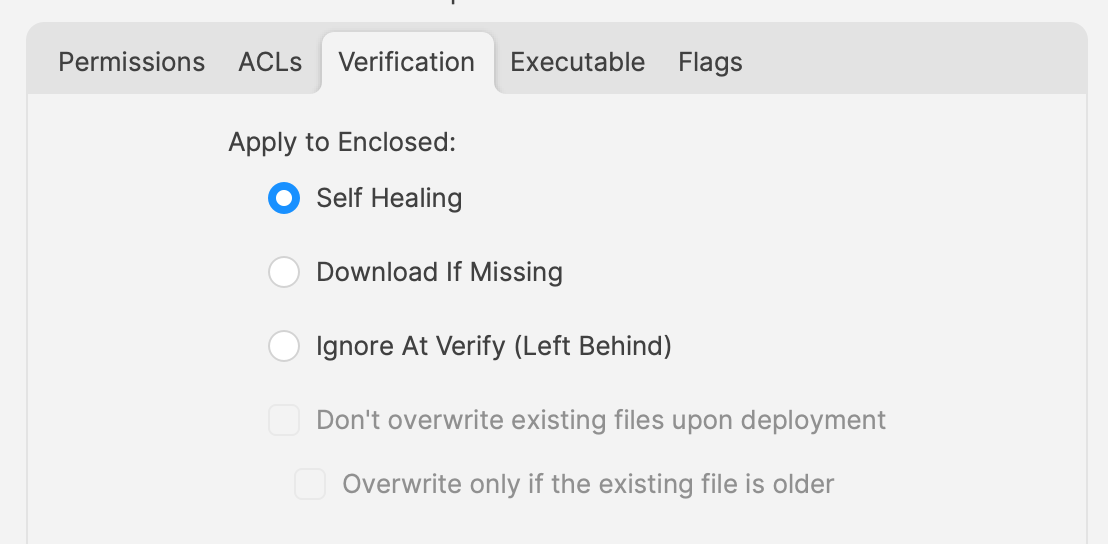
NotSelf-healing onlyhelps doesFileWave thiskeep ensure the most efficient delivery ofdeployed files fromin servertheir toexpected devices, it adds some greater benefits.state. When theyou associationassociate of thea new version is associated, in the same Model, disassociate the older version shouldat bethe disassociated.same time.
If both Filesets are leftstay associated, updatedFileWave may keep files will be replaced, whilst new files will be pushed to devices, however what about files that the software no longer uses. Iffrom the older Filesetversion iswhile notalso disassociated, theseadding files willfrom bethe leftnewer version. That can leave removed or renamed application files behind. Although this may seem harmless enough, actually they can be very damaging. DevelopersThose ofleftovers softwarecan wouldbreak not expect those files to be in existence with the newan application and with thousands of lines of code, it could be easy enough that these files still have references and could cause havoc withif the newer version.version still finds and loads them.
Allowing AutoUpdates
So, how about handlingFor software where the autoupdatesthat is allowed to occur.auto-update, file-level Filesets usually should not use self-healing for the application files. In this instance, if file level Filesets are used to deploy the application, self-healing would be completely the wrong choice.
When software autoupdates,updates itself, it changes files willthat beFileWave altered.originally deployed. WhenIf athose files are set to self-heal, the next verification occurs,can anyreplace alteredupdated files set for self-healing, will be replaced with the older files.Fileset copy. Although clearly undesirable, this isn’t the same as downgrading the software, such that it would still function. Self-healing willcan also return anyrestore files that were removed by the updater.updater removed. ThisThat bringscan backleave the conditionapplication ofin filesa unexpectedlymixed installed, which again could cause the software to act irregular or not even start.state. AsFor such,this update model, Ignore at Verify wouldis beusually the idealbetter selection.choice.
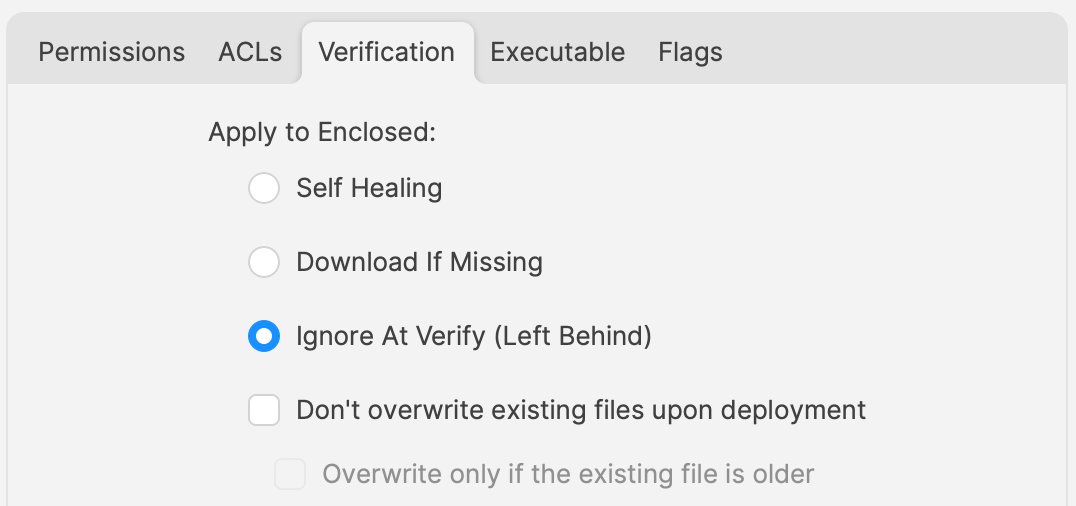
Ignore at Verify bringscreates abouttwo 2follow-up additional items for attention.questions.
Un-installing.
Un-installersUninstallers can cometake inseveral differing forms, one of course is by way of self-healing.forms. However, usingIn the allowed auto-updater example, self-healing is not anthe option.removal method. ThisPlan meansa anseparate alternateuninstall method would be required to remove the software.path. Of course, FileWave can bestill usedhandle to achieve this, for example,that with un-installeran scripts.uninstall script or a dedicated removal Fileset.
Rollback
WhereWhen software isauto-updates, autoFileWave updating,may only have the onlyoriginal installer version available in FileWave will likely be the same version originally pushed (unless updatedyou morealso recentlypackage aslater a Fileset).versions. Therefore,If if there was ayou need to rollbackroll back, you may need to abuild priorand version,test somthe additionalrollback workFileset wouldbefore it can be required, which would take time before being deployable.deployed.
Overview
Each method has its own merits, but being aware ofChoose the prosupdate model per application, document the uninstall and consrollback path, and how to dealtest with these,standard-user providesaccounts thebefore armouryrolling forit successfulout application management.broadly.