
VPP App Configuration
Description
VPP TokensApps are all well and good, but what if you need to becustomise renewedthe onceexperience ain year.some FileWaveway. dashboardSome willApp alertdevelopers whenprovide anykey/value VPP Token is aboutpairs to expiredo byjust changing to yellow and stating duration until expiry; subsequently turning red once a VPP token expires. Use the steps below to renew VPP Tokens. that.
Requirements
Nothing
Directions
Within the contents of a VPP Fileset, you will find a tab called 'Configuration'
In this example, the configuration is for the Microsoft Edge Browser. Microsoft provide the details regarding key/value pairs available:
TheConsider IDa accessinglist Schoolof orURLs Businessto block. It can be seen from the Microsoft KB, the key/value pairs are:
When first opening a VPP Fileset > Configuration tab, the appropriatesetting permissionswill be set as 'None'. Clicking on this, it can be set as 'Configuration':
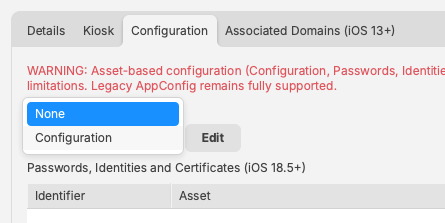
Once set as Configuration, click 'Edit'
Imagine that the desired URL to block is the FileWave KB, then the setting would appear as:
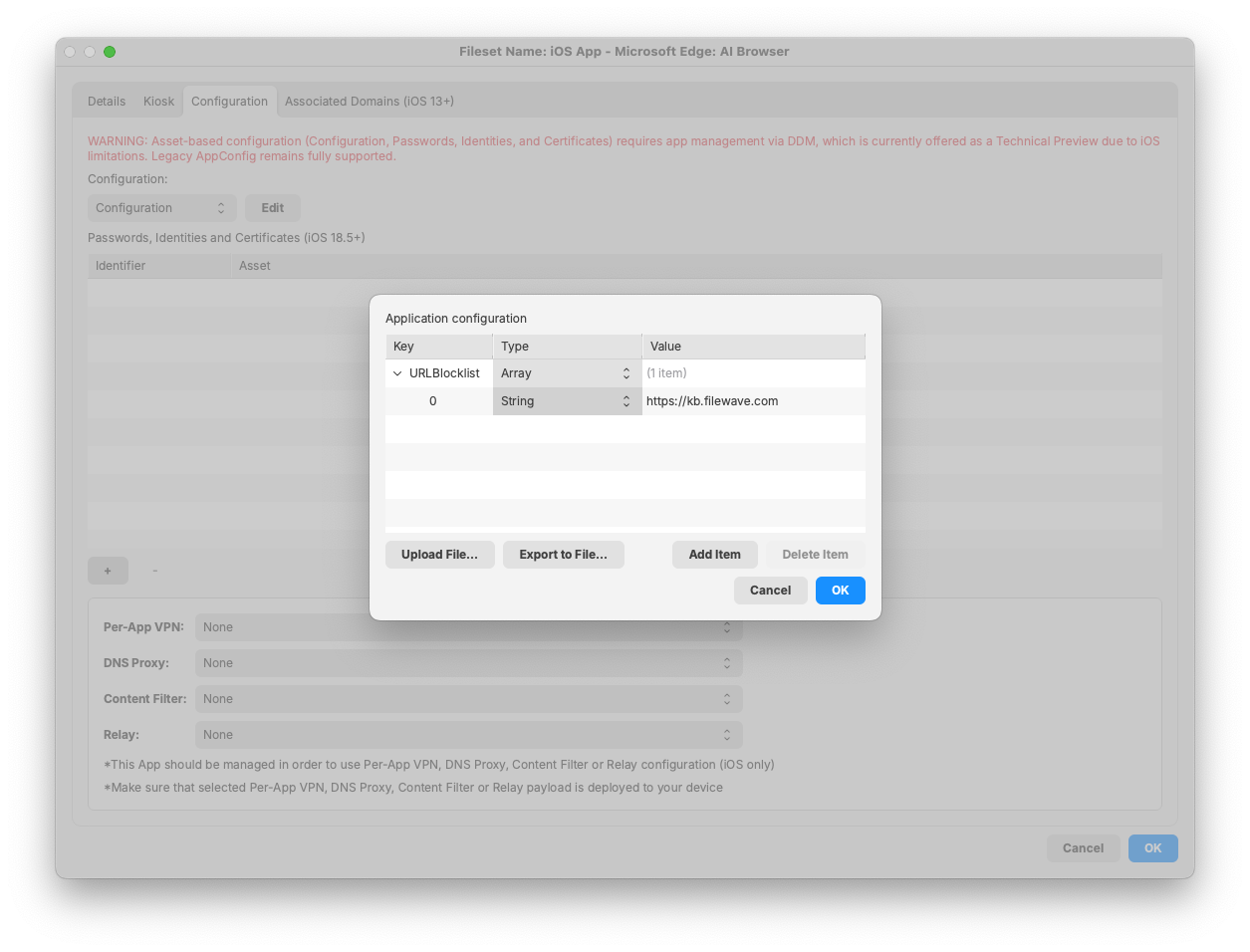
Note, there are multiple 'Type' options for each key:
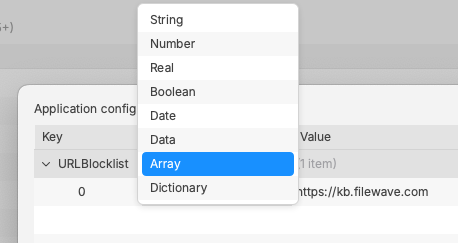
As suggested, this is an Array. Each item in this Array, for this example, should be a String. Add as many strings as required for each URL to block.
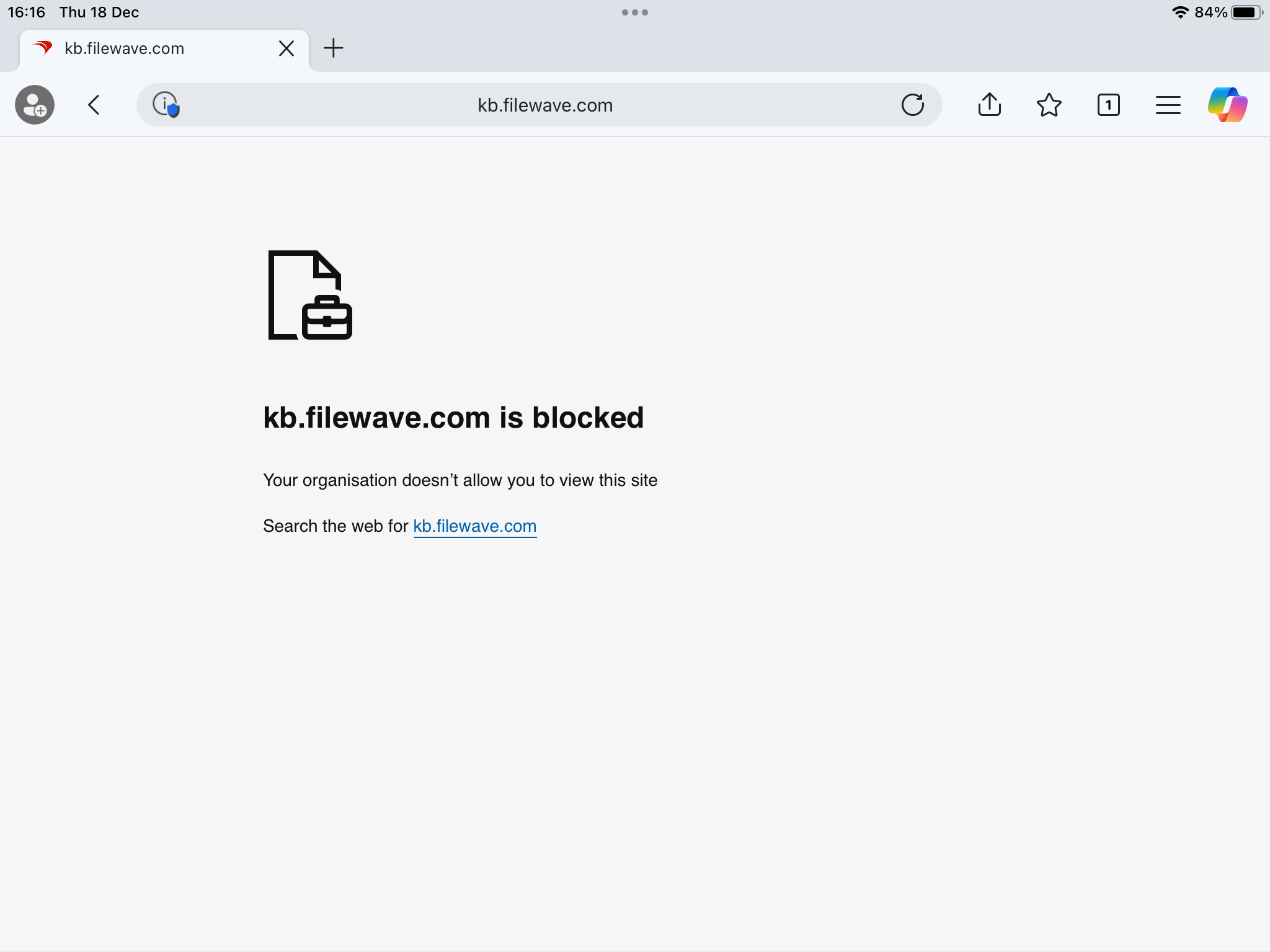
Once associated with a device, on receipt of the Fileset, not only will the App be installed, but attempts to access the belowblocked mentionedURL VPPshould token.fail:
Similar likelyoptions beexist Contentfor Managersother or higher,browsers, e.g.g Administrators.Chrome. AppleFor recommendeach Administratorschosen doApp thisto whereconfigure, the management account has multiple VPP accounts, split across an organisation, such that all may be renewed in unison.
Directions
Steps:
necessary
Unfortunately, ABMmany orApps ASMhave portalno -configuration navigateoptions, however, saying that, some everyday Apps, like those mentioned above, do indeed have options that are typically desired.
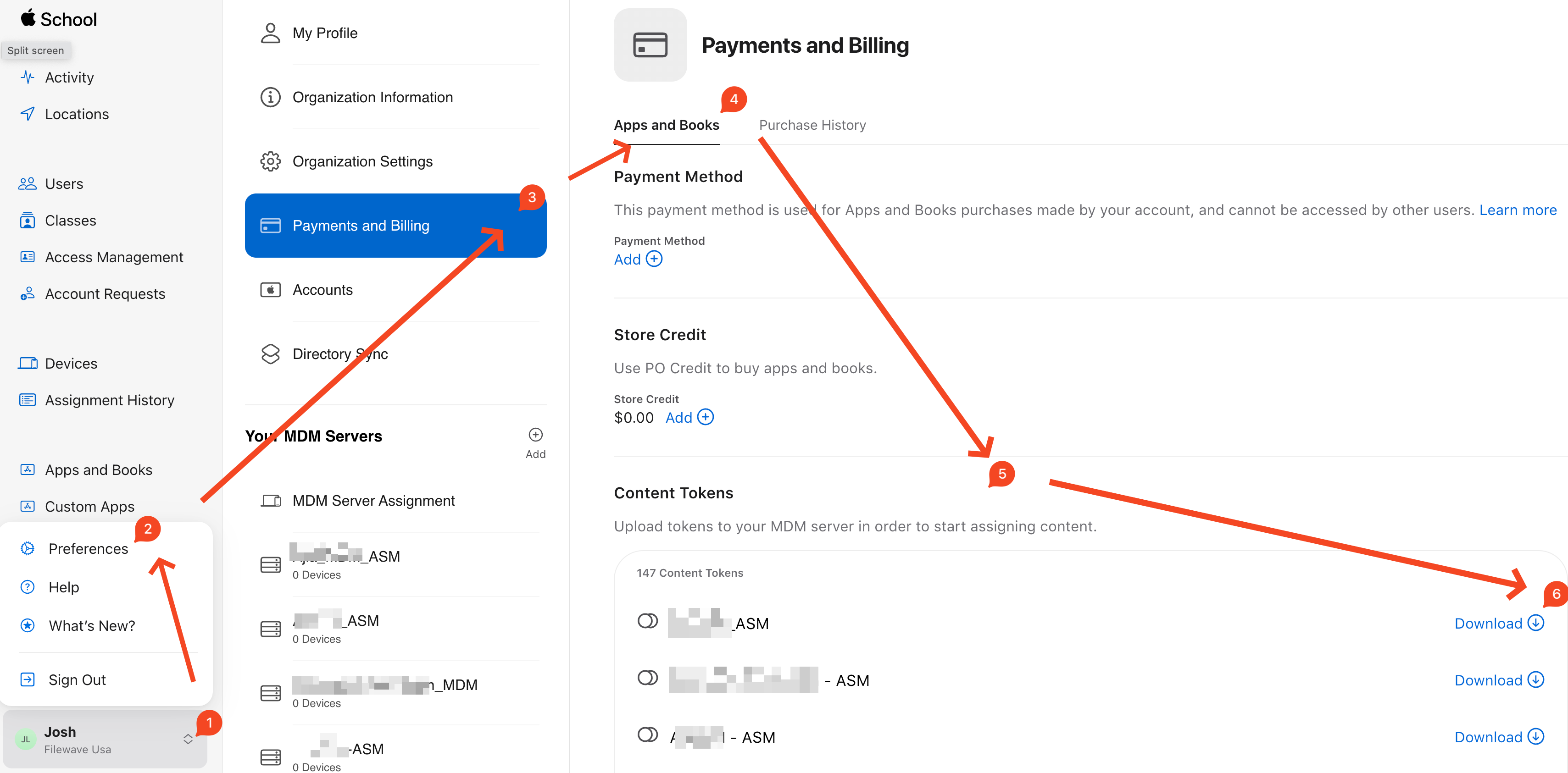
It is possible to thecontact accountdevelopers nameof atApps theif lowerthere leftwas side,some selectconfiguration "Preferences,"that thenwas "Payments and Billing" (apps and books is usually the default tab), Then navigatefelt to "Content Tokens". "Content Tokens" will contain the VPP token download option for each location. Select the appropriate token to Download as highlighted:
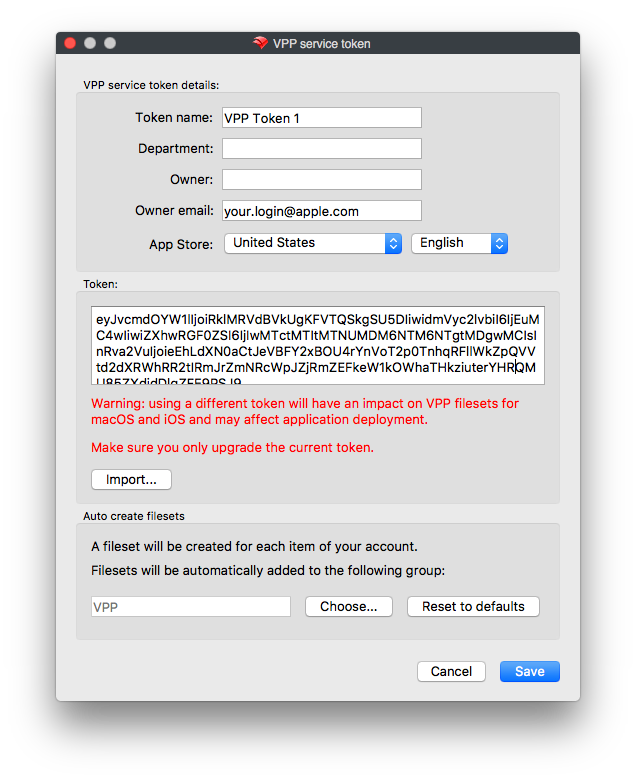
by
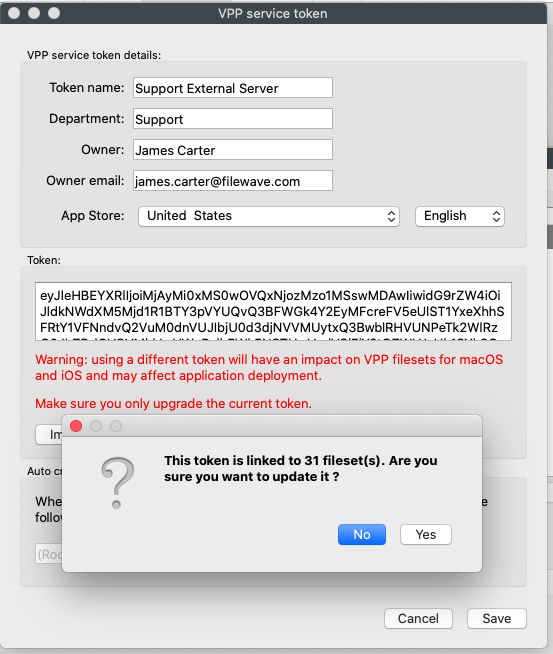
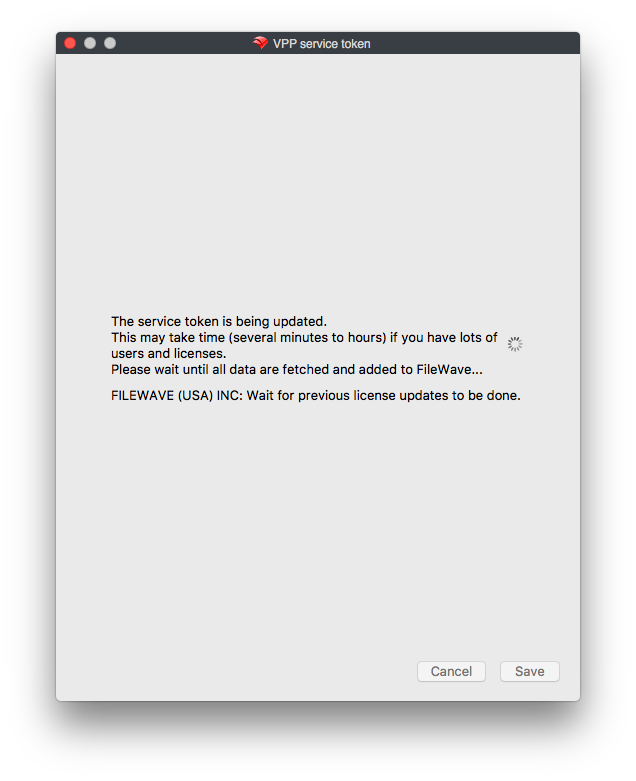
Congratulations, the VPP token is now configured for another year!request!