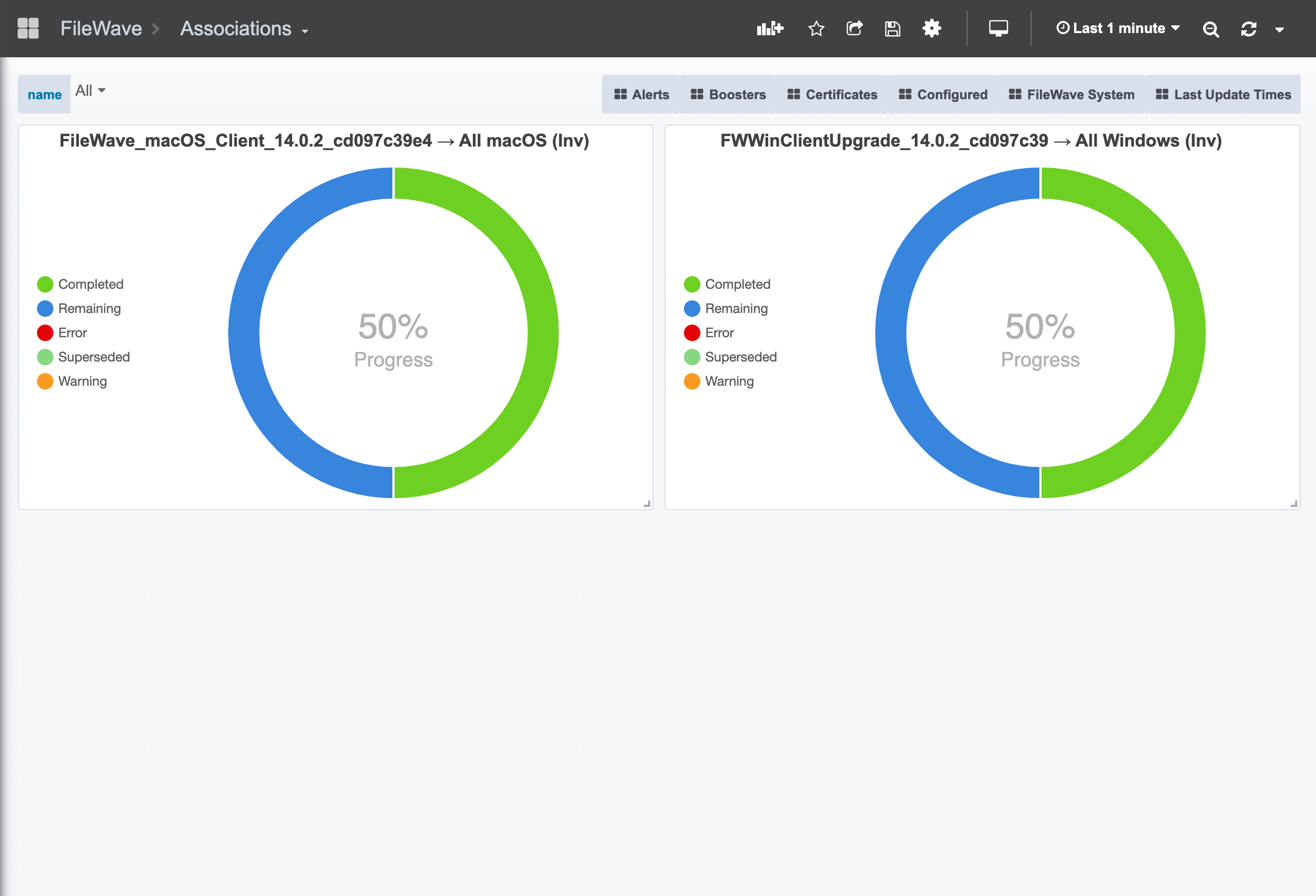
1.6 Exposing an Association to Dashboard
What
WithFileWave can expose an association to the newDashboard FileWaveso Dashboard,deployment itprogress is possiblevisible toas tracka theDashboard status of any deployment graphically.widget.
When/Why
ThisUse willthis bewhen a rollout is important toenough usthat anytimeadministrators weor haveother stakeholders need a significantquick rollout,progress view. It is most useful for larger deployments, client upgrades, or staged rollouts where completion, remaining devices, warnings, and especially if weerrors need to communicatebe watched without opening the statusassociation toevery others in the organization.time.
How
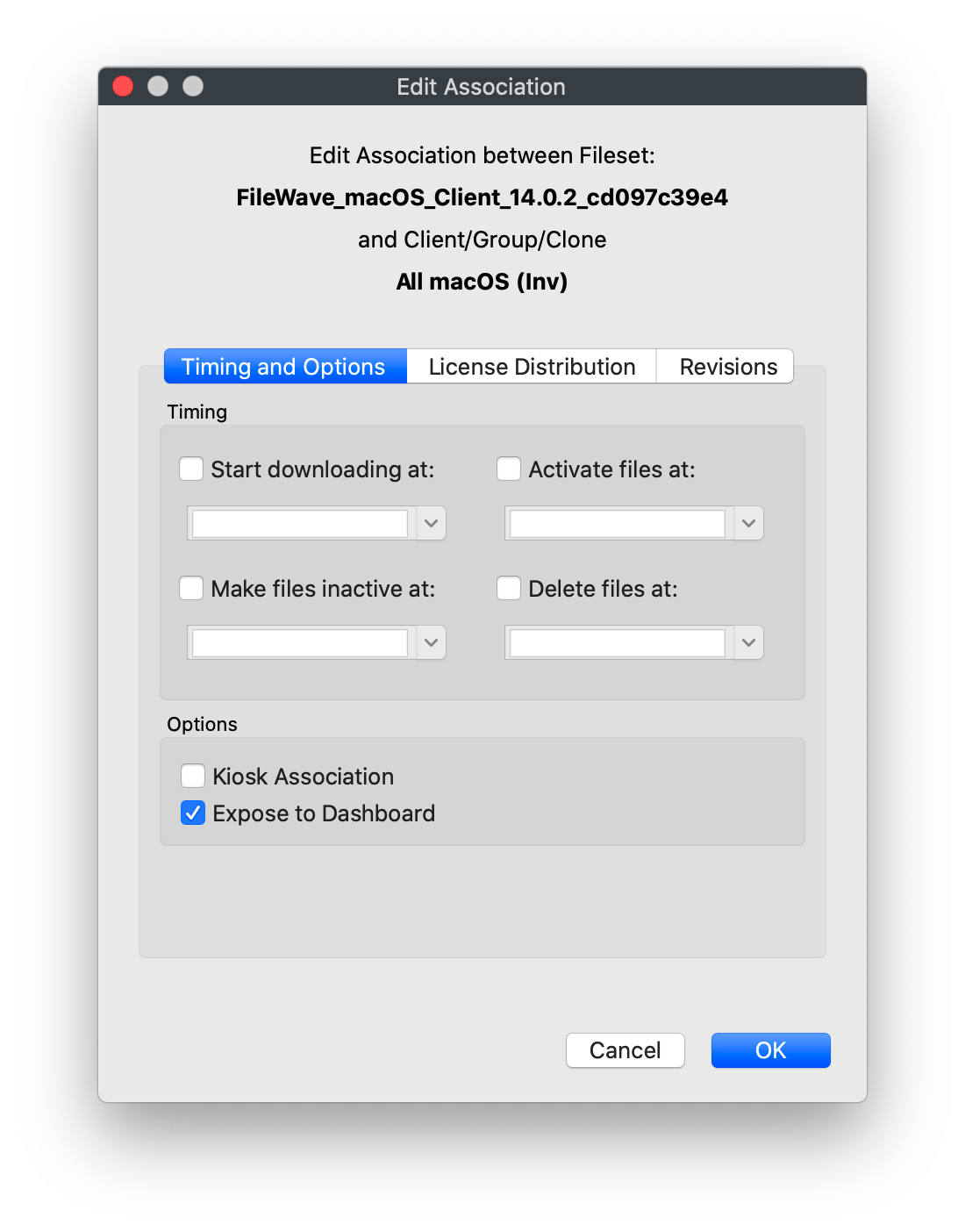
To
The exact surrounding labels may vary by FileWave version, but the association option on any association asis shown below:below.

Once these changes are confirmed,After the dashboardchange willis showactive deploymentand clients report status, similarthe toDashboard shows progress for the below:exposed association.