2.3 Dashboard Widget and Panel Elements
What
All panels (or widgets) on theEvery FileWave dashboard arepanel, comprisedalso ofcalled a widget, is built from the same basic elements. This article reviewsexplains thosewhat elementseach atelement controls before you create a highcustom level.panel.
When/Why
IfYou can use an existing panel without changing these elements. When you arebuild usingor pre-existingtroubleshoot panels,a youcustom won't care too much about howpanel, they aredetermine built.its data, However,display, asand soongeneral as you want to build your own panels, the building blocks become quite important.behavior.
How
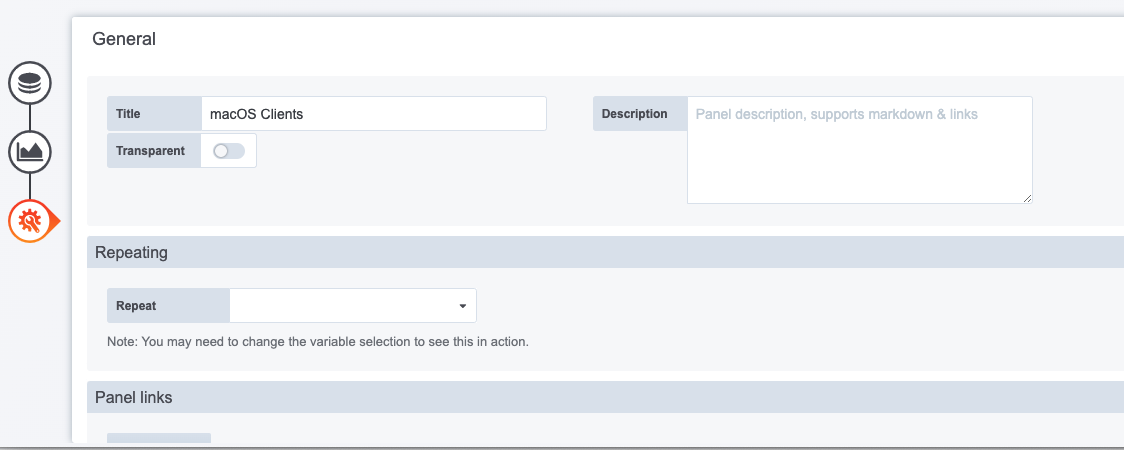
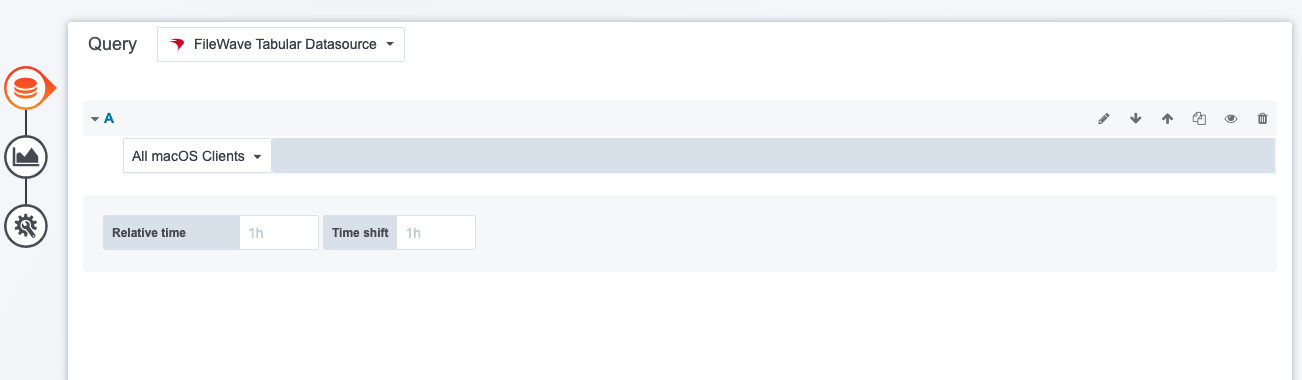
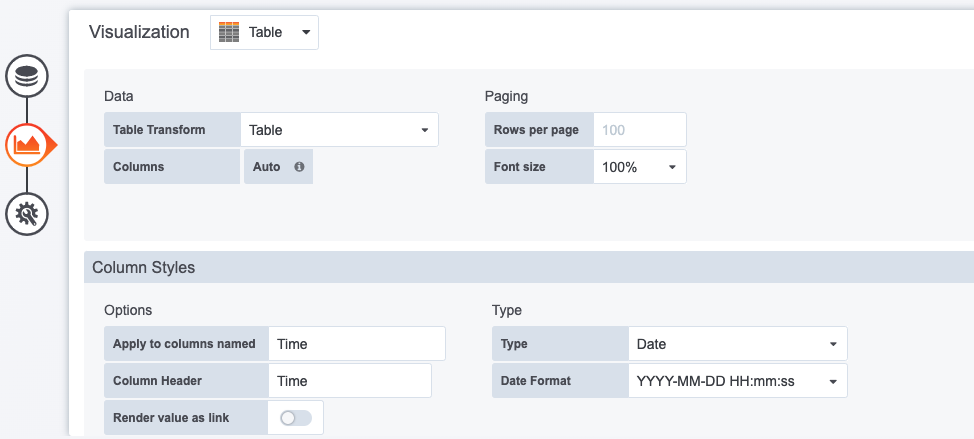
AllA panelsdashboard havepanel the followinghas three main elements:
- The Query (Choosing what data you want to see in the panel)
- The Visualization (Choosing the visual representation of the data: gauge, bar chart, table...)
- General (Panel properties such as title, comment, links)
InThe examples below show each element in the belowpanel you'll see examples of each of these elements:editor:
|
The Query |
|
|
|
The query |

|
The Visualization |
|
|
|
|

|
General |
|
|
|
|