Importing a Grafana Dashboard
What
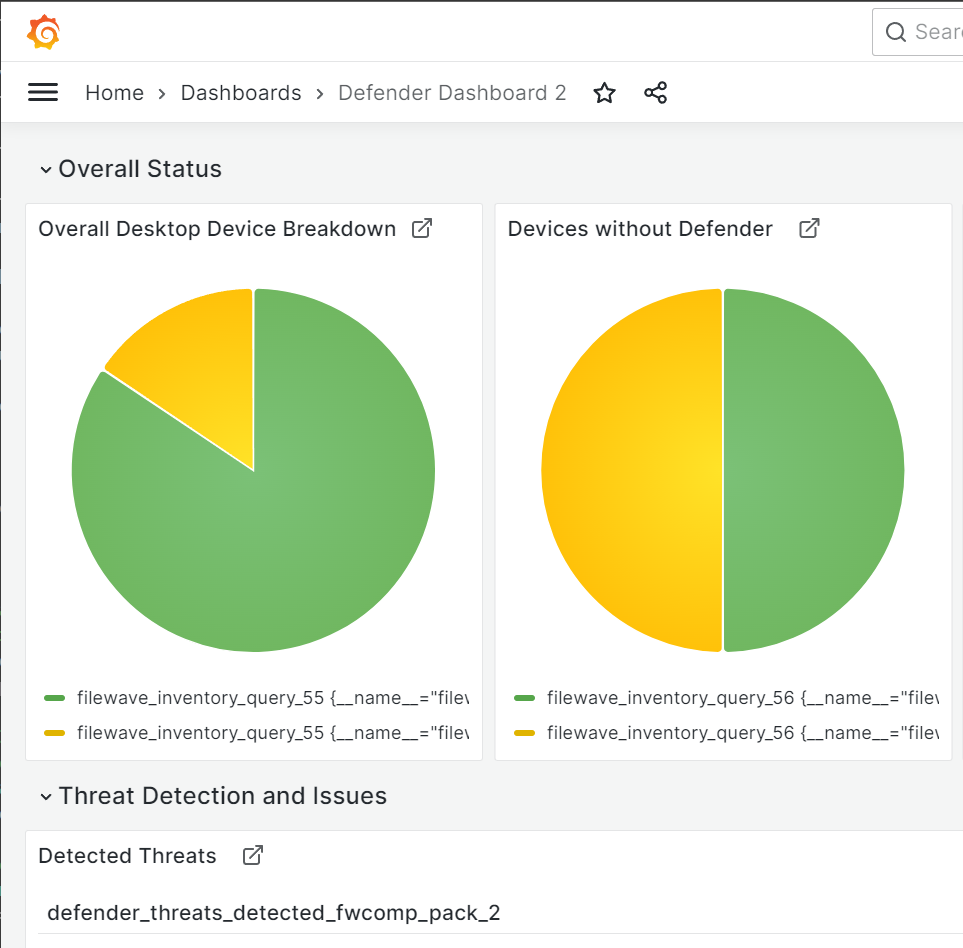
There'sIf noanother needFileWave toenvironment buildalready has a grafanauseful dashboardGrafana from scratch ifdashboard, you can "borrow"import oneits dashboard JSON instead of building the dashboard again from a friend. This article explains how to import a grafana dashboard from another system.scratch.
When/Why
We'llImport a dashboard when you have a trusted dashboard export from another system and want to import a dashboard whenever someone else has donereuse the worksame forlayout, us,panels, and we'd like to have a dashboard the easy way.queries.
How
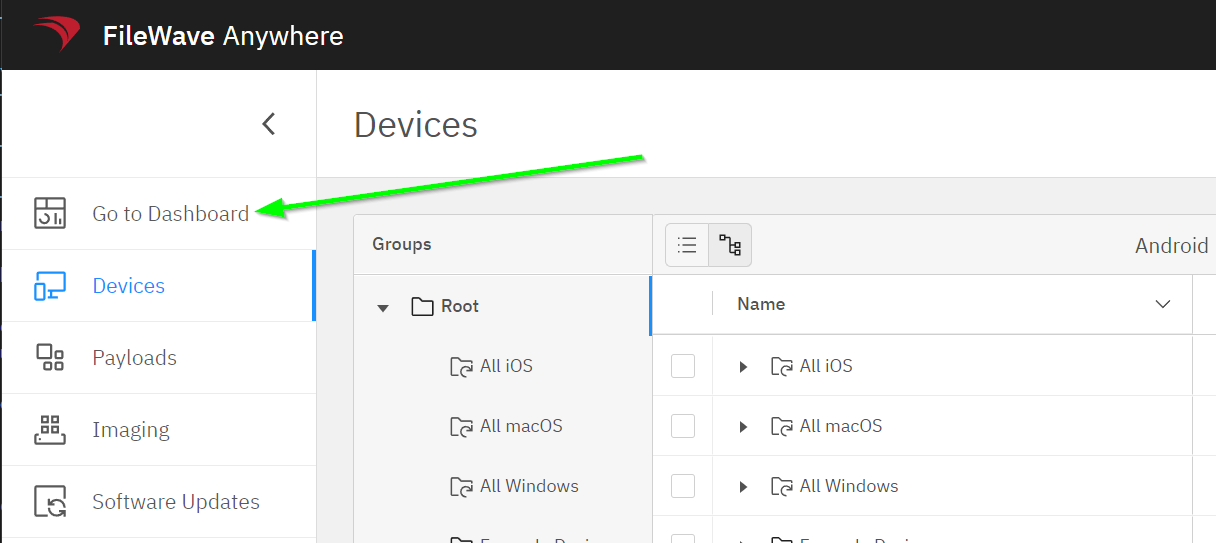
The steps are actually quite simple...fromFrom FileWave Anywhere, Go Toopen Dashboard:
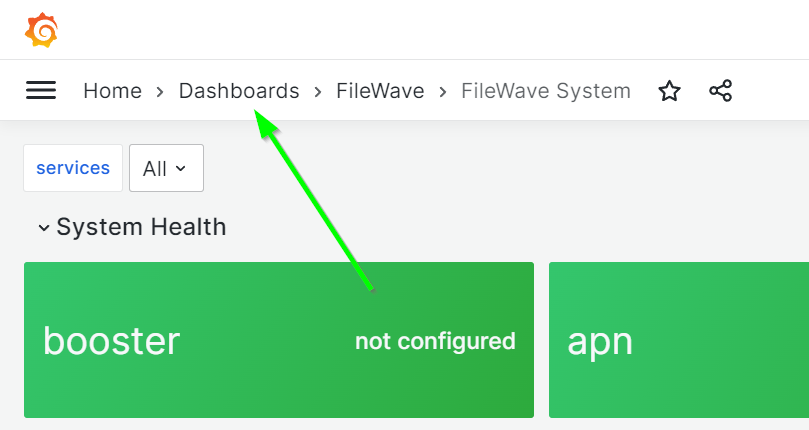
WithinIn theGrafana, dashboard,open goHome to Home> Dashboards:Dashboards:
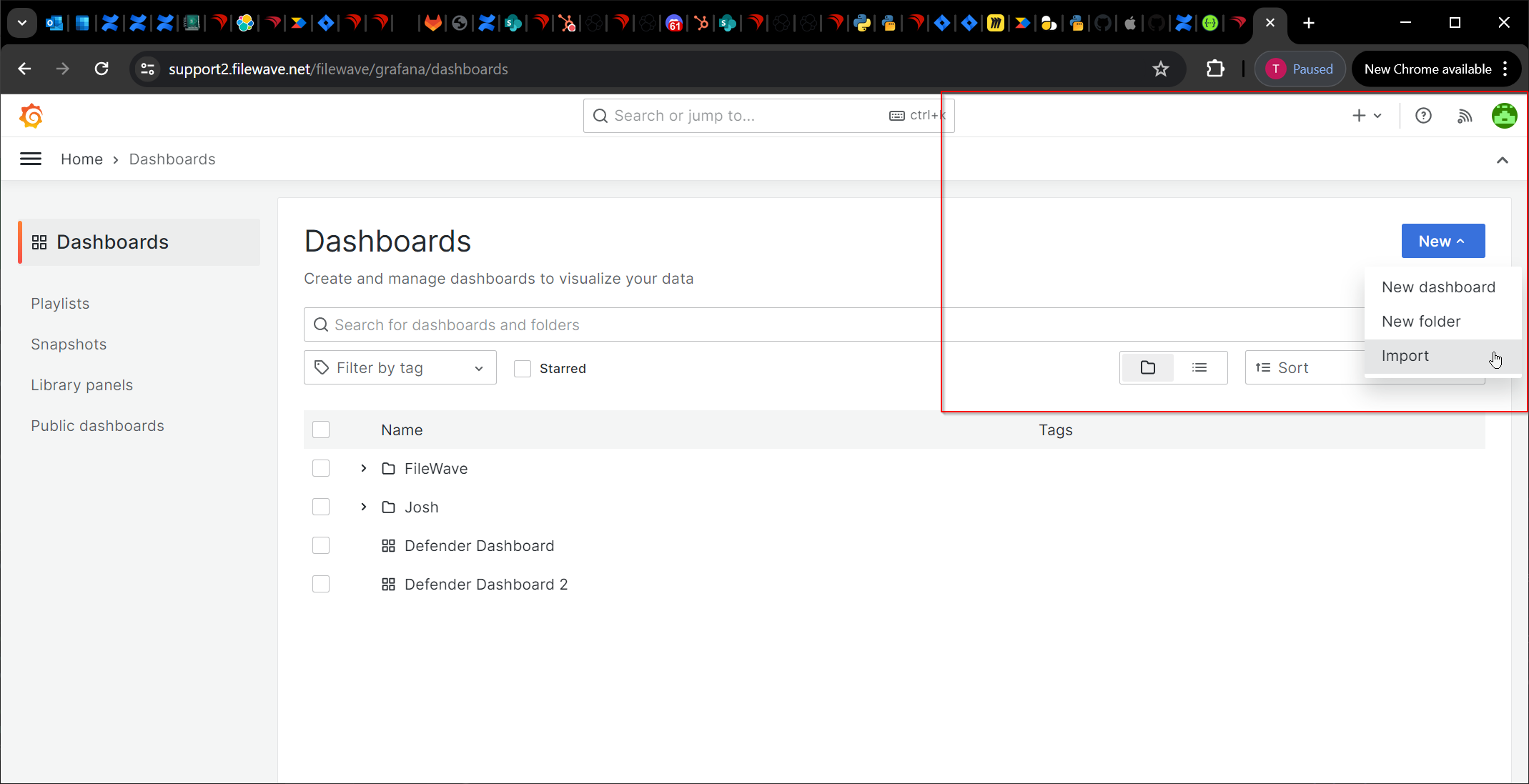
ThenSelect toNew, New,then Import:Import:
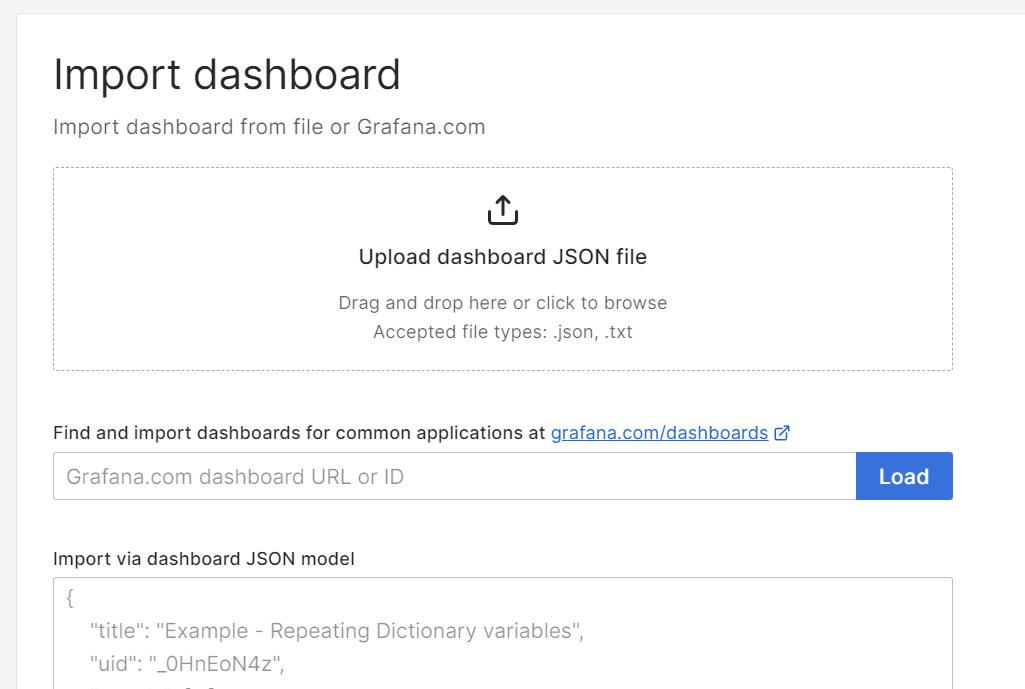
And then either importImport the JSON file or copy and paste the exported JSON content:
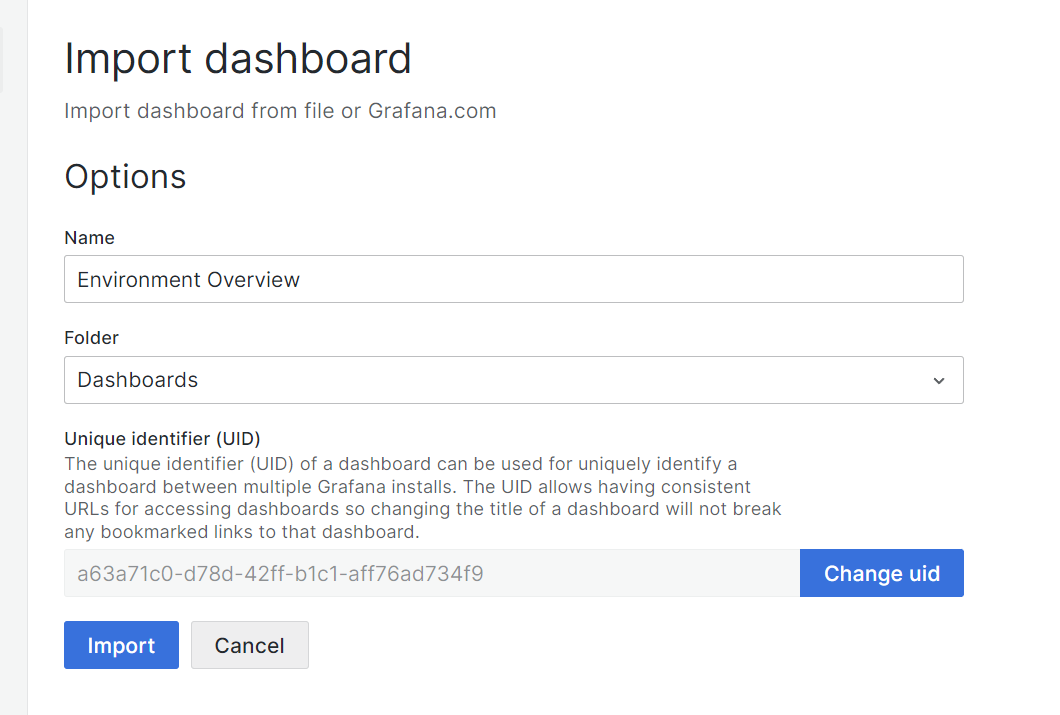
Now just setSet a dashboard name and adestination. destinationEach (note: everyGrafana dashboard must have a unique UID):UID:
And that is it, our newThe dashboard is now imported: