
Apple Device Management - DDM Assets

What

InDDM FileWaveAssets 15.5,let ayou newdefine featurereusable calledvalues Assetsfor has been introduced to enhance Apple’s DeviceApple Declarative Device Management (DDM).configurations. AssetsUse arethem reusable components that can befor shared amongsettings different configurations. They allow administrators to create common settings—such as user credentials, server information,details, certificates, or certificates—other data that canmore bethan referenced across multipleone DDM configurationsconfiguration withoutneeds. duplication.Instead Thisof streamlinescopying devicethe managementsame byvalue centralizinginto sharedeach elements,configuration, reducingreference redundancy,the Asset and simplifyingupdate updates.it in one place.
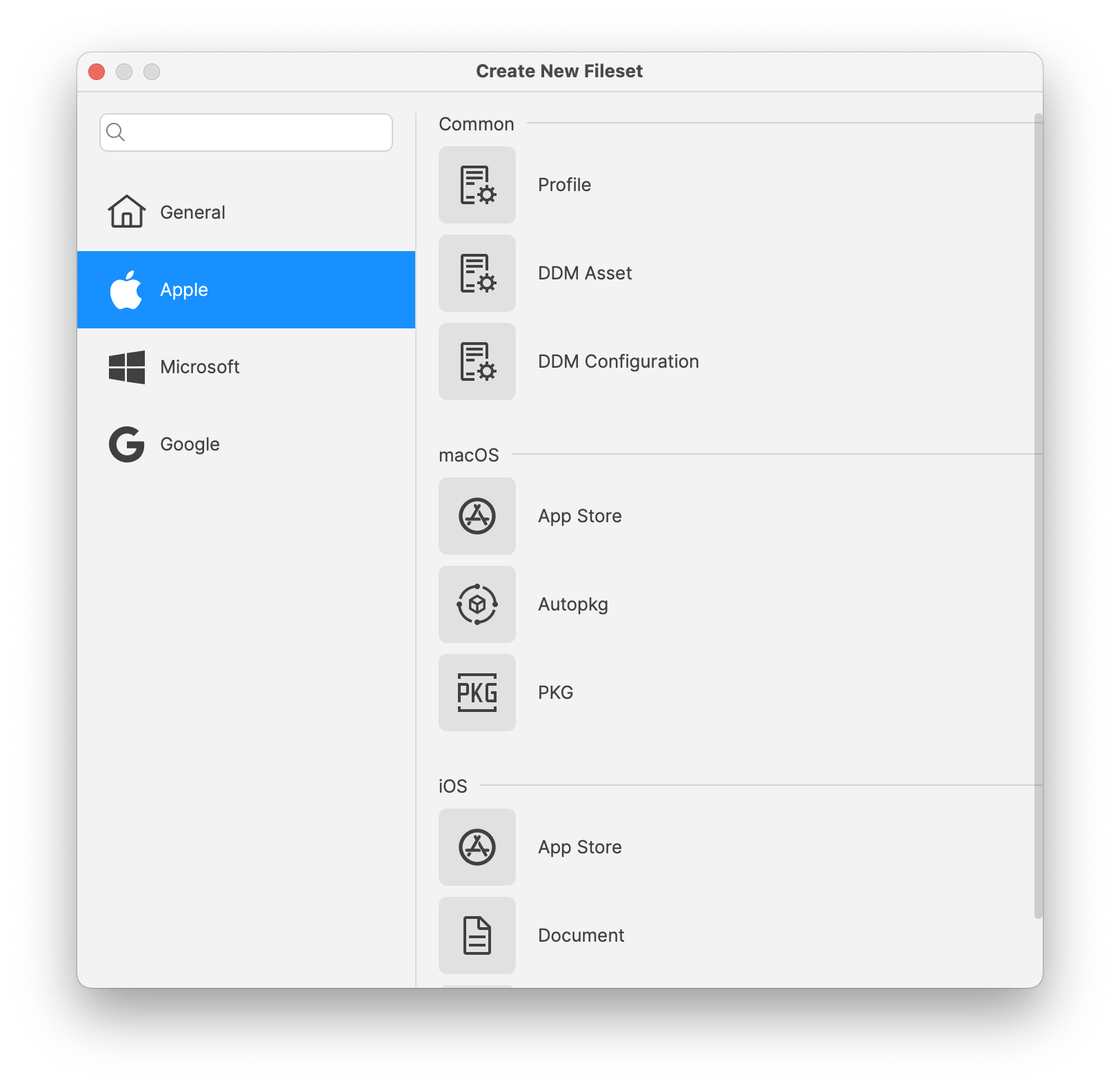
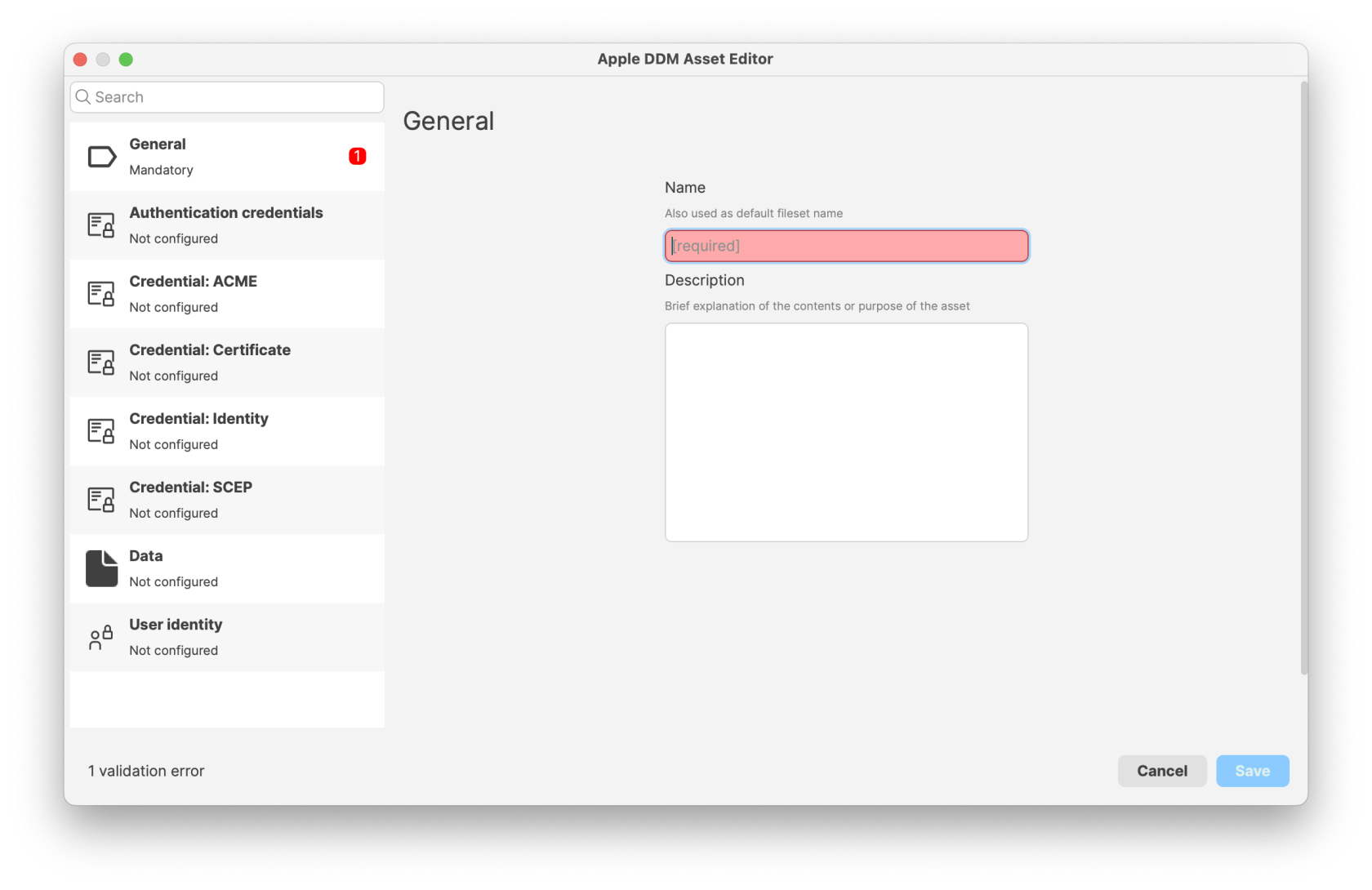
image.pngimage.png

image.png

When/Why

Use Assets when youmultiple need to:

    Share Common Configurations: When multipleDDM configurations requireneed the same settingsvalue, (e.g.,when emailone serverupdate credentials,should Wi-Fi configurations), Assets allow youflow to defineevery theseconfiguration oncethat references it, or when Fileset organization and reusepermissions them. Simplify Updates: Updating an Asset automatically propagates changes to all configurations that reference it, saving time and ensuring consistency. Enhance Organization: Assets are managed as Filesets, enabling you to organize them according to your needs andshould control permissions.who Improvecan Efficiency:manage Reduceshared theDDM potential for errors by minimizing the need to duplicate settings across multiple configurations. data.

    This approach is particularly beneficialuseful for organizationsstandardized managingenvironments largewhere numbers ofmany devices thatneed requirethe consistentsame settings, such as educational institutionsschools or enterprisesorganizations with standardizedshared environments.Wi-Fi, account, certificate, or service configuration.

    DDM Assets &and Configurations are supported on devices running the following versions and above: iOS 15,15, iPadOS 15,15, macOS 12 Monterey.

    Monterey,


    or later.

    How

    To create and use Assets in FileWave 15.5:Assets:

    1.  Create an AssetAsset::
      • Create a new Fileset and pickchoose DDM Asset from the Apple section.
      Configure the AssetAsset::
        Define the settingsreusable you wish to reuse,settings, such as user credentials, server addresses, certificates, or certificates.other supported

        image.png

        values. Reference the Asset in a DDM ConfigurationsConfiguration::
          Create or Editedit a DDM Configuration: Createby creating a new Fileset and pickchoosing DDM Configuration from the Apple section. In thesettings configurationthat settings,support Assets, add a reference to the AssetAsset. youFor createdexample, if the DDM Configuration supports it. An example is thea CalDAV configuration which can includeuse Authenticationauthentication credentials from a DDM Asset. Automatic Dependency Handling:
            When a configuration references an Asset, FileWave automatically manages the Asset as a dependency. Deploying the configuration will also deploy the associated Asset to the target devices. Asset. Deploy to Devicesdevices::
              Assign the configurations that reference the Assets to your devices or device groups.groups, Monitorthen monitor the deployment to ensureconfirm that devices receive both the configuration and the associated Assets.

              When a configuration references an Asset, FileWave manages that Asset as a dependency. Deploying the configuration also deploys the associated Asset to the target devices.

              Digging Deeper

              Assets inare FileWavemost 15.5useful representwhen a significant step forward in device management efficiency. By centralizing common configuration elements:

                Consistencyvalue is Ensured:shared, Allchanges devicesoccasionally, referencingand anshould stay consistent everywhere it is used. Updating the Asset receive the exact same settings, reducing discrepancies. Simplified Maintenance: Changes need only be made once within the Asset, and allkeeps dependent configurations inheritaligned thewithout update.editing Organizationaleach Control:configuration separately.

                Permissions and Fileset organization allowalso apply to Assets, so teams can manage shared configuration data with the same structure they use for structuredother management of Assets, aligning with administrative roles and responsibilities.

                By leveraging Assets, administrators can reduce the complexity of managing multiple configurations, ensure uniformity across devices, and respond quickly to changes in shared settings.Filesets.