
Deployments in FileWave Central
What
FileWave Deployments (are the nextcurrent generationassignment of Associations) are now fully implementedworkflow in FileWave CentralCentral. forThey creation,keep editthe target rules, content, and deletion.deployment options together instead of treating assignment metadata as a separate step.
When/Why
We’ll useUse a FileWaveDeployment Deploymentwhen you want to assign Filesets, applications, profiles, or other content to devices,devices Deploymentswith areconsistent likesettings. associations,For exceptexample, theyou metadata (rules about assignment) are stored within the deployment. This makes it very easy tocan add yet another app to aan deployment,existing Deployment and have it automatically haveinherit the same settingsKiosk availability or timing options as othersthe (availableother viaitems Kioskin automaticallythat as an example).Deployment.
How
Deployments work almost identically in FIleWaveFileWave Central tofollow howthe theysame dothree-part structure used in FileWave Anywhere,Anywhere. so you might want to check out those detailed articles linked below. Deployments have three steps. Step 1 allows you to Target and Exclude devices…Step 1 defines who getsreceives “the stuff”content by setting Targets and Exclusions:
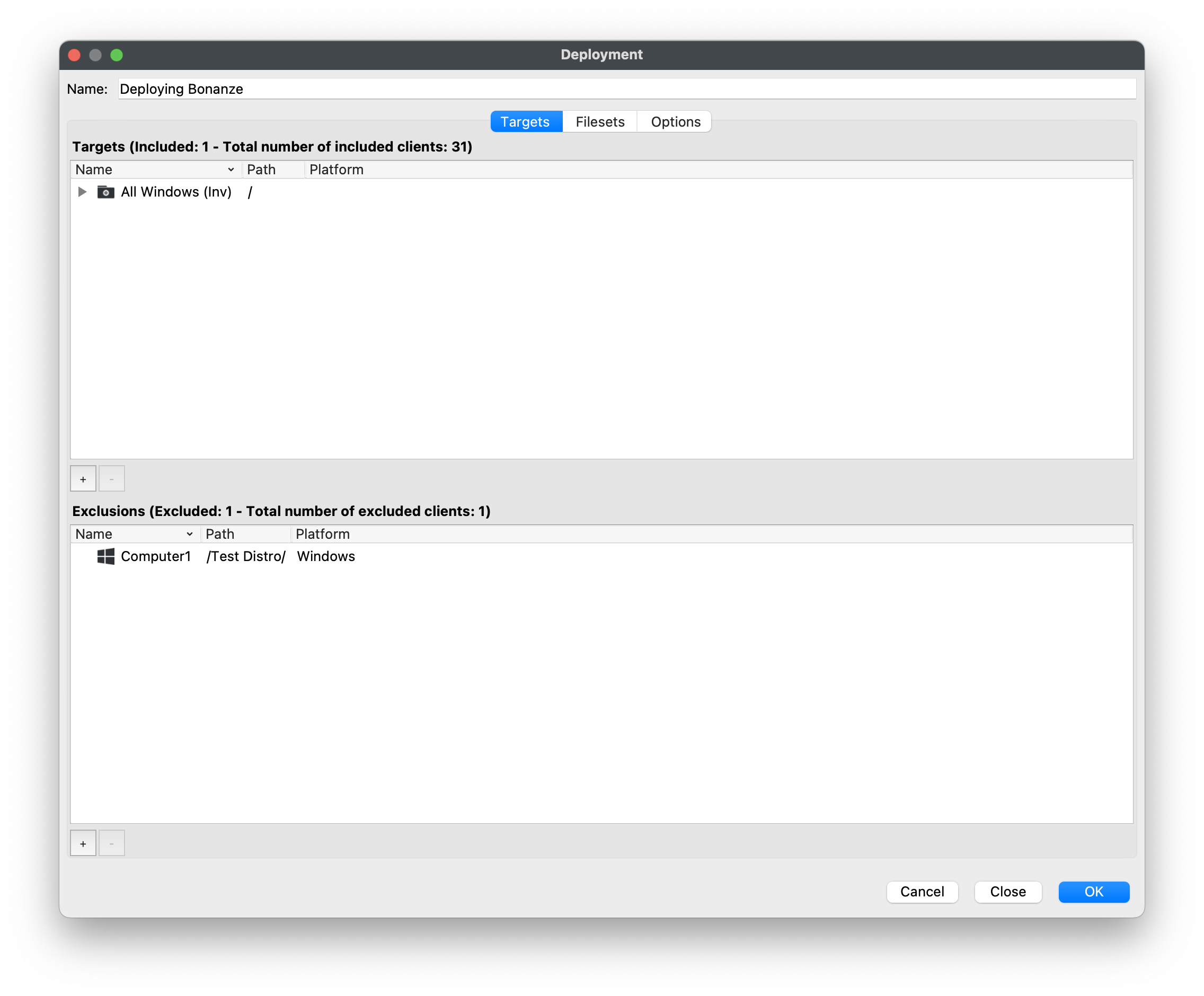
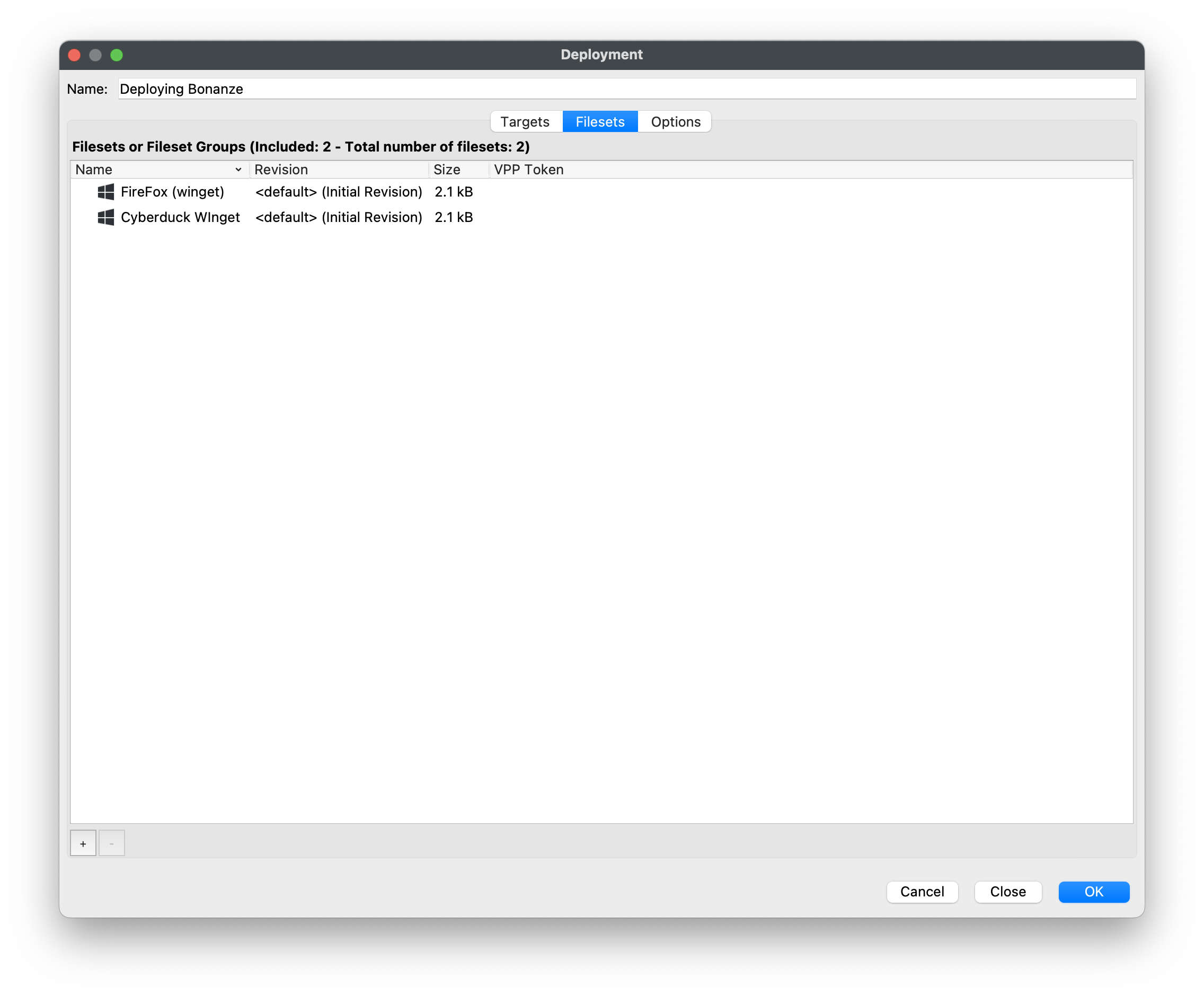
Step 2 allows you to define “the stuff” thatdefines the Targetscontent (devices)the get:targeted devices receive:
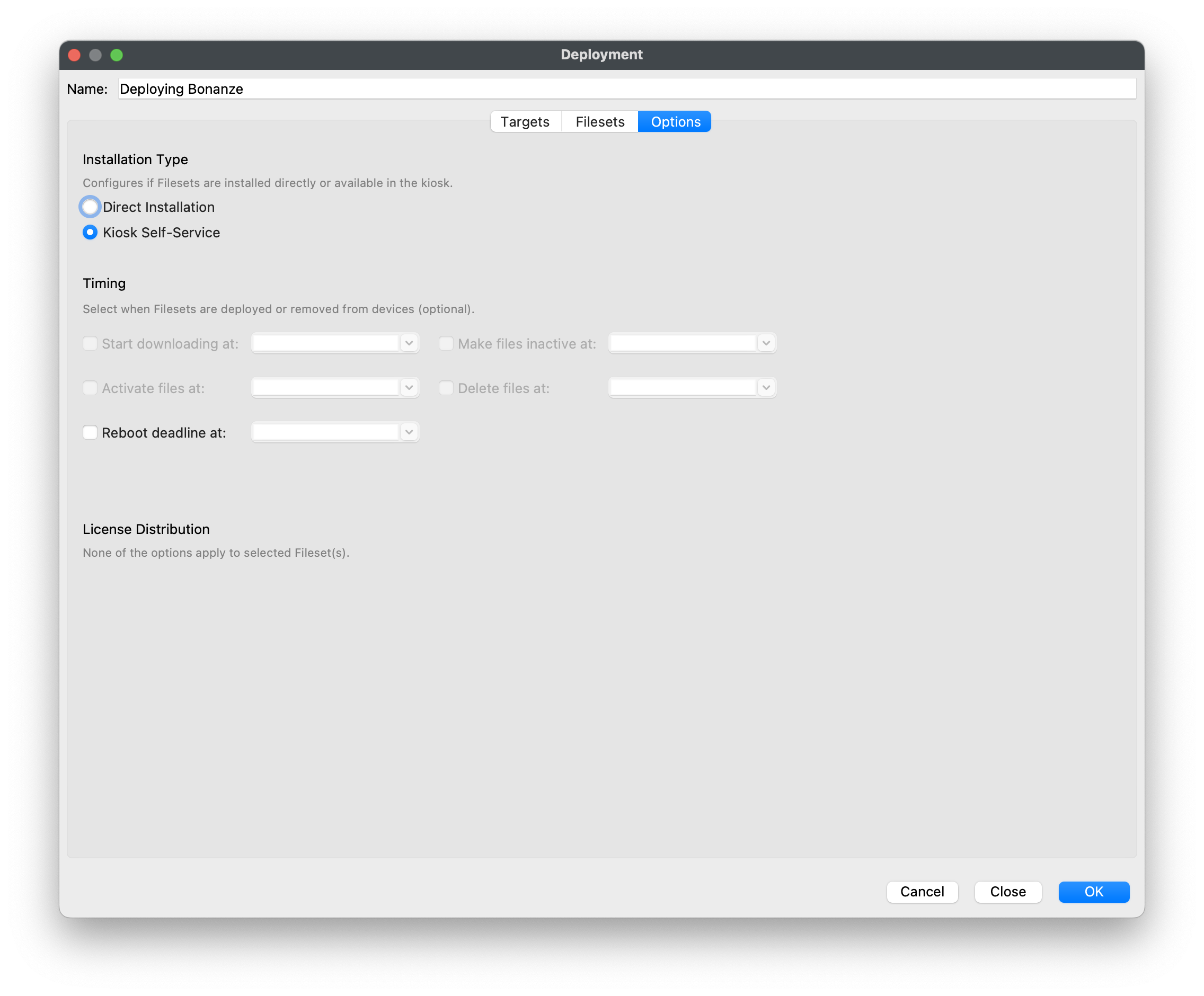
And Step 3 allowsdefines youDeployment to set options for the Deployment.options. In this case,example, we’llthe publishFilesets theseare filesetspublished to the kiosk:Kiosk:
OnceAfter created,you deploymentscreate area storedDeployment, you can edit it by name, and can be editedname to add otheror content/devices.remove content, targets, exclusions, or options.