
Fileset Properties
Properties exist for most Filesets, but options displayed will vary depending upon Fileset type.
File Level Filesets include:
|
Properties |
Additional |
|
Requirements |
Settings |
|
Dependencies |
|
|
Delete Files |
A |
|
Kiosk |
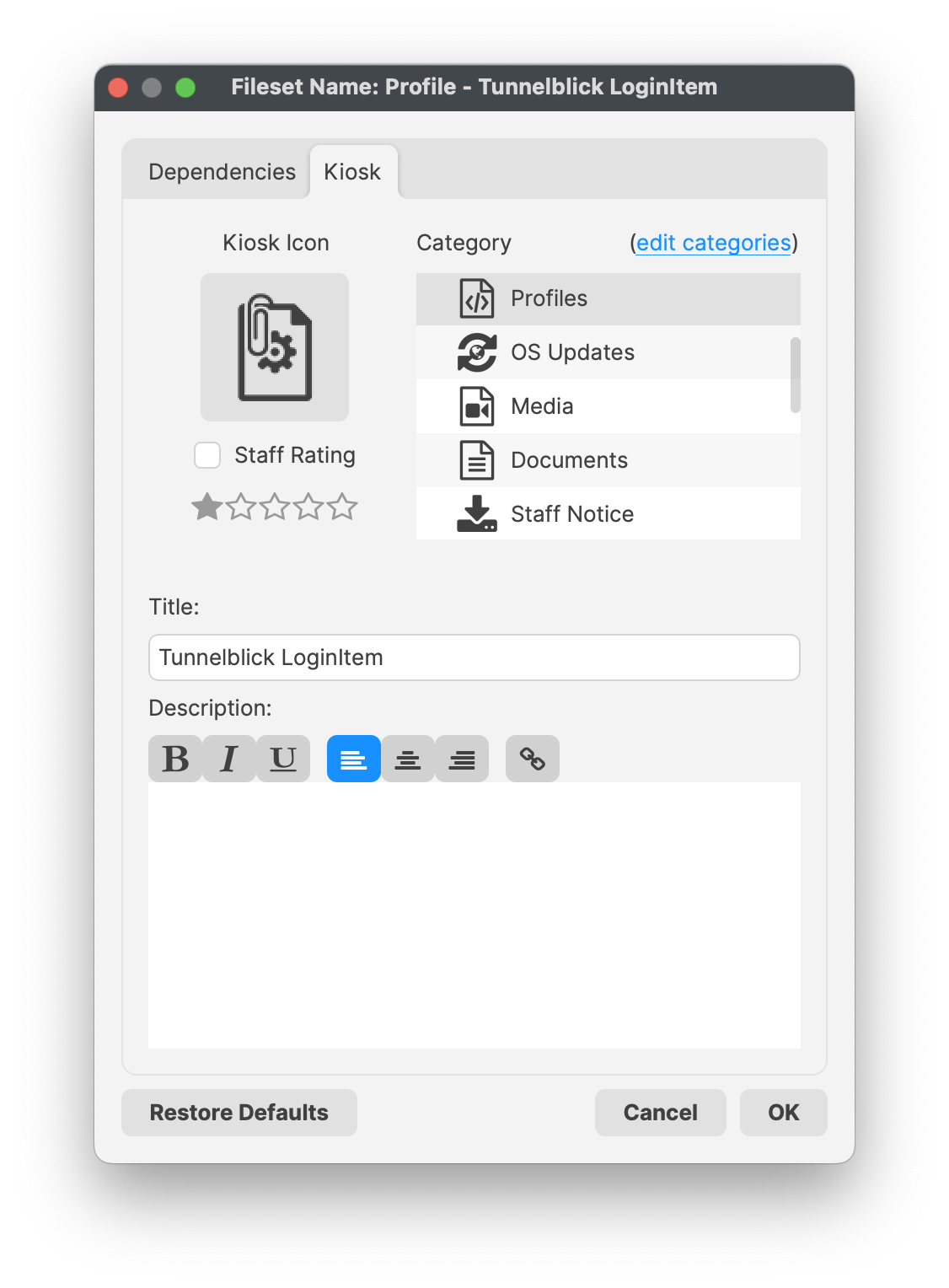
Details shown to users via the Kiosk Self-Service menu and system tray item. |
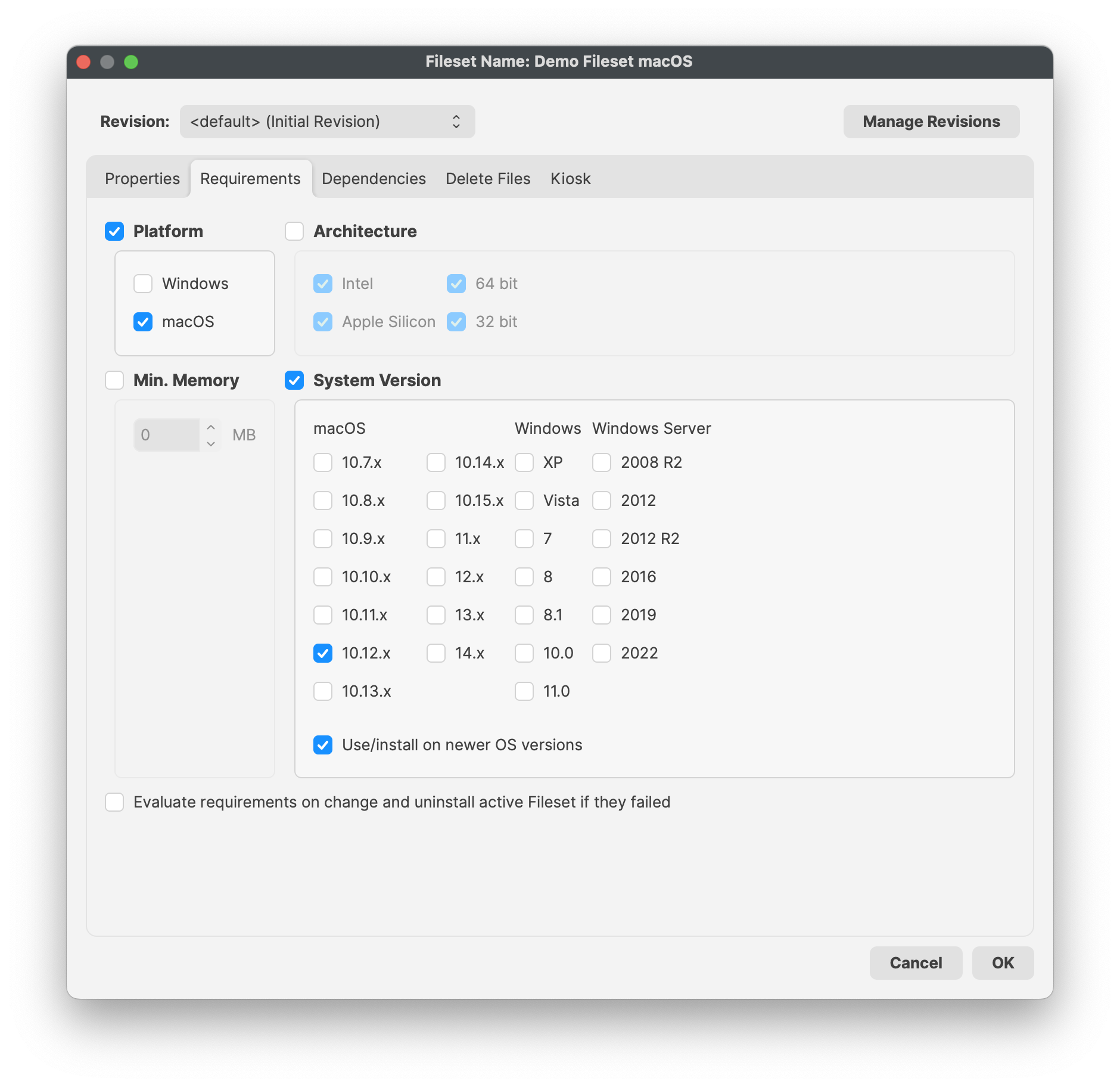
Example, File Level Requirements:
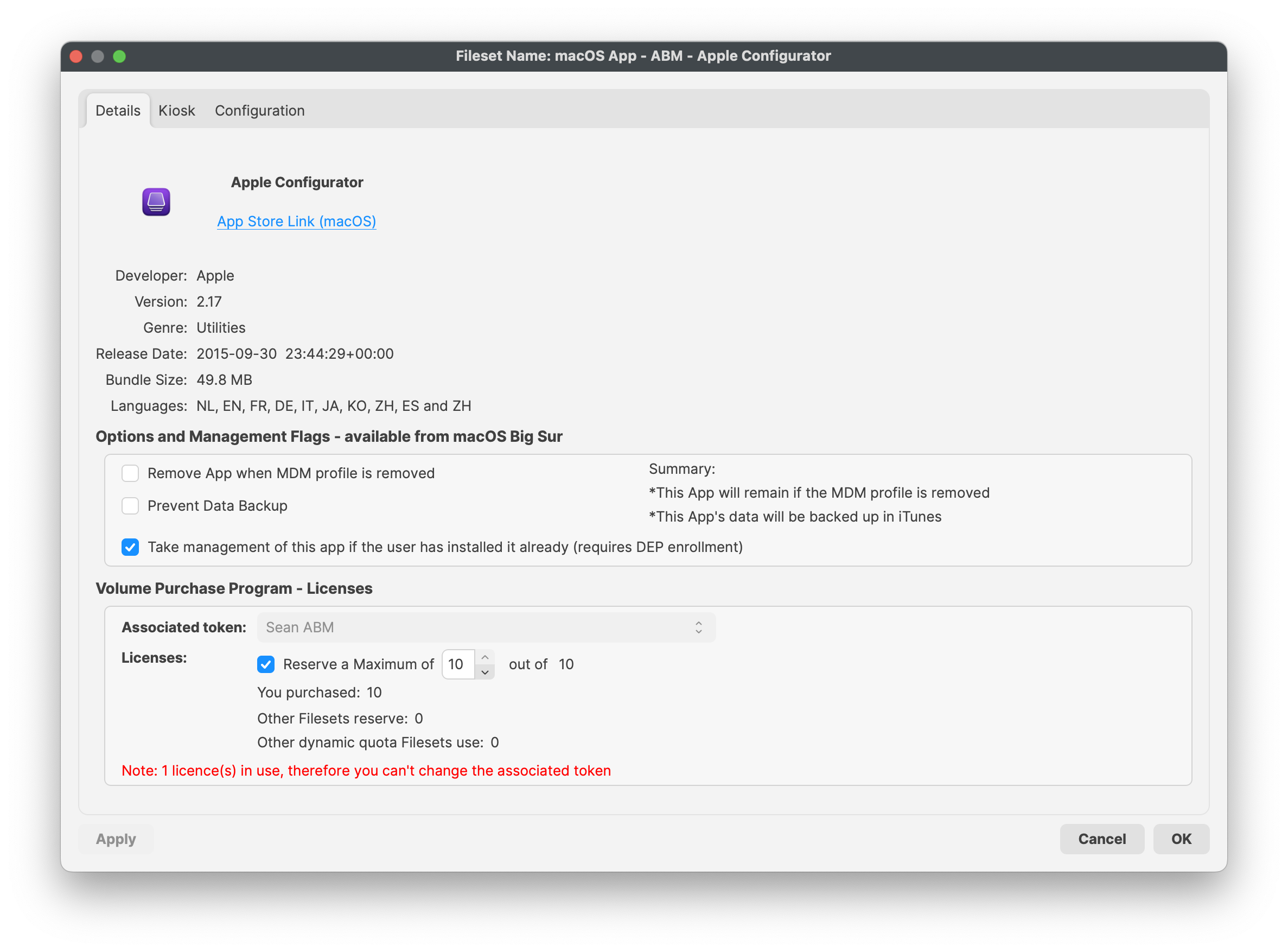
Example, Apple App Store Details:
Example, Apple Profile Kiosk:
Profiles may only be a dependency in one direction, to prevent unexpected delay of Fileset installations.
FileWave has no control over the MDM protocol,protocol butand mustrelies rely uponon Apple’s process for delivery ofdelivering MDM items. For this reason, usingdependencies dependencies,can make an MDM Fileset, e.g.such Profileas a profile or VPP App,app, may be defined to instalinstall after any othera non-MDM Fileset type has been activated, but does not allow other Filesets tocannot be reliantdepend on an MDM Fileset.