
Choose Deployment Targets and Exclusions in FileWave Anywhere
What
The Targets oftab defines which endpoints receive every payload in a deploymentFileWave areAnywhere thedeployment. endpoints that we'll define for deploying to. Targets allows us to chooseInclude individual devices, manual groups, smartSmart groupsGroups, andor LDAP sourcesOUs. forUse our deployment. Targets also allows usexclusions to avoidomit deploying to certainspecific devices or groups asfrom well.the selected targets.
When/Why
We'llUse wantTargets tofor define here the targetsrecipients and exclusions:Exclusions for exceptions:
|
Targets - What you want to receive Groups - Static, Smart Groups, and LDAP OUs to include Devices - Specific devices to include |
|
|
Exclusions - What you don't want to receive Groups - Static, Smart Groups and LDAP OUs to exclude Devices - Specific devices to exclude |
|

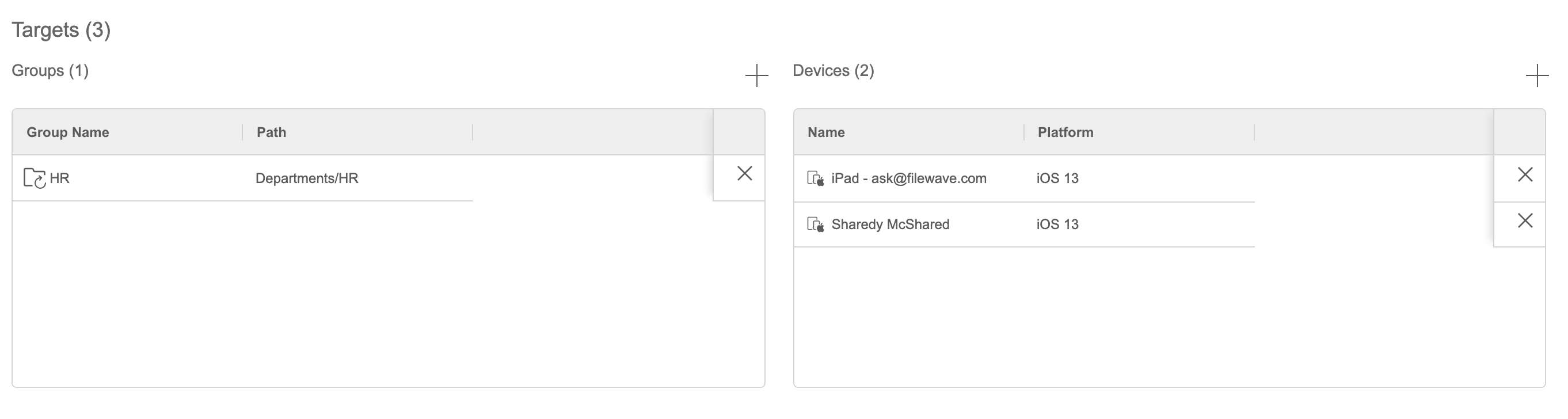

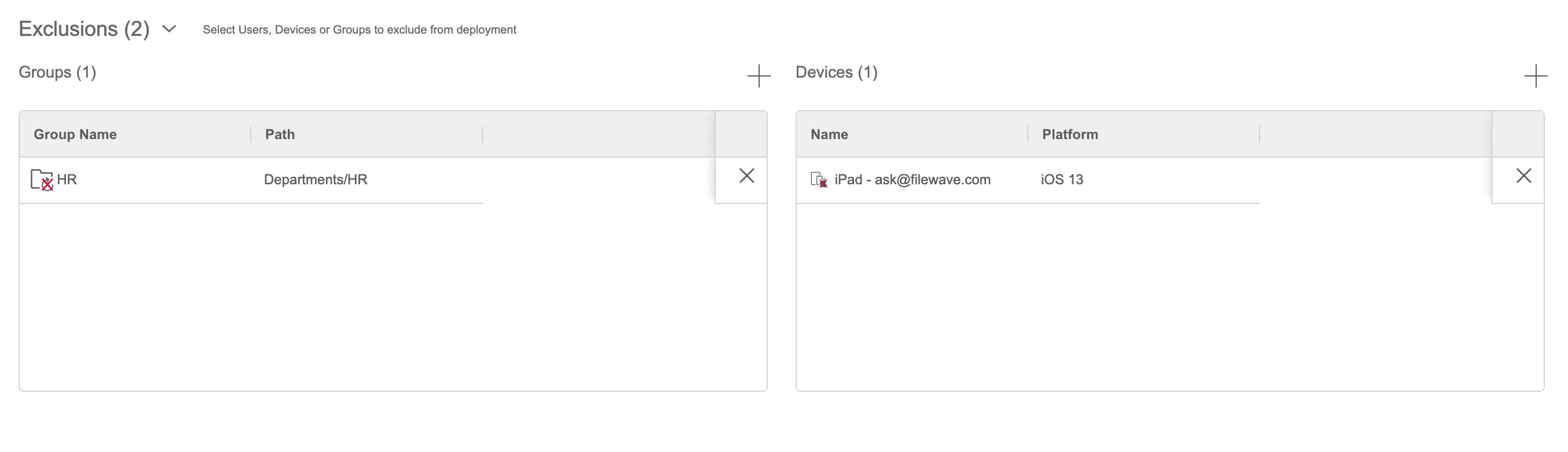
IfYou leftcan blank,save thea deployment canwithout be saved,targets, but without targets it won'twill sendnot deliver payloads anywhere.until you add at least one target. This mayis beuseful nicewhen preparing a deployment for archivallater purposes.use.
How
FromOpen the Targets tab.SelectAdddevices you want to get a payload(s). Eitherthe groups or individual devices that should receive every payload in the deployment.(optional)Optional:Select exceptions,add groups or devicesyouunderdoExclusions when they should notwantreceive the payloads.