
Columns Sorting & Moving
What
OnceFileWave weAnywhere havetables customizedcan abe tablesorted viewby tocolumn, containand the columns wethemselves want,can itbe makesmoved senseinto the order that works best for us to want to order the data in the table and to order the columns themselves. Both of these are possible in the FileWave WebAdmin.task.
When/Why
GenerallyUse wecolumn will want to re-ordersorting and sortmoving columns to make data in tables more meaningful to us. As an example, if I am looking atwhen a table withhas the right data but the default order is not the most useful view. For example, sorting by FileWave Client Version incan it,help thenyou Ifind amolder probablyclients goingfirst, while moving that column closer to wantdevice name or status makes the table easier to sort that table by FileWave Client Version ascending (the up arrow indicates ascending) because what I really care about are old clients and fixing them:scan.

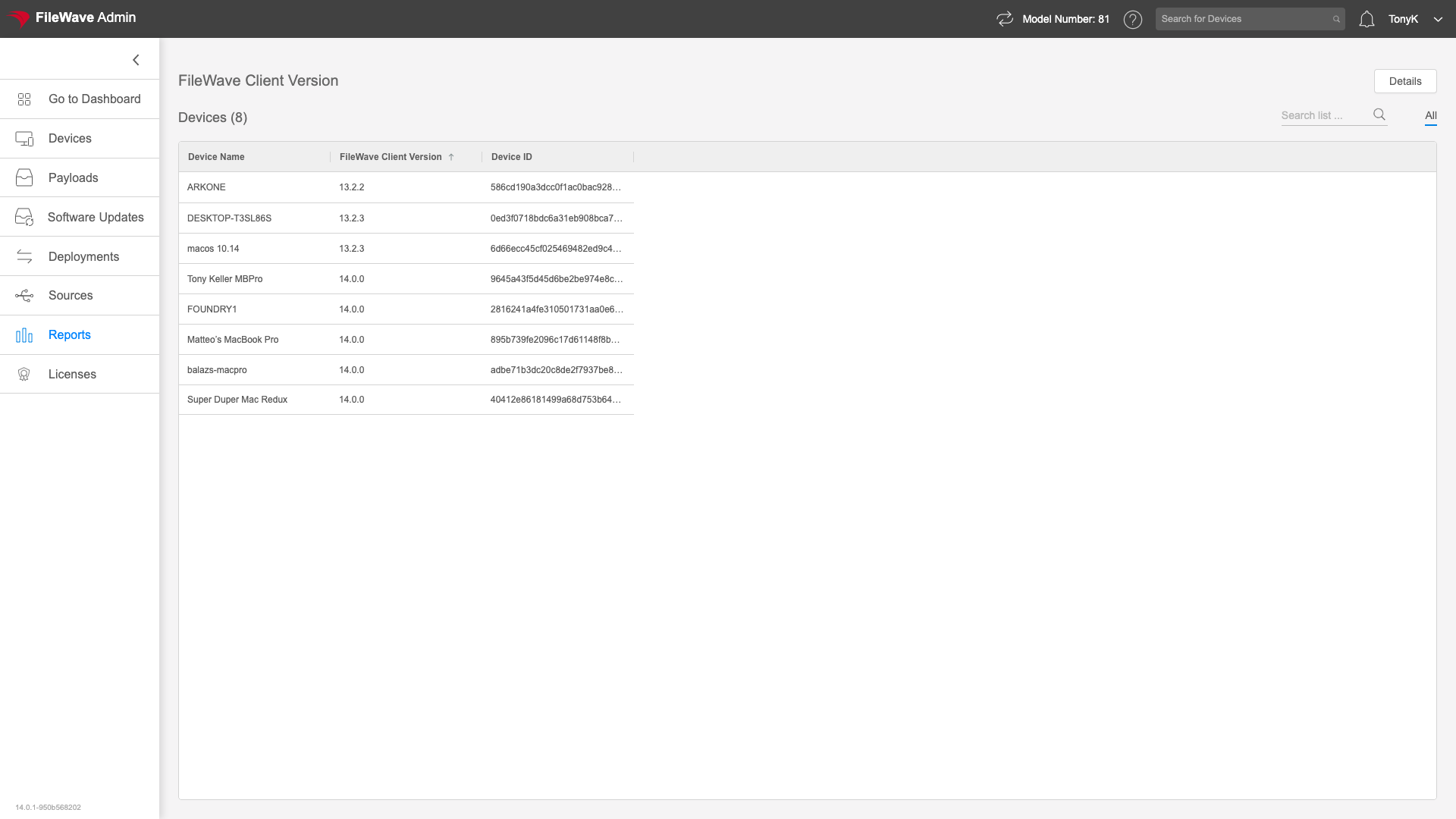
How
AsTo yousort willa seetable, inclick the below,column sortingheader. byThe columns is as easy as clickingarrow on the column header,shows andwhether orderthe columnssort is asascending easyor asdescending. To move a column, drag andthe drop:column header to the position you want.