Imaging Association Deletion, Enable and Disable
What
PreviouslyExisting created imageimaging associations can havebe threedeleted, actionsenabled, takenor on them,disabled, depending on their current state. They can be deleted, enabled or disabled.
When/Why
DeletionDeleting isan always the same...itassociation removes the associationlink between an image and a device. Use We'll use thisit when weyou no longer want thethat associationdevice (itassociated removeswith the potentialimage, forwhich helps prevent accidental imaging).imaging.
Enable Enable/and Disable togglestoggle whether the association betweencan beingbe enabledused. orIVS disabled.automatically disables Thisan toggleassociation isduring used primarilyimaging to help avoid re-imaging a device that was just imagedimaged. andYou iscan toggledmanually automatically byenable the IVSassociation duringagain imaging.when you Itare canready beto changedreuse manually as well though...usually for re-enabling.it.
How
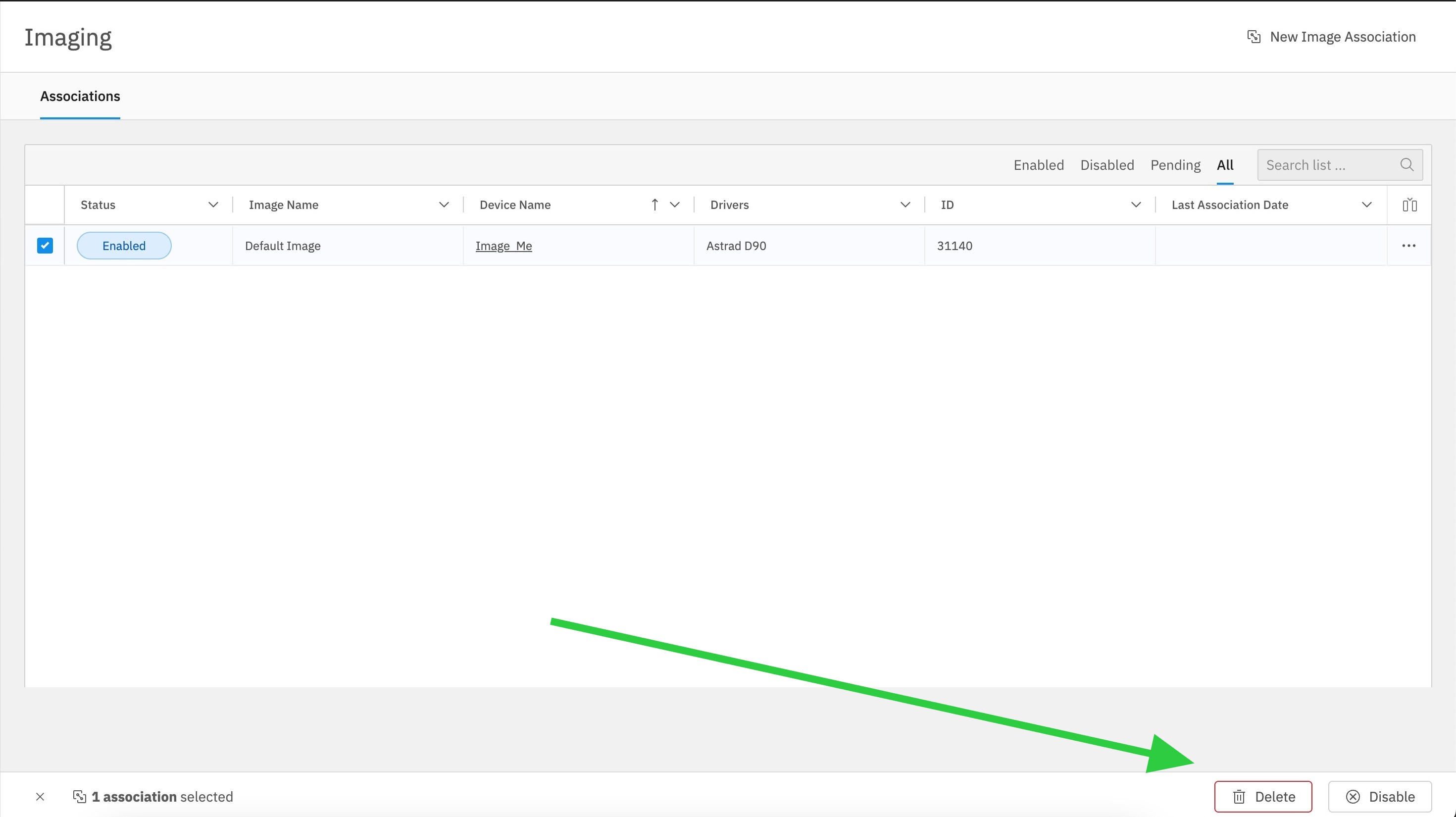
WithSelect one or more devices selectedassociations in the Imaging view, youthen can delete, or enable/disable fromuse the bottom action bar prompt:to delete, enable, or disable them: