
Review and Deploy Software Updates in FileWave Anywhere
What
The Software Updates view showsin usFileWave allAnywhere patcheslists updates that havemanaged beendevices discoveredcurrently report as "needed"needed. inUse theit environment.to review affected devices, inspect update status, install an update on selected devices, or configure automatic deployment.
When/Why
AnCheck important part of device lifecycle management is patching and updating systems. Thisthis view will allowwhen you need to seeanswer thewhich availabledevices still need an Apple, Microsoft, or third-party software updates that Microsoft, Apple, and others have providedupdate.
How
AsThe yourlist environmentchanges livesas devices submit inventory and breathesupdate overstatus. time,The thisscreenshot listbelow willshows continuean toolder change,FileWave exampleAnywhere below:layout; current columns may differ.

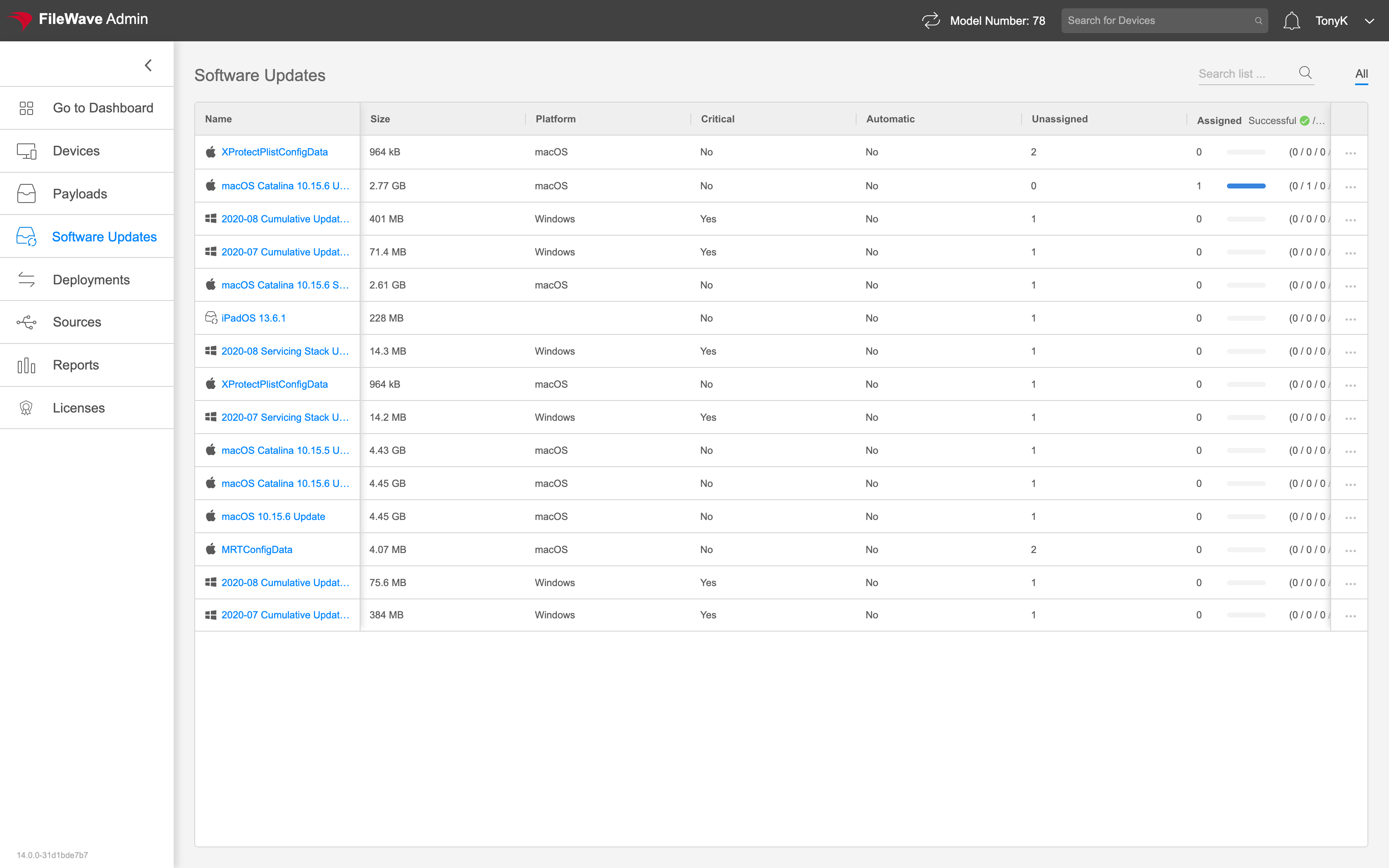
Click onSelect an any update'supdate name to seeopen statusits details, review status, and manuallyinstall installit on individual devicesdevices.
click onUse the ellipsis (
 ) to
) to autoconfigure deployautomatic deployment for all devices.