
Review and Deploy Software Updates in FileWave Anywhere
What
The Software Updates view in FileWave Anywhere lists updates that managed devices currently report as needed. Use it to review affected devices, inspect update status, install an update on selected devices, or configure automatic deployment.
When/Why
Check this view when you need to answer which devices still need an Apple, Microsoft, or third-party software update.
How
The list changes as devices submit inventory and update status. The screenshot below shows an older FileWave Anywhere layout; current columns may differ.
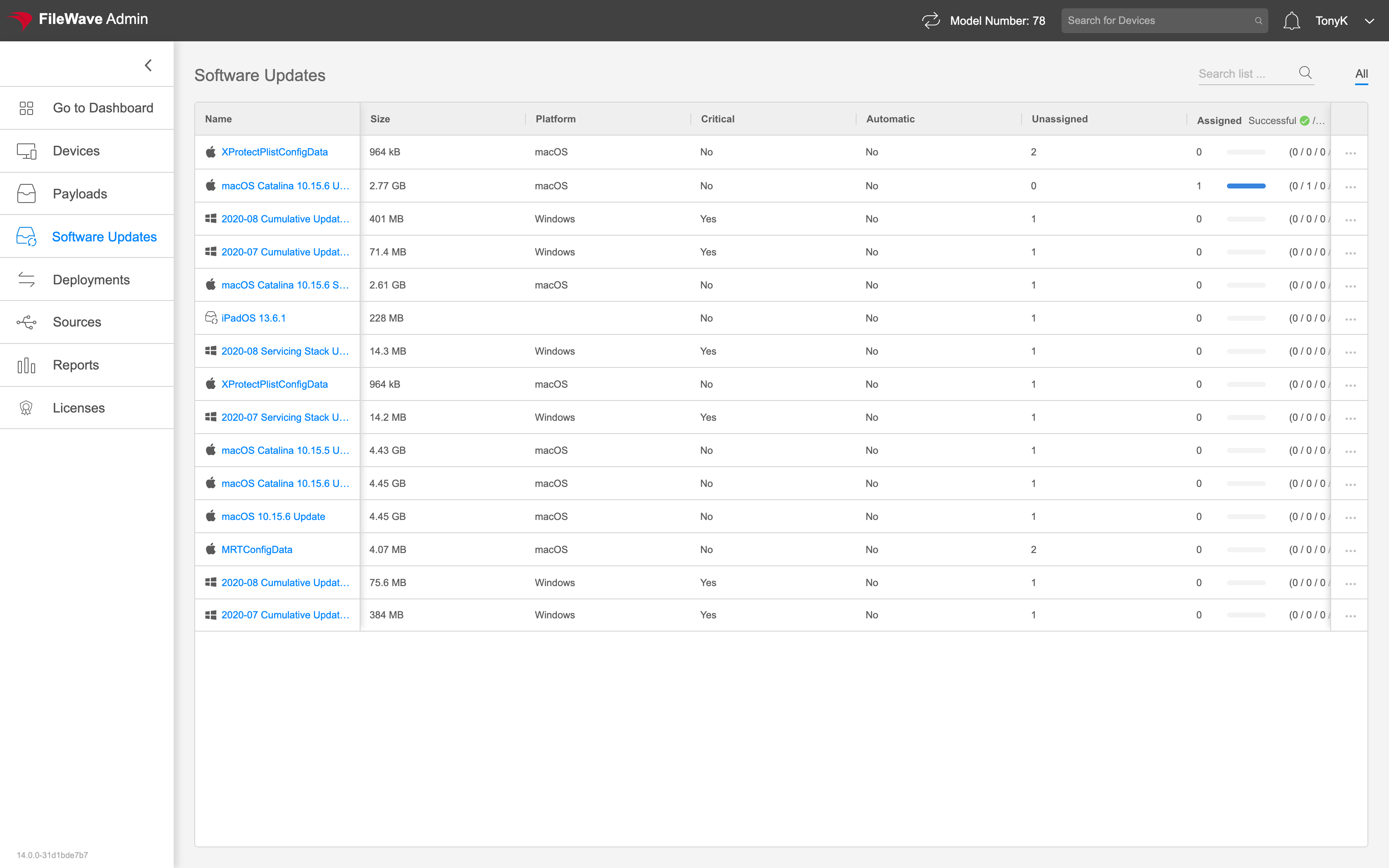
Select an update name to open its details, review status, and install it on individual devices.
Use the ellipsis ( ) to configure automatic deployment for all devices.
No comments to display
No comments to display