
View - Devices Overview
What
The Devices Viewview (
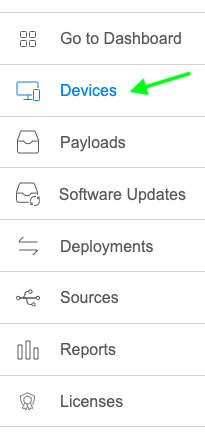 ) is
) is where you will work with all of the devicesmain thatFileWave areAnywhere area for enrolled indevices. FileWave,Use it to open device details and alsostart wheresupported youenrollment can choose to enroll new devices.workflows.
When/Why
You will useUse this view wheneverwhen you wantneed todevice seestatus, inventory details, group or Smart Group membership, or a starting point for troubleshooting a specific information about a particular device, whenever you want to manage/see devices that are in groups and smart groups, and whenever you want to dig a little deeper in troubleshooting.device.
How
From thisthe top top-level DeviceDevices view, you'll be able to do all ofuse the itemsrelated listedDevices below. Check out the articlespages in this booksection tofor godeeper into depthsteps on eachdevice topic.details, fields, groups, and actions.