Viewing Reports
What
Viewing (Opening)Opening a Reportreport islets simplyyou done to seeview the contentsreport of the report. results.
When/Why
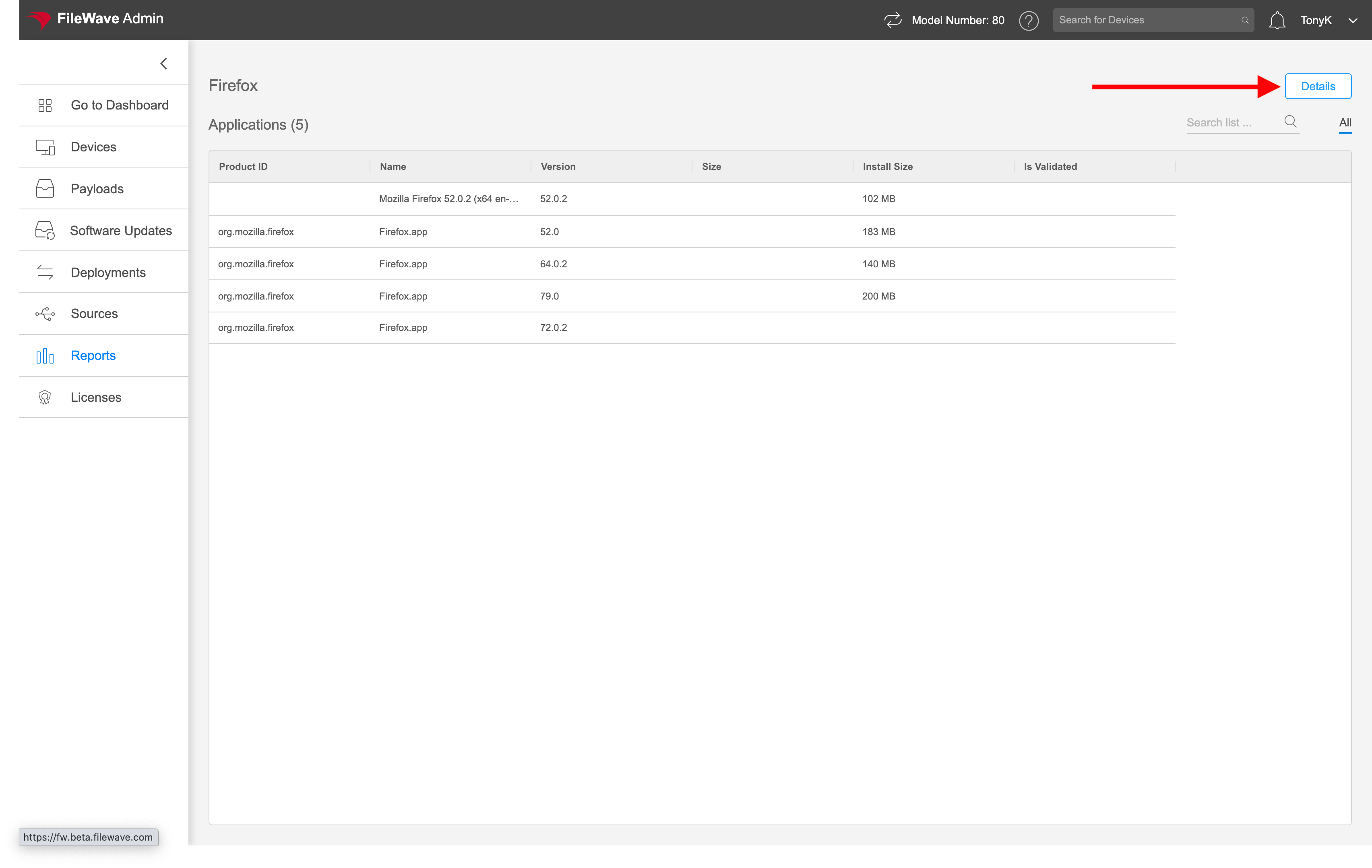
FromUse this view,view wewhen canyou seeneed ourto detailedinspect the report's line items and make conclusions based ondecide what weaction see.to take. For instance,example, ina thesoftware below wereport might reviewshow thisthat reportFirefox and say to ourselves "Wepayloads need to update our payloads for Firefoxupdates for both Windows and macOS devices:devices.

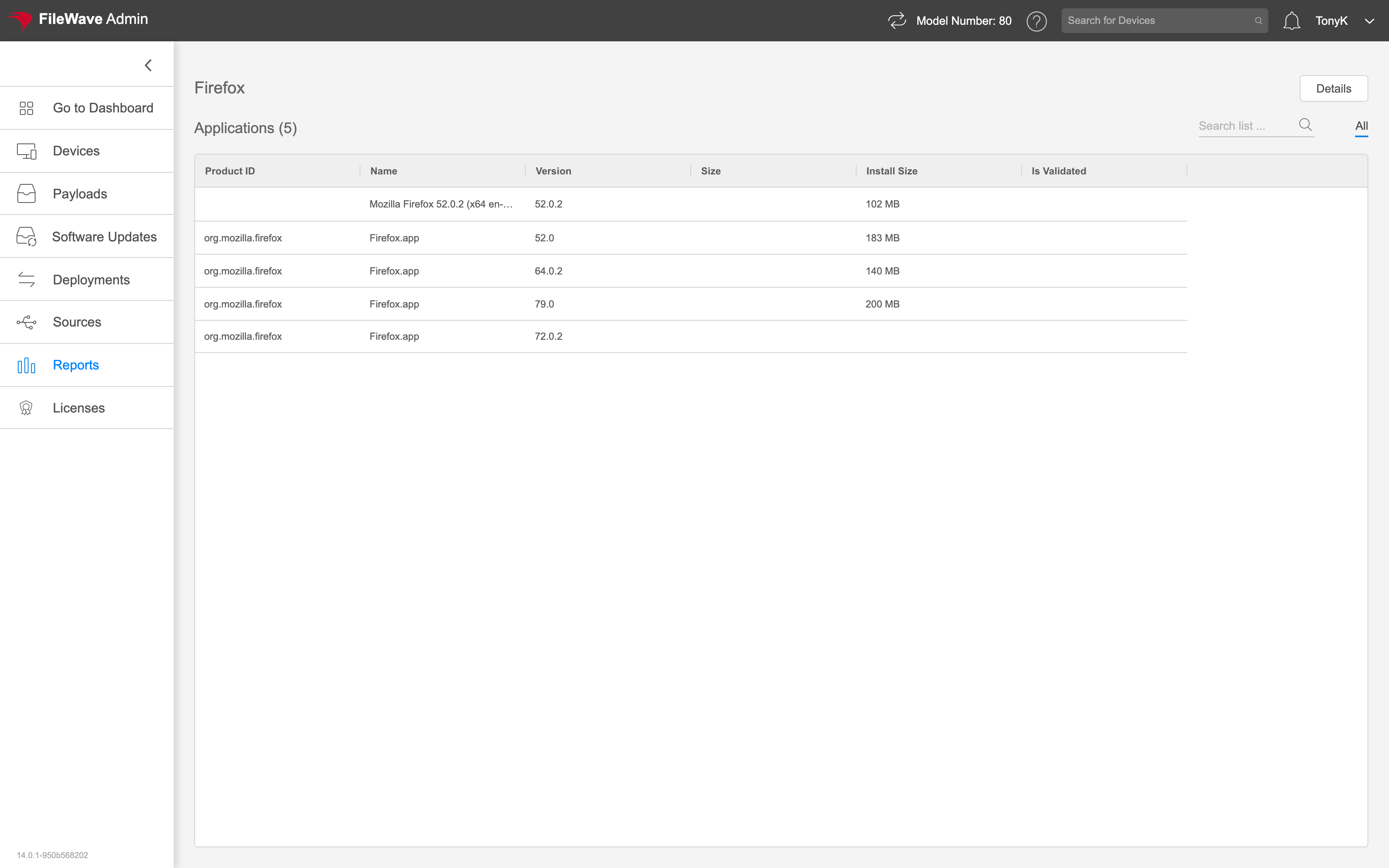
How
Actually viewing a report is as simple as clicking onClick the report name in the list.list to Alternatively,open youit. You can clickalso onselect "the report and choose Open Report"Report from the action menu. Note that when you areWhile viewing a report, youclick can getDetails to open the report definition (and edit from there) by clicking on the Details button highlighted below:it.