FileWave Admin Command-Line Interface (CLI)
UsingWhat the FileWave Admin CLI (Commandcan Line Interface) for OS X and Windowsdo
The FileWave Admin CLIexecutable allowancesincludes include:command-line options for automation on macOS and Windows. It can:
ImportingImportFolderpackages, exported Filesets, and images.PackageCreate, export, or remove Filesets.Image
Default Locationexecutable locations
macOS
/Applications/FileWave/FileWave\ Admin.app/Contents/MacOS/FileWave\ AdminWindows (FW— v15.FileWave 15.4.2 orand lower)earlier
"C:\Program Files (x86)\FileWave\FileWaveAdmin.exe"Windows (FW— v15.FileWave 15.5.0 orand higher)later
"C:\Program Files\FileWave\admin\FileWaveAdmin.exe"Just runningRunning the aboveexecutable commands with nowithout arguments will launchopens the UIFileWave versionCentral of the Admininterface.
Command Optionsoptions
RunningRun the commandexecutable with --help willto providedisplay the fulloptions listsupported ofby possiblethe options:installed version:
macOS
/Applications/FileWave/FileWave\ Admin.app/Contents/MacOS/FileWave\ Admin --helpWindows (FW v15.4.2 or lower)
C:\Program Files (x86)\FileWave\FileWaveAdmin.exe --helpWindows (FW v15.5.0 or higher)
"C:\Program Files\FileWave\admin\FileWaveAdmin.exe" --helpHereThe following output is aan listexample. of some ofTreat the optionsinstalled available:executable's --help output as authoritative:
FileWave Command Line Tool

Options:
  -h, --help                            Displays this help.
  -v, --version                         Displays version information.
  -u <user>                             The filewave admin username.
  -p <password>                         The filewave admin password.
  -H <host>                             The filewave server hostname.
  -P <port>                             The filewave server port number
                                        (defaults to 20016).
  -k                                    Allows connections to filewave server
                                        without checking certificate.
  --listClients                         Lists all the client client/clone/group
                                        information.
  --listFilesets                        Lists all the fileset information.
  --createFileset <name>                Creates a new empty fileset with the
                                        specified name.
  --importFolder <path>                 Imports a folder as a fileset (not as a
                                        package).
  --importPackage <path>                Imports a package (pkg, flat, mpkg or
                                        msi) as a fileset.
  --importFileset <path>                Imports a previously exported FileWave
                                        fileset or template.
  --exportFileset <path>                Exports the given fileset name/id to
                                        the specified path
  --setRevisionAsDefault                the imporing revision will be set as
                                        default.
  --addRequirementsScript <path>        Adds requirements script (only valid
                                        for --importFolder).
  --addPreflightScript <path>           Adds preflight script (only valid for
                                        --importFolder).
  --addActivationScript <path>          Adds activation script (only valid for
                                        --importFolder).
  --addPostflightScript <path>          Adds postflight script (only valid for
                                        --importFolder).
  --addVerificationScript <path>        Adds verification script (only valid
                                        for --importFolder).
  --addPreuninstallationScript <path>   Adds preuninstallation script (only
                                        valid for --importFolder).
  --addPostuninstallationScript <path>  Adds postuninstallation script (only
                                        valid for --importFolder).
  --importImage <path>                  Imports an image as a fileset.
  --deleteFileset <id>                  Deletes a fileset by ID/Name.
  --listAssociations                    Lists all the associations held in the
                                        system.
  --createAssociation                   Create an association between a
                                        client/clone/group ID/Name and a fileset
                                        ID/Name.  Use the --clientgroup and
                                        --fileset options.
  --deleteAssociation <id>              Deletes an association between a
                                        client/clone/group ID/Name and a fileset
                                        ID/Name.  Use the --clientgroup and
                                        --fileset options.
  --kiosk                               Make this a kiosk association.
  --software_update                     Make this a software update
                                        association.
  --licenseDistribution <model>         The license distribution model (only
                                        for associations to VPP filesets). Can
                                        be "user" or "device".
  --updateModel                         Updates the FileWave model (as long as
                                        no other admins have locked objects).
  --setProperty                         Sets a fileset property value, use the
                                        --fileset, --key and --value parameters
                                        to determine for which fileset this is
                                        done (Used solely by AutoPkg FileWave Importer)
  --delProperty                         Removes a fileset property value, use
                                        the --fileset and --key parameters (Used solely by AutoPkg FileWave Importer)
  --setCriticalFlag                     Sets the critical flag value for a
                                        fileset ; use the --fileset and --value
                                        (0/1) parameters
  --name <name>                         The name value which will be applied to
                                        any newly created object.
  --comment <comment>                   The comment value which will be applied
                                        to any newly created object.
  --filesetgroup <id>                   The ID/Name of the target fileset
                                        container, if not specified all objects
                                        are created in their respective root
                                        container.  If the Name of the container
                                        does not exist then its assumed to be a
                                        Fileset Container and will be created
                                        automatically.
  --fileset <id>                        The ID/Name value of a fileset object.
  --revision <name>                     The name of a revision object.
  --clientgroup <id>                    The ID/Name value of a client, clone or
                                        group object.
  --root <root>                         When importing, if you specify the root
                                        then all the data that was imported will
                                        be moved into this root folder.  The
                                        root folder will be created if required.
  --key <key>                           The key used in the --setProperty call.
  --value <value>                       The value which will be used in the
                                        --setProperty call.
  --listExitCodes                       Lists all exit codes and their
                                        description.
** You are seeing this because the -h option was used **
Best Practicespractices
You should useUse a separatededicated FileWave Administratoradministrator account with only the permissions the automation requires. The -p option can expose a password in orderscripts, toshell history, or process listings, so protect otherthe administratorscript passwordsand fromits accidentallyexecution beingenvironment. exposedA inCLI scripts.login Alongcan also end an interactive session that uses the same lines,administrator ifaccount.
The run-k option disables FileWave Server certificate validation. Do not use it in production automation.
--updateModel applies model changes without a commandconfirmation withprompt. anConfirm adminthe whointended is already logged in. It till auto-kick them off from wherever there are at,changes and fromcheck whateverfor theylocked areobjects doing.before running it.
ModelUse update--listExitCodes WILLto updatemap the model,command's noexit conformation
Knowto whata theFileWave Exit Codes meanerror:
$ FileWave\ Admin --listExitCodes
    0: No Error
  100: Unknown Error
  101: The given fileset does not exist
  102: The given client does not exist
  103: The given group does not exist
  104: The given target is not a group
  105: Database internal error
  106: Error while uploading fileset
  107: Error while updating the model
  108: Login Error
  109: Error while importing a fileset
  110: Package Type not supported for import
  111: Command line parse failed
  112: Can't create association with an imaging fileset
Examples
Import Fileset:
a folder as a Fileset
$ FileWave\ Admin -u api -p <password> --importFolder /Applications/TextEdit.app --name "My New Application”Application"Import Package:
a package
$ FileWave\ Admin -u api -p <password> --importPackage ~/Downloads/MyExamplePackage.pkgImport Revision:
a Torevision add the above PKG tointo an existing Fileset
with
This IDexample 537136imports andthe definepackage as a revision namenamed ofRevision2 Revision2.in the existing Fileset whose ID is 537136:
$ FileWave\ Admin -u api -p <password> --importPackage ~/Downloads/MyExamplePackage.pkg --fileset 537136 --revision Revision2SinceAdd FileWave--setRevisionAsDefault 13,when itthe isimported notrevision possibleshould tobecome addthe intoFileset's adefault current Fileset.revision.
UndocumentedLanguage options
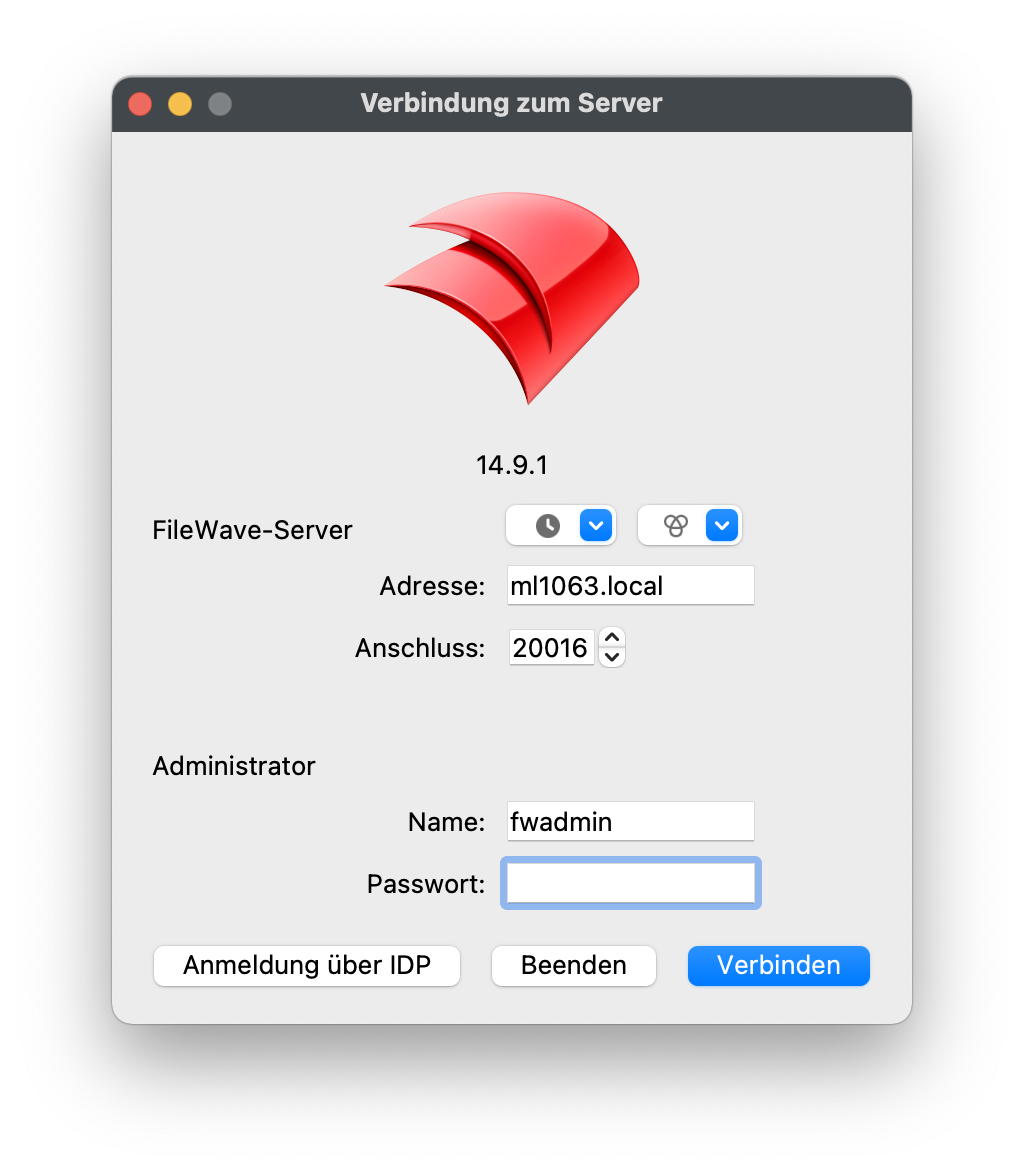
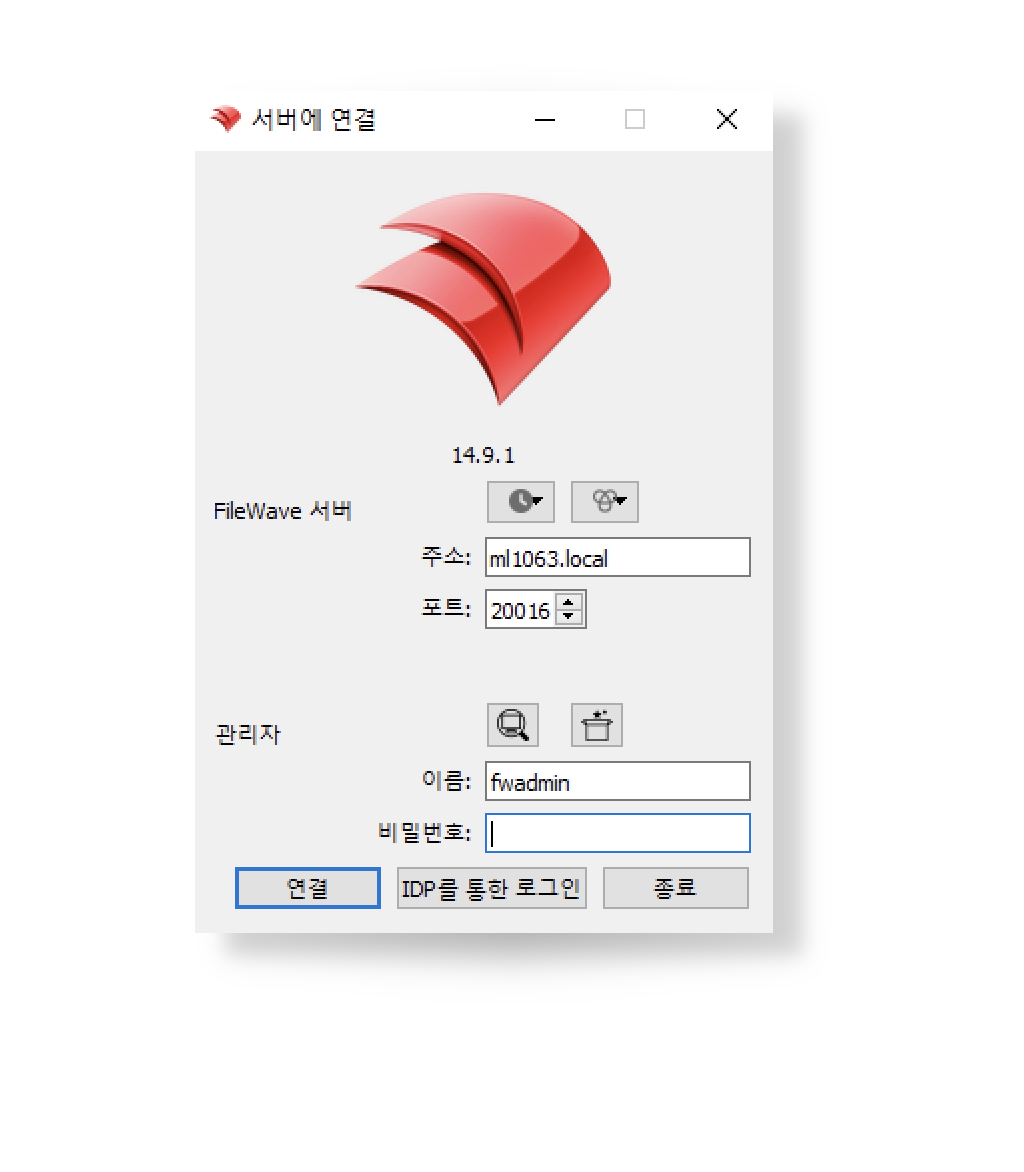
FileWave AdminCentral includesuses morethe thanoperating onesystem user's language option.when If unspecified, the Admin Application should open in athat language tois matchsupported. theThe users chosenavailable language if supported. Current supported languagescodes are:
- English – en_GB or en_US
- German – de_DE
- Korean – ko_KR
- Japanese – ja_JP
- Chinese (Traditional and Simplified) – zh_TW or zh_CN
FileWave AdminCentral will defaultdefaults to English otherwise.when the user's language is not supported.
AnyUse of--lang theto supported languages may be launched, by use ofoverride the language commandfor linea option,specific overriding the current set language:launch:
Windows Korean example
& 'C:\Program Files\FileWave\admin\FileWaveAdmin.exe' --lang ko_KRmacOS German example
/Applications/FileWave/FileWave\ Admin.app/Contents/MacOS/FileWave\ Admin --lang de_DE