Sending Scheduled Reports to More Than One Address
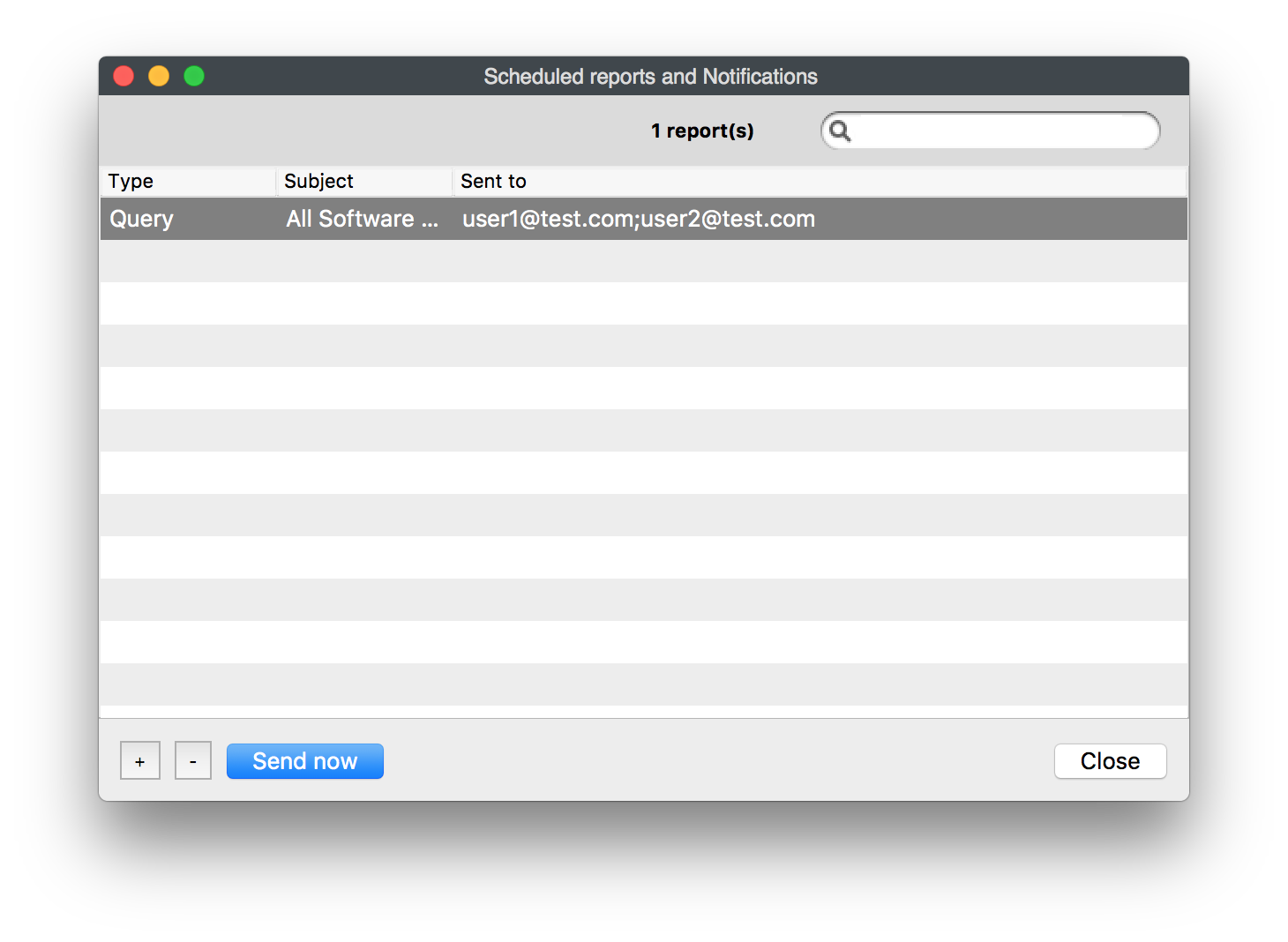
If you want a scheduled report to go to more than one recipient, enter all email addresses in the recipient field and separate them with semicolons.
Problem
Scheduled report results often need to go to more than one person. A shared mailbox can work, but sometimes you need to send the same report directly to several recipients.
Environment
This applies to scheduled reports created from inventory queries and license reports.
Resolution
In the recipient field, separate each email address with a semicolon (;).
user1@mail.com; user2@mail.com; user3@mail.com; user4@mail.com
Additional Information
Scheduled reports are sent on their normal schedule, but you can also use Send Now in the Scheduled Report Assistant to confirm the report is delivered to all recipients before relying on the schedule.