
Smart Groups, Inventory and Application Version Numbers
Description
By default, FileWave treatsstores software version numbersvalues as strings. This istext because itvendors iscan legitimateinclude forletters, softwarebuild versionslabels, toor containother charactersnon-numeric ascharacters. wellIf asyou numbers.need The below script is designed to assist witha Smart Group analysisor andinventory Inventoryreport Reporting.to answer whether a macOS app is older than the approved version, use a Client Script Custom Field to normalize the comparison.
Information
The followingexample script will attempt comparisons betweencompares a supplied softwareapp version andwith the versionvalue as shownread from the bundleapp's Info.plistplist. file.It returns one short status string for inventory and Smart Group criteria. If the installed version contains characters though,letters, the script willexits exit.with Uncomparable rather than guessing.
Output should be one of:
- Newer - version on device is newer than supplied version to compare
- Outdated - version on device is older than the supplied version to compare
- Current - version is the same as the supplied version to compare
- NA - Supplied Application path was not found on device
- Uncomparable - Non numerical characters were found
The script accepts three Launch Arguments:
- App path
- Version to compare
- Key/Value item to collect from Info.plist
Item 3, if not supplied, defaults to: CFBundleShortVersionString
Directions
Create a Custom Field.
- Name the script, e.g. Compare Chess Version
- Provided By: Client Script
- Data Type: String
- Client Script Type: macOS Shell
- Optional: Assign to all devices
Launch Arguments:
- /Applications/Chess.app
- 3.15
- CFBundleShortVersionString
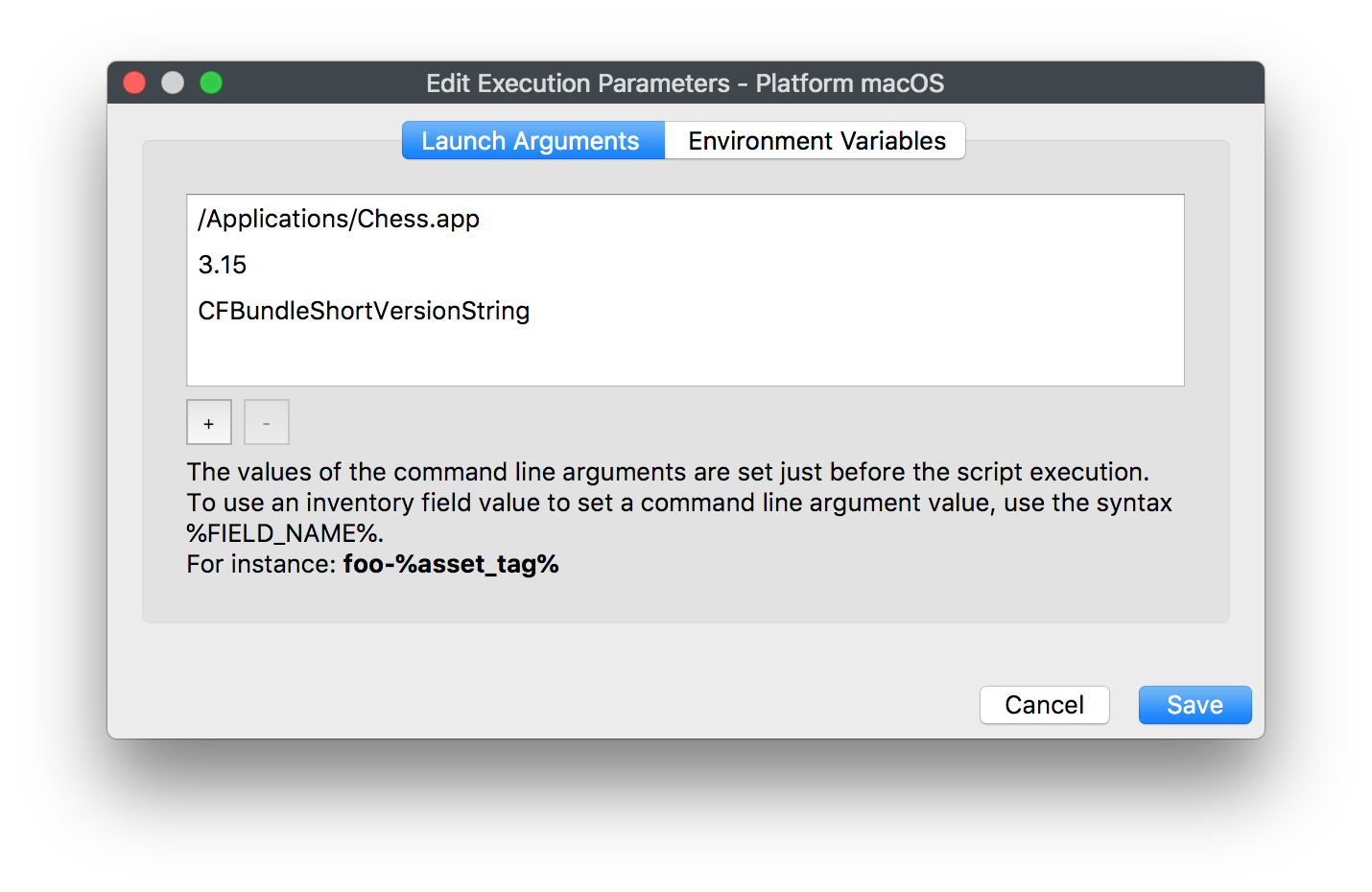
Paste the following into the script window:
#!/bin/bash


# Compare version numbers of apps for Inventory Reporting and Smart Groups
# V1.0 -May 2019, sean.holden@filewave.com

# $1 - Application path, e.g: /Applications/Chess.app
# $2 - Version to compare against
# $3 - Version string, e.g.: CFBundleVersion, CFBundleShortVersionString
# Return Newer, Outdated, Current, NA or if non-numerical characters are used Uncomparable.

app_path="$1"

if [ ! -x "$app_path" ]
then
	echo NA
	exit 0
fi

dotted_check_version=$2

if [[ "$3" == "" ]]
then
	# Default if not supplied: CFBundleShortVersionString"
	version_string="CFBundleShortVersionString"
else
	version_string="$3"
fi

dotted_installed_version=$(defaults read "${app_path}/Contents/Info.plist" "$version_string" )

if [[ "$dotted_installed_version" =~ [A-Za-z] ]]
then
	echo "Uncomparable"
	exit 0
fi

function convertVersion {


	OLDIFS=$IFS
	IFS='.' read -r -a array_add <<< "$1"
	IFS=$OLDIFS
}

function compareVersion {


	array_counter=0

	while [ $# -gt 0 ]
	do
		compare_to_me=${check_version[$array_counter]}

		if [[ $compare_to_me == "" ]]
		then
			compare_to_me=0
		fi

		if [ $1 -lt $compare_to_me ]
		then
			echo "Outdated"
			break
		fi

		if [ $1 -gt $compare_to_me ]
		then
			echo "Newer"
			break
		fi

		array_counter=$((array_counter + 1))
		shift

		if [ $# -eq 0 ]
		then
			echo "Current"
		fi
	done
}

convertVersion "$dotted_installed_version"
declare -a installed_version=("${array_add[@]}")
convertVersion "$dotted_check_version"
declare -a check_version=("${array_add[@]}")

while [ ${#check_version[@]} -gt ${#installed_version[@]} ]
do
	installed_version+=('0')
done


compareVersion ${installed_version[@]}

exit 0
Save andthe Custom Field, let inventory update, then create a Smart Group asusing required.the returned value.